



After testing dozens of platforms, here are the 16 best client portal software for small businesses based on ease of setup, pricing transparency, and features.
16 Best client portal software for small businesses: At a glance
The platforms below help small businesses centralize client communication, automate workflows, and present a more professional brand. Let's compare them side by side:
| Tool | Best for | Annual price | Key strength |
|---|---|---|---|
| Assembly | Branded client portals with CRM | $29/month | Branded client portal with CRM, tasks, file sharing, messaging, and an AI Assistant |
| HoneyBook | Creatives managing client workflows | $29/month | AI-powered automation with professional templates |
| Dubsado | Deep workflow customization | $335/year | Highly customizable client-facing experience |
| Bonsai | Freelancers needing contracts and proposals | $9/user/month | Affordable portal with unlimited file storage |
| 17hats | Solopreneurs managing the full client lifecycle | $600/year | Complete business management in one platform |
| ManyRequests | Subscription service agencies | $19/month | Request queue management for productized services |
| SuiteDash | Small teams on fixed budgets | $180/year | No per-user pricing with full feature access |
| Clinked | White-label team workspaces | $95/month | White-label document sharing workspace |
| SuperOkay | Fast portal implementation | $9/month | Quick setup with minimal configuration |
| Plutio | Freelancers managing multiple projects | $190/year | Portal with built-in invoicing and tasks |
| FuseBase | Client collaboration with built-in CRM | $32/month | White-label portals with built-in CRM and e-signatures |
| vcita | Appointment-based businesses | $29/month | Scheduling is integrated with the client portal |
| Moxo | Complex project workflows | Custom pricing | Structured collaboration for multi-step projects |
| Accelo | Time and budget tracking | Custom pricing | Project delivery linked to client records |
| Flowlu | Client-facing project updates | $9/user/month | CRM with client portal for real-time project tracking |
| Freshdesk | Support-heavy businesses | $19/agent/month | Multi-channel ticketing with self-service knowledge base |
How to choose client portal software for a small business
A client portal software tool for small businesses is a secure online platform where you share files, communicate with clients, and manage projects in one branded space.
Each client receives a unique login so they can access documents, invoices, contracts, and project updates. The portal can replace messy email threads and keep everything organized under your business's name and brand.
If you're looking for a platform that suits your needs, here are the factors to consider:
- Easy client adoption: Test the interface before you commit. Clients should find files, messages, and invoices without hunting through menus. Check mobile access too, since clients often use portals from their phones.
- White-label branding: If branding matters to your business, look for portals that display your logo, colors, and domain. This keeps the focus on your business rather than the software behind it.
- Transparent pricing: Free tiers work for testing, but they often cap clients or don't offer white-labeling. Look for hidden costs in per-user fees, storage limits, and required add-ons before you commit.
- Integration capability: Connect with your existing CRM, project management, or accounting tools. Native integrations usually sync data faster. However, third-party options like Zapier also work well for many businesses.
- Scalability: Choose software that expands as your client base grows. This way, there's less of a need to switch platforms. Compare pricing tiers that charge per client versus per team member. Also, check if advanced features are available as you grow.
- Security and compliance: Look for end-to-end encryption and role-based access controls. If you work in regulated industries, check for certifications like SOC 2, HIPAA, or GDPR.
1. Assembly: Best for branded client portals with CRM
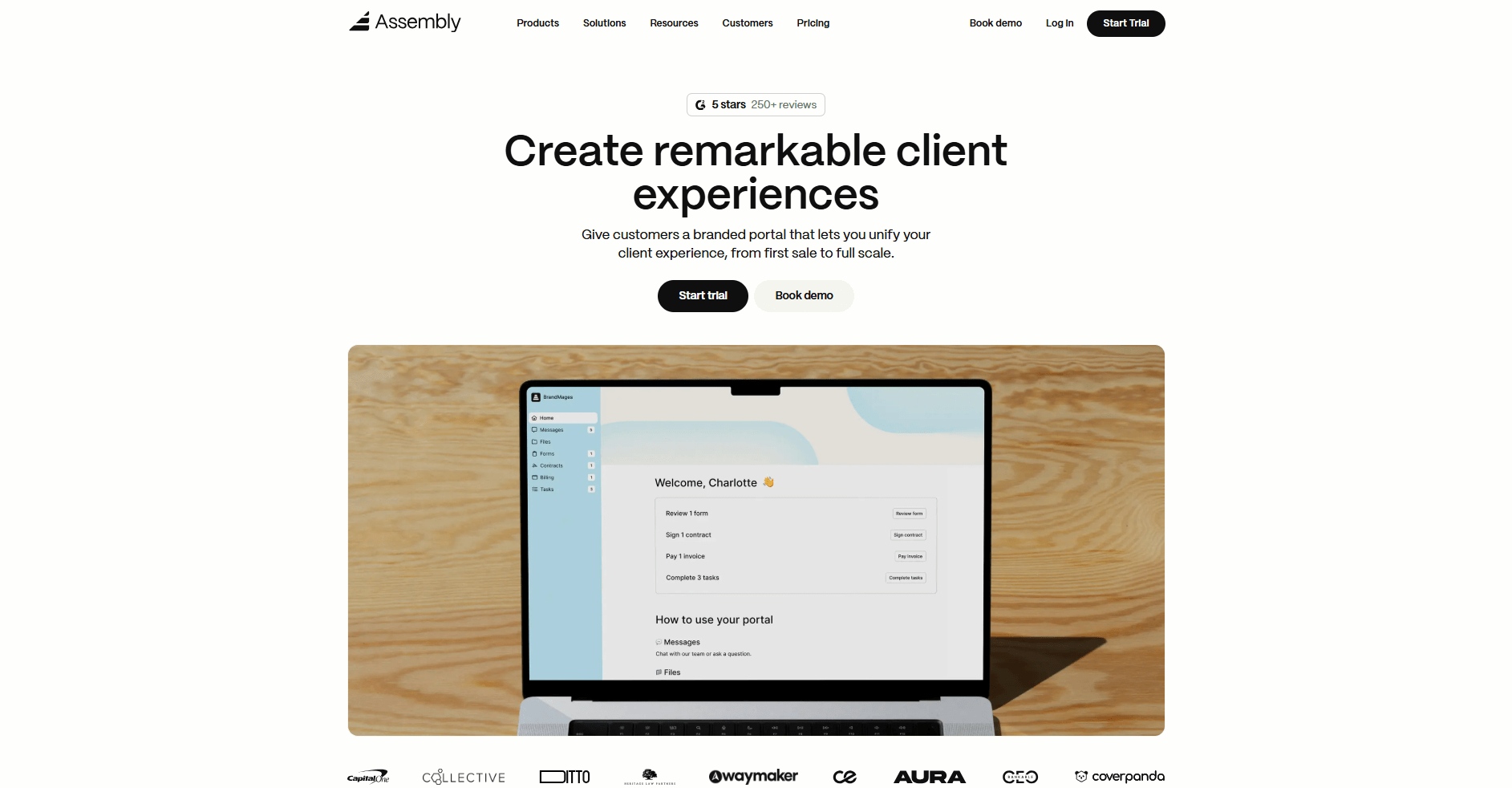
- What it does: Assembly is a branded client portal with built-in CRM features. It connects messaging, files, tasks, and billing in one workspace. You can manage client communication, documents, and payments all in one place.
- Who it's for: Service businesses that want to manage every part of client work in one branded system.
We built Assembly to give small businesses a branded client portal with CRM-style client management. It helps teams manage client relationships from first contact through ongoing service delivery. Every client gets their own branded workspace and a connected portal. In this portal, they can keep conversations, invoices, and files organized.
Assembly's billing tools manage both recurring and one-time payments. This helps you handle retainers and ongoing projects without needing extra invoicing software.
In Assembly, you can easily see each client’s status. You’ll know what you've shared and what’s due without sifting through emails or spreadsheets. And when a client signs a contract or approves a proposal, it links to their record. Renewals and payments become easier to track.
The AI Assembly Assistant helps your team prepare for client calls. It does this by summarizing notes, surfacing recent activity, and highlighting next steps.
Assembly integrates with tools like Airtable, ClickUp, Calendly, and Zapier. It also supports SOC 2, HIPAA, and GDPR compliance for your security.
Key features
- Connected client portal: One login for clients to view files, invoices, and messages
- Billing and invoicing: Supports subscriptions, contracts, approvals, and direct payments
- AI Assistant: Summarizes notes and highlights next steps for your team
- Integrations: Works with Airtable, ClickUp, Calendly, and Zapier
- Permissions control: Set custom access for clients and internal users
Pros
- Combines CRM, portal, and billing in one workspace
- Custom branding for a professional client experience
- Simplifies collaboration for service teams
Cons
- Higher starting price than lightweight CRMs
- Some advanced features may exceed small team needs
Pricing
Assembly has a free plan, and paid plans start at $29 per month billed annually.
Bottom line
Assembly's combination of portal, CRM, and AI Assistant makes it useful if you want one system for the entire client lifecycle. If you need something focused more on contracts and proposals, Bonsai might be a better fit.
2. HoneyBook: Best for creatives managing client workflows
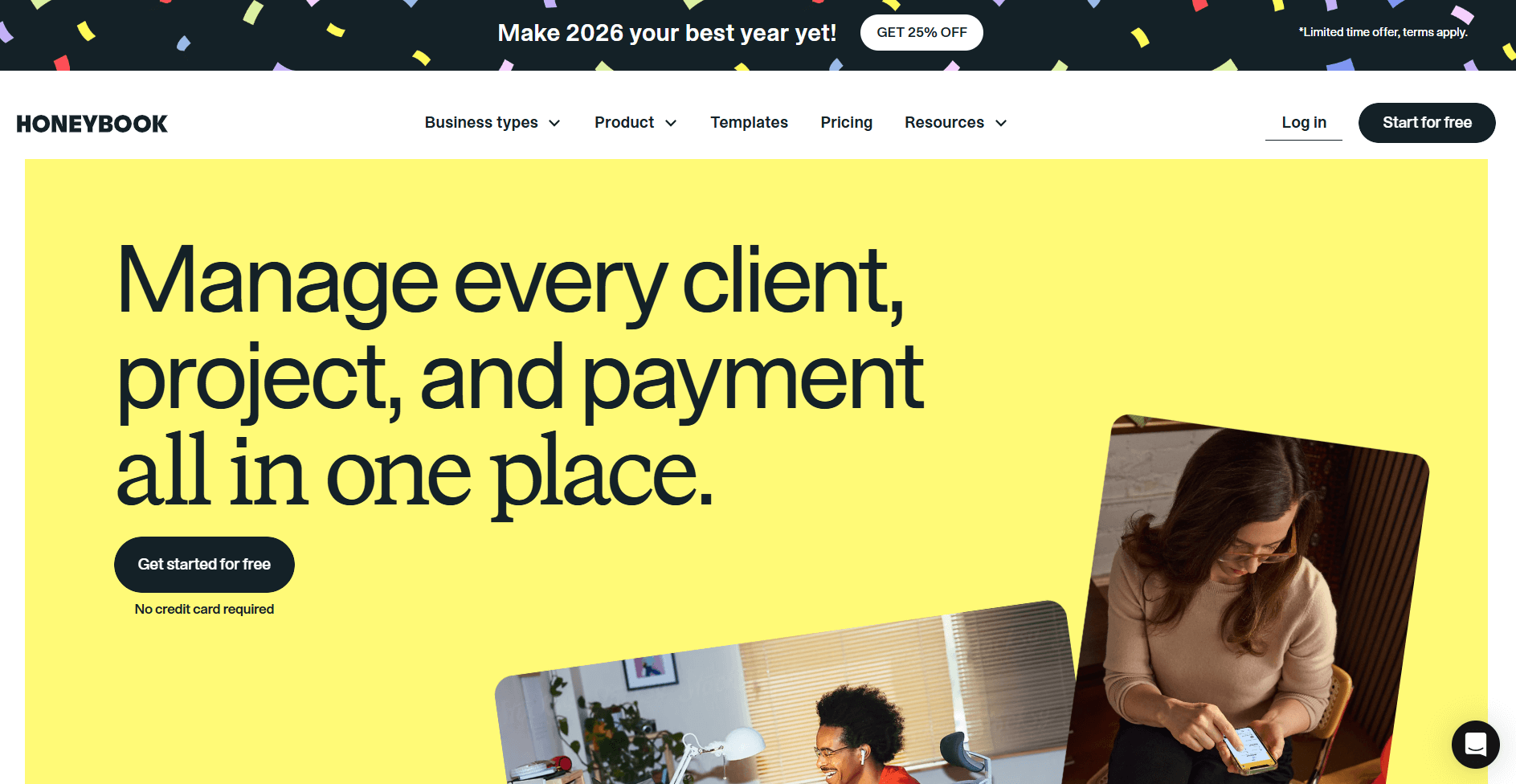
- What it does: HoneyBook is a client management platform. It has proposals, contracts, invoicing, and scheduling built in. The platform uses automation and AI-powered summaries to help creatives manage client work from first inquiry through final payment.
- Who it's for: Photographers, event planners, designers, and other creative service businesses. It works for teams that want professional client workflows in one place.
I signed up for HoneyBook to see how it compares to CRM-focused platforms. The automation is built for creative workflows instead of sales tracking. You can customize proposals, contracts, and invoices with your branding. You can then send them as part of an automated workflow, which HoneyBook calls a sequence.
Honeybook also has a client portal. It gives clients one place to view files, sign contracts, make payments, and message you. You can enable or disable the portal per project, depending on whether the workflow needs it.
Payment processing runs through HoneyBook with fees that vary by payment method.
Key features
- Automated workflows: Set up sequences for proposals, contracts, and payment reminders
- AI daily briefing: Morning summaries of tasks and client follow-ups
- Customizable client portal: Brand colors, fonts, and images for client-facing pages
Pros
- Professional templates speed up proposal and contract creation
- AI automation reduces manual follow-up work
- Client portal keeps communication and files organized
Cons
- Payment processing fees increase costs on top of the subscription fees
- Starter plan restricted to one user with limited features
Pricing
HoneyBook starts at $29 per month.
Bottom line
HoneyBook speeds up getting clients from inquiry to contract using automated messages. If you need deeper client relationship management for ongoing work, Assembly might be a better choice.
3. Dubsado: Best for deep workflow customization
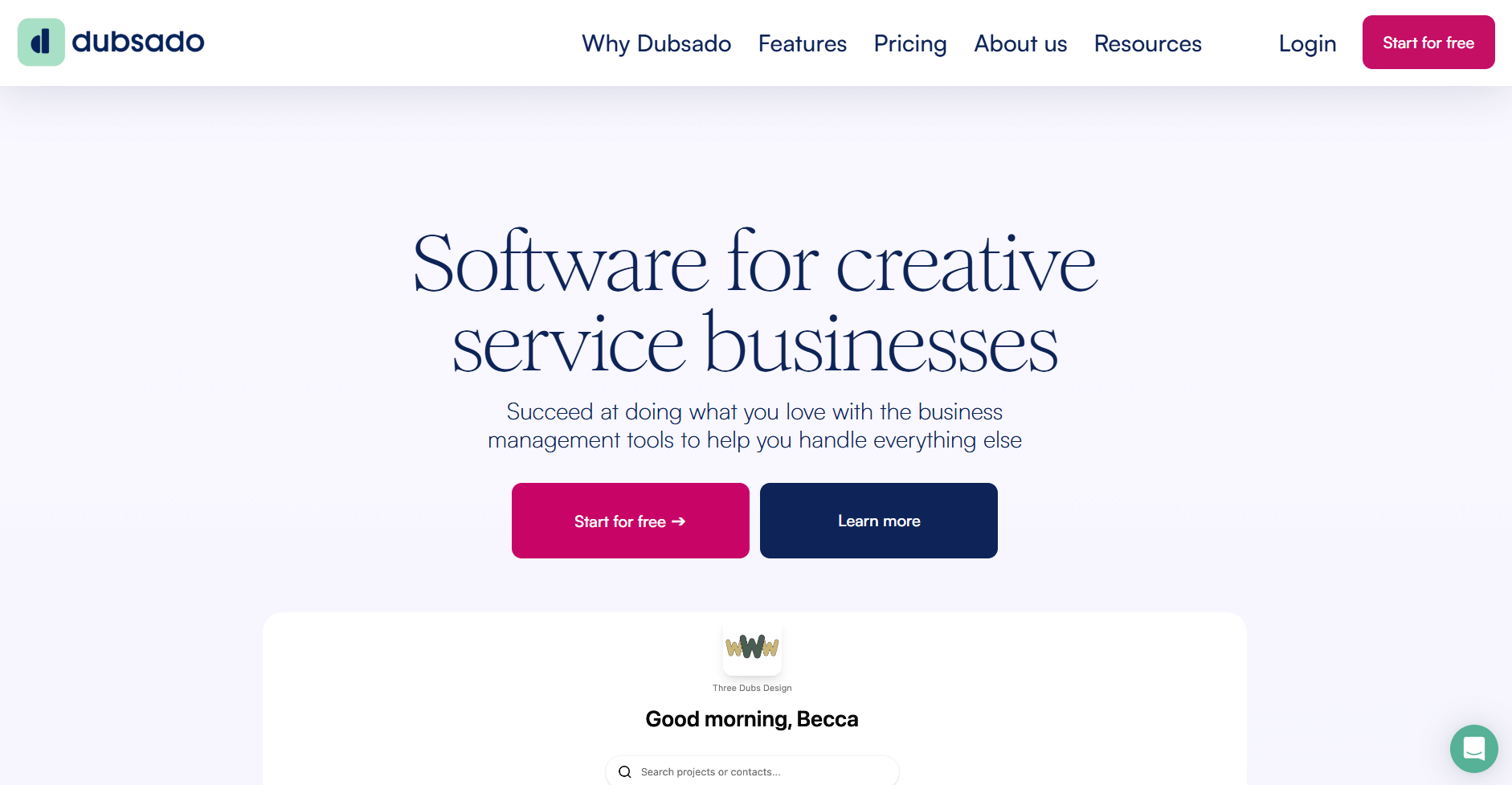
- What it does: Dubsado is a client management platform with proposals, contracts, invoicing, and project tracking. You get detailed control over workflows and how your client portal looks.
- Who it's for: Solo entrepreneurs and small teams that need to customize every step of their client workflows.
I tested Dubsado to see how it handles customization compared to platforms that use templates. The workflow builder stood out because you control each trigger and action. You decide exactly when forms go out, which contracts follow, and how payment reminders trigger based on what clients do.
The client portal lets you upload custom banner images, adjust colors, and add links or PDFs. But the layout stays fixed. You can't reorder tabs, hide sections per client, or change how information displays. This matters if different clients need to see different things.
Task boards work like a basic project tracker where you set phases and assign due dates. Clients can view progress if you turn on portal access for that project. Communication happens through email only since there's no built-in chat.
Key features
- Workflow automation: Build custom workflows that trigger based on client actions like form completion or payment
- Client portal branding: Upload custom banners and adjust colors, though the layout structure stays the same
- Task boards: Track project phases with client-visible progress updates
Pros
- Workflow builder gives you control over exact automation triggers
- Portal supports custom branding with banners and color choices
- Embed portal login directly on your website using the provided code
Cons
- Steep learning curve requires significant setup time
- You can't reorganize the portal layout per client
Pricing
Dubsado starts at $335 per year.
Bottom line
The customization in Dubsado pays off if you're willing to invest setup time to match your exact business processes. If you want a faster setup with less customization, HoneyBook might be a better choice.
4. Bonsai: Best for freelancers needing contracts and proposals
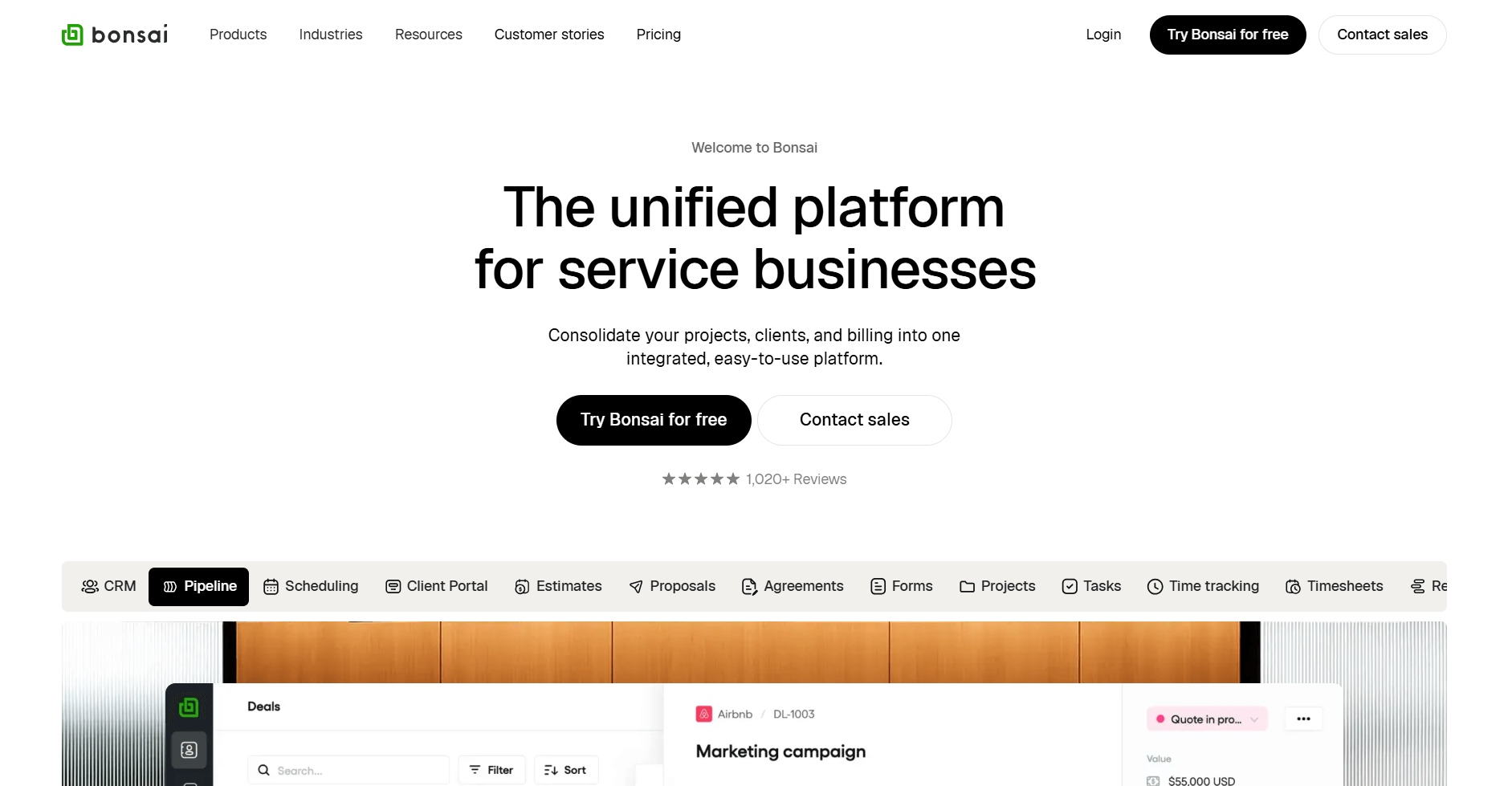
- What it does: Bonsai is a freelance management platform with proposals, contracts, invoicing, and time tracking. It focuses on helping freelancers get paid through template-based automation.
- Who it's for: Freelancers and solo consultants who need professional documents and billing tools.
Bonsai targets freelancers who want to use ready-made contracts and proposals. The attorney-reviewed templates stood out to me because solo workers often can't afford legal help. You can just pick a template, add your details, and send it to clients.
The time tracker links to invoicing. This means your hours go straight into invoices without copying them over. The client portal doesn't make clients create accounts or remember passwords. This removes a barrier to accessing documents and invoices.
Key features
- Contract templates: Attorney-reviewed templates for common freelance agreements
- Time tracking with invoicing: Browser-based timer that feeds hours directly into invoices
- Unlimited file storage: Share documents with clients without hitting storage caps
Pros
- Templates speed up proposal and contract creation
- Time tracking connects directly to billing
- Unlimited file storage is included on all plans
Cons
- Per-user pricing gets expensive for small teams
- Limited customization compared to workflow-focused platforms
Pricing
Bonsai starts at $9 per user per month.
Bottom line
The low entry price makes Bonsai accessible for freelancers who need professional documents. If you manage a team or need deeper workflow customization, Dubsado might be a better choice.
5. 17hats: Best for solopreneurs managing the full client lifecycle
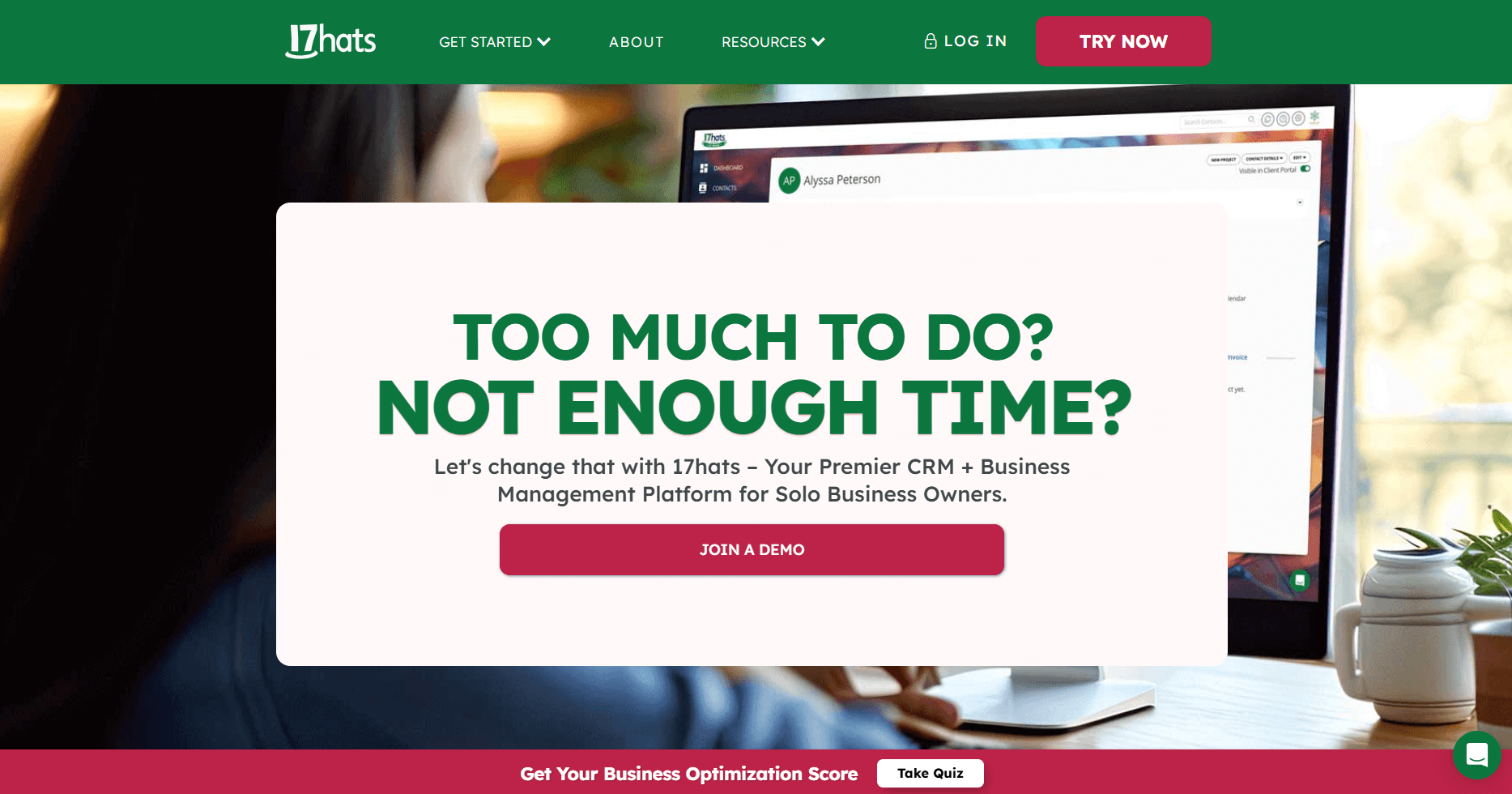
- What it does: 17hats is an all-in-one business platform. It includes CRM-style client management, contracts, invoicing, scheduling, and project tracking.
- Who it's for: Solopreneurs and one-person businesses that need complete business management.
The "all-in-one" positioning caught my attention when I tested 17hats. Many platforms are built for teams or focus on just one function. 17hats is designed for solo operators who handle every part of the business themselves. Its automation triggers actions based on project stages, not just time delays.
You can combine quotes, contracts, and invoices into one document that clients sign and pay through. This cuts down on back-and-forth compared to sending three separate files. The client portal lets clients access all project details in one place.
The pricing model shows the solo focus. One flat rate covers everything with no per-user fees, though you pay extra for features like bank connect ($5/month) and recurring billing ($10/month).
Key features
- 3-in-1 documents: Combine quotes, contracts, and invoices in one file that clients sign and pay
- Workflow automation: Trigger emails and tasks based on project stages
- Lead capture forms: Embed forms on your website that auto-create projects
Pros
- Flat-rate pricing works well for solo businesses
- Automation handles repetitive client communication
- One dashboard shows all daily tasks
Cons
- Add-on fees for features like recurring billing increase the total cost
- Built for solo operators, so team features are limited
Pricing
17hats starts at $600 per year.
Bottom line
The flat pricing in 17hats works well until your business needs grow beyond what one person can handle. If you need team features without per-user costs, SuiteDash might be a better choice.
6. ManyRequests: Best for subscription service agencies
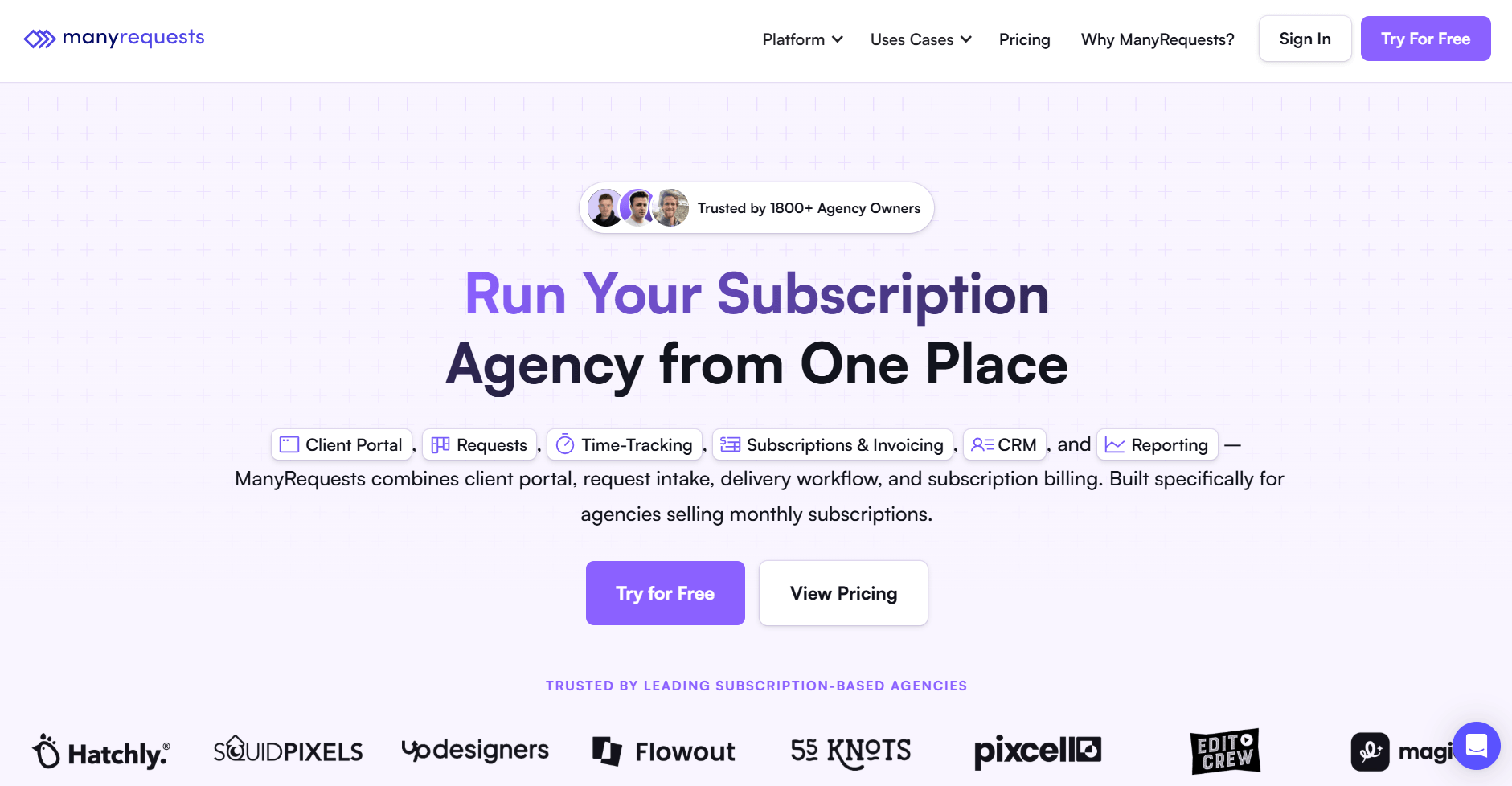
- What it does: ManyRequests is a client portal and request management platform for agencies. It handles service subscriptions, request queues, file feedback, and time tracking in one workspace.
- Who it's for: Agencies that sell productized services through subscriptions or credit-based packages.
I tested ManyRequests to understand how it handles ongoing client work. The platform uses request queues instead of one-off projects. Clients submit requests through forms, and you move them through stages like “in progress” or “needs feedback.”
Clients can leave comments directly on files using the design annotation tool, speeding up revisions. Time tracking connects to billing, so you can offer hourly work alongside subscriptions. You can also embed service packages on your website. When a client pays, ManyRequests automatically creates their account.
Key features
- Request queue system: Track client requests through stages from submission to delivery
- Design annotations: Clients comment directly on files for faster feedback
- Embedded checkout: Sell service packages through forms on your website
Pros
- Request system works well for productized services
- Design feedback tools reduce the back-and-forth in revisions
- Automatic client account creation after payment
Cons
- White-label branding locked to $399/month Pro plan
- Starter plan limited to two team seats total
Pricing
ManyRequests starts at $19 per month.
Bottom line
ManyRequests' focus on productized services makes sense if your agency runs on repeatable packages and subscriptions. If you need broader client management, Assembly might be a better choice.
7. SuiteDash: Best for small teams on fixed budgets
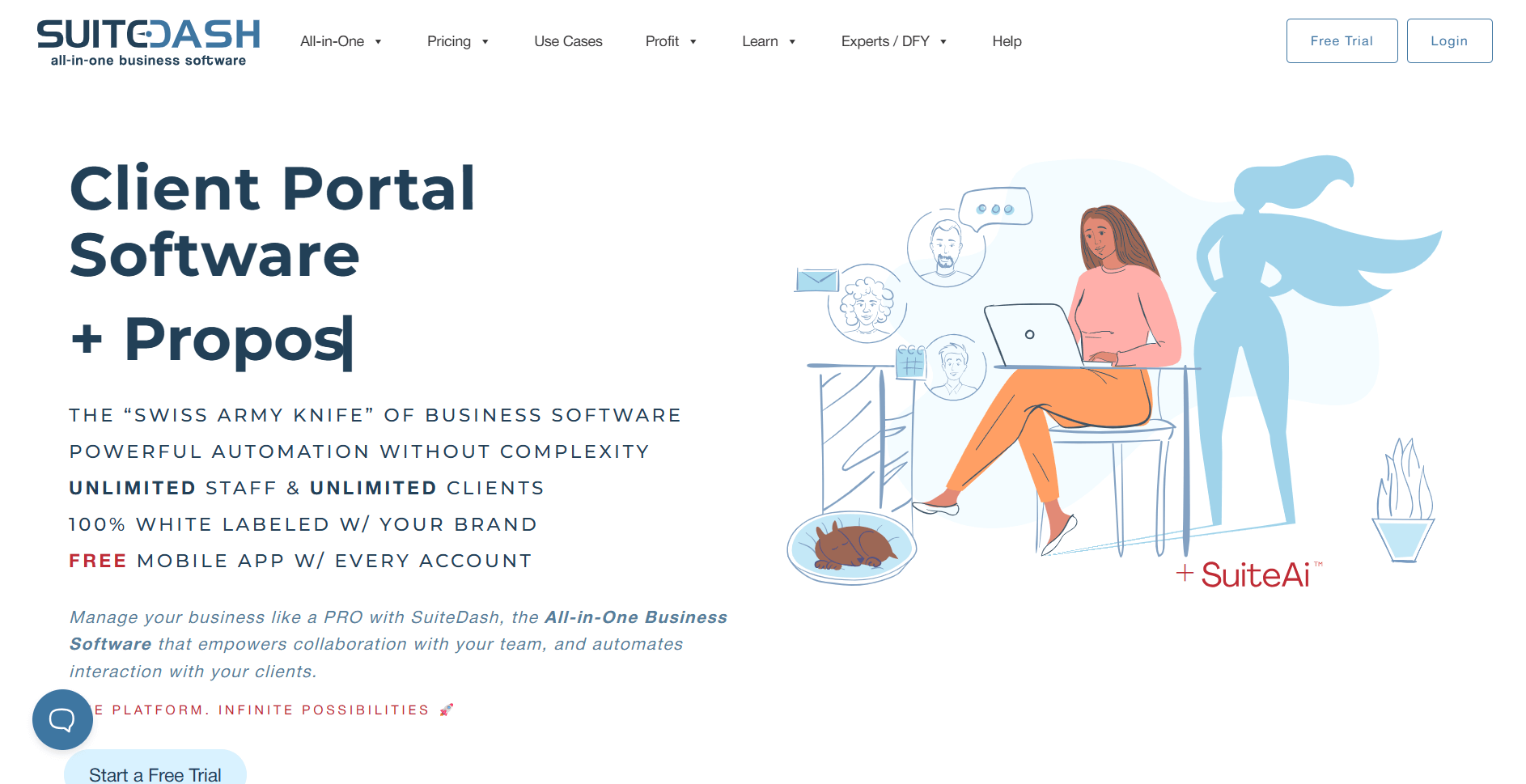
- What it does: SuiteDash is an all-in-one business platform. It has project management, invoicing, CRM, and client portals.
- Who it's for: Small teams that want complete business management without per-user pricing.
The all-in-one approach stood out when I tested SuiteDash. The platform combines CRM, project management, invoicing, and file sharing in one system. This means you can handle client records, send invoices, and share files without switching tools.
SuiteDash lets you white-label everything. Custom domains, branded emails, and mobile apps show your company identity.
The downside is feature overload. SuiteDash packs in so many tools that the setup takes more time than focused platforms. You need to configure many modules before the system works smoothly.
Key features
- Unlimited users: Add team members and clients without per-user fees
- White-label portals: Custom branding, domain, and mobile app included
- All-in-one system: CRM, projects, invoicing, and file sharing in one platform
Pros
- Flat pricing reduces cost uncertainty as teams grow
- White-label options included at all price levels
- No limits on team members or clients
Cons
- Feature complexity creates a longer learning curve
- Interface can feel slow with many features loading
Pricing
SuiteDash starts at $180 per year when billed annually.
Bottom line
The unlimited user model makes SuiteDash practical for teams that expect to grow without a predictable headcount. If you need a simpler setup focused on one function, Bonsai might be a better choice.
8. Clinked: Best for white-label team workspaces
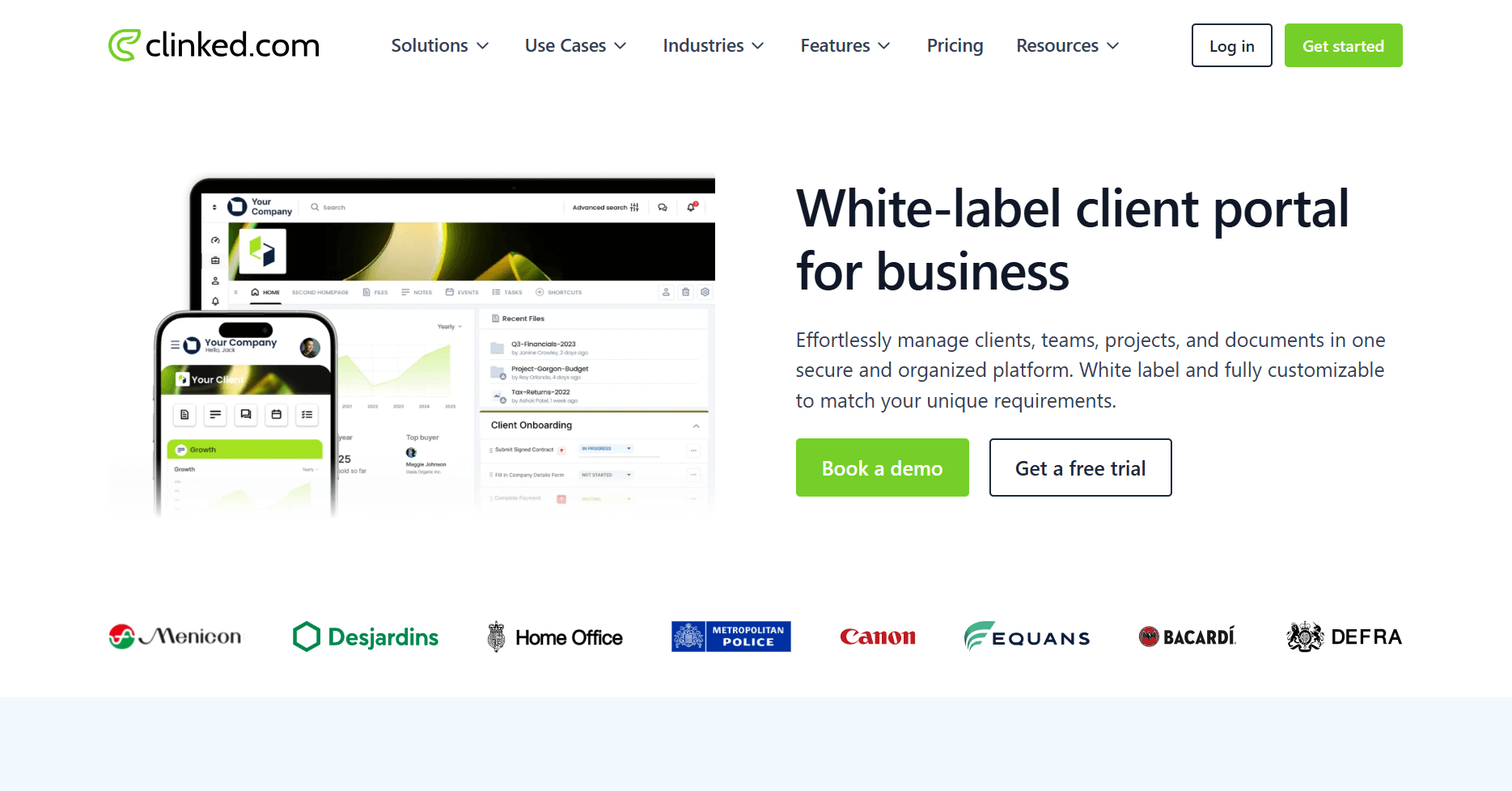
- What it does: Clinked is a secure file-sharing platform. It has white-label workspaces, document management, and task tracking. Clinked focuses on enterprise-grade security for professional services.
- Who it's for: Professional service firms that need secure document sharing with complete white-label branding and compliance features.
I noticed right away that Clinked puts security first. The platform meets ISO 27001, SOC 2, and HIPAA standards. This matters for firms sharing sensitive legal or financial documents.
You can brand each workspace completely. Custom domains, email notifications, and mobile apps all carry your brand. File permissions let you control exactly who sees what documents. The audit trail tracks every file action.
The $95/month entry plan includes 100 members and 100GB of storage. This works well for small businesses that collaborate with many clients at once. You don't pay extra as your client list grows, unlike platforms that charge per contact.
Key features
- Enterprise security: ISO 27001, SOC 2, and HIPAA compliance certifications
- Complete white-labeling: Custom domain, emails, and mobile apps with your branding
- Audit trails: Detailed tracking of all file and document actions
Pros
- Security certifications meet compliance requirements
- Deep white-label customization across all touchpoints
- Permission controls for sensitive document sharing
Cons
- Higher starting price than most client portals
- Built for document sharing, with less focus on project management
Pricing
Clinked starts at $95 per month for the Lite plan.
Bottom line
Clinked costs more than most client portals, but the premium makes sense if document security and compliance certifications directly impact your business operations. For broader client management at a lower price point, 17hats might be a better fit.
Special mentions
These 8 client software portal tools for small businesses didn't make the main list, but they solve specific problems well. Here are 8 more tools for small businesses:
- SuperOkay: SuperOkay gets you running fast with minimal setup steps. The platform focuses on simple file sharing and status updates rather than complex workflows. It works for consultants who need basic client communication without project management overhead.
- Plutio: Plutio combines project management with client portal features for freelancers juggling multiple clients. Built-in invoicing and task tracking sit alongside the portal interface. It suits solo practitioners who want consolidated tools without paying for separate subscriptions.
- FuseBase: FuseBase includes CRM functionality directly in the client portal with white-label branding options. E-signatures are built in rather than requiring third-party integrations. It fits teams that want relationship tracking alongside document management.
- vcita: vcita integrates scheduling directly into the client portal experience. Appointment-based businesses can let clients book, pay, and communicate in one place. It works for service providers where calendar management drives client interactions.
- Moxo: Moxo structures collaboration around multi-step project workflows with detailed approval chains. It suits organizations where client projects involve multiple stakeholders and formal sign-offs requiring audit trails.
- Accelo: Accelo links time tracking and budget management directly to client records. The system connects project delivery data to invoicing automatically. It targets professional services firms that bill based on hours and need detailed profitability tracking.
- Flowlu: Flowlu packages CRM with real-time project tracking in a client-facing interface. Clients see project progress without accessing your internal management tools. It offers CRM-portal integration for teams that want visibility without complexity.
- Freshdesk: Freshdesk centers on support ticket management with a self-service knowledge base for clients. Multi-channel communication feeds into one system. It suits businesses where client interaction is primarily support-focused rather than project-based.
How I tested client portal software for small businesses
I created accounts on these platforms to see how they work with real clients. My testing focused on what small business owners actually do each day. Here’s what I considered:
- Setup speed: I timed how long it took to build a branded portal, add a test client, and share the first file. Some platforms got me running in 10 minutes. Others needed an hour of setup before anything worked.
- Client experience: I logged in as a client on every portal I built. Clear navigation beats fancy features. If clients couldn't find their files or messages easily, the portal wasn't doing its job.
- File sharing: I uploaded contracts, invoices, and project files to test how folders and search worked. Platforms that made me create folders manually for each client added extra steps I didn't need.
- Messaging: I tested how each system handled client conversations. Notifications mattered. So did keeping client messages separate from internal team notes. Mixed threads created confusion.
- Mobile access: I opened each portal on my phone to check if clients could view files and reply to messages without a computer. Broken mobile layouts or missing app features hurt the ranking.
- Branding options: I added logos, changed colors, and set up custom domains where possible. Real white-labeling means clients never see the software company's name. Partial customization didn't count.
- Pricing clarity: I checked each pricing page for hidden costs like per-client charges, storage caps, or required upgrades. Platforms with unclear pricing or surprise fees during testing got marked down.
Which client portal software should you choose?
Some businesses prioritize branding and client experience. Others need strong billing features or a quick setup. Choose:
- Assembly if you want a branded client portal with built-in CRM, billing, and contracts that handles both pre-sales tracking and ongoing client work in one platform.
- HoneyBook if you run a creative business and need proposals, contracts, and scheduling designed specifically for photographers, designers, and event planners.
- Dubsado if you want deep workflow automation for client onboarding and prefer building complex sequences that run on autopilot.
- Bonsai if you freelance solo and need a simple system for contracts, invoicing, and time tracking without extra features you won't use.
- 17hats if you manage appointments and want scheduling, invoicing, and client communication in one straightforward package.
- ManyRequests if you offer productized services and need clients to submit requests through organized forms and approval workflows.
- SuiteDash if you want unlimited team members on a flat-rate plan and can handle more complex setup in exchange for lower ongoing costs.
- Clinked if document security and compliance certifications matter more than project management features for your regulated industry work.
- SuperOkay if you need basic file sharing and status updates fast without spending time on configuration or paying premium prices.
- Plutio if you freelance with multiple clients and want project management, invoicing, and portal features combined at an affordable annual rate.
- FuseBase if you want CRM functionality built directly into your client portal with white-label branding and e-signatures included.
- vcita if scheduling drives your business and you need appointment booking integrated with client communication and payment collection.
- Moxo if your client projects involve multiple approval layers and you need detailed audit trails for compliance documentation.
- Accelo if you bill by the hour and need time tracking automatically linked to invoices with full profitability visibility.
- Flowlu if you want CRM with real-time project tracking in a client-facing interface at a lower per-user cost than specialized platforms.
- Freshdesk if your client interactions focus primarily on support tickets and you need multi-channel communication with a self-service knowledge base.
My final verdict
HoneyBook and Dubsado excel with creative businesses that need polished proposals and client workflows. Bonsai and 17hats keep things simple for solo freelancers who want a fast setup. ManyRequests works well for productized services with its request-based system.
I've also found that SuiteDash appeals to teams that want flat-rate pricing, while Clinked fits regulated industries that prioritize security certifications above everything else.
Assembly stands out for bridging pre-sales and post-sales work in one platform. You can track leads with internal notes and custom fields before inviting them to a portal, then transition them into full client relationships without switching tools. I think this matters for consulting and professional service firms that need CRM capabilities alongside client portals.
Ready to create a branded client experience? Try Assembly
Client portal software for small businesses should do more than share files. It should help you manage the entire client relationship.
Assembly is a client portal software tool for small businesses built on a core CRM. It includes branded portals, billing, contracts, messaging, and file sharing. Clients log into a space that reflects your brand, and your team manages the full relationship without switching between tools.
Here’s what you can do with Assembly:
- Track client details and activity: Manage client records, communication history, and relationship data in a structured CRM that keeps everything organized in one place.
- Give clients a branded portal: Clients log into a space that reflects your brand to access contracts, invoices, files, and project updates without email back-and-forth.
- Keep tasks, messages, and files together: Client communication, shared files, and project tasks stay connected to each client record instead of being scattered across separate tools.
- Prep faster for meetings: The AI Assistant summarizes recent client activity and communication, helping you walk into calls with a clear picture of what’s been discussed and what’s outstanding.
- Stay ahead of clients: Highlight patterns that may show churn risk or upsell potential, making outreach more timely and relevant.
- Cut down on admin: Automate repetitive jobs like reminders, status updates, or follow-up drafts that used to take hours. The Assistant handles the busywork so your team can focus on clients.
Ready to simplify how you manage client work? Start your free Assembly trial today.