

Client portal software for modern designers
Design firms should care about the client-facing software they use. Make onboarding and client engagement feel modern, on-brand, and differentiated with Assembly.

Your customers deserve a modern client experience
Whether you're a freelancer or a growing design firm, deliver a polished, branded experience.

Branding
Provide a premium experience by customizing your portal with your brand assets.

All-in-one
Impress clients with a seamless all-in-one experience on web and mobile.

Automations
Save time, work more efficiently, and reduce the risk of manual errors.

Partner Apps
Embed products like Airtable, Calendly, and others to give clients a true all-in-one view.

Custom Apps
Build your own Custom Apps that seamlessly integrate with the rest of the platform.

Integrations
Connect your accounting software, sales CRM, or another supported product.

Notifications
Streamlined and branded notifications for clients in your portal and via email.

Security
Protect sensitive client information. SOC2 and HIPAA reports are available.
Give your clients a one-stop shop for working with you.
From messaging to invoicing, task management to file-sharing, and more, give your clients a branded experience from proofs to final delivery.
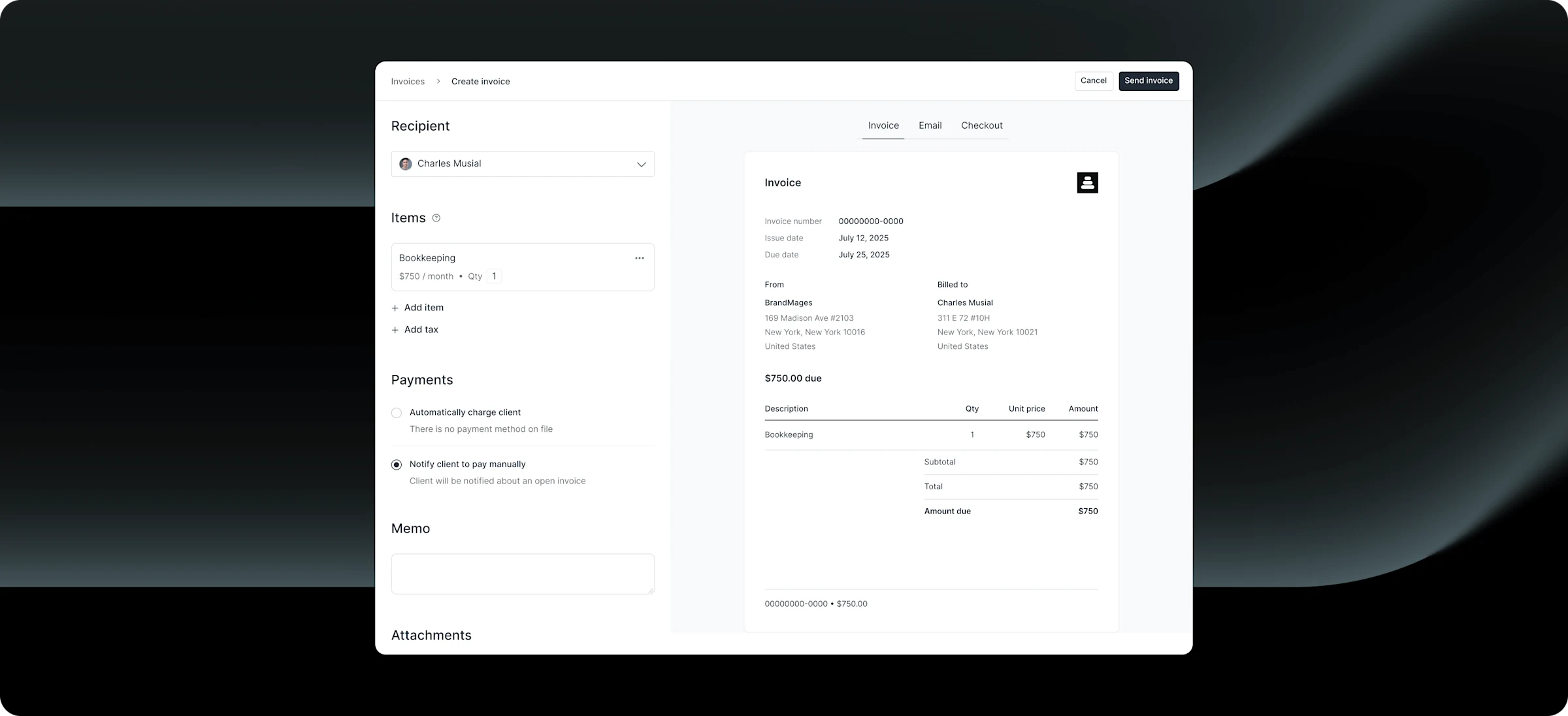
Invoicing
Request payments
Let clients pay directly from your portal.
Why designers need a client portal
Watch Design by Laney explain why you need to elevate your client experience with a branded customer portal.
Watch the walkthrough
Frequently asked questions
A client portal is a secure, branded workspace where designers share files, collect feedback, manage contracts, and communicate with clients—all in one place. Instead of juggling email threads, Google Drive links, and scattered documents, everything lives in a single destination your clients can access anytime. It streamlines your workflow and creates a more professional experience for your clients.
Yes, and this is where Assembly stands out. You can customize your portal with your logo, brand colors, custom domain, and custom email domain. The portal is clean and modern by default, and the white-label options ensure your clients never see Assembly’s branding. For designers, first impressions matter — and your portal should feel like an extension of your studio.
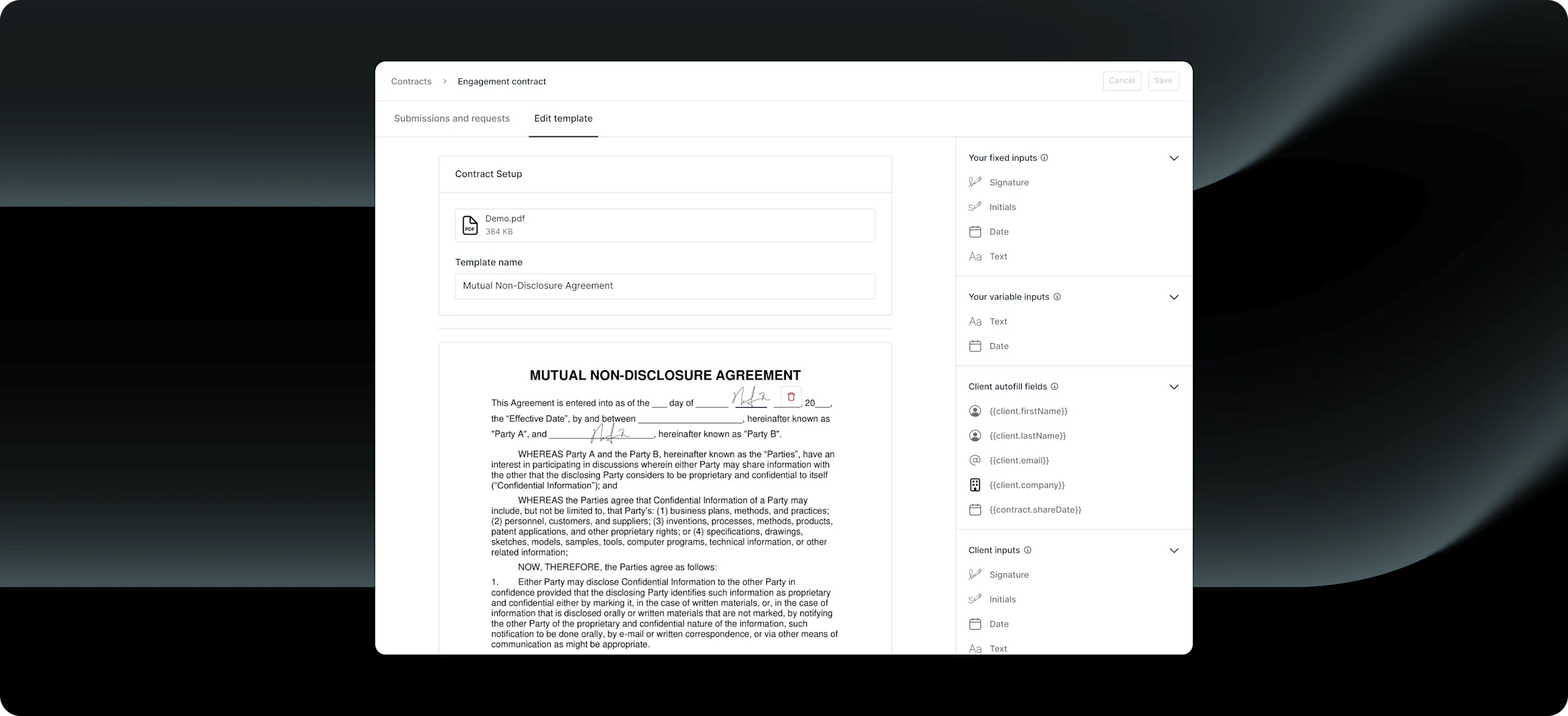
Yes. When you add a new client, Assembly can automatically send a branded welcome message, an intake questionnaire (to collect brand guidelines, project briefs, access credentials), a design contract for eSignature, and your first invoice — all without manual work. This gives every client a consistent, premium experience from day one.
Assembly's granular permissions let you control exactly what clients see. Share task status and progress updates while keeping internal notes private. Set files to read-only for client review, and restrict editing access to your team. Clients stay informed without accessing sensitive project details.
HoneyBook, Dubsado, and Bonsai are popular with freelance designers, but they're built around basic workflows — contracts, invoices, and simple project tracking. Assembly is built around the client experience itself, giving you a branded portal that looks and feels like an extension of your studio.
The bigger difference is flexibility. Assembly lets you embed tools you're already using — Loom, Figma, Calendly, Google Drive — directly inside the portal, so clients aren't jumping between links and email threads. And as your studio grows, Assembly grows with you, with team controls and automations that tools like HoneyBook weren't designed to support.
Yes, and our team helps with the transition. Import client data via CSV, run both platforms in parallel during migration, and use API access or Zapier connections for custom workflows. There's no long-term contract, so you can switch at your own pace with support along the way.
Yes. Add team members and external contractors as internal users with customizable client access. This makes it possible to invite team members who can only access specific clients/projects for a temporary time, while keeping everything else private.
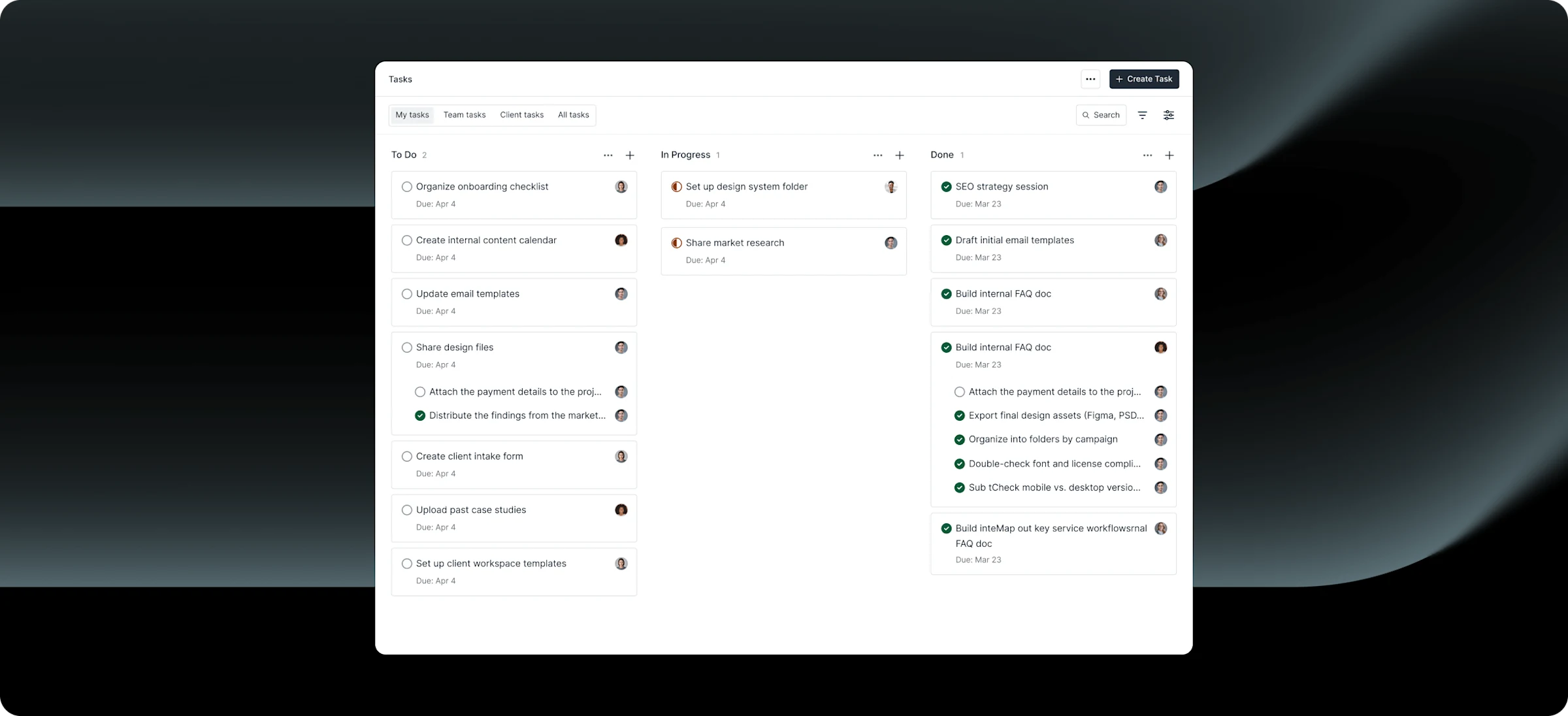
Yes. Assembly includes a Tasks App where you can create projects, assign tasks, and give clients visibility into what’s in progress, under review, or complete. Combined with messaging, clients can ask questions or provide feedback directly within the portal — eliminating scattered email threads and keeping all project communication in context.
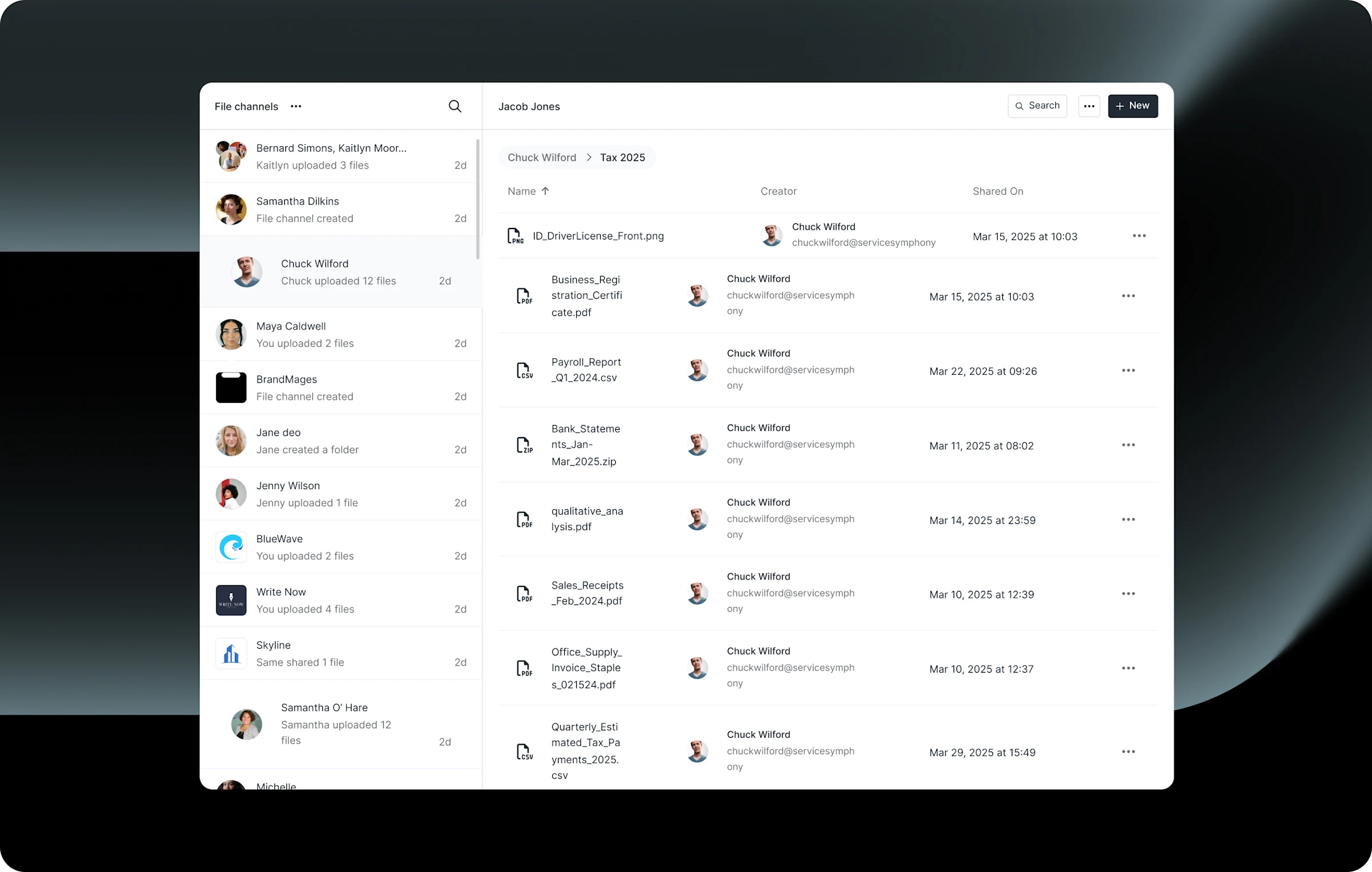
Absolutely. Assembly’s file sharing app lets you organize documents and design assets in a folder structure that your clients can access securely. Clients can upload files too — perfect for receiving brand guidelines, content, photography, or other project materials. All file transfers are encrypted.
If you have files stored in another platform like Google Drive or a design or video-focused platform, you can also add links to those files that show alongside uploaded files.
Yes. Assembly is an open platform with a full API, native Zapier and Make connectors, and a Custom Apps framework. You can embed Figma prototypes, Google Drive folders, Airtable project boards, Calendly scheduling widgets, or any tool that supports embedding — so clients see everything they need in one place without jumping between apps. Unlike tools like Dubsado with limited integrations, Assembly’s open architecture means you’ll never be boxed in as your tool stack evolves.
Assembly handles both. You can create one-time invoices for project milestones and recurring subscriptions for retainer clients. Clients pay via credit card or ACH directly through the portal. You can also set up a storefront with productized service packages — like a “Brand Identity Package” or “Monthly Design Retainer” — that clients can purchase with a payment link you share on your website.
Assembly now offers a free plan to test out the product as you are deciding what is the perfect solution for your business.
Consider what you’re currently spending: a separate invoicing tool, an eSignature tool, file sharing, and messaging add up quickly — often to $60–$100+/month combined. Assembly includes all of these in one platform starting at $29/month, plus you get the professional polish of a branded client portal. It’s also a revenue tool: designers who use client portals report faster payments, better client communication, and a more professional image that helps justify premium pricing for their services.
Your clients deserve better.
Try Assembly for free, no credit card required.