



I went through hundreds of Hello Bonsai reviews across G2, Capterra, Trustpilot, and Reddit as I tested the platform. Here's where it helps freelancers and small teams, and where it falls short in 2026.
Quick verdict: TL;DR
Hello Bonsai works well for freelancers who need proposals, contracts, and invoices in one place. The interface is clean, templates are customizable, and onboarding takes minimal effort. The problems show up in payment processing delays, slow customer support, and limited accounting depth.
What is Hello Bonsai?
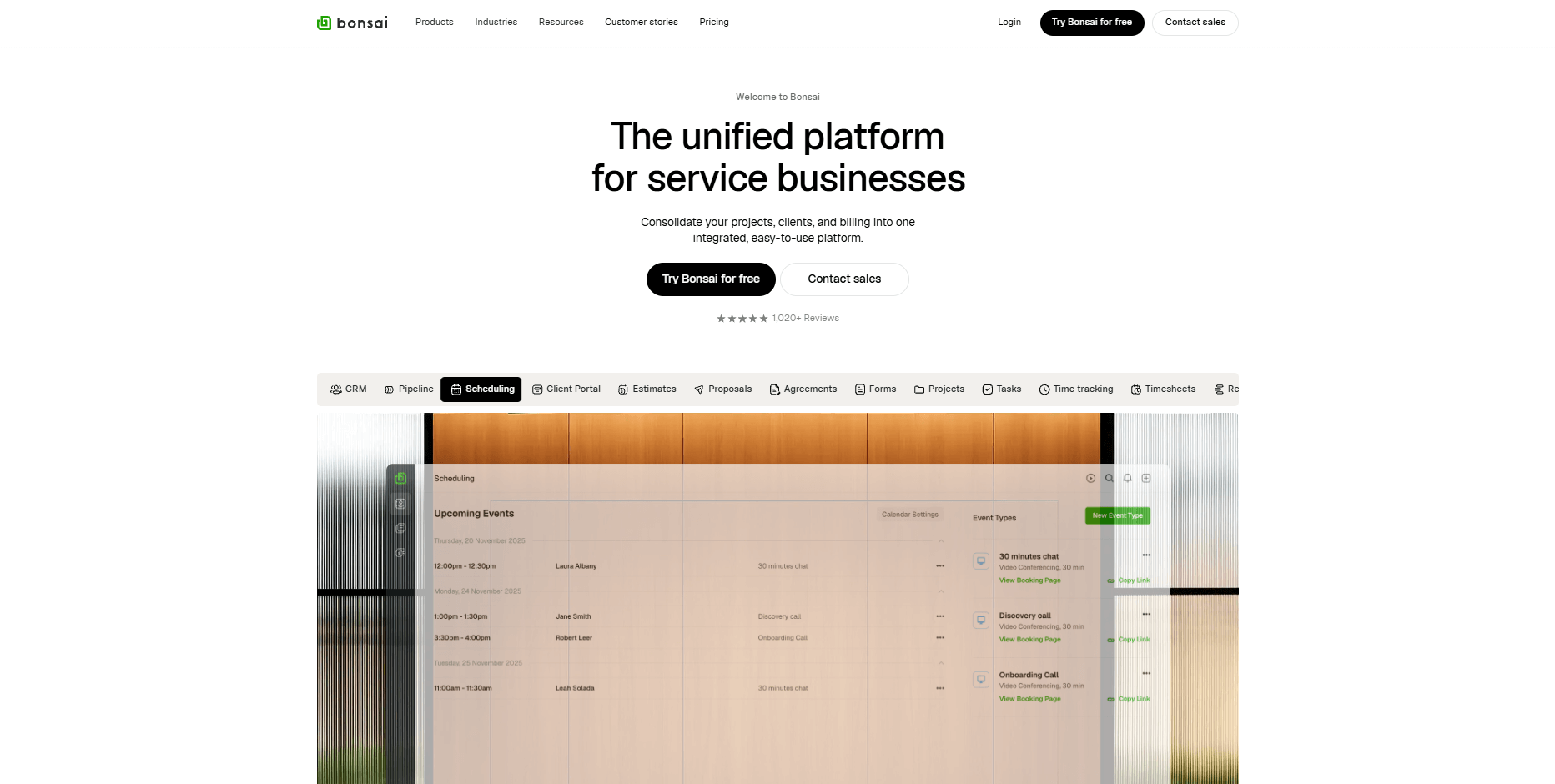
Hello Bonsai, usually called Bonsai, is an all-in-one business management platform built for freelancers and small agencies. It combines proposals, contracts, invoicing, time tracking, and basic accounting into a single dashboard so you're not bouncing between multiple tools.
Plans are priced per user, so the cost grows with your team. Our breakdown of Bonsai software pricing covers every tier and the payment processing fees on top.
The platform launched in 2016 and now serves over 500,000 freelancers and agencies. It's designed for digital service providers like writers, designers, developers, marketers, and consultants who need to send professional documents and get paid without the administrative headache.
In late 2025, Zoom announced it was acquiring Bonsai, though the platform continues to operate independently for now.
Bonsai key features
Hello Bonsai bundles several tools that freelancers typically need to run client work. Here are the core features you'll find inside the platform:
- Proposals and contracts: Create customizable proposals with multiple pricing options, then convert accepted proposals into contracts with e-signature support.
- Invoicing: Create one-time or recurring invoices and set up automated reminders for overdue payments.
- Time tracking: Track billable hours per project and automatically populate invoices with logged time.
- Client CRM: Store client contact details, project history, and communication in one place.
- Task management: Organize project deliverables with due dates, similar to basic Trello or Asana functionality.
- Client portal: Give clients a branded login where they can view documents, check project status, and make payments (available on higher tiers).
- Expense tracking: Categorize business expenses and connect bank accounts for automated tracking (US and Canada only).
- Tax preparation: Estimate quarterly taxes and track deductible expenses through Bonsai Tax.
- Payment processing: Accept credit cards and ACH payments through Bonsai Payments, Stripe, or PayPal.
- Templates: Access pre-built templates for proposals, contracts, and invoices across different industries like consulting, design, and marketing.
Hello Bonsai reviews: What real users are saying
I went through Hello Bonsai reviews on G2, Capterra, Trustpilot, and Reddit threads. Users appreciate the clean interface and template library, but payment processing issues and inconsistent support show up repeatedly in recent reviews.
Here's what users say about their Hello Bonsai experience:
Pros
- Clean interface: Users consistently mention the visual clarity and easy navigation when managing contracts, invoices, and proposals.
- Template variety: The proposal and contract templates cover many industries and save time on document creation.
- Fast onboarding: Reviewers note that setup takes minimal effort, letting freelancers start sending documents quickly.
- Time tracking with invoicing: The ability to track hours and automatically add them to invoices gets positive mentions from hourly billers.
- Affordable entry point: At $9/month (billed annually) for the Basic plan, users find the starting price reasonable for solo freelancers.
Cons
- Payment processing delays: Multiple recent reviews mention 7-10 business day delays on initial payments, with some users reporting funds held without a clear explanation.
- Customer support issues: Several G2 and Trustpilot reviews describe waiting 9+ days for support responses, with some tickets going unanswered.
- Stripe integration bugs: Users report recurring issues connecting Stripe accounts, with integrations resetting unexpectedly.
- Limited accounting features: The platform lacks the depth needed for full bookkeeping, forcing users to pair it with separate accounting software.
- Geographic limitations: Automated expense tracking only works in the US and Canada, and the platform operates exclusively in English.
- Banking partner transitions: Bonsai Cash works with partners like Blue Ridge Bank and Thread Bank. Some users have reported issues when these banking partnerships changed.
My personal take on Hello Bonsai
I can honestly see why Hello Bonsai appeals to new freelancers. The interface is straightforward, the templates look professional, and the proposal-to-payment workflow makes sense.
The cracks show up in the details. Recent complaints about delayed payouts and held funds are concerning. A platform that takes 10 business days to process payments creates real problems when your income depends on getting paid on time.
I also don’t like that customer support is inconsistent. Some users praise the team, others describe waiting over a week for answers on urgent payment issues.
If you're a solo freelancer sending simple invoices and collecting payments from a few clients, Hello Bonsai can handle the job. But I'd be cautious about relying on their payment features as your primary financial infrastructure.
Is Hello Bonsai right for you?
Hello Bonsai fits freelancers who want proposals, contracts, and invoicing in one place without learning complicated software. It works less well for teams that need reliable payment processing or deeper financial tools.
Here's how to tell if Hello Bonsai fits your needs:
Who will love it
- Solo freelancers starting out: If you're new to freelancing and need a simple system to send proposals, contracts, and invoices, Bonsai makes it easy to get up and running quickly.
- Hourly billers: The time tracking integration with invoicing works well for freelancers who bill by the hour and want automatic calculations.
- Template-first users: If you want professional-looking documents without building everything from scratch, the template library saves time across different project types.
Who should avoid it
- Teams handling high payment volume: If you're processing significant client payments regularly, the reported delays and holds could disrupt your cash flow.
- Users outside the US and Canada: The geographic limitations on expense tracking and the English-only interface reduce the platform's value for international freelancers.
- Growing agencies needing collaboration: While Bonsai offers team features on higher tiers, the per-user pricing and limited permissions may not scale efficiently.
- Businesses requiring full accounting: If you need detailed financial reports, advanced bookkeeping, or CPA-ready documentation, you'll still need separate accounting software.
The best Hello Bonsai alternative: Assembly
Hello Bonsai handles proposals, contracts, and invoicing well for solo freelancers. But as your business grows, the payment processing issues and limited client-facing features become roadblocks.
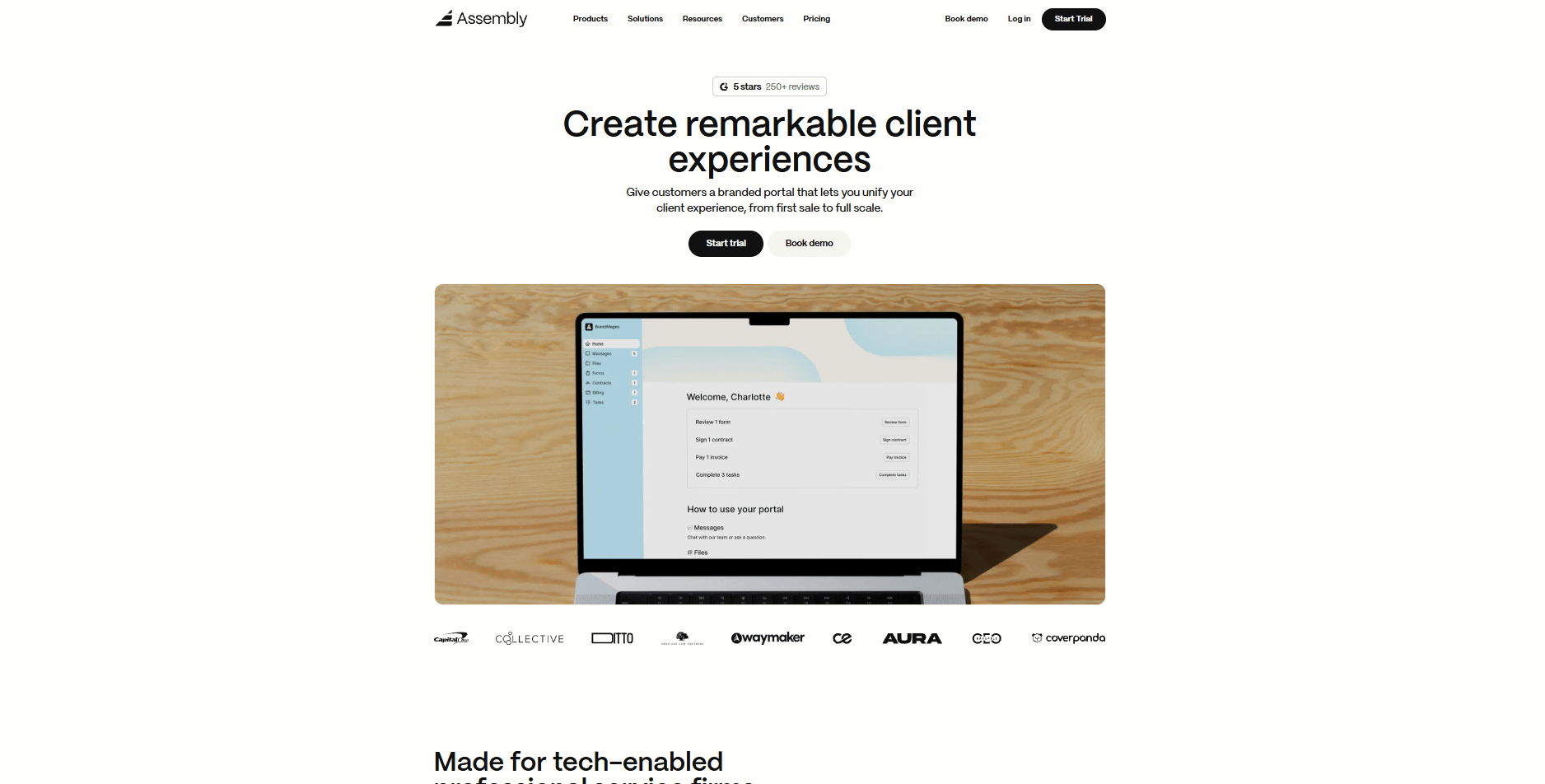
Assembly takes a different approach. Unlike Bonsai, Assembly gives your clients a branded portal experience where they can view updates, access files, send messages, and pay invoices in one place. This makes your business look more professional and keeps clients coming back.
Assembly also includes an AI Assistant that knows your client history and helps with meeting prep, follow-ups, and admin tasks. Bonsai doesn't offer anything like this. And while Bonsai's integrations are limited, Assembly's App Store lets you extend functionality for automation, reporting, and selling services.
If you want to compare more than one Bonsai software alternative, our roundup ranks Assembly alongside 10 other tools, from task managers to complete agency platforms.
Here’s what you can do with Assembly:
- See the full client record: Notes, files, payments, and communication history stay linked in one place. You never have to flip between systems or lose context when switching from sales to service.
- Prep faster for meetings: The AI Assistant pulls past interactions into a clear summary so you can walk into any call knowing exactly what’s been discussed and what’s next.
- Stay ahead of clients: Highlight patterns that may show churn risk or upsell potential, making outreach more timely and relevant.
- Cut down on admin: Automate repetitive jobs like reminders, status updates, or follow-up drafts that used to take hours. The Assistant handles the busywork so your team can focus on clients.
- Track team performance: View active projects, overdue invoices, or pending approvals in one dashboard to keep your operations running smoothly.
- Give clients a branded experience: Share updates, invoices, and documents through a professional client portal that reflects your business identity.
- Sell and onboard clients faster: Storefronts lets you package and sell your services online. Once a client pays, their account and portal are created automatically, and onboarding starts right away.