









What is a white label portal? Full guide + 6 best tools for 2026
 Vivienne ChenJun 22, 2026
Give clients a white label portal that feels like your product
Assembly is a client portal platform built for professional service firms. Set up a branded portal, automate recurring touchpoints, and give each client a dynamic homepage tailored to their engagement. Try for free!
4.9 rating
- 6 Best white label portal tools: Quick comparison
- What is a white label portal?
- Why do white label portals matter?
- How to choose a white label client portal platform
- 1. Assembly: Best for service businesses with recurring client work
- 2. HoneyBook: Best for creatives managing client workflows
- 3. Moxo: Best for complex workflows with approvals
- 4. Clinked: Best for secure file sharing with clients
- 5. SuiteDash: Best for agencies needing CRM and projects
- 6. FuseBase: Best for collaborative client workspaces
- How I tested and researched these white label portal platforms
- Final verdict
- Frequently asked questions
A white label portal lets you deliver client services through a branded platform that looks like your own product. After testing dozens of platforms, here's what to look for and the 6 best tools for custom branding, collaboration, and secure file sharing in 2026.
6 Best white label portal tools: Quick comparison
| Tool | Best for | Starting price (billed annually) | Strengths |
|---|---|---|---|
| Assembly | Service businesses with recurring client work | $39/month | Custom domains, embedded dashboards, recurring automations, and consolidated payments |
| HoneyBook | Creatives managing client workflows | $29/month | Proposal templates, contract signing, automated invoicing, and pipeline tracking |
| Moxo | Complex workflows with approvals | $960/year | Workflow orchestration, real-time collaboration, secure document exchange, and compliance tools |
| Clinked | Secure file sharing with clients | $239/month | Version control, branded portals, granular permissions, and audit trails |
| SuiteDash | Agencies needing CRM and project management | $180/year | Client CRM, project boards, time tracking, and white-label branding |
| FuseBase | Collaborative client workspaces | $32/month | AI agents, custom portals, integrations, and document collaboration |
What is a white label portal?
A white label portal is a pre-built, customizable online platform that businesses rebrand with their own logo, colors, and domain to offer clients a branded experience without developing software from scratch. It serves as a secure, branded hub for client communication, document sharing, project management, and task tracking.
You access the portal through a custom domain like clients.yourcompany.com instead of generic URLs that show the software provider's name. Clients log in, view project status, upload files, and communicate with your team without seeing any third-party branding. Core features typically include file storage with permission controls, messaging tools, project boards, and invoice management.
Why do white label portals matter?
White label portals matter because they let you deliver professional client experiences while keeping your brand front and center. They reduce the disjointed feel of bouncing clients between email, file-sharing tools, and payment platforms.
Here's why businesses use white label portals:
- Stronger brand presence: Clients interact with your logo, colors, and domain at every touchpoint instead of seeing third-party branding that dilutes your identity.
- Centralized client communication: Messages, file requests, approvals, and updates live in one place instead of scattered across email threads and chat apps.
- Secure file sharing with control: You set detailed permissions for who sees what, track document versions, and maintain audit trails without relying on consumer file-sharing tools.
- Streamlined project tracking: Clients check project status, review deliverables, and submit feedback without asking for updates or scheduling calls.
- Professional client onboarding: Automated welcome sequences, branded intake forms, and structured workflows replace manual email coordination during onboarding.
- Simplified billing and payments: Invoices, payment processing, and transaction history stay inside the branded portal instead of directing clients to external payment links.
How to choose a white label client portal platform
The right white label portal depends on how much branding control you need and which client workflows you're trying to consolidate. Some platforms offer surface-level customization while others let you control every visual element and interaction.
Here's what to evaluate when choosing a white label portal platform:
- Branding depth: Check if the platform supports custom domains, logo placement, color schemes, email branding, and login page customization, or if it only allows basic logo swaps. I’d prioritize platforms that let you customize the login screen, since that's the first thing clients see.
- Core workflow features: Identify which tools you need built in, such as file sharing, messaging, project boards, invoicing, contract signing, or task management, to avoid duct-taping multiple platforms together.
- Client user experience: Test how clients navigate the portal, how many clicks it takes to complete common actions, and whether the interface works well on mobile devices. I recommend creating a test client account and running through common tasks before committing to a platform.
- Integration capabilities: Verify the platform connects to your existing tools like your CRM, accounting software, payment processors, and project management systems through native integrations or APIs.
- Permission and access controls: Look for granular permissions that let you control what each client sees, role-based access for team members, and audit trails for compliance needs.
- Setup and maintenance effort: Consider whether the platform requires technical setup, ongoing customization work, or if it's ready to brand and deploy quickly. I've found that platforms requiring developer involvement for basic branding changes can slow down your ability to iterate.
- Pricing structure: Compare how platforms charge for internal team members versus client seats, storage limits, transaction fees, and whether white-label features require premium tiers.
1. Assembly: Best for service businesses with recurring client work
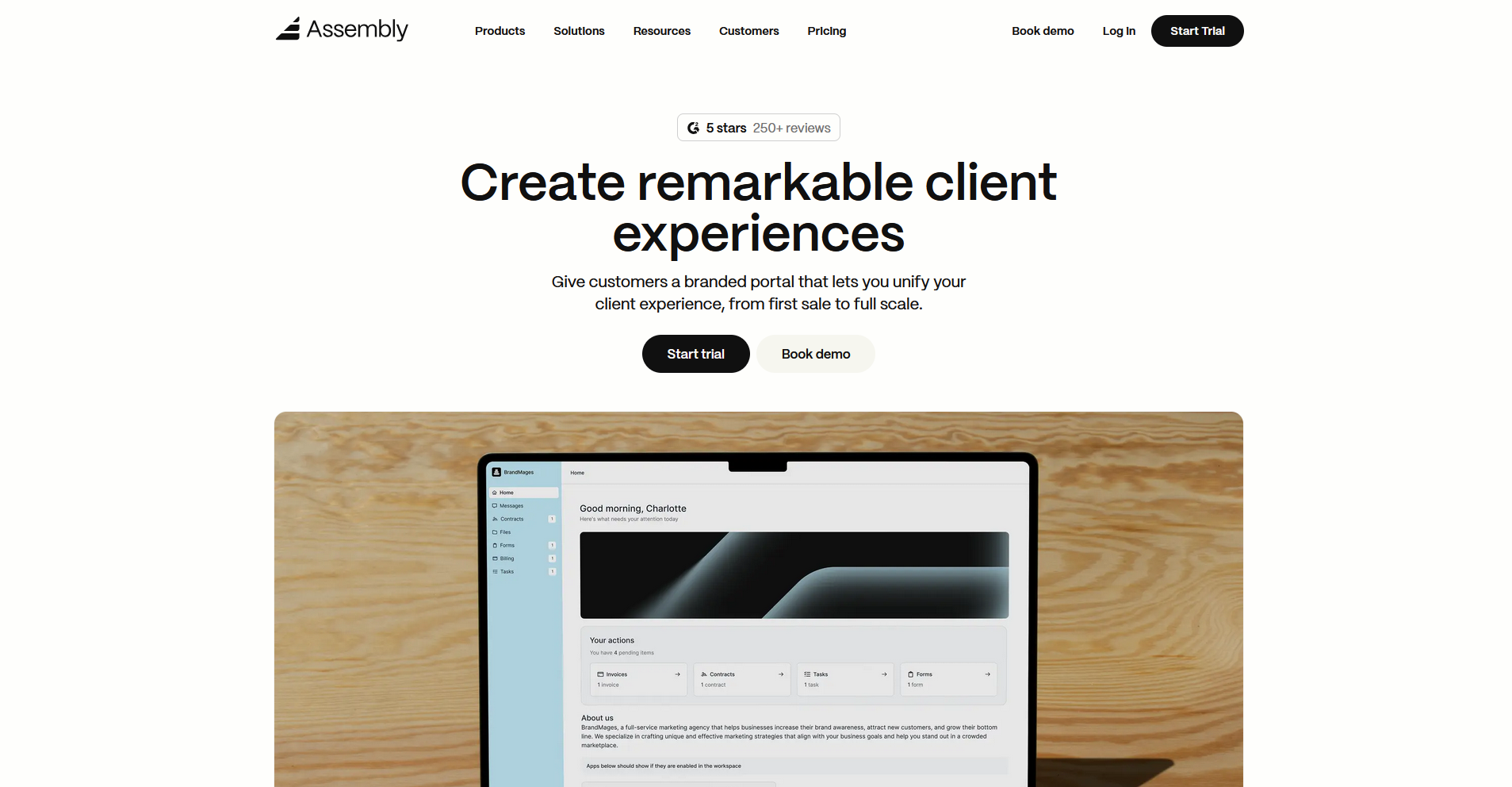
- What it does: Assembly is a client portal platform built on a core CRM that gives service businesses a fully branded space to manage client relationships, projects, payments, and communication.
- Best for: Service businesses that need a branded client portal with recurring automations, consolidated payments, and dynamic client homepages that adapt to each client relationship.
We designed Assembly around service businesses that manage ongoing client relationships, so the platform covers branding, client communication, payments, and project work in one portal. Custom domains and full white labeling are available on the Advanced plan, with logo and color customization included on lower tiers.
Key features
- Dynamic client homepages: Tag clients with custom fields and each client's homepage automatically surfaces the content, apps, and resources relevant to their specific engagement.
- App folders: Group embedded dashboards, external tools, and custom apps into named folders inside the client portal so clients can find their resources without navigating between platforms.
- Recurring automations: Set up trigger-based workflows that run on a schedule to send updates, request files, assign tasks, and keep client touchpoints moving without manual follow-up.
Pros and cons
| Pros | Cons |
|---|---|
| Dynamic client homepages show each client personalized content based on custom field tags | Full white-label branding requires the Advanced plan |
| AI Assistant summarizes client activity and communication to help teams prepare for calls without manual review | Advanced features like unlimited automations and client access permissions require higher-tier plans |
| Recurring automations and consolidated payments reduce manual work across ongoing client relationships |
What users say
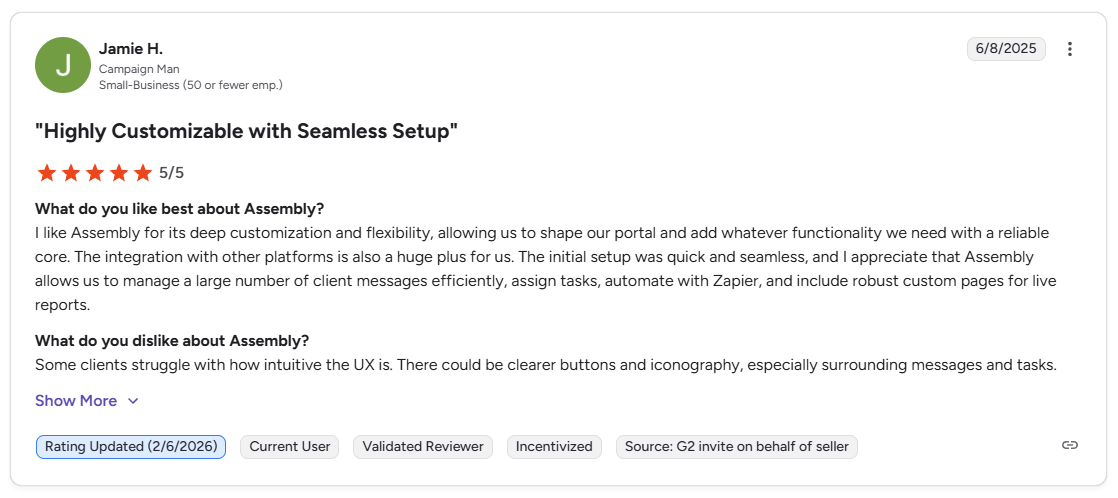
Pro: “I like Assembly for its deep customization and flexibility, allowing us to shape our portal and add whatever functionality we need with a reliable core. … Assembly allows us to manage a large number of client messages efficiently, assign tasks, automate with Zapier, and include robust custom pages for live reports.” - Jamie H., G2
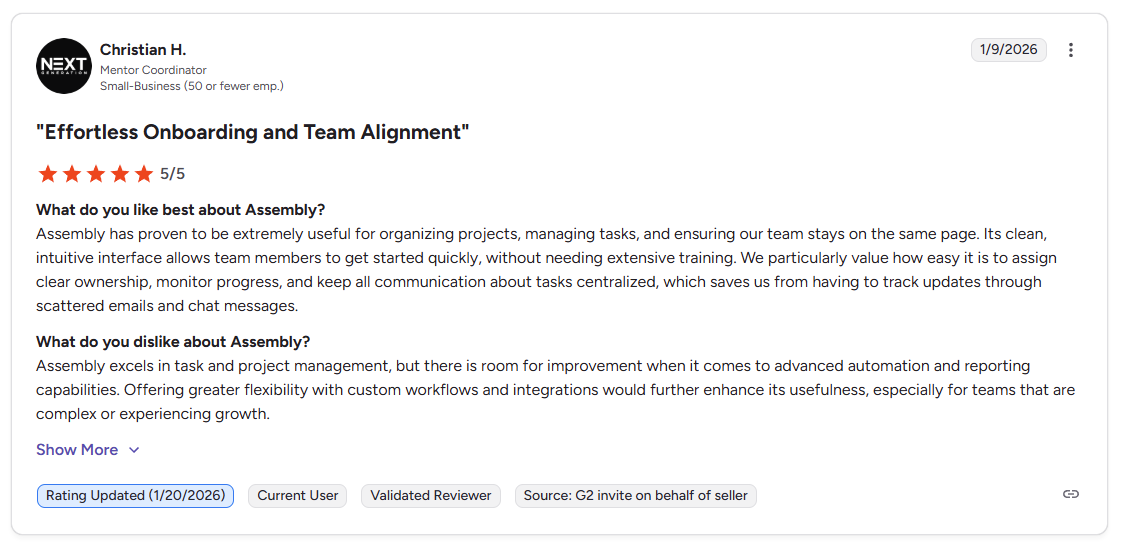
Con: “Assembly excels in task and project management, but there is room for improvement when it comes to advanced automation and reporting capabilities. Offering greater flexibility with custom workflows and integrations would further enhance its usefulness, especially for teams that are complex or experiencing growth.” - Christian H., G2
Pricing
Assembly starts at $39 per month.
Bottom line
Assembly keeps client records, communication history, tasks, and portal activity connected in one place rather than spread across separate tools. If you need AI-assisted document collaboration and knowledge base tools inside your client portal, FuseBase might be a better fit.
2. HoneyBook: Best for creatives managing client workflows
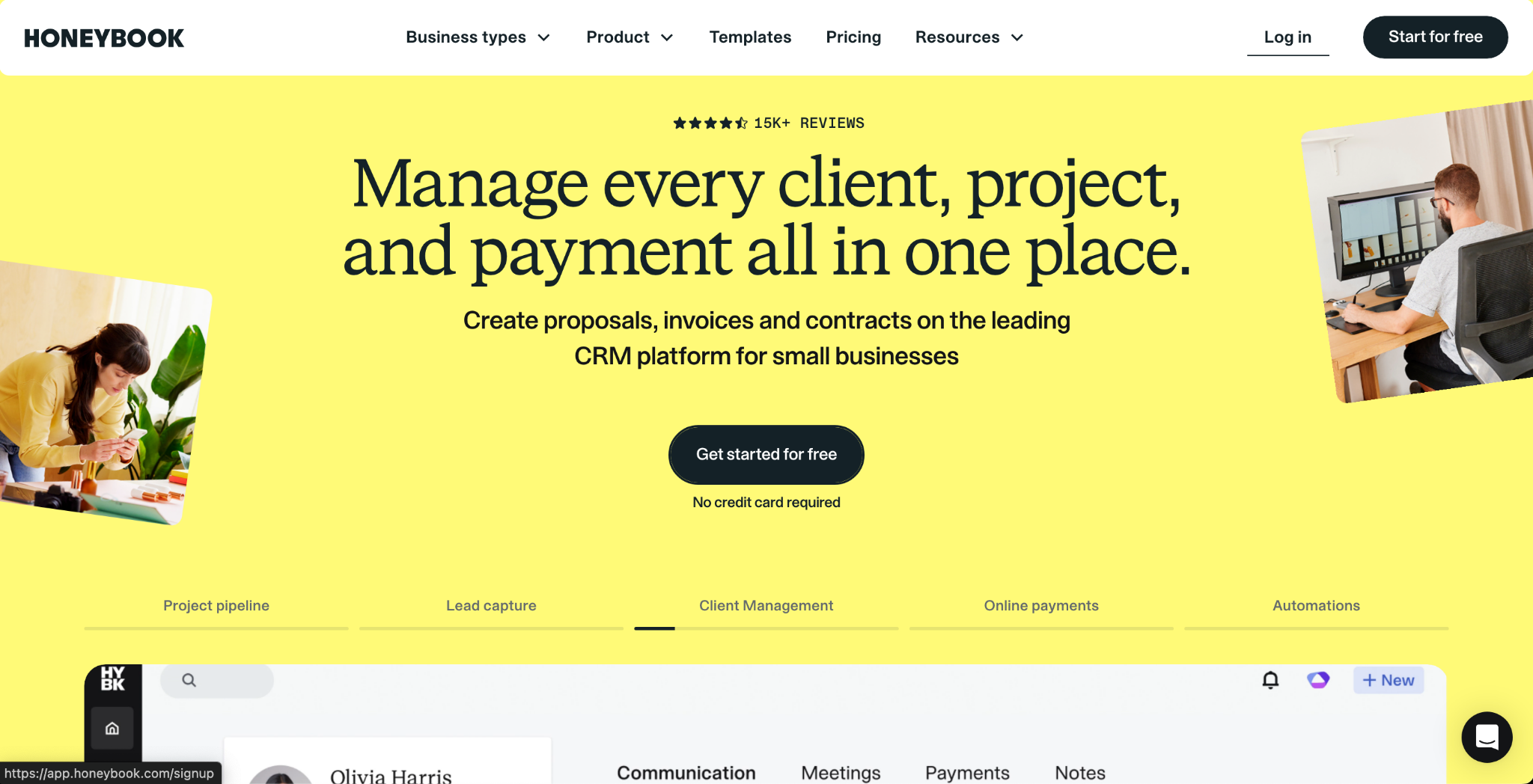
- What it does: HoneyBook is a client management platform that handles proposals, contracts, invoicing, and project pipelines in one branded workspace.
- Best for: Freelancers and creative small businesses that need to manage client communication, contracts, and payments without juggling multiple tools.
I tested HoneyBook by setting up a sample client project with a proposal, contract, and payment request to see how the white label branding works throughout the engagement. The branding carries through consistently across client-facing documents, but the "Powered by HoneyBook" label stays visible on emails, forms, and the portal until you upgrade to Essentials or higher.
Key features
- Branded client portal: Clients access a dedicated space to view and sign contracts, pay invoices, and track project status under your branding.
- Smart files: Combine proposals, contracts, and payment requests into a single document that clients can review and complete in one sitting.
- Workflow automations: Set up trigger-based automations to send follow-up emails, schedule reminders, and move projects through pipeline stages.
Pros and cons
| Pros | Cons |
|---|---|
| Proposals, contracts, and payments work together in one platform without switching tools | Removing the “Powered by HoneyBook” label requires the Essentials plan or higher |
| Template library supports common creative workflows out of the box | Client portal is project-centric and not a fully customizable standalone client dashboard |
| Pipeline view gives a clear picture of where each client sits in the project lifecycle |
What users say
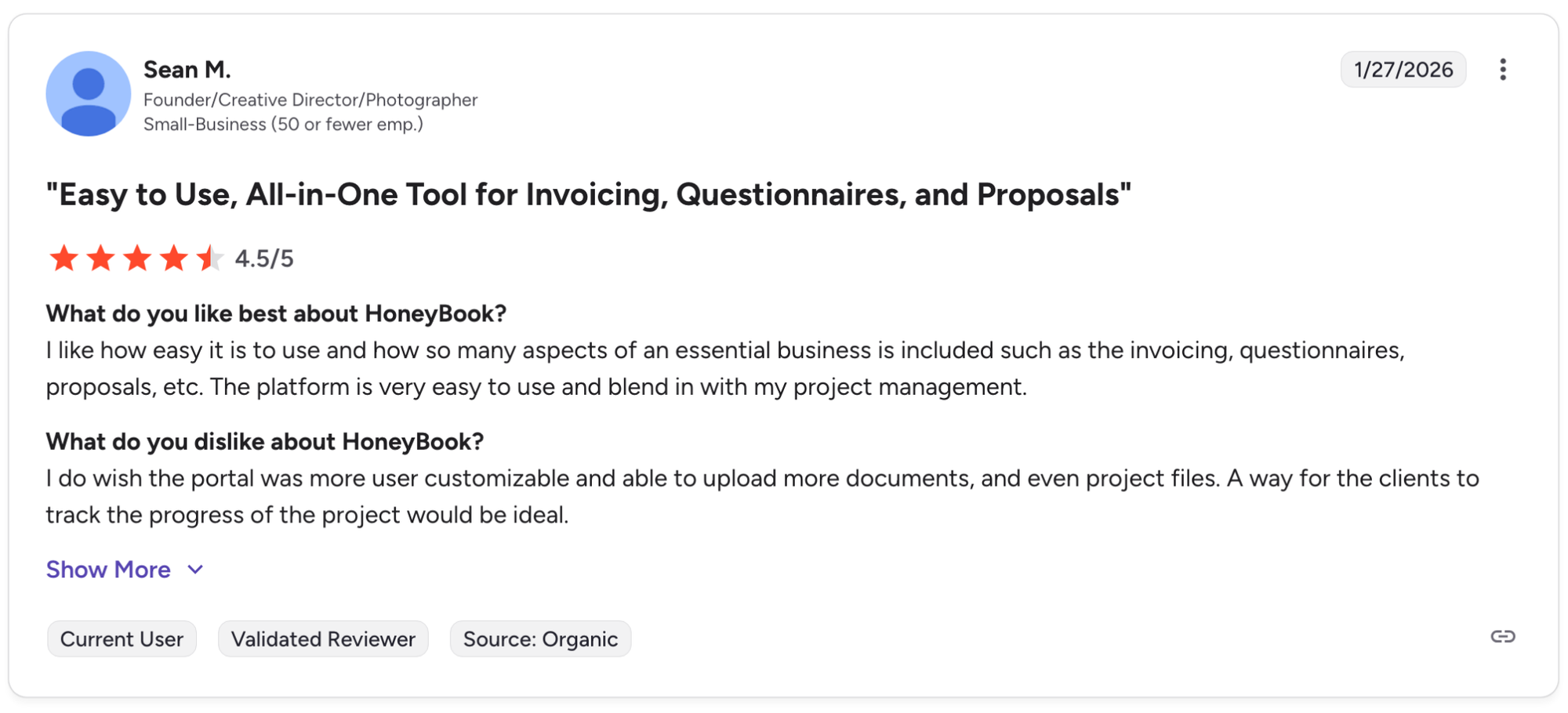
Pro: "I like how easy it is to use and how so many aspects of an essential business is included such as the invoicing, questionnaires, proposals, etc. The platform is very easy to use and blend in with my project management." - Sean M., G2
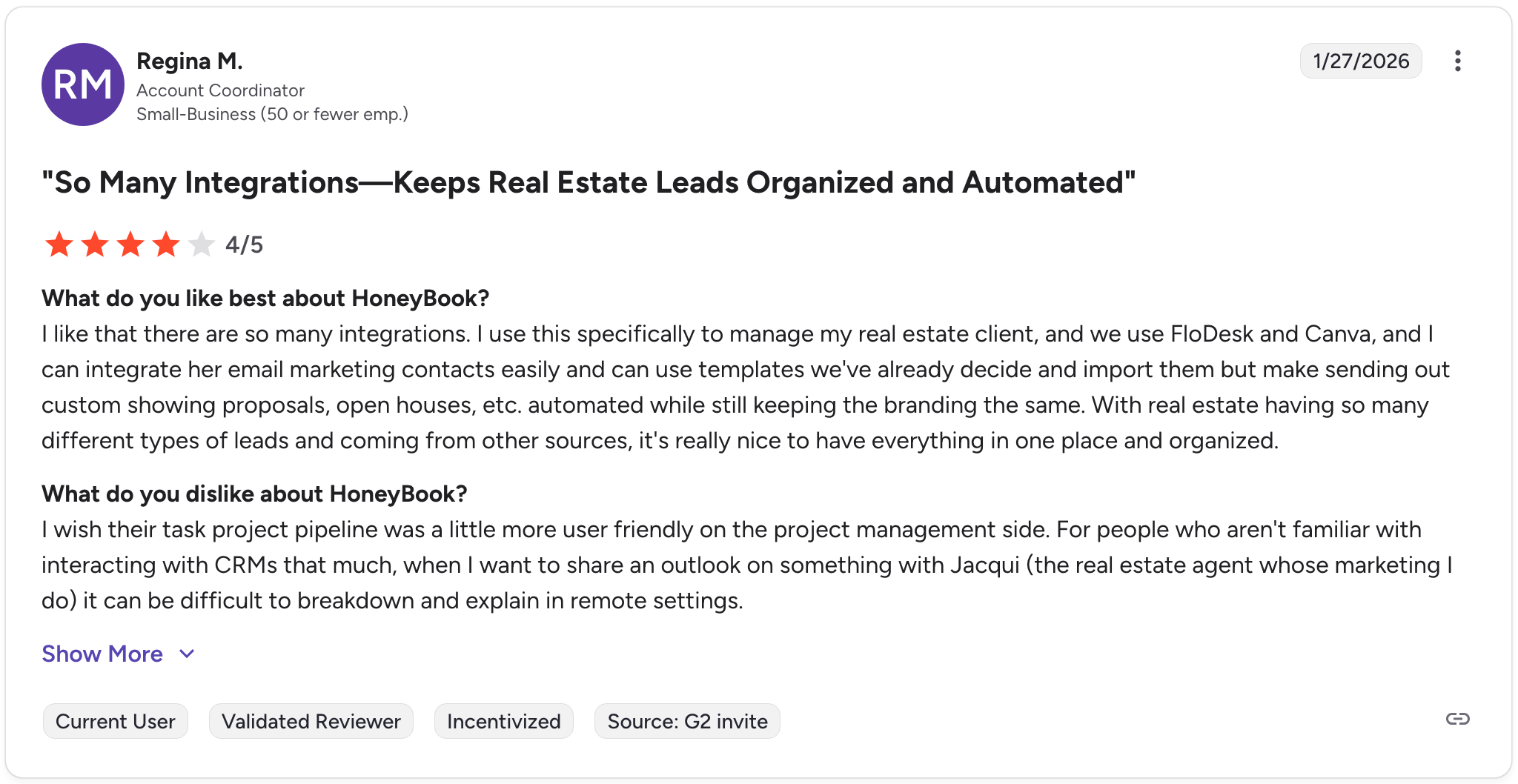
Con: "I wish their task project pipeline [were] a little more user-friendly on the project management side. For people who aren't familiar with interacting with CRMs that much, when I want to share an outlook on something with Jacqui (the real estate agent whose marketing I do) it can be difficult to break down and explain in remote settings." - Regina M., G2
Pricing
HoneyBook starts at $29 per month.
Bottom line
HoneyBook covers the full client journey from proposal to payment inside one branded workspace, which saves creatives from stitching together separate tools for each stage. If you need a deeper white label experience with a fully custom domain and dynamic client homepages, Assembly might be a better fit.
3. Moxo: Best for complex workflows with approvals
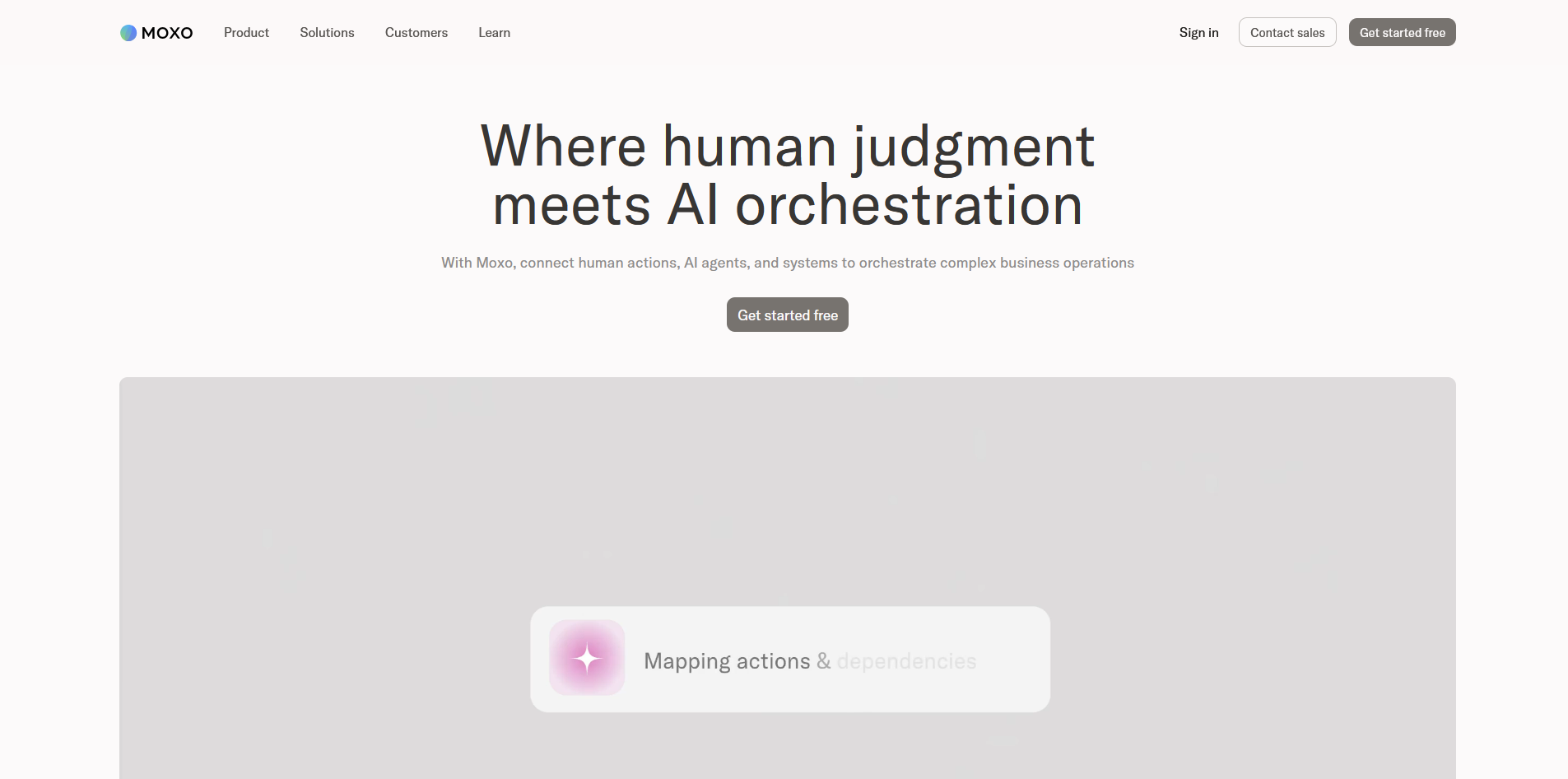
- What it does: Moxo is a client interaction platform that manages structured workflows, document exchange, and approvals inside a branded client portal.
- Best for: Service businesses and regulated industries that run multi-step client workflows with approvals, compliance requirements, and document tracking across multiple stakeholders.
I set up a sample client onboarding workflow in Moxo using document requests, approval steps, and automated follow-ups to see how the white label branding works across the full process. The branding held up across every touchpoint, including the mobile app, though each workflow requires mapping approval stages and trigger conditions before it's client-ready.
Key features
- Workflow orchestration: Build multi-step client workflows with sequential or parallel steps, document requests, approvals, and automated reminders that keep processes moving.
- Secure document exchange: Share, collect, and track documents with encryption, watermarking, and time-stamped audit logs that record every client action.
- White label mobile app: Deploy a fully branded iOS and Android app with your logo and color scheme so clients access their portal on mobile without seeing Moxo branding.
Pros and cons
| Pros | Cons |
|---|---|
| Multi-step approval workflows with audit trails suit compliance-heavy industries | White-labeled mobile apps require separate setup from web portal branding |
| Full white-label branding extends to mobile apps, not just the web portal on higher-tier plans | No built-in payment processing, so billing requires a separate tool |
| Document controls include watermarking, encryption, and link expiry for sensitive files |
What users say
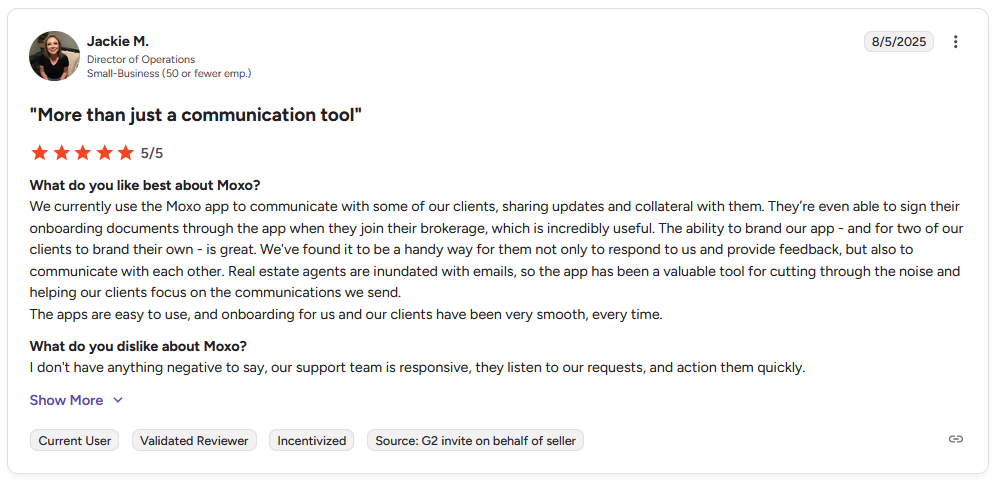
Pro: "We currently use the Moxo app to communicate with some of our clients, sharing updates and collateral with them. … The ability to brand our app … is great. … The apps are easy to use, and onboarding… [has] been very smooth, every time." - Jackie M., G2
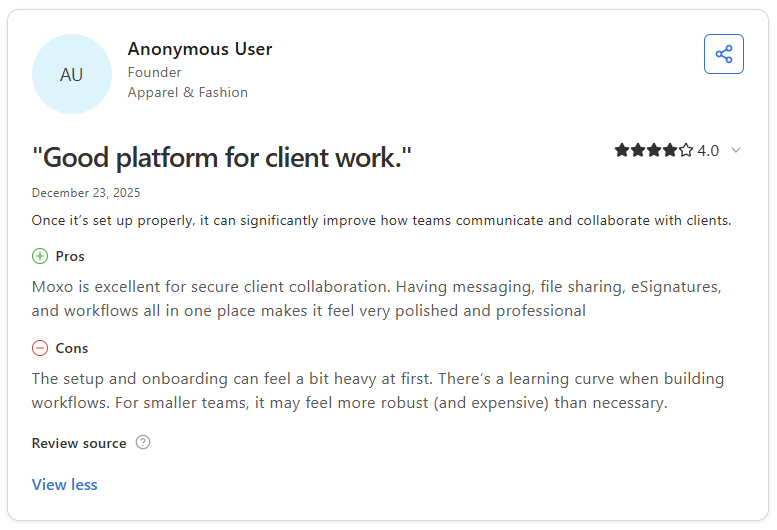
Con: "The setup and onboarding can feel a bit heavy at first. There's a learning curve when building workflows. For smaller teams, it may feel more robust (and expensive) than necessary." - Anonymous User, Capterra
Pricing
Moxo starts at $960 per year.
Bottom line
Moxo's compliance-grade document controls and mobile white labeling make it a strong fit for regulated industries like legal, finance, and healthcare. If you need a simpler branded portal for proposals, contracts, and payments without the workflow complexity, HoneyBook might be a better fit.
4. Clinked: Best for secure file sharing with clients
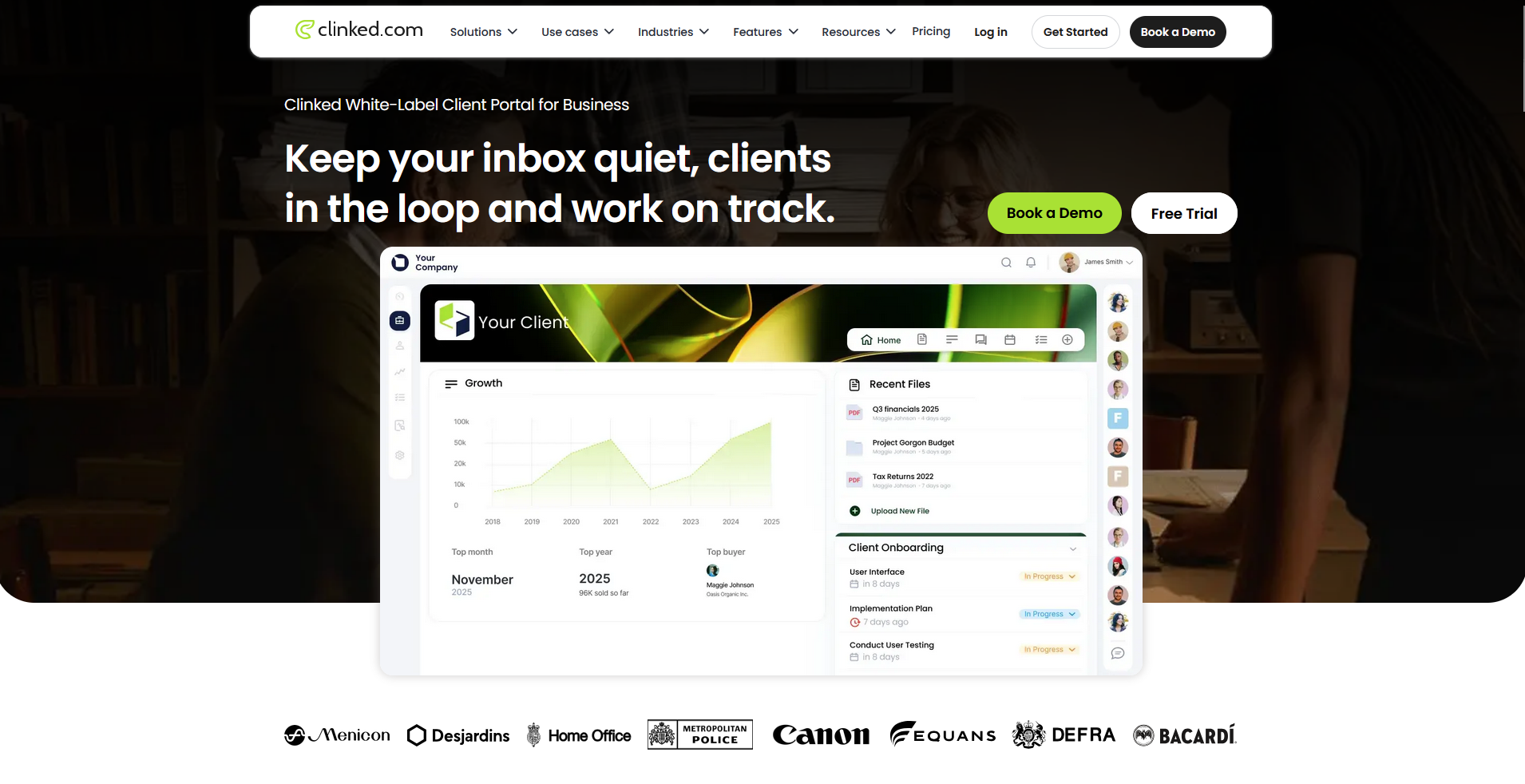
- What it does: Clinked is a white label client portal platform built around secure file sharing, document collaboration, and group communication inside branded client workspaces.
- Best for: Teams that need detailed permission controls, version control, and audit trails for sharing sensitive documents with clients across multiple projects.
I created a sample client workspace in Clinked with shared folders, permission-based access, and a branded login screen to see how the white label setup shows up across different client touchpoints. The branding applied consistently across the web portal and mobile app, though the dashboard customization options are more limited than the file and permission controls.
Key features
- Version control and audit trails: Track every file revision and log every client action with time-stamped records that show who accessed, uploaded, or modified a document.
- Granular permissions: Set access controls at the group, project, or individual file level so each client sees only what you intend them to see.
- White label mobile app: Deploy a branded iOS and Android app with your logo and color scheme so clients can access their portal and files on mobile without seeing Clinked branding.
Pros and cons
| Pros | Cons |
|---|---|
| Version control and audit trails support compliance-heavy document workflows | Dashboard layout and widget options offer limited flexibility for customization |
| Detailed permissions let you control access at the file, group, and project level | Reporting tools are basic and offer limited depth for tracking client engagement |
| White-label branding extends across both web and mobile client experiences |
What users say
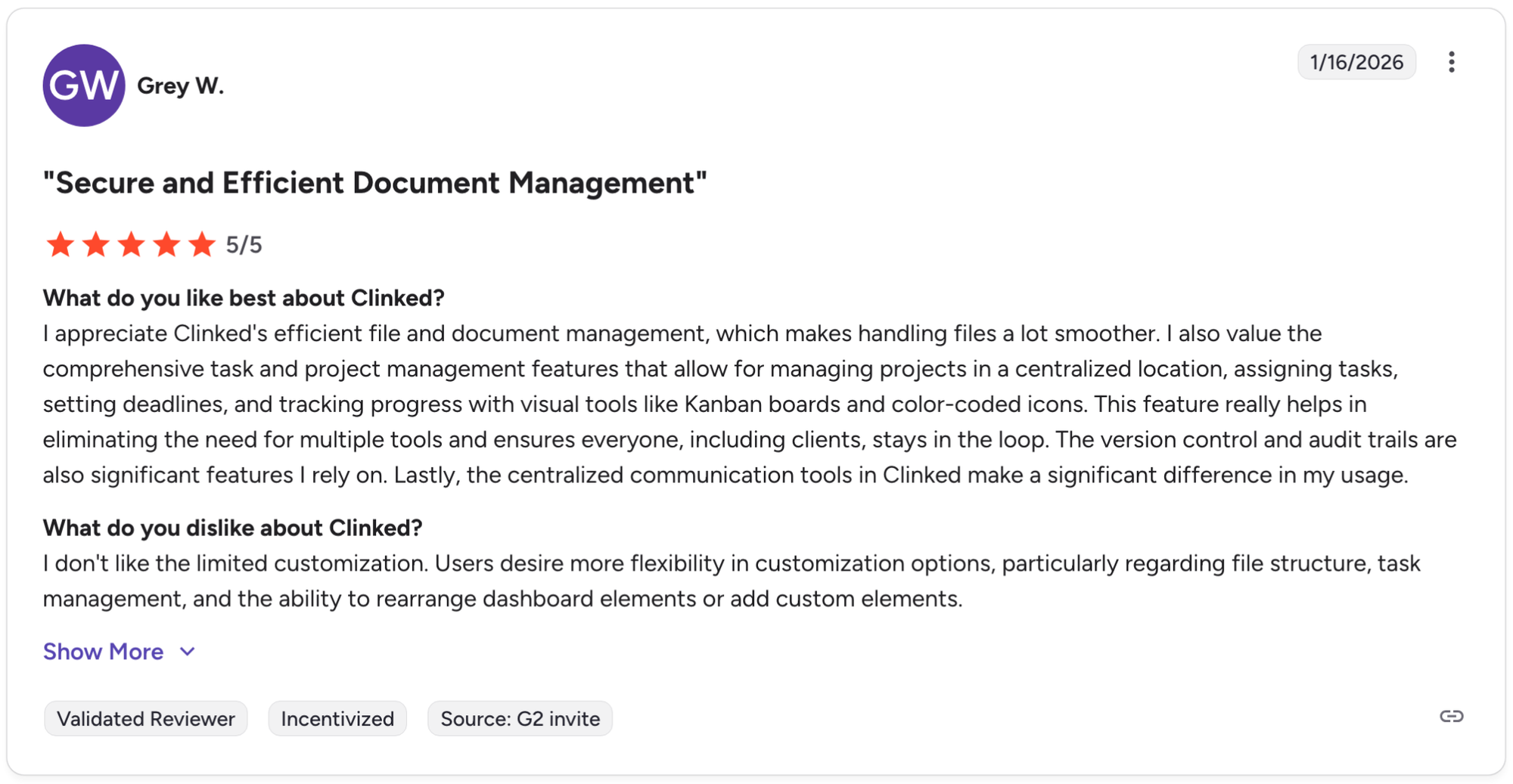
Pro: "I appreciate Clinked's efficient file and document management, which makes handling files a lot smoother. I also value the comprehensive task and project management features that allow for managing projects in a centralized location, assigning tasks, setting deadlines, and tracking progress with visual tools like Kanban boards and color-coded icons. … The version control and audit trails are also significant features I rely on. Lastly, the centralized communication tools in Clinked make a significant difference in my usage." - Grey W., G2
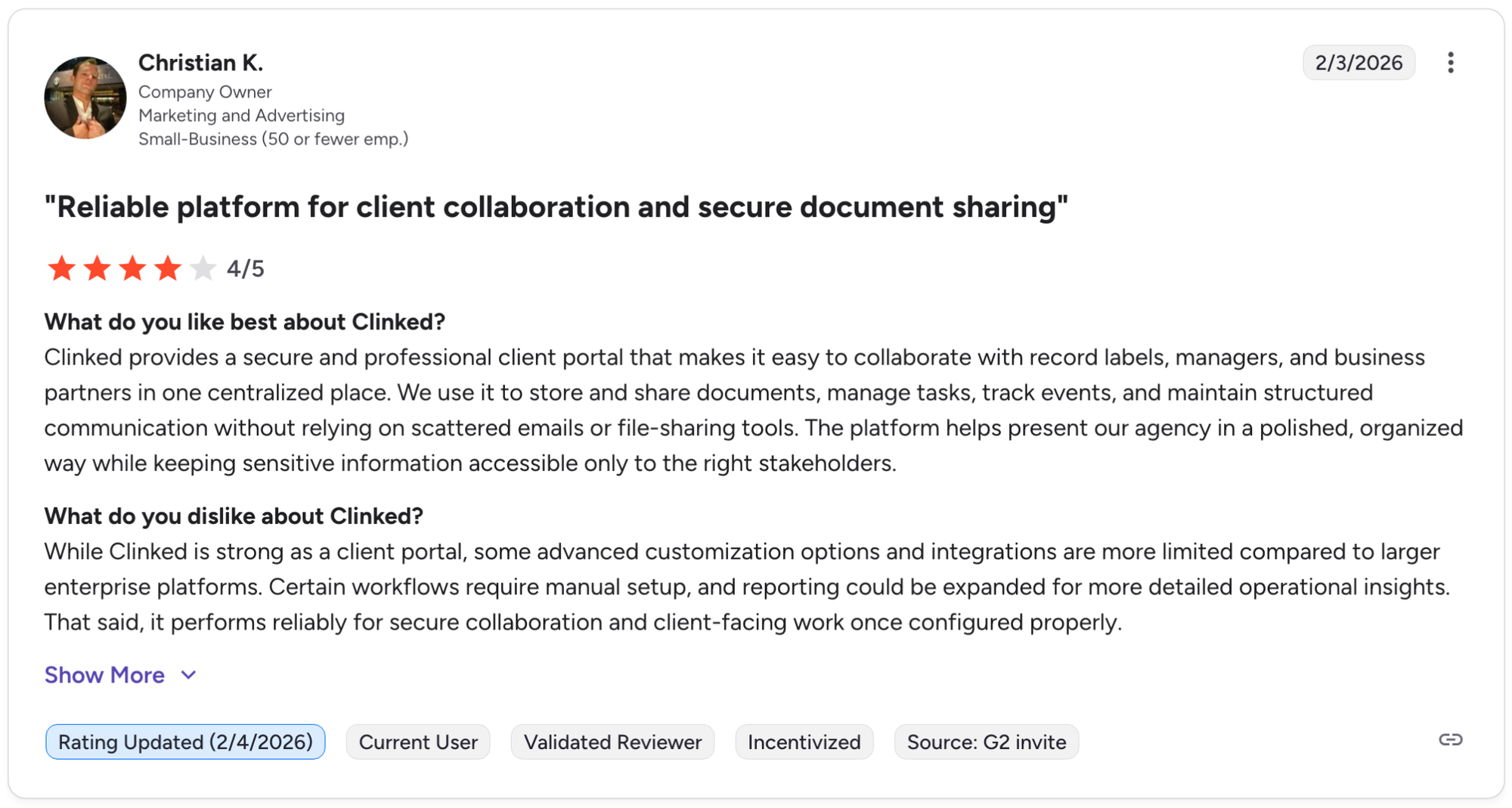
Con: "While Clinked is strong as a client portal, some advanced customization options and integrations are more limited compared to larger enterprise platforms. Certain workflows require manual setup, and reporting could be expanded for more detailed operational insights." - Christian K., G2
Pricing
Clinked starts at $239 per month.
Bottom line
Clinked's file management depth, with version control, audit trails, and multi-level permissions, makes it a practical option for teams that handle sensitive documents across multiple client relationships. If you need stronger workflow automation and approval tools on top of secure file sharing, Moxo might be a better fit.
5. SuiteDash: Best for agencies needing CRM and projects
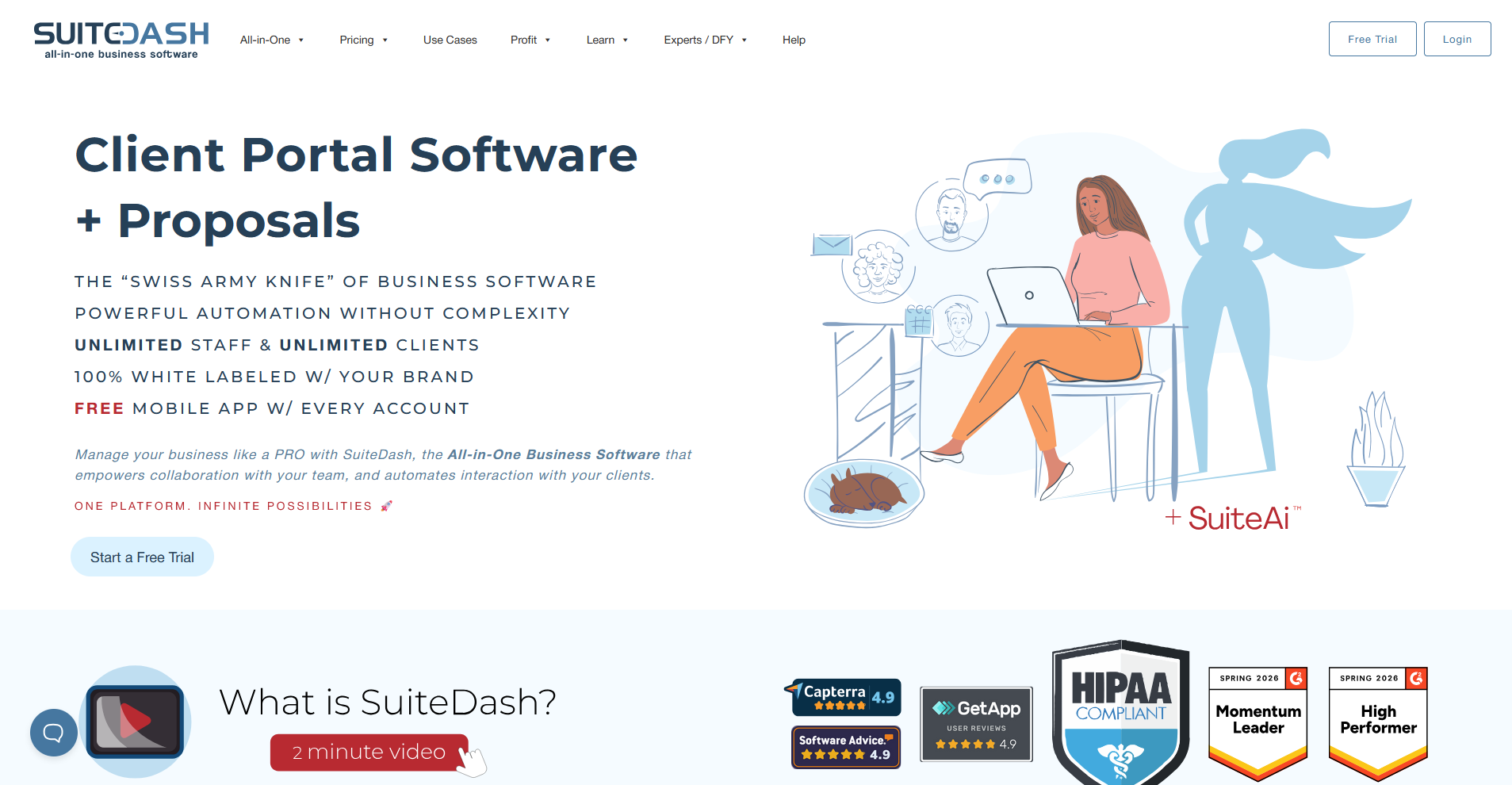
- What it does: SuiteDash is a business management platform that combines CRM, project management, client portals, invoicing, and white label branding in one workspace.
- Best for: Agencies and small businesses that want CRM, project boards, and client billing consolidated inside a single white label portal without paying per seat.
I tested SuiteDash by building out a branded client portal with CRM records, a project board, and invoicing to get a sense of how far the white label configuration goes. The branding options are extensive, covering the login screen, portal URL, email notifications, and a mobile app. However, the sheer number of modules and settings may overwhelm new users during initial setup.
Key features
- White label CRM: Store and manage client contact records, communication history, and deal stages inside the same platform as your branded client portal.
- Project and task boards: Build project workflows with task assignments, deadlines, and progress tracking that clients can view inside their branded portal.
- Branded login and mobile app: Customize the portal URL, login screen, and deploy a white label mobile app with your logo and colors included on all plans.
Pros and cons
| Pros | Cons |
|---|---|
| Flat-rate pricing covers unlimited clients and team members without per-seat fees | The volume of features creates a steep learning curve during initial setup |
| White-label branding extends across the portal, email notifications, login screen, and mobile app | Interface design can feel dated compared to newer portal platforms |
| CRM, projects, invoicing, and client portal live in one platform without extra integrations |
What users say
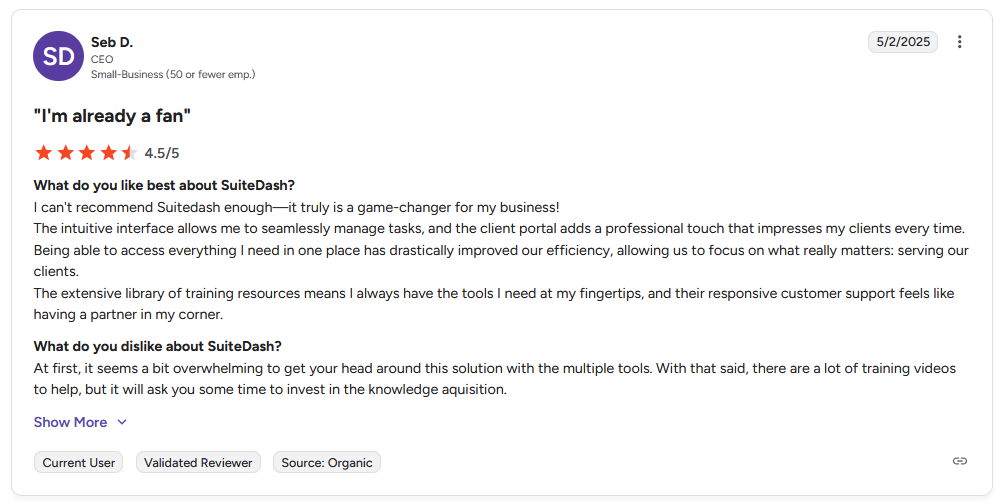
Pro: "The intuitive interface allows me to seamlessly manage tasks, and the client portal adds a professional touch that impresses my clients every time. … The extensive library of training resources means I always have the tools I need at my fingertips, and their responsive customer support feels like having a partner in my corner." - Seb D., G2
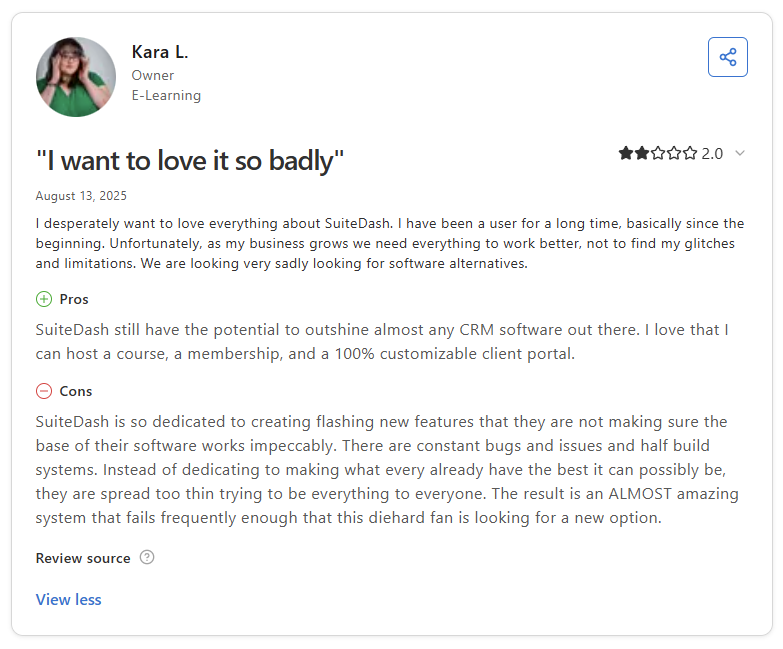
Con: "SuiteDash is so dedicated to creating(…)new features that they are not making sure the base of their software works impeccably. There are constant bugs and issues, and half-built systems. … The result is an ALMOST amazing system that fails frequently enough that this diehard fan is looking for a new option." - Kara L., Capterra
Pricing
SuiteDash starts at $180 per year.
Bottom line
SuiteDash's flat-rate pricing model covers unlimited clients and team members across all plans, which can represent meaningful savings for agencies managing large client rosters. If you need a lighter portal focused primarily on document collaboration and file sharing, Clinked might be a better fit.
6. FuseBase: Best for collaborative client workspaces
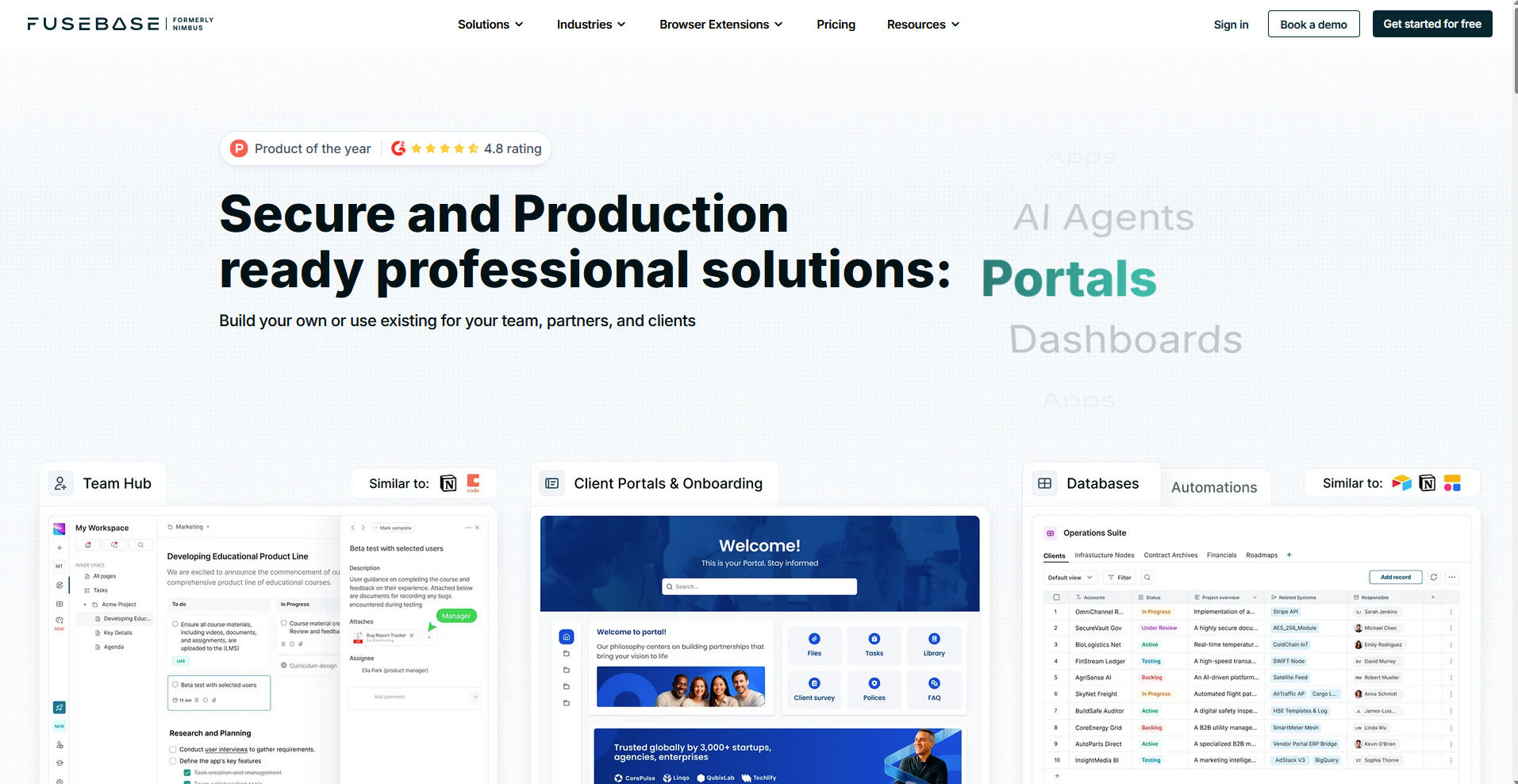
- What it does: FuseBase is a client collaboration platform that combines branded portals, document workspaces, and AI agents for managing client-facing projects and communication.
- Best for: Teams that need a collaborative document workspace with white label branding, AI-assisted workflows, and customizable client portals for ongoing client engagement.
I built a sample client workspace in FuseBase using branded portal pages, shared documents, and custom widgets to see how the white label experience comes together. The portal customization covers custom domains, logo placement, and login page branding. The white label features are only available on the Advanced plan, so you'll need to factor that into your budget before committing.
Key features
- Custom client portals: Build branded portal pages with custom widgets, embedded content, and personalized variables that display each client's name and relevant project details.
- AI agents: Deploy AI agents inside client workspaces to handle document generation, answer questions from a knowledge base, and automate routine client interactions.
- Document collaboration: Create and share structured documents, wikis, and knowledge bases inside branded workspaces that clients can access and contribute to directly.
Pros and cons
| Pros | Cons |
|---|---|
| AI agents can handle routine client questions and document tasks within the portal | White-label features, including custom domain and branding, are only available on Advanced or Enterprise plans |
| Custom portal pages support embedded content, widgets, and client-specific variables | Billing and payment tools are not built in, so invoicing requires a separate integration |
| Document collaboration and knowledge base tools support content-heavy client workflows |
What users say
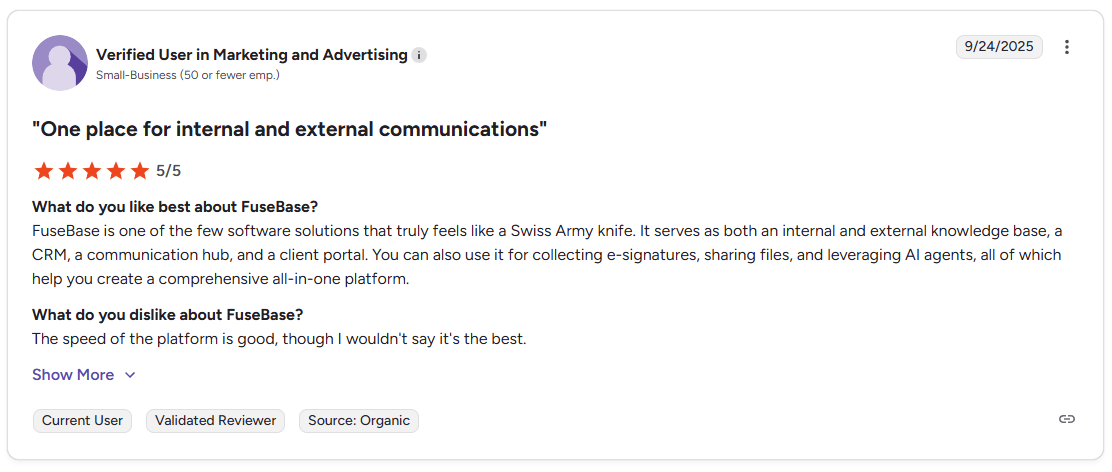
Pro: "It serves as both an internal and external knowledge base, a CRM, a communication hub, and a client portal. You can also use it for collecting e-signatures, sharing files, and leveraging AI agents." - Verified User in Marketing and Advertising, G2
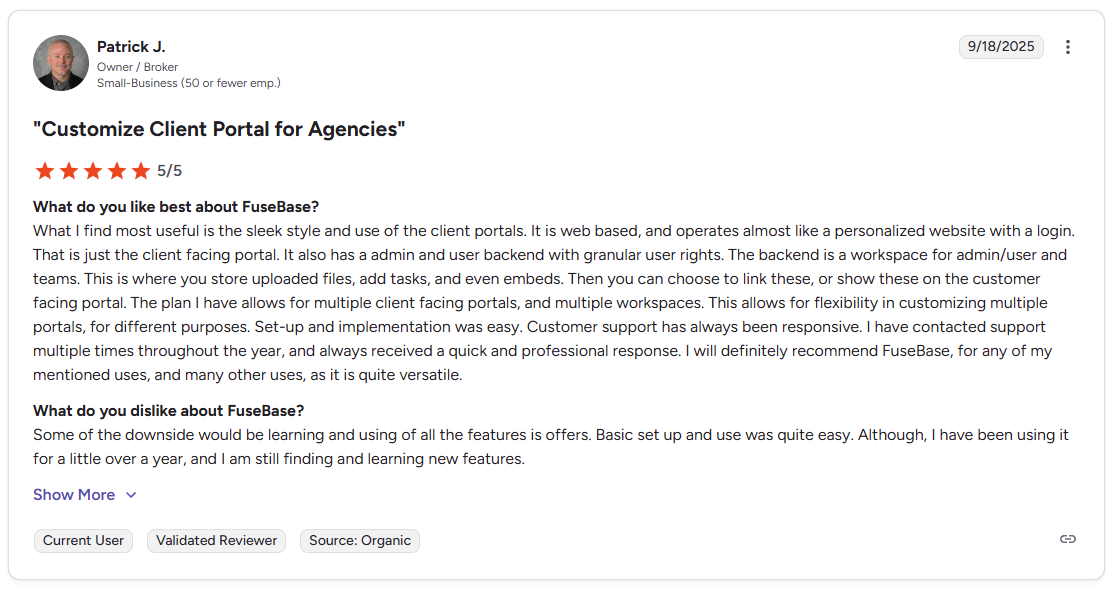
Con: "Some of the downside[s] would be learning and using all the features [it] offers. Basic setup and use [were] quite easy. Although, I have been using it for a little over a year, and I am still finding and learning new features." - Patrick J., G2
Pricing
FuseBase starts at $32 per month.
Bottom line
FuseBase brings AI agents and document collaboration into the white label portal experience, which sets it apart from platforms focused primarily on file sharing or workflow approvals. If you need built-in invoicing and payment tools alongside your branded portal, SuiteDash might be a better fit.
How I tested and researched these white label portal platforms
I set up sample client portals on each platform using mock service agreements, project files, and payment workflows to see how the branding performs across different client touchpoints.
Here's what I considered:
- Branding control: How much you can customize beyond basic logos, including custom domains, email templates, login screens, and color schemes.
- Client-facing experience: Whether clients can navigate the portal, complete common tasks, and find what they need without confusion or extra clicks.
- Setup complexity: How much technical work it takes to brand the portal, configure workflows, and get it ready for client use.
- Feature depth: What client management features come built-in, like file sharing, messaging, invoicing, contracts, and project tracking. Some platforms include everything, while others charge extra for key capabilities through add-ons or premium tiers.
- Internal team workflow: How well your team can manage multiple clients, assign tasks, track progress, and collaborate without the portal getting in the way.
Final verdict
The right white label portal tool depends on your workflow complexity and what you're trying to consolidate. If you need basic client communication with proposals and contracts, lighter tools like HoneyBook work well. If you're running approval-heavy workflows or need stronger file security controls, Moxo and Clinked handle those requirements better.
If you're embedding external dashboards, reporting tools, or custom applications inside client portals and need that content to adapt based on which client logs in, Assembly is worth considering.
Here's how Assembly can help:
- Give clients a branded portal: Clients log into a space that reflects your brand to access contracts, invoices, files, and project updates without email back-and-forth.
- Dynamic client homepages: Different clients automatically see different content based on custom field tags, so each client's portal reflects their specific reporting setup without manual changes.
- Keep tasks, messages, and files together: Client communication, shared files, and project tasks stay connected to each client record instead of being scattered across separate tools.
- Built-in client management: Track client relationships, communication history, and project status in one place so nothing gets lost between reporting cycles.
If you're already using 3rd-party reporting dashboards or analytics platforms with clients and want them accessible inside a branded portal that adapts content based on who logs in, Assembly is worth a look.
Start your free Assembly trial today.
Frequently asked questions
What's the difference between a white label portal and a standard client portal?
A white label portal removes all vendor branding and replaces it with your own logo, domain, and color scheme, while a standard client portal keeps the software provider's branding visible throughout. With a standard portal, clients see the vendor's name in the URL, login screen, and email notifications instead of yours.
Is a white label portal secure?
Yes, many white label portals include security features like AES-256 encryption, role-based access controls, and audit trails that log every user action. Many platforms also support two-factor authentication and GDPR compliance. If you're in a regulated industry like legal, healthcare, or finance, look specifically for SOC 2 or HIPAA-ready platforms before committing.
Can I use my own domain with a white label portal?
Yes, many white label portal platforms support custom domains through a CNAME record setup, so your portal URL reflects your company name rather than the software provider's domain. You configure the subdomain through your domain host and point it to the platform, though DNS propagation can take up to 48 hours to fully take effect.
Your clients deserve better.
Try for free for 14 days, no credit card required.