



Productized service software helps you package, sell, and deliver services without the back-and-forth that slows many agencies down. After testing dozens of platforms, these are the 11 best picks for 2026.
11 Best productized service software: Quick comparison
| Tool | Best for | Annual price | Strengths |
|---|---|---|---|
| Assembly | Turning services into purchasable products | $29/month | Branded service catalogs and client portals |
| Orchestra | Subscription-based productized services | $25/month | White-labeled subscription platform |
| Zendo | Small agencies managing mixed service models | $25/month | Customizable catalog with client messaging |
| ManyRequests | Design agencies with unlimited requests | $39/month | Request workflow with design feedback |
| Wayfront | Service businesses prioritizing checkout simplicity | $99/month | Checkout flows for packaged services |
| Bonsai | Freelancer client management | $9/user/month | Proposals, contracts, and invoicing together |
| Productive | Project profitability tracking | $10/user/month, minimum of 3 users | Financial reporting and resource planning |
| HoneyBook | Creative service providers | $29/month | Inquiry-to-payment automation |
| ClickUp | Flexible client-facing views | $7/user/month | Customizable workflows with shareable client views |
| Notion | Building custom client portals on a budget | $10/member/month | Flexible databases with shareable client pages |
| Webflow + Memberstack | Gated content and memberships | $14/month + $25/month plus transaction fees | No-code builder with subscription features |
What is productized service software?
Productized service software helps you package your services into fixed-price offerings. You set the scope and price upfront, and clients purchase without negotiations or custom quotes. Clients know what they'll receive and when, and you follow the same repeatable process every time.
The software usually handles one or more of these functions:
- Service catalog: Displays your services with pricing and deliverables so clients can choose and purchase without a sales call
- Delivery management: Manages delivery through task boards, client portals, and project tracking
- Billing automation: Processes subscriptions, one-time payments, or usage-based pricing
Many platforms include client portals where customers submit requests and track progress. Some focus on checkout and ordering, while others also include project management, CRM features, and team collaboration.
How I researched and tested these productized service software tools
I signed up for each platform and tested how they handle creating service packages, processing payments, and managing client workflows after purchase.
Here’s what I considered:
- Service packaging: How easy it is to create productized offerings with fixed pricing, add-ons, and clear deliverables
- Client experience: Whether the checkout and portal feel professional enough to match your brand without looking generic
- Workflow automation: How well the platform handles onboarding, billing cycles, and task routing without manual intervention
- Pricing structure: What you actually get on each tier, and whether limits on clients or services create bottlenecks as you scale
- Integration options: How the platform connects with CRMs, payment processors, and project management tools you already use
This testing showed me which platforms actually reduce admin work versus those that just move it to a different interface.
1. Assembly: Best for turning services into purchasable products
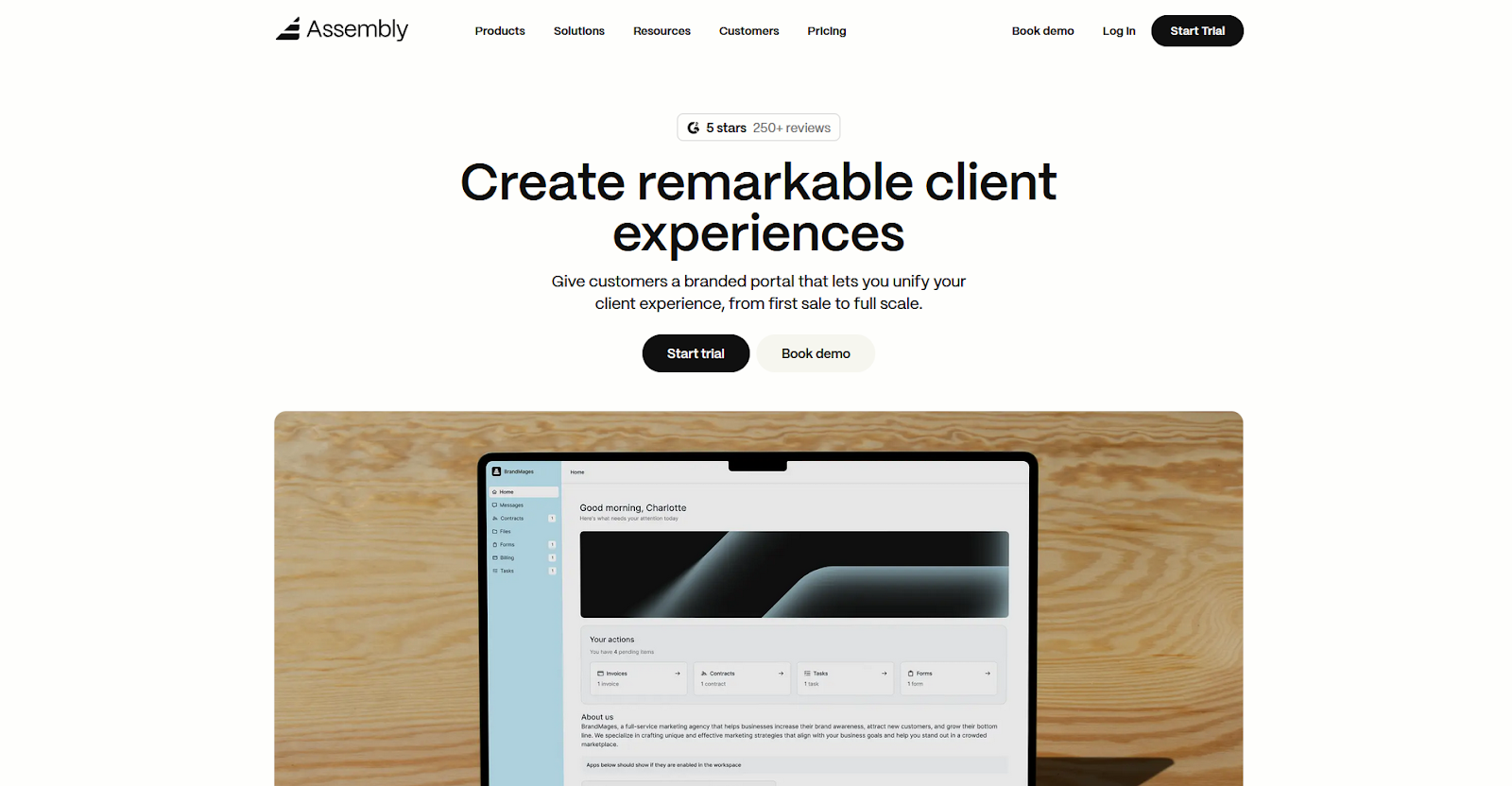
- What it does: Assembly is a client portal platform for service businesses that want to sell and deliver packaged services under their own brand.
- Best for: Service businesses that want to package their services and deliver them through a branded client portal.
We designed Assembly to handle both selling and delivering productized services from one platform. It allows you to build a Storefront where clients purchase subscription plans or one-time packages. You can then manage everything post-sale through customizable client portals.
Key features
- Storefronts: Create a service catalog with subscription plans and one-time packages so clients can browse and purchase through a branded checkout.
- Modular apps: Control which apps appear in each client portal based on the services you provide.
- Workflow automation: Set up triggers that send messages, forms, or task assignments when specific actions happen. This reduces the manual steps between purchase and delivery.
- Branded portals: Clients access their portal under your domain with your branding, keeping the experience professional.
- Billing automation: Create invoices and set up recurring subscriptions. Assembly supports credit card and ACH payments and can generate invoices as part of onboarding workflows.
Pros and cons
| Pros | Cons |
|---|---|
| Service catalog and client portal both carry your branding | Limited portal customization compared to custom-built solutions |
| Handles checkout and ongoing delivery in one platform | Invoice editing is restricted once invoices are generated |
| Automation and API options let you build custom workflows |
What users say
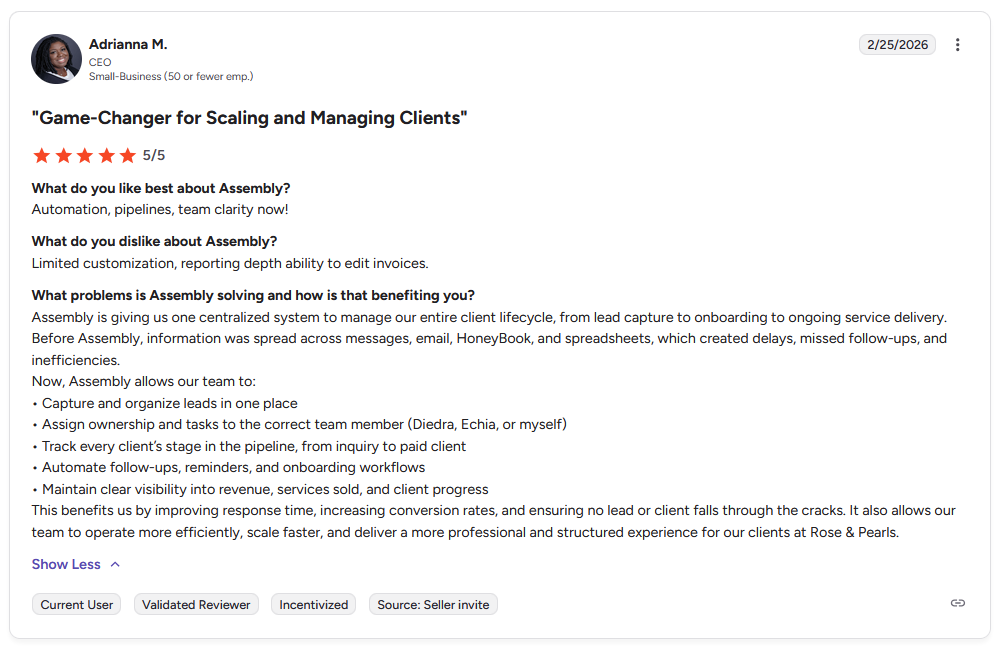
Pro: "Before Assembly, information was spread across messages, email, HoneyBook, and spreadsheets, which created delays, missed follow-ups, and inefficiencies." - Adrianna M., G2
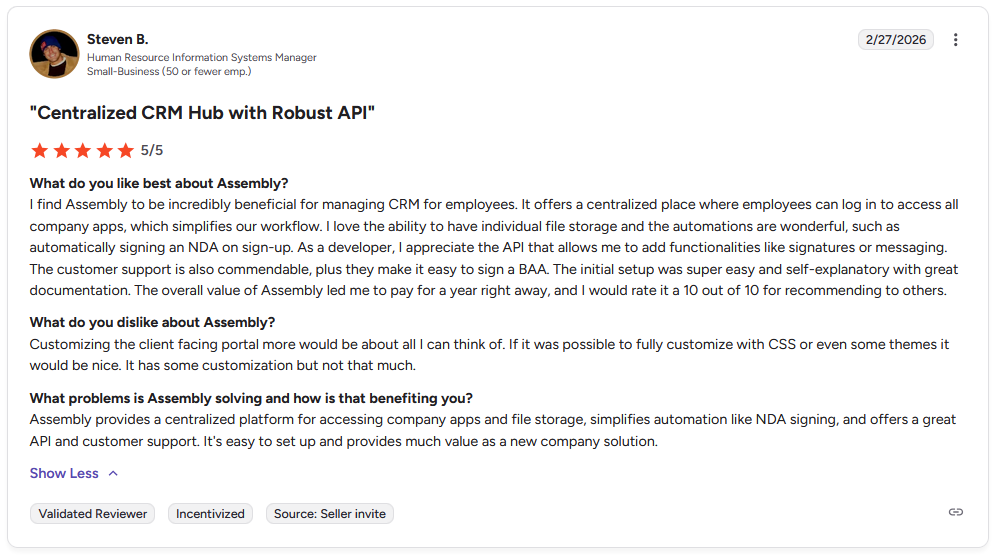
Con: "Customizing the client-facing portal more would be about all I can think of. If it was [sic] possible to fully customize with CSS or even some themes it would be nice. It has some customization but not that much." - Steven B., G2
Pricing
| Pricing plans | Annual price | Monthly price |
|---|---|---|
| Starter | $39/month | $59/month |
| Professional | $149/month | $189/month |
| Advanced | $399/month | $499/month |
| Enterprise | Starts at $2,000/month | Starts at $2,400/month |
Bottom line
Assembly gives you both a storefront for selling services and a portal for delivering them under one brand. If you only need checkout without post-sale client management, Wayfront might be a better fit.
2. Orchestra: Best for subscription-based productized services
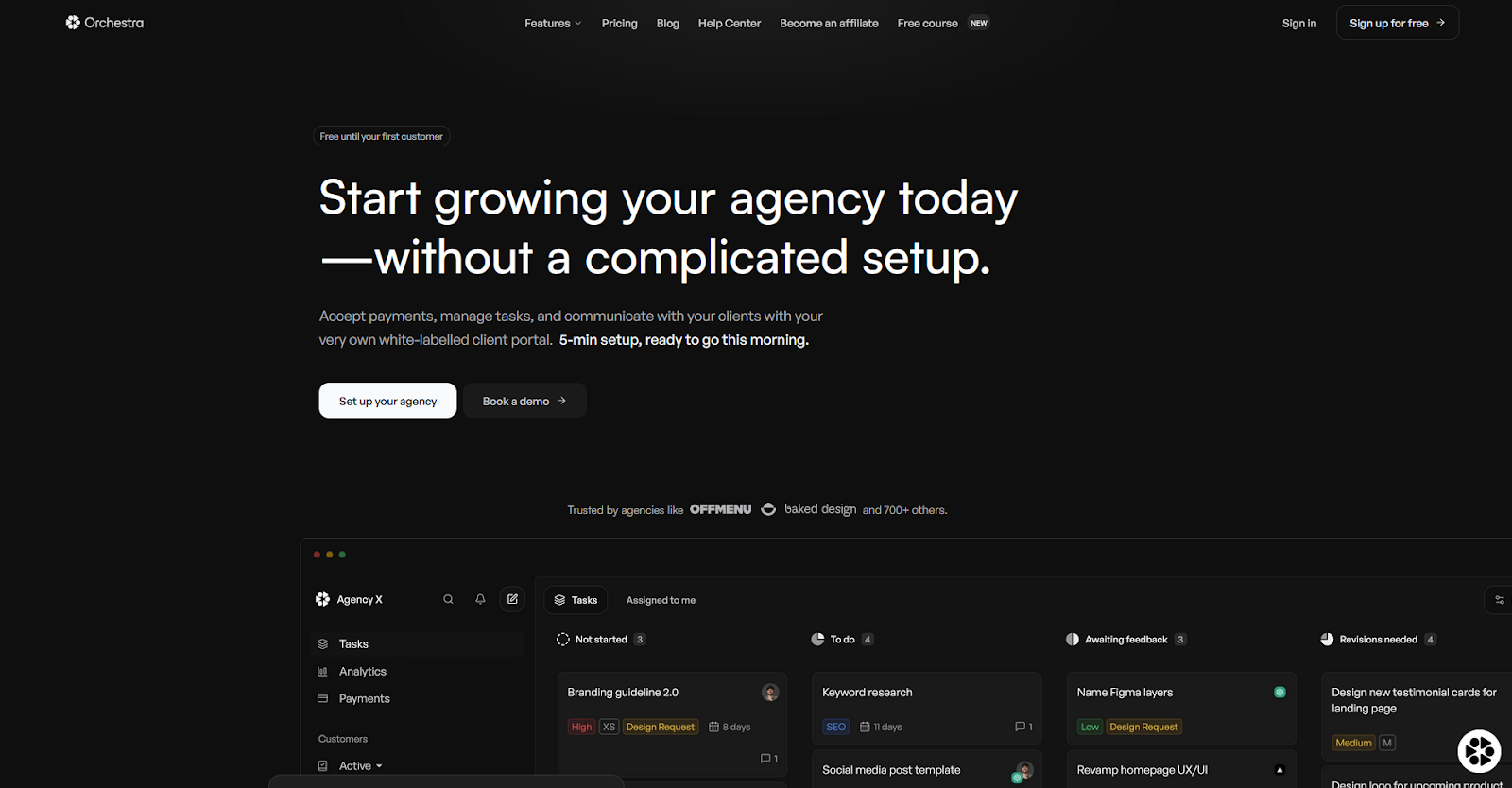
- What it does: Orchestra is a client portal platform built for selling and managing white-labeled subscription-based productized services.
- Best for: Agencies and creatives running subscription models where clients pay monthly for ongoing design, development, or creative work.
I tested Orchestra for subscription-based services and found that it's designed for recurring billing models rather than one-time projects. The setup process steers you toward tiered subscription plans with request limits, which works well for unlimited design or development retainers. If you need to sell one-time packages alongside subscriptions, you may need a different tool.
Key features
- Subscription tiers: Set up multiple service plans with different pricing and request limits that bill automatically each month.
- White-labeled portal: Clients log in under your domain with your branding instead of Orchestra's.
- Task management: Organize client requests into columns by status and assign them to team members with priority levels.
Pros and cons
| Pros | Cons |
|---|---|
| Built for subscription models with automatic recurring billing | Primarily designed for subscription services rather than one-time packages |
| Clean, minimal interface that's easy for clients to navigate | Fewer integrations than more established platforms |
| Analytics show request volume and turnaround times |
What users say
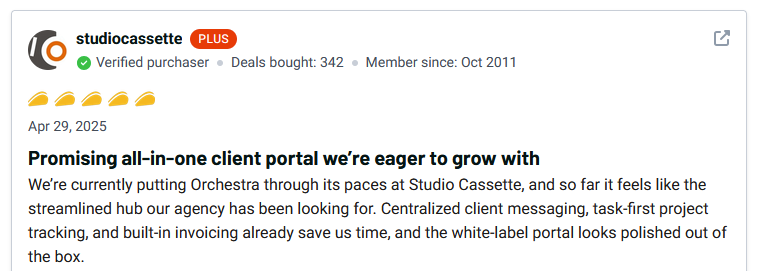
Pro: "Centralized client messaging, task-first project tracking, and built-in invoicing already save us time, and the white-label portal looks polished out of the box." - studiocassette, AppSumo
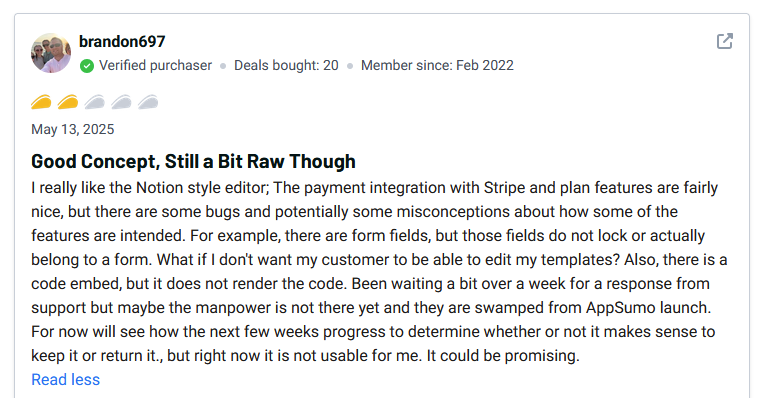
Con: "There are some bugs and potentially some misconceptions about how some of the features are intended. For example, there are form fields, but those fields do not lock or actually belong to a form." - brandon697, AppSumo
Pricing
Orchestra starts at $25 per month.
Bottom line
Orchestra's focus on subscription services means the workflow is designed around recurring billing and ongoing client requests instead of project milestones. If you need to sell both subscriptions and one-time packages from the same storefront, Zendo might be a better fit.
3. Zendo: Best for small agencies managing mixed service models
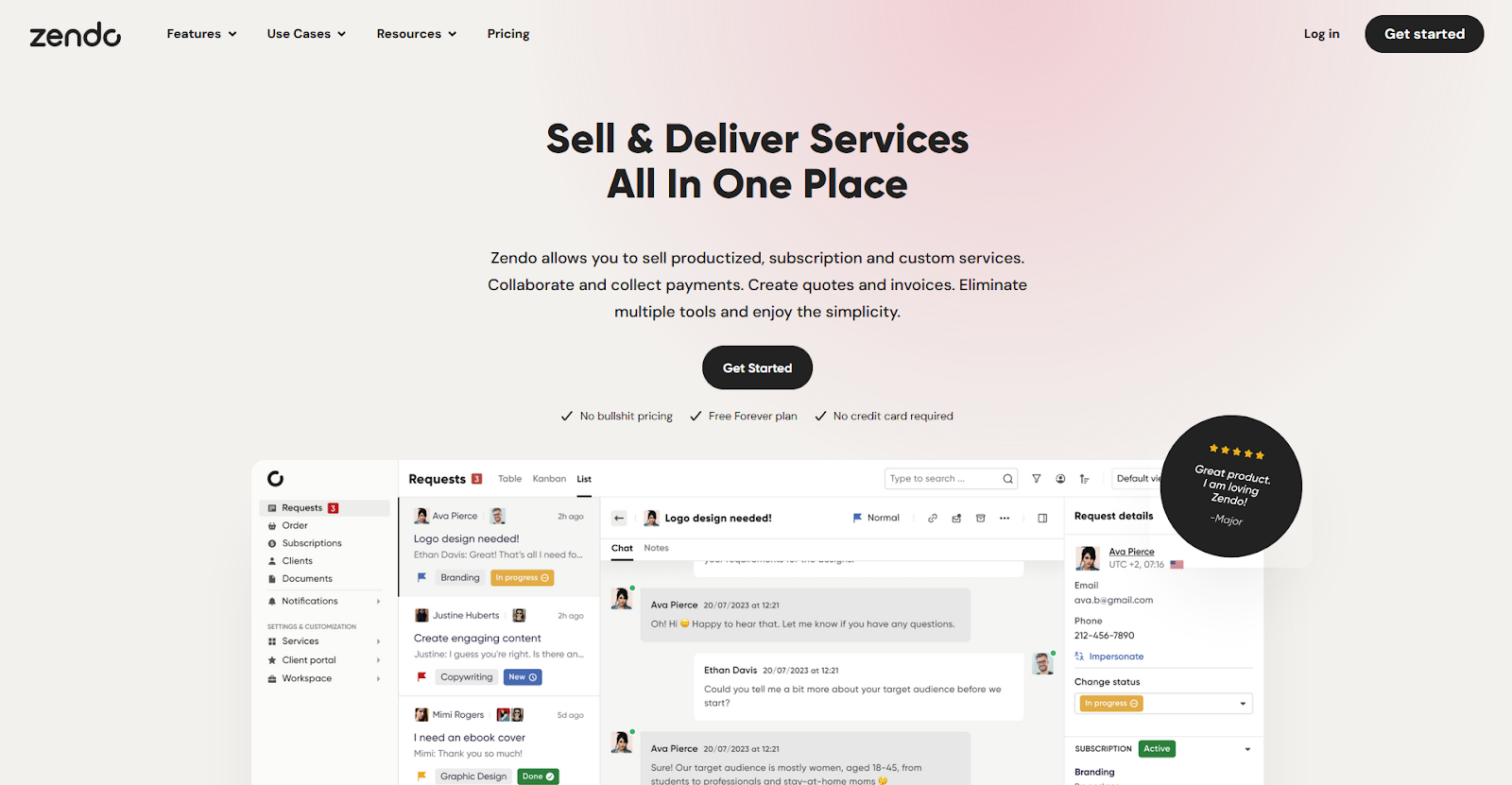
- What it does: Zendo is a client portal for selling productized, subscription, and custom services from one catalog with built-in chat and request tracking.
- Best for: Small agencies that need to sell different types of services (one-time, recurring, and custom quotes) without maintaining separate systems for each.
I set up multiple service types in Zendo and found that it treats productized, subscription, and custom services equally. The catalog doesn't prioritize one model over another, which makes sense for agencies still figuring out their strategy. The tradeoff is that you don't get features like advanced subscription analytics or design-specific annotation tools that single-focus platforms often include.
Key features
- Multi-service catalog: List productized packages, subscription services, and custom quote options in one browsable catalog.
- Client messaging: Communicate with clients through threaded conversations attached to each request or project.
- Request tracking: Organize incoming work by status with visual boards that show what's in progress and what's completed.
Pros and cons
| Pros | Cons |
|---|---|
| Supports multiple service types without forcing you into one model | Customization options are more limited than platforms built for enterprise |
| Free plan includes core features for small teams | Lacks some advanced automation features found in pricier competitors |
| Chat-based communication keeps all project discussions in context |
What users say
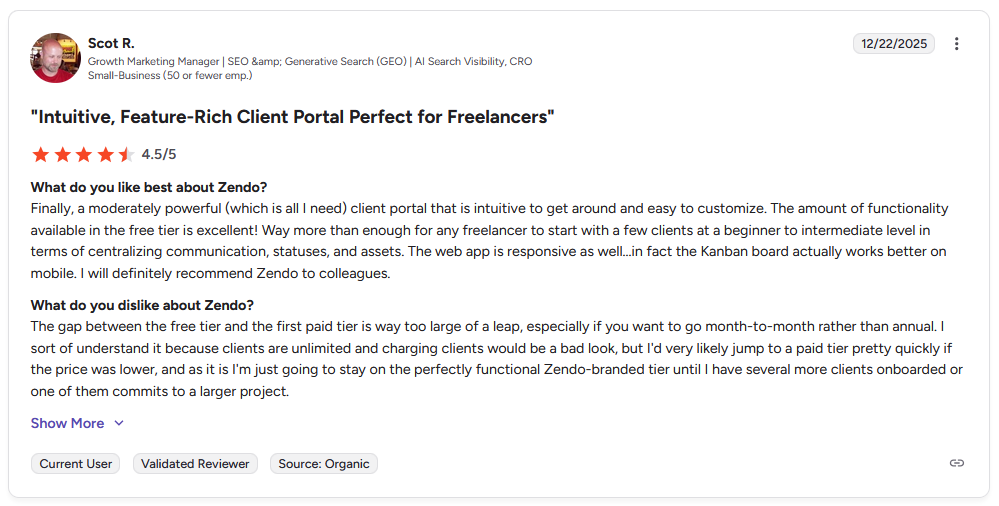
Pro: "Way more than enough for any freelancer to start with a few clients at a beginner to intermediate level in terms of centralizing communication, statuses, and assets." - Scot R., G2
Con: "The gap between the free tier and the first paid tier is way too large of a leap, especially if you want to go month-to-month rather than annual. I sort of understand it because clients are unlimited and charging clients would be a bad look, but I'd very likely jump to a paid tier pretty quickly if the price was lower." - Scot R., G2
Pricing
Zendo starts at $25 per month.
Bottom line
Zendo's flexibility across service types makes it useful when your business model includes multiple revenue streams. If you only sell subscriptions and don't need one-time or custom options, Orchestra might be a better fit.
4. ManyRequests: Best for design agencies with unlimited requests
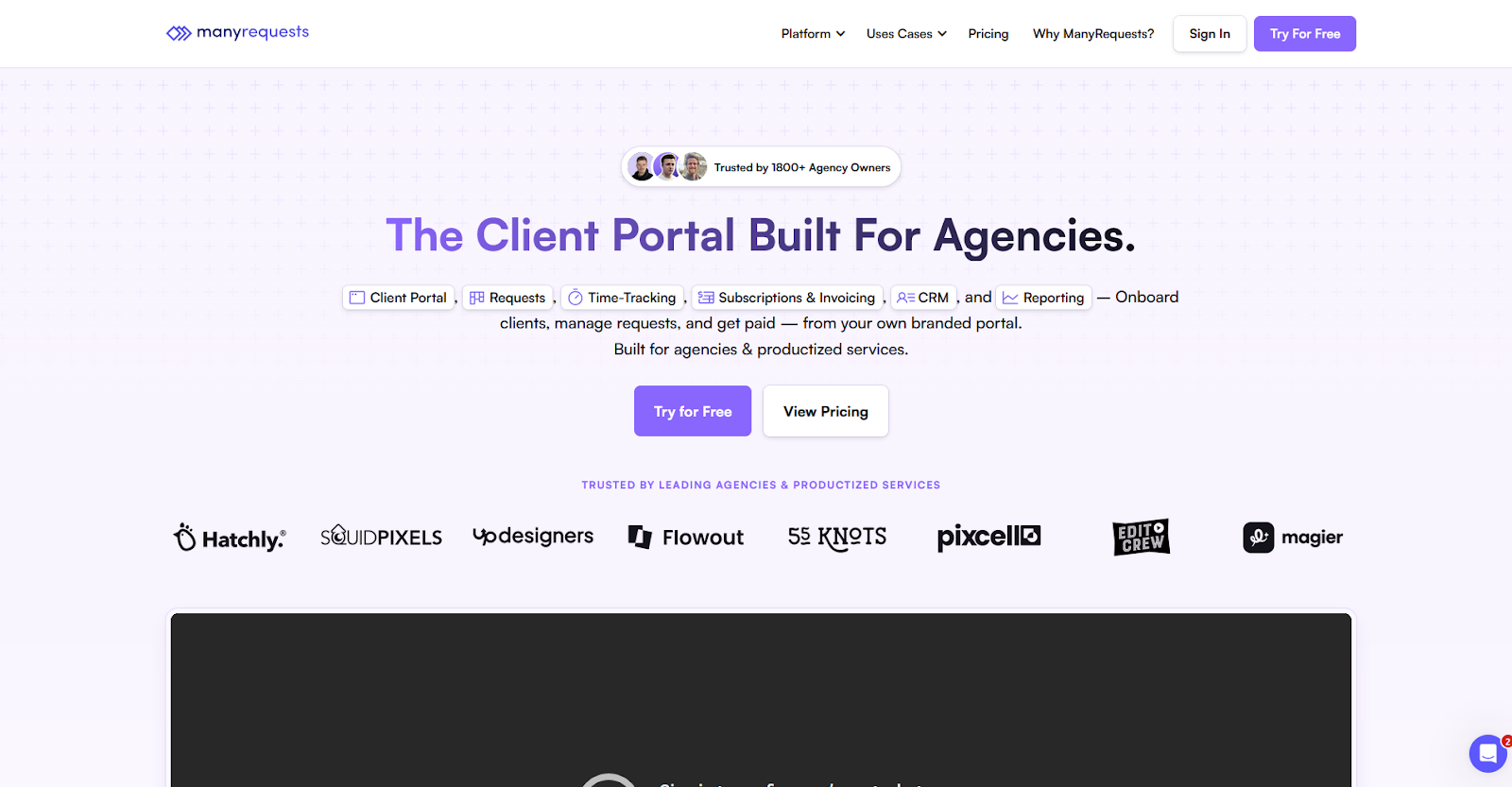
- What it does: ManyRequests is a client portal built for design agencies running unlimited subscription services with ongoing client requests.
- Best for: Design agencies running unlimited design or creative subscription models where clients can submit as many requests as they want within their plan.
I set up an unlimited design subscription in ManyRequests and found that it's built for continuous incoming requests. The platform organizes work as a queue of tickets instead of projects, and the design annotation tools let clients mark up visuals with specific feedback points. The downside is that the queue-based workflow doesn't work well if you also sell fixed-scope projects alongside subscriptions.
Key features
- Request workflow: Clients submit design requests through forms, and the platform organizes them into a queue you work through by priority.
- Design annotation: Clients can mark up designs with comments and feedback points directly on uploaded files.
- Subscription management: Set up recurring billing for unlimited design plans with automatic invoicing each billing cycle.
Pros and cons
| Pros | Cons |
|---|---|
| Design annotation tools built specifically for visual feedback | Full white-label branding requires higher-tier plans |
| Request-based workflow matches unlimited subscription models | Less flexible for agencies that mix unlimited and project-based work |
| Time tracking connects to each request for internal productivity monitoring |
What users say
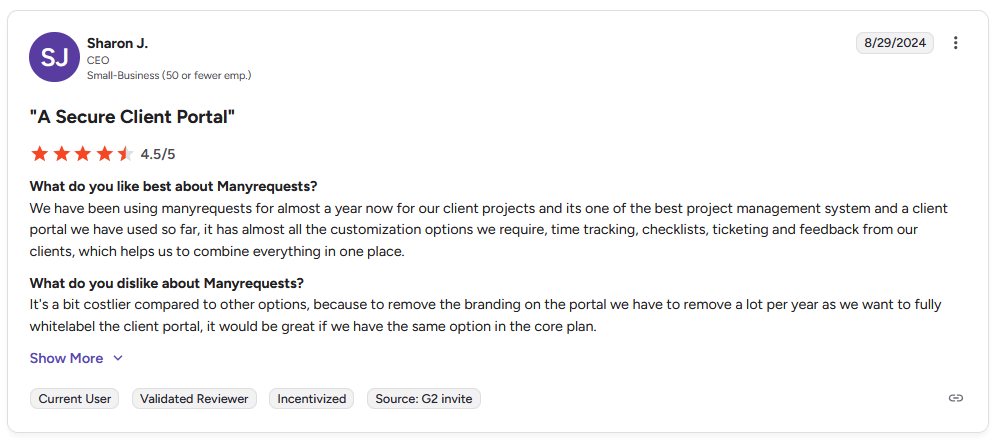
Pro: "It has almost all the customization options we require, time tracking, checklists, ticketing, and feedback from our clients, which helps us to combine everything in one place." - Sharon J., G2
Con: "It's a bit costlier compared to other options." - Sharon J., G2
Pricing
ManyRequests starts at $39 per month.
Bottom line
ManyRequests focuses on the unlimited request subscription model rather than trying to accommodate multiple service types. If you need a storefront to sell fixed-price packages alongside subscriptions, Assembly might be a better fit.
5. Wayfront: Best for service businesses prioritizing checkout simplicity
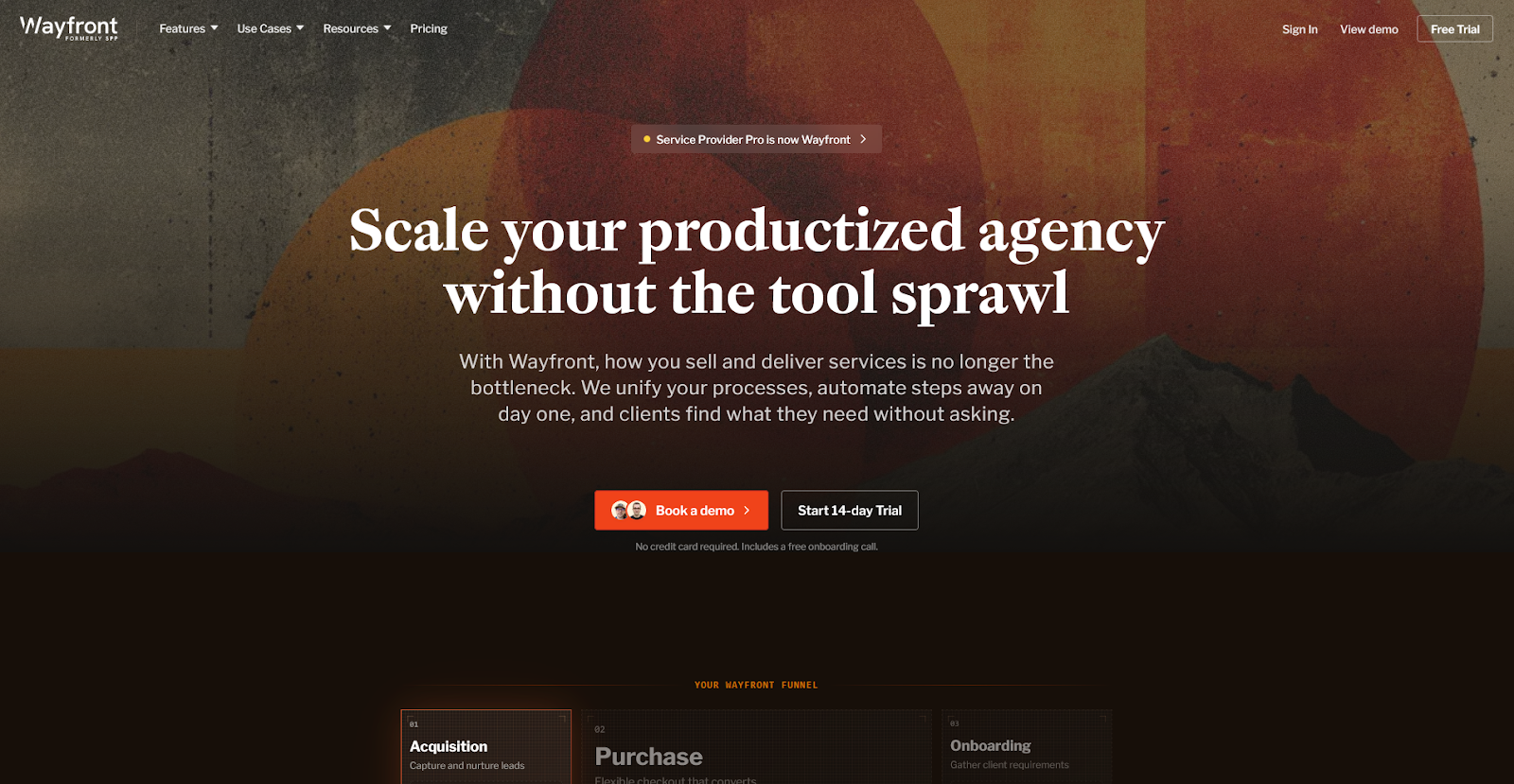
- What it does: Wayfront is a platform for creating checkout flows and automated onboarding for productized service packages.
- Best for: Service businesses that want a simplified checkout experience for packaged services without building extensive client management features.
I built out service packages in Wayfront to see how far the platform goes beyond checkout. The purchase experience is smooth, and the service pages convert well, but the project management layer is built around standardized SOPs and templates. That works well for high-volume, repeatable services, but agencies handling complex or highly variable work may find it harder to adapt to their workflows.
Key features
- Service checkout: Create purchase flows for productized service packages with pricing, descriptions, and add-on options.
- Client intake forms: Collect information from clients after purchase through customizable forms.
- Payment processing: Handle transactions through integrated payment processors with automatic invoicing.
Pros and cons
| Pros | Cons |
|---|---|
| Checkout experience is designed specifically for service purchases | Project management is template-driven, which can feel rigid for complex or non-standardized work |
| Simpler interface for agencies focused on selling rather than delivery | Fewer communication tools for ongoing client relationships |
| Faster setup than platforms with extensive project management features |
What users say
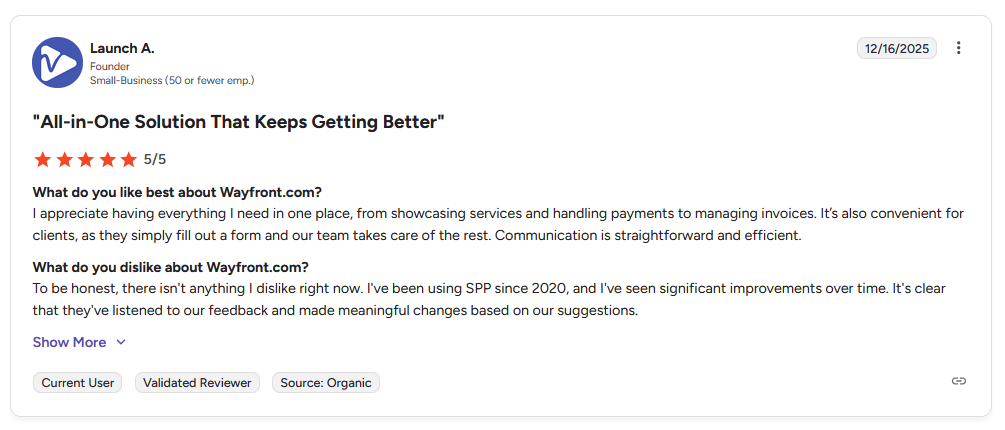
Pro: "I appreciate having everything I need in one place, from showcasing services and handling payments to managing invoices. It's also convenient for clients, as they simply fill out a form and our team takes care of the rest." - Launch A., G2
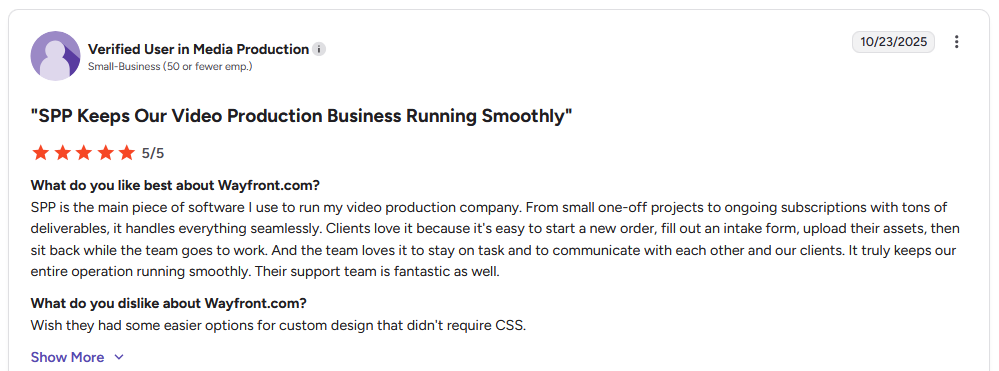
Con: "Wish they had some easier options for custom design that didn't require CSS." - Verified User in Media Production, G2
Pricing
Wayfront starts at $99 per month.
Bottom line
Wayfront is a strong pick for agencies running high-volume, repeatable services with defined delivery processes. But if your work involves complex projects that need highly customizable workflows and deeper project management, ClickUp might be a better fit.
Special mentions
I tested more platforms that take different approaches to selling and managing services. Some focus on freelancer workflows, others on internal operations, and a few let you build custom solutions from scratch.
Here are 6 more productized service software tools worth considering:
- Bonsai: Bonsai is a client management platform for freelancers handling proposals, contracts, and invoicing. I tested the workflow from proposal to payment and found the connected invoice system works well for solo service providers. Bonsai is built for individuals and small teams, so larger agencies that need team collaboration features might want to look elsewhere.
- Productive: Productive is an agency management platform that tracks profitability by project and resource allocation. I explored the financial reporting and found it shows margins and utilization rates across your business. The trade-off is that Productive focuses heavily on internal operations like financial reporting and resource planning rather than client-facing delivery workflows.
- HoneyBook: HoneyBook is a client management platform for creative service providers managing inquiries, bookings, and payments. I tested the automation workflows and found they handle lead follow-up and booking confirmations with minimal manual work. The platform works best for straightforward service offerings rather than complex productized packages.
- ClickUp: ClickUp is a project management platform with optional client-facing views for task sharing. I tested the portal features and found you can give clients read-only access to specific projects or boards. The platform has a steep learning curve because it tries to accommodate every workflow.
- Notion: Notion is a workspace tool that lets you build custom client portals through shared pages and databases. I built a basic client portal and found the flexibility works well for creating tailored experiences on a budget, especially with portal templates available. The downside is it can get overwhelming over time, since you have to maintain the portal structure yourself.
- Webflow + Memberstack: Webflow is a no-code website builder that pairs with Memberstack for membership and subscription management. The downside is you need to connect and manage two separate platforms instead of working from one system.
Key features to look for in productized service software
Not every platform covers the full stack, and that's not necessarily a bad thing. Some focus on checkout and ordering, others on delivery, and a few bundle both together. Knowing which features matter for your business model before you commit can save you from a costly platform switch down the line.
Here are the key features to look for:
Service catalog and order forms
Your catalog is where clients decide whether to buy. A good one lets you list fixed-price packages with clear deliverables, tiered options, and optional add-ons, and clients should be able to browse, select, and pay without a quote or a sales call.
The best platforms connect intake directly to checkout, so the moment a client purchases, they're also submitting the information your team needs to start work. If those two steps are disconnected, you've already introduced unnecessary back-and-forth.
Branded client portal
A branded client portal means clients log into a workspace that carries your company's name, colors, and domain, not the software vendor's. This matters more than people expect, especially when you're charging for a premium service and want the experience to reflect that.
It's worth digging into what "white-label" means on each platform, since some only remove vendor branding at the highest pricing tier. If a custom domain or branded emails are must-haves, I recommend you confirm exactly what's included in the plan you'd buy.
Billing and subscription management
Recurring billing is what makes productized services financially predictable. The platform should handle subscriptions, one-time payments, and invoicing natively, without requiring a separate tool. Invoices should generate automatically based on what a client ordered, not from a manual entry each month.
Check whether the platform supports the billing models you actually use. If you sell monthly retainers and one-time packages, I’d look for a platform that handles both without workarounds.
Client communication and file sharing
Clients ask questions, request revisions, and need updates, even on standardized work. Built-in messaging keeps those conversations tied to the project rather than scattered across email.
File sharing belongs in the same space, so clients know where to submit assets and find deliverables. When communication and delivery happen in one portal, you spend less time forwarding things between inboxes and more time doing the actual work.
Workflow automation and onboarding flows
The goal with automation is to remove the manual handoff between sales and delivery. A solid automation layer triggers welcome messages, routes intake forms, sends contracts, and creates tasks the moment a client purchases, so your team can focus on doing the work rather than coordinating it.
Conditional logic is what makes this useful at scale. If a client buys one service, a specific workflow fires. If they buy another, a different sequence starts. I find the platforms that support that flexibility tend to be worth the extra setup time.
Reporting and performance tracking
Knowing which services sell, where delivery slows down, and how clients engage with your portal is what lets you make informed decisions about your business. Smaller operations can get by with basic dashboards, but if you're scaling, you'll want more depth.
Some platforms, like Assembly, let you embed custom-built dashboards from tools like Looker Studio and Databox directly inside the client portal. You can also build custom dashboard apps specific to your business, so you're not starting from scratch with reporting.
Integrations
No platform covers every need. The real question is how well it connects to the tools you already rely on. Zapier and Make integrations let you sync data between platforms without code, and native connections to payment processors, accounting tools, and project management software cut down on duplicate work.
Check the integration depth, not just the list of logos. Many platforms claim integrations that are limited to basic triggers.
Benefits of productized service software
Switching from custom scoping to standardized packages can change how your business runs in ways that go beyond just saving time.
Here are some common benefits you might see:
- More predictable revenue: When clients purchase fixed packages upfront, you're not chasing custom invoices or waiting on approvals to get paid. Recurring billing makes monthly revenue easier to forecast, which I'd argue is one of the more underrated advantages of the productized model.
- Faster client onboarding: A structured intake and automation flow means a new client can go from purchase to active project without your team manually coordinating each step. Welcome messages, contracts, and task assignments can all trigger automatically, which cuts the lag between sale and delivery.
- A more professional client experience: Clients working through a branded portal feel like they're engaging with a polished, established business rather than a freelancer juggling tools. From what I've seen, firms that invest in a branded client experience often have an easier time justifying premium pricing.
- Less time on admin work: Manually sending invoices, following up on payments, and routing intake information takes up a significant chunk of time in a service business. Automating those tasks frees your team to focus on delivery instead of coordination.
- Easier scaling without adding headcount: Because the delivery process is standardized, taking on more clients doesn’t always mean hiring more people. You can often handle higher volume with the same team when workflows are already defined and automated.
- Clearer business visibility: Reporting on a standardized service model is usually more straightforward than tracking custom project work. You can see which packages sell, where delivery slows down, and which clients are most active. You can then use that data to make better decisions about your offerings.
Common mistakes when productizing services
The transition from custom work to packaged services trips up a lot of businesses in predictable ways. Here are some mistakes to avoid:
- Trying to package everything at once: Starting with your full service offering and pricing all of it at once can create more problems than it solves. It's worth narrowing down to one or two services you can standardize before expanding. Businesses that start focused tend to build cleaner systems than those that launch with ten packages and then scramble to deliver consistently.
- Underpricing because it "feels competitive": It's easy to benchmark your pricing against competitors without accounting for every hour the work actually takes. Project management, revisions, and client communication add up fast, so it's worth calculating your actual cost per client before you set a price.
- Vague scope definitions: When a package doesn't clearly spell out what's included and what isn't, clients fill in the gaps with their own assumptions. Revision limits, turnaround times, and deliverable formats should all be explicit before a client ever clicks purchase.
- Skipping the self-checkout experience: If clients still need to contact you to buy, the service isn't fully productized yet. One of the core advantages of the model is letting clients purchase without a sales call, so a frictionless checkout is worth getting right early.
- Letting legacy clients derail the new model: Transitioning existing clients to a standardized offering takes planning. Trying to move everyone at once, or making exceptions for long-term clients, can undermine the whole structure you're building.
- Neglecting the client experience post-purchase: A lot of attention goes into the storefront and checkout, but the delivery experience matters just as much. Clients who purchase a packaged service and then receive chaotic onboarding or scattered communication are unlikely to renew or refer others.
My final verdict
Zendo is a solid pick if you want a flexible service catalog, while Orchestra and ManyRequests work well for subscription-based service models. But if you need a more branded client experience with deeper delivery workflows after the sale, Assembly gives you more control across the full client journey.
Here’s how Assembly can help:
- Branded storefront: Clients browse, purchase, and onboard through a portal that carries your branding and domain.
- Automated delivery workflows: Onboarding sequences, intake forms, contracts, and task creation all trigger from a single purchase event, without manual coordination from your team.
- Embedded reporting: Pull in custom dashboards from Looker Studio, Databox, and other providers, or build custom dashboard apps specific to your business.
- Flexible billing: Subscriptions, one-time payments, and invoicing handled natively from the same platform.
- CRM built in: Client records, communication history, and portal activity all live in one place, so nothing falls through the cracks.
Assembly now connects with accounting tools like QuickBooks and Xero, making it easier to keep billing and financial records in sync. For service businesses that want a professional, scalable platform for client delivery, it’s worth a look. Start your free Assembly trial today.