



I analyzed ManyRequests pricing across all tiers to see how request volume and plan limits affect the total you pay. Here’s what the numbers look like when you map costs to actual workloads in 2026.
ManyRequests pricing: At a glance
Each ManyRequests plan includes a branded client portal, request tracking, file sharing, basic invoicing, and unlimited clients. All plans share the same core modules, such as projects, time tracking, billing, CRM, reporting, and a custom domain.
Let’s compare the plans side by side:
| Plan | Monthly price | Annual price | Best for |
|---|---|---|---|
| Core | $59/month | $39/month | Small agencies that want a client portal with proofing tools, extensions, and Zapier integration |
| Pro | $99/month | $79/month | Teams that want the full feature set, including Slack integration, webhooks, and workload management |
Enterprise pricing is custom and starts at $1,000 per month for larger agencies that need API access, a branded mobile app, and a dedicated manager. Core and Pro come with a 14-day free trial, with no credit card required.
How internal seats work in ManyRequests plans
Every subscription comes with one internal seat, and extra team members are billed separately. Here’s what you’ll pay for additional seats:
- Core extra seats: $20 per seat monthly or $15 per seat per month billed annually
- Pro extra seats: $30 per seat monthly or $25 per seat per month billed annually
Client access is unlimited, so only internal seats increase your total cost.
ManyRequests pricing plans breakdown
ManyRequests structures its pricing around how agencies manage client work. Each tier adds tools for intake, automation, proofing, and internal control. Here’s what each plan includes and who it fits:
Core plan: $59 per month or $39 per month billed annually
- What’s included: Client portal, request tracking, file sharing, billing, CRM, reporting, time tracking, projects, unlimited clients, and a custom domain, plus design and video proofing, extensions, and Zapier integration
- Best for: Growing agencies that manage frequent change requests and need clearer client review cycles
- Pros: Adds collaboration tools that help reduce back-and-forth during delivery
- Cons: No Slack integration, webhooks, or workload management, and the “Powered by ManyRequests” link stays on
Pro plan: $99 per month or $79 per month billed annually
- What’s included: Everything in Core, plus Slack integration, webhooks, workload management, custom email notifications, additional integrations, and the option to remove the “Powered by ManyRequests” link
- Best for: Teams with steady request volume and a need for more structured internal processes
- Pros: Full feature access and stronger controls for multi-team setups
- Cons: Higher seat costs, which can raise your total as your team expands
Enterprise plan: Custom pricing, from $1,000 per month
- What’s included: Everything in Pro, with support for larger teams, expanded seat limits, and access to higher-level configuration options
- Best for: Agencies that need a large user count or deeper control over system setup
- Pros: Flexible plan structure with priority support and an assigned point of contact for rollout
- Cons: Custom pricing requires talking to sales before you can estimate your total
Which ManyRequests plan should you choose?
Choosing the right ManyRequests plan depends on your team size, how you handle client requests, and the level of workflow control you need. Based on how the tiers are structured, the biggest differences appear when you need stronger review cycles, deeper roles and permissions, or more internal seats.
Choose Core if you:
- Manage frequent revisions and need proofing tools, extensions, and integrations
- Want clearer delivery cycles with stronger control over how requests move through your process
Choose Pro if you:
- Work with multiple team members and need workload management to plan capacity
- Handle steady request volume and want webhooks, Slack notifications, and unbranded client emails
Choose Enterprise if you:
- Operate a large internal team and need expanded seat limits or a tailored setup
- Need higher-level support, configuration options, or deeper customization
Is ManyRequests worth the cost?
ManyRequests can be worth the cost for agencies that rely on a steady flow of client requests and want a simple way to keep work moving. Pricing stays predictable with a small team, but the total rises as you add seats or rely on higher-tier features.
Here’s how to decide:
- It’s worth it if: You run recurring client work and want a clean request-driven workflow without building a system from scratch
- It’s best for: Teams that deliver repeatable services and want one place for requests, files, and updates
- Skip it if: You need deeper delivery workflows, structured billing, or a broader workspace than a request portal can provide
Overall, I think ManyRequests fits agencies that prefer a focused request portal over a full delivery platform. If you work inside agency client management software, ManyRequests can be simple and familiar, but keep in mind that adding internal seats or moving to higher tiers can raise your monthly total faster than expected.
ManyRequests alternatives and pricing comparisons
ManyRequests is one option for managing client requests and repeatable service delivery, but other platforms offer different strengths. Some focus on full client delivery, while others keep pricing simple for growing teams. Here are three ManyRequests alternatives compared side by side:
| Tool | Annual price | Best for | Key advantage |
|---|---|---|---|
| Assembly | $29/month | Service firms that handle ongoing client work | Connected portal for billing, contracts, messaging, and client records |
| SuiteDash | $180/year | Small teams that run simple client operations | Broad feature set with low starting cost |
| Karbon | $59/user/month | Firms that manage structured client workflows | Strong task tracking with integrated email and collaboration tools |
Assembly: Best for service firms that handle ongoing client work
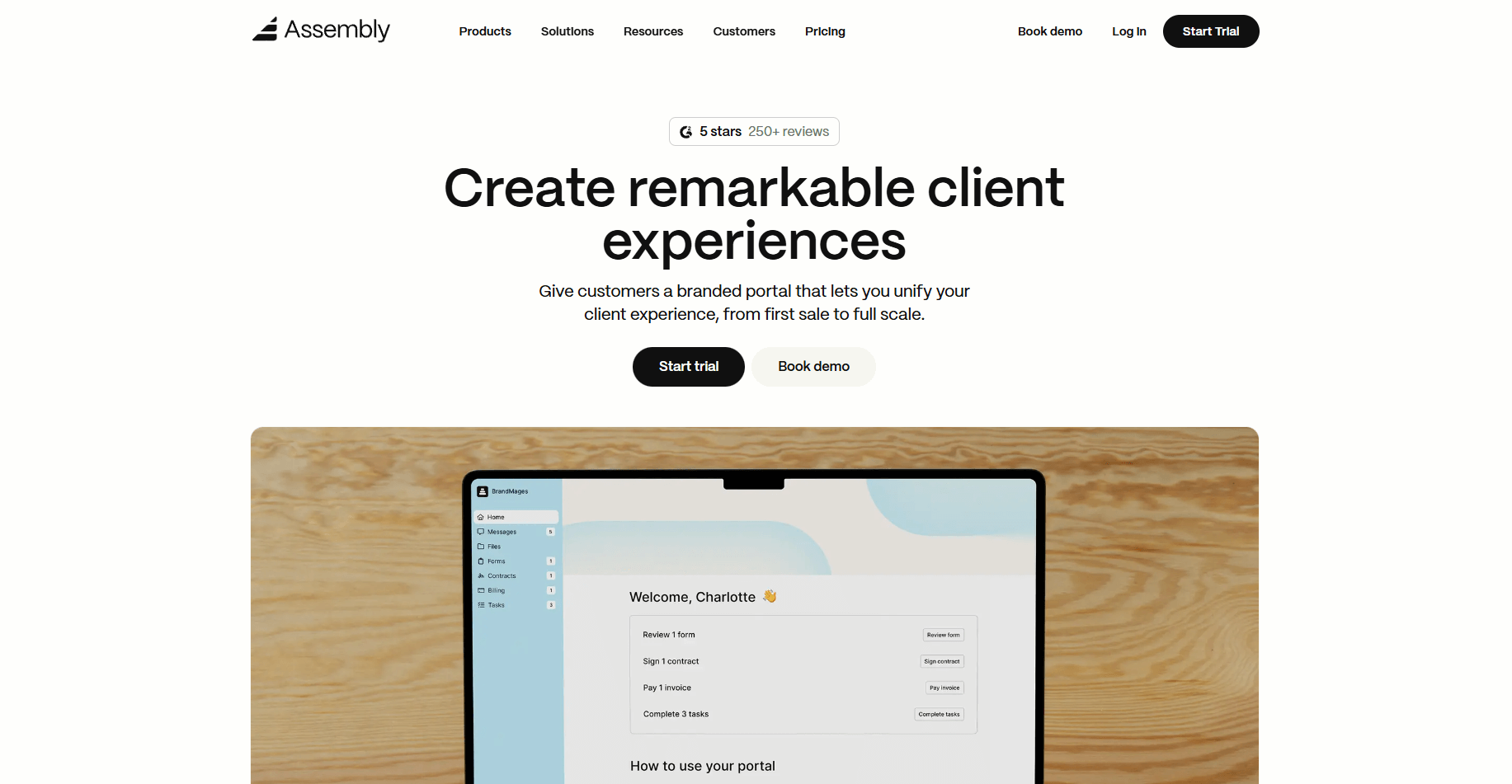
We designed Assembly to support every stage of the client relationship, from early notes and intake through long-term delivery. The platform combines billing, contracts, messaging, file sharing, and client records in a branded portal that keeps daily work organized.
Assembly gives your team a clear space to track pre-sale details and maintain internal notes. You can use private chat for staff-only coordination and intake questions to collect information before work begins. Clients can review and approve items in a simple portal that keeps expectations clear.
You also get connected billing and contract signing in the same workspace. Assembly helps you manage recurring tasks, store files, and share updates as work moves forward. Your team can add internal steps, assign tasks, request uploads, and follow a complete timeline of every client action.
Assembly has a free plan, and paid plans start at $29 per month, billed annually, or $49 billed monthly.
SuiteDash: Best for small teams that run simple client operations
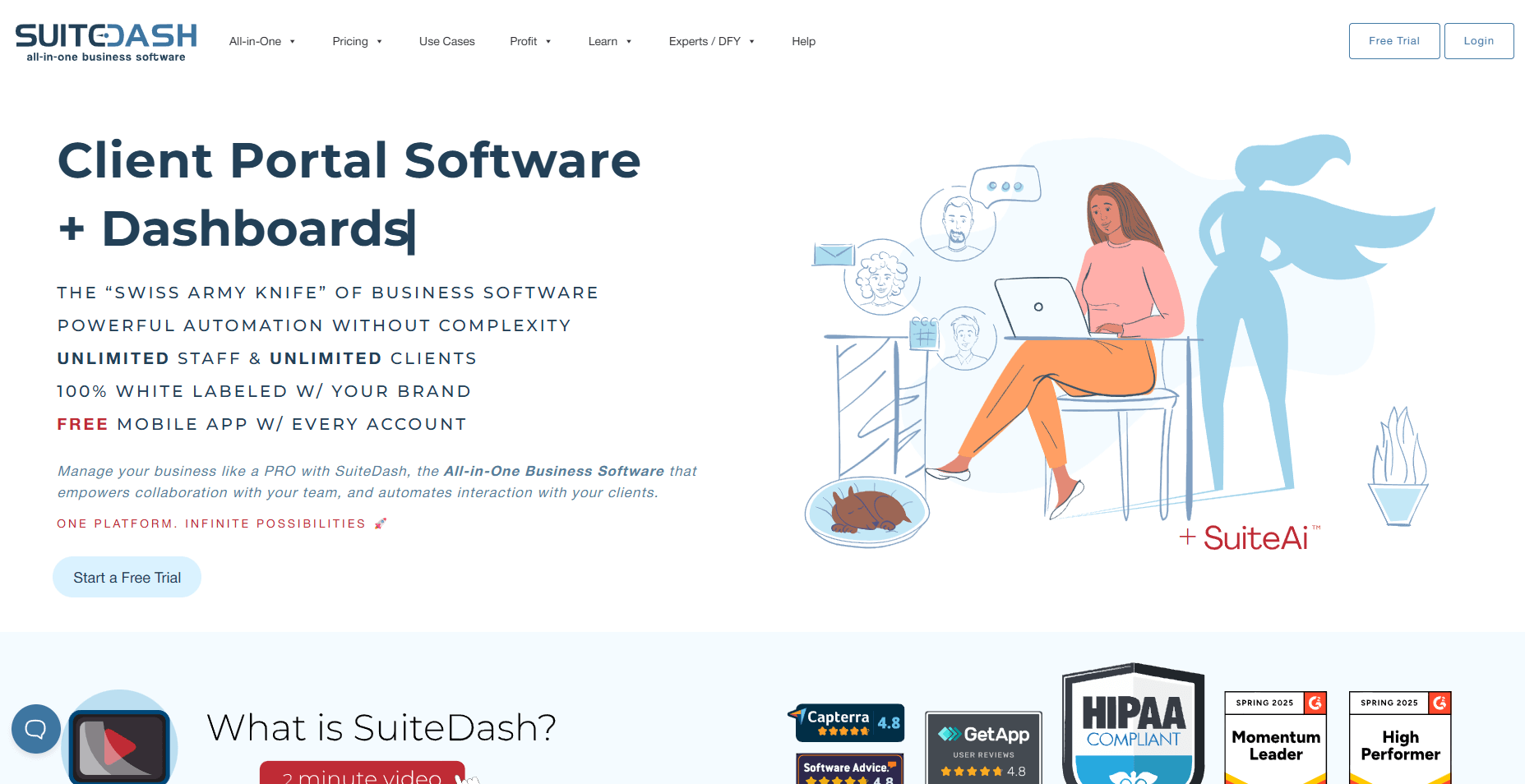
SuiteDash works well for small service teams that want a wide set of features in one portal. It includes project tools, messaging, basic CRM tasks, and client access. The platform covers many categories, which can help if your needs stay simple.
The setup takes time, and the system can be heavy once you start organizing deeper client work. I’ve seen teams enjoy the price point, but they often hit limits when they need a cleaner structure for ongoing delivery.
SuiteDash pricing starts at $180 per year, billed annually. I think it fits small teams that want broad features without expecting a detailed workflow system.
Karbon: Best for firms that manage structured client workflows
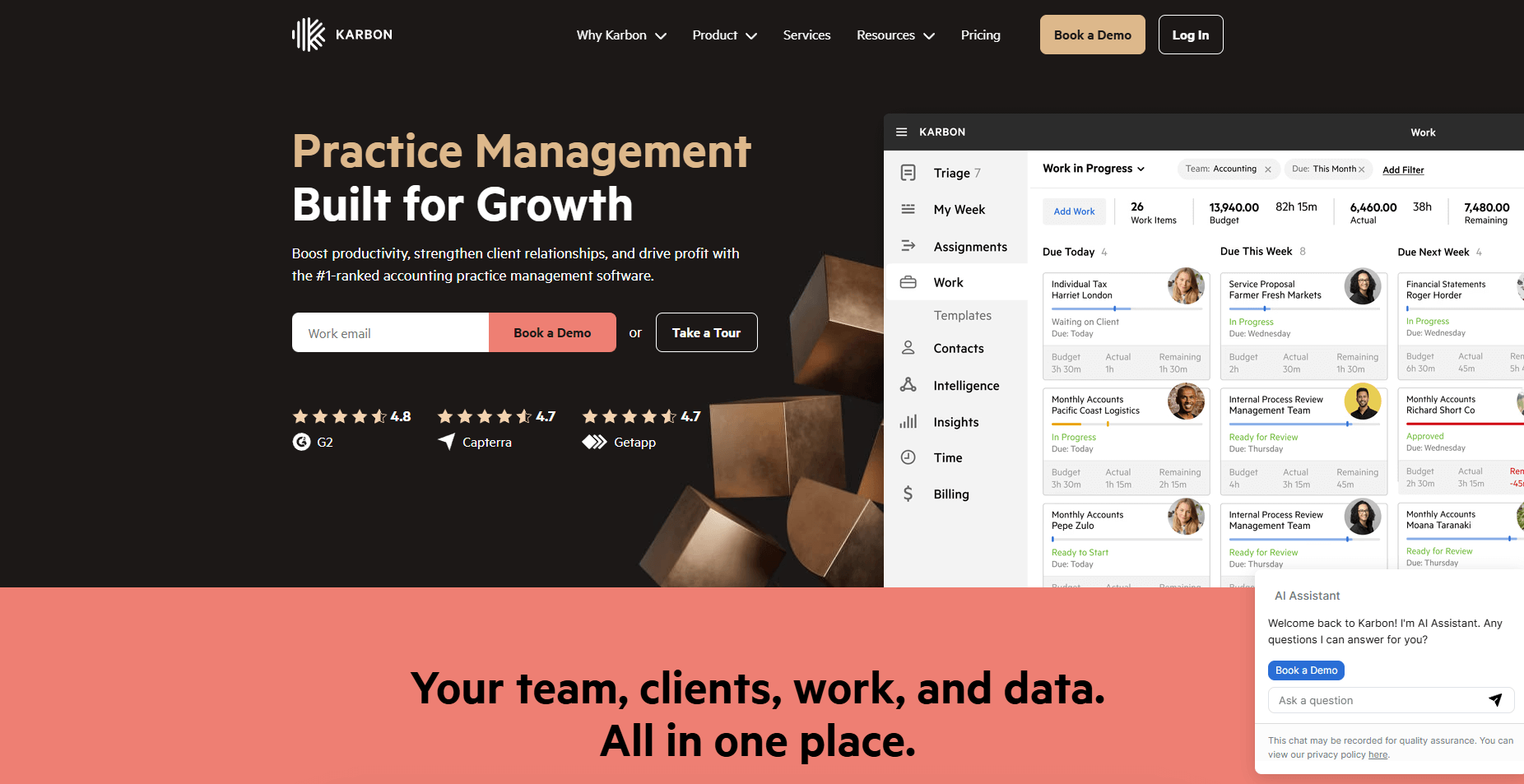
Karbon works well for teams that want a clear workflow system with task tracking, shared inboxes, and email-driven collaboration. It helps you manage internal work by keeping tasks, messages, and deadlines connected across your team.
The platform is strong for firms that need visibility across many moving parts, especially when you have several team members handling the same client. I’ve found Karbon helpful for internal organization, though it can be complex if you want a simple client-facing portal.
Karbon pricing starts at $59 per user each month when billed annually. I recommend it if your priority is internal workflow control rather than giving clients a branded space to track progress.
Assembly vs ManyRequests: Which should you choose?
Assembly is built for service teams that want one system for intake, communication, billing, contracts, files, and ongoing delivery. ManyRequests centers on client requests and creative service workflows, with a lighter approach to internal steps and long-term client management.
When you look at ManyRequests pricing, the entry point is now about the same as Assembly’s, so the value depends on how much of your process you need in one place.
Use this guide to figure out which one fits your work:
- Assembly is better for: Growing teams that want a full client workspace with billing, contract signing, messaging, files, and delivery tools connected in one place. It works well for firms that manage repeatable services, long-term engagements, or tasks that need clear internal coordination.
- ManyRequests is better for: Small teams that rely on simple request queues and want a branded portal for submitting, reviewing, and completing client tasks. It fits creative and design workflows that revolve around fast client submissions.
- Use both if: You want to offer clients a request-based portal while still relying on Assembly for communication, billing, contracts, and structured delivery across multiple stages of the relationship.
Want to see how Assembly can simplify client delivery and communication? Try Assembly for free today.
My bottom line on ManyRequests pricing
I think ManyRequests pricing works for teams that only need a simple request portal, but the value drops once you add seats or try to manage more than basic client tasks. The plans look affordable at first, yet the total climbs fast as your workload grows and your team needs more structure.
If you need one system for intake, communication, contracts, billing, and delivery, I’d recommend Assembly because it covers the full relationship without relying on extra tools. This gives you a clear workflow that stays easy to manage as your client list grows.