



Teams often look for Dubsado alternatives because the setup can be too complex for individuals and smaller teams. I tested dozens of platforms, and here are 12 tools worth switching to in 2026.
12 Best Dubsado alternatives: At a glance
I tested these platforms on setup, client visibility, automation, and price: Here’s how they compare:
| Tool | Best for | Annual price | Key advantage |
|---|---|---|---|
| Assembly | Teams that want dynamic client portals with CRM | $29/month | Combines CRM, billing, and communication in one client workspace |
| HoneyBook | Freelancers needing a fast setup | $29/month | Simpler interface and faster setup than Dubsado |
| Bonsai | Small agencies managing contracts and payments | $9/user/month | Prebuilt templates for contracts and workflows |
| Plutio | Freelancers and small agencies | $190/year | Combines project management, invoicing, and contracts at a lower price point |
| ClickUp | Project management with collaboration | $7/user/month | Project management with customizable dashboards and shared views |
| 17hats | Solopreneurs managing clients | $600/year | Fast setup with contracts, invoicing, and scheduling |
| Canopy | Accounting and finance teams | $45/user/month (Small firms tier) | Strong compliance and document management tools |
| Karbon | Mid-sized accounting firms | $59/user/month | Workflow visibility and team collaboration features |
| Wayfront | Marketing and SEO agencies | $99/month | Productized service delivery with request portals |
| HubSpot CRM | Lead management and sales pipelines | $9/user/month | CRM for managing leads, deals, and client relationships |
| Zoho CRM Plus | Growing teams that need connected CRM tools | $20/user/month | Suite combining CRM, marketing, support, and analytics |
| Moxo | Enterprise client portals | Custom pricing | Secure client workspaces with workflow automation and approvals |
Still weighing whether to switch? My review of Dubsado pricing, pros, and cons shows what you get for the money, and my guide to the Dubsado client portal covers how it works and where it falls short.
What is Dubsado?
Dubsado is a client management platform built for freelancers and service-based businesses. It handles proposals, contracts, invoicing, and workflow automation in one place.
In November 2025, Dubsado launched Dubsado 3.0, a major update that rebuilt much of the platform. It’s a meaningful improvement over the previous version, though some advanced features are still being expanded as the new version rolls out.
Why I looked for alternatives to Dubsado
Dubsado's 3.0 launch addressed some long-standing complaints, like the cluttered interface and fragmented inbox, but a few gaps still show up once you're running a busy client workload.
I tested Dubsado and looked at what users often mention in reviews on G2 and Capterra. Here are common issues that keep coming up:
- Complex setup: Users often describe the onboarding process as confusing, with steep learning curves for automations and forms.
- Client portal limitations: Although Dubsado offers white-labeling options, the portal layout is fixed and can’t be fully redesigned.
- Scalability issues: Growing teams may need to pay extra for additional internal users, with teams of 30+ requiring custom quotes. If you want to manage more than one brand, it’s an additional $10/month per brand.
These gaps are what led me to test other client management platforms to find tools that simplify onboarding and give clients a clean, organized portal experience.
1. Assembly: Best for teams that want dynamic client portals with CRM
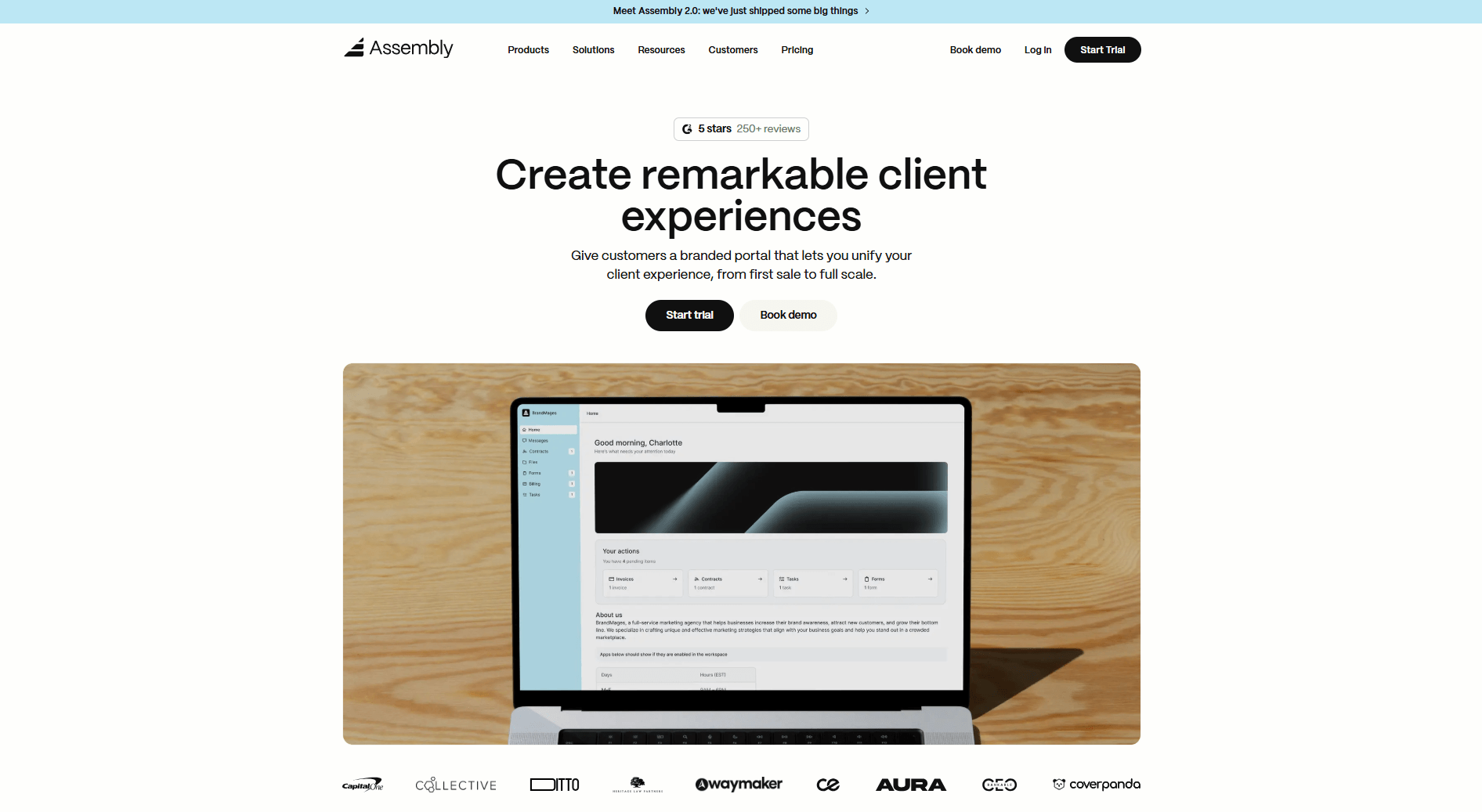
Assembly is a client portal platform that gives service teams a dynamic, branded workspace where the client experience adapts based on how each account is set up. We built it for agencies, consultants, and service firms that want to move client relationships out of email and into one organized, professional workspace.
Each client gets their own login with a homepage that reflects the tags and custom data tied to their account, so no two clients have to see the same experience. Your team works from a shared client record where tasks, notes, communication history, and billing activity stay connected, and you decide which parts of that are visible to the client.
Assembly also lets you automate onboarding steps and build recurring workflows for tasks, messages, and forms, so routine client operations run on a schedule without manual input.
The AI Assembly Assistant lets your team pull up a summary of client activity before a call, and that client context stays accessible across messages, files, notifications, and more. You can also extend your workspace by installing apps from the Assembly App Store and connecting to tools like Airtable, Calendly, and ClickUp through native integrations, Zapier, and Make.
Why it beats Dubsado
- Dynamic portal setup: Homepage variants and app folders let you tailor what each client sees, so their workspace reflects their account rather than a generic template.
- Built-in CRM: Client records store notes, files, billing, and communication history in one place.
- Onboarding automation: Contracts, invoices, and welcome messages can trigger automatically when you invite a client.
- White-label branding: You can apply your own domain, colors, and logo to the client-facing portal.
- Embeds, integrations, and app folders: Tools like Airtable, Calendly, and ClickUp embed directly into the portal and can be grouped into folders, keeping the client-facing workspace organized.
Pros
- Client homepages and app visibility adapt per account based on custom tags, so different clients see tailored experiences without manual configuration.
- CRM, messaging, files, and payments sit in one consolidated workspace rather than across separate tools.
- Onboarding flows reduce manual steps when bringing on new clients
Cons
- Limited built-in accounting compared to specialized finance tools
- Some advanced automations require higher-tier plans
Pricing
Assembly has a free plan, and paid plans start at $29 per month billed annually.
Bottom line
Assembly fits small to mid-sized teams that want branded client portals to manage work after the sale. If full financial reporting is a priority, Canopy might be a better fit.
2. HoneyBook: Best for freelancers needing a fast setup
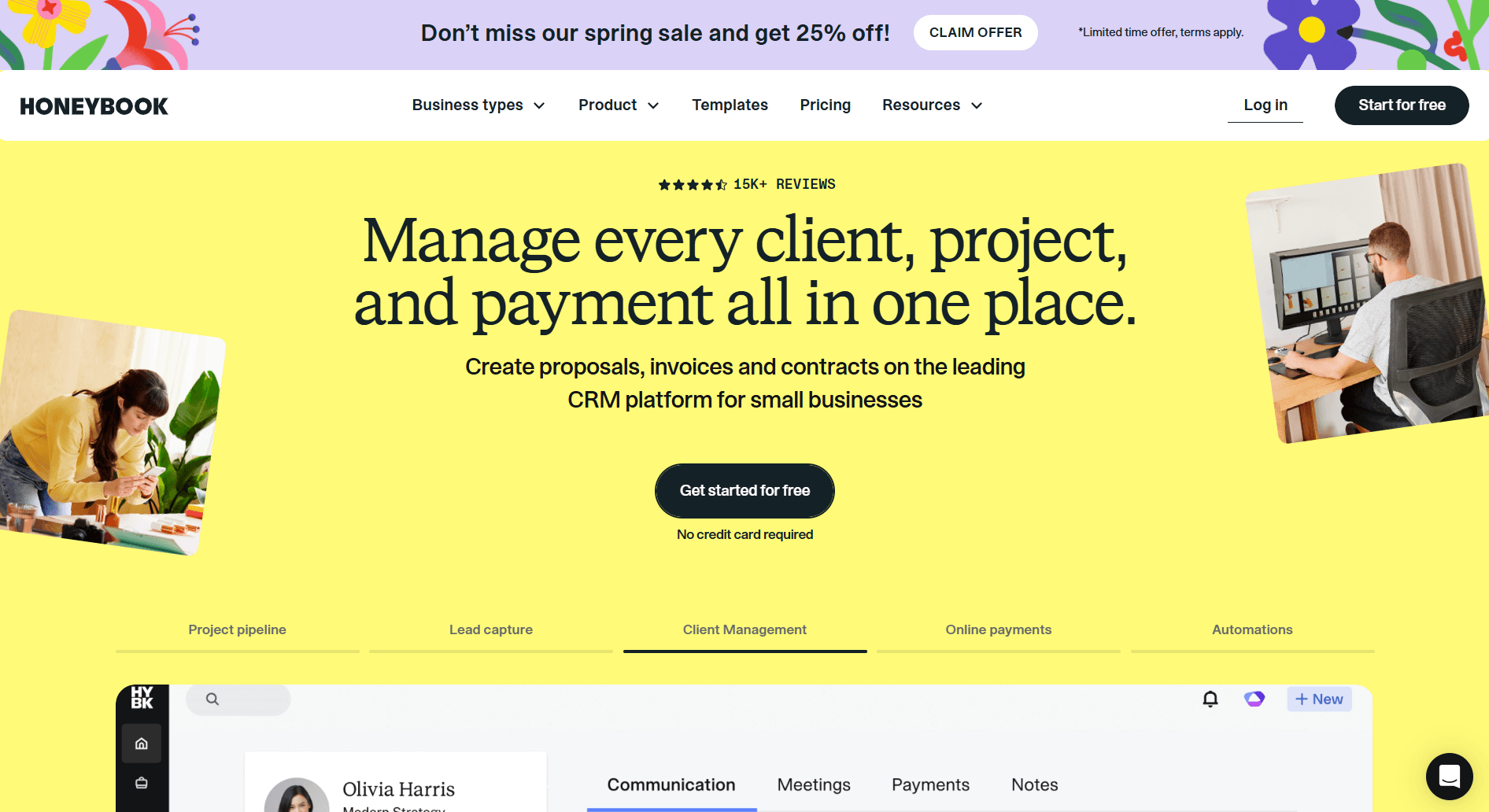
HoneyBook is a client management platform built for freelancers and independent service providers. I tested it by building a mock project from scratch, setting up a proposal, and following the payment process through to completion. The setup moved quickly, and the proposal-to-payment flow was one of the more intuitive I've seen in this category.
When I looked at the automation settings, I could build reminders and follow-up sequences without much configuration, and the dashboard kept projects, payments, and messages grouped together.
HoneyBook's limitations show up in team management. Permission controls are limited, and role options for teams are fairly basic.
If you’re comparing Dubsado vs HoneyBook, my list of HoneyBook alternatives ranks Dubsado first and covers eight other tools I tested.
Why it beats Dubsado
- Quick onboarding: Guided templates make setup straightforward.
- Built-in payments: Process cards and ACH transfers inside the platform.
- Simple automation: Automate invoice reminders and follow-up emails.
Pros
- Easy setup and project tracking
- Clear dashboard for payments and contracts
- Automated reminders for invoices and due dates
Cons
- Basic branding and design options
- Limited team and permission controls
Pricing
HoneyBook offers a 30-day free trial, with paid plans starting at $29 per month.
Bottom line
HoneyBook covers the core client workflow well for solo service providers without much overhead. If you need team permissions and more control over client-facing branding, Assembly might be a better fit.
3. Bonsai: Best for small agencies managing contracts and payments
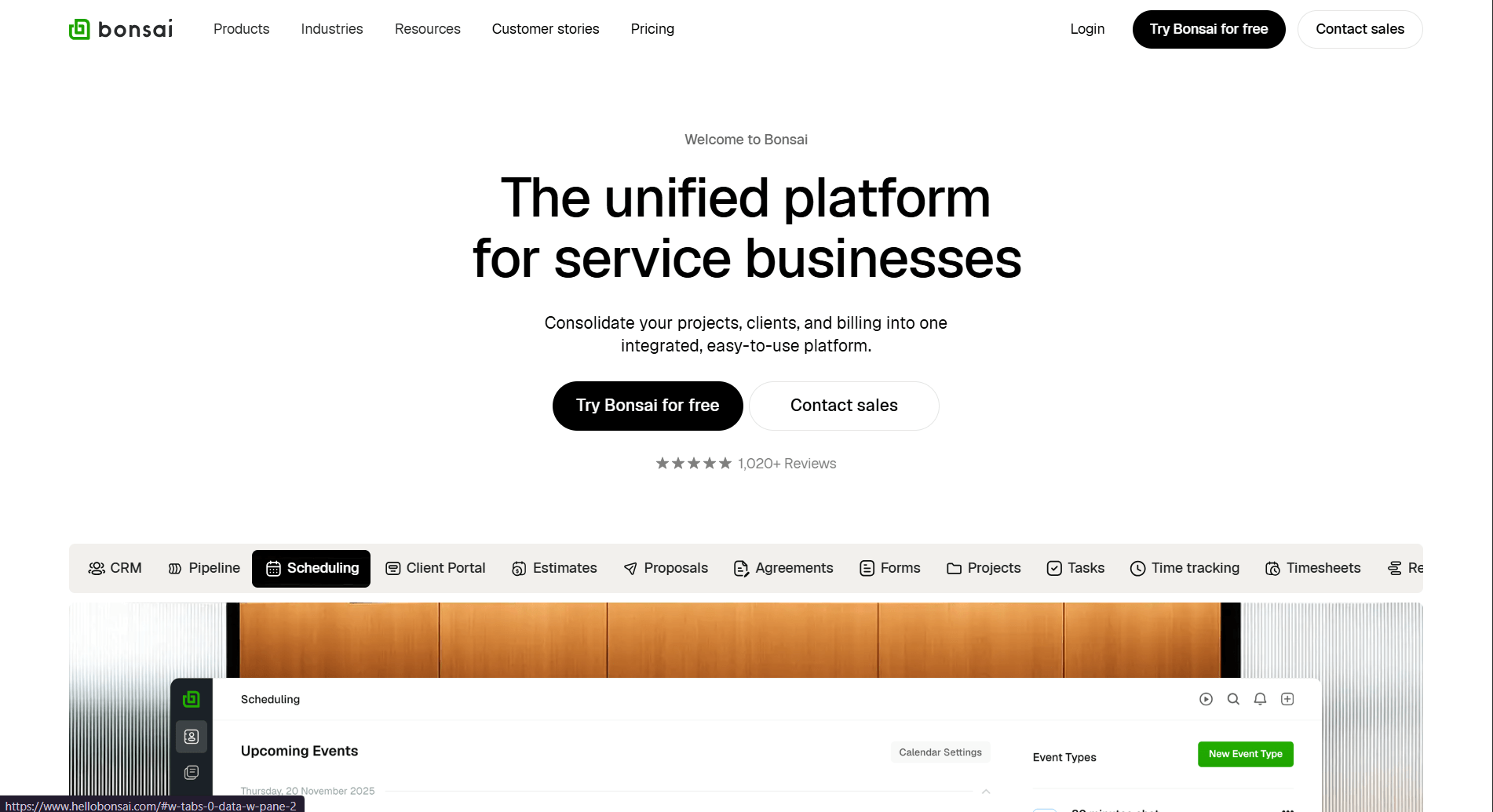
Bonsai is a business management platform for freelancers and small agencies. I set up a mock workflow to see how its proposal, contract, and invoice steps connect in practice. The stages link together, so once a proposal is approved, you can generate an invoice without extra steps.
I also looked at the time and expense tracking tools. You can log hours and costs per project as work progresses, which gives you a clearer picture of where your budget stands before a project closes.
One limitation is that the client portal has a fixed layout and limited branding options. Agencies that prioritize a branded client experience may find that limiting.
If Bonsai and Dubsado are your final two, my Bonsai vs Dubsado comparison puts them side by side, with Assembly as a third option.
Why it beats Dubsado
- Linked workflows: Proposals, contracts, and invoices connect in a guided sequence.
- Expense tracking: Track project costs alongside invoices.
- Automated reminders: Reduce manual billing follow-up.
Pros
- Strong billing and invoicing workflow
- Legal-ready contract templates
- Expense and time tracking included
Cons
- Limited visual customization
- Limited automation and fewer integrations than some alternatives
Pricing
Bonsai plans start at $9 per user per month.
Bottom line
Bonsai is useful for smaller teams that want consistent billing and contract workflows. If you want a more guided setup for client communication and onboarding, HoneyBook might be a better fit.
4. Plutio: Best for freelancers and small agencies
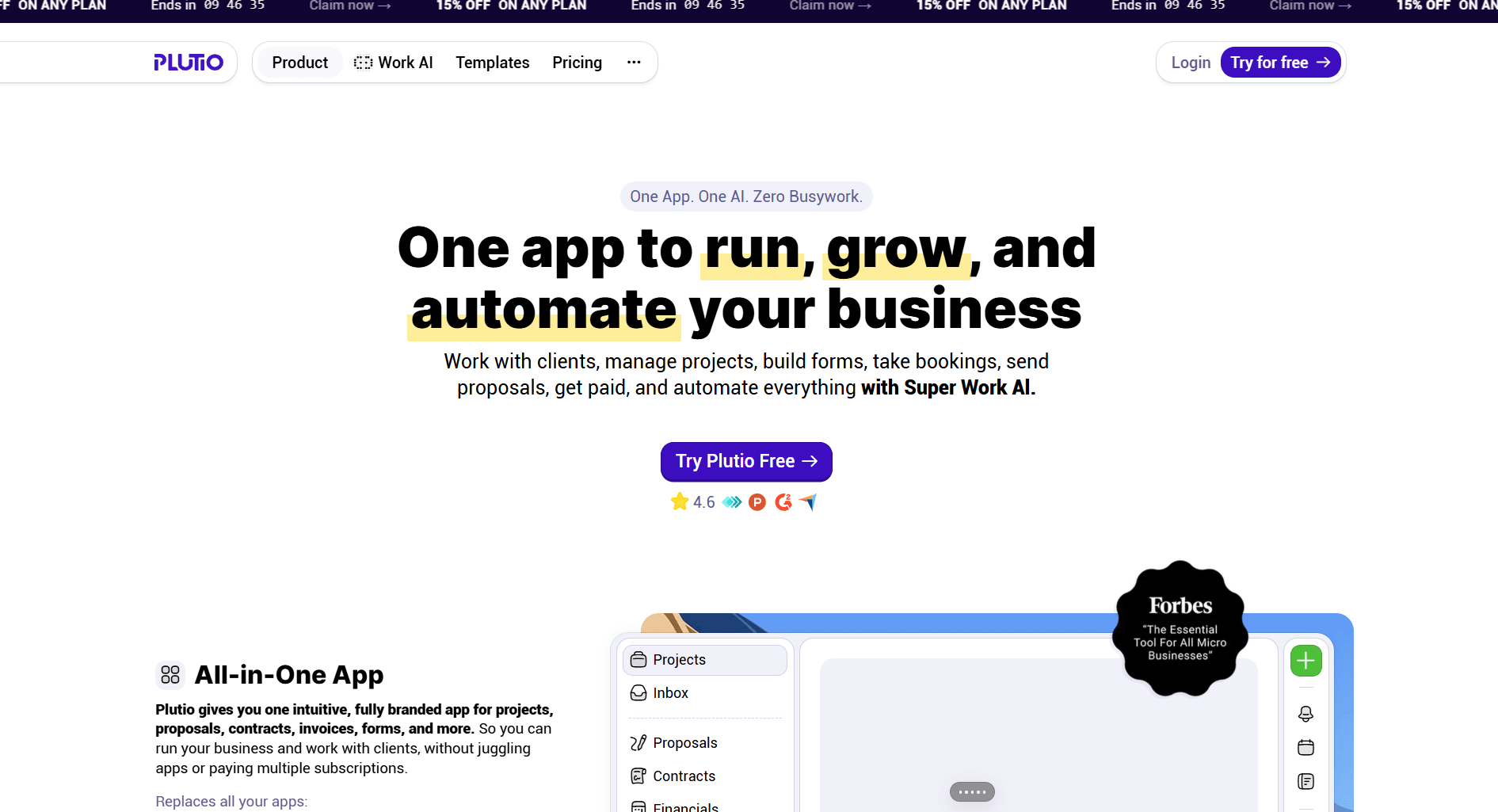
Plutio is a business management platform that combines projects, invoices, proposals, contracts, time tracking, and client portals in one workspace. I built a mock client project to test how those pieces connect. The workflow held together well, and switching between features didn't require jumping to separate tools.
I also looked at the task management side, where you can build Kanban boards, set due dates, and log time against specific projects. That combination lets smaller agencies track delivery and billing in the same place, without needing a separate project tool.
Plutio starts to show its limits when you dig into automation. The native builder covers basic triggers, but something like a multi-step onboarding sequence requires connecting Zapier or Make to run properly.
Why it beats Dubsado
- Broader scope: Combines project management, time tracking, contracts, invoices, and client portals in one platform.
- Client portal included: View project updates, files, and invoices directly.
- Flat pricing: All core features are available across plans without feature gating.
Pros
- Covers a wider range of workflows than most client management tools in this price range.
- Kanban boards, Gantt charts, and time tracking are included across plans.
- Client portal available without upgrading to a higher tier.
Cons
- Native automation is limited for complex sequences without third-party tools.
- Active client cap on the entry plan may restrict faster-growing solo businesses.
Pricing
Plutio starts at $190 per year.
Bottom line
Plutio's per-workspace pricing keeps costs predictable as your team grows. If you need a lighter tool focused on billing and contracts, Bonsai might be a better fit.
5. ClickUp: Best for project management with collaboration
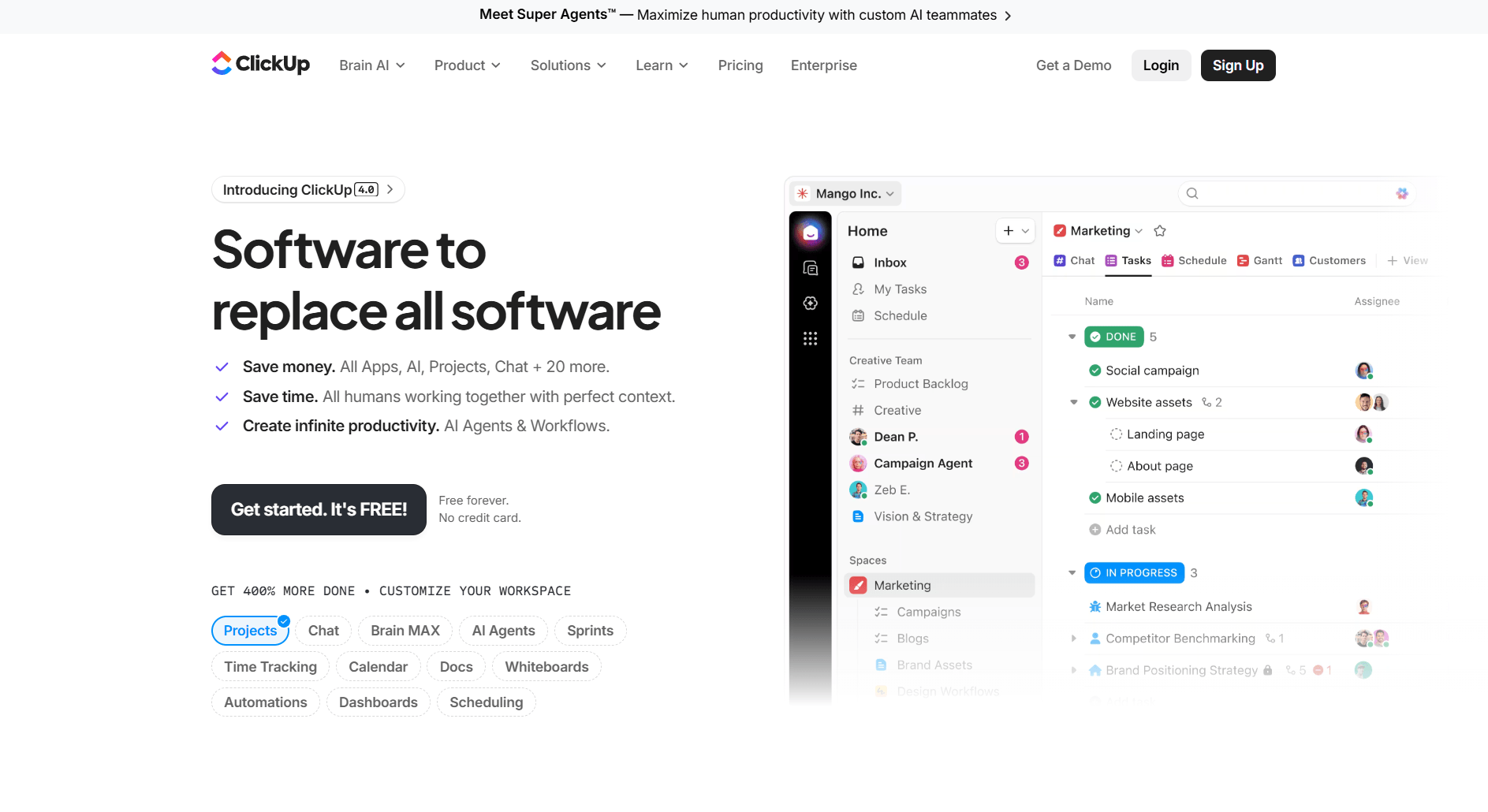
ClickUp is a project management platform that lets teams run client work and internal operations from the same workspace. I've used it in past projects, and the dashboard and task views give you a clear picture of where work stands at any point in a project. Task ownership, stage progress, and workload all sit in one place, which makes it easier to catch bottlenecks before they hold up a project.
In my experience, the setup can take longer than expected. There are so many views, fields, and configuration options that getting to a usable workspace requires a significant time investment upfront.
Why it beats Dubsado
- Task visibility: Shared views let clients track project progress.
- Custom automations: Trigger actions when tasks or statuses change.
- Cross-team use: Supports collaboration across internal teams and shared projects.
Pros
- Flexible dashboards and workflow templates
- Automation tools for recurring tasks
- Supports collaboration across departments
Cons
- No built-in billing or contract management
- Setup requires more time for new users
Pricing
ClickUp starts at $7 per user per month.
Bottom line
ClickUp gives teams a high degree of control over how they structure and track client work. If you manage clients solo and need a faster, lighter setup, 17hats might be a better fit.
6. 17hats: Best for solopreneurs managing clients
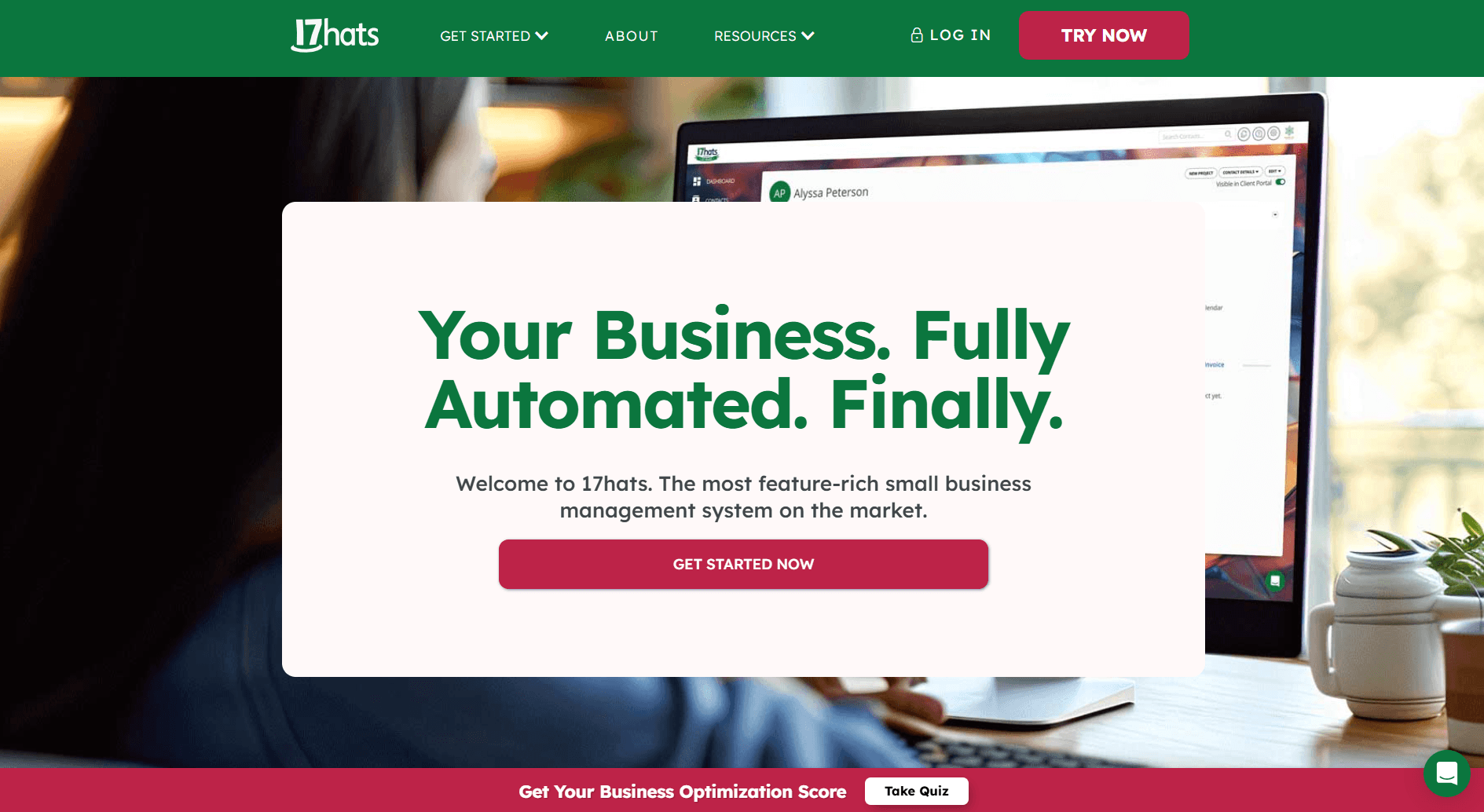
17hats is a business management platform built for solo professionals. I tested it by walking through the setup wizard and had a working workflow up relatively fast. For straightforward client management, the setup is approachable, though building out more complex automations may take more time and patience.
I also looked at how client records are structured. Communication, documents, and billing all link to the same record, which keeps follow-ups straightforward without digging through separate tools.
Automation depth is modest compared to other tools in this category. Team and collaboration features are limited, which makes 17hats harder to use once you start working with others regularly.
Why it beats Dubsado
- Quick setup: Prebuilt templates make onboarding simple.
- Expense tracking: Track payments and expenses in the same system.
- Workflow automation: Handle follow-ups without manual reminders.
Pros
- Simple setup and navigation
- Automated scheduling and payment tracking
- Includes basic expense and payment tracking
Cons
- No team management or collaboration features
- Limited branding customization
Pricing
17hats starts at $600 per year.
Bottom line
17hats works well for solo professionals who want client billing and admin handled in one place. If you need team features or deeper automation, HoneyBook might be a better fit.
7. Canopy: Best for accounting and finance teams
Canopy is a practice management platform built for accounting and finance teams. I went through the demo and reviewed documentation to understand how the client-facing side works alongside the internal compliance tools. Uploading tax files, assigning permissions, and sending e-signature requests all happen from within a single client account without jumping between tools.
Canopy's modular pricing lets you start small, but features like Smart Intake and Tax Resolution come as paid add-ons that can push your total cost up as your practice grows.
Why it beats Dubsado
- Document control: Store and organize accounting files securely.
- Compliance support: Structured workflows help teams stay organized during audits.
- Role management: Assign role-based access for staff and collaborators.
Pros
- Strong document and billing management
- Detailed permissions for staff and contractors
- Modular setup lets you add only the features your team actually needs
Cons
- Interface is functional but not design-focused
- Initial setup takes time for new users
Pricing
Canopy starts at $45 per user per month for up to 4 users on its small firm pricing tier.
Bottom line
Canopy works well for finance teams that handle sensitive data and need structure around compliance. If your team needs stronger internal collaboration across a large client book, Karbon might be a better fit.
8. Karbon: Best for mid-sized accounting firms
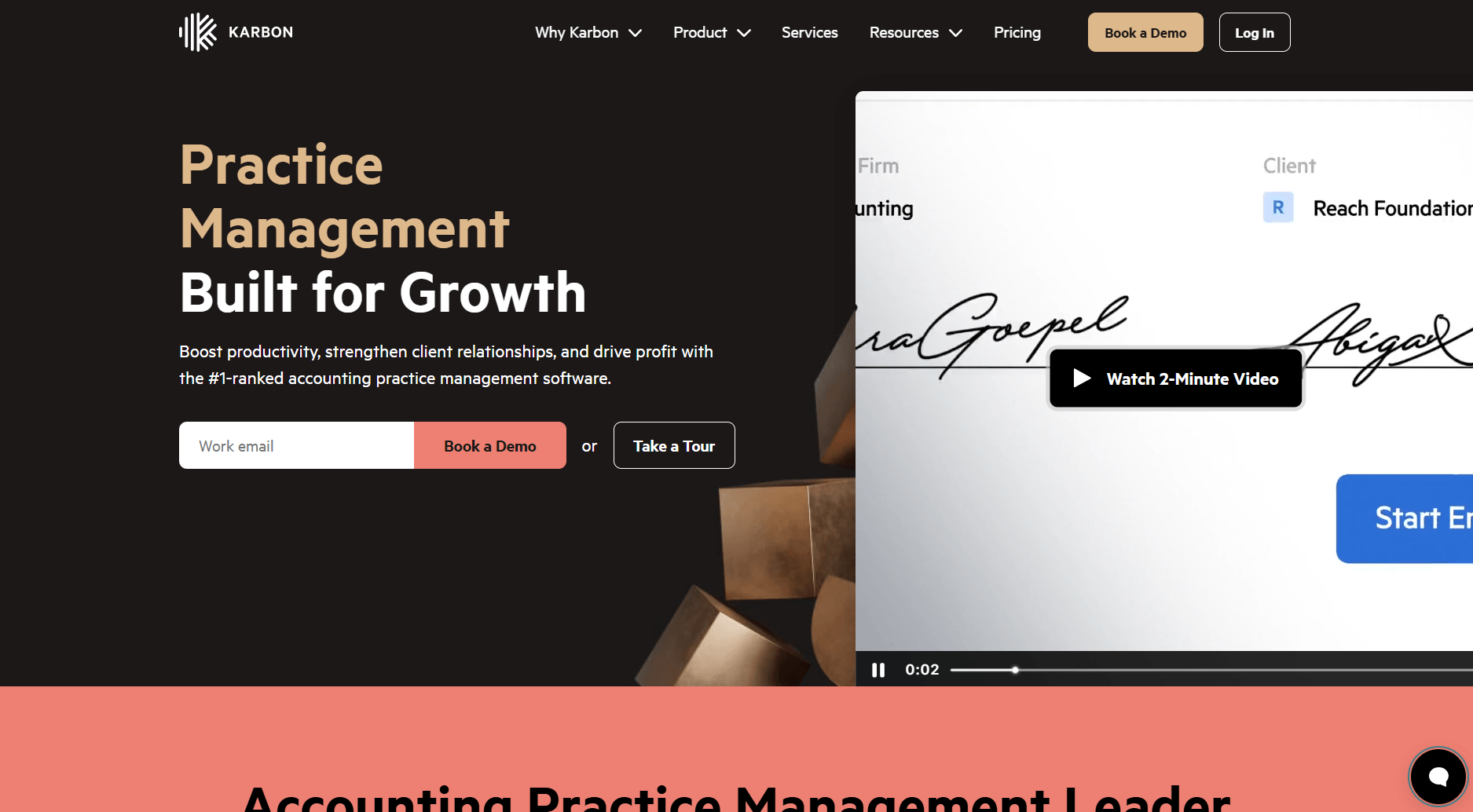
Karbon is a practice management platform built for accounting firms. I went through a demo and reviewed the documentation, and it's clear the platform is designed for teams that run the same types of jobs on repeat across a large client book.
I looked at the workload view to understand how larger teams stay coordinated and found it gives managers a clear way to catch overloaded staff. That way, they can reassign work before anything falls behind.
The downside is that the platform is built for internal coordination, so the client portal side is fairly thin compared to what dedicated client portal tools offer.
Why it beats Dubsado
- Workload tracking: See assignments and staff capacity across the team.
- Recurring workflows: Standardize repeat accounting jobs.
- Email integration: Keep communication tied to client records.
Pros
- Clear team dashboards and reporting
- Automation for repeat jobs
- Designed for collaboration across staff
Cons
- Limited options for client-facing customization
- Pricing may be high for smaller firms
Pricing
Karbon starts at $59 per user per month.
Bottom line
Karbon fits mid-sized accounting firms that need strong internal collaboration. If you also need a client-facing portal where clients can view deliverables and track service progress, Wayfront might be a better fit.
9. Wayfront: Best for marketing and SEO agencies
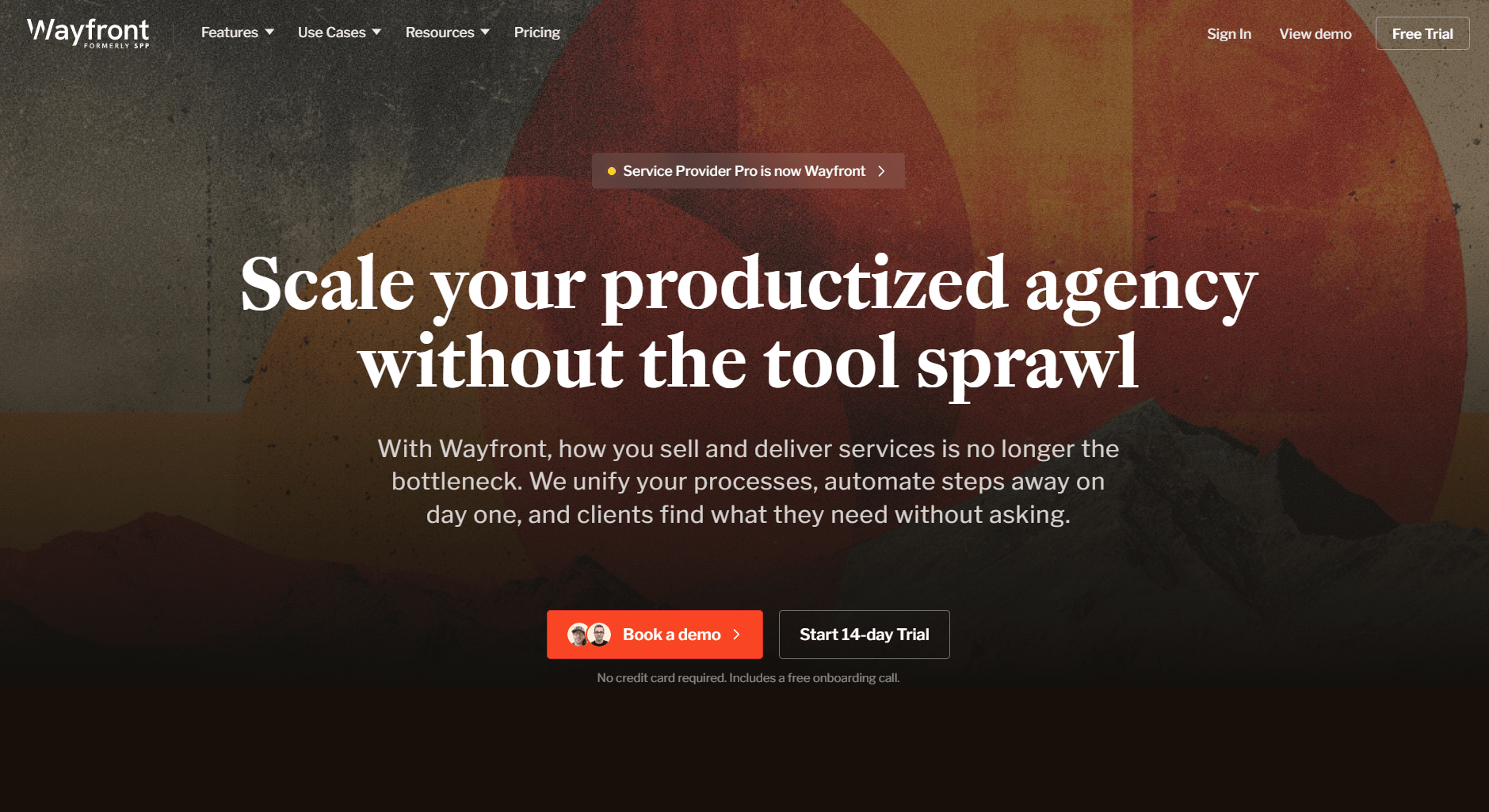
Wayfront (formerly Service Provider Pro) is a client portal and service delivery platform built for agencies that sell recurring or productized services. I created test offerings for SEO campaigns, linked Stripe for billing, and followed each order from payment to delivery. Clients could upload materials and view updates directly through their dashboard, which reduced email back-and-forth.
The platform lacks flexibility for one-off projects, but for agencies that handle monthly retainers or standardized services, it provides a stable and predictable workflow foundation.
Why it beats Dubsado
- Recurring delivery: Structures recurring service packages for clients.
- Client dashboard: Lets clients view service updates and progress.
- Integrated billing: Syncs with Stripe for subscription billing.
Pros
- Simple setup for recurring services
- Order tracking and automated invoicing
- Organized client dashboards
Cons
- Minimal customization options
- Not suited for custom, one-time projects
Pricing
Wayfront starts at $99 per month for 5 team members.
Bottom line
Wayfront keeps recurring service delivery organized without much overhead once your packages are set up. If you need deeper project tracking and team coordination alongside client delivery, ClickUp might be a better fit.
10. HubSpot CRM: Best for lead and client tracking
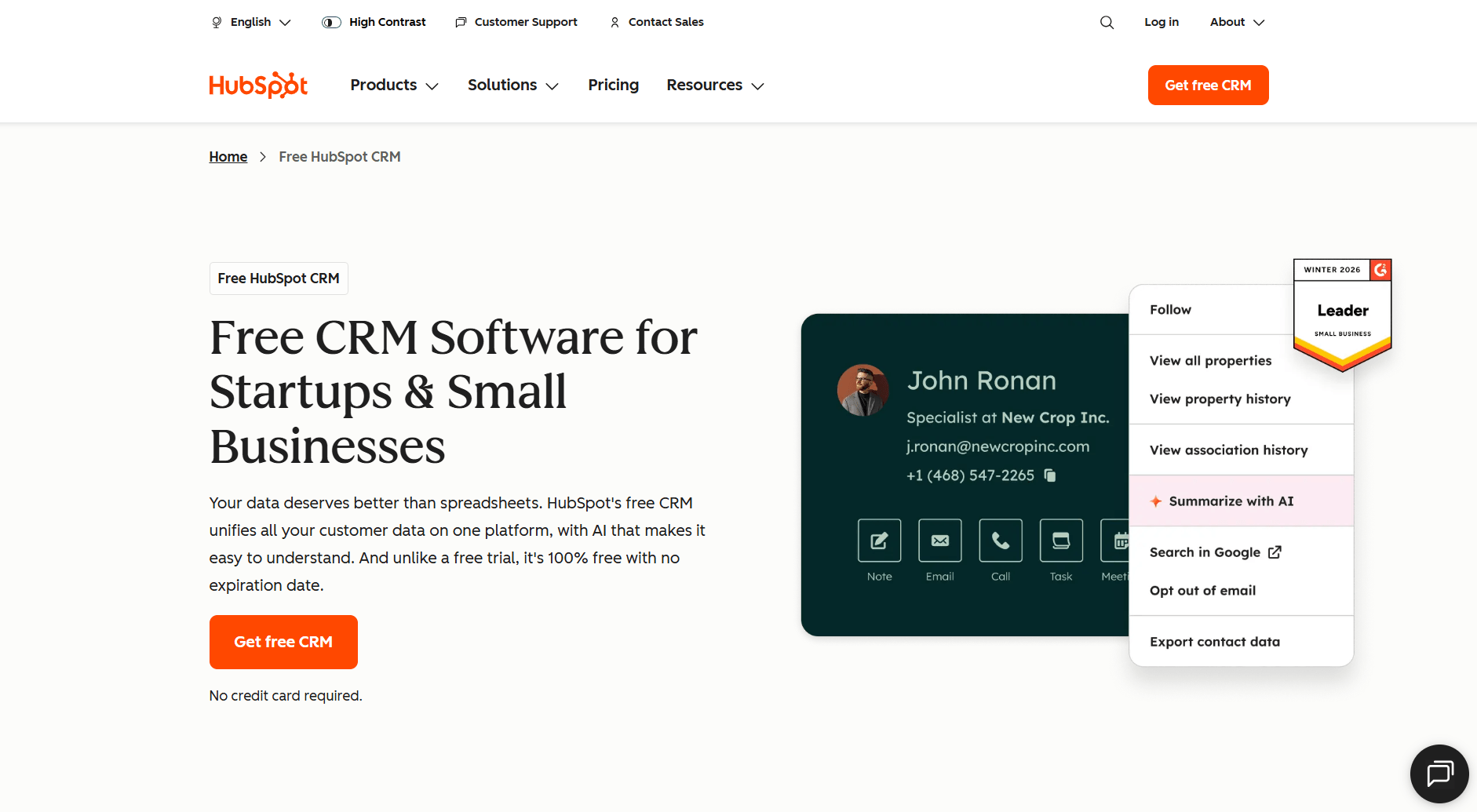
HubSpot CRM is a customer relationship management platform built around tracking contacts, deals, and client activity across the customer lifecycle.
I tested it by building a pipeline and working through the reporting tools to evaluate how well it handles post-sale client management. The pipeline view lets you track each contact from inquiry through to renewal, with email tracking and engagement logs updating automatically as activity happens.
HubSpot's depth works against smaller teams during setup. Getting pipelines, automations, and reports configured to a useful state takes meaningful time, and the platform can feel oversized for teams that only need basic client tracking.
Why it beats Dubsado
- Lead management: Track clients from first contact to renewal.
- Automation: Schedule follow-ups and reminders through workflows.
- Growth potential: Add features as your business scales.
Pros
- Free starter plan available
- Comprehensive sales and marketing tools
- Wide range of integrations
Cons
- No built-in client portal
- Some automation features require paid plans
Pricing
HubSpot CRM starts at $9 per user per month.
Bottom line
HubSpot CRM fits teams that handle both leads and clients in one pipeline. If you need connected CRM, analytics, and support tools across multiple departments, Zoho CRM Plus might be a better fit.
11. Zoho CRM Plus: Best for growing teams needing all-in-one CRM
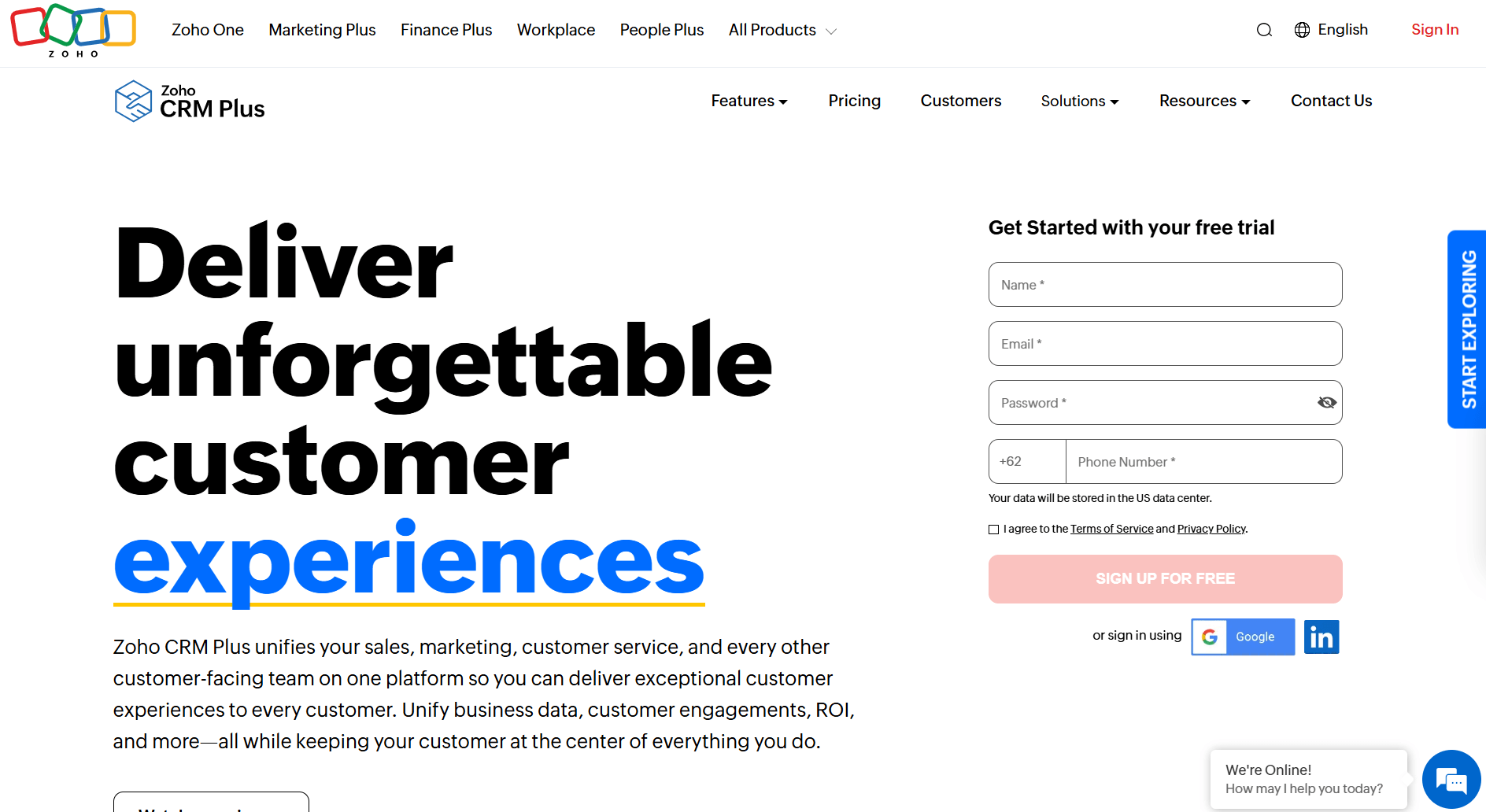
Zoho CRM Plus is a connected business suite that brings CRM, analytics, customer support, and marketing tools into one platform. It's built for growing teams that need multiple departments working from the same client data.
I tested it by building a workspace that connected sales, service, and marketing modules to see how they worked together. The unified dashboard provided a clear snapshot of performance across teams, while advanced filters helped me identify which campaigns drove new clients. Reports were flexible once built, though they required upfront setup time.
Why it beats Dubsado
- Unified suite: Combines CRM, analytics, and support in one platform.
- Data visibility: Centralizes client information across teams.
- Integration library: Connects with many third-party tools and Zoho apps.
Pros
- Wide range of connected tools
- Strong analytics and reporting options
- Scalable for growing businesses
Cons
- Longer learning curve for small teams
- Interface can feel crowded
Pricing
Zoho CRM Plus starts at $20 per user per month.
Bottom line
Zoho CRM Plus fits growing teams that need CRM, analytics, and support connected across departments. If you're a smaller team that doesn't need that level of scale yet, HubSpot CRM might be a better fit.
12. Moxo: Best for enterprise client portals
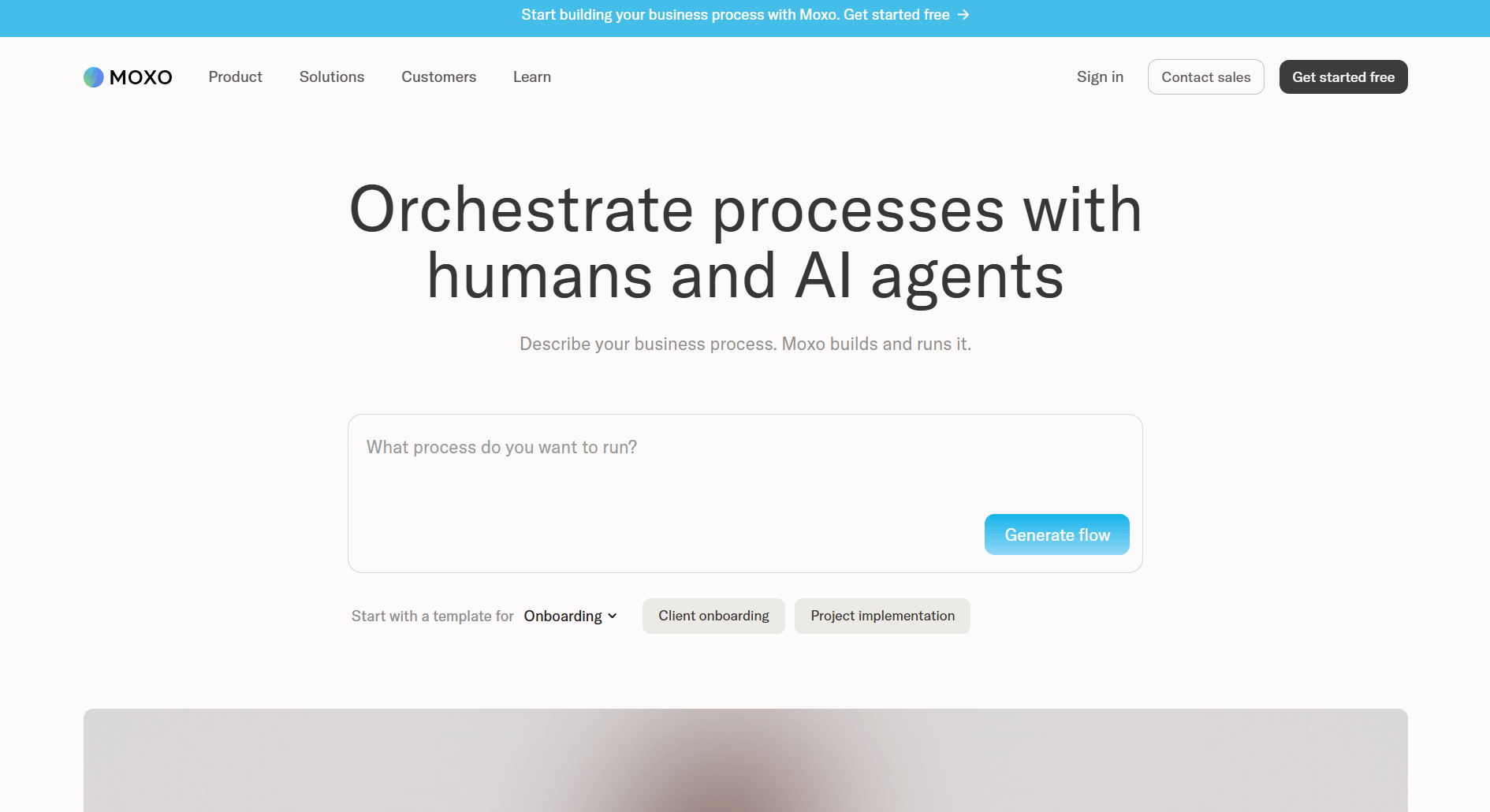
Moxo focuses on secure, branded client workspaces built for high-touch collaboration. To test it, I created separate portals for mock clients, each with chat, document folders, and signature requests. The permission system was detailed enough to decide who could upload files, approve forms, or view sensitive records.
Moxo logged activity across messages and document approvals automatically, which made it clear why firms in law or finance value the platform. Once I had everything configured, collaboration was structured and easy to follow. Teams can move from client messages to approvals within the same workspace.
The downside is workspace customization follows Moxo’s predefined structure, which can limit how much you tailor the client-facing experience.
Why it beats Dubsado
- Secure collaboration: Role-based permissions for teams and client workspaces.
- Branded workspaces: Separate portals for each account.
- Audit trail: Tracks communication and document activity.
Pros
- Reliable security and compliance controls
- Dedicated workspaces for large client portfolios
- Detailed permissions for administrators
Cons
- Setup requires more time and support
- Pricing can be higher for small businesses
Pricing
Moxo’s custom pricing is available upon request.
Bottom line
Moxo suits large organizations that prioritize compliance and client privacy. If you want branded client portals that are faster to roll out without the enterprise overhead, Assembly might be a better fit.
How I tested these Dubsado alternatives
I tested each platform by creating sample projects, onboarding mock clients, and measuring the setup time, automation depth, and flexibility each tool offered.
Here’s what I did:
- Setup and onboarding: Measured how long it took to build a usable workflow, from sending a proposal to collecting the first payment.
- Client visibility: Checked how clearly each portal showed invoices, contracts, and project updates from the client’s side.
- Automation depth: Tested triggers for reminders, payment follow-ups, and file requests to see which tools reduced manual steps.
- Scalability: Added team members, clients, and repeat jobs to see how pricing and permissions changed at higher volumes.
- Integration reliability: Connected third-party tools like Stripe, ClickUp, and Google Calendar to confirm that data synced cleanly.
Key features to look for in Dubsado alternatives
Not every client management tool covers the same ground, so it's worth knowing what to prioritize before you commit to one. Here are the key features to consider:
Client portal
A well-built client portal keeps your business looking professional and reduces the back-and-forth that comes with sending separate links for every action. Clients should get a single login where they can view invoices, sign contracts, and track project progress, and you should have enough control over the layout and branding to make it feel like your own.
Workflow automation
Good automation reduces the manual work of running a client-facing business, from follow-up emails to recurring job assignments. I’d look for trigger-based automation that handles follow-ups, job assignments, and status updates, not just email reminders.
Billing and contracts
Keeping proposals, e-signatures, and invoicing in a single workflow means fewer dropped handoffs and a faster path from agreement to payment. Switching tools mid-flow adds extra steps and increases the chances something gets missed.
Role-based permissions
Controlling who sees what across your team and client accounts reduces risk and keeps sensitive information where it belongs. Team members and clients should have clearly defined access levels. That structure becomes even more important as you bring contractors or junior staff into client work.
My final verdict
HoneyBook and Bonsai cover the basics well for solo operators and small teams, while Canopy and Karbon make more sense once compliance and internal workflows become the priority. Tools like ClickUp and Plutio add project management depth, but billing and client communication often still need separate tools to fill the gaps.
Assembly is built specifically for post-sale client management. Each client gets a dynamic portal that adapts to their account, with recurring automations keeping workflows moving and client context accessible across messages, files, and notifications. I've found that structure is what keeps service teams organized as their client workload grows.
Ready to switch from Dubsado? Start here
Choosing a Dubsado alternative is about more than templates or automations. Many tools cover contracts and billing, but most still leave teams juggling multiple systems after the sale. Assembly brings those pieces together into one platform built for dynamic client experiences, recurring client workflows, and internal visibility.
Here’s what you can do with Assembly:
- Track client details and activity: Manage client records, communication history, notes, and relationship data in a structured CRM where that context stays accessible no matter where you are in the workspace.
- Give clients a dynamic branded portal: Each client logs into a workspace that reflects your brand and shows content tailored to their account.
- Keep tasks, messages, and files together: Project tasks, shared files, and client communication all link to the same account, and you control what clients can see from their portal.
- Prep faster for meetings: The AI Assistant summarizes recent client activity and communication, helping you walk into calls with a clear picture of what’s been discussed and what’s outstanding.
- Protect client data: Assembly maintains SOC 2 compliance and supports GDPR, CCPA, and HIPAA compliance.
- Stay ahead of clients: Highlight patterns that may show churn risk or upsell potential, making outreach more timely and relevant.
- Cut down on admin: Set recurring automations for reminders, status updates, forms, and follow-ups so client work keeps moving with minimal manual effort.
Ready to give every client a more organized, personalized experience after the sale? Start your free Assembly trial today.