









11 Best Clinked alternatives and competitors worth trying in 2026
 Vivienne ChenMay 18, 2026
Want a Clinked alternative that handles more than file sharing?
Try Assembly to deliver a personalized client experience with dynamic portals, automated workflows, and consolidated billing in one place. Try for free!
4.9 rating
- Top 11 Clinked alternatives: At a glance
- Why look for Clinked alternatives?
- TL;DR: Which Clinked alternative should you choose?
- Top 11 Clinked alternatives of 2026
- 1. Assembly: Best for service firms that want a dynamic, branded portal platform with built-in CRM
- 2. SuiteDash: Best for small businesses that want a client portal with project management and billing
- 3. Moxo: Best for businesses that need structured onboarding and approval workflows
- 4. Plutio: Best for freelancers who want client work and billing in one place
- 5. SuperOkay: Best for freelancers and small agencies that want a lightweight branded client portal
- 6. Kitchen.co: Best for agencies and freelancers that want a simple client portal for projects and communication
- 7. Softr: Best for teams that want to build a no-code client portal on top of their data
- Special mentions
- How to evaluate Clinked alternatives
- The client experience your business delivers depends on the tools behind it
- Frequently asked questions
The best Clinked alternatives range from simple branded portals to full client management platforms with CRM, billing, and automation included. After testing dozens of options, here are the 11 best tools in 2026. I’ll cover what each tool does well, where it falls short, and who it's built for.
Top 11 Clinked alternatives: At a glance
| Platform | Best for | Starting price (annual billing) |
|---|---|---|
| Assembly | Branded client portals with built-in CRM | $39/month |
| SuiteDash | Customizable client portals with business tools | $180/year |
| Plutio | Freelancer client work and billing in one place | $190/year |
| Moxo | Structured onboarding and approval workflows | Custom pricing |
| SuperOkay | Lightweight branded portals for freelancers and small agencies | $9/month |
| Kitchen.co | Simple client portals for projects and communication | $29/user/month |
| Softr | No-code client portals built on existing data | $49/month |
| monday.com | Visual project tracking with client collaboration | $12/seat/month |
| Wrike | Structured project management with client access | $10/user/month |
| Basecamp | Simple project management with client communication | $15/user/month |
| Bitrix24 | Free CRM with built-in communication tools | $49/month (5 users) |
*Pricing correct as of April 2026. Verify with vendor.
Why look for Clinked alternatives?
Clinked works well for larger organizations that need a secure, white-label portal for document collaboration and file sharing. For enterprise teams with compliance requirements and larger budgets, it covers a wide range of needs. But for growing service firms and smaller teams, here are a few reasons people tend to look elsewhere:
- Limited integrations: Clinked connects with Google Workspace, Microsoft 365, DocuSign, and Zapier, but the overall integration library is more limited compared to what many modern service businesses rely on day to day. Teams using tools outside that core stack can run into limitations.
- No billing or payments layer: Clinked is built around document collaboration and file sharing, but it doesn't handle invoicing, subscriptions, or payments. Firms that want to manage the full client relationship in one place will still need a separate tool for billing.
- Customization has a ceiling: Users often mention that while white-labeling is available, deeper customization of the portal experience can be limited. You can apply your branding, but shaping the portal around your specific workflows can require workarounds.
- Not built for post-sale client management: Clinked doesn’t include a CRM layer, so there’s no built-in way to track client history, manage records, or create automations around the client lifecycle. It handles collaboration well, but the relationship management side typically sits outside the platform.
TL;DR: Which Clinked alternative should you choose?
The right Clinked alternative depends on how much of the client relationship you want to manage in one place and how important a branded experience is for your clients.
Choose:
- Assembly if you want a portal platform with dynamic homepages, CRM, automations, and consolidated payments, though it may be more than a very small team needs right away.
- SuiteDash if you want a client portal with project management and billing in one place. Setup takes time before it runs the way you want.
- Plutio if you're a freelancer who wants projects, proposals, and invoicing in one workspace. Check the active client limit on lower plans before you commit.
- Moxo if structured onboarding flows and approval-based workflows are your priority. It's built for process-heavy use cases, so simpler operations may not need everything it offers.
- SuperOkay if you want a lightweight branded portal without the overhead of a larger platform, though it doesn't include native time tracking or a full CRM.
- Kitchen.co if you're an agency or freelancer who wants a clean portal for projects and client communication, and your workflow doesn't require much beyond that.
- Softr if you want to build a no-code portal on top of your existing data. Because you’re building from scratch, it requires more configuration than a ready-made solution.
- monday.com if visual project tracking is central to your workflow. Clients join as guests rather than through a dedicated portal.
- Wrike if your team manages complex, cross-functional projects and needs structured approval workflows. Clients access your workspace directly rather than a dedicated portal.
- Basecamp if you want a simple collaboration tool that clients can navigate easily, though access controls are broad, and clients may see more of a project than you'd prefer.
- Bitrix24 if you want CRM, project management, and a client portal without separate tools. Getting everything configured takes time up front.
Stick with Clinked if you're a larger organization with compliance requirements, a need for enterprise-grade document security, and a budget that fits the platform's pricing structure.
Top 11 Clinked alternatives of 2026
1. Assembly: Best for service firms that want a dynamic, branded portal platform with built-in CRM
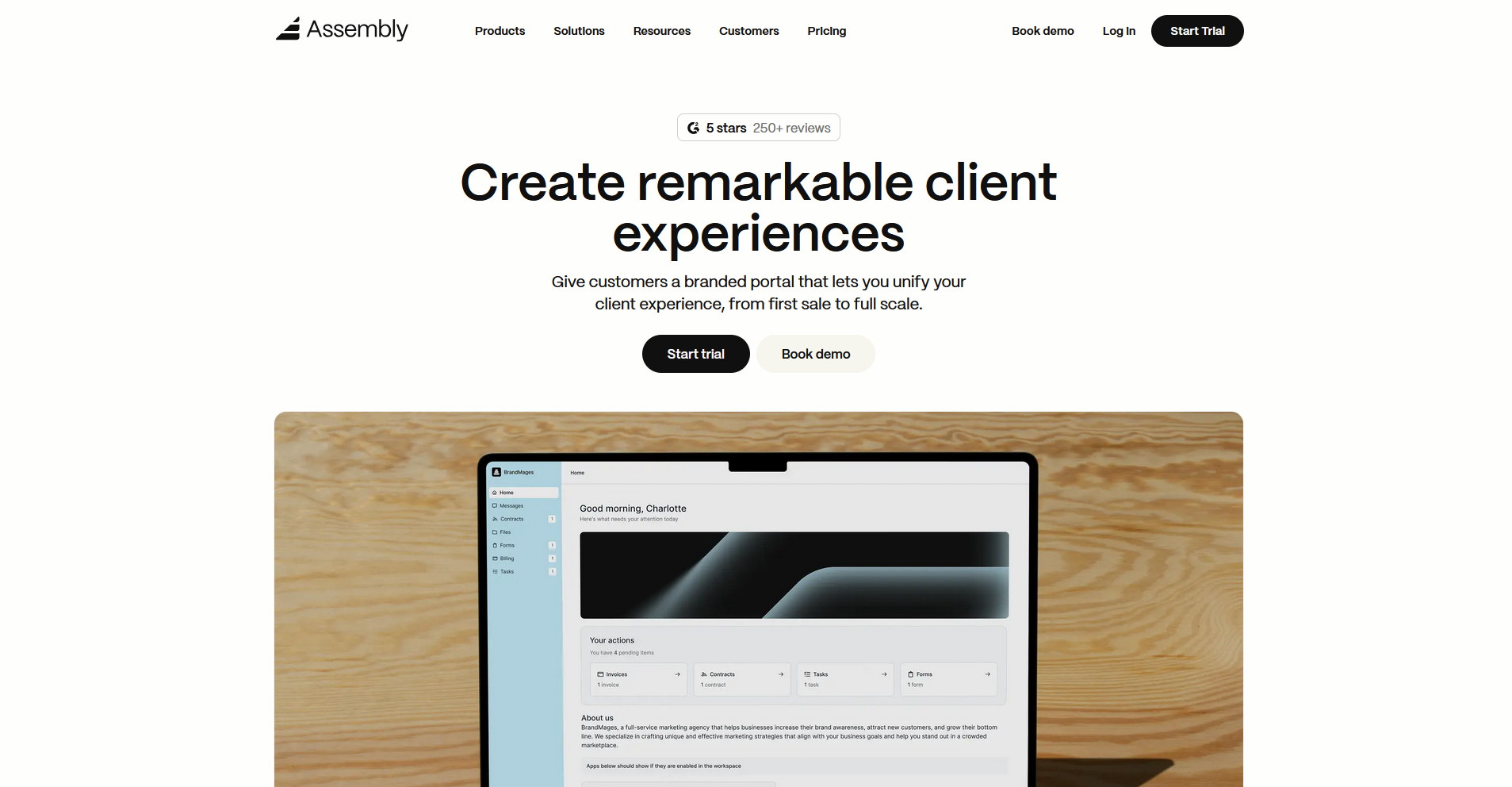
Assembly is a client portal platform built for service firms that want to manage the full client relationship in one place. Clients log into a branded portal with dynamic homepages tailored to where they are in their engagement with your firm. It takes time to set up the way you want it, and very small teams may find the range of features more than they need right away.
Key features
- Dynamic client homepages: Tailor the content each client sees based on custom field tags, so their portal can reflect where they are in their engagement with your firm.
- Recurring automations: Schedule time-based triggers for tasks, messages, and forms to help keep routine client touchpoints running with minimal manual effort on your end.
- Consolidated payments: View and manage invoices, subscriptions, payment links, and store transactions from one dashboard so all payment activity stays in one place.
Pros
- ✅ Clients get a branded portal experience with a custom domain, personalized homepages, and app visibility controls tailored to each relationship
- ✅ Billing, contracts, messaging, and tasks sit in the same platform, so you don't have to reconcile information across separate tools
- ✅ Assembly Assistant helps you review client activity and pull context from each client’s record, so you can walk into interactions better prepared.
- ✅ SOC 2 and GDPR compliant, with HIPAA compliance available on higher-tier plans for teams with stricter data requirements
Cons
- ❌ Some advanced features, like custom domain and multi-company client support, are only available on higher-tier plans
- ❌ Teams with very simple client workflows may find the platform covers more ground than they need right away
Best for
- Service firms managing ongoing client relationships with billing, communication, and tasks in one place
- Teams that want to deliver a branded, personalized portal experience to each client
- Businesses looking to reduce manual follow-up with recurring automations across their client base
Pricing
Assembly starts at $39 per month.
2. SuiteDash: Best for small businesses that want a client portal with project management and billing
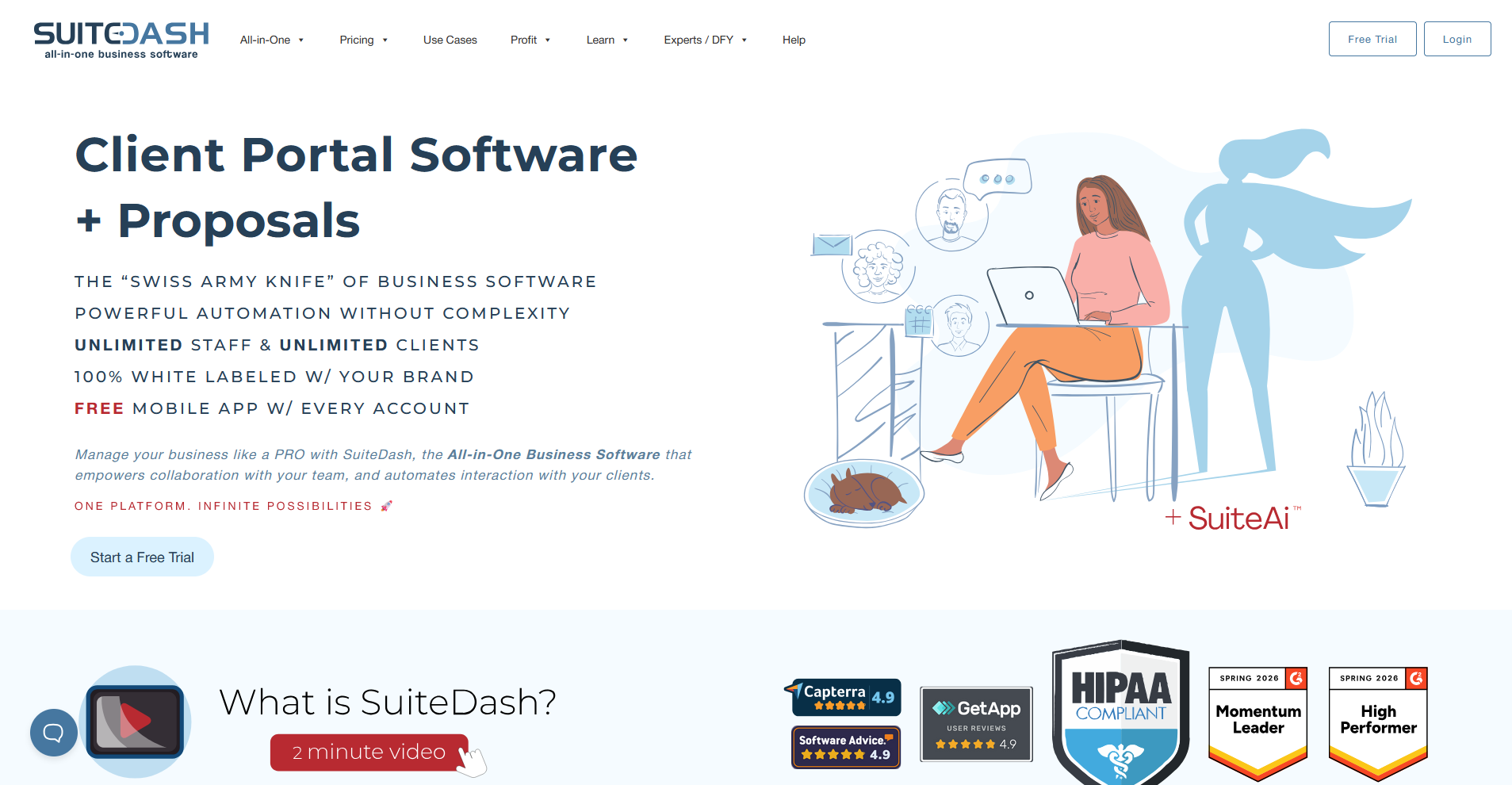
SuiteDash is a client portal platform that combines CRM, project management, invoicing, file sharing, and white-label branding in one place. The flat-rate pricing can make costs more predictable as your team grows, but getting everything configured the way you want tends to take significant time upfront.
💡Tip: Check out our in-depth SuiteDash review to learn more.
Key features
- Client dashboards: Build custom dashboards for each client using drag-and-drop content blocks that display tasks, invoices, files, and forms.
- Onboarding funnels: Build intake flows that guide new clients through forms, contracts, and payments before they gain full portal access.
- Magic link login: Send clients a one-time login link via email so they can access their portal without setting up a password.
Pros
- ✅ Flat-rate pricing covers unlimited clients and team members, so costs stay predictable as your business grows
- ✅ CRM, billing, project management, and client portals share the same data, removing the need to reconcile information across separate tools
- ✅ Workflow automations can connect actions across modules, so a signed proposal can trigger a project, an invoice, and an onboarding sequence
Cons
- ❌ The interface has a steep learning curve, configuring the platform to match your workflows can take time upfront
- ❌ The depth of the feature set can feel overwhelming for smaller teams that only need a straightforward client portal
Best for
- Small businesses that want CRM, project management, and billing without paying for separate tools
- Service providers who want a white-labeled portal at a flat monthly rate
- Teams willing to invest setup time upfront for a highly configurable platform
Pricing
SuiteDash starts at $180 per year. To see the full breakdown, check out our SuiteDash pricing guide.
3. Moxo: Best for businesses that need structured onboarding and approval workflows
Moxo is a client interaction platform built around structured workflows, approval chains, and secure document handling. It works well for businesses in regulated industries like finance, legal, and accounting, where every client interaction needs to be traceable and organized. The workflow builder can take time to configure, and smaller teams may find the platform covers more ground than they need.
💡Tip: Check out our in-depth Moxo review to learn more.
Key features
- Workflow automation: Build multi-step client workflows with conditional logic, automated reminders, and approval routing across multiple stakeholders.
- Audit trails: Track every document view, upload, approval, and message with a timestamped log for compliance and accountability.
- Role-based client portals: Set up separate portal views for each stakeholder so clients, partners, and internal teams each see only what's relevant to their role.
Pros
- ✅ Structured workflow tools handle complex, multi-party approval processes across documents, tasks, and onboarding steps
- ✅ Audit trails and SOC 2 compliance make it a strong fit for businesses handling sensitive client data in regulated industries
- ✅ Role-based portal views let you control exactly what each stakeholder sees, keeping the client experience focused and organized
Cons
- ❌ Customization options like white-label branding are locked behind higher-tier plans, which limits how polished the client experience can look on entry-level accounts
- ❌ The workflow builder has a learning curve, and integrations beyond core tools are more limited on lower-tier plans
Best for
- Businesses in regulated industries like finance, legal, or accounting that need traceable client workflows
- Teams running complex, multi-party onboarding processes with approval steps
- Organizations that need a structured, audit-ready client interaction record
Pricing
Moxo offers custom pricing.
4. Plutio: Best for freelancers who want client work and billing in one place
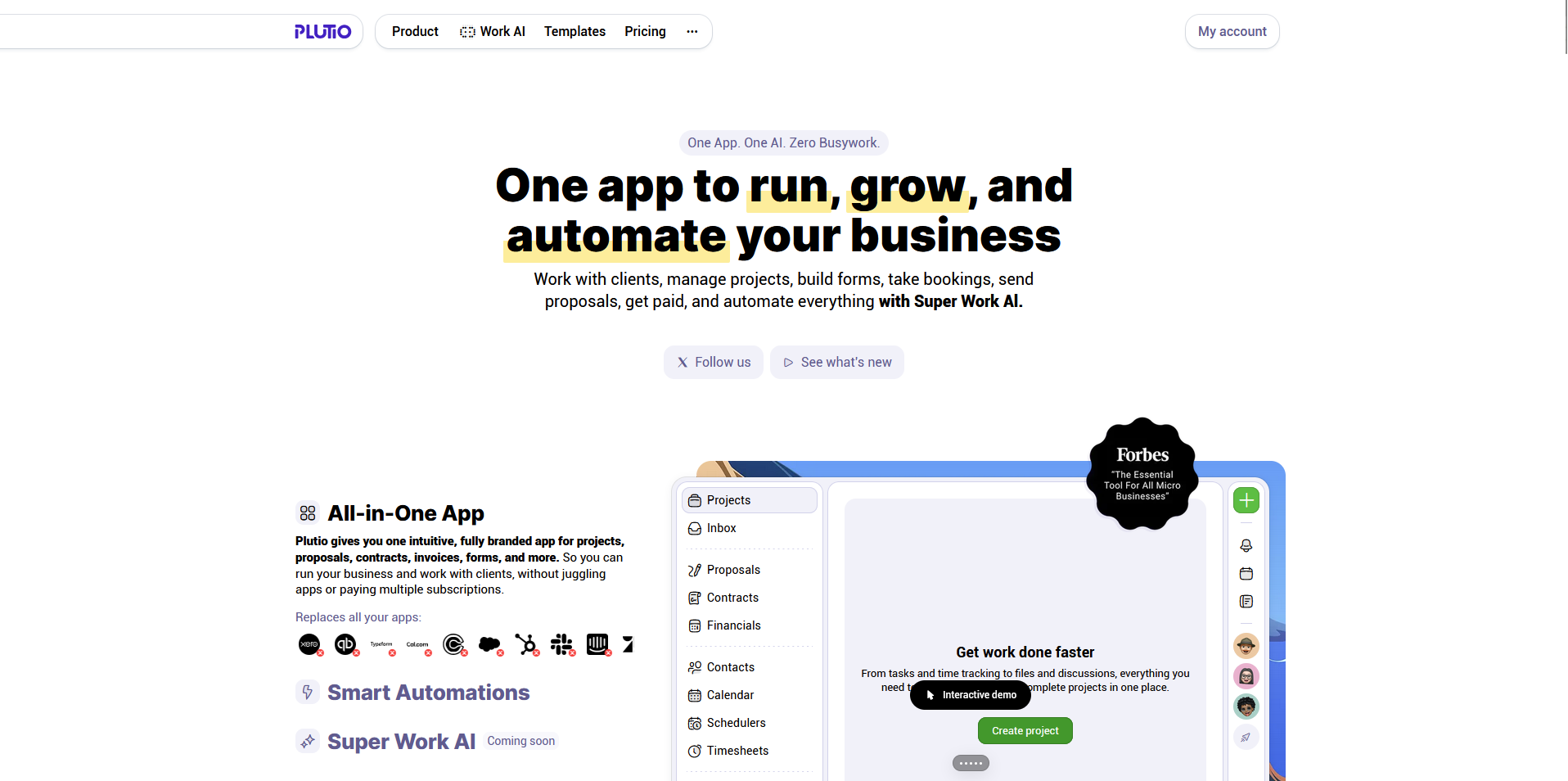
Plutio is a business management platform built for freelancers and small teams who want proposals, contracts, projects, time tracking, and invoicing in one place. When a proposal gets accepted, it links automatically to the client record and project. There's a lot packed into the interface, and it can take time before the workflow feels natural.
Key features
- Connected proposals and projects: Convert accepted proposals into projects with tasks and timelines, linked automatically to the client record.
- Time tracking to invoicing: Log billable hours against tasks and pull them directly into invoices without manual calculations.
- Branded client portal: Give clients access to project progress, files, messages, and invoices through a white-labeled portal.
Pros
- ✅ Proposals, contracts, projects, time tracking, and invoicing share the same data, so information doesn't need to be re-entered across steps
- ✅ The branded client portal lets clients check project status, download files, and view invoices without contacting you for every update
- ✅ Both plans include the full feature set, so you won't hit a paywall for core functionality as your business grows
Cons
- ❌ The Core plan caps active clients at 9, which can limit freelancers managing a larger or growing client base
- ❌ Development pace has been inconsistent, and some workflow features have taken longer to ship than the roadmap suggested
Best for
- Freelancers managing proposals, projects, and invoicing in a single workspace
- Solo operators who bill hourly and want time tracking tied directly to invoices
- Independent service providers who want a branded client portal without enterprise pricing
Pricing
Plutio starts at $190 per year.
5. SuperOkay: Best for freelancers and small agencies that want a lightweight branded client portal
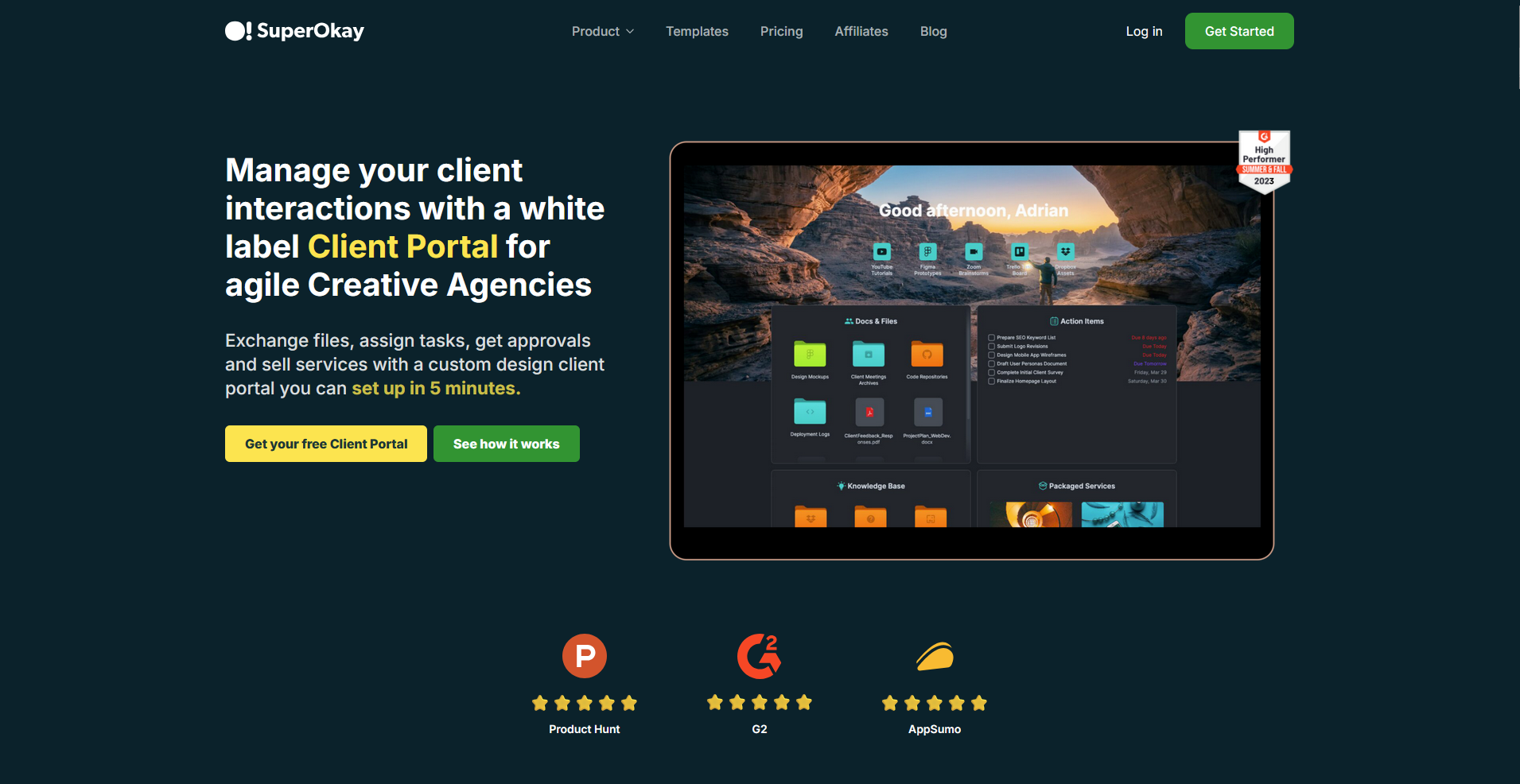
SuperOkay is a client portal platform built for freelancers and small agencies that want a clean, branded space for sharing project updates, documents, tasks, and embedded apps with clients. It's quick to set up, and clients tend to find it easy to navigate without needing guidance. There's no native time tracking, so freelancers who bill hourly will need a separate tool for that.
Key features
- Embedded app integrations: Connect tools like Figma, Airtable, Miro, Google Drive, and many others directly into the client portal.
- Interactive document editor: Build client-facing documents with content blocks, approval requests, Q&A inputs, and reusable sections.
- Reusable blocks and templates: Save proposals, briefs, and service details as building blocks to reuse across projects.
Pros
- ✅ Quick to set up and easy for clients to navigate from day one, with no steep learning curve on either side
- ✅ White-label branding with a custom domain makes the portal look like a natural extension of your business
- ✅ Embedding apps directly into the portal reduces the need for clients to switch between tools to find what they need
Cons
- ❌ No native time tracking, which can be a gap for freelancers who need to log billable hours per project
- ❌ Two-factor authentication is not available, which can be a concern for businesses handling sensitive client data
Best for
- Freelancers and small agencies that want a branded portal up and running quickly
- Creative professionals who need a clean space to share project updates and deliverables with clients
- Teams that manage client communication and approvals without needing billing or CRM built in
Pricing
SuperOkay starts at $9 per month.
6. Kitchen.co: Best for agencies and freelancers that want a simple client portal for projects and communication
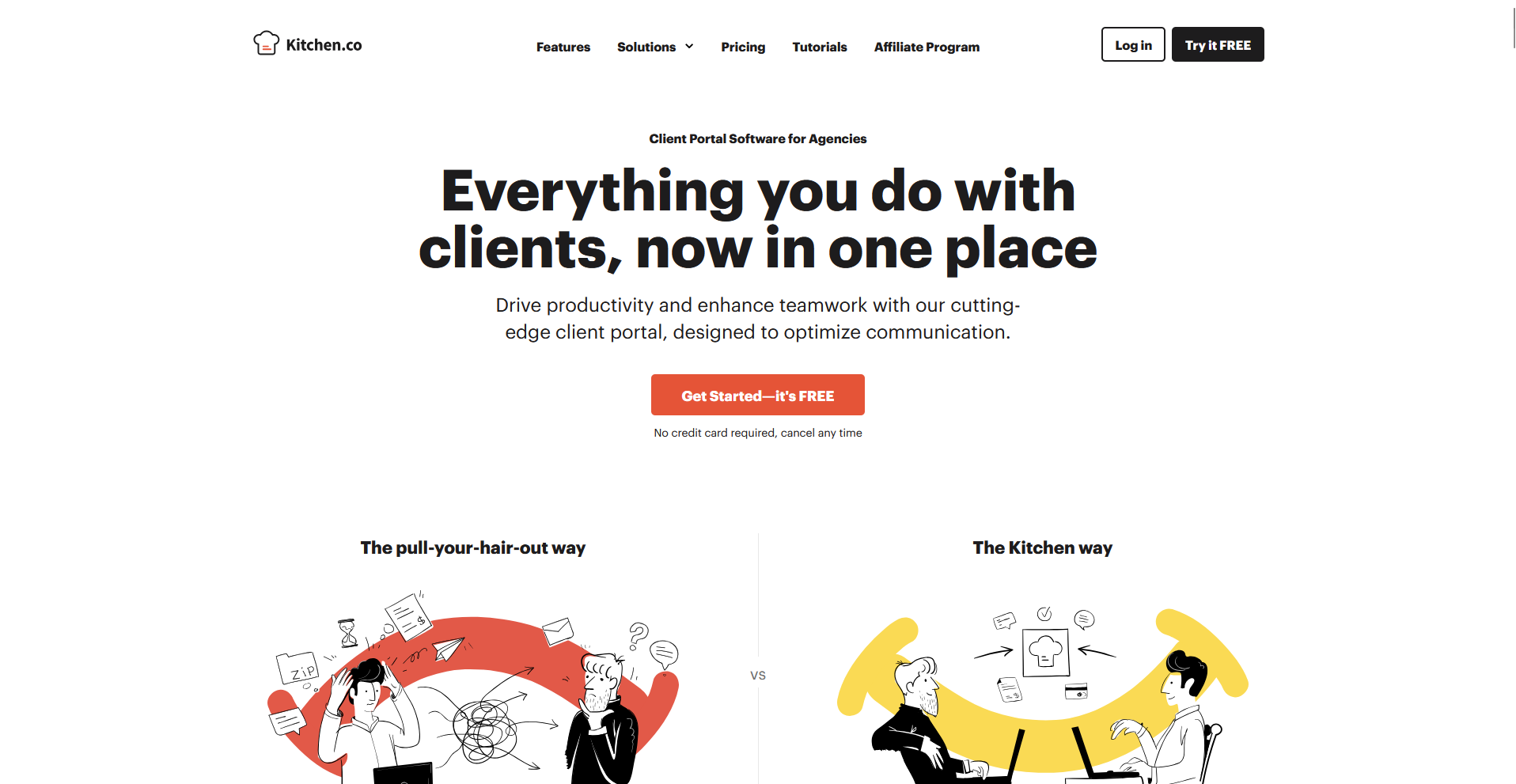
Kitchen.co is a client portal platform built for creative agencies and freelancers who want to manage projects, tasks, messages, files, and invoices in one organized workspace. The interface is clean and approachable, and clients can reply to messages directly from their inbox without logging in. Project management views are fairly basic, which can feel limiting if you’re running more complex client work.
Key features
- Folder-based project structure: Organize projects, conversations, files, and deliverables using nested folders with color coding and selective sharing permissions.
- Conversations: Run multiple threaded message channels per project, with client replies syncing directly from email into the portal.
- Invoicing and payments: Create and send invoices with line items and tax rates, with payment processing through Stripe, PayPal, and Square.
Pros
- ✅ Clients can interact with the portal directly from their email inbox, with no login required for basic actions like approvals and payments
- ✅ The folder structure keeps projects, files, conversations, and deliverables organized in a way that clients can navigate without guidance
- ✅ White-label branding with a custom domain makes the portal look like a natural extension of your business
Cons
- ❌ No Gantt charts or timeline views, which can make it harder to manage projects with multiple overlapping deadlines
- ❌ Permission management across folders and channels can get inconsistent when projects involve multiple collaborators with different access levels
Best for
- Creative agencies and freelancers who want projects, tasks, and client communication in one place
- Service providers who want clients to interact with the portal directly from their email inbox
- Teams that need a clean, brandable portal without a steep learning curve
Pricing
Kitchen.co starts at $29 per internal user per month, billed monthly.
7. Softr: Best for teams that want to build a no-code client portal on top of their data
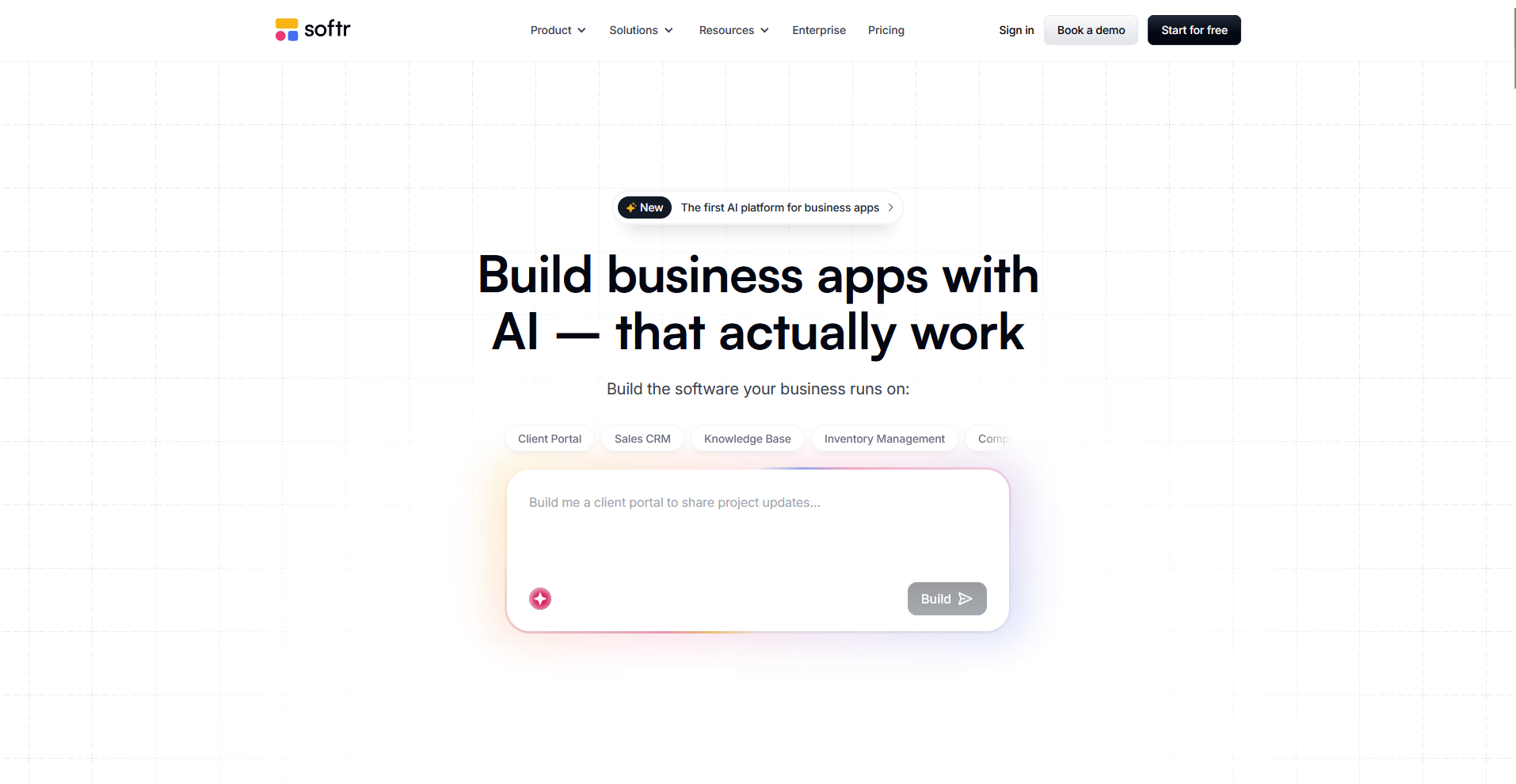
Softr is a no-code app builder that lets you create client portals and internal tools on top of data sources like Airtable and Google Sheets. You build using drag-and-drop blocks, with each client seeing only the records relevant to them based on login permissions. Because you're building from scratch, setup time can depend on how much customization your workflow needs.
Key features
- Data source connections: Connect to 15+ external sources, including Airtable, Google Sheets, HubSpot, and Notion, to power your portal with live, synced data.
- User permissions and access control: Set up user groups and row-level permissions so each client sees only the data and views assigned to them.
- Drag-and-drop block builder: Assemble portal pages using pre-built blocks for lists, forms, charts, tables, and detail views.
Pros
- ✅ Connects directly to data sources your team already uses, so the portal reflects live information without manual updates
- ✅ Row-level permissions let you give each client a personalized view of their data without exposing your full database
- ✅ A free plan with 10 app users lets you test a working portal with real clients before committing to a paid tier
Cons
- ❌ The block-based builder limits design flexibility, so getting the portal to look exactly how you want can require workarounds
- ❌ Complex workflows often depend on external automation tools like Zapier or Make, since native workflow automation is limited
Best for
- Teams that already use Airtable, Google Sheets, or HubSpot and want a client-facing layer on top
- Non-technical operators who want to build a custom portal without writing code
- Businesses that need granular, row-level data permissions for different client accounts
Pricing
Softr starts at $49 per month.
Special mentions
Each of the tools below supports client work in a slightly different way. I tested them alongside the main picks, and they’re still worth a look depending on how your team operates.
Here are 4 more Clinked alternatives worth considering:
- monday.com: A visual work management platform built around customizable boards for tracking projects, pipelines, and client work. The automations between deal stages and delivery helped keep handoffs organized during testing. Branded portal features require the Monday Service add-on, so standard Work Management users are limited to guest access.
- Wrike: A project management platform with structured workflows, approval chains, and strong permission controls for sharing work externally. It worked well during testing for teams managing complex projects across multiple stakeholders. Clients access your workspace directly, so while everything is there, it doesn’t feel like a tailored client experience.
- Basecamp: A simple collaboration tool that brings message boards, to-dos, file sharing, and chat into one flat structure. When I tested it, clients got up to speed quickly without much guidance. You can toggle visibility on individual messages, to‑dos, files, and even whole tools for clients, but there’s no advanced, role‑based permission system at the project level.
- Bitrix24: A broad platform that includes CRM, project management, communication tools, and a client portal. I found the range of features impressive for a single platform, but getting the client portal set up the way you want can take time.
How to evaluate Clinked alternatives
Clinked alternatives vary widely, from lightweight agency portals to more complete client management platforms with billing and CRM.
The right fit depends on a few key factors:
- How your clients experience your brand: Some tools give you a fully white-labeled portal with a custom domain and branded homepages. Others offer surface-level customization that stops at a logo and a color scheme. If the client experience is central to your firm, I’d look beyond the marketing copy before deciding.
- Whether you need billing included: A lot of client portal tools stop at collaboration and file sharing. If you want invoicing, subscriptions, and payment tracking where your clients log in, that narrows your options. Using a separate billing tool works, but it can make your process harder to manage over time.
- The post-sale relationship: Many platforms focus on getting clients set up and less on what happens after. I’d think about whether you need task management, automated follow-ups, and ongoing client communication in the same platform, or if you're comfortable managing that elsewhere.
- Internal user limits vs. client limits: These are two different things and they're priced differently across most tools on this list. Some platforms charge per internal team member, others charge based on how many clients you have, and some do both. Getting clear on which constraint applies to your business can help you avoid surprises later.
- Integration depth vs flexibility: Tools like Softr give you flexibility to build on top of your existing stack, while others like Assembly or Moxo guide how workflows are structured. Neither approach is wrong, but one may fit how your team works better.
The client experience your business delivers depends on the tools behind it
Many teams switching away from Clinked aren't just looking for a cheaper option. They’re looking for something that handles more of the client relationship without relying on a separate tool for every piece. The tools on this list take different approaches, and the right one depends on how much of that relationship you want to manage in one place.
If you're running a professional service firm and want a branded portal that handles onboarding, billing, and ongoing client communication in one place, Assembly is worth considering. Dynamic client homepages, recurring automations, and a CRM help support a more consistent client experience across your work.
Start your free Assembly trial today.
Frequently asked questions
What are the best Clinked alternatives?
The best Clinked alternatives are Assembly, SuiteDash, Moxo, SuperOkay, and Kitchen.co. Assembly and SuiteDash cover the most ground with CRM and billing included, while SuperOkay and Kitchen.co are better fits for freelancers and small agencies wanting a simpler portal. Moxo stands out for structured onboarding and approval-heavy workflows.
Is Clinked good for agencies?
Clinked can work for agencies that prioritize secure file sharing and white-label branding, but it's generally better suited to larger enterprise teams than small or mid-sized agencies. The pricing requires a higher commitment before you get access to core features like tasks and a custom domain. Agencies that need billing, CRM, or deeper integrations with their existing tools may find it restrictive.
What should I look for in a client portal?
The most important things to look for in a client portal are branded customization, billing capabilities, and how much of the client relationship it supports beyond file sharing. Check whether it connects with your existing tools, how it handles internal user limits versus client limits, and whether it can scale as your client base grows.
Does Clinked have a free plan?
No, Clinked does not offer a free plan. The Standard plan starts at $239 per month (billed annually) and includes core features like tasks, a custom domain, and group chat. A free trial is available, but there is no permanent free tier.
Your clients deserve better.
Try for free for 14 days, no credit card required.