



I've tested the leading no-code client dashboard tools, and the best ones handle complex branding and granular permission controls through visual interfaces. Here are the top 10 platforms that balance professional customization with ease of use in 2026.
10 Best no-code client dashboard tools in 2026: At a glance
Some no-code tools connect to spreadsheets or databases you already use, while others work best when you build from scratch. A few give you detailed control over who sees what, and others keep permissions simple. Here are the top 10 tools compared side by side:
If you want the dashboard delivered as a branded app, a white-label app builder is the next step up.
If you need internal reporting rather than a client-facing view, I compared custom dashboard software separately.
| Tool | Best for | Annual price | Key strength |
|---|---|---|---|
| Assembly | Ongoing client relationships | $29/month | Branded client dashboard built on a core CRM with tasks, messaging, file sharing, configurable client views, and an AI assistant |
| Softr | Building on existing databases | $49/month | Connects to 15+ data sources with granular permissions and built-in workflows |
| Stacker | Spreadsheet-based client data | $29/month | Turns spreadsheets into polished portals with secure client access |
| Noloco | Granular permission requirements | $39/month | Detailed access rules with built-in workflow automation |
| Blaze | Compliance-heavy industries | $1,350/month, plus a one-time implementation fee | Native HIPAA and SOC 2 compliance with AI-assisted database creation |
| Caspio | Enterprise-scale deployments | $90/month | SOC 2, HIPAA, and GDPR compliance with an unlimited user model |
| Knack | Database-driven portals | $49/month | Database-driven portals with record-based pricing instead of user-based pricing |
| Pory | Airtable-only workflows | $79/portal/month | Live read and write sync with Airtable bases |
| Zendo | Service sales and client requests | $37/month | Service requests, quotes, invoices, and client chat in one workspace |
| Zapier Interfaces | Existing Zapier users | $19.99/month | Connects to 8,000+ apps with automation built in |
1. Assembly: Best for ongoing client relationships
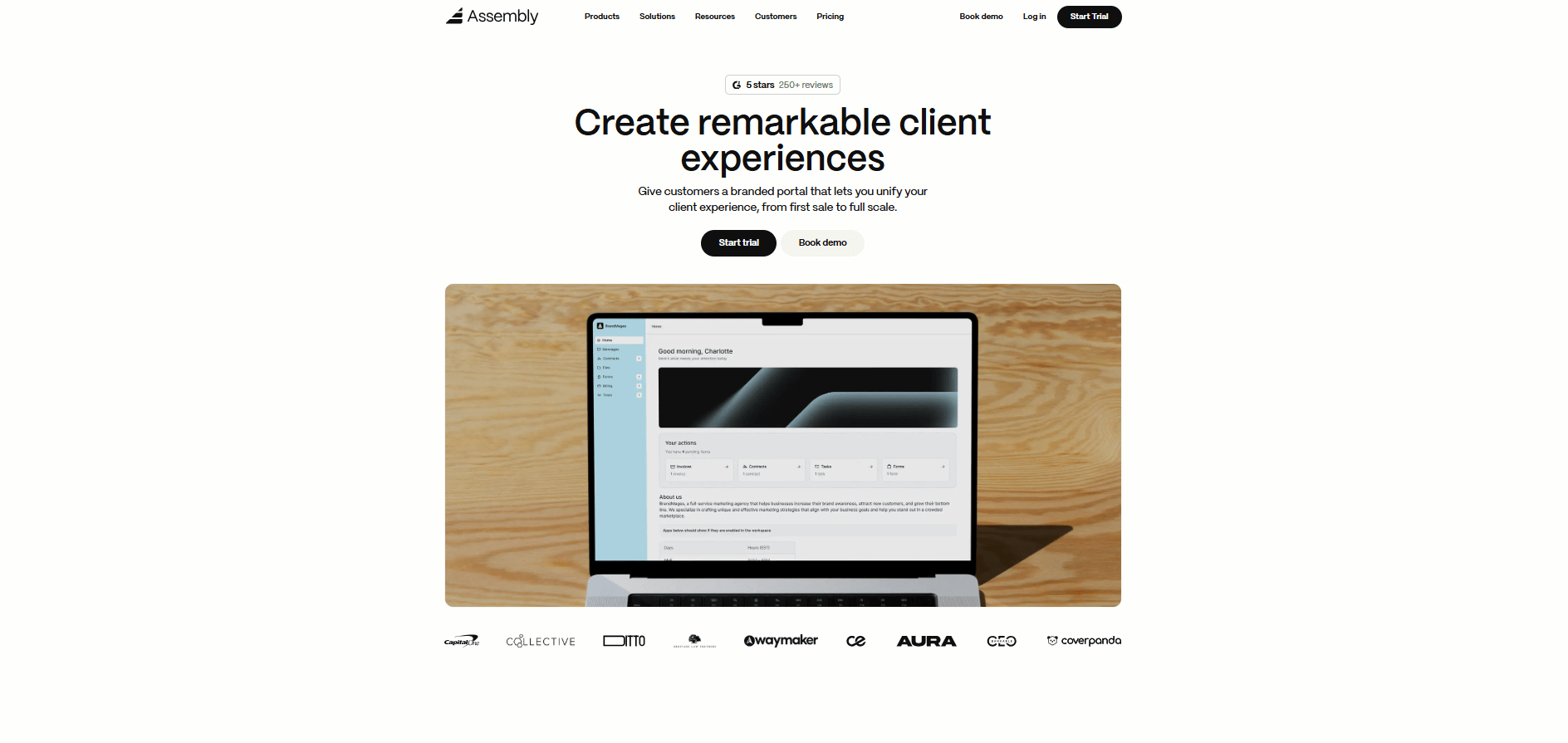
- What it does: Assembly is a client portal and CRM built for service businesses. It provides a no-code client dashboard inside a branded portal. Client records, tasks, messages, files, contracts, and payments live together in one workspace.
- Who it’s for: Service businesses and agencies that need a client-facing dashboard tied to client records.
We built Assembly as a client-facing dashboard where the portal comes first. Clients log in to a branded space to review tasks, files, invoices, contracts, and messages. This replaces scattered tools with a single place clients can return to.
Behind the portal, you use client records to organize messages, files, and past work around each relationship. You can also create client records before clients ever access the portal. Add custom fields, leave internal notes, and coordinate with your team using a private-only chat. When you invite the client, you continue to use the same space for ongoing client work.
When client work and communication live together, staying on top of context matters. The AI Assembly Assistant summarizes client conversations, notes, and files. This lets you review key details before meetings or follow-ups.
To fit into existing tool stacks, Assembly integrates with tools like Airtable, Calendly, and ClickUp, and supports additional connections through Zapier and Make.
Key features
- Branded client portal: A single portal where clients view shared tasks, files, invoices, contracts, and messages, with role-based access controls.
- CRM-style client records: Client records store details, notes, and activity history for each relationship.
- Service storefronts: Built-in Storefronts let you sell services or subscriptions to clients through a branded checkout.
- Contracts and payments: Contracts, invoices, and subscriptions stay connected to the client record.
- Assembly Assistant: An AI feature that summarizes client conversations, notes, and files so you can review context before meetings.
- Security and compliance: SOC 2, HIPAA, and GDPR support, with role-based permissions and audit controls.
Pros
- Client-facing dashboard designed around a portal rather than internal reporting
- Supports both pre-sales preparation and post-sales delivery in one workspace
- Connects with common tools through native integrations and automation platforms
Cons
- Higher starting price than basic CRMs focused only on contacts and deals
- Requires clients to log into a portal to get the full value
Pricing
Assembly has a free plan, and paid plans start at $29 per month billed annually.
Bottom line
Assembly works well when you need a client dashboard that functions as a shared workspace, not just a reporting view. If you mainly need to build internal dashboards from database tables, Softr might be a better fit.
2. Softr: Best for building on existing databases
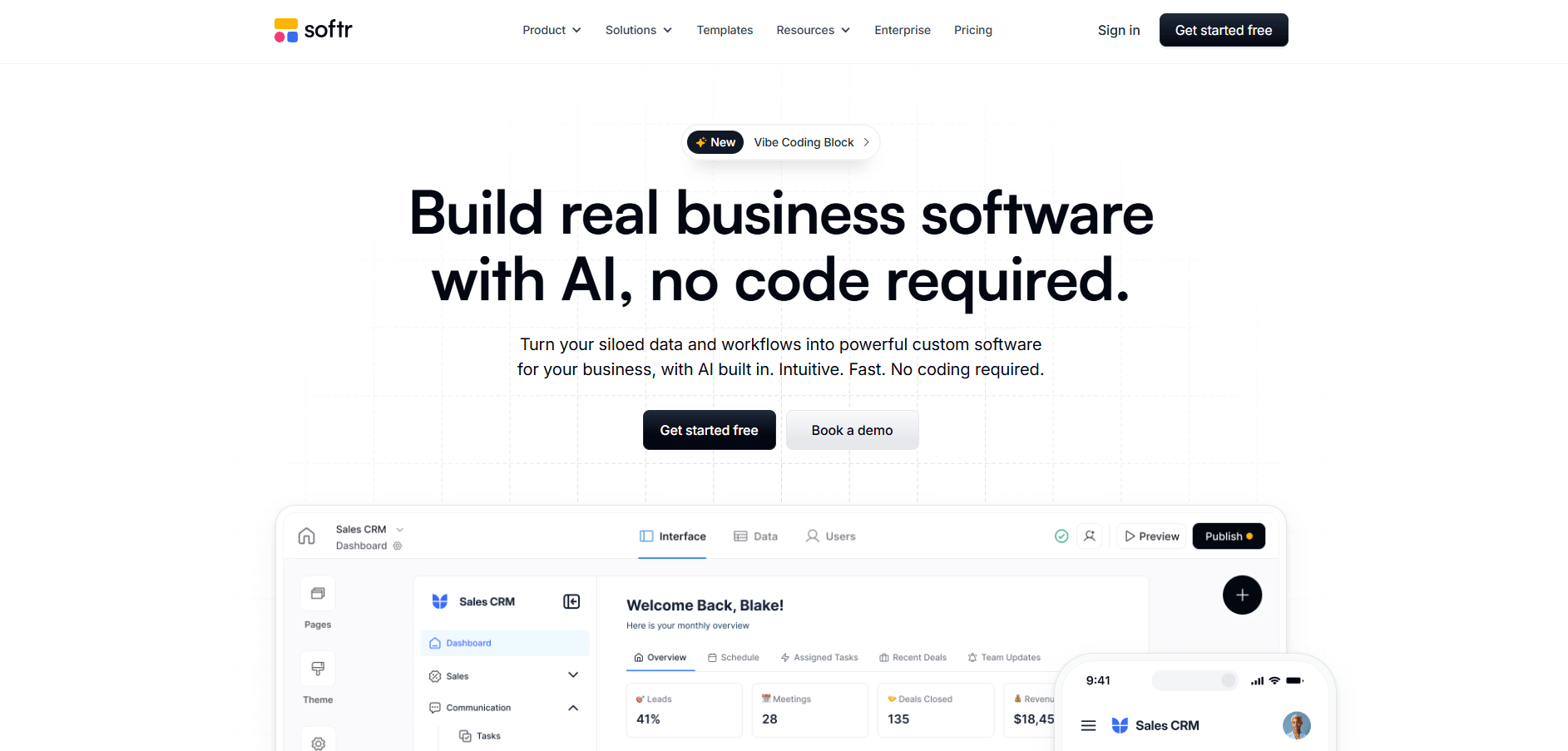
- What it does: Softr is a no-code tool for building client dashboards and portals on top of existing data sources. It connects to databases like Airtable and Google Sheets and lets teams design pages, permissions, and workflows without writing code.
- Who it’s for: Teams that already store data in external databases and want to layer a client-facing dashboard on top.
I see Softr as a database-first tool designed to layer a client interface on top of existing data sources (or its native Softr Database). It works best when your data already lives in tools like Airtable and follows a clear structure.
I tested it by building a client portal on top of an Airtable base that I already had. I put pages and permissions in place in under 30 minutes, and the setup stayed straightforward as long as my Airtable data was organized to begin with.
When I needed to change layouts, I often had to jump back into Airtable first. That pushed more work into the database layer. Teams looking for an all-in-one client workspace may find the setup more technical than expected.
Key features
- Database integrations: Connects to tools like Airtable and Google Sheets as the primary data source, or use Softr's native database for new projects.
- Page builder: Build dashboards and portals using blocks, layouts, and permission rules.
- Access controls: Set rules for what clients and internal users can view or edit.
Pros
- Strong fit for teams already using Airtable or spreadsheets
- Flexible permissions for client access
- Visual builder makes layout changes approachable
Cons
- Client experience depends heavily on the underlying database structure
- Ongoing changes often require database updates first
Pricing
Softr starts at $49 per month.
Bottom line
Softr works well when your team treats a database as the source of truth and only needs a clean way to share views with clients. If you want the client dashboard to replace internal tools as the main workspace, Assembly might be a better fit.
3. Stacker: Best for spreadsheet-based client data
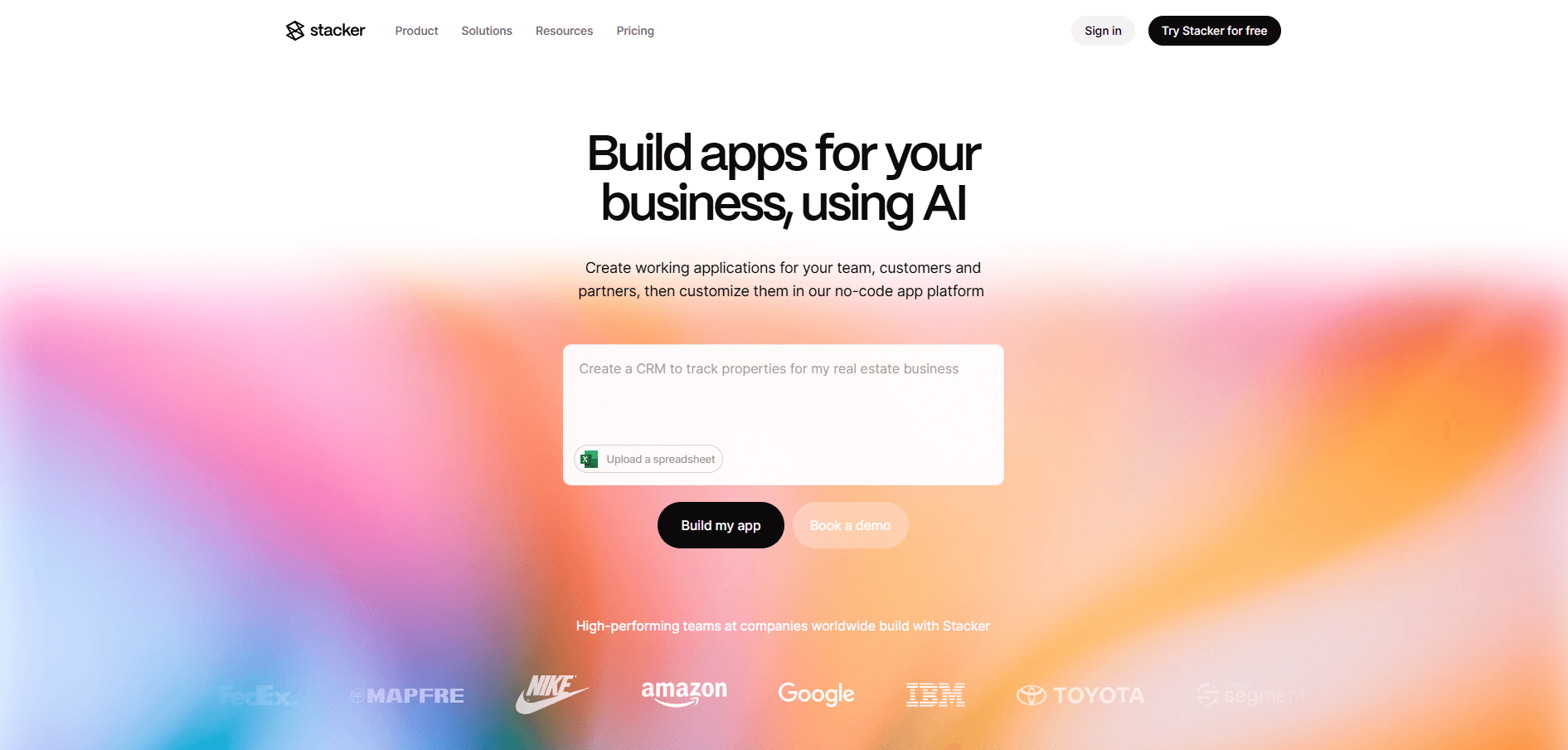
- What it does: Stacker turns Airtable bases and Google Sheets into client dashboards. It connects directly to your spreadsheet and builds portals, forms, and permission controls on top of that data. No migration needed.
- Who it's for: Teams that already store client data in spreadsheets and want to add a polished client-facing layer.
Stacker treats your spreadsheet as the system of record. I connected an Airtable base to test how this affects the client experience. The dashboard builder stayed responsive, and I could configure views without wrestling with the interface.
The permission system assumes your spreadsheet handles most logic. Stacker displays and filters that data for clients, but you manage relationships, calculations, and workflows in Airtable.
The trade-off shows when you need automation or multi-step processes. Stacker displays data cleanly but doesn't run workflows. If you keep business logic in your spreadsheet, this works. If you want the dashboard to handle automation, you'll need a different tool.
Key features
- Spreadsheet sync: Connects to Airtable or Google Sheets as your data source with automatic updates.
- Client permissions: Control what each user can view or edit based on role or record ownership.
- White-label options: Add custom domains and remove Stacker branding from client-facing portals.
Pros
- Fast setup for teams already using Airtable or Google Sheets
- Permission controls keep client data separated
- No need to rebuild data structures from scratch
Cons
- Advanced workflows require managing the spreadsheet separately
- Design flexibility is limited compared to full app builders
Pricing
Stacker starts at $29 per month.
Bottom line
Stacker preserves your existing spreadsheet workflow rather than replacing it. This matters when your team relies on formulas or scripts already built into Airtable or Sheets. If you want deeper workflow automation without managing spreadsheets, Noloco might be a better fit.
4. Noloco: Best for granular permission requirements
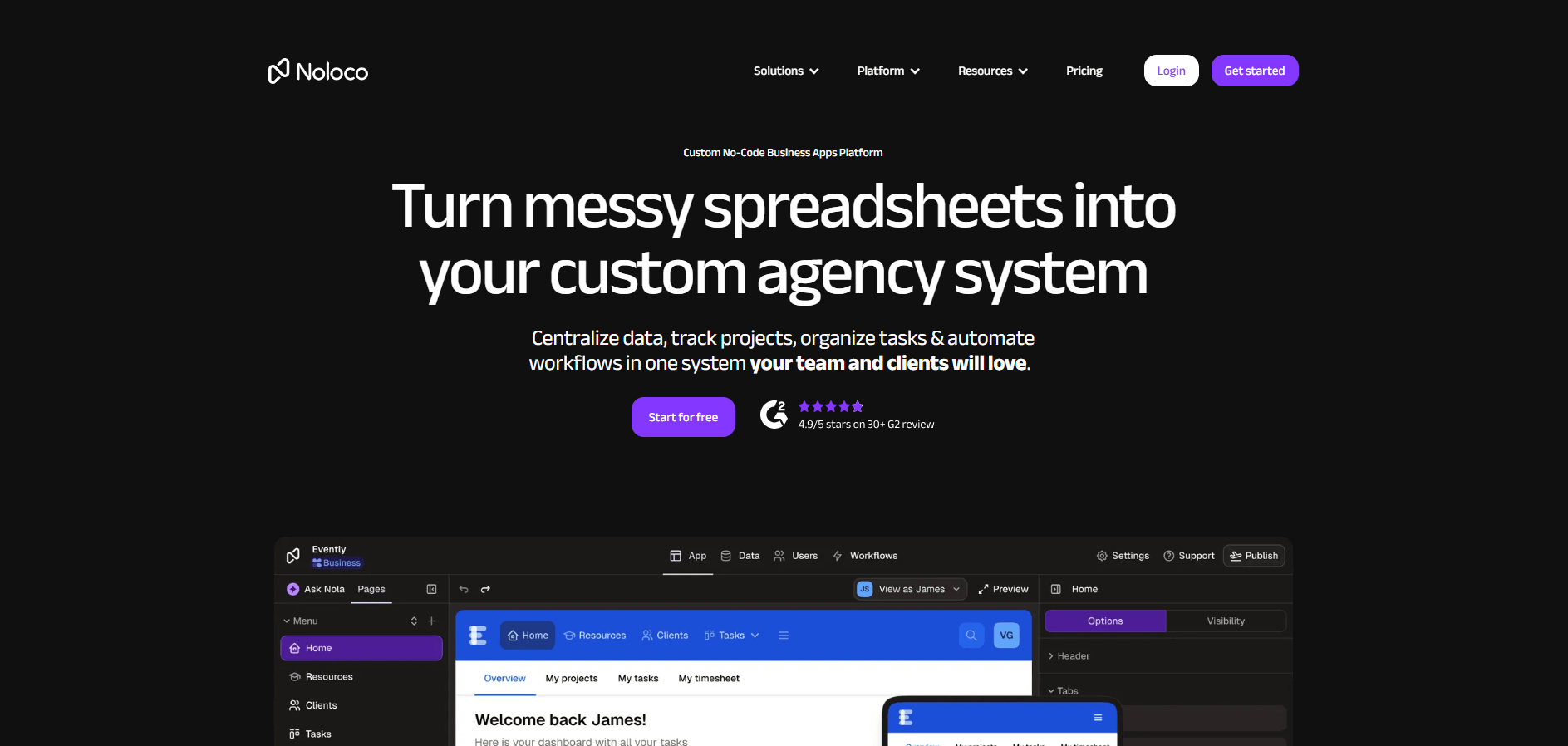
- What it does: Noloco builds client dashboards with field-level and row-level permission controls. It connects to external data sources or uses its own native tables and includes a visual workflow builder for automations.
- Who it's for: Teams that need precise control over which clients see specific fields or records within the same dashboard.
Noloco focuses on detailed permission controls. To test it, I built a test dashboard and set rules to show different fields to different users. The system hid sensitive columns from clients while keeping them visible internally.
I also tested row-level filters to limit which records each client could access. The setup required thinking through the data model before configuring any rules. This added time to my initial build.
The workflow builder handles basic automations like notifications and status updates. For more complex processes, I'd recommend external tools.
Key features
- Field and row permissions: Control which users see specific fields or records based on role or ownership.
- Noloco Tables: Use the native database or sync data from Airtable, Google Sheets, HubSpot, or SQL sources.
- Workflow automation: Build visual workflows that trigger notifications, updates, or external actions.
Pros
- Detailed permission controls at the field and row level
- Works with external data sources or native tables
- Workflow builder handles common automation needs
Cons
- Permission setup requires upfront planning of the data structure
- Client-side visibility rules may expose data to technical users
Pricing
Noloco starts at $39 per month.
Bottom line
Noloco separates itself by letting you build one dashboard that dynamically shows different data to different users based on their role or record ownership. If you need compliance certifications like HIPAA or SOC 2 built into the platform, Blaze might be a better fit.
5. Blaze: Best for compliance-heavy industries
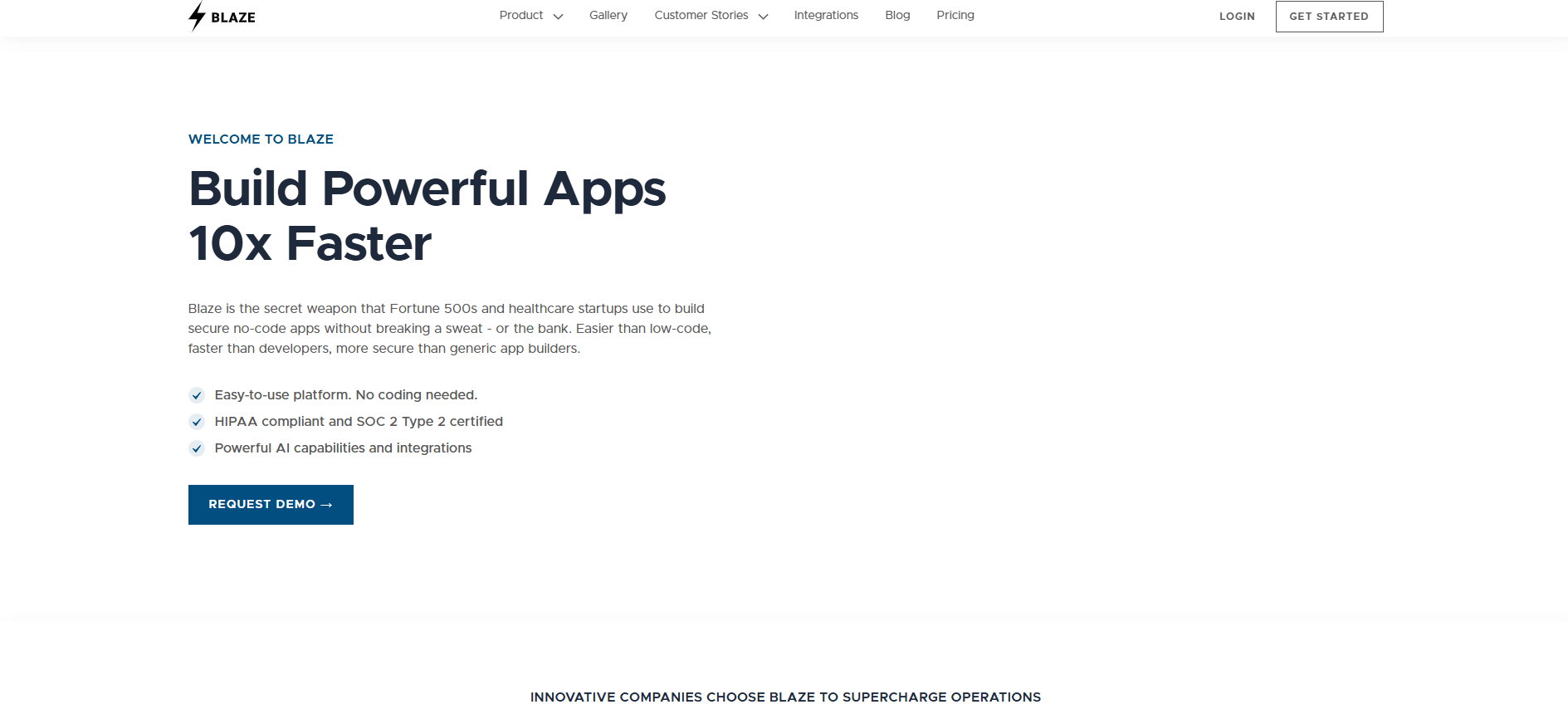
- What it does: Blaze is a no-code platform built for healthcare and financial services. It comes with HIPAA and SOC 2 compliance, AI-assisted database tools, and form builders.
- Who it's for: Organizations that need compliance certifications built into the platform from the start.
Blaze includes compliance features by default. The database builder uses AI to suggest table structures. This helps you build tables faster than if you started from scratch. I noticed the form builder included validation rules that support data integrity requirements.
The platform comes with SOC 2, HIPAA, and audit logging already configured. Teams in healthcare or finance can skip the compliance review process they would face with general-purpose tools.
The pricing reflects the compliance focus. Blaze costs significantly more than platforms without these certifications. If your industry doesn't require HIPAA or SOC 2, you may not need these features.
Key features
- Native compliance: SOC 2, HIPAA, and GDPR certifications built into the platform with audit trails.
- AI database builder: AI assistance helps create database schemas and suggests field types during setup.
- Workflow automation: Visual workflow builder with approval processes and notifications.
Pros
- Compliance certifications included without additional configuration
- AI assistance speeds up database structure planning
- Built for teams that prioritize data security and audit requirements
Cons
- Significantly higher price than non-compliance-focused platforms
- More features than needed if compliance isn't a requirement
Pricing
Blaze starts at $1,350 per month, plus a one-time implementation fee for your first app.
Bottom line
Blaze combines AI database tools with compliance certifications. This speeds up building dashboards for regulated industries compared to adding security to standard platforms. If you need enterprise features without paying for compliance, Caspio might be a better fit.
6. Caspio: Best for enterprise-scale deployments
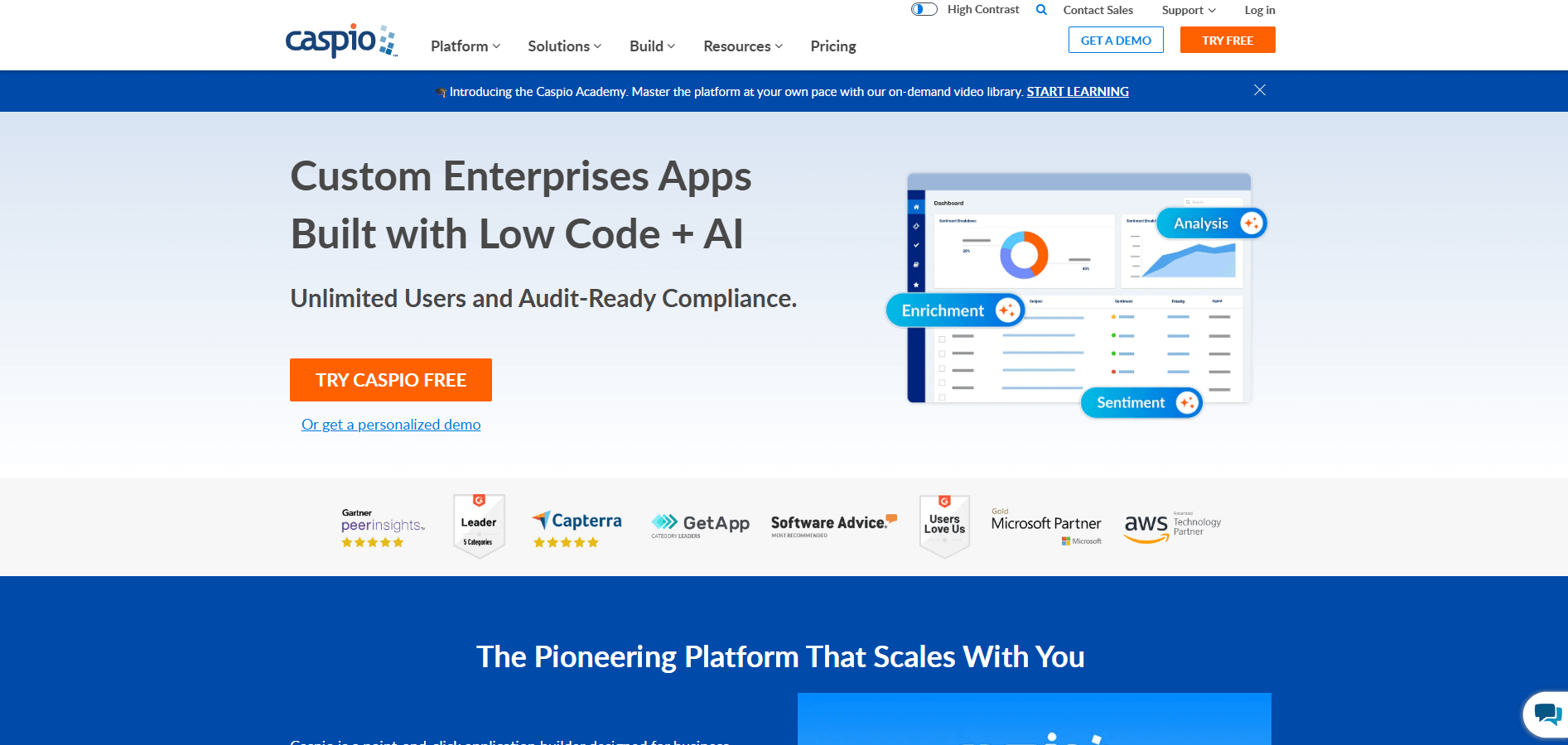
- What it does: Caspio is a no-code platform for building client dashboards with enterprise-grade security and compliance. It uses an unlimited user model and supports standards like SOC 2 Type II, HIPAA, GDPR, and FERPA.
- Who it's for: Large organizations that need to deploy dashboards to hundreds or thousands of users without per-user fees.
Caspio charges based on features and capacity rather than counting users. When I built a test dashboard and kept adding different user types, I didn't hit a seat limit. The lack of per-user fees matters when you're scaling access across clients or departments.
The form builder and workflow tools handle enterprise requirements without much customization. Audit trails and permission controls come preconfigured for compliance use cases. Teams working with sensitive data won't need to build these features from scratch.
In my opinion, Caspio is built for larger organizations with formal processes. The interface assumes you're working with structured data at scale, which smaller teams may find heavier than they need.
Key features
- Unlimited user model: No per-user fees, which supports large-scale deployments across organizations.
- Enterprise compliance: Support for SOC 2 Type II, HIPAA, GDPR, FERPA, and related standards, with detailed audit logging.
- Workflow automation: Build approval processes, notifications, and data validation rules.
Pros
- No per-user pricing makes it cost-effective at scale
- Compliance certifications built into the platform
- Strong security features for enterprise data requirements
Cons
- Interface complexity exceeds what smaller teams need
- Advanced features often require developer support
Pricing
Caspio starts at $90 per month.
Bottom line
Caspio's flat-rate model works when adding users freely matters more than having the simplest interface. If you're building on spreadsheet data rather than managing a structured database, Stacker might be a better fit.
7. Knack: Best for database-driven portals
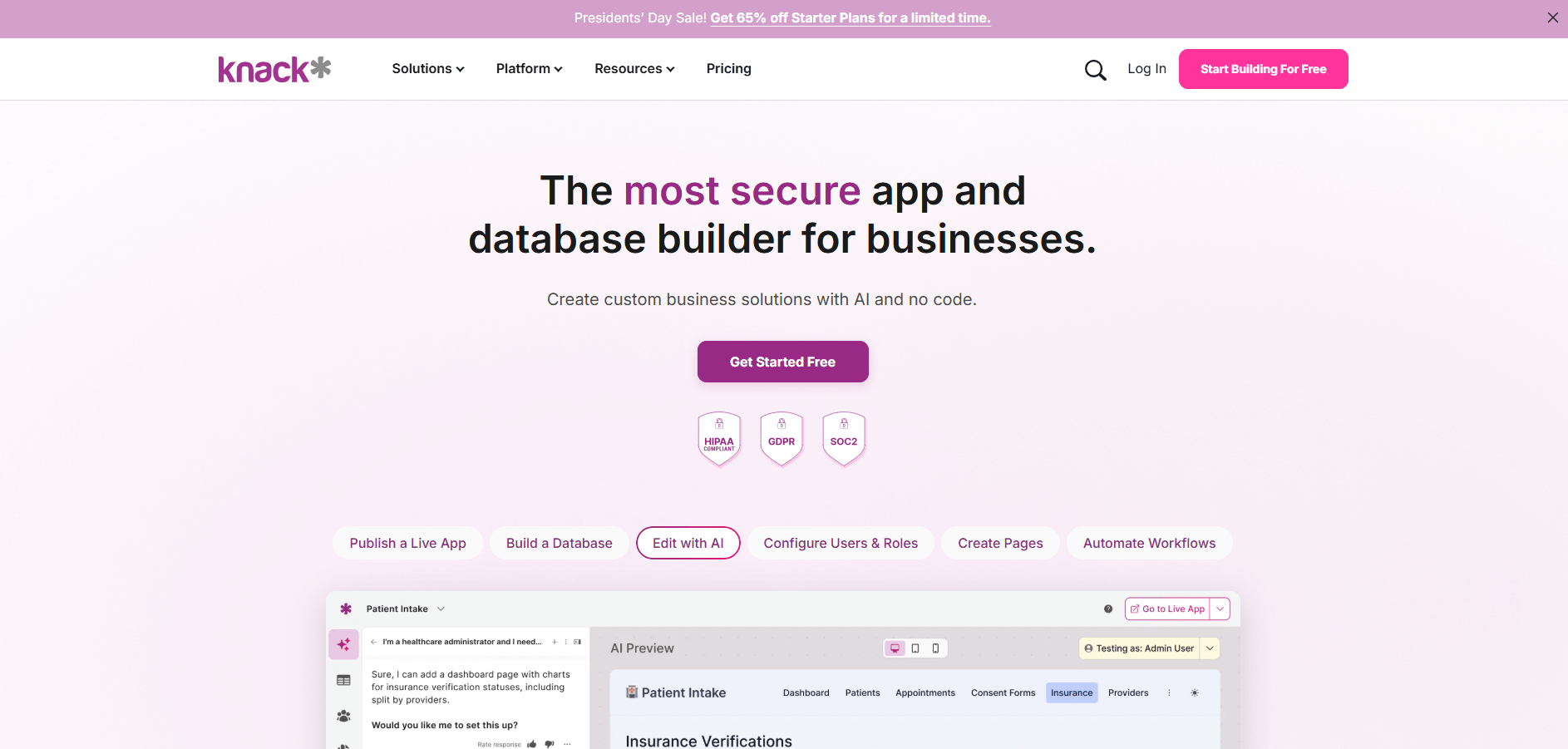
- What it does: Knack combines a database backend with a portal builder for client dashboards. It uses record- and usage-based pricing rather than per-user fees. It also includes CRM-style features for managing client data.
- Who it's for: Service firms that want to organize client records quickly and need pricing that scales with data rather than users.
Knack charges based on how many records you store rather than how many people log in. I tested this by adding client records and building views on top of that data. The cost stayed predictable as I added more users.
I built forms and reports to see how the database layer affects the client experience. The platform treats your dashboard as a frontend for structured data. This works when your team thinks in terms of records, fields, and relationships.
The setup requires planning your database structure before building the interface. Teams without a clear data model will spend time organizing information first. If your data is already structured, Knack moves faster than platforms that require you to rethink your approach.
Key features
- Database backend: Built-in database with custom fields, relationships, and record management
- Record-based pricing: Costs scale with data volume rather than user count
- Client portal builder: Create dashboards, forms, and reports on top of your database
Pros
- Pricing based on records instead of users
- Database structure supports complex client relationships
- Works well for teams already thinking in database terms
Cons
- Requires upfront database planning
- Design flexibility is limited compared to visual-first builders
Pricing
Knack starts at $49 per month.
Bottom line
Knack treats client dashboards as a layer on top of relational database concepts like tables and foreign keys. If you want to build on data that already exists elsewhere rather than creating a new database, Pory might be a better fit.
8. Pory: Best for Airtable-only workflows
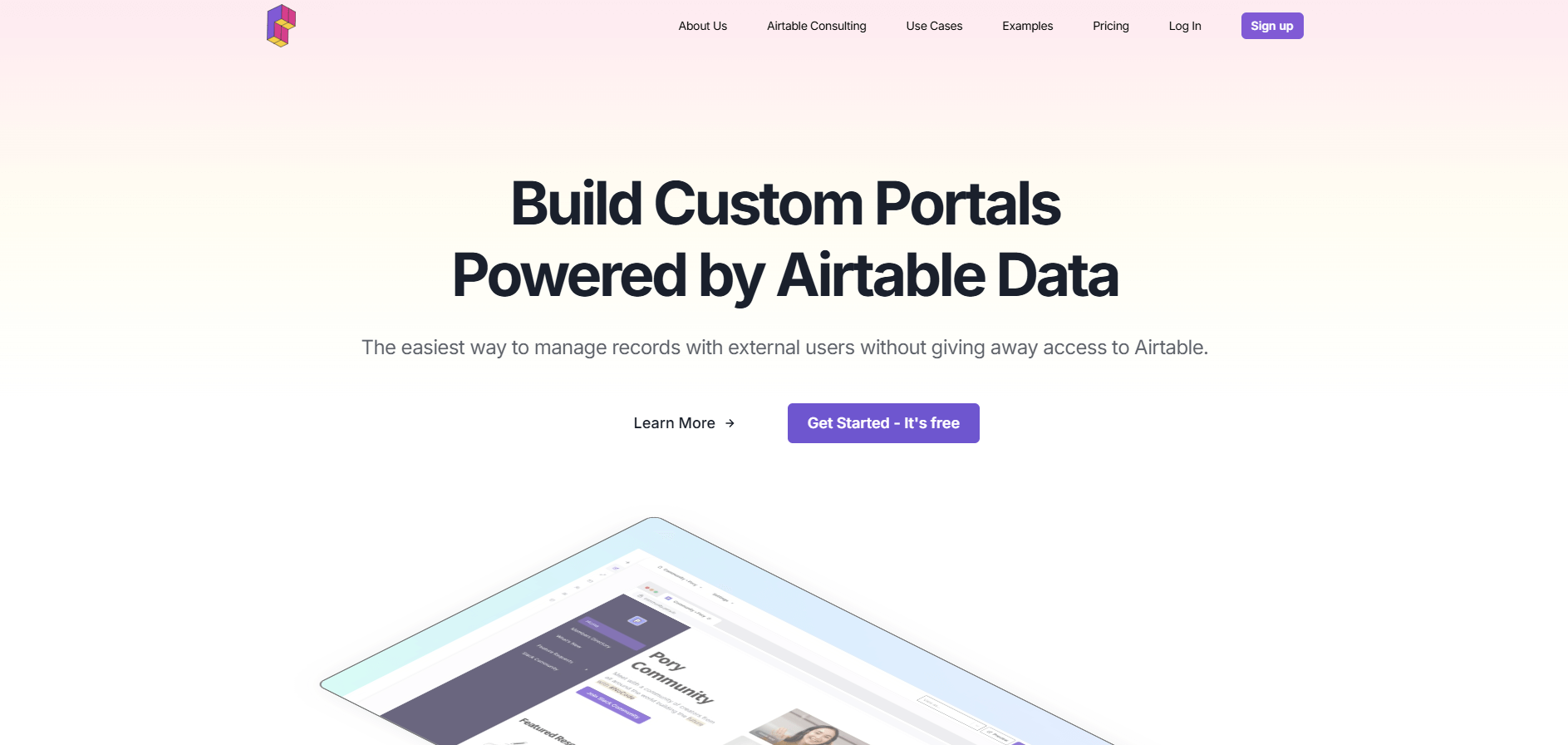
- What it does: Pory turns Airtable bases into client portals with near real-time sync, reading and writing data directly to Airtable with built-in authentication and role-based access.
- Who it's for: Teams whose client data lives entirely in Airtable and want a polished dashboard without migrating to a new platform.
Pory built its platform around live Airtable sync. Changes in Airtable appear in the portal immediately, and client updates flow back to your base. I tested this by modifying records in both places and watching them stay synchronized.
I set up user groups to control what each client could see. The permission system works through Airtable's structure, which keeps the setup straightforward if your base is already organized. If your Airtable base needs restructuring, that work needs to happen before building the portal.
Key features
- Live Airtable sync: Real-time read and write connection between portal and Airtable base
- User authentication: Built-in login system with user groups and permission controls
- Block-based builder: Assemble portals using lists, galleries, forms, and detail views
Pros
- Real-time sync keeps portal and Airtable aligned
- No need to migrate data to a new system
- Permission controls work through Airtable structure
Cons
- Only works with Airtable as the data source
- Portal features limited to what Airtable's structure supports
Pricing
Pory starts at $79 per portal per month.
Bottom line
Pory is optimized for Airtable and pretty much locks you into it as your primary data source. This works if that's already your long-term plan. If you need to connect multiple data sources or want flexibility to switch later, Softr might be a better fit.
9. Zendo: Best for service sales and client requests
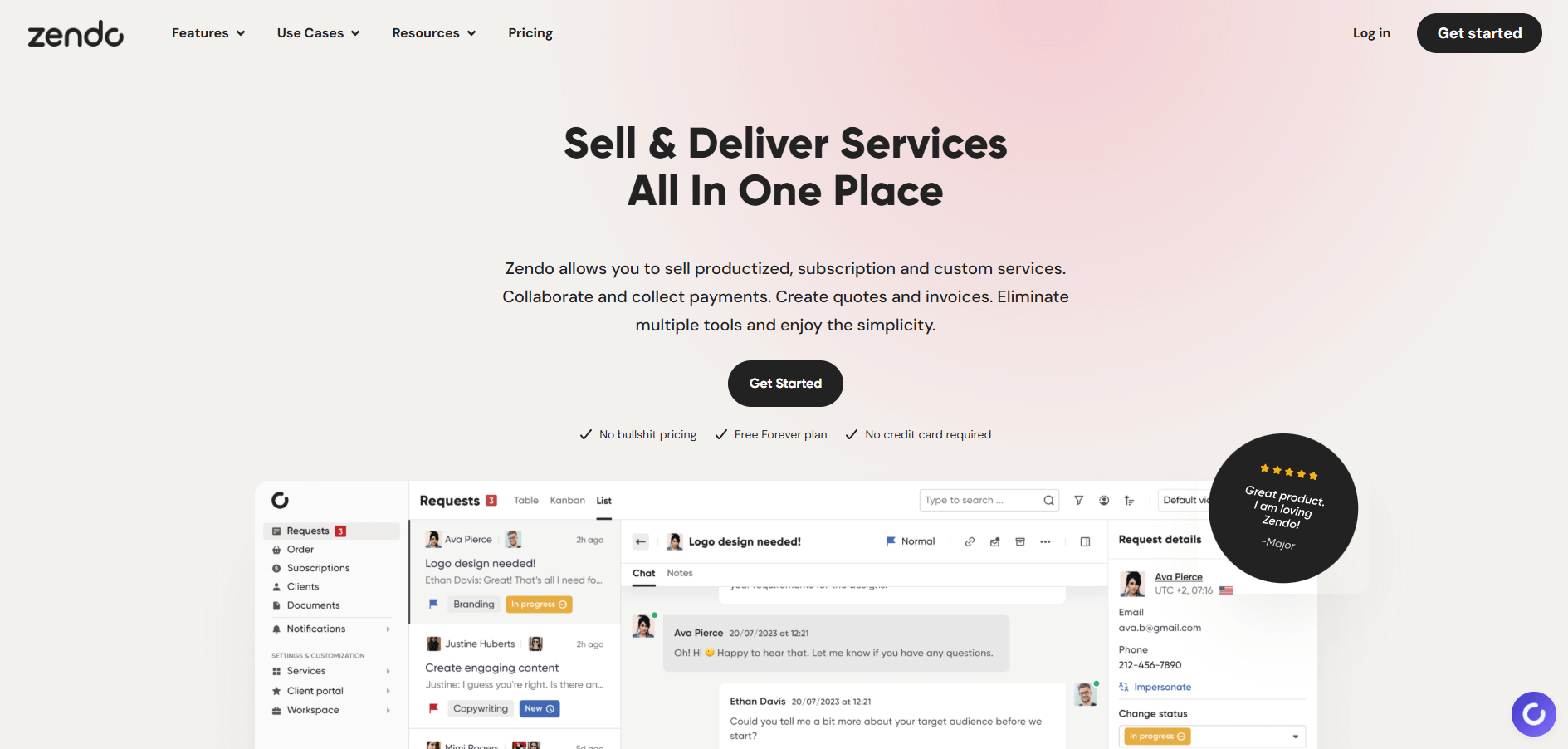
- What it does: Zendo is a client portal platform built for selling services. It includes service request forms, quotes, invoices, client chat, and subscription management in one workspace.
- Who it's for: Freelancers and agencies that sell packaged services and need a portal to manage client requests and payments.
Zendo approaches client portals from a service-selling perspective rather than just data sharing. The platform includes a service catalog where clients browse offerings, submit requests, and approve quotes. I set up a test service and walked through the client flow from request to payment.
The quote-to-invoice workflow stayed straightforward. Clients received quotes through the portal, approved them with a click, and the system generated invoices automatically. This reduces the back-and-forth that usually happens over email.
Each client sees their own space within a shared portal. This is simpler than managing complex role-based dashboards, but it can feel more manual as your client list grows.
Key features
- Service catalog: Let clients browse and request services through a branded storefront.
- Quote and invoice workflow: Generate quotes from requests and convert approvals into invoices automatically.
- Client chat: Built-in messaging keeps communication tied to specific projects or requests.
Pros
- Service-first design matches how agencies sell and deliver work
- Quote-to-invoice automation reduces manual steps
- Free plan supports unlimited clients and requests
Cons
- Separate portals for each client make scaling more manual
- Limited native integrations beyond Stripe payments and standard email workflows
Pricing
Zendo starts at $37 per month.
Bottom line
Zendo gives each client a separate portal rather than using one dashboard with dynamic permissions. This simplifies initial setup, but creates more work as your client list grows. If you need to scale to many clients without managing individual portals, Noloco might be a better fit.
10. Zapier Interfaces: Best for existing Zapier users
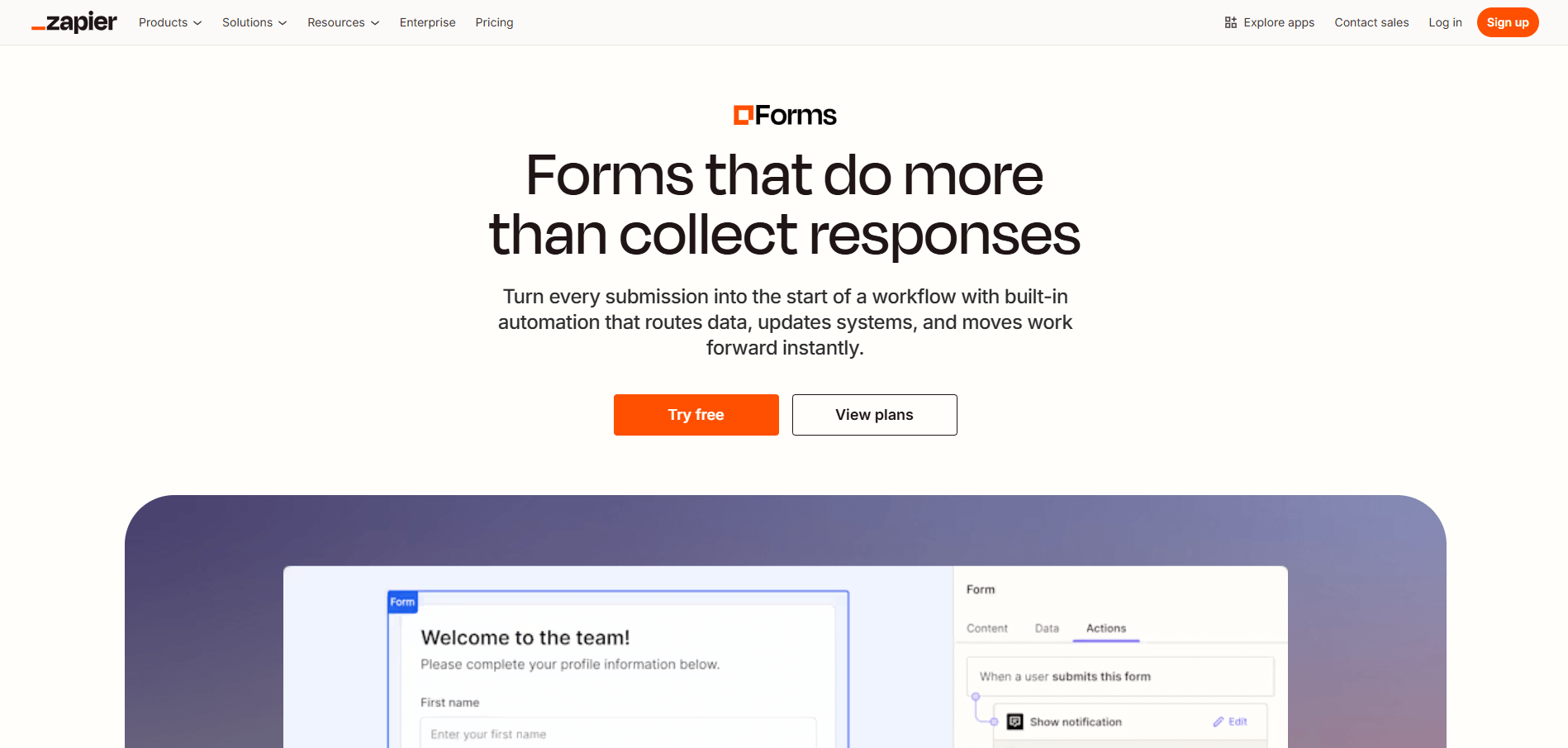
- What it does: Zapier Interfaces builds client-facing pages that connect to Zapier's automation platform. It includes forms, tables, simple dashboards, and basic components like buttons and Kanban boards that trigger workflows across 8,000+ apps.
- Who it's for: Teams already using Zapier for automation who need basic client portals without adding another platform.
Zapier Interfaces extends what your Zaps can do by adding a frontend layer. I built a simple client submission form and connected it to an automation that processed the data and updated a Google Sheet. The setup stayed within Zapier's familiar interface.
The strength here is integration depth rather than dashboard sophistication. You can connect client actions to thousands of apps through Zapier's existing ecosystem. I triggered workflows that sent Slack notifications, created tasks in project tools, and logged data in multiple systems from one client interaction.
The design controls are basic compared to dedicated dashboard builders. You get clean layouts and simple branding options, but deep customization isn't the goal. Teams wanting advanced permission controls or complex data displays will find the feature set limited.
Key features
- Automation integration: Connect client interactions directly to Zapier workflows and 8,000+ apps.
- Form and table builder: Create submission forms and data tables that trigger automated actions.
- Simple branding: Add logos and colors to match your brand.
Pros
- Connects to Zapier's full app ecosystem
- No additional platform fees if you already pay for Zapier
- Familiar interface for existing Zapier users
Cons
- Basic design controls compared to specialized dashboard builders
- Limited permission and access control features
Pricing
Zapier Interfaces starts at $19.99 per month.
Bottom line
Zapier Interfaces makes sense when automation matters more than dashboard polish. It also works best for teams already paying for Zapier who need simple client-facing pages. If you need detailed permission controls or polished branding, Stacker might be a better fit.
How I tested the best no-code client dashboard tools
I built test dashboards in each platform I tested to see how they handle client workflows. This meant connecting data sources and configuring permissions. Then, I walked through the client experience to find where each tool excelled and where it fell short.
My focus was on how well each platform supports service businesses in managing client relationships and data. Here's what I tested:
- Data connections: I checked how each platform connects to your existing data and whether you need to rebuild everything from scratch.
- Permission controls: I tested how you control what each client sees and whether those rules stay secure.
- Branding options: I reviewed how much control you have over the dashboard's look and feel.
- Setup time: I tracked how long it took to go from signup to a working dashboard.
- Workflows: I built basic automations to see which platforms handle notifications, updates, and processes.
- Pricing: I reviewed how costs change as you add users, clients, or features.
Which no-code client dashboard should you choose?
The right no-code client dashboard depends on how your business manages client data and what you need the dashboard to do.
Choose:
- Assembly if you want a branded client portal built on CRM foundations that handles both client tracking and ongoing work through billing, contracts, and communication.
- Softr if you need to connect multiple data sources with detailed permission controls and built-in workflow automation.
- Stacker if your client data lives in Airtable or Google Sheets and you want to add a polished dashboard layer without migrating.
- Noloco if you need precise field-level and row-level permission controls with workflow automation.
- Blaze if you work in healthcare or finance and need HIPAA or SOC 2 compliance built into the platform.
- Caspio if you're deploying dashboards to hundreds of users and want to avoid per-user pricing.
- Knack if you want record-based pricing and already think about client data in database terms.
- Pory if your workflow centers entirely on Airtable and you want live sync between your base and client portals.
- Zendo if you sell packaged services and need quote-to-invoice workflows with client chat.
- Zapier Interfaces if you already use Zapier and need simple client-facing pages that trigger automations.
My final verdict
Noloco worked well when I needed granular permission controls, Blaze and Caspio came with compliance certifications that other platforms lack, and Stacker and Pory let me build on spreadsheets I already had. Softr connected to the most data sources during testing, and Zendo included the service-selling features agencies need.
Assembly focuses on the workspace aspect more than many platforms I tested. It keeps client records, billing, contracts, and communication together instead of just displaying data from elsewhere. I've found this reduces tool switching for service businesses, which matters when you're managing ongoing client relationships rather than just showing status updates.
Ready to create a branded client experience without code? Try Assembly
Many no-code client dashboard platforms display data from external sources. They don't provide a complete workspace for managing ongoing client relationships.
Assembly is a no-code platform for building branded client dashboards on top of a CRM. Clients log into a portal that reflects your brand, where they can access tasks, files, messages, contracts, and billing in one place. Your team manages client relationships from a single workspace instead of jumping between disconnected tools.
Here’s what you can do with Assembly:
- Track client details and activity: Manage client records, communication history, and relationship data in a structured CRM that keeps everything organized in one place.
- Give clients a branded portal: Clients log into a space that reflects your brand to access contracts, invoices, files, and project updates without email back-and-forth.
- Keep tasks, messages, and files together: Client communication, shared files, and project tasks stay connected to each client record instead of being scattered across separate tools.
- Prep faster for meetings: The AI Assistant summarizes recent client activity and communication, helping you walk into calls with a clear picture of what’s been discussed and what’s outstanding.
- Stay ahead of clients: Highlight patterns that may show churn risk or upsell potential, making outreach more timely and relevant.
- Cut down on admin: Automate repetitive jobs like reminders, status updates, or follow-up drafts that used to take hours. The Assistant handles the busywork so your team can focus on clients.
Ready to simplify how your firm manages client work? Start your free Assembly trial today.