



After testing dozens of client database software tools, here are the 11 best platforms for centralizing client information and managing relationships in 2026.
If your client records live in Dubsado today and you're thinking of switching, see these 12 Dubsado alternatives, compared on pricing and features.
11 Best client database software: At a glance
Some client database tools are built for tracking deals through a sales pipeline, while others are designed for managing active client relationships after the deal closes. Here’s how the 11 top tools compare:
| Tool | Best for | Annual price | Key strength |
|---|---|---|---|
| Assembly | Service firms managing ongoing client relationships | $29/month | Branded client workspace connected to CRM, billing, contracts, and messaging |
| Salesforce Sales Cloud | Complex sales operations | $25/user/month | Advanced customization and reporting controls |
| HubSpot CRM | Growing teams that need structure | $9/seat/month | Structured contact records with strong integration options |
| Zoho CRM | Teams needing workflow automation | $14/user/month | Flexible pipelines and rule-based automation |
| Pipedrive | Visual deal tracking | $14/seat/month | Clear pipeline views and activity management |
| Freshsales | Built-in calling and email tracking | $9/user/month | Native communication tools tied to contact records |
| Salesflare | Email-driven B2B teams | $29/user/month | Automatic activity capture from inbox and calendar |
| Bitrix24 | CRM with internal collaboration | $49/organization/month, includes 5 users | Combines CRM with tasks, chat, and document storage |
| Airtable | Custom client database setups | $20/seat/month | Flexible relational database structure |
| monday CRM | Connecting sales and delivery workflows | $12/seat/month, minimum of 3 seats | Board-based system linking deals to projects |
| Capsule | Simple contact and pipeline tracking | $18/user/month | Clean interface with lightweight customization |
A client database earns its keep when a relationship gets hard. With every invoice and message in one record, you have the payment history you need when working out how to get money from a client who won't pay. The same record gives you the facts for a clean handoff if you're deciding how to fire a client.
1. Assembly: Best for service firms managing ongoing client relationships
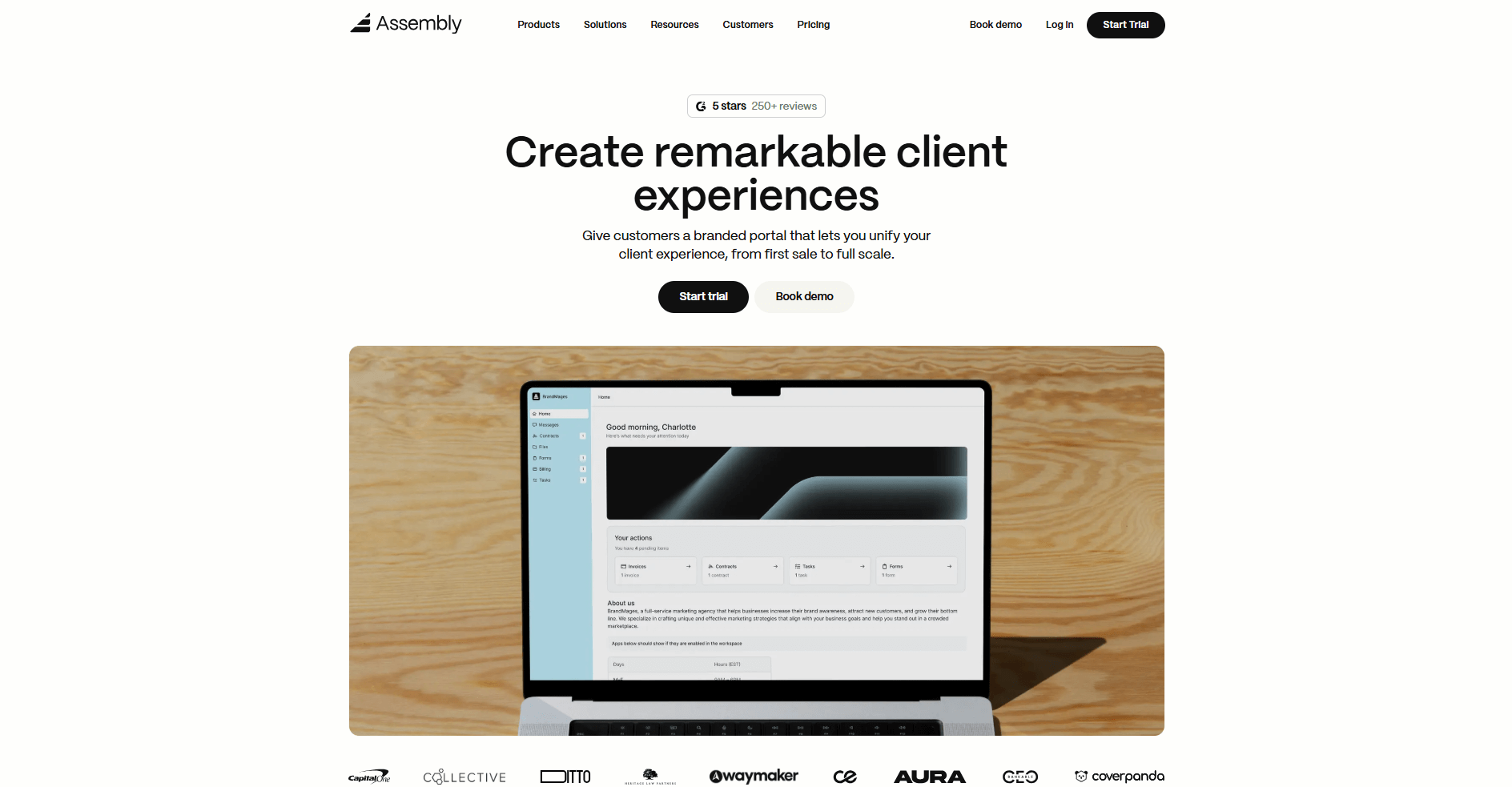
- What it does: Assembly is a client portal platform with built-in client database and workflow features. You can store client records, track communication history, send contracts, manage billing, and share files, so you’re not jumping between separate systems to manage client work.
- Who it's for: Service businesses that want their client database connected to the actual work they do with clients, not just stored as a list of contacts.
We built Assembly around managing ongoing client relationships, not just storing contact records. You can build out detailed client profiles with custom fields, internal notes, and full communication history, so your team has the context it needs before every client interaction. From that same record, you can send a contract, assign a task, or move the work forward without opening another tool.
Assembly gives your clients a place to log in and access a branded portal under your domain where they can view files, messages, invoices, and project updates without you having to forward anything over email. The database and the delivery experience stay in sync.
The AI Assembly Assistant helps surface relevant information from client records, messages, and files so your team can prepare for calls and follow-ups with more context. It's built into the client view, so the information is already there when you need it.
Assembly also connects to Airtable, Calendly, ClickUp, Zapier, and Make, so you can embed the tools your clients already use directly into their portal.
Key features
- Client records: Store contact details, notes, custom fields, and full interaction history per client so your team has context before every conversation
- Branded client portal: Give clients access to a workspace under your domain with your branding so updates, files, and messages live in one shared space
- Contracts and billing: Send agreements for signature and collect payments within the same platform to keep revenue tied directly to client records
- Task management: Assign and track deliverables linked to specific client records so work and communication stay connected
- Assembly Assistant: Surfaces relevant history, messages, and files to help your team prepare without digging through past threads
Pros
- Client database and client-facing workspace live in one system, which can reduce gaps between internal records and client communication
- Custom fields and multi-company support let you organize contacts the way your business actually works
- Clients can access files, invoices, and messages without relying on back-and-forth emails
Cons
- The client portal adds setup steps that teams focused only on internal CRM won't need
- Reporting tools are lighter than what dedicated sales-focused CRMs offer
Pricing
Assembly has a free plan, and paid plans start at $29 per month billed annually.
Bottom line
Assembly connects your client database to a branded client-facing portal, so your records and your delivery workflow operate within the same system. If you're running a high-volume sales pipeline and need advanced forecasting and reporting, Salesforce Sales Cloud might be a better fit.
2. Salesforce Sales Cloud: Best for complex sales operations
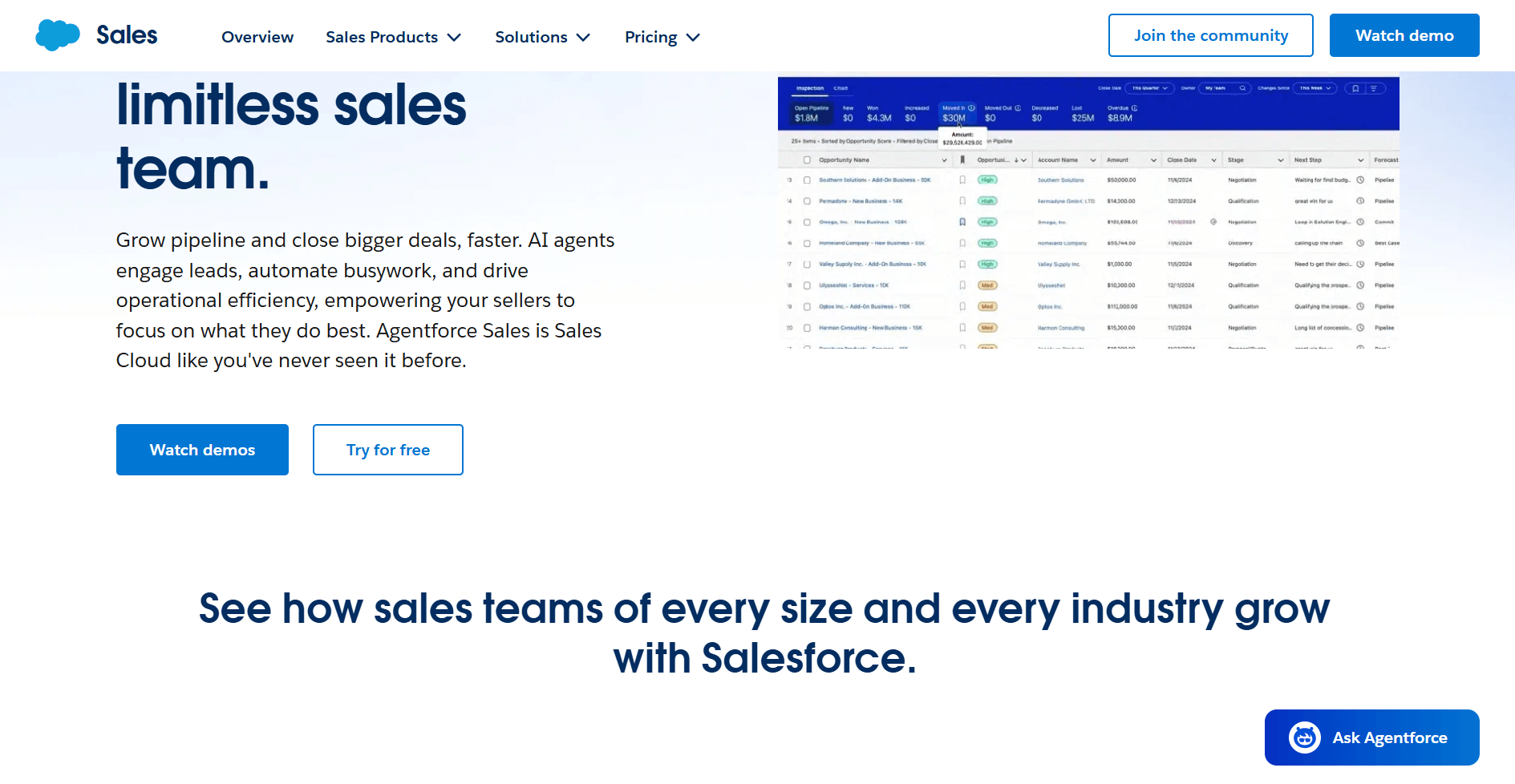
- What it does: Salesforce Sales Cloud is a CRM platform built for managing large-scale sales pipelines and client databases. You can track leads and opportunities, log every client interaction, build custom reporting dashboards, and automate workflows across your sales team.
- Who it's for: Sales teams at mid-size to enterprise companies that need deep customization, advanced reporting, and a client database that scales across multiple users and regions.
Salesforce Sales Cloud is one of the more configurable client database tools I've evaluated, though that flexibility usually requires dedicated admin support during setup.
You can customize objects, fields, page layouts, and automation rules to fit complex sales processes, but getting those configurations right takes meaningful time upfront. Once your data and configurations are in place, you can slice client and deal data by rep, region, product, or pipeline stage.
Salesforce also includes Einstein Activity Capture, a built-in email and calendar sync for Gmail and Outlook that logs emails and meetings to related records’ activity timelines. This reduces manual activity logging while leaving core record creation and updates to other Salesforce tools or processes.
Key features
- Pipeline management: Track leads and opportunities through customizable stages with activity logging at each step
- Custom reporting and dashboards: Build reports filtered by rep, region, product, or deal stage with real-time data
- Einstein Activity Capture: Sync emails and calendar events from Gmail or Outlook into client records
Pros
- Object and field customization covers a wide range of sales process structures
- Dashboard views give sales managers detailed visibility into team and pipeline performance
- Connects with a large library of third-party tools through native integrations and API access
Cons
- Initial configuration takes significant time and often requires a Salesforce-certified admin
- Feature depth across tiers varies widely, so teams can outgrow lower plans faster than expected
Pricing
Salesforce Sales Cloud starts at $25 per user per month.
Bottom line
Salesforce Sales Cloud carries one of the largest third-party app ecosystems of any CRM, with thousands of integrations available through AppExchange. If you want a client database connected to a branded client workspace with billing and contracts built in, Assembly might be a better fit.
3. HubSpot CRM: Best for growing teams that need structure
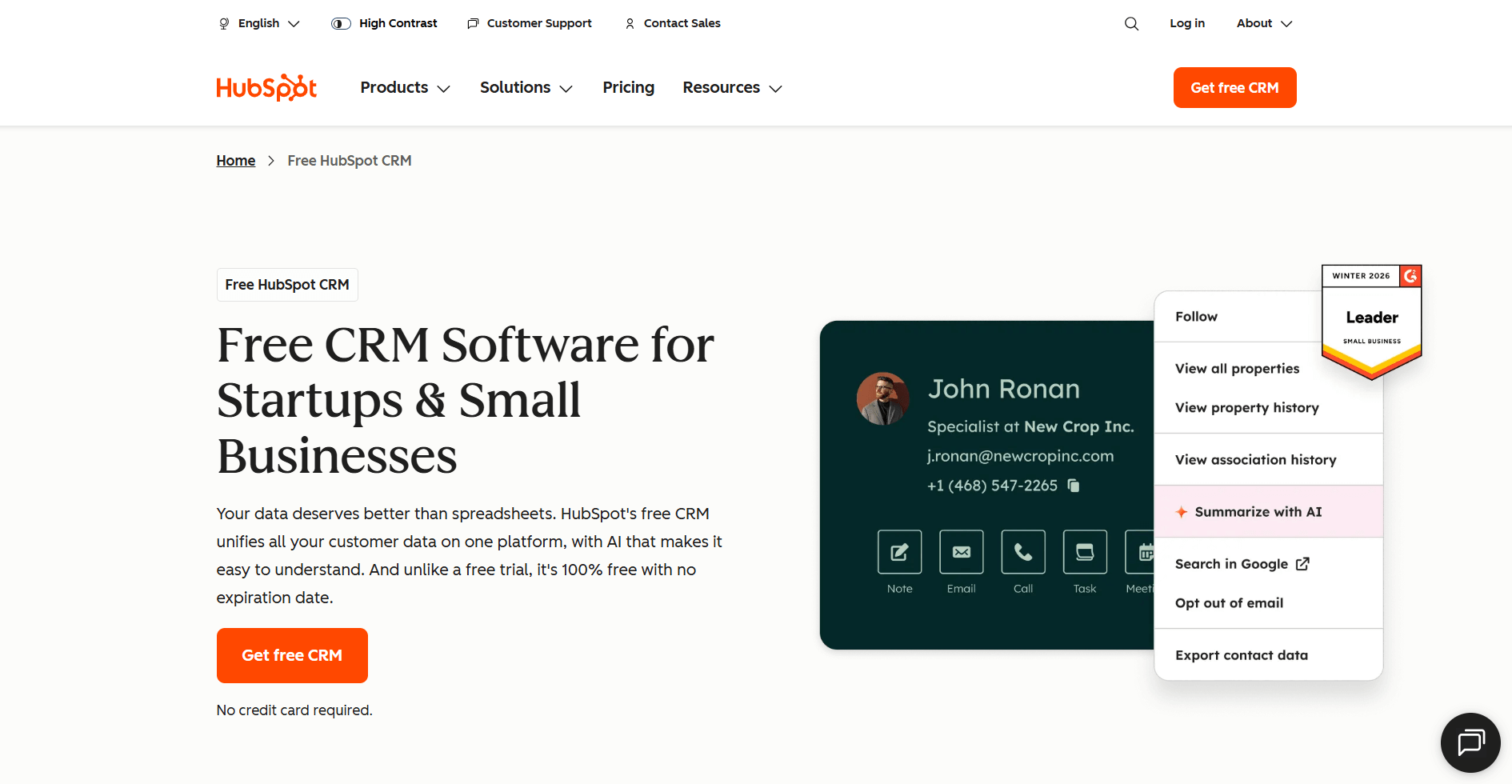
- What it does: HubSpot CRM is a contact management and sales platform that centralizes client records, interaction history, and deal tracking in one place. You can log emails and calls, manage pipelines, and build reports tied to your contact data.
- Who it's for: Growing sales and marketing teams that need structured contact records and a client database that connects to broader marketing and outreach workflows.
HubSpot CRM is a contact-first platform, which means most of the workflow centers on the contact record. I tested it by building out sample contacts and tracking a sample pipeline from scratch. Each record pulls in email history, call logs, deal associations, and company data. That gives your team a clear picture of where each client relationship stands.
The pipeline and reporting tools work well for teams that need visibility across a growing contact database. You can filter records by deal stage, last activity date, or custom properties, and build dashboards around the metrics your team tracks most.
HubSpot works best when you're already in the HubSpot ecosystem. If your team relies on tools outside of it, data syncing can get inconsistent, and integrations may not always behave the way you'd expect.
Key features
- Contact records: Store contact details, interaction history, call logs, and deal associations per client with optional data enrichment where available through HubSpot’s company database
- Pipeline management: Track deals through customizable stages with activity logging and advanced filtering by stage, source, or custom criteria
- Reporting and dashboards: Build custom dashboards with drag-and-drop widgets to track pipeline performance and contact activity
Pros
- Email and call activity syncs into contact records, reducing repetitive data entry
- Connects natively with Gmail, Outlook, Zapier, and a wide range of marketing and sales tools
- Segmentation and list views remain usable as your contact database grows
Cons
- Email sequences, duplicate management, and additional pipelines require a Professional plan or higher
- Teams that rely heavily on outside tools can run into inconsistent data syncing and integration gaps
Pricing
HubSpot CRM starts at $9 per seat per month.
Bottom line
HubSpot’s CRM connects directly to its marketing, service, and operations hubs, so teams using the full suite can get more from their contact data over time. If you want a lightweight contact and pipeline setup without the broader platform overhead, Capsule could be worth a look.
4. Zoho CRM: Best for teams needing workflow automation
- What it does: Zoho CRM is a sales and contact management platform built around configurable pipelines and rule-based workflow automation. You can set triggers, conditions, and actions to automate follow-ups, field updates, task assignments, and record creation within your client database.
- Who it's for: Sales teams that want to automate repetitive client management tasks without relying on a separate automation tool.
I tested Zoho CRM by building sample contact records. I also set up pipeline stages and configured workflow rules from scratch. The rule builder lets you set triggers based on record creation, field changes, or time conditions. You can then send emails, update fields, or create follow-up tasks automatically.
When I set up a workflow rule in Zoho, I could filter by lead source, deal stage, and assigned rep before the automation fired. That reduced the need for manual updates to keep client records accurate.
I found that once you have multiple modules and automation rules running, the interface gets harder to navigate. Tracking down and editing a specific workflow takes more clicks than it should.
Key features
- Workflow rules: Set trigger conditions and automate actions like email notifications, task creation, and field updates across contact and deal records
- Pipeline management: Build and customize multiple sales pipelines with stage-based views and activity tracking per client record
- Zia AI suggestions: Reviews audit logs and activity history to highlight patterns and suggested workflow improvements
Pros
- Advanced workflow automation is available at lower price tiers compared to HubSpot and Salesforce
- Pipeline customization covers a wide range of sales process structures without requiring admin support
- Connects with the broader Zoho suite, so teams already using Zoho tools can centralize more of their workflow in one place
Cons
- The interface gets harder to navigate as your automation rules and modules grow
- Custom reporting options are more limited at lower tiers, so teams that need detailed client database analytics may hit a ceiling
Pricing
Zoho CRM starts at $14 per user per month.
Bottom line
Zoho CRM sits inside a larger suite of business apps, so it can connect to accounting, helpdesk, and marketing tools without third-party integrations. If you want inbox and calendar activity to sync into client records without manual logging, Salesflare might be a better fit.
5. Pipedrive: Best for visual deal tracking
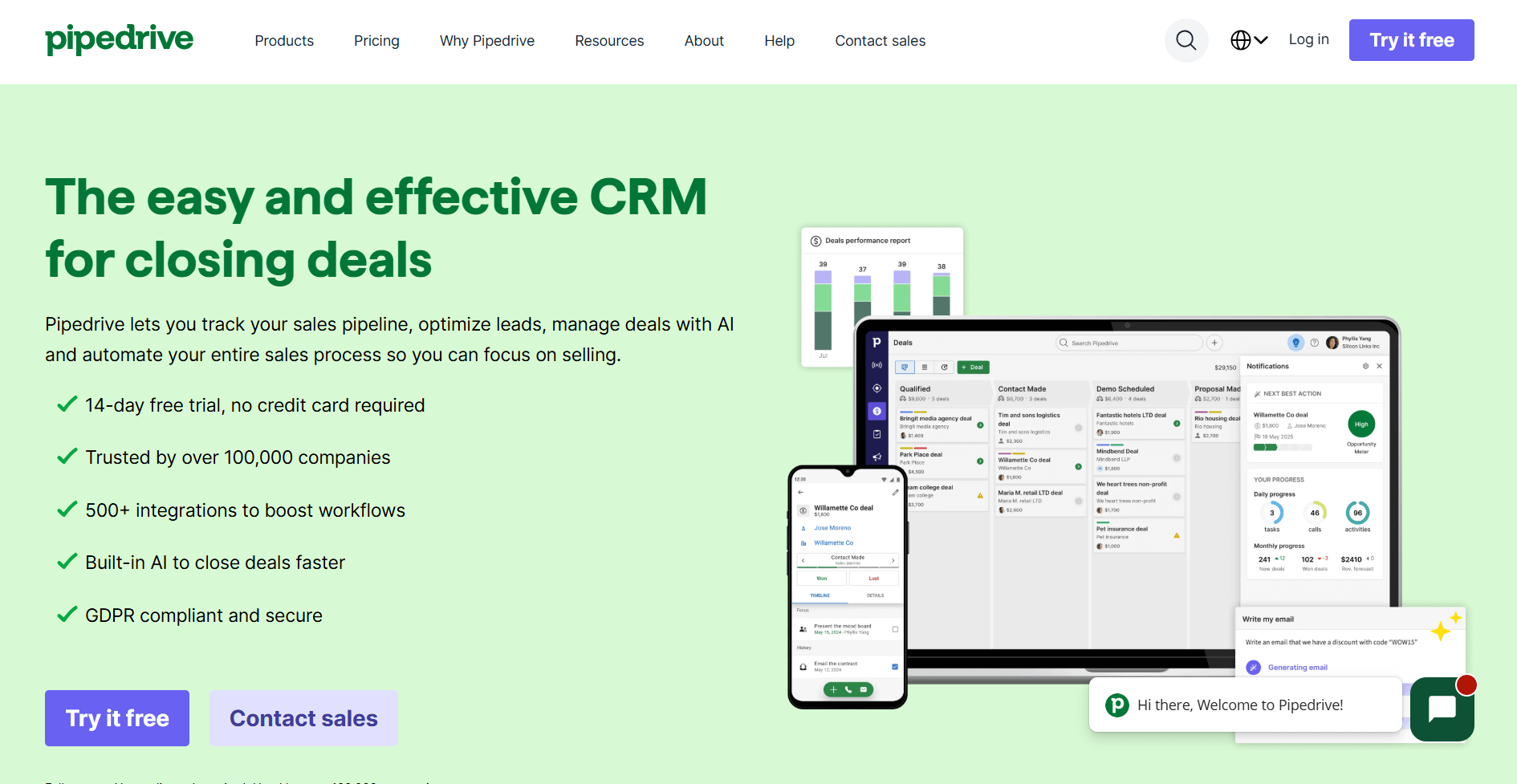
- What it does: Pipedrive is a sales CRM built around a visual pipeline where you can track deals through customizable stages using a drag-and-drop board. You can log activities, sync email, set follow-up reminders, and manage your client database from a single pipeline view.
- Who it's for: Small to mid-size sales teams that need a clear, visual way to track where every deal and client relationship stands at any given time.
I built a mock pipeline from scratch and moved deals through stages to test how the activity tracking held up in Pipedrive. The drag-and-drop board is straightforward to configure, and each deal card keeps contact details, email history, and scheduled activities in one place without much setup.
The pipeline view and activity management are well-executed, but the platform doesn't try to cover post-sale workflows like onboarding or client delivery. That keeps things clear for sales teams, but teams that need those capabilities will likely need additional tools.
Key features
- Visual pipeline: Drag-and-drop deal board with customizable stages, win probabilities, and real-time deal status across your client database
- Activity tracking: Log calls, emails, and meetings to individual deal and contact records with follow-up reminders and calendar sync
- AI sales assistant: Highlights follow-up recommendations based on deal history, lead activity, and pipeline status
Pros
- Pipeline setup requires minimal configuration and works without dedicated admin support
- Deal rotting alerts highlight stalled deals before they lose momentum.
- Connects with 500+ third-party apps through the Pipedrive Marketplace
Cons
- No built-in support for post-sale workflows like client onboarding or service delivery
- Reporting depth is limited at lower tiers, with advanced forecasting and custom reports locked behind higher plans
Pricing
Pipedrive starts at $14 per seat per month.
Bottom line
Pipedrive's pipeline-first design makes it one of the more approachable options for teams building their first structured sales process. If you want your client database connected to billing, contracts, and a branded client workspace, Assembly might be a better fit.
6. Freshsales: Best for built-in calling and email tracking
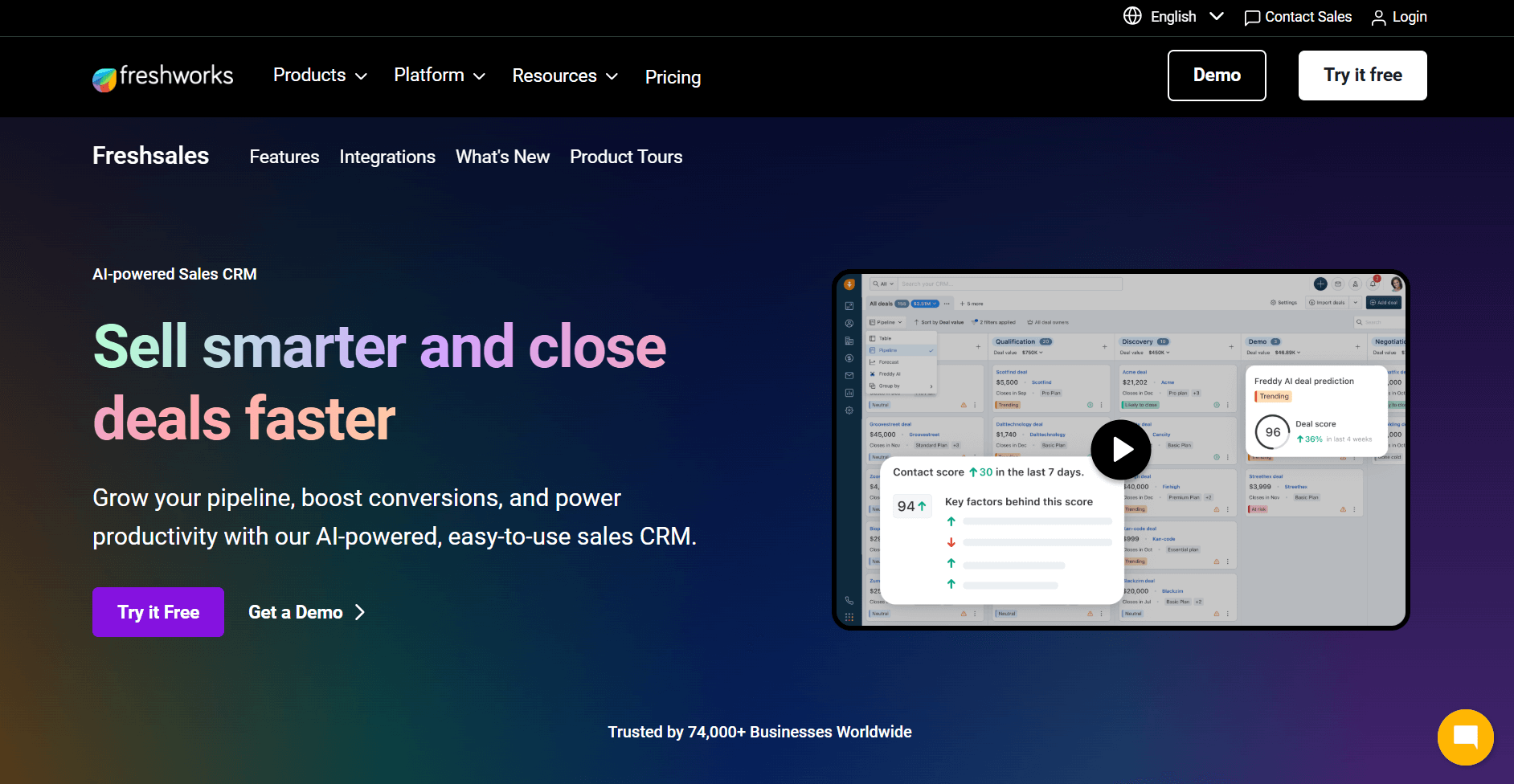
- What it does: Freshsales is a sales CRM with native phone, email, chat, and SMS built directly into the platform. You can make calls, send emails, track opens and clicks, and log every interaction to contact records without connecting a separate communication tool.
- Who it's for: Sales teams that want calling and email tracking built into their client database rather than bolted on through third-party integrations.
I tested Freshsales by setting up contact records, making calls through the built-in dialer, and running email sequences to see how communication activity logged back to the client database. Calls and emails synced to the contact timeline automatically, removing the need for manual updates.
Freddy AI provides lead scoring and deal insights on top of the contact database. You can see which leads show engagement activity and which deals show signs of risk. That context sits alongside the contact record rather than in a separate reporting view.
One limitation I noticed is that the entry-level plan only supports a single pipeline, so teams managing multiple client segments or service lines will need to upgrade before the database structure can reflect how their business actually works.
Key features
- Built-in dialer: Make and receive calls from inside the CRM with automatic call logging and recording tied to contact records
- Email tracking: Two-way email sync with open and click tracking, sequence automation, and conversation history logged per contact
- Freddy AI scoring: Scores leads based on engagement patterns and highlights deals showing signs of stalling
Pros
- Calling, email, SMS, and chat activity sync to the same contact timeline without separate integrations
- Connects natively with Freshdesk, so support ticket visibility appears inside the same contact records
- Approachable interface for teams building their first structured client database
Cons
- Entry-level plan supports only one pipeline, which limits how you can organize contacts across segments
- Tasks don’t automatically link to contact records, so follow-ups can appear as separate to-dos
Pricing
Freshsales starts at $9 per user per month.
Bottom line
Freshsales sits inside the Freshworks ecosystem, so teams that also use Freshdesk for support get real-time ticket visibility inside the same contact records they use for sales. If you want a client database organized around visual deal tracking and pipeline activity, Pipedrive could be worth a look.
7. Salesflare: Best for email-driven B2B teams
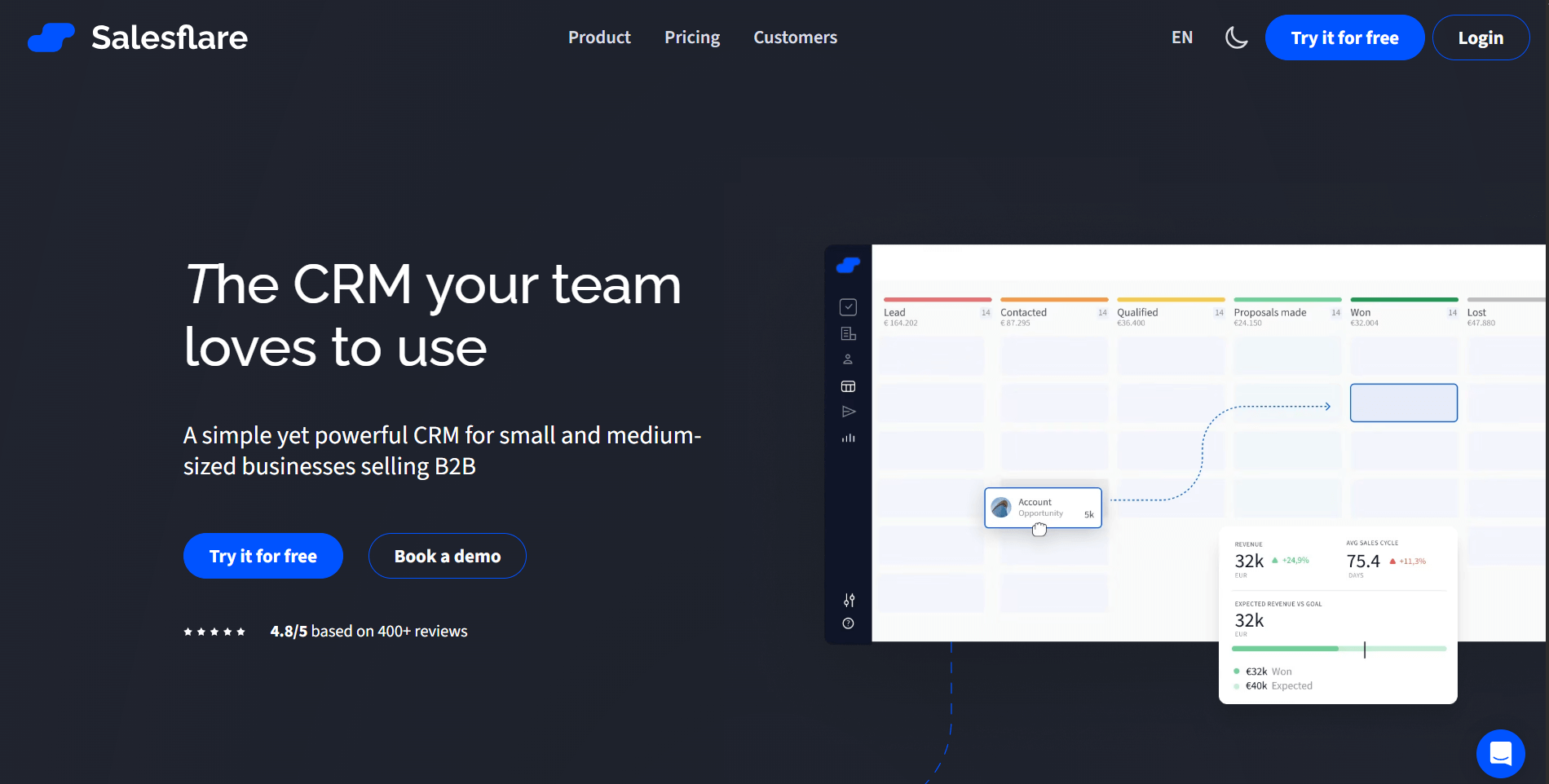
- What it does: Salesflare is a B2B sales CRM that syncs contact data, email history, and calendar activity into client records without manual entry. You can track email opens and clicks, run email sequences, and manage a visual pipeline from inside your Gmail or Outlook inbox.
- Who it's for: Small to mid-size B2B sales teams that live in their inbox and want their client database to stay current without relying on reps to log activity manually.
Salesflare is designed around the idea that reps don’t need to spend time maintaining the CRM. I put that to the test by connecting it to a Gmail account and watching how the sample contact records populated. Emails, calendar meetings, and contact details from email signatures synced into the database automatically. I didn’t need to make manual entries to build out a complete client timeline.
The email tracking sits directly in the inbox sidebar, so you can see opens, clicks, and reply status per contact without leaving Gmail or Outlook. It took me only a few minutes to set up an email sequence. After that, reminders paused when a contact replied instead of continuing on a fixed schedule.
Salesflare's reporting options are narrower than many other tools in this list. Teams that need detailed pipeline analytics will likely find themselves exporting data to get the views they need.
Key features
- Automatic data capture: Syncs contact details, email history, and meeting logs from Gmail, Outlook, and calendar into client records without manual input
- Email tracking and sequences: Tracks opens, clicks, and replies per contact with conditional follow-up sequences that pause when a prospect responds
- LinkedIn sidebar: Add contacts and log interactions from LinkedIn directly into the CRM without switching tabs
Pros
- Client records stay current without reps having to manually log calls, emails, or meetings
- Works natively inside Gmail and Outlook, so teams don't need to switch between the inbox and the CRM
- Contact enrichment adds company data and social details automatically when a new contact enters the database
Cons
- Reporting and dashboard customization are limited, making it harder to build detailed pipeline views without exporting data
- No built-in dialer, so teams that rely on call logging will need a separate tool or integration
Pricing
Salesflare starts at $29 per user per month.
Bottom line
Salesflare’s automatic capture helps keep the client database current without requiring reps to log every interaction manually. If you need a client database with more visual pipeline control and deal management depth, monday CRM could be worth a look.
8. Bitrix24: Best for CRM with internal collaboration
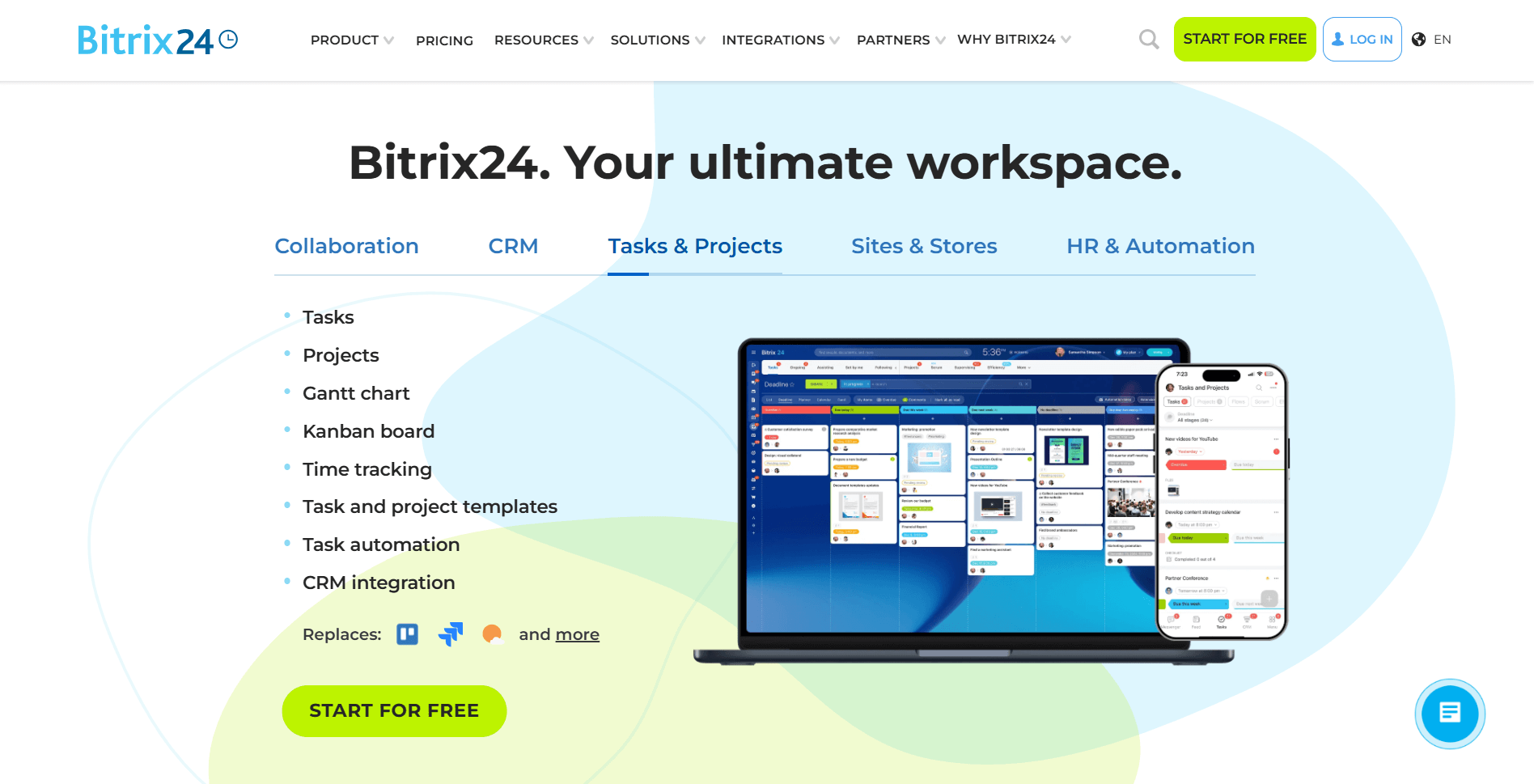
- What it does: Bitrix24 is a CRM platform that combines contact and pipeline management with internal tools like team chat, task management, and document storage. It provides a single workspace for tracking deals and coordinating internally.
- Who it's for: Teams that want sales tracking and internal collaboration without paying for separate tools.
I tested Bitrix24's CRM and internal tools together to see how well they work as a combined system. You can log activity, move deals through pipeline stages, and add custom fields to contact records. Team chat and task tools live in the same workspace, so your team can discuss client work without leaving the CRM.
During testing, I found that the volume of features comes with a cost. Setting up the system the way you need takes time, and the interface gets cluttered fast for smaller teams. There's no client-facing portal either, so clients can't access files or updates through a branded space.
Key features
- Pipeline management: Deal tracking through customizable stages with activity logging and follow-up reminders
- Built-in team chat: Internal messaging alongside CRM contacts and deal records
- Task management: Task creation, assignment, and tracking connected to client and deal records
Pros
- CRM and internal tools in one workspace reduce app switching
- Custom fields and pipeline stages adapt to different client workflows
- Base plan includes up to five team members
Cons
- Dense interface requires significant setup time for smaller teams
- No branded client portal for client-facing access
Pricing
Bitrix24 starts at $49 per organization per month, which includes 5 users.
Bottom line
Bitrix24 suits teams that want deals, chat, and tasks tied together in the same workspace. If you value simplicity over feature depth, monday CRM could be a better fit.
9. Airtable: Best for custom client database setups
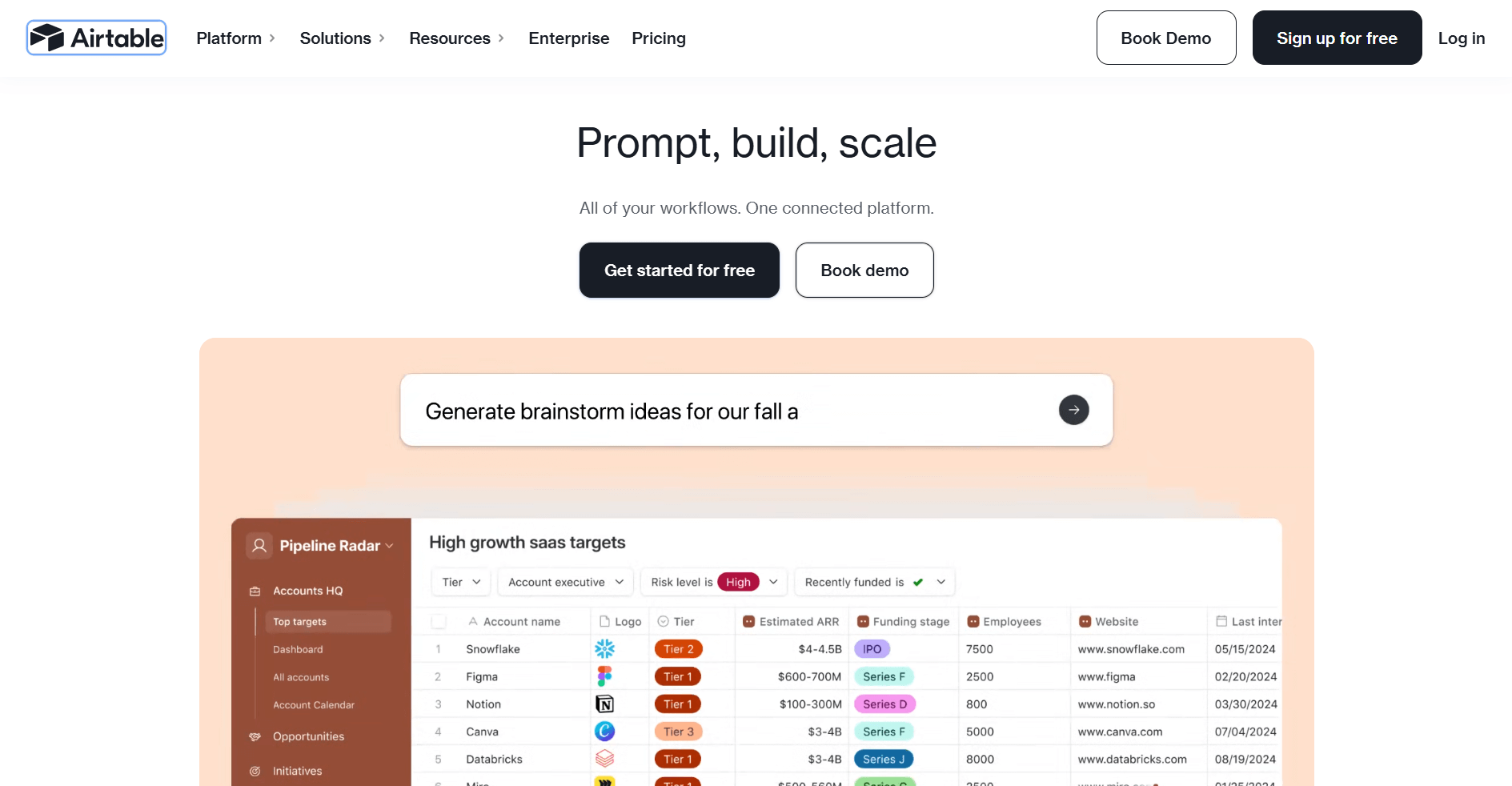
- What it does: Airtable is a flexible database platform that lets you build custom structures for organizing client data. It combines spreadsheet-style views with relational database functionality across tables and fields.
- Who it's for: Teams that want full control over how their client data is structured and displayed.
I found Airtable's customization depth impressive when I built out a sample client database during testing. You can create linked tables, custom field types, and multiple views like grid, Kanban, or gallery for the same data set. It also embeds into platforms like Assembly, so teams that want a branded client-facing layer on top of their Airtable data have a path to do that.
Airtable doesn’t enforce a single fixed CRM model, but it does offer starter CRM templates, so you can either begin from those or define your own relationships and workflows from scratch. Teams without a clear data model going in can spend more time on configuration than on actual client work.
Once your client data is structured, you may want to show it as charts rather than rows. This roundup of customizable dashboards compares 9 tools that pull your data into one view built around your own metrics.
Key features
- Relational tables: Linked records across multiple tables for connecting clients, projects, and other data
- Custom views: Grid, Kanban, calendar, and gallery views for the same underlying data
- Custom field types: Text, attachments, checkboxes, dropdowns, and formula fields for structuring records
Pros
- Flexible enough to model complex client data structures
- Multiple views make the same data useful for different team members
- Integrates with a wide range of external tools
Cons
- No built-in CRM structure means significant setup before it's usable
- Client-facing access is limited without additional configuration
Pricing
Airtable starts at $20 per seat per month.
Bottom line
Airtable gives you more control over data structure than many dedicated CRM tools. If you want a ready-to-use client database without custom configuration, HubSpot CRM might be a better fit.
10. monday CRM: Best for connecting sales and delivery workflows
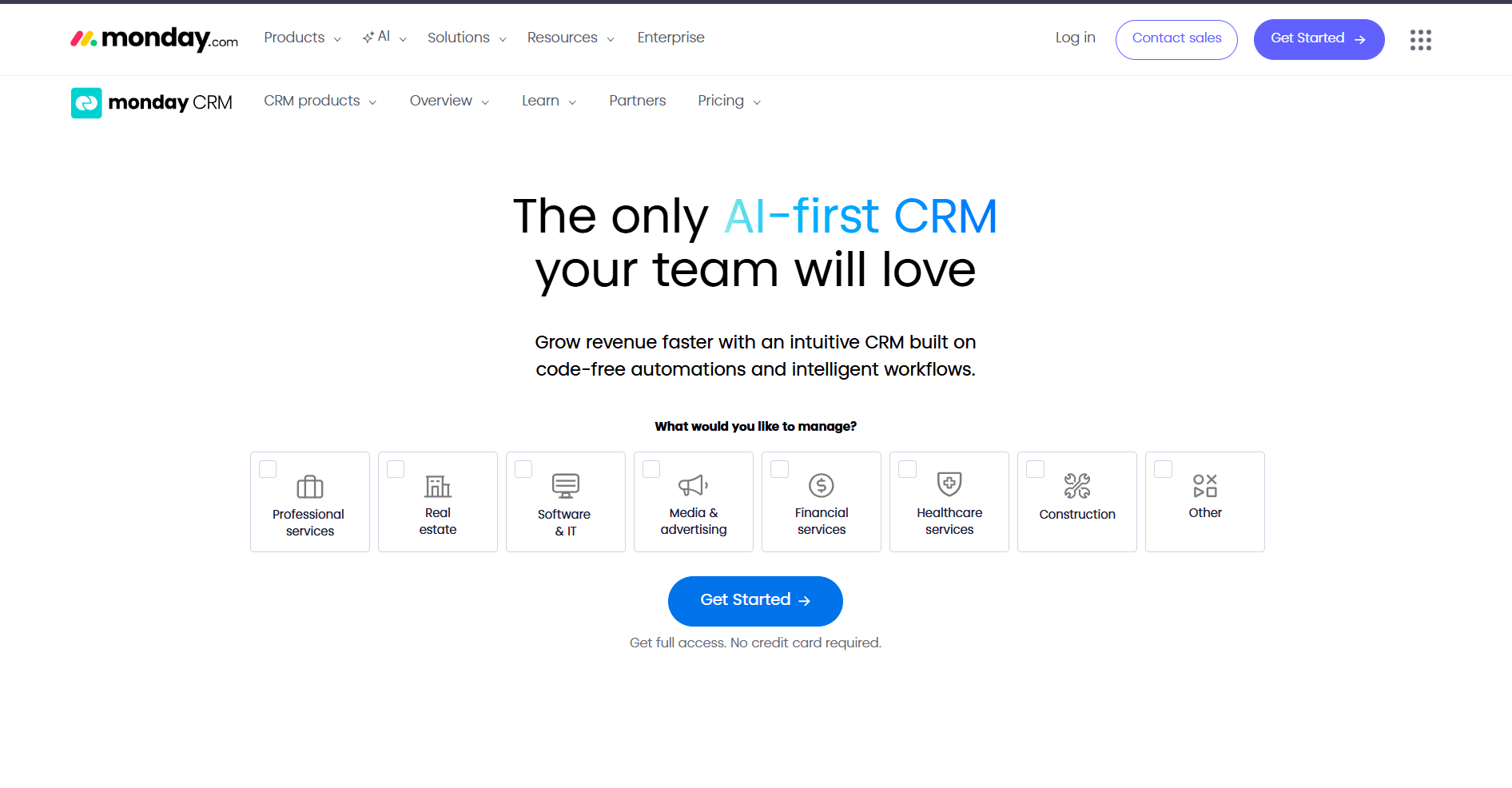
- What it does: monday CRM is a board-based CRM that connects deal tracking to project delivery in one workspace. It lets teams manage leads, contacts, and active work across connected boards.
- Who it's for: Teams that need sales pipeline and project delivery visible in the same system.
I tested monday CRM's board structure to see how well the sales-to-delivery handoff actually works. You can build a lead pipeline on one board and link it directly to a project delivery board, so details don’t get missed when a deal closes. The visual layout makes it straightforward to see where each client sits across both stages.
The board system works well when your workflows are clearly defined upfront. However, building the right structure takes some planning, and teams that skip that step tend to end up with disconnected boards that aren’t properly linked.
Key features
- Connected boards: Link deal records to project boards so sales and delivery teams work from the same client data
- Pipeline management: Track leads and deals through customizable stages with activity logging
- Automations: Set triggers and actions across boards to reduce manual updates between sales and delivery
Pros
- Visual board layout makes pipeline and delivery status easy to read at a glance
- Automations reduce manual handoff work between sales and delivery
- Flexible board structure adapts to different team workflows
Cons
- Board structure requires upfront planning to work effectively
- Minimum 3 seat requirement increases starting cost for very small teams
Pricing
monday CRM starts at $12 per seat per month, minimum of 3 seats.
Bottom line
monday CRM suits teams that want sales and delivery workflows connected without a separate handoff process. If you want a simpler contact and pipeline setup without building out board structures, Capsule might be a better fit.
11. Capsule: Best for simple contact and pipeline tracking
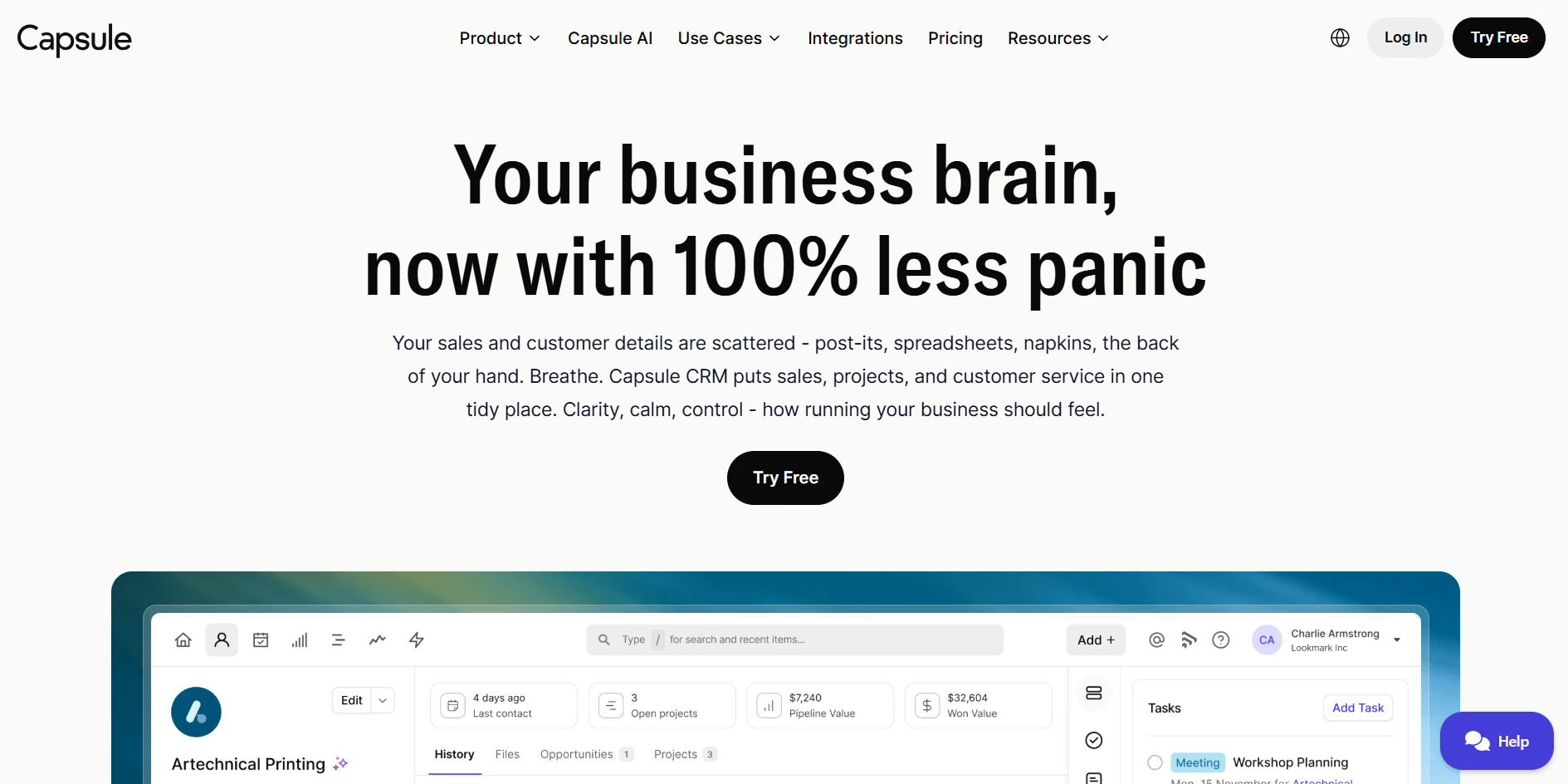
- What it does: Capsule is a lightweight CRM that covers contact management and sales pipeline tracking. It gives teams a clean space to store client records, track deals, and log communication history.
- Who it's for: Small teams that want straightforward contact and pipeline management without a complex setup.
I noticed Capsule requires less setup time than other CRMs in this category. Email history syncs into contact records, and you can attach notes, tasks, and files directly to each client. The pipeline view is simple by design, with deal stages you can customize without rebuilding the whole system.
Capsule works well for teams that only need contact and pipeline basics. Teams that require advanced reporting, workflow automation, or a client-facing portal may outgrow it over time.
Key features
- Contact management: Store client records with attached notes, tasks, files, and communication history
- Sales pipeline: Track deals through customizable stages with a visual board view
- Task management: Create and assign follow-up tasks tied directly to contact and deal records
Pros
- Clean interface requires minimal setup to get started
- Email history syncs automatically to contact records
- Customizable pipeline stages without complex configuration
Cons
- Reporting is limited compared to more established CRM tools
- No client-facing portal or branded experience for external access
Pricing
Capsule starts at $18 per user per month.
Bottom line
Capsule focuses on the fundamentals of contact and pipeline tracking without adding unnecessary complexity. If you need a branded space where clients can actively access their own records and files, Assembly might be a better fit.
How I tested these client database tools
I tested each tool by building out mock client setups and running the same core workflows across every platform to keep the comparison fair. For each tool, I created client records from scratch, configured pipelines, and pushed data through common scenarios like logging activity, tracking deals, and sharing information with clients.
Here's what I focused on:
- Contact and record structure: I built out client profiles with custom fields, notes, and attached files. I then looked at how each tool organizes that information and how quickly it can be retrieved.
- Pipeline and deal tracking: I set up deal stages and moved contacts through them to see how well each platform connects sales activity to actual client records.
- Client-facing experience: I looked at whether clients get their own space to access files, updates, or invoices, and how much control you have over what they see.
- Configuration time: I tracked how long it took to get each tool into a usable state from a blank setup, because time spent configuring reduces time available for client work.
- Integration with other tools: I connected each platform to common business tools to see how smoothly client data syncs between systems without manual entry.
Which client database software should you choose?
The right client database software depends on how your team manages sales, how complex your workflows are, and whether clients need access to their own information.
Choose:
- Assembly if you want a branded client portal that connects CRM, messaging, file sharing, and billing without juggling separate tools.
- HubSpot if you need a scalable CRM that grows with your team and connects sales, marketing, and service workflows.
- Zoho CRM if you want deep customization and automation across a large contact database at a lower per-user price point.
- Pipedrive if your team is sales-focused and wants a pipeline-first CRM with minimal setup and clear activity tracking.
- Salesforce if you run a larger operation and need advanced reporting, custom objects, and deep integration capabilities.
- Bitrix24 if you want CRM and internal collaboration tools in one workspace without paying for separate internal tools.
- Airtable if you need full control over how your client data is structured and want to design your own data model.
- monday CRM if your sales and delivery teams need to stay connected and work from shared client data across linked boards.
- Capsule if you want a lightweight CRM that covers contact management and pipeline tracking without a complex setup.
My final verdict
Airtable and Bitrix24 handle specific needs well, but both require upfront setup before they're useful as client databases. I found that Capsule and monday CRM are cleaner out of the box, though they stop short when clients need direct access to their own information. Most of the tools on this list manage internal records well but leave the client-facing side to email.
Assembly combines a CRM with a branded client portal in one system, so your clients get their own space to access files, invoices, and updates while your team manages client activity from a single record. I’ve found that this structure reduces the back-and-forth that builds up when client communication relies on email.
Want to simplify how your team manages client data? Try Assembly
Client database software works best when it connects your internal records to the client-facing experience. Assembly is a client portal software tool built on a core CRM with project management, messaging, and file sharing. Service businesses use it to create a branded space where clients access project updates, documents, and communication in one place.
Here’s what you can do with Assembly:
- Embed a custom dashboard or analytics platform: Assembly lets you embed custom-built dashboards from Looker Studio, Databox, and other major service providers that offer embedding, as well as create custom dashboard apps specific to your business.
- Track client details and activity: Manage client records, communication history, and relationship data in a structured CRM that keeps everything organized in one place.
- Give clients a branded portal: Clients log into a space that reflects your brand to access contracts, invoices, files, and project updates without email back-and-forth.
- Keep tasks, messages, and files together: Client communication, shared files, and project tasks stay connected to each client record instead of being scattered across separate tools.
- Prep faster for meetings: The AI Assistant summarizes recent client activity and communication so you walk into calls knowing what’s been discussed and what still needs action.
- Cut down on admin: The Assistant helps draft messages, invoices, and tasks for your team to review, reducing the time spent setting up follow-ups and documentation.
Ready to take control of how your business stores and manages client data? Start your free Assembly trial today.