



I spent weeks testing white-label project management software by comparing branding, features, and pricing, from logo customization to branded mobile apps. These are the 20 platforms worth considering in 2026.
20 Best white label project management software: At a glance
Looking for something more specific? I also compared project management software for consultants, from basic task boards to full client portals, and project management software with client portal access. For campaign and content work, there's a separate list of marketing project management software.
And if you need to ship a branded app rather than manage projects, see the white label app builders I tested.
White label project management software covers everything from task tracking to complete client portals with billing and automation. Here's a breakdown of pricing, use cases, and standout features:
| Tool | Best for | Annual price | Key strength |
|---|---|---|---|
| Assembly | Agencies needing branded portals with AI assistance | $29/month | Combines branded client portal, billing, and task management in one platform, with AI assistant support |
| SuiteDash | Budget-conscious teams wanting full branding control | $180/year | White label on all plans with custom URL, logo, and login screens |
| ManyRequests | Design and creative agencies | $19/month | Built specifically for creative agencies with request management |
| Clinked | Firms needing bespoke portal customization | $95/month | Fully branded mobile apps and private cloud options |
| Teamwork.com | Client-facing businesses with billing needs | $10.99/user/month | Built-in time tracking, invoicing, and client collaboration |
| ClickUp | Teams wanting deep feature customization | $7/user/month | Extensive white label features at enterprise tier |
| monday.com | Visual project tracking for growing teams | $12/seat/month, minimum of 3 seats | Intuitive visual boards with easy team adoption |
| Freedcamp | Budget-conscious teams | $1.49/user/month | Free tier with white label available on the enterprise plan |
| ProofHub | Centralized task supervision for mid-size teams | $45/month | Flat-rate pricing with no per-user fees |
| VivifyScrum | Scrum and Agile development teams | $96/year for up to 10 members | Purpose-built Scrum boards and sprint tracking |
| Infinity | Teams wanting flat-rate unlimited users | $6/user/month | No per-user pricing on unlimited plan |
| Bonsai | Freelancers and small agencies | $9/user/month | Combines CRM, contracts, and invoicing |
| Scoro | Professional services firms | $19.90/user/month | Deep financial reporting and resource planning |
| ClientVenue | Startups managing client projects | $470/year | Lightweight and easy to adopt |
| Nifty | Mid-size teams wanting unified project workspaces | $7/member/month | Combines docs, tasks, and goals in one place |
| Basecamp | Simple team collaboration | $15/user/month | Straightforward interface with minimal learning curve |
| Wrike | Enterprise workflow automation | $10/user/month | Advanced automation and cross-department visibility |
| Zoho Projects | Budget-friendly project tracking | $4/user/month | Affordable with Zoho ecosystem integrations |
| Smartsheet | Spreadsheet-style project management | $9/user/month | Familiar spreadsheet interface with project features |
| Ahsuite | Client portal specialists | $6.50/month | Focused specifically on client-facing portals |
If white labeling is one part of a bigger setup, a few related roundups may help. I tested professional service management software that helps firms manage projects and profits, and found the best dashboards software for sharing data with clients. And if you're moving off Bonsai, here's where to find a Bonsai software alternative, from simple task managers to complete agency platforms.
1. Assembly: Best for agencies needing branded portals with AI assistance
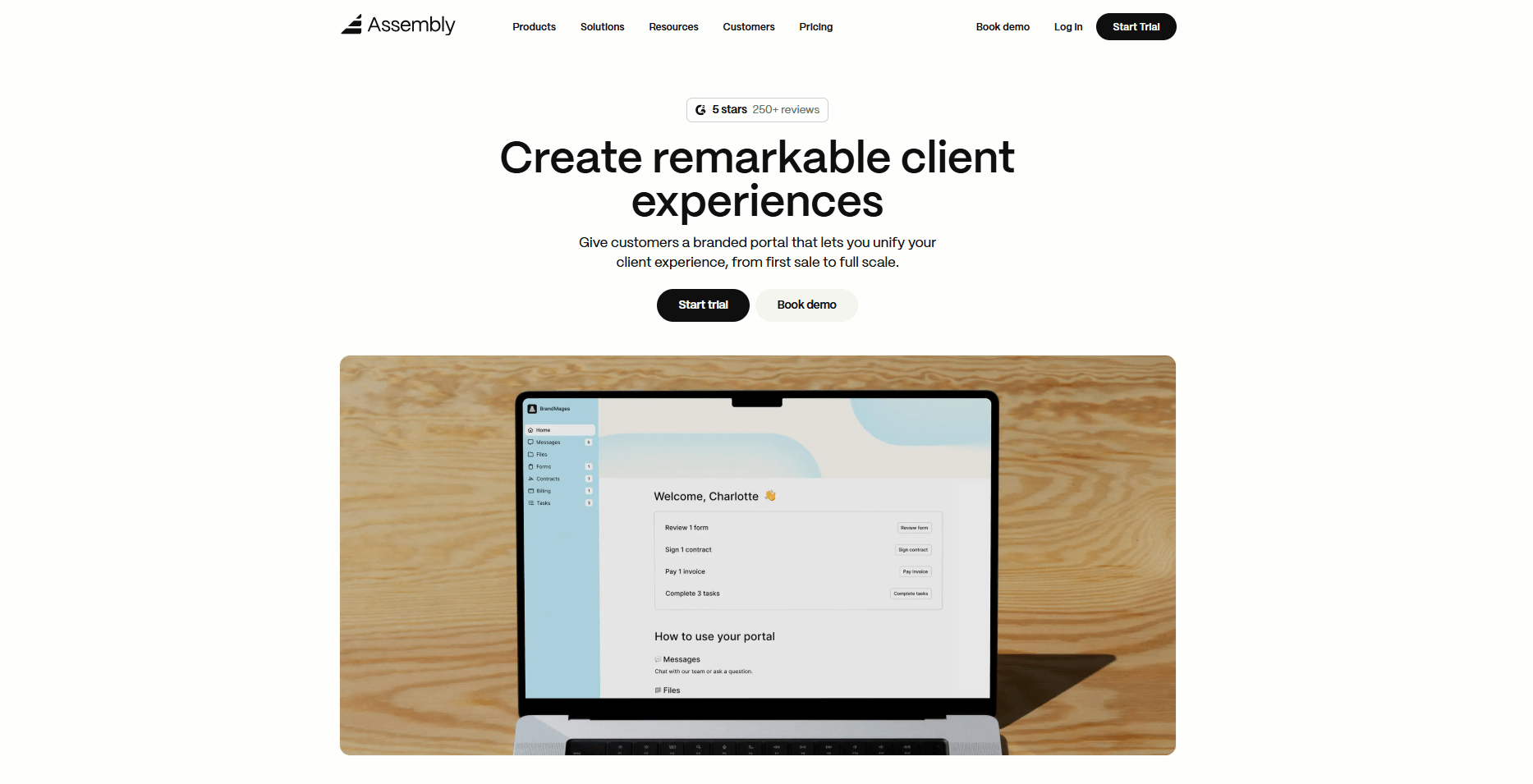
- What it does: Assembly is a client portal and project management platform in one. It brings together messaging, contracts, billing, task management, file sharing, and an AI assistant so you can manage clients in a single branded portal.
- Who it's for: Service-based businesses and agencies that want a professional, white-label client portal experience without juggling multiple tools.
We designed Assembly to give service businesses a fully branded workspace where you can manage projects and client relationships in one place. Your clients log in to a portal with your logo, colors, and custom domain to view invoices, sign contracts, check project updates, and message your team directly.
Assembly offers more than surface-level branding. The Professional plan ($99/month billed annually) lets you use your own domain for both the portal and email notifications. The Advanced plan ($499/month billed annually) removes all Assembly branding completely. This means your clients interact with what looks like your own custom-built platform, not a third-party tool.
Beyond branding, Assembly can also help you cut down on meeting prep. Our AI-powered Assembly Assistant helps you prepare for client calls faster. It pulls up notes, communication history, and relevant files automatically so you can respond to questions and follow up on past discussions without scrambling for details.
The platform also connects with Airtable, Calendly, ClickUp, and other tools through native integrations, plus Zapier and Make for custom automations.
Key features
- Branded client portal: Custom domain, logo, and colors for a fully white label experience
- Billing and contracts: Built-in invoicing, e-signatures, subscriptions, and payment processing
- Task and project management: Assign work, track progress, and manage deliverables in one place
- Secure messaging: Threaded conversations with clients replace scattered email chains
- AI Assistant: Surfaces client context and history automatically before meetings
Pros
- Full white label branding on the Advanced plan, including a custom domain
- Replaces multiple tools for billing, contracts, messaging, and project tracking
- Clean, modern interface that clients find easy to navigate
- Strong integrations with Airtable, ClickUp, Calendly, Zapier, and Make
Cons
- Full white labeling features require the Advanced plan
- Stronger fit for ongoing client relationships than one-off projects
Pricing
Assembly has a free plan, and paid plans start at $29 per month billed annually on the Starter plan, with full white label branding available on the Advanced plan at $499 per month.
Bottom line
Assembly works well for service businesses that want a branded client portal with project management, billing, and communication in one place. The AI assistant adds real value for client prep. If you need flat-rate pricing with unlimited users, check out ProofHub.
2. SuiteDash: Best for budget-conscious teams wanting full branding control
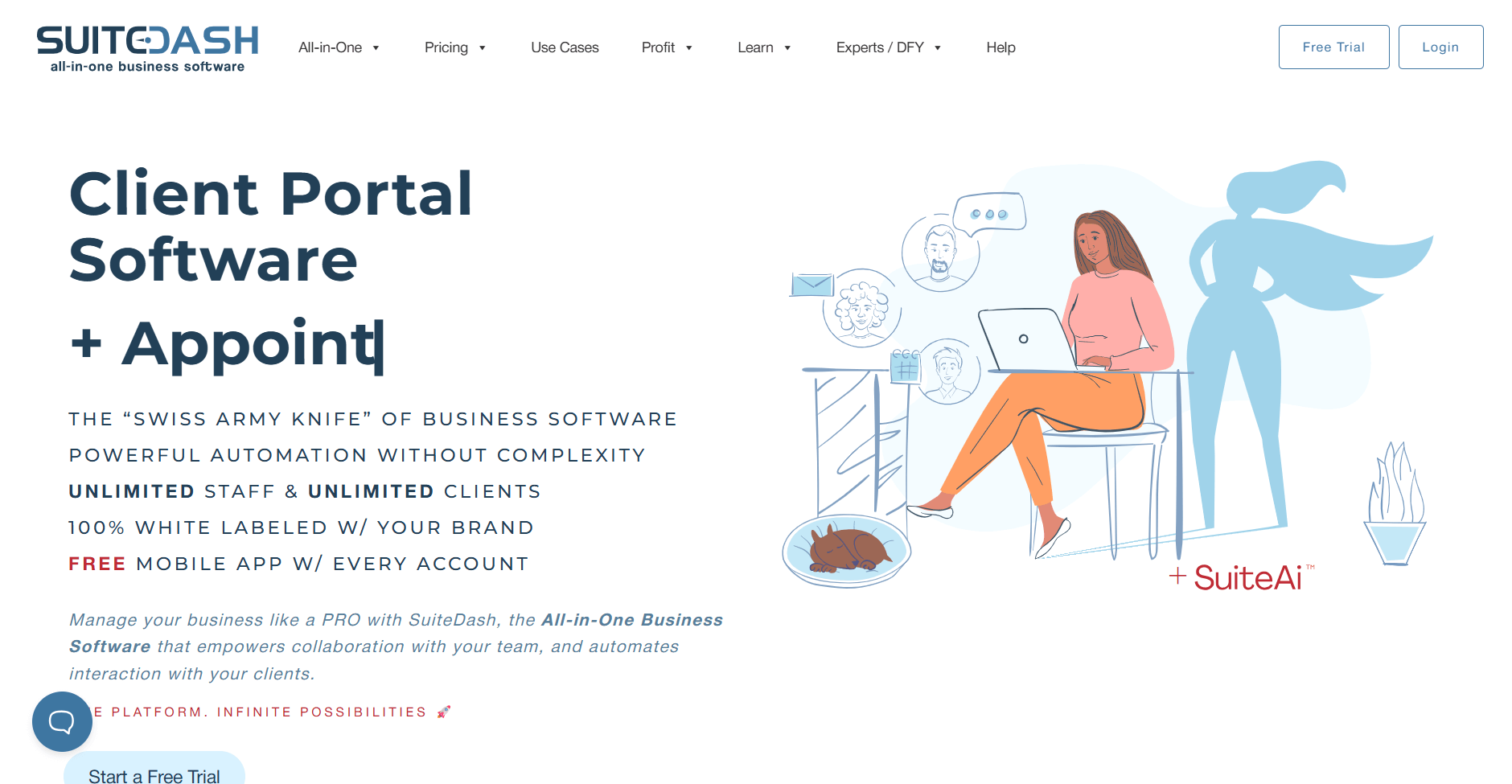
- What it does: SuiteDash combines CRM, client portals, project management, invoicing, and email marketing into one platform with white label features on every plan.
- Who it's for: Small businesses and solopreneurs who want full branding control without paying enterprise prices or per-user fees.
I tested SuiteDash's white label setup and found the branding options surprisingly complete for the price. You get a custom URL, branded login page, and white label mobile app on all plans, not just enterprise tiers.
The platform bundles CRM, project management, invoicing, file sharing, and email marketing, so you're not paying for multiple subscriptions.
Here's the catch, though. The interface feels stuck in 2015. I spent more time than I'd like clicking around trying to find basic settings. Page loads dragged, and the learning curve is steeper than it should be. If you value polish and speed, you'll notice the gaps. But if budget matters more than aesthetics, the flat-rate pricing with no per-user fees is hard to ignore.
Key features
- Full white label on all plans: Custom URL, login screen, and mobile app included
- Unlimited users: No per-user pricing for team members or clients
- Client portal with invoicing: Branded space for file sharing, communication, and built-in billing
Pros
- White label features are included on every plan, not locked behind enterprise tiers
- Flat-rate pricing with unlimited users saves money as you scale
- Custom-branded mobile app for iOS and Android
Cons
- Steep learning curve due to the number of features
- Interface can feel dated compared to newer platforms
Pricing
SuiteDash starts at $180/year.
Bottom line
SuiteDash makes sense for small businesses that want full white label control without per-user fees, but the learning curve is real, and the dated interface may slow you down. If you need a more modern experience with faster adoption, try monday.com.
3. ManyRequests: Best for design and creative agencies
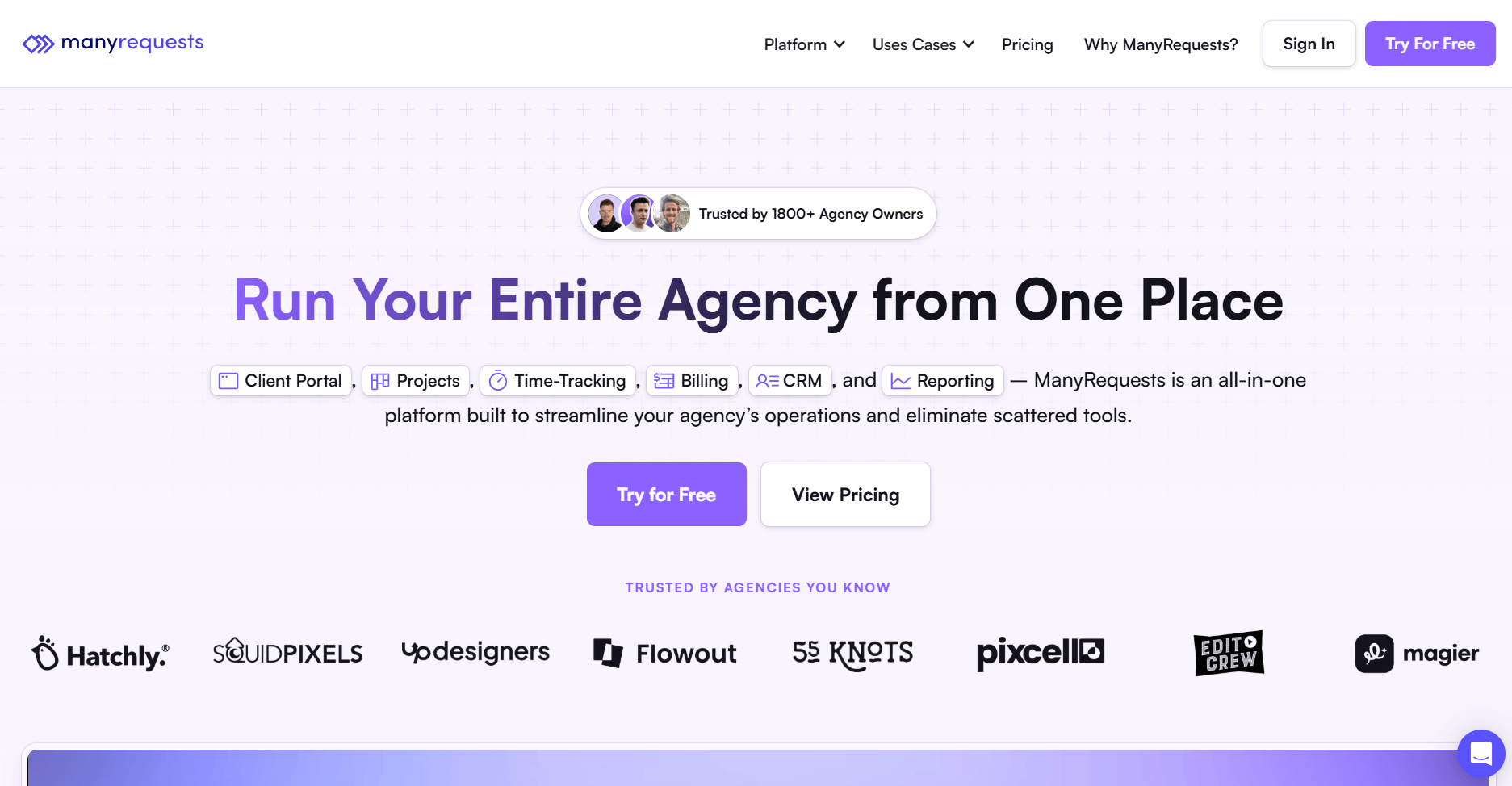
- What it does: ManyRequests is a client portal and project management platform built specifically for creative agencies. It handles service requests, client communication, billing, and project delivery in one branded workspace.
- Who it's for: Design agencies, marketing teams, and creative service providers who want a dedicated tool for managing client requests and deliverables.
ManyRequests is built around productized services, and that focus shows in how the platform handles requests. You set up service packages that clients purchase through your branded portal, then track each request from submission to delivery.
The annotation tools are useful for creative review since you can mark up files directly instead of collecting feedback across email threads. I tested the Starter plan, which includes a custom domain but limits you to 2 team seats.
Full white labeling with branded emails and no "Powered by" badges requires the Pro plan at $79/month. That's a significant jump, especially for smaller agencies still building their client base.
Key features
- Client portal: Branded workspace where clients submit requests and track progress
- Request management: Organize and prioritize incoming client work
- Design annotations: Mark up creative files directly in the platform
Pros
- Built for creative workflows with annotation and feedback tools designed for design review
- Structured around selling defined service packages for productized businesses
- No per-client fees on any plan
Cons
- Full white label requires the $79/month Pro plan to remove all branding
- Starter only allows a max of 2 seats
Pricing
ManyRequests starts at $19/month.
Bottom line
ManyRequests works well for creative agencies selling productized services, but the $79/month Pro plan for full white labeling is a big ask for smaller teams. If you need branding control at a lower price, check out SuiteDash.
4. Clinked: Best for firms needing bespoke portal customization
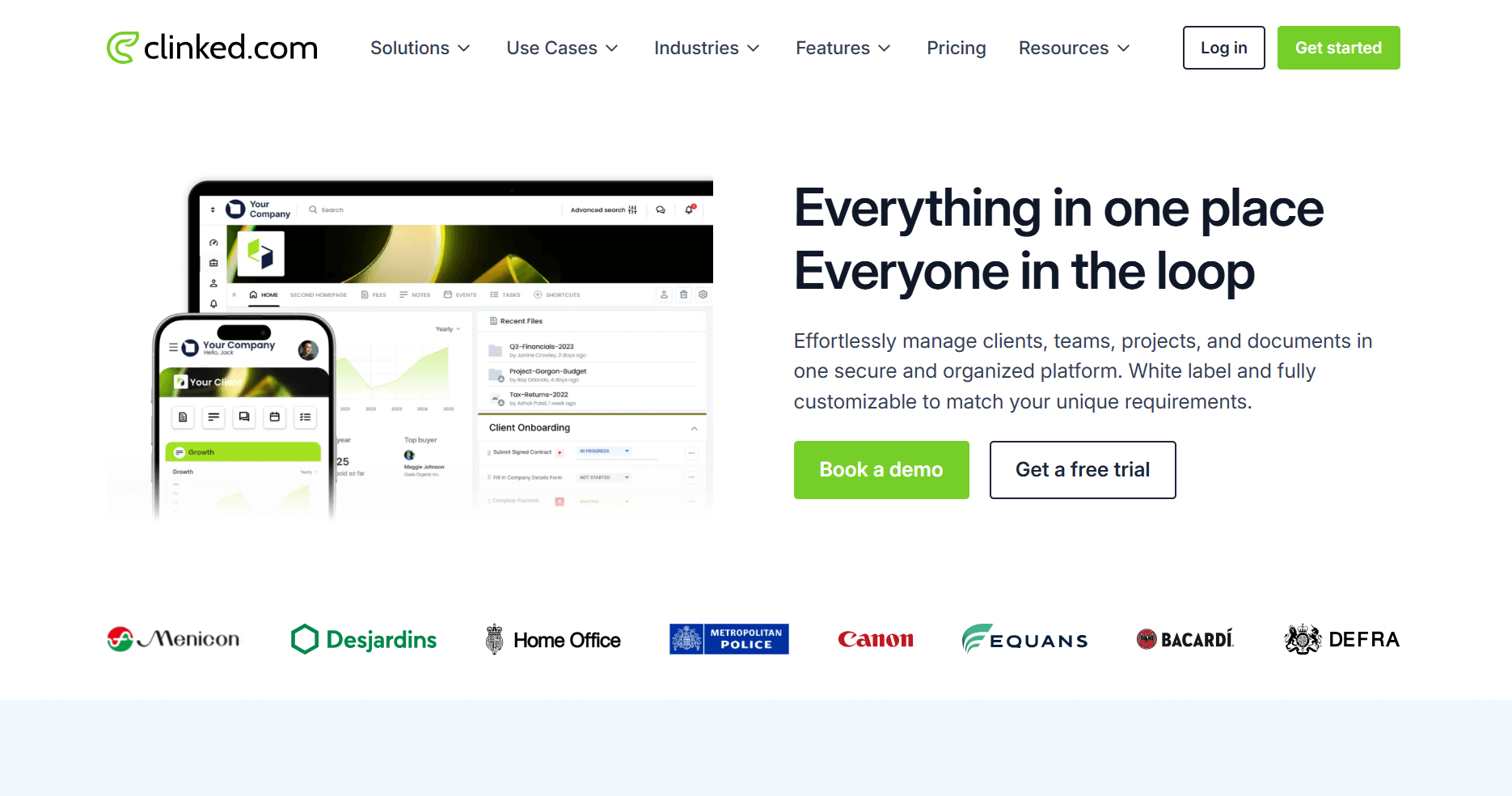
- What it does: Clinked is a white label client portal focused on secure file sharing, collaboration, and document management. It offers branded mobile apps and private cloud deployment options for firms with strict security requirements.
- Who it's for: Professional services firms, financial advisors, law firms, and organizations that need enterprise-grade security alongside client-facing portals.
Clinked targets firms where security and compliance come first. The platform holds ISO 27001 certification and supports compliance with GDPR, HIPAA, and other regulatory frameworks, which are important for handling sensitive client documents.
I tested the file sharing and found the permissions granular enough for most professional services use cases. The standout feature is branded mobile apps on Enterprise plans. Your clients download an app with your company name and icon from the app stores, not a generic Clinked app.
Pricing is where it gets complicated. The Lite plan starts at $95/month with basic white labeling, but custom domains sit on Standard ($239/month), and white label emails require Premium ($479/month). You'll need to map out which features you actually need before committing.
Key features
- White label mobile apps: Branded iOS and Android apps on Enterprise plans
- Document management: Version control, watermarking, and audit trails
- Secure file sharing: 256-bit SSL encryption and granular permissions
Pros
- ISO 27001 certified with compliance features for regulated industries
- Fully branded mobile apps available on Enterprise plans
- Detailed audit trail logging for compliance and accountability
Cons
- Starting price of $95/month is higher than many alternatives
- Important features are spread across multiple pricing tiers
Pricing
Clinked starts at $95/month.
Bottom line
Clinked fits firms that need enterprise-grade security and don't mind paying for it, but the tiered pricing requires careful planning to avoid overspending. If you want a branded client portal at more accessible price points, Assembly offers similar capabilities without the complexity.
5. Teamwork.com: Best for client-facing businesses with billing needs
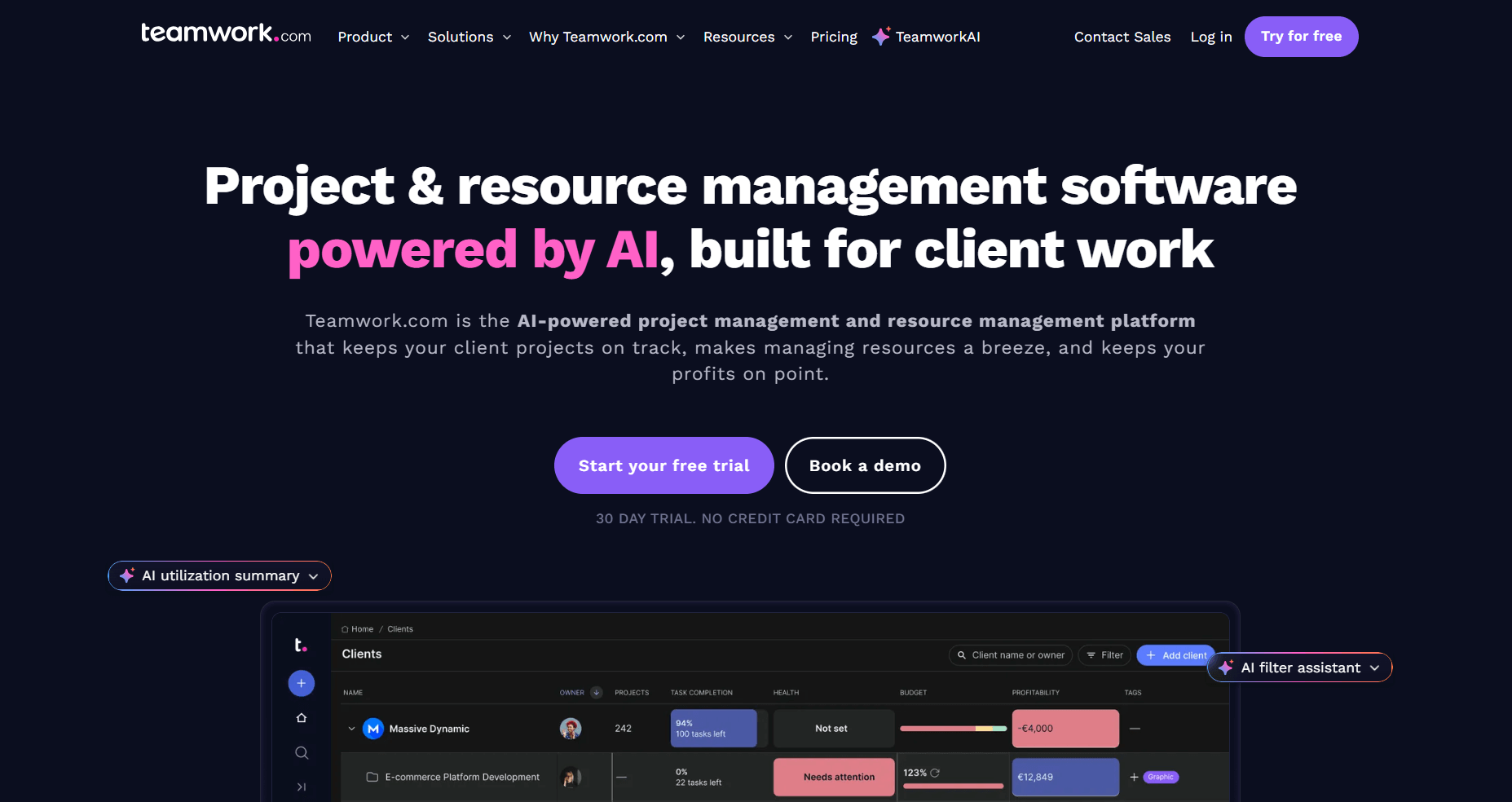
- What it does: Teamwork.com is a project management platform built for client work. It combines task management, time tracking, resource planning, and invoicing in one system designed for agencies and professional service teams.
- Who it's for: Marketing agencies, consultancies, and service businesses that need to track billable hours, manage client projects, and report on profitability.
Teamwork.com connects time tracking directly to invoicing, which is the main reason agencies use it. You log hours on a project and turn that data into invoices without extra exports. I tested the retainer management features, and they handled recurring budgets well. The resource scheduling view also made it easier to see who had room for new work before assigning tasks.
White labeling is available, but the details depend on which plan you choose. You can change color themes on every plan, but custom branding and custom domains only unlock on the Grow tier and higher.
If billing is the deciding factor, my agency billing software roundup compares 11 tools for invoicing and getting paid.
Key features
- Time tracking and invoicing: Log hours and generate invoices from tracked time
- Retainer management: Track recurring client budgets and usage
- Resource scheduling: View team capacity and allocate work accordingly
Pros
- Time tracking flows directly into invoicing for billable work
- Profitability reporting shows which clients and projects make money
- Add clients as collaborators at no extra cost
Cons
- Full white label branding requires Enterprise with custom pricing
- Per-user pricing adds up quickly with larger teams
Pricing
Teamwork.com starts at $10.99/user/month.
Bottom line
Teamwork.com handles billable work well, but white labeling requires Enterprise pricing you won't see upfront. If transparent pricing matters as much as billing features, try Bonsai.
6. ClickUp: Best for teams wanting deep feature customization
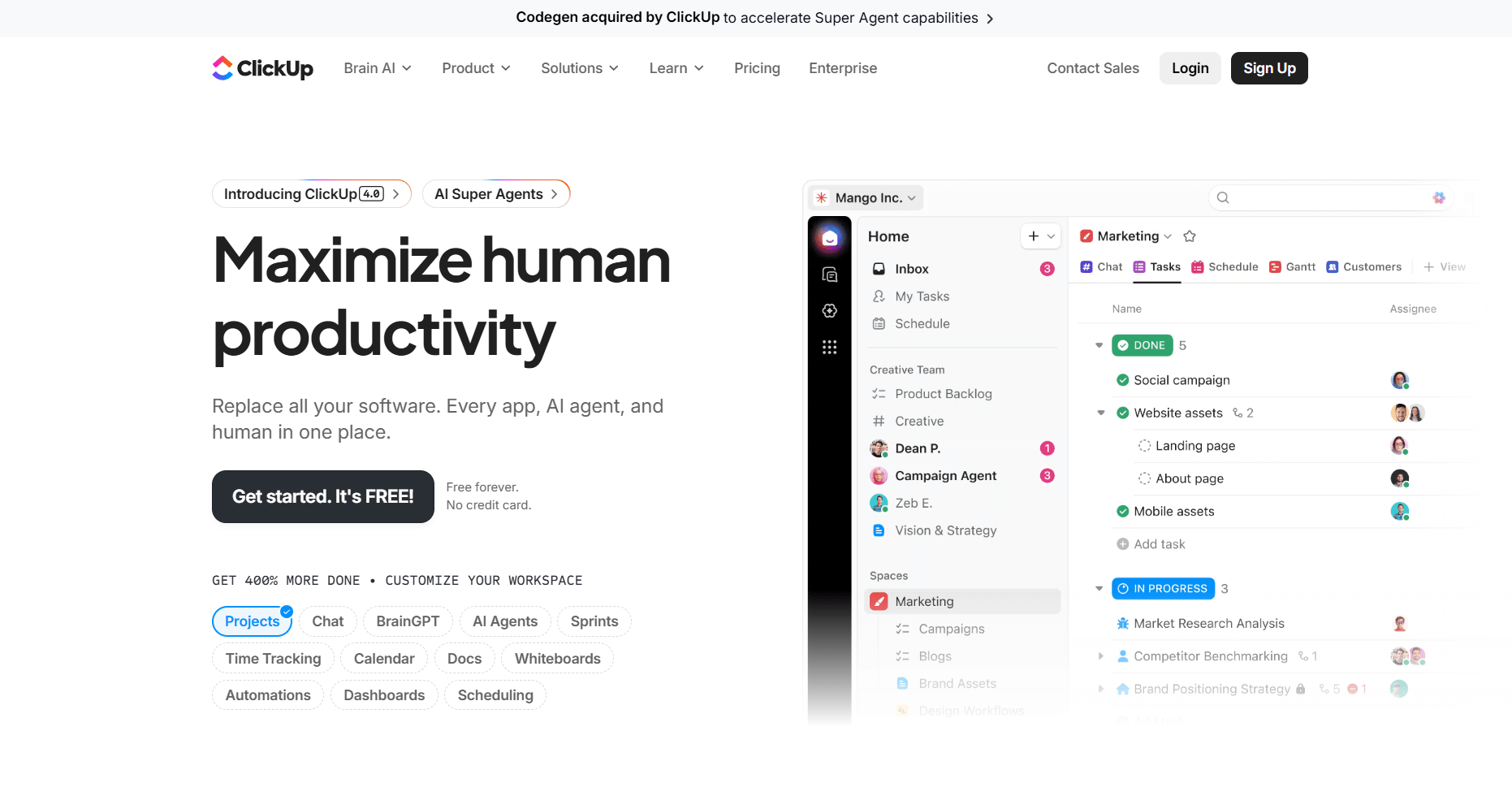
- What it does: ClickUp is a feature-rich project management platform that handles tasks, docs, whiteboards, goals, and time tracking. It positions itself as an "everything app" that can replace multiple tools in your stack.
- Who it's for: Teams that want extensive customization options and are willing to invest time configuring a flexible system to match their workflows.
ClickUp packs more features into its base plans than most competitors. You get task management, docs, whiteboards, chat, goals, and time tracking without paying for add-ons. I spent time testing the customization options and really enjoyed the flexibility. You can adjust task statuses, create custom views, and build automations that match specific workflows.
The downside is that flexibility requires configuration. I found myself tweaking settings longer than expected before the workspace felt usable. Some users report slow load times with larger workspaces, and I also noticed occasional lag.
White labeling requires the Enterprise plan with custom pricing, which puts branding control out of reach for smaller teams. ClickUp works best when you have the time to set it up properly.
Key features
- Customizable views: List, board, Gantt, calendar, and timeline views for any project
- Docs and whiteboards: Built-in documentation and visual collaboration tools
- Automations: Create custom workflows with triggers and actions
Pros
- More features than most competitors at similar price points
- Flexible customization adapts the platform to match almost any workflow
- Generous free plan with unlimited users and tasks
Cons
- White label capabilities require an Enterprise plan with custom pricing
- Too many options can slow team adoption
Pricing
ClickUp starts at $7/user/month.
Bottom line
ClickUp offers deep customization for teams willing to invest setup time, but enterprise-only white labeling and occasional performance issues limit its appeal. If you want flexibility without the learning curve, try Nifty.
7. monday.com: Best for visual project tracking for growing teams
- What it does: monday.com is a visual work management platform built around customizable boards. It handles project tracking, workflow automation, and team collaboration with an interface designed for ease of use.
- Who it's for: Growing teams that want intuitive visual project tracking without a steep learning curve, and organizations that prioritize quick adoption across departments.
monday.com gets teams up and running faster than most tools I tested. The drag-and-drop boards are intuitive, and new users can start contributing within hours instead of days. I like that marketing, sales, and operations teams can each configure boards for their workflows while leadership pulls data into shared dashboards. The visual approach makes project status obvious at a glance.
Like some of the other platforms on this list, you need an Enterprise plan to unlock white labeling features. The three-seat minimum on paid plans also raises your starting price.
Key features
- Visual boards: Drag-and-drop interface for intuitive project tracking
- Automations: Build workflows that trigger actions based on status changes
- Dashboards: Aggregate data across boards for high-level reporting
Pros
- Intuitive interface reduces training time for new users
- Works well for marketing, sales, HR, and other departments
- Connects with 200+ tools including Slack, Salesforce, and HubSpot
Cons
- White label requires an Enterprise plan with custom pricing
- Minimum 3 seats on paid plans increases entry cost
Pricing
monday.com starts at $12/seat/month, with a minimum of 3 users.
Bottom line
monday.com excels at quick adoption and visual project tracking, but white labeling sits behind Enterprise pricing. If per-seat costs are a concern, try Freedcamp.
8. Freedcamp: Best for budget-conscious teams
- What it does: Freedcamp is a project management platform that offers core features at a fraction of competitor pricing. It includes task management, time tracking, file sharing, and project discussions.
- Who it's for: Startups, small teams, and budget-conscious organizations that need capable project management without expensive per-user fees.
Freedcamp is one of the most affordable project management tools I've tested. Paid plans start at $1.49/user/month, and the free tier includes unlimited users and projects with no artificial limits. You get task lists, Kanban boards, Gantt charts, time tracking, and file management. The basics are covered without unnecessary complexity.
White labeling requires the Enterprise tier with custom pricing, which removes some of the budget appeal. The integration ecosystem is smaller than competitors like monday.com or ClickUp, and reporting stays basic across all plans. For teams focused on getting work done at minimal cost, Freedcamp delivers.
Key features
- Task management: Lists, boards, and Gantt charts for organizing work
- Time tracking: Log hours with optional invoicing capabilities
- File sharing: Centralized storage for project documents
Pros
- Paid plans start at $1.49/user/month
- Free plan includes unlimited users and projects
- Focused feature set without overwhelming complexity
Cons
- White label requires an Enterprise plan with a sales conversation
- Smaller integration ecosystem than major competitors
Pricing
Freedcamp starts at $1.49/user/month.
Bottom line
Freedcamp delivers capable project management at minimal cost, but white labeling jumps to Enterprise pricing. If you need branding control at a flat rate, try VivifyScrum.
9. ProofHub: Best for centralized task supervision for mid-size teams
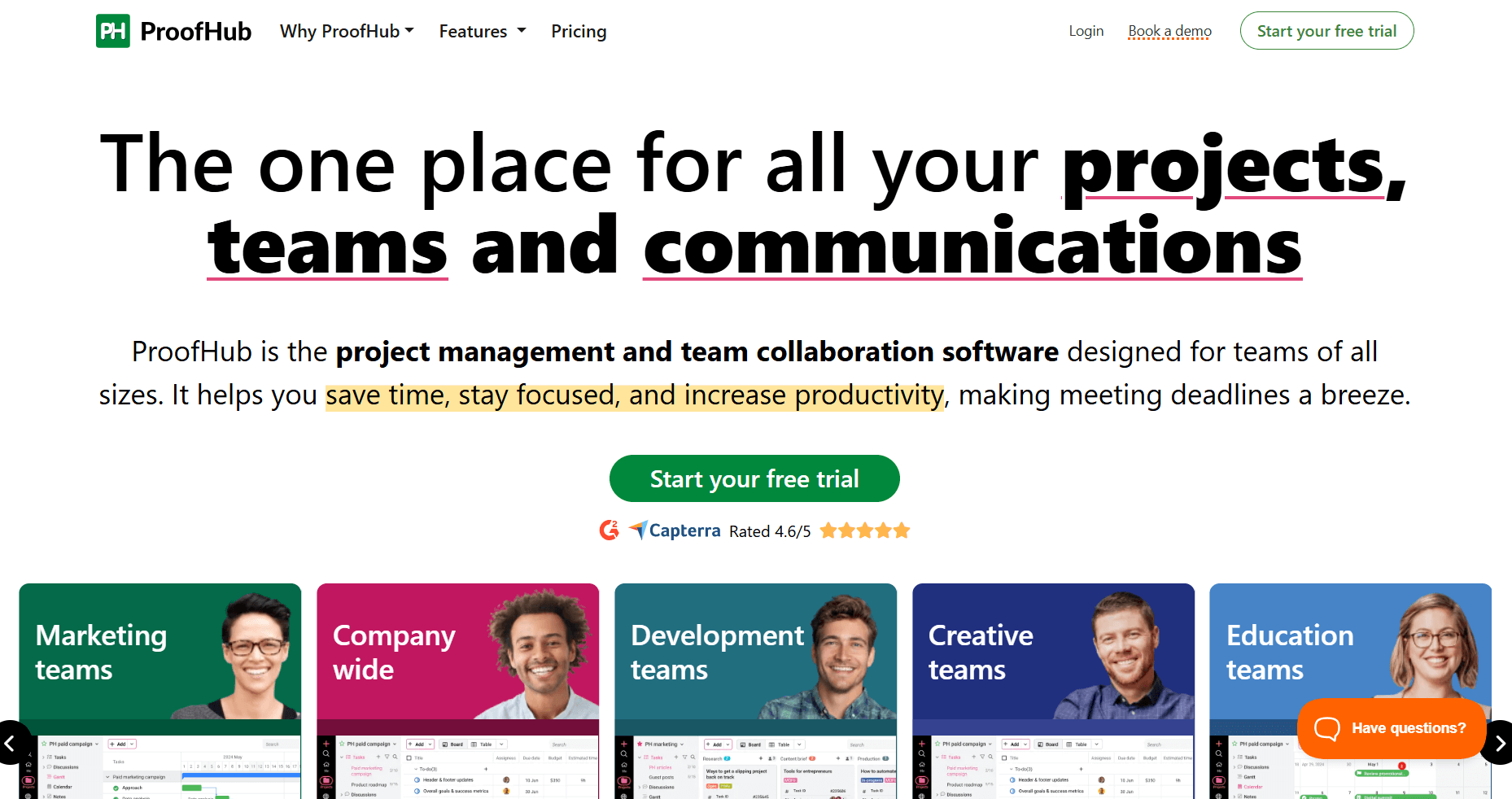
- What it does: ProofHub is a project management and team collaboration platform that charges a flat monthly rate instead of per-user pricing. It includes task management, proofing tools, time tracking, and team chat.
- Who it's for: Mid-size teams that want predictable pricing without per-user fees, and organizations that need centralized control over projects and deadlines.
ProofHub charges a fixed monthly rate instead of per-user fees, which helps teams keep software costs predictable as they grow. The white label features sit on the Ultimate Control plan, where you can use your own domain, logo, and branded login pages. The built-in proofing tools are handy for marking up images, PDFs, and docs without relying on extra apps.
After testing, I found that ProofHub focuses on core project tools rather than advanced ones. You get tasks, time tracking, chat, and proofing, but you won’t see the same level of customization, automation rules, or integrations that heavier platforms offer. It works best when you want a straightforward workspace that’s easy for the team to follow instead of a system you fine-tune for each workflow.
If task tracking is your main need, I also picked 10 task management software tools for service-based businesses.
Key features
- Flat-rate pricing: Unlimited users at a fixed monthly cost
- Proofing tools: Mark up images and documents for creative review
- Custom roles: Define permissions and access levels for team members
Pros
- No per-user fees means easier budgeting for growing teams
- White label branding available on the $99/month Ultimate plan
- Built-in proofing tools for reviewing creative work without third-party apps
Cons
- Smaller app integration ecosystem than larger competitors
- No free plan available, only a 14-day trial
Pricing
ProofHub starts at $45/month.
Bottom line
ProofHub's flat-rate model works well for mid-size teams watching costs, but the narrower feature set may not satisfy power users. If you need client-facing portal features alongside project management, try ClientVenue.
10. VivifyScrum: Best for Scrum and Agile development teams
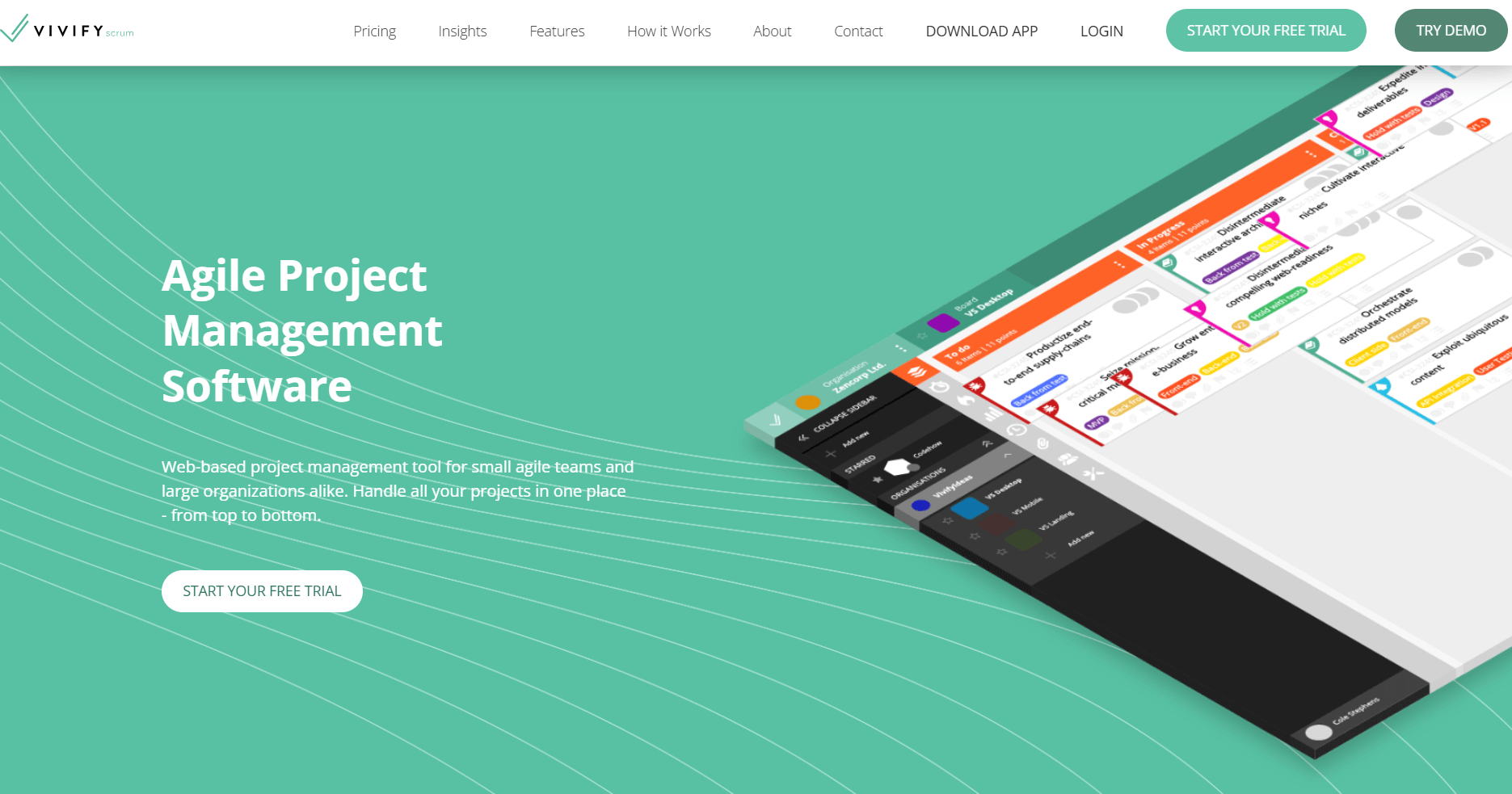
- What it does: VivifyScrum is a project management tool built specifically for Agile and Scrum workflows. It includes Scrum boards, sprint planning, backlog management, and burndown charts.
- Who it's for: Software development teams and Agile practitioners who want purpose-built Scrum tools rather than generic project management features.
VivifyScrum focuses on Agile workflows instead of trying to serve every project management use case. I tested the Scrum boards, sprint planning, and backlog management features, and they handle Agile ceremonies well. You get story points, velocity tracking, and burndown charts built in.
The platform supports Scrum with sprints, Kanban with continuous flow, or hybrid approaches, depending on how your team works.
White labeling requires the Enterprise tier with custom pricing, which limits branding options for teams on tighter budgets. If you're not running Agile workflows, VivifyScrum won't offer much beyond what general project management tools provide.
Key features
- Scrum boards: Purpose-built boards for sprint-based work
- Sprint planning: Backlog grooming, story points, and velocity tracking
- Burndown charts: Visual progress tracking for sprints and releases
Pros
- Built specifically for Scrum and Kanban workflows
- Team plan allows up to 10 members
- Supports Scrum, Kanban, and hybrid Agile approaches
Cons
- Full white label branding requires the Enterprise plan with custom pricing
- Less useful for teams outside software development
Pricing
VivifyScrum starts at $96/year for up to 10 members.
Bottom line
VivifyScrum is a focused option for development teams running Agile workflows, but white labeling requires Enterprise pricing. If you need broader project management features beyond Agile, try Infinity.
Special mentions
Other tools stood out to me during testing. They didn’t need full write-ups, but they’re still useful options depending on how your team works and how much branding control you need. Here are some more white label project management software to try:
- Infinity offers flat-rate pricing with unlimited users, which helps teams avoid per-seat costs as they grow. The platform adapts to different workflows with customizable views and boards, though white labeling requires the Enterprise plan with custom pricing.
- Bonsai works well for freelancers and small agencies that want CRM, contracts, invoicing, and light project tracking in one place. It’s easy to use and keeps client work organized, though branding options stay basic unless you move to higher tiers.
- Scoro fits professional services firms that need deeper financial reporting and resource planning. It’s strong for teams that track billable hours and project budgets closely, though the learning curve is heavier than tools built for simpler workflows.
- ClientVenue gives startups an easy client portal with task tracking, file sharing, and billing. It’s simple to set up, but the feature set stays lighter compared to platforms that support more complex delivery work.
- Nifty helps mid-size teams keep docs, tasks, and goals in one workspace. The setup is quick and the interface stays clean, though white labeling and advanced controls sit on higher plans.
- Basecamp suits teams that want simple collaboration without managing lots of views or settings. It handles message boards, to-dos, and file sharing well, but it isn’t built for teams that want strong customization or automation.
- Wrike supports teams with heavier workflows that move between departments. You get robust automation and reporting, though the interface can feel busy for smaller teams. White label features sit in higher pricing tiers.
- Zoho Projects is an affordable choice for teams already using the Zoho suite. It handles core project tracking without much setup, but branding and customization options are more limited than dedicated white label tools.
- Smartsheet works for teams that think in grids and want the comfort of a spreadsheet layout with project features layered in. It’s flexible for planning, though it isn’t built as a client-facing portal.
- Ahsuite focuses on client portals with a simple branded space for sharing updates, tasks, and files. It’s clean and easy for clients to follow, but the project management tools stay lighter than full-service platforms.
How I tested these white label project management tools
To get a fair read on each platform, I created test clients, launched sample projects, uploaded deliverables, collected feedback, and tracked how many steps it took to complete everyday tasks. Running the same workflow across tools made it clear which ones actually support smooth delivery once real clients are involved.
I focused on how well each platform handles branding control, client visibility, and day-to-day work. Since these tools often act as the face of your business, I paid close attention to anything that might break the experience for clients.
I also looked at:
- Branding depth: I checked how far each tool lets you take white labeling across domains, client emails, login screens, and portal design, and noted where third-party elements still appeared.
- Client portal experience: I signed in as a client to see how fast it was to find tasks, files, messages, and invoices, and whether the layout felt clear without extra guidance.
- Project delivery workflow: I tested how tools handled tasks, files, revisions, and approvals, including whether feedback stayed organized or scattered across views.
- Team setup and daily use: I measured how long it took to get a workspace running and how easy it was for a teammate to join and contribute without extra instructions.
- Pricing clarity: I reviewed how transparent each platform was once you add custom domains, emails, and deeper branding options.
- Integrations: I checked how reliably each system connected with common scheduling, billing, storage, and automation tools.
Which white label project management tool should you choose?
The right white label project management software for you depends on how much branding control you want, how complex your projects are, and how often clients log in to track progress. Choose:
- Assembly if you want a branded client portal that brings tasks, messaging, billing, and contracts into one place with AI support for client prep.
- SuiteDash if you need full branding control at a low cost and prefer a bundle that includes CRM, invoicing, and basic marketing tools.
- ManyRequests if your agency sells defined service packages and you want an easy way for clients to submit requests, leave feedback, and track delivery.
- Clinked if security and compliance matter as much as branding, and you want options like private cloud hosting or fully branded mobile apps.
- Teamwork.com if your projects rely on time tracking, retainers, and invoicing, and you need those pieces tied directly to your project work.
- ClickUp if you want heavy customization and a wide range of features, and have the time to shape the workspace around your processes.
- monday.com if your team prefers visual boards and quick onboarding, and you want one system that can stretch across multiple departments.
- Freedcamp if you want simple project management at a low price, and don’t mind that deeper branding sits on higher tiers.
- ProofHub if you want predictable pricing for growing teams and need built-in proofing tools for reviewing creative work.
- VivifyScrum if your team runs Agile workflows and needs purpose-built tools for sprints, backlog planning, and velocity tracking.
My final verdict
I think SuiteDash offers broad white label control at a low cost, and ProofHub keeps pricing predictable for teams that want simple project oversight. ClickUp and monday.com give you deep configuration, but they take real time to set up, and ManyRequests works best for request-based delivery with defined service packages.
These strengths help specific teams, but they can feel limited when you want branding and client work connected without adding extra layers of setup.
Assembly puts branding, client communication, and project delivery in one platform without the complexity. The layout stays manageable for ongoing client relationships, and I think teams work better when core delivery stays in one workflow that clients can follow.
Get started with Assembly
Many white label project management software tools focus on tasks or light client visibility, but they don’t always connect the work clients see with the work your team handles every day.
Assembly gives you a branded portal where client communication, files, and billing stay in one workspace. Clients can check progress, upload documents, or make payments without chasing email threads. Your team can track activity, assign jobs, and review communication history without switching between tools.
Here’s what you can do with Assembly:
- See the full client record: Notes, files, payments, and messages stay in one organized space. You’ll spend less time switching platforms because the key details are already collected for you.
- Prep faster for meetings: The AI Assistant summarizes recent client activity and communication, helping you walk into calls with a clear picture of what’s been discussed and what’s outstanding.
- Stay ahead of clients: Highlight patterns that may show churn risk or upsell potential, making outreach more timely and relevant.
- Cut down on admin: Automate repetitive jobs like reminders, status updates, or follow-up drafts that used to take hours. The Assistant handles the busywork so your team can focus on clients.
Ready to simplify how your firm manages client work? Start your free Assembly trial today.