



The right project management software for lawyers can help legal teams track cases, deadlines, billing, and client communication in one place. I tested more than 20 tools to find the 16 best in 2026.
Project management software for lawyers: Quick comparison
| Tool | Best for | Annual price | Strengths |
|---|---|---|---|
| Clio Manage | Firms needing full legal practice management | Custom pricing | Matter management, billing, client portal, 200+ integrations |
| Filevine | Litigation firms with complex workflows | Custom pricing | Custom case types, document automation, task workflows, unlimited storage |
| PracticePanther | Solo attorneys and small firms | $49/user/month | Time tracking, invoicing, trust accounting, client portal |
| Assembly | Firms wanting branded client portals | $29/month | Client portals, automations, payments, dynamic homepages |
| MyCase | Small firms focused on communication and billing | $39/user/month | Client portal, invoicing, document storage, QuickBooks sync |
| Rocket Matter | Growing firms needing matter tracking | $59/user/month | Matter boards, time tracking, document assembly, trust accounting |
| Actionstep | Mid-sized firms needing deep customization | Custom pricing | Custom workflows, document automation, role-based access |
| Lawmatics | Firms focused on intake and CRM | Custom pricing | Automated intake, CRM pipeline, email marketing, lead tracking |
| HighQ | Large firms needing secure collaboration | Custom pricing | Secure sharing, workflows, client portals, AI integration |
| Cosmolex | Firms needing legal accounting + management | $109/user/month | Legal accounting, billing, trust accounting, case management |
| Bill4Time | Firms prioritizing time tracking | $39/user/month | Time tracking, invoicing, expense management |
| MerusCase | Litigation firms needing email in workflows | Custom pricing | Built-in email, document templates, referral tracking |
| LawVu | In-house legal teams | Custom pricing | Matter management, vendor tracking, spend control |
| ClickUp | Flexible task and workflow management | $7/user/month | Custom views, automations, integrations, free tier |
| Asana | Teams needing task dependencies | $10.99/user/month | Timelines, workload tracking, integrations |
| monday.com | Teams using visual boards | $12/seat/month (min. 3 seats) | Dashboards, automations, collaboration tools |
How I researched and tested these project management software tools for lawyers
I tested each platform using mock legal matters, sample task structures, and simulated client workflows to see how well the internal side and the client-facing side work together.
Here's what I considered:
- Matter and task structure: How well each tool organizes case deadlines, task assignments, and workflow steps across different practice areas and matter types.
- Client communication and portal setup: How much control you have over what clients see, and how straightforward it is to set up secure communication and file sharing for a new client.
- Ease of use: Whether the interface is quick to navigate without heavy configuration or a long onboarding process, particularly for small and solo firms.
- Integrations: How well each tool connects with the platforms law firms commonly rely on, including billing software, document management tools, and accounting systems.
- Pricing vs. value: What you get at each tier and whether the features at the base price are enough to run a legal practice without immediately needing an upgrade.
- Security and compliance: Whether each platform meets the data protection standards that law firms need, including role-based access controls and audit logging.
The tools that impressed me most were the ones where a lawyer could track a matter internally and give a client visibility into the same work without switching platforms or copying information across systems.
1. Clio Manage: Best for firms that want a full legal practice management system
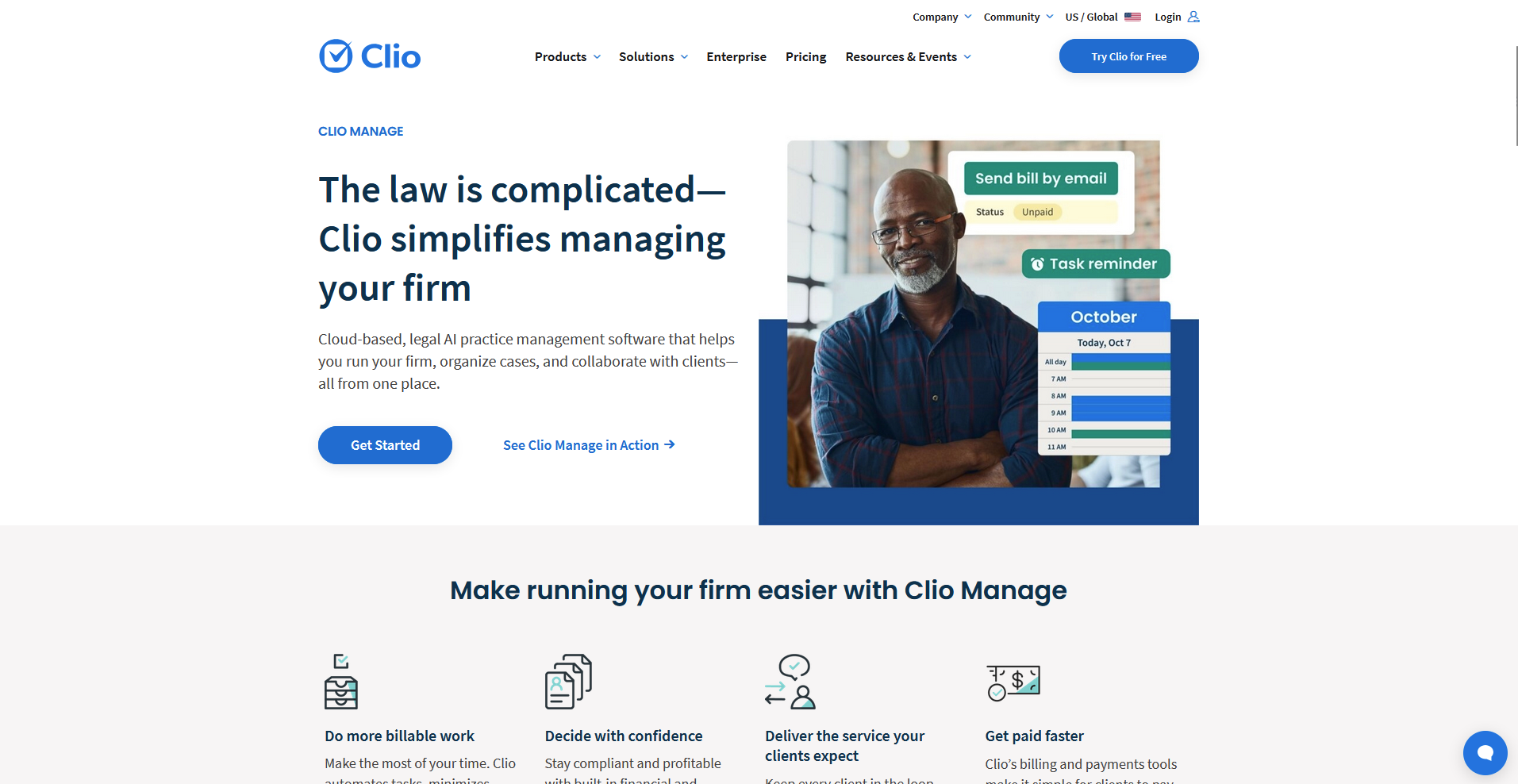
- What it does: Clio Manage is a cloud-based legal practice management platform that lets law firms organize matters, track time, manage billing, and communicate with clients in one system.
- Best for: Law firms of any size that need matter management, billing, and a client portal connected in a single platform with a wide integration library.
I built a sample matter in Clio Manage to see how well it handles a full matter lifecycle for a small law firm. I assigned tasks, logged time, and sent a document through the client portal, and the matter view kept tasks, documents, and communication tied to a single record. Some features like conflict checks sit behind higher-tier plans, so smaller firms may hit limitations sooner than expected.
Key features
- Matter management: Organize case details, notes, documents, tasks, and communication history under a single matter record.
- Time tracking and billing: Log billable hours against matters, generate invoices, and process payments from within the platform.
- Client portal: Share documents, send secure messages, and collect e-signatures through a client-facing portal tied to each matter.
Pros and cons
What users say
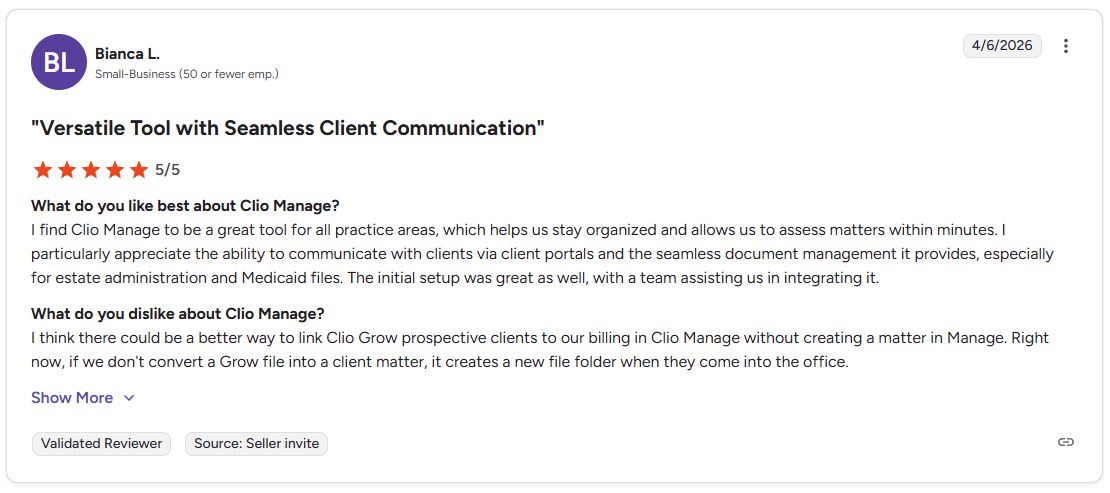
Pro: "I find Clio Manage to be a great tool for all practice areas, which helps us stay organized and allows us to assess matters within minutes. I particularly appreciate the ability to communicate with clients via client portals and the seamless document management it provides, especially for estate administration and Medicaid files." - Bianca L., G2
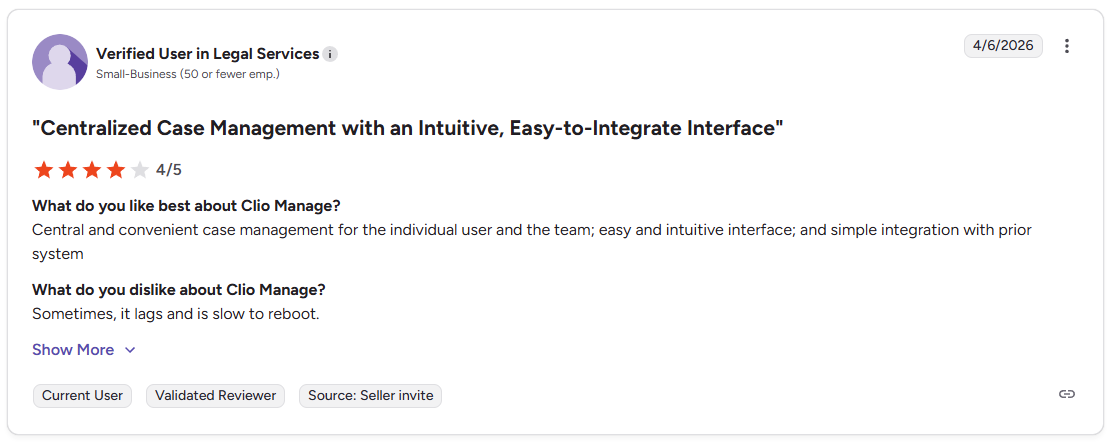
Con: "Sometimes, it lags and is slow to reboot." - Verified User in Legal Services, G2
Pricing
Clio Manage offers custom pricing.
Bottom line
Clio Manage is approved by bar associations across multiple jurisdictions, which may matter for firms that need recognized compliance standards. If you need deep workflow customization and built-in accounting alongside case management, Actionstep might be a better fit.
2. Filevine: Best for litigation firms with complex, customizable workflows

- What it does: Filevine is a legal case management platform that lets law firms organize matters, automate task workflows, manage documents, and track case progress in one system.
- Best for: Litigation-focused firms that handle high document volumes and need workflows they can customize to fit specific practice areas like personal injury or mass tort.
I set up a sample litigation matter in Filevine to test the workflow and document tools for complex cases. The customizable case types and task workflows can give teams a clearer picture of where each matter stands. Some features, like e-signatures, are paid add-ons, so the total cost may be higher than it first appears.
Key features
- Customizable case types: Build workflows tailored to specific practice areas, from personal injury to mass tort.
- Document management: Store, organize, and access case documents with unlimited storage tied to each matter record.
- Task workflows: Create repeatable task sequences for common litigation stages to keep case progress consistent across the team.
Pros and cons
What users say
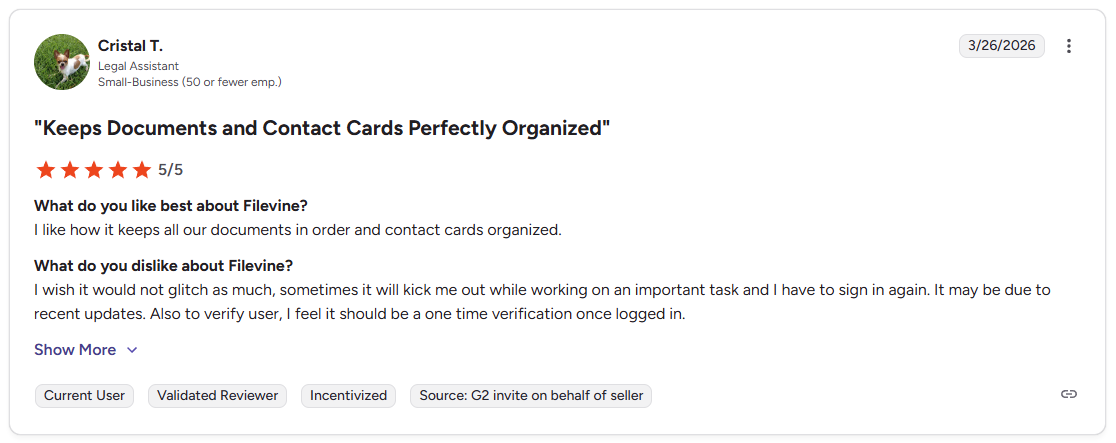
Pro: "I like how it keeps all our documents in order and contact cards organized." - Cristal T., G2
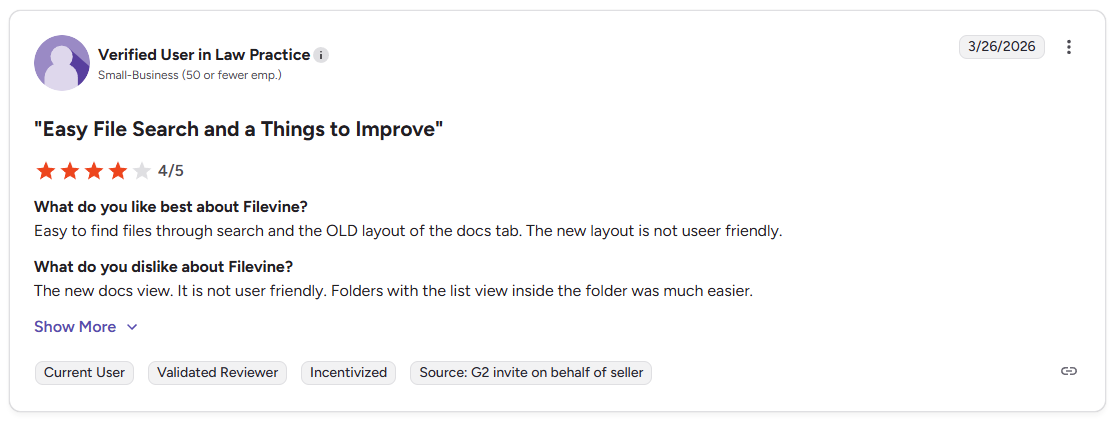
Con: "The new docs view. It is not user-friendly. Folders with the list view inside the folder was much easier." - Verified User in Law Practice, G2
Pricing
Filevine offers custom pricing.
Bottom line
Filevine's modular design lets firms add tools like lead management and contract lifecycle management as their needs grow. If you want a more straightforward system with a gentler learning curve, PracticePanther might be a better fit.
3. PracticePanther: Best for solo attorneys and small firms that need intuitive time tracking
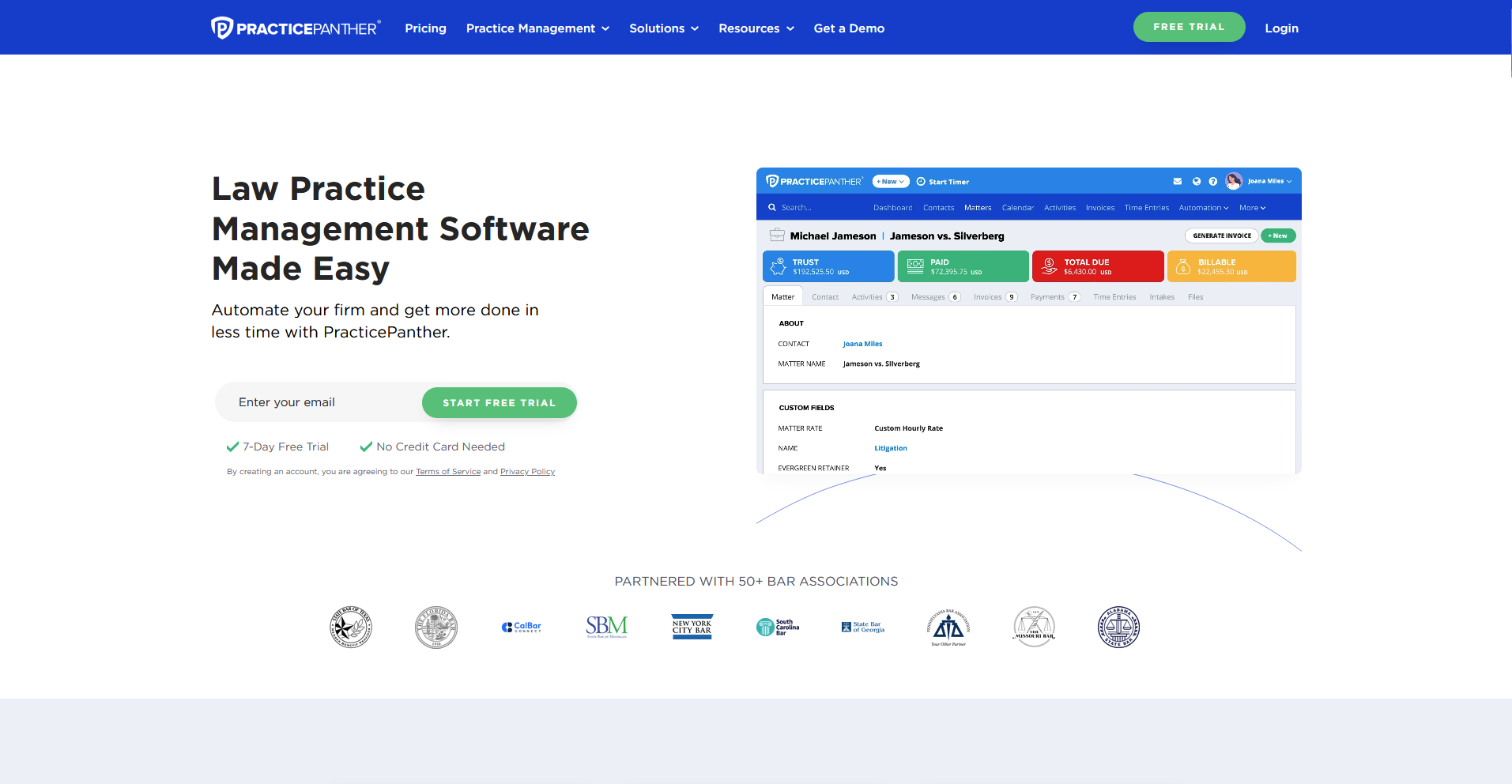
- What it does: PracticePanther is a cloud-based legal practice management platform that combines case management, time tracking, billing, and client communication in one system.
- Best for: Solo practitioners and small firms that want an easy-to-navigate system with reliable time tracking and billing tools built in.
I created a sample matter in PracticePanther and ran through the time tracking, billing, and document tools to see how well they perform for a small firm. The interface is straightforward, and the batch invoicing tools can save time during billing cycles, though documents are stored without clear matter-by-matter separation, which can make navigation harder as file volume grows.
Key features
- Time tracking: Log billable hours against matters using timers or manual entries tied directly to client records.
- Batch invoicing: Generate and send multiple invoices at once across active matters.
- Trust accounting: Manage client funds and trust account transactions within the platform.
Pros and cons
What users say
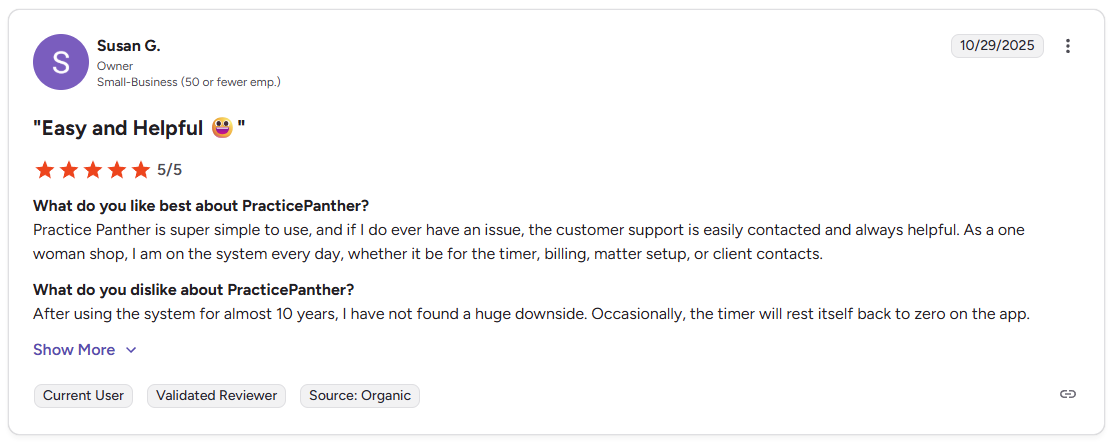
Pro: "Practice Panther is super simple to use, and if I do ever have an issue, the customer support is easily contacted and always helpful. As a one-woman shop, I am on the system every day, whether it be for the timer, billing, matter setup, or client contacts." - Susan G., G2
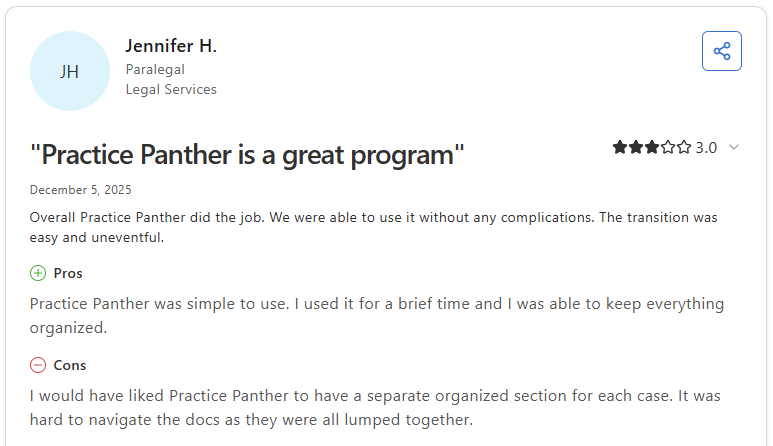
Con: "I would have liked Practice Panther to have a separate, organized section for each case. It was hard to navigate the docs as they were all lumped together." - Jennifer H., Capterra
Pricing
PracticePanther starts at $49 per user per month.
Bottom line
PracticePanther covers the core needs of a solo or small firm without requiring much configuration time to get started. If you need more flexibility around case workflows and document management, Filevine might be a better fit.
4. Assembly: Best for client-centric firms that want a branded client portal with billing and tasks
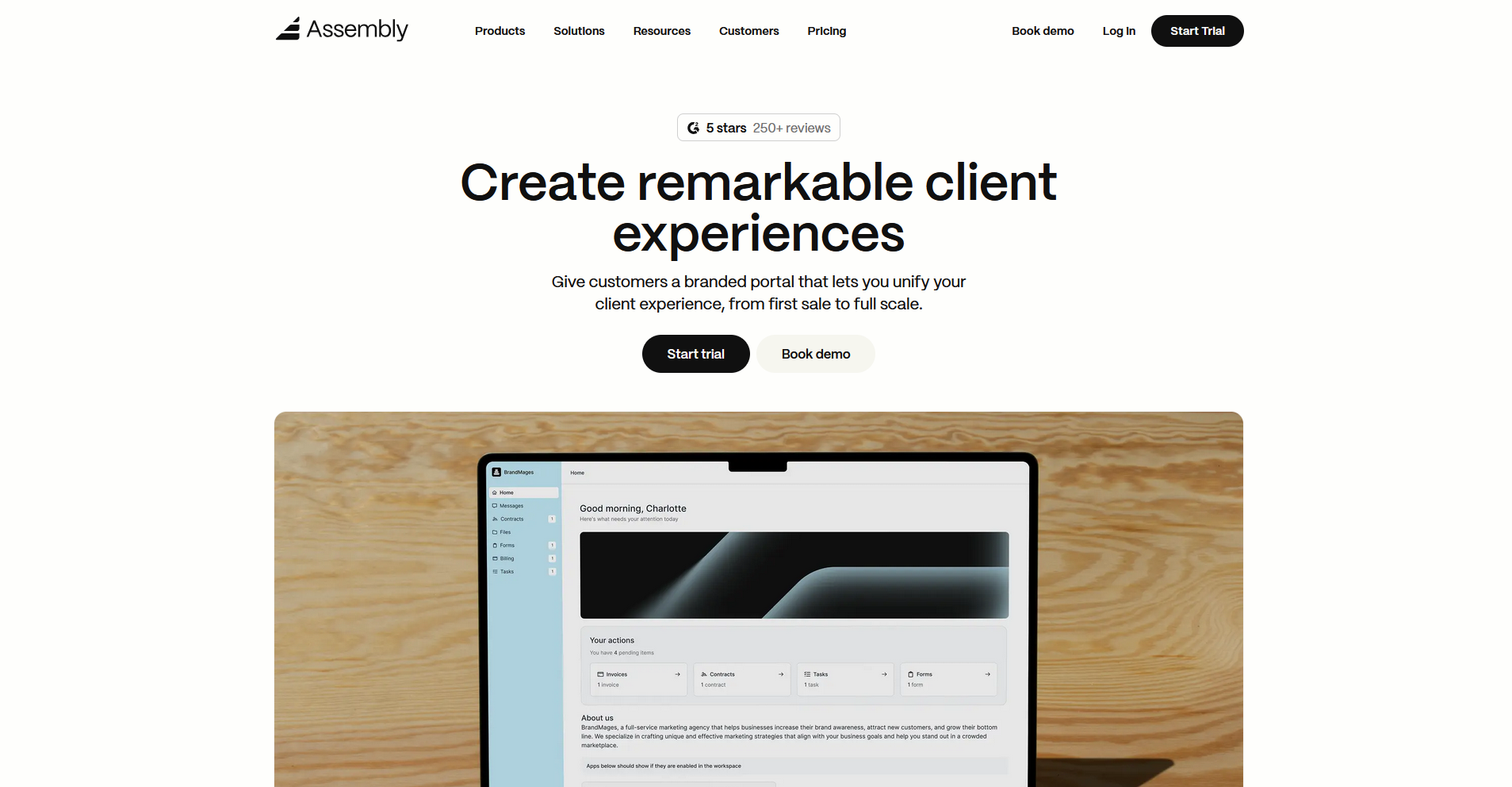
- What it does: Assembly is a client portal platform built on a core CRM that lets law firms manage client records, tasks, billing, contracts, and communication in one tailored workspace.
- Best for: Firms that want every client to log into a tailored portal where tasks, invoices, and files stay connected to their matter.
We built Assembly for firms who value the client experience and the internal workflow in one place. You can tie tasks directly to client records, set up recurring automations for routine client touchpoints, and give each client a homepage that reflects exactly what they need to see. That means fewer scattered emails, a more professional client experience, and a clearer picture of where each matter stands.
Key features
- Tasks tied to client records: Assign internal tasks to specific client records and track outstanding work without exposing those tasks to the client, so your team stays organized without adding noise to the client view.
- Branded client portal: Give each client a tailored homepage under your firm's domain where they can access invoices, files, contracts, and updates, with app folders to group tools and documents so clients find what they need without digging.
- Recurring automations: Set time-based triggers for tasks, messages, and forms so routine client touchpoints like document requests, follow-ups, and deadline reminders run on schedule with minimal manual effort.
- Consolidated payments: Send invoices, collect payments, manage subscriptions, and track payment history from a single payments dashboard.
- Assembly Assistant: Use the AI Assistant to pull together recent messages, files, and activity into a summary before client calls, so you can walk into the conversation with context on what's been discussed and what may need attention.
Pros and cons
What users say
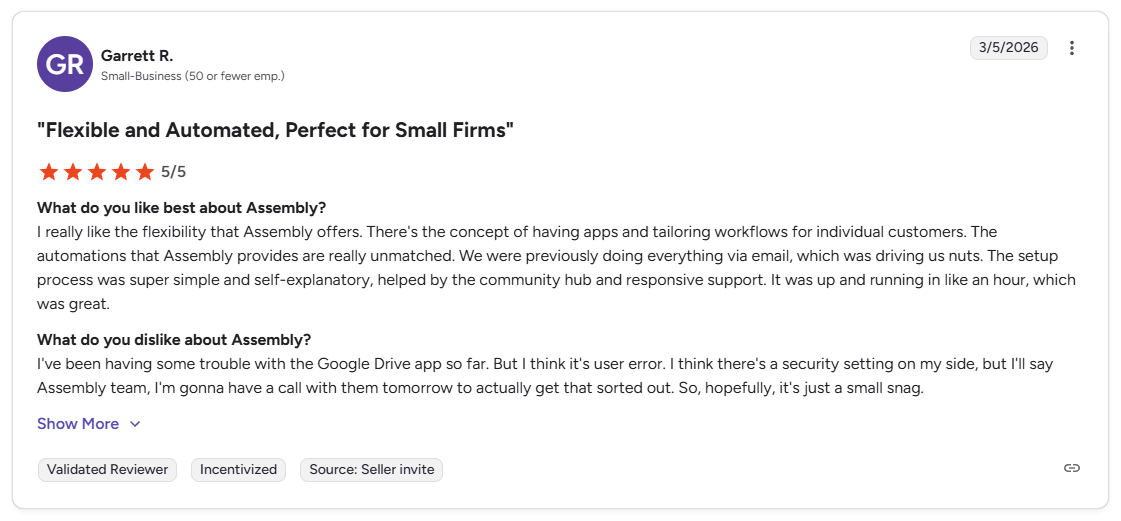
Pro: “I really like the flexibility that Assembly offers. There's the concept of having apps and tailoring workflows for individual customers. The automations that Assembly provides are really unmatched. We were previously doing everything via email, which was driving us nuts.” - Garrett R., G2
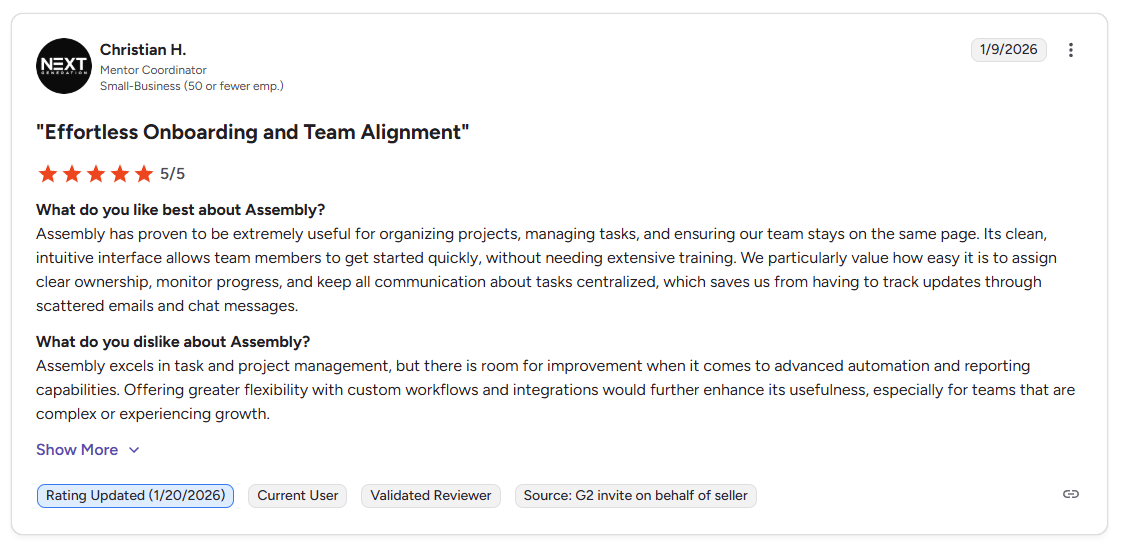
Con: “Assembly excels in task and project management, but there is room for improvement when it comes to advanced automation and reporting capabilities. Offering greater flexibility with custom workflows and integrations would further enhance its usefulness, especially for teams that are complex or experiencing growth.” - Christian H., G2
Pricing
Bottom line
Assembly's client portal gives law firms a way to deliver a tailored, branded experience to each client without building separate workflows for communication, billing, and task tracking. If your primary need is legal-specific matter management and trust accounting, Clio Manage might be a better fit.
5. MyCase: Best for small firms focused on client communication and billing
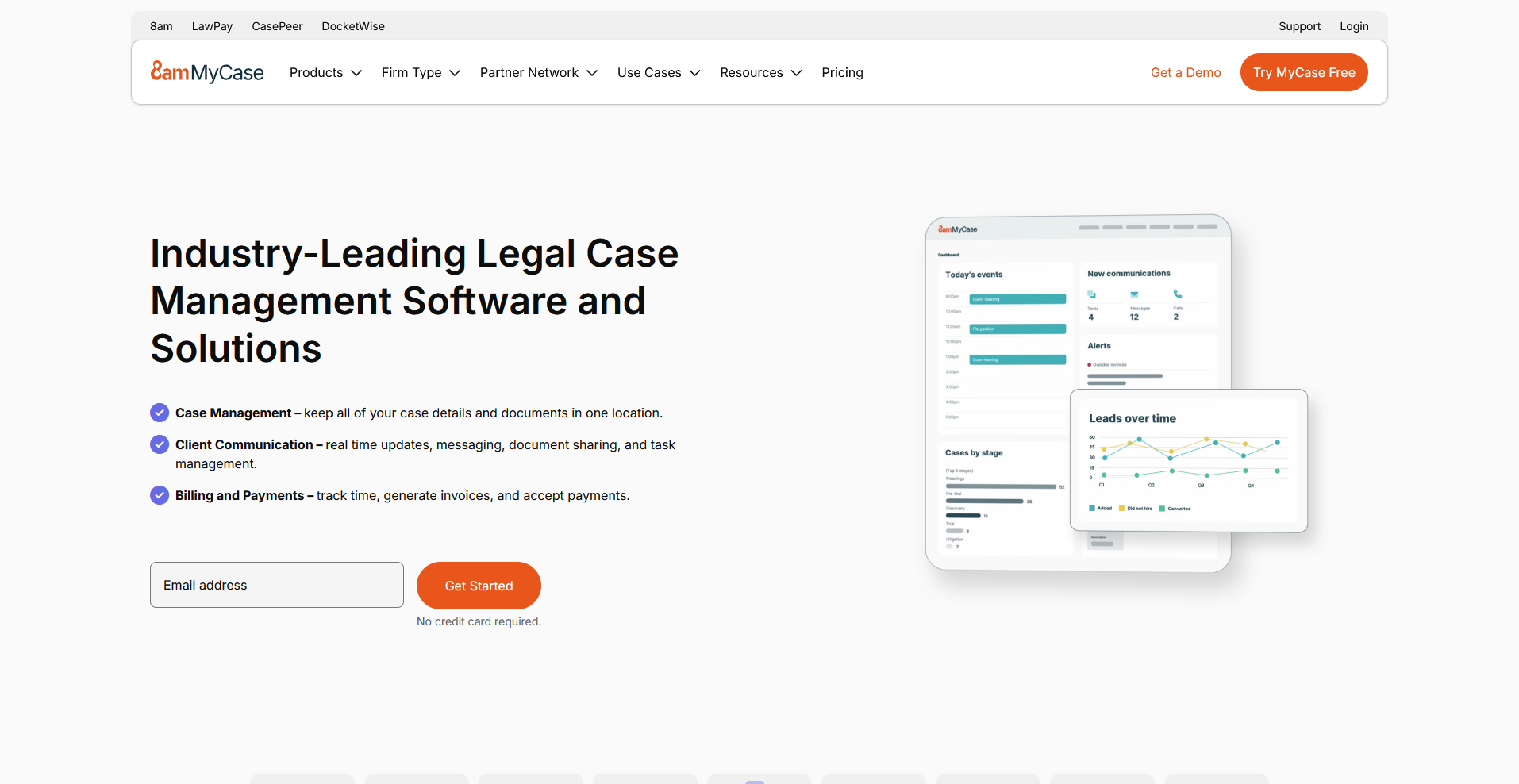
- What it does: MyCase is a legal practice management platform that combines case management, client communication, document storage, and billing in one system.
- Best for: Small law firms that want a client portal and integrated billing without a complex setup or steep learning curve.
I built out a sample matter in MyCase to see how well the client communication and billing tools work together. The client portal and invoicing tools are easy to navigate, and the QuickBooks sync can help keep billing and accounting aligned with minimal manual data entry. File storage limits vary by plan, so firms that handle large volumes of documents or media files should confirm what’s included.
Key features
- Client portal: Give clients a secure place to access documents, messages, and invoices tied to their matter.
- Integrated billing: Generate invoices, collect payments, and track billing history from within the matter view.
- Document storage: Store and organize case files within each matter record with access controls for internal and client-facing documents.
Pros and cons
What users say
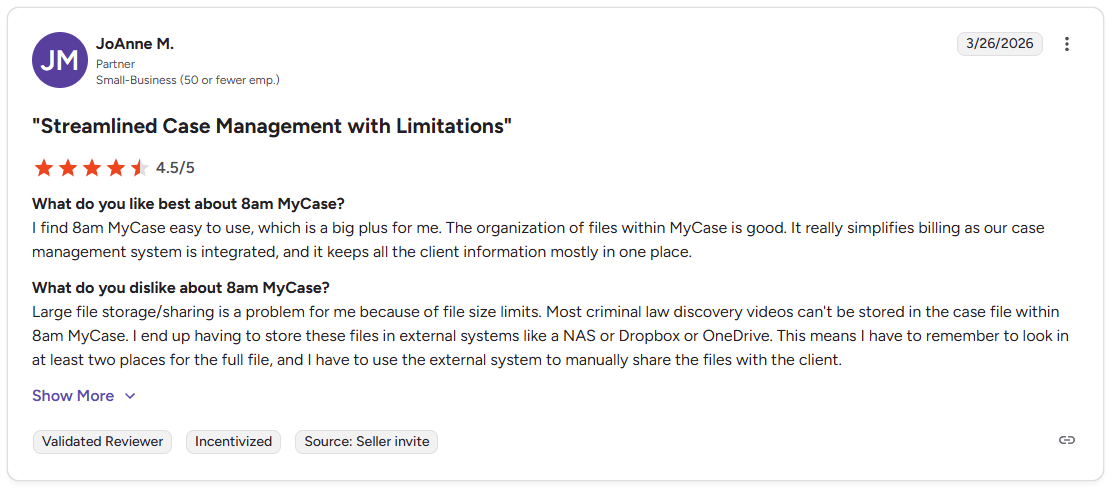
Pro: "I find 8am MyCase easy to use, which is a big plus for me. The organization of files within MyCase is good. It really simplifies billing as our case management system is integrated, and it keeps all the client information mostly in one place." - JoAnne M., G2
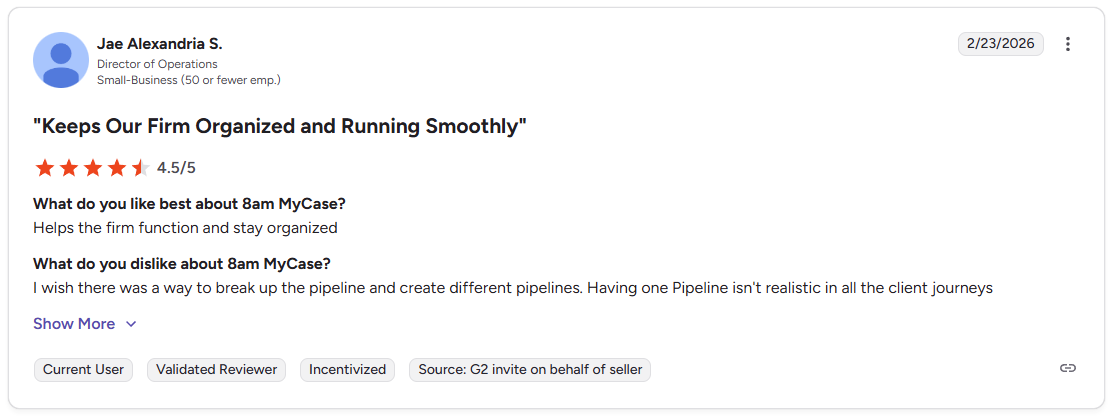
Con: "I wish there was a way to break up the pipeline and create different pipelines. Having one Pipeline isn't realistic in all the client journeys," - Jae Alexandria S., G2
Pricing
MyCase starts at $39 per user per month.
Bottom line
MyCase includes a built-in lead management tool that can help small firms track prospective clients alongside active matters. If you need visual matter tracking and stronger billing tools for a growing firm, Rocket Matter might be a better fit.
6. Rocket Matter: Best for growing firms that need visual matter tracking and billing
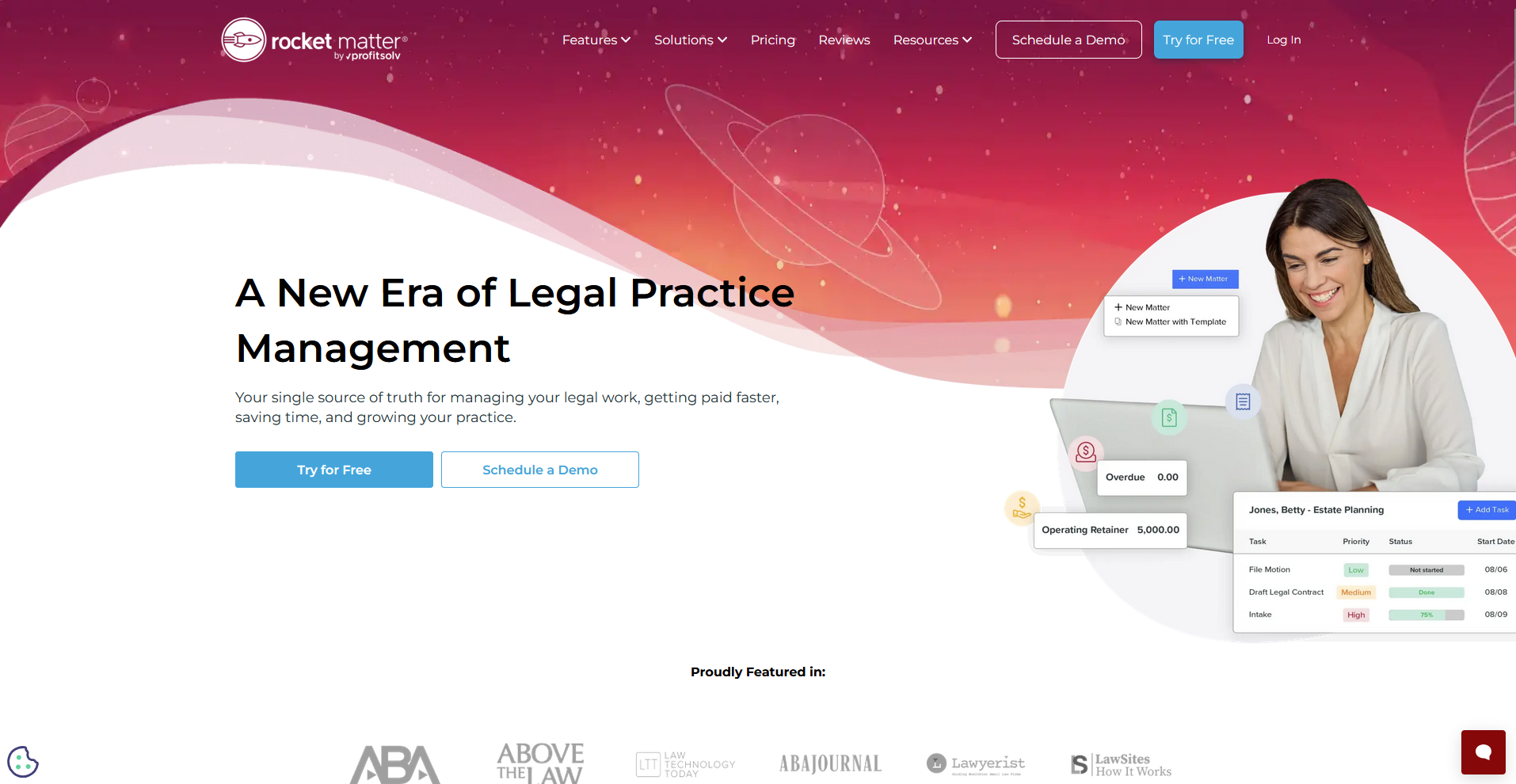
- What it does: Rocket Matter is a legal practice management platform that combines visual matter tracking, time tracking, billing, and document management for law firms.
- Best for: Growing law firms that want a clear visual overview of active matters alongside time tracking and billing in one place.
I created a set of sample matters in Rocket Matter to test how the matter status board and billing tools work together. The drag-and-drop status board can give teams a quick read on where each case stands, and time tracking ties directly into invoicing. However, the reporting tools can feel limited for firms that need detailed insights into matter performance or billing trends.
Key features
- Matter status board: View and move active matters through custom workflow stages using a drag-and-drop board.
- Time tracking and billing: Log billable hours against matters and generate invoices directly from time entries.
- Document assembly: Create reusable document templates with merge fields to reduce manual drafting time.
Pros and cons
What users say
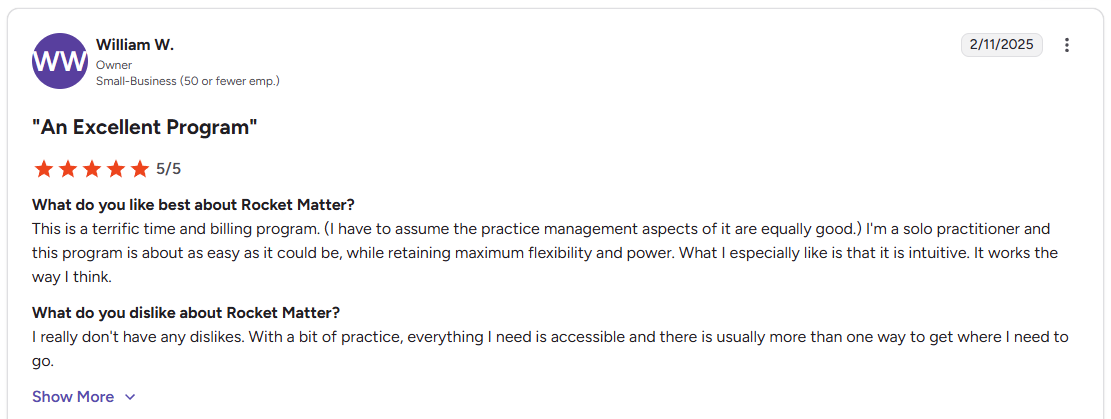
Pro: "This is a terrific time and billing program. I'm a solo practitioner and this program is about as easy as it could be, while retaining maximum flexibility and power. What I especially like is that it is intuitive. It works the way I think." - William W., G2
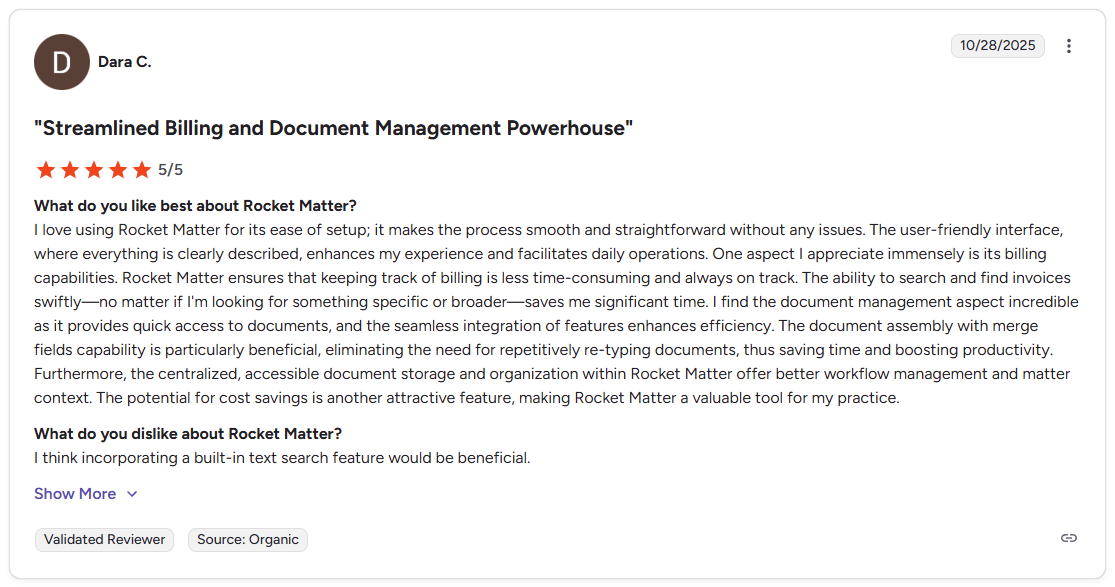
Con: "I think incorporating a built-in text search feature would be beneficial." - Dara C., G2
Pricing
Rocket Matter starts at $59 per user per month.
Bottom line
Rocket Matter's matter status board can give growing firms a clearer view of their caseload without building custom dashboards. If you need a system that also handles client intake and lead conversion alongside matter management, Lawmatics might be a better fit.
7. Actionstep: Best for mid-sized firms that need deep workflow customization

- What it does: Actionstep is a cloud-based legal practice management platform that lets law firms build custom workflows, automate document management, and handle billing and trust accounting in one system.
- Best for: Mid-sized firms that handle diverse case types and need a system they can shape around their own processes rather than adapting to a fixed workflow structure.
I set up a sample matter workflow in Actionstep to test how far the customization tools can go for a firm with varied practice areas. The workflow builder can get quite detailed, with custom steps, document automation, and role-based access controls that may suit firms with more complex internal processes. The setup process can take significant time to configure properly.
Key features
- Custom workflows: Build multi-step matter workflows with defined stages, task assignments, and approval steps tailored to specific practice areas.
- Document automation: Generate documents from templates using matter data to reduce manual drafting across repeatable case types.
- Trust accounting: Manage client funds, trust transactions, and general accounting within the platform.
Pros and cons
What users say
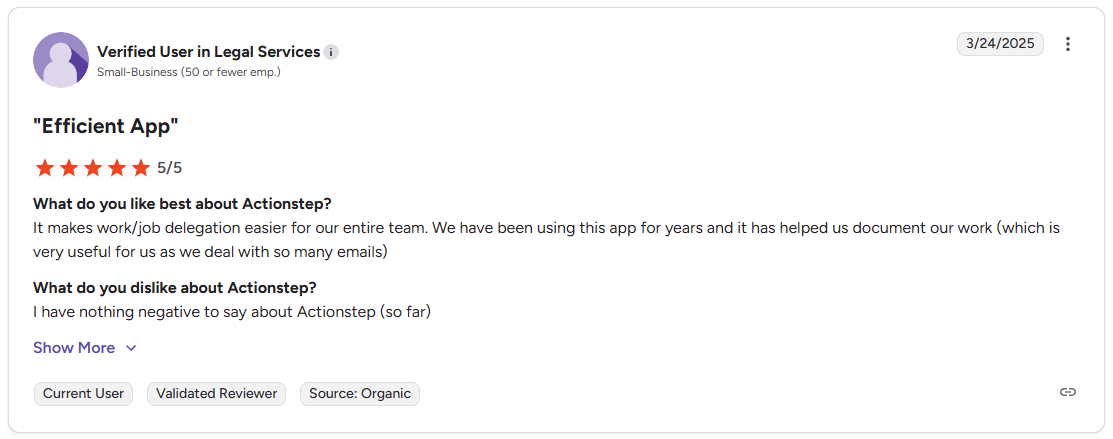
Pro: "It makes work/job delegation easier for our entire team. We have been using this app for years and it has helped us document our work (which is very useful for us as we deal with so many emails)" - Verified User in Legal Services, G2
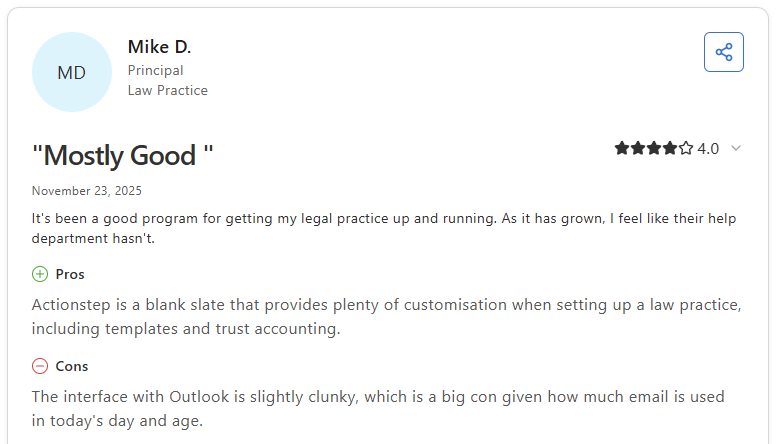
Con: "The interface with Outlook is slightly clunky, which is a big con given how much email is used in today's day and age." - Mike D., Capterra
Pricing
Actionstep offers custom pricing.
Bottom line
Actionstep's level of workflow customization suits firms that handle diverse practice areas and need fine-grained control over how matters move through their system. If you want a branded client portal tied to tasks and billing rather than a practice management system, Assembly might be a better fit.
8. Lawmatics: Best for firms focused on intake, CRM, and lead conversion

- What it does: Lawmatics is a legal CRM and client intake platform that helps law firms automate lead follow-up, manage intake workflows, and track prospects through a pipeline.
- Best for: Law firms that want to automate the intake process and track leads from first contact through to signed engagement, without managing those steps manually.
I tested Lawmatics by running a sample intake workflow to see how the automation and pipeline tools perform for a firm focused on lead conversion. The follow-up sequences and intake forms can reduce manual effort, though the platform is built around CRM and intake rather than full matter management. Firms that need both may need to connect a separate tool.
Key features
- Automated intake forms: Build and send intake forms that trigger follow-up sequences based on prospect responses.
- CRM pipeline: Track leads and prospects through defined stages from first inquiry through to client conversion.
- Email marketing: Send targeted email campaigns to prospect lists and track engagement from within the platform.
Pros and cons
What users say
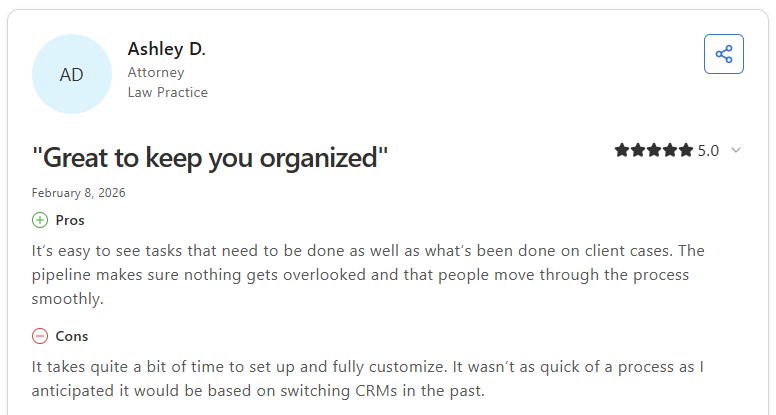
Pro: "It's easy to see tasks that need to be done as well as what's been done on client cases. The pipeline makes sure nothing gets overlooked and that people move through the process smoothly." - Ashley D., Capterra
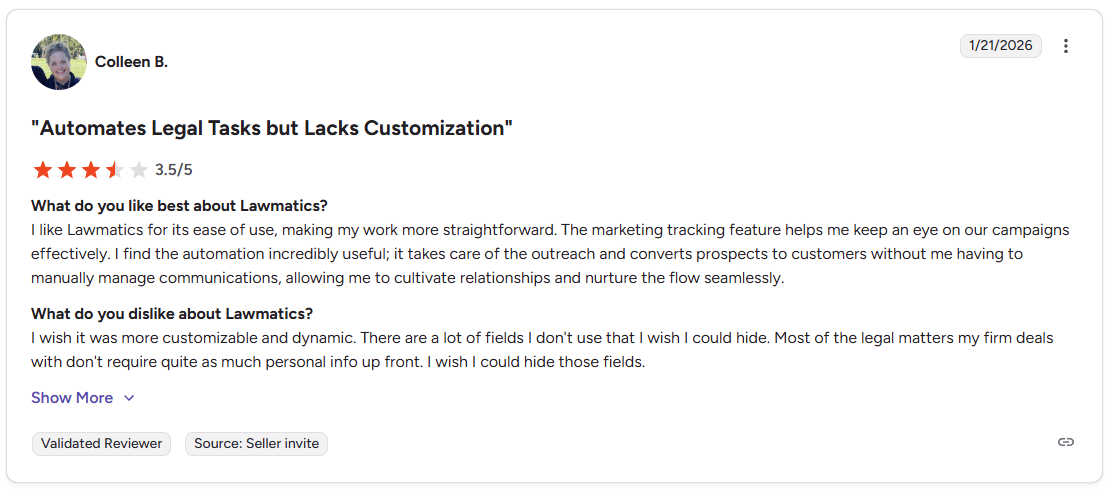
Con: "I wish it was more customizable and dynamic. There are a lot of fields I don't use that I wish I could hide. Most of the legal matters my firm deals with don't require quite as much personal info up front. I wish I could hide those fields." - Colleen B., G2
Pricing
Lawmatics offers custom pricing.
Bottom line
Lawmatics is built around intake and lead management, which makes it a focused option for firms that want to automate that side of the client journey. If you want intake automation alongside full matter management and billing in one place, MyCase might be a better fit.
Special mentions
The tools below cover a range of firm sizes and workflows. Depending on your practice area or team size, one of them may be a closer fit than the tools above.
Here are 8 more project management software tools worth a look:
- HighQ: HighQ is a secure collaboration and workflow platform built for law firms and legal departments. Document sharing, client-facing workflows, and access controls performed well during testing, though firms outside the Thomson Reuters ecosystem may find the platform less intuitive to navigate.
- Cosmolex: Cosmolex is a legal practice management platform that combines case management with trust accounting, billing, and general ledger tools. It can reduce the back-and-forth of running separate billing and matter management tools, though reporting customization feels limited for firms with complex financial tracking needs.
- Bill4Time: Bill4Time is a time tracking and billing platform for legal and professional services firms. The timer, invoicing, and trust accounting tools are straightforward to use, but teams that need full matter management alongside billing may find the case organization tools fairly light.
- MerusCase: MerusCase is a cloud-based legal practice management platform with a full email client built directly into the case workflow. Document templates and batch scanning worked well during testing for litigation-focused teams. Larger practices may find the customization options narrower than expected.
- LawVu: LawVu is a legal workspace built for in-house legal teams, covering matter management, outside counsel spend tracking, and vendor management. The spend and matter visibility tools performed well during testing, but the platform is designed for internal legal departments rather than external client delivery.
- ClickUp: ClickUp is a flexible project management platform with task structures, automations, and multiple project views. It adapted well to legal task tracking during testing, though it doesn't cover legal-specific needs like trust accounting or matter billing natively.
- Asana: Asana is a task and project management tool built around task dependencies, timelines, and workload views. It can work well for tracking matter stages and team deadlines, though it doesn't include client-facing features or legal billing.
- monday.com: monday.com is a visual work management platform built around customizable boards, dashboards, and automations. Board views can make matter stage tracking more manageable, but the platform doesn't include legal-specific features.
Which project management software for lawyers should you choose?
The right project management software for lawyers depends on how much of your work is client-facing, how practice-area-specific your workflows need to be, and how much of your billing and matter management you want in one place.
Choose Clio Manage if you:
- Run a law firm of any size and need a complete practice management system with strong integrations
- Want matter management, time tracking, billing, and a client portal connected in one platform
- Need a tool that's widely recognized and approved by bar associations worldwide
Choose Filevine if you:
- Handle litigation-heavy work with complex, customizable case workflows
- Need document automation and unlimited storage tied directly to matter records
- Want a platform that can adapt to specific practice areas like personal injury or mass tort
Choose PracticePanther if you:
- Run a solo practice or small firm and want an intuitive system without a steep learning curve
- Need reliable time tracking and batch invoicing to keep billing on track
- Want trust accounting and a client portal without heavy configuration
Choose Assembly if you:
- Want a branded client portal your clients can log into directly, tied to their records and billing
- Need recurring automations that can handle routine client touchpoints with minimal manual follow-up
- Run a firm that wants the client experience and internal task management in one platform
Choose MyCase if you:
- Run a small firm and want simple, secure client communication alongside integrated billing
- Need document storage, invoicing, and a client portal without a complex setup
- Want a platform that connects with QuickBooks for accounting workflows
Choose Rocket Matter if you:
- Need visual matter tracking that gives your team a clear picture of where each case stands
- Want time tracking tied directly to billing and trust accounting in one system
- Run a growing firm that needs document assembly and matter templates to stay consistent
Choose Actionstep if you:
- Need deep workflow customization across different practice areas and matter types
- Want built-in trust accounting and general accounting alongside case management
- Run a mid-sized firm that needs role-based access controls and audit logging for compliance
Choose Lawmatics if you:
- Want to automate client intake, lead tracking, and follow-up without manual effort
- Need a CRM pipeline that keeps prospective clients moving through the intake process
- Run a firm where marketing and client acquisition are as important as matter management
Final verdict
Clio Manage, Filevine, and Actionstep are strong picks for project management software for lawyers if your primary need is legal-native workflows, matter management, or practice management tools built around how law firms operate.
But if you want a tailored portal your clients log into with tasks, messages, and payments all tied to the matter, Assembly can bring those pieces together in one platform.
Here's how Assembly can help:
- Give clients a branded portal: Clients log into a space that reflects your brand to access contracts, invoices, files, and project updates without email back-and-forth.
- Protect client data: Assembly maintains SOC 2 compliance and supports GDPR, CCPA, and HIPAA compliance.
- Dynamic client homepages: Clients automatically see different content based on custom field tags, so each client's portal reflects their specific matter, services, and communication without manual changes.
- Keep tasks, messages, and files together: Client communication, shared files, and project tasks stay connected to each client record instead of being scattered across separate tools.
- Prep faster for client calls: The AI Assistant summarizes recent client activity and communication, helping you walk into calls with a clear picture of what’s been discussed and what’s outstanding.
Assembly may not replace a dedicated legal practice management tool if your firm depends on court-specific workflows, trust accounting, or case management built around litigation. But for law firms that want every client to log into a tailored, branded experience where tasks, invoices, and files stay connected to the matter, it's worth a closer look.