



After weeks of testing, I found the 31 best project management software for consultants who need to manage clients and projects in 2026.
31 Best project management software for consultants: At a glance
Your consulting work determines which features you need. If you bill hourly, time tracking is critical. If you manage long-term clients, portal access helps. And if you juggle many projects, separation matters.
Here are 31 tools for every purpose, compared side by side:
| Tool | Best for | Annual price | Key strengths |
|---|---|---|---|
| Assembly | Branded client portals tied to delivery | $29/month | Branded client portal with project records, internal notes, messaging, contracts, and invoicing, plus an AI assistant for meeting prep |
| monday.com | Visual tracking across client projects | $12/user/month, minimum of 3 seats | Board views that show project progress, team workload, and timeline shifts |
| ClickUp | Detailed project control | $7/user/month | Deep task customization with multiple views and custom field options |
| Asana | Structured workflows with templates | $10.99/user/month | Timeline views that map task relationships and repeatable project flows |
| Notion | Flexible client workspaces | $10/user/month | Combined workspace for project docs, databases, and scheduling |
| Smartsheet | Spreadsheet-based project management | $9/user/month | Grid interface with timeline charts and project dashboards |
| Teamwork.com | Multiple simultaneous client projects | $10.99/user/month | Separate project spaces with time logs and client permissions |
| Wrike | Structured intake and approvals | $10/user/month | Request forms that route work and markup tools for reviews |
| Basecamp | Simple project communication | $15/user/month, billed monthly | Single workspace for tasks, files, and team messages |
| Accelo | CRM connected to project delivery | Custom pricing | Client lifecycle tracking from first contact through billing |
| Trello | Simple board-based tracking | $5/user/month | Card-based boards for basic project stages |
| Airtable | Custom project databases | $20/user/month | Database structure with linked records and filtered views |
| Scoro | Project budgets and revenue tracking | $19.90/user/month | Financial reporting tied to project delivery |
| Productive | Profitability and capacity management | $9/user/month, minimum of 3 users | Reports that show project margins and team utilization |
| Forecast | Resource forecasting and budgets | Custom pricing | Predictive scheduling and budget tracking |
| Kantata | Enterprise-level PSA needs | Custom pricing | Advanced resource planning and financial controls |
| Zoho Projects | Low-cost structured planning | $4/user/month | Task lists with dependencies and hour logging |
| Nifty | Remote teams needing one hub | $7/user/month | Tasks, chat, and documents in one interface |
| Hive | Deliverable reviews and time tracking | $5/user/month | Markup tools and hour logs in project views |
| SmartSuite | Custom workflow design | $12/user/month | Database builder with automation capabilities |
| Float | Workload planning across projects | $7/scheduled person/month | Resource calendar showing team capacity |
| Bonsai | Freelance consultant operations | $9/user/month | Projects bundled with contracts and invoices |
| ProWorkflow | Time and cost tracking | $18/user/month, billed monthly | Hour logs linked to project budgets |
| FunctionFox | Small team time tracking | $10.50/user/month | Basic time sheets and job costing |
| Quickbase | Custom workflow building | $35/user/month | Low-code platform for process automation |
| Miro | Visual project planning | $8/user/month, billed monthly | Digital whiteboard for mapping workflows |
| Kintone | Custom database creation | $24/user/month, minimum of 5 users | Quick database setup with workflow triggers |
| Planview AdaptiveWork | Enterprise portfolio management | Custom pricing | Large-scale resource and portfolio planning |
| Adobe Workfront | Enterprise workflow management | Custom pricing | Complex project workflows with marketing tools |
| Deltek | Professional services firms needing ERP | Custom pricing | Enterprise resource planning (ERP) for project accounting, compliance, and delivery |
| BigTime | Hourly billing and time tracking | $20/user/month, billed monthly | Time capture connected to invoicing |
1. Assembly: Best for branded client portals tied to delivery
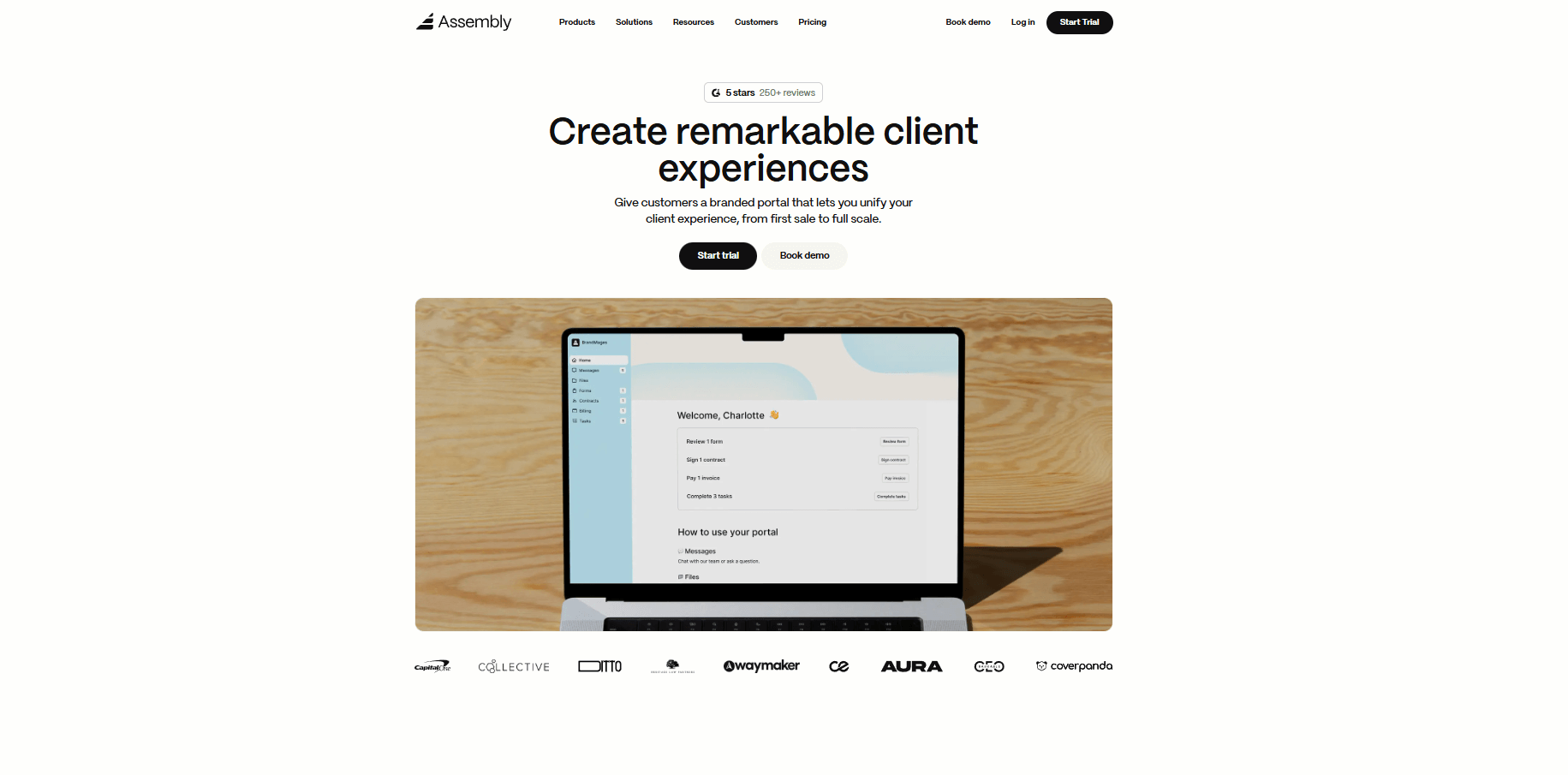
- What it does: Assembly is a client portal software tool that connects project records, communication, contracts, and billing in one branded workspace. Consultants manage full engagements from initial setup through delivery and payment, with clients accessing updates, deliverables, and invoices in one organized space.
- Who it's for: Consulting firms that want a branded client experience tied to project delivery and billing.
We designed Assembly around the client-facing side of consulting work, because that's where many project tools fall short.
Assembly gives you a branded client portal where all your client work lives. You can create client records and prep internally using custom fields, internal notes, and private chat before inviting clients into their portal. Once they join, clients see project updates, deliverables, contracts, and payment options in one organized space.
This creates a professional experience where clients know exactly where to go for project information. Updates, files, messages, and invoices stay connected to their project record, so neither side has to dig through email threads or ask, "Where did you send that file?" You can also track deliverables and key milestones using the Tasks App.
The AI Assistant helps you prep for meetings by pulling key context from the client record, including recent messages and files, so you can walk into calls prepared.
If you need direct client communication, you can use the Messages App to keep conversations tied to the project record.
You can also connect Assembly with Airtable, Calendly, ClickUp, Zapier, or Make to keep scheduling, tasks, and automation in sync.
Key features
- Client records: Store project notes, tasks, files, and payment history in one place.
- Branded client portal: Share updates, deliverables, and invoices through a professional client space.
- Contracts and payments: Send agreements, collect signatures, and receive payments inside the workspace.
- AI Assistant: Get summaries of recent communication and documents for faster meeting prep.
- App Store: Expand functionality through our apps or commission custom builds for specific consulting workflows.
Pros
- Keeps project work and client communication in one organized system
- Supports both pre-engagement setup and ongoing delivery
- Creates a professional client experience with portal access and linked updates
Cons
- Pricing reflects the full client management platform, not just task tracking
- Works better for ongoing client relationships than one-time projects
Pricing
Assembly has a free plan, and paid plans start at $29 per month billed annually.
Bottom line
Assembly lets you create a branded client portal for each engagement that keeps project updates, contracts, and billing connected to the client record. If you only need internal project tracking without client-facing features, Asana or ClickUp may be a better fit.
2. monday.com: Best for visual tracking across client projects
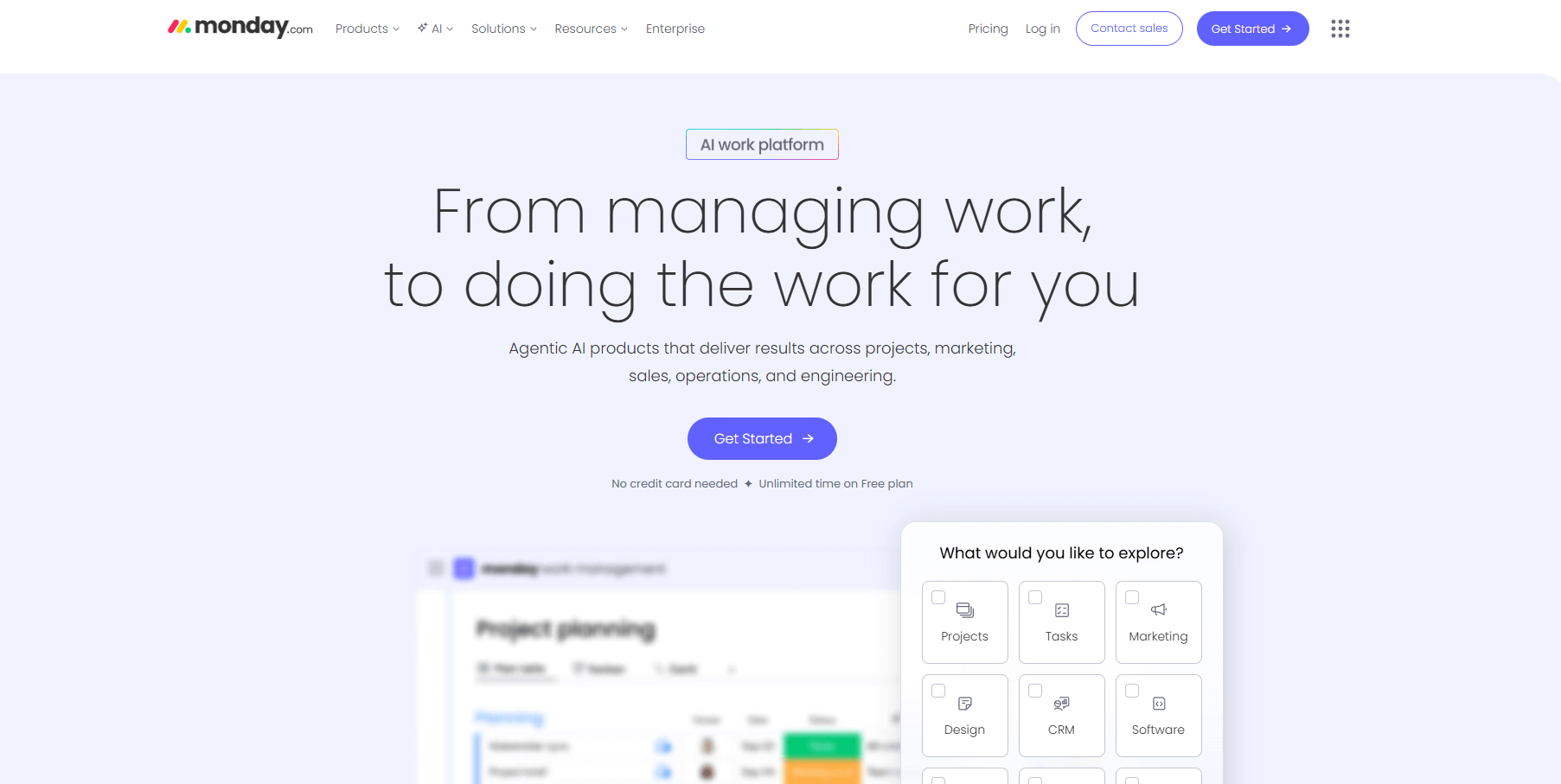
- What it does: monday.com provides visual boards for planning consulting engagements, tracking deliverables, and managing workload across multiple clients. You can switch between board, calendar, timeline, and dashboard views to see project progress and team capacity.
- Who it's for: Consultants who want visual project tracking across multiple client engagements.
monday.com earns its popularity for a reason. The board layout shows you where bottlenecks form across multiple consulting engagements without forcing you to click through endless menus. I set up boards for different clients, color-coded status changes, and used the timeline view to catch scheduling conflicts before they became problems.
Automations handle the repetitive stuff like deadline reminders and status updates, though you'll spend time upfront getting the triggers right. The dashboards do what they're supposed to do, which is surface workload patterns fast.
However, monday.com doesn’t include a native client portal or invoicing, so you’ll still use another tool for client-facing communication and billing.
Key features
- Multiple project views: Switch between boards, timelines, calendars, and dashboards for different planning angles.
- Workload dashboards: Track team capacity and project progress across consulting engagements.
- Automations: Set up triggers for status updates, reminders, and task assignments.
Pros
- Strong visual layout for tracking multiple client projects
- Flexible views support different planning stages
- Useful dashboards for spotting workload issues
Cons
- No built-in client portal or billing features
- Automations require setup time to work correctly
Pricing
monday.com starts at $12 per user per month, with a minimum of 3 seats.
Bottom line
monday.com gives you clear visibility into project timelines and team workload when managing multiple consulting engagements simultaneously. If you need a branded client portal where contracts, communication, and payments live alongside project work, Assembly offers a more complete client-facing experience.
3. ClickUp: Best for detailed project control
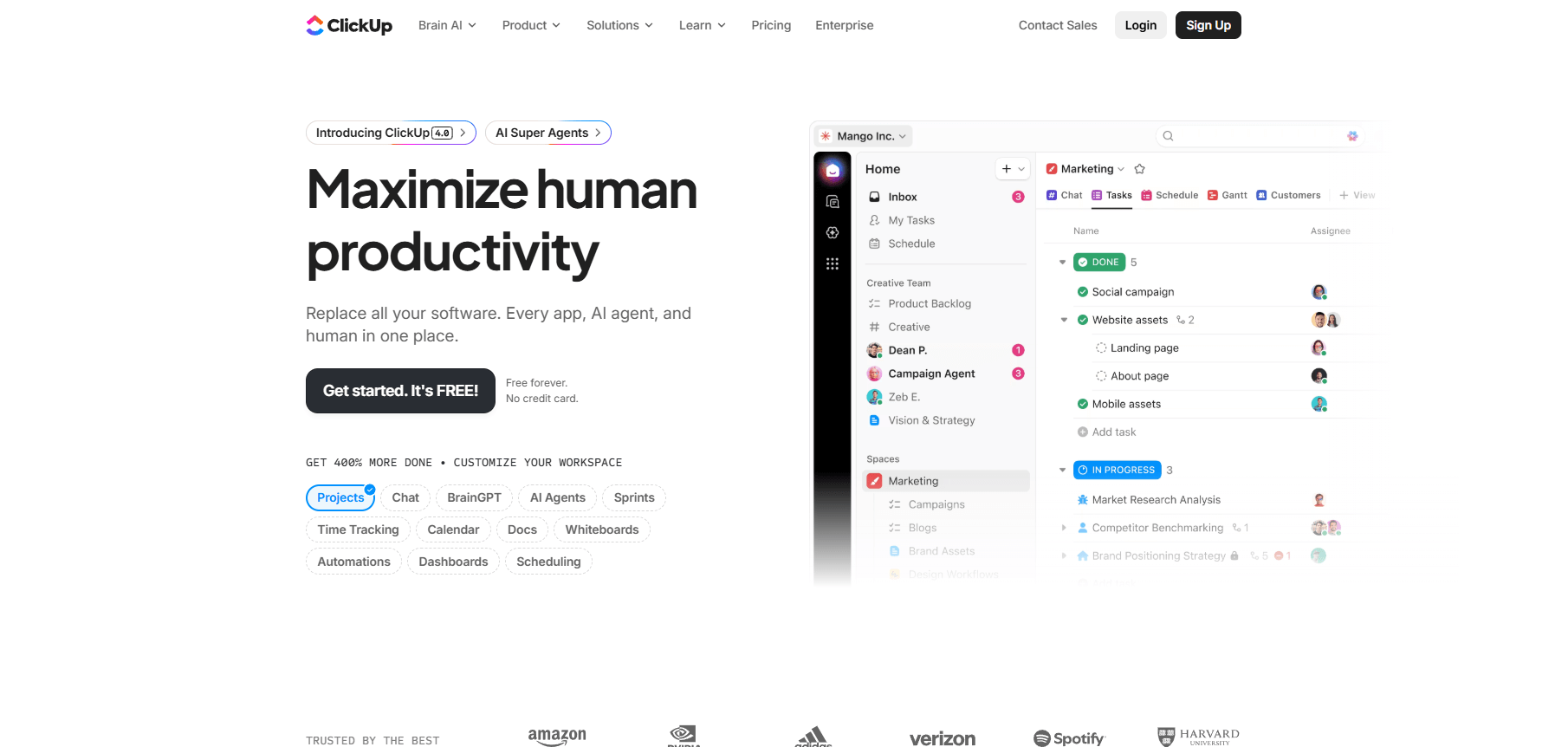
- What it does: ClickUp brings tasks, documents, goals, and dashboards into one workspace. You can build detailed task structures, assign work across consulting phases, and switch between views like list, board, timeline, or Gantt to match different workflow stages.
- Who it's for: Consultants managing projects with multiple stages and detailed task tracking needs.
ClickUp gives you granular control over every task detail. I used templates to speed up testing, built spaces for different engagements, and added custom fields to track what mattered for each client. The system let me reorganize mid-project without starting over, which matters when scope changes.
Dashboards gave me what I needed once I set them up, which were clear deadline views and progress tracking across clients. If you like granular control and don't mind spending time on setup, this works. If you want something lighter, you'll find ClickUp overwhelming.
Key features
- Custom task structures: Organize consulting work into spaces, folders, and lists with detailed task breakdowns.
- Multiple views: Switch between list, board, timeline, and Gantt views depending on project stage.
- Custom fields: Track client-specific data, deliverable types, and engagement details.
Pros
- Highly flexible structure for complex consulting projects
- Strong view options support different planning needs
- Good for detailed phase-by-phase breakdowns
Cons
- Takes time to configure without templates
- Too many settings can overwhelm smaller consulting teams
Pricing
ClickUp starts at $7 per user per month.
Bottom line
ClickUp supports consultants who need detailed control over multi-phase engagements with custom task structures and multiple planning views. If you need structured intake processes with request forms and approval workflows for consulting deliverables, Wrike may handle that workflow better.
4. Asana: Best for structured workflows with templates
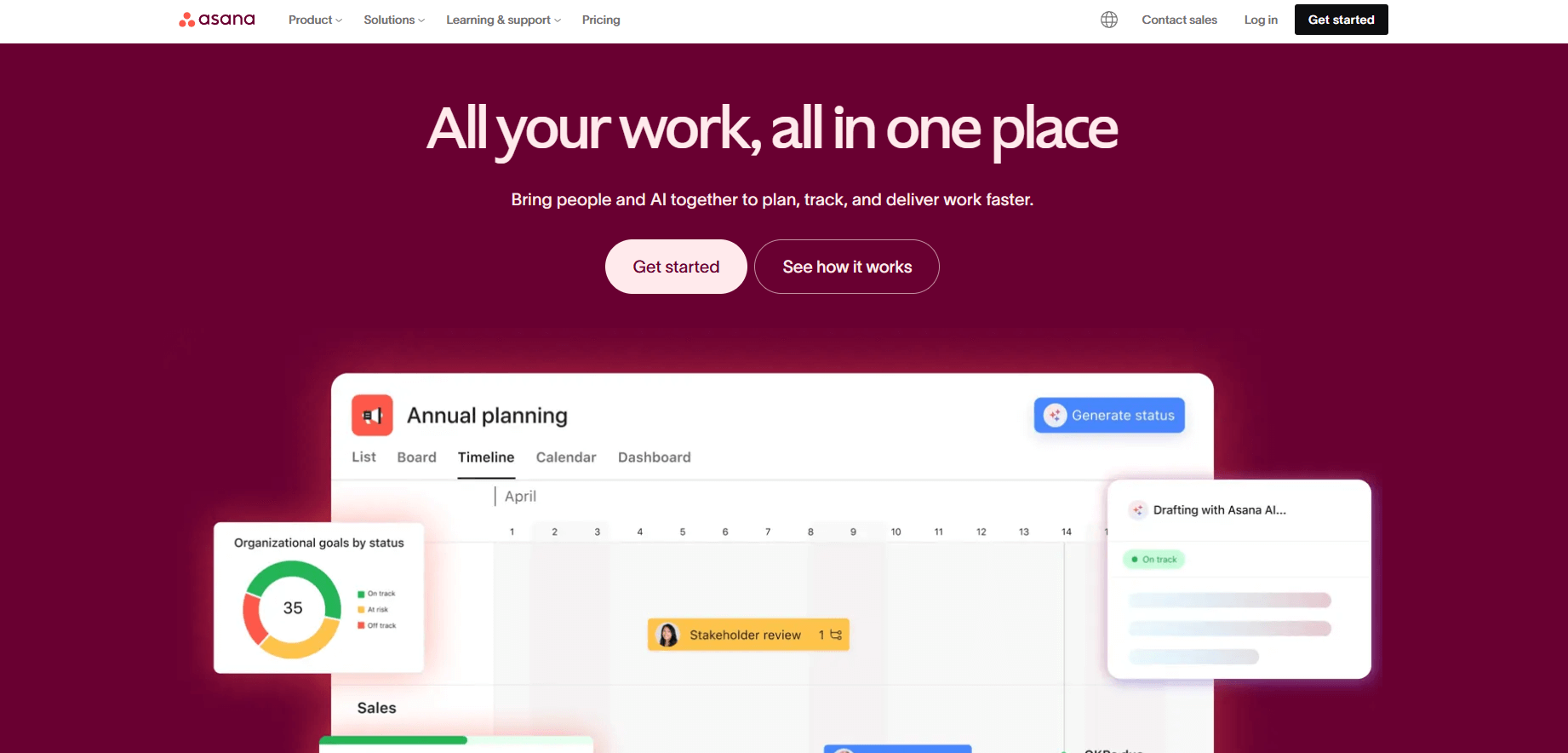
- What it does: Asana provides structured task lists, project timelines, and workflow templates for managing consulting deliverables. You can map dependencies between tasks, assign work across team members, and keep briefs and comments tied to each project step.
- Who it's for: Consultants who rely on structured workflows with clear deliverables and repeatable processes.
Asana handles dependencies better than many tools I tested. I built a multi-phase consulting engagement and watched what happened when early tasks ran late. The system automatically shifted downstream deliverables, which gave me realistic timelines to share with clients instead of optimistic guesses.
The template library helped with repeat engagement types, though I still customized fields and stages for each client. Overall, I think Asana works when your consulting follows a clear process. If your work requires flexible creative planning or you shift direction often, the structure will frustrate you more than it helps.
Key features
- Timeline view: Shows how consulting tasks connect across project phases.
- Task dependencies: Flags deliverables that rely on earlier work.
- Workflow templates: Helps build repeatable structures for similar consulting engagements.
Pros
- Clear structure for cross-team consulting work
- Helpful templates for repeat engagement types
- Good visibility into task dependencies
Cons
- Can feel rigid for flexible consulting projects
- Limited native client communication features
Pricing
Asana starts at $10.99 per user per month.
Bottom line
Asana gives you structured workflows that help manage consulting engagements with clear phases and dependencies. If you need a more flexible workspace that blends project docs, databases, and planning in one customizable hub, Notion may suit your workflow better.
5. Notion: Best for flexible client workspaces
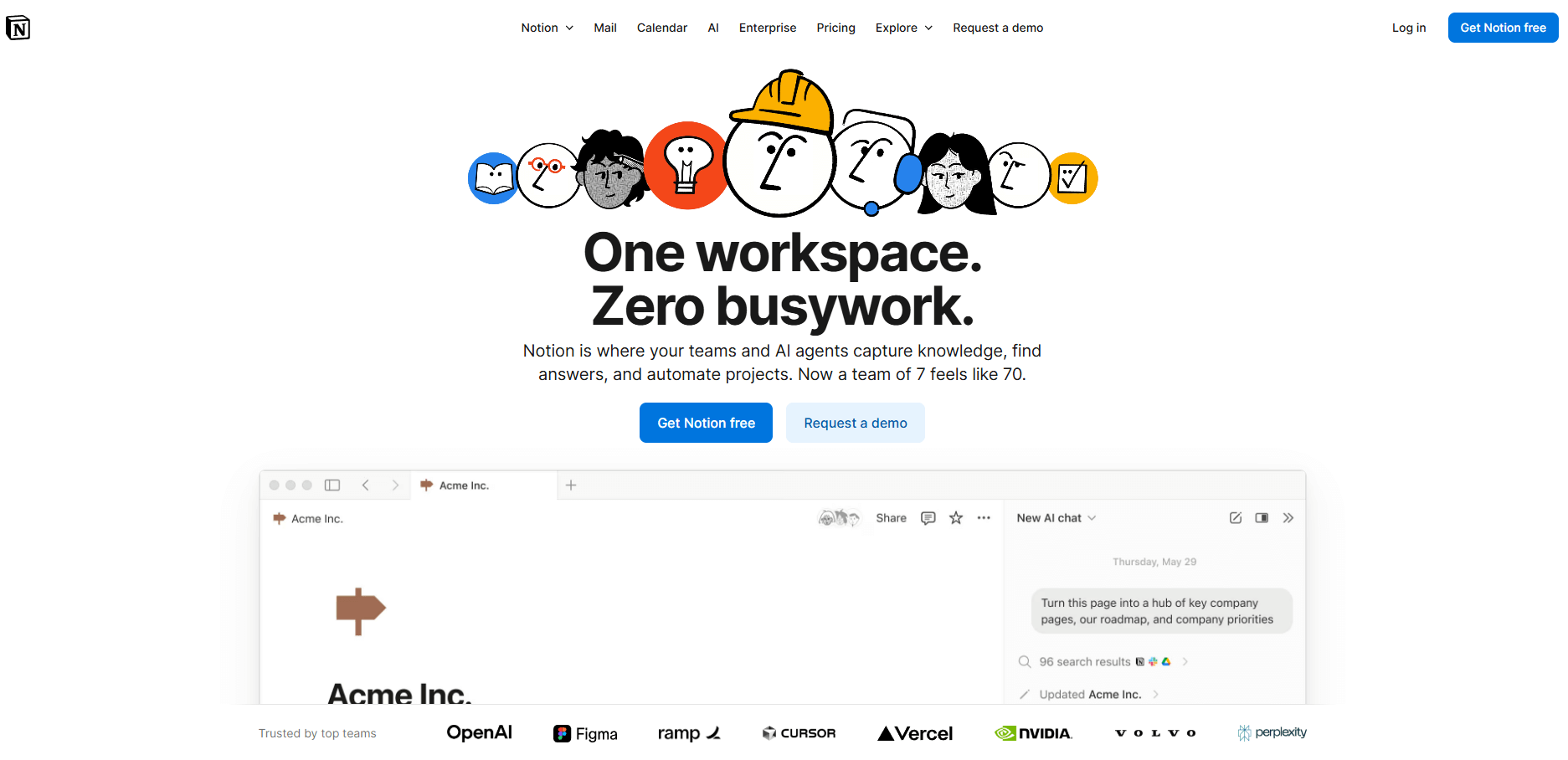
- What it does: Notion combines documents, databases, and calendars in one flexible workspace. You can build pages for client briefs, project plans, meeting notes, and deliverable tracking, then link everything together through databases that organize consulting work.
- Who it's for: Consultants who want a customizable workspace for client documentation and project planning.
I like that Notion lets you build a workspace that matches how you actually work. I set up a database to track engagements, linked briefs and meeting notes to each project, and had context ready when switching between clients. The linking system is what makes it useful, since everything connects back to the engagement record.
Table view tracked active projects, board view showed deliverable stages, and calendar view revealed when deadlines clustered. This setup works well for document-heavy consulting. If you need built-in task discipline or automation, you'll have to layer those in yourself.
I’ve used Notion in the past and enjoyed it, but found that it can get overwhelming fast, especially if your system isn’t well-organized.
Key features
- Linked databases: Track consulting engagements, deliverables, and client information in connected tables.
- Flexible pages: Combine briefs, meeting notes, and project plans in one organized workspace.
- Multiple views: Switch between tables, boards, calendars, and timelines for different planning angles.
Pros
- Highly customizable workspace for consulting documentation
- Great for centralizing client briefs and project context
- Multiple views support different workflow stages
Cons
- Can get cluttered without a clear organizational structure
- Limited native automation compared to dedicated project tools
Pricing
Notion starts at $10 per user per month.
Bottom line
Notion gives you a flexible workspace to connect client briefs, project documentation, and planning in one customizable system. If your consulting work depends on spreadsheet-style project views with timelines and dependencies, Smartsheet may provide a stronger structure for tracking deliverables.
6. Smartsheet: Best for spreadsheet-based project management
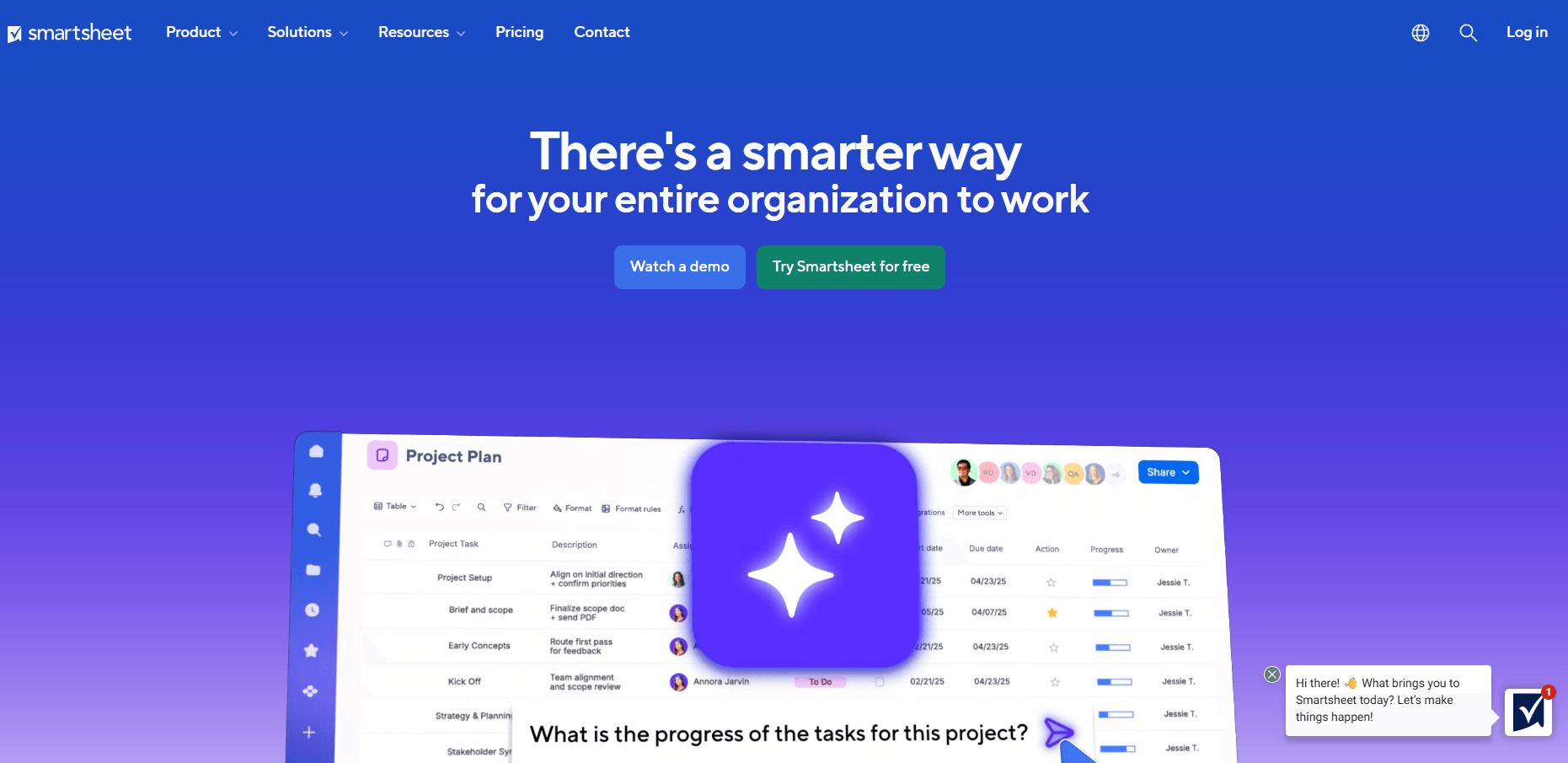
- What it does: Smartsheet provides a spreadsheet interface for planning consulting projects, tracking tasks, and organizing timelines. You can switch between grid, Gantt, and card views to match different stages of your consulting work.
- Who it's for: Consultants who manage projects in spreadsheet format.
If you naturally think in rows and columns, Smartsheet makes setup easy. I added consulting tasks, built dependencies, and watched the Gantt chart update as timelines shifted. The spreadsheet format works well when you need to show clients how project phases connect without explaining a new tool.
Card view handled smaller projects cleanly, though bigger engagements got messy without tight labeling. Automations needed tuning before they worked properly. I’d say Smartsheet fits consultants who default to spreadsheets for planning. If you want boards or visual layouts first, you're fighting the tool's natural structure.
Key features
- Grid and Gantt views: Plan consulting tasks and timelines in a spreadsheet-style format.
- Card view: Organize deliverable stages in a board layout.
- Formulas and automations: Add logic and workflow triggers for routine updates.
Pros
- Familiar spreadsheet layout for project tracking
- Clear structure for timeline and dependency management
- Useful for consultants comfortable with grid-based planning
Cons
- Large consulting projects can clutter grid views
- Limited visual planning tools compared to board-first platforms
Pricing
Smartsheet starts at $9 per user per month.
Bottom line
Smartsheet gives you spreadsheet-style project management that works well when consulting engagements need clear timelines and task dependencies. If you manage many client projects simultaneously and need separate workspaces with time tracking for each engagement, Teamwork.com may offer better project separation.
7. Teamwork.com: Best for multiple simultaneous client projects
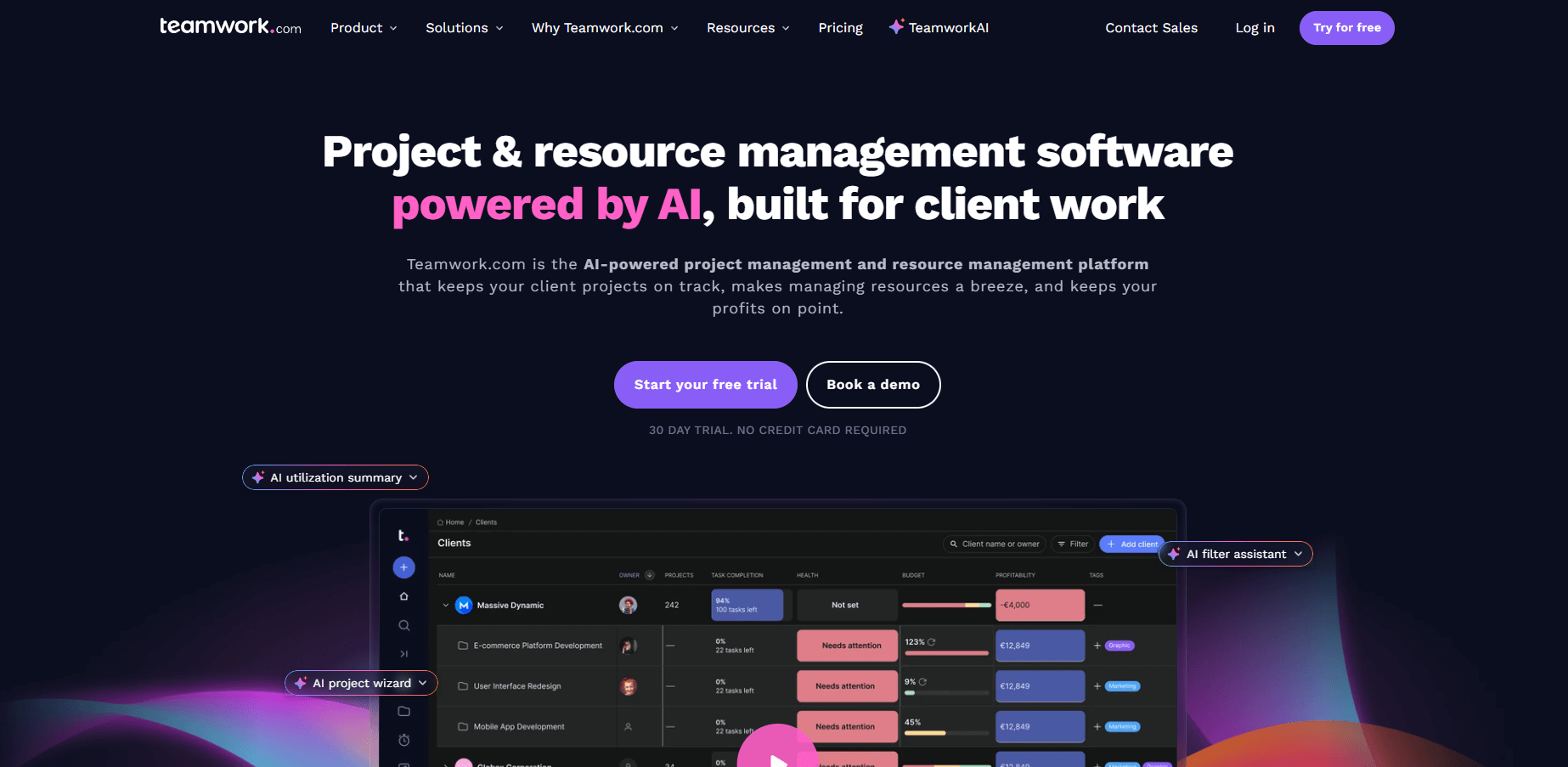
- What it does: Teamwork.com provides project spaces, task lists, time tracking, and client permissions for managing consulting delivery. You can organize engagements into separate projects, assign work, track hours against budgets, and give clients access to specific updates without showing internal work.
- Who it's for: Consulting firms managing many client projects simultaneously.
I set up multiple client projects in Teamwork.com to test how well it kept work separated, and each engagement stayed cleanly organized. Tasks, files, and messages didn't bleed between clients, which matters when juggling several projects at once. Task lists handled recurring consulting work without constant setup.
Time tracking connects to project budgets, which shows you whether hours align with estimates or if the scope is expanding. The reporting requires setup to surface margin data, but after configuration, it shows where actual time diverges from your plan.
I think Teamwork.com suits consulting firms focused on delivery tracking, though in-house teams without client projects may not need this separation.
Key features
- Separated project spaces: Keep each client engagement organized with its own tasks, files, and communications.
- Time tracking and budgets: Log hours against client projects and compare to estimates.
- Client permissions: Share selected project updates with clients without exposing internal work.
Pros
- Strong separation between different client projects
- Time tracking connects to project budgets
- Useful for firms managing ongoing client relationships
Cons
- More structure than simple internal projects need
- Financial reporting requires configuration
Pricing
Teamwork.com starts at $10.99 per user per month.
Bottom line
Teamwork.com helps consulting firms manage multiple client projects with clear separation, time tracking, and budget visibility for each engagement. If you want a simpler workspace that handles tasks and communication without the project-by-project structure, Basecamp may feel lighter.
8. Wrike: Best for structured intake and approvals
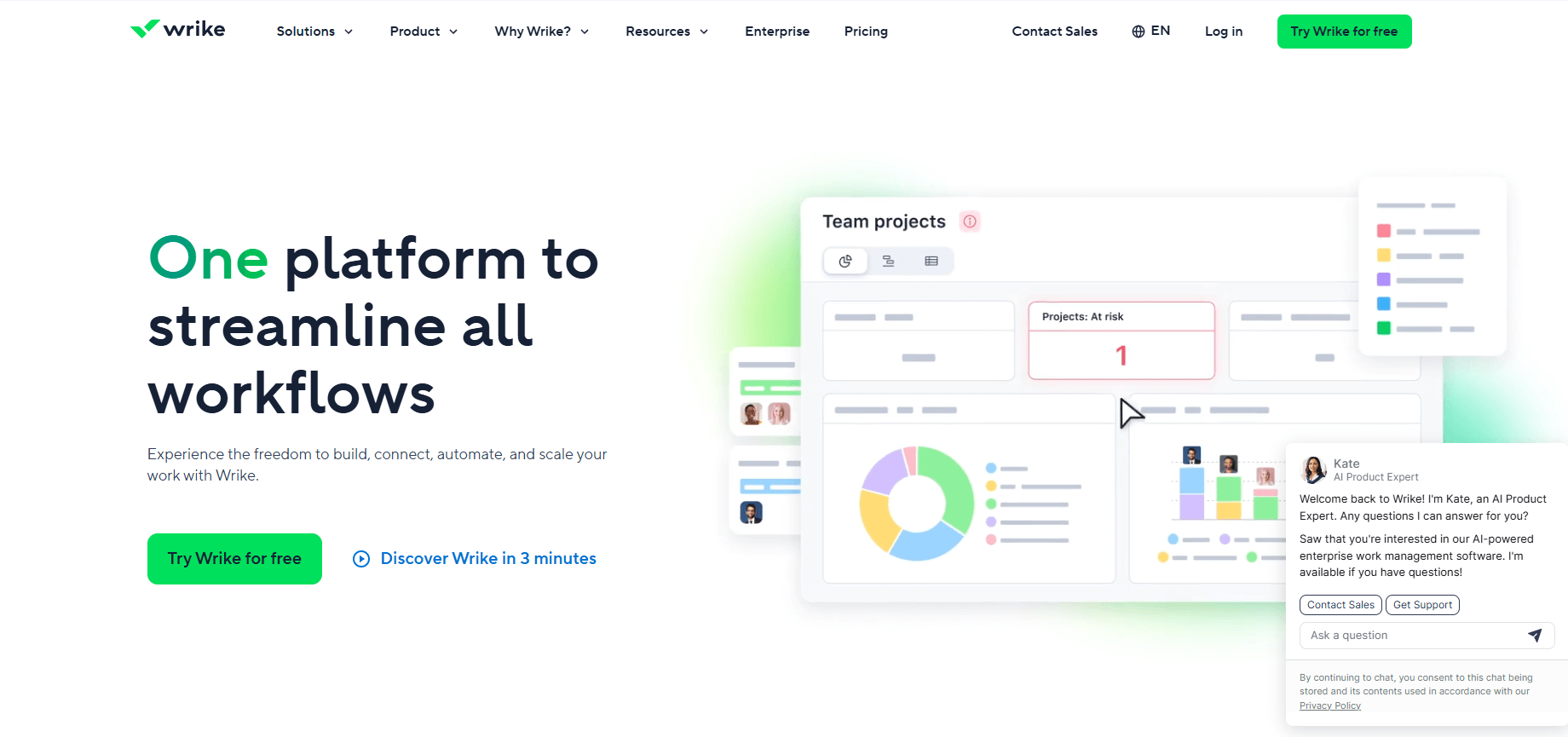
- What it does: Wrike provides project spaces, request forms, proofing tools, and multiple views for managing consulting work. You can route incoming requests through forms, assign tasks, mark up deliverables for review, and track progress from intake through completion.
- Who it's for: Consultants handling structured intake and approval processes.
The request forms caught my attention while I was testing Wrike. I routed briefs through different forms and watched how they converted into assigned tasks in the right project spaces. The system made it clear where requests landed and who took ownership, which helps consulting teams collaborate more efficiently.
I checked the proofing tools to see how they handled deliverable reviews. They worked well for marked revisions on documents and creative assets, though more complex feedback loops still needed comments outside the markup interface. Dashboards also gave me the project data I wanted after some tuning.
Wrike works well for consistent processes, but if your consulting work shifts direction often, the structured approach can feel restrictive.
Key features
- Request forms: Route client briefs and project requests into tasks automatically.
- Proofing and markup: Review deliverables and mark changes directly on files.
- Project dashboards: Track consulting work across multiple engagements.
Pros
- Strong intake system for structured consulting requests
- Proofing tools support deliverable reviews
- Good for teams with consistent workflows
Cons
- Request forms can limit flexibility when scope changes
- Dashboards need configuration for clarity
Pricing
Wrike starts at $10 per user per month.
Bottom line
Wrike supports consultants who manage structured request intake and need clear routing from brief to delivery. If your projects require simple communication without heavy intake workflows, Basecamp offers a lighter approach to project coordination.
9. Basecamp: Best for simple project communication
- What it does: Basecamp gives you a central space for tasks, files, messages, and schedules. You can create project spaces for consulting engagements, post updates, assign to-dos, and keep client communication in message boards without switching between tools.
- Who it's for: Consultants running straightforward projects with basic communication needs.
Basecamp keeps things simple. If your consulting projects need basic coordination, that works. If you need detailed task dependencies or resource planning, you'll find it limiting.
I set up a project space, added tasks through to-do lists, and used message boards to keep client threads organized. Everything stayed in one place without complicated views or configuration, which helped when projects didn't need heavy task dependencies or resource planning.
The Campfire chat feature worked for quick team check-ins, and the schedule showed upcoming milestones clearly. But Basecamp doesn’t include built-in time tracking or financial reporting, so you’ll need a separate tool if you bill by time or want budget reporting.
Basecamp works when your consulting projects need coordination without complexity. If you're managing multiple phases with detailed dependencies or need capacity planning, you'll outgrow it quickly.
Key features
- Message boards: Keep client and team communication organized by topic.
- To-do lists: Assign tasks and track completion without complex structures.
- Shared schedules: Show milestones and deadlines in a simple calendar view.
Pros
- Very simple to set up and use
- Good for straightforward consulting projects
- Keeps tasks, files, and messages in one space
Cons
- No time tracking or financial features
- Limited project controls for complex engagements
Pricing
Basecamp starts at $15 per user per month, billed monthly.
Bottom line
Basecamp gives you a simple workspace for consulting projects that need basic task tracking and client communication without heavy configuration. If you need to connect CRM, project delivery, and invoicing in one system for full client lifecycle management, Accelo may provide the integration you're looking for.
10. Accelo: Best for CRM connected to project delivery
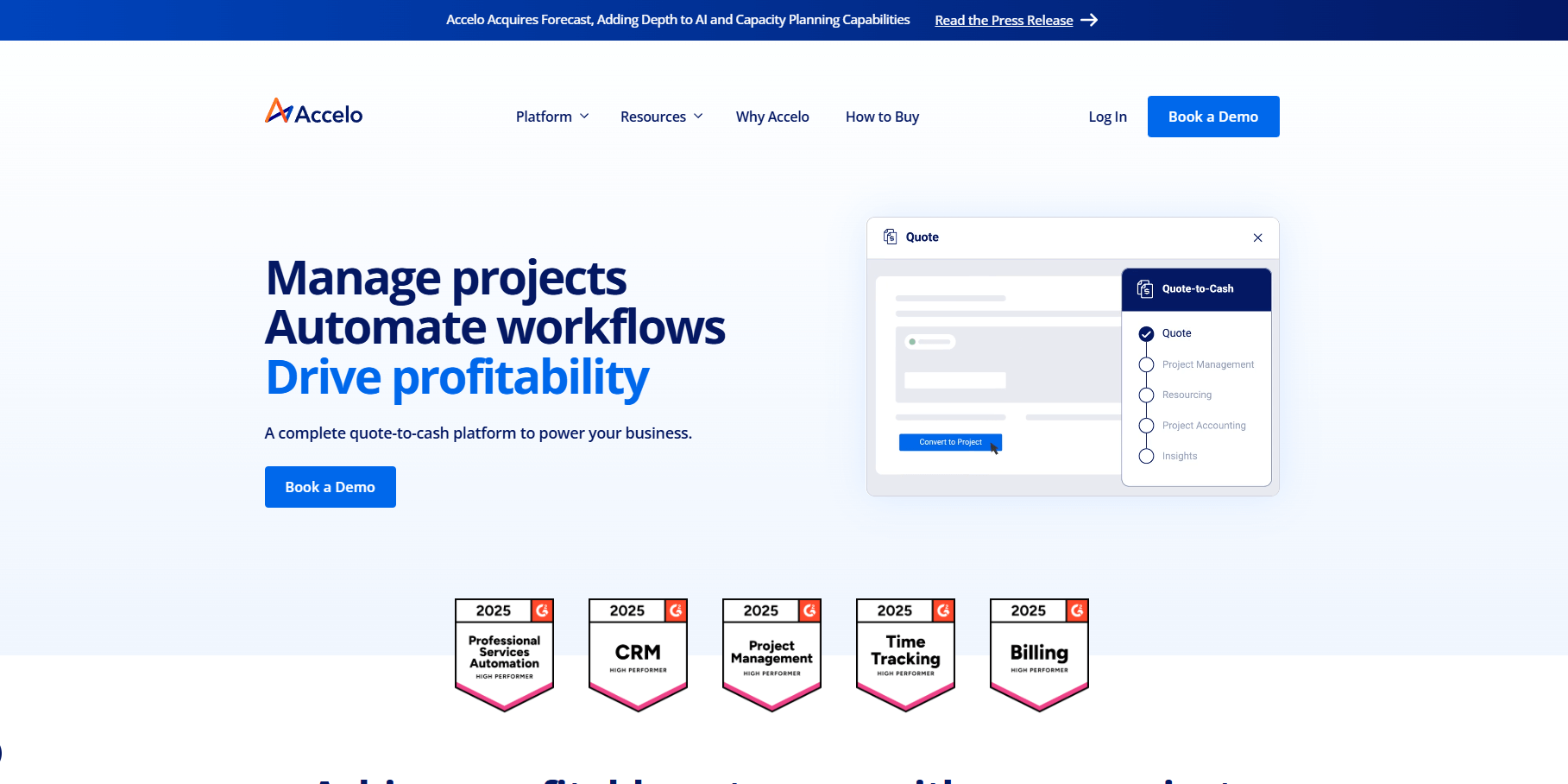
- What it does: Accelo connects client relationship management, project delivery, and invoicing in one platform. You can track leads, convert them to projects, manage consulting work, log time, and bill clients without switching systems.
- Who it's for: Consulting firms that want CRM, project management, and billing connected.
Accelo tries to cover the full consulting lifecycle from first contact through final invoice, which sounds good in theory but means you're committing to a bigger system. I tested how leads converted to projects and how time tracking connected to billing. The flow worked when everything stayed in Accelo, though it required setup time to get the stages and workflows right for consulting engagements.
The retainer management features stood out for firms that bill recurring clients. I could track hours against retainer balances and see when clients were approaching their limits. The platform gives you visibility across the client relationship, but the learning curve is real. Teams that just need project tracking without CRM or financial features will find Accelo heavier than necessary.
Key features
- Full lifecycle tracking: Manage clients from lead through project delivery and billing.
- Retainer management: Track hours against recurring client agreements.
- Integrated invoicing: Bill clients based on logged time and project milestones.
Pros
- Connects CRM, projects, and billing in one system
- Strong retainer tracking for recurring clients
- Good visibility across the full client relationship
Cons
- Requires significant setup and learning time
- More than most teams need if they only want project tracking
Pricing
Accelo offers custom pricing.
Bottom line
Accelo works for consulting firms that want to manage the full client lifecycle from initial contact through billing in one connected system. If you need simple board-based project tracking without CRM or financial features, Trello provides a much lighter way to organize consulting work.
Special mentions
I tested more platforms than I could cover in full detail, but these tools still earned their place on this list. Here are 21 more tools worth considering:
- Trello: Works for small consulting teams that want simple board views. It supports basic task stages and file attachments, though it lacks deeper reporting or resource planning features.
- Airtable: Suits consultants building custom project databases. It offers flexible base structures with linked records and multiple views, but requires setup time to build useful workflows.
- Scoro: Connects project work to budgets and revenue tracking. It supports utilization reporting and ongoing client billing, though the interface can feel dense for smaller teams.
- Productive: Helps consulting firms manage delivery and profitability. It links margin and capacity data to active projects, but reporting needs configuration before it's useful.
- Forecast: Focuses on resource forecasting and budget planning with AI-assisted scheduling. It helps predict workloads, though accurate forecasts require careful setup and data input. Forecast was acquired by Accelo and integrates with their broader client lifecycle platform.
- Kantata: Provides PSA-level tools for large consulting firms. It supports advanced resource planning and financial management, but requires structured processes to run effectively.
- Zoho Projects: Works for consultants needing structured planning at a low cost. It supports timelines, task dependencies, and time logs, though the interface requires adjustment for new users.
- Nifty: Combines tasks, chat, and docs in one workspace. It helps remote consulting teams keep work and conversations together, but the setup needs structure to avoid clutter.
- Hive: Suits consultants who review deliverables and track hours. It offers markup tools and multiple project views, though asset-heavy projects can crowd the interface.
- SmartSuite: Works for consultants designing custom workflows for client operations. It offers flexible databases and automations, though heavier builds may require ongoing maintenance.
- Float: Focuses on resource scheduling across consulting engagements. It helps teams plan workloads with clarity, though it works best alongside another project management tool.
- Bonsai: Serves freelance consultants managing projects and billing. It supports simple contracts, projects, and invoices, but isn't built for larger consulting teams.
- ProWorkflow: Works for consultants who depend on time and cost tracking. It provides visibility into project hours and budgets, though the interface feels dated compared to newer platforms.
- FunctionFox: Fits small consulting teams tracking time and jobs. It offers basic time sheets and job costing, but lacks features for multi-channel project management.
- Quickbase: Suits operations teams building custom consulting workflows. It provides low-code tools for process automation, but needs technical setup to unlock value.
- Miro: Helps consultants plan projects through visual mapping. It offers whiteboards for brainstorming and process diagrams, but it's not a full project management system on its own.
- Kintone: Works for consultants needing custom project databases. It allows quick database setup with workflow triggers, but requires thoughtful structure to stay organized.
- Planview AdaptiveWork: Designed for enterprise consulting PMOs running large portfolios. It supports high-level planning and resource management, though it's more than most consulting teams need.
- Adobe Workfront: Fits enterprise consultants managing complex workflows. It handles work management with marketing and creative features, but the learning curve is steep.
- Deltek: Provides enterprise resource planning for professional services firms. It covers project management, accounting, and compliance for government contractors and consulting firms, but requires significant implementation.
- BigTime: Works for consulting firms that bill by the hour. It combines time tracking with invoicing and project management, though it focuses more on billing than project collaboration.
How I tested these project management software tools for consultants
I've evaluated project management software across different use cases, and consulting work has specific requirements that don't match typical project tracking needs. Consultants juggle multiple client relationships, track billable hours, manage deliverables under tight deadlines, and often need to show clients what's happening without exposing internal chaos.
To keep testing consistent, I built similar workflows in each platform and pushed them to see where they succeeded and where they created more work than they solved. Here's what I focused on:
- Client project separation: I set up multiple consulting engagements to see how well each tool kept work, files, and communication separated. Mix-ups between clients aren't just embarrassing; they can damage relationships and lose business.
- Deliverable tracking: I mapped out consulting phases from discovery through final delivery to test how each platform handled dependencies, milestone tracking, and handoffs between team members.
- Time and budget visibility: I logged hours against project estimates to see which tools made it easy to spot scope creep or budget overruns before they became problems.
- Client-facing features: I checked whether platforms offered client portals, shared updates, or approval workflows, because consultants spend significant time keeping clients informed and collecting feedback.
- Billing integration: I tested how time tracking connected to invoicing and whether consultants could bill clients without exporting data to separate accounting tools.
- Setup speed versus depth: I measured how long it took to get each platform running for consulting work and whether the configuration time paid off in better workflow control.
Which project management software for consultants should you choose?
The right project management software for you depends on whether you're managing client relationships or just organizing internal work. Choose:
- Assembly if you want a branded client portal where project updates, contracts, communication, and billing stay connected to each client record.
- monday.com if you prefer visual boards and dashboards that surface bottlenecks and workload issues across multiple consulting engagements.
- ClickUp if you need detailed task control with custom fields and multiple project views for complex multi-phase consulting work.
- Asana if your consulting follows structured workflows and you rely on task dependencies and reusable templates.
- Notion if you need a flexible workspace that connects client briefs, project documentation, and planning without forcing one structure.
- Smartsheet if your team defaults to spreadsheet-style planning and wants to track consulting projects with grids and Gantt charts.
- Teamwork.com if you manage multiple client projects simultaneously and need clear separation with time tracking for each engagement.
- Wrike if you handle structured request intake and want forms, routing, and proofing tools in one workspace.
- Basecamp if your consulting projects need simple task coordination and client communication without complexity.
- Accelo if you want to connect CRM, project delivery, and invoicing to manage the full client lifecycle in one system.
My final verdict
monday.com and ClickUp give you strong internal project tracking with visual boards and detailed task control. Asana works when your consulting follows repeatable workflows, while Notion fits teams that need flexible documentation spaces. Smartsheet supports spreadsheet-based planning, and Teamwork.com handles multiple client projects with clear separation.
I've found these tools organize internal work well, but client communication, contracts, and billing usually live in separate systems. You end up switching between platforms to update clients, send invoices, or track what was approved.
Assembly takes a different approach by connecting project delivery directly to the client relationship. You can manage engagement records, share updates through a branded portal, handle contracts and payments, and prep for meetings using AI Assistant summaries. It works for consulting firms that need client-facing project management, not just internal task tracking.
Want a branded client portal for consulting work? Try Assembly
Project management software for consultants often handles internal tasks well, but client-facing work still needs a clear home. Assembly gives you a branded client portal where updates, files, messages, contracts, and billing stay connected to each client record.
Here's what you can do with Assembly:
- See the full client record: Notes, files, payments, and messages stay in one organized space. You'll spend less time switching platforms because the key details are already collected for you.
- Prep faster for meetings: The AI Assistant summarizes recent client activity and communication, helping you walk into calls with a clear picture of what's been discussed and what's outstanding.
- Stay ahead of clients: Highlight patterns that may show churn risk or upsell potential, making outreach more timely and relevant.
- Cut down on admin: Automate repetitive jobs like reminders, status updates, or follow-up drafts that used to take hours. The Assistant handles the busywork so your team can focus on clients.
Ready to manage consulting engagements through a single branded portal? Start your free Assembly trial today.