



I’ve gone through dozens of setups to understand what really helps teams automate invoice processing without adding new steps. Here’s the playbook I’d follow and the 9 tools that make the process easier in 2026.
What is automated invoice processing?
Automated invoice processing uses software to handle each step of an invoice from capture to payment in one organized workflow. You’ll often see this described as an automated invoice management system, since it pulls in incoming invoices, reads the key fields, checks the details against your records, and sends the bill to the right person for approval.
This setup helps you replace email threads and manual entry with a clear path from intake to review. It also gives you one place to track each invoice so you can spot delays earlier and keep your workflow moving.
9 Best automated invoice processing tools for 2026: At a glance
These automated invoice processing tools make it easier to gather invoices, confirm key fields, and route approvals in a clear workflow. Here are the 9 tools compared side by side:
| Tool | Best for | Annual price | Key strength |
|---|---|---|---|
| Assembly | Teams that want billing tied to client work | $29/month | Connected records for tasks, files, invoices, and payments |
| Stampli | AP teams that need routed approvals | Custom pricing | Clear approval paths for AP workflows |
| Rossum | Finance teams handling large invoice volumes | Custom pricing | Strong OCR and data extraction tools |
| Stripe Invoicing | Small teams that need simple billing | 0.4% per paid invoice, plus standard processing fees of 2.9% + 30¢ per card payment in the US | Easy invoice creation and payment collection |
| n8n | Teams that want custom billing automations | $20/month | Flexible automations you can shape with easy-to-use triggers |
| NetSuite | Firms that want AP inside their ERP | Custom pricing | Deep accounting and purchase order connections |
| QuickBooks | Small businesses that need built-in invoicing | $38/month | Simple invoice creation and tracking |
| Xero | Small teams that want basic billing automation | $25/month, billed monthly | Clear financial dashboard with invoice status |
| BILL | SMBs that want AP and payments together | $45/user/month, billed monthly | Invoices, approvals, and vendor payments in one flow |
Billing isn’t the only admin you can hand off to software. I also shared the eight tools I use to automate lead generation.
1. Assembly: Best for teams that want simple, connected client billing
We built Assembly as a branded client portal that brings invoicing and payments into the same place where you manage client work. The Billing App lets you create invoices, connect payment links, plan billing for ongoing work, and track payment updates inside the same client record. You can also manage contracts in the same flow, so clients see one clear, branded process from start to finish.
Invoicing a client in Assembly lets them pay you through credit card or ACH, with the option to absorb the fees or pass clients a fee. You can also create recurring invoices and payment subscriptions for Assembly and save yourself time. Clients who pay you through Assembly can access their payment history through your branded portal.
When you bring a client into the portal, you can also send them messages, share files, assign tasks, and more. The AI Assembly Assistant helps your firm stay organized by drafting billing reminders, surfacing key client info when you need it, and supporting the admin work that usually slows invoicing down.
Assembly has a free plan, and paid plans start at $29 per month billed annually for the Starter plan.
2. Stampli: Best for AP teams that need routed approvals
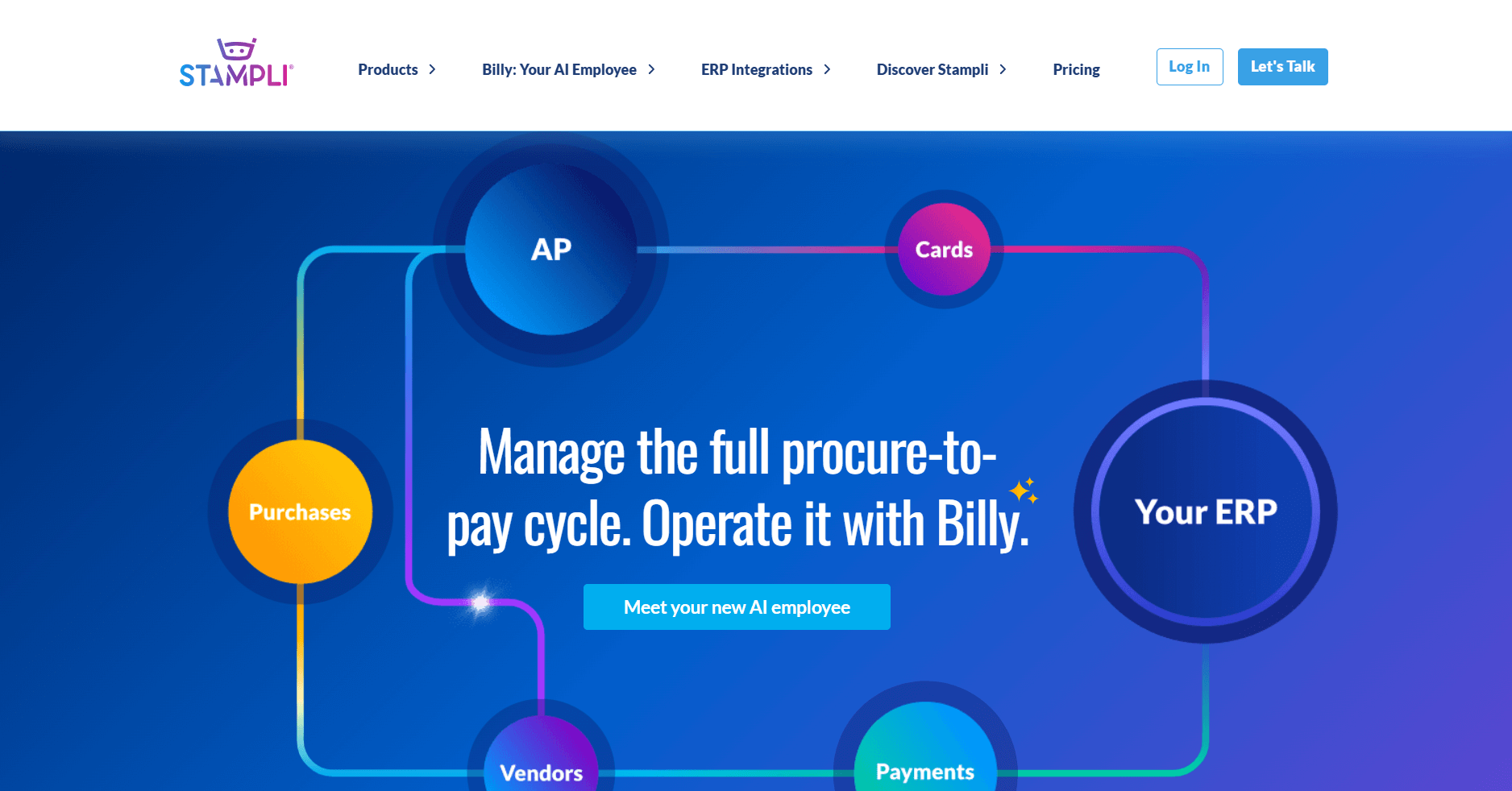
Stampli gives accounts payable (AP) teams a clear way to manage invoice approvals through a shared communication and review workspace. I like that it captures invoices, extracts the fields, and moves each bill to the right person based on the rules you set. I paid close attention to the approval flows because AP teams lose time when bills sit in inboxes with no clear owner.
The platform fits teams that want a guided path for incoming invoices. You get a clean view of each bill, the person responsible, and any details that still need attention. The tradeoff is the learning curve if your team prefers simple billing steps rather than deep AP workflows.
Stampli offers custom pricing.
3. Rossum: Best for finance teams handling large invoice volume
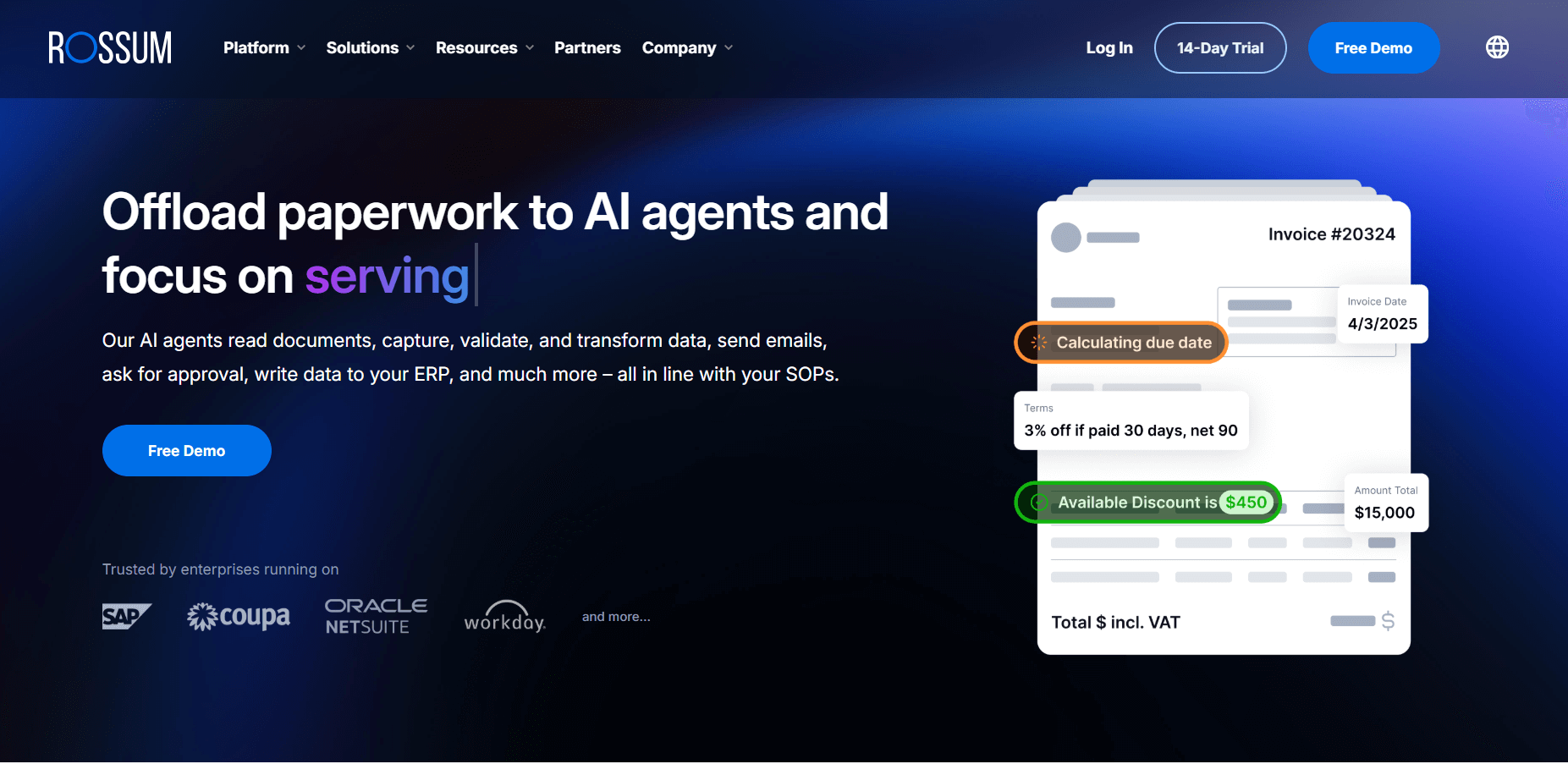
Rossum is an AI-driven invoice capture platform built to process large volumes of invoices across many formats. It impressed me with how fast it handled extraction during testing. The tool focuses on data capture and validation, which helps finance teams cut back on manual entry.
This tool is a good fit if your invoice count grows past what your current system can manage. You get structured fields, basic checks, and a review flow that helps you confirm data before it hits your system. The tradeoff is the time it takes to set up extraction rules when your invoices use different formats.
Rossum offers custom pricing.
4. Stripe Invoicing: Best for small teams that need simple billing
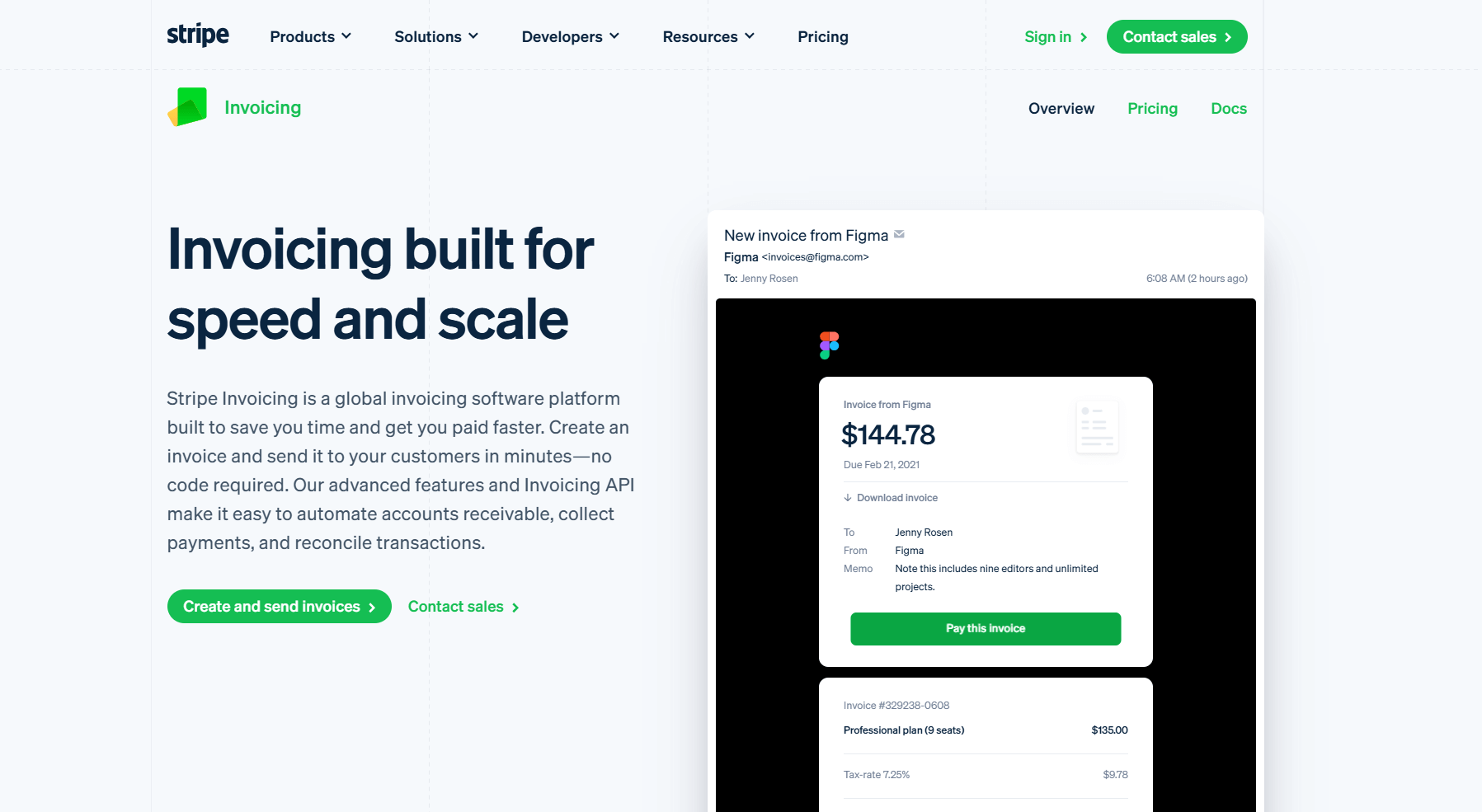
Stripe Invoicing is a lightweight billing tool built into the Stripe payment platform. I tested it with small teams that want a quick way to send invoices without managing a larger billing system. You can build an invoice, send it, and collect payment through the same link. I paid attention to the payment flow because many small teams lose time switching between accounting tools and standalone payment apps.
Stripe Invoicing fits best when speed matters more than workflow depth. You can create an invoice in minutes and collect payment through the same link. It’s less helpful if your billing process needs approvals or more structured steps.
Stripe Invoicing charges 0.4% per paid invoice, plus standard processing fees of 2.9% and 30¢ per card payment in the US.
5. n8n: Best for teams that want custom billing automations
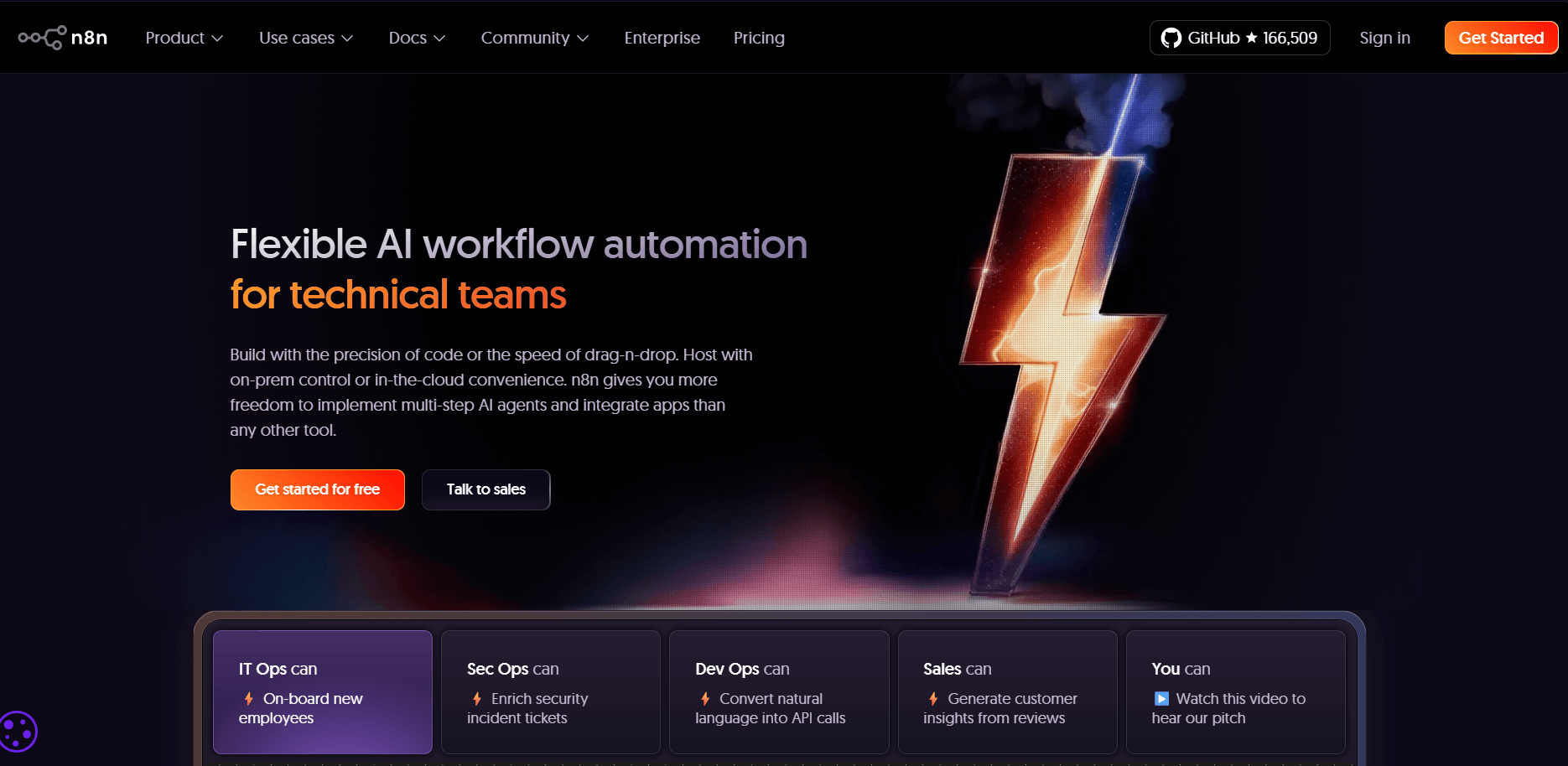
N8n is an automation platform that lets you build custom workflows for billing, data extraction, and syncing tasks across your tools. It stood out in testing for how flexible it is when building custom invoice flows.
You can set triggers for incoming invoices, extract fields through OCR tools, send updates to your team, and push the data into your accounting software. I liked how the visual editor makes each step easy to follow as you build or adjust your automations.
If your billing process changes often or depends on several tools, n8n gives you the flexibility to map every step. You can design triggers and actions that fit the way you already work. The downside is that it’s not ideal if you want a tool that works out of the box.
n8n starts at $20 per month.
6. NetSuite: Best for firms that want AP inside their ERP
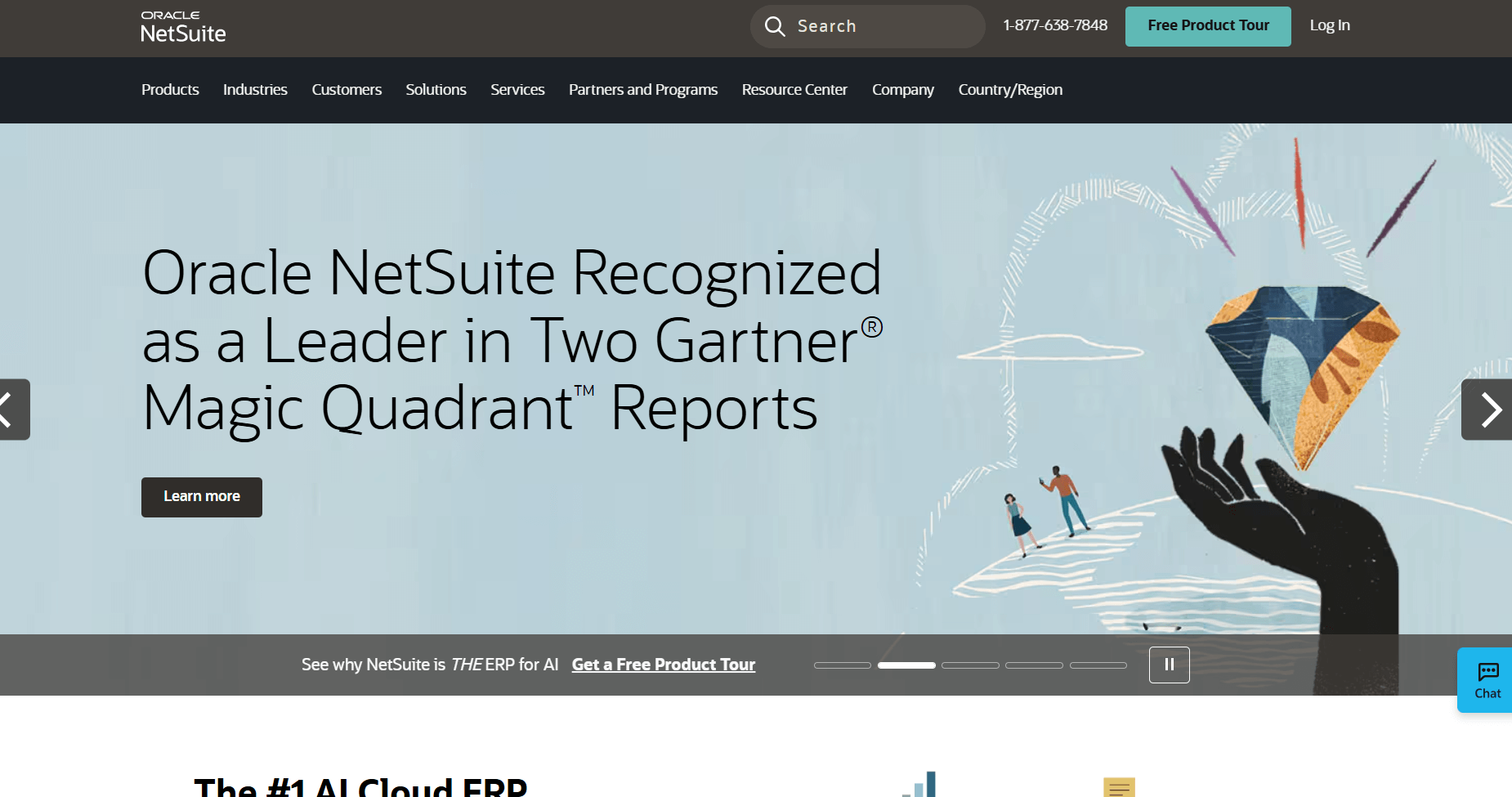
NetSuite is a full ERP system that combines accounting, purchasing, and AP workflows in one platform. I tested it to see how the AP workflow behaves when invoices move through the same platform you use for reporting and vendor management. The tool lets you record bills, match them to purchase orders, and review vendor details without switching tools.
You’ll get value from NetSuite if your AP process depends on clear links between purchasing, billing, and your financial records. It gives you structured approval paths, a full vendor profile, and reliable connections to your accounting data. I found the setup process can be heavy because you’re configuring an ERP rather than a simple billing tool.
NetSuite offers custom pricing.
7. QuickBooks: Best for small businesses that need built-in invoicing
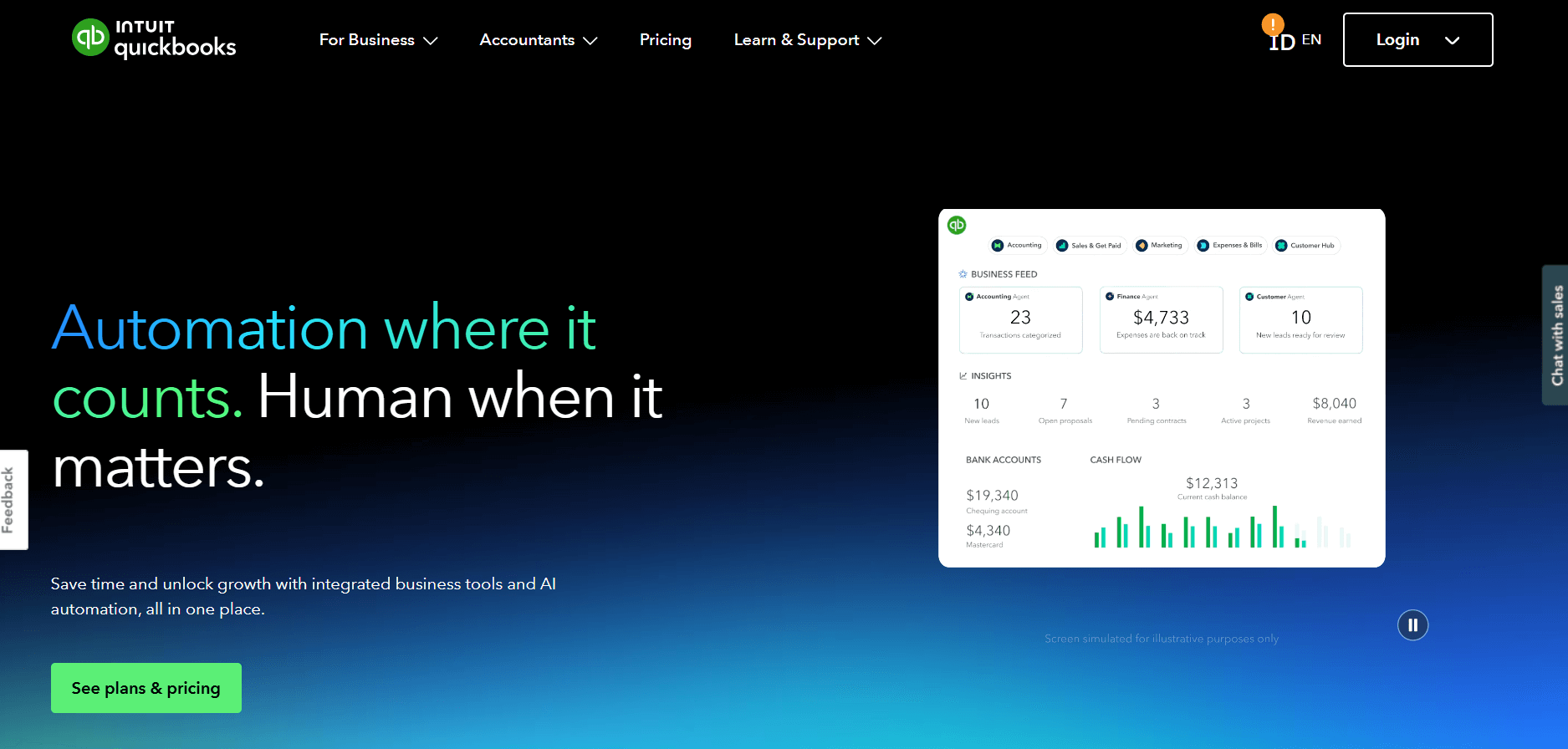
QuickBooks is small-business accounting software with built-in invoicing tools for everyday billing. I tested it to see how well it handles invoicing inside a simple accounting setup.
You can create invoices, send them, track status, and match payments with your books in the same workflow. The smooth handoff from invoice creation to reconciliation stood out because it removes the extra steps many teams deal with in separate tools.
QuickBooks gives you templates, reminders, payment links, and a clear view of payment activity as it updates your books. The billing tools are simple, so you won’t get approval logic or multi-stage workflows, but it works well for small businesses that want everything in one place.
QuickBooks starts at $38 per month.
8. Xero: Best for small teams that want basic billing automation
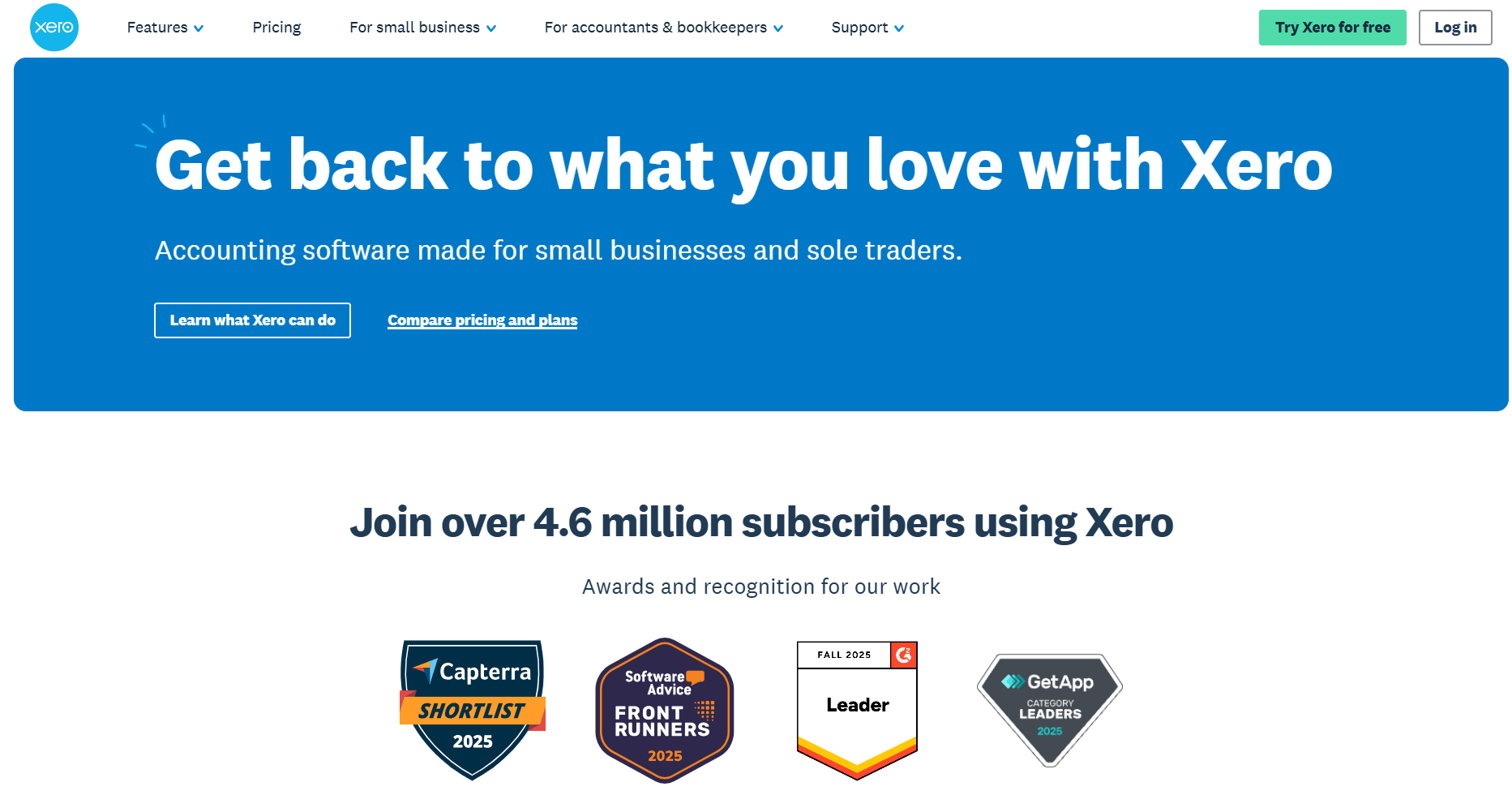
Xero is cloud accounting software that gives small teams basic tools for sending and tracking invoices. I found that you can build invoices, schedule reminders, take payments, and view your billing activity in a clean dashboard without too much setup.
Xero gives you invoice templates, recurring bill options, and built-in reminders that help you follow up on unpaid invoices. You also get payment tracking and clear reports that show what’s paid or outstanding. The limitation is the lack of approval logic or multi-stage billing, which matters if your process has more control steps.
Xero starts at $25 per month, billed monthly.
9. BILL: Best for SMBs that want AP and payments together
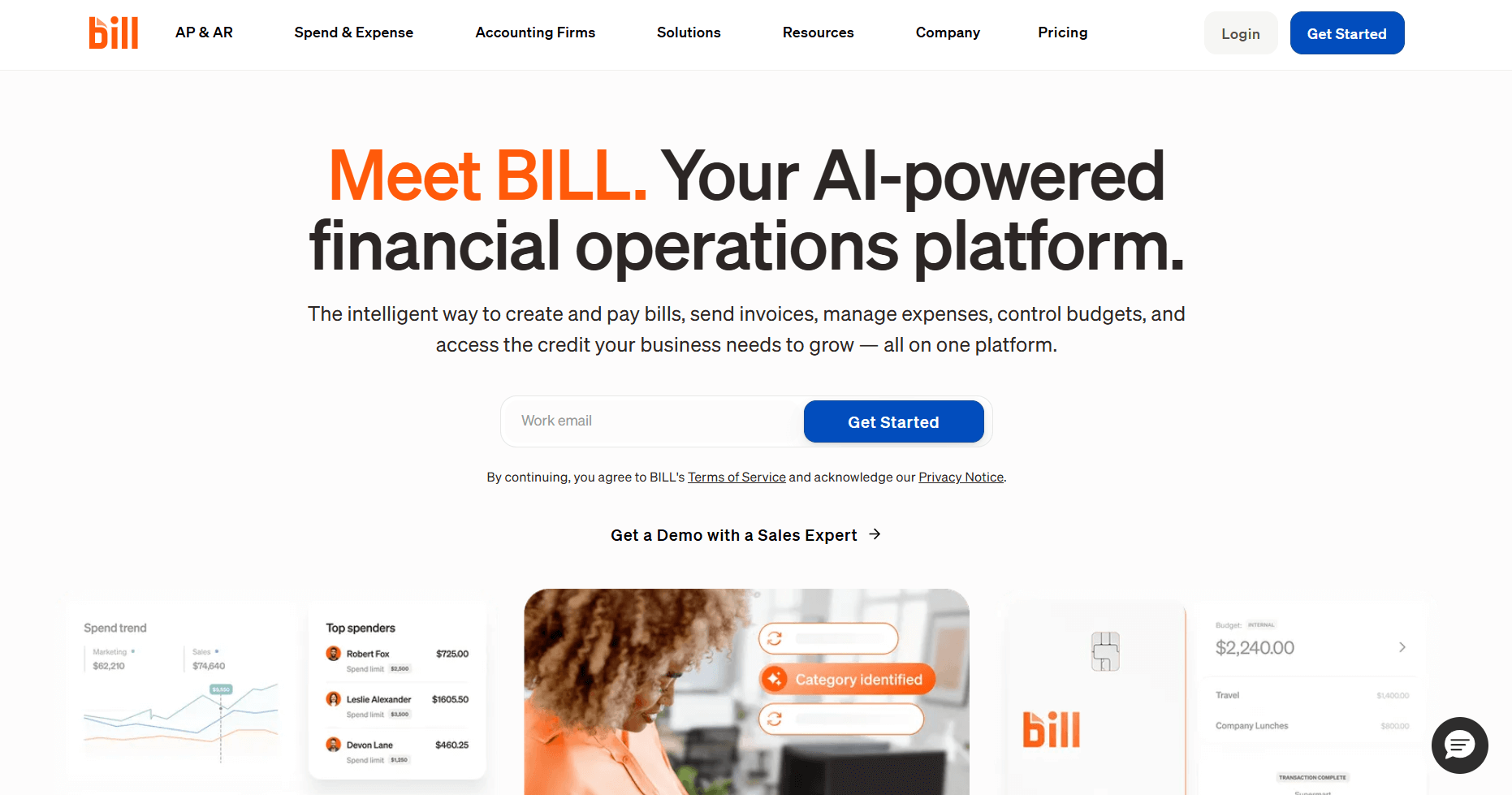
BILL is an AP platform that brings invoice approvals and vendor payments into one workflow. It stood out in my testing for its structured approval chains and built-in payment tools. You can pull invoices into a central inbox, assign reviewers, and see vendor details beside each bill. I found the payment options helpful because you can schedule ACH or check payments without leaving the workflow.
This tool works well when your AP process needs role-based approvals and predictable review steps. The platform gives you audit trails, vendor records, and payment scheduling that help you manage each invoice from intake to payment. It’s designed for vendor-side billing, so it can be heavier if your work focuses on client invoices.
BILL starts at $45 per user per month, billed monthly.
Key features of automated invoice processing software
Automated invoice processing software handles the manual steps that usually slow down billing and AP work. Most tools follow the same general pattern, but the details can vary a lot once you start testing them. I’ve found that the best tools make each step clear, predictable, and easy to review.
Here are the key features of automated invoice processing software:
- Digital invoice capture: Tools pull invoices from email, file uploads, connected apps, or vendor portals, so you don’t track PDFs across several places.
- Data extraction: Software reads fields such as vendor name, dates, amounts, and line items and turns them into structured data.
- Field validation: The system checks values for missing fields, incorrect totals, or mismatched vendor details before the invoice moves forward.
- Matching logic: Some tools connect invoices to purchase orders or receipts so you can confirm quantities or pricing without searching through other systems.
- Approval routing: You can route invoices to the right reviewer based on your rules. I'd look at this step closely because tools vary a lot in how clear they make each approval.
- Status tracking: You can follow each invoice as it moves from intake to review, approval, and payment.
- Audit history: Tools record who viewed, reviewed, or approved each invoice so you have a full trail when you need one.
- Accounting integrations: Invoice data syncs into your accounting system so you don’t retype amounts or vendor details.
- Payment options: Some platforms let you schedule payments, send ACH, or connect to a payment provider so payouts fit your process.
- Reporting: You can see processing times, open invoices, and other important details. I’ve found that reporting often shows the biggest gaps between tools, especially when you need to understand where review steps slow down.
7 Invoice processing tasks you can automate
Automation tools replace the manual steps that slow down the billing process. Here are the tasks you can automate in most invoice processing tools:
- Invoice intake: Tools collect invoices from email, uploads, or connected apps so you have one place to review all incoming bills.
- Data extraction: Software reads vendor names, dates, totals, and line items and turns them into structured fields.
- Field checks: The system reviews key values for missing details or incorrect amounts before the invoice moves forward.
- PO or receipt matching: Some platforms compare invoices to purchase orders or receipts to confirm pricing and quantities. I’d look at this if your workflow depends on accurate purchasing steps.
- Route approvals: Tools send invoices to the right reviewer based on rules you set. I’ve found that clear routing often separates simple tools from stronger platforms.
- Status updates: Each stage updates automatically, so you can see what’s waiting, reviewed, or ready for payment.
- Payment scheduling: Some systems let you plan payments, send ACH, or connect to a payment provider so you don’t switch between apps.
How to automate invoice processing with Assembly in 2025
Assembly can help you set up a predictable invoicing flow that ties directly into each client record. You prepare the billing work internally, then share only what the client needs to see. Here’s how to set yours up step-by-step:
1. Create a client in the CRM
Start by creating the client in Assembly. You can add any internal notes, custom fields, or setup details your team needs (or do that later if you prefer). You can do any of this before inviting the client, which keeps your preparation private and gives you a clean foundation for billing.
2. Set up the Billing App and create products and invoice templates
Add the Billing App to your workspace so you have one place to create invoices, connect your payout account, and view client billing activity. This is also where you can create products for retainers, fixed-scope projects, or repeat work, then add them to invoice templates. Using products and templates helps you reuse the same structure without rebuilding invoices for each client.
3. Add payment options and plan your billing cadence
Clients can pay via ACH or credit card through the portal. Payments appear in both their Billing section and your internal Billing App. If you bill clients on a routine timetable, you can send invoices on a regular scheduled cadence with Subscriptions without recreating them each time.
4. Automate follow-ups and keep contracts in the same flow
Turn on email invoice reminders so Assembly follows up on overdue payments for you. This reduces the number of manual nudges your team sends. You can also handle contract signing in the same portal where clients pay their invoices, which keeps agreements and billing connected.
5. Use Assembly Assistant to stay organized
Check the invoice status inside the client record to see what’s sent, viewed, paid, or overdue. The AI Assembly Assistant can help you draft billing updates, gather recent client interactions, and keep small admin tasks moving so your invoicing steps don’t stall.
Which automated invoice processing software should you choose?
If you’re deciding which automated invoice processing software to use, match the tool to the way you already handle invoices. Each platform solves a different piece of the workflow, so these checks will help you see which one fits your setup:
- Check how well the tool reads your invoices: Look at a few real invoices from your workflow and test how the tool extracts the fields. I’d choose a product that handles your common vendors cleanly before looking at advanced features.
- Look at how approvals move: Some tools use simple routing, while others offer multi-layer review. Pick the one that matches the number of people who touch each invoice, so you don’t create extra work.
- Review how data syncs into your accounting system: Good tools sync key fields so totals, vendors, and dates land in the right place. Confirm which fields actually transfer so you don’t rebuild information later.
- Check the clarity of the dashboard: Strong tools show what’s waiting, approved, or ready for payment at a glance. This matters more than complex reporting if you only need to track progress.
- Weigh setup time against control: Tools with deeper routing rules and templates give you more structure but take longer to configure. I’d match the tool to the complexity of your process so you don’t spend time setting up steps you won’t use.
- Consider where payments happen: Some tools handle ACH or scheduled payouts inside the same system. Choose this if you want intake, review, and payment in a single flow.
- Confirm long-term fit: Pick a tool that supports both your current invoice volume and where you expect it to grow. Switching systems later can break reporting and add extra cleanup.
Advantages of automated invoice processing
Automated invoice processing removes the manual steps that slow down billing and gives you a clearer workflow from intake to payment. After testing several tools, I’ve noticed the same advantages show up again and again.
Here are the benefits you can expect:
- Cleaner intake: New invoices land in one place instead of several inboxes, which keeps documents from slipping through during busy weeks.
- Consistent data: Extraction and field checks catch issues such as incorrect totals or missing vendor info. I’ve seen fewer last-minute corrections when this step works well.
- Quicker handoffs: When the right reviewer gets the invoice at the right time, approvals move faster with less back-and-forth.
- Stronger oversight: Status views show what’s ready, delayed, or overdue so you can step in before anything stalls.
- Reliable history: Each invoice keeps a record of who opened, reviewed, or approved it, which helps when you need context during audits or internal reviews.
- More stable billing patterns: A steady flow from intake to approval makes it easier to understand when payments will land. I’ve seen this help teams plan work with more confidence.
- Simpler workflows: Integrations move approved invoices into your accounting system, which removes the duplicate entry that often creates mistakes.
- Better purchasing checks: Tools that match invoices to purchase orders help you confirm quantities and pricing without digging through files.
Challenges and how to troubleshoot automated invoice processing
Automation can remove a lot of manual work, but the setup can still create gaps if the workflow isn’t clear. Here are the common challenges of automated invoice processing (and how to fix them):
Take your billing and client invoicing further with Assembly
Many tools help you automate invoice processing, but they often split your billing steps from the rest of your client work. Assembly keeps invoices, payments, and client communication in one place so your workflow stays connected.
Here’s what you can do with Assembly:
- See the full client record: Notes, files, payments, and communication history stay linked in one place. You never have to flip between systems or lose context when switching from sales to service.
- Prep faster for meetings: The AI Assistant can summarize past interactions so you walk into any call with a clear view of what’s been discussed and what comes next.
- Stay ahead of clients: Highlight patterns that may show churn risk or upsell potential, making outreach more timely and relevant.
- Cut down on admin: Automate repetitive jobs like reminders, status updates, or follow-up drafts that used to take hours. The Assistant handles the busywork so your team can focus on clients.
Ready to simplify how your firm manages client work? Start your free Assembly trial today.