



I analyzed Hubflo’s pricing, limits, and features across every tier to see how it fits growing service teams, and here’s what I found in 2025.
Hubflo pricing: At a glance
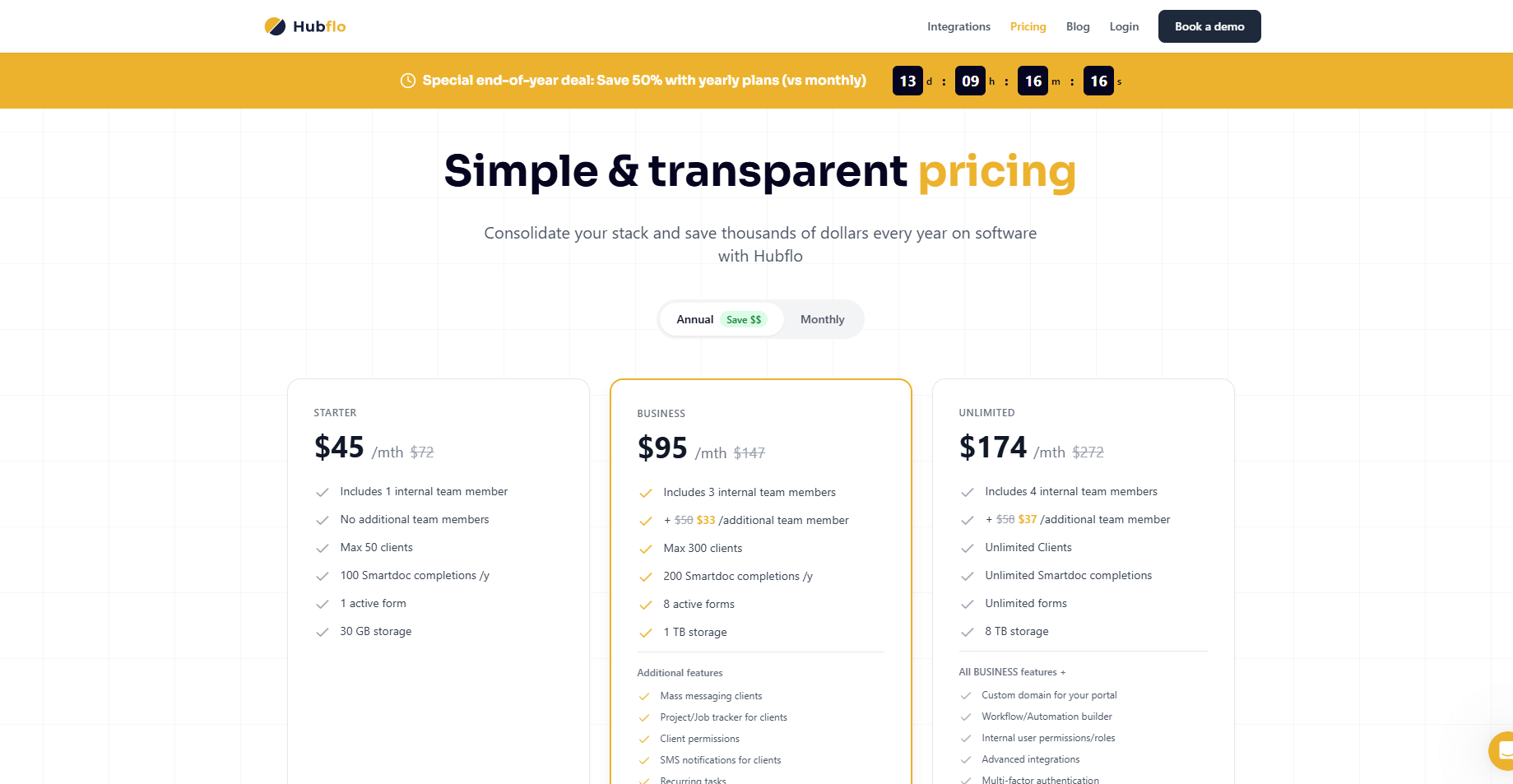
Each Hubflo plan includes secure client portals, messaging, forms, and file storage. Pricing increases as you add internal users or move into higher tiers. Here’s a side-by-side look at what each plan includes:
Hubflo offers optional add-ons for your base plan:
- Client portal mobile app: Starting from $79 per month for iOS and Android with push notifications and grey-label or white-label options.
- Implementation assistance: Starting from $599 for setup calls, data import, and integration help.
Hubflo also sells PropoAI as a separate product at $69 per month, billed monthly. It uses AI to generate branded proposals with pricing pages, add-ons, contracts, e-signatures, and engagement tracking.
If you want to know how the product holds up beyond its price, my Hubflo review covers its key features, pros, and cons.
Hubflo pricing plans breakdown
Hubflo organizes its plans around internal users, client volume, and how much form and document activity your team handles. Let’s look at how each plan breaks down:
Starter plan: $89 per month or $72 per month billed annually
- What’s included: Client portal, messaging, file storage, 1 active form, and Smartdoc tools for basic document workflows.
- Key limits: 1 internal user, max 50 clients, 100 Smartdoc completions per year, 30 GB storage.
- Best for: Small teams that need a simple place to manage clients and share documents.
- Pros: Predictable pricing and an easy setup for light client work.
- Cons: No room for additional internal users and a low client limit.
Business plan: $189 per month or $147 per month billed annually
- What’s included: Everything in Starter, plus job tracking, mass messaging, more forms, and larger storage.
- Key limits: 3 internal users, max 300 clients, 200 Smartdoc completions per year, 8 active forms, 1 TB storage.
- Best for: Firms that manage more clients and want more workflow capacity.
- Pros: More room for collaboration and a higher ceiling for client work.
- Cons: Extra internal users add to the total cost.
Unlimited plan: $349 per month or $272 per month billed annually
- What’s included: Everything in Business, plus custom domains, workflow automation, and unlimited form and document activity.
- Key limits: 4 internal users, unlimited clients, unlimited Smartdoc completions, unlimited forms, 8 TB storage.
- Best for: Teams that want to remove client caps and scale their workspace.
- Pros: No client limit and higher flexibility across workflows.
- Cons: Higher base cost and higher fees for extra internal users.
Enterprise plan: Custom pricing
- What’s included: White-glove setup, advanced portal customization, a dedicated success manager, priority roadmap input, white-label mobile app, SSO, and the option to sign a BAA.
- Key limits: Custom internal user count, unlimited clients.
- Best for: Larger teams that need tailored support and deeper customization options.
- Pros: High-level support and more control across the platform.
- Cons: The setup process can take longer because the plan is shaped around your specific requirements.
Which Hubflo plan should you choose?
Choosing the right Hubflo plan depends on your client volume, how many internal users you need, and how much form and document activity your team manages. Based on the limits and features, the real differences appear once you outgrow the 50 or 300 client caps or need more Smartdoc and form usage.
Choose Starter if you:
- Are a solo business owner and only need one internal user.
- Work with fewer than 50 clients and want a simple client portal without advanced workflow tools.
- Create light documentation and only need basic Smartdoc usage.
Choose Business if you:
- Need more internal users and want room for up to three people working inside the same portal.
- Manage up to 300 clients and want a higher ceiling for forms, Smartdoc completions, and collaboration.
- Run multi-step client work and need job tracking and mass messaging built in.
Choose Unlimited if you:
- Want no client limits so your portal can grow without needing another upgrade.
- Handle heavy documentation and need unlimited Smartdoc completions and forms.
- Need advanced workspace tools like workflow automation and custom domains.
Choose Enterprise if you:
- Have a larger team that needs custom internal user counts and higher control over roles.
- Need advanced support such as white-glove setup, a dedicated success manager, and deeper customization.
- Operate in a regulated industry and want SSO or a signed BAA.
Is Hubflo worth the cost?
Hubflo gives you a client portal, forms, messaging, and document tools in one place, but the price works best for teams that need higher client limits or plan to use the platform for regular Form and Smartdoc work. A small team on the Business plan can reach the mid-hundreds each month once internal users and add-ons are included.
Here’s how to decide:
- It’s worth it if: You manage steady client work and want one portal where clients can message your team, upload files, and complete forms without switching tools.
- It’s best for: Service firms that handle recurring projects, need organized document workflows, and want a central space for client communication.
- Skip it if: You only need basic file storage, simple messaging, or occasional form submissions. Lighter tools can cover those jobs at a lower cost.
Overall, I see Hubflo as a good fit for teams that want a single workspace for clients and internal users. The main thing to watch is the cost curve, since limits on internal users and add-on fees can push the total higher as your team grows.
Hubflo alternatives and pricing comparison
Hubflo works for many teams, but some firms need different tools for client work or internal coordination. I found a few platforms that take their own approach to managing clients, documents, and day-to-day tasks. Let’s compare the Hubflo alternatives side by side:
Assembly: Best for all-in-one client management
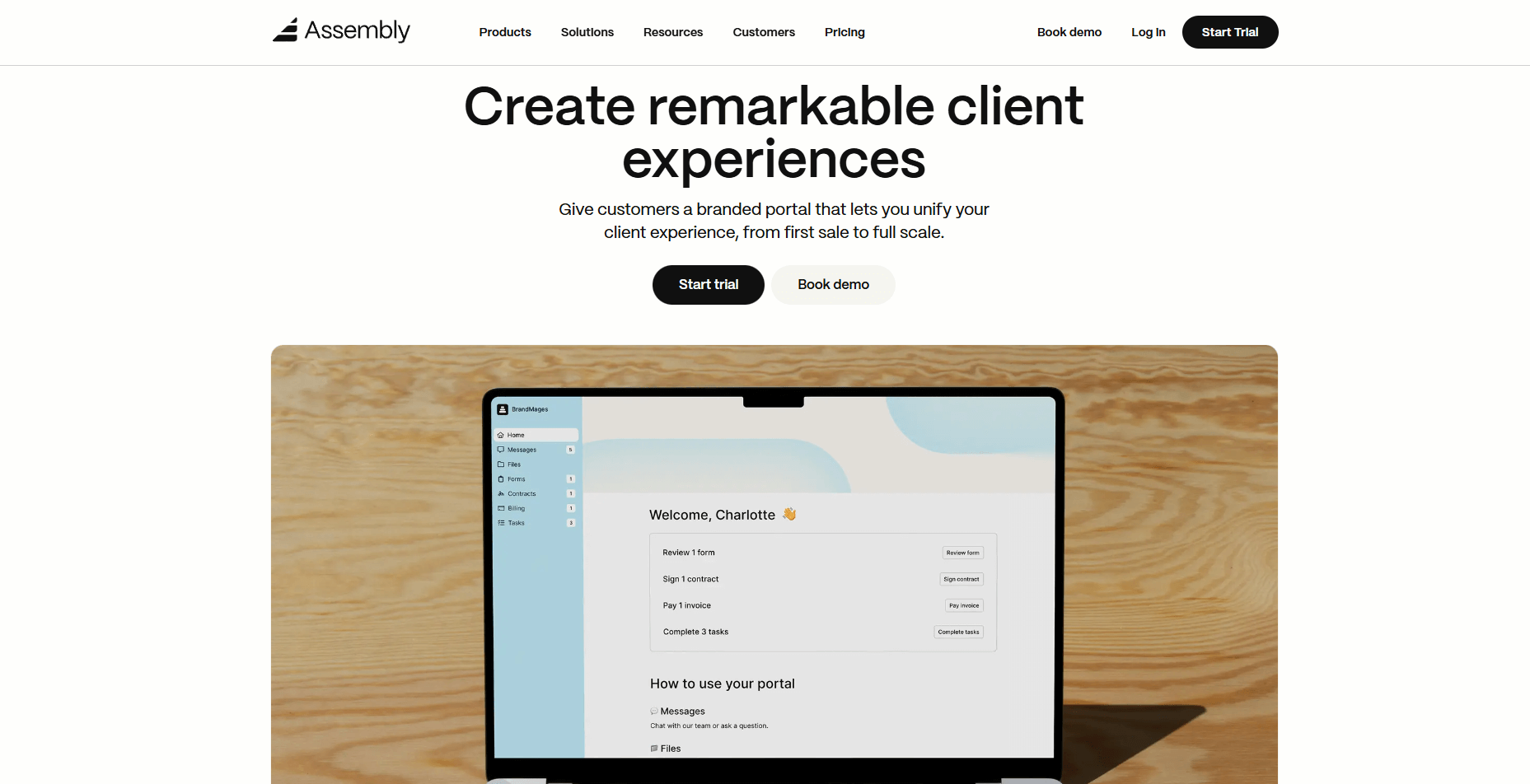
We designed Assembly for service teams that want one place to manage the full client lifecycle from the first interaction through long-term work. You can track early details, add internal notes, set custom fields, and prepare client records before you invite anyone in.
When a client signs on, the same workspace handles contracts, billing, forms, messages, tasks, and files without forcing your team to switch tools. Each client record stores every update, payment, and signed document, which keeps work clear and easy to follow.
Assembly includes a Billing App for invoices, subscriptions, payment links, and stored payment methods in one view. You can also use Storefronts to sell services or recurring packages directly through your portal.
The AI Assembly Assistant helps your team prepare faster by gathering recent activity from each client record so you can walk into calls with the right context.
Assembly uses clear, predictable pricing, with a free plan and paid plans that start at $29 per month billed annually, so you know exactly what your software cost will be as your team grows.
ManyRequests: Best for productized services
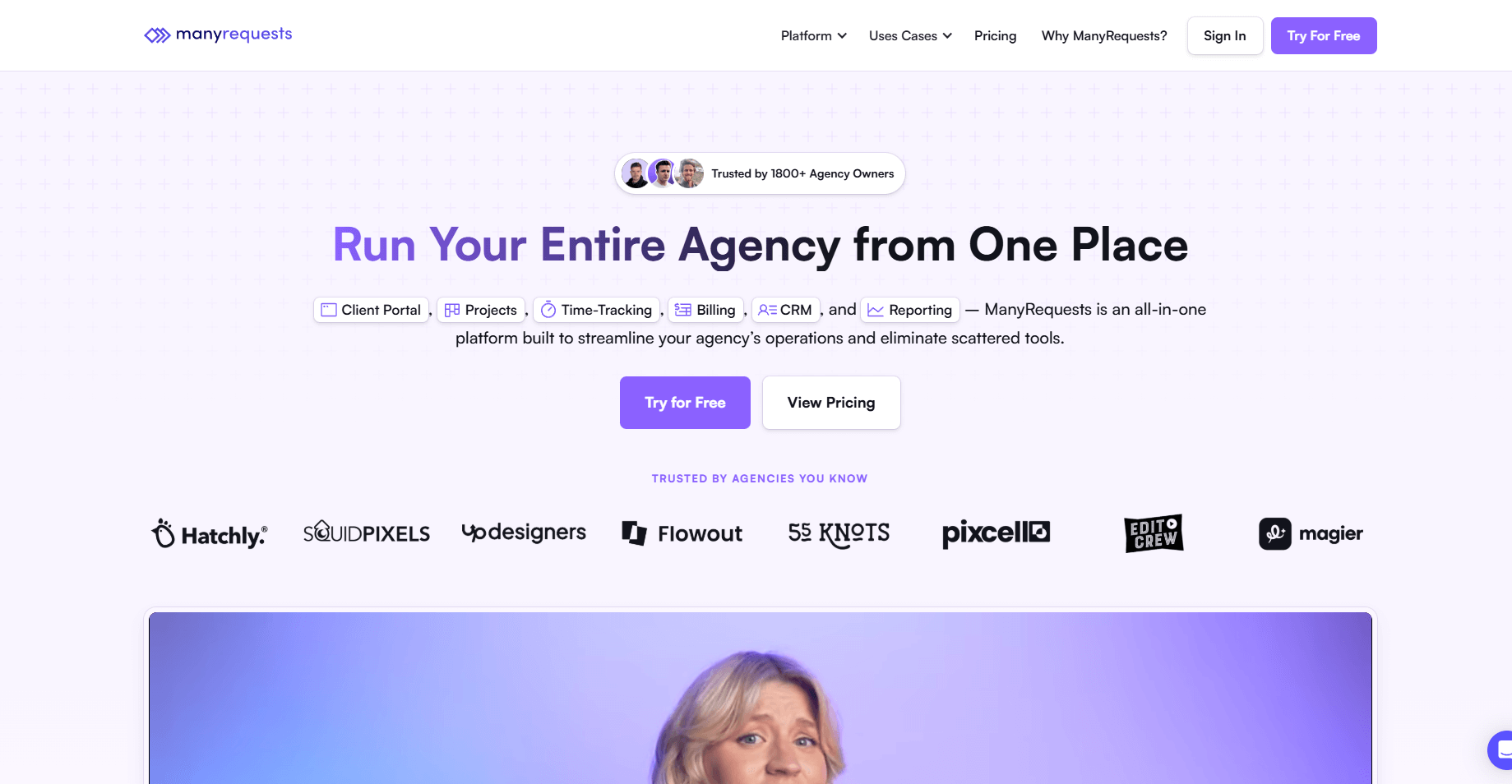
ManyRequests is a client portal platform built for teams that deliver fixed-scope or subscription-based services. I tested how it handles structured requests, and it works well for teams that sell packages or recurring work.
Clients can buy a service, submit details through branded forms, and view updates inside their own dashboard. Each request becomes a structured workflow with tasks, payments, and deliverables in one place.
ManyRequests pricing starts at $19 per month. It fits teams that want a storefront-style system that keeps client requests organized without complex setup.
SuiteDash: Best for deep customization
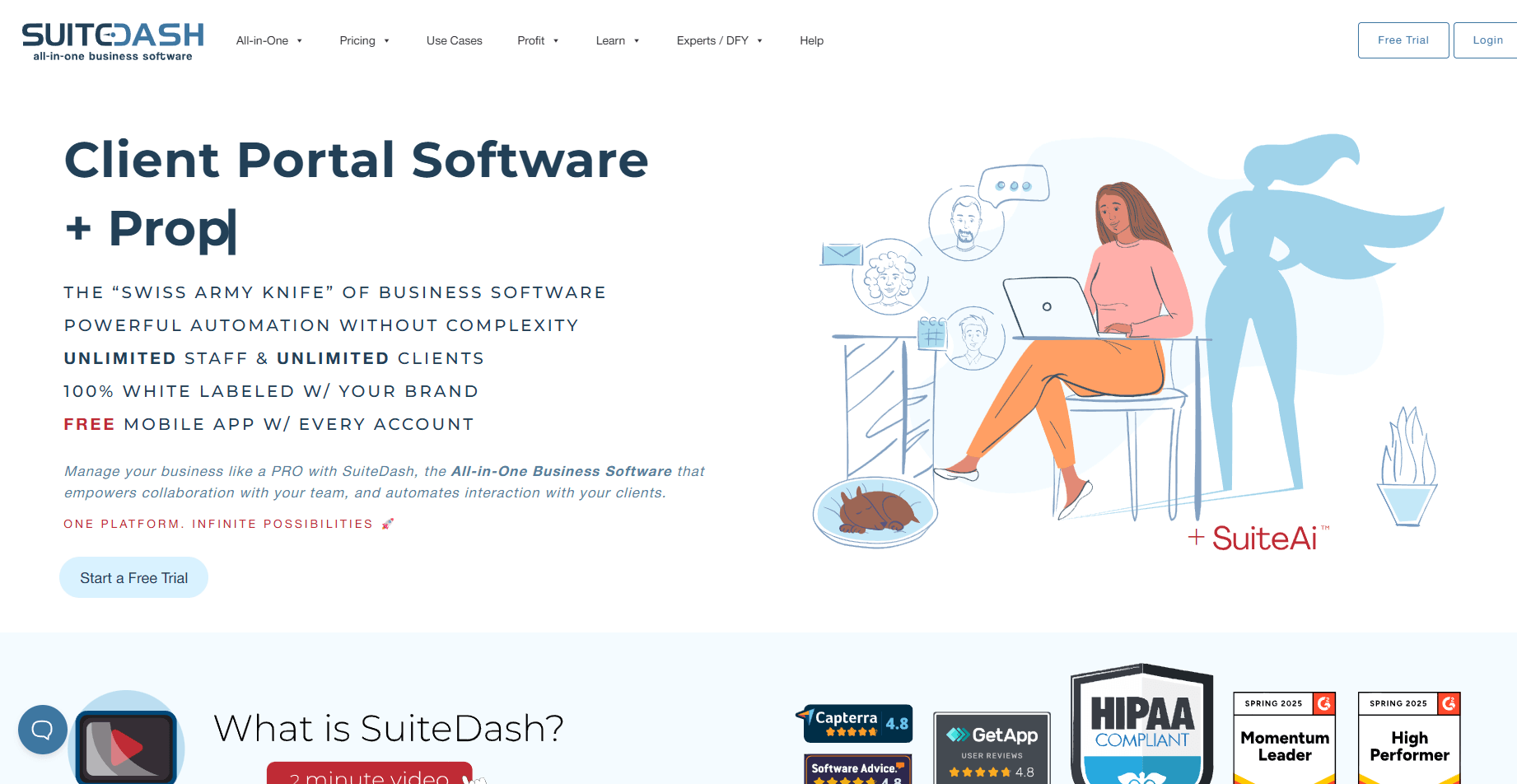
SuiteDash is an all-in-one client portal and business management platform that brings your CRM, workflows, portals, and billing into one workspace. I tested how its permissions and templates work together, and the system is built for teams that want full control over branding and client access. Each portal can match your domain and color scheme, and every team role can have its own access rules.
Plans at SuiteDash start at $180 per year. It’s a good fit for teams that want to configure layouts, dashboards, and workflows in detail and don’t mind spending time shaping the system.
Assembly vs Hubflo: Which should you choose?
Assembly and Hubflo both help teams manage clients in a shared portal, but they focus on different parts of the workflow. Assembly covers the full client lifecycle with billing, contracts, tasks, forms, files, and communication in one system. Hubflo centers on client sharing, messaging, and form-based workflows with lighter delivery features.
Use this guide to figure out which one fits your work:
- Assembly is better for: Teams that want one system for intake, contracts, billing, tasks, and long-term client delivery. It’s a strong fit if you want payments, forms, files, and communication linked to each client record without relying on extra tools.
- Hubflo is better for: Teams that want a simple client portal with forms and messaging. It works well for small teams that prefer Hubflo pricing for a portal-first setup and don’t need advanced billing or task management.
- Use both if: You want a lightweight portal for forms while using Assembly to handle contracts, payments, and ongoing client delivery in one workspace.
Want to see how Assembly can simplify client delivery and communication? Try Assembly for free today.
My bottom line on Hubflo pricing
Hubflo fits best for small teams that can work within its internal-user and client limits. The entry price is fair when you only need one or a few internal users, but the total rises quickly once you add more people or move into higher tiers. The structure makes sense if your workflow is light and you don’t rely on advanced billing or task management.
If you want clearer long-term costs, I’d recommend trying Assembly. It combines billing, contracts, communication, forms, tasks, and files in one workspace, which keeps monthly spend predictable as you grow. Many teams find that having everything in one system lowers the need for extra tools and reduces the add-on costs that usually appear over time.