



I tested a wide range of CRMs that bundle invoicing into the sales workflow. Here are the 9 tools that kept the billing process fast and predictable in 2026.
9 Best CRMs with invoicing tools: At a glance
Some CRMs with invoicing focus on accuracy and automation, while others give you more control over quotes, billing, and payment data. Here’s a quick look at pricing, best use cases, and what each one offers:
| Tool | Best for | Annual price | Key strength |
|---|---|---|---|
| Assembly | Teams that want billing with an AI-supported delivery context | $29/month | Connects client records, tasks, and invoices in one place, with an AI assistant surfacing recent updates |
| Pipedrive | Sales teams that invoice through deal pipelines | $14/seat/month | Builds invoices from deals and syncs with accounting tools |
| Zoho CRM | Teams working inside Zoho’s ecosystem | $14/user/month | Flexible quoting and billing with strong field and workflow controls |
| HubSpot CRM | Teams working inside the HubSpot ecosystem | $9/user/month | Creates invoices from deals and supports payments without extra setup |
| Bitrix24 | Teams that invoice clients across multiple currencies | $46/organization/month | Broad workspace with templates and payment tracking |
| monday CRM | Visual pipeline users who want simple invoicing | $12/seat/month (3-seat minimum) | Quoting and invoicing added to board workflows with light automation |
| Agentforce Sales | Firms with structured quoting and approval flows | $25/user/month | Handles quotes, invoicing, and approvals with strong workflow logic |
| Freshsales | Small teams that want quick quoting from product lists | $9/user/month | Generates quotes and invoices from product catalogs |
| Keap | Small service businesses invoicing and collecting payments in one place | $299/month (2 users, billed monthly) | Combines invoicing, payments, and follow-up in one workflow |
1. Assembly: Best for teams that want billing with AI-supported delivery
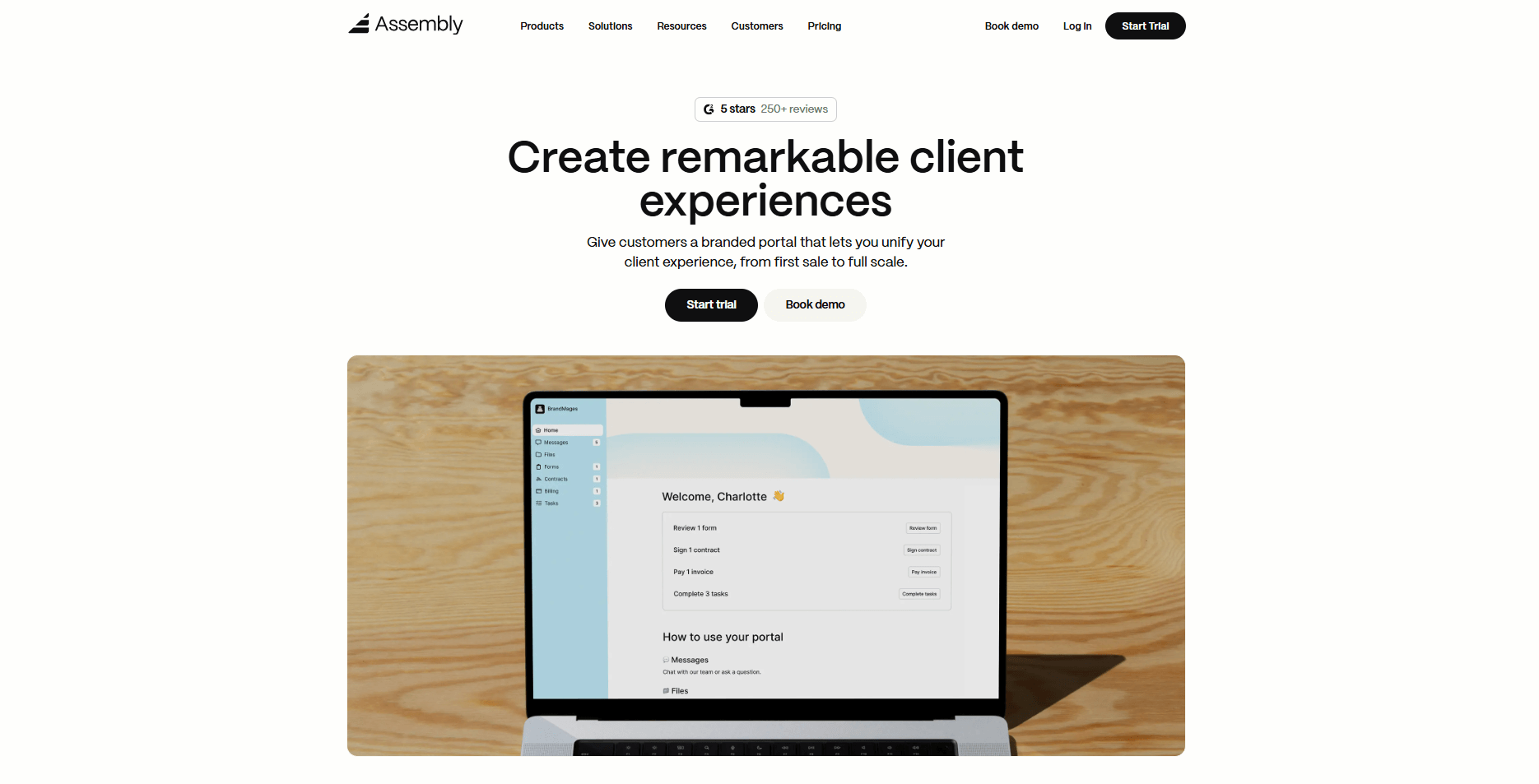
- What it does: Assembly is a client portal and CRM that brings client records, tasks, messages, and billing into one workspace. Service teams use it to track delivery and send invoices without juggling extra tools.
- Who it’s for: Teams that run ongoing client projects and want billing, updates, and payment activity tied to the same record.
We built Assembly so your team can move from kickoff to paid work without losing context. You can create a client record, add internal notes, and set up tasks before you send the first invoice, so your pipeline and billing follow the same structure.
The Billing App lets you create one-time or recurring invoices from each client record, using the details you already track in your projects. That keeps amounts, dates, and line items aligned with the work your team is actually doing, instead of retyping everything in a separate tool.
Assembly’s AI assistant helps you see what changed since your last touchpoint by pulling recent messages, files, and task updates into a short summary. You go into calls with the right context and spend more time talking about next steps, not hunting through email threads.
In Assembly, each client gets a branded portal where they can view invoices, pay securely, and follow progress. You can also connect Assembly with tools like Airtable, ClickUp, Calendly, Zapier, and Make so your existing workflow stays connected instead of scattered.
Key features
- Branded client portal: One login for clients to view invoices, files, and project updates
- Billing App: Create invoices, collect payments, and manage recurring billing from each client record
- AI assistant: Surfaces notes, files, and recent activity so you are prepared before calls
- Integrations: Connects with Airtable, ClickUp, Calendly, Zapier, and Make
- Permissions control: Lets you set access levels for clients and internal team members
Pros
- Branded client portal that keeps clients informed and reduces long email threads
- Billing sits next to tasks and notes so invoices reflect current work
- AI assistant summaries help your team prepare faster for calls and follow-ups
Cons
- Higher starting price than lightweight contact-only CRMs
- Feature set can feel heavy if you only send occasional invoices
Pricing
Assembly has a free plan, and paid plans start at $29/month billed annually for the Starter plan.
Bottom line
Assembly fits teams that care about the full client lifecycle because the AI assistant and Billing App sit inside the same record as project updates and client communication. If your team centers its workflow on approvals and structured quoting instead of ongoing delivery, Agentforce Sales could feel like a closer match.
2. Pipedrive: Best for sales teams that invoice through deal pipelines
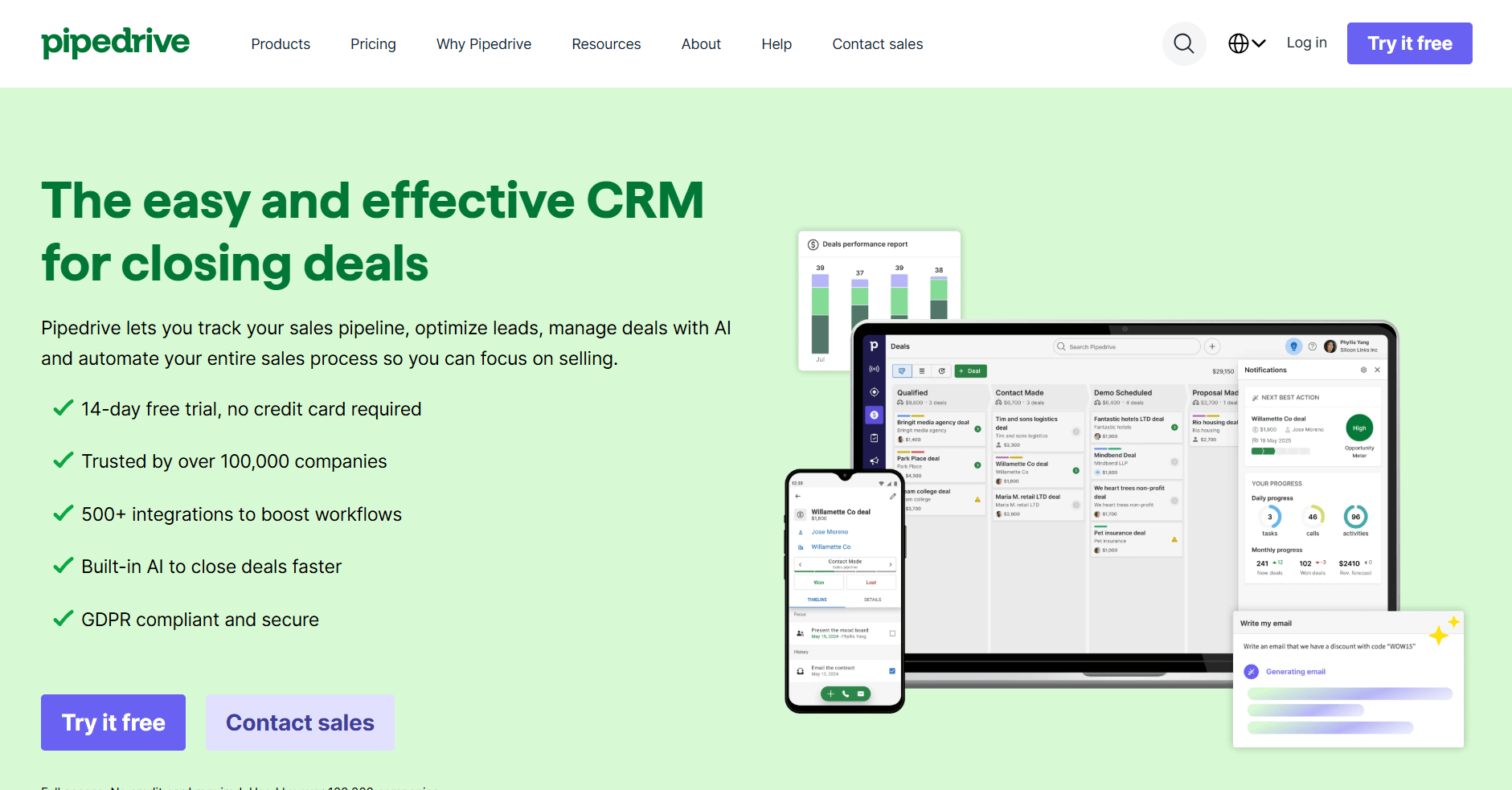
- What it does: Pipedrive is a sales CRM that lets teams turn closed deals into invoices and sync them with connected accounting tools. Sales reps use it to keep billing aligned with their pipeline.
- Who it’s for: Sales teams that want invoicing to follow deal stages without extra steps.
When I tested Pipedrive, I paid close attention to how the pipeline handled the shift from close to billing. The process moved at a steady pace because the deal information was carried into the invoice builder without extra cleanup. That consistency helps teams that want to keep momentum after a deal reaches the finish line.
I also noticed how the invoice status appears beside the core deal activity. That layout made follow-up easy to track in one place instead of across several views. It supports sales teams that want a straightforward way to move from conversations to payment without losing context.
Key features
- Deal-based invoicing: Build invoices directly from pipeline stages
- Product catalog: Store items and pricing for quick quoting
- Accounting integrations: Syncs with tools like Xero and QuickBooks
Pros
- Easy for sales teams to onboard
- Fast handoff from closed deal to invoice
- Pipeline view simplifies follow-up
Cons
- Limited support for ongoing client delivery
- Invoices depend on external accounting plugins
Pricing
Pipedrive starts at $14 per seat per month.
Bottom line
Pipedrive fits teams that want billing tied closely to deal movement. If your workflow centers on structured approvals or more complex quoting steps, Agentforce Sales may feel more suitable.
3. Zoho CRM: Best for teams working inside Zoho’s ecosystem
- What it does: Zoho CRM supports lead tracking, quoting, invoicing, and automation inside a system designed to work with other Zoho apps.
- Who it’s for: Teams already using Zoho tools that want invoicing connected to the same ecosystem.
Zoho CRM stood out to me because it gives teams room to shape quoting and invoicing around their own structure. The customization helped me see how different configurations can support unique sales processes. Once I set a few patterns, the quote-to-invoice flow ran in a predictable way.
Connecting Zoho Books strengthened the workflow since product and payment information stayed aligned. It takes thoughtful setup, but the payoff shows up in teams that prefer systems they can mold rather than adopt unchanged.
Key features
- Custom fields: Shape quoting and invoicing for your workflow
- Zoho integrations: Connects with Zoho Books and Zoho Inventory
- Workflow rules: Automate quote and invoice movement
Pros
- Strong customization options
- Works well with other Zoho products
- Good value for the feature set
Cons
- Setup can feel heavy for smaller teams
- Interface varies across Zoho apps
Pricing
Zoho CRM starts at $14 per user per month.
Bottom line
Zoho CRM works well if you want invoicing to match your internal process instead of fitting into a rigid template. If you prefer a visual structure that requires less setup, monday CRM may feel easier to work with.
4. HubSpot CRM: Best for teams working inside the HubSpot ecosystem
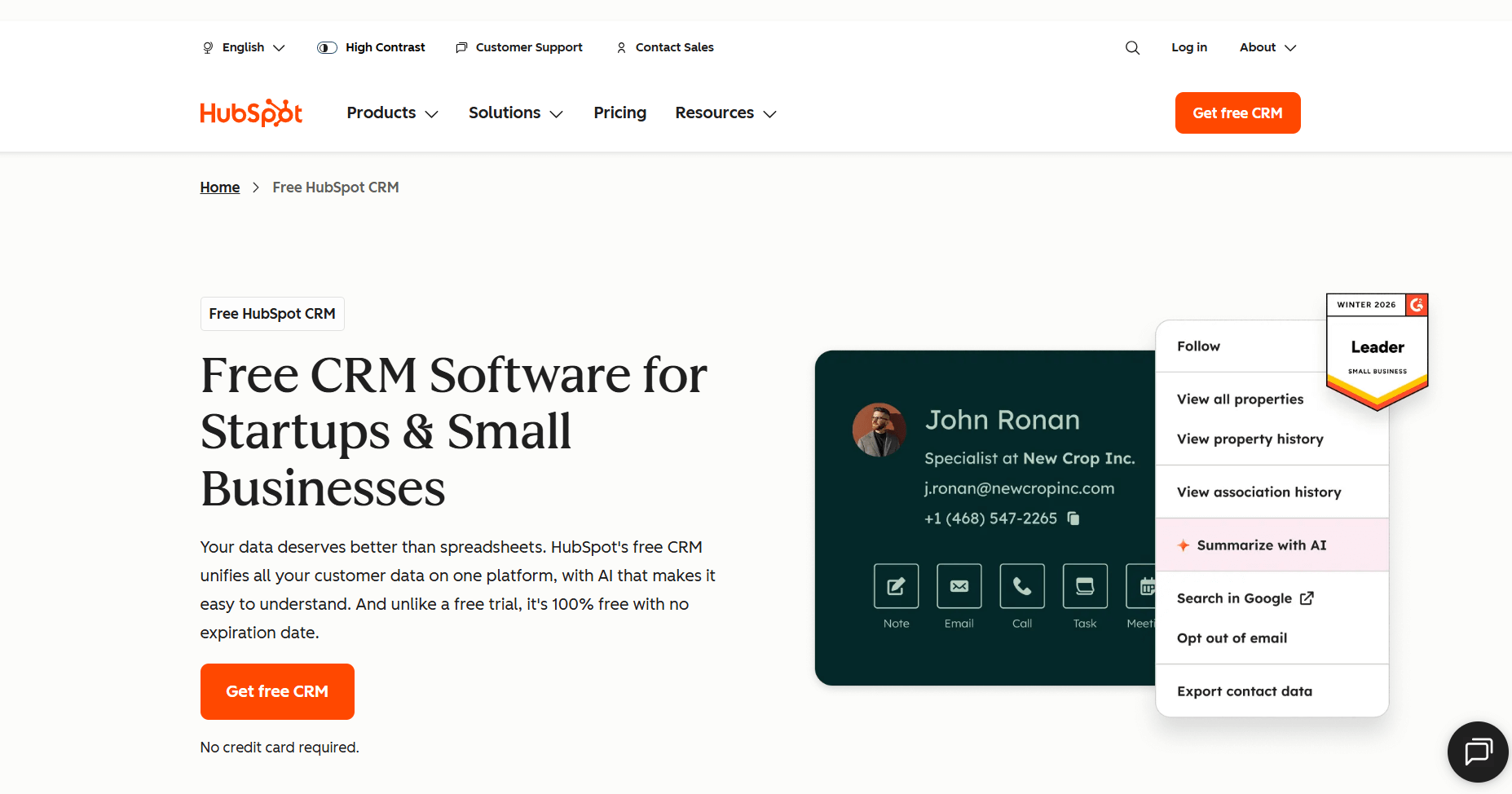
- What it does: HubSpot CRM supports lead tracking, deal management, quoting, and invoicing with built-in payment options.
- Who it’s for: Teams already using HubSpot that want simple invoicing built into their sales flow.
I liked how natural the quote-to-invoice flow was in HubSpot CRM during my testing. The transition from a quote to an invoice stayed smooth because the details stayed in sync across the deal. It gave the process a rhythm that teams can work with.
The built-in payment links also supported a clean handoff from sales to billing. I didn’t have to manage external tools to complete simple transactions. The approach suits teams that want billing to sit inside the same hub as their sales conversations.
Key features
- Quote to invoice flow: Move from quotes to invoices quickly
- Payment links: Collect payments inside the CRM
- Unified activity view: Sales and billing in one record
Pros
- Easy onboarding for existing HubSpot users
- Clean interface
- Free plan available
Cons
- Advanced billing may require add-ons
- Limited invoice template control
Pricing
HubSpot CRM starts at $9 per user per month.
Bottom line
HubSpot CRM fits teams that want billing to sit inside the same system they use for marketing and sales. If you rely on detailed product catalogs and more structured quoting, Freshsales may be a better match.
5. Bitrix24: Best for teams that invoice clients across multiple currencies
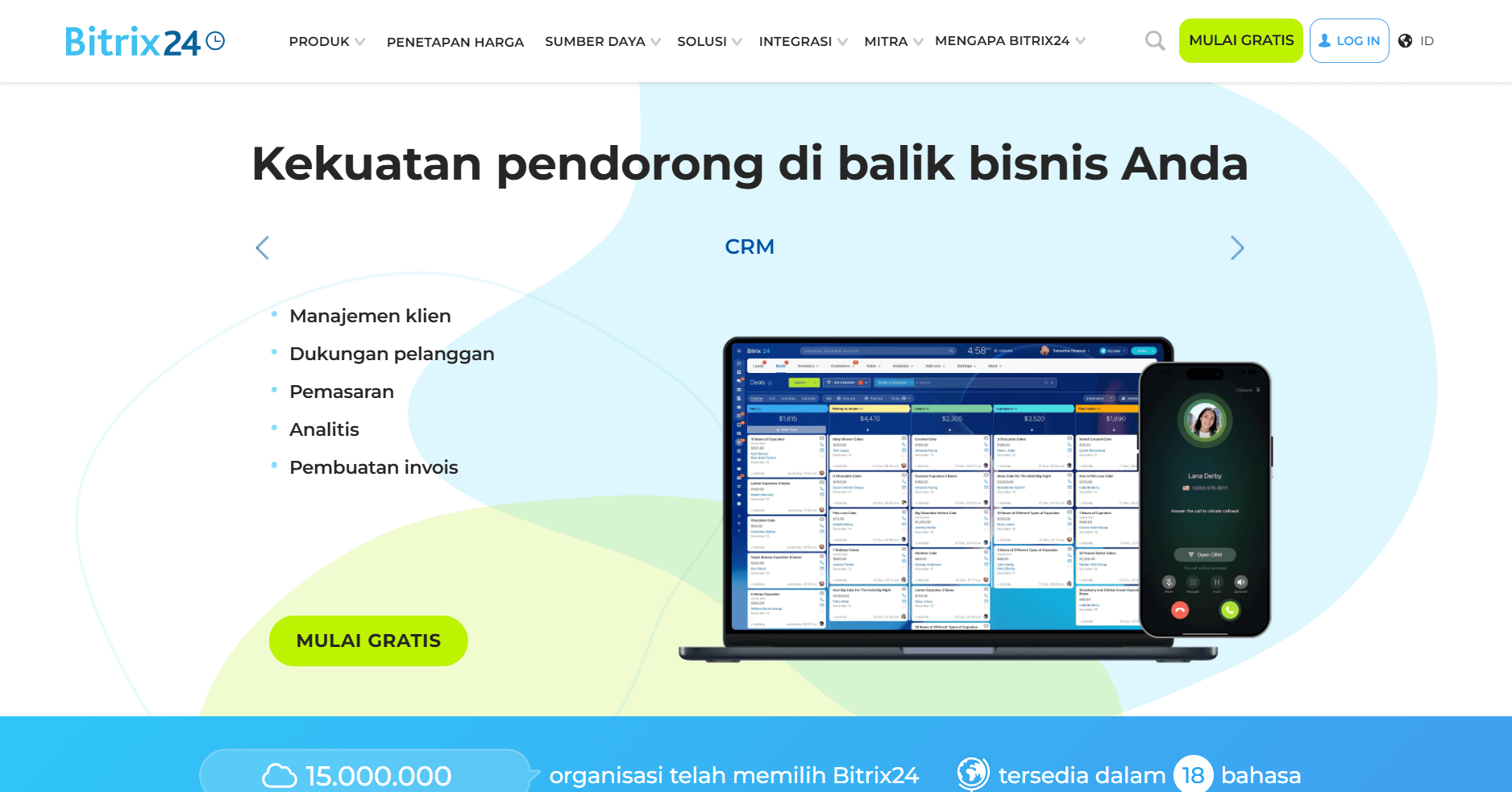
- What it does: Bitrix24 combines CRM tools, communication features, and invoicing inside one workspace.
- Who it’s for: Teams that bill international clients and need built-in support for multiple currencies and tax structures.
The first thing I noticed while testing Bitrix24 was how well it handled clients across different regions. Currency and tax adjustments applied correctly across different client records, so the invoicing process stayed consistent from one region to another. Teams that work across borders will value that kind of reliability.
I spent time in the workspace tools as well, since collaboration connects tightly to billing there. Tasks, chat, and shared files sat close to client activity, and that structure supported longer engagements where information tends to spread out. The system carries a lot of options, but the breadth can support teams with varied delivery needs.
Key features
- Multi-currency tools: Send invoices across regions
- Invoice tracking: Monitor payment status inside the CRM
- Workspace features: Tasks and chat for internal collaboration
Pros
- Good fit for international billing
- Flexible invoice templates
- Helpful collaboration tools
Cons
- Interface can feel busy
- Features vary by plan
Pricing
Bitrix24 starts at $46 per organization per month.
Bottom line
Bitrix24 is a strong choice if your invoicing spans several regions and you need currency tools built in. If your workflow relies more on fast pipeline movement than global billing, Pipedrive may feel easier to work with.
6. monday CRM: Best for visual pipeline users who want simple invoicing
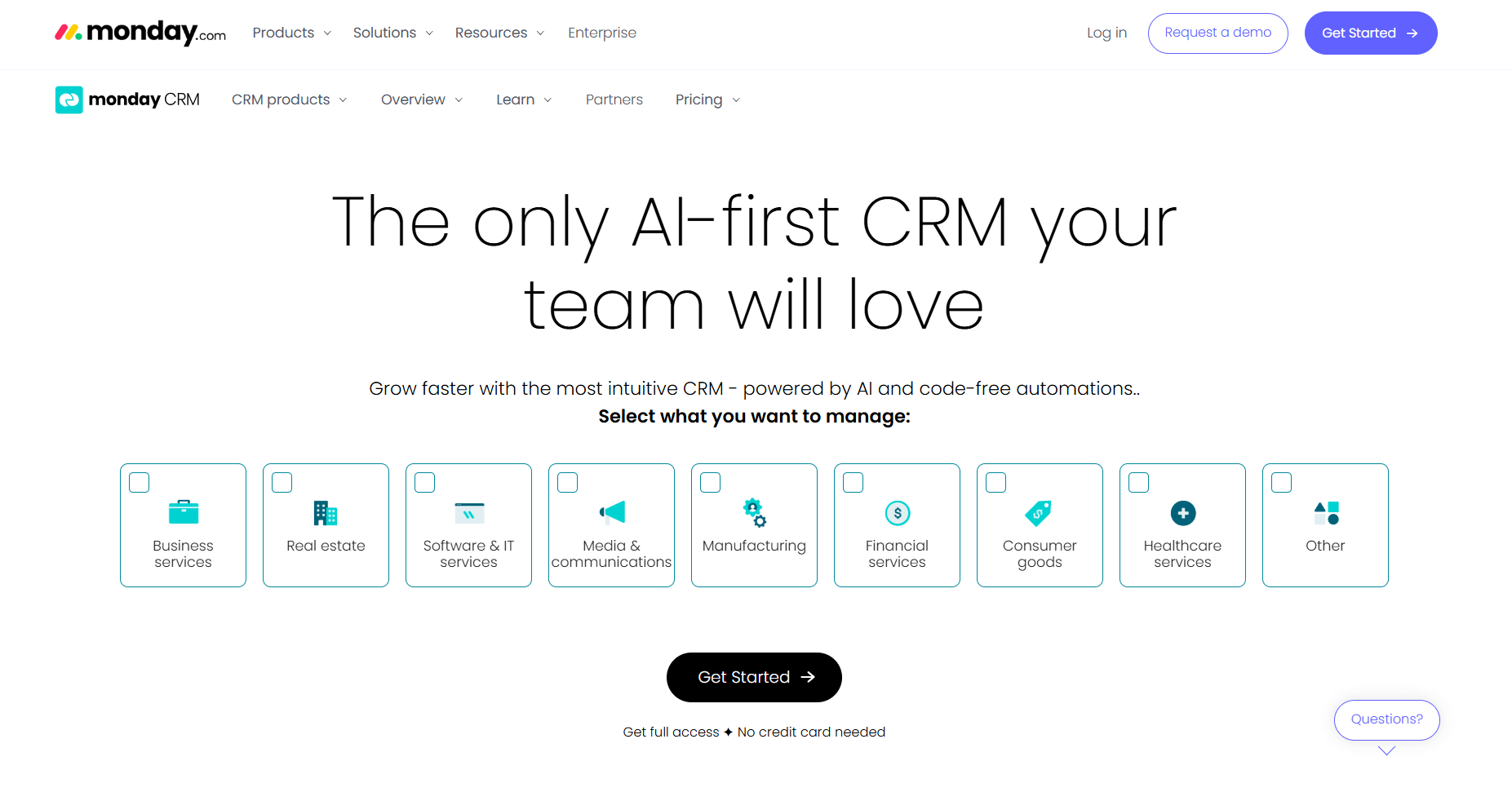
- What it does: monday CRM lets teams manage deals, quotes, and basic invoicing inside customizable boards.
- Who it’s for: Teams that want simple billing steps connected to a visual pipeline.
monday CRM gave me a clear view of how simple billing steps can sit inside a visual pipeline. Boards created a straight path from deal tracking to quoting and invoicing, and the layout made each stage easy to interpret without digging around. It keeps the workflow approachable for teams that think visually.
Automation added a helpful layer during my testing. Light rules nudged items forward and kept everything moving without constant oversight. It supports teams that want a structured process without a heavy setup phase.
Key features
- Board-based invoicing: Build billing steps into visual pipelines
- Simple automations: Trigger reminders and status changes
- Quotes and invoices app: Create documents from board items
Pros
- Clean visual layout
- Easy setup for simple workflows
- Flexible boards for different deal stages
Cons
- Limited support for advanced billing
- Requires structure to avoid clutter
Pricing
monday CRM starts at $12 per seat per month, with a minimum of 3 seats.
Bottom line
monday CRM is a good fit if you want a visual structure for quoting and invoicing without heavy setup. If you need deeper detail in your product lists or billing steps, Freshsales may feel more equipped for that workflow.
7. Agentforce Sales: Best for firms with structured quoting and approval flows
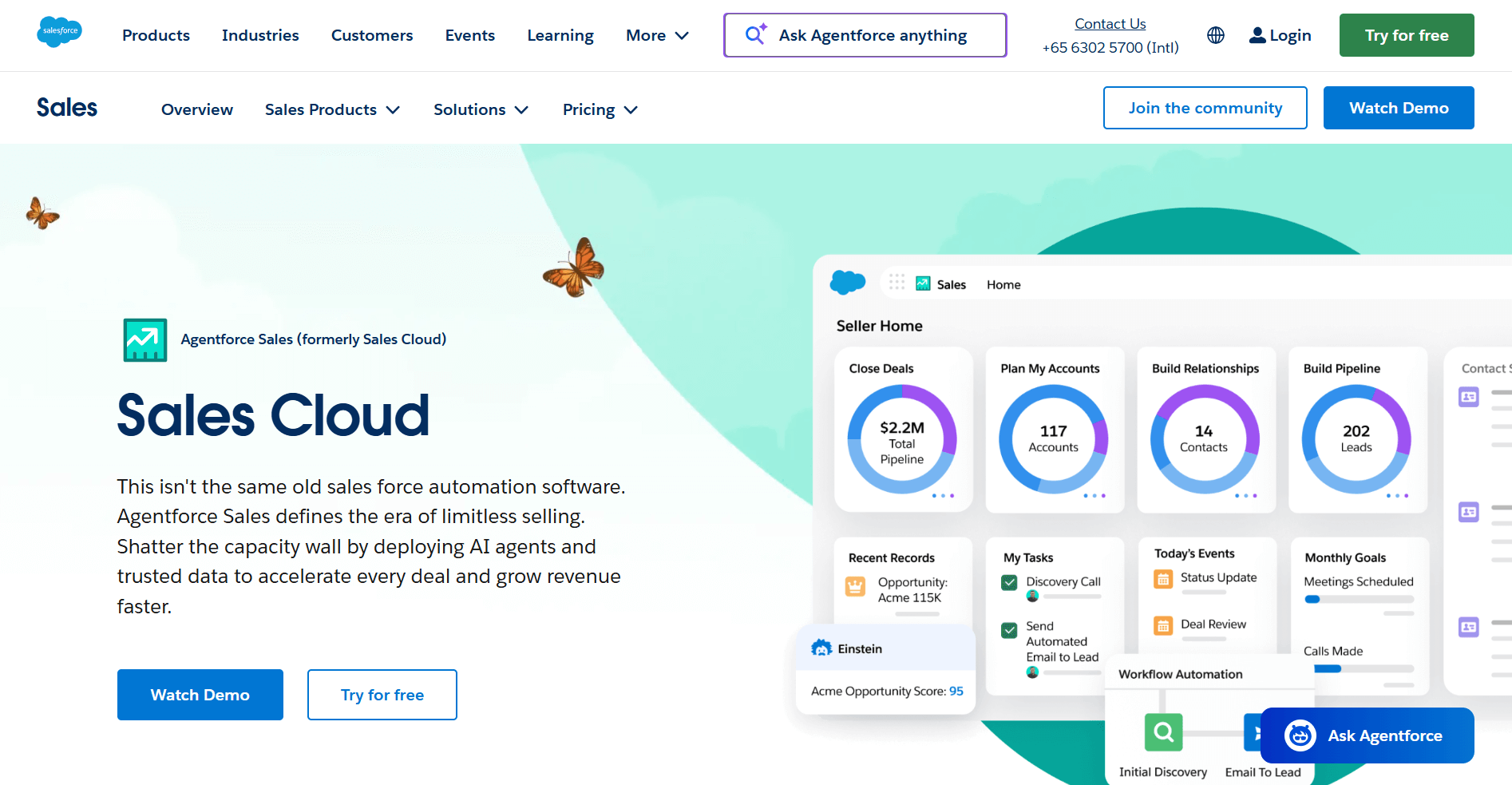
- What it does: Agentforce Sales supports detailed quoting, approvals, and invoicing inside a customizable CRM environment.
- Who it’s for: Teams with multi-step quoting and approval processes that need structure and control.
Agentforce Sales (from Salesforce) showed its strength when I tested multi-step quoting. The system handled approvals, pricing rules, and structured workflows in a way that felt intentional. Once I set the framework, the quoting-to-invoicing flow stayed steady across several tests, even when details shifted.
I’d say the control over each stage stood out, and larger teams or firms with layered pricing will appreciate how the system keeps everyone aligned. It takes time to configure, but once the structure is in place, the workflow supports complex sales cycles with far less risk of missed steps.
Key features
- Structured quoting: Build approvals and product rules
- Invoice generation: Create invoices from approved quotes
- Custom workflows: Shape steps for complex deal cycles
Pros
- Strong control over pricing and approvals
- Flexible for teams with layered processes
- Reliable workflow once configured
Cons
- Setup takes time
- Can feel heavy for simple sales cycles
Pricing
Agentforce Sales starts at $25 per user per month.
Bottom line
Agentforce Sales works well if your quoting process needs oversight and clear approval paths. If you're more focused on a simple pipeline that moves quickly from deal to invoice, Pipedrive may feel easier to use.
8. Freshsales: Best for small teams that want quick quoting from product lists
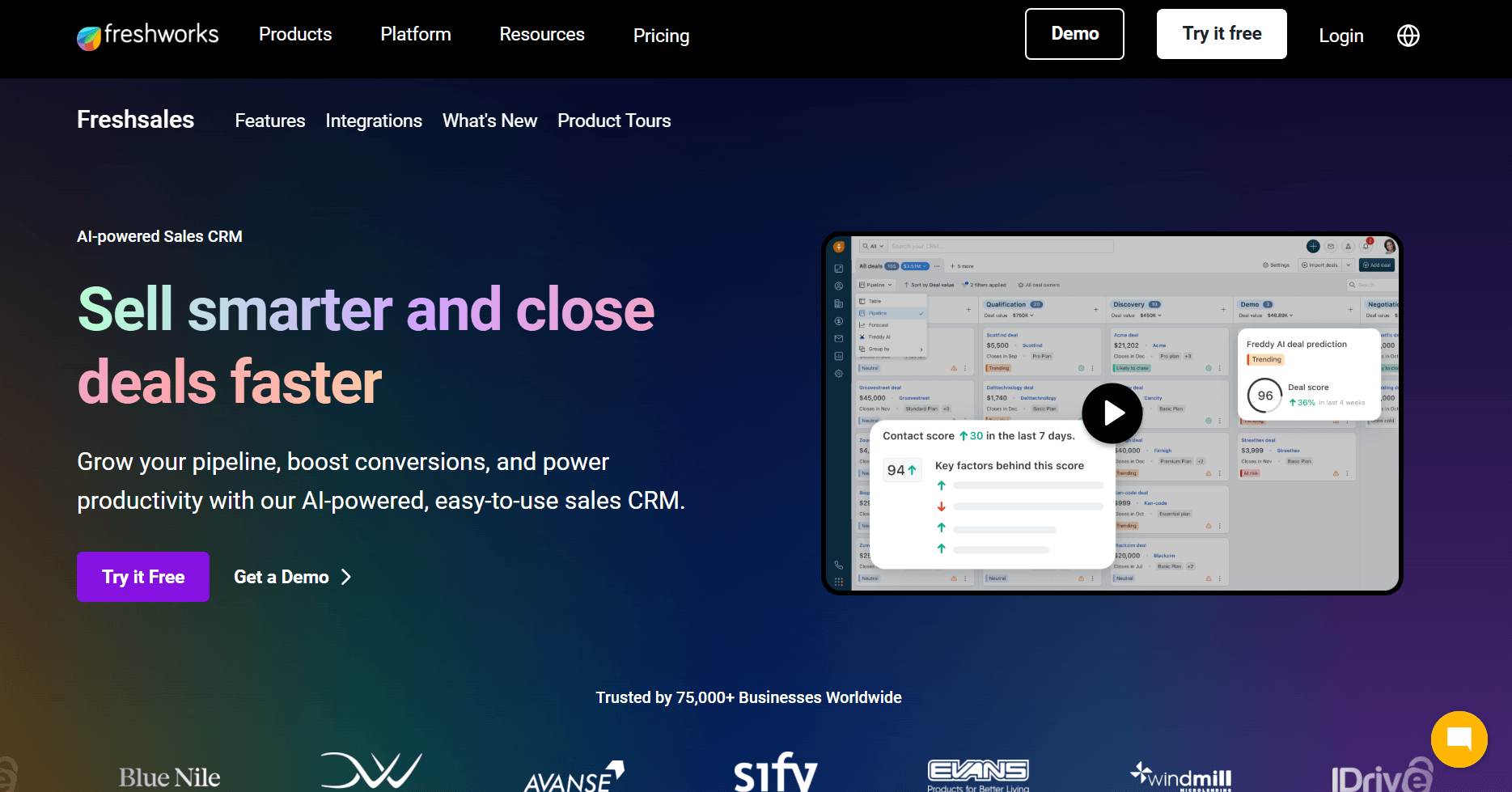
- What it does: Freshsales helps small teams manage leads, deals, and quick quoting using built-in product lists that connect to invoicing.
- Who it’s for: Teams that want fast quoting and lightweight invoicing in the same CRM.
Freshsales showed strong pacing during the quoting process. The product catalog kept information organized, so I could move from pricing to invoice creation without resetting details. The flow supports smaller teams that want reliable steps without extra system layers.
The interface also made activity easy to track. Deal information, quoting, and billing stayed close together, so context stayed intact throughout the process. It’s a practical setup for teams that value clarity over heavy customization.
Key features
- Product catalog: Build quotes from stored items
- Quote to invoice: Convert approved quotes quickly
- Lead and deal tracking: Keep activity in one place
Pros
- Easy for small teams
- Clean quoting flow
- Simple setup
Cons
- Limited flexibility for complex pricing
- Fewer automation options
Pricing
Freshsales starts at $9 per user per month.
Bottom line
Freshsales works well if you want quick quoting and lightweight invoicing inside one CRM. If your billing depends on payment collection or client follow-up, Keap may feel more aligned.
9. Keap: Best for small service businesses that invoice and collect payments in one place
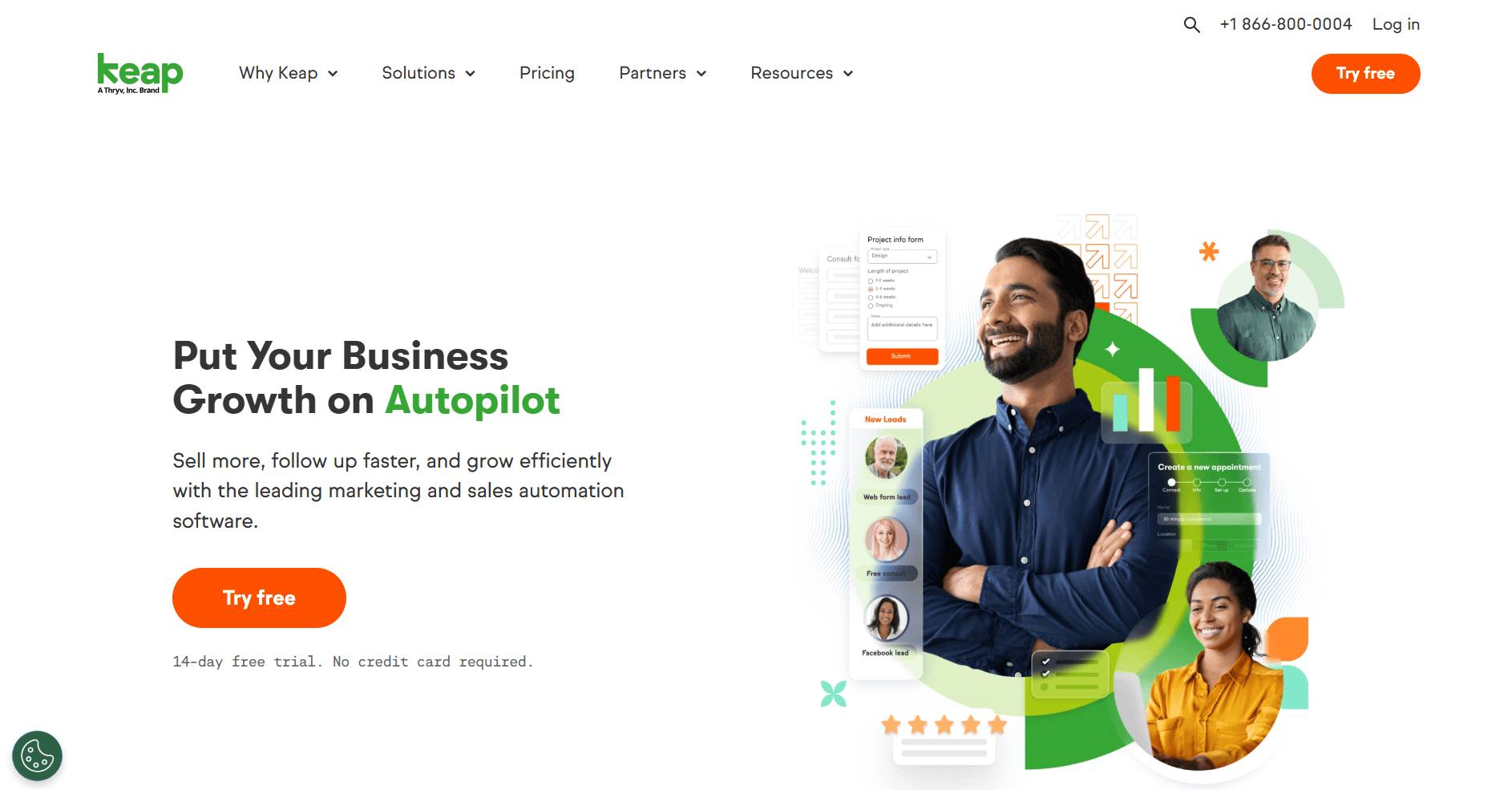
- What it does: Keap combines CRM tools, simple automation, invoicing, and payment collection in one system designed for small service businesses.
- Who it’s for: Teams that want a fast way to send invoices and collect payments without extra tools.
Keap stood out for how closely invoicing sits next to client communication. I could send an invoice, check whether it was viewed, and collect payment without leaving the CRM. The flow supports service teams that want fewer steps between work and payment.
Building basic automations made the workflow stronger. Reminders and follow-ups ran on their own once I set the rules, so I didn’t have to monitor each invoice manually. It’s a practical setup for teams that want billing and communication to follow the same track.
Key features
- Invoicing and payments: Send invoices and collect money in one place
- Simple automations: Trigger follow-ups and reminders
- Client activity tracking: View messages and billing together
Pros
- Easy for service providers
- Payments are built into the workflow
- Helpful reminders
Cons
- Higher price for small teams
- Not ideal for advanced quoting
Pricing
Keap starts at $299 per month for 2 users, billed monthly.
Bottom line
Keap fits teams that want invoicing and payment collection in one workflow. If you need stronger pipeline tools or deeper tracking across delivery, Assembly may feel more flexible.
How I tested these CRMs with invoicing
I’ve spent a lot of time testing and evaluating CRMs, and invoicing is usually the moment when a platform shows its true colors. A tool can look polished during setup, but the billing workflow exposes how it handles real client data, team habits, and the pressure to keep revenue moving. That’s the lens I used here.
For this roundup, I tested each CRM to see how well it supports the shift from client activity to paid work. I looked at how every system handles live records, how predictable the handoff to billing is, and where teams might lose clarity once deals turn into revenue tasks. CRMs behave differently when the data gets dense, so I also paid attention to the points where tools stay steady and where they introduce drag.
I also looked at:
- Invoicing flow: I checked how long it took to create and send an invoice from active deal or client data, and whether the steps stayed consistent across different scenarios.
- Quote to invoice behavior: I looked at how quotes carry into invoices and whether the system keeps pricing and line items aligned without more cleanup.
- Client context: I reviewed how each tool keeps notes, files, messages, and billing activity linked so teams do not lose visibility as accounts grow.
- Payment workflows: I evaluated how smoothly each platform collects payments and whether updates are registered in the CRM without manual steps.
- Setup effort: I checked how long it took to configure invoicing and whether smaller teams could adopt the workflow without blocking their day.
- Automation support: I tested how well reminders, recurring billing, and follow-up tasks run on their own once the rules are in place.
Which CRM with invoicing should you choose?
Every team handles quoting, delivery, and billing in its own way, so the right CRM depends on how you move work from client conversations to payment. Choose:
- Assembly if you want client records, delivery activity, and invoicing in one portal supported by an AI assistant.
- Pipedrive if you manage a fast sales pipeline and want billing to follow the same stages as your deals.
- Zoho CRM if you prefer a customizable system that adapts to your quoting and invoicing rules.
- HubSpot CRM if you already manage sales or marketing in HubSpot and want simple invoicing inside the same hub.
- Bitrix24 if you bill clients in several regions and need strong multi-currency support.
- monday CRM if you want quoting and invoicing inside a visual board that tracks every stage of your pipeline.
- Agentforce Sales if your quoting process depends on structured approvals and detailed pricing controls.
- Freshsales if you rely on product lists and want a quick way to move from pricing to invoicing.
- Keap if your priority is sending invoices and collecting payments in one workflow without extra tools.
My final verdict
In my testing, I found that Pipedrive and HubSpot CRM focus on fast sales cycles, while Zoho CRM and Agentforce Sales lean toward structured quoting. monday CRM and Freshsales support lighter billing needs that stay close to simple pipelines. These patterns became clear once I compared how each system handles the steps between quoting and invoicing.
Assembly takes a different angle because billing sits inside the same space as delivery. You see the work, the conversation, and the invoice together, and I’ve found that this keeps teams aligned without extra steps. The AI assistant adds helpful context before you act, so important details stay in view. This structure supports teams that want the full client cycle connected in one place.
Ready to try Assembly? Start here
Choosing a CRM with invoicing is only part of the workflow. Most platforms handle quoting and payments, but they still leave gaps that slow your team once delivery begins. You’ll still move between tools, rebuild context, and track updates across separate systems.
Assembly is branded client portal software for service firms that need one place to manage intake, communication, billing, files, and delivery. It works alongside your CRM or replaces it when you want client work and invoicing connected in the same record from the start.
Here’s what you can do with Assembly:
- See the full client record: Notes, files, payments, and messages stay in one organized space. You’ll spend less time switching platforms because the key details are already collected for you.
- Prep faster for meetings: The AI Assistant summarizes recent client activity and communication, helping you walk into calls with a clear picture of what’s been discussed and what’s outstanding.
- Stay ahead of clients: Highlight patterns that may show churn risk or upsell potential, making outreach more timely and relevant.
- Cut down on admin: Automate repetitive jobs like reminders, status updates, or follow-up drafts that used to take hours. The Assistant handles the busywork so your team can focus on clients.
Ready to simplify how your firm manages client work? Start your free Assembly trial today.