



CoordinateHQ supports project coordination, but it doesn't include native invoicing, CRM tools, or branded client portals. I tested dozens of platforms, and here are the 10 best CoordinateHQ alternatives in 2026.
10 best CoordinateHQ alternatives: At a glance
CoordinateHQ works for simple task tracking, but you might need stronger client portals, better financial tools, or deeper project views. Here's how the top alternatives compare:
| Tool | Best for | Annual price | Strengths |
|---|---|---|---|
| Assembly | Service businesses building branded client experiences | $29/month | Branded client portals plus CRM with billing, secure messaging, file sharing, and an AI assistant |
| Notion | Teams managing knowledge bases alongside project work | $10/member/month | Custom databases, wikis, flexible pages, and real-time collaboration tools |
| ClickUp | Teams that need customizable task views | $7/user/month | Multiple project views, time tracking, goal setting, and automation builder |
| Asana | Teams coordinating work across departments | $10.99/user/month | Task dependencies, timeline views, portfolio tracking, and workflow automation |
| Bonsai | Freelancers handling contracts and invoicing | $9/user/month | Proposals, contracts, time tracking, expense tracking, and client billing |
| SuiteDash | Agencies wanting white-label client portals | $180/year | Custom portals, CRM tools, project tracking, invoicing, and workflow automation |
| Basecamp | Small teams running simple projects | $15/user/month, billed monthly | Message boards, to-do lists, file storage, schedules, and group chat |
| Clinked | Firms prioritizing secure file sharing | $239/month | Branded portals, granular permissions, file versioning, and discussion threads |
| monday.com | Teams building custom workflows | $12/seat/month | Visual boards, workflow automation, dashboard widgets, and integrations |
| Airtable | Teams organizing data with spreadsheet flexibility | $20/seat/month | Database views, linked records, forms, and workflow automation |
Why I looked for CoordinateHQ alternatives
CoordinateHQ offers straightforward task management, but gaps across billing, branding, and collaboration pushed me to test other options. After trying it myself and digging into user feedback, here are the common reasons teams start looking elsewhere:
- Lacking financial and client management tools: CoordinateHQ doesn’t offer native invoicing or payment processing, so you still need external tools to send invoices, handle taxes, and collect payments. It also doesn’t include a full CRM for leads and pipelines, which means most teams need to pair it with another tool to manage sales and client communication history in one place.
- Limited file collaboration: Structured file feedback and approval workflows aren’t built into CoordinateHQ. Clients can't leave comments directly on files or mark up deliverables, and I often had to move conversations about specific assets to email or other tools. This made feedback harder to track.
- Shallow branding options: CoordinateHQ offers white-label branding, but the customization depth is limited compared to what many agencies want. Features like custom domains, fully branded emails, and deeper portal theme customization often require workarounds or additional tools.
- Automation stays surface-level: CoordinateHQ includes automation templates and workflows, but I found the capabilities feel limited compared to platforms built around complex automation. If you’re running multi-step processes or large volumes of tasks, you may hit the ceiling on triggers, conditions, and actions pretty quickly.
- Narrow collaboration scope: The platform focuses on client-facing project management, which works well for external coordination but leaves internal teams without essential tools. Features like whiteboards, Gantt charts, resource allocation views, and real-time document editing aren't part of the system.
1. Assembly: Best for service businesses building branded client experiences
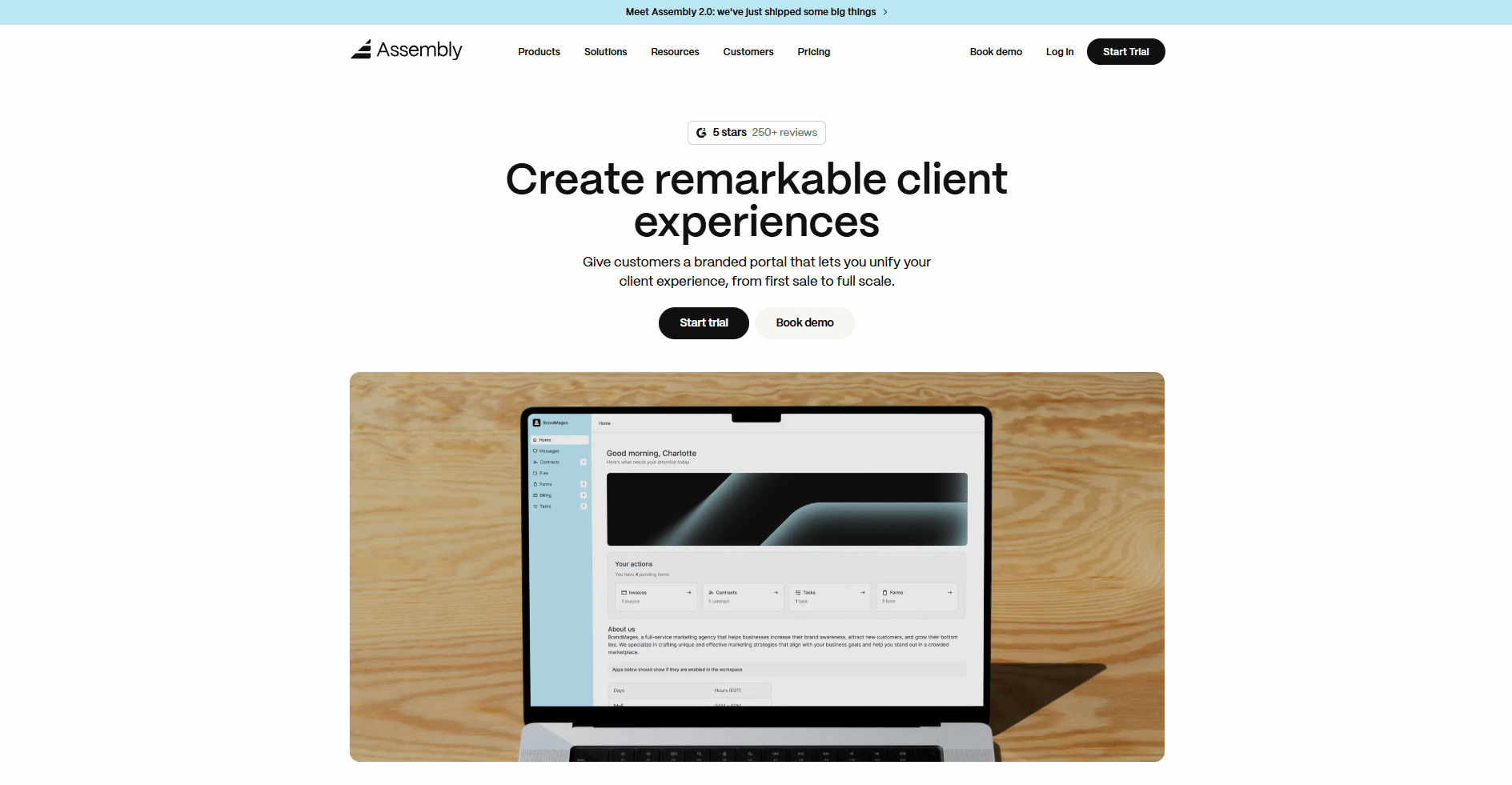
Assembly is a client portal platform that combines CRM, project tracking, and billing for service businesses. We built it to give teams a single workspace for managing client relationships from onboarding through project delivery and payment.
You can configure client portals with the apps each relationship needs. For example, the Messages App supports secure communication, the Billing App processes invoices and payments, and the Contracts App handles agreements. This keeps the client portal focused and easier to navigate.
Client records store contact details, company data, and relationship history so your team doesn't lose context when switching between accounts. Behind the scenes, you can use custom fields, tags, and internal chat to organize information and coordinate work before sharing updates with clients.
As your client list grows, the AI Assembly Assistant helps you keep track of active client relationships. It analyzes workspace data to draft responses based on past conversations, summarizes activity, and surfaces client context before meetings.
Assembly also connects to Airtable, ClickUp, Calendly, Zapier, and other tools to sync data across your workflows without constant manual updates.
Why it beats CoordinateHQ
- CRM features for client tracking: Organize contacts, companies, and relationship data with custom fields and tags so your team can reference client history across projects.
- Native invoicing and payment processing: Create invoices with line items and tax rates, send them directly to clients, and accept payments through integrated processors.
- Branded client portals with custom domains: Deploy white-labeled workspaces under your domain where clients access files, invoices, messages, and project updates in a portal that reflects your brand.
- Modular app system for flexible workflows: Turn on only the apps each client needs so they see a clean interface focused on their specific engagement without unused features cluttering the view.
- File sharing with permissions controls: Upload documents with granular access settings and control what clients can view or download across different project stages.
Pros
- Client communication, project files, and billing stay connected to individual accounts instead of being scattered across disconnected platforms
- Team members can use internal chat and notes to coordinate delivery work while keeping backend coordination invisible to clients
- Multiple client portals can run with different app configurations and branding to support varied service offerings
Cons
- Task management centers on lists and assignments instead of timeline views, dependencies, or capacity planning across team members
- Reporting focuses on client activity and invoice status instead of financial forecasting or resource utilization metrics
Pricing
Assembly has a free plan, and paid plans start at $29 per month billed annually.
Bottom line
Assembly gives you a CRM, client portal, and billing system in one platform, reducing the need for separate tools. If you need deeper automation workflows with multi-step triggers and conditions, monday.com might be a better fit.
2. Notion: Best for teams managing knowledge bases alongside project work
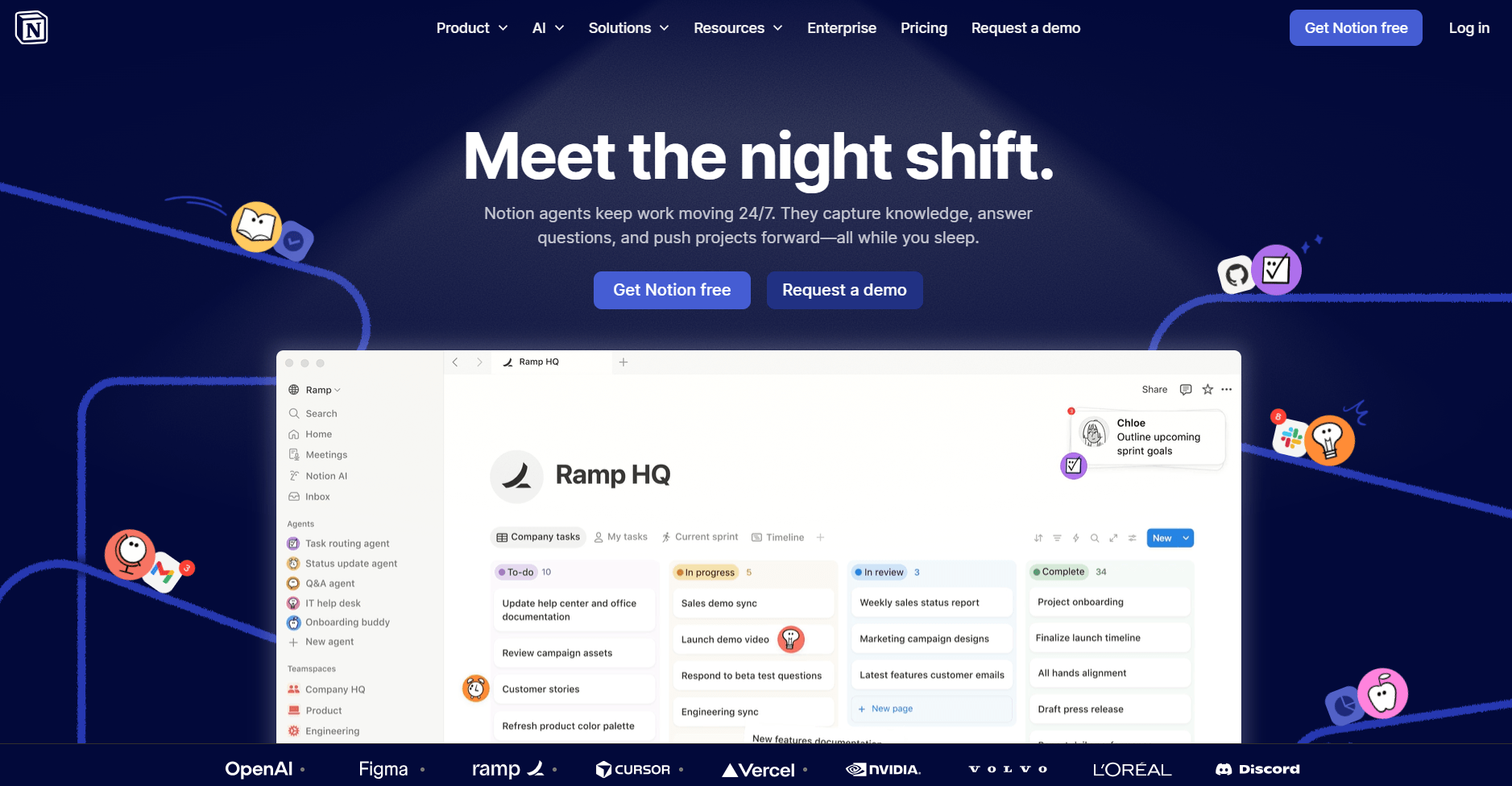
Notion is a workspace tool that helps teams organize documentation, projects, and internal knowledge in one place. I set up mock project wikis and linked databases to test how different content types connect, and the ability to view the same data in different formats helped me see information from multiple angles.
Building pages with embedded databases let me create project hubs where tasks, notes, and reference docs lived together. I linked database entries across views so changes in one place could update linked views elsewhere, which kept related projects in sync.
The learning curve shows up once you start nesting pages and linking databases. You'll spend time figuring out how to structure your workspace before it becomes useful, and teams without a clear system can end up with scattered content.
Why it beats CoordinateHQ
- Flexible page structure with embedded databases: Combine text, tables, board views, and galleries on custom project pages.
- Wiki-style documentation with linking: Connect pages to each other to build interconnected knowledge bases.
- Database views with filters and sorting: Display data as tables, boards, calendars, or galleries with filtering by status, assignee, or deadline.
Pros
- Templates speed up page creation for recurring project types or documentation structures you use repeatedly
- Real-time collaboration lets multiple team members edit the same page simultaneously with changes appearing as they happen
- Linked databases and relations help your team connect related information across pages and views, so updates stay easier to track.
Cons
- Client-facing features are more limited because the platform is built more for internal team collaboration than for structured client portals
- Large databases and pages with several embedded views can feel slower to navigate
Pricing
Notion starts at $10 per member per month.
Bottom line
Notion works well when your team wants documentation and project tracking in the same flexible workspace. If you need native invoicing and client portals with billing features, Assembly might be a better fit.
3. ClickUp: Best for teams that need customizable task views
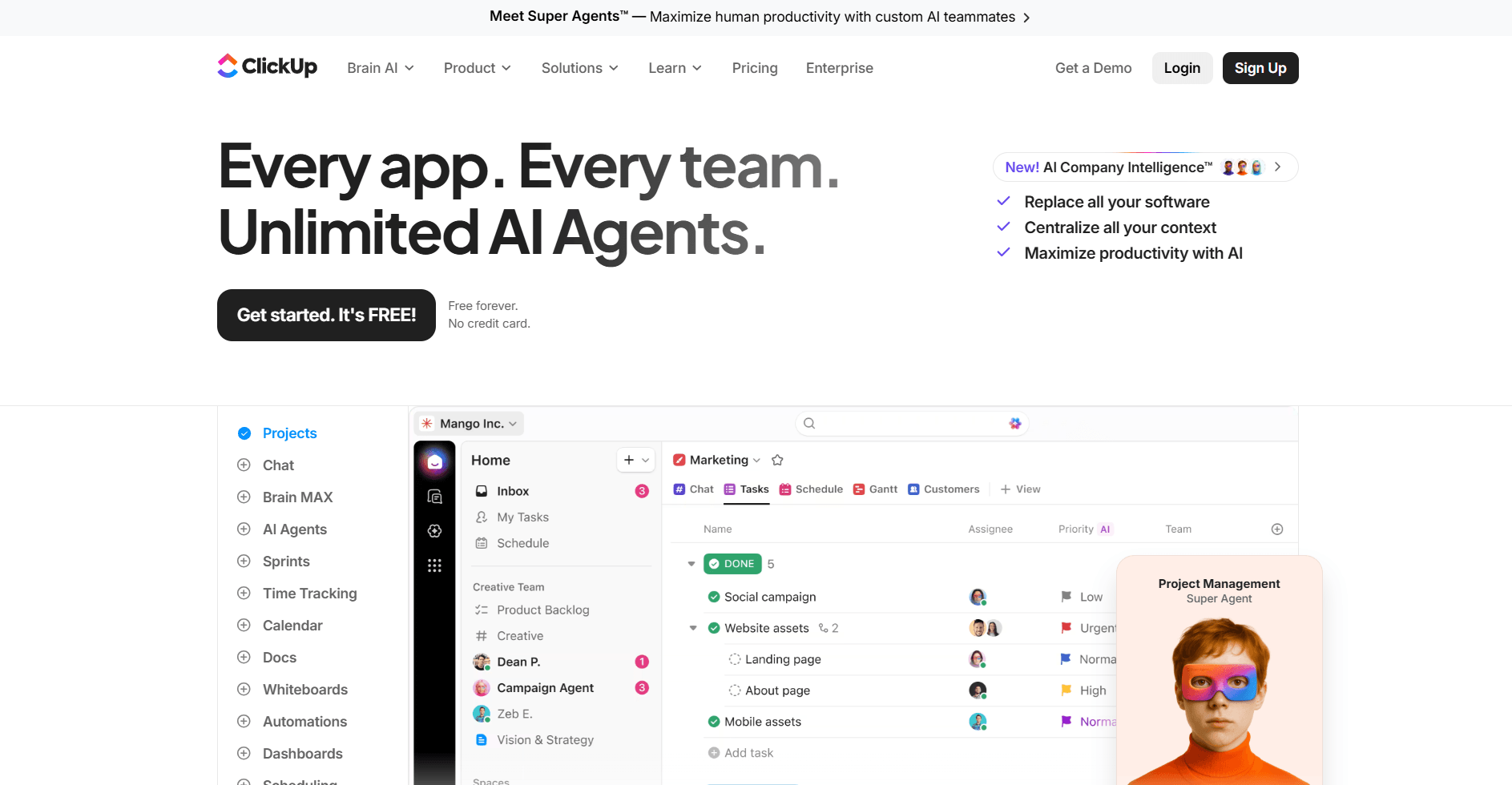
ClickUp is a work management platform that helps teams organize tasks, projects, and workflows in one place. I built sample projects with spaces, folders, and task lists to test how the customization works. The platform gave me control over statuses, priority levels, and fields, which let me define what information to track for each project type.
I switched between list, board, calendar, and timeline views to see how the same tasks appeared in different formats. The flexibility worked well once I understood how everything connected, but getting to that point took time.
Navigation and setup require patience because so much is customizable. You'll make decisions about workspace structure, custom fields, and automation rules before the platform becomes efficient for daily use.
Why it beats CoordinateHQ
- Multiple task views with customizable hierarchies: Organize work with spaces, folders, lists, and subtasks, then view work as boards, calendars, Gantt charts, or timelines.
- Built-in time tracking with estimates: Log time on tasks and set time estimates for planned work.
- Goal tracking with measurable targets: Set numeric targets or task completion percentages and connect them to specific tasks.
Pros
- Automation builder handles recurring actions like status changes, task assignments, and due date adjustments based on triggers you define
- Docs feature lets you create project documentation and link it directly to tasks inside the same workspace
- Custom fields support different data types like dropdowns, numbers, dates, and checkboxes for tracking project-specific information
Cons
- Feature density makes the interface feel cluttered when navigating between different tools and view types
- Initial setup takes planning because you need to map out your workspace structure and fields before the platform feels easy to use
Pricing
ClickUp starts at $7 per user per month.
Bottom line
ClickUp's customization lets you build task structures and workflows that match how your team operates. If you need straightforward task management with strong timeline and portfolio views, Asana might be a better fit.
4. Asana: Best for teams coordinating work across departments
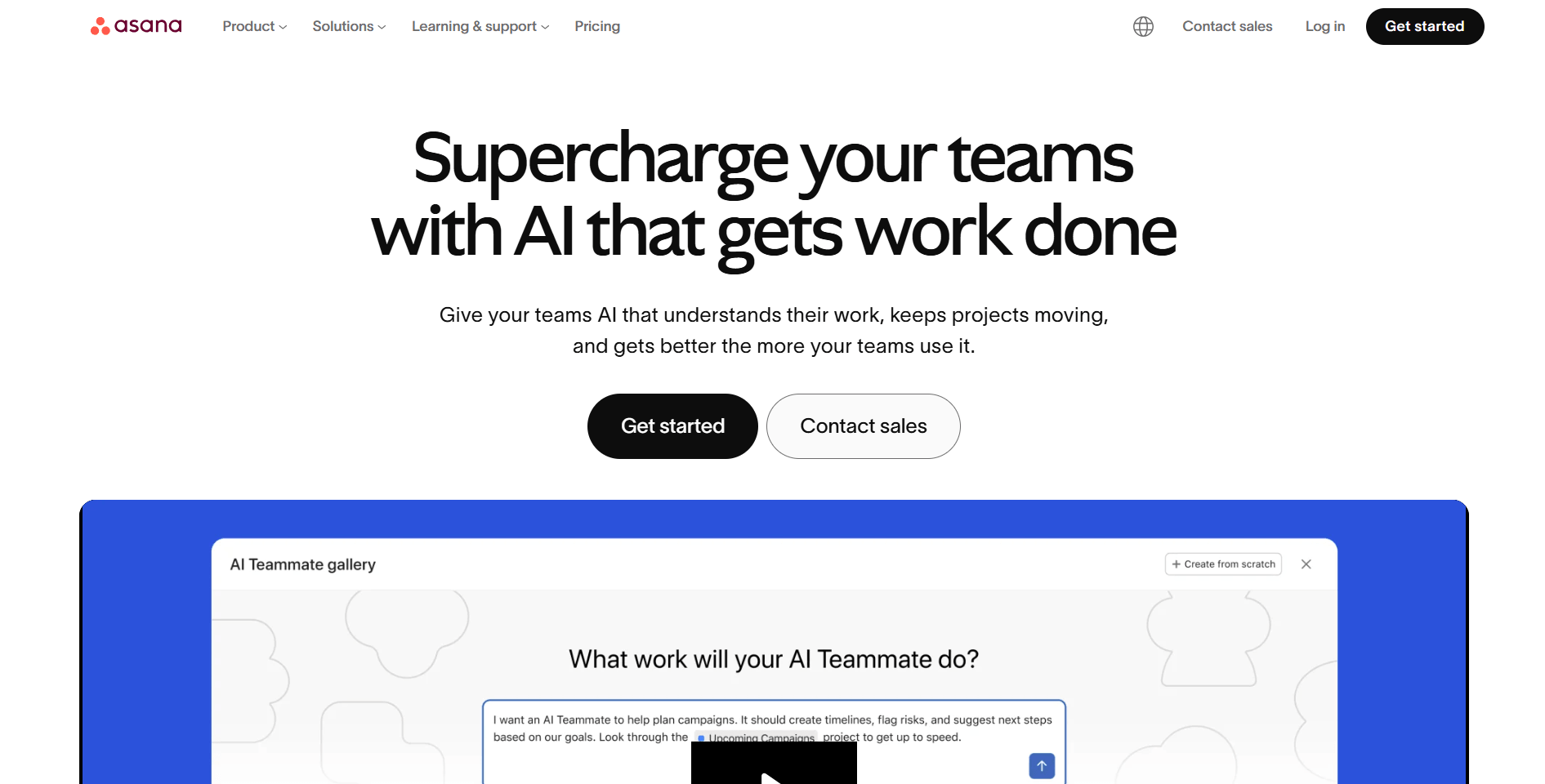
Asana is a project management platform that helps teams plan, track, and coordinate work across multiple projects.
I built multi-project setups with task assignments and dependencies to see how the structure handles complex workflows. The timeline view made it easier to see scheduling conflicts when deadlines changed. Linking tasks with dependencies means that when one deadline moves, related tasks shift automatically instead of requiring manual updates.
One limitation is that Asana lacks native financial features. The platform doesn't include built-in invoicing or budget management, and teams that need time tracking for billable work will need integrations or external tools.
Why it beats CoordinateHQ
- Task dependencies with automatic date adjustments: Link tasks so changing one deadline can automatically update dependent tasks based on the relationship you set.
- Portfolio view for multi-project tracking: Group multiple projects together to track progress, status, and key milestones across all client work from one screen.
- Workflow automation with forms and rules: Set up intake forms that create tasks automatically and build rules that trigger actions based on status changes or due dates.
Pros
- Timeline and Gantt views display project schedules so you can see task duration and overlaps across your team’s work
- Goals feature connects high-level objectives to specific work and tracks progress toward broader targets
- Workload view shows task distribution across team members to help identify who's overbooked or has capacity
Cons
- Financial workflows require third-party integrations since the platform doesn't include native invoicing or expense tracking
- Advanced features like portfolios and workload management are locked to higher-tier plans
Pricing
Asana starts at $10.99 per user per month.
Bottom line
Asana handles task clarity and cross-team coordination well when dependencies and timelines matter most. If you need extensive task customization with built-in time tracking and goal setting, ClickUp might be a better fit.
5. Bonsai: Best for freelancers handling contracts and invoicing
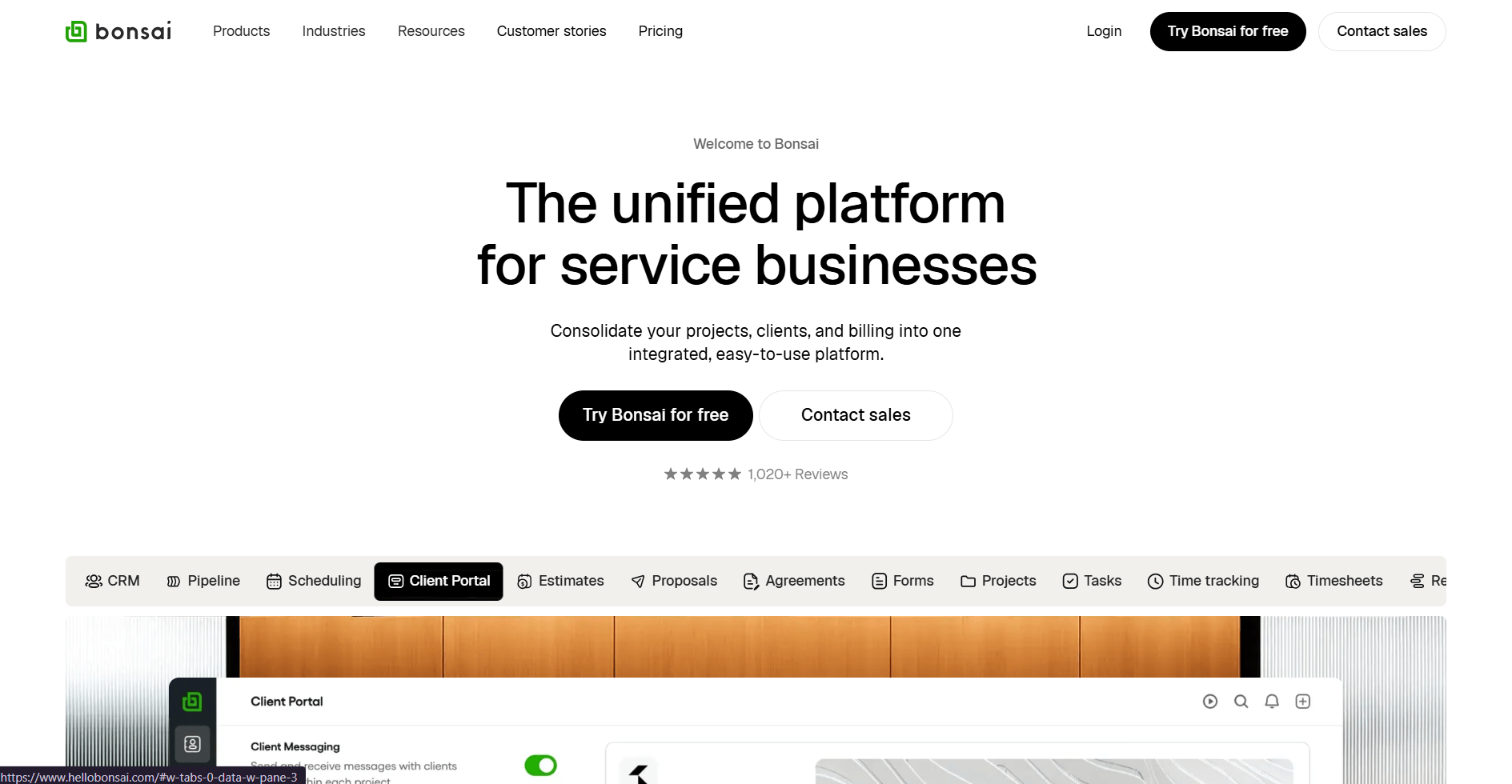
Bonsai is a business management platform that combines proposals, contracts, time tracking, and invoicing for freelancers and small teams. I tested the proposal-to-contract workflow to see how it handles client onboarding, and the process moves from pitch to payment in one system.
The proposal builder let me add pricing options and scope details that mock clients could review and accept. Once the client accepted the proposal, it converted into a signed contract, and time tracking fed directly into invoices based on logged hours or fixed fees.
Team collaboration features are limited compared to platforms built for agencies. You can add team members and assign tasks, though deeper permission controls and workload planning are tied to higher-tier plans.
Why it beats CoordinateHQ
- Proposal and contract workflow: Create branded proposals with pricing options that convert directly into signed contracts once clients accept.
- Time tracking with invoice integration: Log billable hours on projects and generate invoices that pull from tracked time or fixed-fee agreements.
- Expense tracking with receipt capture: Record project expenses, upload receipts, and include costs in client invoices for reimbursement.
Pros
- Client portal gives clients access to view contracts, invoices, and project files in one place they can log into anytime
- Automated payment reminders send follow-ups to clients with overdue invoices based on schedules you configure
- Tax tracking helps categorize income and expenses so self-employed users can stay more organized at tax time
Cons
- Project management is lighter on dependencies and timeline planning than dedicated project management tools
- Team features like roles and permissions are tied to higher-tier plans, limiting collaboration options on lower plans
Pricing
Bonsai starts at $9 per user per month.
Bottom line
Bonsai works well for freelancers who need contracts, time tracking, and invoicing in one platform. If you need white-label client portals with deeper customization, SuiteDash might be a better fit.
6. SuiteDash: Best for agencies wanting white-label client portals
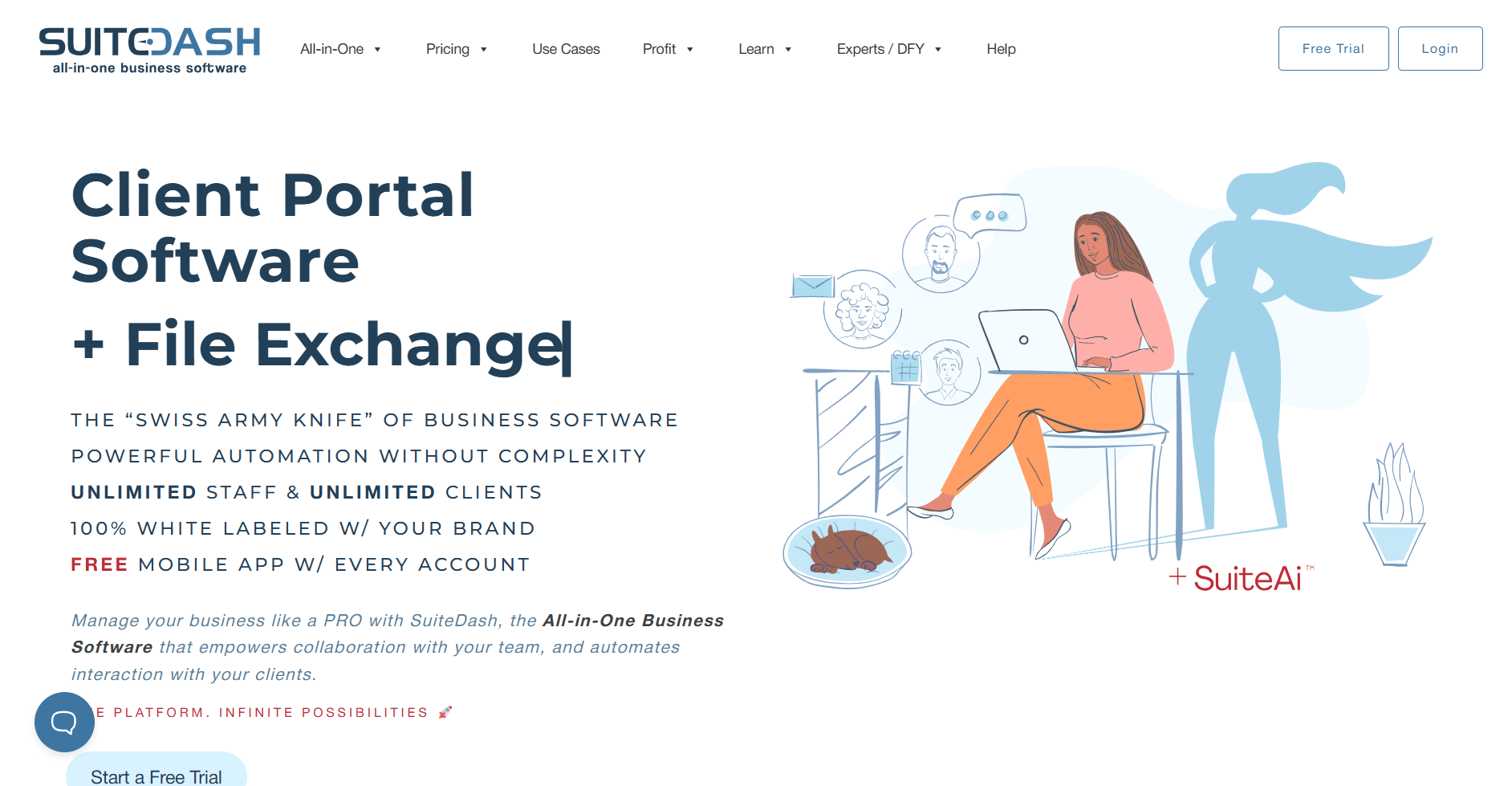
SuiteDash is a client portal platform that combines CRM, project management, and white-label customization. I configured portals for different mock clients to evaluate the branding flexibility, and each portal can have unique colors, logos, and app visibility based on client type.
I tested how the CRM tracks contacts through deal pipelines and how project tools organize tasks and files. Many tools connect inside the client portal, so clients can see deals, tasks, and files in one branded workspace.
Configuring SuiteDash takes time because you'll make decisions about portal structures, CRM settings, and billing setups before you can launch. Teams wanting quick implementation may find the customization requirements demanding.
Why it beats CoordinateHQ
- White-label portals with custom domains: Remove SuiteDash branding and host client portals on your own domain with extensive visual customization.
- Built-in learning management system: Create courses, training materials, and digital content that clients can access directly within their portal workspace.
- CRM with deal pipelines and automation: Track prospects through custom sales pipelines and set up workflow automations based on contact actions and status changes.
Pros
- File storage and project tools keep client deliverables organized within dedicated portal spaces tied to each client
- Invoicing and payment processing integrate with portal access, so clients handle billing in the same workspace
- Multiple portal configurations let you build different experiences for different client types with unique branding and app selections
Cons
- Learning curve is steep compared to simpler client management platforms due to the number of customization options
- Initial configuration requires planning portal structures, permission levels, and automation workflows before you can start using the platform
Pricing
SuiteDash starts at $180 per year.
Bottom line
SuiteDash gives you control over portal customization when you need different configurations for different client types. If you need simpler project coordination with visual boards and automation, monday.com might be a better fit.
7. Basecamp: Best for small teams running simple projects
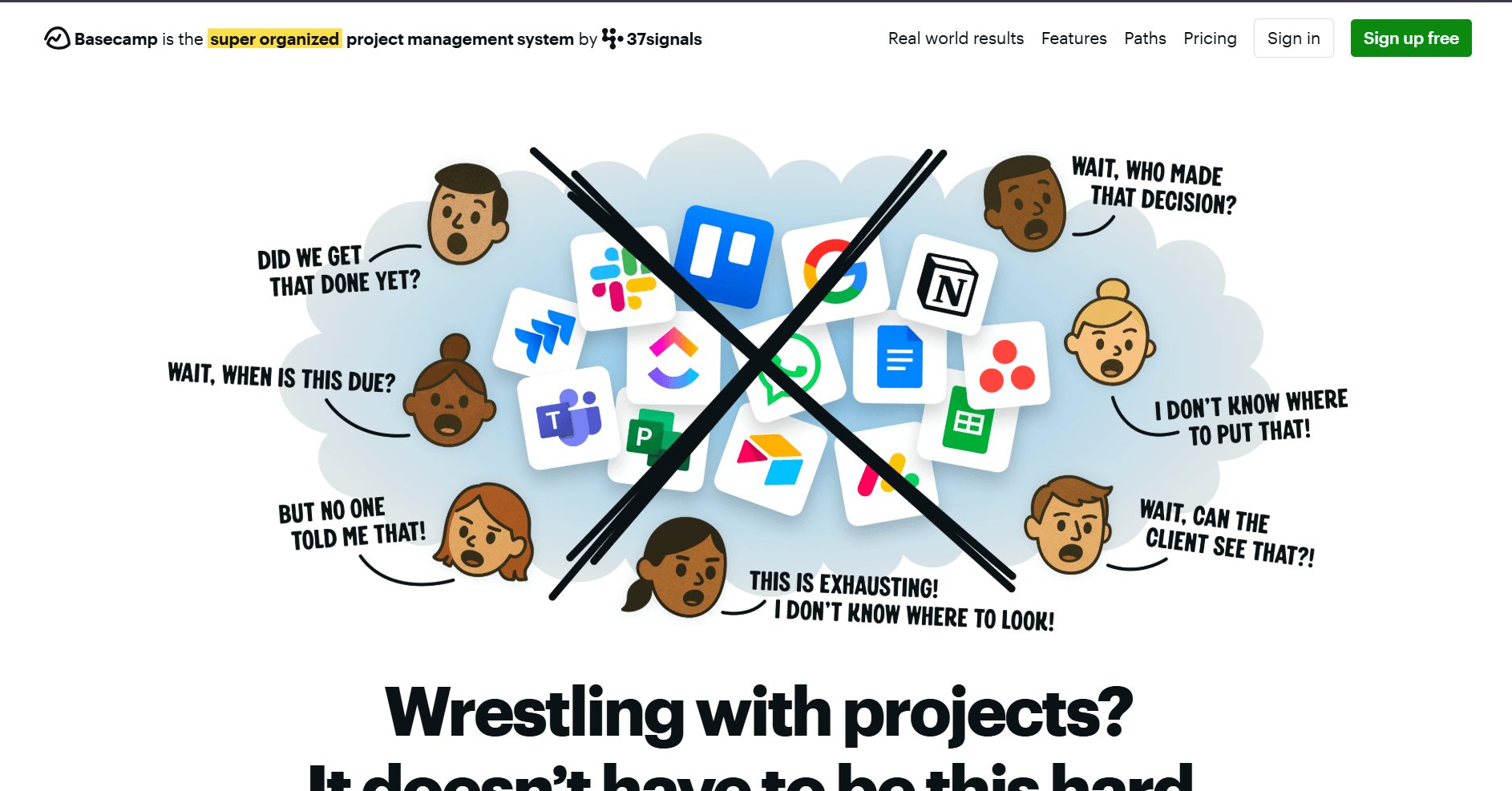
Basecamp is a project management platform built around message boards, to-do lists, and file storage. I set up mock projects to test how the interface handles task organization and found the simplicity works well for teams that don't need complex workflows or dependencies.
The platform focuses primarily on internal team coordination. Projects keep discussions, tasks, and files in one place, which makes it easy for teams to stay aligned. However, it doesn’t include dedicated client portals or tools designed for client-facing work.
Basecamp also lacks financial features and advanced project views. You won't find built-in invoicing, native time tracking for billable work, or timeline views like Gantt charts, so teams that need those capabilities will need to connect external tools.
Why it beats CoordinateHQ
- Message boards for project discussions: Organize team conversations by topic with threaded discussions that replace email chains.
- Automatic check-ins with scheduled questions: Set recurring questions that prompt team members to share updates on a regular schedule.
- Hill charts for progress visualization: Track project momentum using visual charts that show whether work is climbing uphill or coasting downhill.
Pros
- Group chat and direct messaging keep real-time communication separate from project discussions stored on message boards
- Client access lets you invite clients to specific projects where they can view updates and join discussions
- File storage organizes documents by project, with commenting and activity tracking for team collaboration
Cons
- Task management stays basic with simple to-do lists instead of dependencies, priorities, or workload views
- Reporting features are limited compared to platforms that offer detailed analytics on project performance and team activity
Pricing
Basecamp starts at $15 per user per month, billed monthly.
Bottom line
Basecamp keeps project communication and task lists simple for small teams that don't need complex workflows. If you need secure file sharing with branded portals and granular permissions, Clinked might be a better fit.
8. Clinked: Best for firms prioritizing secure file sharing
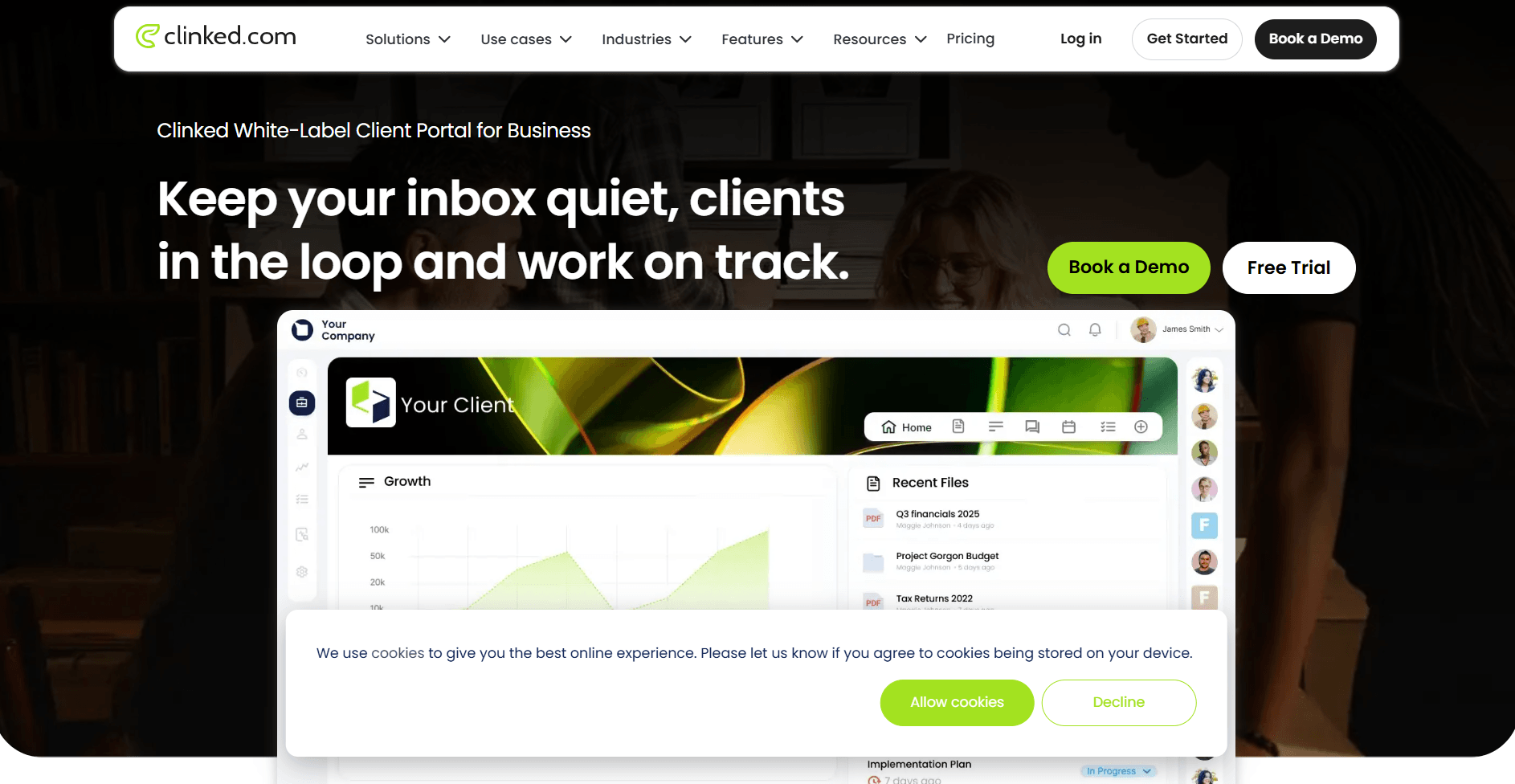
Clinked is a client portal platform focused on secure file sharing with branded workspaces and granular permissions. I configured portals to test the access controls and file management features, and the permission system gives you detailed control over who can view, download, or edit specific files.
I tested how file version history tracks changes to documents over time, and it made it easy to see who updated what and when without hunting through email threads.
Clinked focuses on file collaboration rather than full project delivery. You can create task lists and assign work, but you won't find dependencies, timeline views, or resource planning tools that teams need for complex project coordination.
Why it beats CoordinateHQ
- Granular file permissions with role-based access: Control who can view, download, edit, or share specific files and folders with detailed permission settings per user or group.
- File version history with activity tracking: Track document changes over time and see who made updates with timestamps and version history.
- Discussion threads organized by topic: Keep file-related conversations grouped by subject with threaded discussions that stay connected to relevant documents.
Pros
- Branded portals let you customize the login page, colors, and domain so clients access files in a workspace that reflects your brand
- Client groups organize multiple contacts under one company account with shared access to relevant files and discussions
- Mobile apps let clients and team members access files and conversations from iOS and Android devices
Cons
- Project management features center on basic task lists instead of timelines, dependencies, or workload views
- Collaboration tools focus on file comments and discussions rather than real-time document editing or co-authoring
Pricing
Clinked starts at $239 per month.
Bottom line
Clinked handles secure file sharing and client document access well when permissions and version control matter most. If you need built-in invoicing and time tracking alongside project management, Bonsai might be a better fit.
9. monday.com: Best for teams building custom workflows
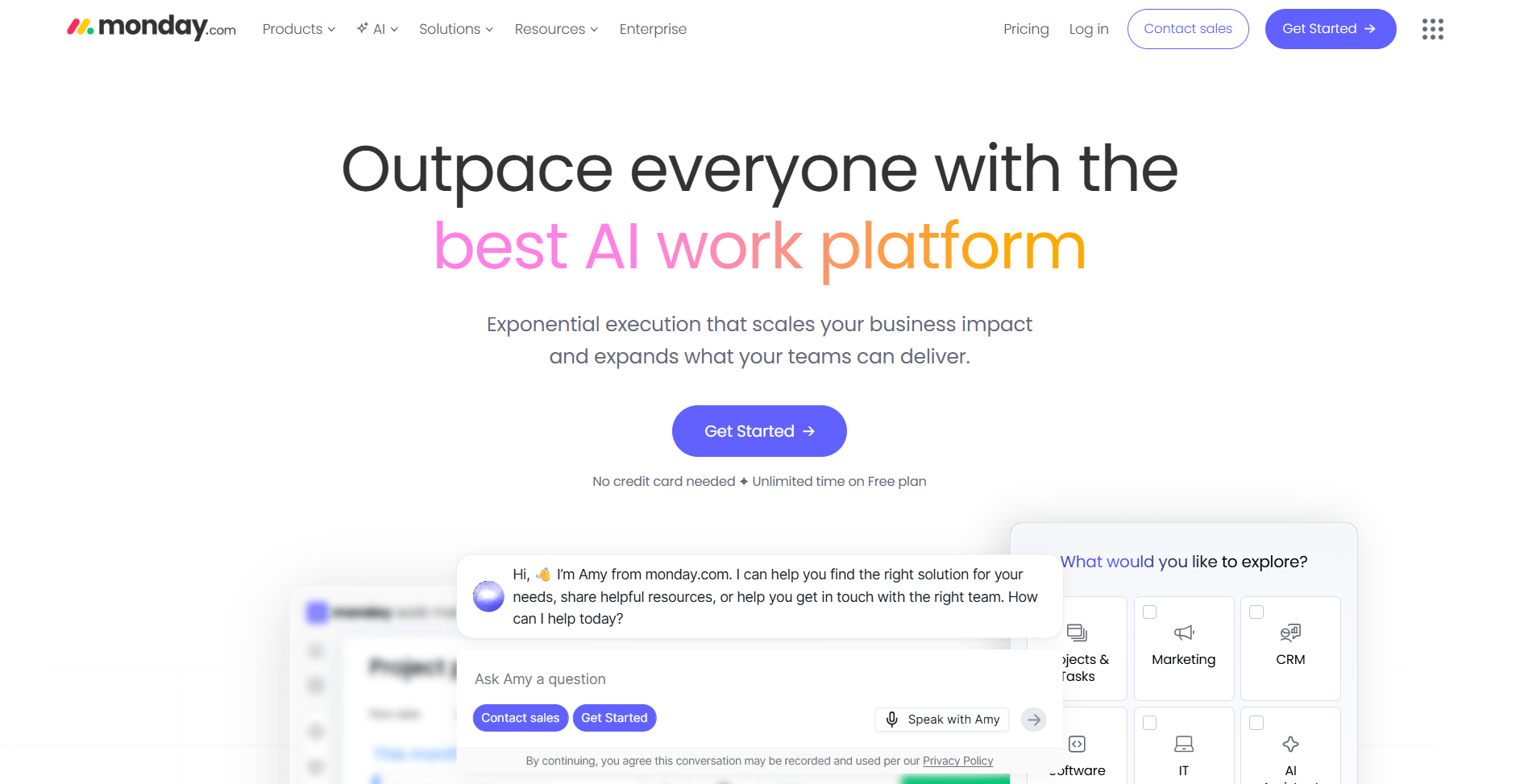
monday.com is a work management platform built around visual boards you can configure for different processes. I built boards for project tracking and task management to test the customization options. The flexibility lets you design workflows that match how your team operates instead of relying on preset templates.
I also set up custom columns for status tracking, timeline views, and dependencies to see how the board structure handles different project types. The automation builder lets you create rules based on triggers and conditions, which helped reduce manual status updates and task assignments.
The downside is that board maintenance requires ongoing attention. As your workflows change or team needs evolve, you'll need someone to manage board configurations and automation rules to keep everything organized and functional.
Why it beats CoordinateHQ
- Customizable board structures with multiple views: Build boards with custom columns and data types, then switch between kanban, timeline, calendar, and chart views.
- Automation builder with conditional logic: Create triggered actions based on status changes, dates, or custom field values to reduce repetitive manual work.
- Dashboard widgets for consolidated reporting: Pull data from multiple boards into dashboard views that show project status and metrics across your portfolio.
Pros
- Integrations connect to tools like Slack, Gmail, and Zoom so updates sync between platforms without manual data entry
- Portfolio-style dashboards can group data from multiple boards so you can track progress across projects from one screen
- Notification settings let team members control what alerts they receive based on activity and updates
Cons
- Board structures need regular maintenance as workflows change or new project types emerge
- Costs increase as you add users and need access to advanced features like automation and integrations
Pricing
monday.com starts at $12 per seat per month.
Bottom line
monday.com's board customization lets you build workflows without relying on rigid templates. If you need database views with spreadsheet-like flexibility and linked records, Airtable might be a better fit.
10. Airtable: Best for teams organizing data with spreadsheet flexibility
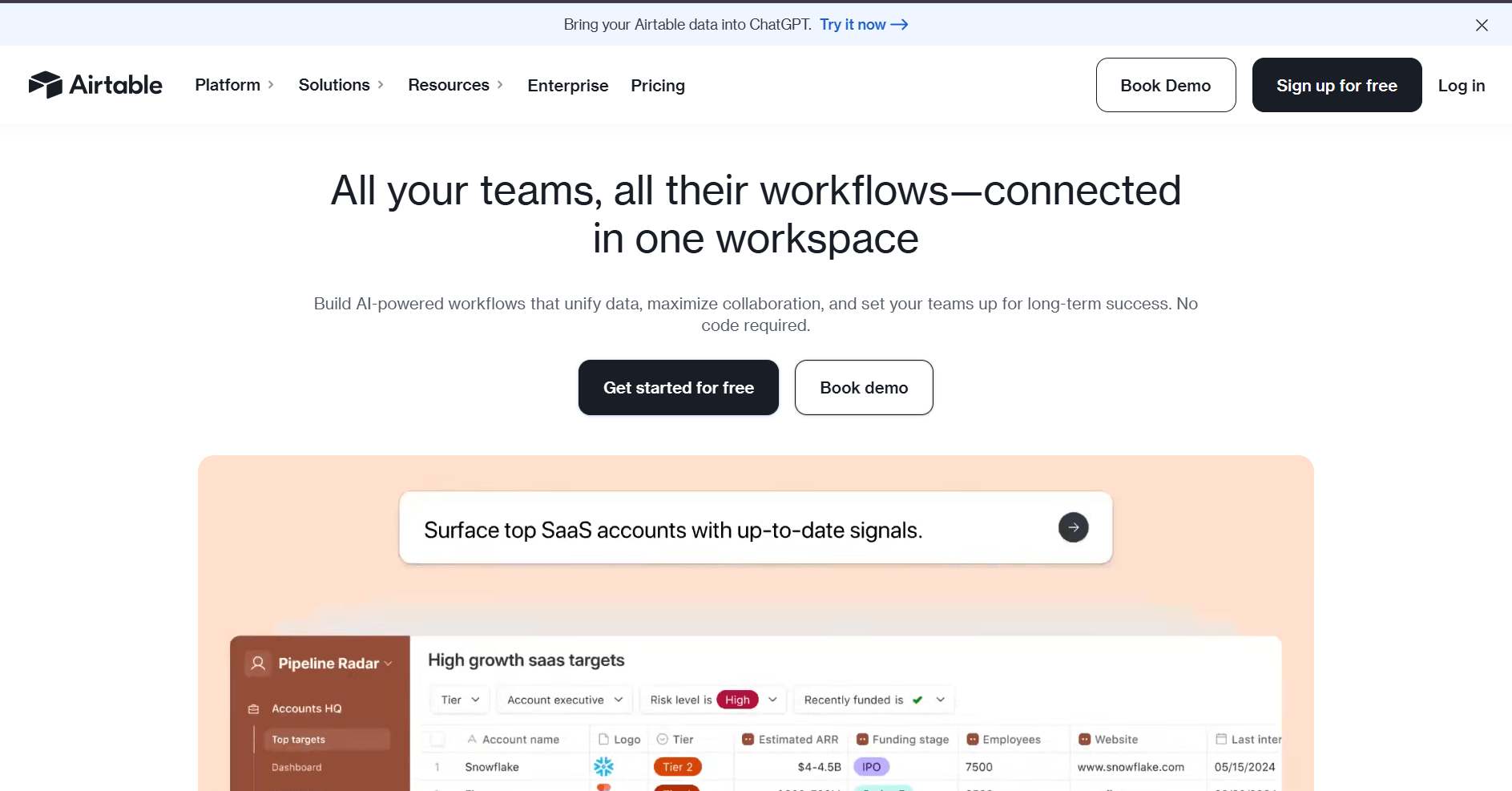
Airtable is a database platform that combines spreadsheet layouts with relational database features. I built sample project databases with linked records and custom fields to test how the structure handles interconnected data. The ability to view the same information as grids, calendars, or Kanban boards gave me different perspectives on the same work.
I set up linked records between tables to connect projects, clients, and tasks, then used different views to filter and sort data based on what I needed to see. The forms feature let me create intake forms that fed directly into the database, which helped automate data collection.
Airtable works well for organizing structured data but can slow down with very large databases or complex automations. Teams managing thousands of records or building heavily automated workflows may hit performance limits.
Why it beats CoordinateHQ
- Database views with multiple layouts: Display data as grids, calendars, Kanban boards, or galleries with filtering and sorting based on different fields.
- Linked records across tables: Connect related data between tables so updates to a record reflect across linked views.
- Forms for automated data collection: Build custom forms that add entries directly to your database without manual data entry.
Pros
- Views can be shared with specific filters and sorting, so different team members see only the data relevant to their work
- Automations trigger actions based on record changes, scheduled times, or form submissions to reduce repetitive tasks
- Interfaces let you build custom dashboards and data entry screens on top of your database for simplified access
Cons
- Performance can slow with very large databases or tables containing thousands of records with complex formulas
- Learning curve increases when building relational databases with linked tables and lookup fields
Pricing
Airtable starts at $20 per seat per month.
Bottom line
Airtable's database structure works well for teams that organize work in spreadsheets and need flexible views of interconnected data. If you need a branded client portal with CRM and native billing features, Assembly might be a better fit.
How I tested these CoordinateHQ alternatives
I built sample client workflows in each platform to see how they handled real project scenarios. I tested portal setup, task tracking, and invoicing to understand what worked well and where gaps showed up.
Here's what I considered:
- Client portal setup: I configured branded workspaces to test customization depth, access controls, and how much clients can do inside each portal without needing workarounds.
- Internal collaboration: I created team accounts with different permission levels and tested how well internal users could coordinate on projects before sharing updates with clients.
- Financial workflows: I tracked time against sample projects and tested whether invoicing, expense tracking, and payment collection worked natively or required third-party connections.
- Task management depth: I built multi-step projects with dependencies and deadlines to see which platforms offered timeline views, workload balancing, and progress tracking beyond basic to-do lists.
- Automation setup: I configured triggers for common actions like status updates, client notifications, and task assignments to measure how much repetitive work each platform could reduce.
- Learning curve: I tracked how long it took to move from account creation to running functional client projects without constantly checking help docs or contacting support.
How to choose your CoordinateHQ alternative
The right CoordinateHQ alternative depends on what’s holding your team back in its current workflow. I organized these platforms by their core strengths so you can find the one that best fits your needs.
Choose:
- Assembly if you need a branded client portal platform that combines CRM, project delivery, billing, and an AI assistant that helps your team manage client relationships and handle routine tasks.
- Notion if your team needs flexible documentation and knowledge management alongside project tracking, with databases and wikis that connect to task lists.
- ClickUp if you want extensive customization across task views, automation rules, and goal tracking without moving to a heavier enterprise platform.
- Asana if task clarity and cross-team coordination matter most, and you need timeline views, portfolio tracking, and workflow automation to manage multiple projects.
- Bonsai if you're a freelancer or small team that need contracts, proposals, time tracking, and invoicing in one platform without separate billing tools.
- SuiteDash if you need highly customizable white-label portals with CRM tools, project tracking, and invoicing that you can configure for different client types.
- Basecamp if you run simple projects with a small team and want message boards, to-do lists, and file storage without feature overload or complex workflows.
- Clinked if secure file sharing with branded portals and granular permissions matters more than deeper project management or financial tools.
- monday.com if your workflows change often and you need visual boards, workflow automation, and dashboard widgets that adapt to different project types.
- Airtable if you organize work in spreadsheets and need database views, linked records, forms, and workflow automation to manage structured data across projects.
My final verdict
I noticed during testing that Notion and ClickUp work well for internal task management but don’t include dedicated client portals, while Bonsai handles freelancer billing well but is more limited for team collaboration. SuiteDash offers deep portal customization and monday.com provides workflow flexibility, but both may require separate tools if you want to manage the full client lifecycle in one place.
Assembly brings client portals, CRM, project tracking, and billing into one platform. You don't need separate systems for managing client relationships, delivering work, and collecting payment. I’ve found this structure gives service businesses more control over the full client experience without pushing work across disconnected tools.
Ready to replace scattered client workflows? Try Assembly
Many CoordinateHQ alternatives lean more heavily toward internal project management or client collaboration, instead of balancing both in one system. As your client list grows, managing work across separate tools for CRM, delivery, and billing can create gaps.
Assembly is a client portal platform built on a core CRM, which gives your team one place to manage onboarding, delivery, and invoicing. Clients get a structured portal tied to their account, so their messages, files, and payments stay organized in the same place.
Here’s what you can do with Assembly:
- Track client details and activity: Manage client records, communication history, and relationship data in a structured CRM that keeps everything organized in one place.
- Give clients a branded portal: Clients log into a space that reflects your brand to access contracts, invoices, files, and project updates without email back-and-forth.
- Keep tasks, messages, and files together: Client communication, shared files, and project tasks stay connected to each client record instead of being scattered across separate tools.
- Prep faster for meetings: The AI Assistant summarizes recent client activity and communication, helping you walk into calls with a clear picture of what’s been discussed and what’s outstanding.
- Protect client data: Assembly maintains SOC 2 compliance and supports GDPR, CCPA, and HIPAA compliance.
- Stay ahead of clients: Highlight patterns that may show churn risk or upsell potential, making outreach more timely and relevant.
- Cut down on admin: Automate repetitive jobs like reminders, status updates, or follow-up drafts so your team can focus on clients.
Ready to manage client work without switching between disconnected tools? Start your free Assembly trial today.