


Bonsai vs Dubsado vs Assembly is a harder comparison than it looks because each takes a different approach to client management. I tested all three to break down exactly where each one fits in 2026.
Bonsai vs Dubsado vs Assembly: Quick comparison
| Tool | Best for | Annual price | Strengths |
|---|---|---|---|
| Bonsai | Freelancers and solo service providers | $9/user/month | End-to-end client workflow from proposal to payment |
| Dubsado | Creative and service businesses needing workflow automation | $335/year | Visual workflow automation and a unified inbox |
| Assembly | Service firms wanting a white-labeled, customizable client portal | $29/month | Dynamic client homepages, recurring automations, and unified payments |
- Choose Bonsai if: You're a freelancer or solo operator who wants proposals, contracts, time tracking, and invoicing managed in one place without much setup.
- Choose Dubsado if: Your business runs on repeatable client workflows and you need deep customization across forms, contracts, and automated follow-ups.
- Choose Assembly if: You want a branded client portal that extends beyond the contract stage, with messaging, file sharing, tasks, payments, and automations all connected through a core CRM.
If Dubsado feels like too much setup, I also tested 12 Dubsado alternatives.
Meet the contenders
Bonsai, Dubsado, and Assembly are all used for client management, but they serve different needs depending on where your business is today and how you plan to grow. Here's a closer look at each one:
Bonsai: Best for freelancers and solo service providers
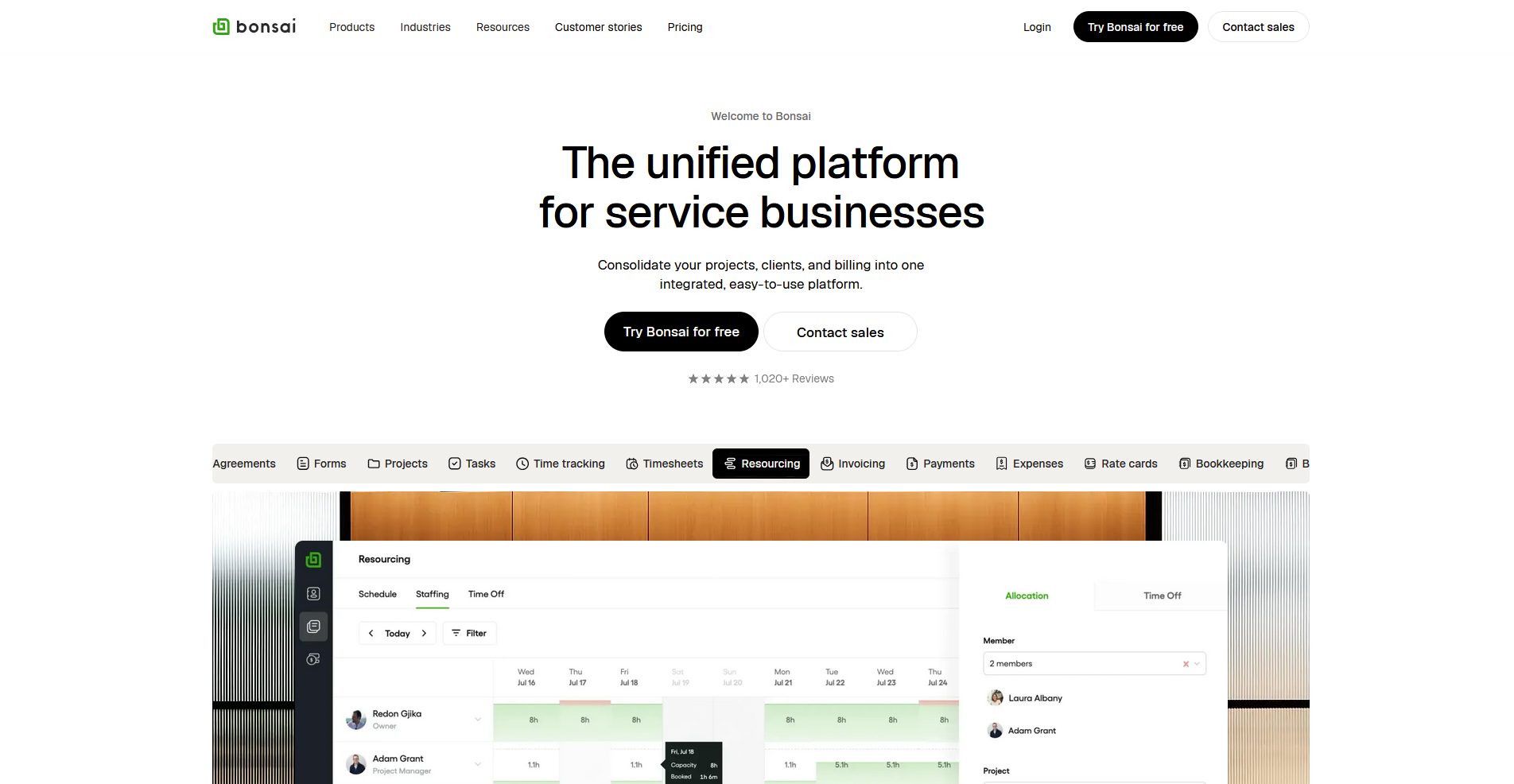
Bonsai is a client management tool built around the freelancer workflow. It covers proposals, contracts, invoices, time tracking, and basic project management in one place. The setup is straightforward, and the structured workflow means you won't need to spend much time configuring things before you start using it.
From what I’ve seen, Bonsai is purpose-built for solo operators who want to get paid and stay organized without a steep learning curve. It doesn't try to do too much, which is part of its appeal. However, that can also limit you as you grow.
Bonsai starts at $9 per user per month. We also have a Bonsai pricing guide if you’d like to learn more.
Dubsado: Best for creative and service businesses needing workflow automation
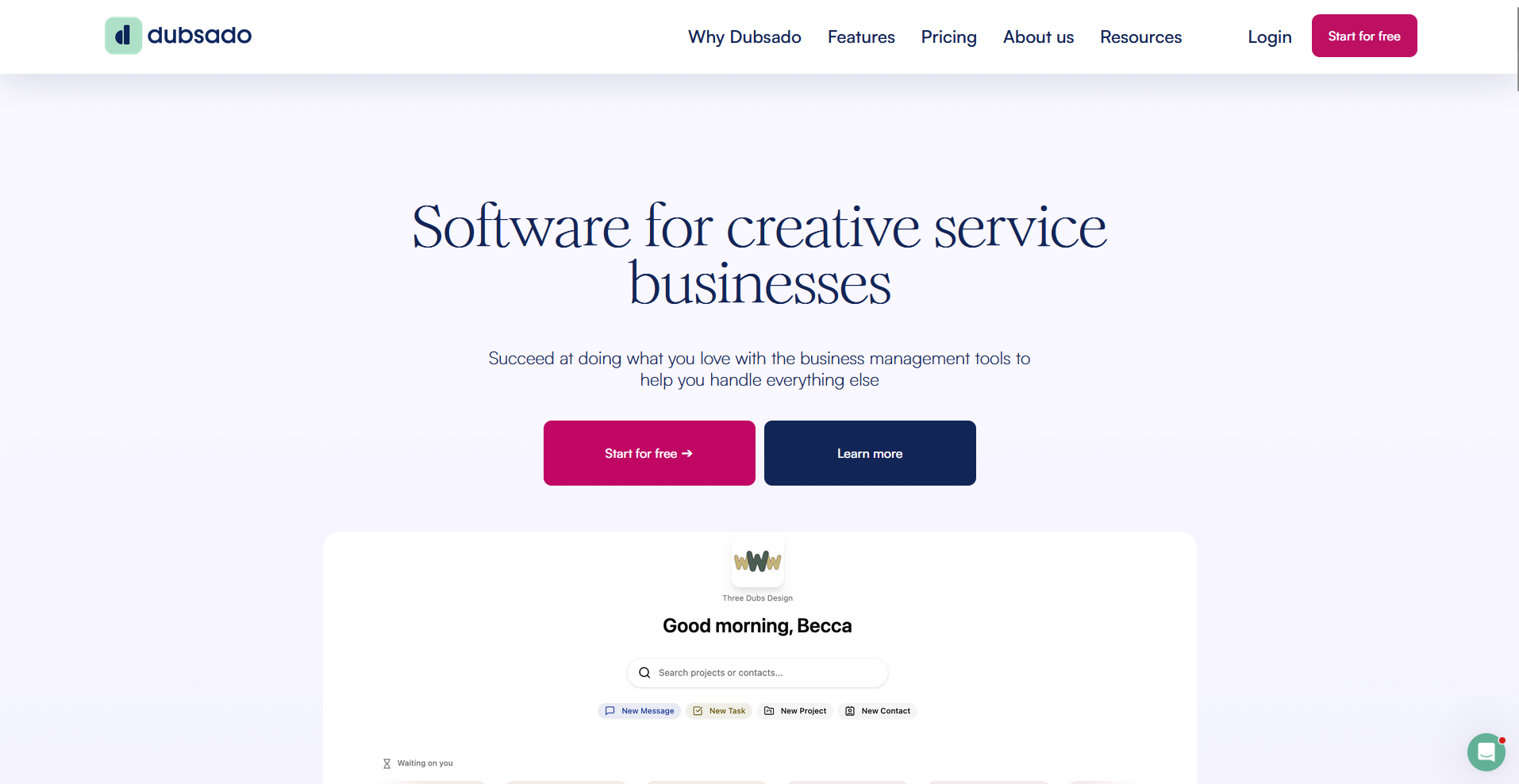
Dubsado is a client workflow platform built around forms, contracts, schedulers, and automation. It features a node-based visual workflow builder called Flows, a unified inbox for all client communication, and a consolidated invoicing view outside of projects.
I’ve found that Dubsado rewards the time you put into setup. Once you build your Flows, the platform can carry a lot of the repetitive work. However, getting there takes real configuration effort. I'd say it's one of the more capable automation engines in this category, though it comes with a learning curve that solo users sometimes underestimate. For more information, you can check out our Dubsado review.
Dubsado starts at $335 per year.
Assembly: Best for service firms that want a white-labeled portal tailored to each client
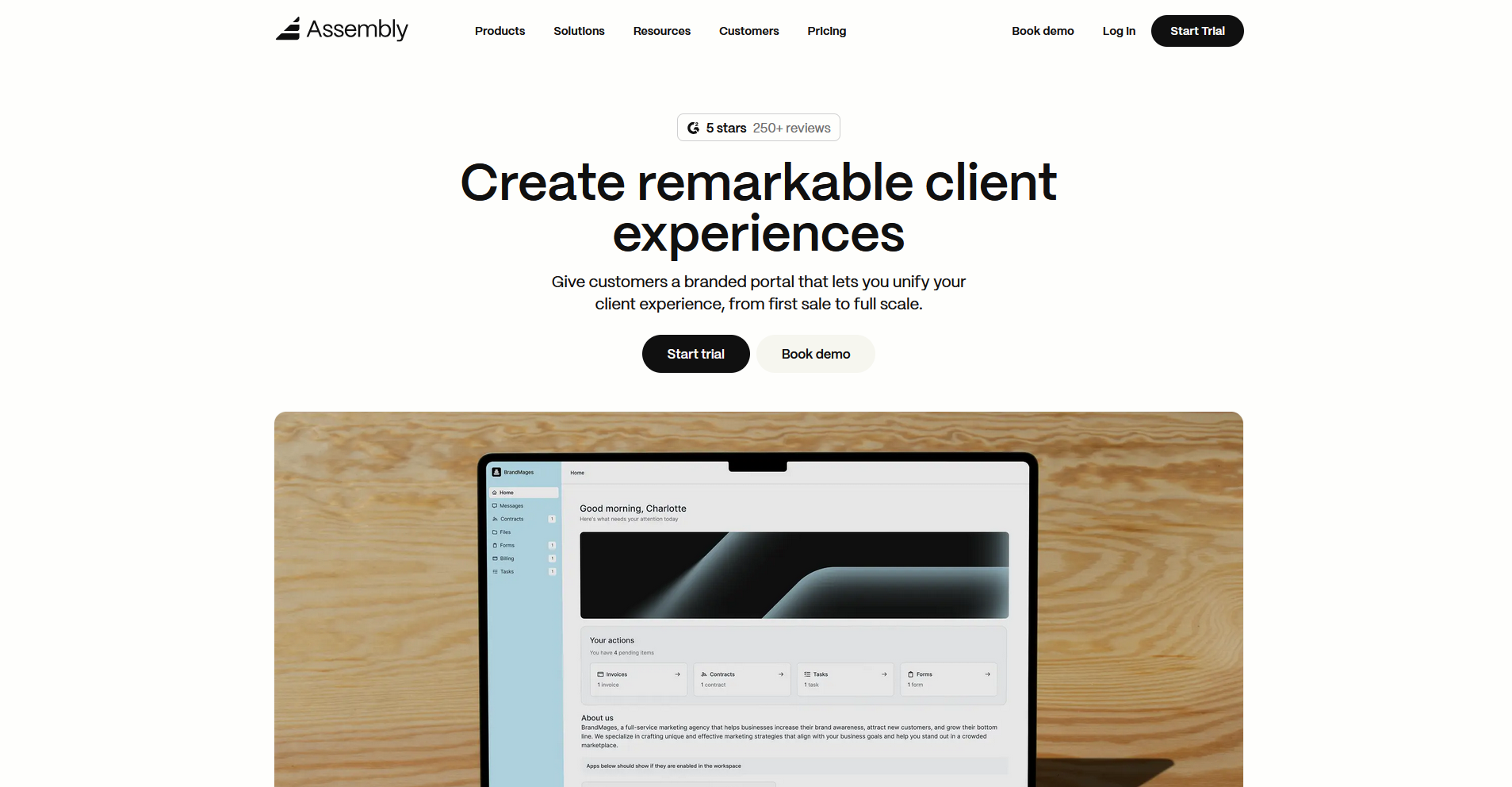
Assembly is a branded client portal platform that includes a core CRM. With the 2.0 release, we introduced dynamic client homepages that show different content based on client tags. That way, each client logs into a portal that feels like it was built for them.
Beyond the homepage, you can use app folders to organize the portal. You can also schedule recurring automations for reminders and follow-ups, and associate tasks directly with clients. The result is a permanent, branded destination your clients return to, not just a link to sign a contract or pay an invoice.
Assembly has a free plan, and paid plans start at $29 per month billed annually.
Bonsai vs Dubsado vs Assembly: Feature breakdown
Bonsai is known for simplicity, Dubsado for workflow automation, and Assembly for the client-facing portal experience. Here's how they compare across six categories:
Client management and CRM
Bonsai: Bonsai keeps client management simple. You can manage client records, basic custom fields, and a project view that ties everything together. It works well for solo operators who need to stay organized without a heavy CRM setup, but it isn’t built for deep, multi‑layer account structures or complex relationship tracking.
Dubsado: Dubsado handles clients and leads with tags, notes, and pipeline views tied to projects and workflows. It's more of a mid-depth CRM, oriented around the project as the central object. You can track multiple contacts and manage relationships reasonably well, but the structure is still built around service delivery rather than account management.
Assembly: Assembly builds the CRM into the core of the platform. You can manage client and company records, custom fields, internal notes, and control what each client can access. Client details also show up alongside messages, files, and notifications, not just inside the CRM.
Winner: Assembly. The CRM is built around the full client relationship, not just the active project.
Onboarding and contracts
Bonsai: Bonsai covers the onboarding basics with proposals, contracts, and e-signatures. The setup is quick, and the flow from proposal to a signed contract is straightforward. Automation options are limited to simple reminders and task templates, so complex onboarding sequences aren't really possible here.
Dubsado: Onboarding is where Dubsado pulls ahead of Bonsai. Flows let you build multi-step onboarding sequences with conditional logic, triggered by form completions, payments, dates, and status changes. You can automate most of the client intake process, from the first inquiry form through to the signed contract and first invoice, without manual follow-up at each step.
Assembly: Assembly handles contracts with e‑signatures and onboarding forms, and you can set up automations to send welcome messages, intake forms, and invoices as part of bringing a new client into the portal. Firms with highly complex intake sequences may find Dubsado's conditional logic goes further.
Winner: Dubsado. The Flows builder gives you more control over complex, multi-step onboarding sequences than either Bonsai or Assembly.
Billing and payments
Bonsai: Bonsai's billing is built for freelancers. You get invoices, recurring payments, expense tracking, and basic financial reporting. The checkout experience is clean and straightforward for your clients. It covers what a solo operator needs, but doesn't go much further than that.
Dubsado: Dubsado handles invoices, packages, and payment plans, all tightly coupled with workflows. Clients can pay directly from proposals, invoices, and the portal, often as part of an automated workflow step. It's a solid billing setup for service businesses, though it's more transactional than revenue-focused.
Assembly: With Assembly, you can view invoices, subscriptions, payment links, stores, and payment analytics in one place. The Storefront feature lets clients browse and purchase your services directly without you sending a proposal first, which is something neither Bonsai nor Dubsado offers natively.
Winner: Assembly. The consolidated payments view and self-service Storefront give you more visibility and more ways to get paid than the other two.
Client communication
Bonsai: Bonsai keeps communication simple with comment threads on projects and documents, plus portal file sharing. It covers the basics but doesn't offer a dedicated messaging experience between you and your clients.
Dubsado: Dubsado's 3.0 update added a Messages area that pulls client emails into one place, with inbox, sent, unread, and archive views. It’s a big step up from the older, project‑by‑project messaging setup.
Assembly: Assembly includes a dedicated messaging app where you and your clients can talk through the portal. Messages and files live in the same place, and each client has its own channel so your team isn’t jumping between tools to keep up.
Winner: Dubsado and Assembly tie here. Dubsado’s Messages view is a strong upgrade for email‑heavy workflows, while Assembly’s portal messaging keeps client communication inside a branded space your clients log into directly.
Customization and branding
Bonsai: Bonsai offers basic branding, your logo, colors, and control over what documents clients can see. The layout is mostly fixed, and customization doesn't extend much beyond the visual surface.
Dubsado: Dubsado gives you branded forms, portal access rules, and some customization over the client-facing experience. The branding options are moderate, and the layout paradigm is fairly set. You can make it feel like your business, but the structure of what clients see is largely determined by Dubsado's design.
Assembly: Assembly gives you a fully white-labeled portal with a custom domain, custom email domain, and design controls throughout. With 2.0, dynamic client homepages let you show different content to different clients based on custom field tags. App Folders let you structure the portal sidebar however makes sense for your workflow. Clients interact with your brand throughout, not a third-party platform.
Winner: Assembly. Bonsai and Dubsado both offer some branding control, but Assembly goes further on white-labeling and per-client customization.
Integrations and automations
Bonsai: Bonsai connects to tools through Zapier, including Google Calendar and Slack, covering the basics for a solo workflow. The automation options are limited to simple triggers like reminders and task templates. It's enough for straightforward operations, but not for complex integration needs.
Dubsado: Dubsado's Flows builder is the strongest automation engine of the three. You can build multi-step sequences with conditional branching, triggered by form submissions, payment events, date changes, and status updates. Native integrations are more limited than Assembly, but the workflow logic compensates for that in most cases.
Assembly: Assembly supports Zapier, Make, and a full API, giving you flexibility to connect with tools you already use. Recurring time-based automations let you schedule messages, tasks, and forms on a set cadence. The platform also supports embedded apps and custom apps built on Assembly's developer foundation, which is useful for firms that want to extend the portal beyond its default feature set.
Winner: Dubsado for automation depth, Assembly for integration flexibility. Dubsado's conditional logic is harder to match for complex workflows, but Assembly's API and embedding capabilities give developers and tech-forward firms more room to build.
What real users say
To round out my testing, I went through user reviews on G2, Capterra, and Trustpilot. Here's what I found across all three tools:
Bonsai
Pros: Bonsai gets consistent praise for how quickly you can get up and running. Users highlight the clean proposal and contract flow as a standout, and solo operators appreciate having time tracking, invoicing, and project management in one place without a steep learning curve.
Cons: Users report that payment processing can be slow, with delays between client payments and funds hitting their accounts. The client portal also draws criticism for being too basic, with limited customization options compared to what growing teams need.
Dubsado
Pros: Users regularly point to Dubsado's automation depth as its biggest strength. The ability to build multi-step client workflows with conditional logic saves significant time for service businesses with repeatable processes, and the level of customization for forms and contracts is frequently praised.
Cons: The setup process is a common frustration. Users describe a steep learning curve before workflows feel functional, and several reviews note that parts of the interface felt dated before the 3.0 update. Mobile experience also draws mixed feedback.
Assembly
Pros: Users highlight the branded portal experience and how professional it makes their business look to clients. The platform's flexibility, particularly around integrations and custom apps, draws repeat praise, and the customer support team is frequently mentioned as a differentiator.
Cons: Some users mention that the forms app lacks conditional logic, which pushes them toward third-party tools like Jotform. A handful of reviews also flag the billing fees and Stripe dependency as a consideration for international users.
Which tool should you choose?
The right pick between Bonsai, Dubsado, and Assembly depends on where your business is today and what you need from a client management platform.
Choose Bonsai if you:
- Want a straightforward way to send proposals, contracts, and invoices without a heavy setup
- Run a solo or very small operation, and need something you can start using quickly
- Don't need a deeply customizable client portal and just want the basics covered
Choose Dubsado if you:
- Run repeatable service workflows and want to automate more of the client process
- Need conditional logic in your onboarding sequences, from intake forms through to signed contracts
- Prioritize automation depth over client-facing branding and portal customization
Choose Assembly if you:
- Want clients to log into a consistent, branded portal rather than receive one-off links
- Manage multiple ongoing client relationships, and need a CRM built around the full account rather than just the active project
- Need a platform that can grow with your team, with white-labeling, recurring automations, and a self-service Storefront
My final verdict
Bonsai works well for solo operators who want a quick, low‑maintenance setup. Dubsado is a strong pick for service businesses that run repeatable workflows and want to automate more of their onboarding and client management. In my testing, both tools covered the client workflow well, but the portal experience in each felt fairly limited once the active project wrapped up.
Assembly is built more around the ongoing client relationship, not just the transaction. It gives you a branded portal your clients log into directly, with CRM, tasks, messaging, and payments tied to each client account. That structure matters for firms managing many clients because it keeps work, communication, and payments tied to one place rather than spread across tools.
Want to deliver a tailored client experience under your own brand? Try Assembly
If you've been comparing Bonsai vs Dubsado and need a platform that puts the client experience front and center, Assembly is worth considering.
Assembly lets you build a branded and customized client portal under your own domain, with invoicing, contracts, messaging, and file sharing all tied to a core CRM. Every touchpoint from first sale to full scale reflects your business, not a third-party tool.
Here’s what you can do with Assembly:
- Track client details and activity: Manage client records, communication history, notes, and relationship data in a structured CRM where that context stays accessible no matter where you are in the workspace.
- Dynamic branded portal: Each client logs into a workspace that reflects your brand, with content tailored to their account. You control what they see and keep internal tasks and notes separate from the client view. Group apps into sidebar folders to keep your own workspace organized by function.
- Recurring automations: Set time-based triggers for tasks, messages, and forms so routine accounting work like monthly reminders, document requests, and follow-ups runs on schedule without manual effort.
- Consolidated payments: Manage invoices, subscriptions, payment links, and store transactions from a single payments page, without jumping between separate billing views.
- Keep tasks, messages, and files together: Project tasks, shared files, and client communication all link to the same account, and you control what clients can see from their portal.
- Prep faster for meetings: The AI Assistant summarizes recent client activity and communication, helping you walk into calls with a clear picture of what’s been discussed and what’s outstanding.
- Cut down on admin: Set recurring automations for reminders, status updates, forms, and follow-ups so client work keeps moving with minimal manual effort.
If Bonsai is not the right fit either, I tested 11 tools to find the best Bonsai software alternative.
Ready to deliver a client experience that you can adapt to each relationship? Start your free Assembly trial today.