



I tested dozens of Bloom alternatives to find tools that scale with teams and handle client delivery with fewer limitations. Let me walk you through the 11 best options for service businesses in 2026.
11 Best Bloom alternatives: At a glance
The Bloom alternatives below range from team collaboration tools to platforms built for specific industries like photography. Here's how they compare side by side:
| Tool | Best for | Annual price | Key strength |
|---|---|---|---|
| Assembly | CRM with branded client portals | $29/month | Combines branded portals, contracts, billing, and an AI assistant in one workspace |
| Dubsado | Automated client intake | $335/year | Connects forms, contracts, and workflows to streamline onboarding sequences |
| HoneyBook | Creative booking workflows | $29/month | Moves clients from proposal to payment quickly with integrated scheduling |
| Bonsai | Freelance time tracking | $9/user/month | Links tracked hours directly to invoices for hourly billing workflows |
| Plutio | Custom project workspaces | $190/year | Offers flexible layouts and project views that adapt to different service types |
| Moxo | Secure client communication | Custom pricing | Provides bank-grade security for document sharing and compliance-focused workflows |
| ClickUp | Internal project management | $7/user/month | Handles complex task dependencies and resource planning for larger teams |
| Sprout Studio | Photography businesses | $17.42/month | Built specifically for photographers with gallery management and print sales |
| Agiled | Team performance tracking | $25/month | Tracks attendance, timesheets, and payroll alongside project delivery |
| SuiteDash | Business customization | $180/year | Deep customization options with CRM, projects, and a learning management system |
| FuseBase | Real-time collaboration | $32/month | Built-in video conferencing and live document editing for active client collaboration |
Why I looked for Bloom alternatives
Bloom offers solid tools for solo creatives with proposals, scheduling, and invoicing. The interface looks clean and the core features work when you're managing clients on your own. However, I did notice gaps once businesses grow or need more flexibility.
I spent time testing Bloom and researching what users report most often. These are the issues that came up repeatedly:
- Limited team collaboration: Bloom's multi-user support can feel restrictive. Assigning tasks, managing permissions, or tracking who's handling what becomes harder as teams grow.
- Customization sits behind higher tiers: Basic branding works on lower plans, but deeper workflow control and white-label options typically require upgrades.
- Reliability problems can affect clients: Some users report recurring issues with calendar sync, scheduling flows, and email or invoice behavior. When these issues crop up, they can directly affect what clients see and experience.
- Pricing climbs without proportional features: Costs tend to increase as you scale, but you can still run into similar collaboration, project management, and integration limits that other tools address more fully at similar price points.
- Integration options may feel narrow: Bloom connects to some popular tools, but custom automation or specific platform integrations aren't always available.
- Growing teams hit structural limits: Once you add collaborators or need timelines, dependencies, and more structured project management, Bloom's solo-first design can start to feel constraining.
Most of these limitations come down to structure: Bloom’s flagship plan is built for solo operators, which shows when you try to scale beyond one person or need tighter control over the full client relationship.
1. Assembly: Best CRM with branded client portals
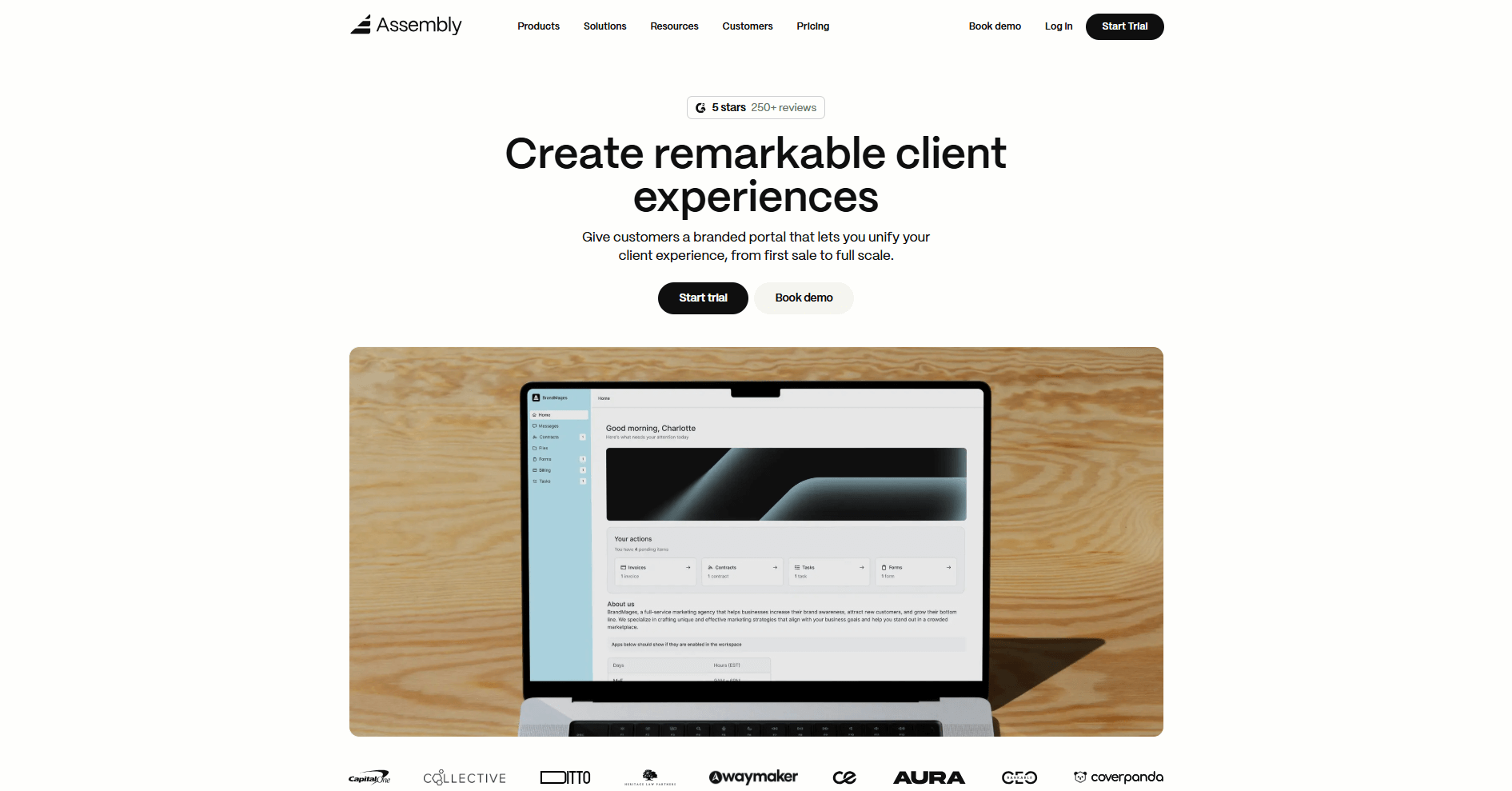
We built Assembly to give service businesses a branded client portal and CRM in one workspace. You manage client relationships and sales prospects while clients access contracts, invoices, files, and project updates in the same platform.
You can add apps for messaging, tasks, files, billing, and more based on what your team needs.
Your team can track leads with custom fields, internal notes, and private chat before a client ever logs in. When you're ready to move forward, you send an invite and the client enters their branded space. You control what clients see, from project files to payment information.
As your client list grows, the AI Assembly Assistant can help you stay on top of meetings and active client relationships. It summarizes recent client activity and communication so you can review what's been covered and what needs follow-up before the call starts.
You can also connect Assembly to Airtable, ClickUp, Calendly, Zapier, and Make. This helps you avoid manual tracking across separate tools.
Why it beats Bloom
- Professional branded client experience: White-label portals with custom domains and full branding control.
- Team collaboration at scale: Clear permissions, task assignments, and internal chat support multiple users working together.
- Modular app platform: Add apps for specific workflows like contracts, forms, or custom integrations through the app store.
- AI support: The Assistant summarizes client history and helps prep for meetings.
Pros
- Consolidates CRM, contracts, billing, and client communication without switching between platforms
- Integrates with existing tools like Airtable and ClickUp without rebuilding workflows
- Supports SOC 2-aligned security practices, with support for GDPR, CCPA, and HIPAA requirements
Cons
- Reporting focuses on client relationships and project tracking rather than granular financial breakdowns or accounting analytics
- Advanced automation options require higher-tier plans
Pricing
Assembly has a free plan, and paid plans start at $29 per month billed annually.
Bottom line
Assembly works well when you need to track prospects and deliver services without switching between separate CRM and portal tools. If hourly billing is central to your workflow, Bonsai might be a better fit.
2. Dubsado: Best for automated client intake
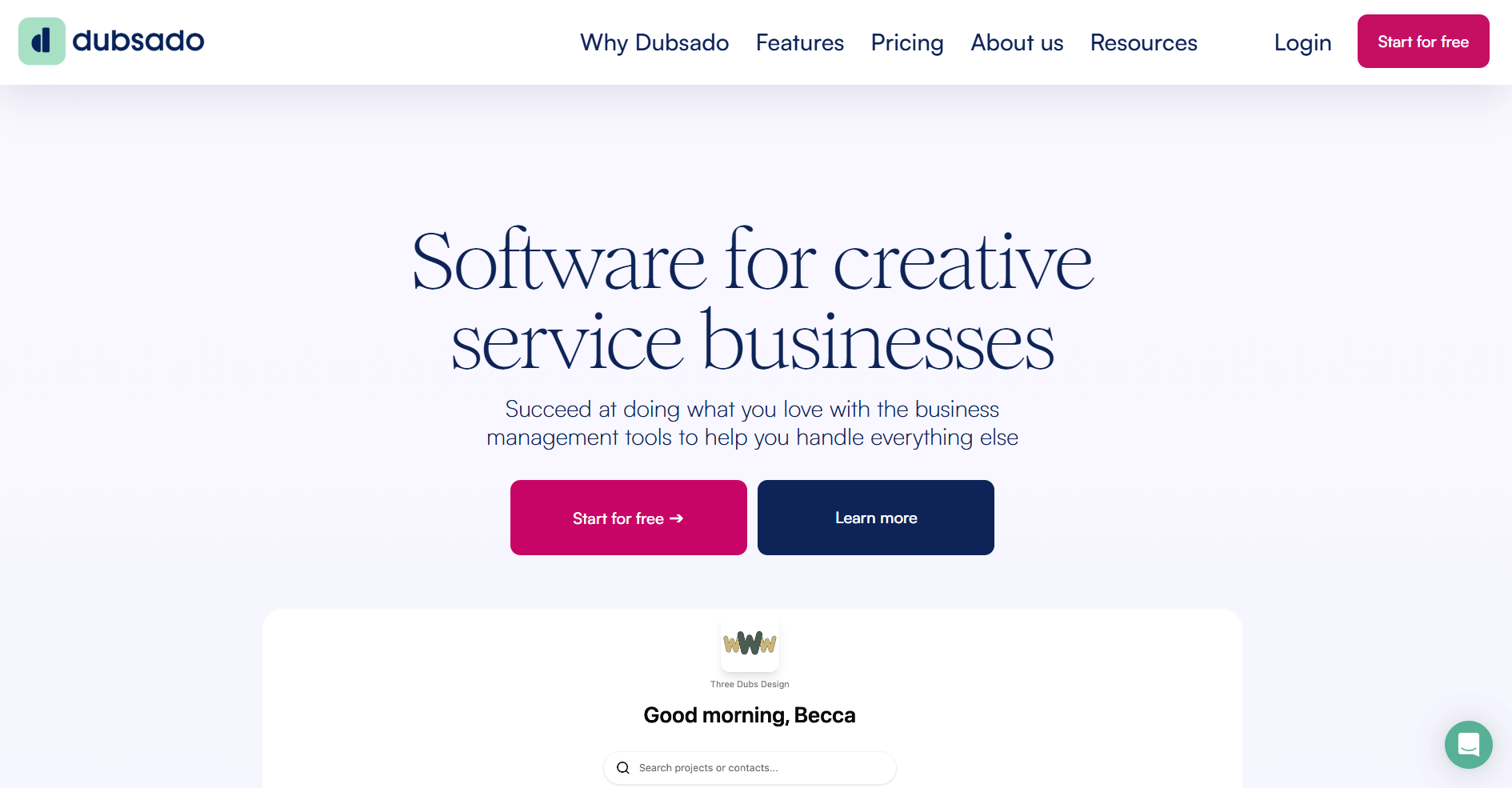
Dubsado is a client management platform for solo service providers. I tested it by building a mock onboarding workflow from scratch. The automation builder is powerful, but I found it demands upfront work.
The setup required mapping triggers, setting up email templates, and linking documents before anything clicked into place. But once the workflow ran, it handled intake without me babysitting every step. New leads moved through forms, contracts, and invoices based on their actions, not mine.
The trade-off was clear: invest time now, save time later. If you run similar client processes repeatedly, Dubsado pays off. If every client needs a custom approach, the rigid structure can box you in.
Why it beats Bloom
- Structured automation sequences: Forms trigger contracts, emails, and task creation automatically. Bloom requires more manual coordination for client onboarding steps.
- Connected client records: Documents and intake information stay linked to each project throughout the workflow.
- Built for repeatable processes: Workflow templates work well when client journeys follow similar patterns without constant customization.
Pros
- Automation features handle repetitive onboarding tasks without manual follow-up
- Forms and contracts connect to create predictable client intake flows
- Works well for solo operators managing multiple clients with similar processes
Cons
- Initial setup and workflow configuration require significant time investment
- Interface can feel crowded when navigating between multiple features
Pricing
Dubsado starts at $335 per year — this full breakdown of Dubsado pricing covers what each plan includes.
Bottom line
Dubsado works well for solo operators who value consistency over speed and don't mind some setup time upfront. If you need faster implementation without workflow mapping, HoneyBook might be a better fit.
3. HoneyBook: Best for creative booking workflows
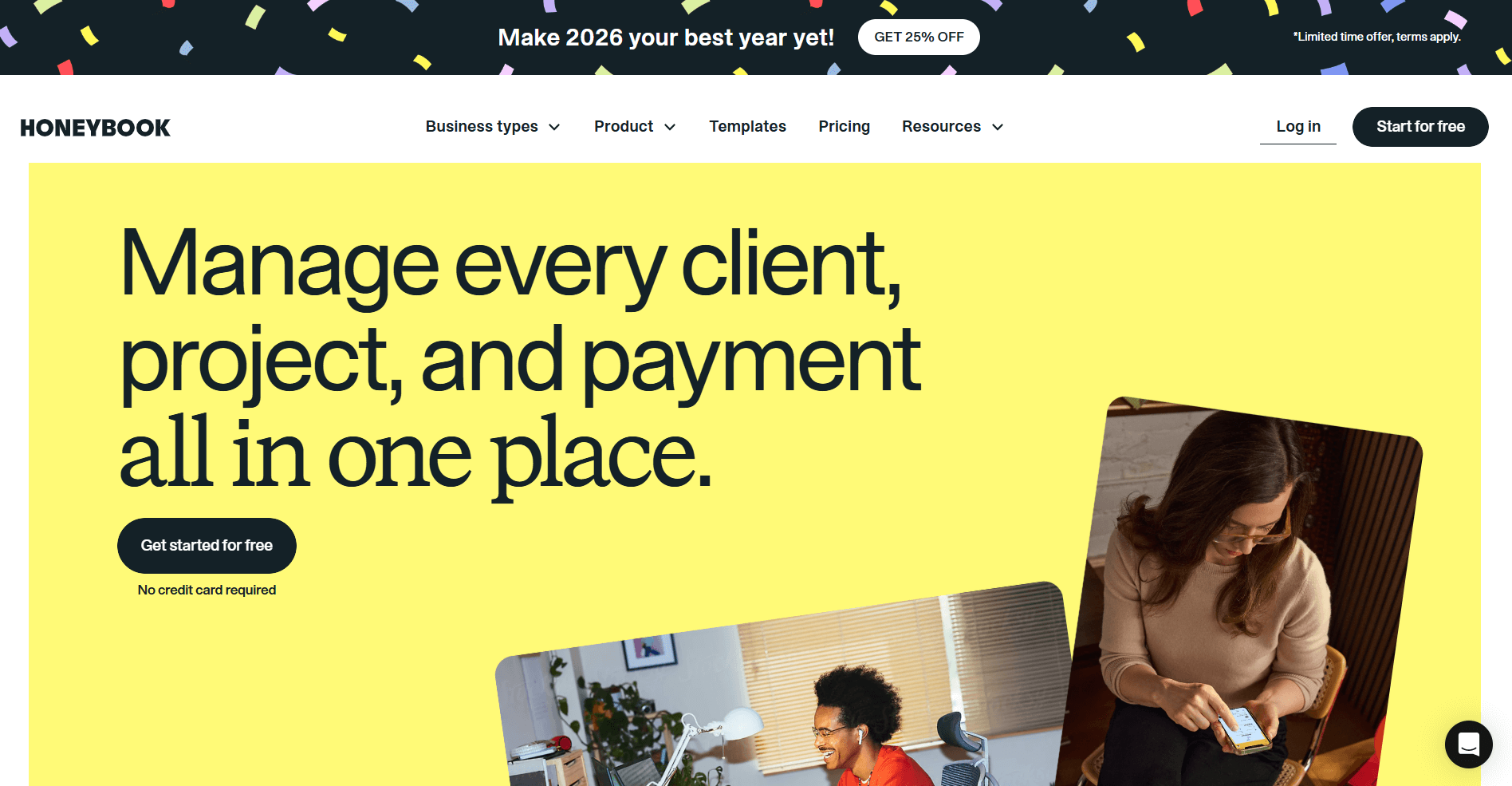
HoneyBook is a business management platform for creative professionals that focuses on moving clients from inquiry to payment fast. I tested it thoroughly for my in-depth HoneyBook review and found that clients can review services, sign agreements, and submit payment in one sequence without swapping tools.
When you set up availability blocks in HoneyBook, clients can book appointments without creating scheduling conflicts because external calendars sync automatically. For small creative teams where bookings drive revenue, this reliability matters more than complex project dashboards.
The intake forms also worked well by capturing project details upfront, cutting down on follow-up questions that usually eat into billable hours. The last thing I did was test the mobile app, and it kept client communication accessible without forcing me back to a computer for every update.
Why it beats Bloom
- Connected proposal-to-payment flow: Proposals, contracts, signatures, and payments link together in one sequence without separate tools.
- Integrated scheduling: Calendar tools let clients book appointments directly without navigating external scheduling platforms.
- Simplified intake process: Forms collect project information upfront and reduce follow-up questions.
Pros
- Proposal and payment tools connect to move clients from inquiry to paid project quickly
- Scheduling features help small teams manage bookings without external calendar software
- Mobile app supports client communication and updates while working remotely
Cons
- Project management features are lighter than platforms built for ongoing delivery work
- Integration options are limited compared to broader collaboration platforms
Pricing
HoneyBook starts at $29 per month.
Bottom line
HoneyBook works well when your revenue depends on fast booking cycles and you need proposals connected to payments. If you need CRM depth for tracking prospects before they book, Assembly might be a better fit.
4. Bonsai: Best for freelance time tracking
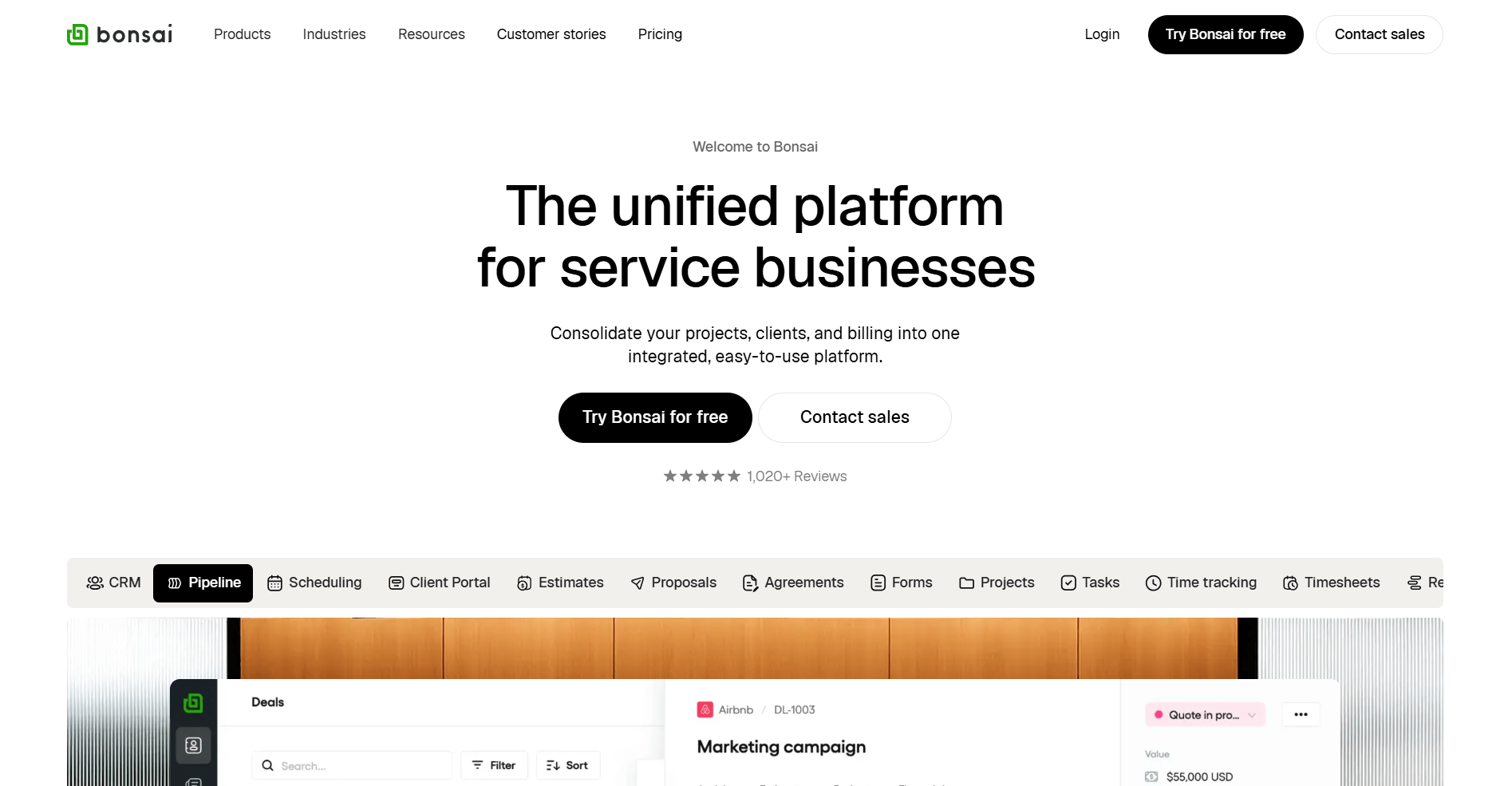
Bonsai is a freelance management platform that connects proposals, time tracking, and invoicing in one workflow. I like that the time-tracking widget sits at the top of every page, which sounds minor but matters when you're juggling multiple tasks. I didn't have to hunt for a timer or remember to log hours after the fact.
The proposal-to-payment sequence worked smoothly when I tested it. I created a proposal, walked it through to contract signing, then watched how tracked hours fed into the final invoice. Everything stayed linked to the same project record, so I wasn't rebuilding client information at each step.
I also liked the expense tracking feature because I could log costs and tie them to specific projects. For freelancers billing hourly, this visibility helps you understand actual project profitability instead of just tracking revenue.
Why it beats Bloom
- Time tracking feeds invoicing directly: Logged hours convert to invoices without manual data entry or separate billing tools.
- Connected workflow from pitch to payment: Proposals, contracts, and billing link together in one sequence tied to project records.
- Expense visibility by project: Track costs against specific clients to understand project profitability.
Pros
- Time tracking links directly to projects and invoicing for accurate hourly billing
- Proposal and contract tools connect with payment processing in one workflow
- Expense tracking helps freelancers understand project costs and profitability
Cons
- Collaboration features are limited for teams larger than a few people
- Customization options are fewer than platforms built for agencies
Pricing
Bonsai starts at $9 per user per month.
Bottom line
Bonsai works well for solo operators and small businesses who bill by the hour and want proposals to payment in one tool. If you're growing a team and need stronger collaboration tools, Plutio might be a better fit.
5. Plutio: Best for custom project workspaces
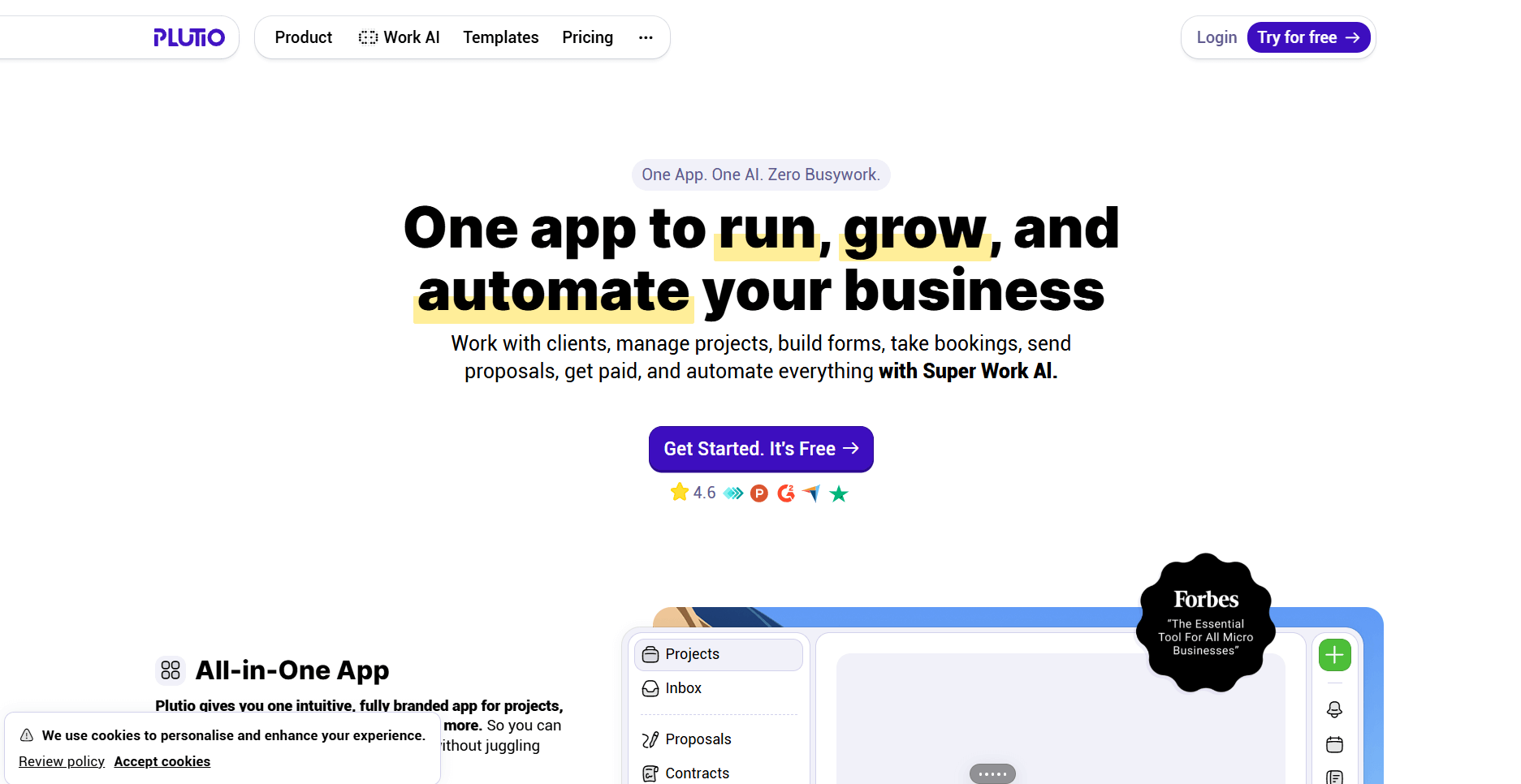
Plutio is an all-in-one business platform for service teams that prioritize workspace flexibility. I tested it specifically because I wanted to see how far that flexibility actually goes.
Some clients needed Kanban boards, others wanted list views with specific data fields. Plutio let me shape each workspace to match the work instead of jamming everything into one rigid template. The time-tracking tools also worked as expected. I logged hours against tasks and projects, then converted that data into invoices without manual sorting.
I walked through a full client flow to test the proposal and contract features. Documents stayed linked to projects, and the e-signature process ran smoothly. For service businesses where every client needs a different structure, this adaptability matters more than cookie-cutter workflows.
Why it beats Bloom
- Flexible workspace layouts: Change task views, custom fields, and project structures to match different service types.
- Time tracking ties to billing: Log hours against projects and turn tracked time into invoices.
- Adaptable client workflows: Build different processes for different clients instead of using one template for everyone.
Pros
- Workspace customization adapts to different project types and client needs
- Time tracking connects to projects and invoicing for accurate billing
- Proposal and contract tools stay linked to project records throughout delivery
Cons
- Learning curve increases with the level of customization you want
- Pricing can add up as team size grows
Pricing
Plutio starts at $190 per year.
Bottom line
Plutio works well when no two clients look the same and you need workspaces that bend to fit the work. If security and compliance matter more than customization, Moxo might be a better fit.
6. Moxo: Best for secure client communication
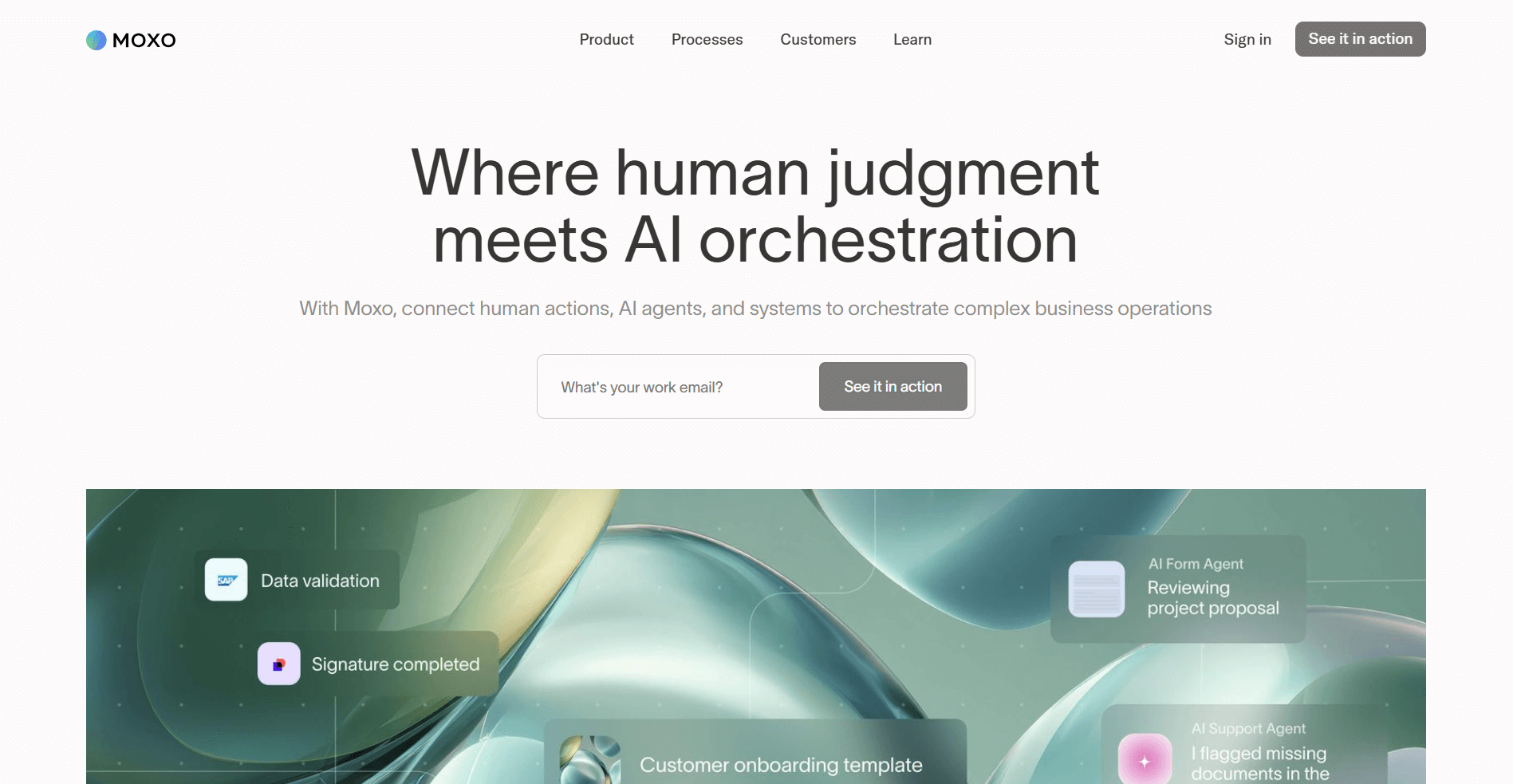
Moxo is a client collaboration platform built for secure workflows. I uploaded confidential files during testing, and the permission controls impressed me with how granular they are. You can adjust settings down to individual document levels. The platform encrypts files both in storage and during transfer, which matters when you're handling client information that can't be exposed.
I also built a sample onboarding sequence with milestones, document approvals, and task assignments. Everything stayed visible in one client-facing dashboard without me switching between tools.
However, the platform leans heavily toward compliance-focused workflows. If you're in finance, legal, or healthcare, that structure makes sense. If you need looser project management or creative feedback tools, the rigid approach can slow you down.
Why it beats Bloom
- Bank-grade security features: End-to-end encryption and granular permission controls protect sensitive client documents.
- Workflow templates with milestones: Organize client processes with approval steps and task routing built in.
- Compliance-ready infrastructure: Meets regulatory requirements for industries handling confidential information.
Pros
- Security features and permission controls handle sensitive client data safely
- Workflow templates organize client processes with clear milestones and approval steps
- Client-facing dashboard keeps communication and documents in one secure space
Cons
- Customization depth depends on which pricing tier you choose
- The focus on compliance workflows may feel rigid for creative or flexible service delivery
Pricing
Moxo uses custom pricing.
Bottom line
Moxo works well when regulatory requirements aren't optional and you need security controls that go beyond basic encryption. If you need internal project management depth alongside client communication, ClickUp might be a better fit.
7. ClickUp: Best for internal project management
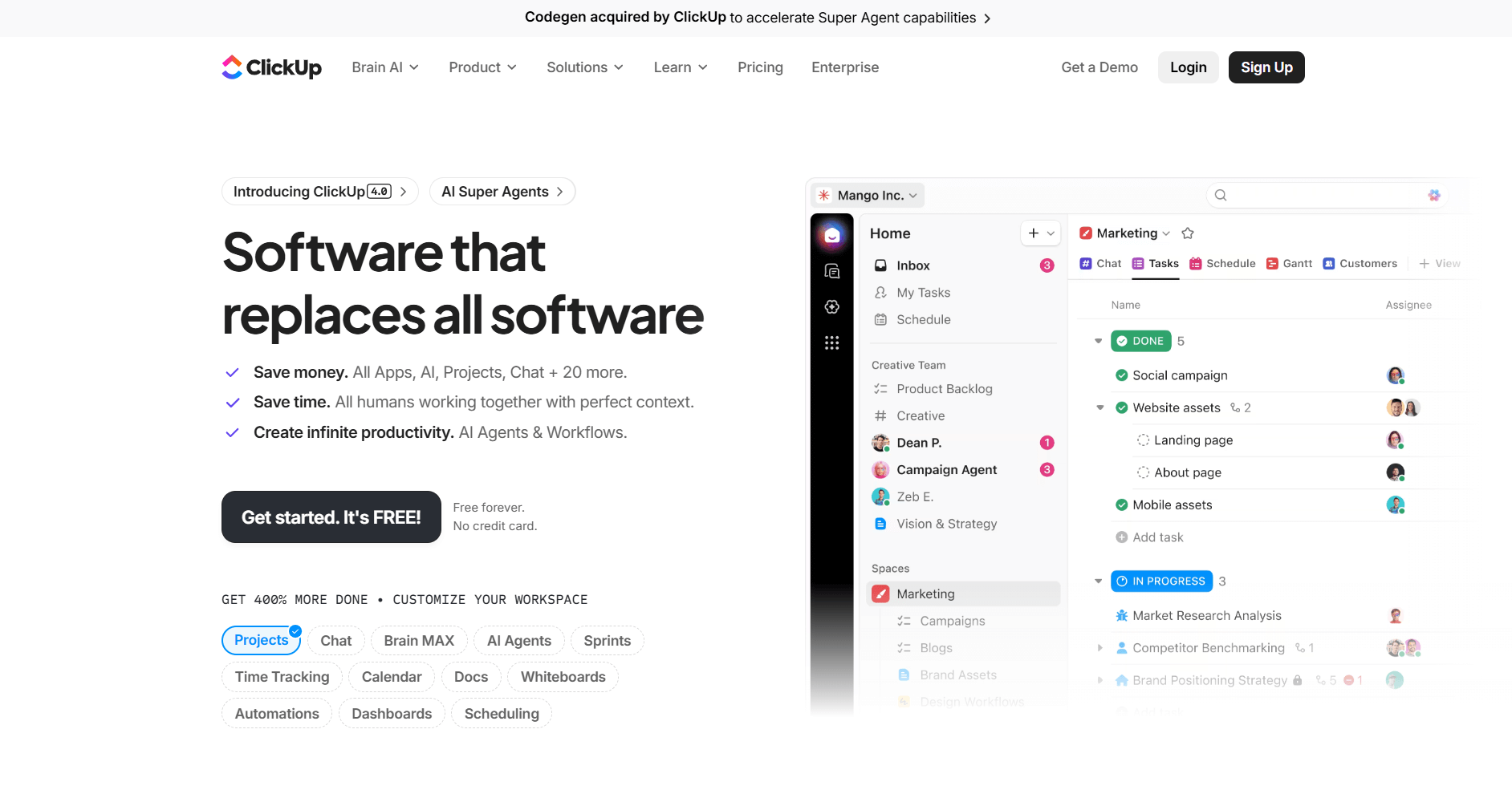
ClickUp is a project management platform that handles complex workflows with multiple view options and task dependencies. I tested it to see how it manages project structures that Bloom sometimes struggles with. The platform gave me Kanban, list, calendar, and Gantt views for the same project data, and I could switch between them without rebuilding workflows.
I linked tasks so later steps couldn't start until earlier work finished, and the dependencies worked well for what I needed. For teams managing multiple projects with sequenced deliverables, this prevents bottlenecks before they happen.
I'll be honest: ClickUp tries to do everything, which means the interface can overwhelm new users. You'll spend time configuring views and permissions before the system works the way you want.
Why it beats Bloom
- Complex task dependencies: Link tasks in sequences so later work can't start until prerequisites finish.
- Multiple project views: Switch between kanban, list, calendar, and Gantt views without rebuilding project data.
- Resource planning tools: Track team capacity and workload across multiple projects simultaneously.
Pros
- Task dependencies and multiple view options support complex project structures
- Automation builder creates rules that move work forward without manual updates
- Resource planning helps larger teams manage capacity across projects
Cons
- Interface complexity creates a steep learning curve for new users
- Pricing increases quickly as team size grows and features expand
Pricing
ClickUp starts at $7 per user per month.
Bottom line
ClickUp works well for teams managing complex projects with multiple contributors and sequenced deliverables. If you need real-time document collaboration with video calls, FuseBase might be a better fit.
8. Sprout Studio: Best for photography businesses
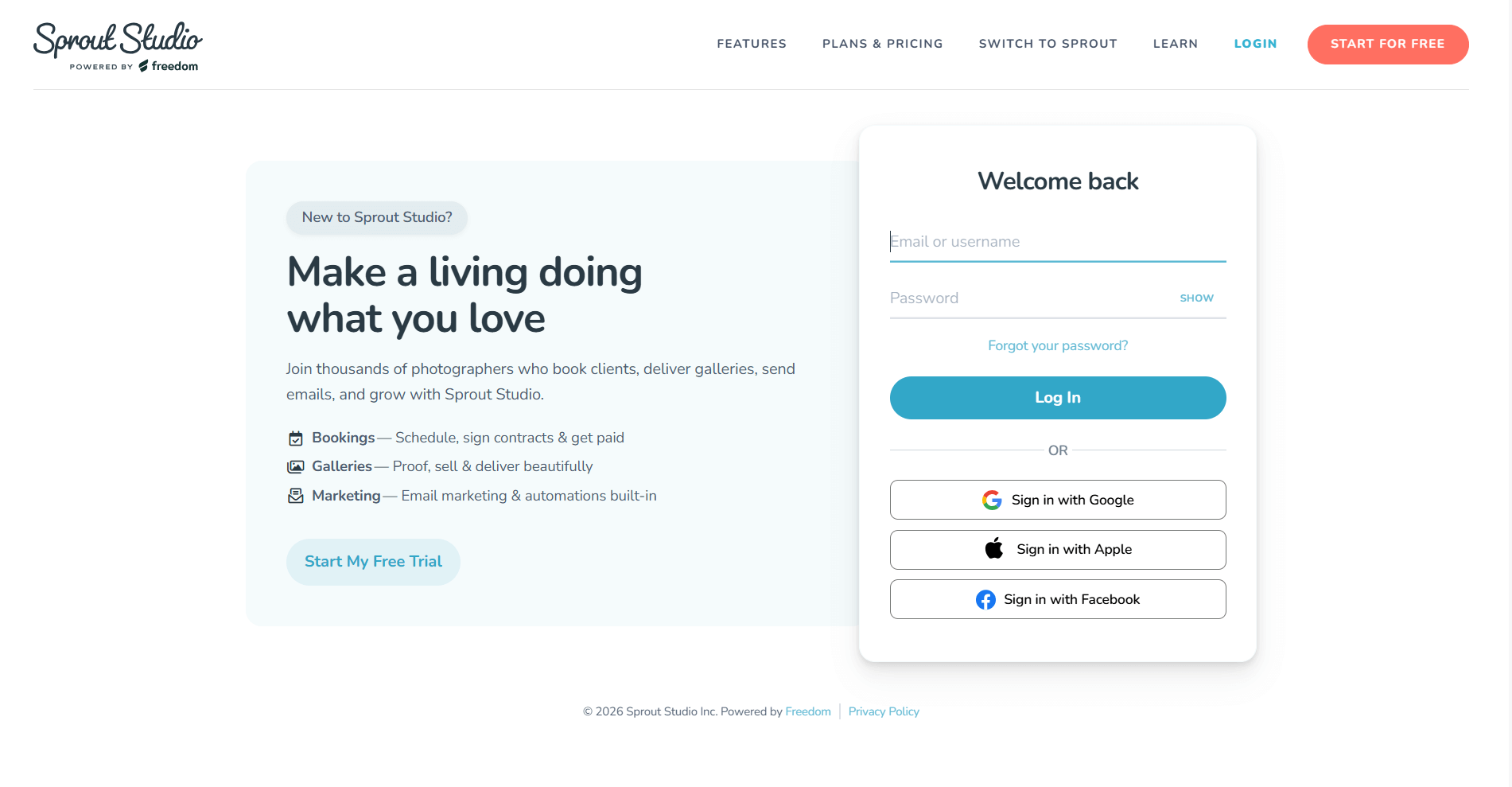
Sprout Studio is a client management software tool built specifically for photographers. I created sample galleries during testing and walked through the client viewing experience. Clients could browse photos, mark favorites, and order prints directly through the gallery interface without external e-commerce tools.
The gallery catalog let me organize portfolios by shoot type and set expiration dates so old galleries disappeared automatically. I also tested the design proof feature by uploading album layouts. Clients left comments directly on designs, which beats emailing PDFs back and forth.
For photographers who need galleries and print sales integrated with client management, this specialization matters more than generic business tools.
Why it beats Bloom
- Built-in gallery management: Organize and share photo galleries with client access controls and automatic expiration dates.
- Direct print sales: Clients order prints through galleries without external e-commerce platforms or manual order processing.
- Design proof feedback: Collect client comments directly on album layouts instead of coordinating through email threads.
Pros
- Gallery tools organize portfolios with password protection and automatic expiration dates
- Print sales integrate directly into galleries without separate e-commerce platforms
- Design proof features let clients comment on layouts and request changes clearly
Cons
- Features focus narrowly on photography workflows and may not suit other service types
- Pricing tiers limit storage and shoot counts based on plan level
Pricing
Sprout Studio starts at $17.42 per month.
Bottom line
Sprout Studio works well for photographers who need galleries and print sales integrated with client management. If you need team performance tracking across different service types, Agiled might be a better fit.
9. Agiled: Best for team performance tracking
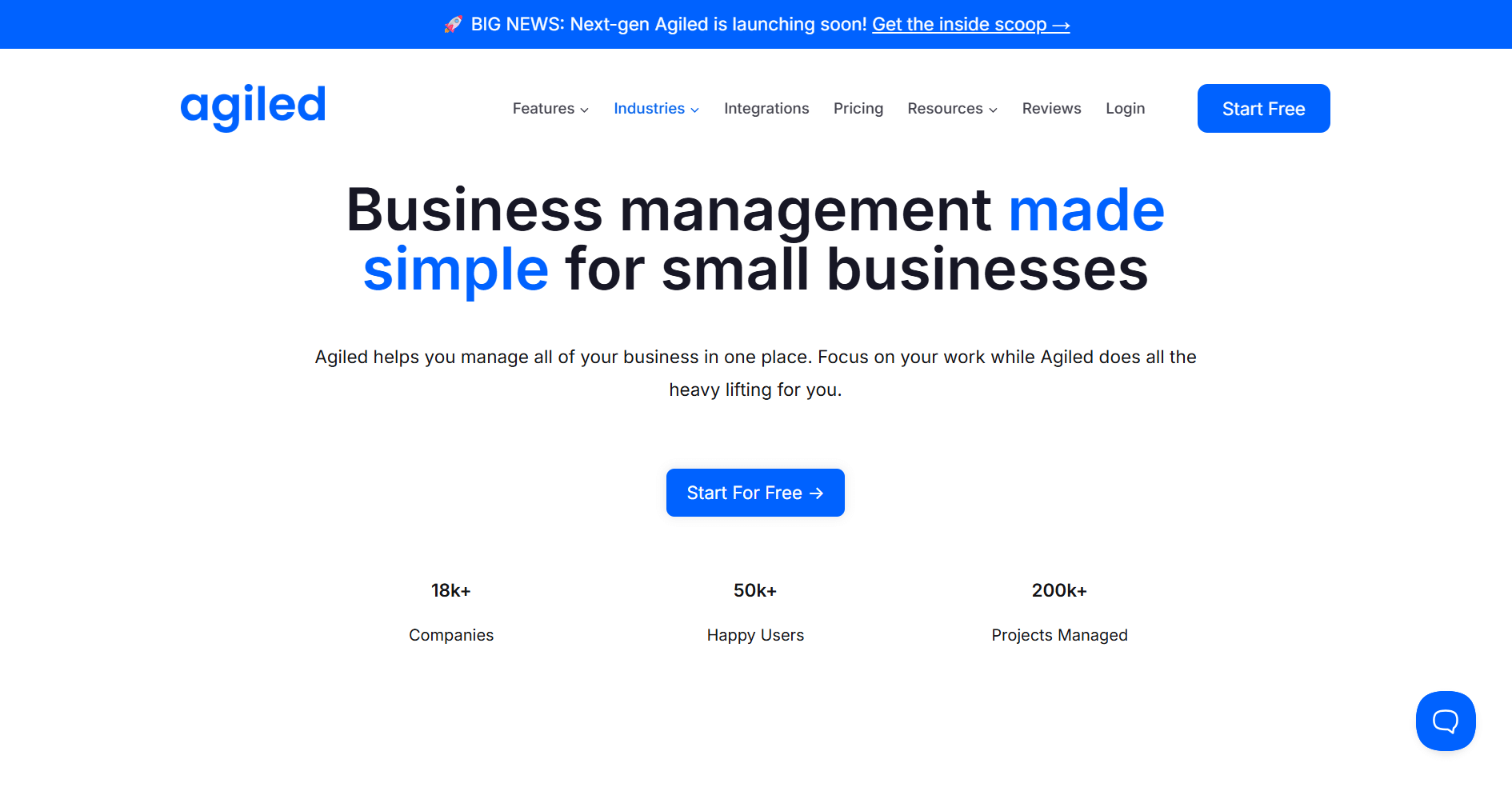
Agiled is a business management platform that tracks team performance alongside client work.
I set up multiple team members during testing because I wanted to see if the attendance, timesheet, and payroll features actually gave me useful data or just more busywork. The platform tracked when people clocked in, how many hours they logged, and what those hours cost me. I assigned tasks across projects, and the system flagged who was drowning in work and who had room to take on more.
For agencies managing larger teams, this visibility matters because labor costs can spiral fast, and many business owners don't realize it until payroll already hurts.
Why it beats Bloom
- Team performance tracking built in: Monitor attendance, timesheets, and payroll alongside project delivery without separate HR software.
- Workload visibility across projects: See which team members have capacity and which are overloaded to balance work distribution.
- Labor cost reporting: Understand project profitability broken down by team member hours and compensation.
Pros
- Attendance and timesheet tracking help agencies monitor team hours and availability
- Payroll features let you manage compensation alongside project work
- Workload reports show capacity across team members to prevent burnout
Cons
- Interface complexity increases with the breadth of features available
- Setup time grows when configuring both HR and client management features
Pricing
Agiled starts at $25 per month.
Bottom line
Agiled works well when you need to know exactly what your team costs you before payroll hits. If you need deep customization with learning management features, SuiteDash might be a better fit.
10. SuiteDash: Best for business customization
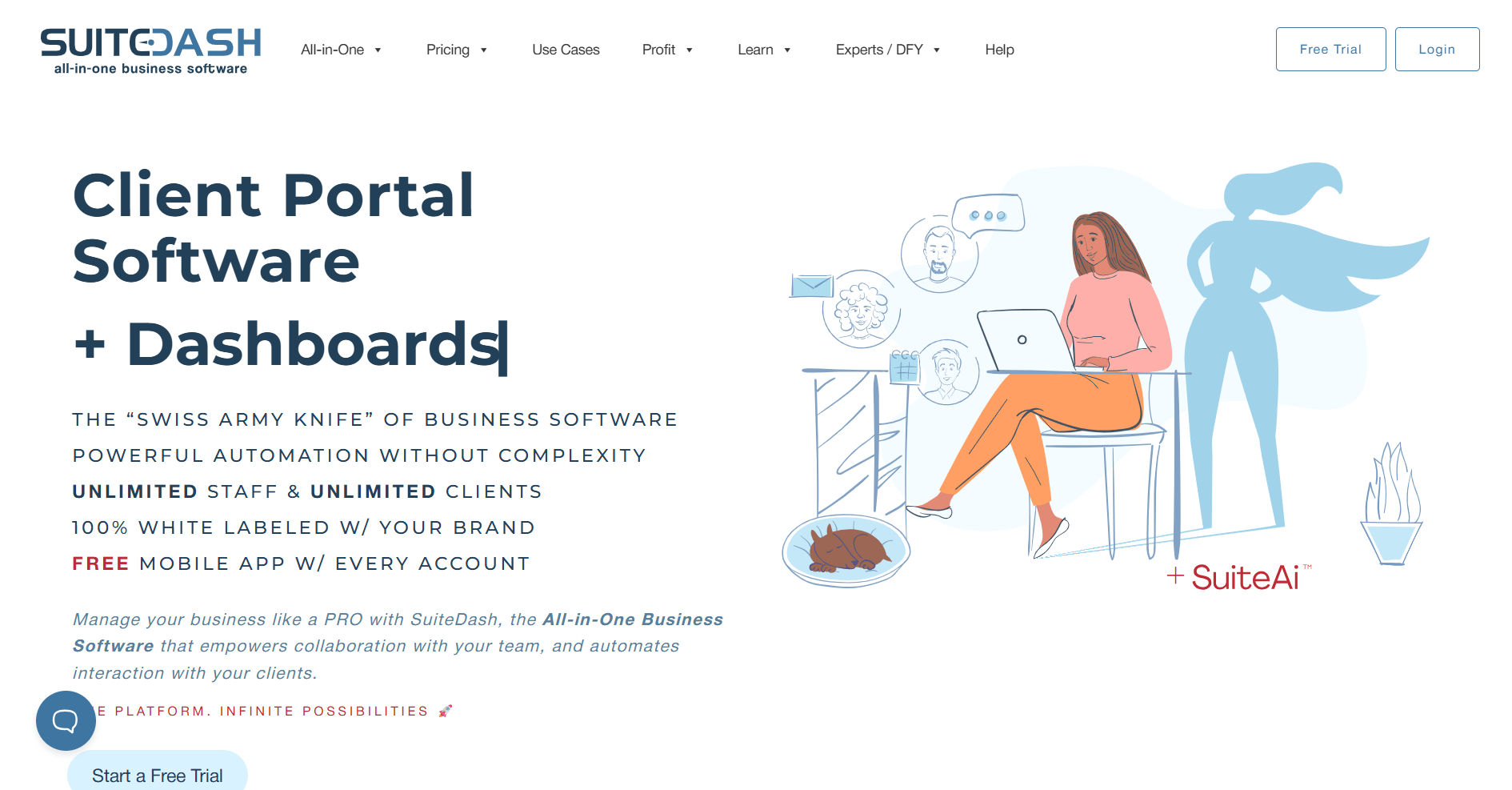
SuiteDash is an all-in-one business management platform that prioritizes customization depth. I built custom fields, adjusted portal layouts, and created workflows from scratch during testing. The system let me shape almost every aspect to match specific business processes.
I also tested the learning management system by creating course content and enrollment workflows. You can build training materials, deliver them to clients or team members, and track completion without separate platforms.
Deep customization means significant setup work. You'll spend time configuring before the platform works the way you want, but that investment pays off if you need the software to match your workflows.
Why it beats Bloom
- Deep customization across features: Adjust layouts, fields, workflows, and portal designs to match specific processes instead of using fixed templates.
- Learning management system included: Create and deliver training courses without external platforms for client onboarding or team education.
- White-label portal options: Brand the entire client experience without platform branding visible anywhere.
Pros
- Customization options let you shape the platform around your business processes
- Learning management system supports client onboarding and team training in one workspace
- White-label features create fully branded client experiences
Cons
- Learning curve increases with the level of customization you configure
- Initial setup requires significant time investment before the platform matches your needs
Pricing
SuiteDash starts at $180 per year.
Bottom line
SuiteDash works well when you know exactly how your business should run and you're willing to configure it until it matches. If you prioritize real-time collaboration with video calls, FuseBase might be a better fit.
11. FuseBase: Best for real-time collaboration
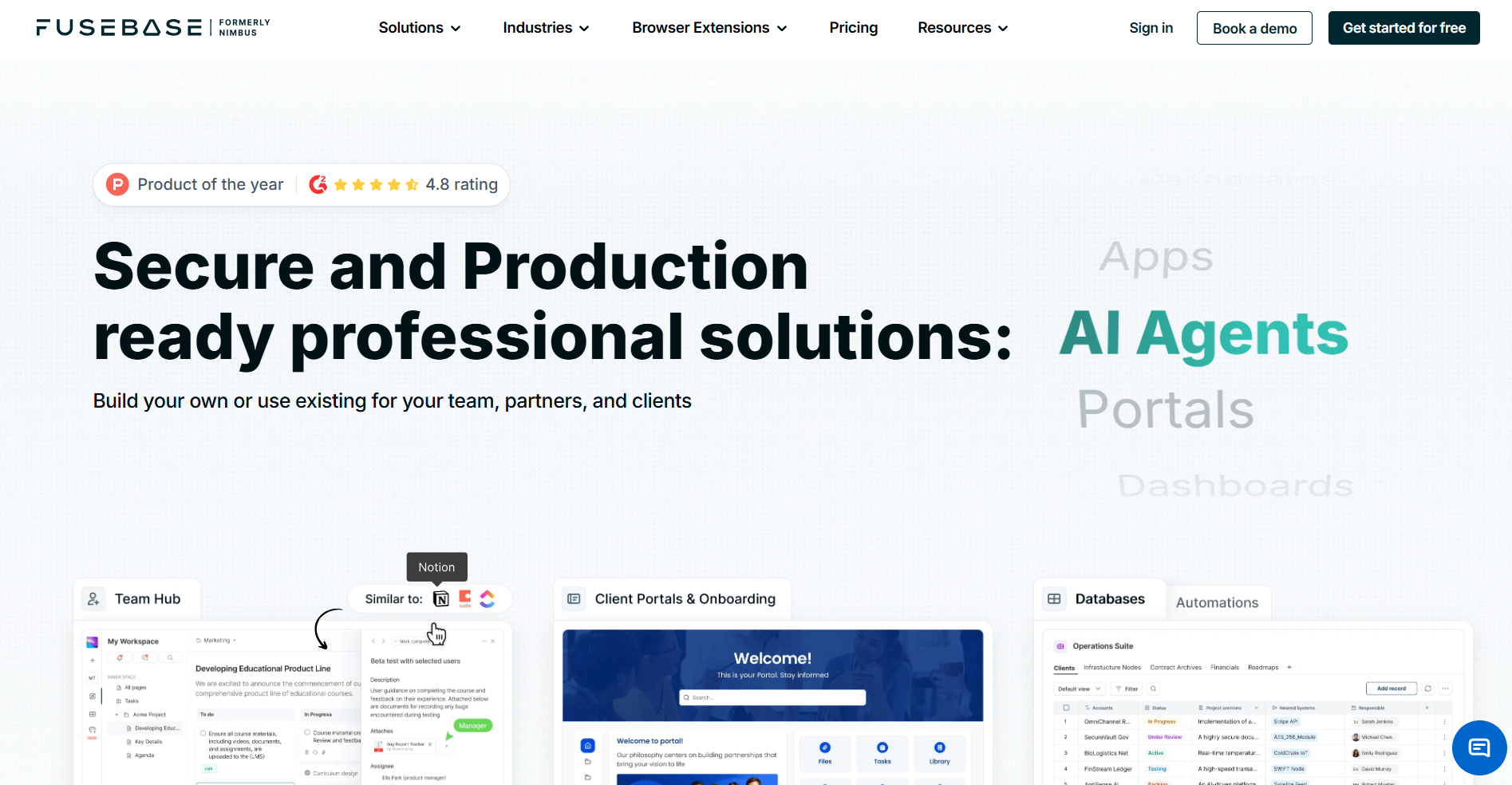
FuseBase is a client collaboration platform that emphasizes real-time communication and document editing. I tested it by hosting client meetings and editing documents simultaneously with multiple people. The video conferencing worked directly in the platform, which meant no Zoom links or tool coordination.
I tested collaborative editing next, and changes appeared as people made them. I didn’t notice refresh delays or version conflicts that usually make collaborative editing frustrating.
The task management and file-sharing features also kept project work organized without adding complexity. For teams that work through documents with clients, having calls and real-time editing in the same platform beats juggling separate tools.
Why it beats Bloom
- Built-in video conferencing: Host client meetings directly in the platform without external video tools or link coordination.
- Real-time document editing: Multiple users edit documents simultaneously with changes appearing instantly without version conflicts.
- Integrated communication and tasks: Keep conversations, files, and task assignments connected in one client workspace.
Pros
- Video conferencing eliminates need for separate meeting tools and link sharing
- Real-time document editing supports collaborative work during client calls
- Task management and file sharing keep project work organized in one space
Cons
- Workflow automation features are limited compared to platforms focused on sequences and triggers
- Integration options are fewer than broader business management platforms
Pricing
FuseBase starts at $32 per month.
Bottom line
FuseBase works well when clients expect to edit documents with you live during calls rather than exchanging versions back and forth. If you need structured intake automation, Dubsado might be a better fit.
How I tested these Bloom alternatives
I've spent years evaluating business management platforms for service businesses across different projects and team sizes. For this comparison, I focused on the gaps that Bloom users typically hit as they scale.
I built client workflows in each platform to see how they handle intake, delivery, and billing. That meant creating mock client records, setting up onboarding sequences, building proposals, tracking projects, and processing payments. I also tested each platform as both admin and client to see how the experience holds up on both sides.
Here's what I focused on:
- Team collaboration under pressure: I added multiple users, assigned overlapping tasks, and tested permission controls to see where coordination breaks down.
- Workflow flexibility for different clients: I built projects with different structures to find where platforms force you into rigid templates versus adapting to your needs.
- Time from signup to productive use: I tracked how long it took to get a functional workspace running without tutorials or support tickets.
- Integration depth: I connected each platform to common tools like Airtable, ClickUp, Zapier, and Make to see what actually syncs versus what requires workarounds.
- Billing accuracy: I tested invoice generation, payment processing, and subscription features to understand where money tracking gets messy.
- Client portal experience: I logged in as a client to see how professional and functional the branded portals actually are.
How to choose your Bloom alternative
Choosing a Bloom alternative depends on what limitations you've hit and where your business needs more control. I organized the list by what each tool handles best so you can match the right option to your workflow.
Choose:
- Assembly if you need a branded client portal with CRM tools that connect onboarding, delivery tasks, billing, and AI support in one workspace.
- Dubsado if you manage forms, proposals, and payments on your own and need a structured intake process with automation.
- HoneyBook if your work begins with proposals and scheduling and you want clients to move from inquiry to paid project in a clear sequence.
- Bonsai if you want proposals, contracts, time tracking, and payments linked in a straightforward path for solo or small operators.
- Plutio if you want flexible project boards, fields, and templates that you can adjust quickly for different service workflows.
- Moxo if you handle sensitive documents and need bank-grade encryption with granular permission controls for regulated industries.
- ClickUp if you need complex task dependencies, multiple project views, and resource planning for larger teams managing sequenced deliverables.
- Sprout Studio if you're a photographer who needs gallery management, print sales, and design proof feedback built into client management.
- Agiled if you need to track team attendance, timesheets, and payroll costs alongside project delivery for agencies with multiple employees.
- SuiteDash if you want deep customization across layouts, workflows, and portals, plus a learning management system for client training.
- FuseBase if you work through documents with clients during live video calls and need real-time editing without juggling separate platforms.
My final verdict
HoneyBook works well for creative teams that start with proposals, and Dubsado fits solo operators who need structured intake automation. Sprout Studio is built for photographers who need galleries and print sales. SuiteDash gives you deep customization, but I think there’s a good chance you'll spend a chunk of time configuring before it matches your workflow.
Assembly does things differently by combining CRM tools with branded client portals in one workspace. You track deals and handle delivery without splitting client data across separate systems. I've found that this matters when teams grow beyond basic client communication and need a structure that actually scales with their client list instead of breaking at the seams.
Ready to find a Bloom alternative that scales with your team? Try Assembly
Teams usually look for Bloom alternatives when team collaboration becomes difficult, customization options stay limited, or pricing climbs without adding the features they need. Assembly addresses those gaps with CRM tools, branded client portals, and project tracking in one workspace that's designed to stay organized as your client list grows.
Here's what you can do with Assembly:
- Track client details and activity: Manage client records, communication history, and relationship data in a structured CRM that keeps everything organized in one place.
- Give clients a branded portal: Clients log into a space that reflects your brand to access contracts, invoices, files, and project updates without email back-and-forth.
- Keep tasks, messages, and files together: Client communication, shared files, and project tasks stay connected to each client record instead of being scattered across separate tools.
- Prep faster for meetings: The AI Assistant summarizes recent client activity and communication, helping you walk into calls with a clear picture of what’s been discussed and what’s outstanding.
- Protect client data: Assembly meets SOC 2 compliance standards with role-based permissions, encryption, and regular security audits. It also supports GDPR, CCPA, and HIPAA compliance.
- Stay ahead of clients: Highlight patterns that may show churn risk or upsell potential, making outreach more timely and relevant.
- Cut down on admin: Automate repetitive jobs like reminders, status updates, or follow-up drafts that used to take hours. The Assistant handles the busywork so your team can focus on clients.
Ready to simplify how your firm manages client work? Start your free Assembly trial today.