



I tested a wide range of tools to find the best CRMs for small consulting businesses. These 10 provide a solid mix of client tracking, notes, and task management in 2026.
What are CRMs for small consulting businesses?
CRMs for small consulting businesses are systems that keep client details, lead activity, and project work in one organized place. They give you a clear space to log notes, track progress, update tasks, and move prospects through your sales steps without bouncing between several tools.
This setup works well for consultants who want one workflow for early sales conversations, ongoing client communication, and day-to-day delivery. It helps you see where each relationship stands and what needs attention next.
If you plan to bill clients from the same system, my guide to CRMs with invoicing compares nine tools that handle quotes, invoices, and payments.
10 Best CRMs for small consulting businesses: At a glance
CRMs for small consulting businesses support early sales steps, client records, tasks, and project work in different ways. Here are the 10 top tools compared side by side:
| Tool | Best for | Annual price | Key strength |
|---|---|---|---|
| Assembly | Service teams that want one client workspace | $29/month | Connected records for sales steps and delivery |
| HubSpot CRM | Sales-led consulting teams | $9/user/month | Strong email and pipeline tools |
| Pipedrive | Simple sales workflows | $14/user/month | Clear deal stages and reminders |
| Keap | Consultants who rely on automation | $299/month for 2 users, billed monthly | Built-in email tools and invoicing |
| Zoho CRM | Teams inside the Zoho ecosystem | $14/user/month | Wide set of connected apps |
| monday CRM | Firms that build custom processes | $12/user/month, minimum 3 users | Flexible boards for tracking work |
| Capsule | Small teams that want simple tracking | $18/user/month | Clean contact and task views |
| Close CRM | Outbound sales activity | $35/user/month | Calling and email in one place |
| Freshsales | Teams that want communication tools included | $9/user/month | Built-in email, chat, and calling |
| OnePageCRM | Solo consultants | $9.95/user/month | Action-based task list for follow-ups |
1. Assembly: Best for service teams that want one client workspace
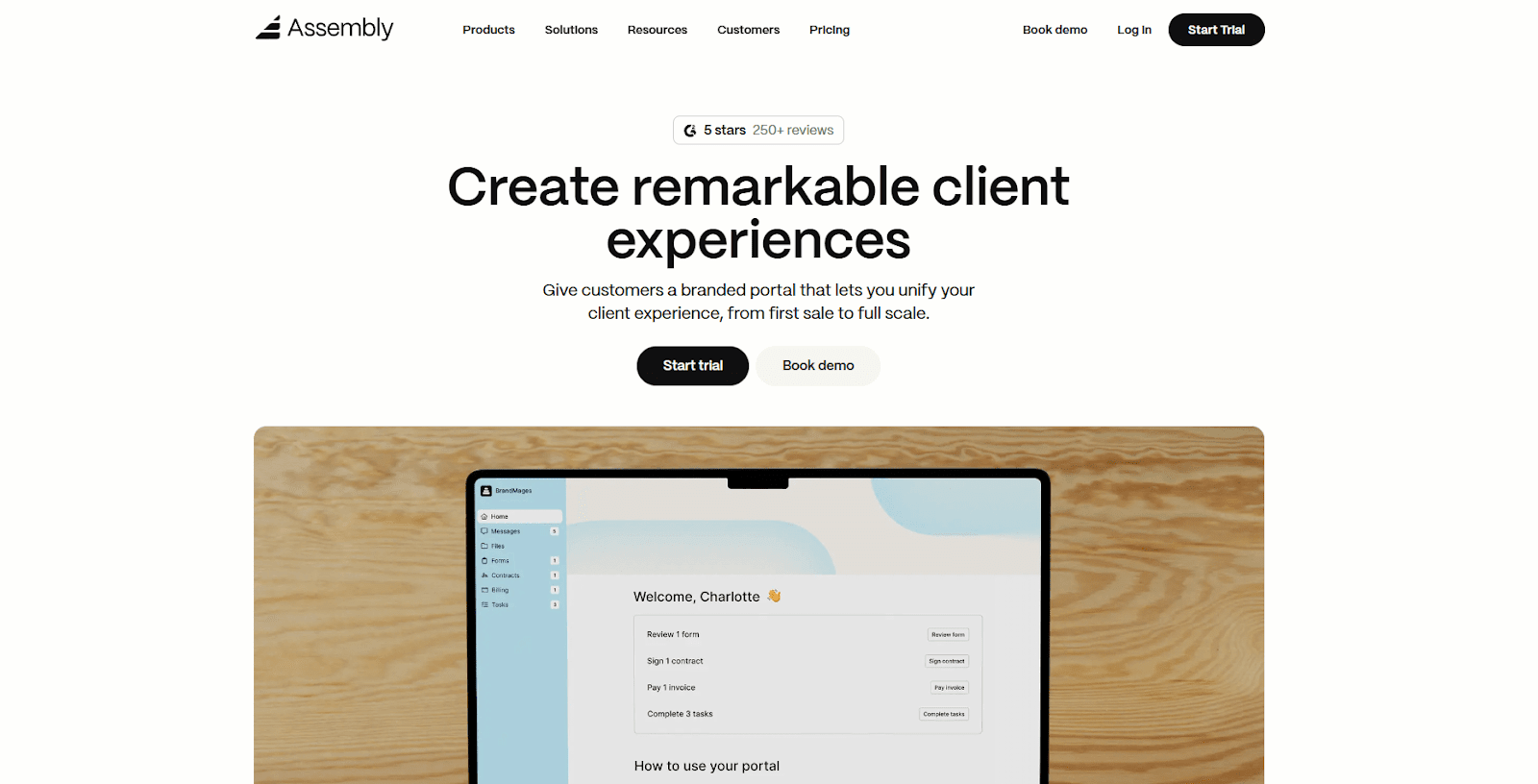
We built Assembly to give consulting teams one place to manage client records, sales steps, tasks, files, and billing. Everything stays connected from the first conversation through ongoing delivery, which prevents the gaps that appear when work spreads across multiple tools.
Consulting teams can add leads to Assembly with notes, tasks, and key details before bringing clients into the portal. When a client is ready, the portal becomes a branded workspace for messages, files, contracts, and billing. Automated onboarding steps create a smooth shift from sales to active delivery without moving data or rebuilding the record.
Our Billing App also adds a branded way to send invoices, collect payments, and track every update inside the same client record. Payments, contracts, and account timelines stay linked, which removes the need for separate billing tools and cuts down on time spent searching across systems.
Pricing starts at $39 per month for the Starter plan.
2. HubSpot CRM: Best for sales-led consulting teams
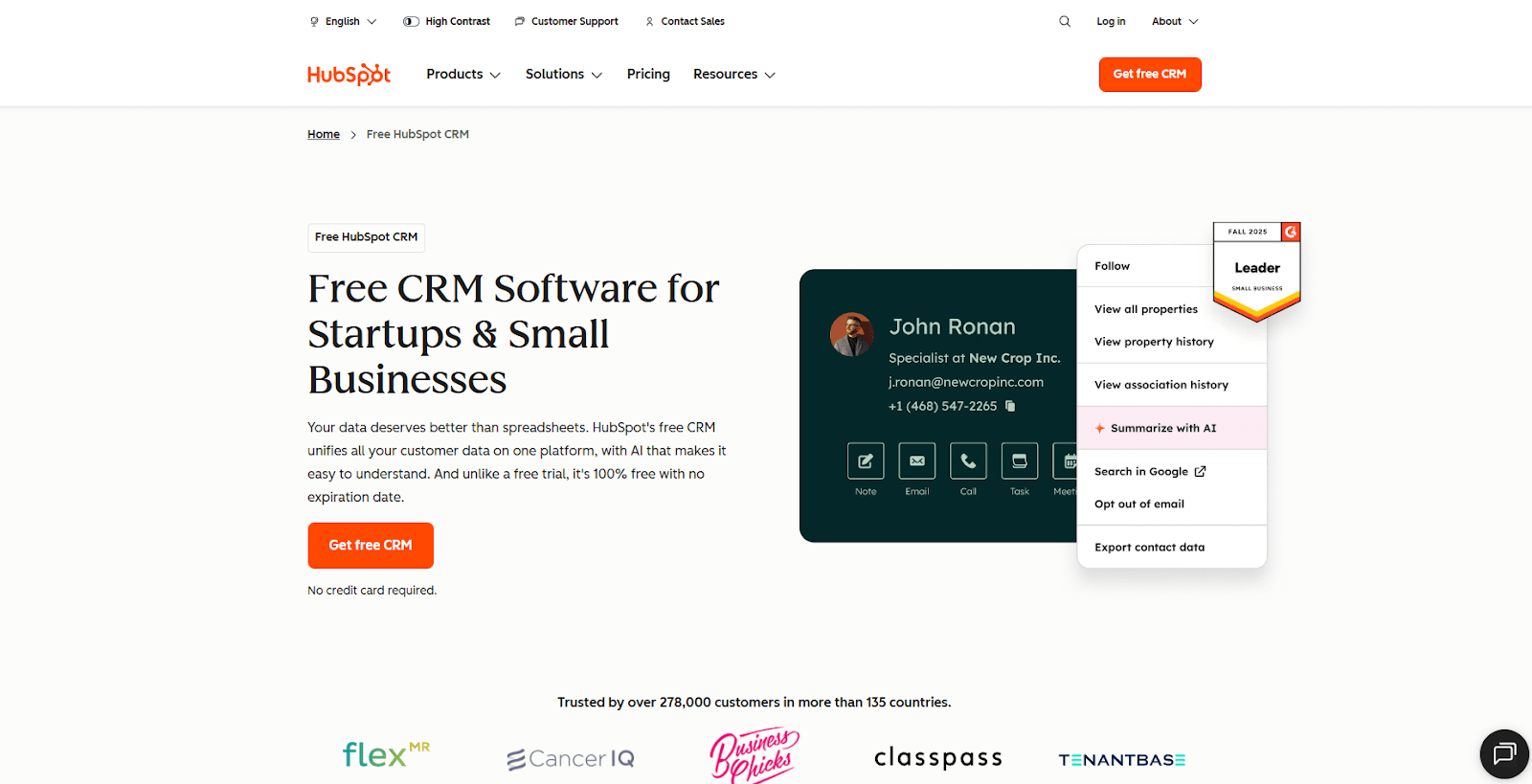
HubSpot CRM performed well in my testing for consultants who focus on steady sales activity. The pipelines, email tools, and task updates make it easier to keep conversations moving without losing track of past steps. I paid close attention to the communication tools because many consulting teams rely on consistent outreach.
The platform fits teams that want a sales-first workflow. You get email sequences, meeting links, and organized contact views that help you stay on top of early sales steps. The tradeoff is the time required to set up extra modules if you need more than the core CRM.
HubSpot CRM starts at $9 per user per month.
3. Pipedrive: Best for simple sales workflows
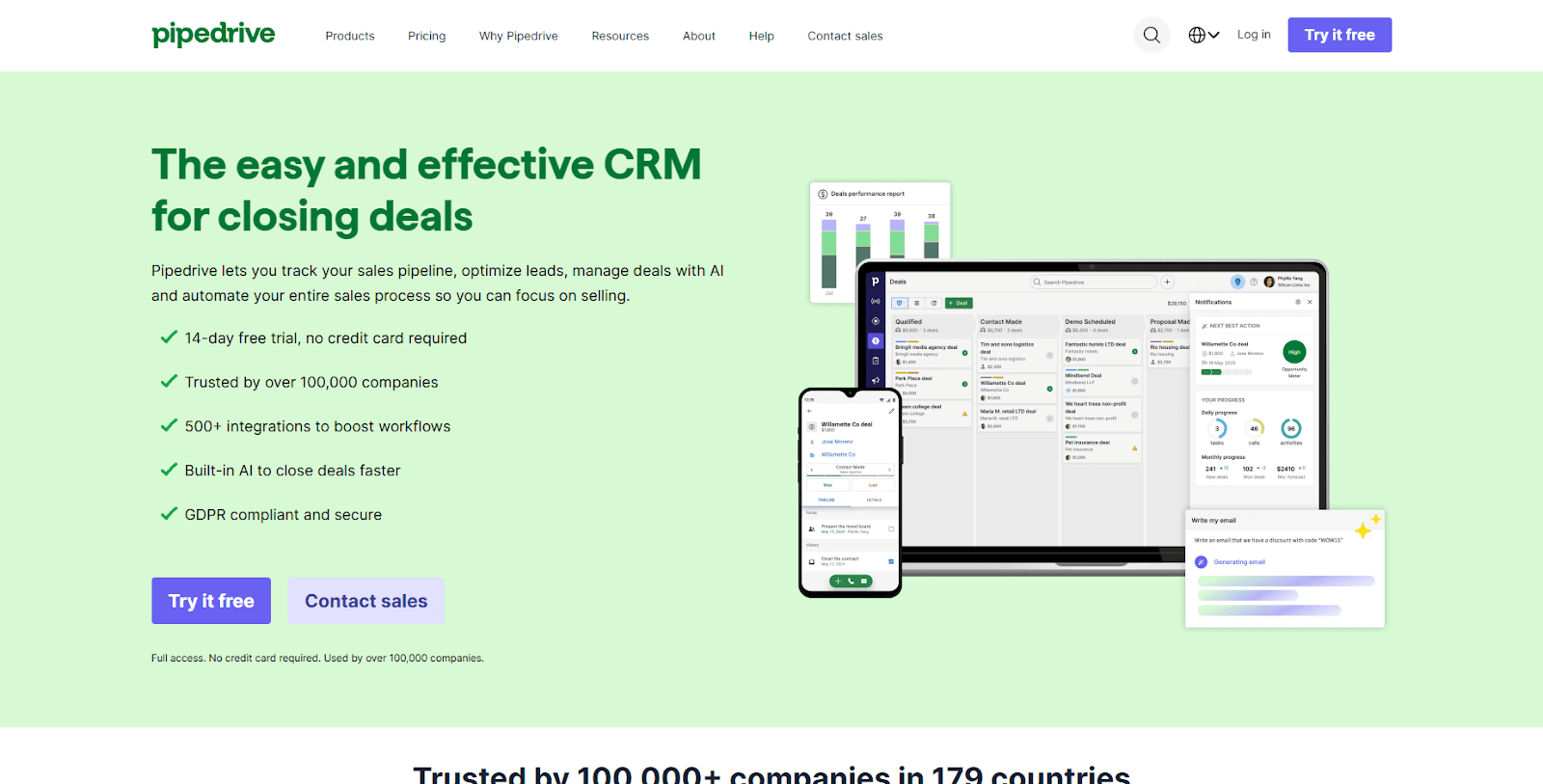
Pipedrive impressed me with how straightforward it is to update deals and follow reminders. The pipeline view is clear, and it takes only a moment to shift a prospect from one stage to another. This made testing easy because the tool focuses on simple steps rather than a complex setup.
The platform fits consulting teams that want a predictable routine for sales activity. You don’t get advanced delivery features, but you do get a clean way to manage prospects and stay organized during outreach.
Pipedrive starts at $14 per user per month.
4. Keap: Best for consultants who rely on automation
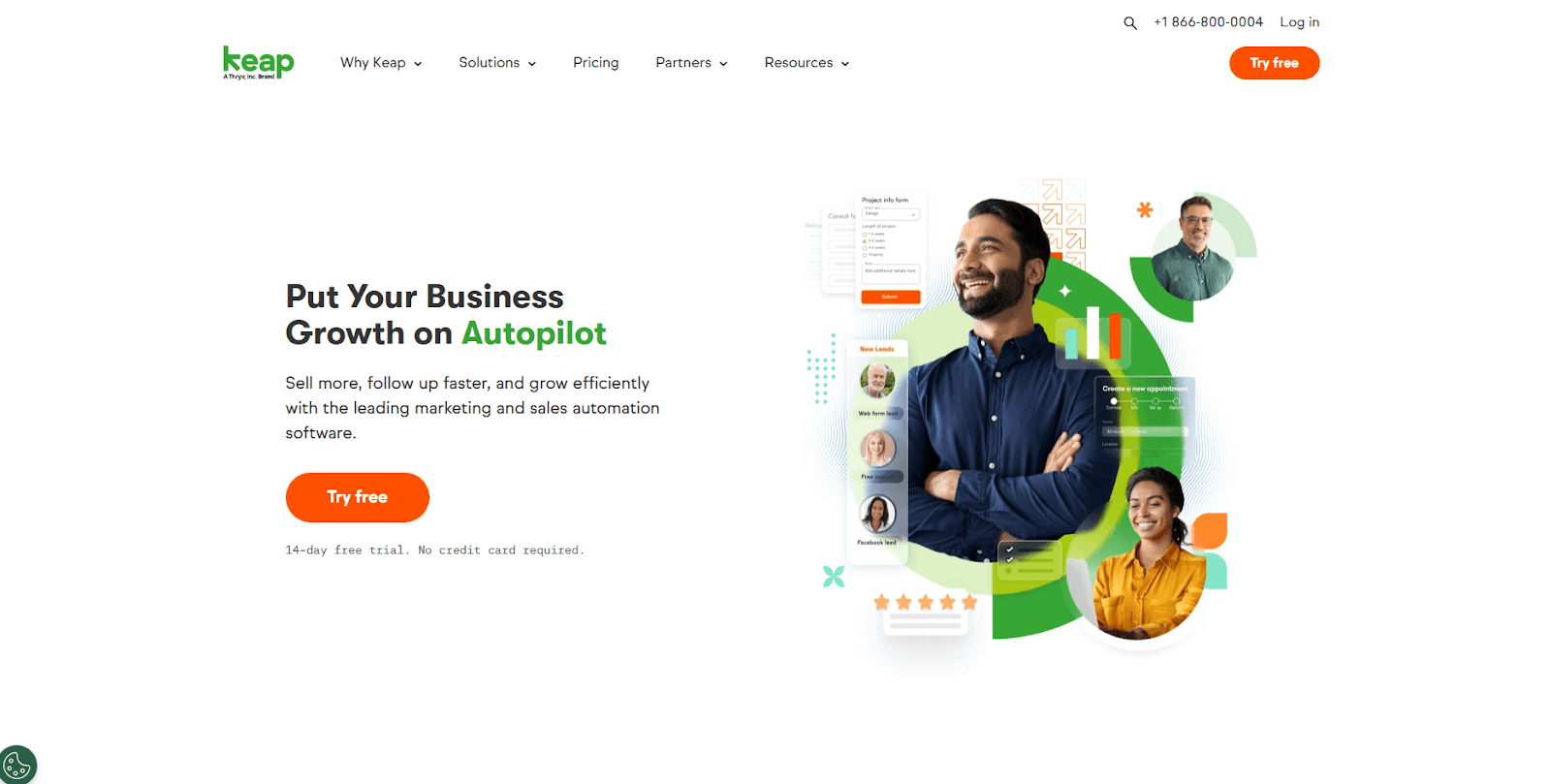
Keap stood out for its automation engine during my testing. The CRM combines email tools, tasks, and invoicing inside one system, which gives consultants a single place to manage early sales steps and follow-up. I spent time building sequences, and the automation builder works well for teams that repeat the same workflows.
Keap’s strength is the ability to map out flows that send messages, create tasks, or update records based on clear rules. The part that took the longest was the initial setup, which can feel heavy if your team only needs basic tracking.
Keap’s automation follows rules you set up yourself, so if you want AI to take on research, notes, and slide work instead, my list of AI tools for consultants covers 16 options I tested.
Keap starts at $299 per month for 2 users, billed monthly.
5. Zoho CRM: Best for teams inside the Zoho ecosystem
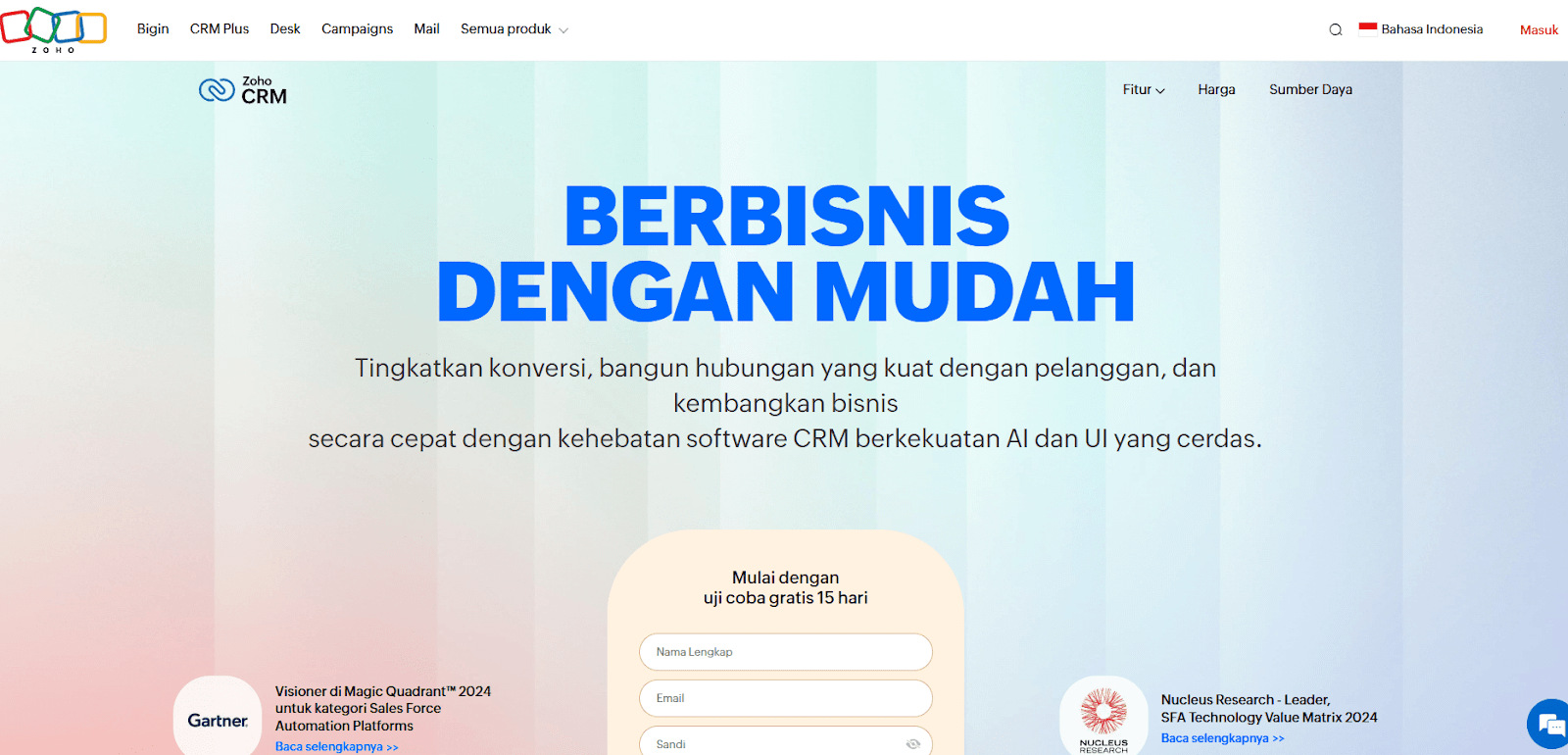
Testing Zoho CRM confirmed that it works best when your consulting team already uses other Zoho apps. The CRM connects to email, documents, and project tools in the broader suite, which helps keep your client work in one connected system. I explored each module to see how well they link together, and the integration is the main draw.
Zoho offers a wide range of features, though the interface can take time to learn. Once everything is set up, it becomes easier to manage leads, tasks, and client records inside the same ecosystem.
Zoho CRM starts at $14 per user per month.
6. monday CRM: Best for firms that build custom processes
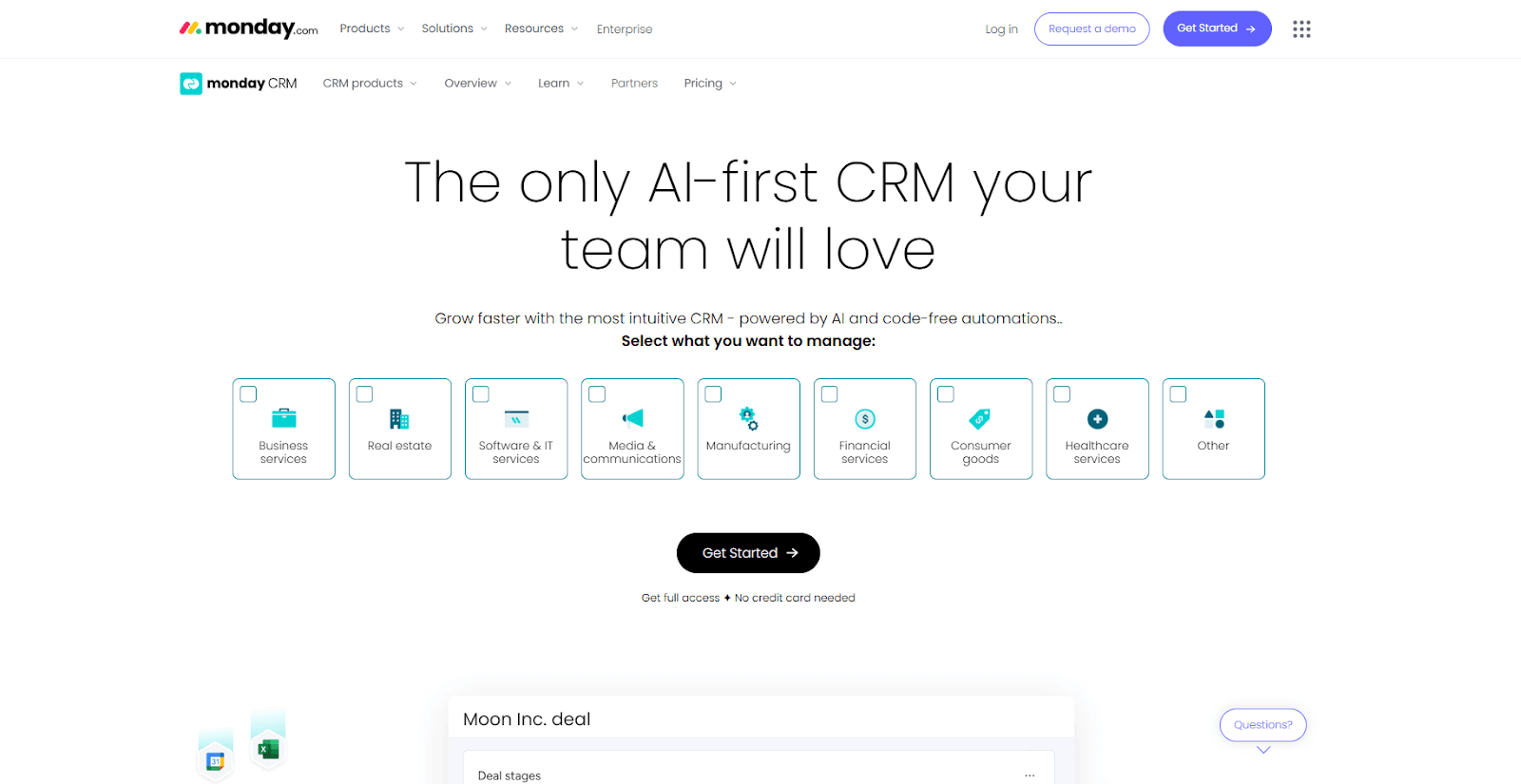
monday CRM is a flexible option, and my testing showed that it works well for consultants who want to shape their workflows around boards. You can track sales steps, tasks, and basic project activity in one place, which helps smaller teams move smoothly from early conversations to active work. I tried several board layouts, and the customization stood out.
In monday CRM, you can create fields, views, and automations that reflect how your firm handles sales and delivery. The tradeoff is the setup time, since it asks you to define many pieces before the workflow is complete.
monday CRM starts at $12 per user per month, with a minimum of 3 users.
7. Capsule: Best for small teams that want simple tracking
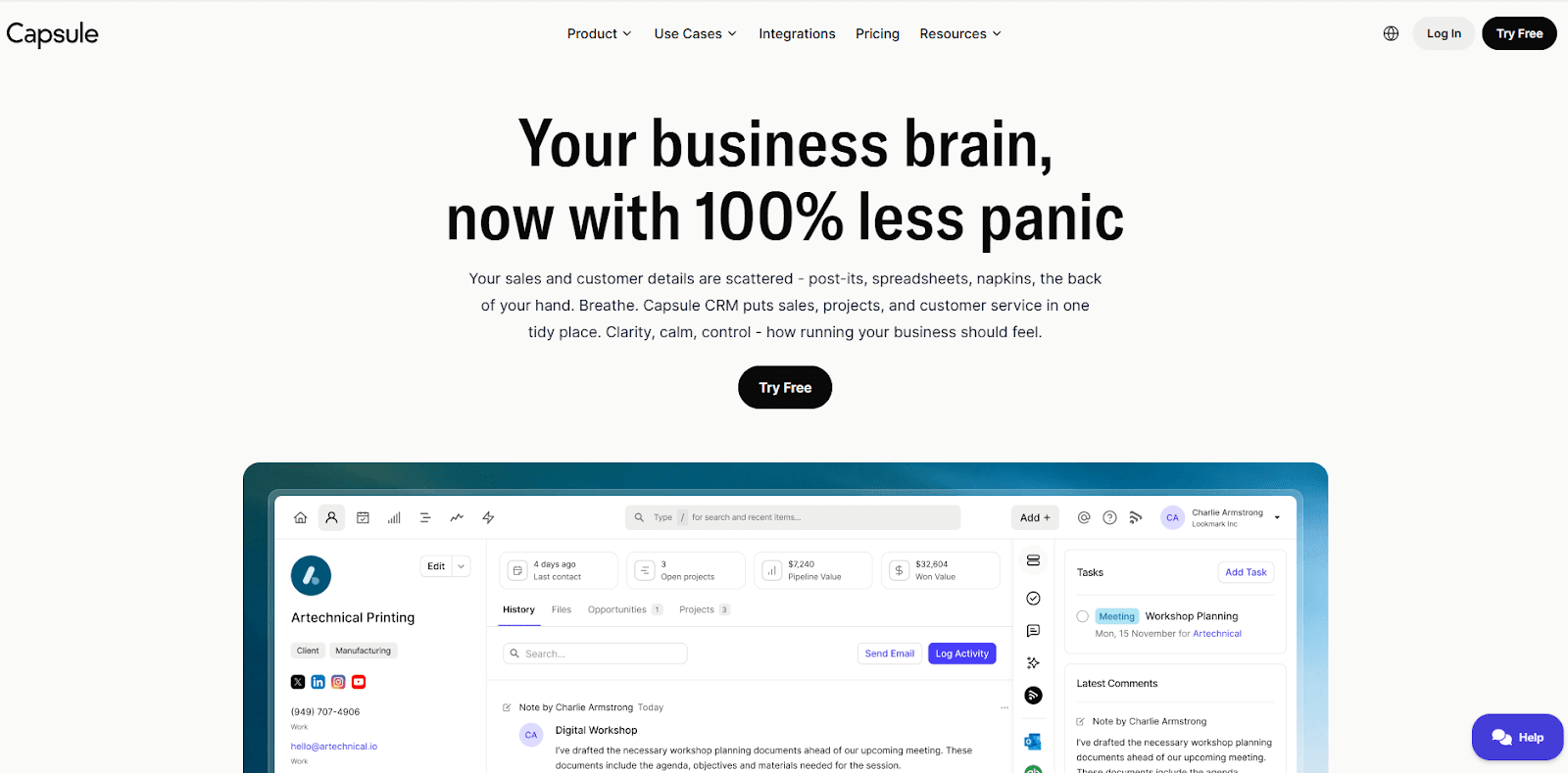
Capsule is a lightweight CRM that gives small teams a simple way to track contacts and the deals they’re working on. In testing, it handled straightforward tracking without much setup, which made it easy to get started right away. The main views stay clear as you add notes or update deal progress, and I liked how quickly I could see where a client stood with only a few clicks.
The platform fits teams that want predictable tracking without advanced delivery tools. It keeps the experience simple, so you don’t spend time adjusting settings or building custom workflows. If your consulting work relies on steady follow-up and clear records, Capsule offers a practical starting point.
Capsule starts at $18 per user per month.
8. Close CRM: Best for outbound sales activity
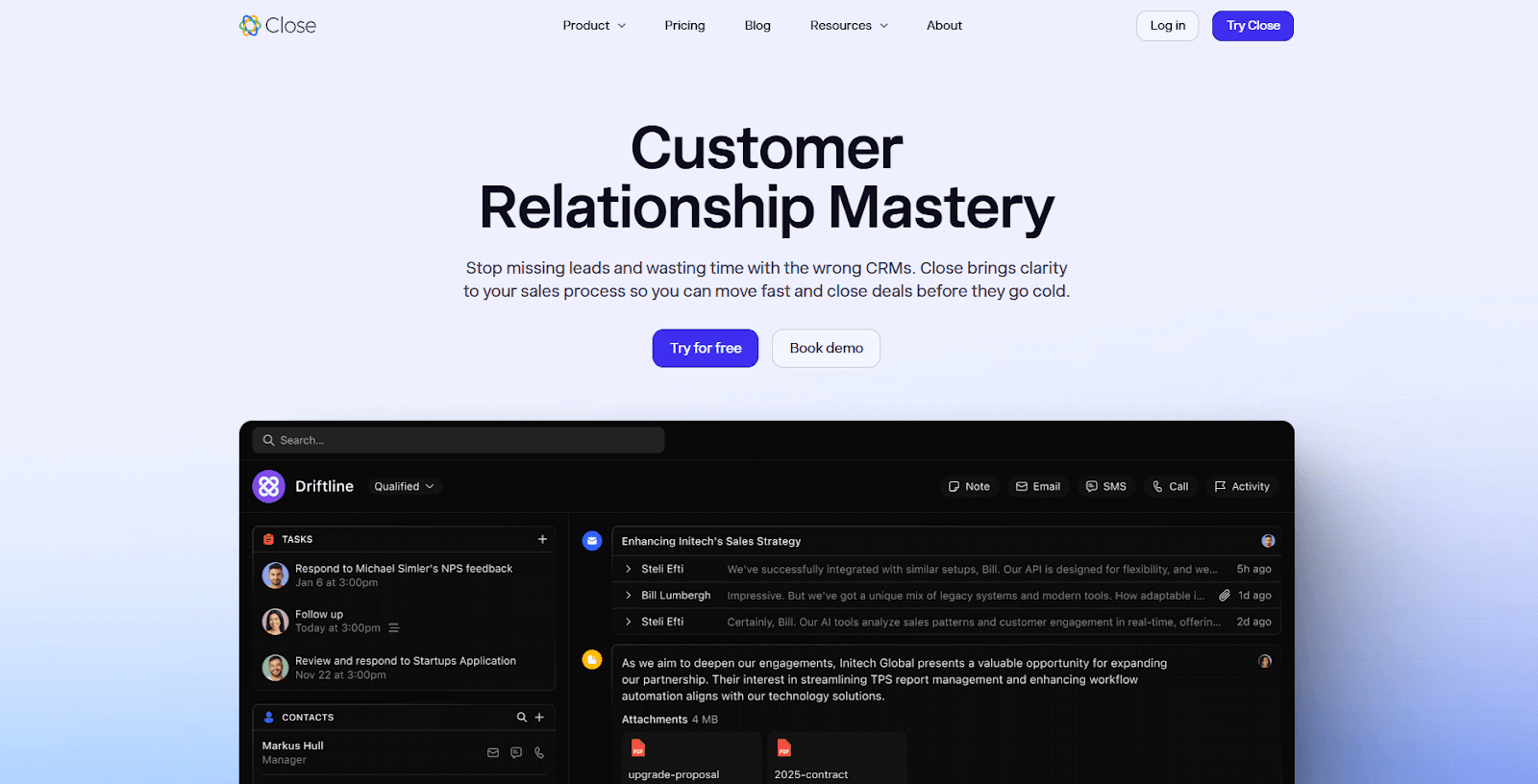
Close CRM is a sales-focused tool, and I tested it to see how well it handles outreach for consulting teams that rely on calling and email. The built-in communication tools make it easy to run follow-up sequences without switching apps. I ran a few test campaigns, and the call and email tracking helped me follow each conversation in one place.
The platform works best for firms that prioritize outbound work. You get calling, email activity, and pipeline views that support steady outreach. The limitation is that Close CRM doesn’t include delivery features, so it’s mainly for teams that focus on front-end sales.
Close CRM starts at $35 per user per month.
9. Freshsales: Best for teams that want communication tools included
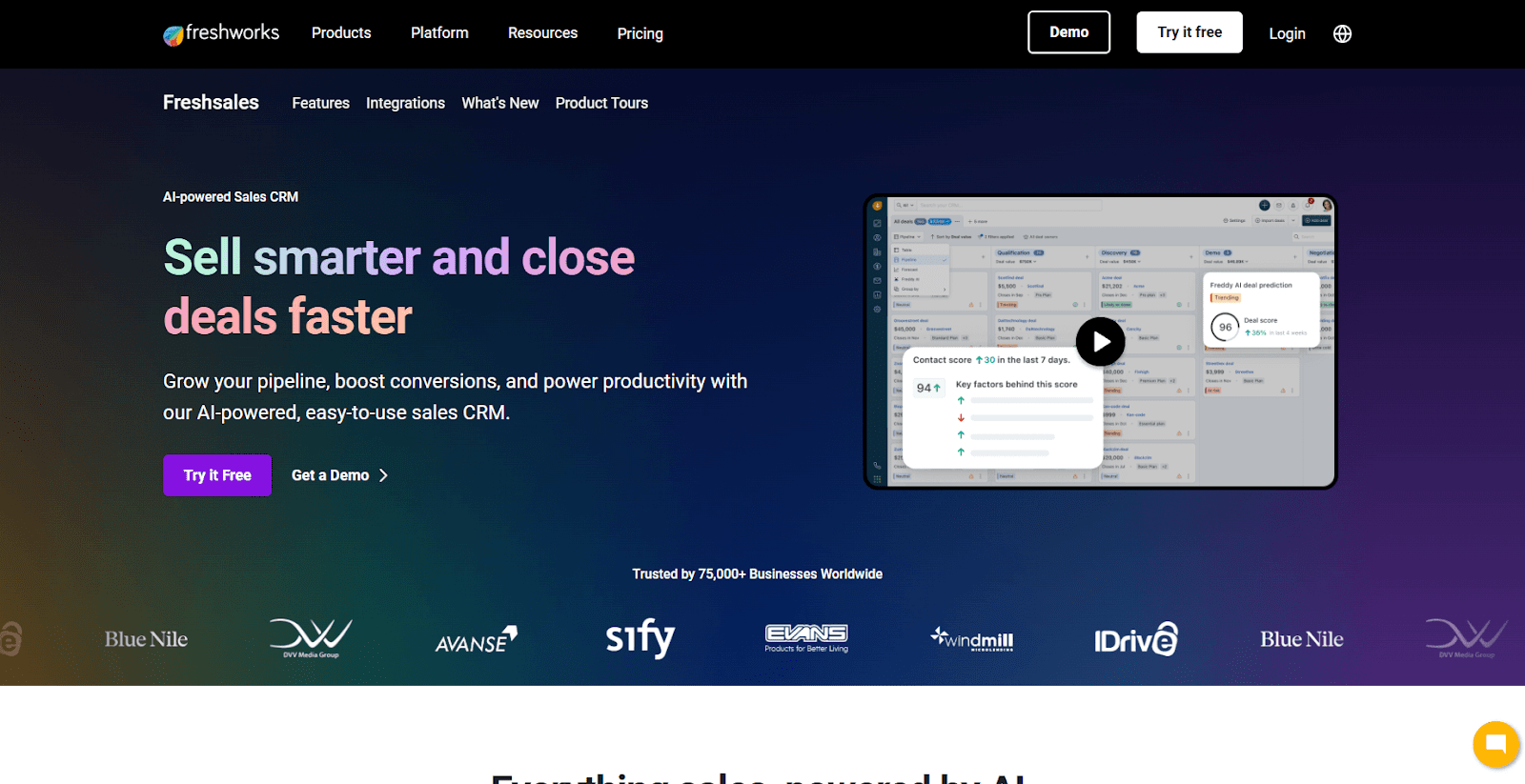
During testing, Freshsales gave me a clear look at how all-in-one communication tools can support consulting work. The CRM includes email, chat, and calling in the same system, which helps you keep conversations organized as you move prospects forward. I explored the interface to see how quickly I could shift between tasks, and the layout made it easy to follow each step.
Freshsales fits teams that want built-in communication tools without adding separate apps. You can manage contacts, update tasks, and handle conversations from the same place. It’s a strong option if your consulting workflow depends on timely follow-up.
Freshsales starts at $9 per user per month.
10. OnePageCRM: Best for solo consultants
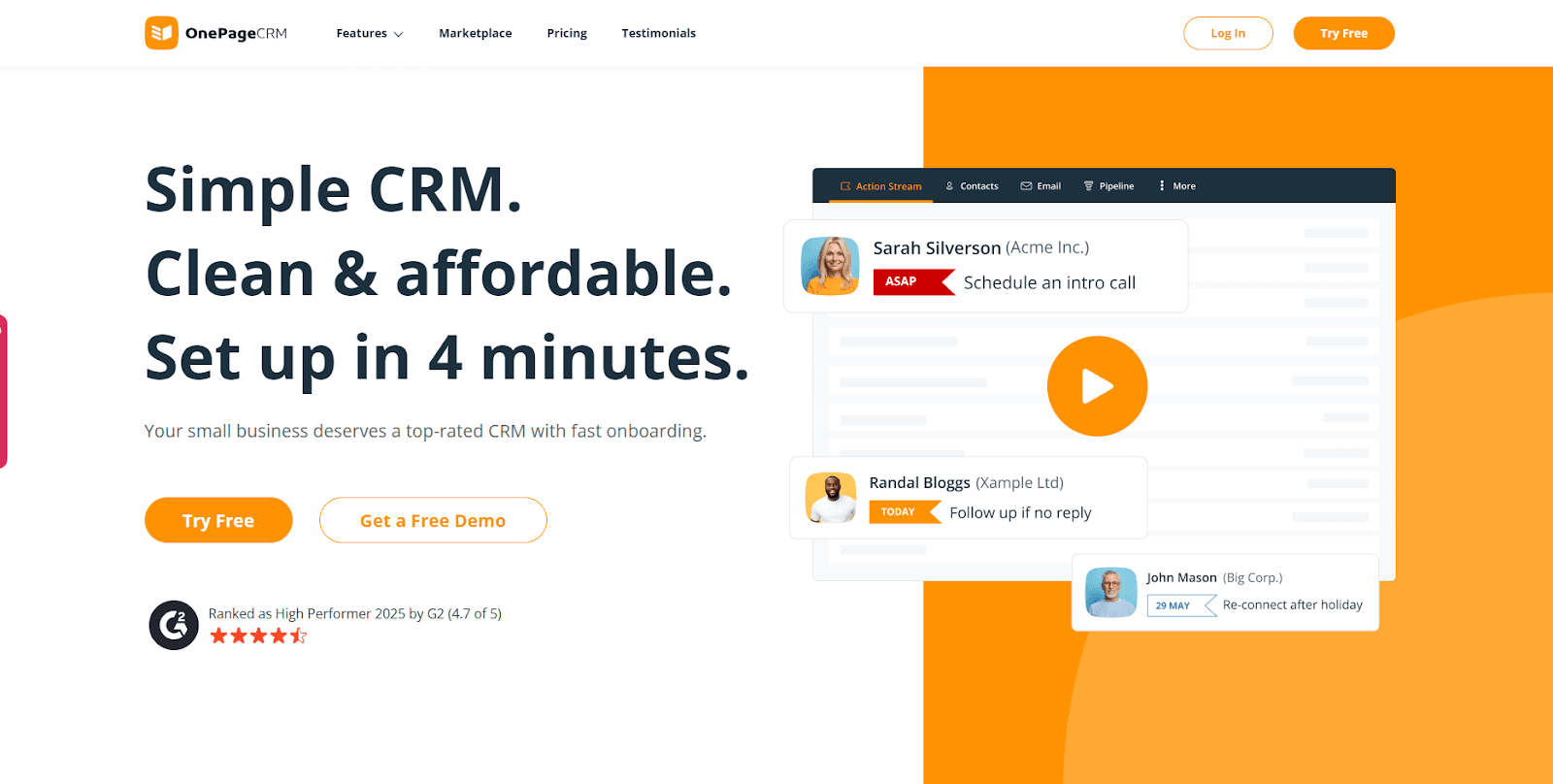
OnePageCRM is a simple tool, and my testing showed that its action-based task list is the main draw for solo consultants. Each contact includes clear next steps, which makes it easier to stay on track when you’re managing outreach on your own. I tried moving several leads through the workflow, and the task system kept the routine predictable.
The platform fits consultants who want a lean CRM with minimal setup. It focuses on follow-up rather than deep project tracking, so it’s a good fit for simple pipelines and day-to-day outreach. If you want a low-maintenance CRM to keep your activity organized, OnePageCRM is a good pick.
OnePageCRM starts at $9.95 per user per month.
Why you need CRMs for small consulting businesses
Consulting work moves fast, and small teams often balance sales conversations, client delivery, and internal tasks at the same time. Without a central system, it’s easy for details to slip, follow-ups to stall, or project work to drift without clear ownership.
A CRM gives you one organized place to manage your pipeline, track conversations, and keep client work on track. Here are some reasons why you need them:
- Better visibility: A CRM gives you a clear view of every contact, open deal, and active client, so you always know what stage each relationship is in and what needs attention next.
- Cleaner records: All notes, files, and updates stay attached to the right client, which helps you avoid searching through inboxes or messaging tools to find past decisions.
- Consistent follow-up: Reminders and task lists help you stay active with leads and existing clients, so important steps don’t slip during busy project periods.
- Clearer sales steps: I often see teams move deals faster when stages are defined, because the pipeline shows the exact steps needed to keep momentum.
- Smoother project work: Tasks and client activity stay linked to the same record, so the handoff from sales to delivery feels natural and predictable.
- Improved handoff: I’ve found that timeline history helps teammates avoid confusion, especially when several people collaborate on the same client.
- More predictable workload: A CRM helps you see upcoming tasks and open work so you can plan your schedule and avoid taking on more than your capacity allows.
- Stronger client experience: Faster responses, accurate details, and organized communication help your clients trust the process and understand what’s happening next.
Common mistakes to avoid when choosing a CRM
I’ve seen small consulting teams run into the same issues when they switch to a CRM, and many of them come from setup choices rather than the tool itself. Here are the pitfalls worth avoiding:
- Choosing a tool that’s too complex: Some teams pick a CRM built for large sales orgs and struggle to keep it updated. I suggest starting with the simplest plan that supports your workflow and expanding only when the gaps become clear.
- Skipping early sales setup: A CRM feels unfinished when the sales stages aren’t defined. Take a few minutes to map your lead stages so the system guides your follow-up from day one.
- Mixing client notes across tools: Teams often keep notes in email or chat apps out of habit. I recommend a simple rule like logging updates in the CRM before you move on to your next task, so the record stays complete.
- Not setting clear task owners: Tasks without owners often stall. Set a routine where every task gets an owner and a due date to keep work moving without extra process.
- Over-customizing too early: It’s tempting to build custom fields before you know what you’ll use. I suggest waiting until your workflow becomes clear so the CRM fits your process instead of shaping it.
- Ignoring reporting: Many teams never check their reports and miss helpful signals. Pick one or two dashboards you’ll review weekly, like open deals or upcoming tasks, instead of tracking everything.
- Forgetting internal notes: Internal notes help teammates stay aligned, but they’re easy to skip when work gets busy. I encourage short summaries after each client touchpoint so the timeline stays accurate.
Which CRM for small consulting businesses should you choose?
Choosing the right CRM starts with understanding how your consulting work moves from early sales conversations to active delivery. Each tool approaches pipelines, tasks, and client records in different ways, so the best choice is the one that supports the workflow you already use. Here’s how to choose:
- Match the CRM to your workflow: Look at how your team handles leads, client updates, and ongoing tasks. Pick a tool that fits your routine instead of reshaping everything around the CRM.
- Check how information stays organized: A strong option keeps notes, tasks, files, and client history in one place so nothing spreads across apps or inboxes.
- Look at reporting needs: Teams that review their progress regularly often want simple reporting tools rather than heavier features found in some consulting software. Choose the level of detail your team will actually use.
- Evaluate data insights: If your firm reviews lead patterns or client activity each month, pick a tool that makes this easy without exporting data across systems.
- Review learning curve vs. time saved: Tools with many setup steps can give you more structure, but they also require more upkeep. I suggest choosing the simplest product that supports your core process.
- Confirm long-term fit: A CRM should help with both early sales steps and ongoing delivery. This matters for CRMs for small businesses, since outgrowing the system too fast leads to more switching later.
The goal is to choose a CRM for consultants that supports the way you already work, not the one with the longest feature list. If a tool makes it easier to stay organized, follow up on time, and keep clients informed, it’s usually a good pick.
Need one place to manage client work? Start with Assembly.
Most CRMs help you track leads, but the best CRMs for small consulting businesses also support the work that begins after a client signs. That’s where gaps appear and work starts to spread across tools.
Assembly gives your team one place to manage sales steps and active client work. You can use it as your CRM or pair it with another tool, and everything stays tied to the same client record, so tasks, files, billing, and communication stay organized from the first call onward.
Here’s what you can do with Assembly:
- See the full client record: Notes, files, payments, and communication history stay linked in one place. You never have to flip between systems or lose context when switching from sales to service.
- Prep faster for meetings: The AI Assistant pulls past interactions into a clear summary so you can walk into any call knowing exactly what’s been discussed and what’s next.
- Stay ahead of clients: Highlight patterns that may show churn risk or upsell potential, making outreach more timely and relevant.
- Cut down on admin: Automate repetitive jobs like reminders, status updates, or follow-up drafts that used to take hours. The Assistant handles the busywork so your team can focus on clients.
Ready to simplify how your firm manages client work? Start your free Assembly trial today.