



Many agencies lose hours each week chasing invoices, reconciling payments, and fixing billing errors. To free up that time, I tested dozens of agency billing software tools to find the top 11 in 2026.
11 Best agency billing software: At a glance
The platforms below differ in how they handle time tracking, subscription billing, and proposal-to-payment workflows. Some connect directly to accounting software, while others focus on branded client portals or automated contracts. Here's how they compare on features, strengths, and price:
| Tool | Best for | Annual price | Key strength |
|---|---|---|---|
| Assembly | Branded client portals with billing | $29/month | Subscription billing with branded stores for productized services, contracts, and an integrated client portal |
| Ignition | Proposal-to-payment automation | $39/month | Automates proposals that trigger billing instantly on client acceptance |
| Productive | Project profitability tracking | $9/user/month, minimum of 3 users | Real-time profitability tracking across projects with integrated budgets |
| HoneyBook | Creative workflows with smart invoicing | $29/month | Smart files link service selection directly to automatic invoicing |
| Bonsai | Freelancers managing end-to-end client work | $9/user/month | All-in-one freelance workspace that integrates with Stripe and PayPal for payment processing |
| FreshBooks | Accounting-focused service businesses | $248.40/year | Time tracking feeds directly into invoices with expense management |
| QuickBooks Online | Full accounting with invoicing | $38/month, billed monthly | Comprehensive accounting system with invoice tracking and tax tools |
| Harvest | Time-based billing | $9/seat/month | One-click invoice creation from tracked time and expenses |
| HubSpot Service Hub | HubSpot users needing billing tools | $9/seat/month | Invoicing integrated with HubSpot CRM and ticketing system |
| BILL | AP and AR invoice automation | $49/user/month for the Business AP/AR plan | Automated approval workflows with two-way accounting sync |
| Stripe Billing | Subscription and recurring revenue | $620/month, billed monthly for a 1-year commitment; or pay-as-you-go | Automated subscription management with flexible billing models |
1. Assembly: Best for branded client portals with billing
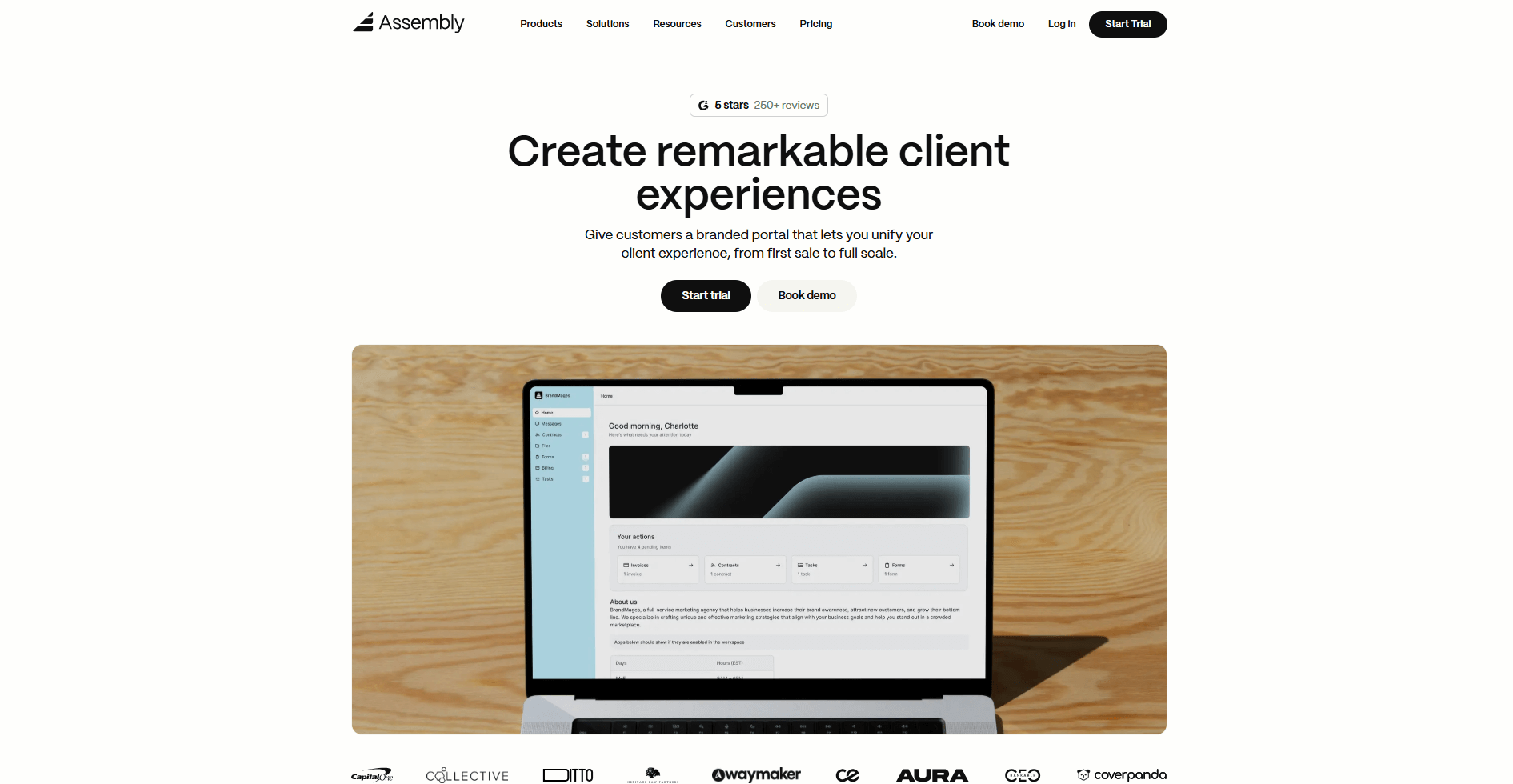
- What it does: Assembly is a branded client portal with built-in CRM and billing features. It handles subscription invoicing, contract management, and productized service sales. You can manage recurring revenue and client payments in one workspace.
- Who it's for: Service businesses that sell recurring services and want branded client portals with integrated billing.
We built Assembly to handle agency billing through branded client portals. It gives you tools to set up billing and sell productized services through Storefronts without switching between systems. Every client gets their own branded workspace where they can access invoices, sign contracts, and track what they're paying for.
Assembly integrates with accounting tools like QuickBooks and Xero, plus project management platforms like Airtable, ClickUp, Calendly, and Zapier. The platform supports SOC 2, HIPAA, and GDPR compliance for security, which matters for agencies handling sensitive client financial data and contracts.
When you're preparing for client calls, you can use the AI Assembly Assistant to quickly pull the full client context including notes, history, and documents. It reduces admin work by surfacing what you need when you need it, so you’re always prepared.
Key features
- Connected client portal: One login for clients to view files, invoices, and messages
- Billing and invoicing: Supports subscriptions, contracts, approvals, and direct payments
- Branded stores: Sell productized services with automated billing
- AI Assistant: Pulls in client history, notes, and communication for call prep
- Integrations: Works natively with QuickBooks and Xero. Also connects with Airtable, ClickUp, Calendly, and Zapier
Pros
- Delivers a branded client-facing workspace that consolidates CRM, portals, and billing in one place
- White-labeled client experience reinforces your brand across all client touchpoints
- Simplifies recurring revenue management
Cons
- Higher starting price than lightweight billing tools
- Some advanced features may exceed small team needs
Pricing
Assembly has a free plan, and paid plans start at $29 per month billed annually.
Bottom line
Assembly's branded client portals and subscription billing work together to handle recurring revenue without forcing clients to leave your workspace. If your billing relies primarily on tracking hours, Harvest might be a better fit.
2. Ignition: Best for proposal-to-payment automation
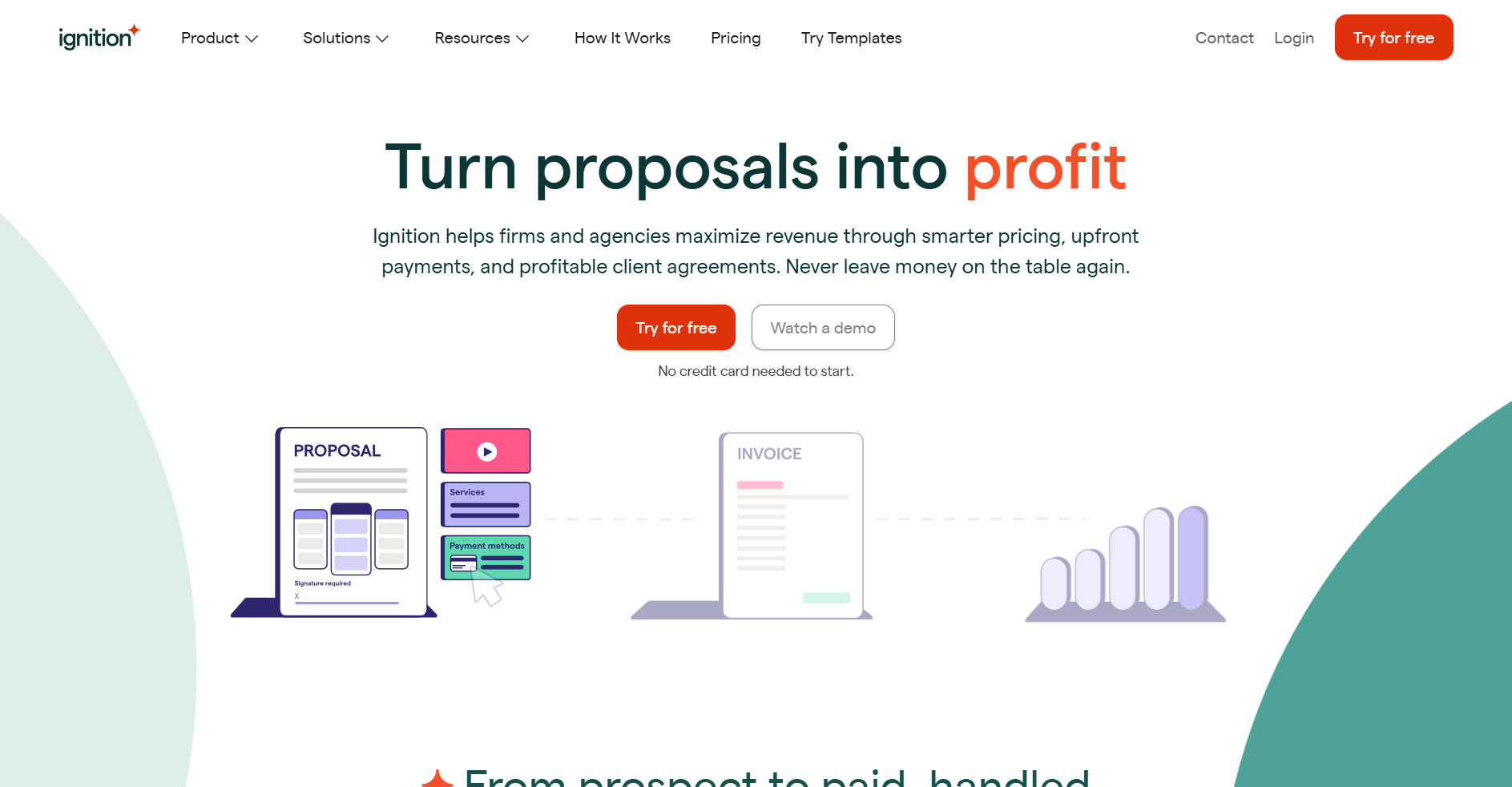
- What it does: Ignition is a proposal and billing platform for professional services. It automates the path from proposal to payment by connecting client agreements directly to invoicing. When a client accepts a proposal, billing can start automatically based on the payment schedule you set.
- Who it's for: Agencies that want to collect payment upfront and automate recurring billing without manual follow-up.
I tested Ignition by creating a sample proposal with service packages and payment terms, then running through the client acceptance flow. The platform lets you require payment details before clients even sign proposals, which is smart because it cuts out awkward follow-ups later. Once the proposal was accepted, Ignition billed immediately based on the schedule I set.
Ignition works best when proposals define payment terms and billing schedules, since the accepted proposal acts as the trigger for invoices and charges. But when you need to bill out of scope, the Instant Bill feature makes it easy to charge for additional work without creating a new proposal.
Key features
- Proposal-to-payment automation: Automatic invoice creation and payment collection when clients sign proposals
- Recurring retainers: Set up automatic monthly or weekly billing cycles
- Accounting integration: Syncs invoices with QuickBooks Online and Xero automatically
Pros
- Reduces time between proposal acceptance and the first payment
- Eliminates manual invoice creation after proposals close
- Client sees pricing and payment terms before signing
Cons
- Focused on proposal workflows, less useful for ad-hoc billing
- Payment primarily runs through Stripe, so you’ll be limited if you don’t want to use it
Pricing
Ignition starts at $39 per month.
Bottom line
Ignition collects payment details when clients sign proposals, so you get paid faster instead of chasing invoices later. If you bill after tracking hours on completed work, QuickBooks Online might be a better fit.
3. Productive: Best for project profitability tracking
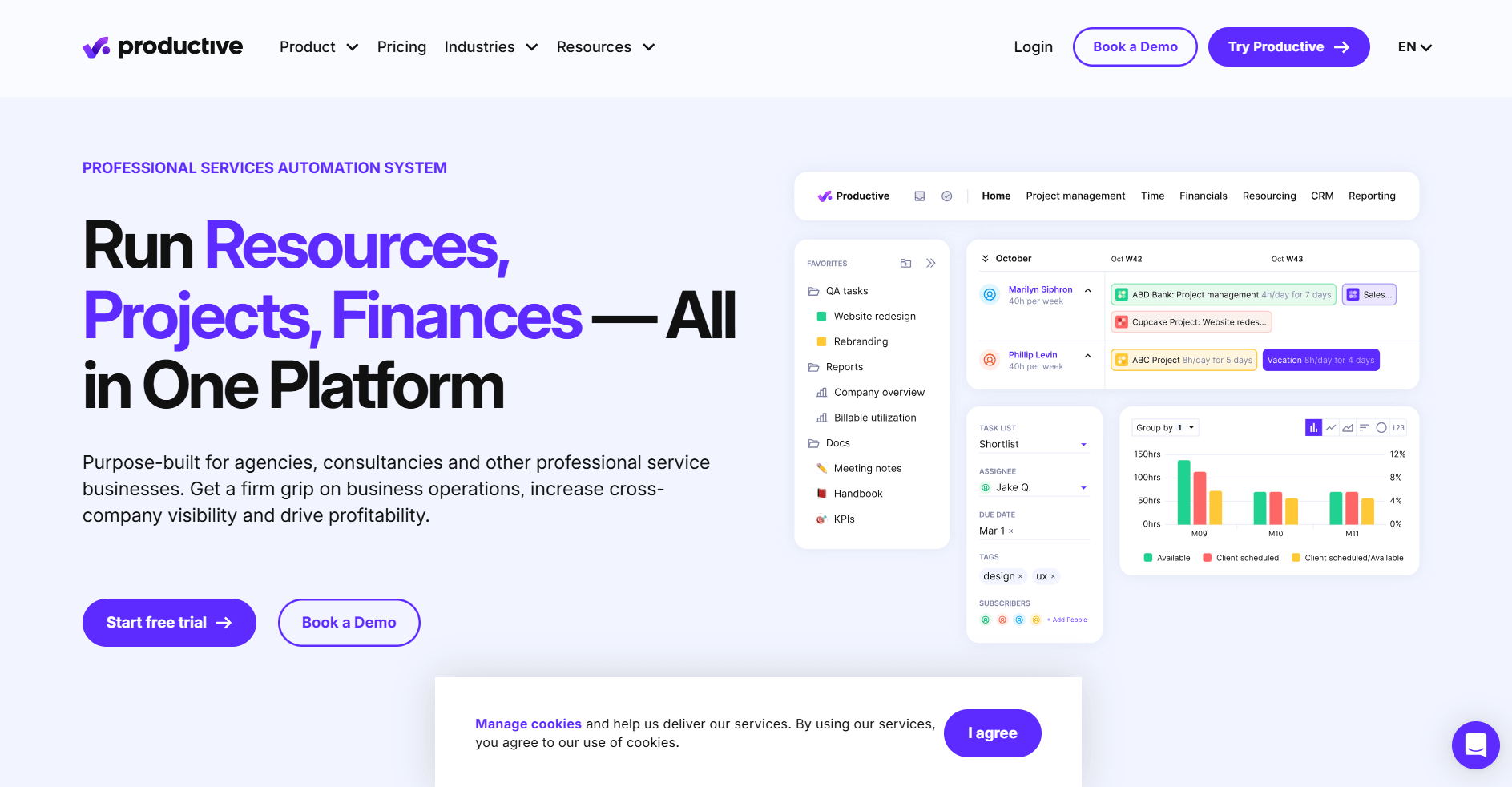
- What it does: Productive is an agency management platform with project management, time tracking, budgeting, and invoicing. It tracks profitability in real time by connecting tracked hours to project budgets and expenses.
- Who it's for: Project-focused agencies that need to track profitability across multiple clients and want budget alerts before projects go over.
I set up sample projects in Productive with budgets, time tracking, and overhead costs to see how the profitability dashboard worked. As I logged hours and adjusted costs, margins updated in real time, which made it easy to see where projects were drifting off track. That link between delivery and financials feels intentional and helps explain why Productive leans so heavily on time data.
This setup favors teams that already track time consistently. If your agency cares about utilization, margins, and profitability, Productive gives clearer visibility than tools that focus only on project status or invoicing.
Key features
- Real-time profitability tracking: See project margins update as team members log hours and expenses
- Budget alerts: Get notified when projects approach spending limits
- Accounting integration: Syncs time tracking and invoices with QuickBooks and Xero automatically
Pros
- Connects time tracking directly to profitability reports
- Budget forecasting shows projected overruns before they happen
- Integrates with accounting tools for invoice syncing
Cons
- Requires a minimum of 3 user seats, not suitable for solo agencies
- Learning curve due to the comprehensive feature set
Pricing
Productive starts at $9 per user per month with a minimum of 3 users.
Bottom line
Productive tracks project profitability as work happens by connecting time and expenses to budgets, allowing you to spot issues before month-end. If your billing happens through proposals with upfront payments rather than time-based invoicing, Ignition might be a better fit.
4. HoneyBook: Best for creative workflows with smart invoicing

- What it does: HoneyBook is a client management platform with proposals, contracts, invoicing, and scheduling built in. Smart Files combine multiple steps (service selection, contract signing, payment) into one client experience. Automations send files and emails based on triggers you set.
- Who it's for: Photographers, event planners, designers, and other creative service businesses that want professional client workflows in one place.
I signed up for HoneyBook to see how creatives use it differently from traditional CRM platforms. Smart Files stood out because they let clients select services, sign contracts, and pay in one continuous flow instead of moving between separate documents. That bundled experience keeps booking simple and explains why HoneyBook prioritizes proposals over back-office workflows.
HoneyBook also includes a client portal with granular control over what clients can see per project. You can limit access to specific files or deliverables, which matters for photographers and designers who need to manage when clients view drafts versus final work.
Key features
- Smart Files: Combine service selection, contracts, and invoicing in one client-facing document
- Automated workflows: Trigger emails, tasks, and file sends based on client actions or time delays
- Client portal: Optional branded space for files, contracts, and messages
Pros
- Templates speed up proposal and contract creation
- Automations reduce manual follow-up work
- Smart Files keep the client experience in one place
Cons
- Payment processing fees add to subscription costs
- Starter plan limited to one user
Pricing
HoneyBook starts at $29 per month.
Bottom line
HoneyBook's Smart Files move clients through service selection, contract signing, and payment without switching documents or waiting for separate emails. If you need time tracking linked to invoices rather than templated workflows, FreshBooks might be a better fit.
5. Bonsai: Best for freelancers managing end-to-end client work
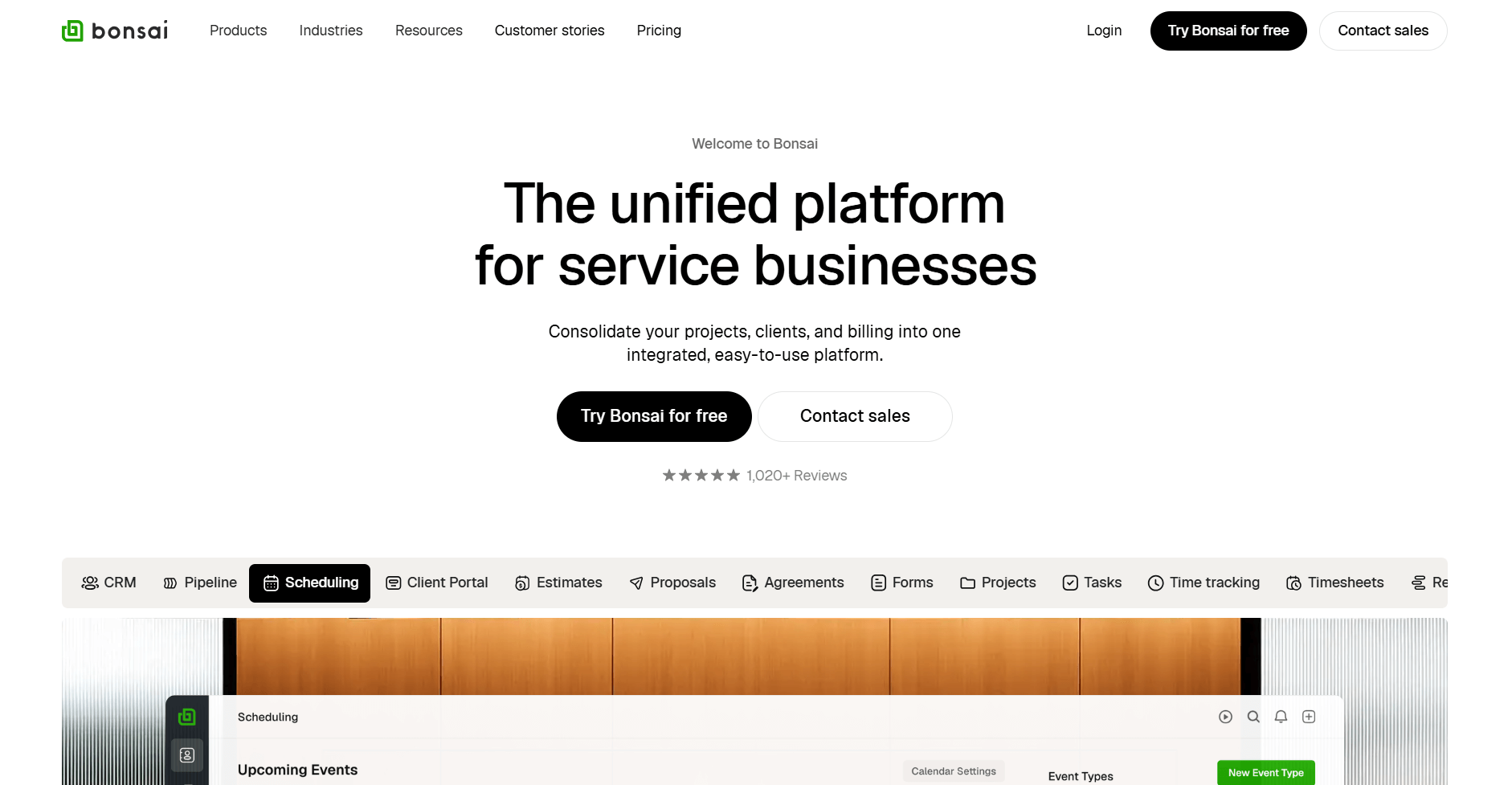
- What it does: Bonsai is a freelance management platform with proposals, contracts, invoicing, and time tracking. It focuses on helping solo workers get paid through template-based automation.
- Who it's for: Freelancers and solo consultants who need professional documents and billing tools without team features.
I set up a contract in Bonsai using one of its freelance agreement templates to see how much you can get done without building workflows from scratch. After adding my details, I sent it to a client in just a few steps. That speed matters for freelancers who don’t have the time or budget for legal help.
To test how billing and delivery fit together, I logged time on a sample project and saw those hours flow into an invoice without manual entry. The client portal follows the same lightweight approach. Clients can view documents without creating accounts or remembering passwords, which keeps sharing files simple and low-effort.
Key features
- Contract templates: Legally-reviewed templates for common freelance agreements
- Time-to-invoice workflow: Browser timer feeds hours directly into invoices
- Client portal access: Clients view proposals, contracts, and invoices without creating accounts
Pros
- Templates accelerate proposal and contract creation
- Time tracking connects directly to billing
- Integrates with Stripe and PayPal for payment processing
Cons
- Per-user pricing scales quickly for small teams
- Limited customization compared to workflow-focused platforms
Pricing
Bonsai starts at $9 per user per month.
Bottom line
Bonsai's templates and time-to-invoice workflow work well for freelancers who bill after completing work rather than collecting upfront. If you manage a team or need deeper workflow customization, Productive might be a better fit.
6. FreshBooks: Best for accounting-focused service businesses
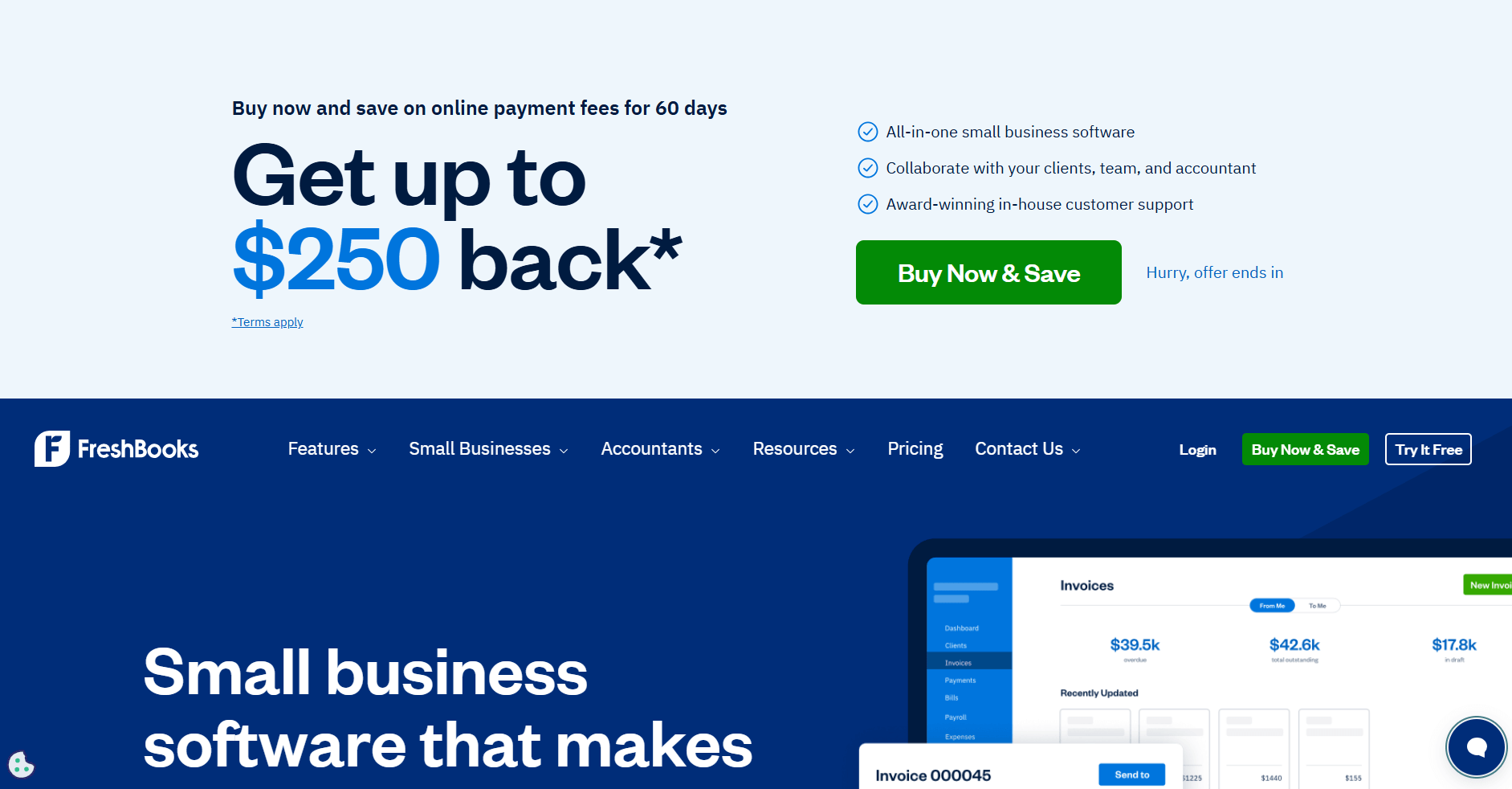
- What it does: FreshBooks is an accounting software tool with invoicing, time tracking, expense management, and financial reporting. It focuses on businesses that need accounting features alongside billing rather than just invoicing tools.
- Who it's for: Service businesses that prioritize accounting workflows and need time tracking to feed into invoices and financial reports.
I tested FreshBooks by logging expenses, tracking time, and creating invoices to see how it holds up as more than a billing tool. Snapping receipt photos from my phone pulled expenses straight into the books, which makes cost tracking feel built-in rather than manual. That matters for agencies that want to understand project profitability, not just send invoices.
Time tracking connects to invoices, so tracked hours flow into bills with your rates already applied. The platform handles recurring invoices and payment reminders. FreshBooks positions itself as your primary accounting system rather than a tool that connects to one, which works if you don't already have QuickBooks or Xero running your books.
Key features
- Time-to-invoice workflow: Tracked hours transfer directly to invoices with rates applied
- Expense tracking: Capture receipts and categorize expenses for tax reporting
- Financial reports: Profit and loss, expense summaries, and tax-time reports
Pros
- Accounting features go beyond basic invoicing
- Time tracking feeds directly into billing
- Automated recurring invoices and payment reminders
Cons
- Client limits on lower tiers restrict growth
- Lacks project profitability tracking found in agency-focused tools
Pricing
FreshBooks starts at $248.40 per year.
Bottom line
FreshBooks combines invoicing with accounting features that matter if you need financial reporting and tax preparation alongside billing. If you want branded client portals with integrated billing, Assembly might be a better fit.
7. QuickBooks Online: Best for full accounting with invoicing
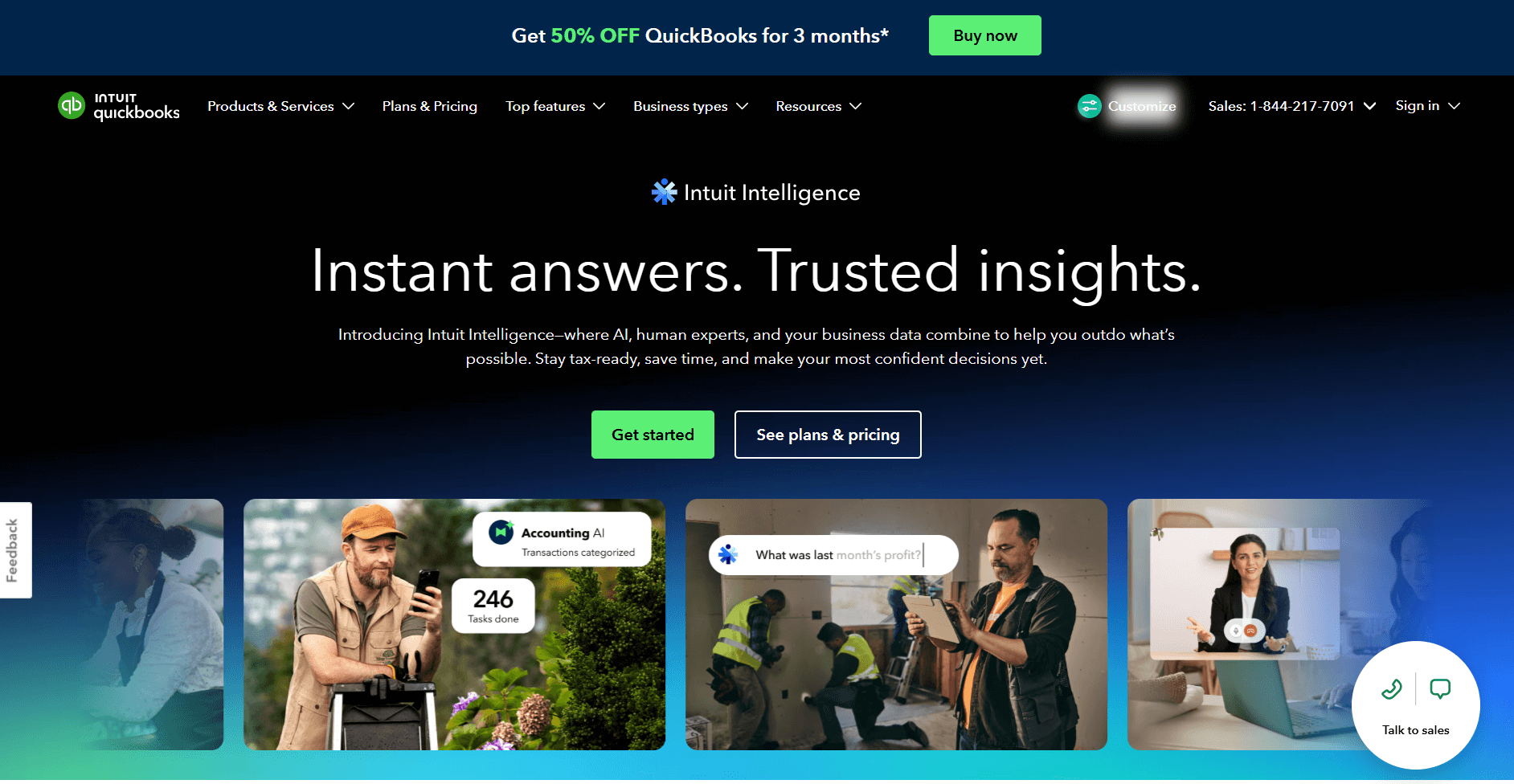
- What it does: QuickBooks Online is an accounting software tool with invoicing, expense tracking, payroll, and financial reporting. It handles full bookkeeping alongside billing rather than focusing only on invoices.
- Who it's for: Agencies needing comprehensive accounting capabilities with invoice tracking and tax tools.
I tested QuickBooks Online by using its time tracking and invoicing to see how well it works for client billing, not just accounting. Tracked hours flowed straight into invoices with rates applied, which covers the basics agencies need to bill clients accurately.
QuickBooks also handles recurring invoices, payment reminders, and progress billing for projects. The bigger trade-off is that you’re using full accounting software when you might only need billing tools. Since most other platforms integrate with QuickBooks, this setup makes the most sense if you’re already running your books there and want everything in one place.
Key features
- Full accounting system: Tracks receivables, payables, reconciliation, and tax prep alongside invoicing
- Time-to-invoice workflow: Tracked hours transfer to invoices with billing rates applied
- Progress invoicing: Bill clients in stages for long-term projects
Pros
- Comprehensive accounting beyond basic invoicing
- Time tracking connects to billing automatically
- Handles tax preparation and financial reporting
Cons
- More features than agencies focused only on invoicing need
- Higher learning curve than billing-only platforms
Pricing
QuickBooks Online starts at $38 per month, billed monthly.
Bottom line
QuickBooks Online works well if you need full accounting functionality rather than just agency billing tools. If you want invoicing built into creative workflows, HoneyBook might be a better fit.
8. Harvest: Best for time-based billing
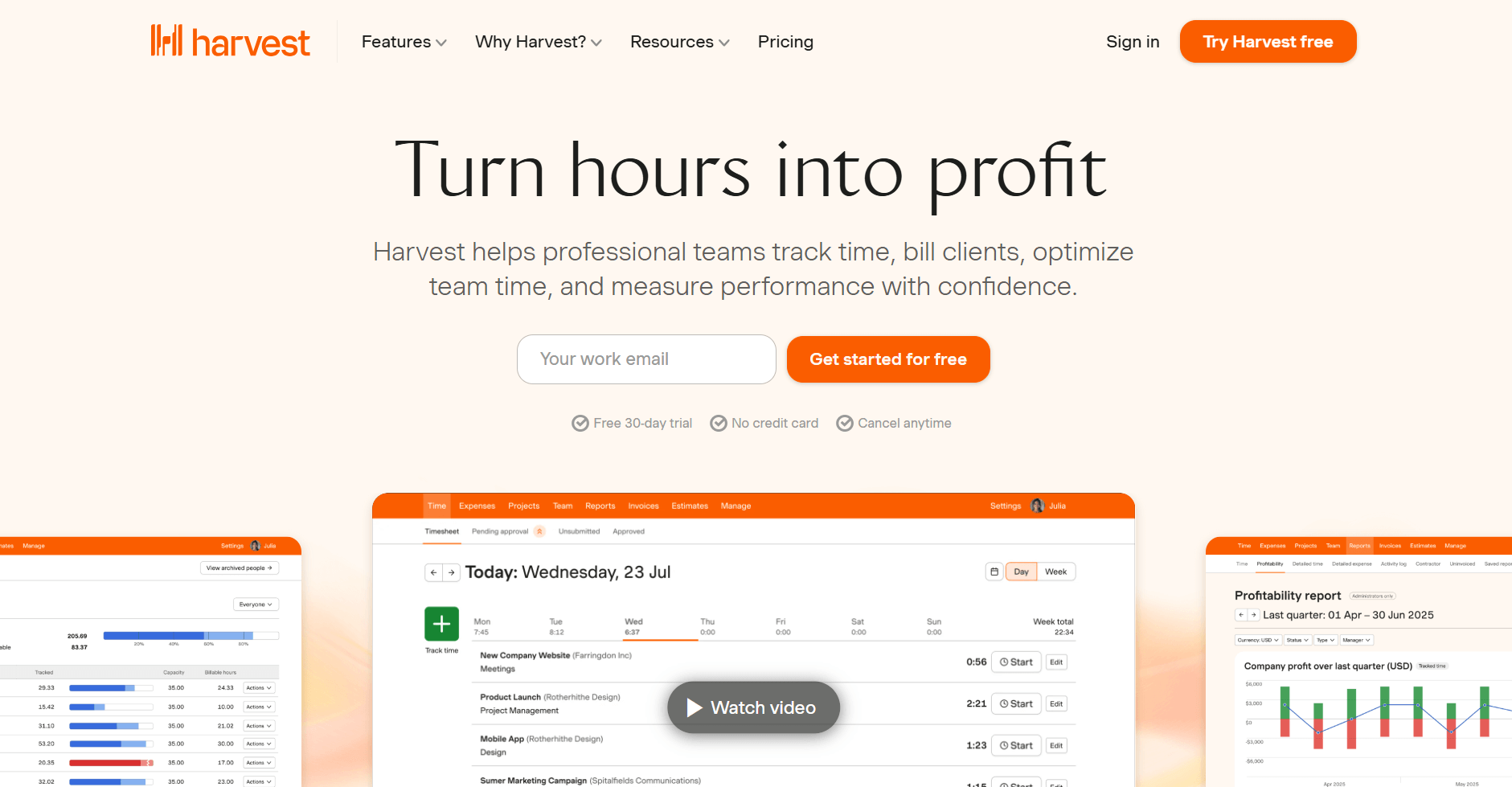
- What it does: Harvest is time tracking software with invoicing that converts tracked hours into invoices with a few clicks. It integrates with QuickBooks and Xero for invoice syncing.
- Who it's for: Agencies billing primarily by tracked hours rather than fixed fees or subscriptions.
One thing that stood out when I tested Harvest was how tightly time tracking connects to invoicing. Team members start timers on tasks, and those hours flow directly into invoices with rates already applied, so there’s no manual transfer or recalculation.
Budgets update in real time as hours are logged, which makes it easier to spot projects nearing their limits. That setup favors teams that bill primarily by the hour and want time data to drive both billing and budget visibility.
Key features
- One-click invoicing: Tracked time converts to invoices automatically with rates applied
- Budget tracking: See budget status update as team logs hours
- Expense tracking: Add project expenses to invoices with receipt attachments
Pros
- Time tracking feeds directly into billing
- Budget alerts show when projects approach limits
- Integrates with Stripe and PayPal for payments
Cons
- Built for hourly billing, less useful for fixed-fee or subscription work
- Limited project management features compared to full agency tools
Pricing
Harvest starts at $9 per seat per month.
Bottom line
Harvest converts tracked hours into accurate invoices without manual calculations, which works well if most of your billing comes from hourly work. If you want subscription billing with branded client stores, Assembly might be a better fit.
9. HubSpot Service Hub: Best for HubSpot users needing billing tools
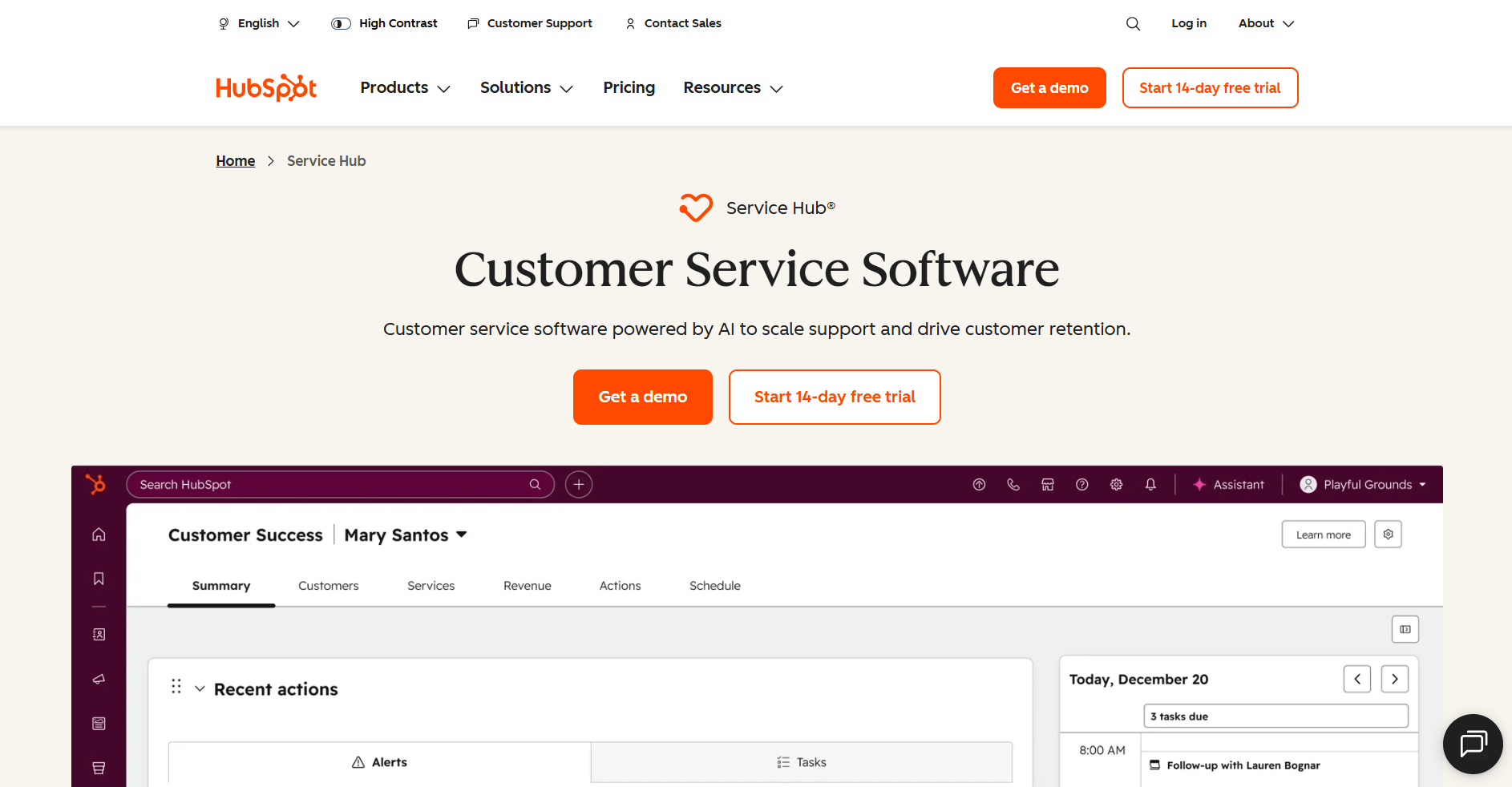
- What it does: HubSpot Service Hub adds ticketing, customer service, and invoicing to the HubSpot CRM. It handles billing for agencies already using HubSpot for marketing and sales.
- Who it's for: Marketing agencies already using HubSpot for CRM that want billing in the same system.
I tested HubSpot Service Hub by creating invoices directly from contact records to see how billing fits inside the CRM. Invoices stay connected to client records, deals, and payment history, so billing data lives alongside the rest of your customer context. Payment processing runs through Stripe, which keeps collections inside the same system.
Service Hub also includes ticketing and customer support tools that go well beyond invoicing. This setup makes the most sense if you’re already paying for HubSpot’s CRM and want to add billing on top of it, rather than managing invoices in a separate tool.
Key features
- CRM-integrated invoicing: Create invoices from contact records with deal history visible
- Ticketing system: Handle customer service requests alongside billing
- Payment tracking: Monitor invoice status within the CRM dashboard
Pros
- Keeps billing data in the same system as customer records
- No need to sync client data between tools
- Payment history visible in contact timeline
Cons
- Requires an existing HubSpot subscription to access
- More expensive than standalone billing tools
Pricing
HubSpot Service Hub starts at $9 per seat per month.
Bottom line
HubSpot Service Hub makes sense if you already use HubSpot and want billing in the same system rather than adding another tool. If you need branded client portals with subscription management, Assembly might be a better fit.
10. BILL: Best for AP and AR invoice automation
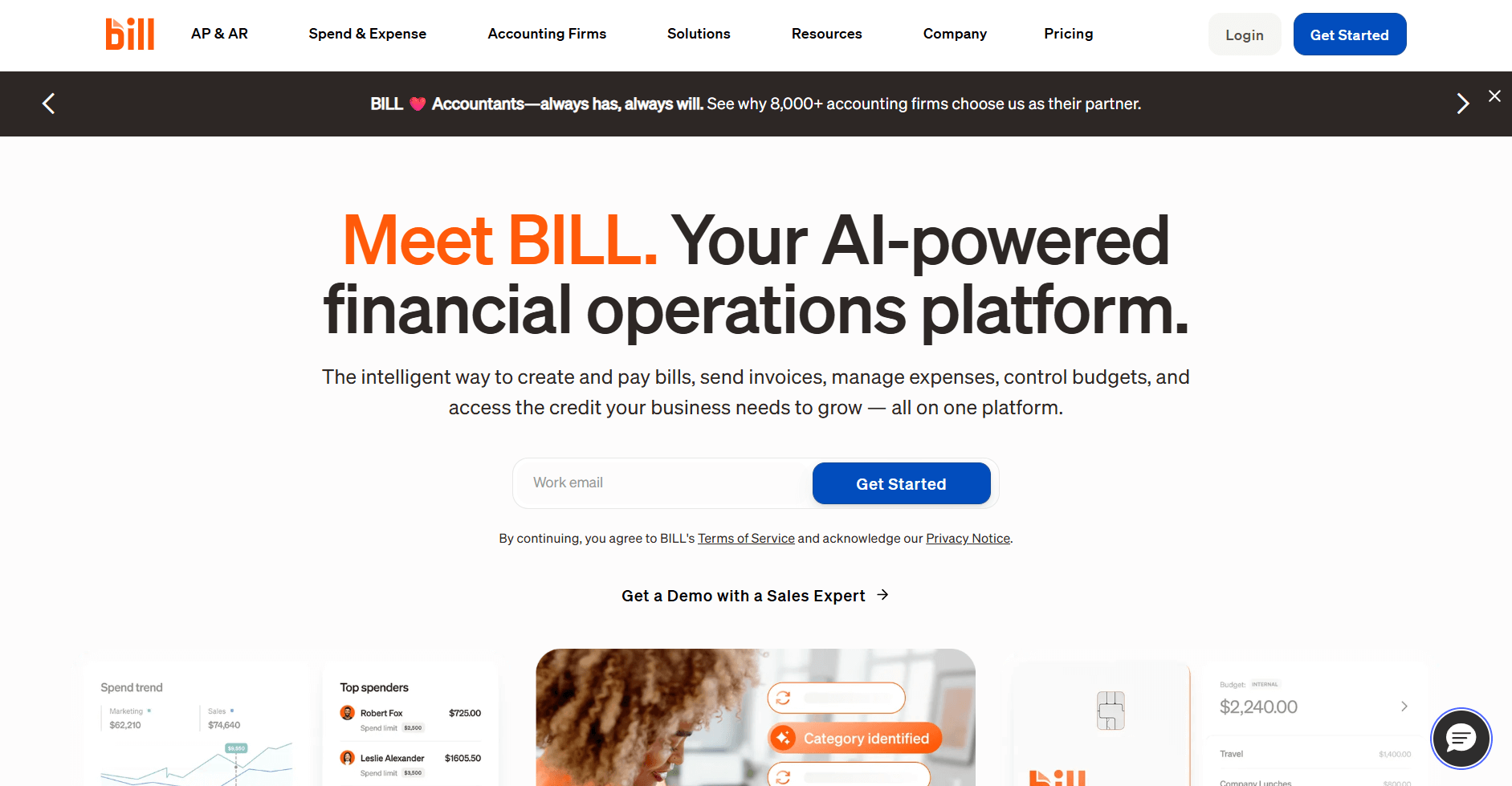
- What it does: BILL automates accounts payable and receivable workflows with approval routing, vendor payments, and invoice creation. It handles both sides of billing with banking integrations.
- Who it's for: Agencies managing high invoice volumes with complex approval processes.
I ran invoices through BILL’s approval routing system to see how it handles complex workflows across departments. Invoices moved through teams without manual follow-ups. I could set spending limits, assign approvers by department, and see invoice status in real time. That structure feels designed for finance teams managing high invoice volume, not just basic client billing.
On the accounts receivable side, the same system handles invoicing and collections. You can create invoices, send payment reminders, and accept online payments through ACH or credit card. BILL syncs with QuickBooks, Xero, and NetSuite to keep accounting data aligned without duplicate entry.
Key features
- Automated approval workflows: Route invoices through your team based on spending limits and department rules
- Two-way accounting sync: Connects with QuickBooks, Xero, and NetSuite for automatic data updates
- Vendor payment automation: Schedule and process vendor payments with approval tracking
Pros
- Handles both AP and AR in one platform
- Reduces manual data entry with accounting integrations
- Scales well for agencies with high transaction volumes
Cons
- Pricing can add up quickly with high transaction volumes
- More complex than agencies focused only on client invoicing need
- Setup requires time to configure approval rules properly
Pricing
BILL starts at $49 per user per month for the Business AP/AR plan.
Bottom line
BILL handles billing automation well for high transaction volumes and complex approval workflows. If you need subscription billing without vendor payment management, Stripe Billing might be a better fit.
11. Stripe Billing: Best for subscription and recurring revenue
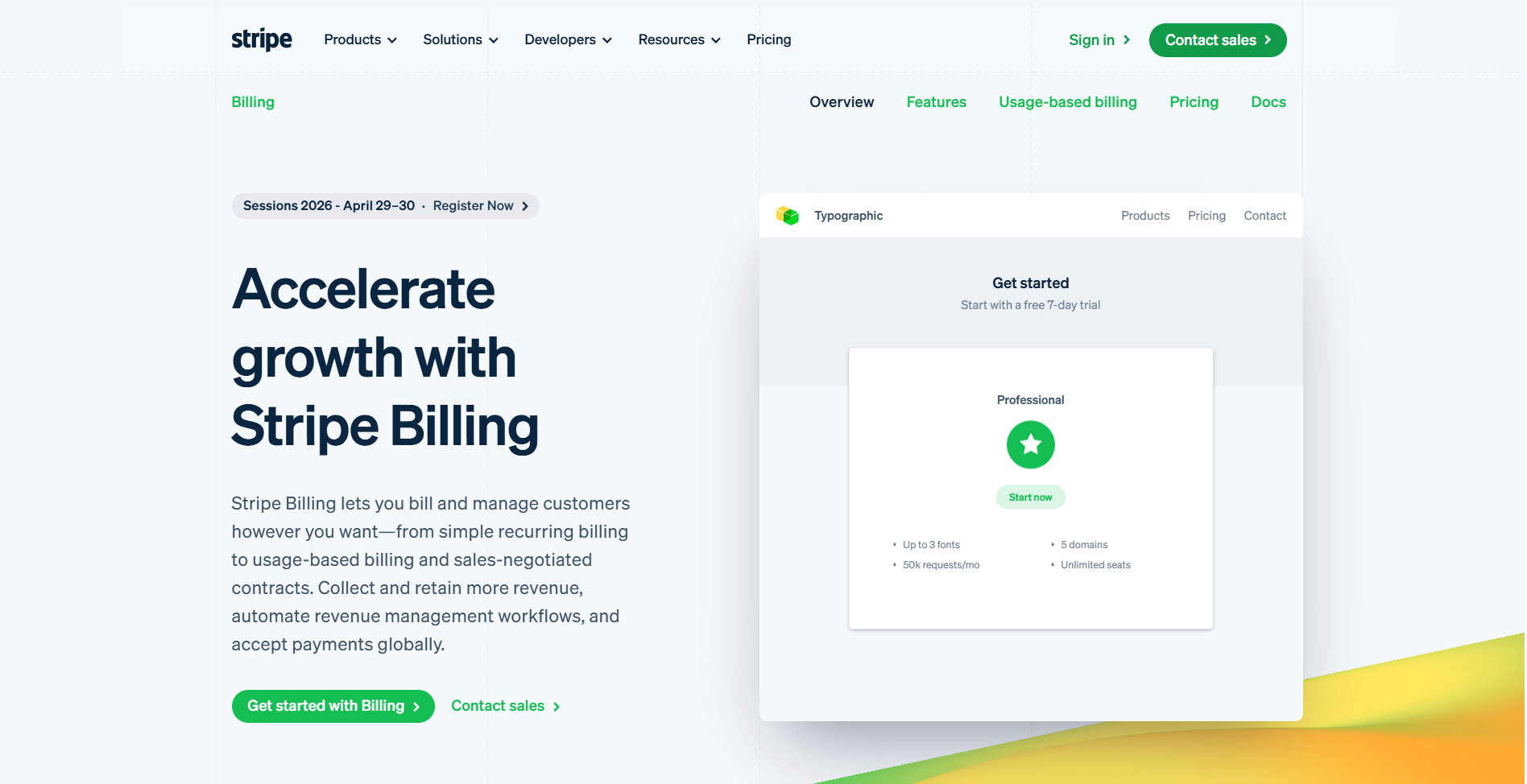
- What it does: Stripe Billing manages subscription billing, recurring invoices, and usage-based pricing models. It automates payment collection and handles complex billing scenarios like proration and upgrades.
- Who it's for: Agencies that have technical resources and are offering retainer packages or subscription-based services.
I set up subscription billing cycles in Stripe Billing to see how it handles recurring agency revenue. After configuring tiered pricing, usage-based billing, and flat retainers, payments ran without needing constant adjustments.
I also tested subscription changes mid-cycle, and prorated billing worked smoothly. Failed payments are retried automatically, though you’ll want to review the retry logic to make sure it aligns with how you manage client relationships.
The developer-friendly API gives you deep control over billing flows, while invoice templates stay fairly minimal. If branded client experiences matter to your agency, the limited customization will stand out compared to client portal platforms.
Key features
- Automated subscription management: Handles recurring billing cycles, upgrades, and cancellations automatically
- Flexible billing models: Supports flat rates, tiered pricing, usage-based billing, and hybrid models
- Failed payment recovery: Automatically retries failed payments and manages dunning workflows
Pros
- Built specifically for subscription and recurring revenue models
- Developer API allows deep customization
- Handles complex billing scenarios like proration automatically
Cons
- Limited customization for invoice branding compared to client portal platforms
- Requires technical knowledge for advanced setup
- Focuses only on billing without project management features
Pricing
Stripe Billing starts at $620 per month. You can also choose to pay-as-you-go at 0.7% of billing volume.
Bottom line
Stripe Billing works well if you need developer-level control over subscription models. If you want branded client portals where subscription billing integrates with your CRM, project delivery, and AI-powered client communication, Assembly might be a better fit.
How I tested agency billing software
I created sample agency accounts in each platform and ran them through realistic billing scenarios using mock client data. This included setting up clients, creating service packages, tracking sample hours, and processing test invoices to see how each platform handled real agency workflows.
Here's what I focused on while testing:
- Invoice creation speed: How many clicks does it take to go from tracked time or project milestones to a client-ready invoice? Tools that required jumping between multiple screens or manual data entry received lower scores.
- Payment collection rates: I tested automated reminders, payment gateway integrations, and how each platform handled failed payments. The goal was to find tools that actually get agencies paid faster, not just send pretty invoices.
- Recurring billing accuracy: For retainer and subscription models, I checked how platforms handled prorated charges, mid-cycle changes, and automatic renewals.
- Accounting integration reliability: I connected each tool to QuickBooks and Xero to see how well the data synced. Two-way sync matters because manual reconciliation wastes hours every month.
- Client experience: I viewed every portal and payment page from the client side. Agencies need tools that make paying invoices easy, not platforms that confuse clients with clunky interfaces or unclear payment instructions.
Which agency billing software should you choose?
Some agencies prioritize recurring revenue and client portals. Others need strong time tracking or quick proposal-to-payment workflows. Choose:
- Assembly if you want branded client portals with billing, contracts, and proposals in one workspace for managing recurring revenue.
- Ignition if you need proposal-to-payment automation where client acceptance immediately triggers billing cycles for upfront payment collection.
- Productive if real-time project profitability tracking matters most and you need to see which clients and projects generate the best margins.
- HoneyBook if you run a creative agency where service package selection automatically generates invoices through smart files and workflows.
- Bonsai if you freelance solo and need contracts, invoicing, and time tracking combined in one simple system without extra features.
- FreshBooks if you need accounting features alongside invoicing, with time tracking that feeds directly into client bills and expense management.
- QuickBooks Online if you want full accounting capabilities beyond basic billing, including bookkeeping, payables, receivables, and financial reporting.
- Harvest if time-based billing drives your revenue and you want straightforward workflows from tracked hours to invoices.
- HubSpot Service Hub if your agency already uses HubSpot CRM and you need billing tools integrated with your existing customer data.
- BILL if you process high transaction volumes and need approval workflows for both client invoicing and vendor payment management.
- Stripe Billing if your agency runs on subscription revenue and you need developer-level control over recurring billing models and customization.
If your billing setup is too specific for any of these tools, look at custom apps for business you can shape to your own process.
My final verdict
I've seen agencies pick FreshBooks or QuickBooks Online when they need accounting depth, Harvest when time tracking drives everything, or Ignition when they want proposal-to-payment speed. Stripe Billing handles subscription complexity well if you have developer resources, while HoneyBook fits creative workflows with built-in scheduling.
Assembly connects subscription billing directly to your branded client portals, where contracts, proposals, and ongoing communication live together. You manage recurring revenue without switching between your CRM, your billing tool, and your client workspace. I think this approach works well for agencies selling retainers or productized services where the client relationship extends beyond a single invoice.
Want billing and client management in the same space? Try Assembly
The right agency billing software speeds up payment collection. But if your invoices live separately from contracts, proposals, and client communication, you might be making it harder for clients to pay you.
Assembly is a branded client portal software tool where subscription billing, contracts, and invoicing connect directly to your client workspace. Clients access everything in one place, which means fewer payment delays and cleaner revenue tracking.
Here’s what you can do with Assembly:
- Handle billing in one place: The Billing App lets you create invoices, accept payments, and manage subscriptions directly inside your client portal. Clients see a professional checkout experience under your branding.
- Offer packages and add-ons: The Storefront lets clients purchase your tiered packages or add-on services directly from your portal, making upsells frictionless.
- See the full client record: Notes, files, payments, and messages stay in one organized space. You’ll spend less time switching platforms because the key details are already collected for you.
- Prep faster for meetings: The AI Assistant summarizes recent client activity and communication, helping you walk into calls with a clear picture of what’s been discussed and what’s outstanding.
- Cut down on admin: Automate repetitive jobs like reminders, status updates, or follow-up drafts that used to take hours. The Assistant handles the busywork so your team can focus on clients.
- Centralize client communication: Our Messages App manages customer questions inside your client portal so your team can track requests, reply, and keep updates connected to the correct client record.
Want a client experience that supports your pricing? Start your free Assembly trial today.