



After comparing how teams use customer support portals, I noticed patterns that help customers make faster progress. This guide shares the 10 best platforms to use in 2026 and helps you find the right one.
What is a customer support portal?
A customer support portal is an online space where customers ask questions, view past messages, and track their requests. It combines ticket tracking, help content, and basic account actions so customers can handle simple steps without digging through email.
In my experience, portals make the biggest difference for teams that handle steady questions from repeat clients. SaaS companies, agencies, accounting firms, and IT teams all rely on clear communication, and a portal gives their customers a predictable path to follow. It also helps the team stay organized because every request, detail, and response stays linked to the same record.
Many teams launch their first support portal without a developer. If that's your plan, this roundup compares 10 tools for building a no-code client portal with your own branding.
10 Best customer support portals in 2026
Customer support portals handle questions and updates in different ways, from simple request tracking to full setups that guide customers through each step. Here are the top 10 platforms compared side by side:
| Tool | Portal features | Annual price | Best For |
|---|---|---|---|
| Assembly | Client messaging, file sharing, payments, and request tracking | $29/month | Service businesses with client-heavy workflows |
| Zendesk | Ticketing, help center, AI replies, and multichannel inbox | $19/agent/month | Teams using advanced ticket routing |
| HubSpot Service Hub | Knowledge base, ticket pipelines, and customer portal | $20/seat/month | Teams inside the HubSpot ecosystem |
| Freshdesk | Customer portal, SLA tracking, automations, and help center | $15/agent/month | Small teams that prefer fast setup |
| Zoho Desk | Ticketing, help center, AI suggestions, and self-service portal | $7/user/month | Teams inside the Zoho ecosystem |
| Salesforce Service Cloud | Customer portal, case management, and omni-channel support | $25/user/month billed monthly | Enterprise workflows |
| Help Scout | Customer portal, shared inbox, and knowledge base | $25/user/month | Teams that prefer simple communication |
| LiveAgent | Ticketing, portal pages, customer history, and chat | $15/agent/month | Budget-focused teams |
| Richpanel | Customer accounts, order lookups, and guided self-service | $69/agent/month | Ecommerce teams with order volume |
| TeamSupport | Customer hub, issue tracking, and internal collaboration | $45/month for up to 5 users | B2B teams handling detailed requests |
1. Assembly: Best for service businesses with client-heavy workflows
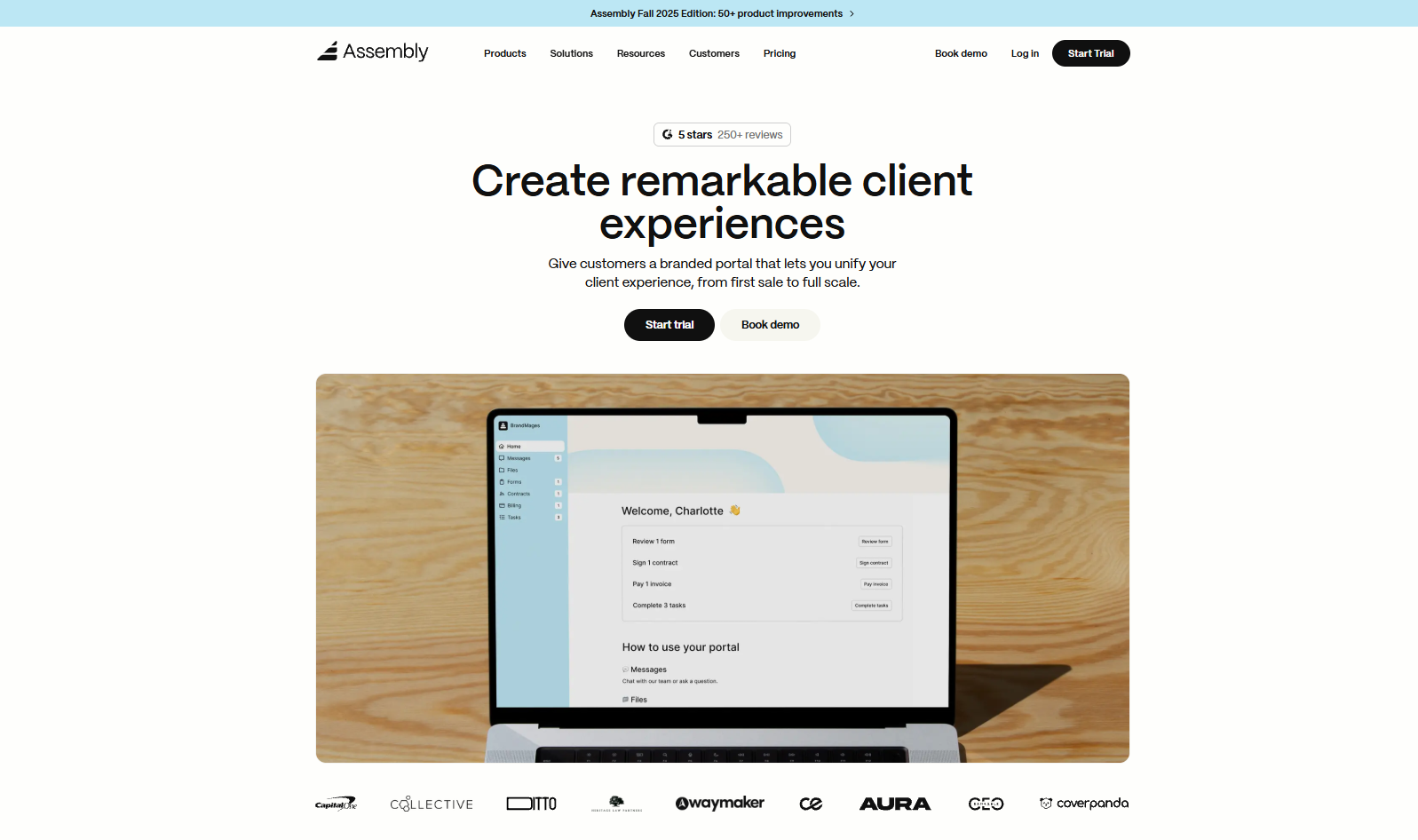
We built Assembly to give service teams a customer support portal that keeps messages, files, payments, and updates in one workspace. Support lives inside the client record, which helps customers send questions, follow progress, and access shared documents without switching tools.
The layout keeps customers moving because everything they need is in front of them. They can review past messages, upload files, and check their activity timeline without searching through email. This reduces the small questions that usually slow support down and gives your team more time for higher-value work.
Assembly fits service businesses that want a steady workflow for client delivery and ongoing support, not just a basic ticket inbox. It connects billing, communication, and project context to the same record so your team can answer questions with the full picture in view. Assembly has a free plan, and paid plans start at $29 per month billed annually.
2. Zendesk: Best for teams using advanced ticket routing
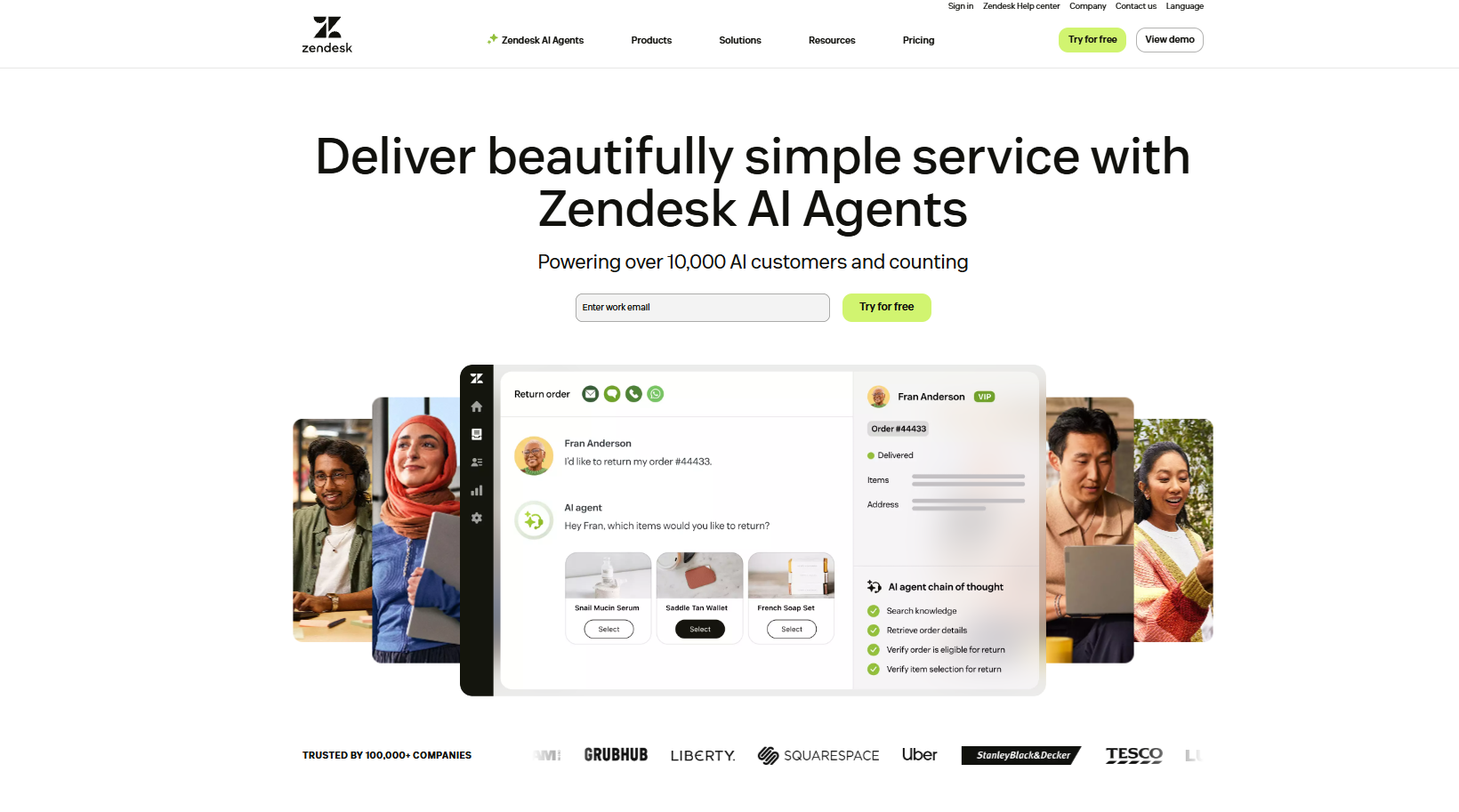
Zendesk is designed for structured ticket handling, so I tested it by sending requests through different channels to see how well it kept everything connected. The portal kept each message, file, and update tied to the same ticket, which made multi-step questions easier to follow.
One of the strongest points was its routing engine. Requests can move based on workload, topic, or customer profile, which helped busy queues stay organized during my testing. The help center also links cleanly to the portal, so customers can try self-service first.
Smaller teams may feel the setup overhead because Zendesk asks for more configuration before the workflow feels smooth. Zendesk starts at $19 per agent per month.
3. HubSpot Service Hub: Best for teams inside the HubSpot ecosystem
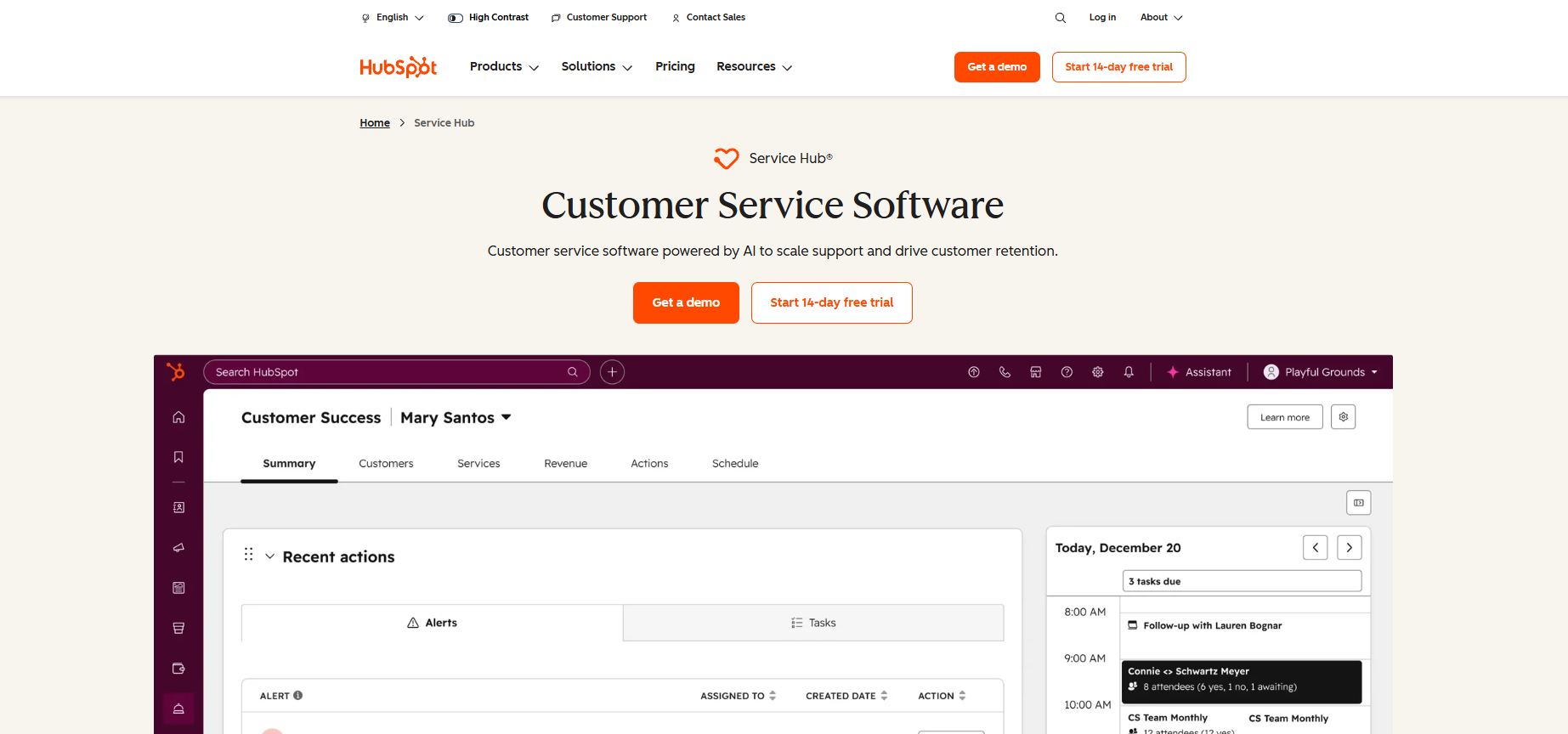
I tried HubSpot Service Hub with the goal of seeing how support fits into a CRM used for sales and marketing. The connection made it easy to check a customer’s full history before answering new questions, which helped replies stay consistent.
What impressed me most was the knowledge base. Articles appear inside the portal and search results match the terms customers use, which makes self-service feel natural. Ticket pipelines also give teams a simple way to keep work organized with clear stages.
Teams outside the HubSpot ecosystem may need extra setup to make the workflow feel cohesive. HubSpot Service Hub starts at $20 per seat per month.
4. Freshdesk: Best for small teams that prefer fast setup
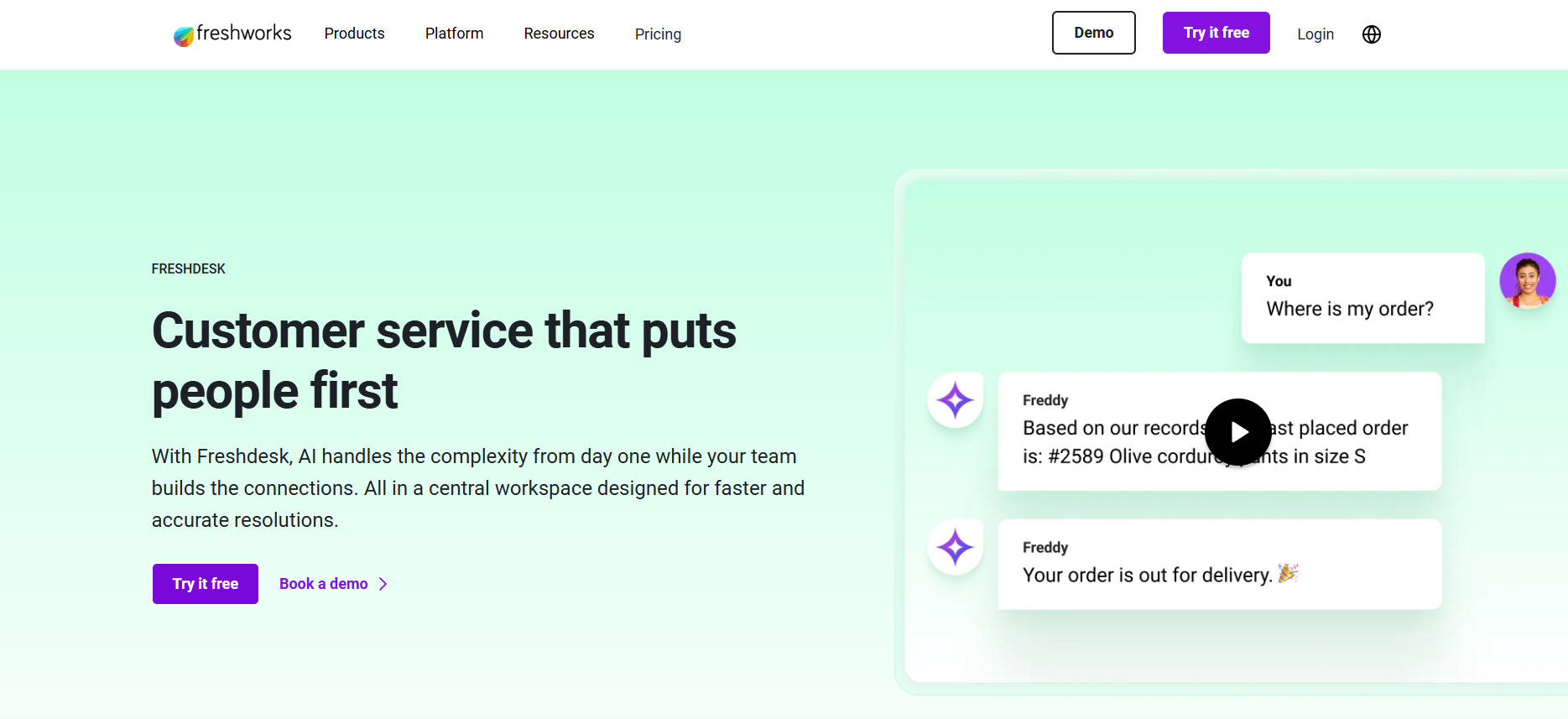
I tested Freshdesk to see how quickly a team could launch a working portal, and the setup was fast. Customers could submit questions, check updates, and browse help articles without confusion, which made it easy to roll out the portal without extra adjustments.
Freshdesk stood out for its automations. The rules helped clear small tasks that usually slow teams down, and the SLA tools added structure that made response times easier to manage.
Heavier workflows may run into limits because some advanced features sit in higher plans. Freshdesk starts at $15 per agent per month.
5. Zoho Desk: Best for teams inside the Zoho ecosystem
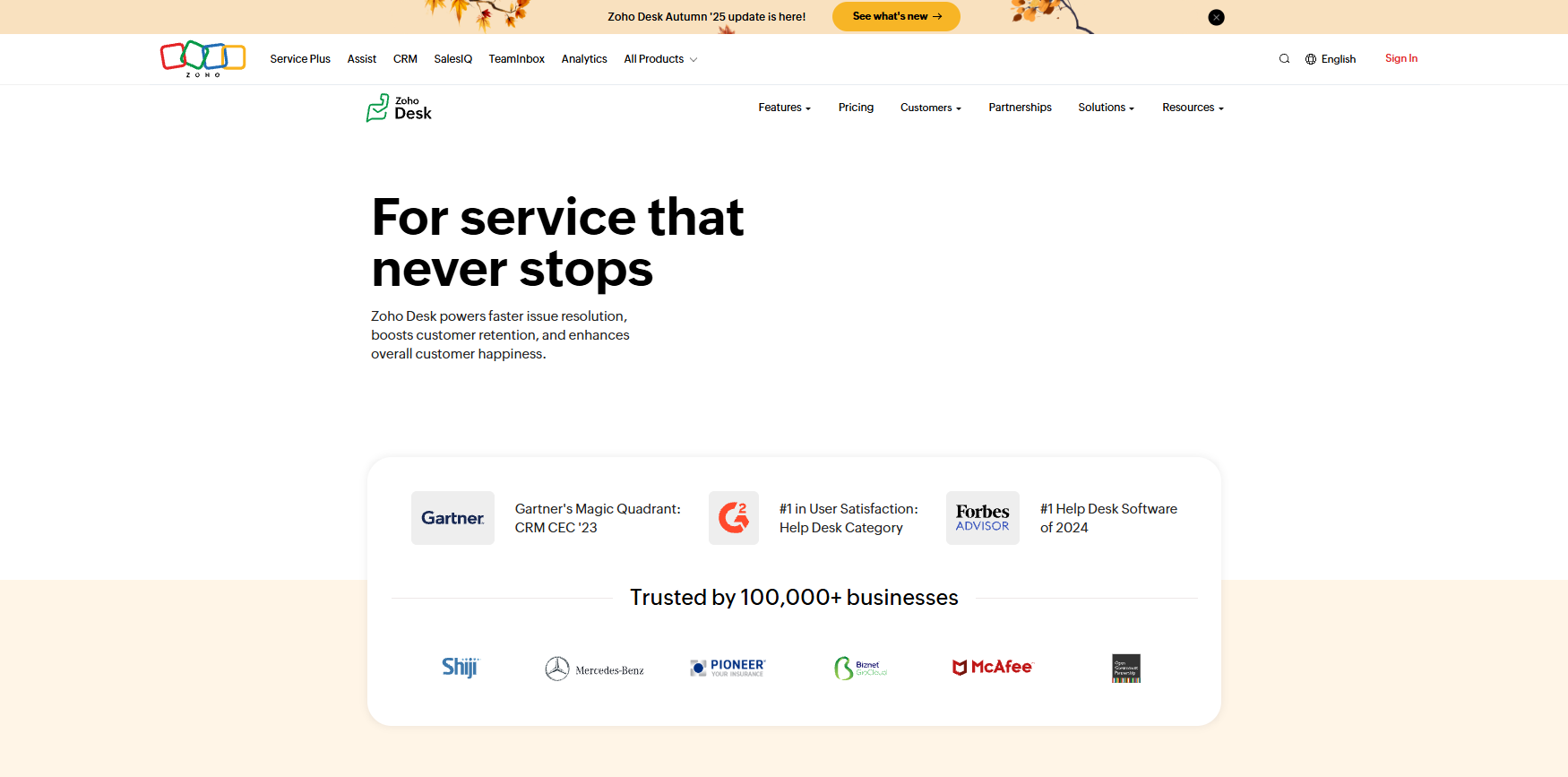
Zoho Desk integrates tightly with the broader Zoho suite, so I tested it by connecting it to Zoho Books and Zoho Mail to see how well information carried over. The portal gave customers a clear place to submit questions, search articles, and check past activity.
One of the best things I found in testing was the AI suggestion engine. As customers typed, relevant articles appeared right away inside the portal, reducing smaller requests.
Teams that rely on tools outside the Zoho ecosystem might need more configuration to keep the workflow aligned. Zoho Desk starts at $7 per user per month.
6. Salesforce Service Cloud: Best for enterprise workflows
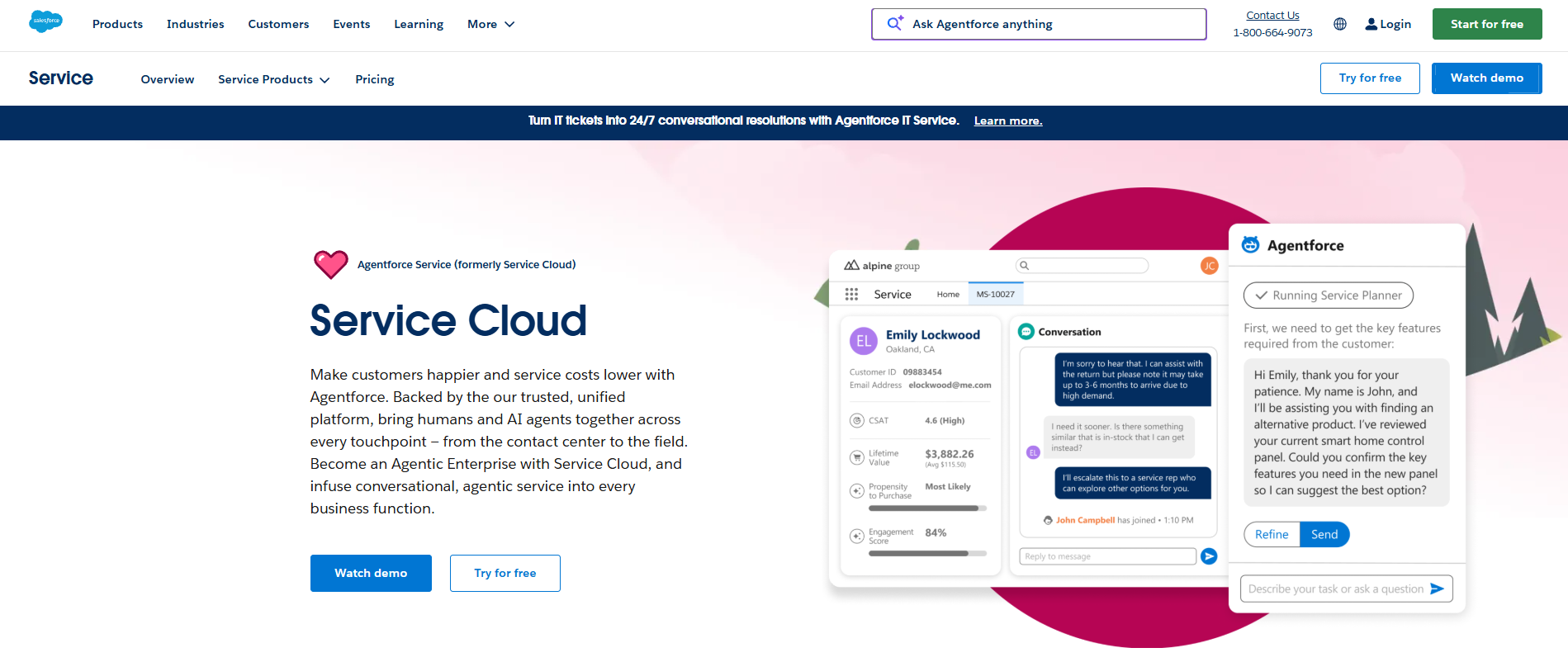
Salesforce Service Cloud is designed for teams that handle complex cases across many departments, so I tested it to see how well the portal supports larger organizations. The customer portal gave a structured view of requests, updates, and account details, which helped keep busy queues more manageable.
The strongest part was how the portal connected to the wider Salesforce ecosystem. Case data, customer history, and internal notes stayed in sync, which made handoffs easier. This helped long-running requests move forward without the team rebuilding context.
The size of the platform asks for more setup than smaller tools, so teams may need time before everything feels aligned. Salesforce Service Cloud starts at $25 per user per month, billed monthly.
7. Help Scout: Best for teams that prefer simple communication
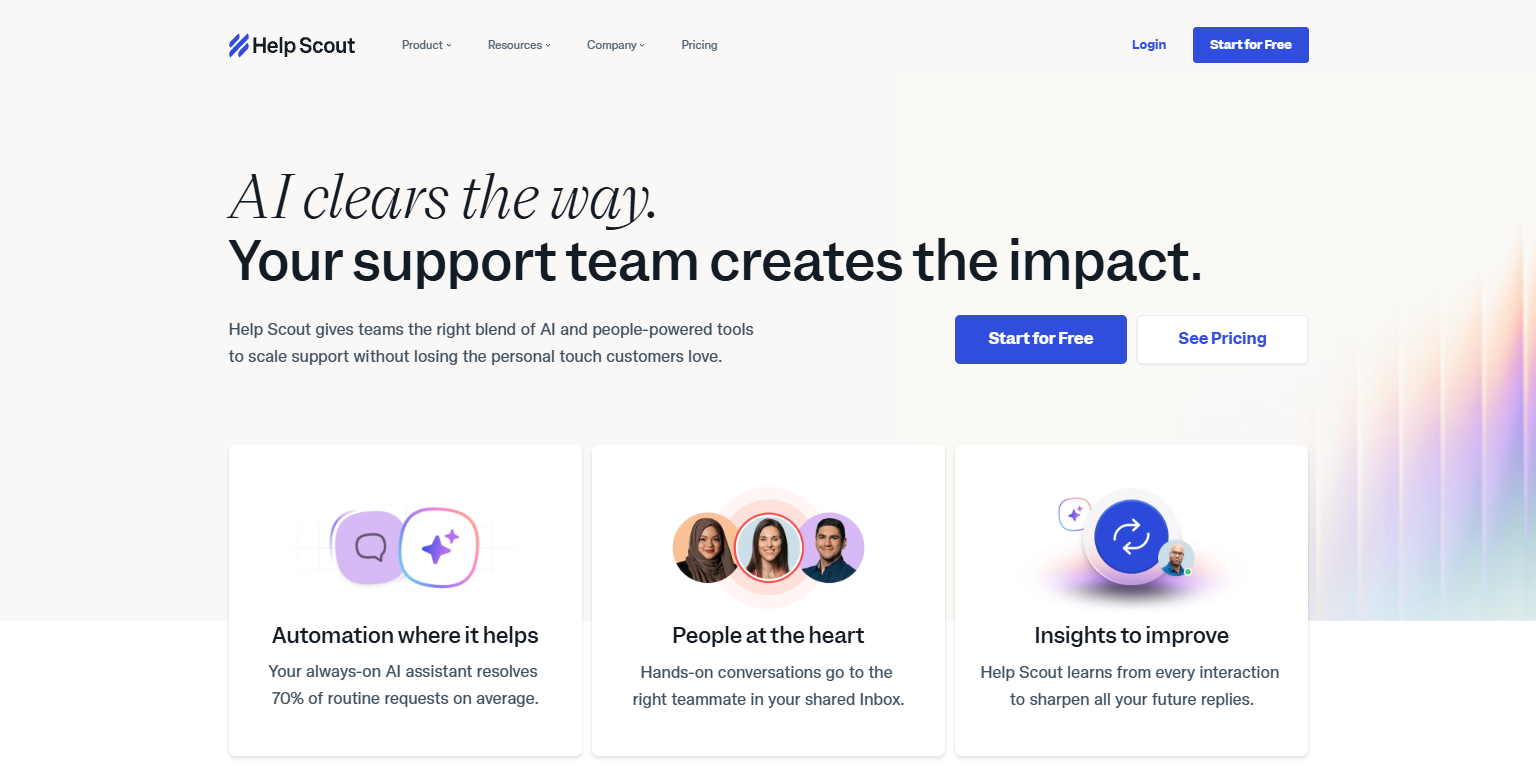
Help Scout focuses on a clean experience, so I tested it to see how well it supports teams that want a straightforward portal. Customers could open questions, view replies, and read articles without dealing with a cluttered layout.
What impressed me during testing was how natural the shared inbox was. Replies and history stayed in one thread, and the portal pulled in past details without extra steps.
The knowledge base also loads cleanly inside the portal, which makes self-service easier to follow.
Teams with more advanced routing needs may feel limited because Help Scout keeps things intentionally simple. Help Scout starts at $25 per user per month.
8. LiveAgent: Best for budget-focused teams
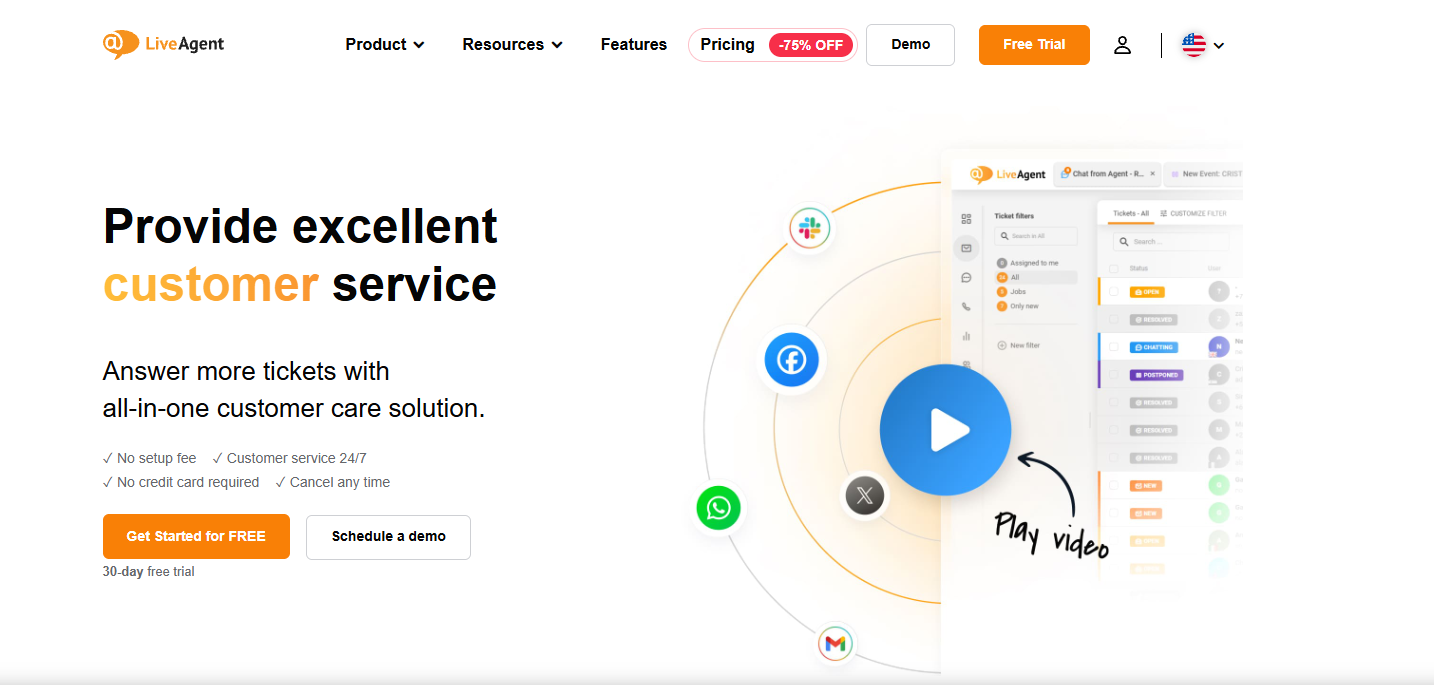
I tested LiveAgent to understand how much structure you get at a lower price point. The customer portal
covered the basics well, giving customers a place to submit requests, track progress, and view past interactions without complexity.
The ticketing tools stood out because they made it easy to sort and respond without digging through multiple views. LiveAgent also supports chat and portal pages in one workflow, which helps smaller teams keep everything together during testing.
Some advanced features are capped on lower tiers, so growing teams may need to upgrade sooner. LiveAgent starts at $15 per agent per month.
9. Richpanel: Best for ecommerce teams with order volume

Richpanel is built around ecommerce workflows, so I tested it with order-related questions to see how well it handles customer needs. The portal lets customers check orders, review messages, and open requests tied directly to purchase history, which helps cut down on repetitive questions.
One of the best things I found was its guided self-service. The portal walks customers through common order issues, like returns or delivery checks, resolving many questions before they reach the support queue.
Teams outside of ecommerce may not get as much value because many features focus on order-driven workflows. Richpanel starts at $69 per agent per month.
10. TeamSupport: Best for B2B teams handling detailed requests
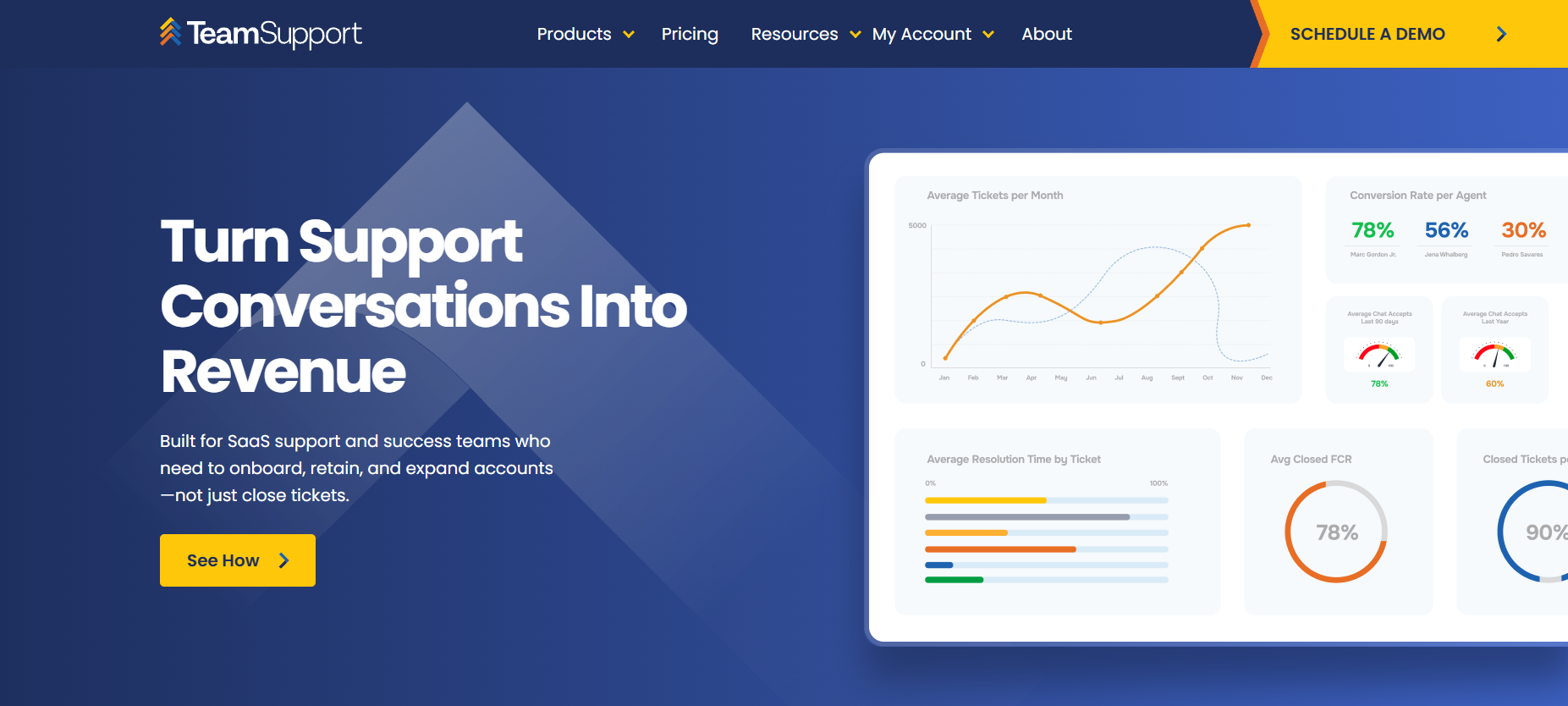
TeamSupport focuses on longer support cycles, so I reviewed it with B2B cases in mind. The customer portal gave clients one place to open requests, add details, and review past interactions, which helps keep multi-step issues organized.
The thing I liked most during testing was how well it handled internal collaboration. Notes, updates, and attachments stayed grouped with each request, which made it easier for different team members to step in without losing context.
Teams with lighter support needs may find it more than they require because many features are built for in-depth B2B workflows. TeamSupport starts at $45 per month for a max of 5 users.
How to choose a customer support portal
The right customer support portal for you depends on the questions your customers ask most often and the steps your team follows to resolve them. Here’s how to choose:
- Support volume: Look at how many requests you handle each week. Some portals fit small queues while others work better when many customers ask questions at the same time.
- Self-service depth: Check whether the portal supports searchable articles, guided steps, or simple forms. Strong self-service reduces repeated questions.
- Communication style: Make sure the portal matches how your customers talk to you. Some teams need structured tickets, while others rely more on chat or threaded messages.
- Cross-tool alignment: If you use tools for billing, file sharing, or onboarding, confirm that the portal connects cleanly. A gap here creates extra steps for both sides.
- Customization needs: Check how much control you have over layout, access, and content. This matters if you work with different customer types or longer projects.
I’d also look at how clearly the portal ties each request, file, and note back to the customer record. That link keeps support predictable and makes scaling much easier once volume grows.
Key benefits of a customer support portal
A customer support portal helps customers move through simple tasks without waiting, and it gives your team a clear way to manage ongoing requests. When the portal keeps communication and information in one place, support becomes more predictable and easier to manage.
Here are the key benefits to expect from these platforms:
- Fewer repeated questions: Customers can search for answers, review past messages, or check their request status on their own, which reduces the number of basic questions your team receives.
- Faster resolutions: Requests come in with more detail because customers follow a clear path. This helps your team act sooner and cuts down the time spent gathering missing information.
- Clearer communication: Client portal software keeps messages, files, and updates in one workspace. This prevents confusion and reduces the back and forth that usually happens through email.
- More organized workflows: Teams can track every request from start to finish without switching tools. This helps you plan daily work and keep long-running cases from stalling.
- Better customer confidence: Customers know where to go, what they submitted, and what has changed. This steady flow lowers frustration and gives them a sense of progress.
- Smoother handoffs: When everyone works from the same request history, transitions between team members or departments stay clean. This keeps support moving as your team grows.
Common mistakes to avoid
Many teams set up a customer support portal and expect it to run smoothly right away, but small oversights can make the experience harder for customers and heavier for your team. Here are the mistakes to watch for:
- Hiding key actions behind too many clicks: Customers drop off when they can’t find the request form or status page fast enough. Keep the main actions visible so they don’t get lost in the layout.
- Leaving help content disconnected: If articles sit on a separate page, customers lose context while searching for answers. Place help content inside the portal so it stays in the same flow.
- Ignoring outdated information: Old instructions, broken links, or missing steps damage trust. Review your help content often so customers always see accurate information.
- Overloading the portal with options: A long menu slows people down. Keep the layout simple so customers only see steps that apply to them.
- Skipping usage reviews: If you don’t look at search terms, drop-off points, or common request types, small problems go unnoticed. Usage data helps you find weak spots before they turn into recurring issues.
- Not connecting your tools: When the portal sits apart from your client management tools, customers end up repeating details the team already knows. Linking the systems keeps requests moving without extra steps.
- Not checking mobile behavior: Many customers use their phones to ask questions or check updates. If the layout doesn’t scale well to small screens, they may abandon the process early.
Take your customer support further with Assembly
Many support tools rely on separate channels for tickets, files, and updates, which slows everyone down. A customer support portal brings these pieces together so customers can manage requests in one place.
Assembly builds on this idea with a full client workspace that works as a customer support portal by keeping support, communication, billing, and project details connected. It works with your existing systems, so customers have a clear home for support and your team has the full context.
Here’s what you can do with Assembly:
- See the full client record: Notes, files, payments, and communication history stay linked in one place. You never have to flip between systems or lose context when switching from sales to service.
- Prep faster for meetings: The AI Assistant pulls past interactions into a clear summary so you can walk into any call knowing exactly what’s been discussed and what’s next.
- Stay ahead of clients: Highlight patterns that may show churn risk or upsell potential, making outreach more timely and relevant.
- Cut down on admin: Automate repetitive jobs like reminders, status updates, or follow-up drafts that used to take hours. The Assistant handles the busywork so your team can focus on clients.
- Helpdesk app: Install the Helpdesk App to create a branded knowledge base inside your client portal. You can publish guides, FAQs, and quick how-tos, then tag content or adjust visibility so clients see only what applies to them.
Ready to simplify how your firm manages client work? Start your free Assembly trial today.