


Stripe's developer-first design can mean extra tools and costs just to get invoicing and recurring billing working for a service business. I tested dozens of alternatives to find the 8 worth considering in 2026.
8 Best Stripe alternatives: At a glance
Stripe alternatives range from in-person Point of Sale (POS) systems to subscription billing platforms and enterprise payment gateways. Here's how the top 8 compare:
| Tool | Best for | Monthly price | Card fees | Key strengths |
|---|---|---|---|---|
| PayPal for Business | Online businesses | Transaction fees only | 2.99% + fixed fee | Brand trust, fast setup, buy now pay later (PayPal Pay Later) |
| Square | In-person and online payments | Free plan, then $49/location/month + fees | 3.3% + $0.30 (online payments) | Free POS plan, omnichannel selling, easy hardware setup |
| Clover | US small businesses | Free plan, then $29.95/month + fees | 3.5% + $0.10 | Hardware options, built-in POS, US-focused support |
| Paddle | SaaS businesses | Transaction fees only | 5% + $0.50 | Merchant of record, global tax handling, subscription management |
| Helcim | Growing small businesses | Transaction fees only | 2.27% + $0.25 (3.01% + $0.25 for AmEx) | Interchange-plus pricing, no monthly fee, built-in invoicing |
| Authorize.net | Merchants that want a standalone gateway | $25/month + fees | 2.9% + $0.30 | Long track record, fraud detection, flexible gateway options |
| Checkout.com | Global online businesses | Custom pricing | Custom | Multi-currency support, smart routing, detailed reporting |
| Adyen | Enterprise businesses | $0.13 per transaction + fees | Interchange+ + 0.60% (AmEx 3.3% + $0.10) | Global payment methods, omnichannel infrastructure, advanced fraud tools |
Why I looked for Stripe alternatives
Stripe is a capable payment processor, but it's not the right fit for every business. A few patterns kept coming up as I researched and tested alternatives.
Here’s what I found:
- Pricing adds up fast: Stripe's base rate of 2.9% + $0.30 per transaction looks straightforward, but add-ons for fraud tools, recurring billing, and currency conversion can push the effective cost higher than expected, especially at volume.
- Account stability concerns: Stripe's risk models are built for low-risk merchants. Businesses with higher chargeback rates, subscription models, or certain product categories report unexpected account holds, fund freezes, and sudden account closures.
- Support responsiveness: As Stripe has scaled, many merchants report difficulty getting timely, knowledgeable support when something goes wrong, particularly during disputes or account reviews.
- Feature gaps for specific models: Stripe doesn't prioritize in-person POS, merchant-of-record tax handling, or industry-specific workflows out of the box. Businesses that need those things tend to find better fits elsewhere.
- Cash flow risk: Service businesses with high-ticket invoices, future-dated services, or deposit-based billing can trigger Stripe's automated reviews more often than standard ecommerce transactions. When support is slow to respond during those reviews, it can create real cash flow problems.
For service businesses specifically, the challenge tends to look a little different. Stripe works best when you wire it into other tools, which means getting it to handle invoicing, retainers, or recurring packages usually requires additional setup or custom builds. That adds both cost and complexity.
The alternatives in this list cover a range of those gaps, from simpler flat-rate processors to platforms that bundle payments with invoicing, client management, and even tax compliance.
1. PayPal for Business: Best for online businesses
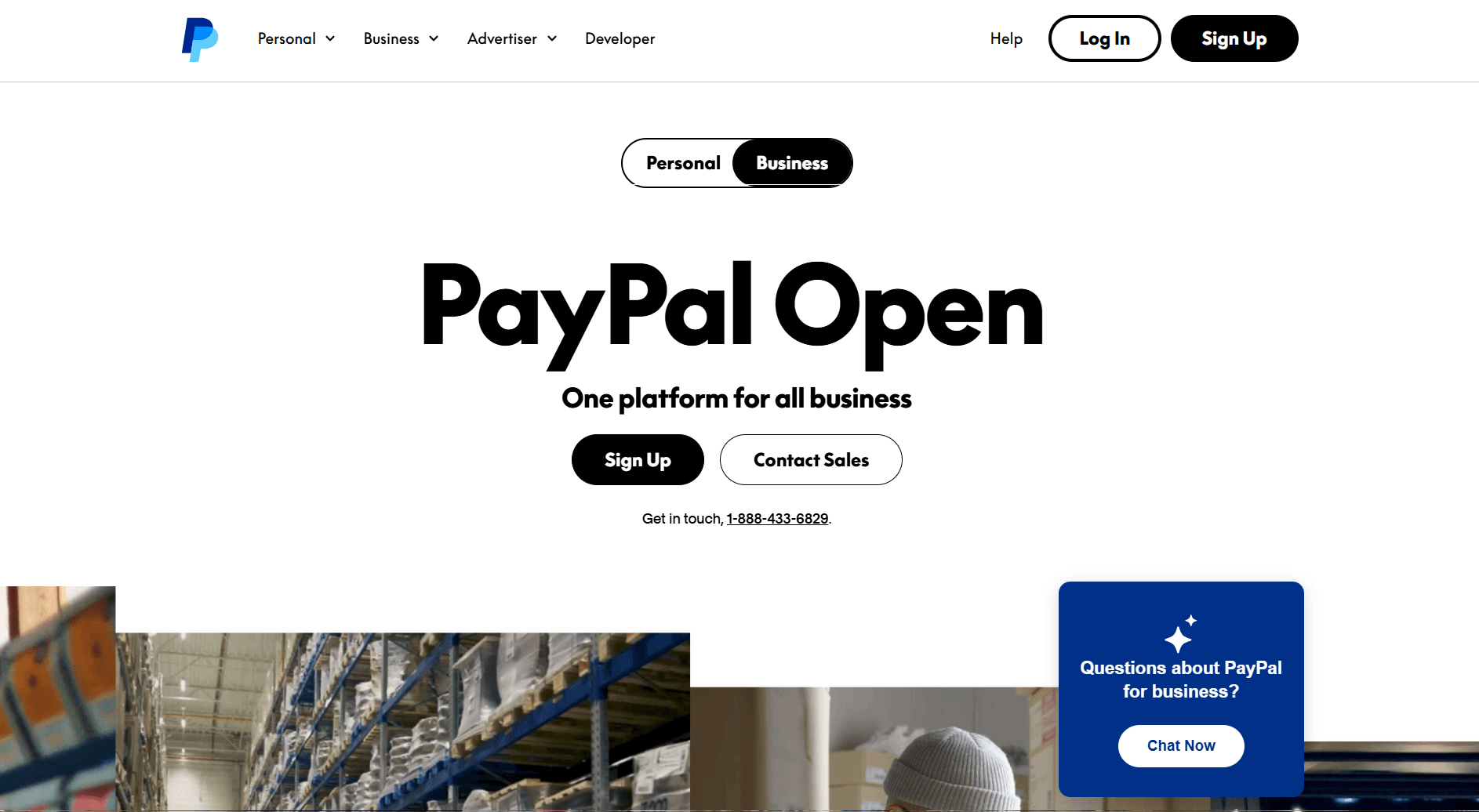
PayPal for Business is a payment processor built around the PayPal brand, and I've used it enough to know where it holds up and where it doesn't. The biggest draw is the name recognition. Customers often trust the PayPal button at checkout more than lesser-known processors, and that familiarity can reduce drop-off on payment pages.
Setting up invoices and payment links is straightforward, and the dashboard gives you a readable view of transactions without much digging. I also reviewed PayPal's documentation to get a fuller picture of its recurring billing options. Subscriptions work, but they're not as flexible as purpose-built billing tools.
Why it beats Stripe
- Brand recognition at checkout: Customers see a familiar payment option, which can reduce hesitation at the point of payment
- Pay Later built in: PayPal Pay Later gives customers an installment option without requiring you to set up a separate buy now pay later (BNPL) integration
- No required monthly fee: You pay per transaction with no platform fee, so lower-volume businesses don't carry a fixed cost
Pros
- Payment links and invoices are quick to generate without technical setup
- Supports both one-time and recurring payments from the same account
- Widely accepted across international markets, with multi-currency support built in
Cons
- Dispute resolution can sometimes favor buyers, which can create chargeback risk for service businesses billing for completed work
- Merchants sometimes report account holds or fund freezes, particularly for newer accounts or irregular transaction patterns
Pricing
PayPal for Business charges transaction fees only, with rates starting at 2.99% + fixed fee per transaction.
Bottom line
PayPal's checkout presence is stronger than most processors at this price point, largely because customers already have accounts. If you need a free plan that covers both in-person and online payments, Square might be a better fit.
2. Square: Best for in-person and online payments

Square is a payment platform that covers both in-person and online transactions. I walked through the setup firsthand to see how quickly a new account could go from zero to processing. Getting to a live payment link took under 10 minutes, and the dashboard is clean enough that you don't need any technical background to find your way around.
One area where Square stands out is the free POS plan. You can start accepting card payments in person and online without a monthly commitment, which makes it a low-risk starting point for small businesses.
The main limitation is that Square supports fewer countries and payment methods than some processors on this list, so businesses with a significant international customer base may find the coverage limiting.
Why it beats Stripe
- Free plan with POS included: You can accept in-person and online payments on the free plan without paying a monthly platform fee
- Hardware options out of the box: Square offers card readers and POS terminals that connect directly to your account without third-party hardware setup
- Omnichannel selling from one dashboard: You can manage in-person, online, and invoice-based payments from the same account without connecting separate tools
Pros
- The free plan covers core payment processing for both in-person and online transactions without a time limit
- Invoice creation is built into the dashboard and doesn't require a separate billing tool
- Setup requires no technical knowledge and works without developer support
Cons
- International payment method support is limited, so businesses outside the US or with international clients may find payment method coverage limited
- Advanced reporting and team management features sit behind paid plans, so the free plan gives a limited view of business performance
Pricing
Square starts at a free plan, then $49 per location per month, plus transaction fees.
Bottom line
Square's free POS plan makes it a very accessible starting point for businesses that take payments both in person and online. If you need more dedicated POS hardware and a deeper in-person setup, Clover might be a better fit.
3. Clover: Best for US small businesses

Clover is a POS and payment platform built around proprietary hardware. I went through its product documentation and walkthrough materials to understand how the hardware setup, app market, and reporting tools fit together.
Unlike most processors on this list, Clover's terminals, card readers, and handheld devices are purpose-built for its own platform, so everything works together without compatibility issues. The app market lets you add functionality like appointment booking, loyalty programs, and inventory management, so your setup can grow without switching platforms.
The limitation worth noting is that Clover is primarily built for US businesses, so international payment support is limited, and the upfront hardware investment can be a barrier for businesses just starting out.
Why it beats Stripe
- Purpose-built POS hardware: Clover offers terminals, handheld devices, and card readers designed specifically for its platform rather than relying on third-party hardware
- Built-in app market: You can add features like loyalty programs, inventory tracking, and appointment booking directly through Clover's app marketplace
- US-focused support: Clover's support team and compliance tools are built specifically around US merchant requirements
Pros
- Hardware and software work together as a single system, so you don't need to connect separate POS and payment tools
- The app market covers a wide range of add-on features without requiring custom development
- Reporting covers sales, inventory, and employee activity from one dashboard
Cons
- The upfront hardware cost can be significant for businesses that are just getting started or testing a new location
- The platform is built for US merchants, so businesses with international customers will find payment method coverage limited
Pricing
Clover starts at a free plan, then $29.95 per month plus transaction fees.
Bottom line
Clover's hardware and software combination can make it a practical choice for US-based businesses that need a full in-person POS setup. If you want lower transaction fees without a monthly commitment, Helcim might be a better fit.
4. Paddle: Best for SaaS businesses

Paddle is a merchant of record (MoR) platform built for software and SaaS businesses. I reviewed its documentation and available product materials to understand how the tax and compliance side works. The core differentiator is the MoR model, where Paddle takes on the legal responsibility for collecting and remitting sales tax and VAT across supported regions. That way, you don't have to manage that yourself.
From what I reviewed, the billing infrastructure covers subscriptions, one-time purchases, and trials, with localized checkout pages that adjust currency and payment methods based on where your customer is located. That's a meaningful advantage for SaaS businesses selling across multiple countries.
The downside is that Paddle is built mainly for digital products and software. If you sell physical goods or services, the platform isn't designed for your use case.
Why it beats Stripe
- Merchant of record model: Paddle handles sales tax, VAT, and sales tax compliance across regions, and takes on chargeback liability so you don't manage any of those yourself
- Localized checkout: Checkout pages adjust currency and payment methods based on the customer's location without additional configuration
- Subscription management built in: You can manage upgrades, downgrades, pauses, and cancellations directly through Paddle without a separate billing tool
Pros
- Global tax compliance is handled at the platform level, which removes a significant administrative burden for businesses selling internationally
- Localized payment methods and currencies are supported out of the box across a wide range of markets
- Subscription lifecycle management covers the full range of billing scenarios without custom development
Cons
- The platform is built primarily for digital products, so service businesses or those selling physical goods won't find it a practical fit
- Transaction fees are higher than most standard processors on this list, which can add up at volume
Pricing
Paddle charges transaction fees only, with a rate of 5% + $0.50 per transaction.
Bottom line
Paddle's merchant of record model reduces the compliance burden that comes with selling software across multiple tax jurisdictions. If you don't sell digital products and need a more general-purpose payment processor, Authorize.net might be a better fit.
5. Helcim: Best for growing small businesses
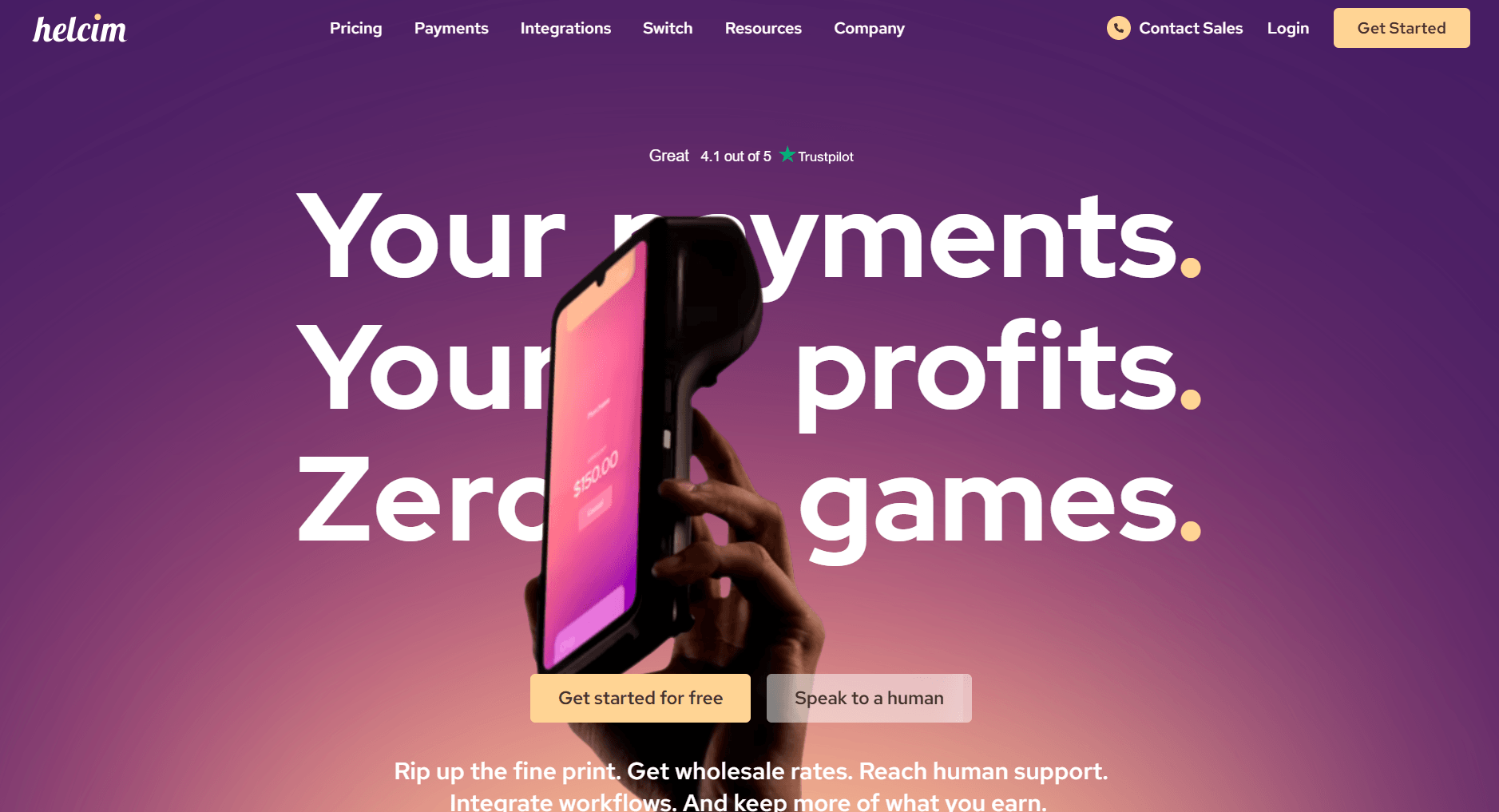
Helcim is a payment processor built around interchange-plus pricing. I went through its documentation and pricing tools to understand how the fee structure works and found that the main draw is pricing transparency. Interchange-plus pricing means you see what the card networks charge and what Helcim adds on top, rather than paying a flat rate that bundles those costs together.
One limitation I found is that Helcim doesn't offer a full client management layer, so businesses that need billing tied to project tracking or client communication will still need additional tools to fill that gap.
Why it beats Stripe
- Interchange-plus pricing: You pay the actual card network rate plus a fixed Helcim margin, rather than a bundled flat rate that obscures the underlying cost
- Volume discounts built in: Processing fees decrease automatically as your monthly transaction volume grows, without needing to negotiate a custom rate
- No monthly fee: There's no platform fee, so lower-volume businesses aren't carrying a fixed cost during slower periods
Pros
- Interchange-plus pricing gives a clearer picture of what you're actually paying per transaction compared to flat-rate processors
- Invoicing and subscription tools are included without an additional monthly fee
- Fee discounts scale with volume automatically, so you don't need to renegotiate as your business grows
Cons
- The platform lacks a client-facing portal or client management layer, so it works as a standalone processor rather than part of a broader client workflow
- The interchange-plus model can be harder to predict for businesses with variable transaction volumes or card mixes
Pricing
Helcim starts at transaction fees only, with a rate of 2.27% + $0.25 per transaction.
Bottom line
Helcim's fee structure tends to reward higher volume compared with flat-rate processors, making it a practical option for businesses that process a meaningful amount each month. If you need a merchant of record that handles global tax compliance, Paddle might be a better fit.
6. Authorize.net: Best for merchants that want a standalone gateway
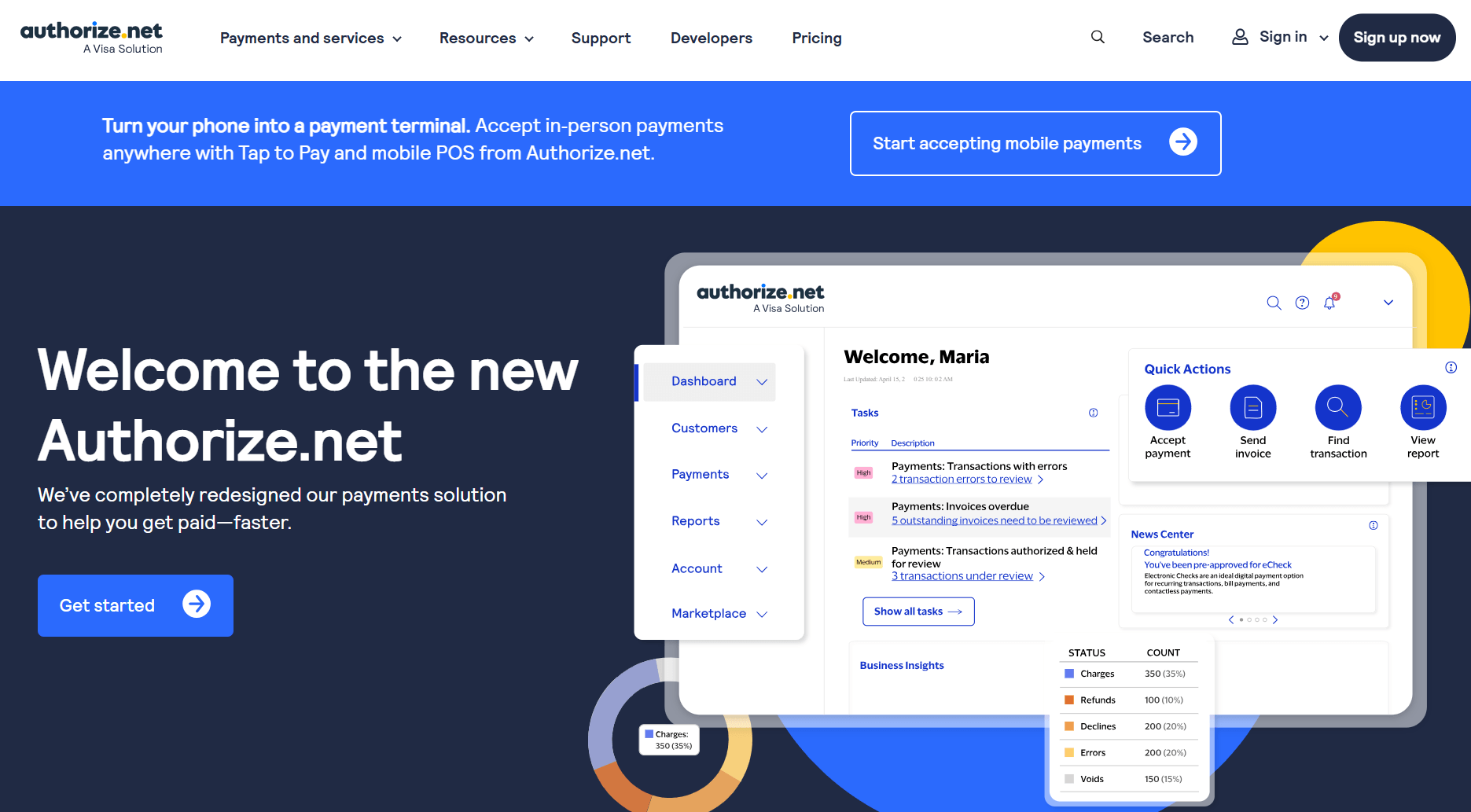
Authorize.net is a payment gateway that's been around since 1996, and I worked through its sandbox environment to see how the setup and transaction flow work in practice. Authorize.net connects your existing merchant account to the payment networks, so it sits between your checkout and your bank rather than acting as an all-in-one processor.
The sandbox gave me a clear view of the fraud detection tools, and they're more configurable than many processors at this price point. You can set custom filters for transaction velocity, billing address mismatches, and card verification failures without needing developer support.
However, the dashboard is functional but dated, and navigating between transaction reports, settings, and fraud tools takes more clicks than it should.
Why it beats Stripe
- Standalone gateway option: Authorize.net works with your existing merchant account, so you're not locked into a single provider for both gateway and processing
- Configurable fraud detection: You can set custom fraud filters based on transaction patterns, address verification, and card checks without additional tools
- Long track record: Authorize.net has processed payments for decades, which can matter for businesses in industries where processor stability and reliability are a priority
Pros
- Works with a wide range of merchant accounts, so you can keep your existing banking relationship and add Authorize.net as the gateway layer
- Fraud detection tools are configurable without developer involvement
- Supports a broad range of payment types, including cards, eChecks, and digital payments
Cons
- The dashboard interface is dated and takes more navigation than many modern processors to find transaction data and settings
- The gateway-only model means you still need a separate merchant account, which adds a step to the setup process for businesses starting from scratch
Pricing
Authorize.net starts at $25 per month plus transaction fees of 2.9% + $0.30 per transaction.
Bottom line
Authorize.net's value comes from its flexibility as a standalone gateway that works alongside your existing merchant account rather than replacing it. If you don't already have a merchant account and want a simpler all-in-one setup, PayPal might be a better fit.
7. Checkout.com: Best for global online businesses
Checkout.com is a payment infrastructure platform built for businesses processing high volumes across multiple markets.
I reviewed its product documentation and publicly available demo materials to understand how the system is structured. The platform is built for custom payment setups, giving engineering teams control over how payments route, how retries work, and how performance data gets reported.
You can route transactions across different acquiring banks to improve approval rates, which can make a difference when you're processing at scale across different regions and card networks.
The limitation is that Checkout.com is built for businesses with technical resources. Without a developer, getting the most out of the platform's routing and reporting capabilities can be challenging.
Why it beats Stripe
- Smart routing across acquirers: You can route transactions across multiple acquiring banks to optimize approval rates across different markets
- Multi-currency support: The platform supports a wide range of currencies and local payment methods without requiring separate integrations for each market
- Detailed transaction reporting: Reporting breaks down transaction data at a granular level, including decline reasons, network fees, and authorization rates by market
Pros
- Payment routing and retry logic are configurable at a level many standard processors don't offer
- Multi-currency and local payment method support covers a wide range of international markets from one platform
- Reporting gives visibility into authorization rates and decline patterns that can help identify where payment performance can be improved
Cons
- The platform requires developer resources to configure and maintain, so non-technical teams will struggle to use it at full capacity
- Pricing is custom and only available through a sales process, so you can't evaluate cost without committing to a conversation
Pricing
Checkout.com uses custom pricing based on business volume and transaction mix.
Bottom line
Checkout.com gives engineering teams a level of control over payment routing and reporting that most processors on this list don't offer. If you need a global payment infrastructure without the technical overhead, Adyen might be a better fit.
8. Adyen: Best for enterprise businesses
Adyen is a global payment infrastructure platform built for enterprise-scale operations. I reviewed its technical documentation and available product materials to understand how it handles omnichannel payment flows. Adyen's core proposition is consolidating online, in-store, and mobile payments into a single acquiring infrastructure rather than connecting separate processors for each channel.
The omnichannel capability can be difficult to replicate with other tools on this list. You can reconcile transactions across physical terminals, online checkout, and mobile payments from one reporting view, with consistent data across all channels feeding into the same dashboard.
The downside is that the $0.13 per transaction fee structure and the complexity of the setup process make it impractical for small or mid-sized businesses without the resources to support it.
Why it beats Stripe
- Single acquiring infrastructure across channels: Online, in-store, and mobile payments run through one platform rather than separate processors stitched together
- Advanced fraud tooling: Adyen's fraud detection uses transaction data across its entire network to inform risk scoring at the individual transaction level
- Global payment method coverage: The platform supports a wide range of local payment methods across markets without requiring separate regional integrations
Pros
- Omnichannel reconciliation pulls transaction data from all payment channels into one reporting view without manual consolidation
- Fraud detection draws on network-wide transaction data, giving it a broader context than many processor-level fraud tools
- Local payment method support covers a broad range of markets, from a single integration
Cons
- The platform requires significant technical resources to implement and maintain, making it unsuitable for businesses without a dedicated engineering team
- The pricing and onboarding process requires a sales engagement, so there's no way to evaluate costs or setup without going through a formal process
Pricing
Adyen starts at $0.13 per transaction plus interchange fees.
Bottom line
Adyen's single acquiring infrastructure across online, in-store, and mobile channels can be difficult to match at the enterprise level. If you don't need omnichannel infrastructure and want a simpler global payment setup, Checkout.com might be a better fit.
Tax, compliance, and chargebacks
One of the most important distinctions between payment processors is who takes on the legal and financial responsibility when something goes wrong. For most tools on this list, that responsibility stays with you as the merchant.
Here’s who handles tax and compliance for each tool:
| Tool | Tax and compliance | Chargebacks |
|---|---|---|
| PayPal for Business | Merchant | Merchant |
| Square | Merchant | Merchant |
| Clover | Merchant | Merchant |
| Paddle | Paddle (as merchant of record) | Paddle (as merchant of record) |
| Helcim | Merchant | Merchant |
| Authorize.net | Merchant | Merchant |
| Checkout.com | Merchant | Merchant |
| Adyen | Merchant | Merchant |
Paddle is the only tool on this list that operates as a merchant of record, meaning it takes on tax collection, compliance obligations, and chargeback liability on your behalf. For every other tool, you retain that responsibility, so you'll need to manage tax remittance and handle disputes directly with your payment provider.
How I tested these Stripe alternatives
I ran sample transactions, built out test invoices, and walked through the billing and payout setup from scratch for each tool. For tools with custom pricing or no self-serve access, like Checkout.com and Adyen, I relied on product documentation, recorded walkthroughs, and publicly available demo materials.
Here’s what I considered:
- Setup and onboarding: I paid attention to how long it took to go from signup to processing a test payment, and whether the process required developer support or could be handled by a non-technical business owner.
- Invoicing and recurring billing: I tested how each tool handles invoice creation, recurring charges, and subscription management, since those are the payment patterns most relevant to service businesses.
- Fee transparency: I looked at whether the stated fees matched what showed up during checkout and payout, including any additional costs that only appeared after setup.
- Dashboard and reporting: I evaluated how easy it was to find transaction data, track payouts, and understand the overall financial picture without digging through settings.
- Support and documentation: I evaluated response quality through available chat or help centers, and noted where support was hard to reach or slow to engage.
How to choose a Stripe alternative
The right choice of alternative depends on what Stripe isn't giving you right now. I organized these alternatives by what they prioritize so you can match each one to your specific situation.
Choose:
- PayPal for Business if your customers expect to see a PayPal button at checkout, and you want a fast, recognizable payment option with minimal setup.
- Square if you take payments both in-person and online and want a free plan that covers the basics.
- Clover if your business is primarily in-person and you want a full POS system with hardware options designed for US retail and service businesses.
- Paddle if you sell software or SaaS subscriptions and want a merchant of record that handles global tax compliance and manages many chargeback processes for you.
- Helcim if you process higher volumes and want interchange-plus pricing that gets cheaper as your transaction volume grows.
- Authorize.net if you already have a merchant account and need a reliable, established gateway with strong fraud detection tools.
- Checkout.com if you're scaling fast, processing high volumes, and need multi-currency support with detailed reporting.
- Adyen if you're an enterprise-level business that needs one payment infrastructure across online, in-store, and mobile channels.
My final verdict
PayPal and Square cover the basics well, and Helcim is a strong pick if fees are your main concern. What I noticed is that most of these tools treat payments as the end goal, which works fine for e-commerce but leaves service businesses managing invoices, client communication, and billing across separate platforms.
If you want to keep Stripe's payment infrastructure but skip the custom setup, Assembly sits on top of Stripe and handles the client-facing layer for you. With invoices, subscriptions, payment links, and your Storefront consolidated in one place, payments become part of a complete client workflow rather than a separate tool you bolt on.
Want to stick with Stripe but don't want the hassle? Try Assembly.
If you do switch away from Stripe, that solves one problem. But if clients still receive invoices through scattered emails and chase updates across separate threads, the experience may not reflect the quality of your work.
Assembly is a client portal platform that works with Stripe's payment infrastructure, giving service businesses a branded, client-facing layer for invoicing, recurring billing, client communication, file sharing, and service delivery without the custom setup.
Here’s what you can do with Assembly:
- Built-in client management: Manage client records, communication history, notes, and relationship data in a structured CRM where that context stays accessible no matter where you are in the workspace.
- Branded client portal: Clients log in under your firm's domain to access invoices, files, contracts, and updates in one organized space.
- Tailored client experience: You can adjust the homepage layout and app visibility for each client using custom field tags, so different clients automatically see the content and tools relevant to their engagement.
- Consolidated payments: Manage invoices, subscriptions, payment links, and store transactions from a single payments page, without jumping between separate billing views.
- Recurring automations: Set time-based triggers for tasks, messages, and forms so routine accounting work like monthly reminders, document requests, and follow-ups runs on schedule without manual effort.
- Protect client data: Assembly maintains SOC 2 compliance and supports GDPR, CCPA, and HIPAA compliance.
- Keep tasks, messages, and files together: Client communication, shared files, and project tasks stay connected to each client record instead of being scattered across separate tools.
- Prep faster for meetings: The AI Assistant summarizes recent client activity and communication, helping you walk into calls with a clear picture of what’s been discussed and what’s outstanding.
Want a client experience that supports your pricing? Start your free Assembly trial today.