



Assembly, SuiteDash, and Dubsado are some of the strongest Kitchen.co alternatives for service businesses. I researched dozens of tools to find the 14 best in 2026, covering what each one does well, where it falls short, and who it's built for.
14 Best Kitchen.co alternatives: At a glance
Best client portal software (2026 comparison)
| Tool | Best for | Starting price |
|---|---|---|
| Assembly | Service businesses that want a CRM + client portal in one platform | $29/month |
| SuiteDash | All-in-one platform with deep white-label customization | $180/year |
| Dubsado | Freelancers needing automated intake, contracts, and workflows | $335/year |
| HoneyBook | Freelancers who want polished proposals and booking flows | $29/month |
| ManyRequests | Productized agencies with request queues and service catalogs | $39/month |
| Agency Handy | Agencies needing portal, invoicing, and task management in one place | $109/year |
| AgencyPro | Agencies wanting a white-label portal with built-in CRM | $32.50/month |
| Plutio | Freelancers who want projects, billing, and portals in one tool | $190/year |
| Moxie | Freelancers who want CRM, scheduling, and invoicing without complexity | $10/month |
| Flowlu | Small teams needing CRM, projects, and invoicing at low cost | $9/user/month |
| Teamwork.com | Agencies needing time tracking and budget control | $9.99/user/month |
| ClickUp | Teams needing highly customizable workflows and views | $7/user/month |
| monday.com | Teams that prefer visual workflows and automation | $9/seat/month |
| Notion | Flexible workspace for docs, wikis, and lightweight project tracking | $10/member/month |
*Pricing correct as of May 2026. Verify with vendor.
Still deciding whether to switch? Our Kitchen.co reviews breakdown covers the tool's pros, cons, and whether it's worth it in 2026.
Why look for Kitchen.co alternatives?
Kitchen.co works well for teams that want a clean client portal with straightforward project collaboration. But as your service business grows, a few limitations tend to surface:
- Task management lacks depth: There are no Gantt or timeline views, and the cross-project task view can make it hard to get a clear picture of workload across your whole team.
- Billing and invoicing are limited: Kitchen.co covers the basics, but quoting, proposals, and more flexible invoicing options aren't built in, so many teams end up running a separate billing tool alongside it.
- White-labeling sits behind a paywall: Custom branding isn't available on the free plan, which can be a sticking point for agencies that need a polished, branded experience from the start.
- The feature set has a ceiling: Kitchen.co is intentionally lean, which works for smaller teams, but agencies that need a built-in CRM, automation, or deeper reporting tend to hit those limits as they scale.
TL;DR: Which Kitchen.co alternative should you choose?
The right Kitchen.co alternative depends on how much of the client relationship you want to manage in one place and how important billing, branding, and automation are to your workflow.
Choose:
- Assembly if you want a branded client portal platform with built-in CRM, dynamic client homepages, and automations, though it may be more than a very small team needs right away.
- SuiteDash if you want a white-label portal with deep customization and a broad feature set at a flat monthly rate. Plan on a longer setup period before it runs the way you want.
- Dubsado if you want detailed, automated client intake workflows with full control over forms and sequences. It takes time to configure and works better for solo operators than for growing teams.
- HoneyBook if you're an independent service provider who wants proposals, contracts, and payments in one polished flow. It's less suited to teams managing many clients at scale.
- ManyRequests if you run a productized or subscription-based agency and want a branded request queue with a built-in service catalog. It's less flexible for custom project work.
Stick with Kitchen.co if the clean interface and straightforward client collaboration are working well for your team and you don't need deeper billing, automation, or white-label branding.
1. Assembly: Best for service businesses that want a branded client portal platform with built-in CRM
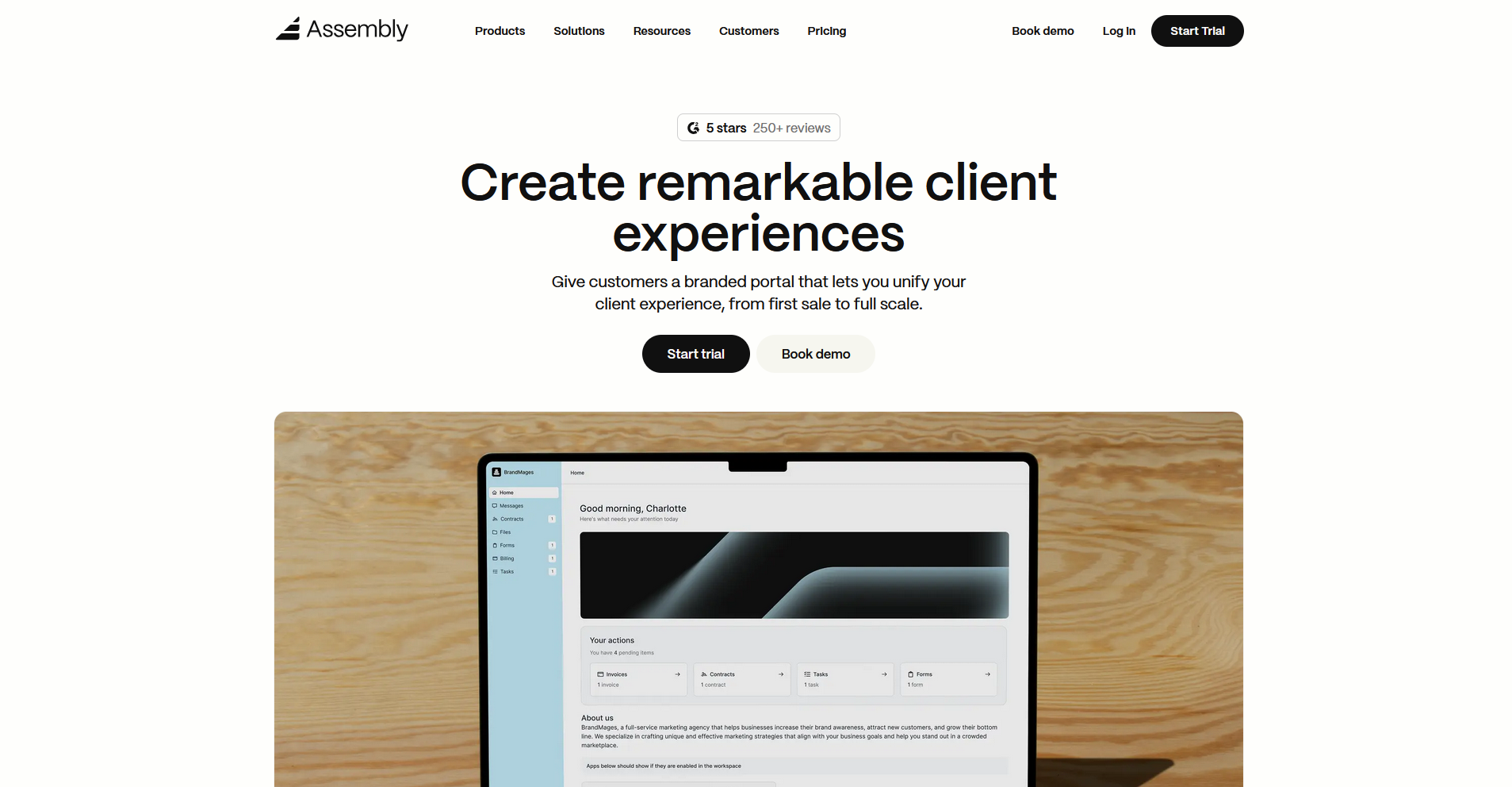
Assembly is a client portal platform built for professional service firms that want to manage client relationships, billing, and communication from a single branded workspace. It covers the full client lifecycle with a built-in CRM, contracts, onboarding automations, and consolidated payments. White-label branding is available on the Advanced plan or higher.
If you're also comparing Plutio, Assembly ranks first in our list of Plutio alternatives too, which covers 11 tools for service firms.
Key features
- Dynamic client homepages: Display different portal content to different clients automatically using custom field tags and variants.
- Recurring automations: Schedule time-based triggers that send messages, assign tasks, and deliver forms across your client base on a set cadence.
- Security: Assembly maintains SOC 2 Type II compliance and supports GDPR, CCPA, and HIPAA compliance.
Pros
- The built-in CRM stores client notes, custom fields, files, and communication history in one place without a separate tool
- Clients get a fully branded portal on a custom domain, with no Assembly branding visible on higher-tier plans
- Consolidated payments bring invoices, subscriptions, payment links, and billing analytics into a single view inside the portal
Cons
- The Starter plan supports only 1 internal user, which can push smaller teams onto a higher-tier plan sooner than expected
- The platform has more features and configuration options than Kitchen.co, so teams migrating from a simpler tool may need time to get their workspace set up the way they want
Best for
- Service firms that want a branded client portal with CRM, billing, and automations in one place
- Agencies moving away from Kitchen.co that need deeper client management without adding more tools
- Professional services teams that want dynamic, personalized portal experiences across a large client base
Pricing
Assembly has a free plan, and paid plans start at $29 per month billed annually.
2. SuiteDash: Best for service businesses that want flat-rate pricing with deep white-label customization
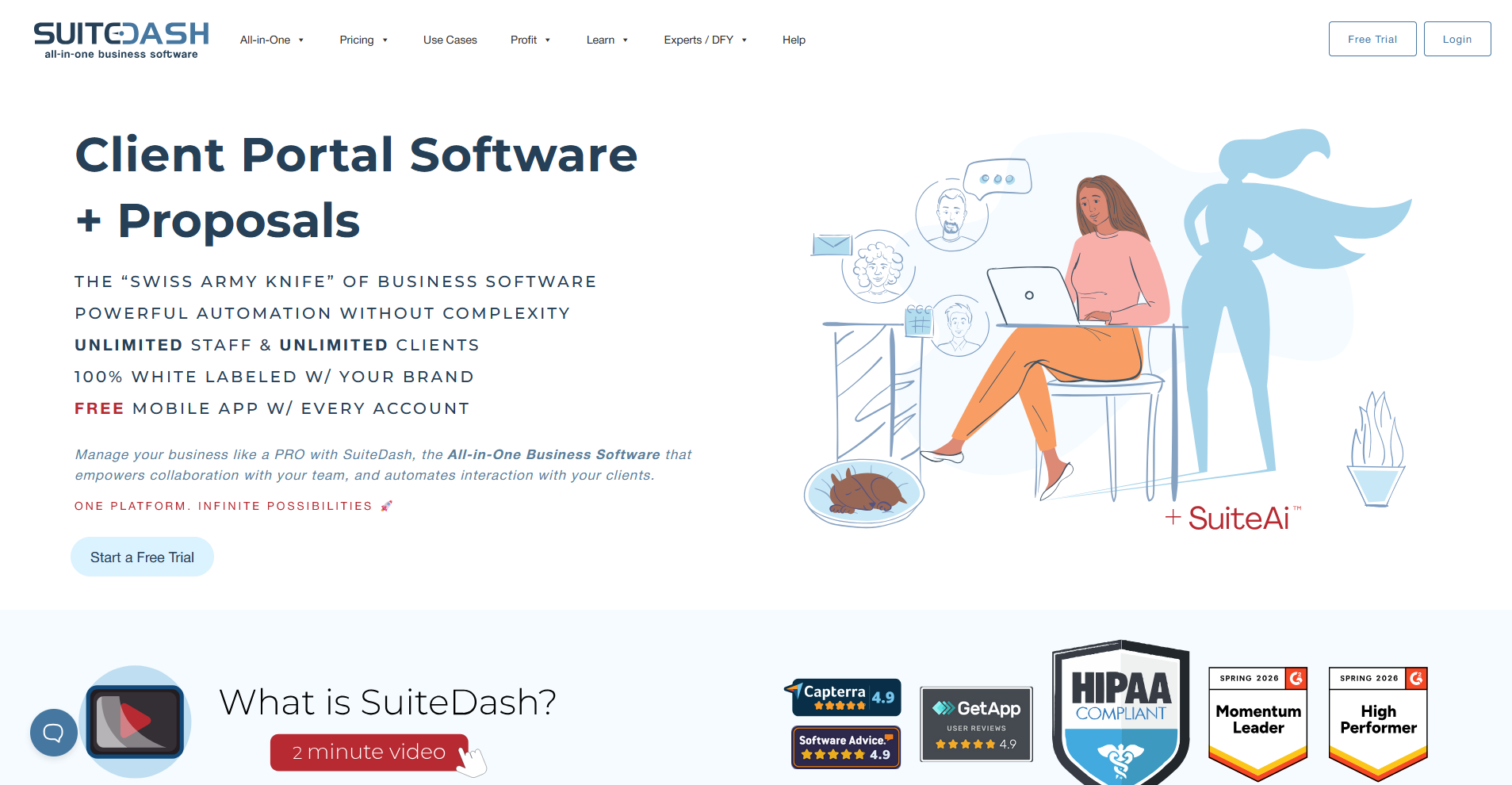
SuiteDash is a business management platform that bundles CRM, client portals, project management, and invoicing into one flat-rate workspace. It covers the full client lifecycle with unlimited team members and clients on every plan. The interface has a steep learning curve, and many users need significant setup time before it runs the way they want.
Key features
- Flat-rate pricing: Cover unlimited clients and team members under one plan without paying per seat as your business grows.
- White-label client portals: Build branded client portals with a custom domain, custom colors, and a branded mobile app on all plans.
- Automation toolkits: Create multi-step workflow automations that trigger actions across projects, invoices, and client communications.
Pros
- Unlimited team members and clients on every plan means your costs stay predictable as you scale
- White-label branding is available across all plans, not locked behind a higher tier
- The feature set covers the full client lifecycle, from lead capture and proposals through to invoicing and ongoing project delivery
Cons
- The interface has a steep learning curve, and new users frequently report needing significant setup time before the platform runs smoothly
- Some advanced toolkits like automation and learning management system (LMS) features are only available on higher-tier plans, so the Start plan can feel limited in practice
Best for
- Service businesses that want flat-rate pricing and don't want per-seat costs as their team grows
- Agencies that need deep white-label customization across their entire client portal experience
- Teams willing to invest setup time in exchange for a highly configurable, feature-rich platform
Pricing
SuiteDash starts at $180 per year.
3. Dubsado: Best for freelancers and creatives that want automated client intake and contract workflows
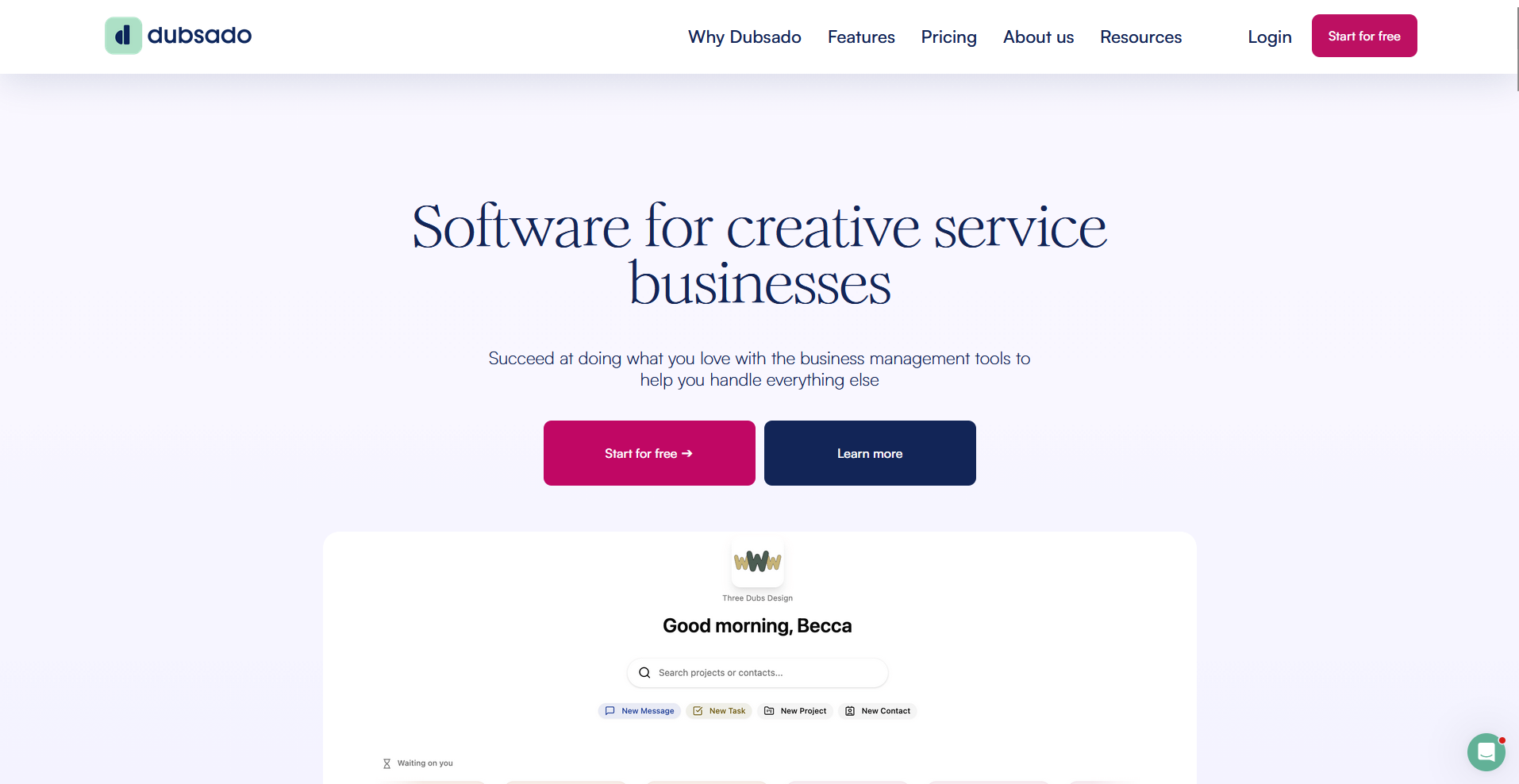
Dubsado is a client relationship management platform built for freelancers and creative service businesses that want to automate proposals, contracts, invoicing, and onboarding sequences from one place. It offers conditional form logic, branching workflows, and multi-brand support, but project management thins out once a client is onboarded.
Key features
- Workflow automation: Build multi-step client sequences that trigger contracts, invoices, emails, and follow-ups based on actions or dates. Automated workflows are only available on the Premier plan.
- Custom forms and proposals: Create branded proposals, intake forms, and contracts with conditional logic and e-signature support.
- Multi-brand management: Run separate brands with distinct logos, email templates, and form sets under a single Dubsado account.
Pros
- Workflow automation covers the full client intake cycle, from lead capture through to signed contracts and first invoices
- Forms, proposals, and contract templates offer deep customization with conditional fields and branching logic
- Multi-brand support lets freelancers and small agencies manage separate client experiences under one account
Cons
- Project management capabilities are limited once a client is onboarded, with no Gantt views, task dependencies, or expense tracking
- Workflow setup takes considerable time, and the platform has a steeper learning curve than lighter tools in this category
Best for
- Freelancers and creative professionals who need detailed, automated client intake from inquiry to signed contract
- Solo operators running more than one brand who want separate client experiences under one account
- Service businesses that want deep control over proposals, forms, and onboarding sequences
Pricing
Dubsado starts at $335 per year.
4. HoneyBook: Best for freelancers that want a polished client booking and proposal flow
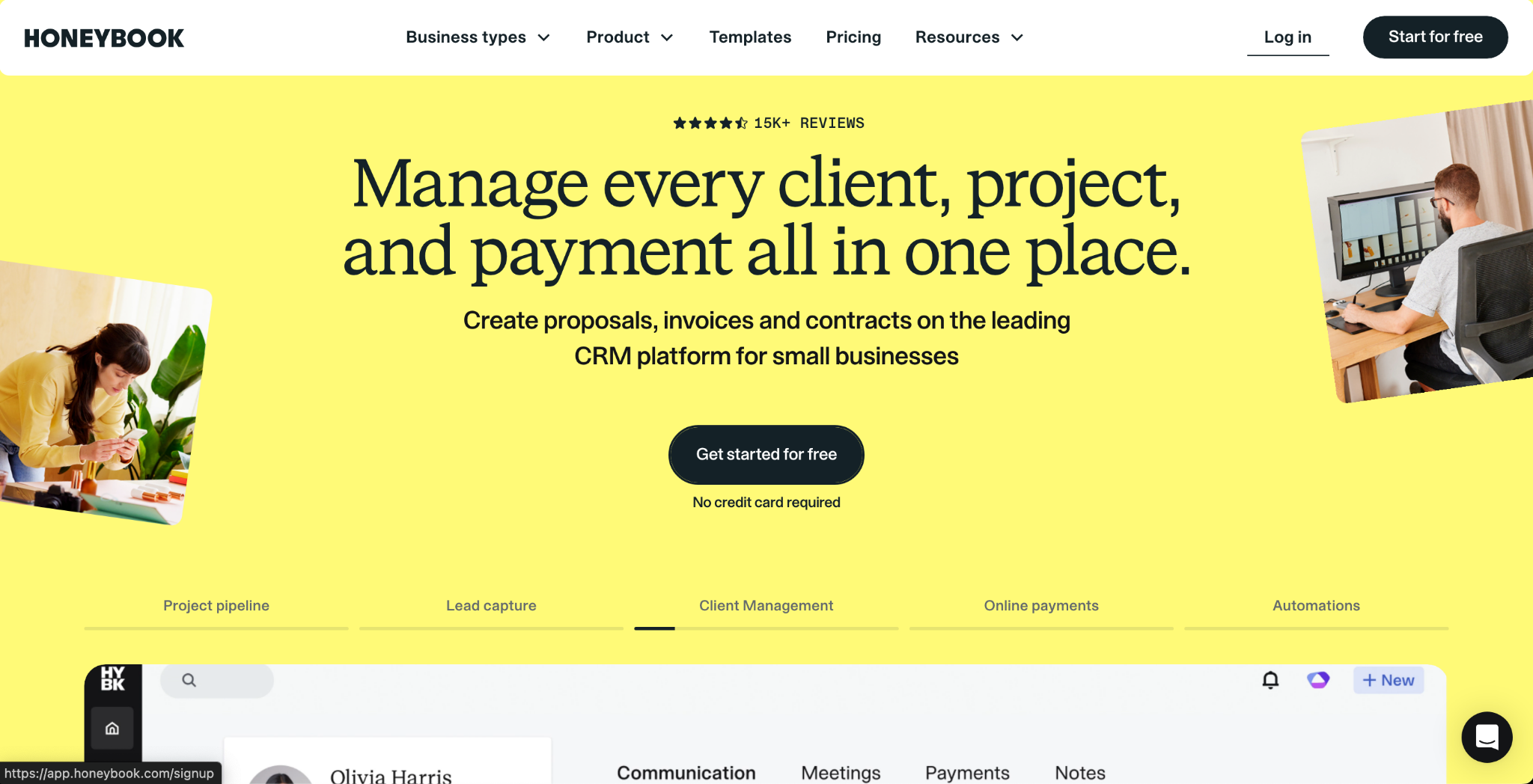
HoneyBook is a client management platform built for freelancers and independent service providers that want to handle inquiries, proposals, contracts, and payments in one place. Polished templates and a straightforward setup make it easy to get from first contact to signed contract, though the reporting tools lack the depth to track performance across a large client base.
Key features
- Client pipeline: Track leads and active clients through customizable stages from inquiry to project completion.
- Smart files: Combine proposals, contracts, and invoices into a single document that clients can review, sign, and pay in one session.
- Automations: Trigger follow-up emails, reminders, and task assignments based on client actions or project stage changes.
Pros
- The end-to-end flow from inquiry to payment is one of the most straightforward to set up in this category
- Polished, branded templates for proposals, contracts, and invoices are available out of the box with minimal configuration
- HoneyBook AI is included on every plan and helps draft emails, suggest follow-ups, and summarize client activity
Cons
- Reporting and analytics are limited, making it harder for growing teams to track performance across a large client base
- The platform is built around solo workflows, and team collaboration features can feel restrictive for agencies managing multiple staff members across shared clients
Best for
- Freelancers and solopreneurs who want a clean, fast path from client inquiry to signed contract
- Independent creatives like photographers, designers, and event planners who need polished client-facing documents
- Small service businesses that want booking, proposals, and payments managed without a steep learning curve
Pricing
HoneyBook starts at $29 per month.
5. ManyRequests: Best for productized agencies that want a branded request queue and service catalog
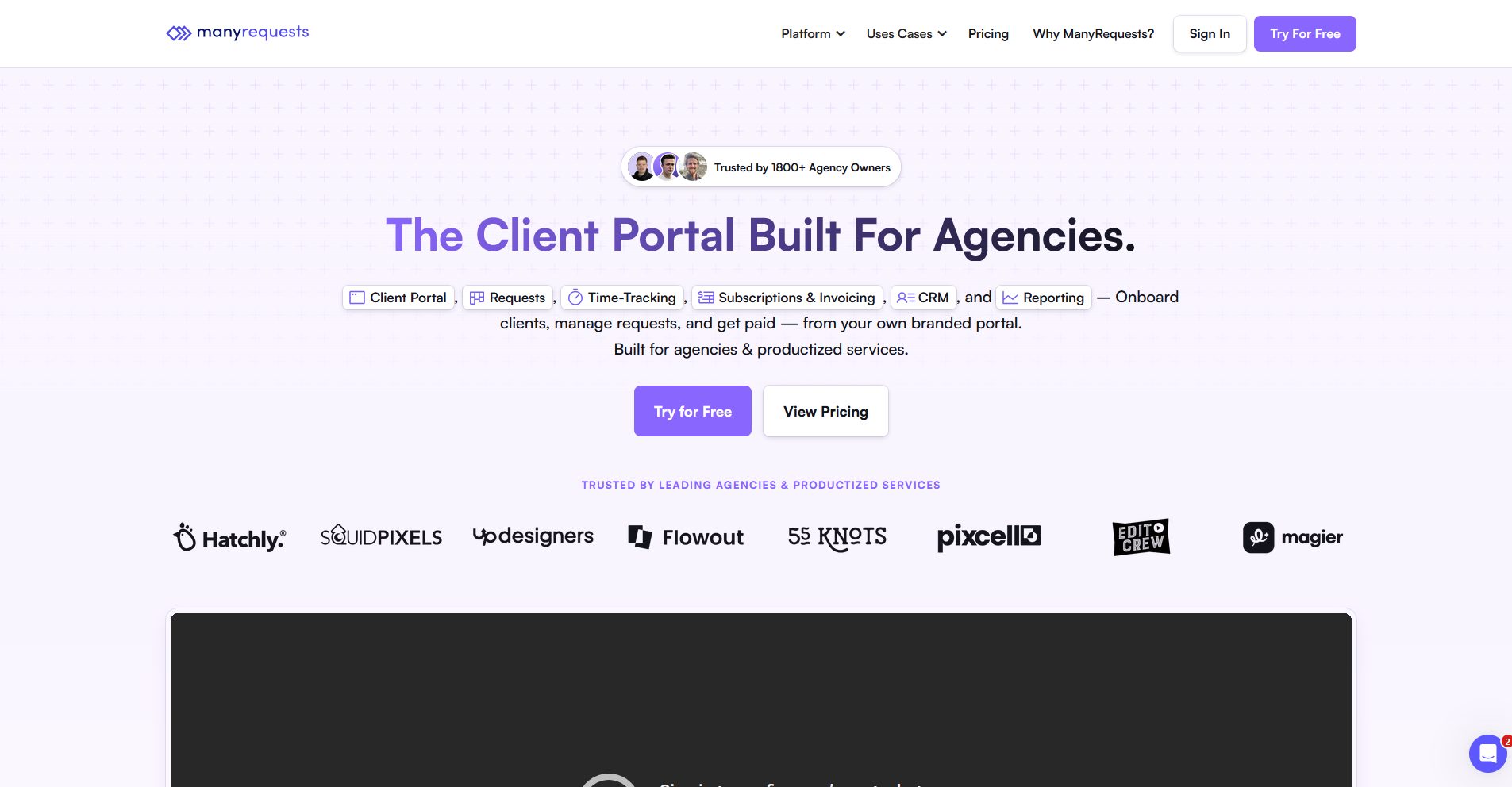
ManyRequests is a client portal platform built for agencies that deliver recurring or subscription-based services through a structured request queue with a built-in service catalog and design annotation tools. It works well for productized services but can feel restrictive for agencies that take on custom, scope-variable project work.
Key features
- Service catalog and checkout: Publish preset services and packages that clients can browse and purchase directly through a branded checkout page.
- Design annotation: Allow clients to leave visual feedback directly on design files and images without email threads.
- Request queue: Manage incoming client work through a structured intake queue with custom forms, status tracking, and internal notes.
Pros
- Unlimited clients are included on every plan, so portal access costs don't scale with your client count
- The service catalog and checkout page let clients purchase services directly without a separate sales conversation
- Design annotation tools keep creative feedback organized and tied directly to the relevant file
Cons
- Full white-label branding, including custom domain removal of ManyRequests branding, requires the Pro plan
- The request queue model is purpose-built for recurring deliverables and can feel limiting for agencies handling custom or complex project scopes
Best for
- Productized and subscription-based agencies that want a structured request intake system with a branded service catalog
- Creative agencies that need built-in design annotation and visual feedback tools
- Small agency teams that deliver recurring services and want clients to self-serve through a checkout page
Pricing
ManyRequests starts at $39 per month.
Special mentions
These tools didn't make the main list, but depending on what you're switching for, one of them might be the closer fit.
Here are 9 more Kitchen.co alternatives worth a look:
- AgencyHandy: AgencyHandy is a client portal platform for agencies that want to manage clients, projects, invoices, and subscriptions from one workspace. The service catalog and onboarding flows are straightforward to configure, though the integration ecosystem is thinner than more established tools in this category.
- AgencyPro: AgencyPro is a white-label client portal platform with built-in CRM, project tracking, and invoicing for agencies that want a branded experience without enterprise pricing. Setup is relatively guided, though I found the community resources and third-party tutorials are limited, given the smaller user base.
- Plutio: Plutio is a business management platform for freelancers and small teams that keeps proposals, projects, invoices, and client portals under one plan. The interface is clean and pricing is flat, but automation action limits on the entry tier can restrict more complex workflows.
- Moxie: Moxie is a freelancer management platform that connects CRM, proposals, time tracking, invoicing, and a client portal in one place. The workflow from lead to invoice is well structured for solo operators, though the Teams plan caps out at 5 internal users, which can be a hard stop for growing agencies.
- Flowlu: Flowlu is a business management platform that covers CRM, project management, and invoicing at a low per-user cost, with one of the more generous free plans in this category. The client portal is gated behind higher-tier plans, and the interface lacks the polish of newer tools in this space.
- Teamwork.com: Teamwork.com is a project management platform built for client-services agencies, with native time tracking and budget controls. I found it well-suited to tracking profitability across retainer clients, though clients access shared project views inside your Teamwork workspace rather than a dedicated portal with your own branding and domain.
- ClickUp: ClickUp is a highly customizable project management platform with a wide range of task views, automation rules, and document tools. It's flexible enough to support client-facing workflows, but clients access shared views inside your ClickUp workspace rather than a standalone branded portal.
- monday.com: monday.com is a visual project management platform built around customizable boards and workflow automation. It handles deliverable tracking and cross-client visibility well, though like ClickUp, clients access work inside your monday.com workspace rather than a dedicated branded space.
- Notion: Notion is a flexible workspace for documentation, wikis, and lightweight project tracking. I've used it to build client-facing pages and shared databases, and the setup is minimal. That said, there's no native billing, contracts, or CRM, so you'll need to connect separate tools to cover those gaps.
How to evaluate Kitchen.co alternatives
Kitchen.co alternatives vary widely, from lightweight client portals to broader platforms that combine project management, billing, and CRM in one place.
The right fit depends on a few key factors:
- How client-facing your workflows are: Some tools are built primarily for internal teams, with clients accessing your workspace as guests. Others give clients a fully branded portal with their own login, custom domain, and tailored content. If the client experience is central to how your firm operates, it's worth looking past the feature list at what clients actually see when they log in.
- Whether you need billing included: Many platforms on this list handle collaboration and project management well, but stop short of invoicing and proposals. If you want clients to receive quotes, pay, and track their billing history inside the same portal where they access their work, that narrows your options considerably.
- Internal user limits vs. client limits: These are 2 different pricing constraints and they work differently across tools. Some platforms charge per internal team member, others charge based on how many clients you have, and some apply both. Getting clear on which constraint applies to your business can help you avoid surprises as you scale.
- How much setup you're willing to do: Some tools work out of the box with minimal configuration. Others offer deep customization but can take weeks before they run the way you want. If you need something running quickly, that trade-off matters as much as the feature set.
- Whether you need a CRM: Kitchen.co doesn't include a deal pipeline or lead tracking, so if that's a gap you're trying to fill, it's worth confirming which alternatives actually include a full CRM rather than just a contact list.
Ready to improve your client experience? Try Assembly
Many teams searching for Kitchen.co alternatives aren't just looking for a different workspace. They want something that handles more of the client relationship without stitching together a separate tool for every piece. The tools on this list take different approaches, and the right one depends on how much of that relationship you want to manage in one place.
If you're running a professional service firm and want a branded client portal platform that covers onboarding, billing, and ongoing client communication, Assembly is worth considering. Dynamic client homepages, recurring automations, and a built-in CRM can help you deliver a more consistent experience across every client relationship.