



Knowledge bases usually contain the right answer; however, locating it is often the real challenge.
AI knowledge base software turns the search box into something that answers back. Slite and Guru do that from your team's docs. Assembly's app builder can create client-facing knowledge bases and AI assistants trained on your documents.
I tested dozens of platforms for search, AI answers, organization, and permissions. Here are the 7 best AI knowledge base tools for 2026, plus what to look for before you commit.
7 best AI knowledge base tools: TL;DR
- Assembly: Best for service firms that want a branded knowledge base and AI assistant inside their client experience
- Stonly: Best for support teams that need interactive, decision-tree guides for complex troubleshooting
- Slite: Best for teams that want AI to detect stale docs and propose fixes on a schedule
- Guru: Best for internal teams that need verified, permission-aware answers across their connected tools
- Tettra: Best for small teams that want a lightweight, Q&A-driven knowledge base with built-in content verification
- Zendesk: Best for support teams scaling ticket volume who want AI knowledge tied directly to their ticketing system
- Document360: Best for documentation teams that need version control and governance over technical product docs
What is AI knowledge base software?
AI knowledge base software is a tool that understands a question and generates a direct answer from your content. It relies on natural language processing and machine learning, so the wording of the question doesn't need to match your article titles.
A traditional knowledge base often requires people to match your exact wording and dig through folders. An AI knowledge base lets someone ask "how do I reset my password" and get the answer, even if your article is titled "Account recovery."
AI knowledge base tools also increasingly handle their own upkeep. Many draft articles, flag stale or duplicate content, and deflect repeat questions before they reach an agent.
What to look for in AI knowledge base software
The best platforms still get the basics right: strong search, flexible permissions, and organization that scales. In 2026, a few AI-specific things matter just as much.
Look for:
- AI and semantic search: Someone should be able to write out a question in simple language and get an answer they can act on, without combing through a list of articles.
- AI answers and deflection: The tool should resolve common questions on its own so your team handles the hard ones.
- Content that stays current: Look for verification workflows, stale-content flags, and duplicate detection so your docs don't slip out of date unnoticed.
- AI article generation: Drafting articles and FAQs from existing content saves hours of documentation work.
- Security and permissions for client data: If clients or regulated data are involved, check for SOC 2 or HIPAA compliance, per-audience visibility rules, and whether your data trains the vendor's models. Few roundups cover this closely, and it carries real weight for service firms handling client data.
- Content organization and integrations: Tagging and categories that scale, plus connections to the CRM, help desk, or project tools you already run.
Types of knowledge bases
Knowledge base software generally splits into two types, internal and external:
Internal knowledge bases
Built for your team, internal knowledge bases give employees one place to find company information, processes, and resources without pinging a colleague or digging through old email.
AI raises the ceiling here by answering questions directly from governed docs, the way Guru's Knowledge Agents do.
Common types of internal knowledge bases include:
- IT knowledge base: Troubleshooting steps, system configs, and IT policies for technical teams.
- Product knowledge base: Product details, specs, and manuals for support and internal stakeholders. This one often pulls double duty as an external resource.
- Training knowledge base: Onboarding materials and instructional content so new hires ramp without waiting for a session.
- Sales knowledge base: Product info, competitive positioning, and resources reps reach for mid-deal. The most useful ones stay updated after every release.
- HR knowledge base: Policies, benefits docs, and handbooks staff can check any time.
External knowledge bases
Built for people outside your organization, usually customers, external knowledge bases give users a place to find answers and troubleshoot without contacting support. AI makes that self-service more effective through faster answers and ticket deflection.
Common types of external knowledge bases include:
- Customer support knowledge base: Self-service articles, FAQs, and troubleshooting that cut inbound volume.
- Developer knowledge base: API references, code samples, and integration docs for developers building on your platform.
- Community knowledge base: User-contributed tips and workarounds that go beyond official docs.
Examples of a knowledge base
To help you visualize what a knowledge base might look like, here are three examples from different domains: an FAQ knowledge base by Assembly, Instagram's Product Help Center, and AWS Developer Knowledge Center.
Assembly’s Help Guides
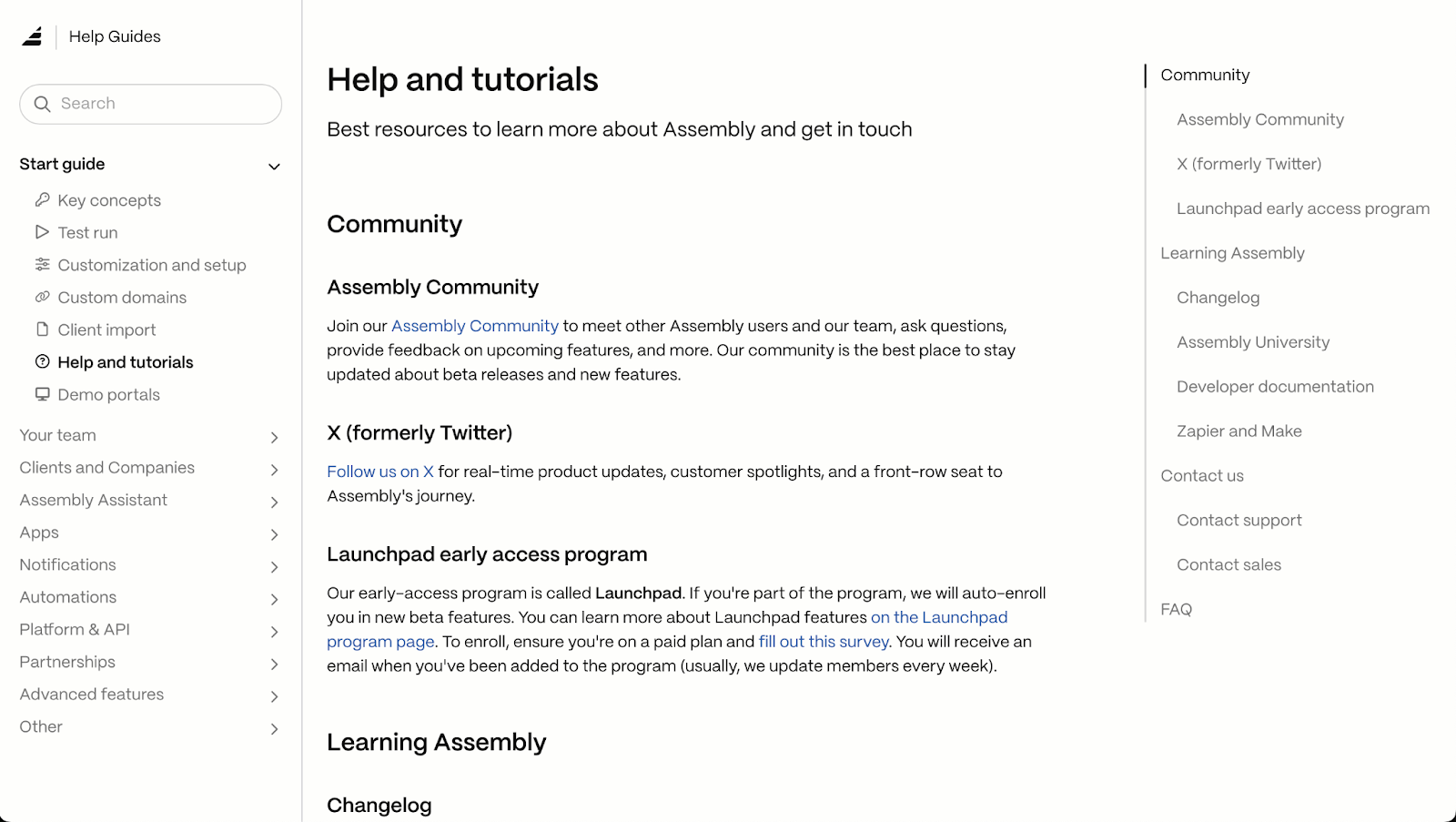
The Assembly Help Guide is an external knowledge base built for platform users. It covers key concepts, app setup, automations, and developer documentation, all organized by category. The search bar lets users find answers without browsing through every section, which saves time when you need a quick answer mid-workflow.
Instagram’s Help Center
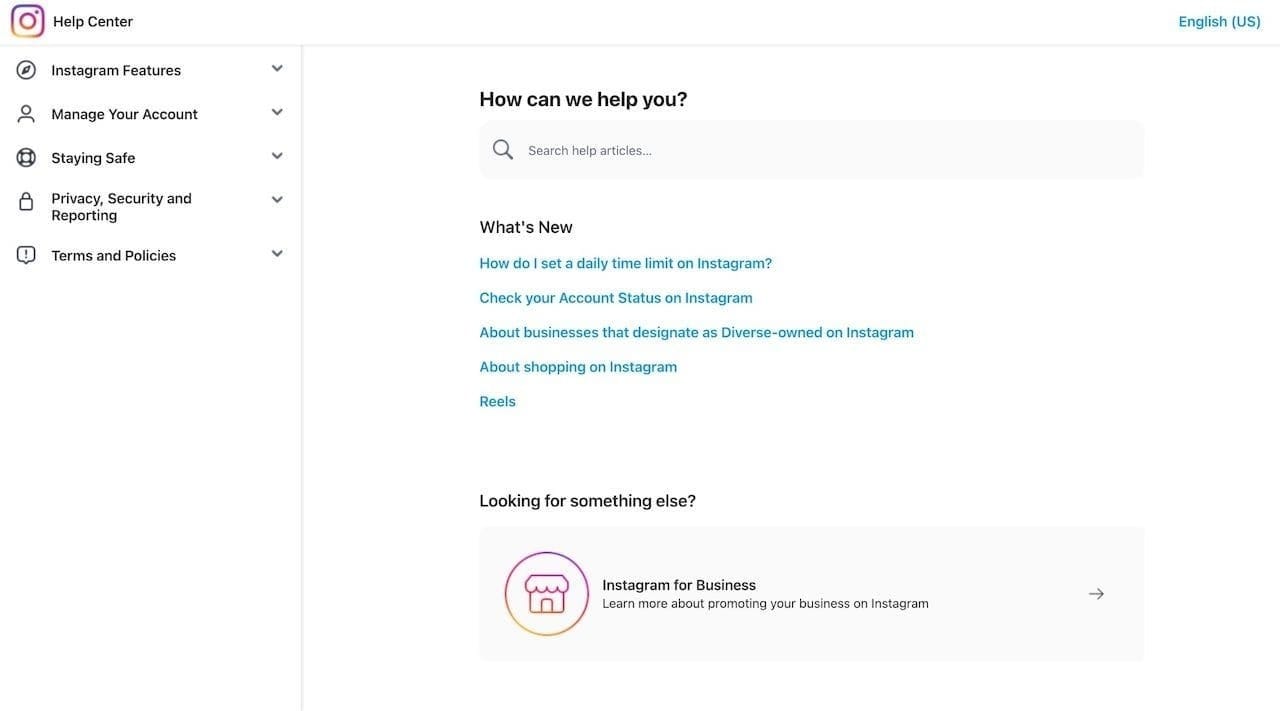
The Instagram Help Center is a large-scale external knowledge base covering topics across account management, privacy, content posting, and platform features. It's a good example of how search and category navigation can work together when your content volume is high and your audience is broad.
AWS Knowledge Center
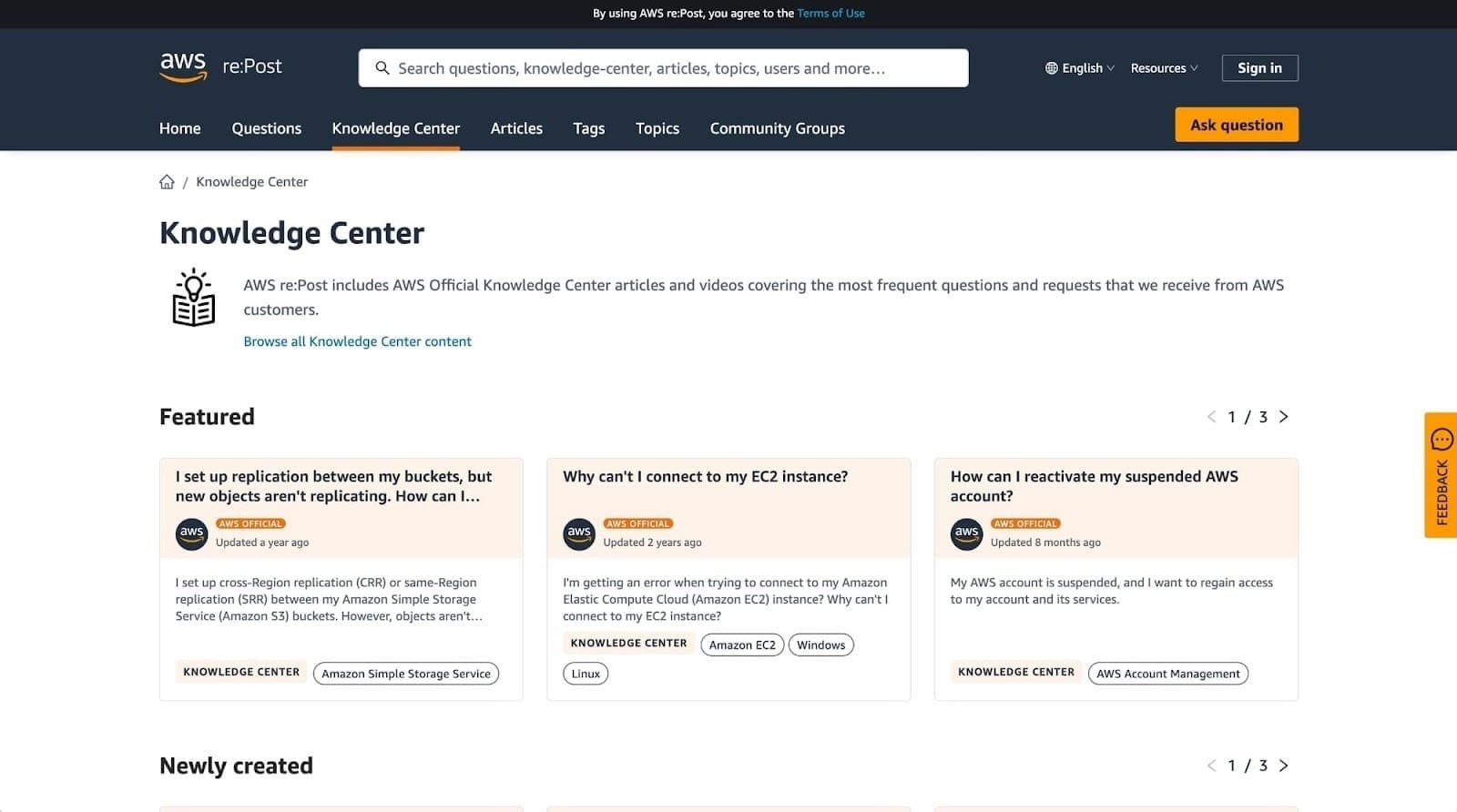
The AWS Knowledge Center is a technical knowledge base built for developers working with Amazon Web Services. It covers API references, code samples, best practices, and integration documentation. It's a strong example of a developer-facing knowledge base where depth and accuracy matter more than simplicity.
How I researched and tested these AI knowledge base tools
I set up a mock content library in each platform, using a mix of sample FAQs, guides, and troubleshooting articles. Then I asked natural-language questions, checking whether the tools returned a direct answer or a list of possible matches.
I also tested permissions by assigning different visibility rules to see how well each tool controlled who saw what.
Here's what I considered:
- AI answer quality: Whether a natural-language question returned a direct answer or just a list of articles to dig through.
- Search and organization: How well tagging, categories, and structure held up as the content library grew.
- Permissions and visibility: How easily I could segment content by audience without a complicated setup.
- Content upkeep: Whether the tool flagged stale or duplicate content on its own, or left that work to me.
- Integrations: How well each platform connected to the CRM, help desk, or project tools a real team already runs.
Content upkeep turned out to be the sharpest divide on this list. Some platforms caught a stale or duplicate article before I noticed it myself, others left that entirely up to manual review.
7 best AI knowledge base software: quick comparison
| Tool | Best for | Starting price | Strengths |
|---|---|---|---|
| Assembly | Client-facing knowledge apps built inside a branded experience | $29/month | Branded client experience, an AI assistant scoped to client docs, and no-code app customization |
| Stonly | Branching, step-by-step troubleshooting guides | Custom pricing | Branching troubleshooting guides, deployment across agent tools, and drop-off analytics |
| Slite | AI-driven doc verification and drift detection | $10/user/month | Stale-doc detection with fixes, cross-tool AI search, and MCP and API access |
| Guru | Scheduled content verification for regulated teams | Custom pricing | Daily content verification, cited AI answers, and deep Slack and Salesforce integrations |
| Tettra | Budget-friendly, Slack-native Q&A knowledge base | $8/user/month, minimum of 10 users | A Slack-native AI bot, scheduled content verification, and budget-friendly per-user pricing |
| Zendesk Knowledge | Ticket-integrated knowledge base with AI resolution | $55/agent/month | Automated AI ticket resolution, native ticketing tie-in, and a multilingual help center |
| Document360 | Structured publishing workflows for technical docs | Custom pricing | Version control with rollback, the Eddy AI suite, and multi-stage approval workflows |
Billed annually
*Pricing correct as of September 2026. Confirm with vendor.
1. Assembly: Best for client-facing knowledge apps built inside a branded experience
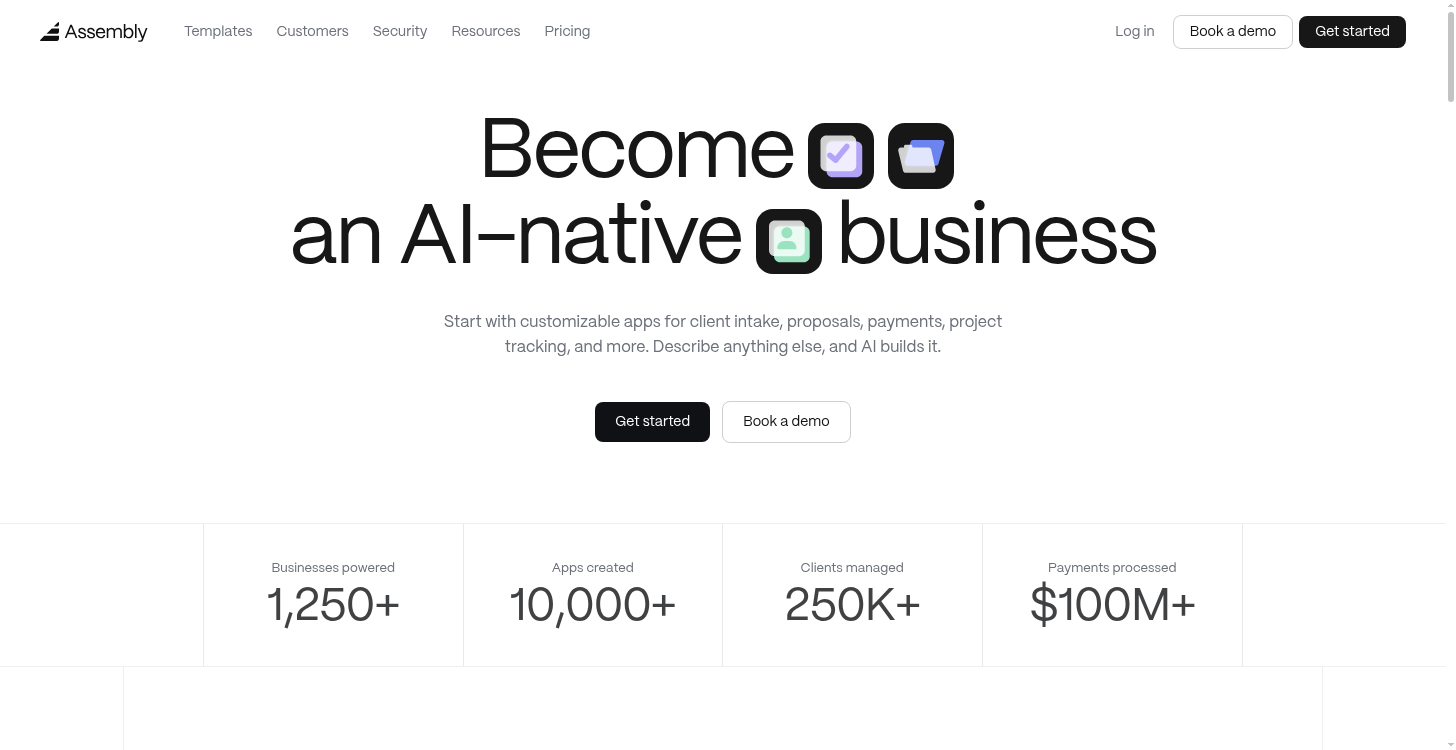
- What it does: Assembly is a client platform with an AI app builder that turns a written description or a template into a client-facing app, including a knowledge base or an AI assistant trained on your documents.
- Best for: Service businesses and agencies that want clients to find answers inside the same branded space where they already view invoices and files.
We built Assembly's app builder so firms could describe an app or use a template and get it built, branded, and published into their client experience without hiring a developer.
For a knowledge base, that description can produce a resource library organized by topic or a client AI assistant trained on your documents.
The assistant pulls from a global knowledge base, materials uploaded for one client, and that client's existing Assembly records. A question outside that material gets flagged as unanswered so a team member can follow up.
Key features
- Helpdesk: A branded library where you publish guides, documents, and recordings for clients, organized by topic with search across the catalog.
- Client AI assistant: An AI trained on your documents that answers client questions from global knowledge and per-client materials, with source indicators on every response.
- Internal resource library: The same library pointed inward — playbooks, policies, and guides your own team can search instead of digging through shared drives.
- Compliance and permissions: Assembly meets SOC 2 Type II standards and supports GDPR, CCPA, and HIPAA compliance, with visibility controls set per client.
Pros and cons
| Pros | Cons |
|---|---|
| Ships directly into the branded client experience alongside invoices, files, and messages | The AI assistant only answers from documents you upload and doesn’t have general product knowledge |
| AI assistant scopes answers to per-client materials | Built for authenticated client experiences so it’s not the best fit for public or logged-out help centers |
| No-code app builder adjusts layout and fields from a written description |
What users say
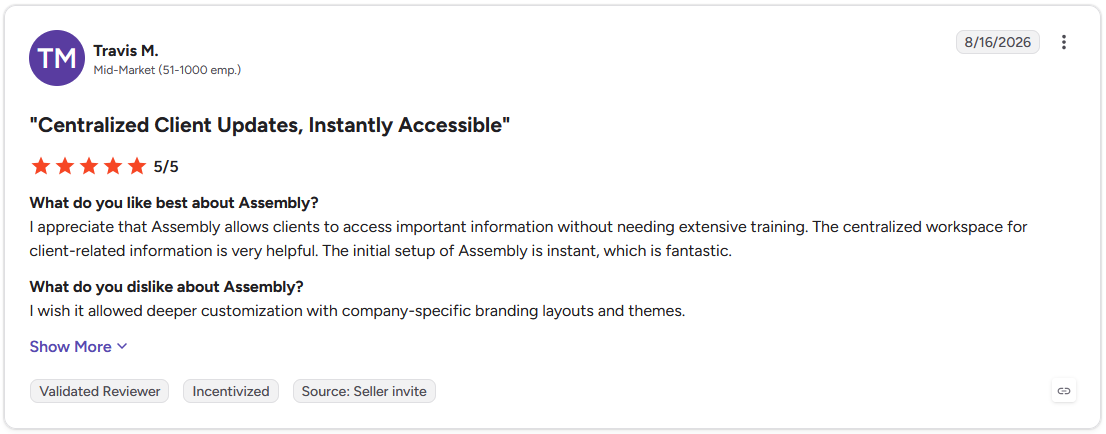
Pro: "I appreciate that Assembly allows clients to access important information without needing extensive training. The centralized workspace for client-related information is very helpful." (Travis M., G2)
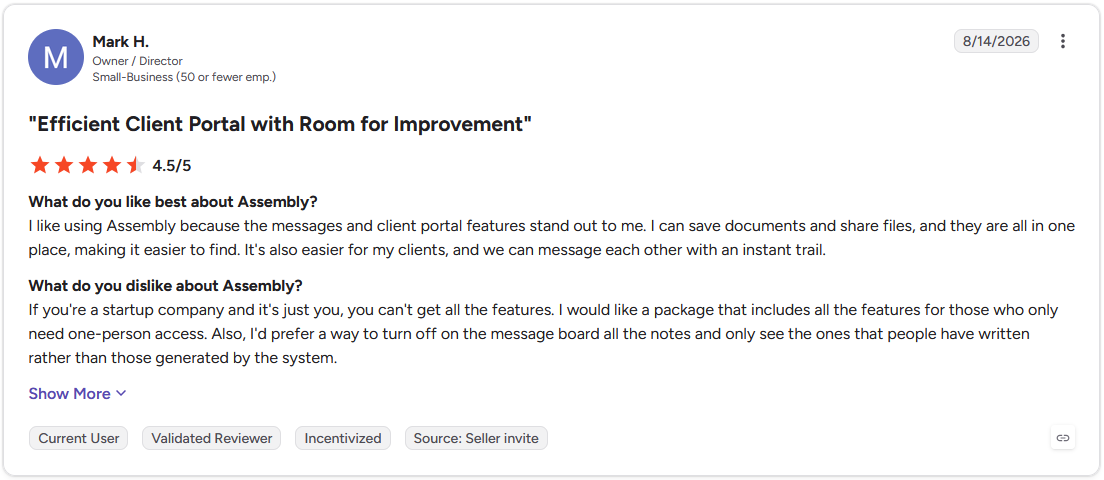
Con: "If you're a startup company and it's just you, you can't get all the features. I would like a package that includes all the features for those who only need one-person access." (Mark H., G2)
Pricing
Assembly starts at $29 per month.
Bottom line
Assembly's app builder ships the knowledge base already connected to a client's files and billing. For a knowledge base built around internal team documentation, Slite could be worth a look.
2. Stonly: Best for branching, step-by-step troubleshooting guides
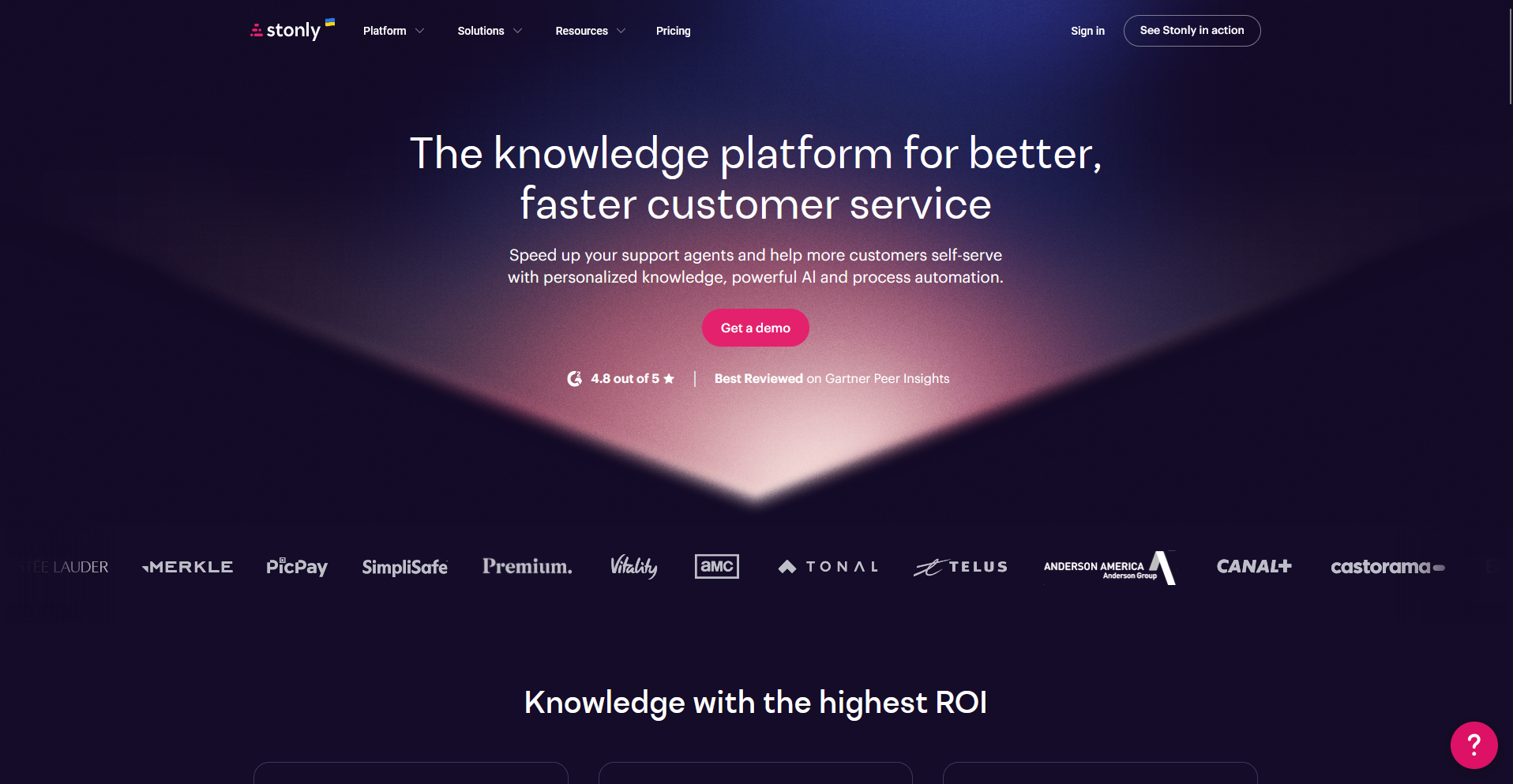
- What it does: Stonly is a knowledge platform built around interactive, decision-tree guides that adapt to a reader's choices instead of a long-form article.
- Best for: Support teams whose troubleshooting has too many branches or edge cases for a single static article to cover.
To see how Stonly handled step-by-step troubleshooting, I built a branching guide with a few decision points and worked through it as a customer would.
Each choice led me to a different next step so I didn’t have to scroll one long article hunting for my exact scenario, and the analytics showed where testers dropped off.
Matching the guide's colors and fonts to a sample brand took more effort than I expected, with a couple of workarounds needed to get it close.
Key features
- Branching guide builder: A no-code editor for building step-by-step guides that adapt based on a reader's choices.
- Knowledge Agents: AI agents that monitor connected knowledge sources and flag content that needs updates.
- Cross-platform deployment: Guides embed in help centers, in-app widgets, and agent tools like Zendesk and Salesforce.
Pros and cons
| Pros | Cons |
|---|---|
| Guides surface directly inside Zendesk and Salesforce so agents work without leaving their ticketing tool | No built-in ticketing system, so guides work best layered onto a help desk you already run |
| Knowledge Agents monitor connected sources and flag stale guides on a schedule | Reporting stays fairly basic for teams that want deeper segmentation across cohorts or guide variants |
| A free Basic plan covers up to 5 published guides for teams testing the format first |
What users say
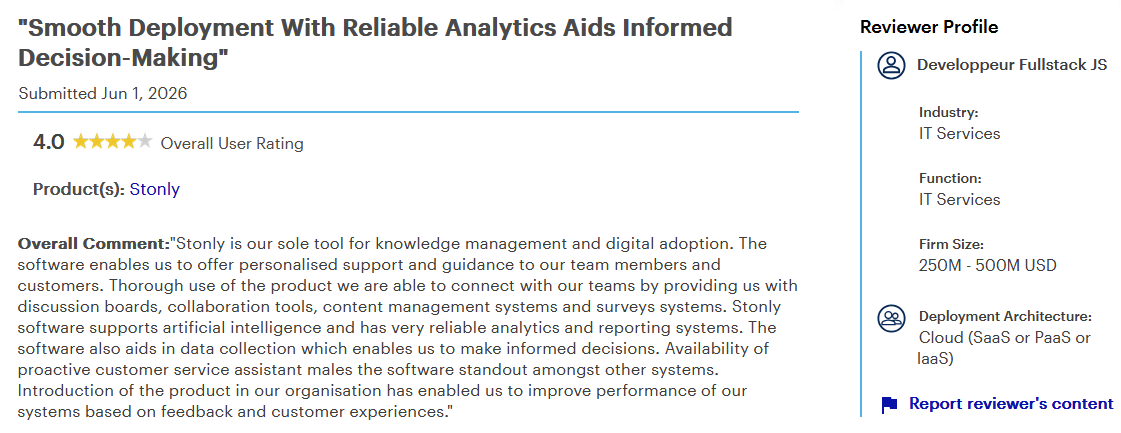
Pro: "Stonly is our sole tool for knowledge management and digital adoption. ... Stonly software supports artificial intelligence and has very reliable analytics and reporting systems. ... Availability of proactive customer service assistant makes the software standout amongst other systems." (Developpeur Fullstack JS, Gartner)
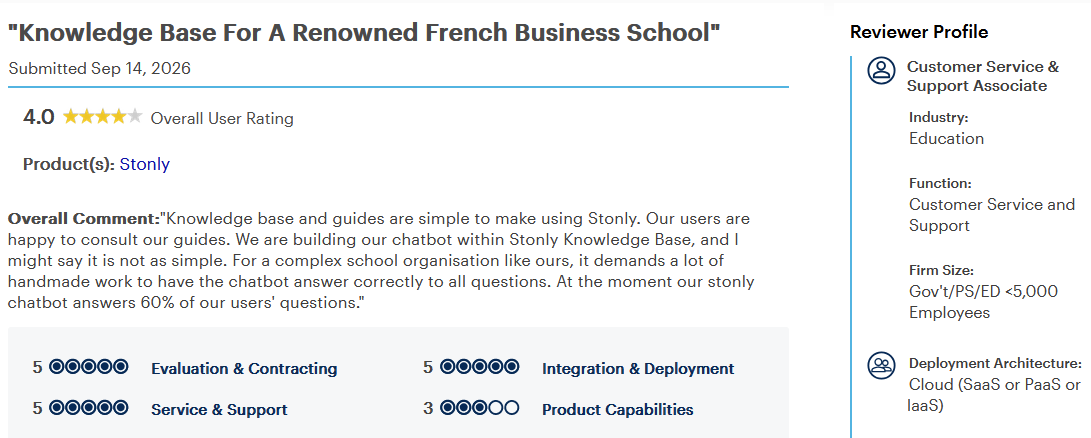
Con: "We are building our chatbot within Stonly Knowledge Base, and I might say it is not as simple. For a complex school organisation like ours, it demands a lot of handmade work to have the chatbot answer correctly to all questions. At the moment our stonly chatbot answers 60% of our users' questions." (Customer Service & Support Associate, Gartner)
Pricing
Stonly offers custom pricing.
Bottom line
Stonly's branching guides handle troubleshooting no single article can capture. For straightforward Q&A articles without branching logic, Tettra could be a better fit.
3. Slite: Best for AI-driven doc verification and drift detection
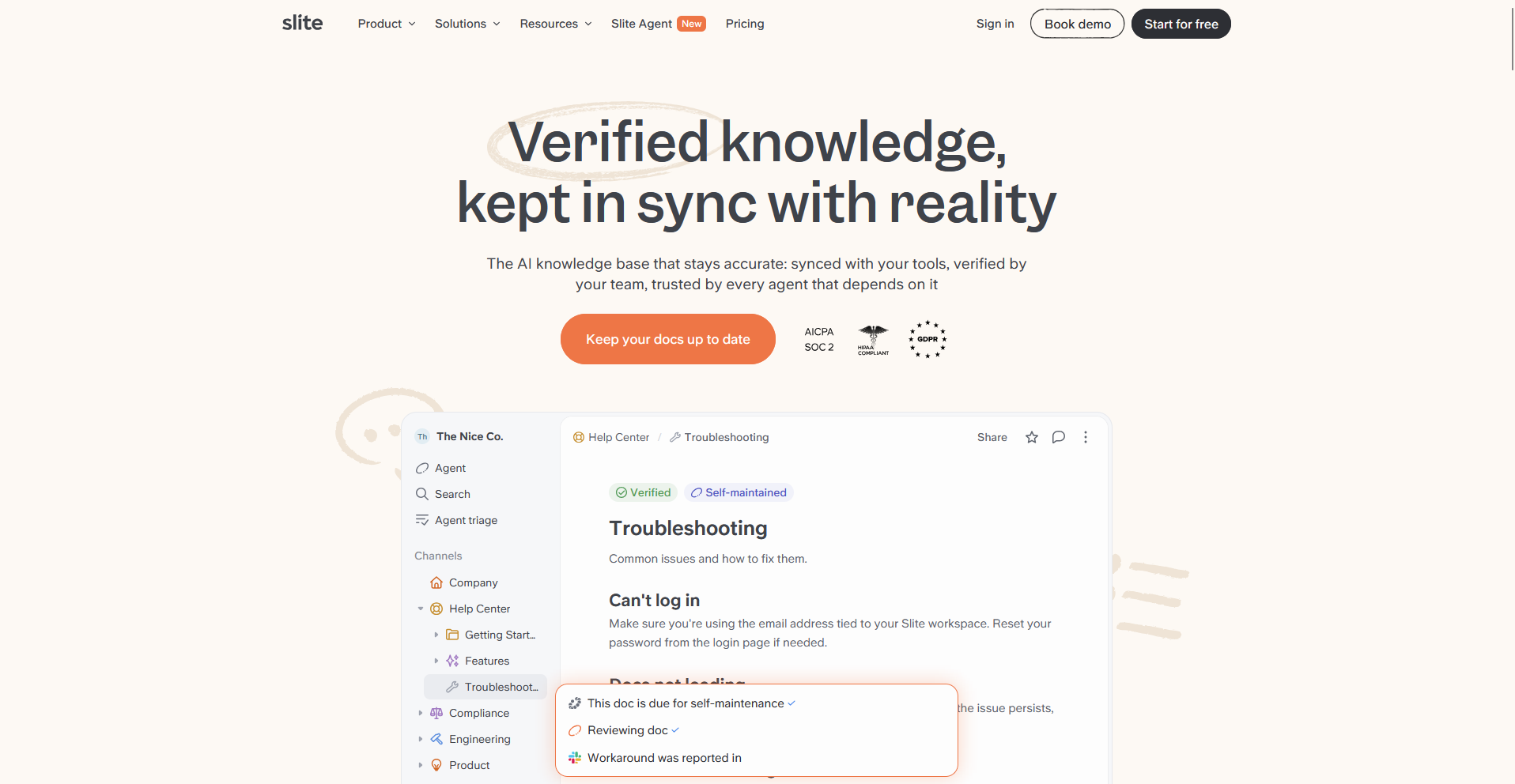
- What it does: Slite is a knowledge base built to flag its own outdated content, pairing a structured wiki with an AI agent that checks documentation against reality.
- Best for: AI-driven teams that want a single source of truth their people and their connected AI agents can both trust.
Slite is built around the idea that a knowledge base should flag its own outdated content, so I edited a source document after publishing an article based on it to see what happened.
Slite Agent caught the mismatch and proposed a rewrite, routing the change to a review queue for me to approve. Ask, the search feature, returned a cited answer to a plain-English question without extra digging.
Testing the drift-detection piece required upgrading past the Basic plan.
Key features
- Slite Agent: AI that cross-references docs against connected tools like Slack, Linear, and GitHub, flags drift, and proposes a fix for human approval.
- Ask: Semantic search that returns a cited answer with links to the source documents behind it.
- MCP and API access: Connects Slite as a knowledge source to Claude and other AI agents from the entry-level plan up.
Pros and cons
| Pros | Cons |
|---|---|
| Doc verification flags stale content before a person or a connected AI agent acts on it | Slite Agent, the drift-detection feature, requires the Pro plan, a tier above Basic |
| Importing from Google Drive, Notion, or Confluence keeps existing folder and page structure intact | Slite covers knowledge management only, so it won't replace a project management or CRM tool |
| MCP and API access come included on the entry-level Basic plan |
What users say
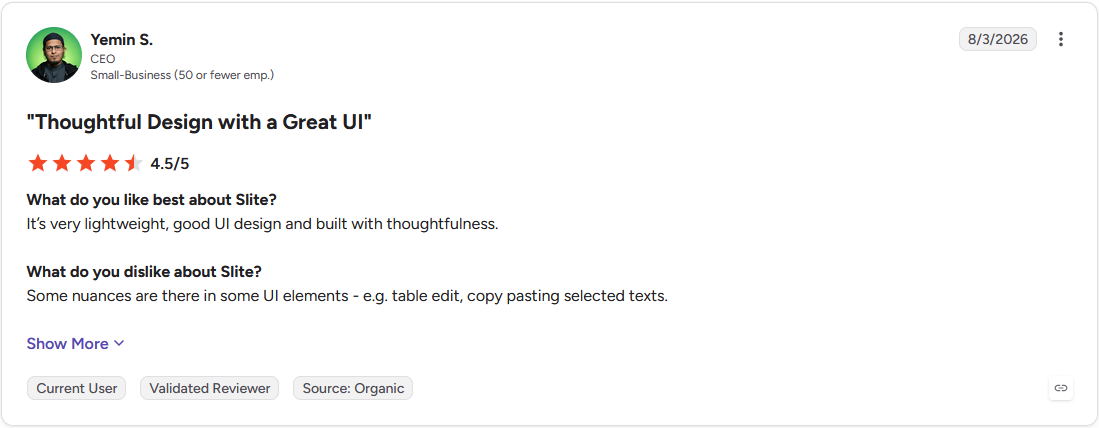
Pro: "It's very lightweight, good UI design and built with thoughtfulness." (Yemin S., G2)
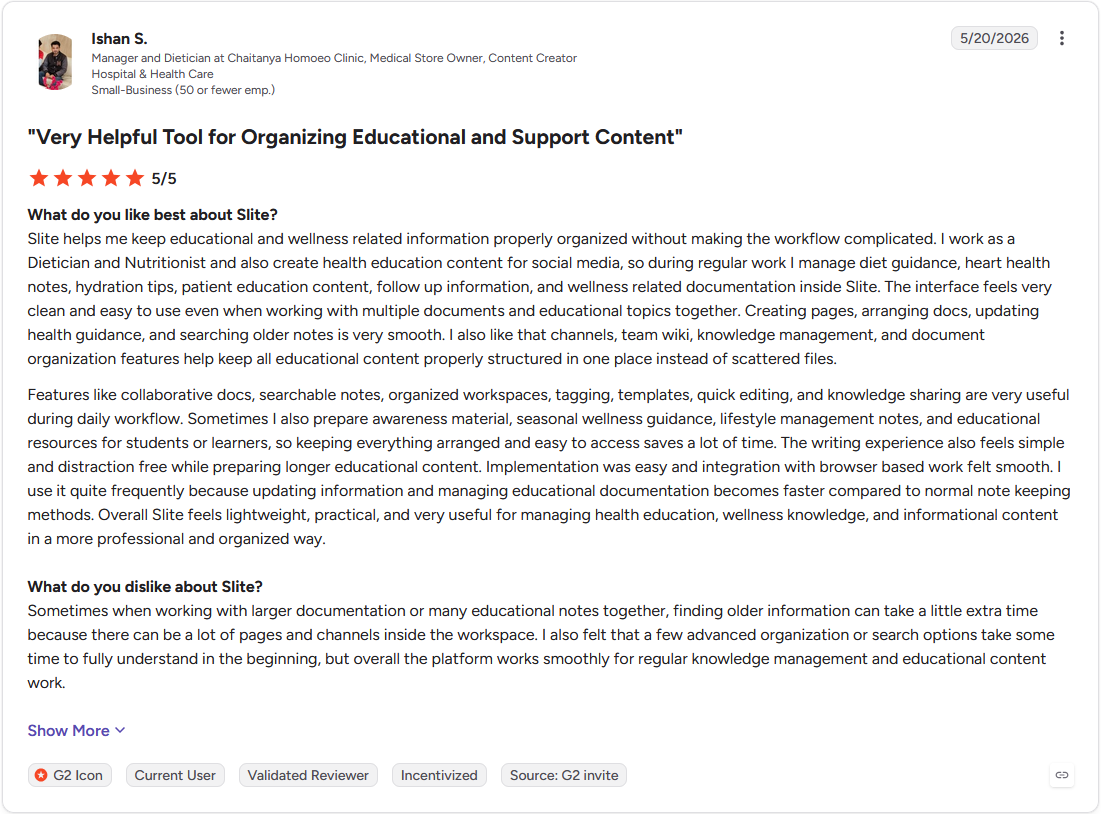
Con: "Sometimes when working with larger documentation or many educational notes together, finding older information can take a little extra time because there can be a lot of pages and channels inside the workspace. I also felt that a few advanced organization or search options take some time to fully understand in the beginning." (Ishan S., G2)
Pricing
Slite starts at $10 per user per month.
Bottom line
Slite replaces manual content audits with an AI-flagged approval queue. Guru might be worth checking for internal knowledge with heavier compliance needs.
4. Guru: Best for scheduled content verification for regulated teams
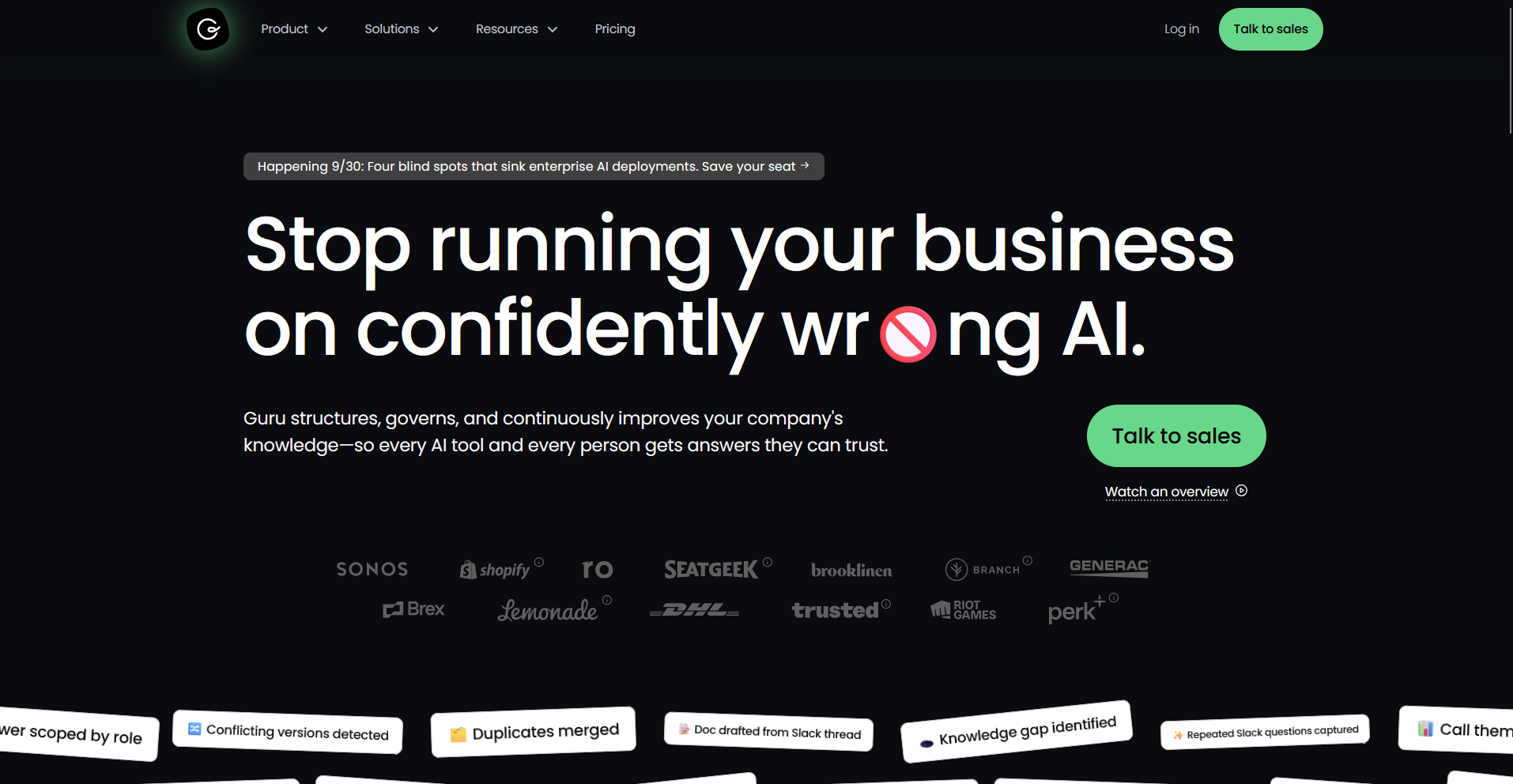
- What it does: Guru is an AI-powered internal knowledge platform that organizes company information into searchable cards and prompts an owner to verify each one on a schedule.
- Best for: Internal support, sales, and ops teams that need one verified source of truth with an audit trail behind it.
Guru works by assigning a verification schedule to every card, so I tested that by creating a few cards and setting one owner to review them. On the assigned date, the owner got a prompt to confirm the card was still accurate, and its trust signal switched back to verified after that click.
The AI search cited the card it pulled from for each answer, though Guru only flagged the stale card, leaving the rewrite to a person.
Key features
- Knowledge cards: Concise, structured entries for FAQs, policies, and processes, organized with tags and collections.
- Trust signals: Daily checks that mark each card verified or unverified based on usage and scheduled owner review.
- Knowledge Agents: AI answers cited to the source card, scoped to what a user's permissions allow them to see.
Pros and cons
| Pros | Cons |
|---|---|
| Browser extension captures and retrieves information from any webpage without leaving the current tab | Stale content still needs a person to write the fix once the trust signal flags it |
| Zero data retention by third-party LLMs, a detail worth noting for teams handling regulated content, since your content itself is still stored in Guru's own system | Card format works well for short content, but long documents and deeply nested structures run into limits |
| Integrates with Slack, Microsoft Teams, and Salesforce so answers surface inside tools a team already uses |
What users say
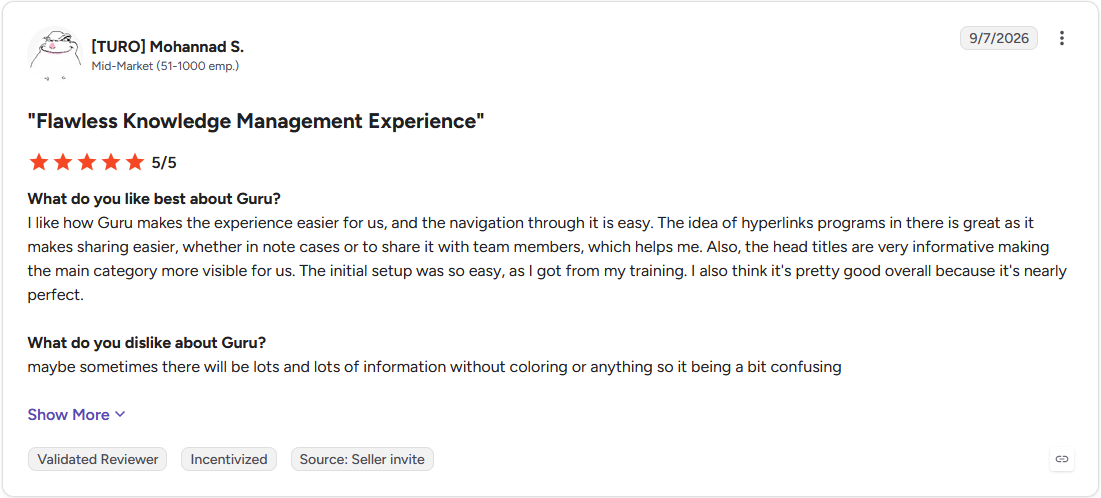
Pro: "I like how Guru makes the experience easier for us, and the navigation through it is easy. The idea of hyperlinks programs in there is great as it makes sharing easier, whether in note cases or to share it with team members, which helps me. Also, the head titles are very informative making the main category more visible for us." (Mohannad S., G2)
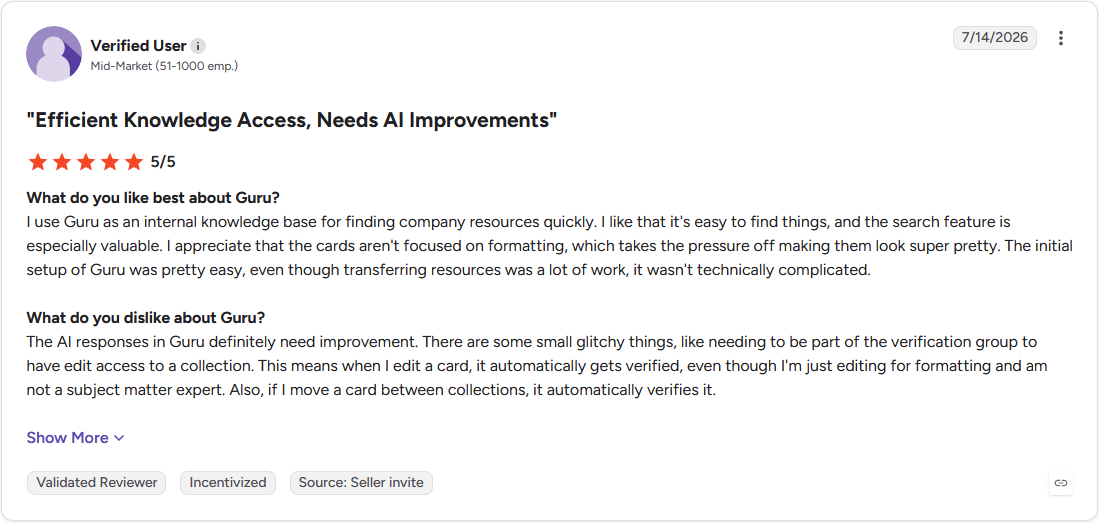
Con: "The AI responses in Guru definitely need improvement. There are some small glitchy things, like needing to be part of the verification group to have edit access to a collection. This means when I edit a card, it automatically gets verified, even though I'm just editing for formatting and am not a subject matter expert. Also, if I move a card between collections, it automatically verifies it." (Verified User, G2)
Pricing
Guru offers custom pricing.
Bottom line
Guru's trust signals turn stale-content detection into a scheduled, ownership-based workflow. For documentation with heavier version control needs, Document360 might be the better option.
5. Tettra: Best for budget-friendly, Slack-native Q&A knowledge base
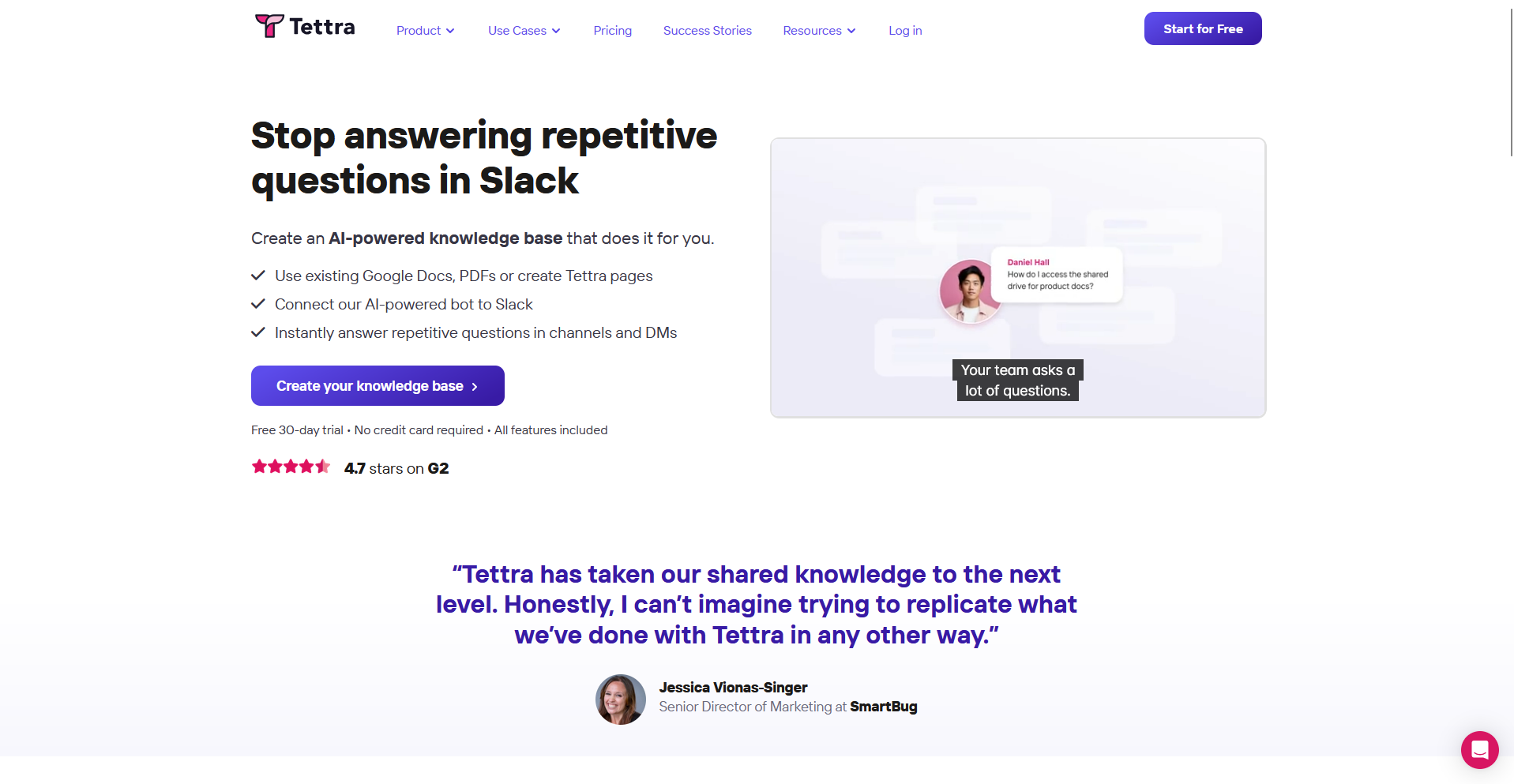
- What it does: Tettra is an internal knowledge base built around a Q&A workflow, where an AI bot answers from existing pages and routes what it can't answer to a person.
- Best for: Small and mid-sized teams that want repeat Slack questions turned into searchable pages without a dedicated documentation process.
I set up Tettra by importing a handful of docs from Google Drive and asking questions in the connected Slack channel to see how the Q&A workflow held up.
Kai, the AI bot, answered two questions directly from existing pages and routed a third to my mock teammate when it couldn’t find a match. Turning that routed answer into a new page took a few clicks once someone replied in Slack. Formatting options stayed basic throughout, plain text and simple headers, nothing more.
Key features
- Kai AI bot: Answers questions asked in Tettra or Slack from existing pages, and routes unanswered questions to a person.
- Content verification: Subject matter experts, knowledge managers, or team leads confirm a page is current on a set schedule.
- Knowledge gap requests: Teammates can request a new page or an update directly from inside the workflow.
Pros and cons
| Pros | Cons |
|---|---|
| Turning an answered Slack question into a permanent page takes only a few clicks | Editing a page while someone else has it open in draft can make changes hard to track until it's published |
| AI-powered tagging and semantic search work without a dedicated admin setting up the taxonomy | Reporting and analytics stay basic, without deep tracking of what pages get searched or missed |
| New teammates can request a missing page directly from inside the workflow |
What users say
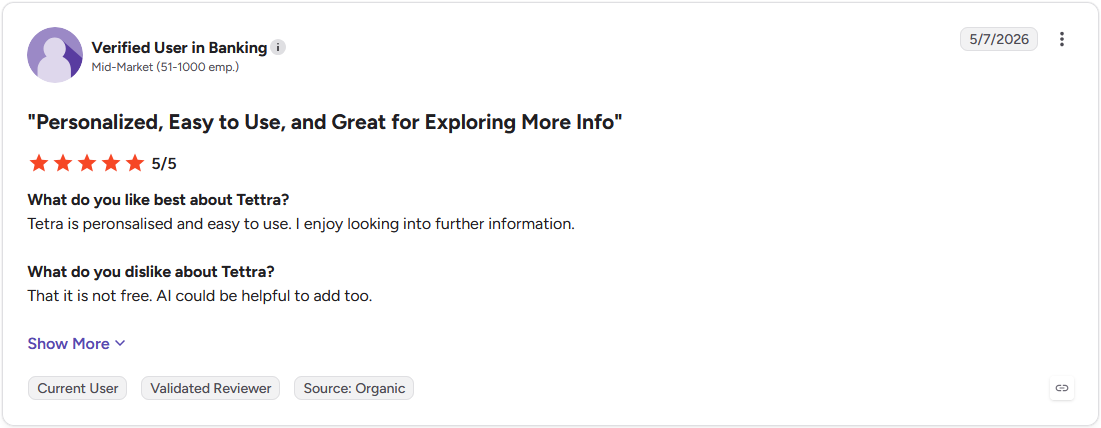
Pro: "Tettra is personalised and easy to use. I enjoy looking into further information." (Verified User, G2)
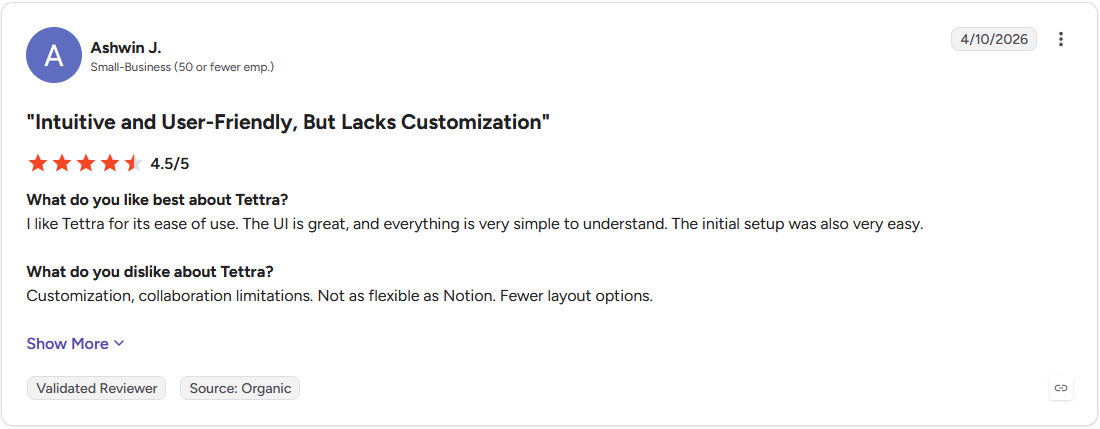
Con: "Customization, collaboration limitations. Not as flexible as Notion. Fewer layout options." (Ashwin J., G2)
Pricing
Tettra starts at $8 per user per month, with a minimum of 10 users.
Bottom line
Tettra turns a Slack thread into a permanent, searchable page in a few clicks. For a support team that has outgrown a lightweight tool, Zendesk Knowledge could make more sense.
6. Zendesk Knowledge: Best for ticket-integrated knowledge base with AI resolution
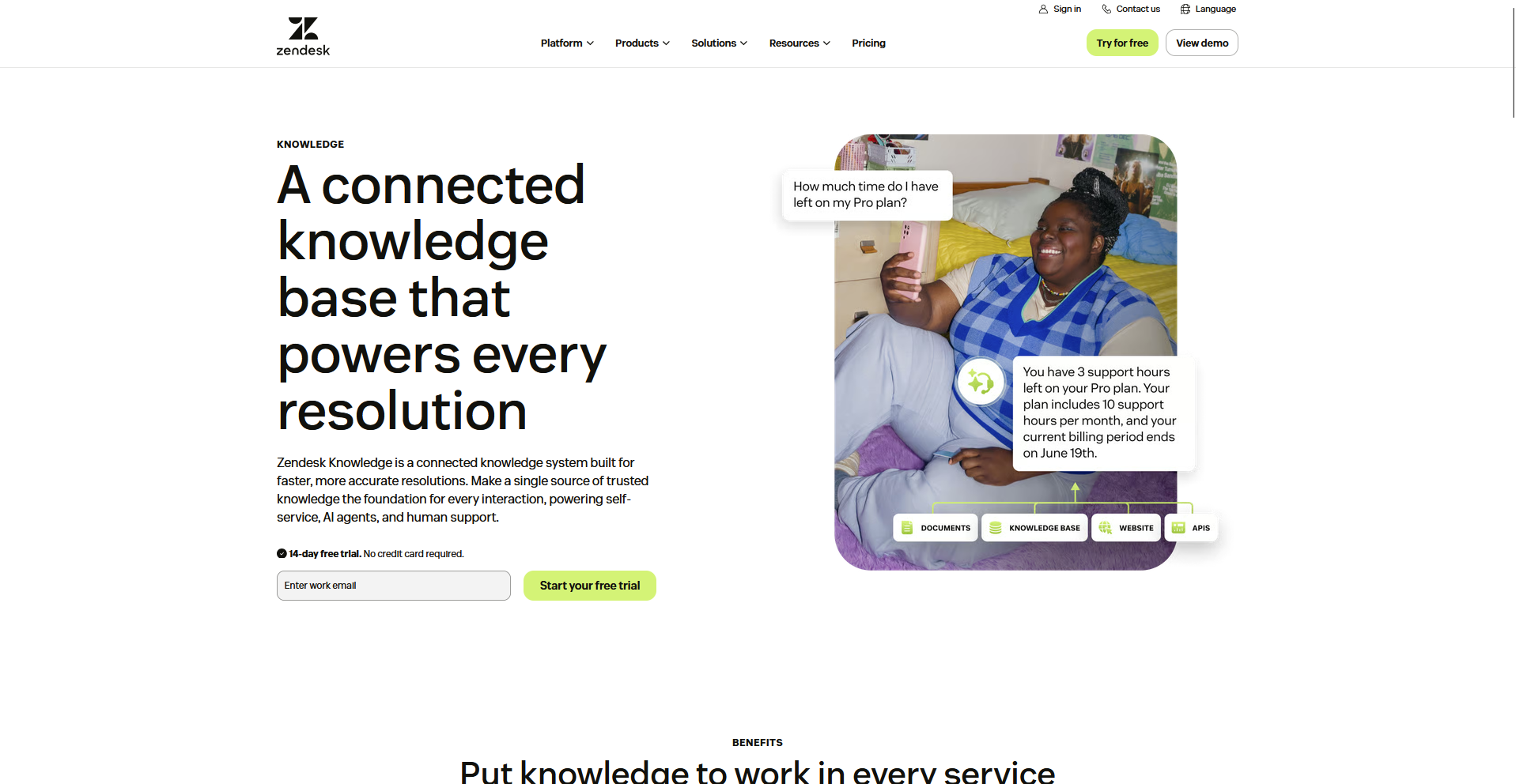
- What it does: Zendesk Knowledge is the help center component of the Zendesk Suite, connecting customer-facing and internal knowledge base content directly to Zendesk's ticketing system.
- Best for: Mid-market and enterprise support teams already on Zendesk that want their help center built into the same ticket workflow.
To see how Zendesk ties a help center to live ticket volume, I built a help center with a few categories and pulled a sample ticket through the agent workspace to see what the AI suggested. I set up branding and a basic structure inside the builder without touching code, and a relevant article appeared inside the ticket before I wrote a reply. Going past the fixed three-level hierarchy, categories, sections, articles, needed the Enterprise plan.
Key features
- Help center builder: Drag-and-drop interface for building customer-facing help centers, with branding controls, custom themes, and support for 40 or more languages.
- AI article suggestions: Surfaces relevant knowledge base content to an agent inside the ticket view before they reply.
- Knowledge Base Gaps Discovery: An AI add-on that analyzes bot conversations to flag topics with no existing article coverage.
Pros and cons
| Pros | Cons |
|---|---|
| Agents pull up knowledge base content directly inside ticket views without switching to a separate tab | Knowledge Base Gaps Discovery surfaces content gaps but leaves writing the missing article to your team |
| Native community forums give customers a peer-to-peer option alongside the formal help center | Deeper help center customization requires CSS and JavaScript knowledge |
| Multilingual publishing and localization workflows come built in |
What users say
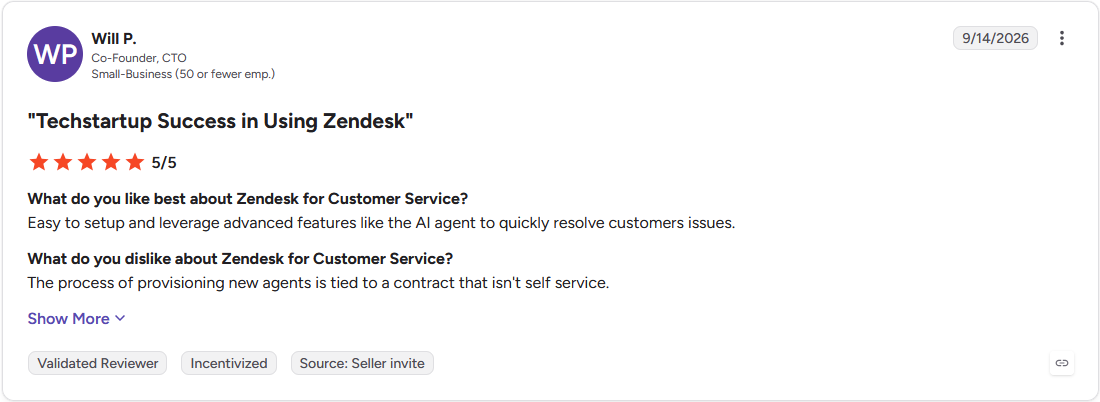
Pro: "Easy to setup and leverage advanced features like the AI agent to quickly resolve customers issues." (Will P., G2)
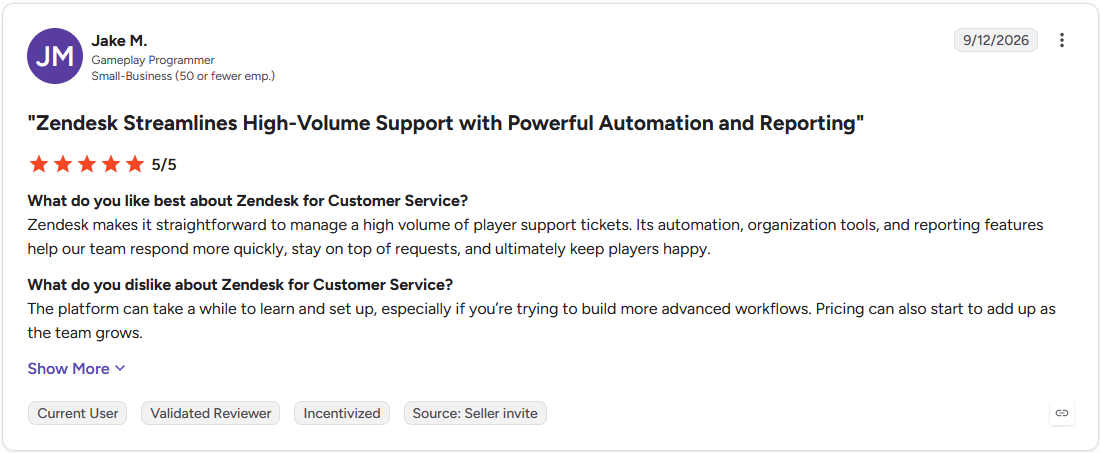
Con: "The platform can take a while to learn and set up, especially if you're trying to build more advanced workflows. Pricing can also start to add up as the team grows." (Jake M., G2)
Pricing
Zendesk Knowledge starts at $55 per agent per month.
Bottom line
Zendesk pulls AI article suggestions straight from live ticket data inside the same workspace. For interactive troubleshooting without a full ticketing system attached, Stonly could be the simpler starting point.
7. Document360: Best for structured publishing workflows for technical docs
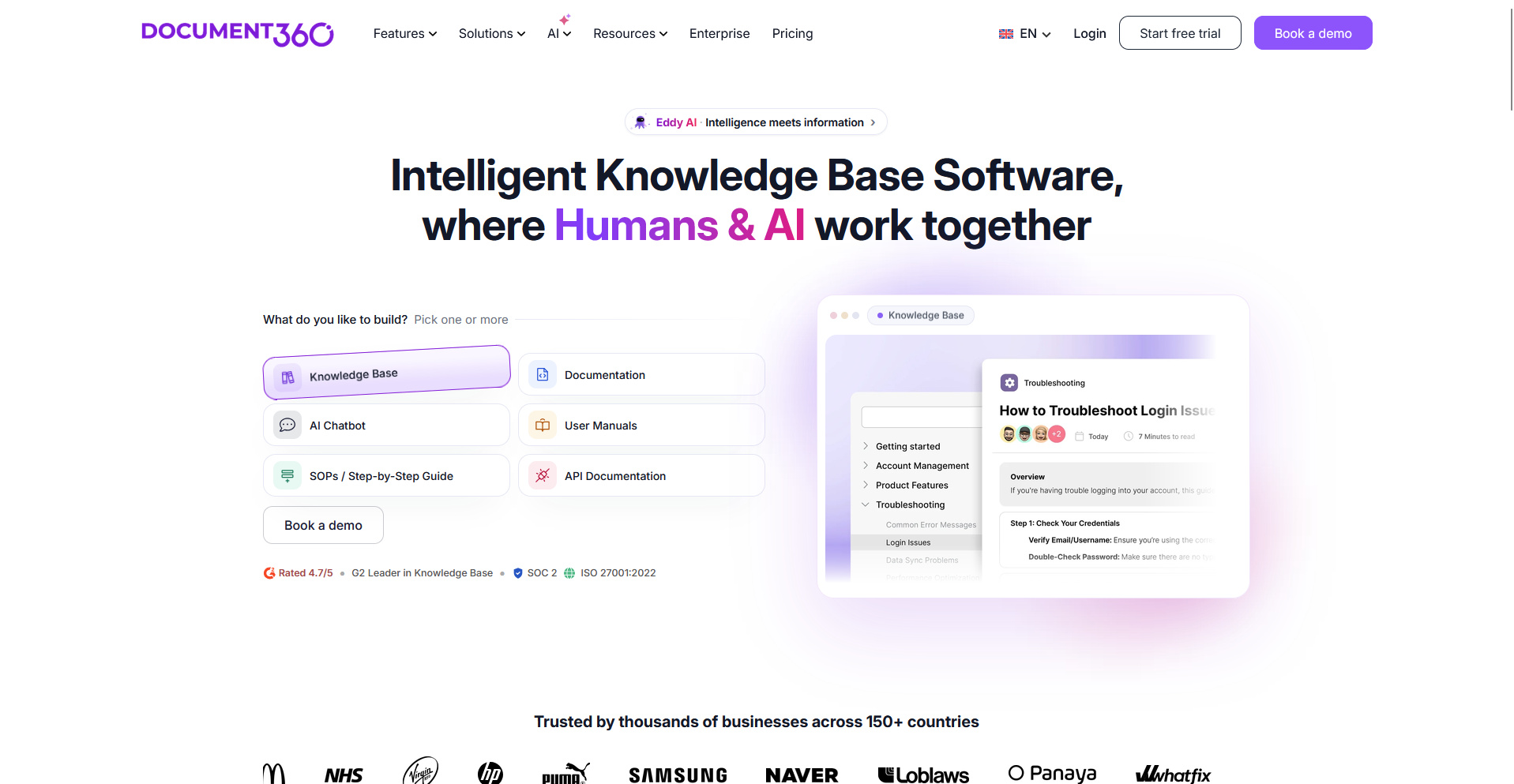
- What it does: Document360 is a dedicated knowledge base platform for technical product docs and help centers, built around version-controlled content and a multi-stage editorial process.
- Best for: Documentation and product teams that need strong governance over what gets published and by whom.
Document360 works by tracking every change to an article as a separate version, so I edited a published article a few times and rolled one change back to see what happened.
The rollback restored my exact prior version and logged who made each change. Ask Eddy returned a conversational answer with the source article attached when I searched a mock library of 40 entries.
Setting up a multi-stage approval workflow before I could publish one test article took longer than I expected.
Key features
- Version control: Granular revision history for every article, with rollback and change attribution across contributors.
- Eddy AI: AI search, conversational answers, content generation, and an MCP server.
- Custom workflow builder: Review stages, approvals, and publishing schedules across a documentation team.
Pros and cons
| Pros | Cons |
|---|---|
| Three editor modes, Markdown, WYSIWYG, and block, let contributors work in the format they prefer | Ask Eddy AI search sits behind the Business plan and above, so it isn't included by default |
| Multi-stage approval workflows control what goes live and who signs off before publishing | Search results can grow less consistent as a knowledge base scales into a very large library |
| Duplicate-content detection flags overlapping articles before they confuse a reader |
What users say
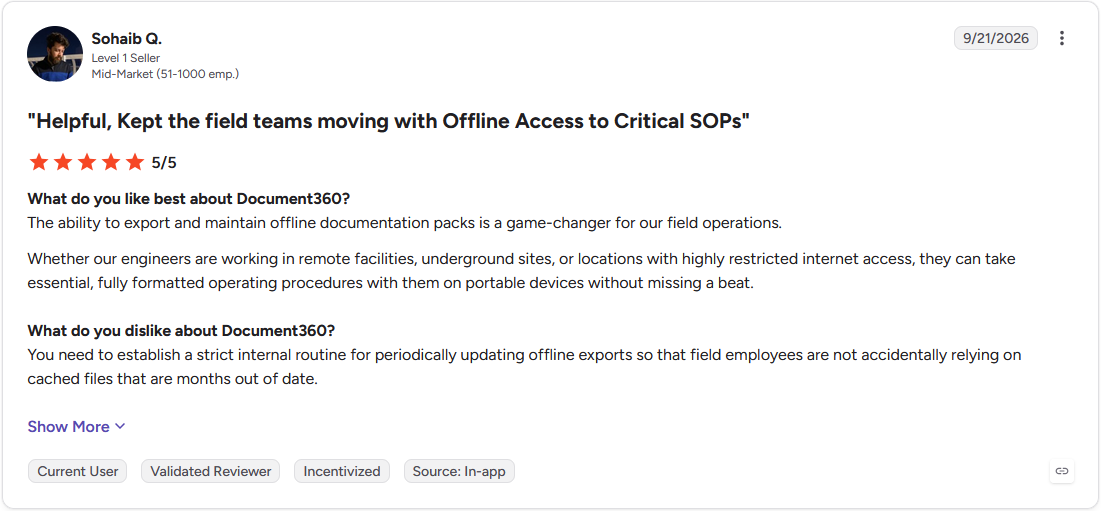
Pro: "The ability to export and maintain offline documentation packs is a game-changer for our field operations. Whether our engineers are working in remote facilities, underground sites, or locations with highly restricted internet access, they can take essential, fully formatted operating procedures with them on portable devices without missing a beat." (Sohaib Q., G2)
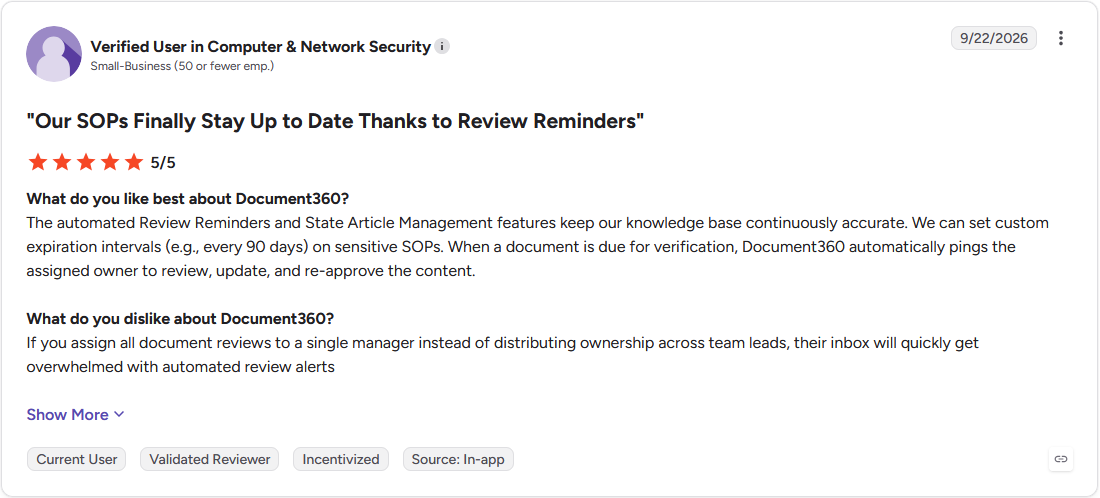
Con: "If you assign all document reviews to a single manager instead of distributing ownership across team leads, their inbox will quickly get overwhelmed with automated review alerts" (Verified User, G2)
Pricing
Document360 offers custom pricing.
Bottom line
Document360 keeps a dated, attributable history behind every published article. For a knowledge base that needs to live inside a branded client experience, Assembly is worth a look.
Which AI knowledge base tool should you choose?
The right pick here comes down to who's asking the questions and how much of the ongoing upkeep you want AI to handle.
Choose Assembly if you:
- Want clients logging into a branded space to find answers alongside their invoices and files
- Need an AI assistant that answers only from materials uploaded for one specific client
- Prefer to describe an app in plain language and skip configuring one from a fixed template
Choose Stonly if you:
- Need to walk someone through a process that branches into different paths depending on their answer
- Expect guides to surface inside Zendesk or Salesforce so agents never leave their ticketing tool
- Want analytics showing where someone dropped off partway through a guide
Choose Slite if you:
- Expect a doc that's drifted from reality to get flagged and proposed for a fix automatically
- Have documentation scattered across Slack, Linear, GitHub, and other tools that search needs to reach
- Plan to connect Claude or another AI agent to the knowledge base through MCP
Choose Guru if you:
- Need a named owner and a review date attached to every piece of internal knowledge
- Work in a regulated industry where an audit trail behind every answer matters
- Expect AI answers cited back to the exact card they came from
Choose Tettra if you:
- Run a small team that already lives in Slack and asks questions there first
- Like the idea of a repeated Slack answer becoming a searchable page in a few clicks
- Don't need heavy formatting or design control over how pages look
Choose Zendesk Knowledge if you:
- Already run support tickets through Zendesk and want the help center in that same workspace
- Expect an AI suggestion to appear inside a ticket before an agent writes a reply
- Support customers across 40 or more languages from one help center
Choose Document360 if you:
- Need a dated, attributable version history behind every technical article
- Require multi-stage approvals before anything publishes
- Work across Markdown, WYSIWYG, and block-style editors with different contributors
Skip this category entirely if:
- Your team is two or three people trading answers in one Slack channel, and a pinned message already works
- You need a knowledge base for one narrow topic that rarely changes, where a single shared document is easier to maintain than a dedicated platform
- Your support volume is too low to justify ongoing maintenance, and a simple FAQ page on your existing site answers most questions already
Want an AI knowledge base clients actually use? Try Assembly
Most AI knowledge base software publishes articles and answers questions well. It doesn't always connect that content to the rest of the client relationship, the files, billing, and messages your clients also rely on.
Assembly is a client platform with an AI app builder that turns a description into a client-facing app, shipping straight into the branded client experience your clients already use for files and billing.
Here's what you can build with Assembly:
- Publish a searchable resource library: Describe the guides, documents, or recordings you want, and the Helpdesk template builds a branded, topic-organized library your clients browse and search.
- Add an AI assistant trained on your docs: The Client AI assistant template answers client questions from your global knowledge base and materials uploaded for one client, escalating anything outside that material to your team.
- Protect client data: Assembly meets SOC 2 Type II standards and supports GDPR, CCPA, and HIPAA compliance, with visibility controls set per client.
Ready to build a knowledge base clients actually use? Try Assembly for free.