



A client portal for accountants replaces scattered email threads with a secure, organized hub for documents, payments, and client communication. I tested dozens of tools to find the 5 best in 2026.
5 best client portals for accounting firms: At a glance
| Tool | Best for | Annual price | Strengths |
|---|---|---|---|
| Assembly | Firms wanting a customizable portal | $29/month | Portal, CRM, billing, and automations with dynamic client homepages |
| TaxDome | Tax and bookkeeping teams | $800/seat/year | Client communication, billing, and e-signatures in one place |
| Canopy | Accounting workflow management | $45/user/month | Secure document sharing, task tracking, and workflows |
| Karbon | Firms managing high client volume | $59/user/month | Client requests, files, and team workflows in one place |
| Client Hub | QuickBooks and Xero users | $49/month | Simplifies uncategorized transactions and recurring client tasks |
| Liscio | Mobile client communication | $49/user/month | Two-way texting, file sharing, and client task reminders |
| Financial Cents | Workflow and client tracking | $19/month | Workflow management and client collaboration with a built-in portal |
| Uku | Accounting workflow and billing automation | $38/member/month | Task management, automated invoicing, and a branded client portal |
| Moxo | High-touch client service | Custom pricing | White-labeled client portal with secure messaging and workflows |
| Ideagen Collaboration Portal | Large firms needing document collaboration | Custom pricing | Enterprise-grade security, audit logs, Microsoft 365 integration |
| SmartVault | Secure document storage | $55/user/month (min. 3 users) | Secure document storage with encryption and e-signatures |
| Content Snare | Document and data collection | $35/month | Automated document requests with reminders and progress tracking |
| ClustDoc | Client onboarding workflows | $190/month | Conditional onboarding workflows with e-signatures and document collection |
A client portal serves the clients you already have. To bring in new ones, see our 21 examples of websites for accountants, or our guide to marketing for accountants, which covers 10 strategies.
How I researched and tested these client portals for accountants
I tested dozens of client portal platforms using mock firm environments, sample client workflows, and simulated accounting cycles across onboarding, document collection, billing, and recurring work. For tools without direct access, I reviewed demos, product documentation, and walkthroughs to assess their capabilities.
Here’s what I evaluated:
- Client workspace setup: How quickly can you build a branded portal, import clients, and start sharing files or collecting documents without technical help.
- Client-facing experience: Whether clients can upload documents, sign contracts, and pay invoices without confusion or extra back-and-forth from your team.
- Accounting workflow support: How well each tool handles recurring work like bookkeeping cycles, tax prep, and payroll without adding manual steps.
- Team visibility: Whether you can see what’s in progress, overdue, or waiting on a client across multiple engagements.
- Security and compliance: How each platform handles sensitive financial data, including encryption, permissions, audit logs, and certifications like SOC 2 or HIPAA.
- Integrations: How smoothly each tool connects with QuickBooks, Xero, and the rest of a typical accounting firm's tech stack.
The clearest pattern I found was that tools built exclusively for accounting tend to go deeper into workflow automation. More flexible platforms usually give you a better client experience, but you’ll spend more time setting them up to match your processes.
1. Assembly: Best for firms wanting a customizable portal
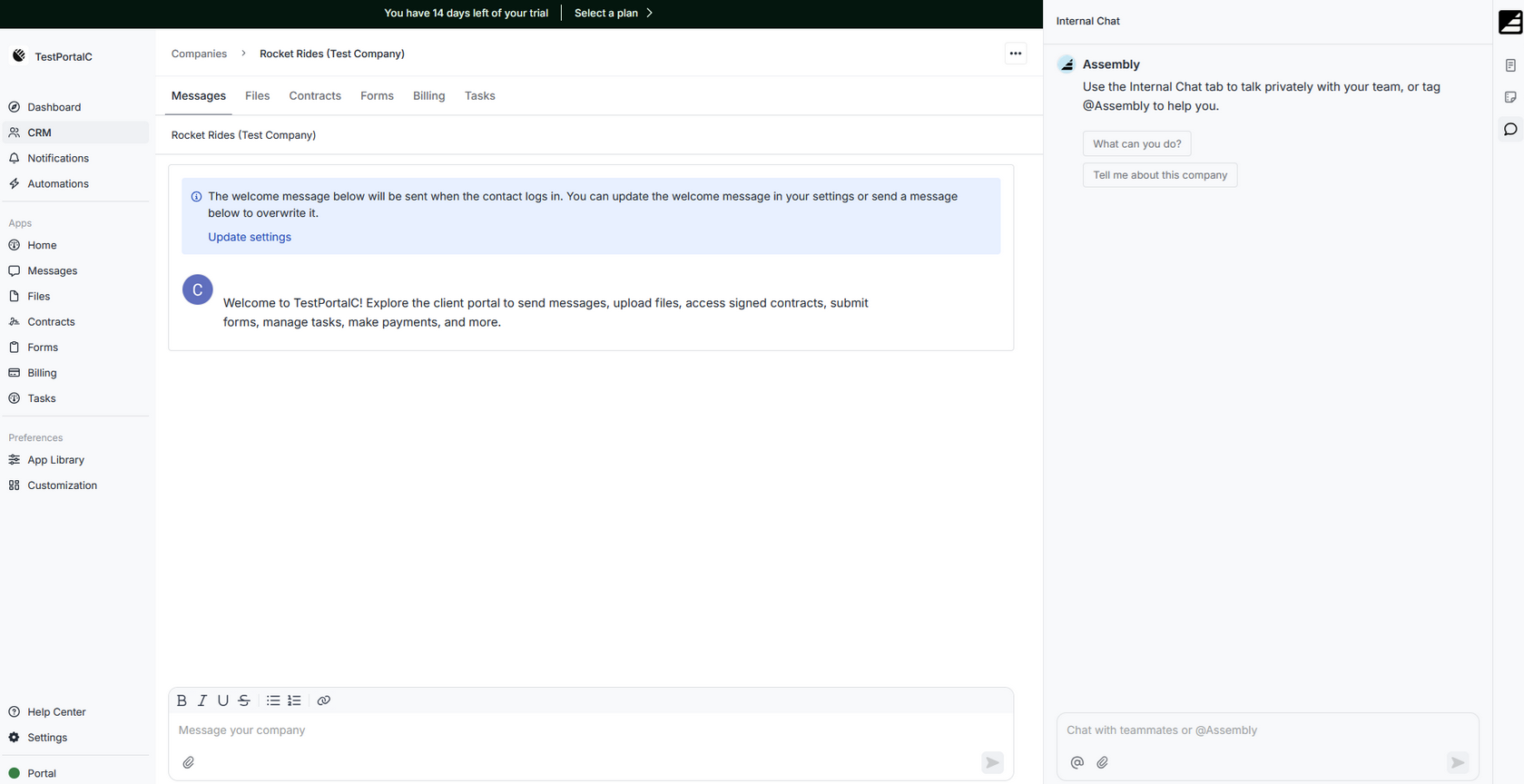
- What it does: Assembly is a client portal platform that lets accounting firms manage client communication, billing, contracts, and file sharing from one branded workspace.
- Best for: Accounting and professional service firms that want a flexible, branded portal they can configure around their existing workflows and tools.
We built Assembly for accounting firms that want more control over how their clients experience working with them. You can give each client a dynamic homepage that updates based on where they are in your workflow. App Folders keep the portal organized as your service offering grows, and billing, contracts, and messages stay tied to the right client record without switching between tools.
Key features
- Branded dynamic client portals: Clients log into a portal under your domain with your logo and brand colors, and you decide what each client sees based on the services they’re receiving.
- Consolidated payments: You can manage invoices, subscriptions, payment links, and your service store from a single payments page, which makes it easier to handle both retainer clients and seasonal tax engagements.
- Recurring automations: Time-based triggers let you schedule tasks, messages, and forms to go out automatically, so routine touchpoints like onboarding steps or deadline reminders don’t need manual follow-up.
- Dynamic client homepages: Each client's homepage can show different content based on custom field tags, so a bookkeeping client and a tax client each see what's relevant to them without extra setup on your end.
- App Folders: You can group portal apps into labeled folders, such as an "Analytics" folder for embedded reports or a "Documents" folder for shared files, so the client experience stays organized as your firm adds more tools.
- Assembly Assistant: You can pull up client notes, communication history, and custom fields directly from messages, files, and notifications, so context follows you across the platform instead of sitting in a single record.
- Integrations and API: You can connect Assembly with QuickBooks, Airtable, Calendly, ClickUp, and other tools via Zapier, Make, or the API, so it fits into your existing tech stack without replacing everything at once.
Pros and cons
What users say
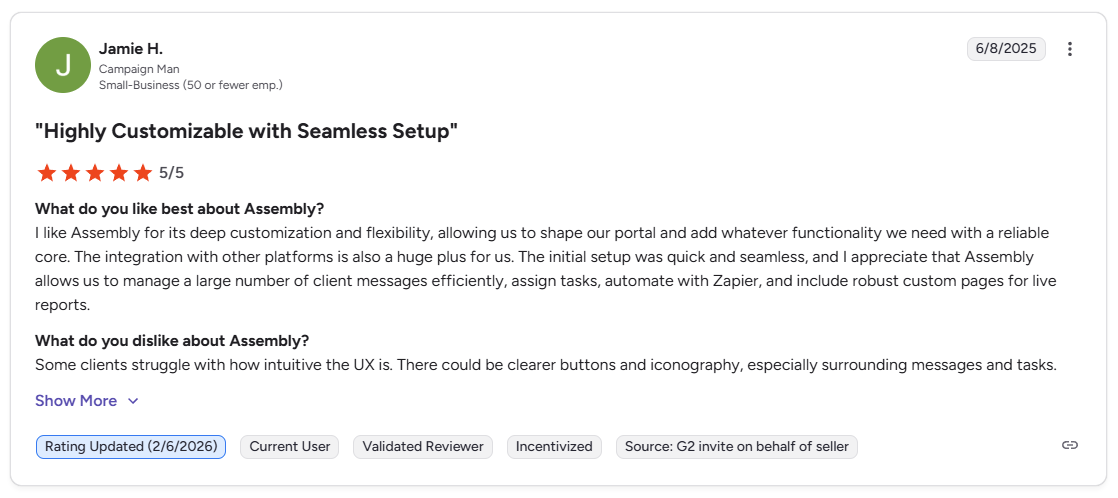
Pro: “I like Assembly for its deep customization and flexibility, allowing us to shape our portal and add whatever functionality we need with a reliable core. … Assembly allows us to manage a large number of client messages efficiently, assign tasks, automate with Zapier, and include robust custom pages for live reports.” - Jamie H., G2
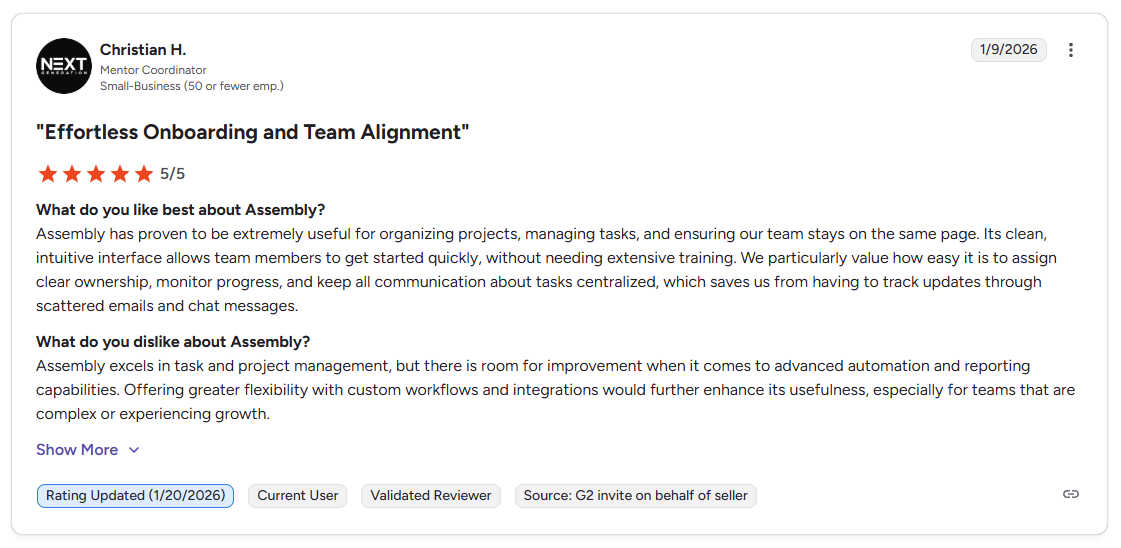
Con: “Assembly excels in task and project management, but there is room for improvement when it comes to advanced automation and reporting capabilities. Offering greater flexibility with custom workflows and integrations would further enhance its usefulness, especially for teams that are complex or experiencing growth.” - Christian H., G2
Pricing
Bottom line
Assembly gives you a client-facing layer that accounting-native tools don’t always prioritize, with a brandable, configurable portal that adapts to different client types. If your firm runs primarily on tax prep workflows and needs deeper IRS integrations out of the box, TaxDome might be a better fit.
2. TaxDome: Best for tax and bookkeeping teams
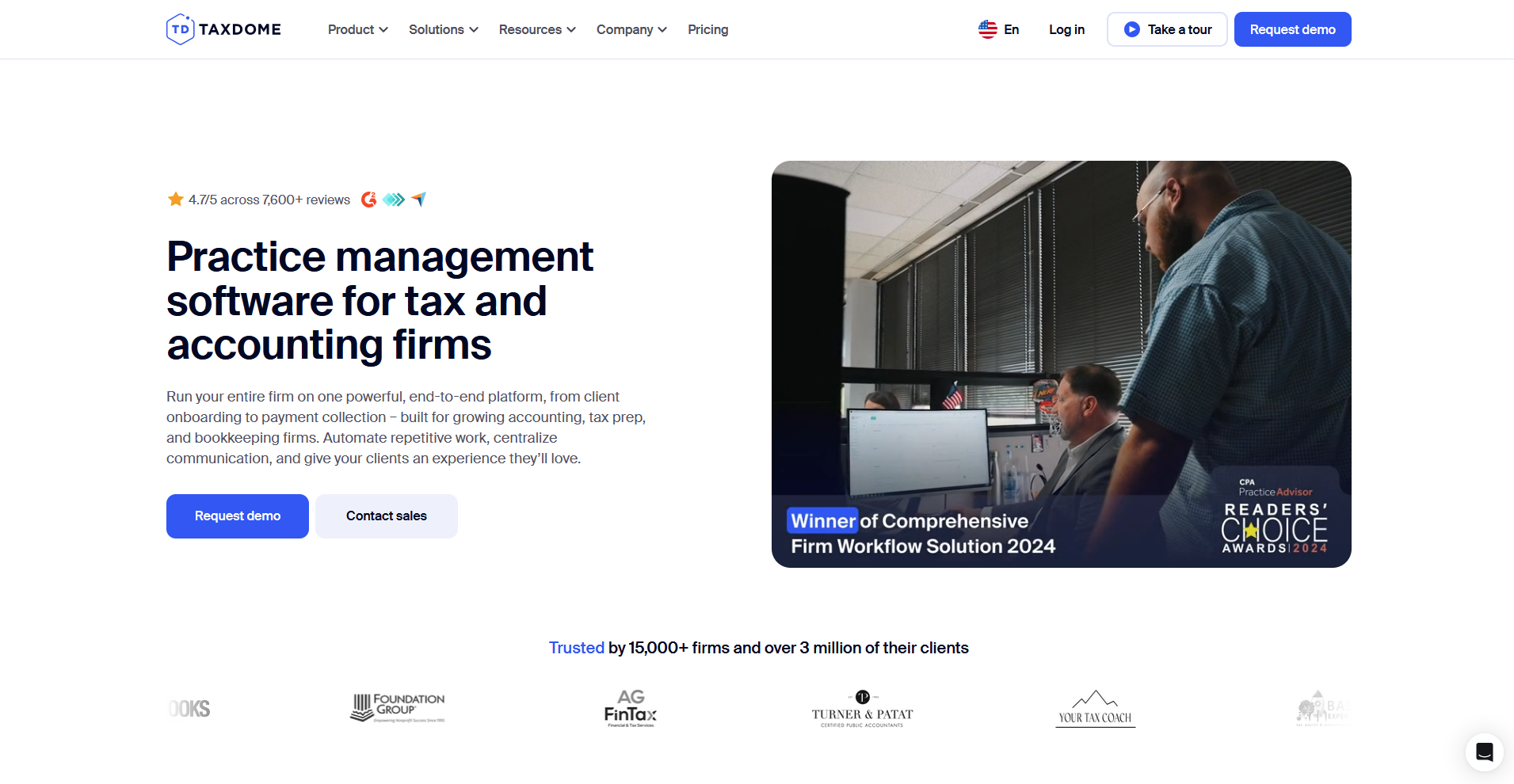
- What it does: TaxDome is a practice management platform built for tax, bookkeeping, and accounting firms that combines a client portal, workflow automation, document management, and billing in one system.
- Best for: Tax and bookkeeping firms that run recurring client cycles and need document collection, e-signatures, and client communication tied to automated workflows.
I ran mock tax prep cycles through TaxDome's pipeline builder to test how triggers move clients through document requests, organizer delivery, and payment collection. Marking each stage complete advanced the workflow and fired the corresponding tasks and reminders. Building those pipelines from scratch takes a significant time commitment before the automation runs smoothly.
Key features
- Workflow automation: Customize pipelines to trigger tasks, reminders, and document requests based on client actions, with templates for recurring work like tax prep and bookkeeping cycles.
- Client portal and mobile app: Branded portal and mobile app where clients can upload documents, sign forms, pay invoices, and message your team, with a built-in document scanner for source files.
- E-signatures and tax organizers: Send engagement letters, tax organizers, and multi-document signature requests through the portal, with automated reminders for incomplete items.
Pros and cons
What users say
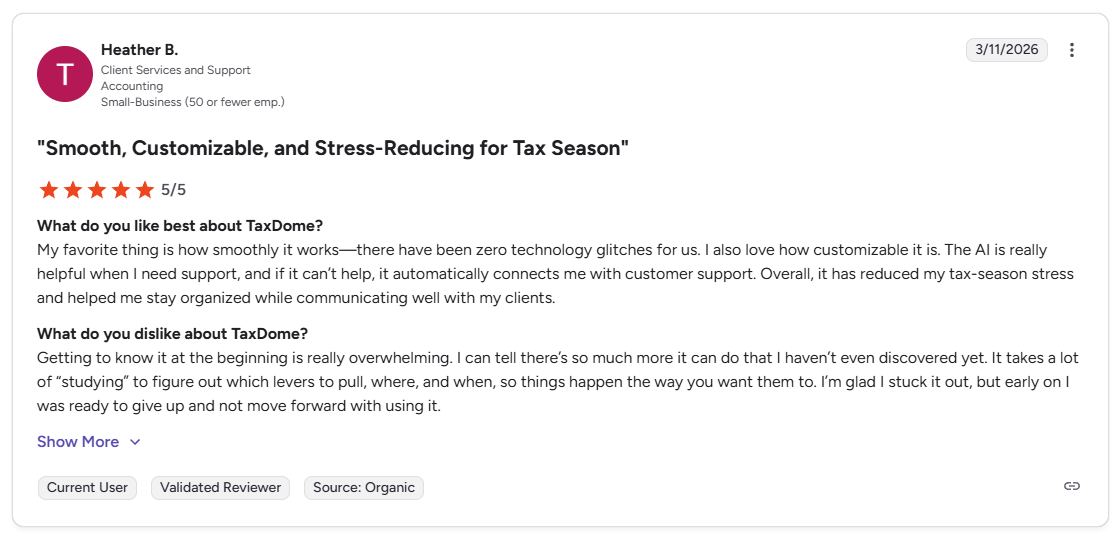
Pro: “My favorite thing is how smoothly it works, there have been zero technology glitches for us. I also love how customizable it is. Overall, it has reduced my tax-season stress and helped me stay organized while communicating well with my clients.” - Heather B., G2
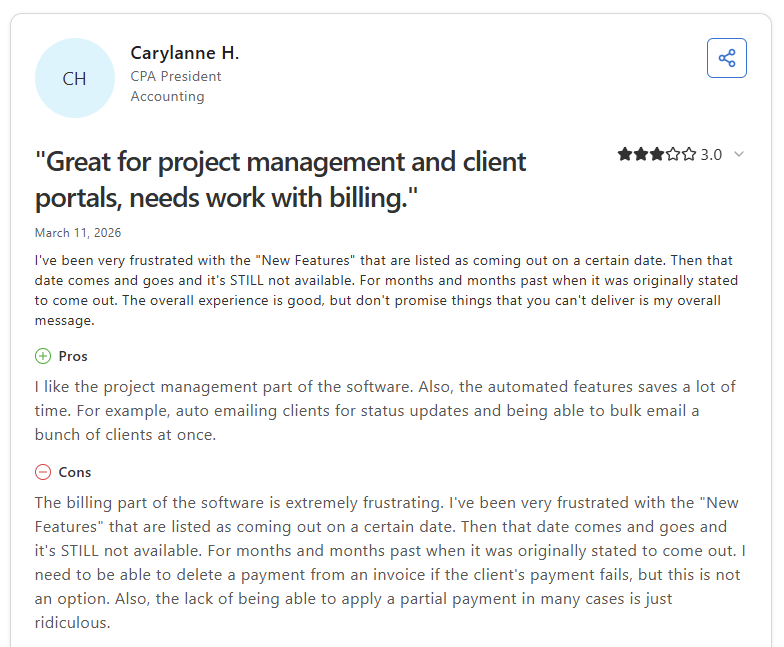
Con: “The billing part of the software is extremely frustrating. I need to be able to delete a payment from an invoice if the client's payment fails, but this is not an option…the lack of being able to apply a partial payment in many cases is just ridiculous.” - Carylanne H., Capterra
Pricing
TaxDome starts at $800 per year with a one-year commitment.
Bottom line
TaxDome’s automation depth can be hard to match for firms running high volumes of recurring tax and bookkeeping work, especially once pipelines are built and running. If your firm focuses more on year-round advisory services and wants a more flexible, configurable portal experience, Assembly might be a better fit.
3. Canopy: Best for accounting workflow management
- What it does: Canopy is a cloud-based practice management platform for accounting and tax firms that combines client management, document storage, workflow automation, and billing in one system.
- Best for: Mid-sized accounting and tax firms that need structured workflow visibility, document collaboration, and client communication organized around a central client record.
I reviewed Canopy's workflow and portal setup through a demo to see how well task tracking, document sharing, and client communication work together for a mid-sized firm. The task dashboard shows status, assignee, and deadlines across your client list in one filtered view. The portal doesn't currently let clients initiate messages to the firm, limiting two-way communication.
Key features
- Workflow automation: Build task templates and automated reminders for recurring engagements, assign work to team members, and track progress across active jobs from a central dashboard.
- Document management: Store, organize, and request client documents in a centralized file system with unlimited cloud storage, custom folder structures, and desktop sync for local file editing.
- Client portal: Give clients a branded space to complete to-do lists, upload files, sign documents, and pay invoices, with secure link access for specific tasks.
Pros and cons
What users say
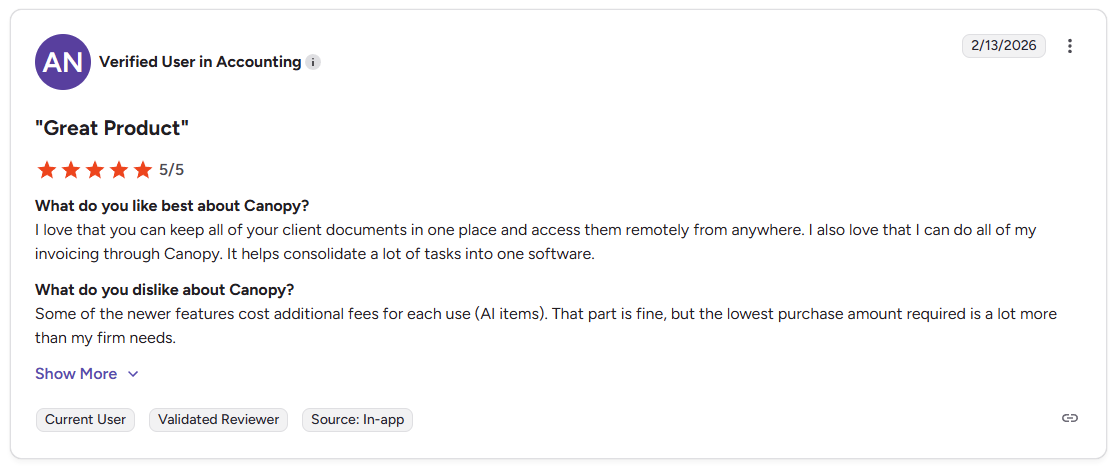
Pro: “I love that you can keep all of your client documents in one place and access them remotely from anywhere. I also love that I can do all of my invoicing through Canopy. It helps consolidate a lot of tasks into one software.” - Verified User in Accounting, G2
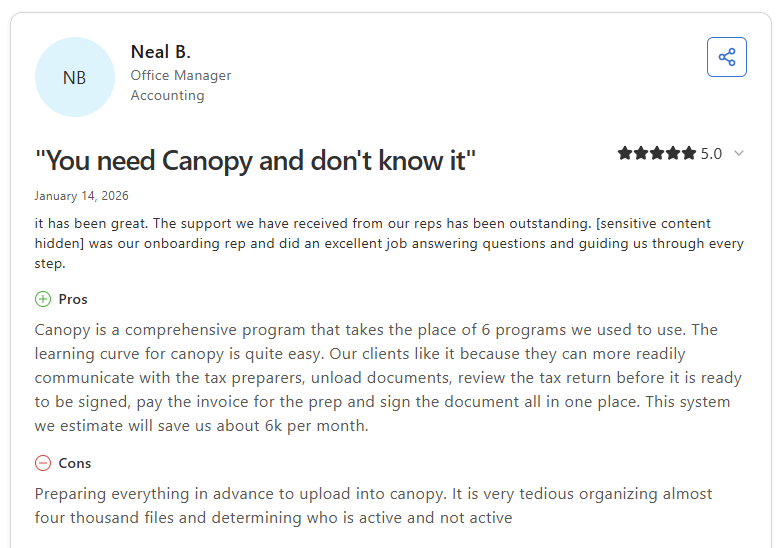
Con: “Preparing everything in advance to upload into Canopy. It is very tedious organizing almost four thousand files and determining who is active and not active,” - Neal B., Capterra
Pricing
Canopy starts at $45 per user per month for small firm plans.
Bottom line
Canopy’s IRS transcript integration is built directly into the platform, giving US tax firms direct access to client transcripts without a third-party tool. If your firm prioritizes deep workflow automation tied to recurring tax prep cycles over a broader practice management setup, TaxDome might be a better fit.
4. Karbon: Best for firms managing high client volume
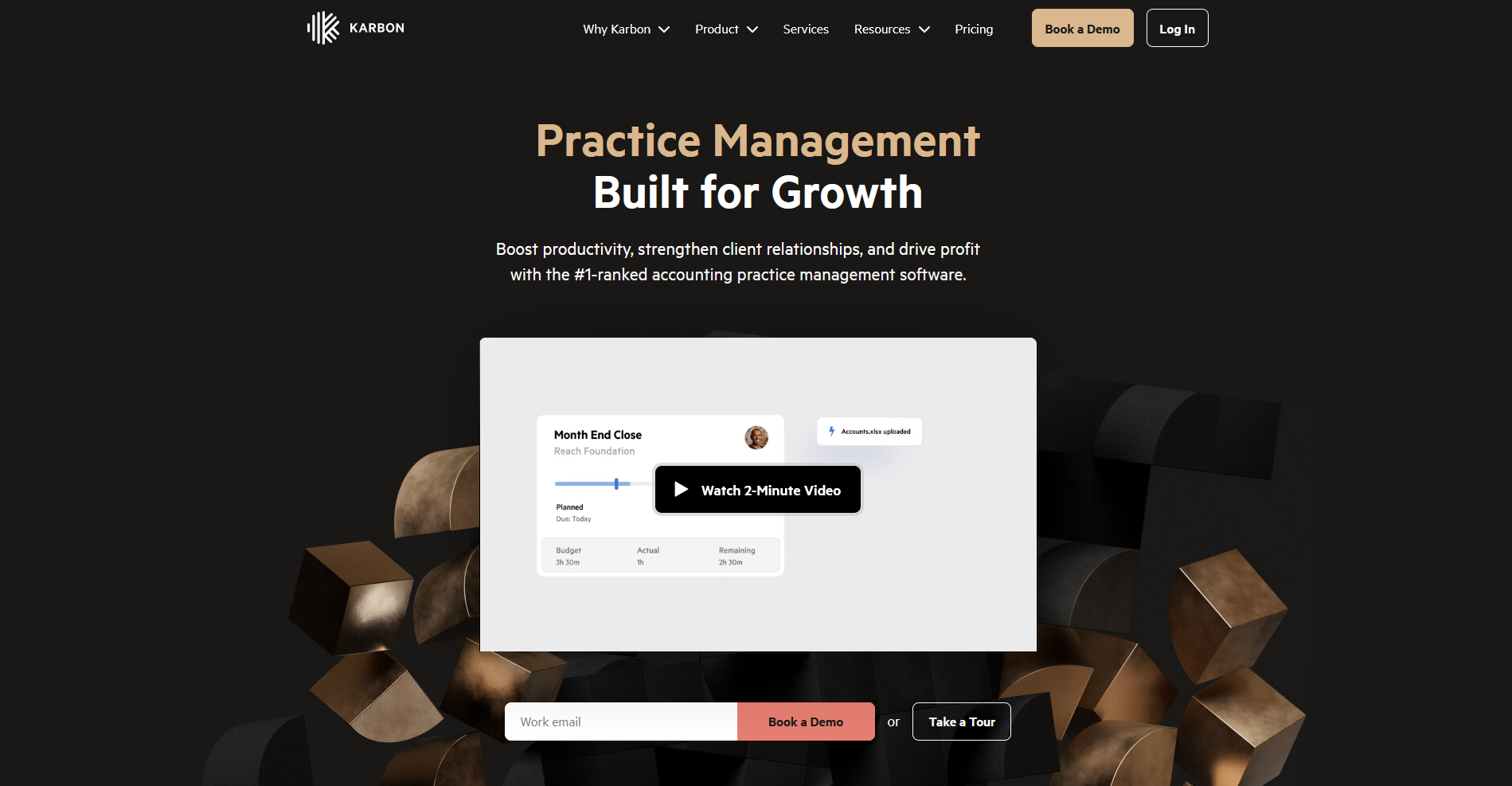
- What it does: Karbon is a practice management platform for accounting firms that connects email, tasks, client communication, and workflow automation in one shared workspace.
- Best for: Accounting firms with large teams and high client volume that need full visibility into who's working on what, with email-connected workflows and shared client timelines.
I reviewed Karbon through a demo to see how well it connects email, tasks, and client work in one view for a high-volume accounting firm. The email triage feature lets you turn incoming client emails into trackable tasks, which means client requests don't get buried in inboxes or missed when team members are out. However, getting workflows configured can take time upfront before the system pays off.
Key features
- Email triage and task creation: Turn incoming client emails directly into tasks, assign them to team members, and track completion without leaving your inbox view.
- Shared client timelines: View a chronological record of every interaction, email, task, and document exchange for each client across your team.
- Karbon for Clients portal: Give clients access to a branded portal and mobile app to complete tasks, upload documents, sign documents electronically, and message your team.
Pros and cons
What users say
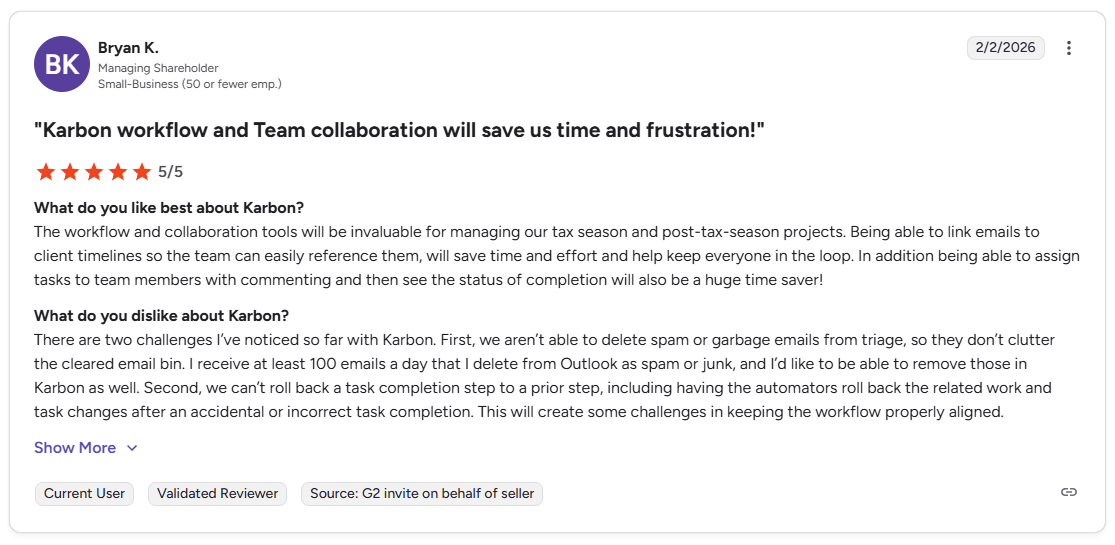
Pro: “The workflow and collaboration tools will be invaluable for managing our tax season and post-tax-season projects. Being able to link emails to client timelines so the team can easily reference them will save time and effort and help keep everyone in the loop.” - Bryan K., G2
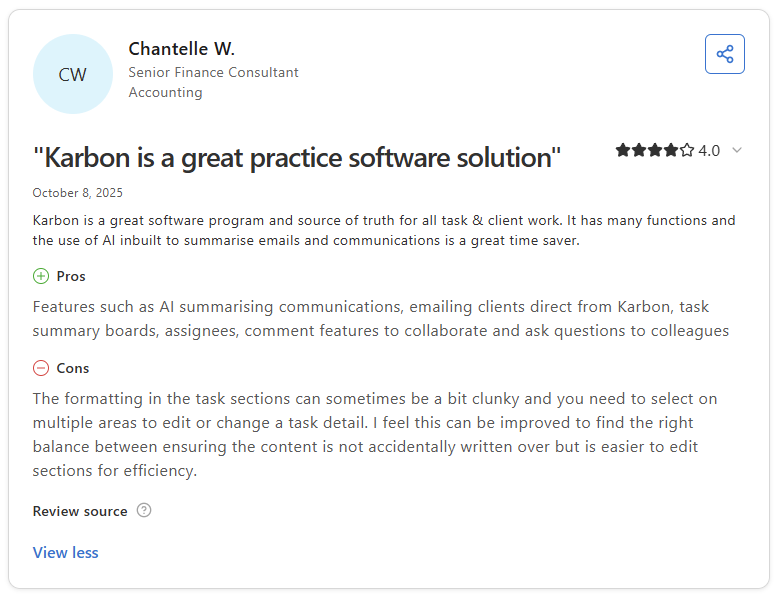
Con: “The formatting in the task sections can sometimes be a bit clunky, and you need to select multiple areas to edit or change a task detail. I feel this can be improved to find the right balance between ensuring the content is not accidentally written over, but is easier to edit sections for efficiency.” - Chantelle W., Capterra
Pricing
Karbon starts at $59 per user per month.
Bottom line
Karbon's Triage inbox is one of the few implementations in this category that genuinely connects email to workflow without requiring a separate tool. If your firm prioritizes tax prep automation and a tighter client portal over team-wide email visibility, TaxDome might be a better fit.
5. Client Hub: Best for QuickBooks and Xero users
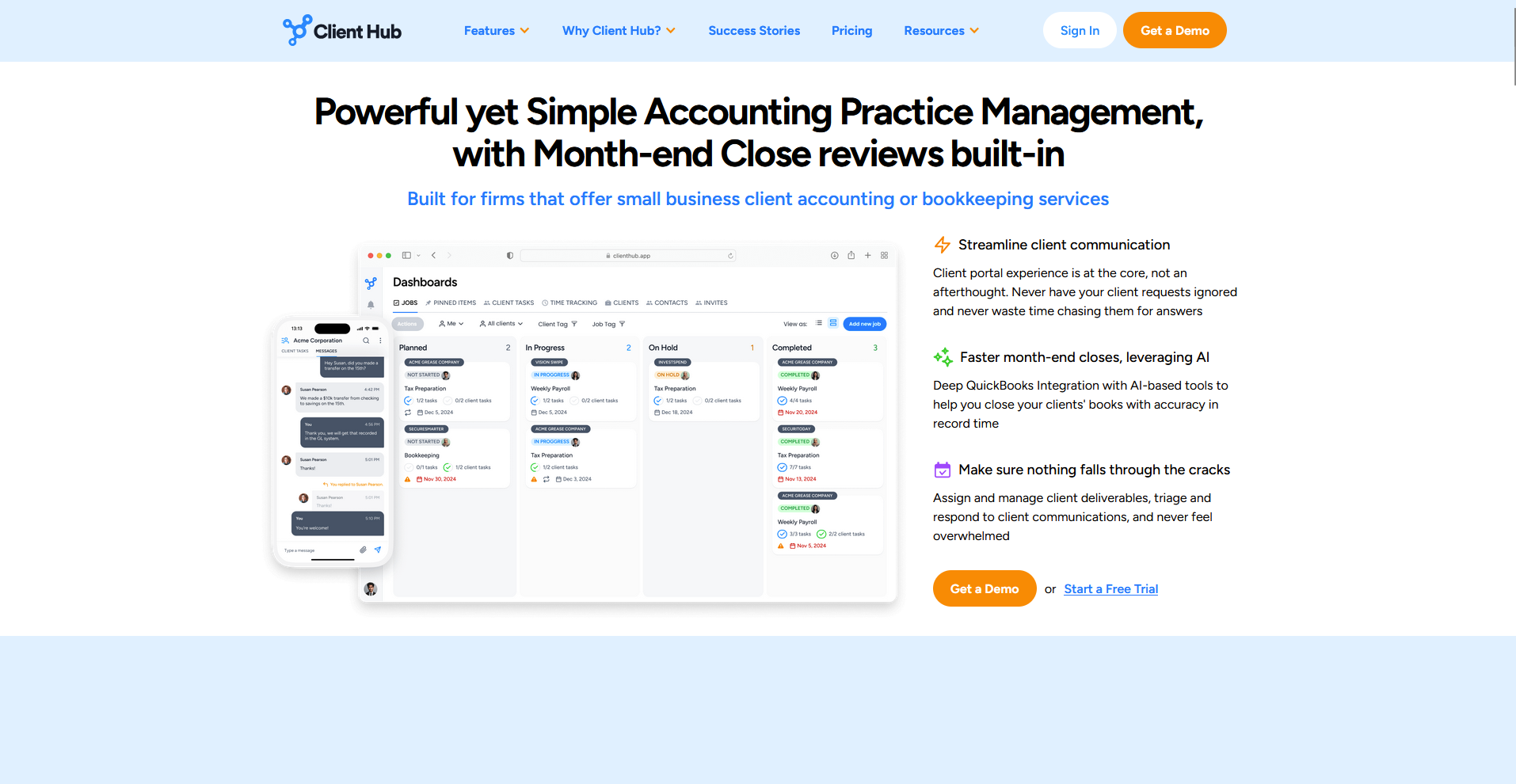
- What it does: Client Hub is an accounting practice management platform that combines a client portal, workflow automation, document sharing, and direct QuickBooks Online and Xero integration in one system.
- Best for: Bookkeeping and accounting firms that work primarily in QuickBooks Online or Xero and want a client portal built around resolving uncategorized transactions and managing recurring client tasks.
I wanted to see how Client Hub's QuickBooks integration works in a bookkeeping workflow, so I went through the demo to test the transaction sync and client task flow. You can pull uncategorized transactions into the portal, collect client responses, and push updates back to QuickBooks without leaving the platform. The reporting and project management features are lighter than in tools like Karbon or Canopy.
Key features
- QuickBooks and Xero sync: Connect client accounts to pull uncategorized transactions into the portal, collect client responses, and push updates back to your accounting software.
- Client portal and task management: Give clients a branded workspace to complete tasks, upload documents, and communicate with your team, with automated reminders for outstanding items.
- Workflow automation: Build recurring job templates, assign internal tasks, and track work across your team from a shared dashboard.
Pros and cons
What users say
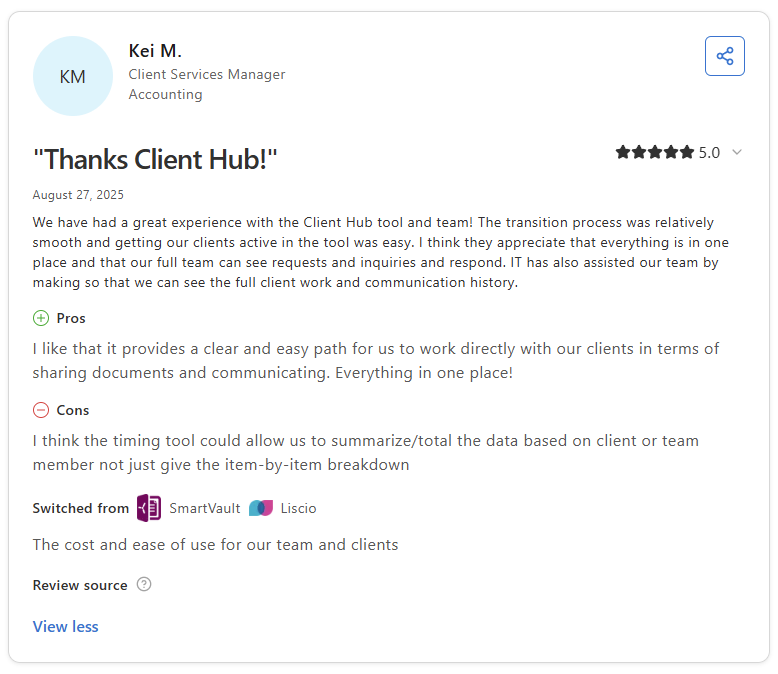
Pro: “I like that it provides a clear and easy path for us to work directly with our clients in terms of sharing documents and communicating. Everything in one place!” - Kei M., Capterra
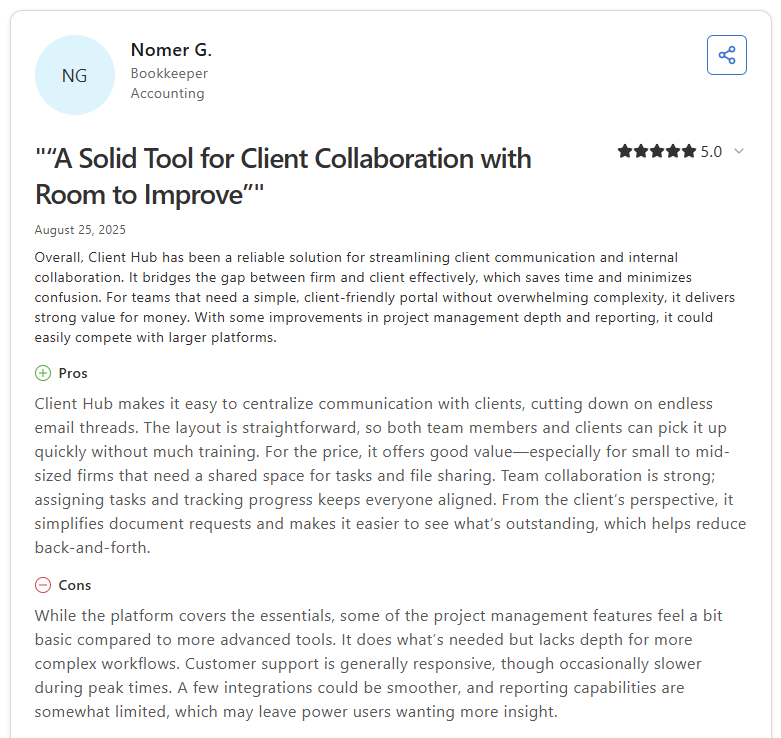
Con: “While the platform covers the essentials, some of the project management features feel a bit basic compared to more advanced tools. It does what's needed but lacks depth for more complex workflows. Customer support is generally responsive, though occasionally slower during peak times. A few integrations could be smoother, and reporting capabilities are somewhat limited, which may leave power users wanting more insight.” - Nomer G., Capterra
Pricing
Client Hub starts at $49 per month.
Bottom line
Client Hub's per-firm pricing covers unlimited clients on every plan, which makes it one of the more predictable options on this list for growing bookkeeping practices. If your firm handles broader accounting workflows beyond bookkeeping and needs deeper practice management features, Karbon might be a better fit.
Special mentions
The 5 tools above cover the most common needs across accounting firms, but they don't cover every workflow or firm type. The tools below each bring something distinct to the table. Depending on how your firm operates, one of them could be a closer fit than anything in the main list.
Here are 8 more platforms to consider:
- Liscio: Liscio is a client communication platform built for accounting firms. It offers two-way texting, secure messaging, e-signatures, and a timeline view that pulls client interactions into one place. It's a strong tool for client-facing communication. However, it doesn't include practice management features, so it runs alongside your existing workflow tools rather than replacing them.
- Financial Cents: Financial Cents is a practice management platform with a passwordless client portal where clients get in via a secure email link rather than creating an account. It covers workflow tracking, document requests, and client communication in one place. The portal is functional but offers less customization than more flexible tools like Assembly or ClientHub.
- Uku: Uku is an accounting practice management platform with task automation, billing, and a branded client portal built into one system. The automated invoicing cuts down on admin time, and clients can access their portal without needing a password. It's less established in North America, so it's worth checking integration depth if your firm relies heavily on QuickBooks.
- Moxo: Moxo is a white-labeled client portal built around structured, step-by-step workflows for firms that handle complex, multi-stage client engagements. Messaging, document requests, and approval flows all run through a single workspace, keeping everything in one place. It tends to suit larger firms with dedicated client success processes more than smaller practices.
- Ideagen Collaboration Portal: Ideagen is an enterprise-grade document collaboration platform with enterprise-grade security, audit logs, and Microsoft 365 integration. It's built for large accounting networks and regulated organizations with strict compliance requirements. For smaller practices, the feature set usually goes well beyond day-to-day needs.
- SmartVault: SmartVault is a document management platform with a client portal built for accounting and tax firms, covering secure file storage, document requests, and e-signatures. The QuickBooks integration is one of the stronger ones I came across in this category. If you need messaging or billing alongside document management, you’ll likely need additional tools.
- ContentSnare: ContentSnare is a document and data collection tool that lets you send structured requests, track submissions, and trigger automated reminders until everything is in. It does its core job reliably, and it’s one of the easier tools for firms to get clients using quickly. It's not a full client portal, so ongoing communication and billing sit outside its scope.
- ClustDoc: ClustDoc is a client onboarding platform with conditional workflows that adapt based on client responses, covering e-signatures, document collection, and multi-step approval sequences. It's well-suited for firms with document-heavy intake processes. Like ContentSnare, it's built for onboarding and intake rather than the ongoing client relationship.
Which client portal for accountants should you choose?
The right client portal depends on how your firm delivers work, how your clients prefer to communicate, and how much flexibility you need beyond accounting-specific workflows.
Choose Assembly if you:
- Want clients to log into a branded portal where contracts, invoices, files, and messages all live in one place
- Manage clients across different service types and need each one to see content relevant to their specific engagement
- Run a professional service firm and want a configurable portal without being locked into accounting-native workflows
Choose TaxDome if you:
- Run a tax-focused firm and need automation, e-signatures, and client communication in one tightly integrated platform
- Want to manage recurring tax prep cycles with automated reminders, document collection, and pipeline tracking
- Need a mobile app your clients can use to upload documents, sign forms, and pay invoices
Choose Canopy if you:
- Manage a mid-sized accounting firm and need structured workflows and task tracking across your whole team
- Want document collaboration, client requests, and billing in one platform
- Need modular pricing so you can add features as your firm grows
Choose Karbon if you:
- Handle a high volume of clients and need strong team visibility and deadline tracking across shared workloads
- Want email-connected workflows where messages turn directly into trackable tasks
- Run a distributed team and want everyone working from the same client record
Choose Client Hub if you:
- Work primarily in QuickBooks or Xero and want a portal that connects directly to uncategorized transactions
- Want a passwordless client experience with deep bookkeeping workflow integration
- Need a portal that’s fast to set up and easy for less tech-savvy clients to use
Choose Liscio if you:
- Want two-way texting, secure messaging, and a full timeline of every client interaction in one place
- Need a dedicated communication tool that handles tax organizers, e-signatures, and file sharing
- Want a mobile-first experience that your clients can access without needing a password
Choose Financial Cents if you:
- Run a smaller firm and need straightforward workflow tracking alongside a simple client portal
- Want passwordless client access and automated document request reminders without a steep learning curve
- Need QuickBooks Online integration and basic invoicing without a heavy practice management setup
Choose Uku if you:
- Want automated billing alongside a branded client portal in one platform
- Bill clients across multiple models, like fixed, hourly, or service-based, and need invoicing that reflects that
- Operate across the UK or Europe and need multi-currency and multilingual support
Choose Moxo if you:
- Run complex, multi-stage client engagements and need structured approval and document workflows
- Want a polished white-labeled portal with secure messaging built around step-by-step client processes
- Manage high-value clients who expect a more hands-on digital experience
Choose Ideagen Collaboration Portal if you:
- Run a large advisory firm with strict compliance requirements and need enterprise-grade security and full audit logs
- Need deep Microsoft 365 integration for document co-authoring and external stakeholder collaboration
- Operate in a regulated environment where FedRAMP or ISO 27001 certification is a requirement
Choose SmartVault if you:
- Need a dedicated document management system with a client portal built specifically for accounting and tax firms
- Want tight QuickBooks integration for document workflows and secure file storage
- Don’t need messaging or billing, and just want a reliable place to store and share client files
Choose ContentSnare if you:
- Spend too much time chasing clients for documents, and want automated reminders to handle that follow-up
- Need a simple, structured way to collect files and data from clients without building a full portal
- Want a focused intake tool that works alongside your existing practice management software
Choose ClustDoc if you:
- Have complex client onboarding workflows with multiple steps, conditional logic, and sequential e-signatures
- Need a structured intake process for document-heavy services like financial planning or advisory work
- Want to automate onboarding sequences without the overhead of a full practice management platform
Final verdict
TaxDome, Karbon, and Canopy are strong options if your primary need is accounting-specific workflow automation, tax prep pipelines, or practice management built around your firm’s internal processes.
But if you want clients to land on a homepage that's actually built around their specific engagement, not a one-size-fits-all dashboard, Assembly's dynamic client homepages let you do that without manual updates every time a client moves through a workflow.
Here’s how Assembly can help:
- Built-in client management: Manage client records, communication history, notes, and relationship data in a structured CRM where that context stays accessible no matter where you are in the workspace.
- Branded client portal: Clients log in under your firm's domain to access invoices, files, contracts, and updates in one organized space.
- Tailored client experience: You can adjust the homepage layout and app visibility for each client using custom field tags, so different clients automatically see the content and tools relevant to their engagement.
- Consolidated payments: Manage invoices, subscriptions, payment links, and store transactions from a single payments page, without jumping between separate billing views.
- Recurring automations: Set time-based triggers for tasks, messages, and forms so routine accounting work like monthly reminders, document requests, and follow-ups runs on schedule without manual effort.
- Protect client data: Assembly maintains SOC 2 compliance and supports GDPR, CCPA, and HIPAA compliance.
- Keep tasks, messages, and files together: Client communication, shared files, and project tasks stay connected to each client record instead of being scattered across separate tools.
- Prep faster for meetings: The AI Assistant summarizes recent client activity and communication, helping you walk into calls with a clear picture of what’s been discussed and what’s outstanding.
Assembly won’t replace a dedicated tax workflow tool if your firm relies on IRS integrations or deeply automated tax prep pipelines. For accounting firms that want every client to log into a tailored, branded experience where messages, invoices, and files stay connected, it’s worth a closer look. Start your free Assembly trial today.