



Plutio alternatives cover project management, proposals, contracts, invoicing, and client portals for freelancers and small agencies. I tested more than 20 platforms to find the 11 worth switching to in 2026.
Top 11 Plutio alternatives: At a glance
| Tool | Best for | Annual price |
|---|---|---|
| Assembly | Service firms wanting a branded client portal with CRM and billing | $29/month |
| HoneyBook | Creative freelancers managing proposals, contracts, and payments | $29/month |
| Dubsado | Service providers needing customizable workflows and intake forms | $335/year |
| Bonsai | Solo freelancers focused on contracts, invoicing, and finances | $9/user/month |
| 17hats | Small business owners wanting a simple client management workflow | $600/year |
| Notion | Teams wanting a flexible, customizable project workspace | $10/member/month |
| ClickUp | Teams needing advanced project management with docs and automations | $7/user/month |
| monday.com | Teams wanting visual project tracking across multiple clients | $12/seat/month (minimum 3 seats) |
| Moxo | Businesses needing structured client onboarding and approval workflows | $960/year |
| SuiteDash | Agencies wanting deep white-labeling and a customizable client portal | $180/year |
| Productive | Agencies managing project financials, utilization, and team capacity | $10/user/month (minimum 3 seats) |
*Pricing correct as of June 2026. Verify with vendor.
Why look for Plutio alternatives?
Plutio works well for solo freelancers who want proposals, projects, invoicing, and a client portal bundled at a flat monthly rate. For that use case, it's hard to argue with the price. But as teams grow or needs get more specific, a few limitations tend to surface:
- Client limits on the entry plan: The Core plan caps you at 9 active clients at a time, which is fine early on but can feel tight once you have a steady roster. For a freelancer steadily adding new clients, that ceiling can show up sooner than expected, and moving to the next tier is a noticeable jump in cost.
- White-labeling costs extra: Fully removing Plutio branding from client‑facing portals and documents requires a paid white‑label add‑on on top of your plan. For firms that really care about a fully branded experience, that’s an extra ongoing cost to factor into the decision.
- Automation is limited in practice: Plutio added a native, trigger-based automation builder, but it's scoped to actions inside Plutio. Cross-app workflows still rely on Zapier or Make, so deep multi-app automation may hit limits. If you depend on complex, automated workflows across multiple apps, you may hit those limits quickly.
- Data portability is a concern: Plutio doesn’t clearly promote a simple, full‑account export, so moving everything to a new tool while keeping links between projects, invoices, and clients may take extra time and cleanup.
- Support can be inconsistent: Some users report slow responses or delays in bug fixes. If your client work is highly time‑sensitive, that uncertainty around support response times can feel risky.
TL;DR: Which Plutio alternative should you choose?
The right Plutio alternative depends on how much of the client relationship you want to manage in one place and how important a branded experience is for your business.
Choose:
- Assembly if you want a client portal platform with a fully branded client experience, built-in CRM, messaging, contracts, and billing. It covers more of the post-sale relationship than Plutio does, though it may be more than a solo freelancer needs right away.
- HoneyBook if you're a creative freelancer who wants a polished proposal-to-payment flow with smart files and automations. The booking and contract flow is purpose-built for creatives, but it doesn't include time tracking or task management.
- Dubsado if highly customizable intake forms and automated onboarding workflows are your priority. Plan on spending time configuring it before it runs the way you want.
- Bonsai if you're a solo freelancer who wants contracts, invoicing, and basic project tracking without a lot of overhead. It's lighter on project management than Plutio, but stronger on financial tracking.
- SuiteDash if deep white-labeling and a fully customizable client portal are non-negotiable. It has a steeper learning curve, but the branding flexibility is extensive for what you pay.
Stick with Plutio if you're a solo freelancer or very small team that wants a flat-rate tool covering projects, proposals, invoicing, and a client portal in one place, and the active client limits on lower plans aren't a concern for your volume.
1. Assembly: Best for service firms wanting a branded client portal with CRM and billing
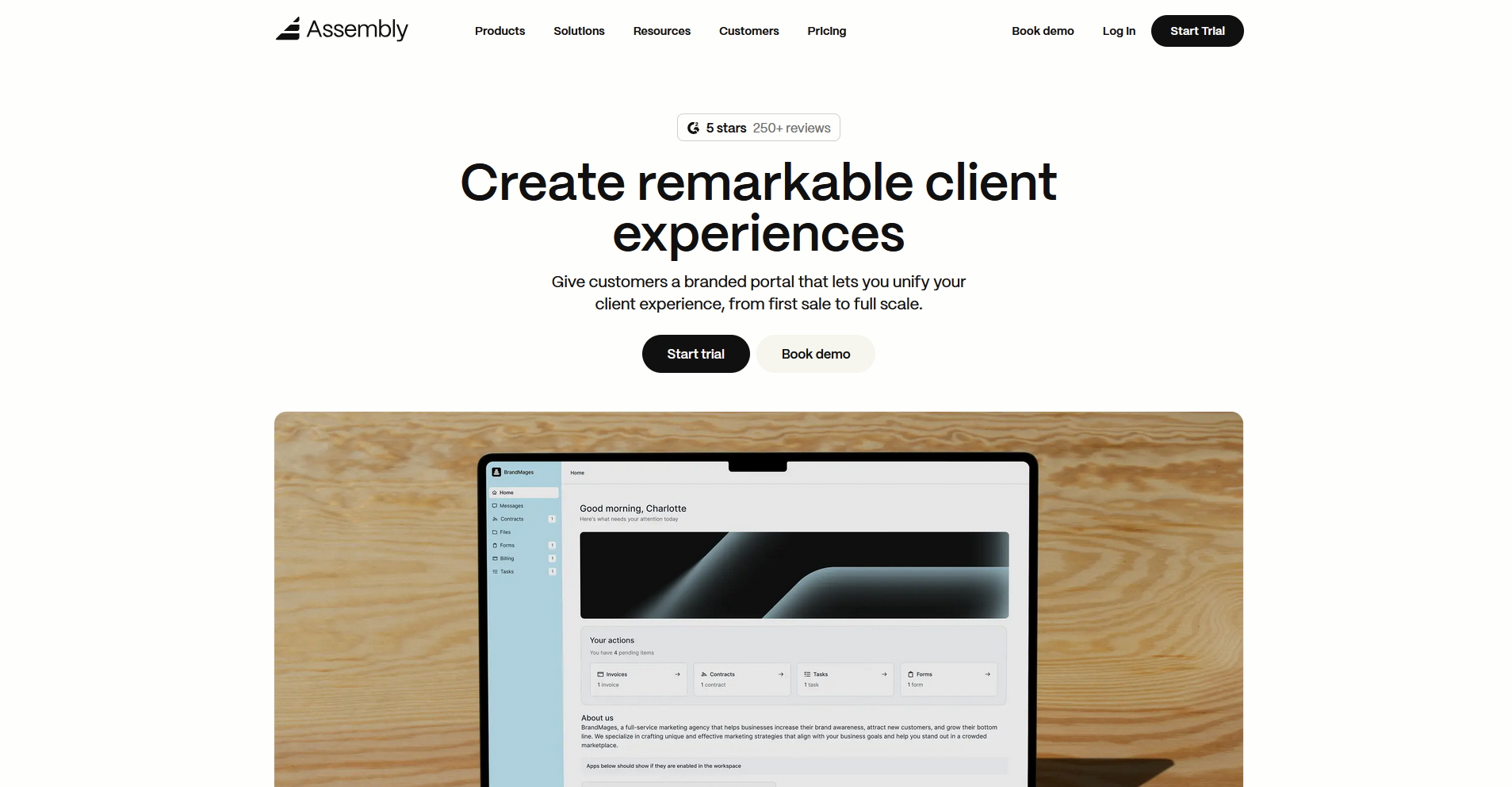
Assembly is a client portal platform built for service firms that want to manage client work and communication in one branded space. Dynamic client homepages, recurring automations, and consolidated billing give firms more control over the ongoing client experience than a project-and-invoicing tool typically offers. Solo operators coming from Plutio may find it more than they need right away.
Key features
- Branded client portal: Give each client access to a dedicated, white-labeled portal on your custom domain, with dynamic homepages that can show different content to different clients based on custom field tags.
- Consolidated billing: Manage invoices, subscriptions, payment links, and a product store from a single payments page, with the option to pass transaction fees to clients through surcharging.
- Recurring automations: Set time-based triggers for tasks, messages, and forms so that routine client touchpoints run on a schedule without manual input each time.
Pros
- The portal, CRM, billing, and messaging are tied to each client record, so your team can see everything related to a client in one place without switching tools
- Clients access a dedicated branded portal rather than joining a shared workspace, which keeps the experience professional and separate from your internal operations
- The platform supports embedding tools like Airtable, Calendly, and ClickUp directly into the client portal, so clients can access what they need without leaving their portal
Cons
- Features like custom domain, custom email domain, and API access are only available on the Professional plan and above
- Assembly covers more of the client relationship than Plutio does, which can be more than a solo freelancer or very small operation needs right away
Best for
- Professional service firms that want a branded client portal with CRM, billing, and messaging in one place
- Agencies and consultants managing ongoing client relationships who need more than a project and invoicing tool
- Service businesses that want to productize their offerings with subscriptions, payment links, and a client-facing store
Pricing
Assembly has a free plan, and paid plans start at $29 per month billed annually.
2. HoneyBook: Best for creative freelancers managing proposals, contracts, and payments
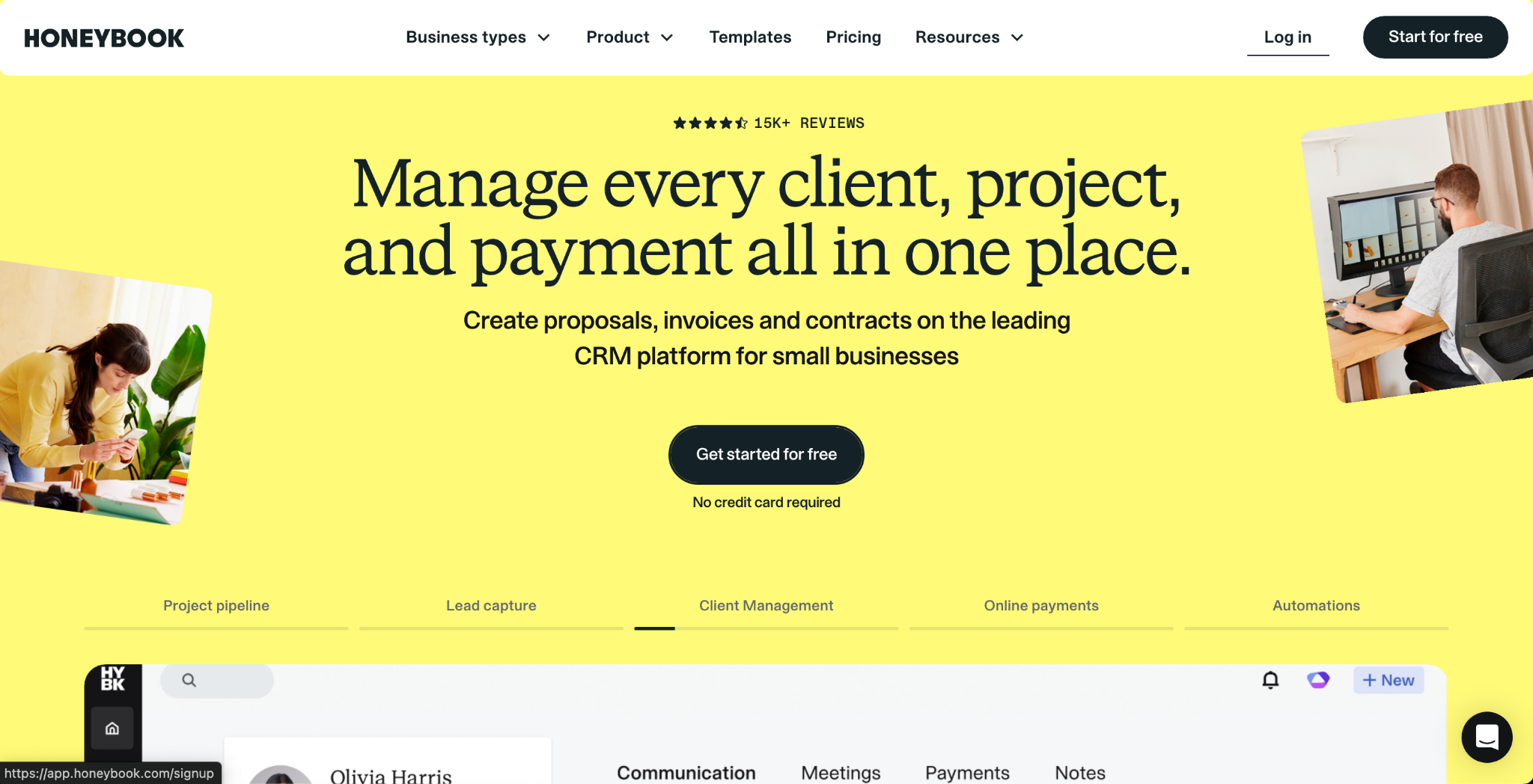
HoneyBook is a client management platform built for independent service providers who want proposals, contracts, and payments handled in one place. It combines those 3 elements into a single interactive client-facing file, which cuts down on back-and-forth during the booking process. It doesn’t focus on deep task management or time tracking, so you may need to handle day‑to‑day project delivery in another tool.
Key features
- Smart files: Combine proposals, contracts, and payment schedules into a single client-facing document that moves through each step in sequence.
- Workflow automations: Trigger emails, file sends, and task reminders based on project stage or client action.
- Scheduler: Let clients book appointments directly from a link, with availability synced to your calendar.
Pros
- The inquiry-to-booking flow is straightforward, and clients can review, sign, and pay without logging into a separate portal
- Automations on the Essentials plan can handle follow-ups, reminders, and file delivery without manual input each time
- Unlimited clients and projects are included on every plan, so volume doesn't affect your monthly cost
Cons
- Time tracking and task management aren't included, so teams that need to manage active project delivery will need a separate tool for that
- The platform is built primarily for US-based businesses, which can create limitations around payment methods and tax settings for international users
Best for
- Freelancers who send proposals and contracts regularly and want the signing and payment process handled in one client-facing file
- Independent creatives like photographers, designers, and event planners who run a repeatable service workflow
- Solo operators who want automated follow-ups and reminders without building complex workflow logic
Pricing
HoneyBook starts at $29 per month.
3. Dubsado: Best for service providers needing customizable workflows and intake forms
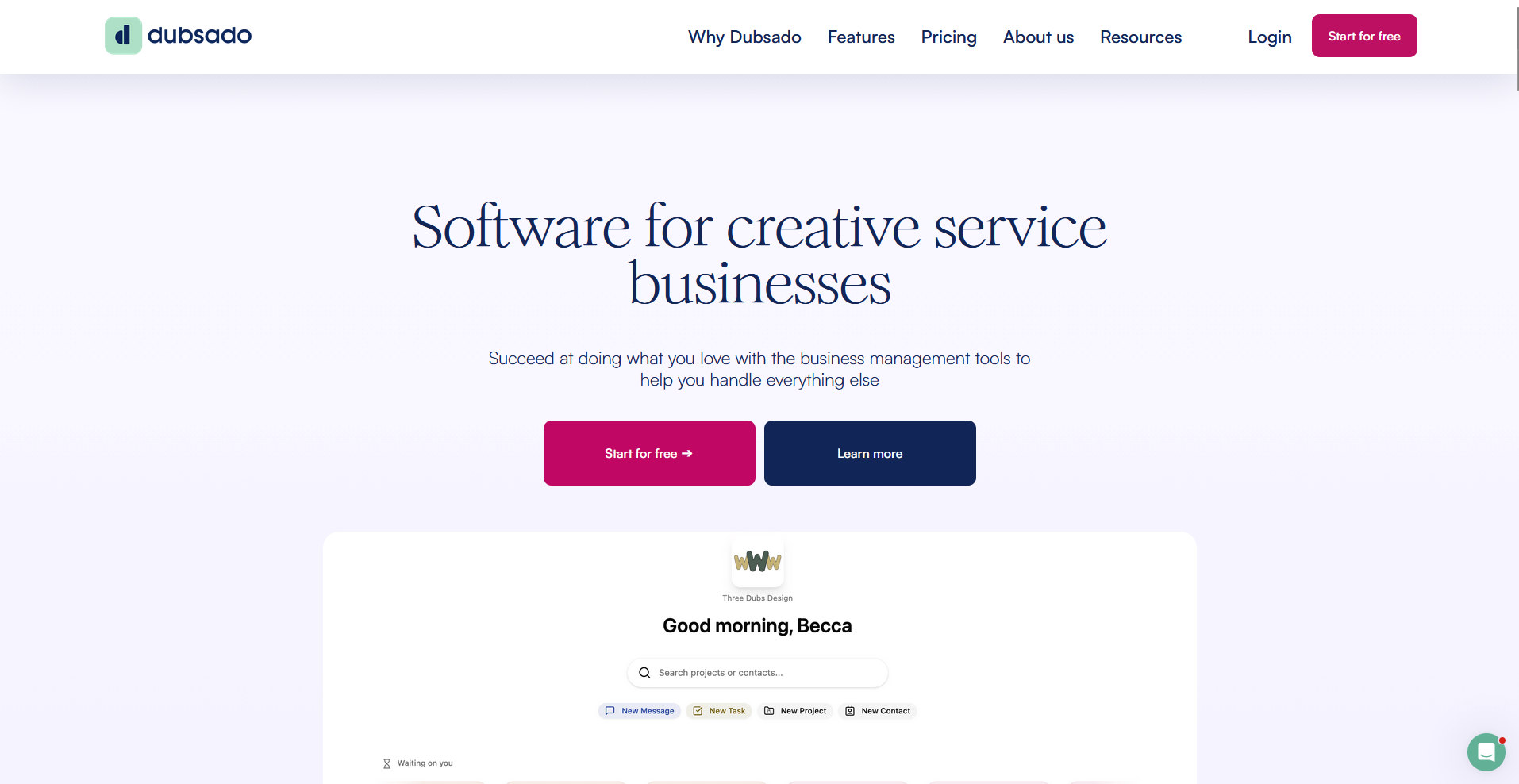
Dubsado is a CRM built for service-based businesses that need detailed control over how clients move through their onboarding process. The workflow builder lets you map out conditional logic, automated emails, and form sends based on how clients respond. Plan on spending time configuring it before it's client-ready, since the setup process has a learning curve that catches many new users off guard.
Key features
- Workflow builder: Build multi-step automated sequences with conditional logic that triggers emails, forms, and tasks based on client actions.
- Custom forms and proposals: Create intake forms, questionnaires, and proposals with branded styling and dynamic package options clients can select from.
- Client portal: Give clients a branded space to access contracts, invoices, forms, and project communications in one place.
Pros
- The conditional logic in workflows can handle complex onboarding sequences without manual input once everything is configured
- Unlimited clients and projects are included on paid plans, so your roster size usually doesn’t change what you pay
- Forms, emails, and the client portal can all be styled to match your brand without needing a separate design tool
Cons
- The platform is browser-based, and without a dedicated mobile app, managing client work on the go usually happens from a mobile browser
- The scheduler’s availability tools can feel limited for high-volume bookings, which can create extra manual work for businesses that schedule a lot of appointments
Best for
- Service providers who need automated onboarding workflows with conditional logic built in
- Freelancers and small agencies that send custom proposals with multiple package options
- Creative businesses like photographers, designers, and coaches who want a fully branded client journey from inquiry to invoice
Pricing
Dubsado starts at $335 per year.
4. Bonsai: Best for solo freelancers focused on contracts, invoicing, and finances
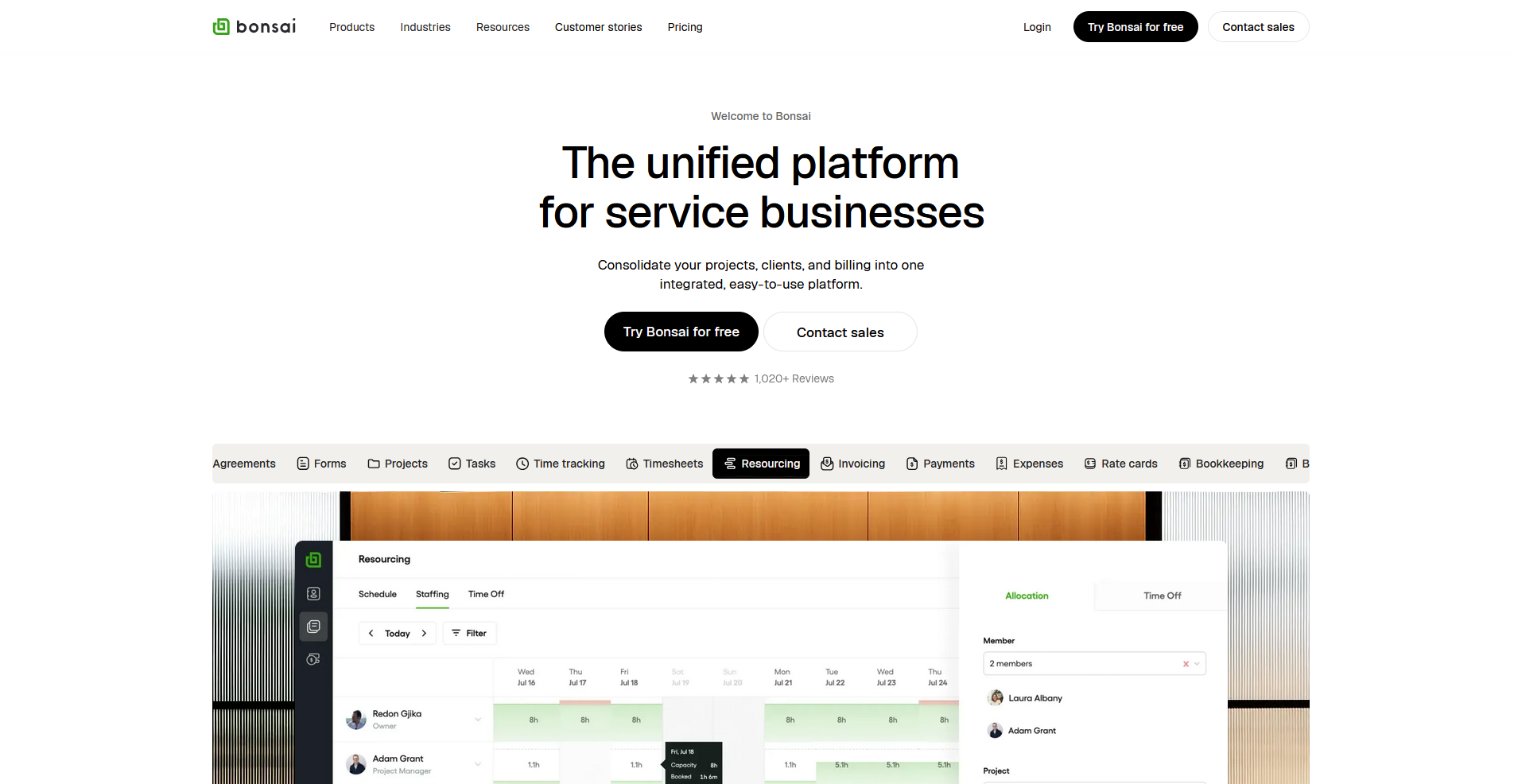
Bonsai is a business management platform built for freelancers who want contracts, time tracking, and invoicing connected in one place. The proposal-to-invoice sequence flows without re-entering data, which keeps the billing side of client work organized. Project management is more limited, so it tends to suit freelancers with simpler project structures better than those managing complex deliverables.
Key features
- Contracts and e-signatures: Create contracts from templates, attach them to proposals, and collect signatures from clients without a separate tool.
- Time tracking to invoicing: Log billable hours against projects and pull tracked time directly into invoices without manual calculations.
- Tax and expense tracking: Categorize expenses, track income, and generate financial summaries to simplify end-of-year reporting.
Pros
- The proposal, contract, and invoice flow connect in sequence, so accepting a proposal can move a client directly into the next step without starting over
- Multi-currency billing is included, which makes it more practical for freelancers working with international clients
- The interface is clean and straightforward to navigate, with less configuration required than most tools in this category
Cons
- User permissions are limited, so adding collaborators or subcontractors to projects doesn't give you granular control over what they can access
- Native integrations are fairly limited, and connecting most other tools usually means going through Zapier instead of a direct, built‑in integration
Best for
- Solo freelancers who want contracts, invoicing, and time tracking connected in a single workflow
- Independent professionals who bill hourly and need tracked time to populate invoices automatically
- Freelancers working with international clients who need multi-currency invoicing without a workaround
Pricing
Bonsai starts at $9 per user per month.
5. 17hats: Best for small business owners wanting a simple client management workflow
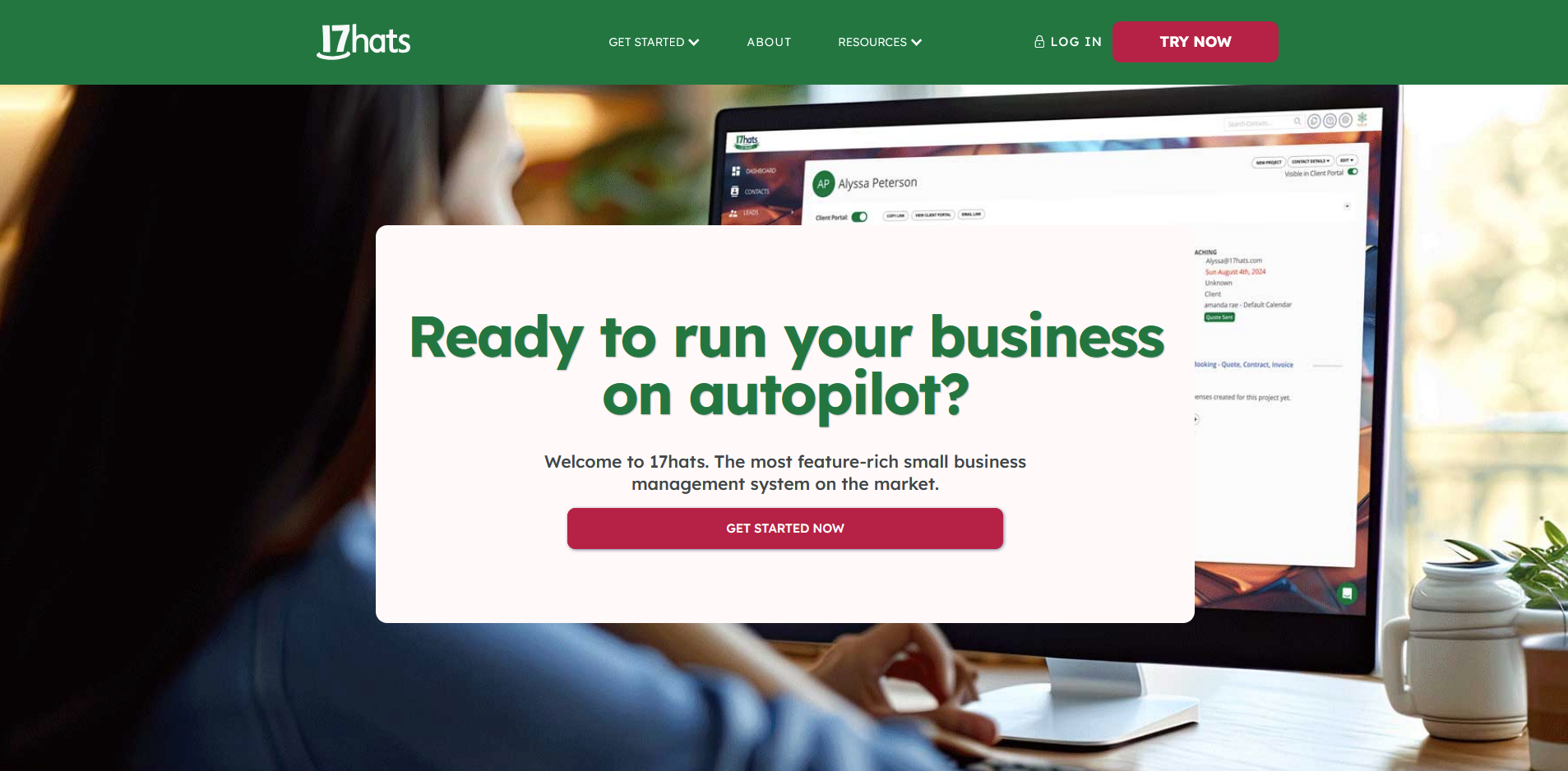
17hats is a client management platform built for solo business owners who want leads, contracts, invoices, and project tracking in one place. Its 3-in-1 document combines a quote, contract, and invoice into a single file clients can sign and pay from one place. The client-facing templates look dated compared to newer tools in this category, which may affect how clients perceive the experience.
Key features
- 3-in-1 documents: Combine a quote, contract, and invoice into a single document that clients can review, sign, and pay from one place.
- Automated workflows: Trigger follow-up emails, reminders, and document sends based on where a lead or project sits in your pipeline.
- Bookkeeping: Track income and expenses, categorize transactions, and generate basic financial reports without connecting a separate accounting tool.
Pros
- The base plan includes the core feature set without splitting functionality across multiple tiers, though some advanced features like scheduling and time tracking are available as paid add-ons
- Multi-brand support lets you manage multiple businesses from one account, which is useful for owners running more than 1 service
- The workflow automation covers the full lead-to-payment sequence, reducing the manual steps between inquiry and booking
Cons
- The interface looks dated compared to newer tools in this category, which can affect how clients perceive the experience
- The calendar view has limited flexibility, and bulk-updating availability or scheduling across multiple projects requires manual adjustments
Best for
- Solo business owners who want the full lead-to-invoice workflow covered without managing multiple tools
- Entrepreneurs running more than 1 business who need separate brand profiles under a single account
- Small service businesses that prioritize workflow automation over a polished client-facing design
Pricing
17hats starts at $600 per year.
Special mentions
The tools below cover different corners of what Plutio offers, from project management to client portals to agency financials.
Here are 6 more Plutio alternatives worth considering:
- Notion is a flexible workspace for notes, docs, and project tracking that many freelancers use to manage client work. I found it useful for organizing project documentation and sharing status pages with clients, but it has no native invoicing, time tracking, or billing, so you'd still need separate tools for the financial side of client work.
- ClickUp is a project management platform with tasks, docs, time tracking, and automations built in. I found the customization options extensive enough to handle most client delivery workflows without needing additional tools. It doesn't include invoicing or a dedicated client portal, so billing still requires a separate solution.
- monday.com is a visual project management tool with strong automation and reporting capabilities. It works well for teams tracking client deliverables across multiple projects, but clients join as guests rather than through a dedicated portal, and there's no billing functionality built in.
- Moxo is a client collaboration platform built around structured onboarding flows and approval-based workflows. It's built around structured approval steps and action items, which I found works well when client interactions follow a defined process. The feature depth may be more than smaller teams or solo freelancers need day to day.
- SuiteDash is a white-label client portal platform with CRM, project management, and billing included. The white-labeling covers your domain, client portal, and outbound emails, and I found the billing and project management features functional enough to run client work without adding tools. Getting everything configured the way you want takes patience due to the dated interface.
- Productive is an agency management platform focused on project financials, resource planning, and team utilization. I found the budget tracking and profitability reporting useful for agencies that need visibility into whether client work is actually making money. It's built for agency operations, so solo freelancers coming from Plutio may find it more than they need.
How to evaluate Plutio alternatives
Plutio alternatives range from freelancer-focused business suites to full client portal platforms built for growing service firms. The overlap in features can make it hard to tell them apart at first glance.
The right fit depends on a few key factors:
- How much of the client lifecycle you want covered: Some tools focus on getting clients signed and paid, then stop. Others carry the relationship forward with task management, messaging, automated follow-ups, and a dedicated portal where clients log in. Worth deciding upfront how much you want living in one place.
- Whether a branded experience matters to your business: Some platforms give you a fully white-labeled portal on a custom domain. Others apply your logo and colors but stop there. If clients are logging into a space that represents your business, the difference between surface-level branding and a fully custom experience is worth paying attention to.
- How you price your team vs. your clients: Some tools charge per internal team member, some charge based on how many clients you have, and some do both. Plutio uses flat-rate pricing, so switching to a per-seat or per-client model can change your monthly cost significantly depending on your setup.
- Whether you need native automation or can work around it: Plutio now includes built‑in, trigger‑based automations for things like proposals, invoices, and projects, but cross‑app workflows still rely on tools like Zapier or Make. If deep automation is key for you, check how much a platform can handle natively before you switch.
- Setup time vs. out-of-the-box usability: Some tools on this list take real configuration time before they're client-ready. Others work well with minimal setup. If you need to move quickly, that tradeoff is worth factoring in alongside features.
The client experience your business delivers depends on the tools behind it
Many teams switching away from Plutio aren't just looking for more clients on a cheaper plan. They're looking for something that handles more of the client relationship without hitting a ceiling every time the business grows. The tools on this list take different approaches, and the right one depends on how much of that relationship you want to manage in one place.
If you're running a professional service firm and want a branded portal that handles onboarding, billing, and ongoing client communication without add-ons or workarounds, Assembly is worth considering. Dynamic client homepages, recurring automations, and a built-in CRM help support a more consistent client experience across your work.