



A marketing agency client portal keeps client communication, approvals, files, and billing in one branded space. After testing dozens of tools, here are the 9 worth considering for agencies in 2026.
Larger agencies sometimes look at customer success platforms instead. If that is where you are, our Gainsight vs Planhat comparison covers how each one handles onboarding, client portals, and retention.
9 Best marketing agency client portal software: Quick comparison
| Tool | Best for | Annual price | Strengths |
|---|---|---|---|
| Assembly | Tailored client portals with CRM and billing | $29/month | Branded client portals, CRM, billing, automations, and embedded dashboards |
| Moxo | High-touch client workflow management | $99/month, billed monthly | Client workflows, messaging, file sharing, and e-signatures |
| SuiteDash | Deep white-label client portal and workspace customization | $180/year | White-label portal, CRM, project management, and billing |
| monday.com | Teams already using monday for project management | $12/seat/month, minimum of 3 seats | Visual project tracking, client-facing boards and portals, automations, and integrations |
| ClickUp | Project management with client access | $7/user/month | Task management, docs, dashboards, and guest access |
| CoordinateHQ | Structured client onboarding and visibility | $25/internal user/month | Client onboarding, task tracking, progress visibility, and templates |
| Dock | Client onboarding and handoff management | $350/month, billed monthly | Client workspaces, onboarding checklists, file sharing, and embeds |
| OnRamp | Complex, multi-step client onboarding | Custom pricing | Onboarding automation, task tracking, progress dashboards, and integrations |
| Kitchen | Lean agencies watching software spend | $29/internal user/month, billed monthly | File approvals, audio messaging, task boards, and lifetime plan |
Every tool in this table gives clients a login, but they differ in how much of that experience carries your agency's brand. For a closer look at white-label options, see our guide to the best branded client portal tools, or learn how to build a custom web portal that clients reach from your own website.
Some agencies start with tools they already pay for. A Google Drive client portal covers basic file sharing, and a Notion client portal can organize project pages with databases and permissions. Both can work for a handful of clients before a dedicated platform makes more sense.
SuiteDash and ClickUp both let you build client-facing dashboards. If campaign reporting is the main reason your clients log in, customizable dashboards from a dedicated tool can pull all your data sources into one view.
How I researched and tested these marketing agency client portals
I tested the majority of these platforms using mock agency workflows, including sample client onboarding, file sharing, task management, and billing scenarios. For tools without direct access, I reviewed product documentation, demos, and walkthroughs to assess their capabilities.
Here's what I considered:
- Client-facing experience: How clearly each portal communicates project status, tasks, and files to clients without requiring back-and-forth from your team.
- Setup and configuration: How quickly you can build a working portal, invite clients, and start running real work through it.
- Branding and customization: How much control you have over the look and feel of what clients see.
- Workflow fit for agencies: How well each tool handles recurring agency work like approvals, revisions, reporting, and retainer billing.
- Integrations: How each platform connects with the tools agencies already use, including project management, communication, and reporting tools.
The clearest pattern across testing was that tools built for general project management tend to require the most configuration before they work well for client-facing use.
1. Assembly: Best for tailored client portals with CRM and billing
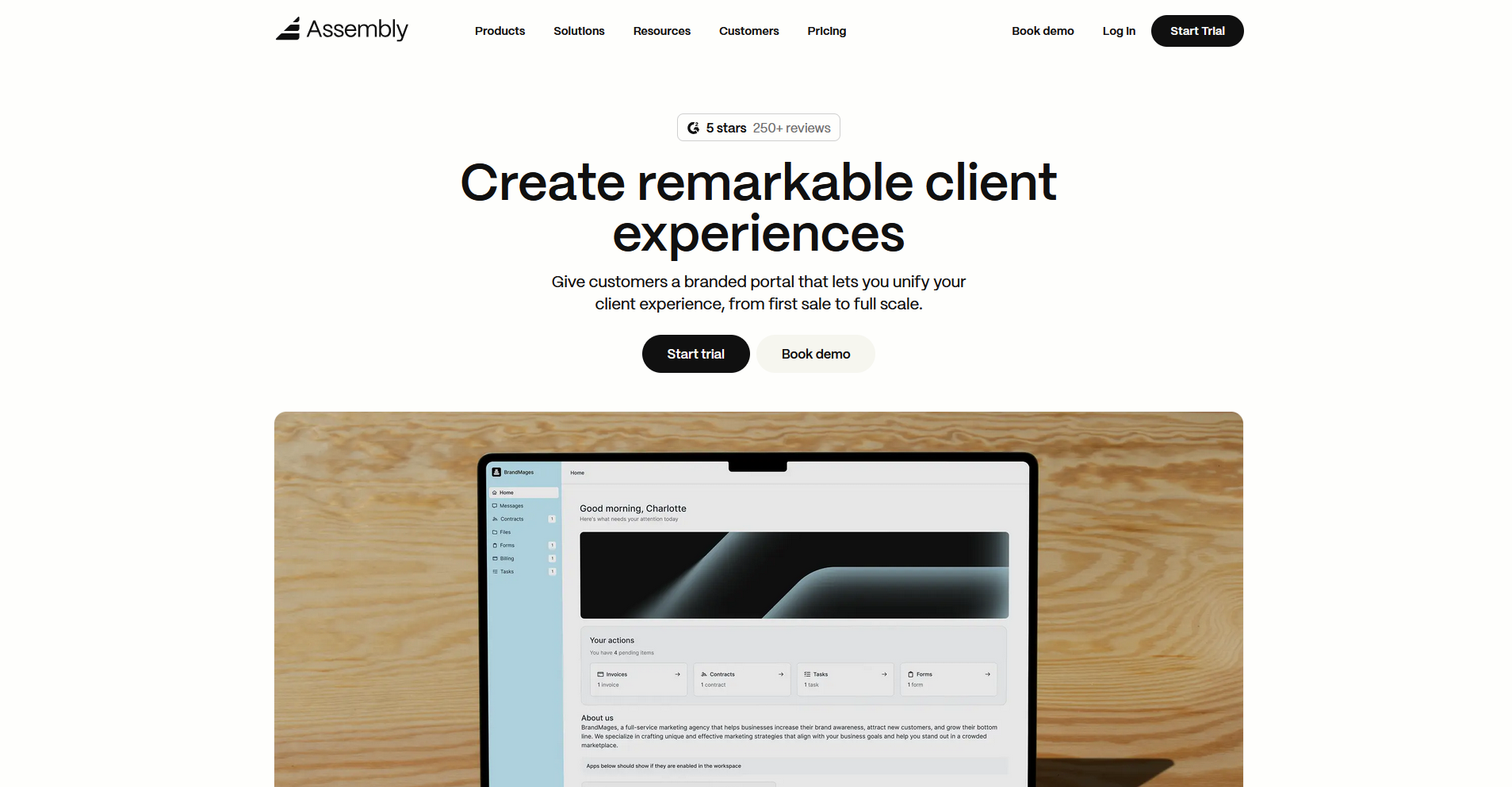
- What it does: Assembly is a client portal platform built on a core CRM that lets marketing agencies create a portal where clients can access messages, files, contracts, invoices, and tasks from one workspace.
- Best for: Agencies that want every client to log into a tailored, branded experience with CRM, billing, and project management connected in one place.
We built Assembly so every client touchpoint happens inside a portal that reflects your agency's brand. Each client gets a dynamic homepage tailored to their engagement, with tasks linked to their record, apps grouped into folders, and recurring automations handling follow-ups. Clients only access their own workspace since every invite is explicit.
Key features
- Branded client portal with dynamic homepages: Invite clients into a portal under your own domain where each homepage reflects their specific engagement, with tasks, messages, and files connected to their record.
- CRM with client-linked tasks: Manage client relationships, communication history, and project tasks from a single record so your team always has full context without switching tools.
- Assembly Assistant: Summarizes recent client activity and drafts messages to help your team walk into client calls with full context on what's been discussed and what's outstanding.
Pros and cons
| Pros | Cons |
|---|---|
| CRM, portal, billing, and automations connect in one platform so client data does not live in separate tools | Portal layout options are more limited than custom-built solutions |
| Dynamic client homepages can be tailored per engagement without manual updates | Conditional forms are not currently supported, which can make complex intake workflows harder to build |
| App Folders keep the client sidebar organized without exposing internal tools |
What users say
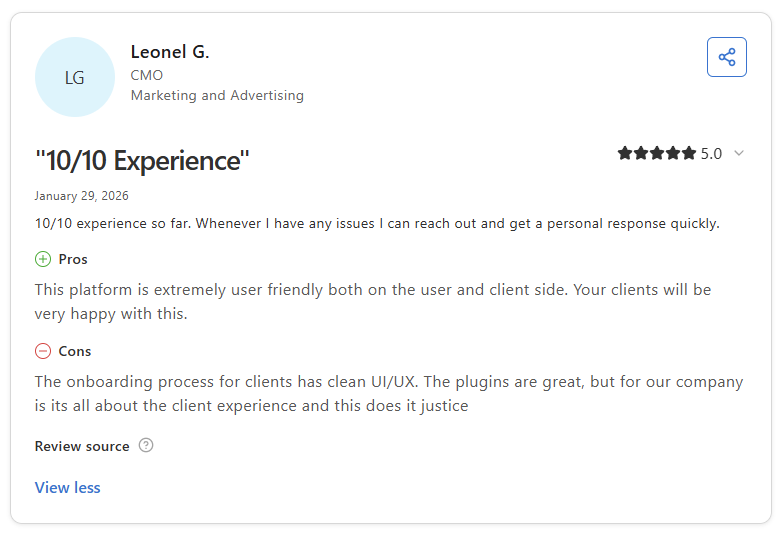
Pro: “The platform is extremely user friendly both on the user and client side. Your clients will be very happy with this.” - Leonel G., Capterra
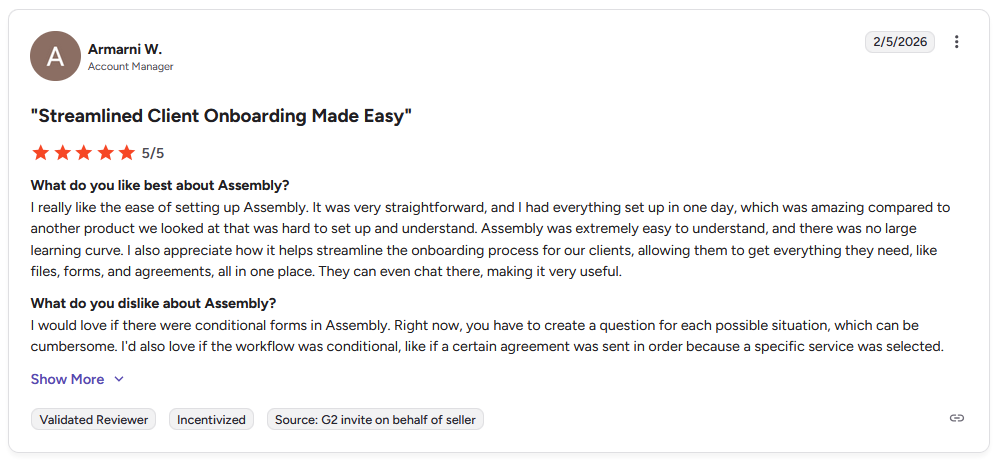
Con: “I would love if there were conditional forms in Assembly. Right now, you have to create a question for each possible situation, which can be cumbersome. I’d also love if the workflow was conditional, like if a certain agreement was sent in order because a specific service was selected.” - Armarni W., G2
Pricing
Assembly has a free plan, and paid plans start at $29 per month billed annually.
Bottom line
Assembly's dynamic client homepages mean each client logs into a portal built around their specific engagement, not a generic dashboard shared across accounts. If you need a flexible project management tool that your team already uses with client access built on top, ClickUp might be a better fit.
2. Moxo: Best for high-touch client workflow management
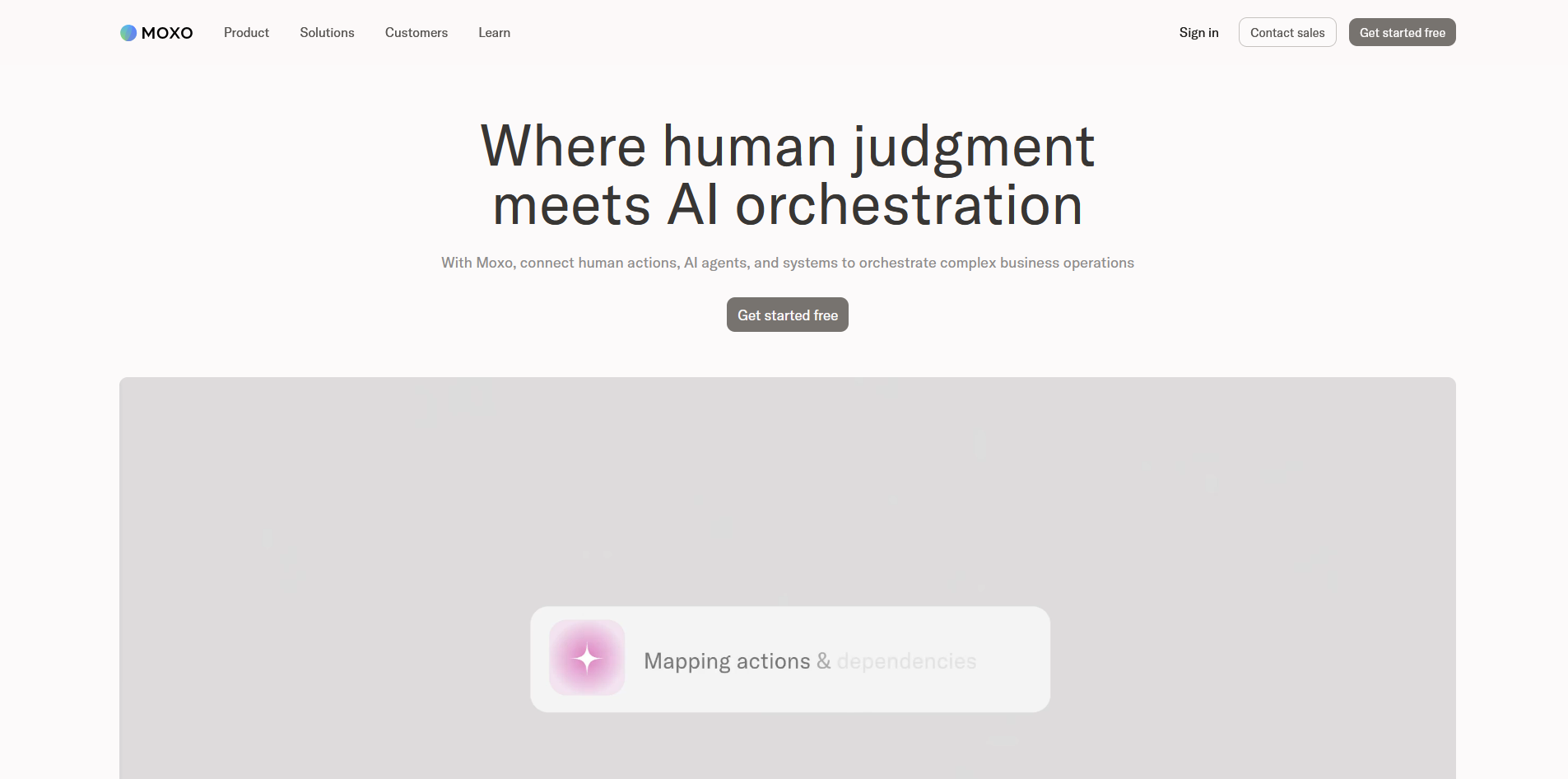
- What it does: Moxo is a workflow-driven client portal platform that lets teams build structured approval and onboarding flows, share documents securely, and communicate with clients through a branded workspace.
- Best for: Agencies managing multi-step client processes that require document approvals, e-signatures, and structured task sequences across active accounts.
I set up a sample agency workflow in Moxo to test approvals across a creative asset review cycle. Each approval stage moved to the next owner automatically once the previous one was completed, and every action was logged in the audit trail with minimal manual tracking on my end. Getting your first workflow configured can take some time, so plan ahead before going live with a client.
Key features
- Workflow builder: Build and reuse multi-step client workflows with drag-and-drop tools, assigned owners, and conditional logic for approvals and document requests.
- Secure document management: Upload, share, annotate, and collect approvals on files with version control and a full audit trail.
- White-label branding: Apply your agency's logo, colors, and custom domain so clients interact entirely within your branded environment.
Pros and cons
| Pros | Cons |
|---|---|
| Workflow templates can reduce setup time for repeat processes | Initial configuration takes time before workflows are client-ready |
| Document approvals and e-signatures stay inside one portal | The feature depth may be more than smaller agencies with straightforward client needs require |
| White-label branding gives agencies control over the client experience |
What users say
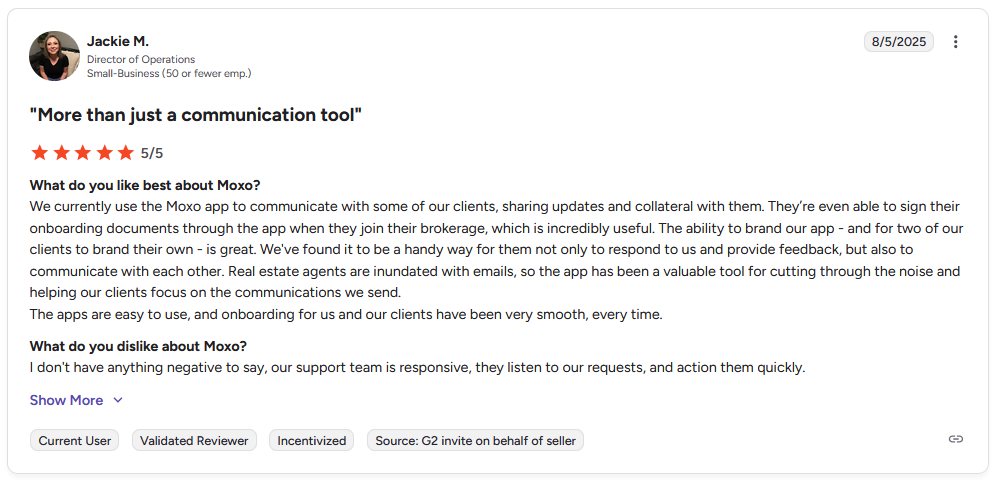
Pro: "We currently use the Moxo app to communicate with some of our clients, sharing updates and collateral with them[…]The ability to brand our app…is great. The apps are easy to use, and onboarding for us and our clients has been very smooth, every time." - Jackie M., G2
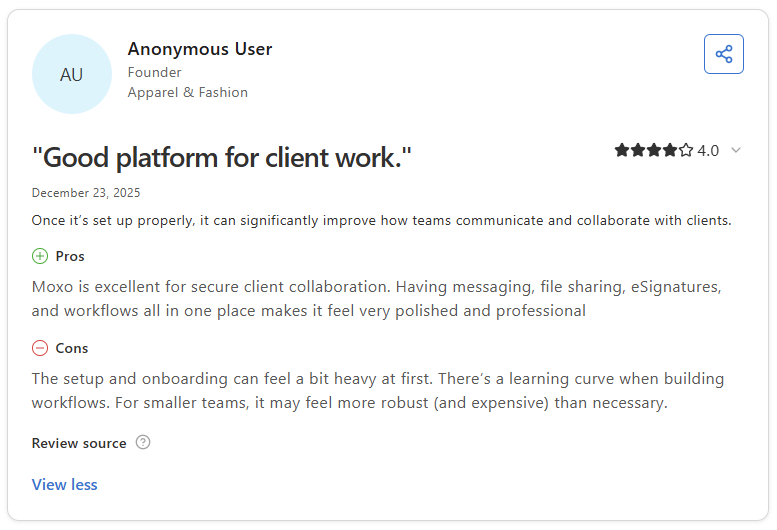
Con: "The setup and onboarding can feel a bit heavy at first. There's a learning curve when building workflows. For smaller teams, it may feel more robust (and expensive) than necessary." - Anonymous User, Capterra
Pricing
Moxo starts at $99 per month, billed monthly.
Bottom line
Moxo's audit trail and compliance controls make it a reasonable option when client approval history needs to be traceable, not just organized. If you want a lighter portal focused on task visibility and client onboarding steps, CoordinateHQ might be a better fit.
3. SuiteDash: Best for deep white-label client portal and workspace customization
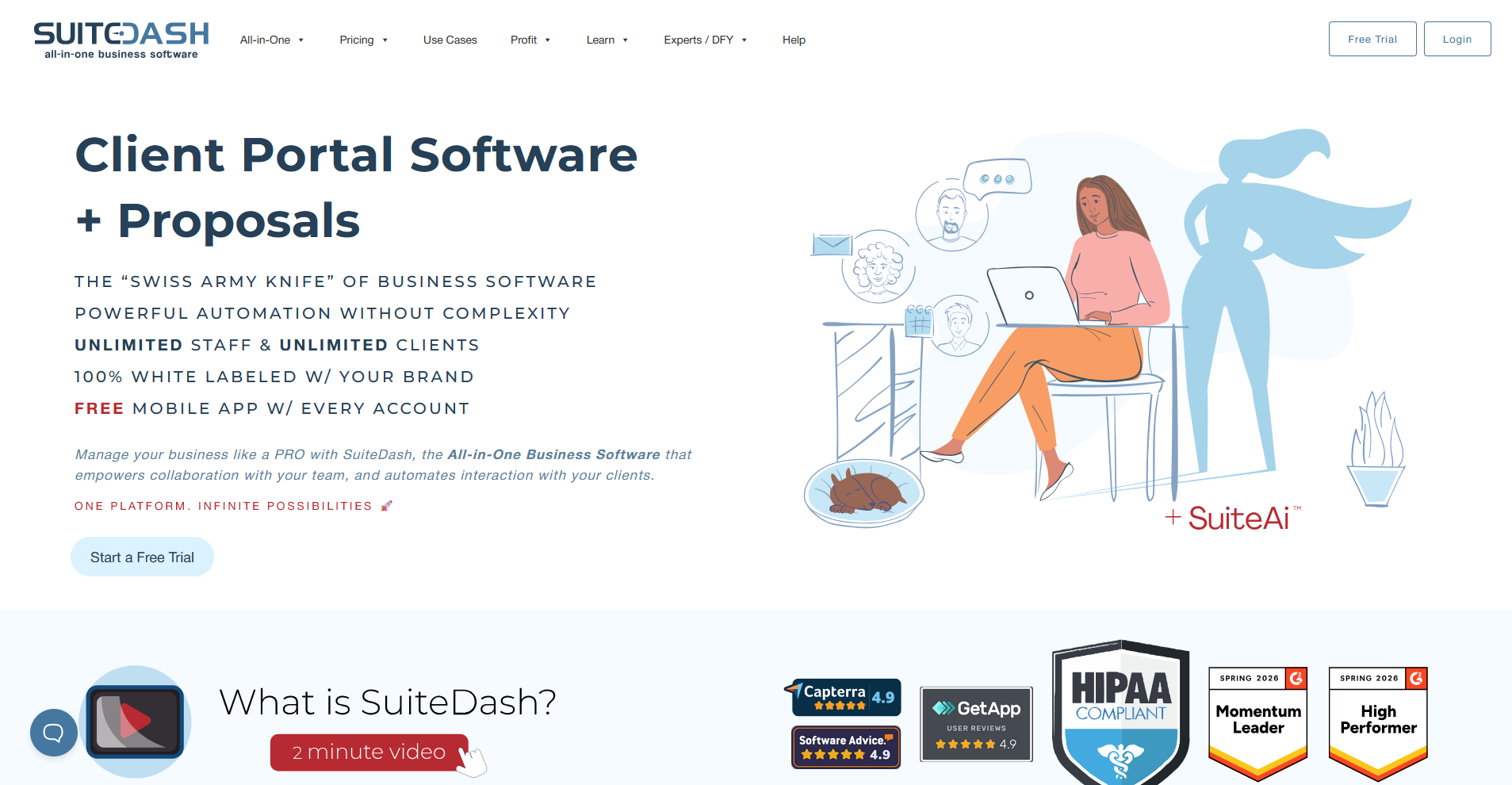
- What it does: SuiteDash is a white-label business platform where agencies build fully branded client portals and manage projects, proposals, billing, and CRM from one workspace.
- Best for: Agencies that want deep control over how their portal looks and functions, including custom domains, branded mobile apps, and tailored dashboard views for different client types.
I created a mock agency portal in SuiteDash to test the white-label customization across a client onboarding scenario. Every branding element I updated carried through to the client view as expected, from the login screen down to the mobile app icon. The automation builder can take time to configure for anything beyond basic triggers.
Key features
- White-label customization: Apply your logo, colors, and custom domain across the portal, login screen, email notifications, and mobile app.
- Custom dashboard builder: Build tailored dashboard views for different client types using drag-and-drop content blocks, dynamic data placeholders, and embeds.
- Automations: Chain triggers across modules so a form submission can create a client record, kick off a project, and generate an invoice without manual input.
Pros and cons
| Pros | Cons |
|---|---|
| White-label depth covers every client-facing touchpoint including the mobile app | The volume of settings can make initial setup time-consuming |
| Dashboard builder supports different views for different client or service types | Automation logic can take time to configure for complex agency workflows |
| Pricing is flat-rate, so client volume does not affect your monthly cost |
What users say
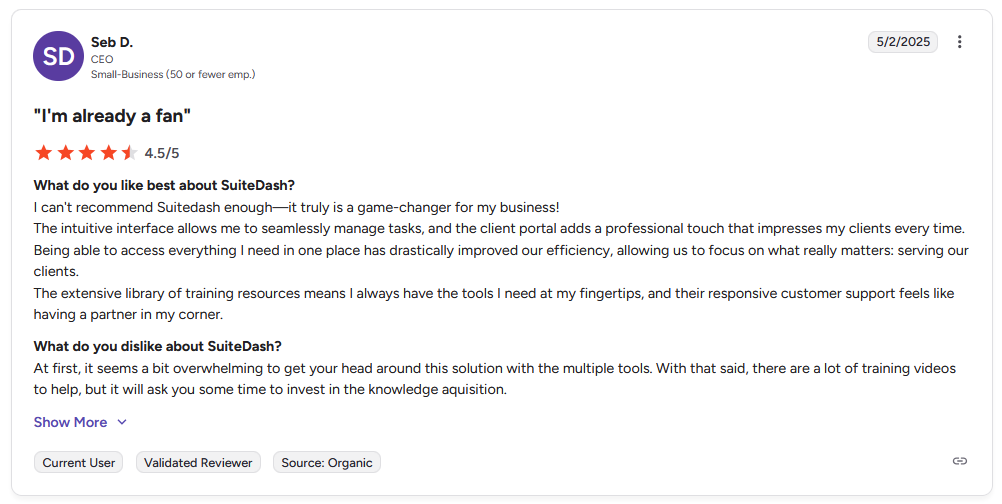
Pro: "The intuitive interface allows me to seamlessly manage tasks, and the client portal adds a professional touch that impresses my clients every time. … The extensive library of training resources means I always have the tools I need at my fingertips, and their responsive customer support feels like having a partner in my corner." - Seb D., G2
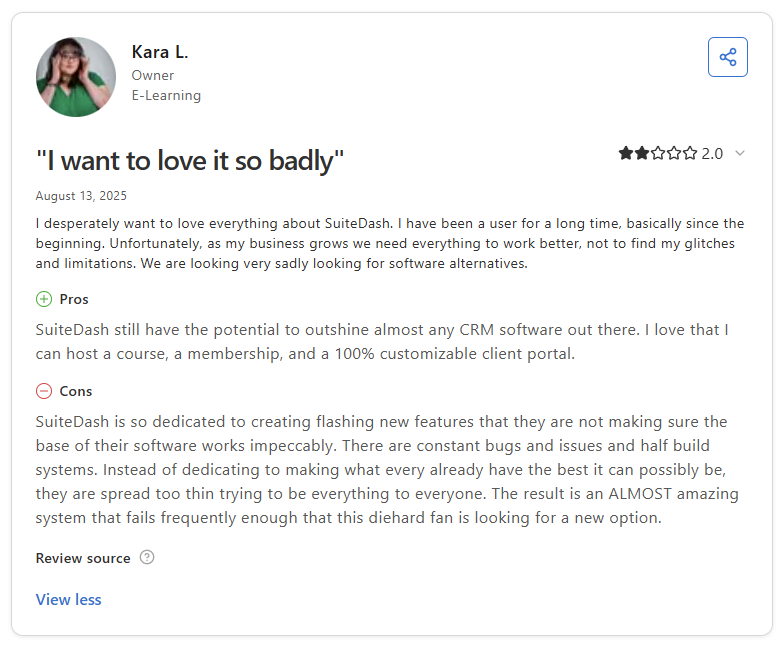
Con: "SuiteDash is so dedicated to creating flashing new features that they are not making sure the base of their software works impeccably. There are constant bugs and issues and half build systems. … The result is an ALMOST amazing system that fails frequently enough that this diehard fan is looking for a new option." - Kara L., Capterra
Pricing
SuiteDash starts at $180 per year.
Bottom line
SuiteDash's flat-rate pricing structure means your costs don't increase as your client base grows, which can be a meaningful advantage for agencies managing a high volume of clients. If you need a portal with stronger CRM capabilities and built-in billing tools, Assembly might be a better fit.
4. monday.com: Best for teams already using monday for project management
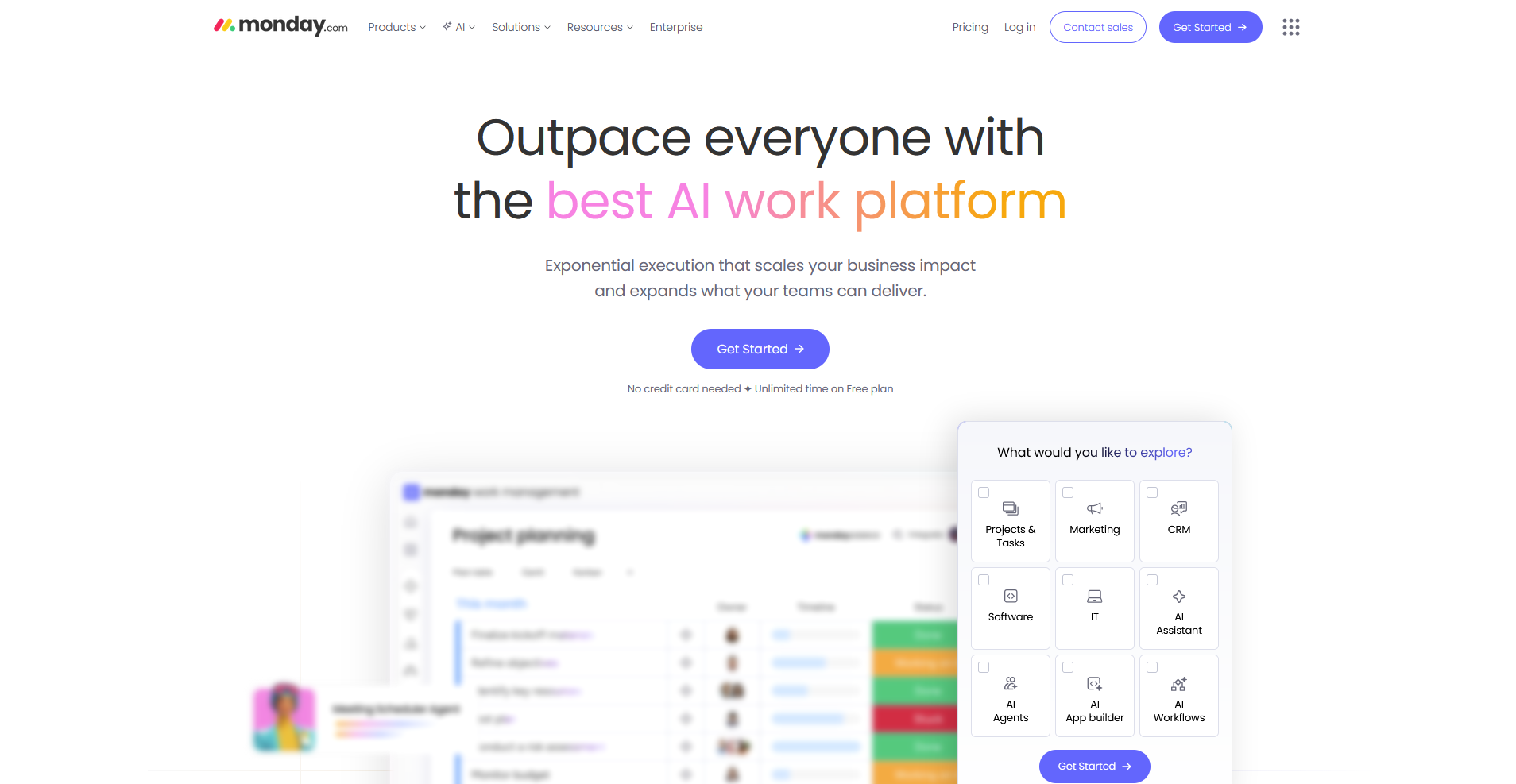
- What it does: monday.com is a visual work management platform that lets teams plan projects, track tasks, and share progress with clients through customizable boards, dashboards, and guest access.
- Best for: Agencies already running their internal work in monday.com that want to extend project visibility to clients without switching platforms.
I connected a sample campaign board in monday.com to a guest account to test how clients navigate project updates. When I logged in as the guest, the board structure was clear but the navigation made it feel more like an internal workspace than a client portal. That means the experience your clients get depends on how well you've configured your boards upfront.
Key features
- Guest access: Invite clients to specific shareable boards with controlled permissions so they can view updates, comment, and approve items without seeing your internal workspace.
- Multiple views: Switch between board, timeline, calendar, and Gantt views to present project data in whatever format works best for your client.
- Automations: Set up trigger-based workflows for status changes, deadline reminders, and task assignments to reduce manual follow-up across active campaigns.
Pros and cons
| Pros | Cons |
|---|---|
| Visual board structure can adapt to most campaign and content workflows | No dedicated client portal layer, so the client experience depends on your board setup |
| Guest access is unlimited on Pro plans and above | monday.com branding is visible to clients, with limited white-label options |
| Wide range of integrations with tools agencies already use |
What users say
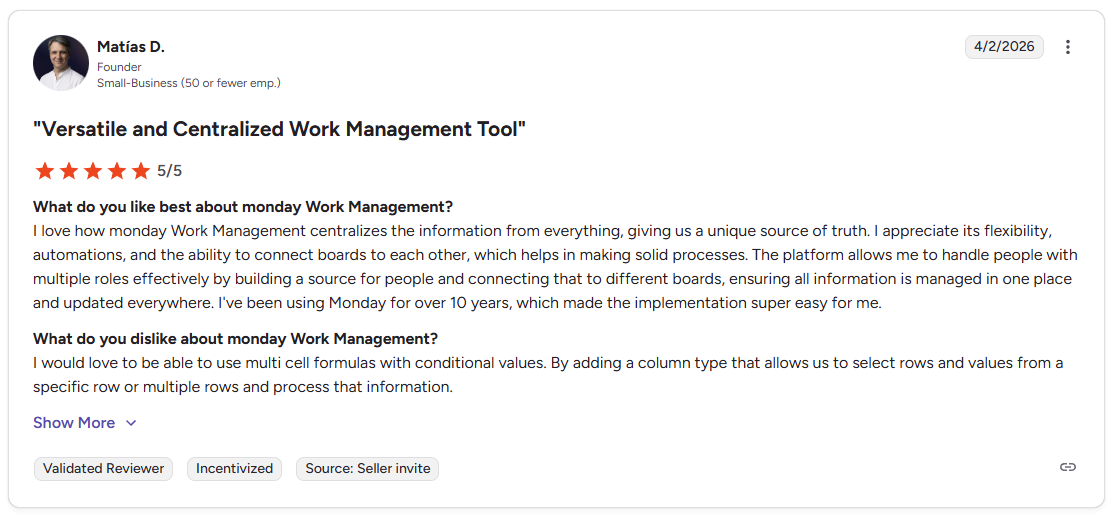
Pro: “I love how monday Work Management centralizes the information from everything, giving us a unique source of truth. I appreciate its flexibility, automations, and the ability to connect boards to each other… The platform allows me to handle people with multiple roles effectively by building a source for people and connecting that to different boards, ensuring all information is managed in one place and updated everywhere.” - Matías D., G2
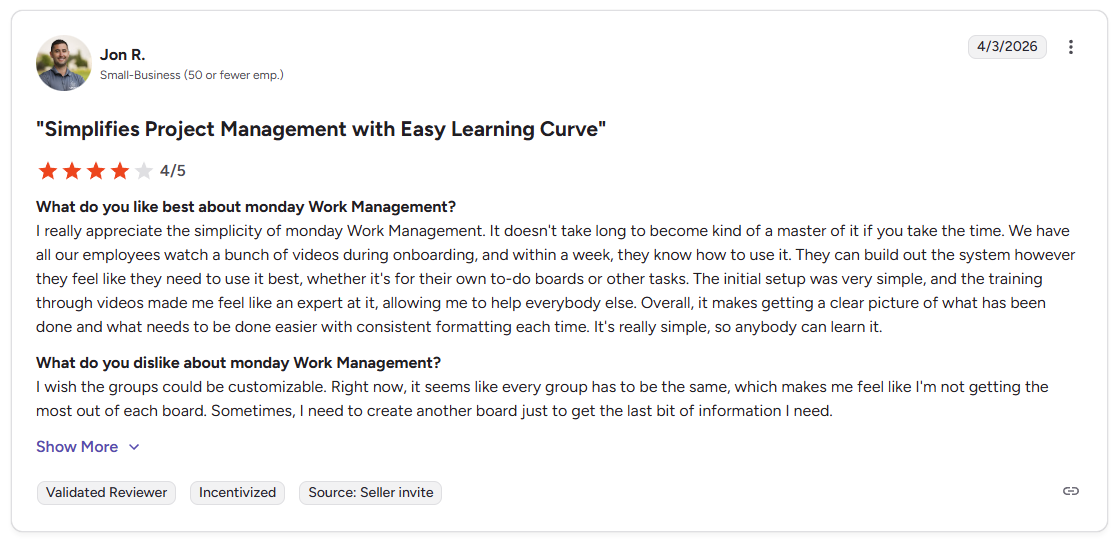
Con: “I wish the groups could be customizable. Right now, it seems like every group has to be the same… Sometimes, I need to create another board just to get the last bit of information I need.” - Jon R., G2
Pricing
monday.com starts at $12 per seat per month, with a minimum of 3 seats.
Bottom line
monday.com works well as a client portal when your agency is already deeply embedded in its project management ecosystem and doesn't want to add another tool. If you need a cleaner, more structured client-facing workspace that's built for the handoff between sales and delivery, Dock might be a better fit.
5. ClickUp: Best for project management with client access
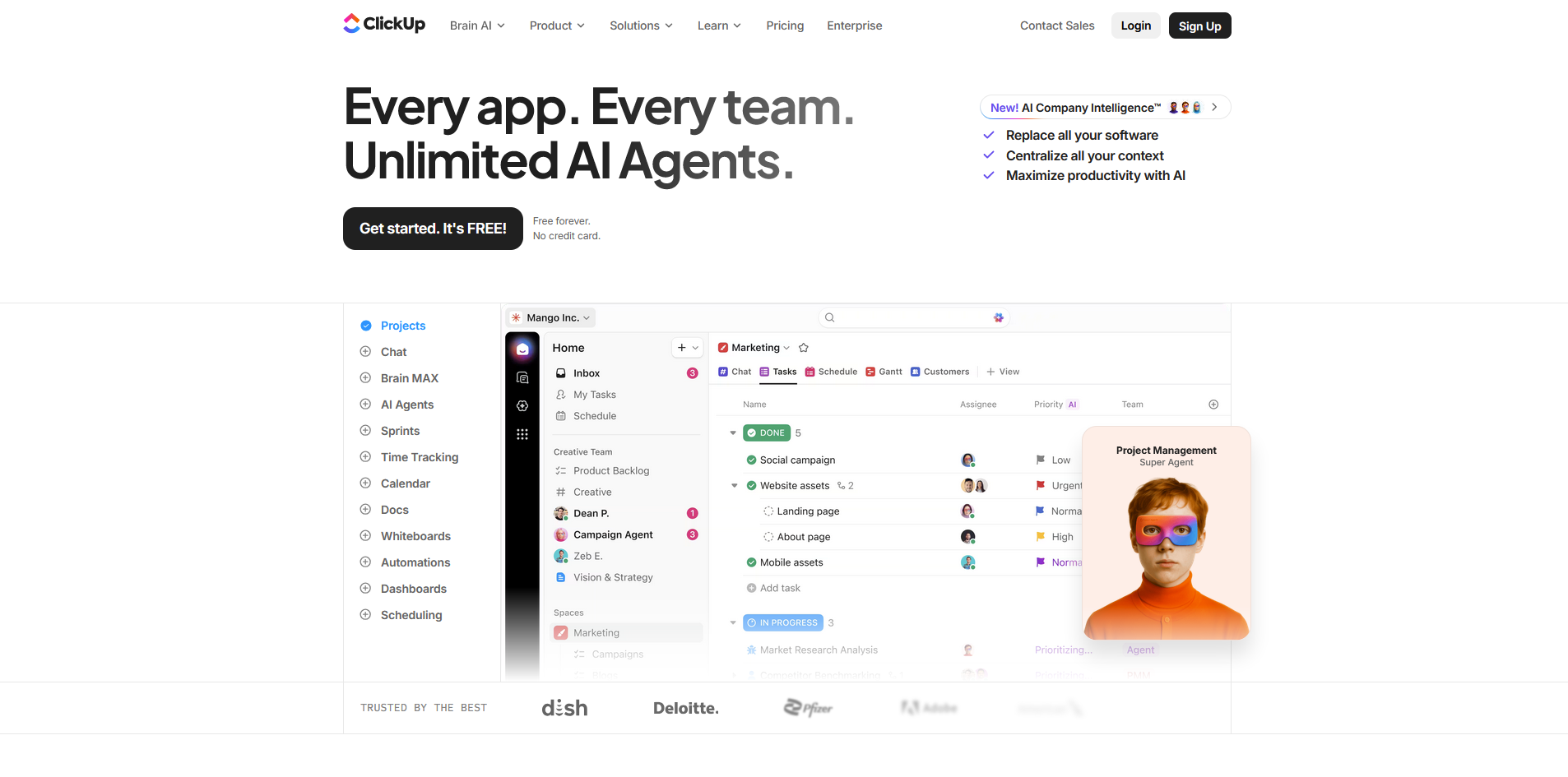
- What it does: ClickUp is a project management platform that lets teams manage tasks, docs, and workflows, with guest access options that allow clients to view and interact with selected parts of your workspace.
- Best for: Agencies that want flexible task management and are comfortable building their own client-facing structure using guest permissions and shared views.
I built a sample client workspace in ClickUp to test how much you can control what clients see. Setting permissions at the task, list, and folder level worked as expected, but pulling together a presentable client dashboard took several iterations. There's no dedicated client portal, so views, dashboards, and permissions all need manual configuration first.
Key features
- Guest access and permissions: Invite clients as guests and control their access at the task, list, or folder level, with options for view-only, comment, or edit access.
- Custom dashboards: Build client-facing dashboards using widgets that surface task progress, timelines, and key metrics without exposing your internal workspace.
- Docs: Create and share documents, onboarding guides, and deliverable summaries directly inside the client's workspace with the same permission controls as tasks.
Pros and cons
| Pros | Cons |
|---|---|
| Detailed guest permissions give you control over what clients can see | No native client portal, so a clean client experience requires manual setup |
| Wide feature set covers tasks, docs, dashboards, and forms in one workspace | The interface can feel complex for clients who aren't project management tool users |
| Automations can handle status updates, deadline reminders, and task assignments across multiple client projects |
What users say
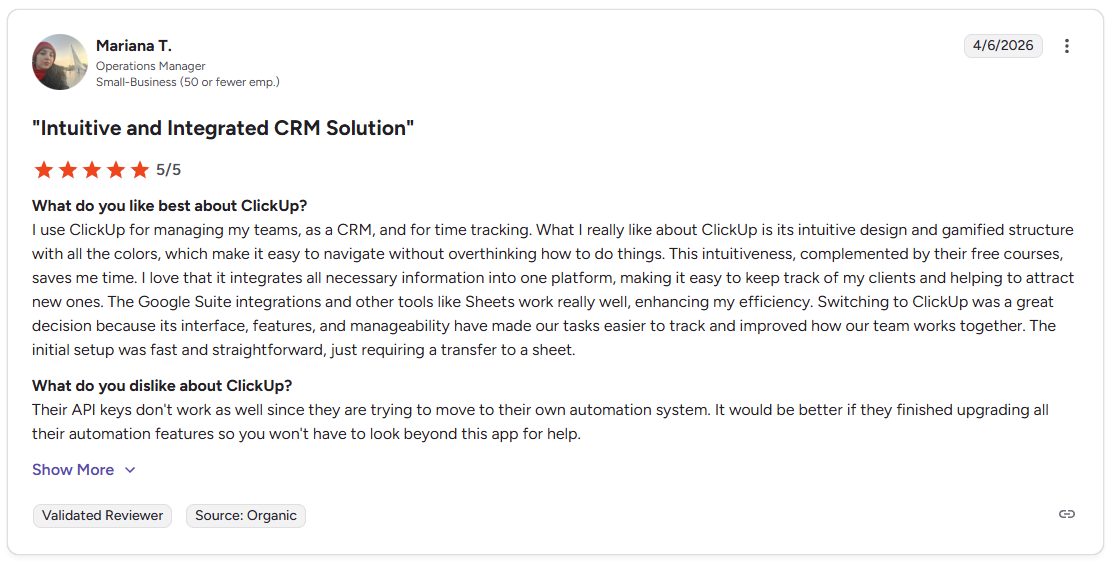
Pro: "I use ClickUp for managing my teams, as a CRM, and for time tracking. . … I love that it integrates all necessary information into one platform, making it easy to keep track of my clients and helping to attract new ones." - Mariana T., G2
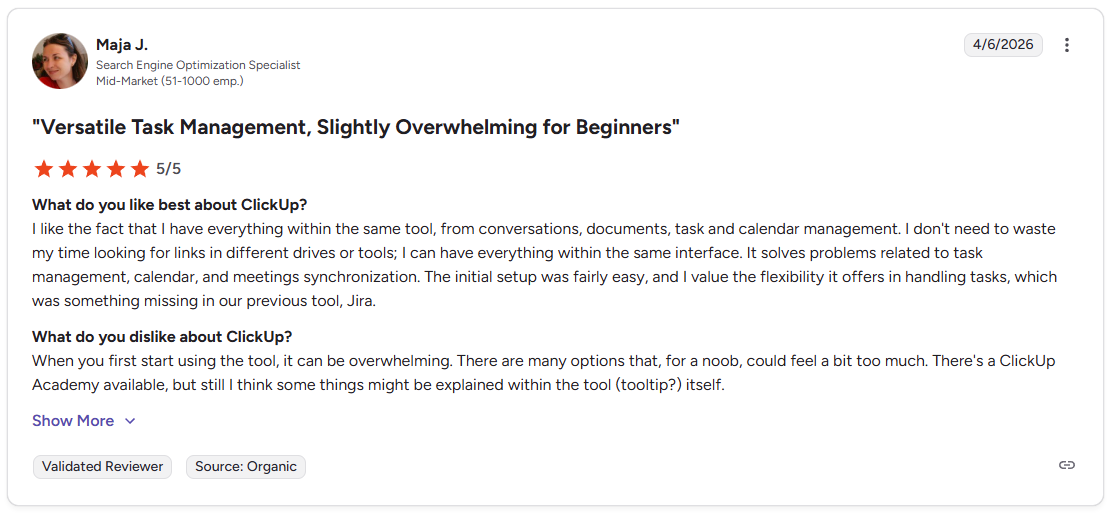
Con: "When you first start using the tool, it can be overwhelming. There are many options that, for a noob, could feel a bit too much." - Maja J., G2
Pricing
ClickUp starts at $7 per user per month.
Bottom line
ClickUp can handle most agency workflows in one place, from task management to client-facing dashboards. If you need a portal that's client-ready from the start without custom configuration, CoordinateHQ might be a better fit.
6. CoordinateHQ: Best for structured client onboarding and visibility
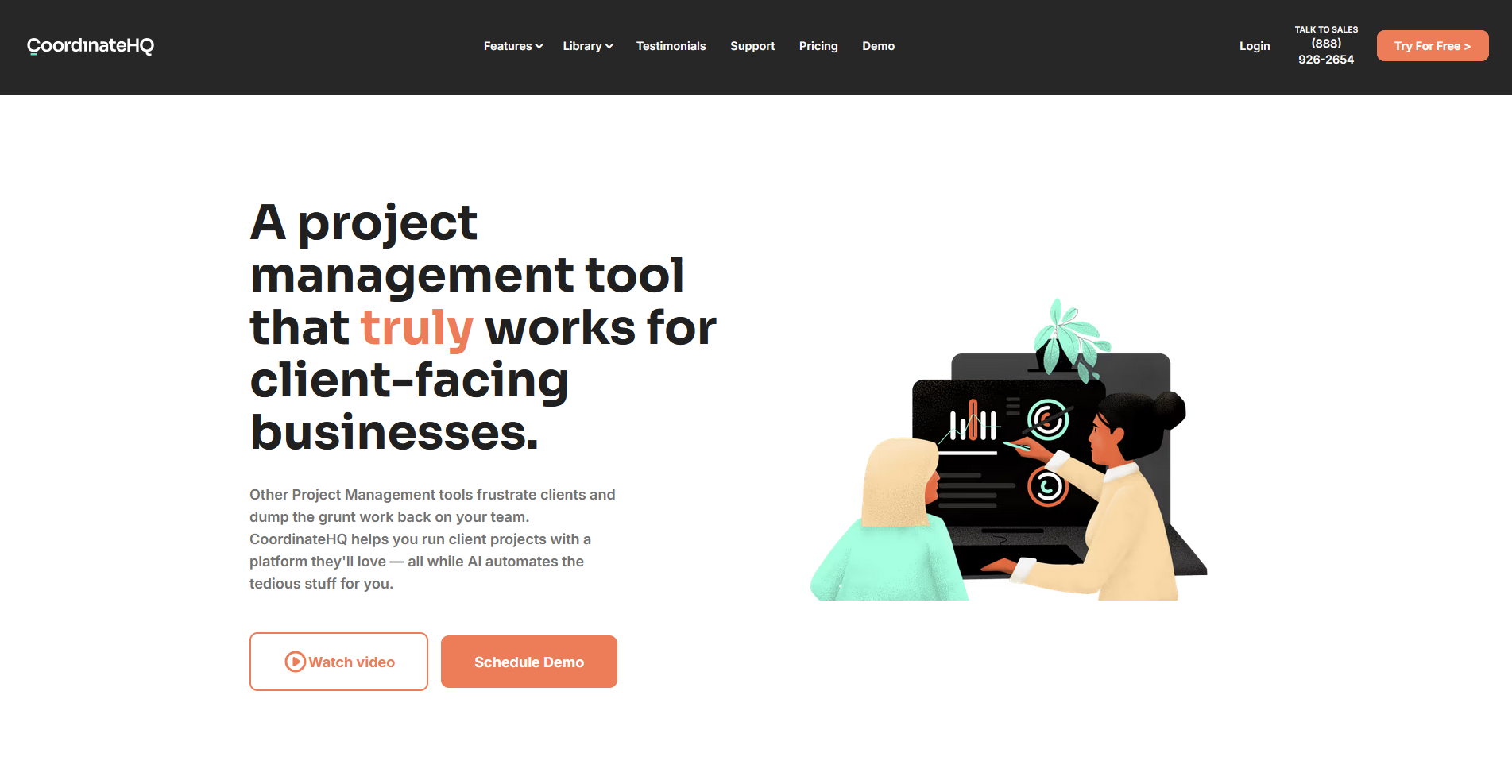
- What it does: CoordinateHQ is a client portal and project management platform built for service businesses that need to assign tasks directly to clients and track progress across repeatable onboarding workflows.
- Best for: Agencies running structured, repeatable client onboarding processes where clients need clear task assignments and progress visibility without seeing your internal operations.
I created a test project in CoordinateHQ to see how client task assignments work during a mock campaign kickoff. I found you can assign tasks with specific calls to action (CTAs) so clients see prompts like "Upload your brand assets" rather than a generic to-do list. The feature set is built around structured onboarding, so it can feel limited for ongoing client management.
Key features
- Client task assignments: Assign tasks directly to clients with custom calls to action that tell them exactly what step to take next, reducing back-and-forth over outstanding items.
- Dual project views: Give clients a clean, simplified view of their tasks while your team manages the full project, dependencies, and internal notes separately.
- Reusable templates: Build onboarding workflows once and replicate them across new clients to keep your process consistent without rebuilding from scratch each time.
Pros and cons
| Pros | Cons |
|---|---|
| Client task assignments with specific CTAs can reduce follow-up emails | Feature set is focused on onboarding and may feel limited for ongoing client management |
| Clean client-facing view keeps internal project details separate | Integrations are limited compared to broader project management tools |
| Simple interface means clients can navigate their tasks without needing a walkthrough from your team |
What users say
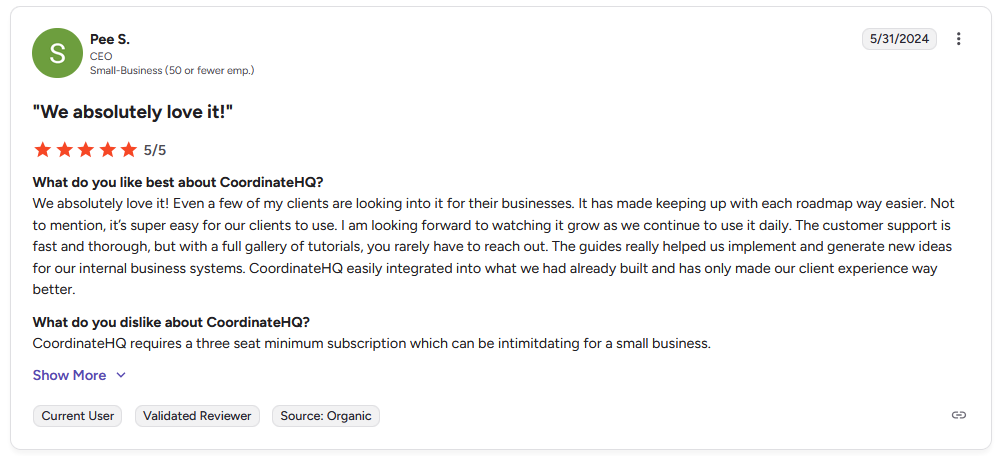
Pro: "It has made keeping up with each roadmap way easier. … It's super easy for our clients to use. … The customer support is fast and thorough, but with a full gallery of tutorials, you rarely have to reach out." - Pee S., G2
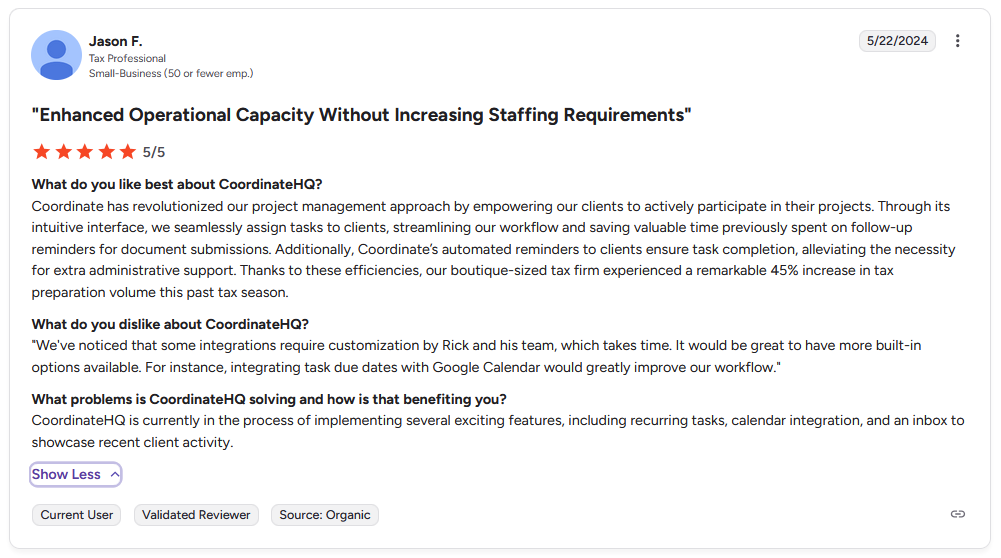
Con: "Some integrations require customization by Rick and his team, which takes time. … For instance, integrating task due dates with Google Calendar would greatly improve our workflow." - Jason F., G2
Pricing
CoordinateHQ starts at $25 per internal user per month.
Bottom line
CoordinateHQ's task-specific prompts can make client responsibilities clearer without requiring your team to explain the same steps repeatedly. If you need a portal with deeper white-label customization and built-in billing tools, SuiteDash might be a better fit.
7. Dock: Best for client onboarding and handoff management
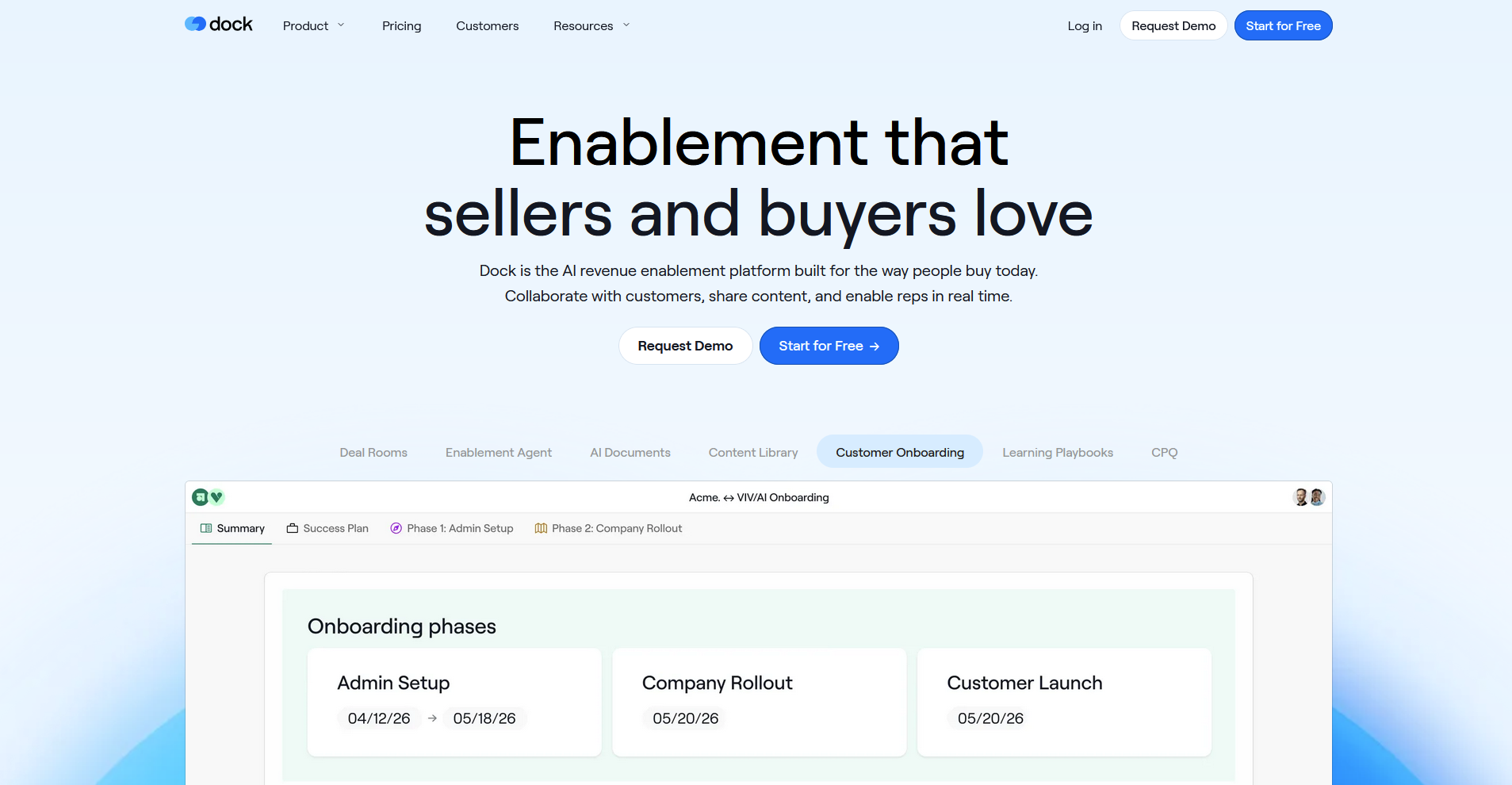
- What it does: Dock is a client workspace platform that lets teams create personalized onboarding hubs with tasks, documents, embeds, and progress tracking in one shared space.
- Best for: Agencies managing the handoff between sales and delivery that need a single workspace to carry a client from kickoff through ongoing account management.
I set up a Dock workspace to see how the sales-to-delivery handoff works across a typical agency engagement. The workspace I built carried the same structure from kickoff through ongoing delivery without needing to rebuild for each phase. Dock handles quotes and order forms but doesn't run payments itself, so billing and payment collection still needs to happen through a separate tool.
Key features
- Shared client workspaces: Build a single workspace per client that holds tasks, documents, embedded tools, and resources, and carry that same space through from onboarding to ongoing delivery.
- Engagement analytics: Track which clients have viewed content, completed tasks, or gone quiet, so your team can follow up based on actual activity rather than assumptions.
- Reusable templates: Build onboarding workspace templates once and personalize them for each new client without starting from scratch.
Pros and cons
| Pros | Cons |
|---|---|
| The same workspace can carry from onboarding through ongoing account management | No built-in CRM, so client relationship data still needs to live in a separate tool |
| Engagement analytics show which clients have viewed content and completed tasks | Limited billing and invoicing features compared to more full-service portal tools |
| Reusable templates can keep onboarding consistent across a growing client base |
What users say
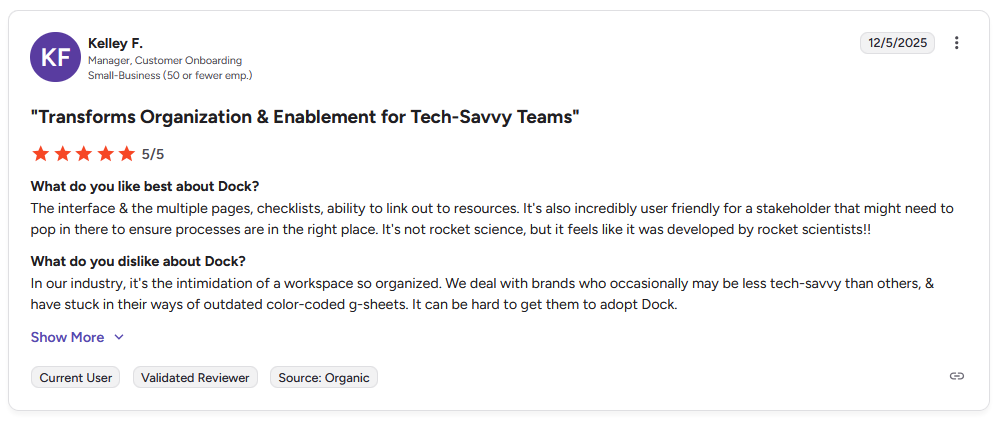
Pro: “The interface and the multiple pages, checklists, [and the] ability to link out to resources. It's also incredibly user-friendly for a stakeholder [who] might need to pop in there to ensure processes are in the right place. It's not rocket science, but it feels like it was developed by rocket scientists!!” - Kelley F., G2
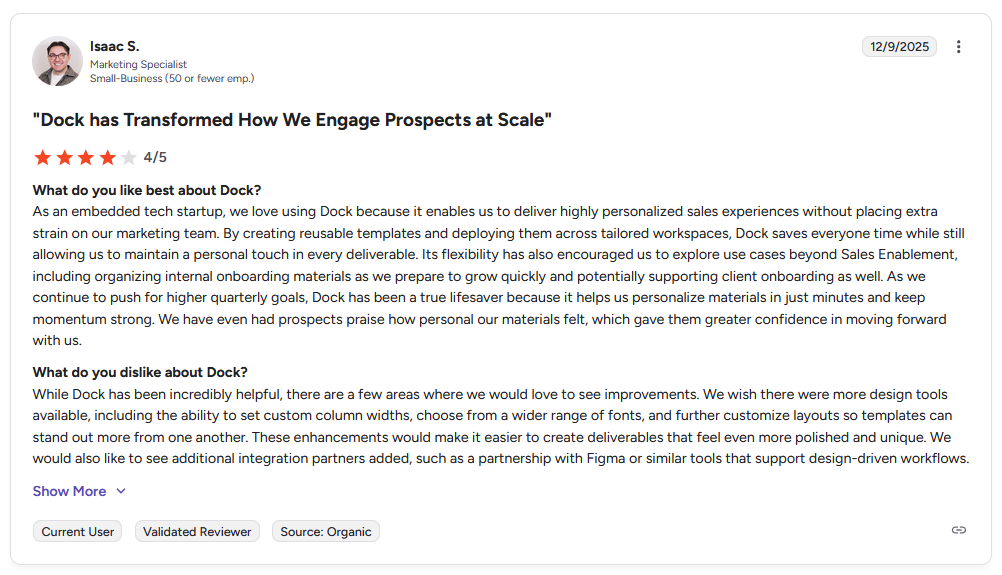
Con: "While Dock has been incredibly helpful, there are a few areas where we would love to see improvements. We wish there were more design tools available, including the ability to set custom column widths, choose from a wider range of fonts, and further customize layouts so templates can stand out more from one another. … We would also like to see additional integration partners added, such as a partnership with Figma or similar tools that support design-driven workflows." - Isaac S., G2
Pricing
Dock starts at $350 per month, billed monthly.
Bottom line
Dock's workspace continuity means you don't have to rebuild client hubs when moving from one project phase to the next. If you want a lighter portal focused on file approvals and client tasks without the sales-side features, Kitchen might be a better fit.
8. OnRamp: Best for complex, multi-step client onboarding
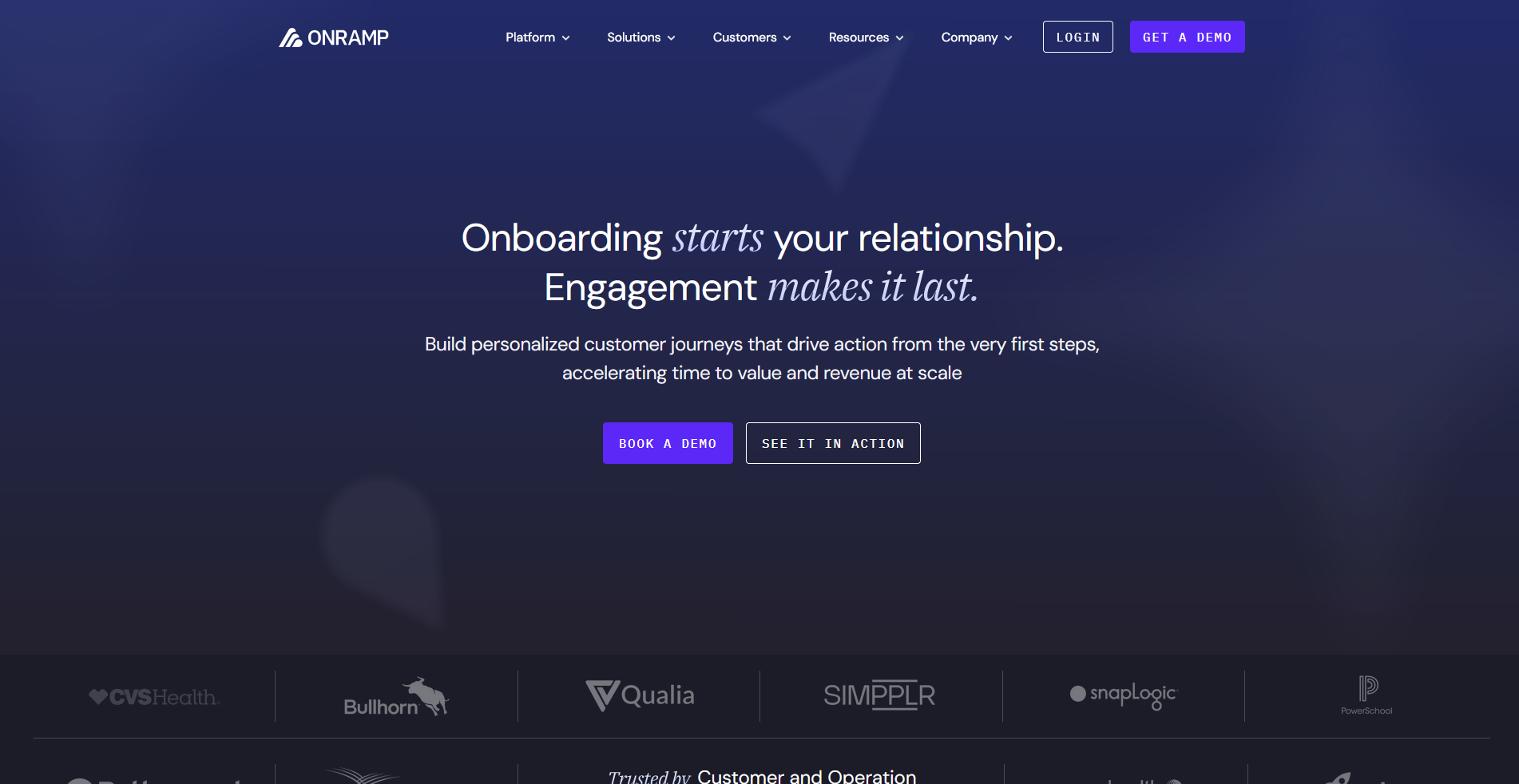
- What it does: OnRamp is a customer onboarding platform that gives clients a guided, step-by-step portal while giving your team a separate internal dashboard to track progress, manage tasks, and spot bottlenecks.
- Best for: Agencies running complex, multi-phase client onboarding where clients need clear guidance and your team needs full visibility into where each engagement stands.
I went through OnRamp's demo to see how the dual-interface system handles a multi-step agency onboarding scenario. The client-facing steps I reviewed were clean and linear, with each action prompting the next without requiring your team to follow up manually. It's built for onboarding though, so there's no built-in billing, messaging, or ongoing client management once the initial phase wraps up.
Key features
- Dual-interface system: Clients get a guided, step-by-step portal view while your team manages tasks, timelines, and bottlenecks from a separate internal dashboard.
- Automated workflow triggers: Connect OnRamp to your CRM so onboarding projects can launch automatically when a deal closes, without manual setup each time.
- Progress tracking and reporting: Monitor where each client sits in their onboarding journey, track completion rates, and identify where engagements tend to stall.
Pros and cons
| Pros | Cons |
|---|---|
| Separating the client view from the internal view can keep clients focused without overwhelming them | Native integrations focus on Salesforce and HubSpot, so other tools usually rely on Zapier or webhooks |
| CRM integrations can automate the handoff from sales to onboarding with minimal manual intervention | Optimized for onboarding and early customer engagement, not full customer success or account management |
| Progress dashboards give your team visibility across all active onboardings at once |
What users say
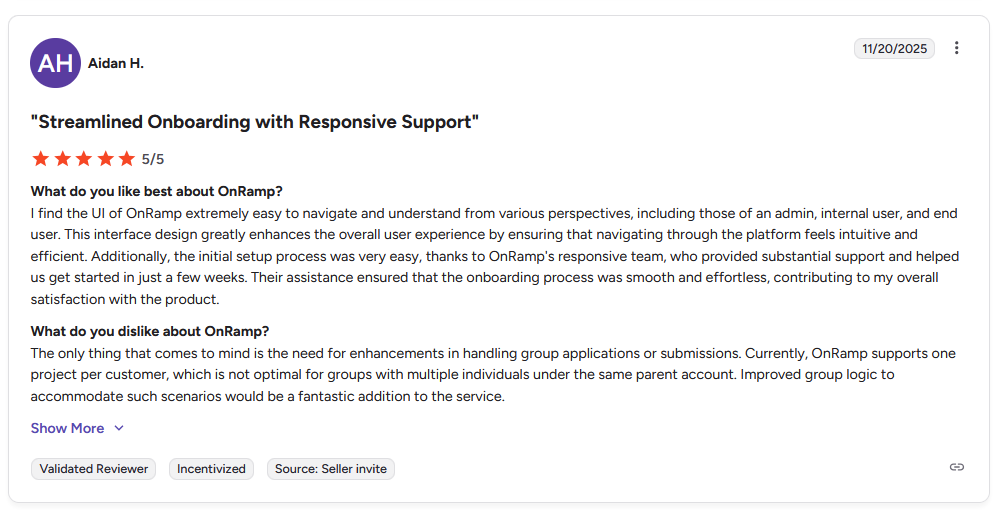
Pro: "I find the UI of OnRamp extremely easy to navigate and understand from various perspectives, including those of an admin, internal user, and end user. … The initial setup process was very easy, thanks to OnRamp's responsive team, who provided substantial support and helped us get started in just a few weeks." - Aidan H., G2
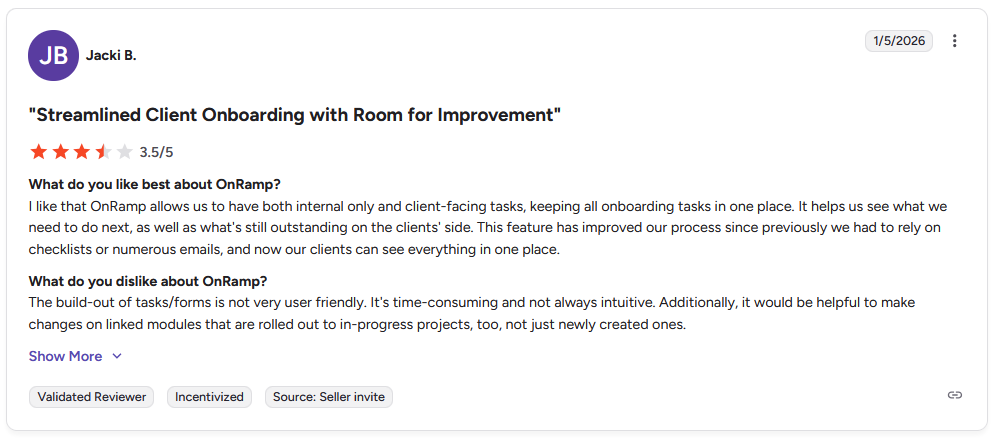
Con: "The build-out of tasks/forms is not very user friendly. It's time-consuming and not always intuitive. Additionally, it would be helpful to make changes on linked modules that are rolled out to in-progress projects, too, not just newly created ones." - Jacki B., G2
Pricing
OnRamp offers custom pricing.
Bottom line
OnRamp's separation of client-facing and internal views can make complex onboarding feel manageable on both sides without one bleeding into the other. If you need a portal that handles ongoing client work beyond the onboarding phase, Assembly might be a better fit.
9. Kitchen: Best for lean agencies watching software spend
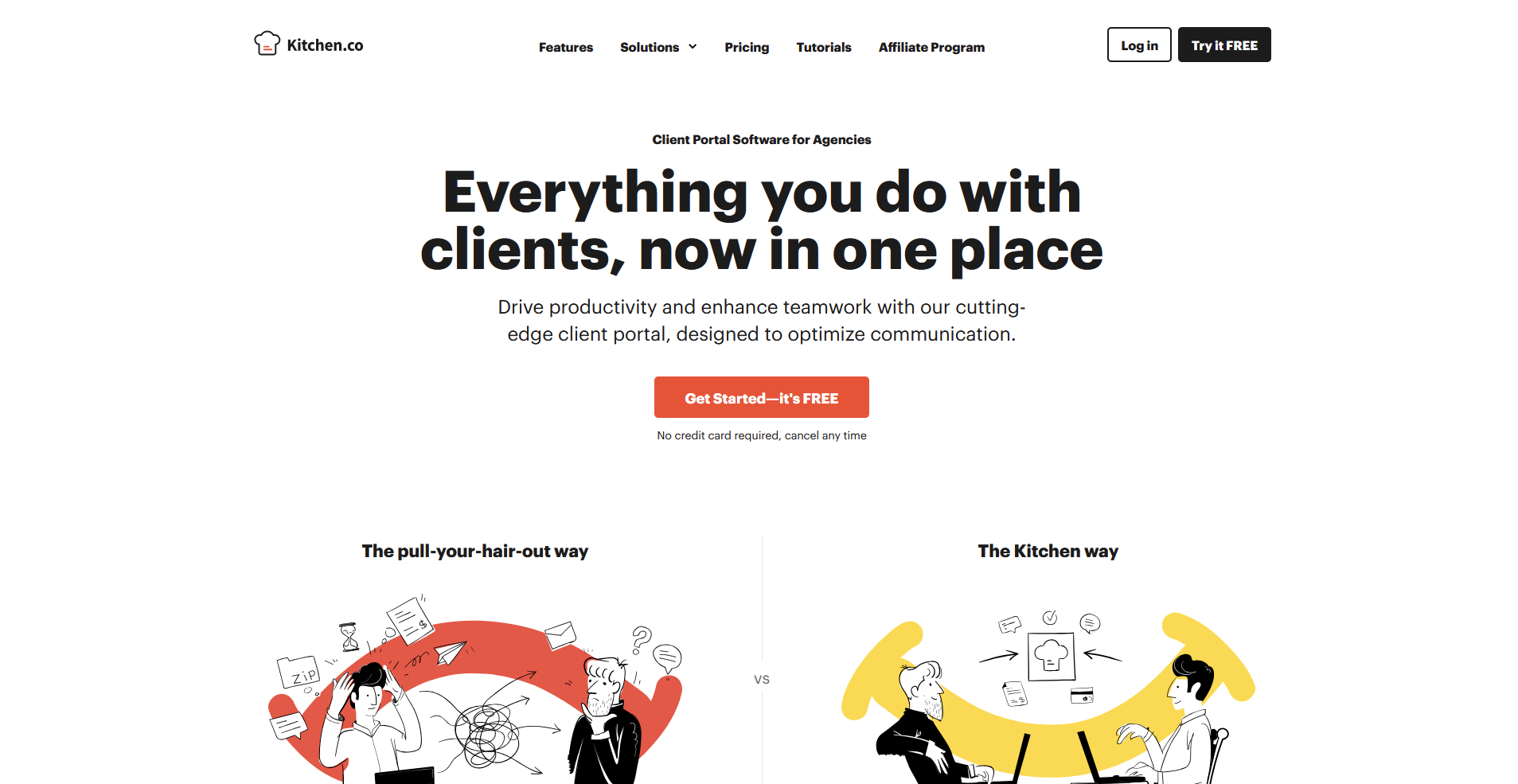
- What it does: Kitchen is a client portal platform for agencies that combines project management, file sharing, messaging, and invoicing in one workspace, with a lifetime pricing option alongside monthly subscriptions.
- Best for: Agencies looking to reduce recurring software costs with a one-time payment while keeping client communication, tasks, and file approvals in one place.
I tested Kitchen's file approval system using a sample social media campaign package. Clients can pin comments directly onto files and mark items approved or request changes without your team digging through conversation threads. The folder-based structure is easy for most clients to navigate, but Kitchen has no built-in CRM, so client relationship tracking needs to happen elsewhere.
Key features
- File approvals: Clients can review uploaded files, leave pinned comments, and mark items approved or request changes directly on the document.
- Audio messaging: Record and send voice messages to clients to explain feedback or revisions when written messages don't convey enough context.
- Has a lifetime plan: Purchase the platform once for long-term access without ongoing subscription fees, with installment payment options available.
Pros and cons
| Pros | Cons |
|---|---|
| Lifetime pricing option removes the ongoing subscription cost | No built-in CRM, so client relationship tracking needs to happen in a separate tool |
| Folder-based structure is intuitive for clients with minimal onboarding required | Lacks advanced project tracking features like Gantt or timeline views |
| File approval system keeps visual feedback organized without extra threads |
What users say
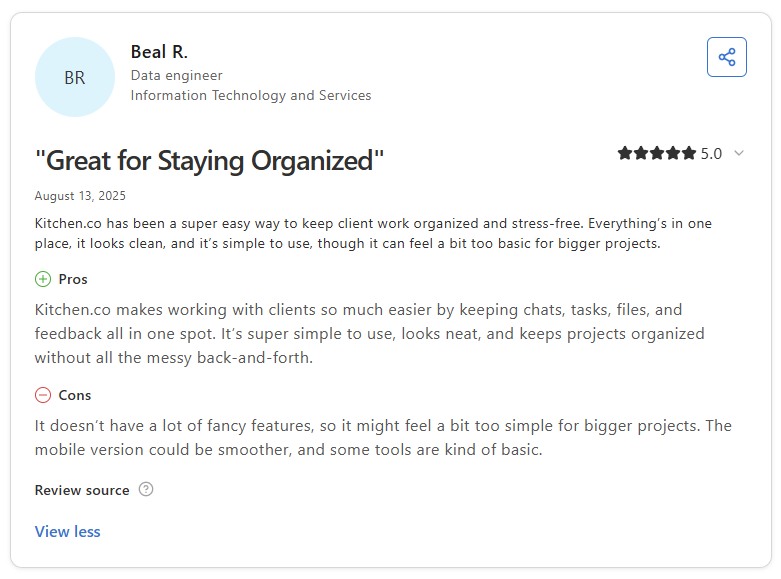
Pro: "Kitchen.co makes working with clients so much easier by keeping chats, tasks, files, and feedback all in one spot. It's super simple to use, looks neat, and keeps projects organized without all the messy back-and-forth." - Beal R., Capterra
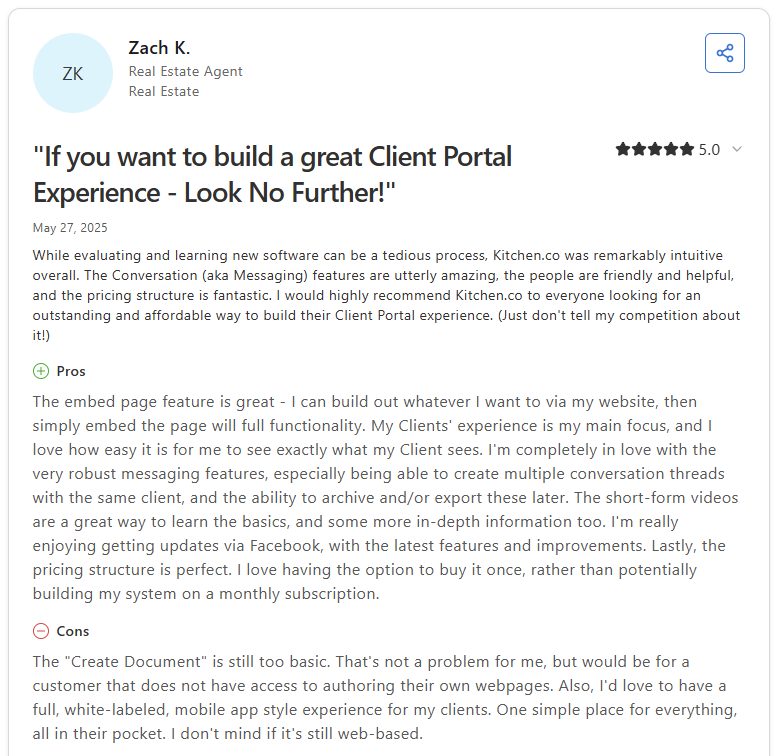
Con: “The 'Create Document' feature is still too basic. … Also, I'd love to have a full, white-labeled, mobile app-style experience for my clients.” - Zach K., Capterra
Pricing
Kitchen starts at $29 per internal user per month, billed monthly.
Bottom line
Kitchen covers the core agency workflow without the recurring cost, which can make it a practical starting point for smaller agencies watching their software spend. If you need stronger approval workflows, document security, and structured client processes, Moxo might be a better fit.
Which marketing agency client portal should you choose?
The right marketing agency client portal depends on how your agency delivers work, how your clients prefer to communicate, and how much structure you need beyond basic file sharing and messaging.
Choose Assembly if you:
- Want agency clients to log into a tailored portal where contracts, invoices, files, and messages all live in one place
- Manage multiple clients across different service types, and need each one to see content relevant to their engagement
- Want a configurable portal that connects with your existing tools without locking you into rigid workflows
Choose Moxo if you:
- Handle high-touch agency client relationships that require structured, step-by-step workflow management
- Need strong document security, e-signatures, and approval trails built into your client process
- Want a dedicated client interaction layer that keeps agency communication organized by project or account
Choose SuiteDash if you:
- Want deep white-label customization and full control over how your agency portal looks to clients
- Manage multiple service tiers and want to build different dashboard views for each client type
- Need CRM, project management, and billing in one platform without paying for separate tools
Choose monday.com if you:
- Already use monday.com internally and want to extend project visibility to agency clients without switching platforms
- Need strong visual project tracking with automations and a wide range of integrations
- Have a team comfortable with configuring tools and willing to invest time in setup
Choose ClickUp if you:
- Want a project management platform that supports agency client access through guest permissions
- Need flexible task management, docs, and dashboards your team can tailor to agency workflows
- Prefer a tool with a wide feature set and are comfortable building your own client-facing structure
Choose CoordinateHQ if you:
- Need a straightforward way to assign tasks directly to agency clients with clear calls to action
- Want clients to see only what's relevant to their engagement without exposing your internal project details
- Run structured, repeatable client onboarding and want templates to standardize the process across accounts
Choose Dock if you:
- Want a clean client workspace that consolidates links, files, embeds, and action plans for each agency client
- Manage client onboarding and handoffs, and need continuity between your sales and delivery teams
- Need visibility into how clients engage with the materials your agency shares
Choose OnRamp if you:
- Run complex, multi-step agency client onboarding, and need to separate what clients see from what your team tracks internally
- Want automated task assignment, progress tracking, and workflow triggers without manual follow-up
- Need a dedicated onboarding platform that connects with your CRM and scales across a growing client base
Choose Kitchen if you:
- Want a straightforward agency client portal with file approvals, task boards, and messaging without ongoing subscription costs
- Prefer a lifetime pricing option to reduce recurring software spend across your agency
- Need a lightweight portal that your clients can navigate without a lengthy onboarding process
If none of these portals fits how you work with clients, a white label app builder lets you build your own branded app instead.
Final verdict
Dock, OnRamp, and CoordinateHQ are worth considering if your primary need is structured client onboarding, and monday.com or ClickUp can work well if your agency already runs on those platforms internally.
But if you want your agency clients to land on a portal that's built around your brand and their specific engagement, Assembly gives you the CRM, billing, messaging, and customization to run the client relationship from one place.
Here’s how Assembly can help:
- Branded client portal: Clients log in under your firm's domain to access invoices, files, contracts, and updates in one organized space.
- Tailored client experience: You can adjust the homepage layout and app visibility for each client using custom field tags, so different clients automatically see the content and tools relevant to their needs.
- Recurring automations: Set time-based triggers for tasks, messages, and forms so routine work like monthly reminders, document requests, and follow-ups runs on schedule without manual effort.
- Keep tasks, messages, and files together: Client communication, shared files, and project tasks stay connected to each client record instead of being scattered across separate tools.
- Prep faster for meetings: The AI Assistant summarizes recent client activity and communication, helping you walk into calls with a clear picture of what’s been discussed and what’s outstanding.
Assembly may not replace a dedicated project management tool if your agency relies on complex internal workflows or deep resource planning. For marketing agencies that want every client to log into a tailored, branded experience where messages, invoices, and files stay connected, it's worth a closer look. Start your free Assembly trial today.