



The best client portal software gives you one place to share files, track projects, and communicate with clients. I tested dozens of platforms, and these are the 23 best tools for agencies and service providers in 2026.
23 Best client portal software: Quick comparison
| Tool | Best for | Monthly price | Strengths |
|---|---|---|---|
| Assembly | Service businesses managing clients in a branded client portal | $49/month | White-label client portals, AI assistant support, and built-in client management for ongoing client delivery |
| Dock | Sales and customer teams sharing workspaces with clients | $350/month | Mutual action plans, content management, and engagement tracking |
| Kitchen | Agencies wanting a client portal with lifetime pricing | $29/internal user/month | One-time payment, file approvals, and audio messaging |
| OnRamp | SaaS companies onboarding at scale | Custom pricing | Dynamic timelines, progress tracking, and automated workflows |
| Bonsai | Freelancers managing contracts and invoices | $9/user/month | Time tracking, proposal templates, and payment processing |
| Moxo | Professional services with complex workflows | Custom pricing | Secure document sharing, virtual data rooms, and e-signatures |
| CoordinateHQ | Teams managing projects with clients | $45/internal user/month | Task-specific CTAs, client collaboration, and milestone tracking |
| SuiteDash | Agencies needing customizable dashboards | $19/month | Unlimited dashboards, white labeling, and magic link logins |
| Notion | Teams building DIY portals | $12/member/month | Complete flexibility, database views, and template library |
| monday.com | Teams already using monday.com | $14/seat/month, minimum 3 seats | Visual project boards, automation, and 200+ integrations |
| ClickUp | Teams managing tasks with guest access | $10/user/month | Nested subtasks, multiple views, and custom fields |
| Zendesk | Support teams managing customer tickets | $25/agent/month | Omnichannel support, knowledge base, and AI agents |
| Softr | Teams building custom portals without code | $59/month | Airtable integration, permissions control, and responsive design |
| Basecamp | Small teams collaborating with clients | $15/user/month | Message boards, automatic check-ins, and simple file sharing |
| HoneyBook | Creatives managing bookings and payments | $36/month | Online scheduling, contract templates, and automated workflows |
| Dubsado | Service providers automating client workflows | $35/month | Advanced automations, custom forms, and proposal builder |
| Clinked | Teams needing secure client portals and collaboration | $299/month | White-label branding, client groups, and activity tracking |
| Client Portal | WordPress users needing portal functionality | $25/month | WordPress plugin, client directories, and document management |
| Fusebase | Teams combining client portals with internal knowledge bases | $39/month | Client and internal workspaces, embedded content, and real-time collaboration |
| Rocketlane | Teams managing customer onboarding | $29/member/month, minimum of 5 members | Resource management, time tracking, and project templates |
| Planhat | Customer success teams tracking account health | Custom pricing | Health scores, playbooks, and revenue tracking |
| LiveAgent | Small businesses managing customer support | $15/agent/month, billed annually | Ticketing system, live chat, and customer forums |
| Arrows | HubSpot and Salesforce teams managing customer onboarding | Custom pricing | Native CRM integrations, shared onboarding plans, and milestone tracking |
How I researched and tested these client portal software tools
I tested each platform's approach to file sharing, client messaging, task management, and white-label customization. For tools without direct access, I reviewed product documentation, watched demos, and analyzed user feedback from G2 and Capterra.
Here's what I considered:
- Portal customization: How much control you get over branding, layout, and client-facing features without needing developer support
- Client collaboration: Whether clients can easily upload files, comment on tasks, and communicate without getting lost in the interface
- Workflow automation: How well the platform handles onboarding sequences, payment reminders, and task routing without manual work
- Pricing transparency: What you actually get on each tier, and whether client limits or feature restrictions create scaling problems
- Integration capabilities: How the platform connects with accounting software, CRMs, and payment processors you're already using
This testing revealed which platforms keep client work organized in one place versus those that simply add another login for clients to manage.
1. Assembly: Best for service businesses managing clients in a branded portal
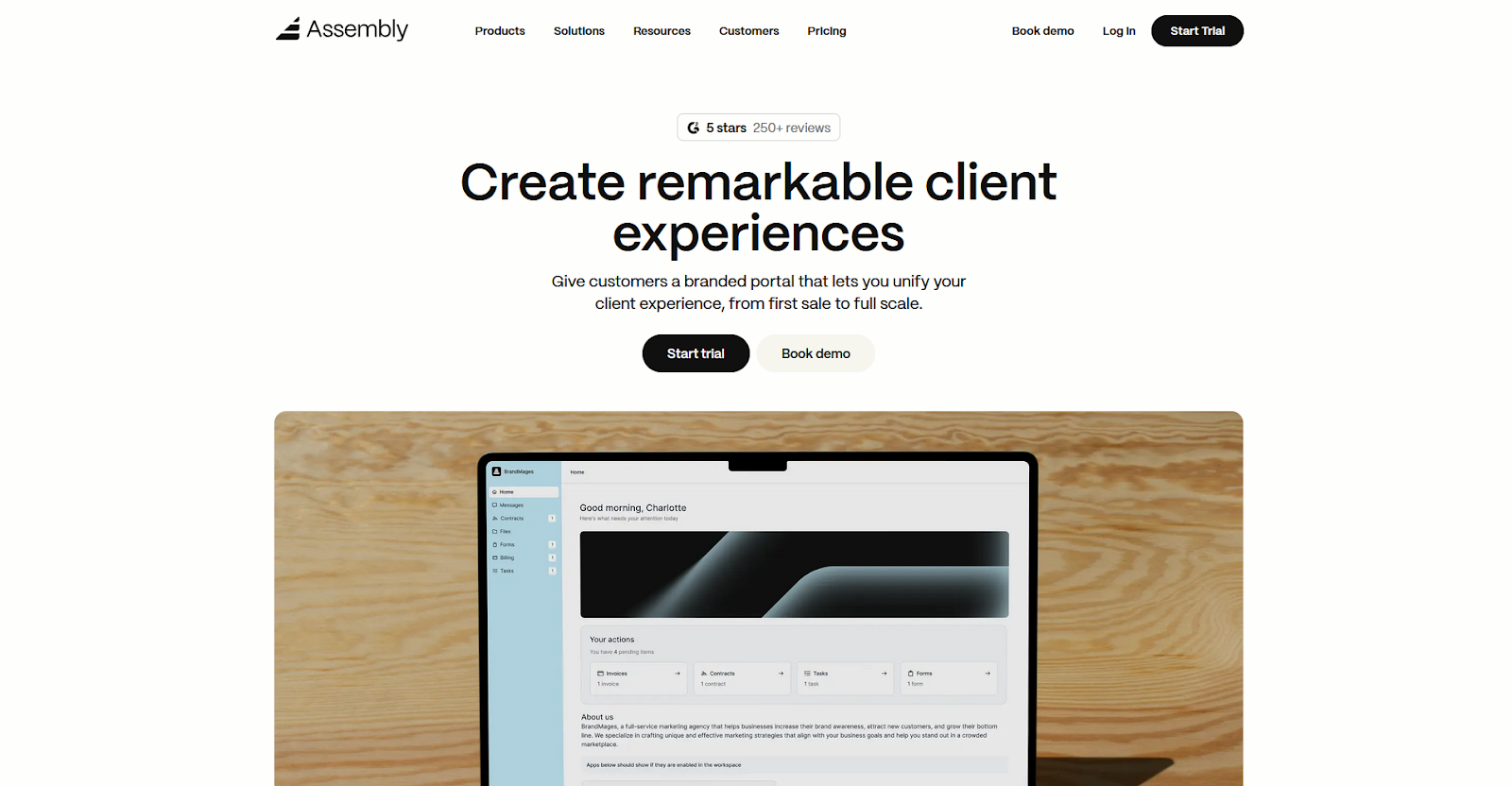
- What it does: Assembly is a client portal platform that helps service businesses manage client communication, file sharing, and project work in one workspace.
- Best for: Service businesses that need to combine client relationship tracking with branded portal access for ongoing projects.
We built Assembly to centralize how you work with clients after they've signed on. You can set up portals where clients access their files, review project status, pay invoices, and message your team without needing separate tools for each function. The platform includes CRM-style client management so you can track relationships and organize work across your clients.
Key features
- Branded client portals: Clients log into a portal under your domain with your logo and brand colors. You control what each client sees based on the services they're using.
- Client messaging: The Messages App lets clients reach your team without email. Conversations stay attached to the client record so you can easily reference past discussions.
- File sharing and storage: Upload documents, share project files, and organize everything by client. Clients can upload files directly to their portal.
- Task management: Build task boards with controlled visibility so clients see only the work that applies to them. You can assign work, set due dates, and track progress.
- Invoicing and payments: Generate invoices, set up payment plans, and accept credit card or ACH payments through the portal.
Pros
- White label branding across the entire client experience
- Client management and portal access in one platform
- AI assistant helps with drafting messages and summarizing conversations
Cons
- Portal layout options are more limited than custom-built solutions
- Invoice editing is restricted once invoices are generated
What users say
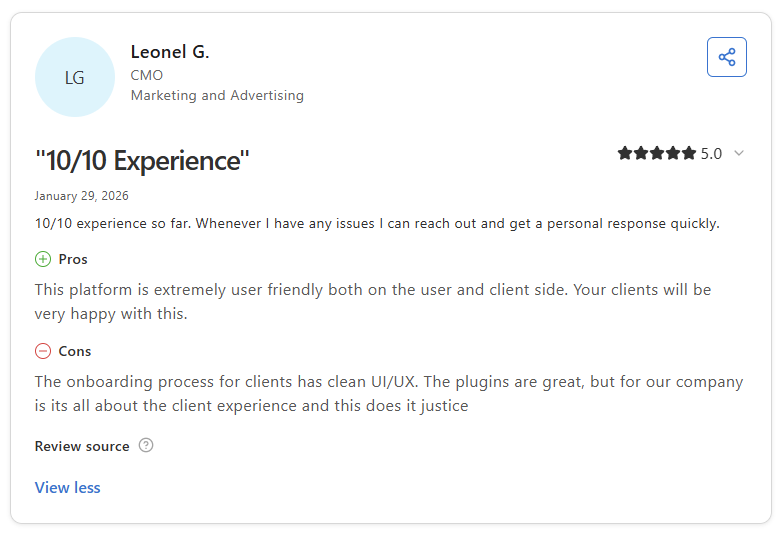
Pro: “The platform is extremely user friendly both on the user and client side. Your clients will be very happy with this.” - Leonel G., Capterra
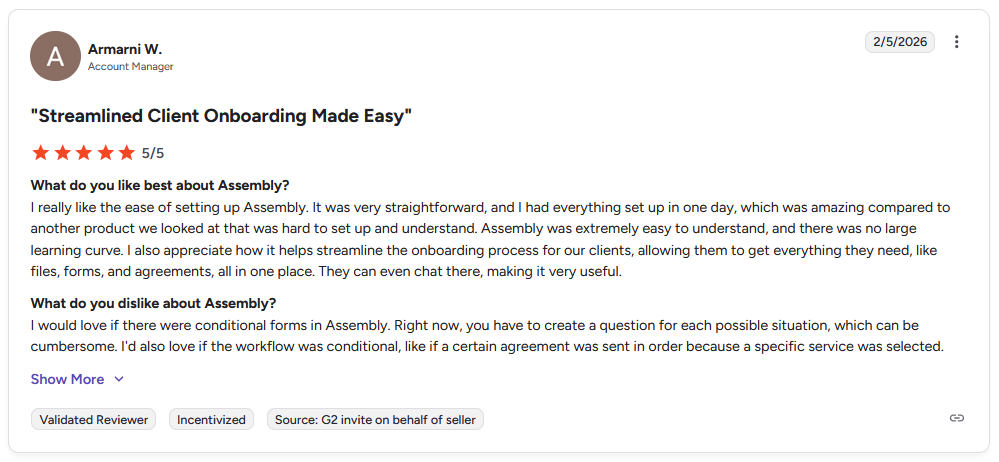
Con: “I would love if there were conditional forms in Assembly. Right now, you have to create a question for each possible situation, which can be cumbersome. I’d also love if the workflow was conditional, like if a certain agreement was sent in order because a specific service was selected.” - Armarni W., G2
Pricing
| Pricing plans | Annual price | Monthly price |
|---|---|---|
| Starter | $39/month | $59/month |
| Professional | $149/month | $189/month |
| Advanced | $399/month | $499/month |
| Enterprise | Starts at $2,000/month | Starts at $2,400/month |
Bottom line
Assembly works well when you want client management and portal access in the same platform instead of splitting those functions across multiple tools. If you want a portal without built-in client management, Kitchen might be a better fit.
2. Dock: Best for sales and customer teams sharing workspaces with clients
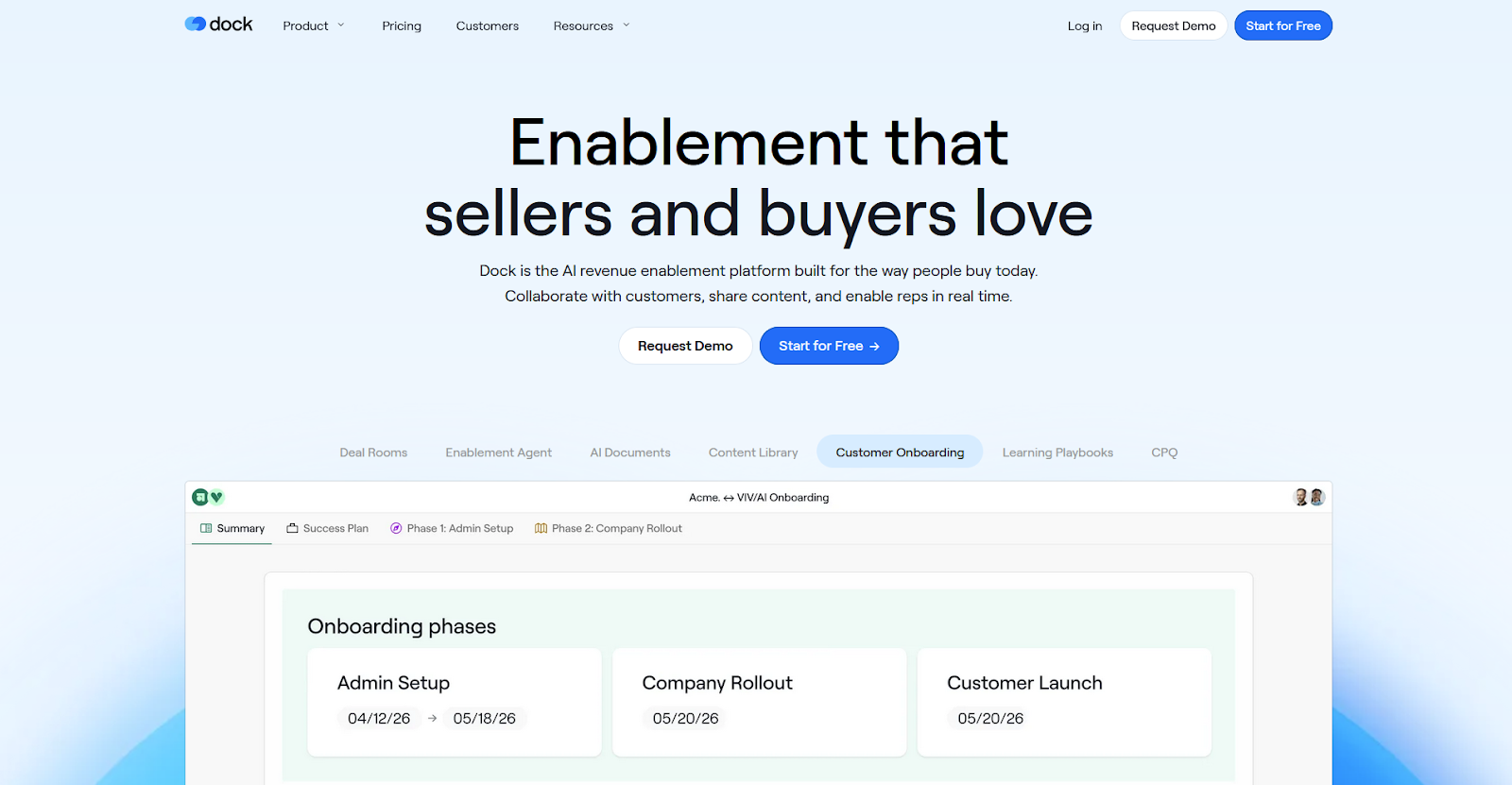
- What it does: Dock is a client workspace platform where sales and customer success teams share content, track project phases, and collaborate with buyers or clients.
- Best for: Sales teams managing long deal cycles with shared client workspaces.
Dock positions itself around the full customer lifecycle instead of focusing on a single stage. I went through the demo to see how teams use it across sales, onboarding, and account management. The platform keeps each phase in the same workspace, so teams don’t have to jump between separate tools.
For example, you can build a workspace for a deal with mutual action plans and pricing, then convert that into an onboarding hub after clients sign on.
Key features
- Mutual action plans: Create shared timelines with buyers or clients that show next steps, deadlines, and who owns each task.
- Content management: Store sales assets, onboarding materials, or account resources in a central library so teams can pull content into workspaces without searching through folders.
- Workspace templates: Build reusable workspace structures for common processes like deal cycles or customer onboarding, then customize each one for specific clients.
Pros and cons
| Pros | Cons |
|---|---|
| The same workspace can transition from sales to onboarding to account management | Learning curve for less tech-savvy clients who prefer simpler interfaces |
| Content library keeps sales and customer materials organized | Design customization options are more limited than some teams expect |
| Engagement tracking shows which stakeholders view content |
What users say
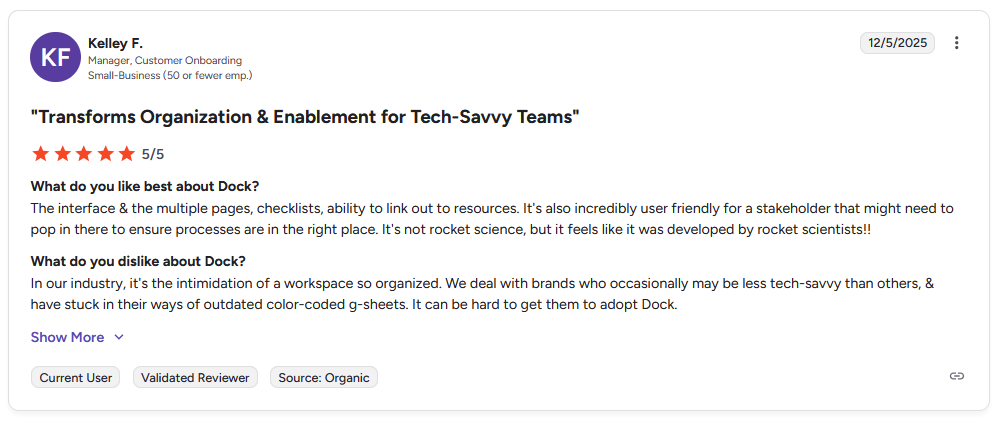
Pro: “The interface and the multiple pages, checklists, ability to link out to resources. It's also incredibly user friendly for a stakeholder that might need to pop in there to ensure processes are in the right place. It's not rocket science, but it feels like it was developed by rocket scientists!!” - Kelley F., G2
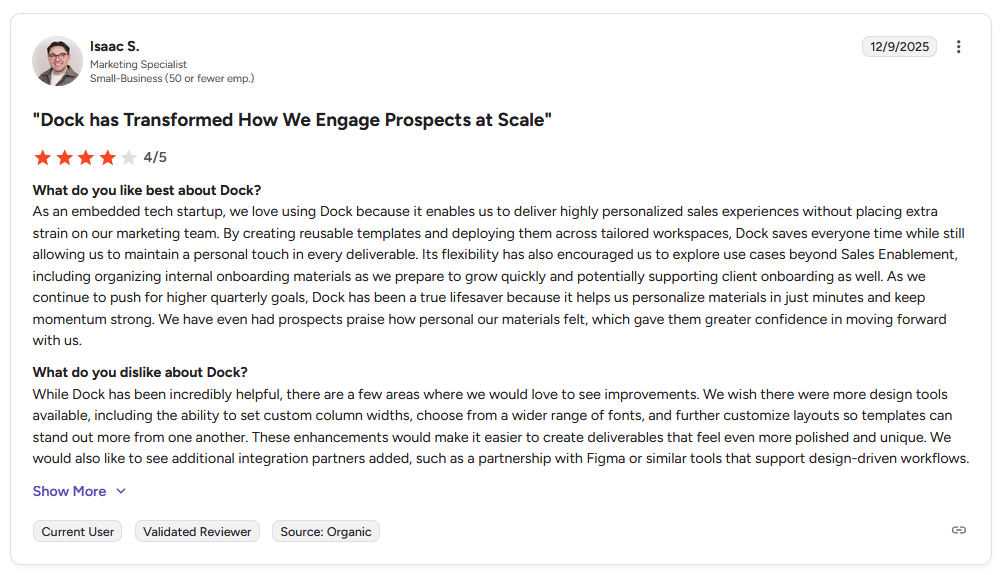
Con: "While Dock has been incredibly helpful, there are a few areas where we would love to see improvements. We wish there were more design tools available, including the ability to set custom column widths, choose from a wider range of fonts, and further customize layouts so templates can stand out more from one another. … We would also like to see additional integration partners added, such as a partnership with Figma or similar tools that support design-driven workflows." - Isaac S., G2
Pricing
Dock starts at $350 per month.
Bottom line
Dock’s workspace continuity means you don’t have to rebuild client hubs when moving from one stage to the next. If you need a portal focused purely on post-sale delivery without sales features, OnRamp might be a better fit.
3. Kitchen: Best for agencies wanting a client portal with lifetime pricing
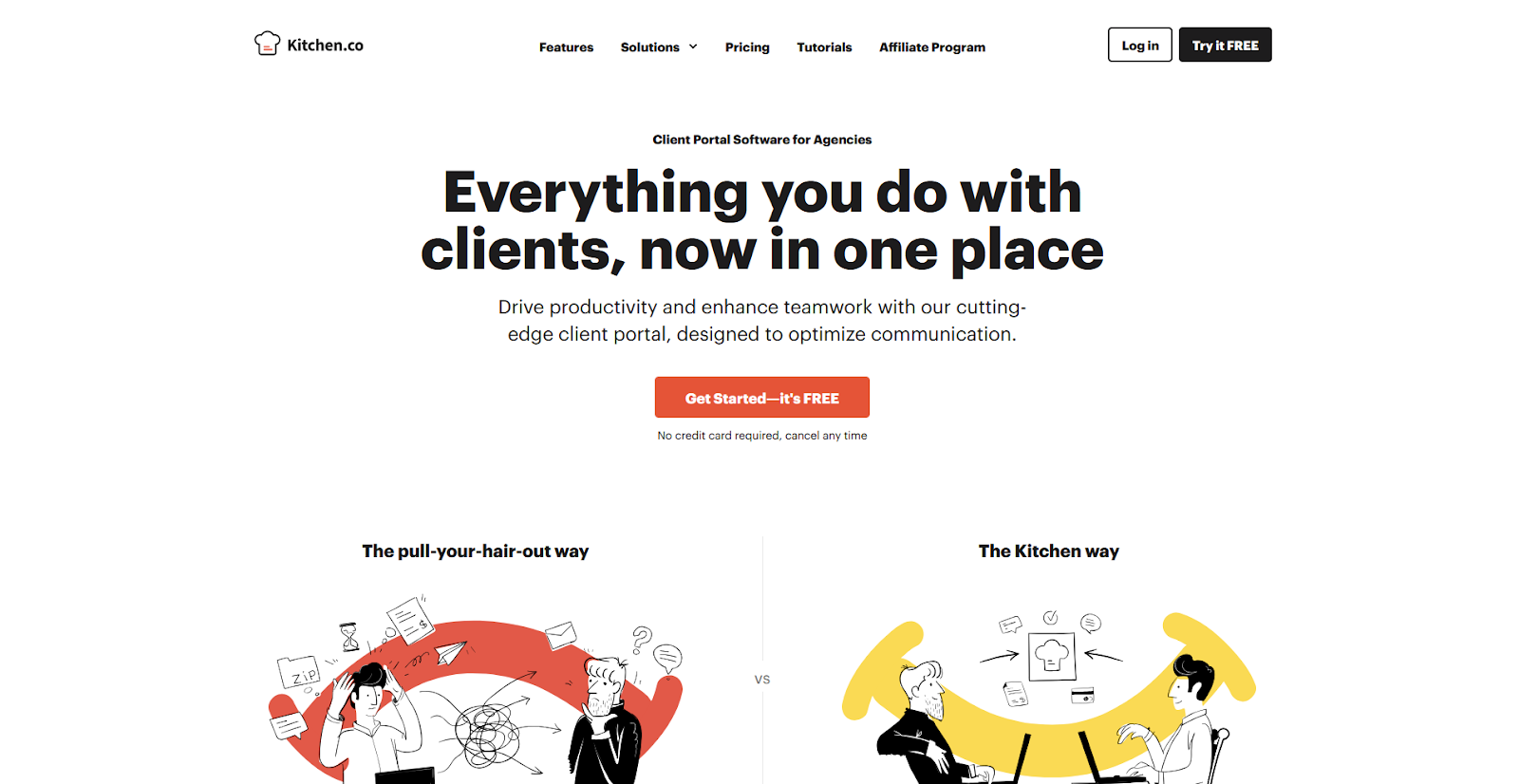
- What it does: Kitchen is a client portal platform for agencies that offers a one-time payment option alongside recurring subscriptions.
- Best for: Agencies looking to eliminate recurring software costs with a one-time payment for file sharing, messaging, and task boards.
I tested Kitchen's file approval system and found it makes visual feedback straightforward. Clients pin comments directly onto files, and you can see the approval status without searching through conversations. The audio messaging feature also caught my attention because you can explain revisions verbally. That helps when tone matters and avoids back-and-forth over misunderstood messages.
Key features
- Lifetime plan available: Pay once for long-term access to the platform instead of ongoing subscription fees.
- File approvals: Clients can review files and mark them approved or request changes directly on uploaded documents.
- Audio messaging: Record and send voice messages to clients instead of typing everything out.
Pros and cons
| Pros | Cons |
|---|---|
| Lifetime plan eliminates recurring software costs | Feature set is more basic compared to subscription platforms |
| File approval system keeps feedback organized | Mobile experience could be smoother |
| Simple interface makes client onboarding quick |
What users say
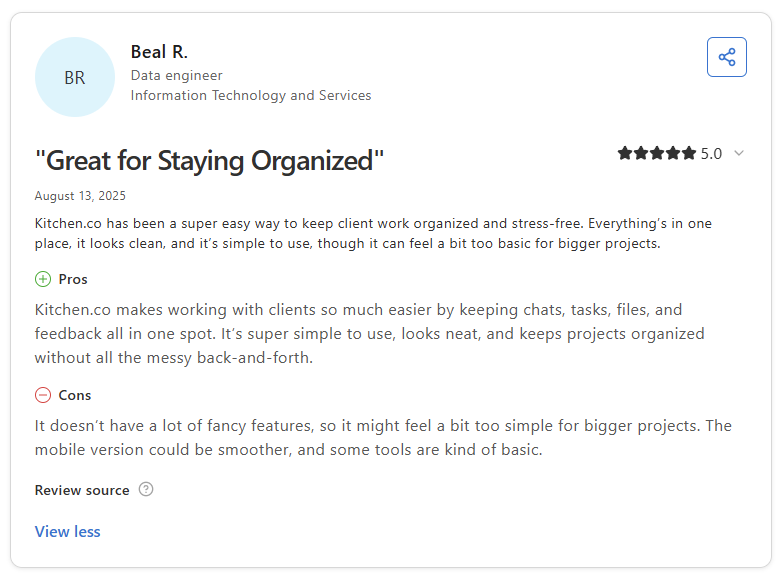
Pro: "Kitchen.co makes working with clients so much easier by keeping chats, tasks, files, and feedback all in one spot. It's super simple to use, looks neat, and keeps projects organized without all the messy back-and-forth." - Beal R., Capterra
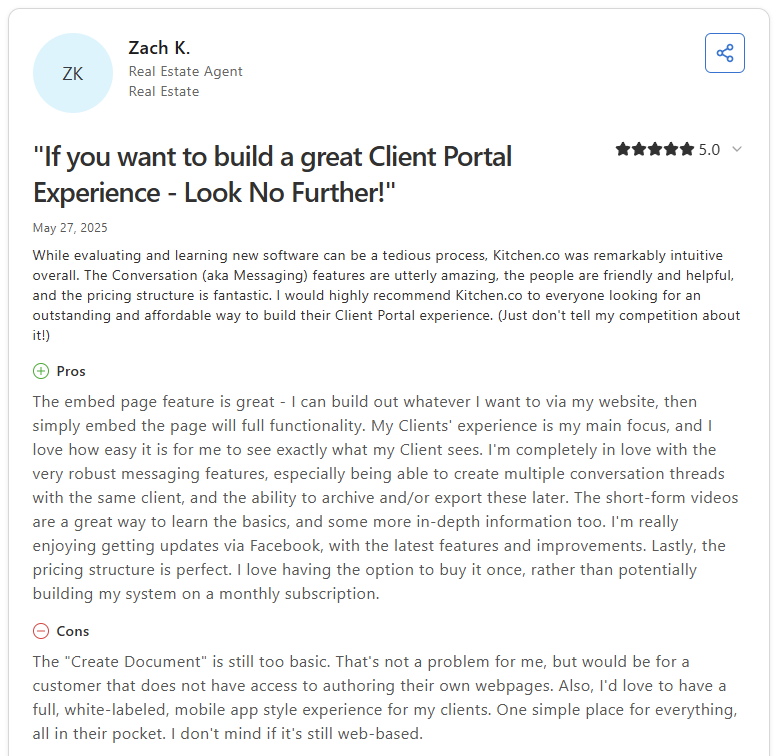
Con: “The 'Create Document' feature is still too basic. … Also, I'd love to have a full, white-labeled, mobile app style experience for my clients.” - Zach K., Capterra
Pricing
Kitchen starts at $29 per internal user per month.
Bottom line
Kitchen’s lifetime payment option appeals to agencies watching recurring costs, though you trade those savings for fewer advanced features. If you need deeper workflow automation and CRM integration, Assembly might be a better fit.
4. OnRamp: Best for SaaS companies onboarding at scale
- What it does: OnRamp is a customer onboarding platform that helps SaaS companies manage implementation timelines and track customer progress during setup.
- Best for: SaaS companies managing multi-phase customer implementations.
OnRamp separates what customers see from what your team tracks internally, which helps keep customers from getting overwhelmed by the project details your team manages behind the scenes. I reviewed the documentation and demos to see how teams structure multi-phase implementations. Customers see a clean progress timeline while your team manages task assignments separately.
Key features
- Dynamic timelines: Build phase-based onboarding plans that show customers their progress and upcoming milestones.
- Progress tracking: Monitor how customers move through onboarding stages and identify where implementations stall.
- Automated workflows: Set up triggers that assign tasks, send reminders, or update timelines based on customer actions.
Pros and cons
| Pros | Cons |
|---|---|
| The dual interface keeps internal coordination separate from the customer view | Task and form builder can feel time-consuming to set up |
| Scales well for teams onboarding multiple customers simultaneously | Making changes to linked modules does not update in-progress projects |
| A responsive support team helps with initial setup |
What users say
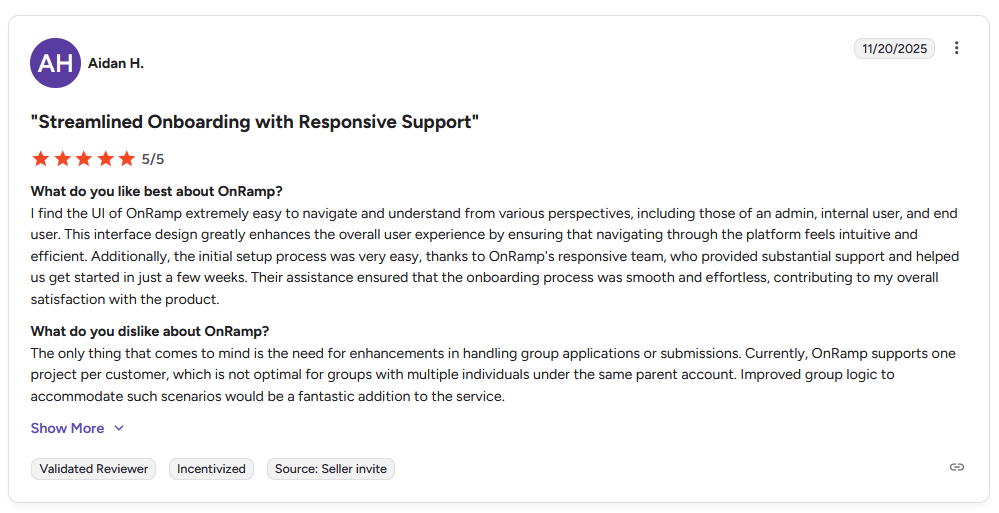
Pro: "I find the UI of OnRamp extremely easy to navigate and understand from various perspectives, including those of an admin, internal user, and end user. … The initial setup process was very easy, thanks to OnRamp's responsive team, who provided substantial support and helped us get started in just a few weeks." - Aidan H., G2
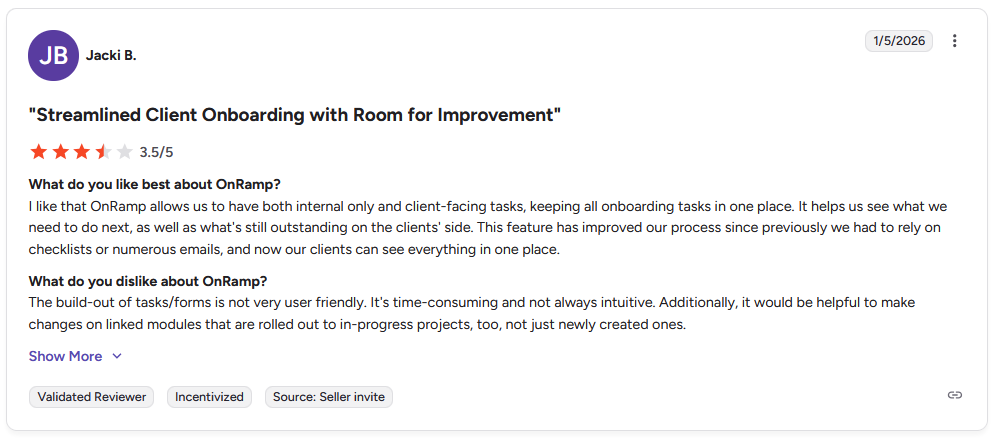
Con: "The build-out of tasks/forms is not very user friendly. It's time-consuming and not always intuitive. Additionally, it would be helpful to make changes on linked modules that are rolled out to in-progress projects, too, not just newly created ones." - Jacki B., G2
Pricing
OnRamp uses custom pricing.
Bottom line
OnRamp's dual-view system means your internal coordination stays hidden while customers see a clean progress timeline. If you need a client portal for ongoing work beyond onboarding, Assembly might be a better fit.
5. Bonsai: Best for freelancers managing contracts and invoices
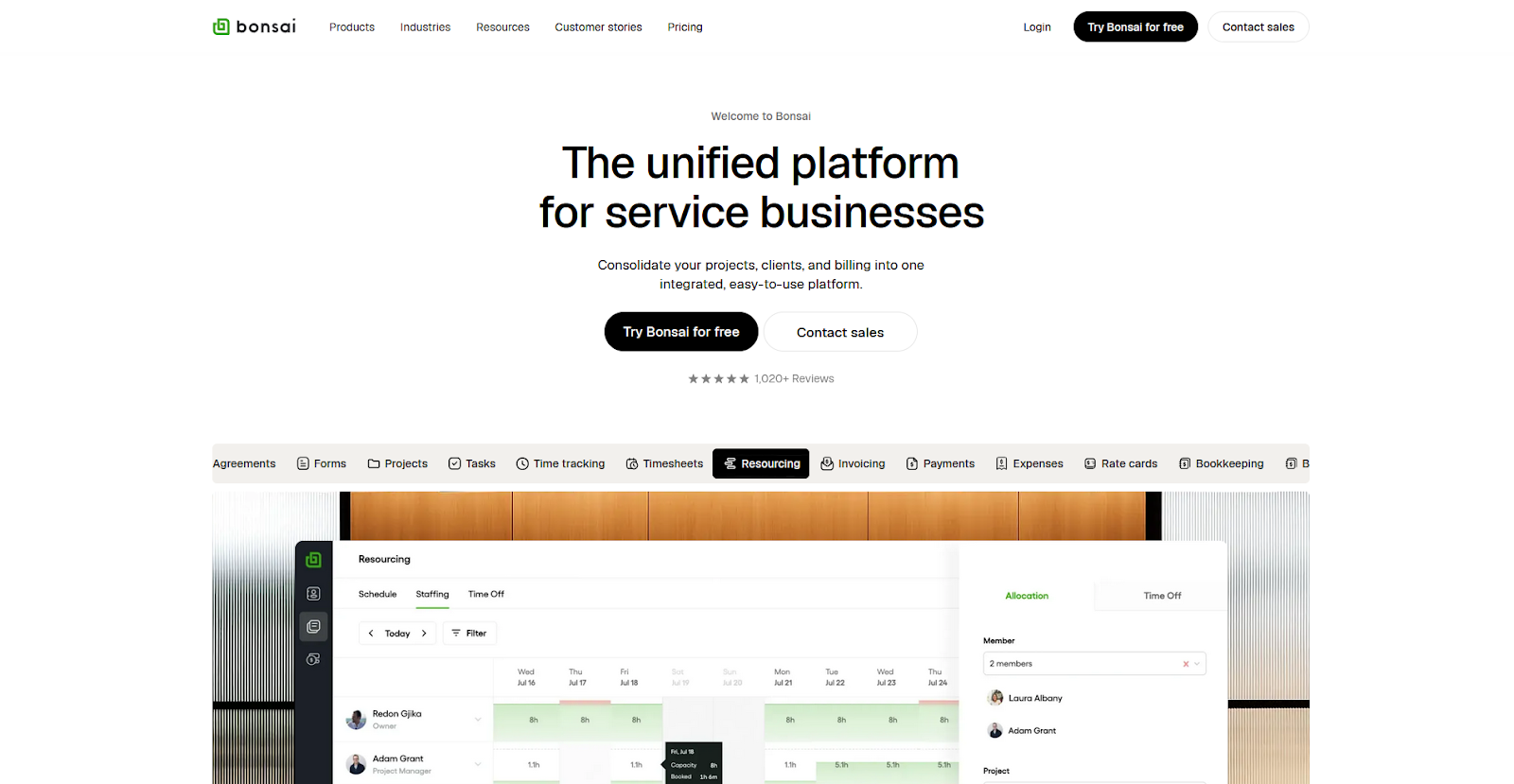
- What it does: Bonsai is a business management platform that helps freelancers manage contracts, proposals, invoicing, and time tracking in one tool.
- Best for: Freelancers who need to handle proposals, contracts, time tracking, and client invoicing without switching between multiple tools.
I tested Bonsai by walking through the proposal-to-invoice workflow and found the platform treats the client portal as one piece of a larger business system. Clients access their contracts, invoices, and project files through the portal. But the real value is managing your proposals, time tracking, and payments in one place.
Key features
- Time tracking: Track billable hours by project or task with a built-in timer and generate timesheets for client invoicing.
- Proposal templates: Create reusable proposal templates with pricing tables, terms, and e-signature fields.
- Payment processing: Accept credit card and bank transfer payments directly through invoices with automatic payment reminders.
Pros and cons
| Pros | Cons |
|---|---|
| Covers contracts, invoicing, and time tracking without separate tools | Native integrations are limited, so the platform relies on Zapier for many connections |
| Proposal and contract templates speed up client onboarding | More agency-focused features than solo freelancers typically need |
| Client portal keeps project files and invoices in one place |
What users say
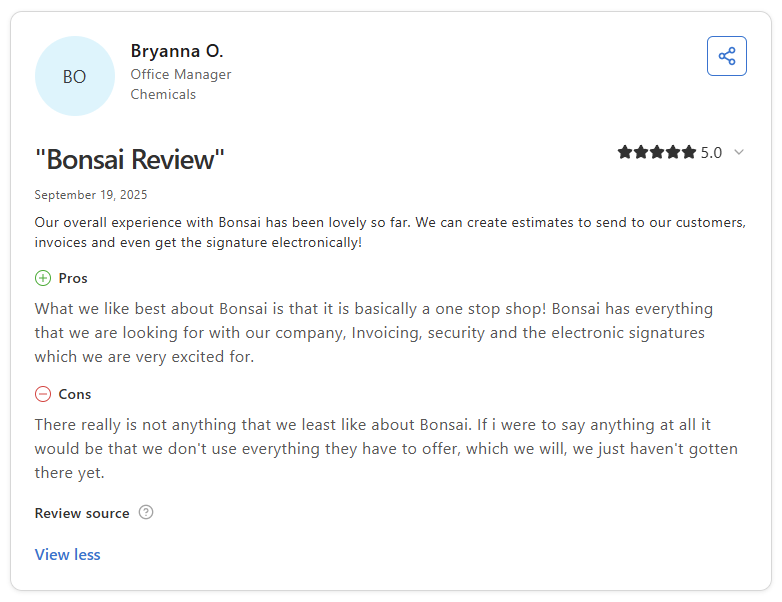
Pro: "What we like best about Bonsai is that it is basically a one stop shop! Bonsai has everything that we are looking for with our company, Invoicing, security and the electronic signatures which we are very excited for." - Bryanna O., Capterra
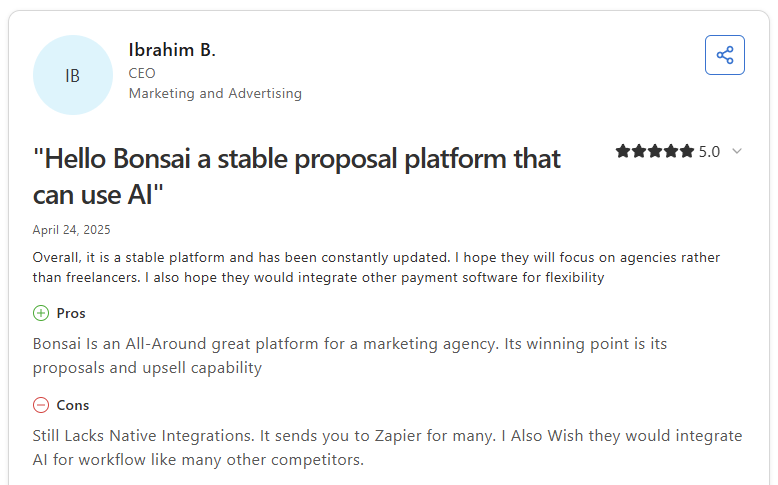
Con: “Still Lacks Native Integrations. It sends you to Zapier for many. I Also Wish they would integrate AI for workflow like many other competitors.” - Ibrahim B., Capterra
Pricing
Bonsai starts at $9 per user per month.
Bottom line
Bonsai works well when you want proposals, contracts, invoicing, and portal access in one subscription instead of stitching those pieces together across multiple tools. If you need a portal focused purely on client collaboration without the business management features, Dock might be a better fit.
6. Moxo: Best for professional services with complex workflows
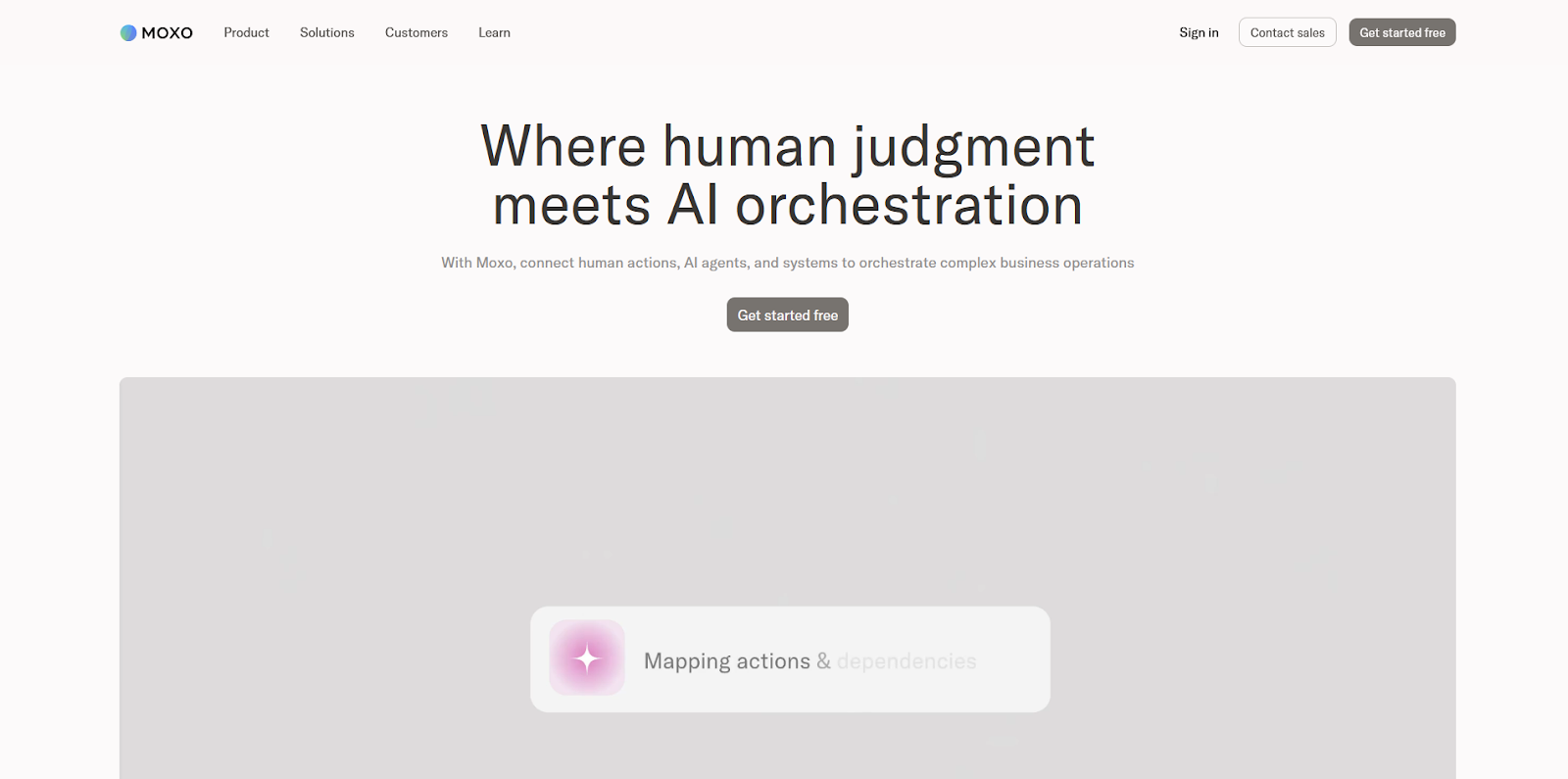
- What it does: Moxo is a client collaboration platform for firms that need to manage document-heavy workflows such as sharing files, collecting approvals, and tracking signed paperwork.
- Best for: Professional services firms in regulated industries that need document security, audit trails, and multi-stage approval routing.
I set up a sample client workspace in Moxo to test how it handles secure document exchange and approval routing. The virtual data room lets you control which documents clients access. You can also track who viewed files and when approvals happened.
I think that level of control makes the most sense in regulated industries like legal, accounting, and financial services, where document security and audit trails matter more than keeping the setup light.
Key features
- Secure document sharing: Upload files to virtual data rooms with granular permission controls and audit logs that track all document activity.
- Virtual data rooms: Create secure spaces for sensitive documents with time-limited access and watermarking options.
- E-signatures: Collect legally binding signatures on documents directly within client workspaces without external signature tools.
Pros and cons
| Pros | Cons |
|---|---|
| Strong security controls for sensitive document sharing | Setup and workflow building has a learning curve |
| Audit trails track all client document activity | Can feel more complex than smaller teams need |
| Handles multi-stage document approval workflows |
What users say
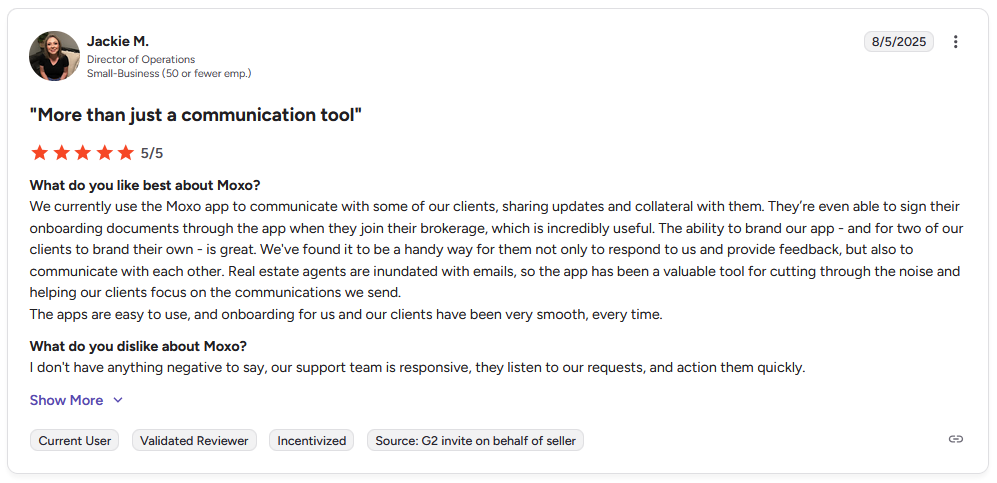
Pro: "We currently use the Moxo app to communicate with some of our clients, sharing updates and collateral with them. … The ability to brand our app … is great. … The apps are easy to use, and onboarding for us and our clients have been very smooth, every time." - Jackie M., G2
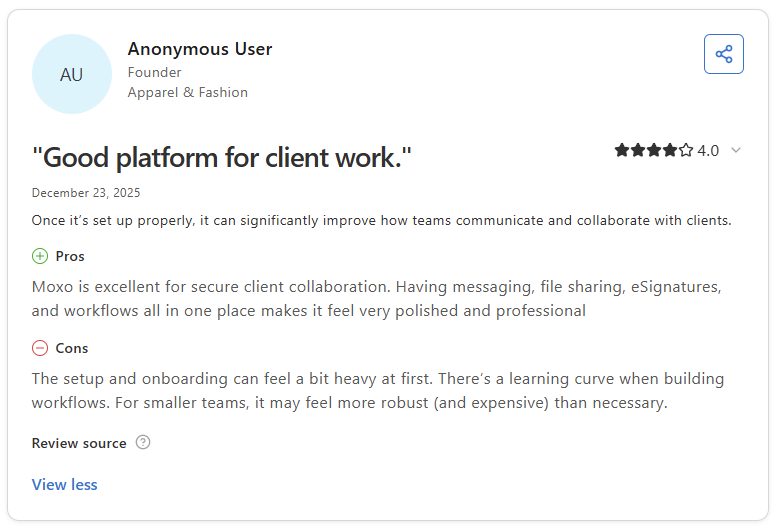
Con: "The setup and onboarding can feel a bit heavy at first. There's a learning curve when building workflows. For smaller teams, it may feel more robust (and expensive) than necessary." - Anonymous User, Capterra
Pricing
Moxo uses custom pricing.
Bottom line
Moxo's document security and approval workflows make sense when compliance and audit trails are non-negotiable parts of your client process. If you need a simpler client portal without the enterprise security features, CoordinateHQ might be a better fit.
7. CoordinateHQ: Best for teams managing projects with clients
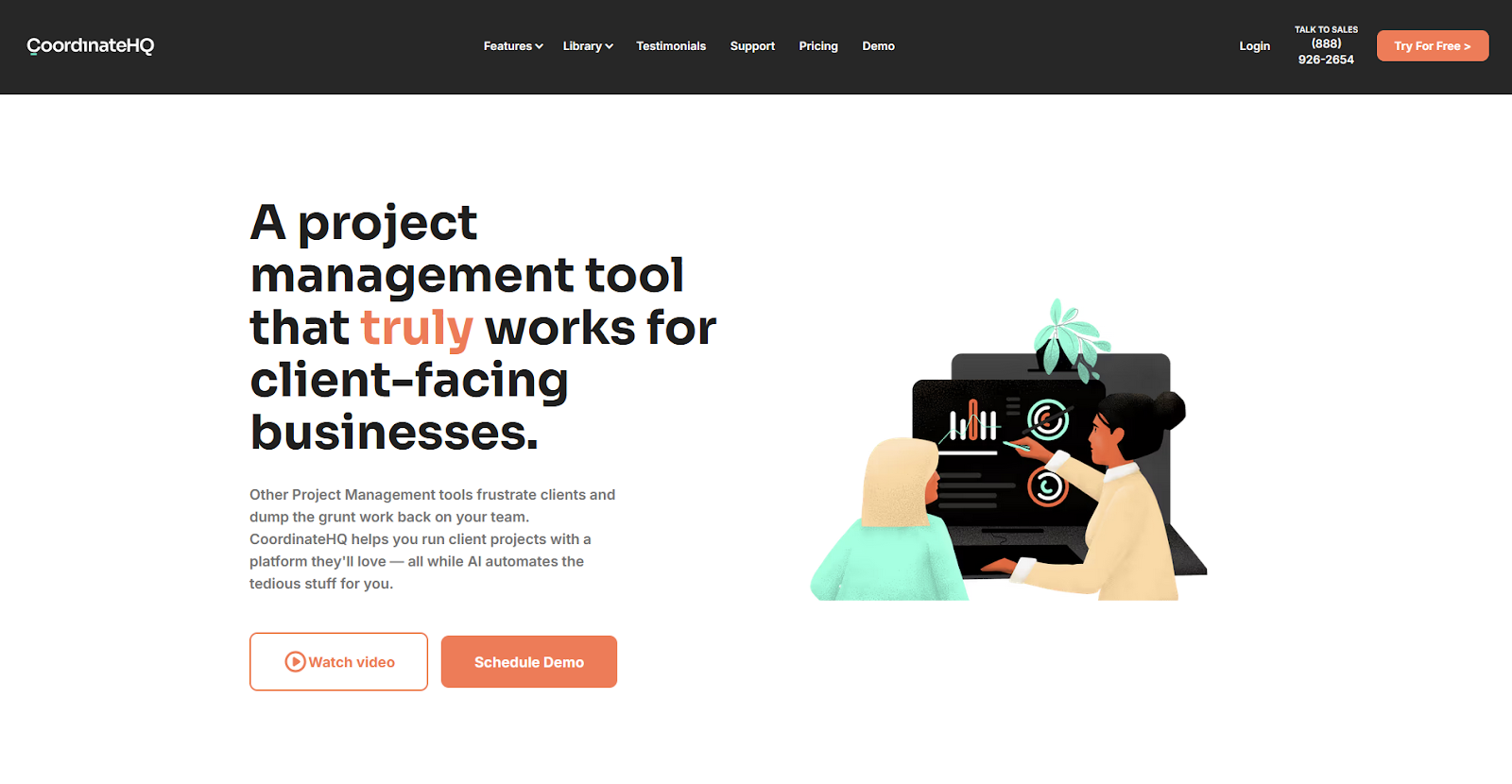
- What it does: CoordinateHQ is a project management platform that lets teams share task lists and project timelines directly with clients.
- Best for: Teams managing client projects where clients need to complete specific tasks like uploading documents or reviewing deliverables.
I created a test project in CoordinateHQ and noticed how the platform handles client task assignments differently from internal project tools. You can assign tasks directly to clients with custom calls to action (CTAs) that tell them exactly what action to take, like “Upload tax documents” or “Review design mockups.” Those prompts make client responsibilities clearer and help keep projects moving.
Key features
- Task-specific CTAs: Add custom call-to-action buttons to tasks so clients know exactly which step to take next.
- Client collaboration: Share task boards with clients and let them mark tasks complete, upload files, or leave comments.
- Milestone tracking: Set project milestones that show both your team and clients where the project stands.
Pros and cons
| Pros | Cons |
|---|---|
| Custom task CTAs make client actions clear | Some integrations need manual setup by the support team |
| A tutorial library helps clients learn the platform | Three-seat minimum can feel high for very small teams |
| Clients can see their tasks without internal project clutter |
What users say
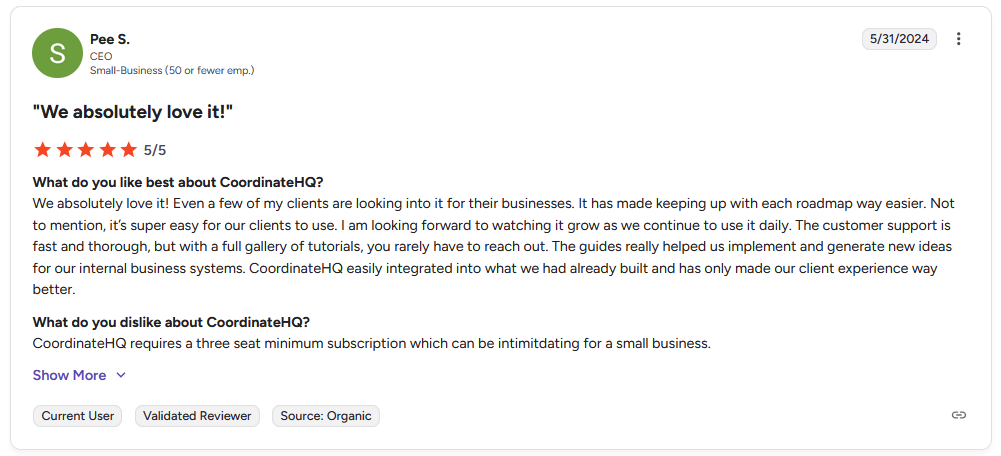
Pro: "It has made keeping up with each roadmap way easier. … It's super easy for our clients to use. … The customer support is fast and thorough, but with a full gallery of tutorials, you rarely have to reach out." - Pee S., G2
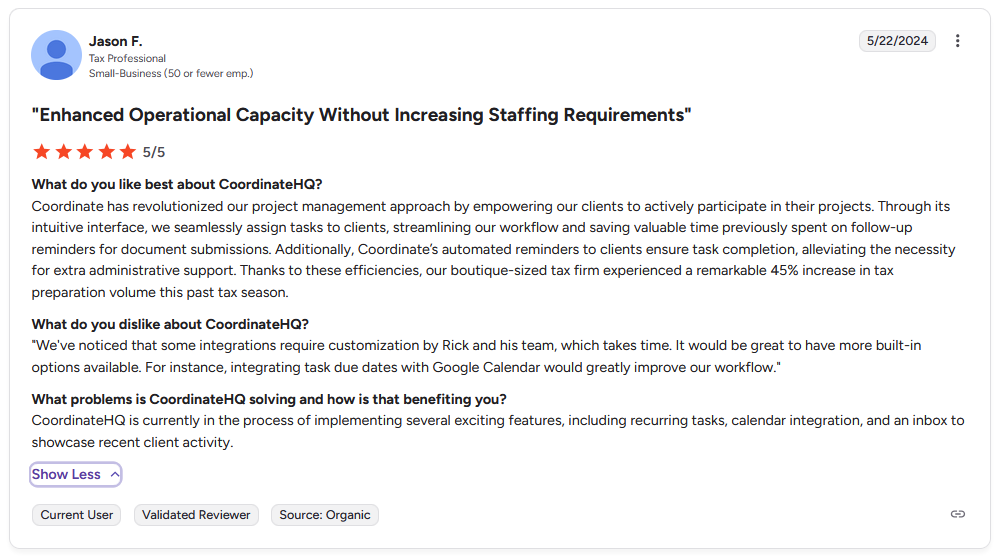
Con: "Some integrations require customization by Rick and his team, which takes time. … For instance, integrating task due dates with Google Calendar would greatly improve our workflow." - Jason F., G2
Pricing
CoordinateHQ starts at $45 per internal user per month.
Bottom line
CoordinateHQ's task-specific CTAs help clients understand what you need from them without explaining the same actions repeatedly. If you need a portal with stronger CRM features and billing tools, Assembly might be a better fit.
8. SuiteDash: Best for agencies needing customizable dashboards
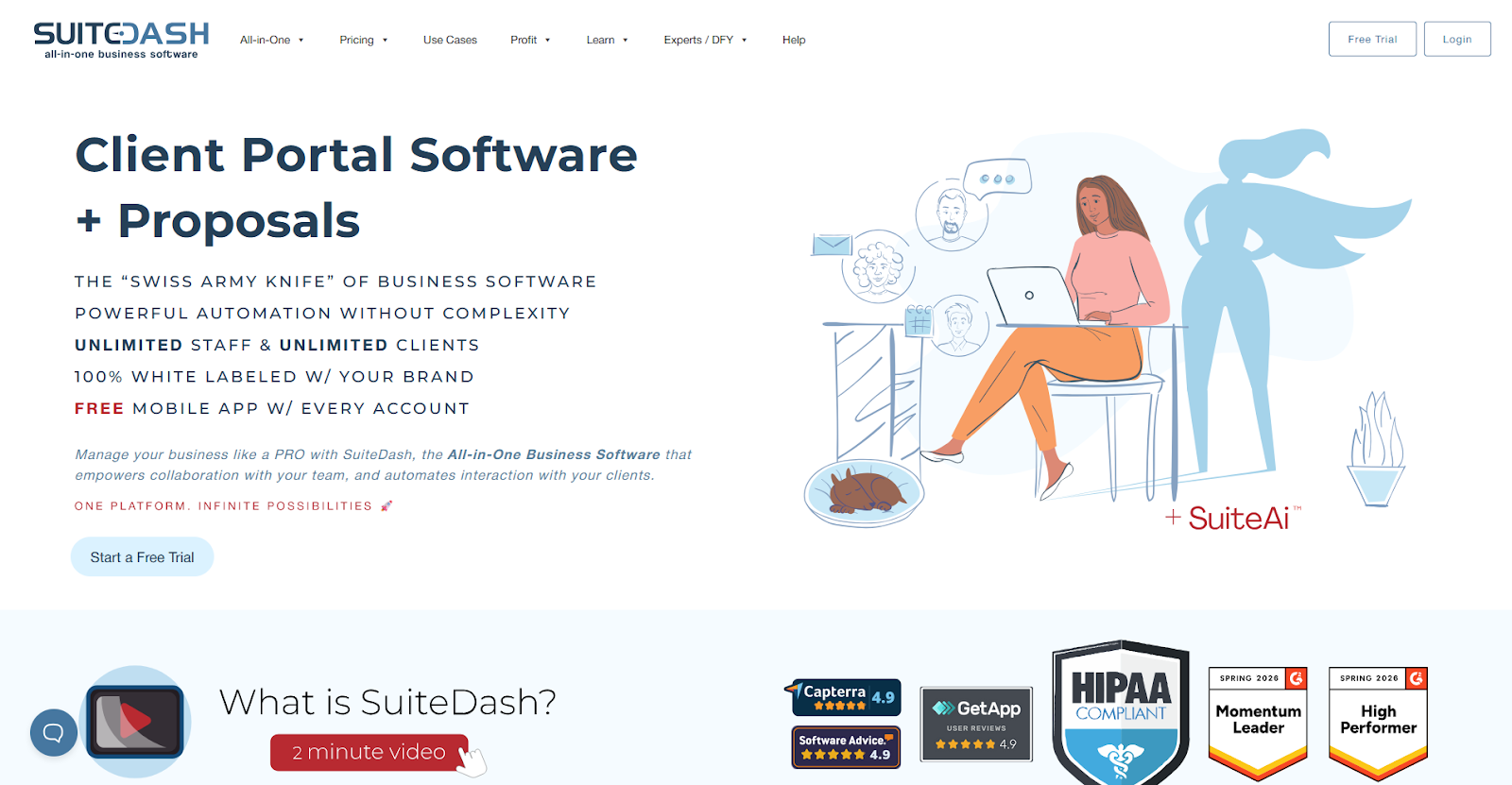
- What it does: SuiteDash is an all-in-one business platform where agencies build customized client dashboards and manage projects, proposals, and billing.
- Best for: Agencies that build different dashboard views for each client type or service tier.
I tested SuiteDash's dashboard builder and found you can create unlimited custom views for different client types or service tiers. Each dashboard pulls from the same backend data but shows clients only what's relevant to them, like their active projects, invoices, or support tickets. If dashboards matter more to you than the portal itself, we also have a guide to tools built for customizable dashboards.
Key features
- Unlimited dashboards: Build as many custom client dashboards as you need without per-dashboard fees or limits.
- White labeling: Remove all SuiteDash branding and replace it with your own logo, colors, and domain.
- Auto-login links: Let clients sign in from an email link instead of typing a password.
Pros and cons
| Pros | Cons |
|---|---|
| Unlimited custom dashboards let you tailor views per client type | Learning curve with multiple tools can feel overwhelming initially |
| Full white-label branding on all plans | Platform stability issues reported by some long-term users |
| Magic link login removes password friction for clients |
What users say
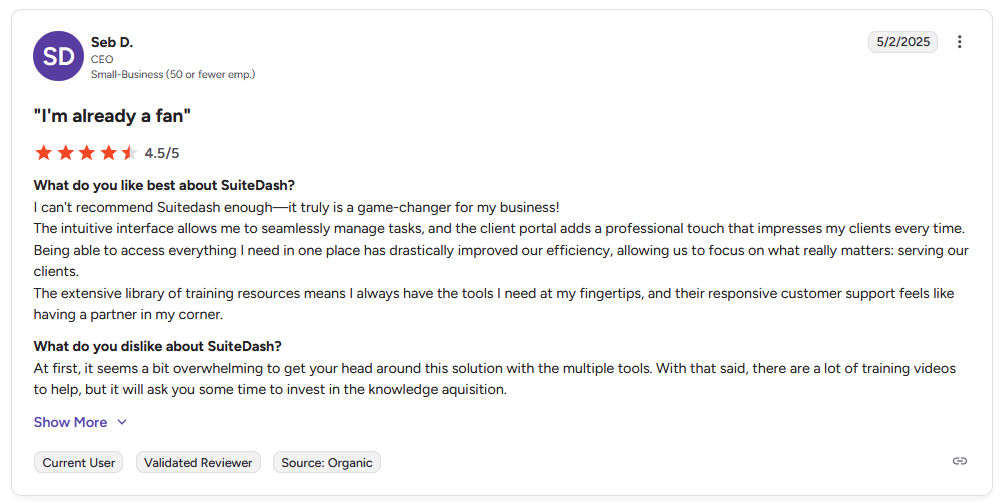
Pro: "The intuitive interface allows me to seamlessly manage tasks, and the client portal adds a professional touch that impresses my clients every time. … The extensive library of training resources means I always have the tools I need at my fingertips, and their responsive customer support feels like having a partner in my corner." - Seb D., G2
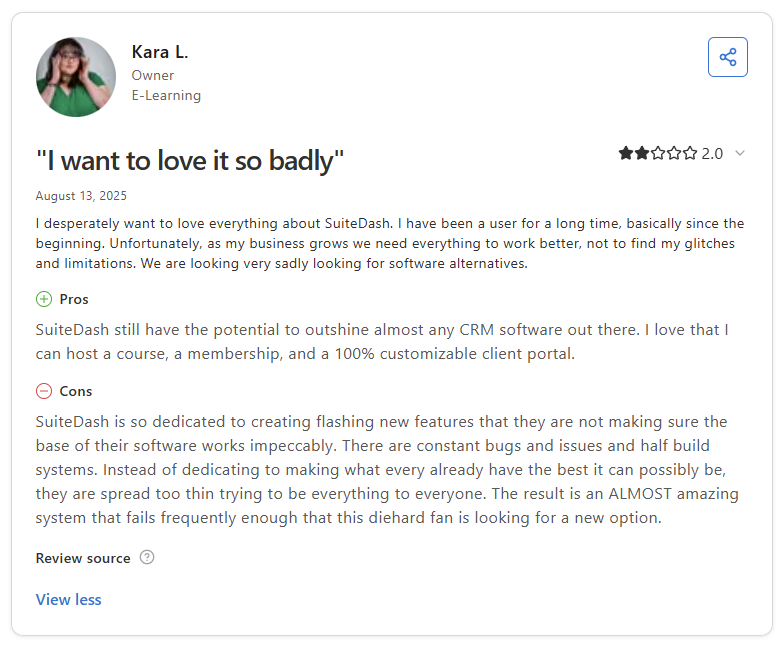
Con: "SuiteDash is so dedicated to creating flashing new features that they are not making sure the base of their software works impeccably. There are constant bugs and issues and half build systems. … The result is an ALMOST amazing system that fails frequently enough that this diehard fan is looking for a new option." - Kara L., Capterra
Pricing
SuiteDash starts at $19 per month.
Bottom line
SuiteDash's unlimited dashboard feature lets you create different portal experiences for different client segments without paying more. If you need stronger project workflow automation and fewer platform stability concerns, Bonsai might be a better fit.
Special mentions
These tools fit more specialized workflows or team setups. Here are another 15 client portal software platforms worth considering:
- Notion: Notion is a workspace tool where you can build custom client portals using databases, pages, and templates. I tested how teams structure client-facing pages and found the flexibility lets you build exactly what you need. That flexibility is powerful, but clients still need to learn Notion’s interface before they can use it comfortably.
- monday.com: monday.com is a work management platform with client portal widgets and guest access permissions. I tested the client-facing board views and found you can share project status with clients while keeping internal boards separate. That separation works well, but managing guest permissions across multiple client projects can still get confusing.
- ClickUp: ClickUp is a project management tool where you can give clients guest access to specific tasks and boards. I tested the permission controls and found you can show clients what they need to see without exposing internal work. The downside is that ClickUp’s feature depth can overwhelm clients who only want to check project status or upload files.
- Zendesk: Zendesk is a customer support platform with a self-service portal for tickets and knowledge base articles. I tested how the help center connects to ticketing workflows and found it works well when support tickets are your main client interaction. However, Zendesk focuses on support rather than project collaboration or file sharing.
- Softr: Softr is a no-code builder that lets you create custom client-facing apps connected to Airtable or Google Sheets. I tested building a client portal from scratch and found the templates sped up the setup process noticeably. The trade-off is that you still need to design your own workflows and data structure.
- Basecamp: Basecamp is a team collaboration tool with message boards, file storage, and simple task lists that you can share with clients. After testing, I found it keeps communication organized without overwhelming clients with project management features. That simplicity also means the task management can feel too basic for complex projects with detailed workflows.
- HoneyBook: HoneyBook is a client management platform for creative professionals that handles bookings, contracts, invoicing, and project timelines. I tested the booking-to-payment workflow and found it's built for photographers, planners, and designers who need scheduling alongside client management. The platform is less useful if your services don't involve bookings or appointments.
- Dubsado: Dubsado is a business management tool for service providers with advanced workflow automation, custom forms, and client portals. I tested the automation builder and found that you can create complex sequences that trigger based on client actions. The portal features work, but they are more basic compared to the automation capabilities.
- Clinked: Clinked is a white-label client portal platform focused on secure file sharing and client group management. I tested the branded portal setup and found that you can organize clients into groups with different access levels. The platform works reliably, but the interface feels dated compared to more modern portal tools.
- Client Portal: Client Portal is a WordPress plugin that adds portal functionality to existing WordPress sites. I tested the setup process and found it integrates directly into your current site, so you don’t need to run a separate platform. That setup works well if you already use WordPress, but it won’t help if your site runs on another system.
- FuseBase: FuseBase is a workspace platform that combines client portals with internal knowledge management. I tested how it handles both client-facing and internal content and found you can embed external tools directly into pages. The platform separates client portals from internal workspaces, but the admin interface can feel cluttered because it manages both.
- Rocketlane: Rocketlane is a customer onboarding and implementation platform for teams managing post-sale delivery at scale. I tested the project templates and resource management features and found they help track capacity across multiple implementations. The platform works best for structured onboarding programs, so it’s less flexible for ad-hoc client projects.
- Planhat: Planhat is a customer success platform where teams can track account health scores, expansion opportunities, and success metrics. I tested the health scoring and playbook features and found they help identify at-risk accounts before churn happens. That focus on account monitoring means it’s not built for sharing daily project work with clients.
- LiveAgent: LiveAgent is a help desk platform with ticketing, live chat, and a client portal for support articles. I tested the ticket management and found it works well for small teams handling customer support on a budget. However, LiveAgent focuses on support workflows, so it isn’t designed for managing client projects or ongoing collaboration.
- Arrows: Arrows is a customer onboarding platform that integrates natively with HubSpot and Salesforce CRMs. I tested how onboarding plans sync with CRM data and found the integration keeps everything connected without manual updates. The platform is built specifically for onboarding, so it’s less useful for ongoing client project management after implementation.
Which client portal software should you choose?
The best client portal software depends on what role the portal plays in your business and how much you need it to do beyond file sharing and messaging.
Choose Assembly if you:
- Need CRM-style client management and a portal in the same platform
- Want to manage client relationships alongside project delivery
- Prefer white-label branding across the entire client experience
Choose Dock if you:
- Run sales cycles that transition into customer onboarding
- Need the same workspace to move from deal stage to account management
- Want mutual action plans and engagement tracking built in
Choose Kitchen if you:
- Want to eliminate recurring software costs with a one-time payment
- Need file approval workflows with visual feedback
- Prefer audio messaging for explaining revisions
Choose OnRamp if you:
- Manage multi-phase customer implementations at scale
- Need to separate internal coordination from customer-facing progress views
- Want automated workflows that trigger based on customer actions
Choose Bonsai if you:
- Need proposals, contracts, time tracking, and invoicing in one tool
- Run a freelance or small agency business
- Want portal access without paying for separate business management tools
Choose Moxo if you:
- Work in legal, accounting, finance, or other regulated industries
- Need document security, audit trails, and approval routing
- Require virtual data rooms with granular permission controls
Choose CoordinateHQ if you:
- Assign tasks directly to clients with custom calls to action
- Need clients to upload documents or review deliverables on their own
- Want simple project tracking with client visibility
Choose SuiteDash if you:
- Build different dashboard views for each client type or service tier
- Need unlimited custom dashboards without per-dashboard fees
- Want full white-label branding on an affordable plan
Now I see the structure! Let me rewrite the Final Verdict to match this format:
Final verdict
Dock, Kitchen, and OnRamp are strong options if your primary need is client collaboration, file sharing, or project tracking. But if you're running a service business that needs a branded client experience, a way to manage client relationships, and a platform that supports both relationships and delivery, those tools can start to feel limited.
Assembly brings those pieces together:
- Branded client portals: Clients access their workspace under your domain with your branding, which keeps the experience consistent throughout the relationship.
- Built-in client management: Track client relationships, communication history, and project status in one place so nothing falls through the cracks.
- Workflow automation: Set up triggers that send messages, forms, or task assignments when specific actions happen so your team doesn't have to manage every step manually.
- AI Assistant: Helps draft client messages and summarize conversation threads without leaving the portal.
- White-label customization: Control your portal's look, layout, and client-facing features so they match your brand without developer support.
Assembly isn't the right fit if you prefer a portal without built-in client management. But for service businesses that want a professional, scalable platform for managing client relationships and delivery, it's worth considering. Start your free Assembly trial today.