



Half the people searching this want to describe an app in their own words and never touch a line of code. The other half are developers who already write code and want an AI agent working inside their editor or from their terminal. Most lists treat these as the same buyer, and the tool that wins for one usually loses for the other.
I used the same build brief across eight of the best vibe coding tools over five days. The build was a client job tracker. My team sees every job, and each client only sees their own. I pulled every price from each vendor's pricing page.
By the end, you will know which tool fits a non-technical founder. You will also know which fits a developer who wants AI inside their existing editor or working from the terminal, and which one fits a professional service firm whose clients need a branded login.
Best vibe coding tools: TL;DR
- Assembly: Best for client-facing apps a professional service firm's clients log into
- Lovable: Best for a non-technical founder building a working first version fast
- Bolt.new: Best for developers who want speed and code control
- Replit: Best for a beginner who wants one tool that does everything
- Base44: Best for internal business tools and dashboards
- v0 by Vercel: Best for production-ready interface code
- Cursor: Best AI editor for a developer already working in their project
- Claude Code: Best for a developer who wants an agent working from the terminal, not tied to one editor
What vibe coding means (and what to check before you ship anything)
Vibe coding comes down to describing what you want in everyday words and letting an AI write the code. You mostly forget the code is there once it's built. A classic drag-and-drop builder works differently. You place and connect visual blocks yourself, and nothing writes code behind what you see.
Every tool on this list gets you most of the way to a working app, but the last stretch still needs testing or a developer's eyes on it.
Check five things before anyone else touches what you built. Confirm a login blocks people who shouldn't see a page. Make sure no password or secret key ended up sitting where a visitor's browser can read it.
Know exactly where your data lives and who can reach it. Put a limit on how fast one person can hit your app's features in a row. Check that any admin-only page requires sign-in, since a hidden menu link alone never stops someone who knows the URL.
How I researched and tested these vibe coding tools
I gave every tool the same build request, worded the same way each time, except v0 and Replit:
I want a simple job tracker my small team and our clients can both use. My own team should see every job we're working on, and its current status. Each client should only be able to log into their own job. They should see its status, any files we've shared, and the invoice for that job, without a second account or a second tool. If I add a second client later, the first client's saved status and files need to stay exactly where they were. My team also needs a short private list of new requests, something clients never see, with no typing the same update twice. A client should never be able to open another client's job by guessing a link. I want a teammate who did not build this to open it tomorrow and make a change without me walking them through it.
I judged each build against the brief's core requirements:
- Did a client's login show only that client's own job?
- Did adding a second client leave the first one untouched?
- Did the team's private request queue stay hidden from clients?
- Could a teammate pick up the build without a walkthrough?
I noted where a tool's plan or scope meant a requirement couldn't be tested at all.
I judged every tool two ways, for a beginner-friendly build and for a developer's coding agent.
Seven tools came up in research and didn't make this list. Canva Code publishes with a single shared password for the whole site, with no separate login per client, which ruled out testing the client-only login this brief needed. AppMaster builds apps through drag-and-drop assembly, a different method from every tool that made this list.
Rocket bundles app building with market research and competitor tracking into one broader strategy suite, wider than the single-app build this brief tested.
WaveMaker makes you book a sales call before you can sign up or see pricing, which ruled it out for a five-day solo build. Zite is built as a persistent operations system, running many connected apps and workflows on one shared database, a different scope than the single tracker built for this test.
Dyad is a capable open-source option for a developer running everything on their machine. It needs a model key and a local environment set up first, a bigger first step than any of the browser-based tools on this list need. That extra setup put it outside the scope of this specific build.
Best vibe coding tools: Quick comparison
How the eight stack up by who's building and what they need:
| Tool | Best for | Starting price | Standout feature |
|---|---|---|---|
| Assembly | Client-facing apps for service firms | $49/month ($29/month, billed annually) | Branded client login, billing after a payout account |
| Lovable | Non-technical founder's first working version | $25/month ($21/month, billed annually) | Click-and-edit on any visual element |
| Bolt.new | Developers who want speed and code control | $25/month ($18/month, billed annually) | A build you can watch happen, screen by screen |
| Replit | Beginners who want one all-in-one tool | $20/month ($18/month, billed annually) | Hosting, data storage, and login all included |
| Base44 | Internal business tools and dashboards | $20/month ($16/month, billed annually) | Visual editor, hand-written code on paid plans |
| v0 by Vercel | Production-ready interface code | $30/user/month (monthly only) | Output already matches Vercel's hosting rules |
| Cursor | Developers already living in an editor | $8/month (annual billing also available); $30 Premium for full Cursor | Indexes and searches your open project |
| Claude Code | Developers already working in a real codebase | $20/month ($17/month, billed annually) | Runs from the terminal or app, not just inside one editor |
Pricing checked against each vendor's own pricing page, November 2026. Verify before you buy, since plans change.
1. Assembly: Best for client-facing apps a professional service firm's clients log into
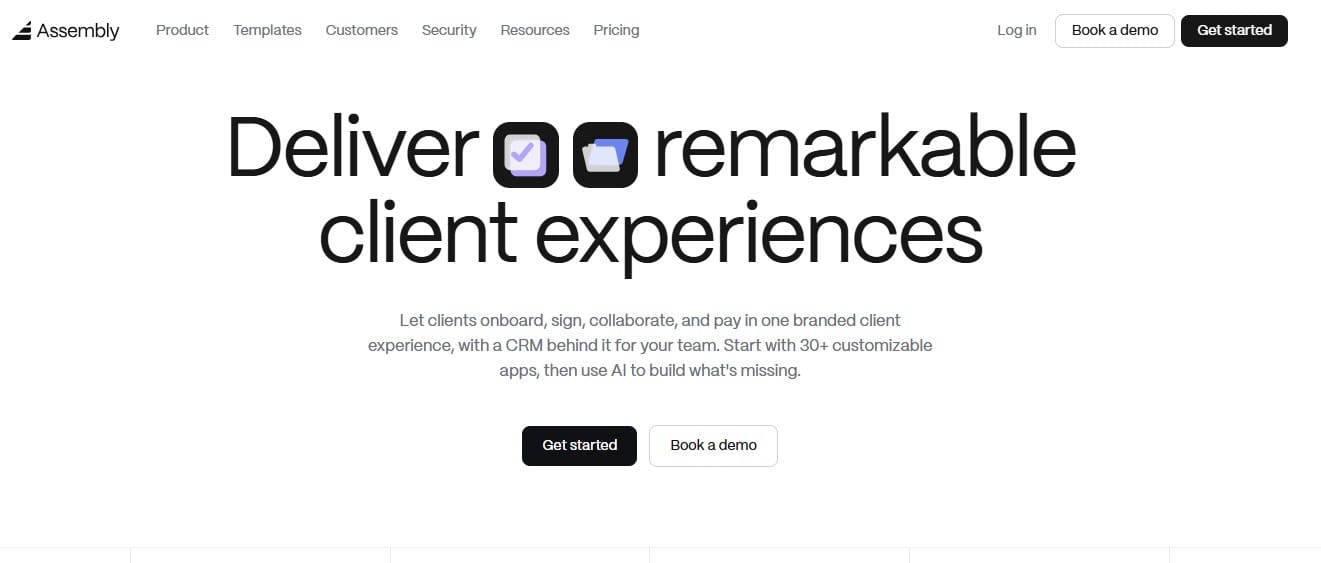
What it does:Assembly is a CRM, branded client portal, andAI app builder in one. It holds your team’s workspace and each client’s branded login, hosts every app you publish, and gives you a builder for anything its ready-made apps don’t already cover
Best for: A professional service firm whose clients need to log into something branded with the firm's name.
Each client needed to log in to their own job, with the invoice visible there too. Each client's login showed only that client's job, files, and invoice, and adding a second client left the first one's data completely untouched. Sending that invoice is a separate step. Assembly requires connecting a payout account before the Payments app works.
A build handed off to a teammate also needs the Professional plan or higher, since Free and Starter only include one internal user.
Security runs at the platform level, with SOC 2 Type II coverage included even on the free plan, though Assembly's AI policy says it doesn't audit a generated app's code before installation.
No plan offers a code-export option, so an app built here only renders inside Assembly's Dashboard and Portal. API access and the automation builder need the Professional plan or higher; Starter doesn't include them.
Key features
- Branded client login: Every screen a client sees carries the firm's name.
- One shared data set: Team and client views pull from the same job record.
- Billing inside the login: Invoicing lives in the same client portal as the job and files.
Pros and cons
Pros:
- Adding a second client mid-test left the first client's view untouched
- Data isolation between clients is platform-level, handled before a build starts
- Extra build credits are available at $0.60 each past the included 200 a month, up to a 10,000-credit monthly ceiling
- Free plan's build credits cover a first build at no cost
Cons:
- Not built for a public marketing site or logged-out consumer app
- No way to export the underlying code to an outside developer
- Paid tiers include only 200 build credits a month, easy to burn through on a busy build month
- A client invoice still needs a payout account connected first, since Assembly doesn't process payments without one
What users say
Diana S.
Outstanding Assembly Features and Seamless CRM Integration
Pros
Integrating Assembly with our CRM has been really helpful, and it has also made onboarding our clients hassle-free. I like the platform’s overall performance as well - it’s client-friendly, easy to navigate, and visually pleasing. I also appreciate the new bulk user-upload feature. The pricing is reasonable too, since we’re able to maximise our use of Assembly. Lastly, its AI features are outstanding.
Cons
Honestly, I don’t have anything I dislike about Assembly.
Steven M.
Flexible Client Portals, Easy Setup, and Responsive Support
Pros
I like that Assembly works as a portal system right out of the box, but I can also use the builder to add the features I need or build a more customized portal. I can connect outside APIs and existing systems, and I’ve used the builder to connect our CRMs. The onboarding was easy and straightforward, and I can connect the MCP to an AI agent to help set up and customize the portal. I also appreciate how responsive and collaborative the support team is. They’ve quickly addressed problems and turned feedback into features and fixes. Assembly felt like a good value for the price, too.
Cons
I had a couple of issues when Assembly first rolled out the app builder, especially changing things that had already been built, but they fixed those quickly. I also had a little trouble getting the MCP to handle some of the customizations I wanted at first, though they’ve expanded it since.
Pricing
Assembly runs five pricing tiers, from a free plan to custom Enterprise pricing:
- Free plan: $0/month (75 credits, three apps, capped at five contacts and one internal user)
- Starter: $49/month ($29/month, billed annually)
- Professional: $139/month ($99/month, billed annually)
- Advanced: $599/month ($499/month, billed annually), the first tier with a HIPAA BAA, though that coverage applies to Assembly's ready-made apps, not apps built with the AI app builder
- Enterprise: starts at $2,000/month
Starter, Professional, and Advanced all include 200 build credits/month and five apps, with extra credits at $0.60 each above 200 (up to 10,000/month) and extra apps at $5/month.
Bottom line
This is the one build where a firm's branded client access never needed a second tool, with billing live in the same login once a payout account is connected. Skip it only for a public website or any app that needs no login wall at all.
2. Lovable: Best for a non-technical founder building a working first version fast
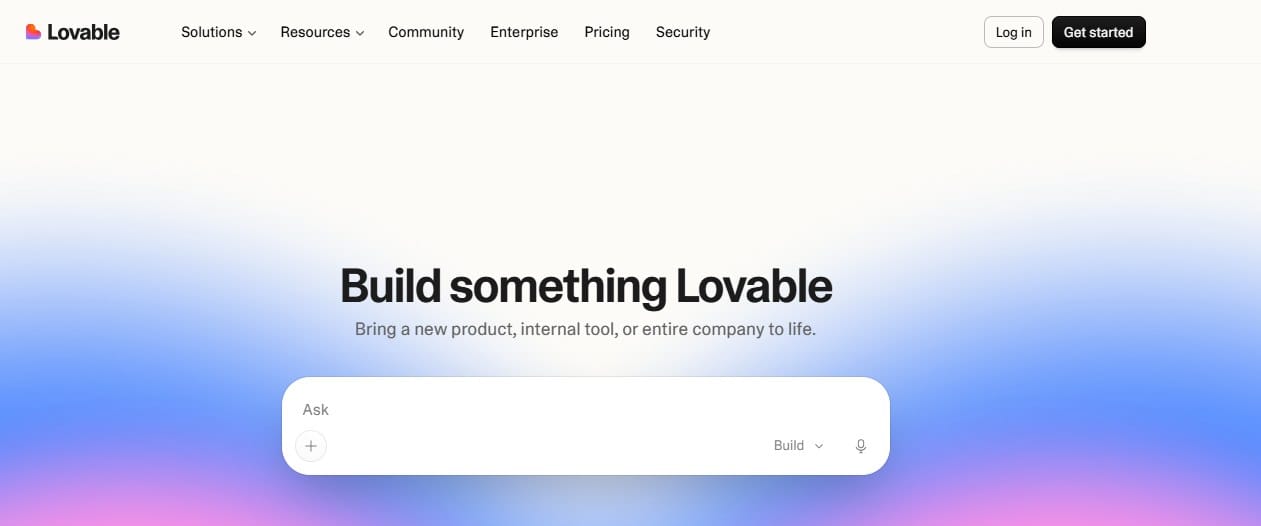
What it does: Lovable turns a written description into a complete web app. The interface, logic, data storage, login, and hosting all come together in one build. You edit by pointing at an element and describing the change.
Best for: A founder or product person validating an idea who has never built software before, and wants something working by the end of the week.
Lovable builds from one plain-English prompt, and a complete job tracker with client logins came together in about three hours, thanks to a click-and-edit tool that only touches the exact piece you point at.
Adding a second client was supposed to leave the first client's saved status and files untouched. A later prompt about a second client reopened that rule instead, even though it had already been fixed once.
Anything confirmed earlier needs a recheck before you hand the project to a teammate, since a new request can undo it without warning.
Billing isn't included free; connecting a payment provider took extra setup time on top of the three-hour build. GitHub sync works on every plan, Free included, and paid plans add a one-click code download, so a developer can take the project elsewhere if the firm ever needs to leave.
Key features
- One description, one app: A single prompt builds the interface, logic, storage, and login together.
- Click-and-edit: Select an element and describe the change. Only that piece updates.
- Code export: Hand the code to a developer, or keep editing by chat.
Pros and cons
Pros:
- Pro's monthly credits roll over, with on-demand top-ups available if a build runs long
- A rough, working first version is realistically a same-day build
- The free plan's daily credit grant was enough to keep iterating on the client view same-day, no card required
Cons:
- A later prompt can reopen a setting you already fixed elsewhere
- Credit use is hard to predict on a longer debugging session
What users say
Nasif S.
High-speed MVP development with clean, production-ready code
Pros
The speed of iteration is incredible. It handles full-stack generation, UI building, and database integration seamlessly, allowing you to go from an idea to a working MVP in a fraction of the time it takes for traditional development. The code output is actually clean, structured, and easy to scale or export, which is rare for low-code/no-code platforms. It genuinely changes how you approach building and shipping SaaS tools.
Cons
While the AI generation is powerful, complex custom workflows and highly specific business logic sometimes require manual fine-tuning and troubleshooting. It can occasionally hit walls or require repetitive prompting when dealing with edge cases, complex APIs, or deeply nested backend integrations.
Anonymous User
Fast and surprisingly polished AI app builder
Pros
Lovable makes building apps feel a lot less intimidating, especially if you’re not a full-time developer. The AI is fast, the interface is clean, and it does a good job turning simple prompts into usable layouts and features. I also liked how quickly I could prototype ideas and make changes without spending hours configuring everything manually. The generated designs usually look modern and polished right away.
Cons
The platform can struggle with more complex app logic or advanced customization. Sometimes the AI misunderstands prompts or changes parts of the project you didn’t want touched. Debugging can also get frustrating because not everything is fully transparent behind the scenes. Pricing may also feel a little high for people just experimenting or building small side projects.
Pricing
Lovable runs four pricing tiers, from a free plan to a custom Enterprise quote:
- Free plan: $0/month (no card needed; a daily grant of five build credits, capped at 30 a month, plus 20 monthly Cloud credits)
- Pro: starts at $25/month ($21/month, billed annually), 100 credits/month by default, with rollovers and on-demand top-ups (no listed per-credit rate)
- Business: $50/month ($42/month, billed annually), same 100-credit default
- Enterprise: a custom, volume quote
A few Lovable alternatives are worth a look if it's close but not quite right.
Bottom line
Budget time to re-check anything you already fixed before calling a Lovable build done. That extra review is another cost to plan for. It still gets a non-technical founder from idea to a working product faster than almost anything else on this list.
3. Bolt.new: Best for developers who want speed and code control
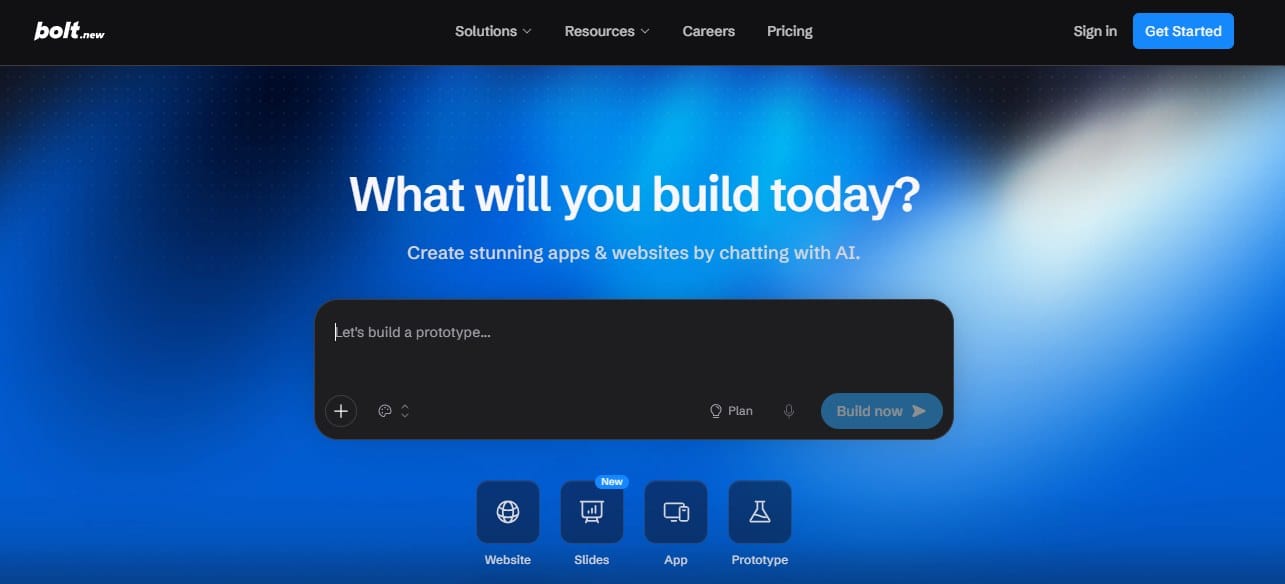
What it does: Bolt.new builds a web app in the browser from a plain request, showing files as it writes them, with a command line you can use yourself.
Best for: A developer or technical founder who wants a vibe-coding tool's speed, plus the option to open a file and fix something directly.
Bolt.new builds screen by screen, so you watch each piece appear as it's written, and a prompt about one part didn't rewrite a rule that was already working elsewhere.
Each client's invoice had to tie only to their own job record. That visibility paid off early, when the first pass wired the invoice screen to the wrong client record, visible the moment the screen appeared and fixed before the second-client test, well before a full review would have caught it.
Billing needs a separate payment provider, since Bolt.new doesn't include one. A teammate can review the build on any plan, and Bolt's Teams tier adds centralized billing for a growing team.
Key features
- Watch it build, screen by screen: See the app come together as each piece gets written.
- A full command line: Run commands yourself without leaving the browser.
Pros and cons
Pros:
- Fast on a first pass, close to production-ready once reviewed
- Four confirmed pieces (the login rule, schema, invoice screen, and request list) stayed untouched through the second-client test
- Pro adds access to the newest AI models and more database capacity
Cons:
- Teams pricing scales per member
- Layout and design get fiddlier to adjust as the build grows
What users say
Ritvik R.
Lightning-Fast Prototyping with Live Preview in Bolt.new
Pros
What I like most about Bolt.new is how quickly I can go from an idea to a working application. As a lead AI engineer, it’s useful when I want to test a product idea or prototype something without spending a lot of time setting everything up from scratch. I can describe what I want, iterate through the chat, and see the changes immediately in the preview. Performance has also been good for me overall, especially during quick iterations and testing different versions. It’s made the early development process much faster and easier. I think the value is good for the time it saves during the initial development work. Being able to go from an idea to a working full-stack prototype quickly is useful, especially for testing and iterating on concepts without spending as much time on setup and boilerplate. It feels worthwhile for me when I’m using it to accelerate development rather than expecting it to replace the normal development and review process.
Cons
The main thing I’d improve is how Bolt handles more complex changes. Sometimes a small change can create another issue or require a few rounds of prompting to get right. I also like having more control over the code as a project gets more advanced, so for me Bolt is better for prototyping than completely replacing the normal development workflow.
Simphiwe M.
Bolt.new Revolutionizes Full-Stack Prototyping with In-Browser Node.js
Pros
Bolt.new completely revolutionizes how full-stack applications are built. Being able to prompt, generate, run, and debug complete web applications directly in the browser environment with Node.js support is incredible. It drastically cuts down development cycles and makes prototyping or spinning up functional portals effortless. The value delivered by Bolt.new vastly outweighs the cost. By eliminating hours of manual environment setup, reducing the need for heavy auxiliary tools, and accelerating full-stack prototyping speeds by multiple folds, it pays for itself almost instantly in saved engineering hours and enhanced client delivery speed.
Cons
For extremely large or complex enterprise-grade systems with massive custom backend microservices, token limits or browser-based environment boundaries can occasionally require manual code exports to handle locally, but for rapid development, it’s unmatched.
Pricing
Bolt.new runs three pricing tiers, from a free token allowance to custom Enterprise pricing:
- Free: includes 1M tokens/month (300K/day cap)
- Pro plan: $25/month ($18/month, billed annually), includes 10M tokens/month with rollover and no daily cap
- Teams: $30/month ($27/month, billed annually) per member, with the same 10M allowance
- Enterprise: custom, usage-based
These Bolt.new alternatives cover the closest options.
Bottom line
A pure non-coder will find the command line here more than needed. Bolt.new is the pick for a developer who wants speed, or anyone who still wants a hand on the code when something breaks.
4. Replit: Best for a beginner who wants one tool that does everything
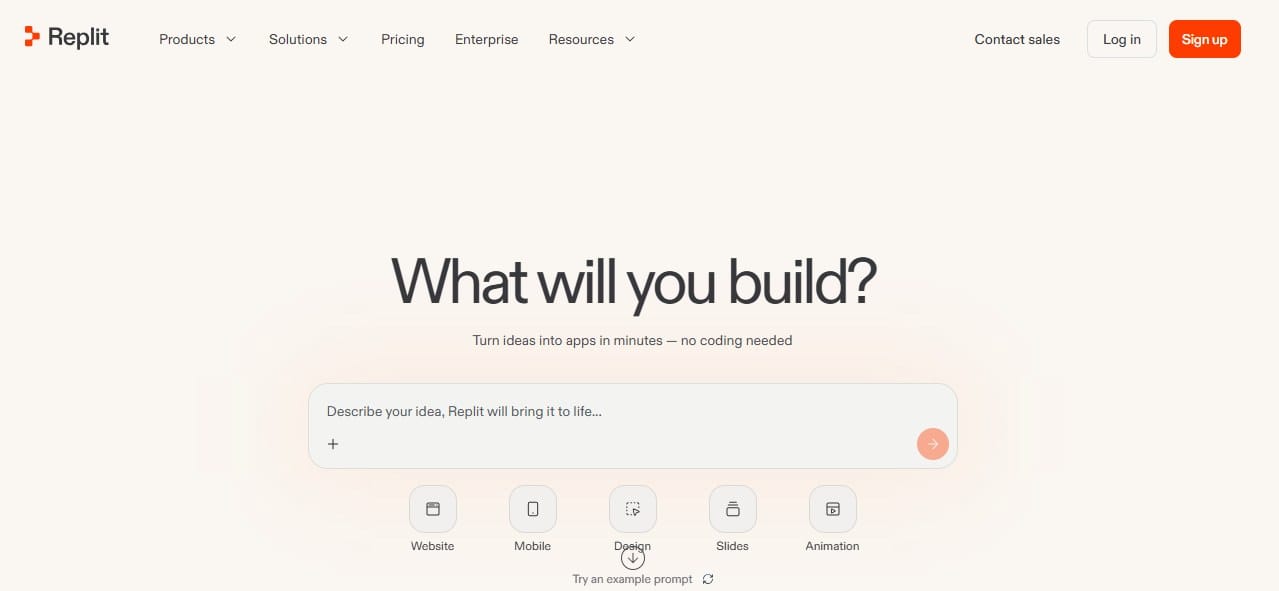
What it does: Replit builds a complete web app from a description, with hosting, data storage, and user login included in the same workspace.
Best for: A beginner or small business team who wants one tool to handle hosting, storage, and login together.
Replit bundles hosting, storage, and login into one workspace, with Agent building from a plain-language description. Each task Agent builds moves through its own stages on ashared board, from draft to a Ready state that needs manual review and approval before it’s applied to the project.
Each teammate can start their own thread with Agent and work in parallel. Core runs one active background task at a time; Pro runs up to 10, so multiple people can have Agent building different parts of the project at once. Billing needs Stripe connected separately, through afirst-party connector starting on the Core plan.
Key features
- Everything included: Hosting, storage, login, and monitoring in one workspace.
- Agent plans first: Turning on Plan Mode maps the build into a task list before any code is written; Plan Mode needs the Core plan.
- Real-time collaboration: A teammate can open the same project alongside you.
Pros and cons
Pros:
- Core includes five collaboration seats, and Pro includes 15, enough for a small team to invite everyone without an extra per-seat charge
- A limited free tier exists to try the workspace before committing to Core
- Connectors and 34 named MCP servers reach GitHub, Stripe, Notion, and many more tools directly; most connectors need the Core plan or higher
Cons:
- Only one background task runs at a time on Core, so a team doing real parallel work will outgrow it and need Pro’s $100/month tier
- A client invoice still needs Stripe connected as a separate step, since Replit doesn't include native billing
What users say
Shaivya K.
Awesome for building apps ( especially prototypes)
Pros
Ease of use is the best thing about using replit. Any beginner can come on this platform and just start building
Cons
If a extremely complex task is given sometimes it gets crazy. Their paid version is better. They can improve here
Arjun s.
Coding anywhere: the browser based revolution.
Pros
Replit’s best feature is its zero-setup environment. Being able to code in over 50 languages directly from any browser, without installing any software, is incredibly efficient. On top of that, the real-time collaboration features and built-in AI tools make it easy to code, debug, and deploy web apps in a way that feels fast and seamless,i admire the features.
Cons
Replit’s free tier has strict CPU and RAM limits, causing large projects to run slowly. Free apps also hibernate when inactive. Additionally, you cannot code offline, and free accounts force your code to be public, raising privacy concerns. downsides are performance limitations, mandatory internet connectivity, and high subscription costs for scaling. the platform lacks the deep interface customization found in local editors like Visual Studio Code.
Pricing
Replit runs three plans, with a limited free tier to start:
- Starter (free): keeps Agent to a smaller-scope Lite build mode; the full autonomous Agent build, Plan Mode, and most connectors need Core or higher
- Core plan: $20/month ($18/month, billed annually)
- Pro: $100/month ($90/month, billed annually), for heavier use
Compare these Replit alternatives if this one's close but not quite right.
Bottom line
Replit gives beginners hosting, storage, and login in one workspace. Core’s one-task-at-a-time limit means a team outgrows it fast, and Pro’s $100/month tier is where real parallel work happens.
5. Base44: Best for internal business tools and dashboards
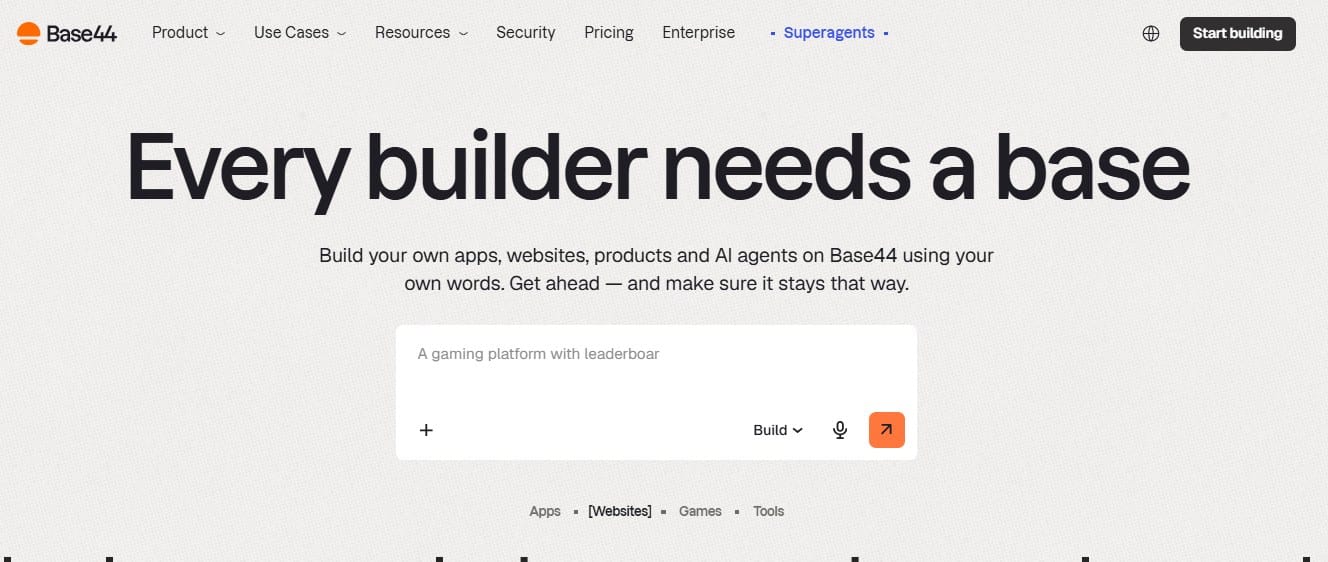
What it does: Base44 builds a working app from a description, with login, data storage, and hosting included.
Best for: A small team or founder who needs an internal tool or dashboard built for their team's use.
Each client's login was expected to show only their own job, and Base44 got this right from the very first pass. A working tracker, with login and storage already handled, came together fast.
Base44 doesn't cap clients or seats; its plan limits run on message and integration credits instead. Multi-user editing comes on every plan too, so a teammate can open the same build without an upgrade.
Base44 pairs that client-level isolation with SOC 2 Type II and ISO 27001 certification, plus independent penetration testing, per its security page.
The visual editor handles most of the build with point-and-click edits. Hand-written code for a custom rule needs the Starter plan or higher; the Free plan doesn't include in-app code edits.
Key features
- Login, data storage, and hosting included: Nothing separate to connect first.
- Visual editor plus code access: Point-and-click editing for most of the build; hand-written code for deeper logic needs the Starter plan or higher.
- Unlimited apps on paid tiers: The free plan caps at five. Every paid tier removes that limit.
Pros and cons
Pros:
- The private request queue stayed hidden from clients while sitting in the same workspace as everything else
- Payments are built in too, through Base44 Payments (Wix) or a native Stripe integration, alongside the other integration types
Cons:
- A buyer expecting a true native app gets a web-view wrapper instead, with offline features still missing
- Advanced logic customization still asks for technical comfort
- App data stays in the US unless you're on Base44's Business or Enterprise plan
What users say
Richard M.
Make this your Home Base(44) for AI apps!
Pros
Base44 has truly transformed my approach to AI web-based programming. I am continually impressed by its user-friendly interface and the exceptional quality of the web applications it produces. Initially, I utilized it for personal projects, helping me manage events and various tasks. However, I have since incorporated it into my businesses, allowing me to develop equipment rental programs complete with revenue tracking and geolocation features. I can’t recommend it enough!
Cons
As with anything AI, you need to be really specific about what you want it to do. Sometimes you’ll spend credits to correct terms or functions, and it will take a few times for the AI system to figure out what you are trying to accomplish.
Dulce M.
It’s like Vercel, but for mobile design
Pros
Ease of Use: It’s extremely simple to use. You just enter a prompt, and the platform analyzes it, generates both the backend and frontend, and displays the result in either web or mobile format. Ease of Implementation: I mainly use it like Figma, but focused on product design, and the learning curve is very minimal. Customer Support: I’ve never needed to contact support, which is a good sign of how stable and intuitive the platform is. Frequency of Use: I use it occasionally, mostly for quick projects and prototypes. Number of Features: I’m impressed that it can generate complete interfaces from just a prompt. Ease of Integration: It’s easy to integrate the generated output into other workflows.
Cons
They only offer 5 free tokens, which is quite limited if you want to fully explore the tool. Also, both simple and complex prompts cost the same amount of tokens, so you need to craft each prompt carefully to make it worthwhile. A more flexible pricing structure or additional free tokens for testing would be a big improvement.
Pricing
Base44 runs five pricing tiers, from a free plan to custom Enterprise pricing:
- Free: plan available first
- Starter plan: $20/month ($16/month, billed annually)
- Builder: $50/month ($40/month, billed annually)
- Pro: $100/month ($80/month, billed annually)
- Elite: $200/month ($160/month, billed annually)
- Enterprise: custom
For close substitutes, see these Base44 alternatives.
Bottom line
Base44 was a fast build for an internal tool your team uses daily, with login and storage already handled before the first screen got built. If your clients are the ones logging in, a platform made for clients is the better fit.
6. v0 by Vercel: Best for production-ready interface code
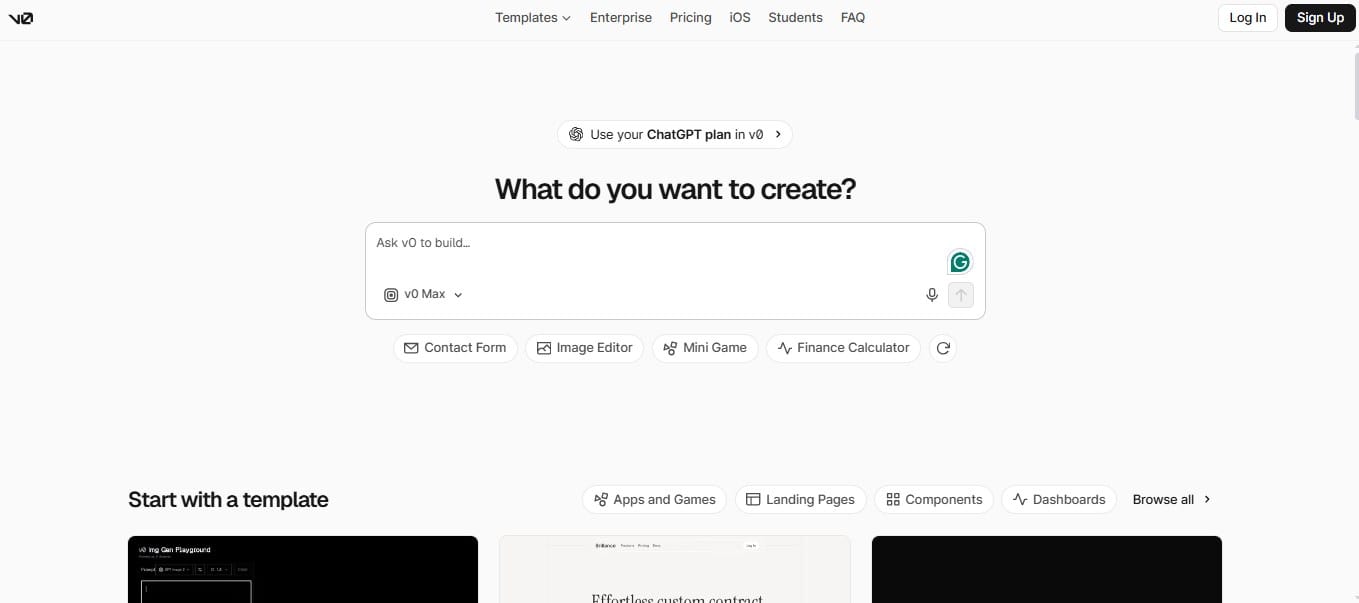
What it does: v0 generates production-grade interface code that follows Vercel's hosting conventions, built to survive production traffic once it ships.
Best for: A team that already has, or will set up, its server-side logic, and wants durable interface code on top of it.
This test covered v0's interface only (the screens, layout, and client-facing status view), since v0 can also generate login and database features but wasn't asked to here. The code it generated followed Vercel's framework rules by default, with API keys staying server-side and model usage billed per unit so cost stays visible as it runs. Because this test never touched the client-login split or the data layer, it can't say whether v0 handles a full two-sided app the way Assembly or Base44 do. v0 doesn't include a database or user authentication by default. Its recommended build order adds both later, as separate prompts.
Key features
- Output that fits your host: Code matches Vercel's conventions, which cuts mismatch-related breakage.
- Server-side secrets: Project environment variables can keep API keys out of browser-readable code.
- Built-in version history: Push an early build to a shareable link. Publish when ready.
Pros and cons
Pros:
- Billing stayed visible screen by screen as the build progressed, making usage easy to track throughout
- A teammate could review the status screen's early layout without waiting for the rest of the build to finish
- New accounts can try v0 free, capped at 7 messages a day, before paying
Cons:
- Login and a database each need a separate prompt; this test only covered the interface
- The learning curve is steeper than a one-prompt beginner tool
What users say
ileana i.
Impressive design output for a no-code builder - just watch the free tier limits
Pros
What I like best about v0 is the quality of the design output. I built ClinicalMatch AI, a patient-trial matching dashboard, for a Devpost hackathon, and I was genuinely impressed - even without any coding background, I was able to describe what I wanted and get back a polished, professional-looking interface. It felt far more refined than I expected from a no-code tool.
Cons
What I dislike is the free tier limits. I ran into usage caps while iterating on my project, which made it harder to move as freely as I wanted - especially since I was working against a hackathon deadline and needed every extra round of changes.
Krishnakant R.
Super easy way to make React UIs for college project demos
Pros
The best thing is just typing what I want and getting working React and Tailwind CSS code in seconds. I am not super great at CSS, so this saves me from wasting hours struggling with flexbox or grid alignments for my college web projects. I can just copy the generated code, paste it into my project, and it looks pretty clean right away.
Cons
Sometimes the initial designs look a bit too plain or basic, so I still have to manually adjust colors and margins. Also, the free daily credits run out fast if you keep asking it to make minor tweaks to the same component over and over.
Pricing
v0 runs three pricing tiers, from a free daily message limit to custom Enterprise pricing:
- Free: includes a 7-message-a-day limit, with no credit allowance attached
- Plus plan: $30/user/month, monthly only, no annual option published; includes $30 of monthly credits per user plus $2 free daily credits on login
- Business: $100/user/month for the same $30 allowance, adding training opt-out
- Enterprise: custom
Both paid tiers allow extra credit purchases.
Bottom line
A beginner who wants one tool to do everything will find v0 heavier than needed. It earns its place when the visible part has to survive production traffic, with a team already handling everything behind the scenes.
7. Cursor: Best AI editor for a developer already working in their project
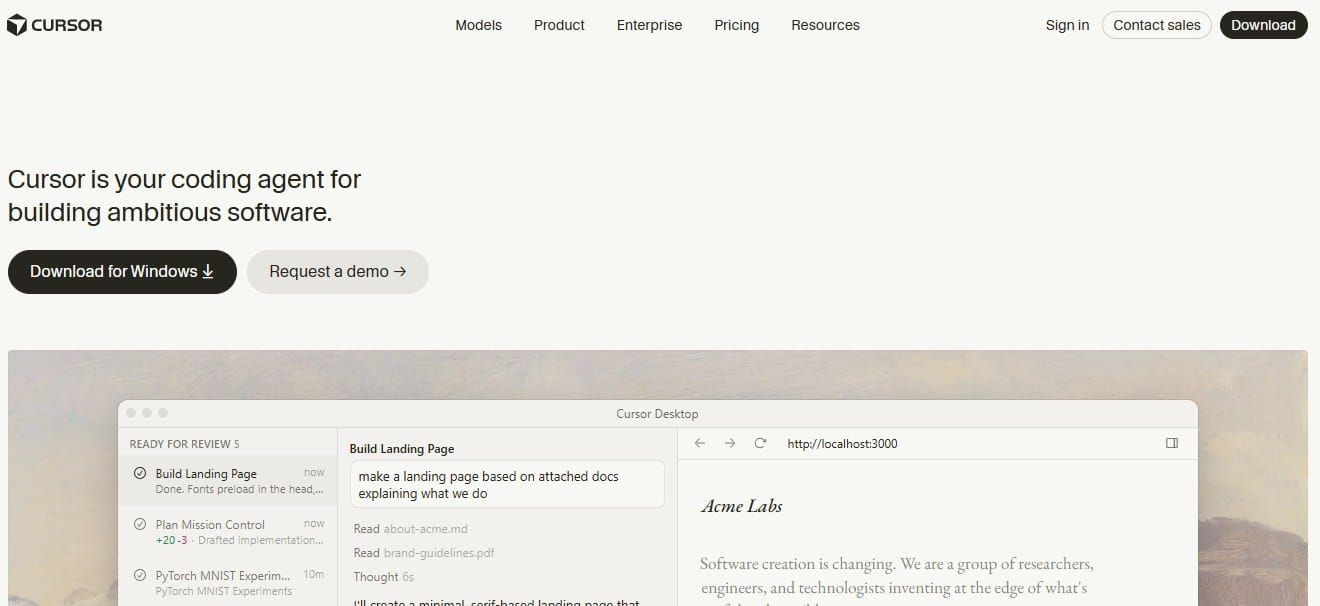
What it does: Cursor is an AI-powered code editor with autocomplete, full-project context, and an agent mode that can build, test, and adjust a project you already have open.
It’s now part of xAI’s X Subscription, which bundles Grok and X Premium into the same plan. The $8/month Plus tier only works with Grok models, and third-party models like Claude and GPT need Premium or higher, billed separately at API list price.
Best for: A developer who wants AI built directly into the editor they already use every day.
This test ran on the Premium tier. Autocomplete suggested the exact next line needed on more than half the keystrokes typed, though that accuracy dropped once the project grew past a few dozen files.
Each client's login, job record, and invoice were meant to stay tied together and isolated from other clients. Cursor's agent mode updated that rule in one pass, touching the login check, the client-record query, and the invoice screen together.
A mid-session switch between Cursor's faster and slower models let one handle routine edits and the other handle the trickier client-login logic, without restarting the conversation or losing the open file.
Key features
- Predictive autocomplete: Suggests the next line as you type.
- Agent mode: Builds, tests, and adjusts work across files once you describe what's needed.
- Full-project context: Indexes and searches relevant files across your open project.
Pros and cons
Pros:
- More than half the keystrokes during the build matched an autocomplete suggestion already on screen
- Fits directly into a workflow a developer already runs
- Model choice lets you pick speed or depth for the task
- Free and Plus tiers exist to try it before Premium
Cons:
- Responses slow down noticeably on a large project
- Cloud agents and Bugbot code reviews sit behind the $30/month Premium tier; a limited agent mode exists on lower tiers too
- A non-coder will struggle trusting suggestions they can't read
What users say
Kaynan S.
An AI-first editor that genuinely speeds up daily development
Pros
Cursor has become my daily driver for writing code. It’s built on top of VS Code, so everything felt familiar from day one, but the AI layer is what makes it stand out. The tab autocomplete predicts multi-line edits remarkably well, and the agent/composer mode can make coordinated changes across several files in a large monorepo, which saves a lot of manual navigation. The codebase-aware chat lets me ask about unfamiliar parts of our backend and get answers grounded in the actual code, and I can switch between different frontier models as new ones ship.
Cons
It can get pricey once you lean heavily on the stronger models, and request latency sometimes spikes during peak hours. The AI is confidently wrong now and then, so you still have to review its edits carefully, especially on large refactors. On a very big monorepo the indexing can lag, and occasional updates change model behavior in ways you have to re-learn.
Anonymous User
Game-Changer | A Smart AI Assistant
Pros
I like most about cursor is how seamlessly it integrates AI into coding workflow.It feels like owrking with a smart assistant inside the editor rather than a seperate AI tool which inturn boosts its productivity
Cons
One of the major drawback of Cursor is that its AI suggestions are not always accurate, especially for complex or large codebases. Sometimes it generates code that looks correct but requires manual validation and fixes.
Pricing
Cursor runs five pricing tiers, from a free plan to custom Enterprise pricing:
- Free plan: $0/month
- Plus: $8/month ($80/year)
- Premium: $30/month ($300/year); full Cursor coding (cloud agents, Bugbot, third-party models)
- Super: $100/month ($1,000/year)
- Ultra: $200/month ($2,000/year)
- Teams: starts at $30+/user/month
- Enterprise: custom
Bottom line
Agent mode inside an existing editor is Cursor's biggest draw, and it runs in full on the $30/month Premium tier. It's the wrong start for someone who can't yet read the code it writes.
8. Claude Code: Best coding agent for a developer who wants it in the terminal, not tied to one editor
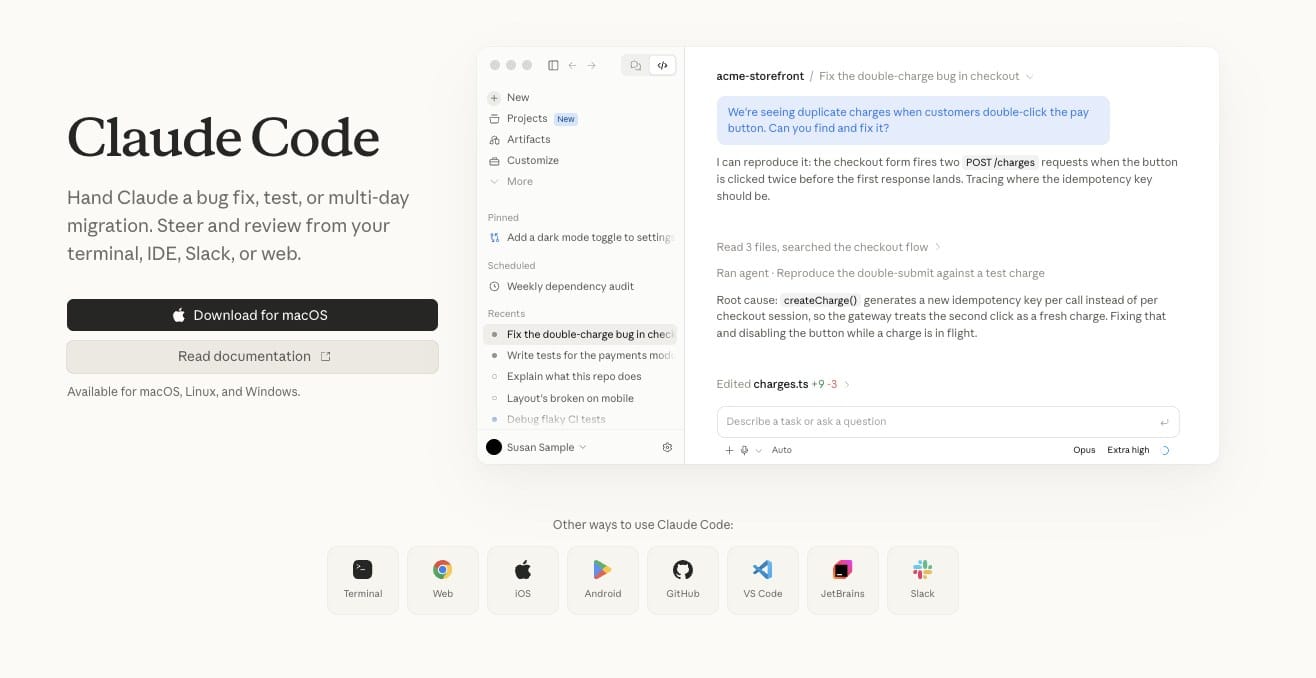
What it does: Claude Code is Anthropic's agent for writing and fixing code, run from a terminal, an IDE, a desktop app, or a browser. It reads your whole project, edits files across it, and runs the commands needed to finish a task.
Best for: A developer comfortable with git and the command line who wants one coding agent that follows them across the terminal, an IDE, and the browser.
I built the same client job tracker with Claude Code, working from the terminal instead of a browser-based builder, and ended up with a dashboard that tracked jobs by client and gave each client a private link to a page showing only their own status, files, and invoice.
Each client's job record, internal note, and invoice were meant to stay separate from every other client's. Adding a second client's job left the first client's status, internal note, and invoice line item untouched, confirmed by reopening that job right after.
The client-facing link used a long random token rather than a sequential ID. Changing one character in it returned a clean 404 instead of leaking another client's data.
The dashboard itself needed no walkthrough: one page, a form to add a job, and a status dropdown that reflected the client's own status back to them.
Key features
- Whole-project context: Reads and edits across your whole codebase, not just one open file, and traces a bug or a feature through several files on its own.
- Runs everywhere: Works from the terminal, plus VS Code, JetBrains, a desktop app, and the browser, all reading the same project notes.
- Git built in: Stages changes, writes commit messages, and opens pull requests on its own.
- Connects to outside tools: Reaches Jira, Slack, and Google Drive through MCP, a shared standard for linking AI tools to outside apps. It can also run several agents on different parts of one task at once.
Pros and cons
Pros:
- Reads an unfamiliar codebase and traces a bug across files without being walked through it file by file
- Runs tests and git commands itself instead of only suggesting code to paste in
- Works from the terminal, the desktop app, and more, not tied to one editor the way an IDE plugin is
- Included in the same Claude subscription a team may already pay for, with no separate purchase
Cons:
- Needs comfort with git and the command line; this isn't a visual, drag-and-drop app builder like Lovable or Base44
- Shares usage limits with regular Claude chat, so a heavy coding day draws from the same pool
- Changes it makes with full confidence still need a review pass before shipping
What users say
Gabriela C.
Makes Creating and Experimenting Easier - A Big Productivity Boost
Pros
I love how much easier it has become to create, experiment, and bring ideas to life. It also significantly accelerates our productivity, both personally and professionally, in the best possible way.
Cons
I think some features could be more intuitive, especially when using Claude Code in the terminal. For example, many people don’t realize how useful Better discoverability and guidance could help users get much more out of the tool or introduced as part of the workflow. Better discoverability and guidance could help users get much more out of the tool.
Durgaprasad B.
Fast, Context-Aware Terminal Coding Help That Boosts Developer Productivity
Pros
Claude Code has noticeably boosted my productivity as a developer by providing fast, context-aware coding help directly in the terminal. It does a strong job understanding large codebases and producing high-quality code, and it’s also useful for debugging, refactoring, and creating tests. All of that cuts down development time and speeds up problem-solving. What I appreciate most is how well it manages complex, multi-file changes while still keeping code quality and consistency intact, which makes it a valuable tool for automation, day-to-day development, and troubleshooting workflows.
Cons
While Claude Code is highly capable, I do run into occasional limitations with very large or highly complex codebases, where response consistency can vary over longer sessions. At times, the generated solutions still need extra validation or a bit of refinement to better match specific project conventions and handle edge cases. Usage limits and execution constraints can also sometimes interrupt momentum and affect productivity during intensive development or debugging work. Overall, though, these feel like relatively minor concerns compared with the productivity gains Claude Code provides.
Pricing
Claude Code isn't sold on its own. It rides on Claude's regular subscription plans, starting at Pro:
- Free: $0/month (Claude Code isn't included)
- Pro: $17/month ($200/year), or $20/month billed monthly
- Max: $100/month, five times Pro's usage
- Ultra: $200/month, ten times Pro's weekly usage, no five-hour session cap
- Enterprise: $20/seat/month plus usage billed at API rates, billed annually
A heavy coding day pulls from the same usage pool as regular Claude chat, though heavy users can add pay-as-you-go API credits through a separate Console account.
Bottom line
Claude Code is the pick for changing code that already exists, not generating a new app from a prompt. It costs nothing on top of a Claude subscription a team may already have, but it expects comfort with git and a terminal first.
Which vibe coding tool should you choose?
Match the tool to who is building, and what the app has to hold up once people depend on it.
Choose Assembly if you:
- Need clients to log into something branded with your firm's name
- Want client access and billing in one login, once a payout account is connected
Choose Lovable or Bolt.new if you:
- Want a working first version fast (Lovable if you'd rather not touch code, Bolt.new if you're comfortable fixing things yourself when the AI gets something wrong)
- Are validating an idea this week, and will harden it for live customers later
Choose Replit or Base44 if you:
- Want hosting, data storage, and login bundled into one tool, with nothing else to configure
- Are building primarily for your team
Choose v0 if you:
- Already have your server-side setup, and need durable, well-built interface code on top of it
- Need the output to already match your hosting platform's rules, with less cleanup after
Choose Cursor if you:
- Already write code and want an AI agent working inside your existing project
- Want to stay inside the editor you already use every day
Choose Claude Code if you:
- Already write code and want that same agent working from the terminal, not inside one editor
- Are fine on a paid Claude plan already, since it isn't sold as a separate product
Final verdict
Out of the best vibe coding tools tested here, the right pick still depends on who is building. A professional service firm whose clients need a branded, secure login should start with Assembly, where SOC 2 Type II coverage already applies even on the free plan, though Assembly doesn't audit the code a generated app runs.
For a fast, non-technical first version, Lovable gets there quickest. A developer who already works inside an editor gets the most from Cursor, worth the $30/month Premium tier once agent mode is doing the heavy lifting across a project.
A developer who wants that same agent working from the terminal instead gets the most from Claude Code. Replit and Base44 suit teams that want everything bundled for internal use; v0 and Bolt.new fit developers who want more control over the code itself.
If a branded, secure client login is the deciding factor, you can start building with Assembly for free and see your own job tracker live before touching a paid plan.
Frequently asked questions
Which vibe coding tool is best?
Assembly is the best pick for a professional service firm whose clients need a branded login. Lovable and Replit are the best picks for a non-technical founder who wants a complete app fast. Cursor is the strongest choice for a developer who wants AI built into the editor they already use; Claude Code fits a developer who wants that same agent working from the terminal instead.
What tools do you need for vibe coding?
Vibe coding needs a builder or agent, plus somewhere for the app to run, store data, and manage logins. Assembly, Lovable, Replit, and Base44 bundle all of that together, so there is nothing separate to connect before a build is ready.
What is the best vibe coding setup for a complete beginner?
Replit and Lovable are best for a complete beginner, since both include hosting, data storage, and login in one place, with no reading or writing code required to get a first build running.
Can non-technical people build real apps with these tools?
Yes, non-technical people can build complete, working apps with these tools. Lovable, Replit, and Base44 each generate a complete app from an everyday description, including the interface, the logic behind it, and the login. Assembly lets a service firm build a client-facing app the same way, entirely by chat.
Do vibe coding tools work for real production apps, or only for early-stage builds?
Both options exist. Assembly, Base44, and v0 are built for production from the start, with Assembly and Base44 both SOC 2 Type II certified. Lovable and Bolt.new are faster for a first draft, but need a review pass before users start relying on them.