



Base44 turns a text prompt into a working app, with a database and login screen already built in. That's fast for a first draft, but the trouble starts once an app needs real users, permissions, or a steady budget.
I researched dozens of tools and judged each one on production readiness, pricing structure, and code ownership. Bubble, Lovable, and Glide made the strongest case for themselves, and they're part of the 10 tools that made the final cut.
Here's what each one does well, where it falls short, and who it's actually built for.
10 best Base44 alternatives: TL;DR
- Lovable: Best for teams that want full code ownership and an easy handoff to a developer later.
- Assembly: Best for service businesses building client-facing apps, like project trackers or onboarding flows, that ship into an existing branded client space.
- Bubble: Best for founders building complex, customer-facing web apps that need to scale past a simple prototype.
- Glide: Best for teams that want a structured, no-code builder with no prompt-based limits.
- v0 by Vercel: Best for design-heavy frontend work, especially matching an existing Figma file.
- Replit: Best for teams that need mobile apps, web apps, and automation agents from one platform.
- Cursor: Best for developers who want AI-assisted coding without giving up control of the codebase.
- Emergent: Best for non-technical founders who need a production-ready product without touching code.
- FlutterFlow: Best for teams building native iOS and Android apps with exportable code.
- Softr: Best for agencies and small businesses turning Airtable or Google Sheets into client-facing apps.
Why look for Base44 alternatives?
I built a small client intake tool in Base44 to see what the first-draft experience is like. Typing out what I wanted was quick, and within a few minutes, I had a working app with a database and login screen already in place. The honeymoon phase didn't last long, though.
Once I tried to add permissions and picture the app handling more than a handful of users, a few cracks started to show:
- The credit system can get unpredictable: Base44 runs on two separate credit pools, one for building and one for what your live app does when users interact with it. Both reset every billing cycle and don't roll over, so a busy month can pause your app mid-stride until the reset hits.
- Mobile support has gaps: Downloading code requires a paid Builder plan, and even then, there's no native path to iOS or Android. You're choosing between wrapping the web app, using a tool like Capacitor, or rebuilding it in React Native, any of which is more work than a quick export.
- Production features are thin: Granular permissions, audit logs, and compliance features aren't part of the core package, so you're stuck building your own safety net before handing the app to users with sensitive data.
Which Base44 alternative should you choose?
The right Base44 alternative depends on how much production-readiness you need, whether you're building for mobile or the web, and how much you want to touch code.
Choose:
- Lovable if you want full code ownership and an easy handoff to a developer down the line. The credit system can burn fast once you start iterating heavily.
- Assembly if clients need to log into the app, like a project tracker or client help desk, inside a space already branded and connected to their billing and messaging. It's a weaker fit for public or logged-out apps.
- Bubble if you want to build complex, customer-facing web apps that can scale as your user base grows. The learning curve steepens as your workflow logic becomes more detailed.
- Glide if your team already uses a spreadsheet and wants a structured, no-code builder for it. Design customization has more limits than tools built around custom layouts.
- v0 by Vercel if design quality matters most and you're comfortable handling backend logic yourself. It's frontend-focused, so backend support stays minimal.
- Replit if you need mobile apps, web apps, and automation agents on one platform. Pricing is effort-based, which can make budgeting tricky.
Stick with Base44 if you want to validate an idea fast and don't need production features like permissions, audit logs, or compliance built in yet.
10 best Base44 alternatives: at a glance
| Tool | Best for | Starting price |
|---|---|---|
| Lovable | Full code ownership with an easy developer handoff | $21/month |
| Assembly | Client-facing apps that ship into your existing client space | $29 per month |
| Bubble | Complex, customer-facing web apps that need to scale | $59/month (Web and mobile) |
| Glide | Turning a spreadsheet into a structured no-code app | $19/month (Individual) |
| v0 by Vercel | Frontend design work matched to an existing Figma file | $30/user/month, billed monthly |
| Replit | Building mobile apps, web apps, and agents in one place | $18/month |
| Cursor | Developers who want AI assistance without losing codebase control | $16/month |
| Emergent | Non-technical founders who need a production-ready app | $17/month |
| FlutterFlow | Native iOS and Android apps with exportable code | $29.25/month |
| Softr | Turning Airtable or Google Sheets into a client-facing portal | $99/month |
Billed annually
1. Lovable: Best for full code ownership with an easy developer handoff
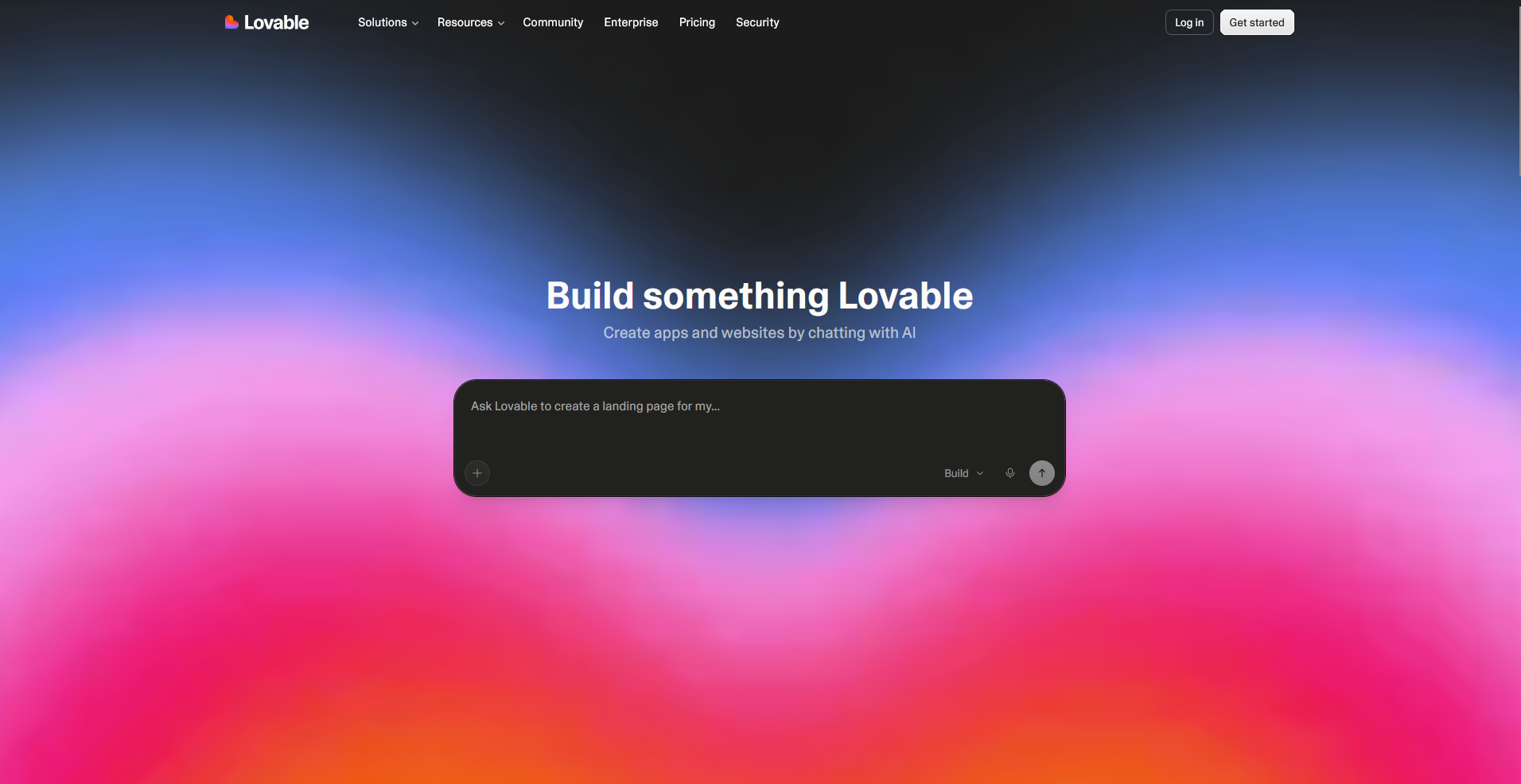
Lovable is an AI app builder that turns a text prompt into a working web app with React and Supabase running underneath. It generates code you can push straight to GitHub, so a developer can pick up the project without having to untangle a proprietary format. It only builds web apps, so you'll need a separate tool if your project needs a native iOS or Android app.
Key features
- Code export: Push generated code directly to a connected GitHub repository.
- Visual editing: Adjust layouts and elements directly on the rendered app preview.
- Supabase integration: Connect a Supabase backend for authentication, database, and storage.
Pros
- Generated code follows standard React conventions, so an existing dev team can read and extend it without learning a proprietary framework
- The GitHub sync keeps version history intact, which matters when more than one person touches the codebase
- Figma designs can be imported directly, cutting out a design handoff step some builders skip entirely
Cons
- Credit consumption can climb fast on apps with heavy back-and-forth prompting, since every generation and edit draws from the same pool
- Highly custom logic often needs a developer to step in and clean up the generated code by hand
Best for
- Teams planning to hand a prototype to a developer for production
- Designers who want to import a Figma file directly into a working app
- Founders who want ownership of their app's codebase from day one
Pricing
Lovable starts at $21 per month.
2. Assembly: Best for client-facing apps that ship into your existing client space
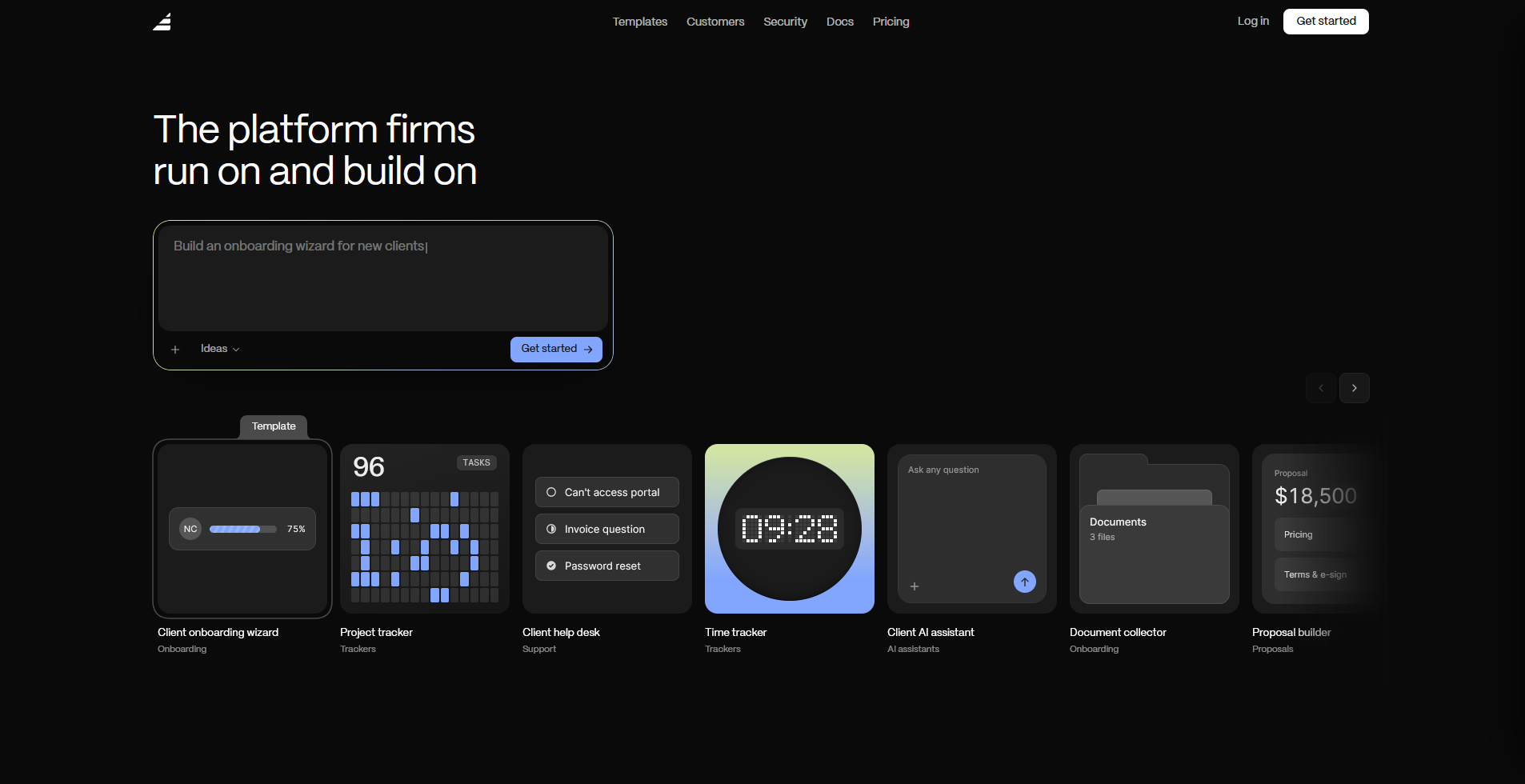
Assembly is a client platform with an AI app builder that turns a prompt into an app clients log into, such as a dashboard, onboarding flow, or project tracker. Each app connects to a client's existing files, messages, and billing, instead of needing separate logins or integrations set up after the fact.
It's built for authenticated, client-facing use cases specifically, so a public marketing site or a logged-out storefront falls outside what it's designed to do.
Key features
- Client-facing app generation: Generate the screens, data structure, and layout for an app from a text description.
- Built-in client platform: Connect a generated app to existing contracts, invoicing, and messaging without separate integrations.
- Permissions and branding by default: Apply per-client visibility and your own branding to a generated app automatically.
Pros
- Apps connect directly to existing client billing and messaging, so clients aren't juggling a separate login for each new tool
- Each client only sees their own data by default, which cuts out manual permission setup after the build
- Assembly maintains SOC 2 Type II compliance and supports GDPR, CCPA, and HIPAA compliance, so client data stays protected
Cons
- Public or logged-out experiences, like a marketing site, fall outside what Assembly’s AI app builder is built for
- Streaming or video-heavy products aren't a strong fit for the platform's current feature set
Best for
- Agencies and consultants building client dashboards or onboarding flows
- Accounting, bookkeeping, and financial services firms managing client-facing workflows
- Law firms and real estate teams that need branded, secure apps clients log into
Pricing
Assembly has a free plan, and paid plans start at $29 per month billed annually.
3. Bubble: Best for complex, customer-facing web apps that need to scale
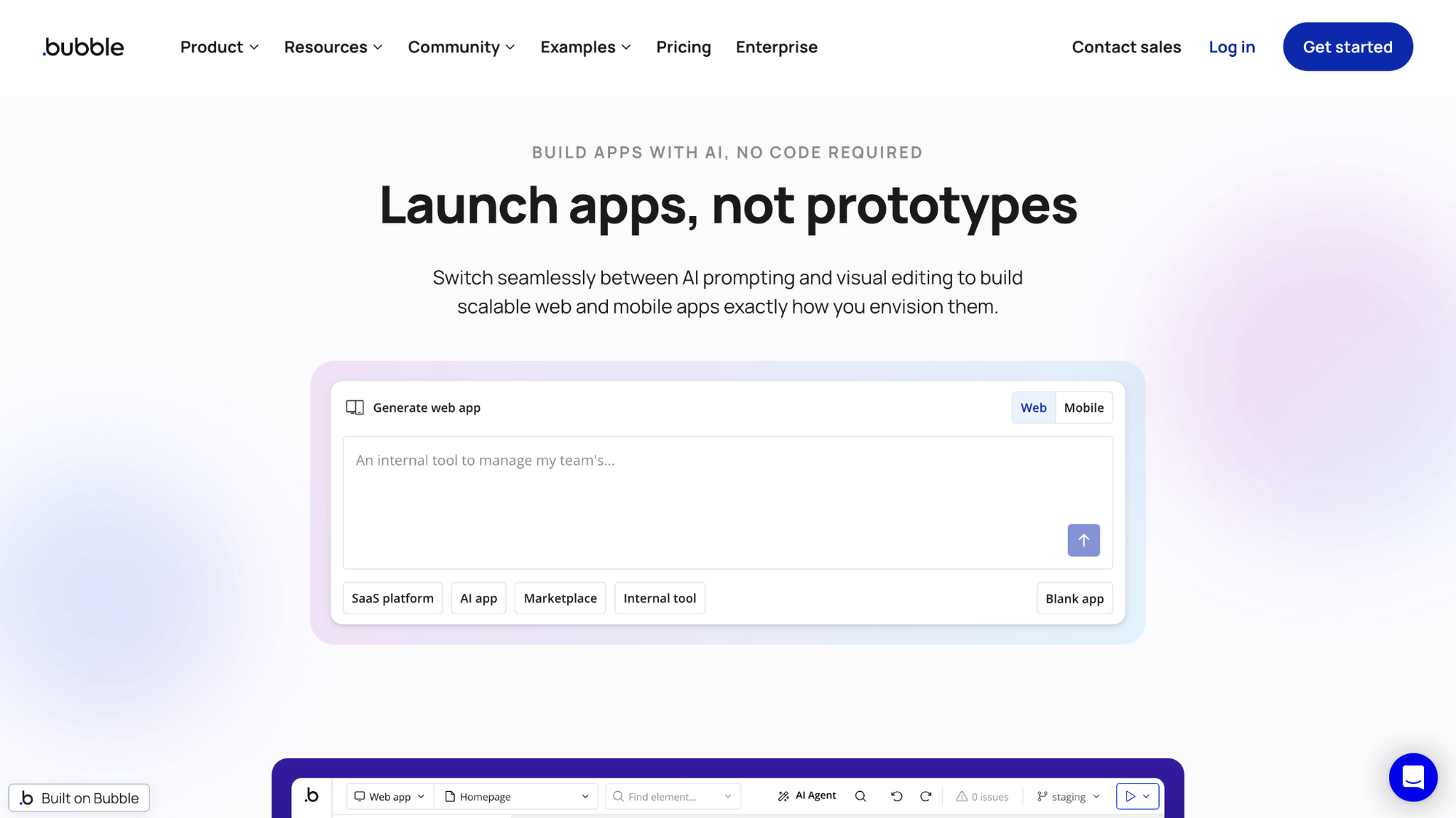
Bubble is a no-code platform that lets you build web apps visually using a drag-and-drop editor and workflow logic. It handles complex, multi-step logic well, with a built-in database and a plugin marketplace that covers most common integrations. Performance can slow as your app handles more data, so plan on optimizing workflows and structure as you grow.
Key features
- Workflow editor: Build multi-step logic using conditional triggers and actions.
- Built-in database: Store and manage app data without a separate backend.
- Plugin marketplace: Add pre-built integrations for payments, APIs, and other services.
Pros
- The workflow editor can handle branching logic that most no-code tools push you toward custom code for
- A large plugin marketplace means most common integrations already exist instead of requiring a custom build
- Responsive design settings apply across breakpoints at once, so you're not rebuilding the same layout for mobile separately
Cons
- Complex apps with heavy workflows can slow down, so performance tuning becomes part of ongoing maintenance
- Pricing runs on workload units, so every database read, workflow step, and API call adds to your bill
Best for
- Founders building a customer-facing app with complex business logic
- Teams that want a mature plugin ecosystem instead of custom integrations
- Non-developers who need branching workflows without writing code
Pricing
Bubble starts at $59 per month.
4. Glide: Best for turning a spreadsheet into a structured no-code app
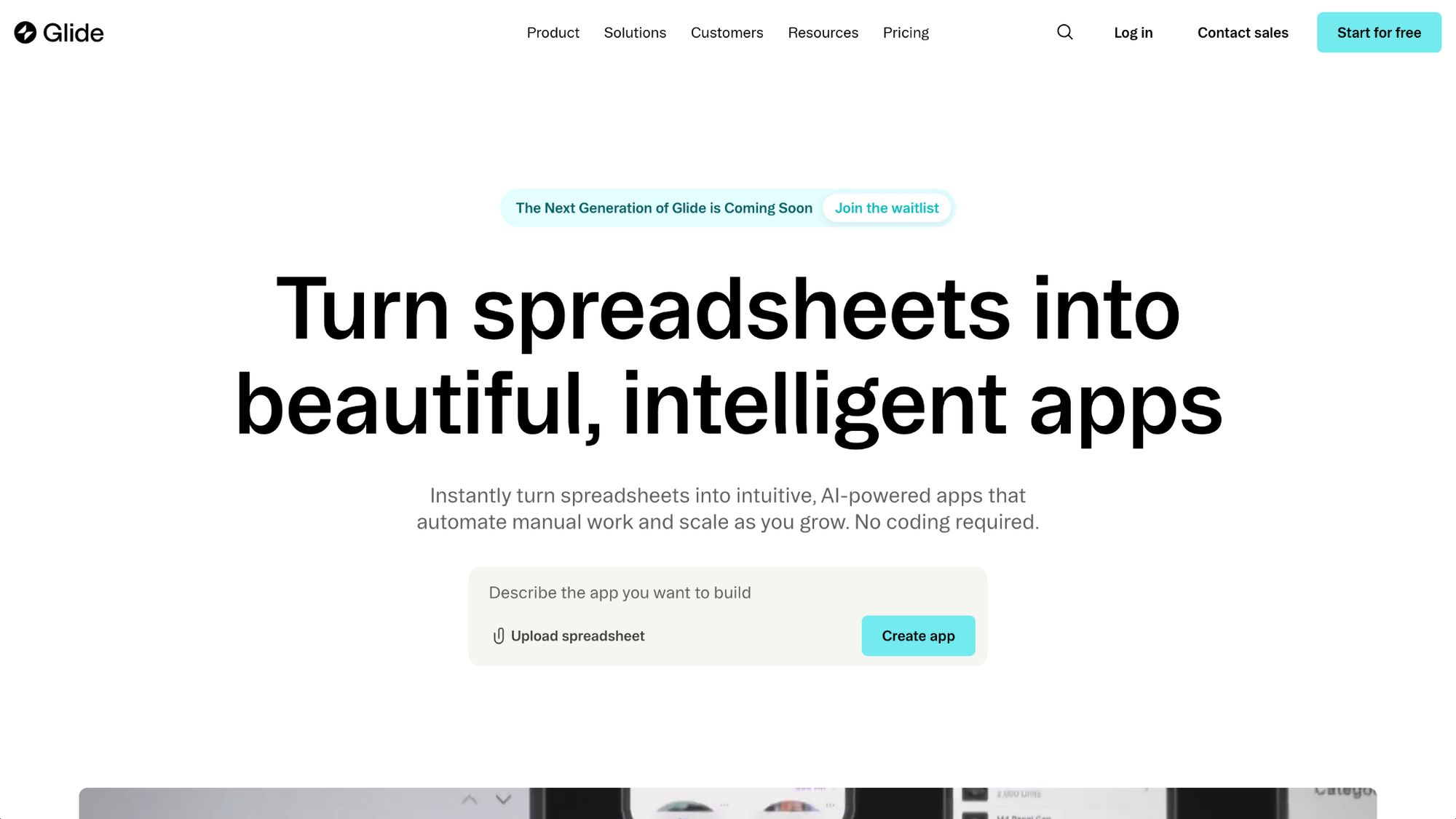
Glide is a no-code platform that turns a Google Sheet, Airtable base, or Excel file into a working web or mobile app. It syncs with that data automatically, so updating a spreadsheet refreshes the app without exporting. You'll find it harder to link customers, orders, and products together, since Glide runs on a spreadsheet without a full database.
Key features
- Data sync: Sync app content directly with a connected Google Sheet, Airtable base, or Excel file.
- Actions: Trigger automated tasks like sending emails or updating records.
- AI app generation: Generate a working app layout from a plain language description.
Pros
- Syncs with that data source automatically within minutes of a change, so you're not manually re-importing or exporting data to keep the app current
- Prebuilt templates get you to a working app fast, which suits teams without a developer on staff
- Apps render mobile-first by default, so you're not adjusting layouts separately for phone screens
Cons
- Relational data across multiple tables can strain the spreadsheet-based structure as an app grows
- Design stays inside Glide's component library, so a fully custom layout isn't an option
Best for
- Teams that already keep their data in Airtable or Google Sheets
- Small businesses that want a working app without hiring a developer
- Internal tools that don't need heavy custom design
Pricing
Glide starts at $19 per month.
5. v0 by Vercel: Best for frontend design work matched to an existing Figma file
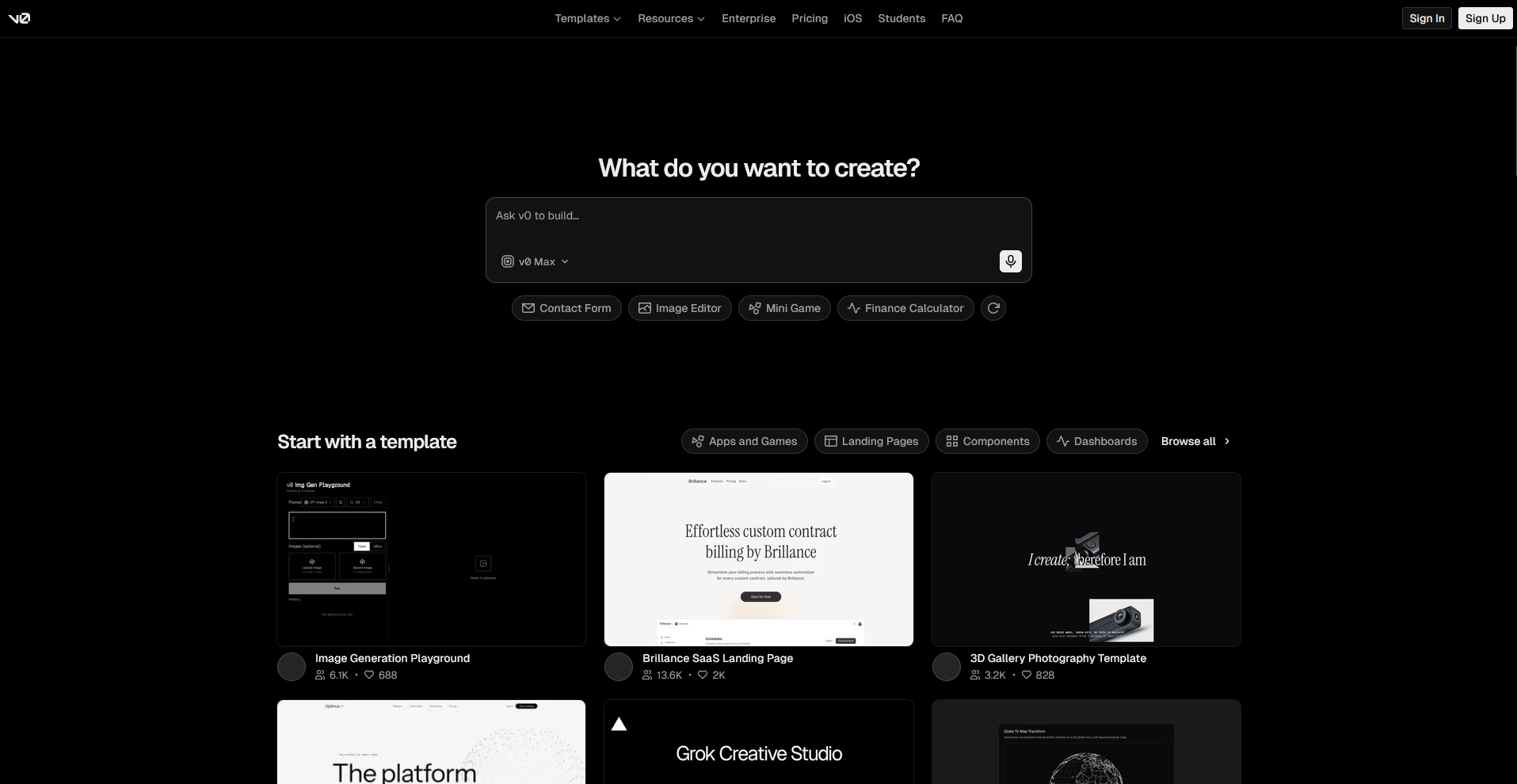
v0 by Vercel is an AI tool that generates frontend code from a text prompt or an uploaded design file. It's built to closely match an existing Figma file, turning a design into working React and Tailwind code instead of a rough approximation. Backend logic stays outside its scope, so you'll need a separate database or API layer to make the app functional.
Key features
- Design matching: Generate frontend code from an uploaded Figma file or screenshot.
- Component generation: Create individual UI components from a text description.
- Framework output: Export code built with React, Next.js, and Tailwind CSS.
Pros
- Generated components follow clean, readable code patterns that a developer can drop straight into an existing codebase
- Matching a Figma file closely cuts down the back and forth between design and development teams
- Output works natively with Next.js, which suits teams already building on Vercel's platform
Cons
- Backend logic, databases, and authentication all need a separate tool, since v0 focuses on the frontend only
- Complex, highly custom interactions can still need a developer to refine the generated code by hand
Best for
- Design teams that want a Figma file turned into working frontend code
- Developers who want a starting point instead of building components from scratch
- Teams already building on Next.js and Vercel's hosting platform
Pricing
v0 by Vercel starts at $30 per user per month, billed monthly.
6. Replit: Best for building mobile apps, web apps, and agents in one place
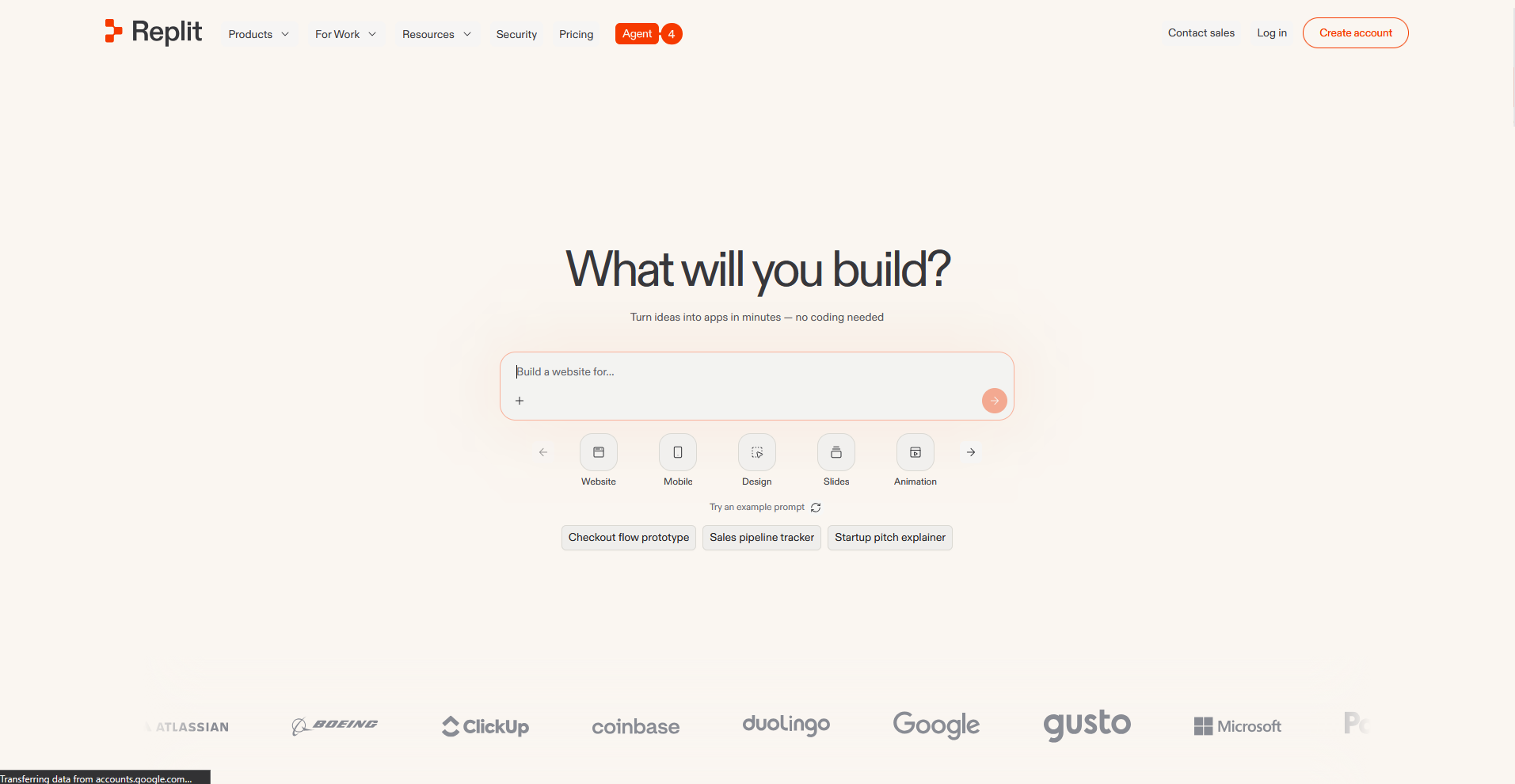
Replit is a browser-based coding platform with an AI agent that can build, run, and deploy an app from a single prompt. It supports a wide range of languages and frameworks, so it can build web apps, native iOS and Android apps, and automation agents without switching tools. Agent-generated code can still need manual debugging on complex builds.
Key features
- Replit Agent: Generate a working app from a text prompt across multiple frameworks.
- Instant deployment: Deploy an app to a live URL directly from the workspace.
- Built-in database: Store app data without setting up a separate backend service.
Pros
- Support for a wide range of programming languages means a team isn't locked into one stack if a project's needs change
- Real-time multiplayer editing lets more than one person work in the same project at once
- Deployment happens inside the same workspace, cutting out a separate hosting setup
Cons
- Effort-based pricing can make monthly costs harder to predict compared to a flat subscription
- Agent-generated code sometimes needs manual debugging on complex, multi-step features
Best for
- Teams that want web, native mobile, and agent projects on one platform
- Developers who want to collaborate on code in real time
- Founders who want to prompt, build, and deploy without leaving one workspace
Pricing
Replit starts at $18 per month.
Special mentions
These tools didn't make the main list, but each one covers a specific case that might fit your setup better, depending on your technical background and what your app actually needs to do.
Here are 4 more app builders worth a look:
- Cursor: Cursor is an AI-powered code editor built for developers who want an assistant that reads and edits code directly. It's built to suggest fixes, refactor code, and keep pace with your existing codebase as you work. Non-technical builders will want a visual tool instead, since Cursor assumes you already know your way around code.
- Emergent: Emergent is an AI app builder for non-technical founders that handles the backend along with the interface. Its multi-agent system is designed to catch broken logic, like a missing authentication step, before it reaches you. You'll need to create a free account to get started, and you get 10 free credits per month to test it out.
- FlutterFlow: FlutterFlow is a drag-and-drop builder that generates Flutter code for native iOS and Android apps. Exporting that code requires a paid plan, and dev teams often need to rework its built-in state management using something like GetX or Provider. The good news is that the visual canvas makes building your UI more approachable.
- Softr: Softr is a no-code app builder that turns an Airtable base or Google Sheet into a client-facing web app, with logins and a custom domain layered on top. Its AI layout tool handles most of the visual setup for you. Customization stays capped by its template structure, so a fully original layout isn't really an option.
How to evaluate Base44 alternatives
Base44 alternatives range from drag-and-drop builders for non-developers to code-first tools built for engineers. The right fit really comes down to how much your team wants to touch code and how much control matters once the app is live.
Consider:
- Your team's coding comfort: Some tools on this list hand you clean, editable code, while others keep everything behind a visual builder. I'd recommend being honest about who's actually maintaining this app 6 months from now before picking a side.
- Code ownership: If you ever want to move your app off the platform, check whether you get exportable code or just a frontend preview. A few tools on this list only let you take part of the app with you, so factor that in before you build.
- Production needs: An app built for a quick prototype and one built to hold user data need different foundations. I suggest checking for permissions, audit logs, and authentication before relying on the app daily.
- Mobile support: A handful of these tools can generate native iOS and Android apps for you right out of the box. If you land on one that's web-first instead, plan for your mobile app to become a separate project.
- Setup time: Setup time varies more than the marketing on these pages suggests. Simpler no-code tools can have you running the same day, while more flexible, developer-oriented platforms often take longer to configure the way you want. Budget your timeline accordingly.
Add client management without building it yourself
Base44 alternatives split into two groups: builders meant for general apps, and ones aimed at customer-facing work specifically. Even in the second group, you're usually assembling billing, messaging, and client access yourself, since most tools treat those as separate integrations instead of something built in.
If you're a professional service firm building apps clients log into, like onboarding flows, help desks, or project trackers, Assembly is worth a look. Describe the app you need, and Assembly’s AI app builder builds it around each client's existing files, messages, and billing, so you're not stitching separate tools together afterward.
It also maintains SOC 2 Type II compliance and supports GDPR, CCPA, and HIPAA compliance, so client data stays protected.