



Some of Bolt.new's top alternatives include Lovable for polished full-stack apps, Replit for developer-first builds, and Base44 for hands-off backend setup.
I researched dozens of platforms over several weeks, checking how much coding background each one requires, what it's built for, whether you own the exported code, and how it prices usage.
That research narrowed the list to the 14 worth your time in 2026. Below, I'll cover what each does well, where it falls short, and who it's built for.
14 best Bolt AI alternatives: TL;DR
- Lovable: Best for design-focused founders building polished MVPs
- Replit: Best for teams who want an AI agent to build, test, and deploy a full-stack app with no setup required
- v0 by Vercel: Best for frontend teams generating UI components fast
- Cursor: Best for developers writing and refactoring code with AI help
- Assembly: Best for service businesses building client-facing apps that ship into a branded client experience
- Base44: Best for non-technical builders who want one platform for apps, websites, and AI agents, all with backend and hosting included
- CodeSandbox: Best for developers who want a cloud IDE with real-time collaboration
- Anything: Best for builders who need working databases, backend APIs, and native app publishing from a single prompt
- Softr: Best for teams turning Airtable or Google Sheets data into client portals
- UI Bakery: Best for teams building admin panels and internal dashboards
- Blink.new: Best for builders who want a database and auth included by default
- Windmill: Best for engineering teams automating internal workflows
- Tabnine: Best for enterprises needing on-prem or private code AI
- GitHub Copilot Workspace: Best for dev teams already working inside GitHub
Why look for Bolt AI alternatives?
Bolt AI works well for turning a quick idea into a working prototype. However, a few limitations tend to come up as projects grow past that first stage:
- Reliability drops off with complexity: Bolt AI handles simple prototypes well, basic apps that just create, read, update, and delete data (CRUD), but code quality and consistency tend to slip once a project grows past that. Users on G2 mention it can struggle with more complex, production-level applications.
- Credit costs can climb fast: Prompts can burn through credits quickly during revisions and debugging, which makes the pricing feel less predictable than a flat monthly plan.
- Getting help takes patience: Slow email response times and a rougher experience in the community channels can matter if you hit a blocker mid-build.
Which Bolt AI alternative should you choose?
The right Bolt AI alternative depends on how technical your team is, whether you're building a customer-facing product or an internal tool, and how much control you want over the code.
Choose:
- Lovable if you want polished, design-forward output for a customer-facing product. Just watch for pricing to climb once your usage grows.
- Replit if you want a full development environment with built-in hosting, though it can feel like more tool than a simple prototype needs.
- v0 by Vercel if you mainly need clean UI components to drop into an existing project. It's less suited for generating a complete backend on its own.
- Cursor if you already know how to code and want AI help inside your own editor. It won't generate a deployable app for you the way the other tools here do.
- Assembly if you're building an app your clients will log into directly, especially one tied to billing or a project. It's not built for public, logged-out pages or streaming-heavy products.
- Base44 if a non-technical team needs to build internal tools with a database and login already set up, though credit-based pricing can add up with heavier use.
Stick with Bolt AI if you want fast, prompt-based prototyping in the browser and don't mind working around some limits as your project grows.
14 best Bolt AI alternatives: at a glance
| Tool | Best for | Starting price |
|---|---|---|
| Lovable | Building polished minimum viable products (MVPs) | $21/month |
| Replit | Founders who need an AI agent for full-stack app building and deployment | $18/month |
| v0 by Vercel | Frontend teams generating UI components fast | $30/user/month, billed monthly |
| Cursor | Developers writing and refactoring code with AI help | $16/month |
| Assembly | Service businesses building client-facing apps that ship into a branded client experience | $29/month |
| Base44 | Non-technical builders creating apps, websites, and AI agents | $16/month |
| CodeSandbox | Developers who want a cloud IDE with AI support | $12/workspace/month |
| Anything | Marketers building simple websites and landing pages | $19/month, billed monthly |
| Softr | Teams turning Airtable or Google Sheets data into apps | $99/month |
| UI Bakery | Teams building admin panels and internal dashboards | $20/developer/month |
| Blink.new | Builders who want a database and auth included by default | $13/month |
| Windmill | Engineering teams automating internal workflows | $120/year |
| Tabnine | Enterprises needing on-prem or private code AI | $39/user/month |
| GitHub Copilot Workspace | Dev teams already working inside GitHub | $10/user/month, billed monthly |
Billed annually
*Pricing correct as of August 2026. Verify with vendor.
1. Lovable: Best for building polished minimum viable products (MVPs)
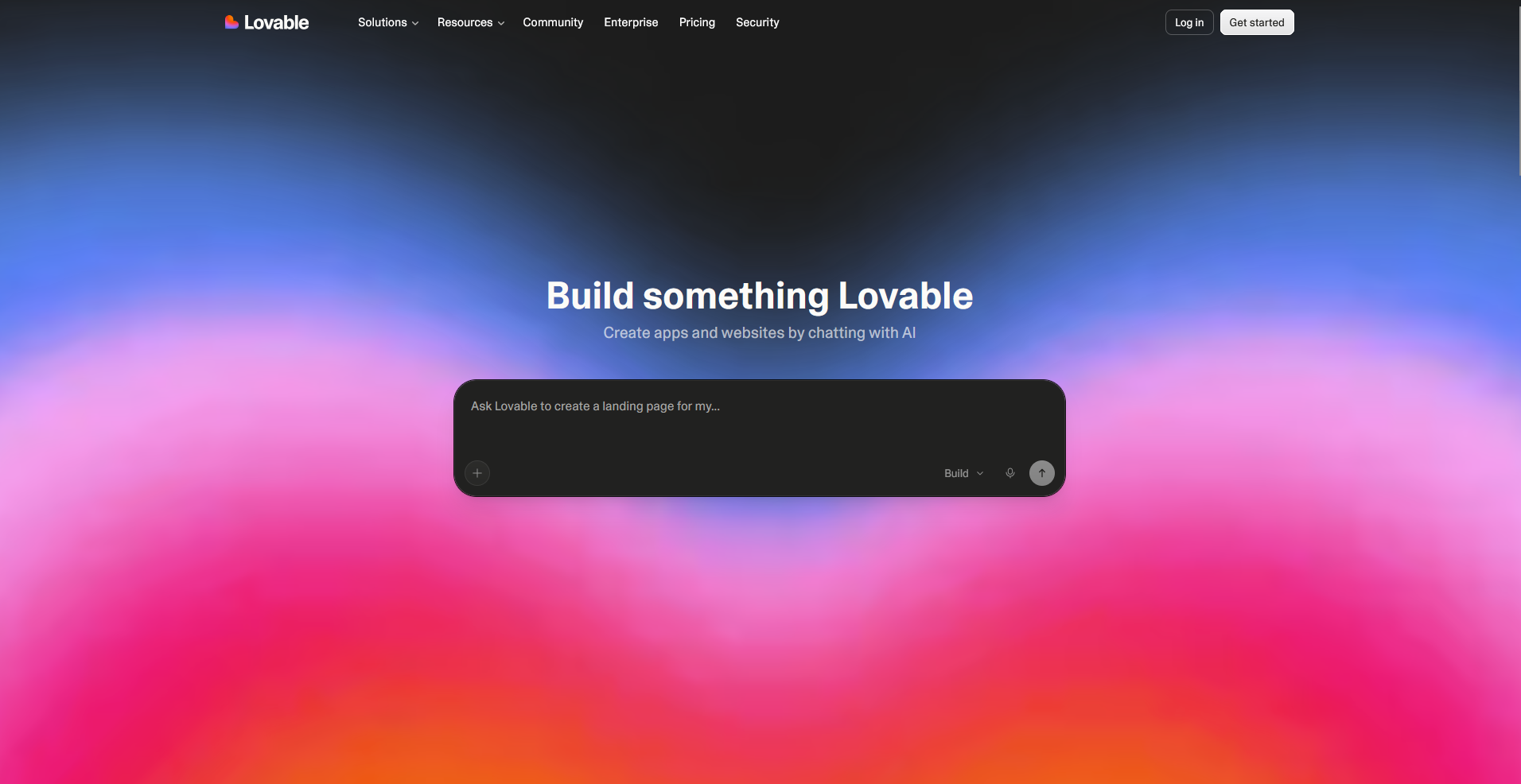
Lovable is an AI app builder that turns written prompts into full-stack web apps with a React frontend and a Supabase backend. It handles layout, spacing, and typography well, producing interfaces that look polished without extra design work. Complex custom logic and unusual data relationships can still need manual code changes to behave the way you want.
Key features
- Full-stack generation: Generate a complete frontend, backend, and database structure from a single written prompt.
- GitHub sync: Connect each project to a GitHub repository for version control and code export.
- Chat-based editing: Update layouts, features, and logic through ongoing chat instructions instead of manual code edits.
Pros
- The generated interfaces use clean, consistent styling without added design work
- GitHub sync keeps the codebase portable and readable for a developer to take over later
- Supabase integration handles authentication and data storage without separate setup
Cons
- Complex custom logic can still need manual code changes to behave the way you expect
- Multi-step workflows with several dependent conditions can need extra prompting to get right
Best for
- Design-focused founders building customer-facing MVPs
- Teams that want a portable codebase they can hand off to developers
- Non-technical builders comfortable working through prompts instead of code
Pricing
Lovable starts at $21 per month.
2. Replit: Best for founders who need an AI agent for full-stack app building and deployment
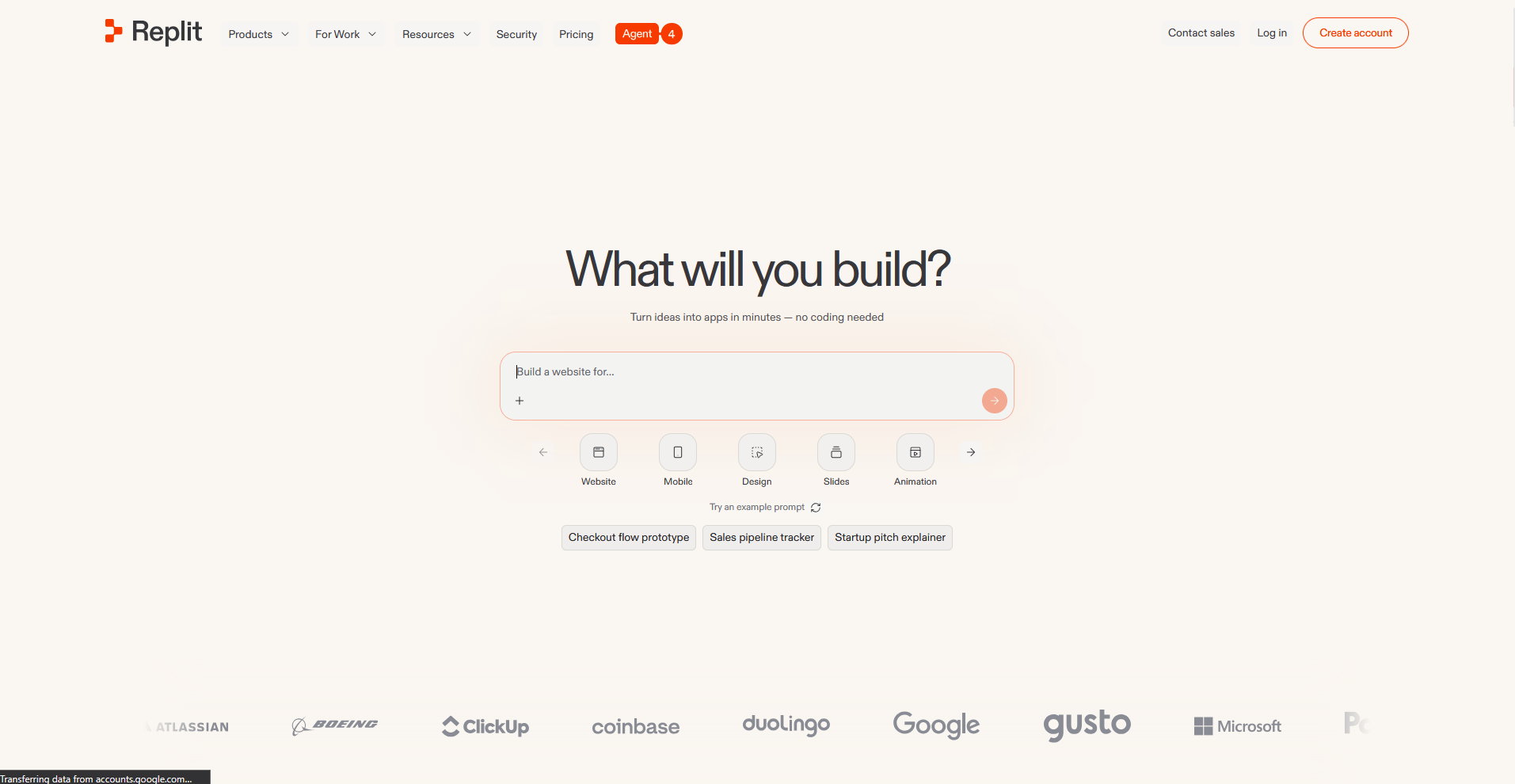
Replit is a cloud-based development environment with an AI agent that builds, runs, and deploys full-stack applications from a written prompt. Developers get direct access to the underlying code and file structure, so adjustments don't require exporting to a separate editor. Agent-generated changes across multiple files can introduce conflicts that take manual review.
Key features
- Agent-driven builds: Generate a working app, including backend logic and database setup, from a natural language prompt.
- Built-in hosting: Deploy the app directly from the workspace without connecting a separate hosting provider.
- Real-time collaboration: Share a live workspace with teammates who can view and edit the same project at once.
Pros
- Full access to the file structure and code means developers can jump in and edit directly
- Built-in hosting removes a separate deployment step most other builders on this list still require
- Real-time collaboration works well for teams reviewing or editing the same project together
Cons
- Agent-generated changes across multiple files can conflict with each other and need manual review
- The amount of code and file structure exposed can feel like more than a non-technical builder needs
Best for
- Developers who want direct access to the codebase while building
- Teams that need built-in hosting without a separate deployment step
- Collaborative projects with multiple people editing the same workspace
Pricing
Replit starts at $18 per month.
3. v0 by Vercel: Best for frontend teams generating UI components fast
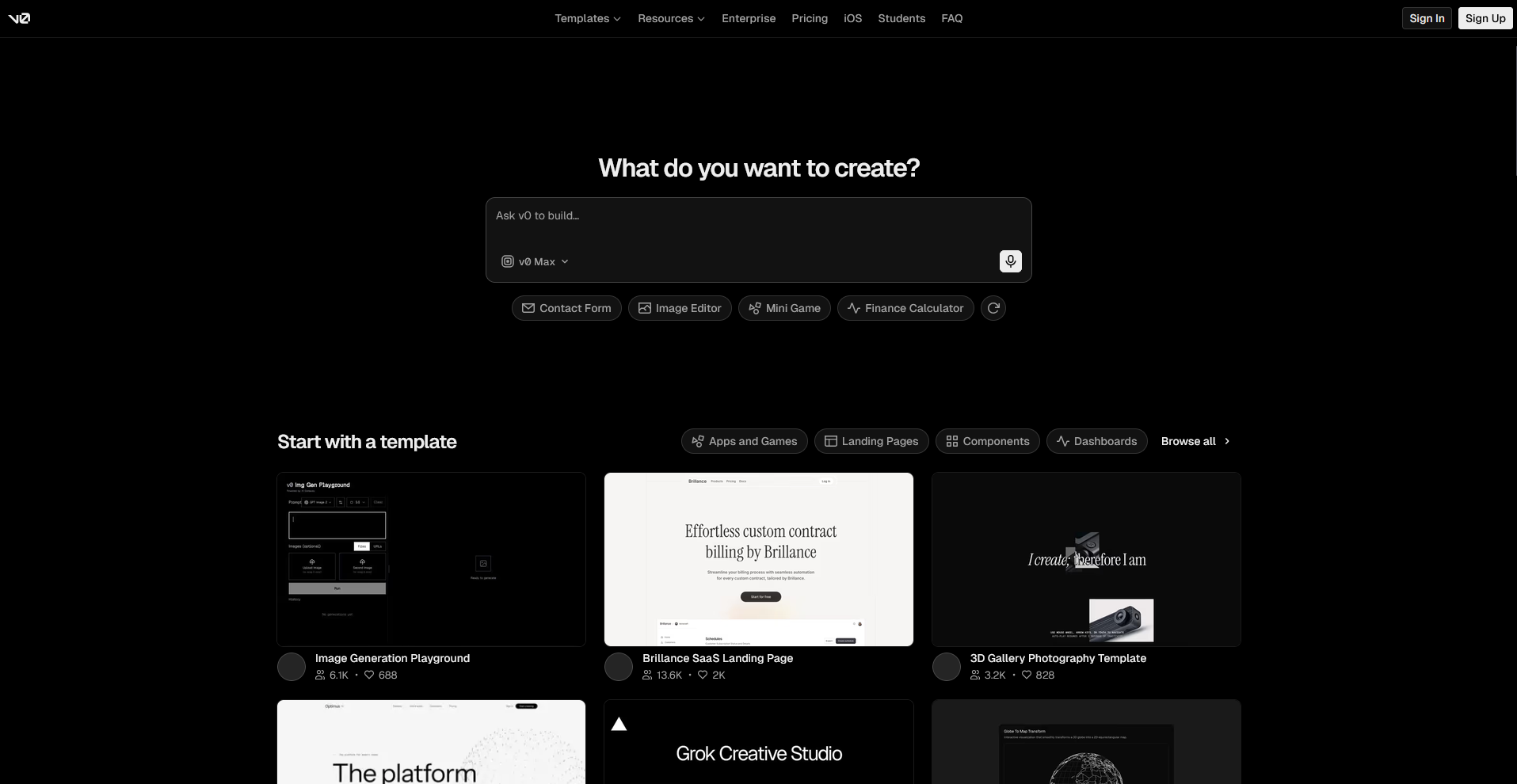
v0 by Vercel is an AI tool that generates React and Tailwind CSS components from a written prompt or an uploaded design reference. It produces clean, structured frontend code that developers can drop directly into an existing project without heavy rework. It's built for generating UI components, so backend logic and database setup still need a separate tool.
Key features
- Component generation: Generate React and Tailwind CSS components from a text prompt or an image reference.
- Design import: Convert an uploaded screenshot or Figma file into working frontend code.
- Vercel deployment: Push generated components directly to a live Vercel deployment.
Pros
- The generated code follows consistent, readable React and Tailwind conventions
- Design import turns a screenshot or Figma file into usable code without manual translation
- Direct Vercel deployment removes a separate hosting setup step
Cons
- It focuses on frontend components, so backend logic and database setup need a separate tool
- Larger, multi-page applications need more manual assembly work to tie components together
Best for
- Frontend teams that need clean, structured UI components fast
- Developers who want to convert a design file into working code
- Projects where the backend already exists and only the frontend needs building
Pricing
v0 by Vercel starts at $30 per user per month.
4. Cursor: Best for developers writing and refactoring code with AI help
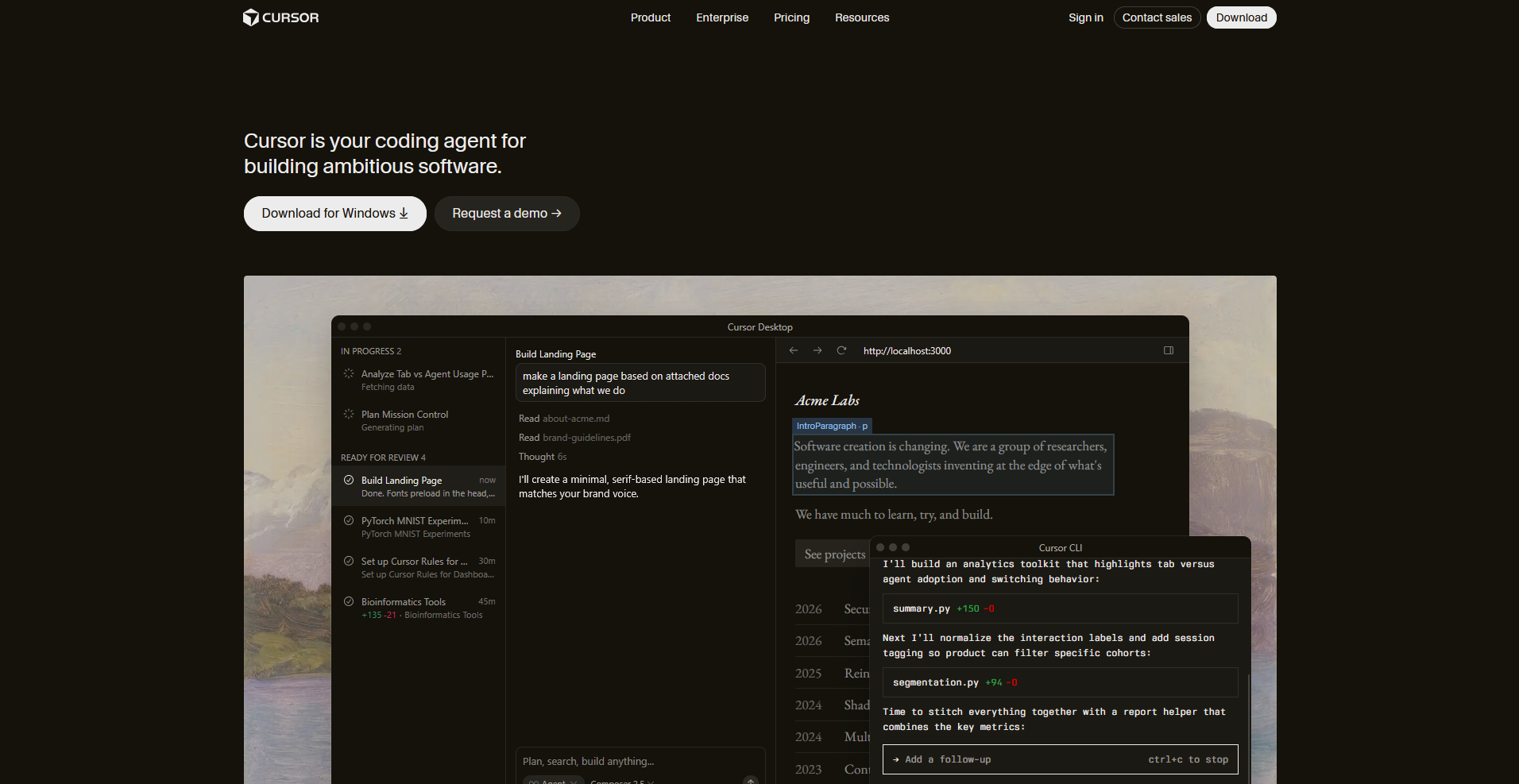
Cursor is an AI-powered code editor built on Visual Studio Code that helps developers write, edit, and refactor code in their projects. It reads the full codebase and offers suggestions that account for existing patterns, not just the line being written. It doesn't generate a deployable app on its own, so it works best inside an existing project instead of as a starting point for a new one.
Key features
- Codebase-aware suggestions: Read the full project context to generate suggestions that match existing code patterns.
- Multi-file editing: Apply requested changes across several related files in a single request.
- Inline chat: Ask questions or request changes directly within the code editor without switching tools.
Pros
- Suggestions account for the broader codebase instead of just the current file
- Multi-file editing handles related changes together instead of one file at a time
- Inline chat keeps developers in the editor instead of switching to a separate tool
Cons
- It doesn't generate a deployable app, so it needs an existing project to work within
- Non-technical users without coding knowledge get little use out of it on its own
Best for
- Developers who want AI help inside their existing coding workflow
- Teams refactoring or maintaining a codebase that already exists
- Programmers who prefer working in code instead of through prompts alone
Pricing
Cursor starts at $16 per month.
5. Assembly: Service businesses building client-facing apps that ship into a branded client experience
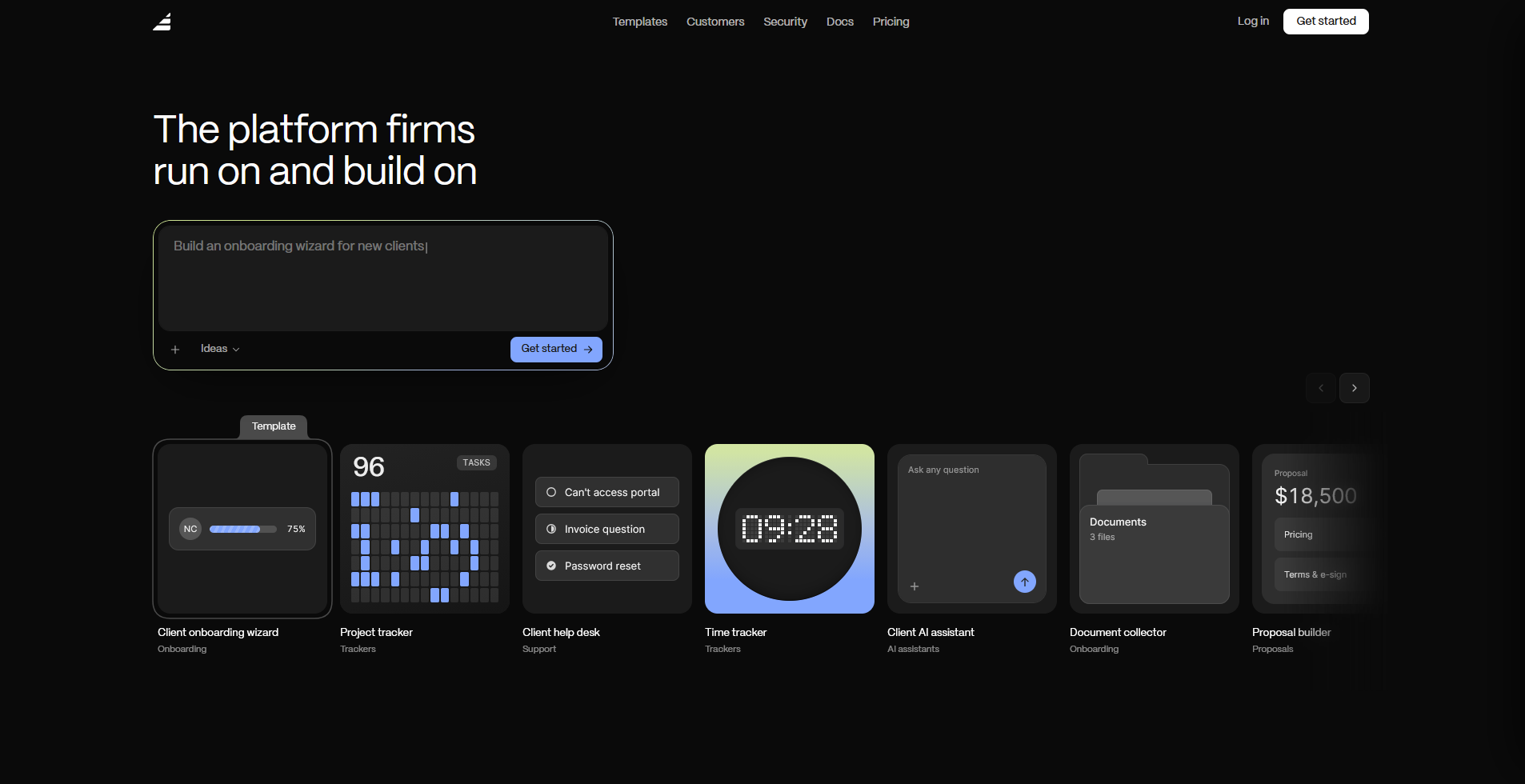
Assembly is a client platform that has an AI app builder that turns a written prompt into a client-facing app, like a project tracker or onboarding flow. Each app connects to that client's files, messages, and billing automatically. It ships generated apps directly into a branded portal already tied to a firm's client data, so there's no separate login or integration to configure.
Public, logged-out experiences and streaming-heavy products fall outside what it's built to handle.
Key features
- Client-facing app generation: Generate a client-facing app, such as a project tracker or onboarding flow, from a natural language prompt.
- Built-in client platform: Connect each generated app to existing contracts, invoicing, and messaging without separate integrations.
- Permissions and branding by default: Apply per-client visibility and white-label branding automatically to every generated app.
Pros
- Clients use the app inside the same branded portal they already log into, so there's no separate URL or login to hand out
- Per-client access controls apply out of the box, so nobody has to manually decide who sees what for each client
- SOC 2 Type II compliance, along with GDPR, CCPA, and HIPAA support, covers real client data from the start
Cons
- Public, logged-out experiences like a marketing site or storefront fall outside what it's built for
- Streaming or video-heavy products aren't a strong match for the platform's focus
Best for
- Service businesses building apps their clients log into directly
- Agencies and firms that want generated apps tied to existing client billing and messaging
- Teams that need per-client permissions and branding without manual setup
Pricing
Assembly has a free plan, and paid plans start at $29 per month billed annually.
6. Base44: Best for non-technical builders creating apps, websites, and AI agents
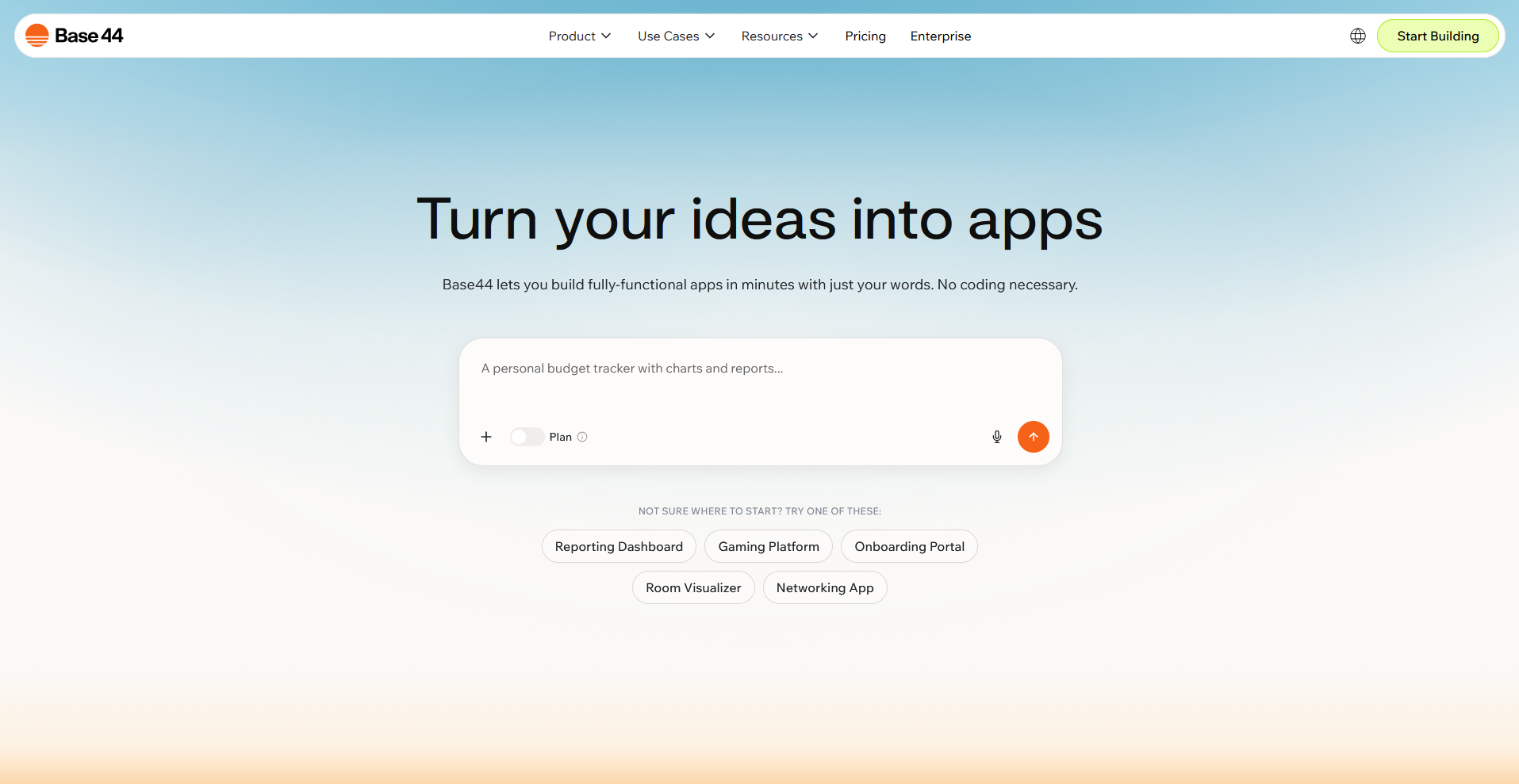
Base44 is an AI app builder that generates full-stack apps from a written prompt, with a database, authentication, and hosting set up automatically. Non-technical teams can describe the tool they need without configuring backend infrastructure. Credit-based pricing means costs can climb as usage grows, so heavier use needs some monitoring.
Key features
- Automatic backend setup: Generate a database, authentication, and hosting for each app without manual configuration.
- Connector library: Connect generated apps to tools like Slack, GitHub, and Google Analytics with a single click.
- Prompt-based iteration: Update features and logic by describing changes in follow-up prompts.
Pros
- Backend infrastructure gets set up automatically, removing a step most builders leave to the user
- The connector library covers a wide range of common business tools without custom setup
- Non-technical teams can describe what they need without touching configuration settings
Cons
- Credit-based pricing can climb fast for apps with regular, ongoing use
- Complex, custom logic outside standard patterns can need more prompting or manual fixes
Best for
- Non-technical teams building internal tools without developer support
- Businesses that want a backend set up without manual configuration
- Teams that need quick connections to existing business tools
Pricing
Base44 starts at $16 per month.
Special mentions
These tools didn't make the main list, but each one covers a specific use case that may fit your setup better depending on your technical background and what your app needs to do.
Here are 8 more AI app builders worth a look:
- CodeSandbox: A cloud-based coding environment built for spinning up projects fast, with live previews and real-time collaboration included. I had a working environment ready in under a minute for a small internal tool, no local setup needed. Keep in mind it relies on writing your own code rather than generating a full app from one prompt.
- Anything (formerly Create.xyz): An AI app and website builder that turns a written description into a working product, with a focus on speed over deep customization. A short prompt gave me a clean landing page in a few minutes. Multi-step logic and more complex app structures pushed past what a single prompt could reliably handle.
- Softr: A no-code platform for building client portals, directories, and internal tools from Airtable or Google Sheets data. I built a working portal from an existing Airtable base quickly, since the data structure carried over automatically. Conditional workflows and multi-step approval logic aren't native to Softr, so they needed workarounds.
- UI Bakery: A low-code platform that generates admin panels and internal dashboards from a prompt, then connects them to your database or API. I reused the same data table and form components across two separate test projects without rebuilding from scratch. It's built for internal tools, so it's not the right fit for anything customer-facing.
- Blink.new: An AI app builder that bundles a database, authentication, and hosting into every app it generates. I built a small tracker app and had it live without much backend configuration. Its library of templates and community examples is still growing, so less common app types have fewer starting points to build from.
- Windmill: An open-source platform for turning scripts into internal tools and automated workflows. I turned a Python script into a usable internal app with a working UI attached in about 15 minutes. Getting the most out of it still leans on scripting knowledge, so it asks more of non-technical users than a chat-based builder would.
- Tabnine: An AI code completion tool that lives inside your existing editor, with private and on-prem model options for sensitive code. Suggestions stayed relevant across a few different languages without much tuning, but it doesn't generate a deployable app on its own.
- GitHub Copilot Workspace: An agentic dev tool that plans, builds, and tests changes inside an existing GitHub repository using natural language. It laid out a solid implementation plan for a small feature change before I touched any code. It works within a project that already exists, not for generating a new app from a blank prompt.
How to evaluate Bolt AI alternatives
Bolt AI alternatives range from code editors built for developers to no-code platforms built for non-technical founders. The right fit depends on your technical skill and how much control you want over the finished app.
Here's what to consider:
- Your coding background changes what "easy" means: Some tools generate a full app from a prompt with no code involved, while others expect you to read and edit what gets generated. I'd argue the "no code required" pitch only holds up if nobody on your team ever needs to touch what's underneath.
- Customer-facing apps need more polish than internal tools: A few platforms on this list are built for admin panels and internal dashboards. Others focus on producing something clean enough for paying customers. I'd pay close attention to which category a tool falls into before you pick one for a client-facing project.
- Code ownership varies by platform: Some tools hand you exportable code you can move to your own hosting. Others keep your app tied to their platform, which matters if you switch providers or bring in outside developers.
- Backend needs aren't always included: A database, authentication, and hosting come built in with some tools and require manual setup with others. I’d check this before you start, since wiring up a backend yourself adds real time.
- Pricing models affect cost more than the sticker price does: Credit-based plans can get expensive fast with heavy iteration, while flat monthly plans are easier to budget around. I'd rather see a higher flat rate than a low starting price that turns into a surprise bill.
Build for the people who actually use your product
Some teams searching for Bolt AI alternatives are really trying to build one thing: a place for clients to check on projects, pay invoices, or message their team. Bolt and the tools on this list can get you there, but you're still building that experience screen by screen, whether that means writing prompts or fixing what the AI gets wrong.
Assembly takes a different starting point. You describe the app you need, like a project tracker or onboarding flow, and Assembly’s AI app builder builds it. The generated app connects to each client's files, messages, and billing, branded as your own with per-client permissions applied automatically.
Assembly is also SOC 2 Type II compliant and supports GDPR, CCPA, and HIPAA requirements, which matters if your client data needs that level of protection.