



Some of the best Lovable alternatives include Bubble, Softr, and Adalo, depending on whether you're building a web app, a client portal, or a mobile app.
I researched dozens of no-code platforms to see what each actually needs from you, whether that's an existing spreadsheet, your own backend, or nothing at all.
I landed on a list of the 10 best tools after comparing how each one handles native mobile publishing and client-facing permissions. Here are their strengths, tradeoffs, and the type of team each fits best.
10 best Lovable alternatives: TL;DR
- Bubble: Best for teams building complex web apps with custom logic and workflows.
- Softr: Best for agencies turning Airtable data into a client portal or directory.
- Glide: Best for founders who want a mobile app built from a spreadsheet fast.
- Adalo: Best for teams that need a real native app in the App Store or Google Play.
- WeWeb: Best for teams with an existing backend who want a custom frontend built faster.
- Assembly: Best for agencies that need client-facing apps with permissions and billing already connected.
- Noloco: Best for agencies building internal tools or portals on top of existing data.
- Stacker: Best for teams that need business portals with granular user permissions.
- Base44: Best for founders who want a full app, complete with hosting and a database, generated from a single prompt.
- Replit: Best for teams who want AI-assisted coding with the option to open up and edit the code directly.
If what you need is a ready-made system for running client work rather than an app you build yourself, my list of Accelo alternatives covers tools built for that.
Why look for Lovable alternatives?
Lovable turns a text prompt into a working app, and it works well if you're comfortable letting AI write the code behind the scenes. But a few tradeoffs tend to show up once a project grows past a simple prototype.
Here are some common reasons people look for alternatives:
- The generated code still needs a technical eye: Bugs or edge cases can require someone who's comfortable reading through the actual code Lovable produces, which defeats the purpose for teams that wanted to avoid code entirely.
- Credit-based pricing can be hard to predict: Costs scale with usage, so heavier projects can burn through credits faster than expected, making it tough to budget month to month.
- It's not built for a no-code workflow: Teams that want a true drag and drop experience, with no code ever touching their screen, may find Lovable's approach more technical than what they're looking for.
Which Lovable alternative should you choose?
The right Lovable alternative depends on how much design control you want, whether you're building for mobile or web, and whether your team touches code at all.
Choose:
- Bubble if you want to build complex web apps without writing code. The learning curve gets steeper once your app logic gets detailed.
- Softr if you want to turn Airtable data into a client portal or directory fast, with pre-built templates that trade layout depth for speed.
- Glide if you want to turn a spreadsheet into a working mobile app quickly, best suited for simpler apps like directories or trackers.
- Adalo if you need a real native app in the App Store or Google Play. Advanced logic can take more setup effort than the basics do.
- WeWeb if you already have a backend and want a custom frontend built faster than hiring developers would take. It has no built-in database, so you'll need Supabase or Xano behind it.
- Assembly if you want client-facing apps with permissions, billing, and messaging already connected, though it's less suited to public, logged-out experiences.
- Noloco if your agency wants internal tools or client portals built on existing data. How that data's already structured plays a big role in how well it works.
- Stacker if you need business portals with granular permissions across different users, with the caveat that its newer AI-native features are still maturing.
- Base44 if you want an app generated from a prompt without setting up hosting or a database separately, since credit-based pricing means heavier builds can cost more than expected.
- Replit if you want an AI agent that writes code for you but still want full access to that code, keeping in mind it leans more technical than the rest of this list.
Stick with Lovable if you want AI to generate an app's code for you and you're comfortable reviewing or tweaking that code yourself.
10 best no-code Lovable alternatives: at a glance
| Tool | Best for | Starting price |
|---|---|---|
| Bubble | Complex web apps with custom logic | $59/month (web and mobile) |
| Softr | Client portals built on Airtable data | $99/month |
| Glide | Spreadsheet-based mobile apps | $19/month (individual) |
| Adalo | Native mobile apps for app stores | $36/month |
| WeWeb | Custom frontends on existing backends | $20/month |
| Assembly | Client-facing apps with permissions and billing built in | $29/month |
| Noloco | Internal tools for agencies | $65/month |
| Stacker | Business portals with granular permissions | $50/month, billed monthly |
| Base44 | Prompt-to-app builder with hosting and database included | $16/month |
| Replit | AI-assisted coding with full code access | $18/month |
Billed annually
*Pricing correct as of August 2026. Verify with vendor.
1. Bubble: Best for complex web apps with custom logic
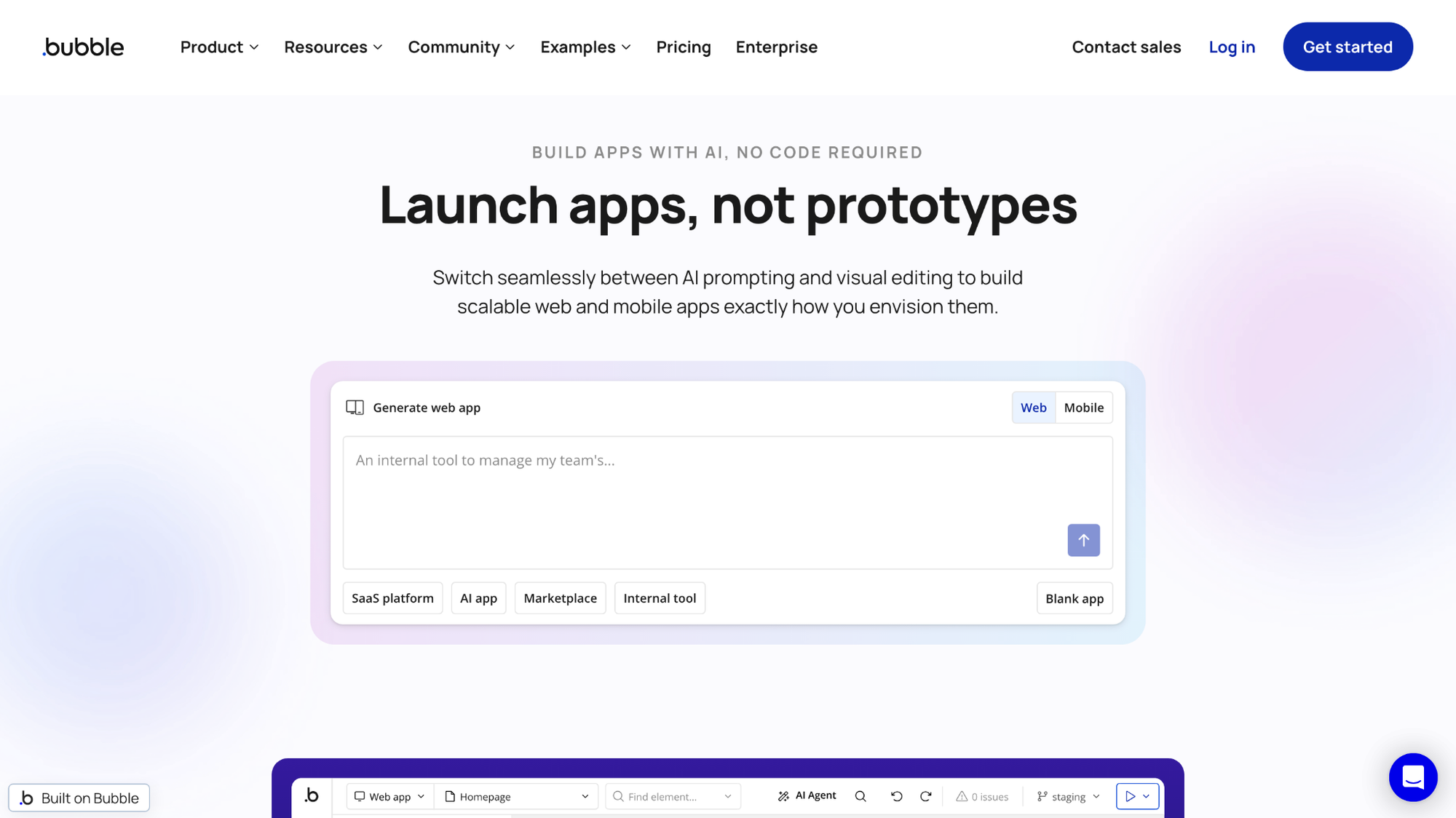
Bubble is a no-code platform for building full web applications with custom logic and workflows. It allows you to create multi-step processes, conditional data structures, and dynamic interfaces without code, giving non-technical builders room to create fairly complex apps. However, keeping the underlying logic organized can take effort as an app grows.
Key features
- Visual workflow editor: Build multi-step logic through drag-and-drop conditions and actions.
- Custom database: Create and store custom data types directly within the app.
- Responsive design controls: Adjust layout elements for desktop, tablet, and mobile views.
Pros
- Complex logic and conditional workflows are possible without writing code
- The built-in database removes the need to connect a separate backend
- Plugins and API connections extend what the app can do beyond core features
Cons
- Advanced apps with many workflows can become harder to manage as they grow
- Pricing scales with usage, which can make monthly costs less predictable for larger apps
Best for
- Founders building a custom web app without hiring developers
- Teams that need conditional logic and multi-step workflows
- Non-technical builders who want a database included instead of connecting one separately
Pricing
Bubble starts at $59 per month, covering both web and mobile apps.
2. Softr: Best for client portals built on Airtable data
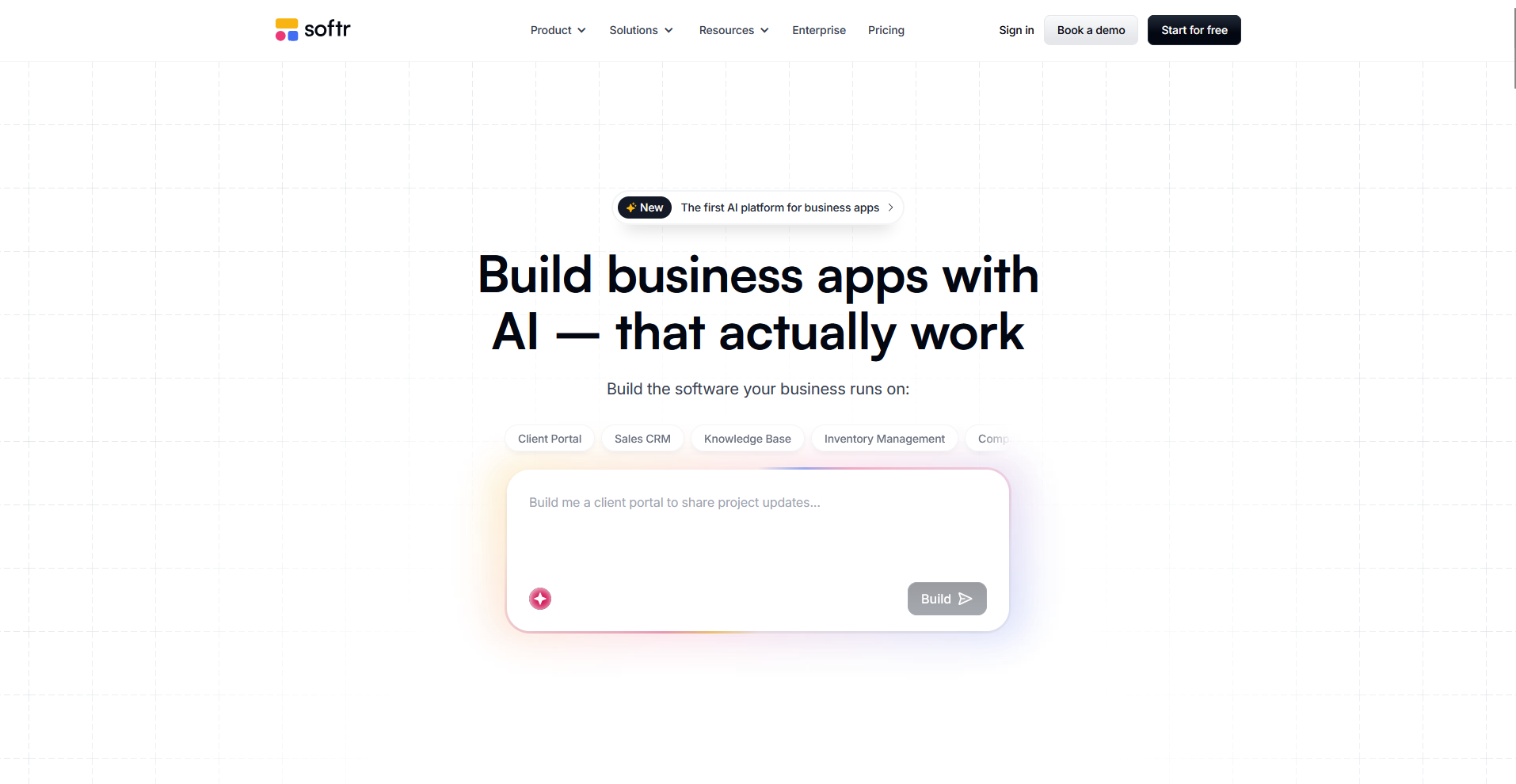
Softr is a no-code platform that turns Airtable and Google Sheets data into client portals, directories, and internal tools. It also comes with its own built-in database if needed. You can publish a working portal from an existing data source, but Softr's block-based templates limit how far you can push the layout beyond what those blocks allow.
Key features
- Airtable and Google Sheets sync: Connect existing spreadsheet data directly to the app's frontend.
- User permission groups: Restrict what different users or clients can see and edit.
- Pre-built blocks: Assemble pages using templated sections for lists, forms, and profiles.
Pros
- Existing Airtable or Google Sheets data can turn into a working portal without a separate database setup
- Permission groups make it possible to give clients a controlled, restricted view of the data
- Pre-built blocks speed up the setup process for common page types like directories and dashboards
Cons
- Layout options stay within Softr's block-based templates, limiting full design control
- Advanced customization can require workarounds that a code-based builder wouldn't need
Best for
- Agencies turning Airtable data into a branded client portal
- Teams that want a working app without setting up a separate database
- Non-technical users who prefer pre-built blocks instead of a fully open canvas
Pricing
Softr’s Pro plan starts at $99 per month.
3. Glide: Best for spreadsheet-based mobile apps
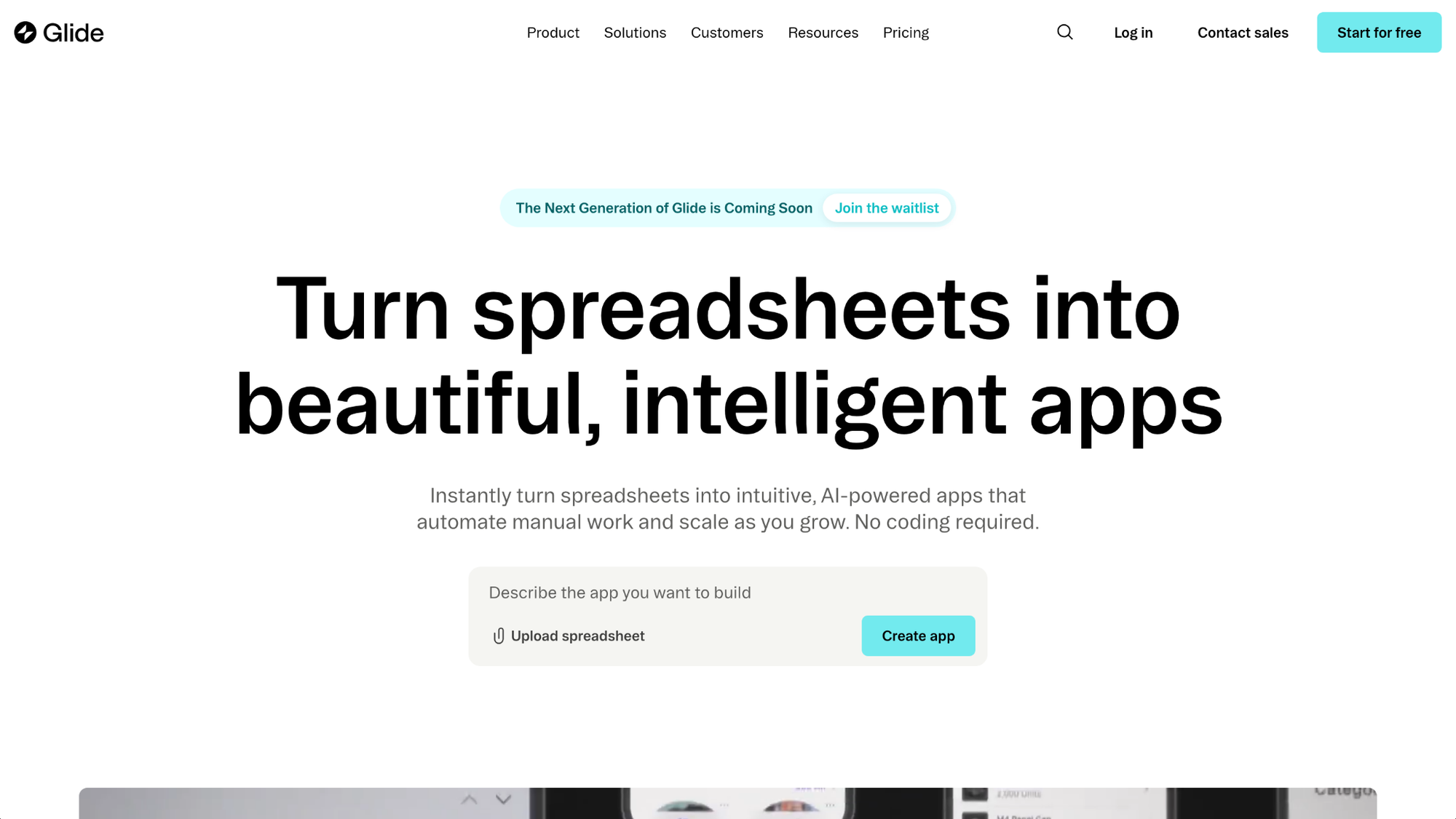
Glide is a no-code platform that turns spreadsheet data into mobile-friendly apps. You can connect a Google Sheet or Airtable base, or use Glide's own built-in tables, to publish a working app without setting up a separate database. Apps built this way tend to work best for simpler use cases, since more complex logic can push past what the templates handle well.
Key features
- Spreadsheet sync: Connect Google Sheets or Airtable data directly to the app.
- Mobile-first templates: Apply pre-built layouts designed for phone screens.
- Native actions: Add buttons for calls, maps, and other phone-based functions.
Pros
- A working app can come together quickly from an existing spreadsheet
- Mobile-first templates fit phone screens without extra layout adjustments
- Native actions like calling or mapping add phone functionality without custom code
Cons
- Complex apps with heavy logic can outgrow what the templates support well
- Design options stay within Glide's templates, limiting full layout control
Best for
- Founders who want a mobile app built from an existing spreadsheet
- Teams building simple directories, trackers, or event guides
- Non-technical users who prefer mobile-first templates over a web-first builder
Pricing
Glide starts at $19 per month.
4. Adalo: Best for native mobile apps for app stores
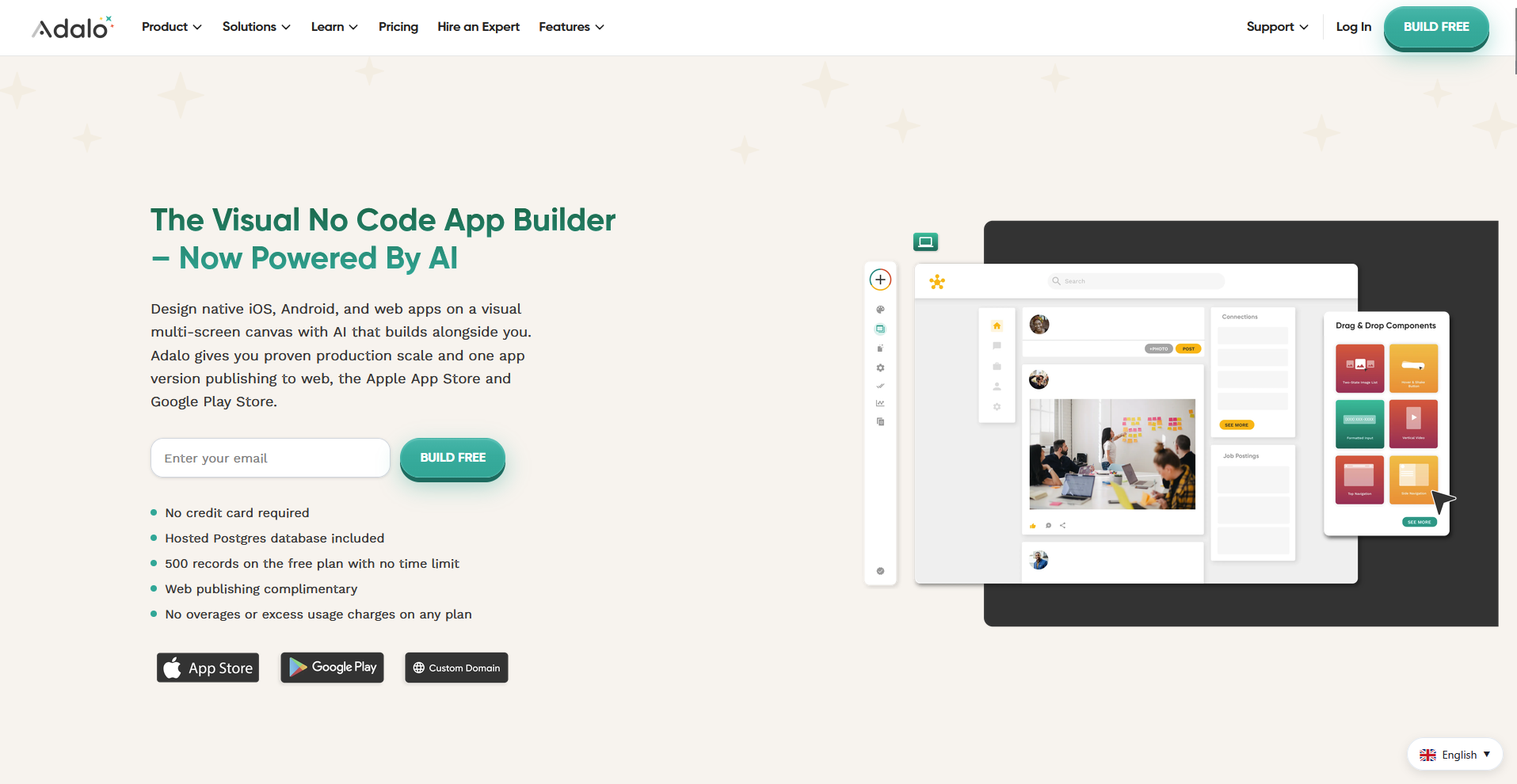
Adalo is a no-code platform built for native mobile apps that publish to the App Store and Google Play. It lets you design screens, build a database, and publish a real app package instead of a mobile-optimized website. One downside is that advanced logic and complex data relationships can take more setup effort than the basic drag-and-drop features do.
Key features
- Native app publishing: Generate app packages ready to submit to the App Store and Google Play.
- Visual database: Define collections, fields, and relationships for app data.
- Component marketplace: Add pre-built elements like maps, payments, and push notifications.
Pros
- Apps publish as real native packages instead of mobile-optimized web pages
- The built-in database removes the need to connect a separate backend
- Marketplace components add features like payments or notifications without custom code
Cons
- Advanced logic and complex data relationships can require more setup effort than the basics
- Design flexibility stays within Adalo's component system, rather than a fully open canvas
Best for
- Founders who need a real app in the App Store or Google Play
- Small teams building an MVP without hiring mobile developers
- Non-technical users who want a built-in database instead of connecting one separately
Pricing
Adalo starts at $36 per month.
5. WeWeb: Best for custom frontends on existing backends
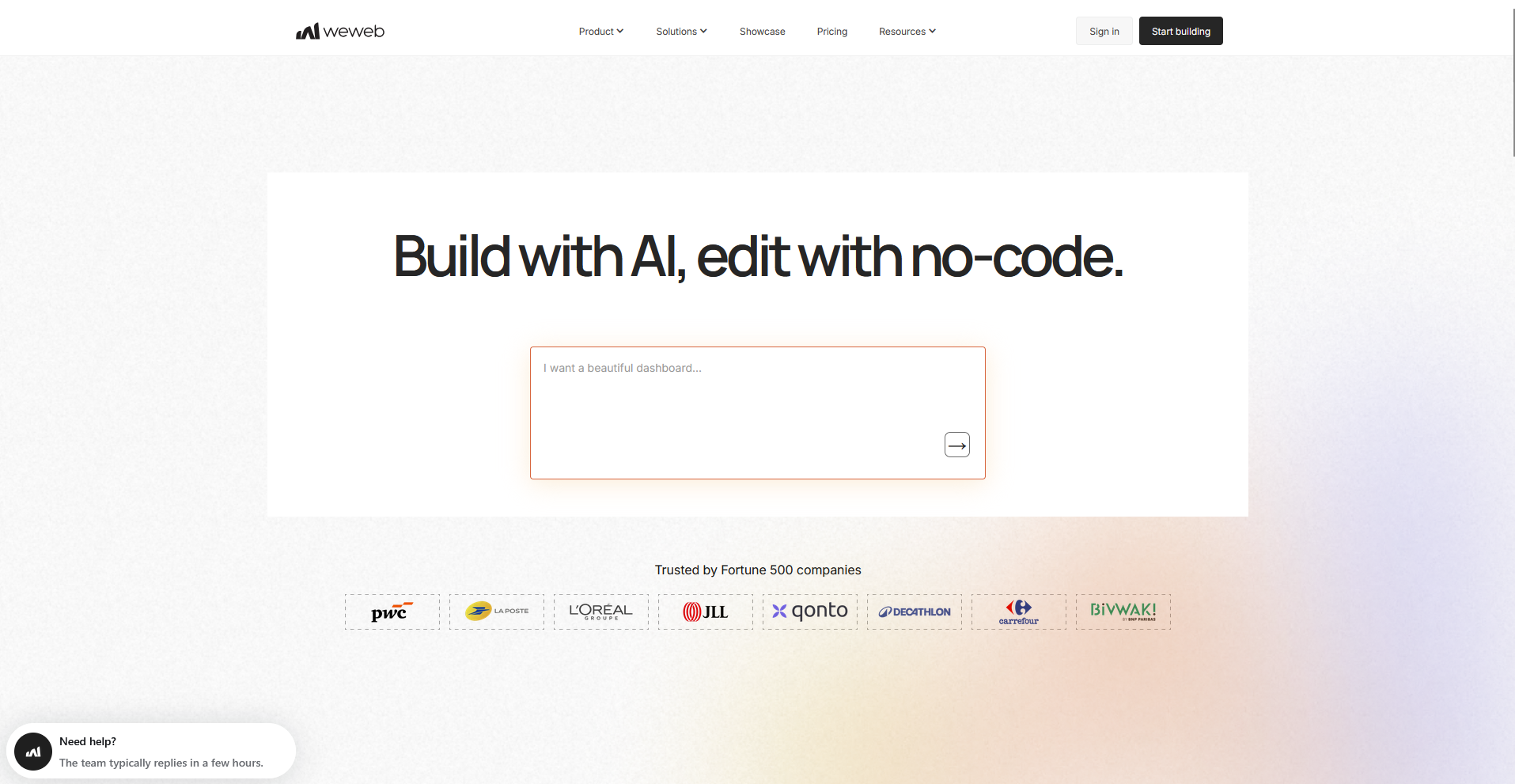
WeWeb is a no-code platform for building the frontend of a web app on top of a backend you already have. It connects to services like Supabase and Xano, so the visual layer can be designed without touching the underlying data or logic. There's no built-in database, so a backend needs to be in place before building can start.
Key features
- Backend connections: Link directly to services like Supabase, Xano, or a custom API.
- Reusable components: Build a design element once and use it across multiple pages.
- Responsive editor: Adjust layouts for different screen sizes within the same project.
Pros
- Existing backends connect directly, so data and logic don't need to be rebuilt
- Reusable components cut down on repeated design work across pages
- Code export gives developers a way to take over and customize further later on
Cons
- No built-in database means a backend has to exist before you can start building
- Setting up connections takes more technical comfort than an all-in-one no-code tool would
Best for
- Teams with an existing backend who want a custom frontend built faster
- Agencies handing off finished projects to developers for further customization
- Non-technical builders comfortable connecting to services like Supabase or Xano
Pricing
WeWeb starts at $20 per month.
6. Assembly: Best for client-facing apps with permissions and billing built in
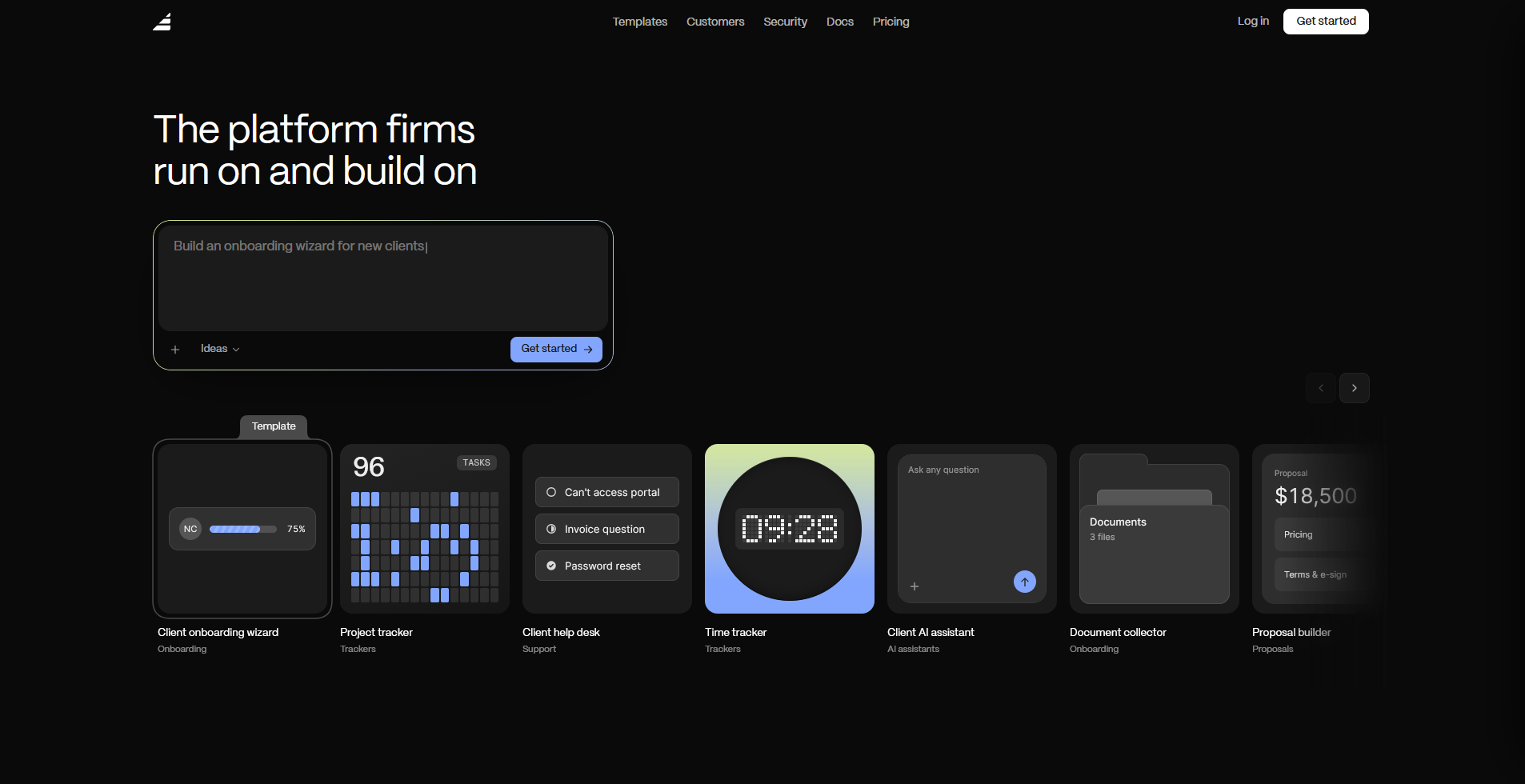
Assembly is a client platform that has an AI app builder that generates client-facing apps like dashboards, onboarding flows, and project trackers from a prompt. Each app ships into a branded space already connected to per-client permissions, files, messaging, and billing, so client delivery doesn't need separate setup.
Public, logged-out experiences and streaming-heavy products fall outside what it's built for.
Key features
- Generate client-facing apps: Describe an app such as a project tracker or onboarding flow, and Assembly’s app builder builds the screens, data structure, and layout from that description.
- Connect to client data: Ship each app alongside existing contracts, e-signatures, invoicing, billing, and messaging.
- Apply permissions by default: Restrict each client's view to their own data within a branded space.
Pros
- Non-technical team members can generate a client-facing app without hiring a developer or designer
- Clients see a consistent, branded experience without a separate tool or a separate login
- Client data stays covered by SOC 2 Type II compliance, with support for GDPR, CCPA, and HIPAA
Cons
- Public, logged-out experiences and streaming-heavy products fall outside what it's built for
- Assembly’s app builder is newer than the established tools on this list, so the feature set is still expanding
Best for
- Agencies that need client dashboards or onboarding flows without a manual build process
- Service businesses that want permissions and billing connected from the first prompt
- Teams building authenticated client tools instead of public-facing sites
Pricing
Assembly has a free plan, and paid plans start at $29 per month billed annually.
7. Noloco: Best for internal tools for agencies
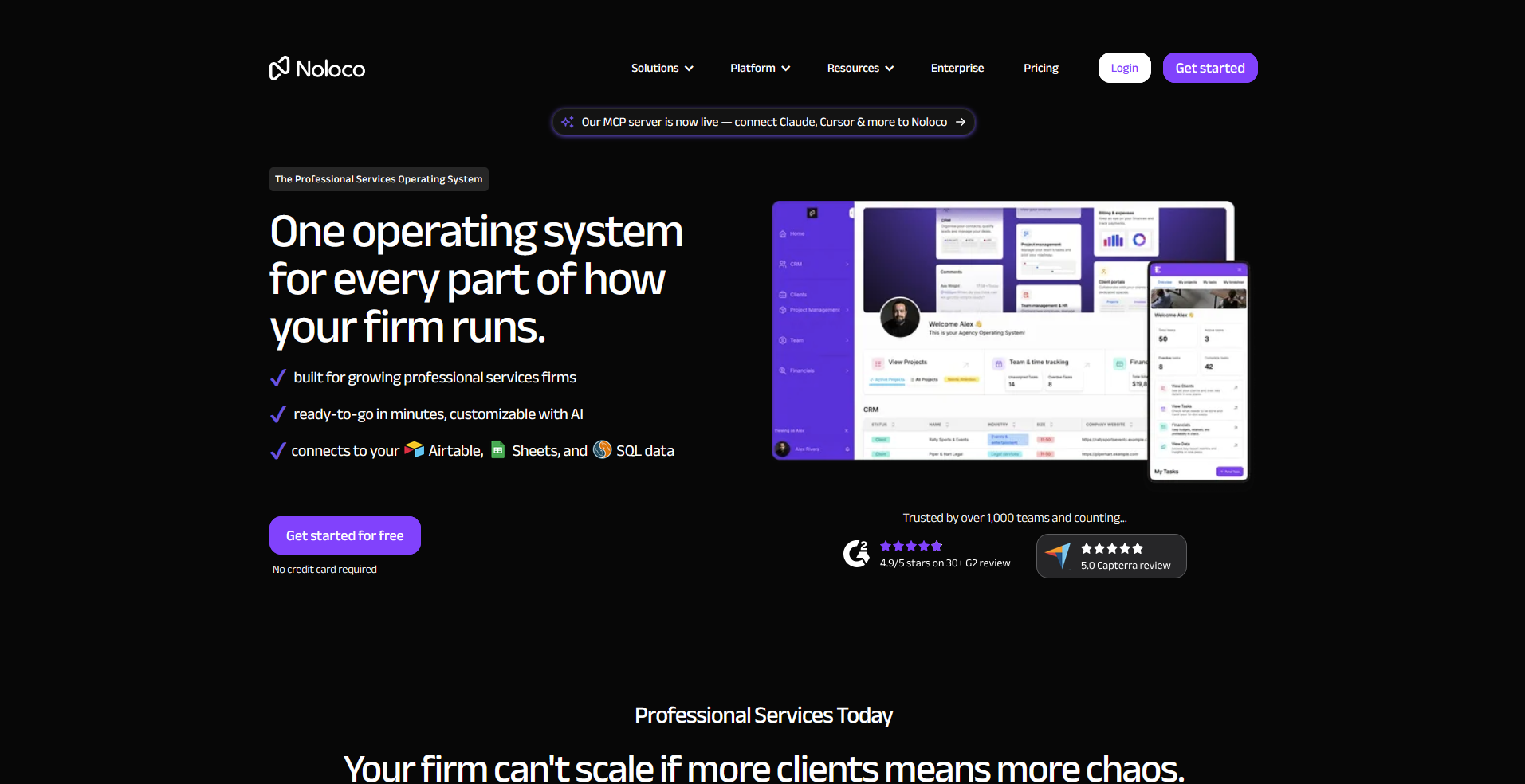
Noloco is a no-code platform that turns existing data into internal tools, portals, and custom CRMs for agencies. It connects to sources like Airtable, Google Sheets, and SQL databases, then lets you build an app layer on top without requiring a separate backend setup. How well the app performs and scales depends heavily on how you structure that underlying data.
Key features
- Data source connections: Link Airtable, Google Sheets, or SQL databases to the app.
- Custom permission roles: Set access levels for different team members or clients.
- Automated workflows: Trigger actions like notifications or record updates based on data changes.
Pros
- Existing data sources connect directly, so a separate backend isn't required
- Custom permission roles make it possible to control access by team or client
- Automated workflows handle repetitive actions like notifications without manual work
Cons
- App performance depends on how well the underlying data is already structured
- Deeper customization can require workarounds compared to an open canvas builder
Best for
- Agencies building internal tools or portals on top of existing data
- Teams that want custom permission roles without a separate backend
- Service businesses managing client data across Airtable, Sheets, or SQL
Pricing
Noloco starts at $65 per month.
8. Stacker: Best for business portals with granular permissions
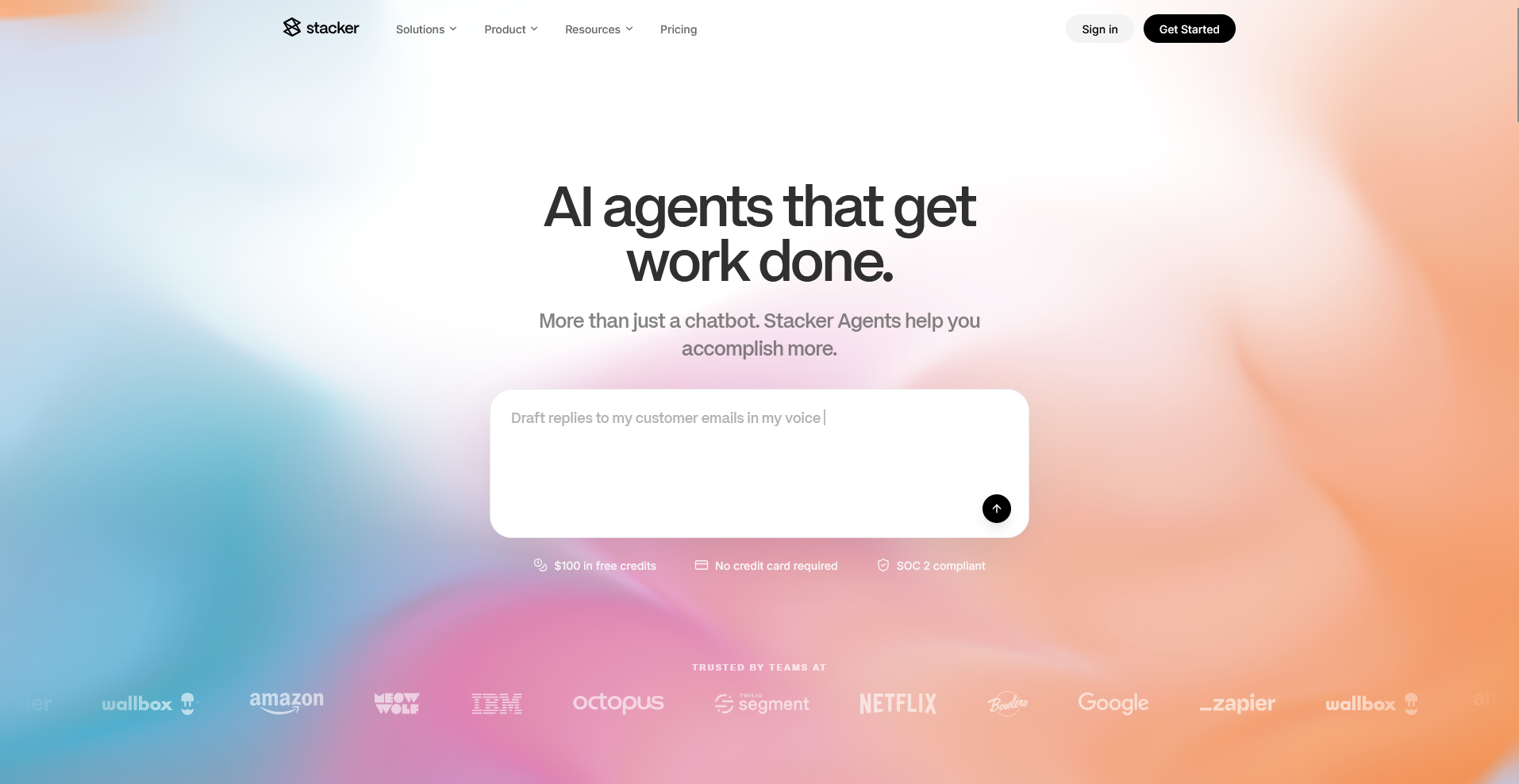
Stacker is a no-code platform for building business portals, CRMs, and internal tools with detailed permission controls. It connects to existing data sources and layers an AI-native builder on top, so changes can happen through natural language instead of manual configuration. Those AI-driven features are newer, so results can vary with more complex requests.
Key features
- Granular permissions: Control what different users or client groups can see and edit.
- AI-assisted building: Describe layout or feature changes in plain language for the platform to apply.
- Data source connections: Link existing databases or spreadsheets to power the app.
Pros
- Granular permissions make it possible to give different users a tailored, restricted view
- AI-assisted building can speed up layout and feature changes compared to manual configuration
- Existing data sources connect directly, without a separate backend setup
Cons
- AI-assisted features are newer, so results can vary with more complex requests
- Deeper customization can require more manual setup than the AI builder handles alone
Best for
- Agencies and teams that need business portals with detailed permission controls
- Companies managing CRMs or internal tools across multiple user roles
- Teams open to AI-assisted building for faster layout and feature changes
Pricing
Stacker starts at $50 per month, billed monthly.
9. Base44: Best for prompt-to-app builds with hosting included
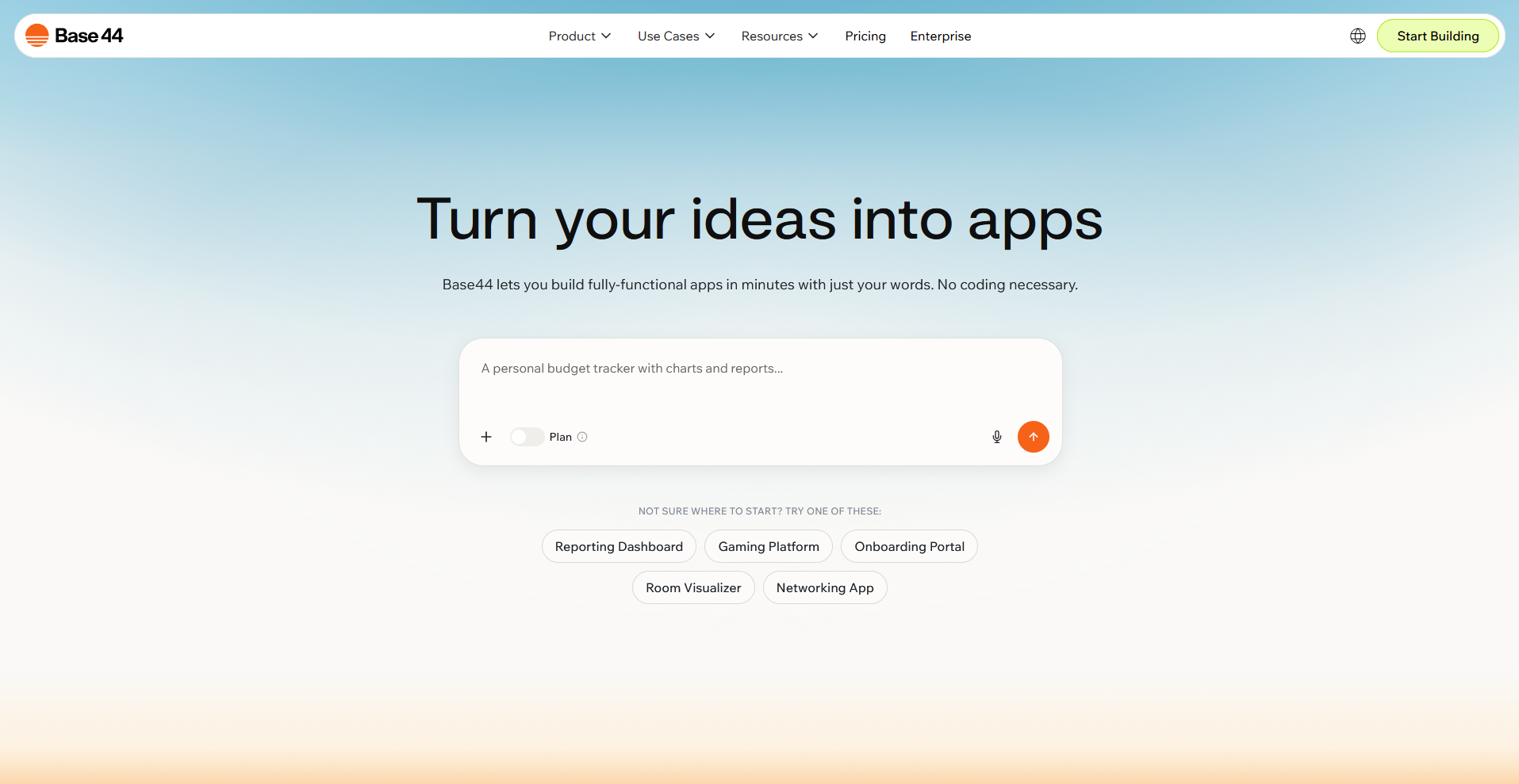
Base44 is an app builder that generates an app, including the interface, database, authentication, and hosting, from a plain English prompt. You don't need to connect a separate backend or hosting provider, since Base44 builds and hosts all of that itself. Credit-based pricing means heavier projects can use up allowances faster than a flat-rate tool.
Key features
- Prompt-to-app generation: Build interface, database, and logic from a natural language description.
- Built-in authentication: Add user login and account management without separate setup.
- One-click hosting: Publish the generated app without connecting external hosting.
Pros
- Hosting, database, and authentication all come bundled instead of requiring separate setup
- Non-technical users can describe an app and get a working version without touching code
- In-app code edits are available for teams that want to adjust the AI's output directly
Cons
- Credit-based pricing can make monthly costs harder to predict than flat-rate tools
- Moving a finished app to another platform can involve more friction than exporting from a code-based builder
Best for
- Founders who want an app idea turned into a working product without separate hosting setup
- Small business owners building internal tools or simple customer-facing apps
- Non-technical users who prefer describing an app instead of configuring one screen by screen
Pricing
Base44 starts at $16 per month.
10. Replit: Best for AI-assisted coding with full code access
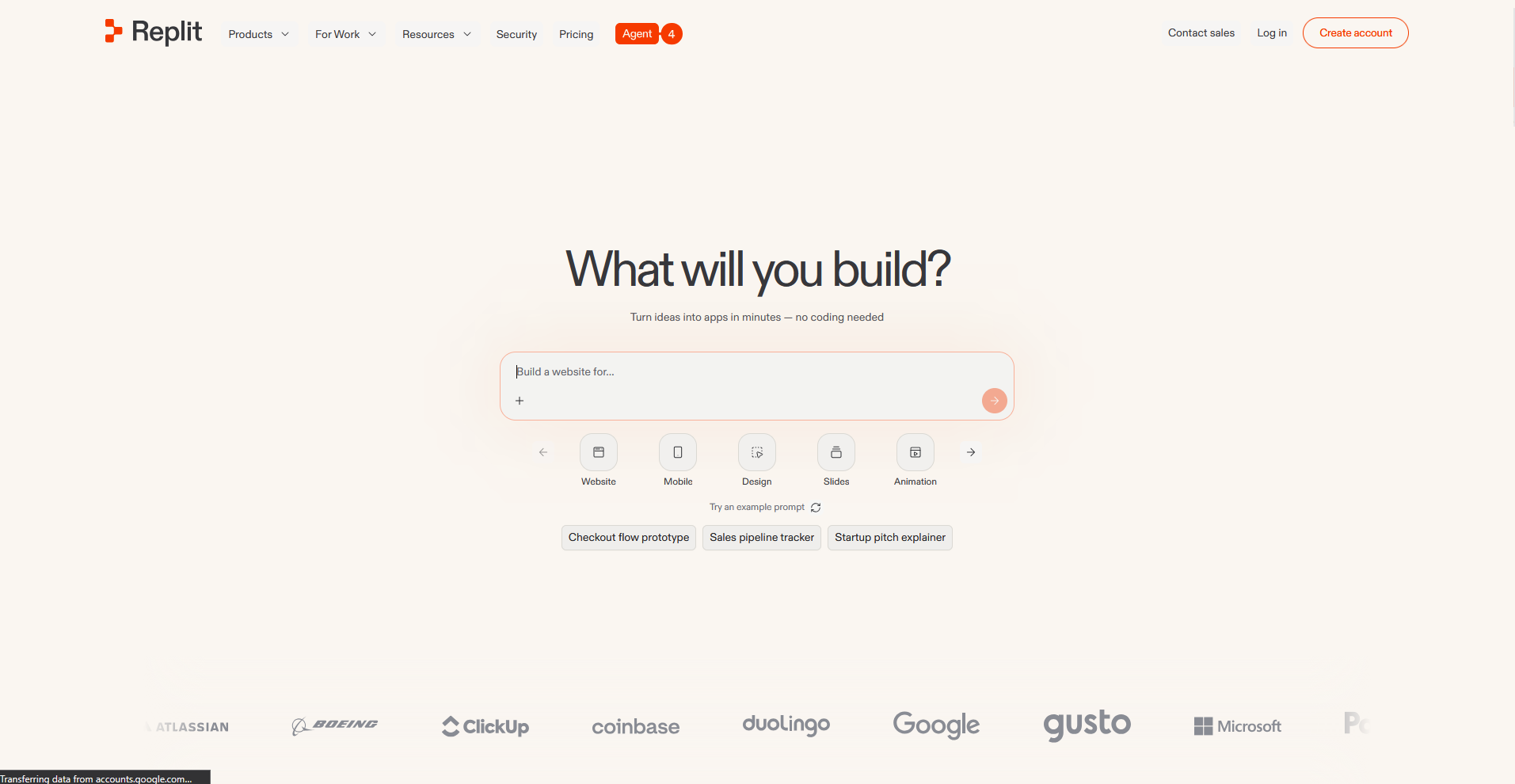
Replit is a cloud-based development environment with an AI agent that can build a working app from a plain English description. Unlike the other tools on this list, the output is real code, so developers can open the workspace and edit, debug, or extend what the AI generates. That access comes with a steeper learning curve for anyone without coding experience.
Key features
- Replit Agent: Generate a working application from a natural language prompt.
- Cloud IDE access: Open, edit, and debug the underlying code directly in the browser.
- One-click deployment: Publish a built app without configuring separate hosting.
Pros
- Full code access lets developers extend or fix what the AI agent builds
- GitHub sync makes it possible to move projects in and out of Replit easily
- Deployment happens in the same workspace as development, without a separate hosting step
Cons
- Reading and editing real code requires more technical comfort than the rest of this list
- Usage-based credits on top of the subscription can make costs harder to predict for heavy use
Best for
- Developers who want AI to generate a starting point they can then edit directly
- Teams comfortable working in a code environment rather than a visual builder
- Technical teams that want to prototype fast without leaving their code behind
Pricing
Replit starts at $18 per month.
How to evaluate Lovable alternatives
No-code app builders range from spreadsheet-based tools built for speed to platforms that need an existing backend already in place. The right fit depends on what data you're working with and who's going to use the finished app.
Here's what to consider:
- Your data source shapes your options: Airtable and Google Sheets work as a backend for some tools, while others expect you to connect something like Supabase or Xano before you start building. Check what you already have before picking a platform.
- Mobile and web aren't interchangeable: A few tools on this list publish real native apps to the App Store and Google Play. Others are built for web-based portals and dashboards instead.
- Client-facing and internal tools call for different features: I've noticed permissions and branding for outside users tend to matter more on client-facing platforms, while internal tools focus more on managing your own team's data.
- Customization comes with a tradeoff: Getting started tends to go faster with template-based tools, but open canvas builders give you more control over the final design. Neither is automatically better, it depends on how specific your app needs to be.
- Pricing models vary in ways that affect your budget: Charging by app, by user, or by usage are all common approaches across this list, and a model that works for a small team can get expensive fast as you grow. I suggest mapping out your growth plans before committing to anything priced per seat.
Get to the client-facing experience without building it from scratch
Many Lovable alternatives get you to a working app eventually, but you're still starting from a blank canvas, wiring up screens, permissions, and data connections one piece at a time. That setup takes time before a single client ever logs in.
Assembly’s AI app builder generates a client-facing app from a prompt, connected to each client's files, messages, and billing instead of a separate login you have to set up. Client data stays covered too, with SOC 2 Type II compliance and support for GDPR, CCPA, and HIPAA.