



Replit alternatives start looking appealing once pricing gets unpredictable or a project needs more infrastructure and control than Replit is built to give. When that happens, Lovable, Bolt.new, and Cursor are where I'd point most people first.
I compared pricing pages, documentation, and product demos across dozens of tools to find this list of the 14 best. You'll get the strengths, trade-offs, and ideal user for every tool below.
14 best Replit alternatives: TL;DR
- Lovable: Best for solo founders and small teams who want a working minimum viable product (MVP) with real code ownership.
- Bolt.new: Best for builders who want to go from a prompt to a running prototype in minutes.
- Cursor: Best for developers who want AI support without giving up control of their codebase.
- v0 by Vercel: Best for generating clean UI components inside a Next.js or Vercel workflow.
- Assembly: Best for client-facing apps like dashboards and onboarding flows for your service business.
- Bubble: Best for building a custom, production-grade web app without writing code.
- Glide: Best for turning an existing spreadsheet into a working business app.
- n8n: Best for automating workflows and connecting tools rather than building user-facing apps.
- Base44: Best for non-technical founders who want an all-in-one app builder with hosting included.
- Coder: Best for enterprise teams that need self-hosted, governed development environments.
- GitHub Copilot: Best for developers who want AI code suggestions inside the editor they already use.
- GitHub Codespaces: Best for teams already on GitHub who want a consistent, cloud-based dev setup.
- CodeSandbox: Best for frontend developers collaborating on JavaScript framework projects.
- Devin Desktop: Best for developers who want an AI-native coding editor built around the whole codebase.
Why look for Replit alternatives?
I'll give Replit credit where it's due. It's one of the easier tools I've come across for turning a plain-English idea into something running in the browser, and that accessibility is often why so many non-technical founders start there.
Once I dug into what people said after they'd used it for a few months, 3 patterns kept surfacing that I'd want you to know about:
- The credit system can catch you off guard: I saw this complaint more than any other across G2 and Capterra. A single debugging session can burn through a monthly allowance in a matter of hours, especially when the agent keeps getting stuck on the same bug.
- The AI agent doesn't always listen: I read a handful of reviews where the agent rewrote working code without being asked to, or outright ignored a direct instruction. When that happens on a client project, you're the one explaining the delay, not Replit.
- Support moves slowly when you need it fast: More than one reviewer described waiting close to a full day for a response during a billing dispute or a broken build. If you're mid-project and something breaks, that's a long time to sit with it.
Which Replit alternative should you choose?
The right Replit alternative depends on how much control you want over the code, how fast you need to move, and whether your team is technical.
Choose:
- Lovable if you want an AI-generated app with code you can own and export. Keep in mind that costs can climb fast if you lean on it heavily for complex builds.
- Bolt.new if you want to go from a prompt to a running prototype in minutes. It can struggle once an app needs more custom backend logic.
- Cursor if you want AI support without giving up control of your codebase. It still expects you to know how to code, so it's not the right fit if you're starting from zero.
- v0 by Vercel if you want clean UI components inside a Next.js or Vercel workflow. It's built for interface work and doesn't cover full app logic.
- Assembly if your clients need to log into a branded app themselves, but keep in mind it's not built for public or logged-out experiences.
- Bubble if you want a production-grade web app without writing code. The learning curve steepens as your app logic becomes more detailed.
Stick with Replit if you want the fastest path from a plain-English idea to a working prototype, and you're comfortable managing the credit system and the agent's occasional missteps along the way.
Top 14 Replit alternatives: at a glance
| Tool | Best for | Starting price |
|---|---|---|
| Lovable | Solo founders who need a working MVP fast without a developer | $25/month |
| Bolt.new | Going from a prompt to a running prototype in minutes | $25/month |
| Cursor | Developers who want AI support inside their own codebase | $20/month |
| v0 by Vercel | Generating clean UI components inside a Next.js or Vercel workflow | $30/user/month |
| Assembly | Building client-facing apps like dashboards and portals for your service business | $49/month |
| Bubble | Building a production-grade web app without writing code | $69/month (Web and mobile) |
| Glide | Turning a spreadsheet into a working business app | $25/month (Individual) |
| n8n | Automating workflows and connecting tools you already use | $24/month |
| Base44 | Non-technical builders launching a complete app from one prompt | $20/month |
| Coder | Enterprise teams that need self-hosted, governed dev environments | Custom pricing |
| GitHub Copilot | AI code suggestions inside the editor you already use | $10/user/month |
| GitHub Codespaces | Teams already on GitHub who want a consistent, cloud-based dev setup | Usage-based pricing |
| CodeSandbox | Frontend developers collaborating on JavaScript framework projects | $12/user/month |
| Devin Desktop | Teams juggling several AI coding agents who want a single command center | $20/month |
Billed monthly
1. Lovable: Best for solo founders who need a working MVP fast without a developer
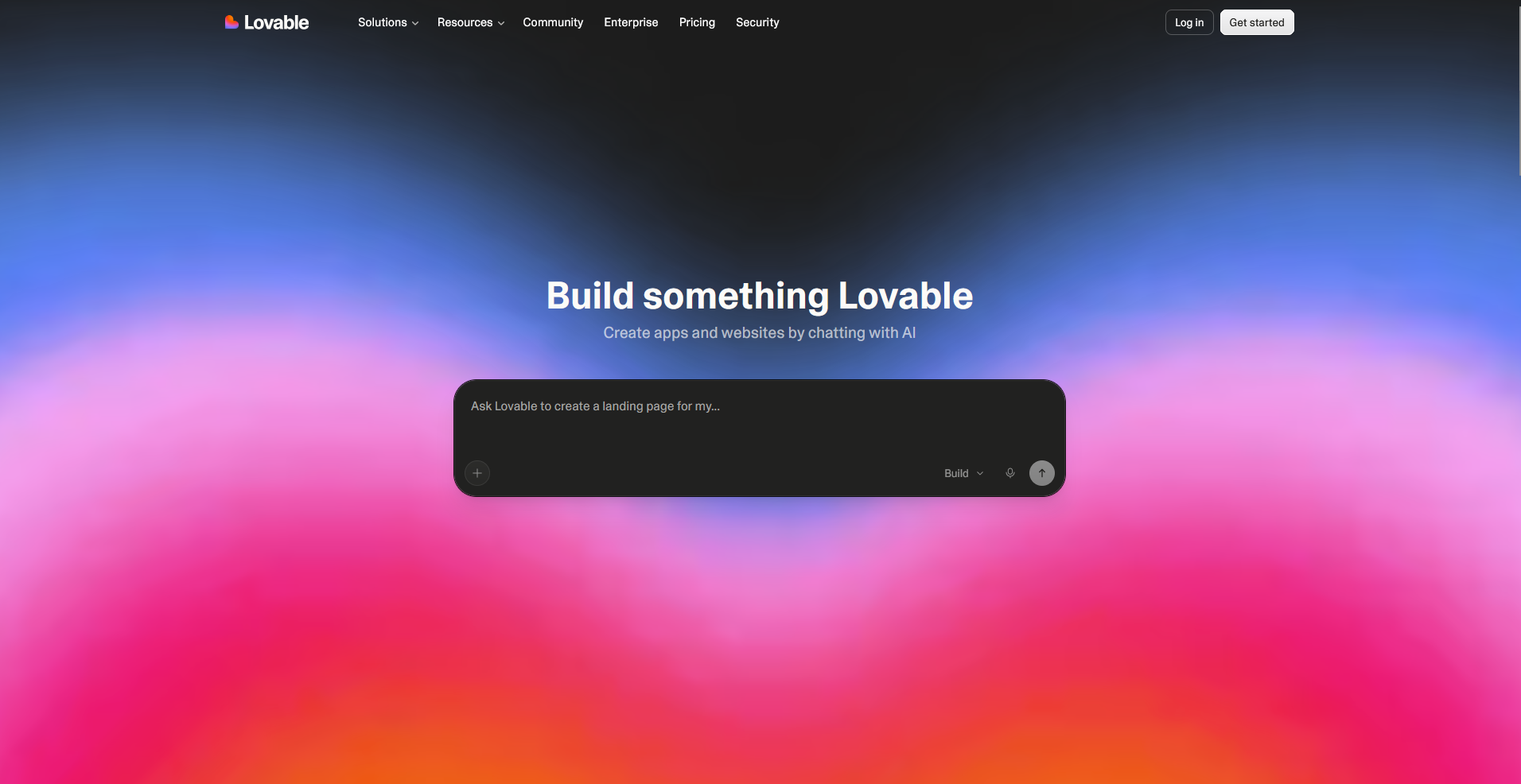
Lovable is an AI app builder that turns written prompts into full-stack web apps with React, TypeScript, Tailwind CSS, and Supabase for the backend. It builds an app with a database, authentication, and file storage, then syncs the code to GitHub. If your app needs complex backend logic or a highly custom design, you may need a developer to deliver it.
Key features
- Full-stack app generation: Convert a written prompt into a working app with a frontend, database, and authentication built in.
- Supabase integration: Connect your app to a Supabase backend for data storage, user accounts, and file uploads.
- GitHub sync: Sync your codebase to GitHub so you can edit locally or hand the project to a developer.
Pros
- You can get a working product in front of users without hiring a developer or scoping out a build first, which can save weeks at the idea stage
- The built-in Supabase setup skips the backend work that normally eats the first few weeks of a new project, since your database and login system are ready from the start
- Syncing to GitHub from day one means you can hand your project to a developer later without starting the codebase over
Cons
- Credits can run out quickly once you move past a landing page or single feature, and complex edits cost more than simple ones
- Custom backend logic and highly specific designs can be difficult for the AI to handle without developer help
Best for
- Solo founders who need a working MVP fast without hiring a developer
- Small teams validating an idea before committing engineering time
- Non-technical builders who want to own their code instead of staying locked into one platform
Pricing
Lovable starts at $25 per month.
2. Bolt.new: Best for going from a prompt to a running prototype in minutes
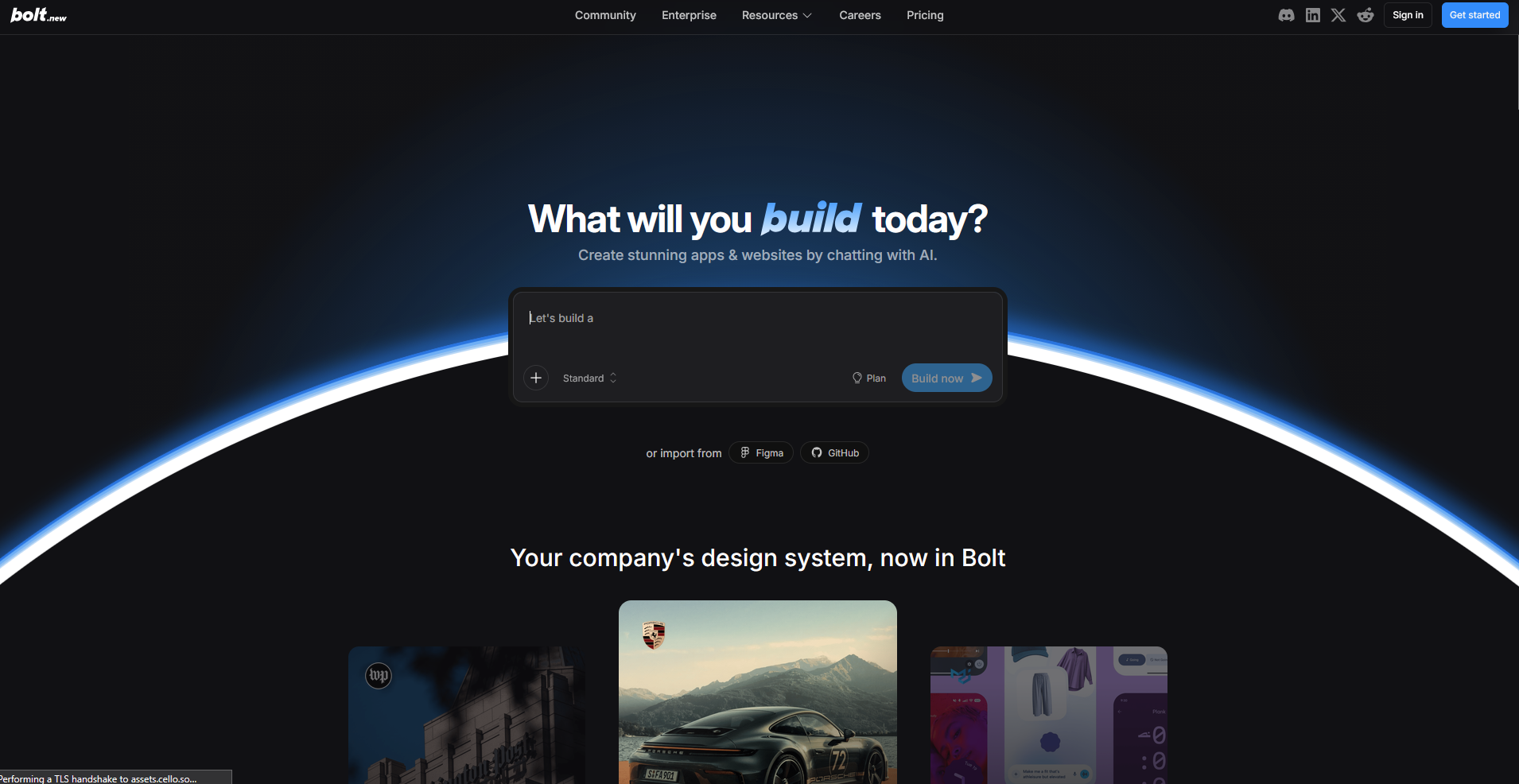
Bolt.new is StackBlitz's browser-based AI app builder that generates, runs, and deploys full-stack apps from text prompts. It runs on WebContainers, so the build and preview live in your browser. It also connects to Supabase, Stripe, and GitHub. Keep in mind that Bolt bills by token usage, and heavier projects can burn through tokens fast.
Key features
- In-browser build environment: Run, edit, and preview a full Node.js project directly in your browser without installing anything locally.
- Live preview: Watch your app update in real time as the AI writes and edits code.
- One-click publishing: Deploy your project to a live URL directly from the builder.
Pros
- You can test an idea on a locked-down laptop, a school computer, or any device without admin rights, since nothing installs locally
- The live preview lets you spot a broken feature the moment it happens, so you can flag it and get a fix before moving on to the next prompt
- Getting a live link out fast can save you the step of setting up separate hosting just to show a client or teammate something real
Cons
- Token usage scales with project size and complexity, so costs can climb fast once your app grows beyond a simple prototype
- You won't always know how many tokens a prompt will cost before you send it, which makes budgeting for a larger build harder
Best for
- Builders who want to test an idea without installing anything locally
- Freelancers who need a live link to show a client fast
- Developers who want to review and edit AI-generated code instead of starting from a blank file
Pricing
Bolt.new starts at $25 per month.
3. Cursor: Best for developers who want AI support inside their own codebase
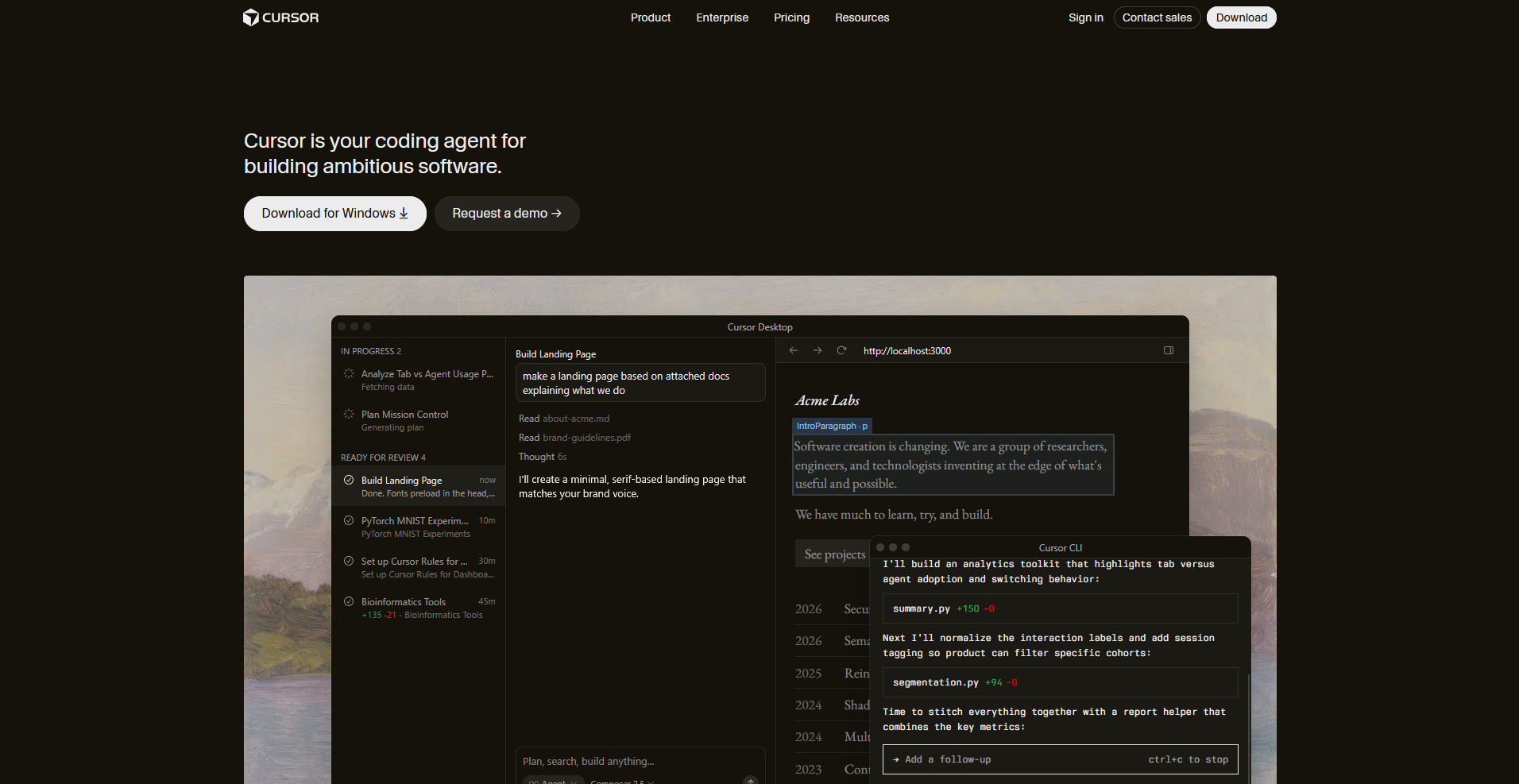
Cursor is a code editor built on VS Code that adds AI completions, multi-file editing, and an Agent mode for larger tasks. It works inside your existing codebase, generating and editing code while you stay in control of what gets committed. Cursor bills usage-based credits on top of the subscription, and heavy Agent use can push past what your plan includes.
Key features
- Agent mode: Plan, write, and edit code across multiple files for a larger coding task in one session.
- Model switching: Choose between AI models like Claude, GPT, and Gemini depending on the task.
- Tab completion: Suggest code as you type based on the context of your open files.
Pros
- Working inside a familiar VS Code-based editor means you can adopt Cursor without relearning your whole workflow
- You're not stuck with one AI provider's blind spots, since you can route a task to whichever model tends to perform best for that language or framework
- Multi-file changes that used to mean opening and editing file after file by hand can now get done in one session, which can cut down real review time on larger refactors
Cons
- Usage-based credits on top of the subscription mean heavy Agent use can cost more than the plan price suggests
- Model routing and credit consumption aren't always predictable, which makes budgeting for a busy month harder
Best for
- Developers who want AI help without leaving their existing codebase behind
- Teams that want the flexibility to switch between AI models depending on the task
- Engineers taking on larger refactors who want an agent to handle multi-file changes
Pricing
Cursor starts at $20 per month.
4. v0 by Vercel: Best for generating clean UI components inside a Next.js or Vercel workflow
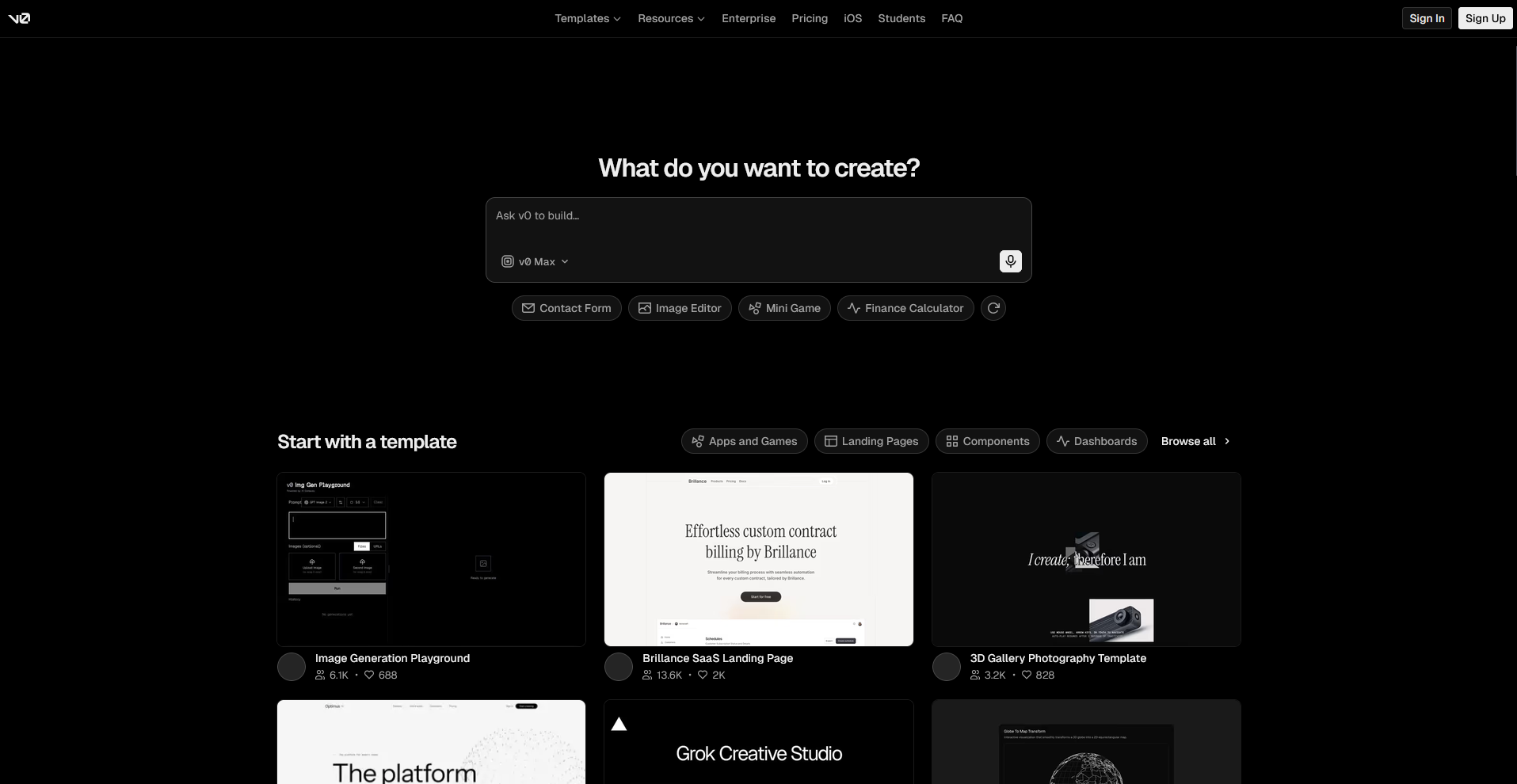
v0 is Vercel's AI tool for generating React UI components and full page layouts from written prompts or uploaded designs. It outputs code built on Next.js, Tailwind CSS, and shadcn/ui, and it deploys straight to Vercel with GitHub sync built in. v0 focuses on the frontend, so a full-stack app with authentication or a custom database still needs a separate backend setup.
Key features
- Component and page generation: Generate React components or full page layouts from a written prompt or an uploaded design.
- Design import: Upload a screenshot or design file and generate matching frontend code from it.
- One-click Vercel deployment: Deploy your generated component or app directly to Vercel from inside v0.
Pros
- Output follows React best practices out of the box, so you spend less time cleaning up generated code before it goes into a real codebase
- Turning a screenshot or Figma design into working code can save the step of rebuilding a design by hand in your framework of choice
- Deploying straight to Vercel means your team can review a live version of a component without a separate build or deploy step
Cons
- v0 generates frontend code only, so you'll still need to set up your own backend, database, and authentication for a working app
- Token-based billing means a complex generation can use up credits faster than a simple one, which makes costs harder to predict
Best for
- React and Next.js developers who want production-ready components generated fast
- Teams already building on Vercel who want frontend and deployment in one workflow
- Designers handing off a screenshot or Figma file for a working code starting point
Pricing
v0 by Vercel starts at $30 per user per month.
5. Assembly: Best for building client-facing apps like dashboards and portals for your service business
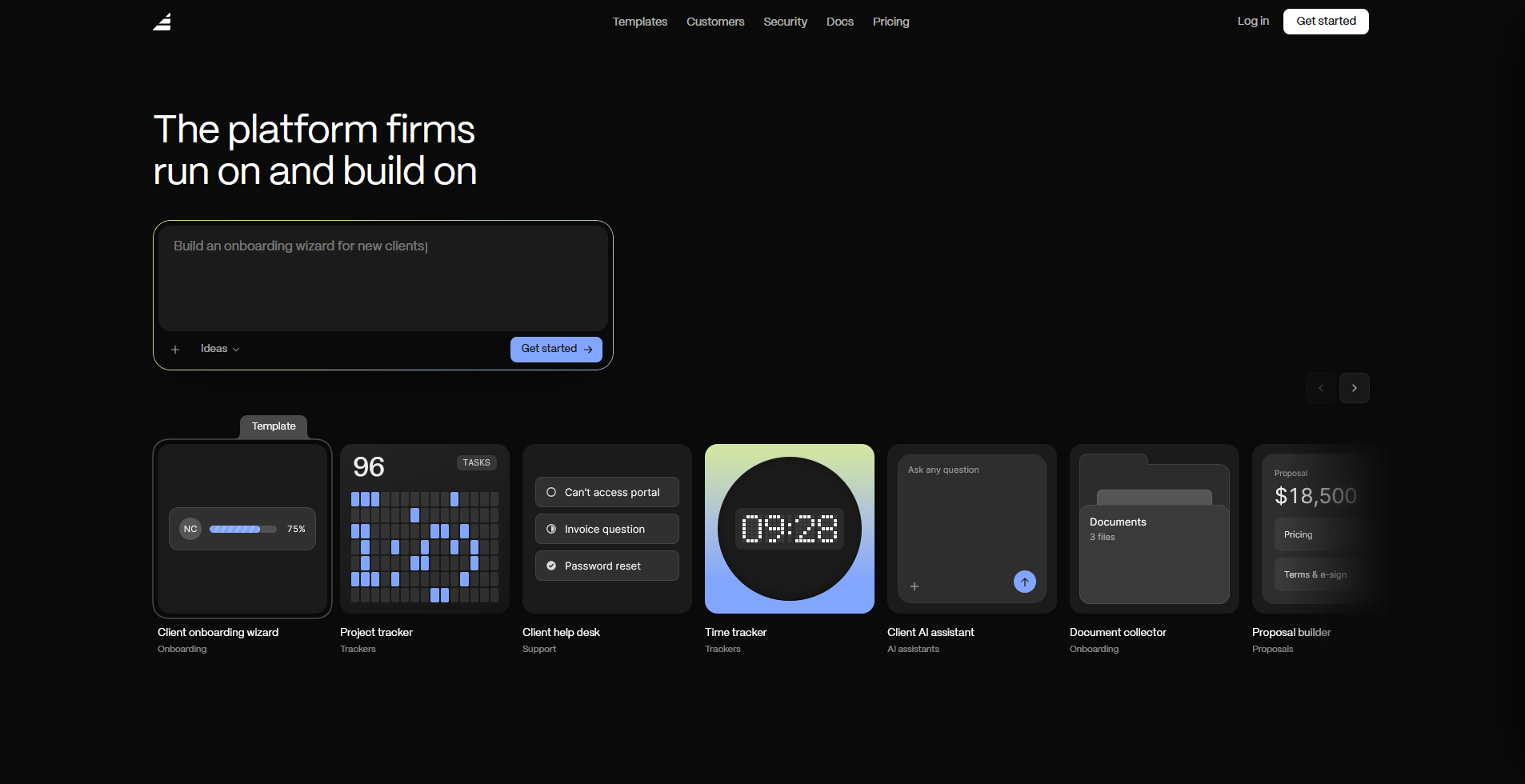
Assembly is a client platform that offers an AI app builder built for the apps your clients use. You describe the app you need, such as a project dashboard or an onboarding flow, and Assembly’s AI app builder builds it connected to each client's files, messages, and billing from the first prompt.
It isn't built for public, logged-out experiences or streaming-heavy products, so it's worth checking that your use case fits before you build.
Key features
- Client-facing app generation: Describe the app your clients need, and Assembly’s AI app builder creates the screens, data, and layout to match.
- Permissions and branding by default: Each client sees only their own data in a space branded as yours, with no separate setup required after the build.
- Built-in client platform: Every app you build connects to real client data like contracts, invoices, and messages instead of sitting on its own.
Pros
- You get an app that already knows which client is logged in and what they should see, so you can skip building a permissions system from scratch
- Since new apps land inside a space your clients already use, you avoid asking them to remember another login just to use one more tool
- Assembly maintains SOC 2 Type II compliance and supports GDPR, CCPA, and HIPAA compliance, which matters if you're handing clients access to real data
Cons
- If what you're building is a public, logged-out experience, like a marketing page or storefront, Assembly isn't built for that use case
- Assembly’s AI app builder is newer to the app builder space, so its features are still growing
Best for
- Service businesses that want their clients to log into a branded app instead of emailing back and forth
- Agencies building client dashboards or onboarding flows without hiring a developer
- Firms that need client data secure enough to meet compliance requirements like HIPAA or GDPR
Pricing
Assembly starts at $49 per month, billed annually.
6. Bubble: Best for building a production-grade web app without writing code
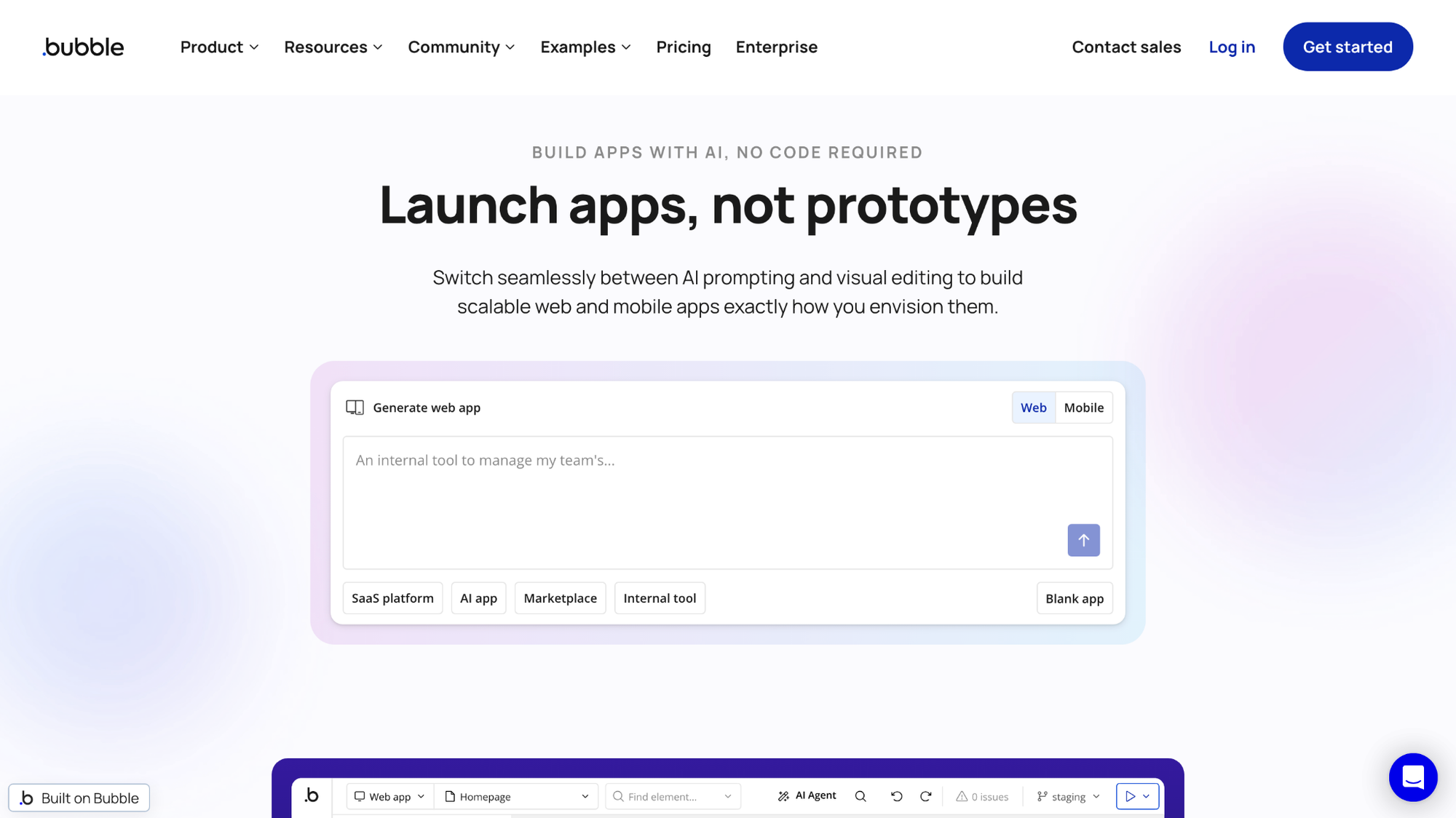
Bubble is a no-code platform for building web apps with a visual editor, a database, and workflows for signups, payments, and scheduled tasks. It gives you a full application stack in one place, including authentication and API connections to tools like Stripe. Bubble doesn't let you export your source code, and costs rise with traffic through its Workload Unit pricing.
Key features
- Visual app editor: Design your app's interface and logic without writing code.
- Built-in database: Store, search, and update app data without setting up separate infrastructure.
- Workflow automation: Build logic for user actions like signups, payments, and scheduled tasks.
Pros
- You can launch a complete web app, from the interface to the database to payment workflows, without hiring a developer for any piece of it
- Handling authentication and payment logic inside the same editor as your interface means fewer separate tools to stitch together
- The plugin marketplace covers common needs like Stripe, Google Maps, and PDF generation, so you often don't need to build an integration from scratch
Cons
- Bubble doesn't let you export your source code, so switching platforms later means rebuilding your app from scratch
- Pricing runs on Workload Units, and busy apps with heavy workflows or traffic can see costs climb faster than the plan price suggests
Best for
- Founders who want a full web app built and hosted without writing code
- Teams building internal tools or MVPs that need a real database and user logic
- Non-technical builders who want deep customization without hiring a developer
Pricing
Bubble starts at $69 per month (web and mobile).
Special mentions
These tools didn't make the top 5, but each one solves a specific problem depending on your technical background and what your app needs to do.
Here are 8 more Replit alternatives worth considering:
- Glide: Glide is a no-code app builder that lets you turn a spreadsheet or Airtable base into a working app. You'll get the most out of it for simple internal tools built on computed columns and basic if-then rules. Once you need multi-step approval chains or logic that checks several conditions at once, you'll want a different tool.
- n8n: n8n is an automation platform that connects the tools you already use and automates the steps between them, like syncing a new signup into your CRM. The more conditional branches you add, the harder debugging gets, since you're the one tracking down which branch broke.
- Base44: Base44 is an AI app builder that generates a full app from a single prompt, database and login screen included. I'd recommend it for building a working first version fast, but keep an eye on its credit system. It runs on 2 separate pools, one for building and one for live usage, and neither rolls over between billing cycles.
- Coder: Coder is a development environment platform that lets engineering teams build coding environments on their own servers. That's a good fit if your company has strict rules about data governance. The downside is your IT team now owns the patching, upgrades, and maintenance that a managed tool would normally take care of.
- GitHub Copilot: GitHub Copilot is an AI coding assistant that gives you code suggestions in the editor you already use based on your existing files. I'd call it the easiest AI upgrade for developers who already code, but you'll want to double-check its suggestions on unfamiliar frameworks or less common languages.
- GitHub Codespaces: GitHub Codespaces is a cloud development environment that spins up from your GitHub repo, fully configured. If your team already uses GitHub, you can skip the local setup entirely and start coding right away. Keep in mind that repos hosted on GitLab or Bitbucket won't get that same instant setup.
- CodeSandbox: CodeSandbox is a browser-based code editor built for JavaScript and frontend projects. It lets you prototype a component or review a teammate's pull request in a shareable environment without local setup. It won't give you much on the backend, so a project that needs its own database or server logic will outgrow it fast.
- Devin Desktop: Devin Desktop is a coding editor formerly known as Windsurf. It has an Agent Command Center that lets you run and supervise several local and cloud AI coding agents from a single screen. That's a clear advantage for teams juggling multiple agents, but overkill if you just want a simple AI-assisted editor.
How to evaluate Replit alternatives
Pick your alternative based on who will build and maintain the app after launch and how much control you want to keep when you hand work over to the platform.
Here's what I'd actually weigh:
- Who's doing the building: A prompt-based tool can hand a non-coder a working app in an afternoon, but somebody still has to keep it running after that. I'd ask who on your team is sticking around to maintain this before you pick based on speed alone.
- What happens if you want out: Check whether the tool exports working code you can take anywhere or locks your app to its platform for good. Ask this early. It's a rough question to answer after you've already started building.
- How much weight the app has to carry: A weekend project and something your customers log into every day call for different foundations. Once people and their data show up, permissions, audit logs, and proper authentication stop being optional.
- How well it integrates with what you already run: A tool that connects cleanly to your existing database or auth provider will save your team setup time. One that doesn't will leave you building those connections from scratch.
- How much time you've got: Some of these tools have you up and running before lunch. Others, especially the self-hosted ones, can eat a week or two before anyone writes app logic. I strongly suggest figuring out the tool's setup time first, then building your timeline around it.
Build your next client tool without starting from zero
Most Replit alternatives are built for app building, like Lovable, Bolt.new, Cursor, v0, and Bubble, help you ship an app fast. What happens after a client logs in, like their files, messages, and project updates, is still something you need to build or connect yourself.
Assembly’s AI app builder builds the apps your clients use. Describe the dashboard, onboarding flow, or project tracker you need, and Assembly builds it connected to each client's files, messages, and billing from the first prompt. It's also SOC 2 Type II compliant and supports GDPR, CCPA, and HIPAA compliance for your clients' data.