



Zendesk, Zoho Desk, and Help Scout show up on nearly every best Freshdesk alternative list, but plenty of searchers need something that none of them cover well.
I dug into pricing tiers, AI costs, and channel coverage across dozens of support platforms before landing on the 14 actually worth your time. Here's what stood out, what to watch for, and who each tool really fits.
14 Best Freshdesk Alternatives: TL;DR
- Zoho Desk: Best for teams that want the closest like-for-like swap at the lowest cost
- Zendesk: Best for support operations scaling past a small team into complex, high-volume ticketing
- Help Scout: Best for small teams running support mostly through email
- HappyFox: Best for mid-market teams that want configurable ticketing without a full-time admin
- Intercom: Best for product-led SaaS teams whose support happens inside the app
- LiveAgent: Best for budget-conscious teams that need phone support without a separate call center contract
- HubSpot Service Hub: Best for teams already running sales and marketing on HubSpot
- Front: Best for teams that want a shared inbox built around collaboration on the same messages
- Kayako: Best for teams that want a unified view of a customer's full interaction history
- Jira Service Management: Best for IT and internal service desks
- Salesforce Service Cloud: Best for large enterprises already invested in the Salesforce ecosystem
- Gorgias: Best for ecommerce brands that need order data inside every support ticket
- Helply: Best for B2B SaaS teams that want support billed per ticket instead of per seat
- Kustomer: Best for enterprise teams that want a customer-timeline view instead of a ticket queue
Why look for Freshdesk alternatives?
Let me be fair here: Freshdesk earns its popularity for a reason. The interface is approachable for a team that's never run a help desk before, and core ticketing across email and chat works without much setup. That reputation holds up right until the bill grows with your team, and then a few real limits show up fast:
- AI sits behind a separate paywall: Freddy AI Copilot is a paid add-on starting at $29 per agent per month, locked to the Pro and Enterprise plans, so a standard license doesn't include it at all.
- Core features climb with the tier: Team dashboards, social ticketing, CSAT surveys, and a multilingual knowledge base all sit above the entry plans, so the advertised price rarely matches the plan you actually need.
- Per-agent costs creep as you scale: Reviewers on G2 and Gartner Peer Insights regularly flag that agent seats plus add-ons add up faster than the pricing page suggests.
- Support response times draw complaints: Support response times draw complaints when something breaks, and that risk grows the more your team depends on the platform.
- Reporting stays rigid without upgrades: Standard reports cover the basics, but deeper analysis or custom views usually require a higher tier or manual configuration.
Which Freshdesk alternative should you choose?
The right Freshdesk alternative depends on how your team works, the channels you need, how much setup time you can spare, and how deep your support and product experience already run.
Choose:
- Zoho Desk if you want the closest swap to Freshdesk's day-to-day workflow. The interface takes some getting used to once you dig past the basics, and the deeper customization options add a learning curve on day one.
- Zendesk if your support operation is scaling past a small team into more complex routing and reporting. Running it well takes a dedicated admin, so a lean team can end up managing the platform as much as the tickets.
- Help Scout if your team handles support mostly through email and wants a shared inbox. Omnichannel depth stays thin, so a team leaning on chat, social, or in-app support will hit a ceiling fast.
- HappyFox if you want configurable ticketing without enterprise weight. Chat, AI, and workflow automation ship as separate products, so building out the full setup takes more assembly than a single unified plan.
- Intercom if support and product engagement blur together for your team, especially in-app. It isn't built as a classic ticket queue, so a team running email-first workflows will feel the mismatch.
Stick with Freshdesk if your team needs straightforward, approachable ticketing across email and chat and doesn't need the deeper AI, reporting, or omnichannel depth the alternatives above are built to solve for.
14 best Freshdesk alternatives: at a glance
| Tool | Best for | Starting price |
|---|---|---|
| Zoho Desk | A budget-friendly swap with the shortest learning curve | $7/user/month |
| Zendesk | Complex support operations with a dedicated admin | $19/agent/month |
| Help Scout | Email-first teams that want a shared inbox | $25/user/month for up to 25 users |
| HappyFox | Configurable workflows for mid-market teams | $24/agent/month, billed monthly |
| Intercom | In-app support for product-led SaaS companies | $29/seat/month |
| LiveAgent | Phone support bundled with ticketing on a budget | $15/agent/month |
| HubSpot Service Hub | Support tickets tied to an existing CRM record | $7/seat/month |
| Front | Collaborative shared inboxes across a team | $25/seat/month |
| Kayako | A single timeline view of every customer touchpoint | Custom pricing |
| Jira Service Management | Internal IT and service desk requests | $750/year for up to 3 agents |
| Salesforce Service Cloud | Large enterprises running on the Salesforce platform | $25/user/month |
| Gorgias | Ecommerce brands needing order data inside tickets | $10/month, billed monthly |
| Helply | Per-ticket billing for B2B SaaS support teams | $1/ticket, minimum 250 tickets/month |
| Kustomer | Enterprise teams that want a customer-centric view | Custom pricing |
Billed annually
*Pricing correct as of August 2026. Confirm with vendor.
1. Zoho Desk: Best for a budget-friendly swap with the shortest learning curve
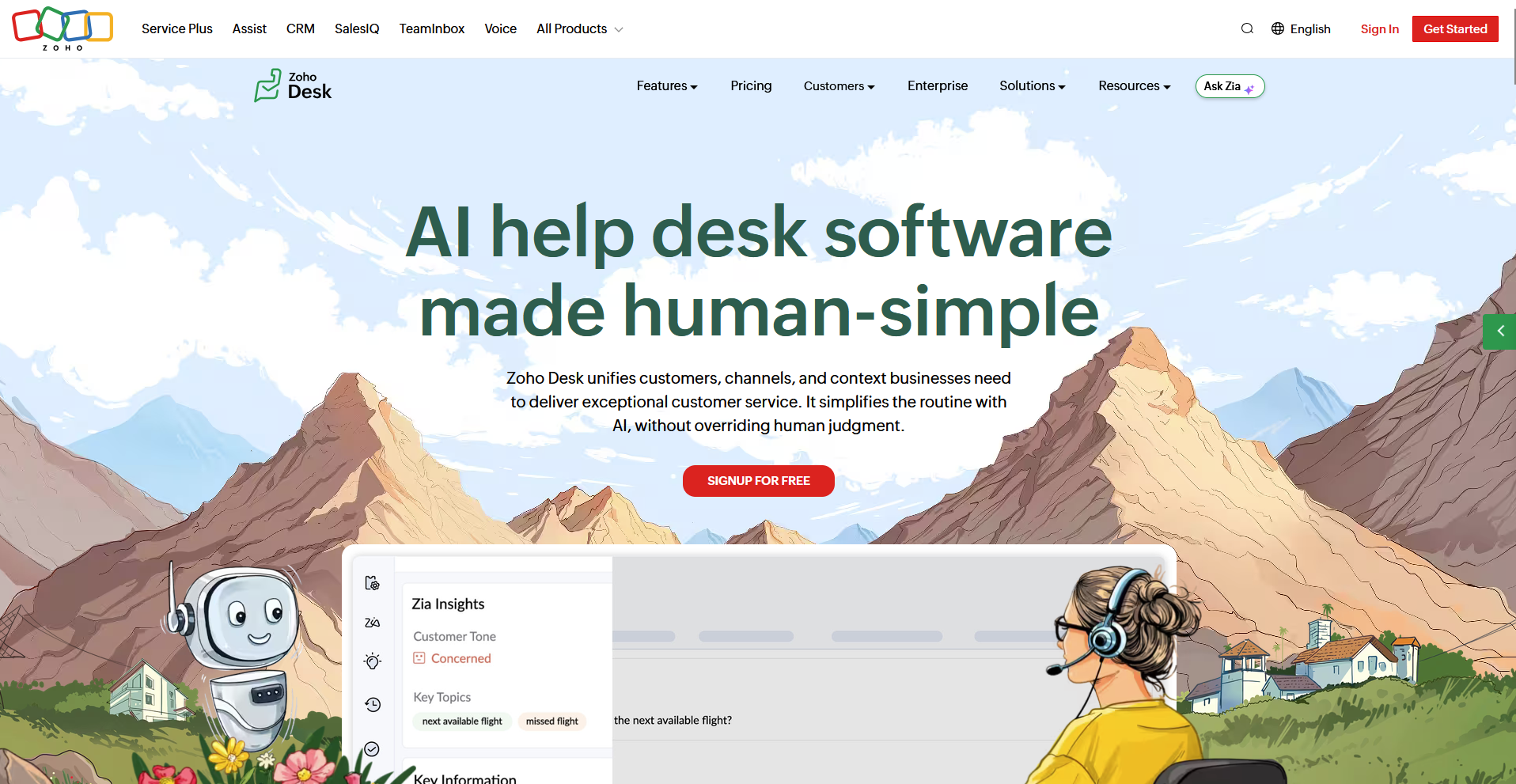
Zoho Desk is a cloud-based help desk built for teams that want to move away from Freshdesk without a steep setup process. It offers multichannel ticketing, a self-service portal, and an AI assistant called Zia at a low starting price. Zoho Desk works best paired with the rest of the Zoho suite, and a team running it alone misses that deeper automation and unified data.
Key features
- Zia AI assistant: Tag tickets, detect sentiment, and get AI-drafted replies, with deeper generative features available as you move up in plan tiers.
- Self-service portal: Publish a customer-facing knowledge base alongside the ticketing workflow.
- Multichannel ticketing: Route email, chat, phone, and social messages into a single queue.
Pros
- Carries one of the lowest entry prices among credible Freshdesk swaps.
- Includes a genuine free plan for small teams.
- Offers deep customization for teams willing to invest the setup time.
Cons
- The full value depends on running other Zoho products alongside it.
- The volume of settings and configuration options adds a learning curve on day one.
Best for
- Small teams that want ticketing, a knowledge base, and basic automation without separate add-ons
- Businesses already running other Zoho products
- Budget-conscious teams that still want room to customize workflows later
Pricing
Zoho Desk starts at $7 per user per month.
2. Zendesk: Best for complex support operations with a dedicated admin
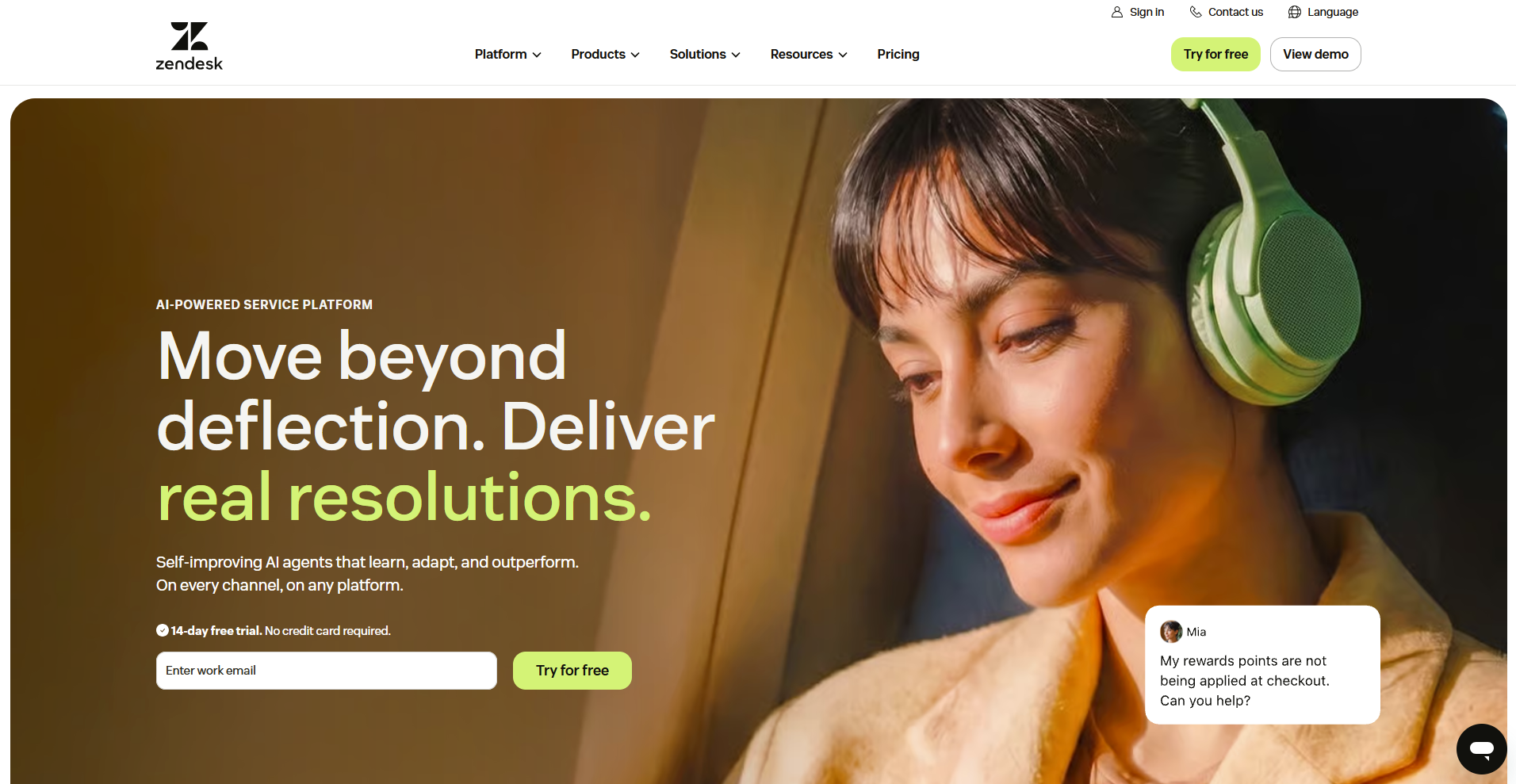
Zendesk is a customer service platform for support teams that need omnichannel routing, SLAs, and reporting deep enough to run a large operation. It connects email, chat, phone, and social channels into one workspace with a wide range of integrations. A small team without a dedicated admin may spend more time configuring it than working tickets.
Key features
- Omnichannel agent workspace: Route tickets from email, chat, phone, and social into a single queue.
- Workflow automation: Trigger routing rules, macros, and SLA escalations based on ticket conditions.
- Marketplace integrations: Connect over a thousand apps to extend reporting, CRM, and support workflows.
Pros
- Scales cleanly from a mid-sized team to a large, complex support operation.
- Carries the largest integration marketplace among the tools in this roundup.
- Familiarity with the platform makes hiring and onboarding new agents easier.
Cons
- Running it well takes a dedicated admin to manage routing, SLAs, and configuration.
- The depth built for large operations adds weight a small team doesn't need.
Best for
- Growing support teams that need SLA management and intelligent routing
- Businesses that plan to connect support to a wider stack of tools
- Organizations with a dedicated admin to manage the platform
Pricing
Zendesk starts at $19 per agent per month.
3. Help Scout: Best for email-first teams that want a shared inbox
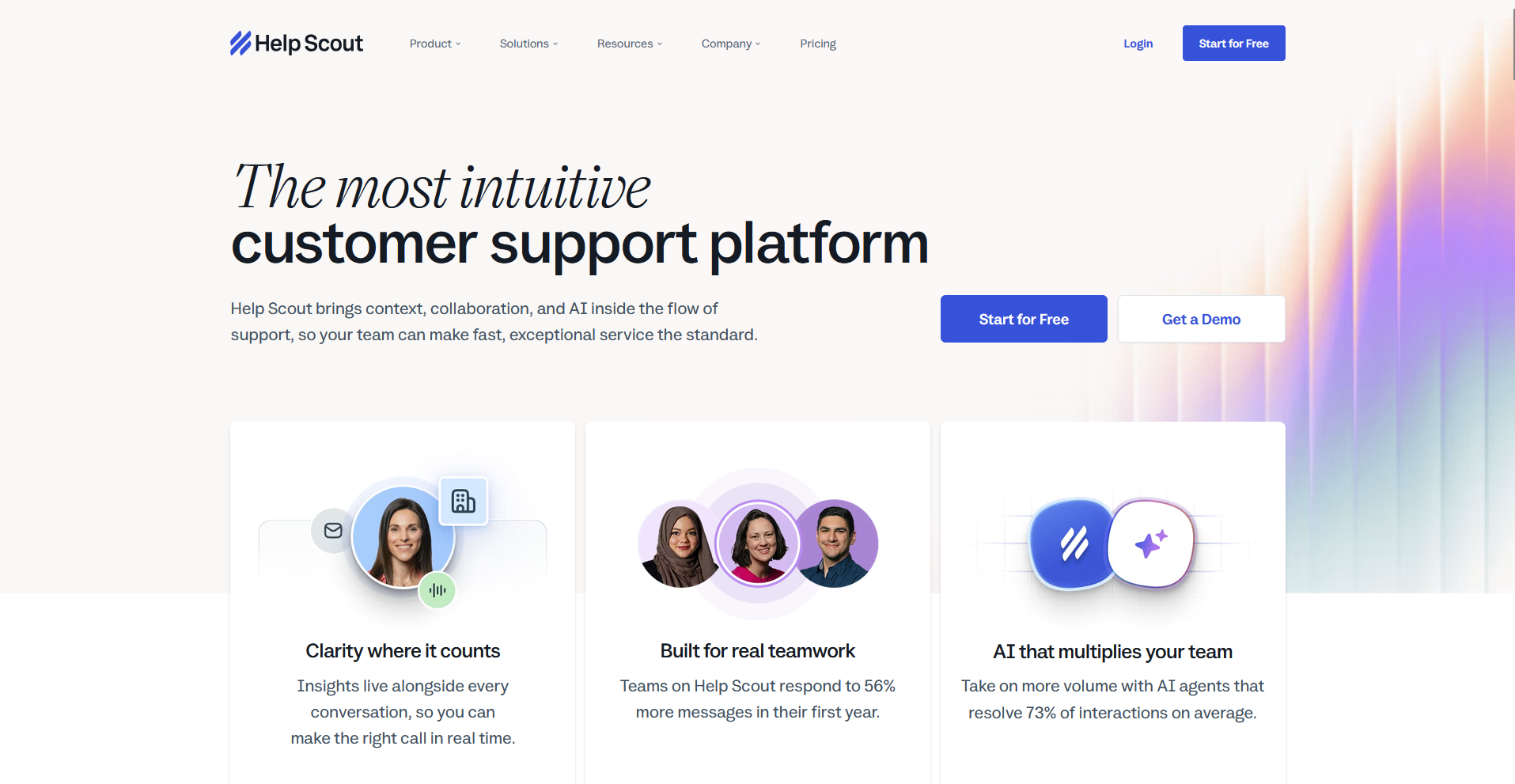
Help Scout is a customer support platform built around a shared inbox that reads like email. Agents get a clean knowledge base and simple reporting alongside it, so a small team can pick it up in an afternoon. Omnichannel depth stays thin, and a team that needs chat, social, or in-app support will need to add separate tools to cover those channels.
Key features
- Shared inbox: Assign, tag, and reply to email conversations from one collaborative view.
- Docs knowledge base: Publish self-service articles customers can search before contacting support.
- Saved replies: Store common answers agents can insert into a conversation in a few clicks.
Pros
- Adopts fast, with almost no training overhead for new agents.
- Keeps the interface clean and low-clutter compared to full ticketing suites.
- Includes collision detection that shows when a teammate is already replying to a conversation.
Cons
- Omnichannel support stays limited next to tools built for chat, social, or phone.
- Automation and routing options stay simpler than what a growing support team may need.
Best for
- Small teams that handle most of their support through email
- Businesses that want a shared inbox instead of a formal ticketing system
- Teams that prioritize a low learning curve over deep configuration
Pricing
Help Scout starts at $25 per user per month for up to 25 users.
4. HappyFox: Best for configurable workflows for mid-market teams
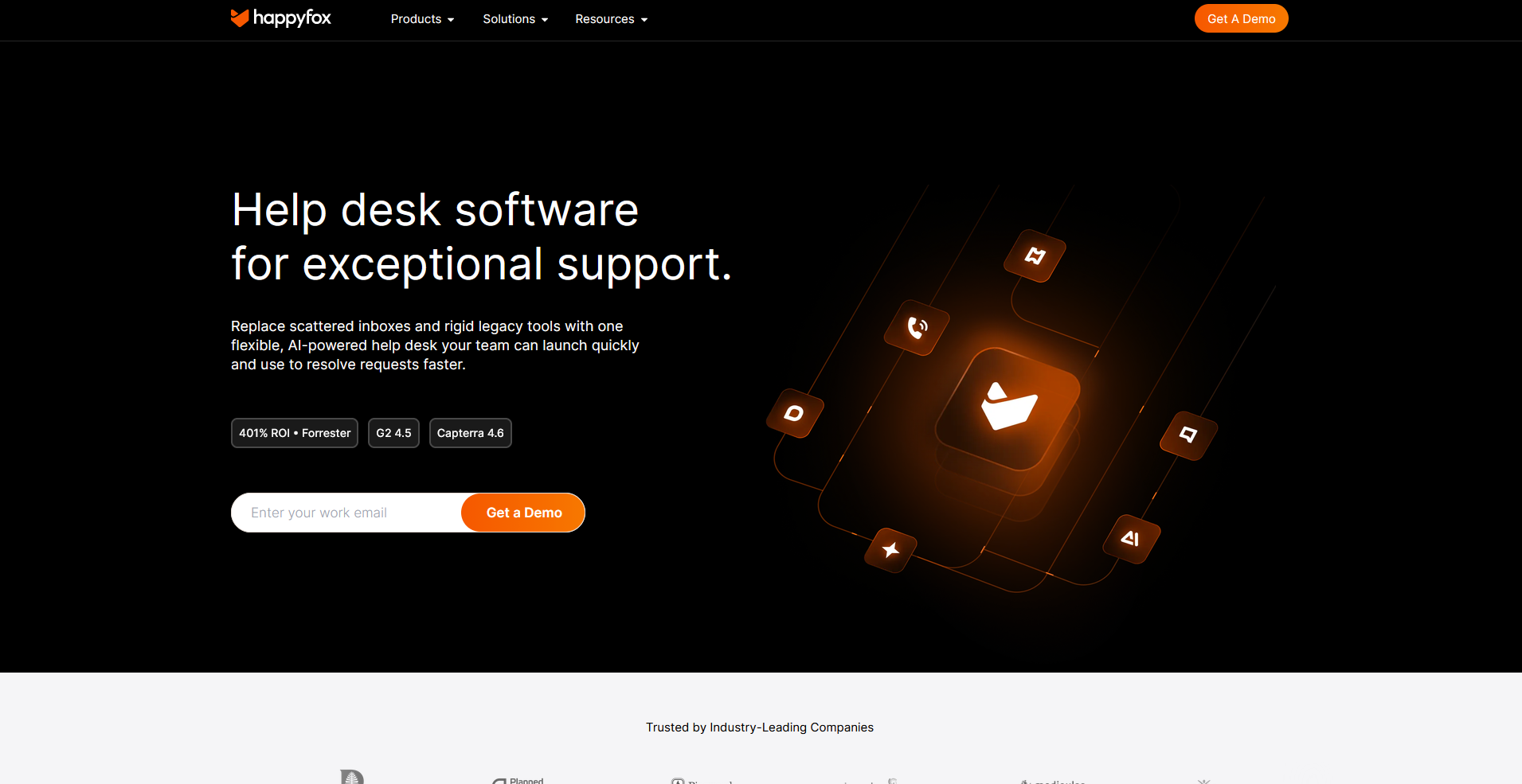
HappyFox is a help desk platform with deep configuration options. Smart Rules automation handles routing and repetitive tasks, and the knowledge base and customer portal both allow branding and customization. AI, chat, and workflow tools sit outside the core plan as add-ons, adding cost and setup work for the fuller feature set.
Key features
- Smart Rules automation: Route tickets and trigger repetitive actions based on conditions you set.
- Customer portal: Publish a branded, configurable self-service space for customers.
- Multilingual knowledge base: Serve support articles to customers in their own language.
Pros
- Configures deeply without the overhead of a full enterprise platform.
- Includes a strong self-service portal out of the box.
- Handles SLA management across email, phone, and social from one system, with chat available as a connected add-on.
Cons
- Chat, AI, and workflows exist as separate products, so the full setup takes more assembly.
- Advanced routing rules take time to configure correctly before they run the way you want.
Best for
- Mid-market teams that want configurable ticketing without enterprise complexity
- Businesses that plan to build out automation over time
- Teams that want a branded, customizable customer portal
Pricing
HappyFox starts at $24 per agent per month, billed monthly.
5. Intercom: Best for in-app support for product-led SaaS companies
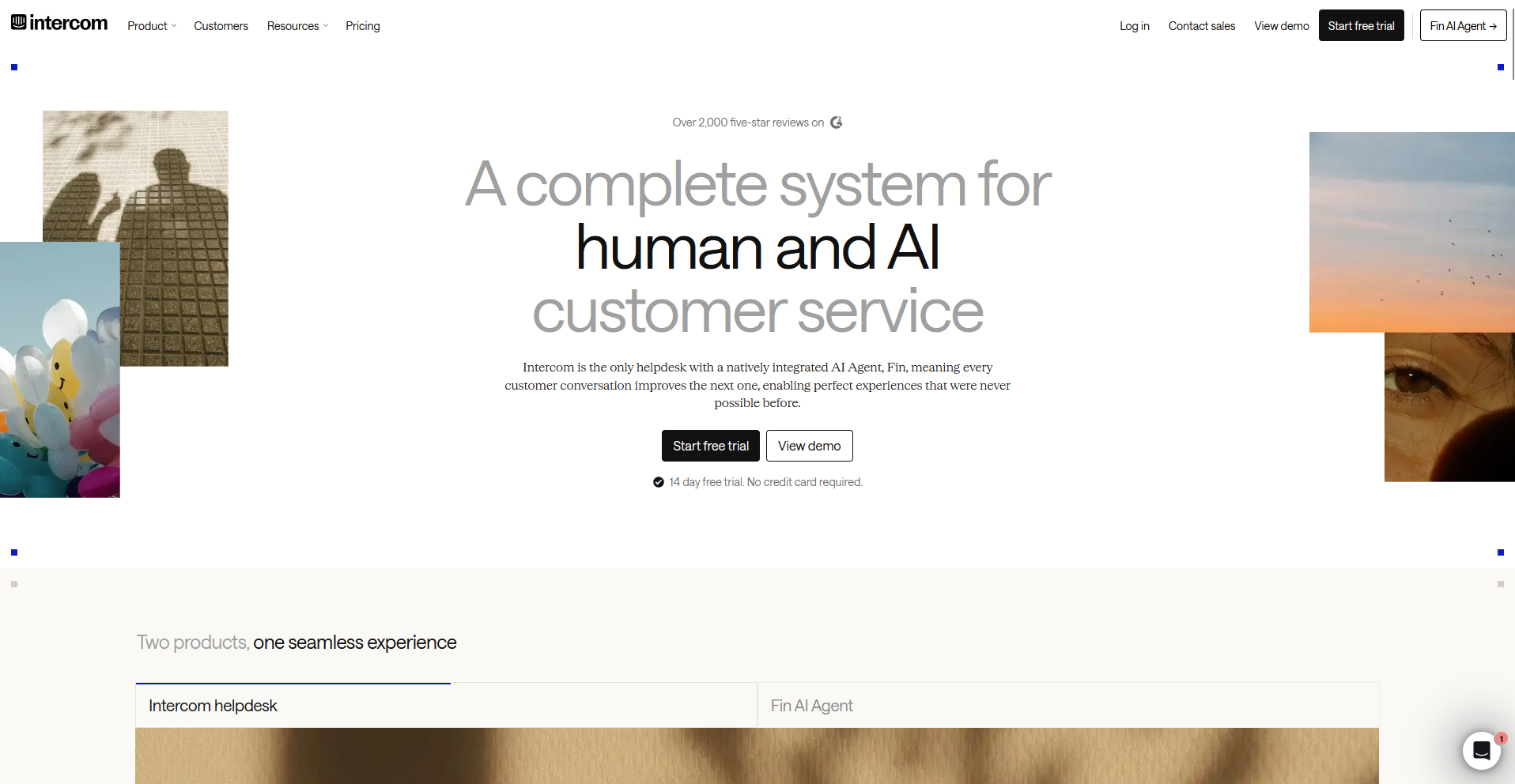
Intercom is a customer messaging platform for teams where support and product engagement happen in the same conversation. The Messenger delivers live and async chat inside the product, and Fin AI handles a real share of first-line questions before a human sees them. Cost climbs fast once AI resolutions and extra channels stack on top of the seat price.
Key features
- In-app Messenger: Deliver live and async chat directly inside your product.
- Fin AI agent: Resolve first-line customer questions automatically before escalating to a human.
- Proactive messaging: Send targeted messages and product tours to customers before they open a ticket.
Pros
- Delivers a polished, modern messaging experience for both agents and customers.
- Runs AI capable of resolving a meaningful share of first-line volume on its own.
- Fits naturally into a SaaS product's existing onboarding and engagement flows.
Cons
- Total cost rises fast once AI resolutions and additional channels get added to the base seat price.
- Traditional ticket queues and SLA-based routing take a back seat to the messaging-first design.
Best for
- Product-led SaaS companies that want support inside the app itself
- Teams that want to blend proactive engagement with reactive support
- Businesses that can support a premium price point for AI-driven resolution
Pricing
Intercom starts at $29 per seat per month.
Special mentions
More tools came up in my research for this roundup and didn't earn a full section. Each one still solves a problem well, depending on what your team needs:
- LiveAgent: LiveAgent is a multichannel help desk that pairs ticketing, chat, and a built-in call center with gamification tools like badges and leaderboards to keep agents motivated. The mobile app strips down live chat handling, so agents managing chats at their desk still lean on the browser version for full functionality.
- HubSpot Service Hub: A customer service platform tied to the HubSpot CRM, HubSpot Service Hub puts every support ticket on the same contact record sales and marketing already use. Its Breeze AI draws from a monthly credit pool depending on your plan, and once those credits run out, AI drafting stops until the next cycle.
- Jira Service Management: Jira Service Management is an IT service management platform built around Atlassian's issue-type structure, skipping the flexible ticket fields a customer support team expects. A support question still gets modeled as an incident or a change request, forcing it into fields built for IT work.
- Front: Front is an email collaboration platform that turns shared addresses like support@ into a workspace teams can assign, comment on, and draft replies together inside. Its knowledge base tools stay basic compared to dedicated help-center platforms, so many teams sync in a separate tool for deeper self-service content.
- Kayako: A customer support platform built around a shared timeline, Kayako pulls a customer's full history across channels into one view so agents skip the context hunting. Custom fields you create can't be used to sort or search the ticket list, only Kayako's own pre-built fields can.
- Gorgias: Gorgias is an ecommerce help desk built around order and refund data inside every ticket, skipping the generic macros other tools rely on. Its automation and macros lean on Shopify and Magento fields specifically, so a business selling through a different platform loses that context.
- Salesforce Service Cloud: Salesforce Service Cloud is an enterprise CRM-based service platform that routes cases, chat, and calls through the same Salesforce record your sales team already uses. Setting up Einstein AI features takes a certified admin to configure flows and permission sets before agents see any of it.
- Helply: A B2B support platform billed per ticket, Helply turns every conversation into account context with ARR, renewal dates, and product usage attached. It sets a monthly ticket minimum, so a team with genuinely low support volume ends up paying for tickets it never generates.
- Kustomer: Kustomer is a customer service CRM built around a unified timeline, skipping the ticket-number format that treats every message as a fresh case. You can't export a list of who belongs to a specific team, so confirming team rosters means checking manually inside the app.
How to evaluate Freshdesk alternatives
A support model built for high-volume ticket queues and one built for chat-led product support solve different problems, so figure out which one your team runs before comparing anything else:
| Support model | Best fit | Example tools |
|---|---|---|
| Agent-facing ticket desk | High-volume queues, SLAs, and routing | Zendesk, Zoho Desk, and HappyFox |
| Chat-led or product-led | In-app messaging for SaaS support | Intercom and Help Scout |
| IT or internal service desk | Employee requests and ITSM workflows | Jira Service Management |
Once you know your model, here's what I'd weigh before signing anything:
- How AI gets billed: Automation that ships inside the plan behaves very differently from automation billed per session. That one detail tends to matter more than the number on the pricing page.
- The channels you actually use: Three channels your team runs well beat five it barely touches. Match the platform to real usage, and skip the rest.
- Total cost at your agent count: Entry pricing rarely survives contact with a real team size. Do the math with your actual headcount plus the add-ons you already know you'll need.
- Reporting depth: A good platform answers "how's the team doing this week" without a manual export. Treat anything short of that as a real gap.
- Client data security: For any team handling sensitive client information, SOC 2 Type II, HIPAA, and GDPR belong near the top of the evaluation, especially for regulated industries.
A client help desk built for a different kind of support
Every tool in this roundup solves ticketing for teams supporting anonymous customers at volume. If you're searching for Freshdesk alternatives because your support is really a handful of named clients you already invoice and message, none of them quite fit.
Assembly is a client platform with an AI app builder that builds a client help desk app from a pre-made template or a prompt. It ships straight into the branded client experience your clients already log into, alongside their files, messages, and billing. There’s no separate login to create, and no integration work to piece together afterward.
Client data stays protected too, with SOC 2 Type II compliance and support for GDPR, CCPA, and HIPAA.