



Appsmith, Budibase, and Assembly stand out among the best Retool alternatives for teams in 2026. After comparing more than a dozen tools, here are the 9 worth your time, covering strengths, drawbacks, and the best fit for each.
9 best Retool alternatives: at a glance
| Tool | Best for | Starting price |
|---|---|---|
| Appsmith | Open source teams with developer resources | $15/user/month, up to 99 users |
| Budibase | Self-hosted internal tools on a budget | $19/month, end users $5/user/month |
| Assembly | Building client-facing apps that ship with billing and messaging built in | $29/month |
| ToolJet | Low-code apps with database connections | $79/builder/month |
| Superblocks | Enterprise teams needing governance and security | $100/month |
| Bubble | Building customer-facing web apps without code | $59/month (web and mobile) |
| Glide | Turning spreadsheets into mobile apps | $25/month (Solo) |
| Softr | Client portals and directories built from Airtable | $99/month |
| Microsoft Power Apps | Teams already using Microsoft 365 | $20/user/month |
Billed annually
*Pricing correct as of August 2026. Verify with vendor
Why look for Retool alternatives?
Retool works well for teams with developers who can build and maintain complex internal tools. However, a few limitations tend to come up as teams grow:
- The learning curve is steep for non-developers: Users on review sites like G2 and Capterra mention that building anything beyond simple apps often requires JavaScript or SQL knowledge, which can leave non-technical teams stuck.
- Pricing can climb fast: Seat-based pricing adds up quickly for larger teams, and some advanced features, like custom branding or enhanced security, sit behind higher-tier plans.
- The scope may not fit every team: Retool is built for internal, developer-facing tools like dashboards and admin panels. Teams that need client-facing apps, no-code builders, or a lighter setup may find it heavier than what they're looking for.
TL;DR: Which Retool alternative should you choose?
The right Retool alternative depends on how much developer support you have, whether you're building internal tools or client-facing apps, and how much you want to spend.
Choose:
- Appsmith if you want an open-source builder with room to customize using your own developers, though it can take more setup time than tools built for non-technical users.
- Budibase if self-hosting and lower costs matter most to your team, but expect a longer learning curve than some paid alternatives offer.
- Assembly if you want to build client-facing apps that connect to existing client data and billing, though it's a weaker fit for public, logged-out experiences or streaming-heavy products.
- ToolJet if you want low-code app building with solid database connections. Advanced customization still leans on some coding knowledge.
- Superblocks if you're an enterprise team that needs governance, security, and audit controls, but be prepared for a setup process that leans on developer involvement.
- Bubble if your goal is building customer-facing web apps without writing code, but be ready for a learning curve once your app logic gets complex.
- Glide if you want to turn a spreadsheet into a working mobile app fast. It works best for simpler apps rather than complex internal systems.
- Softr if you want to build client portals or directories from Airtable data. Customization options are more limited than code-based builders.
- Microsoft Power Apps if your team already runs on Microsoft 365, though pricing and setup can get complicated across different license tiers.
Stick with Retool if your team already has developers who can maintain custom internal tools and you don't need a no-code or client-facing option.
1. Appsmith: Best for open source teams with developer resources
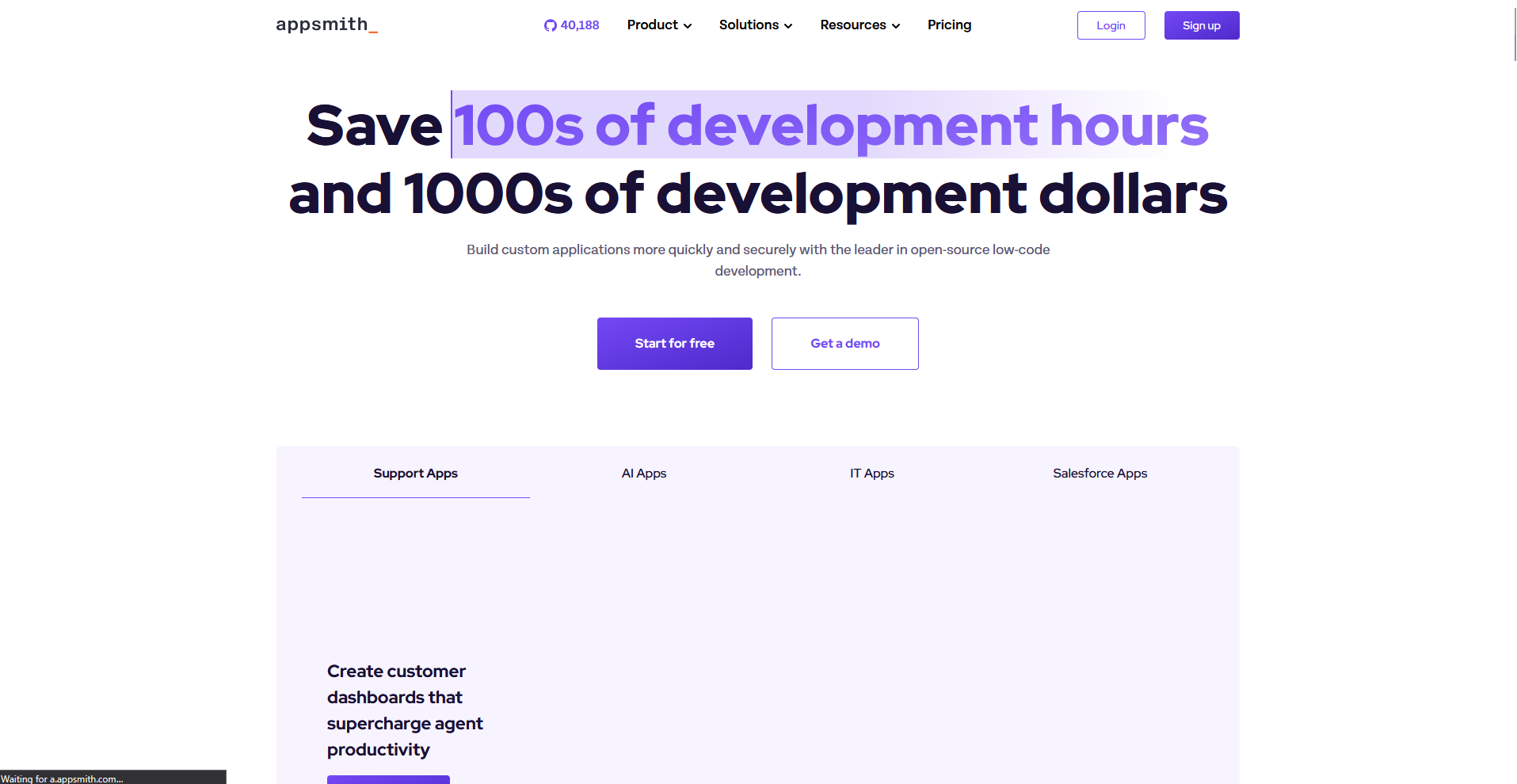
Appsmith is an open source, low-code platform built for developers to create internal tools and admin panels. Teams can connect to databases and APIs, then drag and drop UI components to assemble working apps without writing every line from scratch. Building anything beyond basic layouts still requires JavaScript knowledge, so non-technical team members may struggle to contribute directly.
Key features
- Query builder: Connect to databases, REST APIs, and GraphQL sources directly within the app builder.
- Widget library: Drag and drop prebuilt components like tables, forms, and charts onto the canvas.
- Git-based version control: Track changes to apps and roll back to previous versions when needed.
Pros
- The open source license lets teams self-host and avoid per-seat costs on the free tier
- A large community and active GitHub repository make troubleshooting easier to find
- Deep customization options give developers control over app logic and design
Cons
- Non-technical users often hit a wall once they need custom logic beyond basic widgets
- Self-hosting requires ongoing maintenance and server management most small teams don't want
Best for
- Development teams building internal dashboards and admin tools
- Companies wanting to avoid vendor lock-in with an open source option
- Technical teams comfortable maintaining their own infrastructure
Pricing
Appsmith starts at $15 per user per month for up to 99 users.
2. Budibase: Best for self-hosted internal tools on a budget
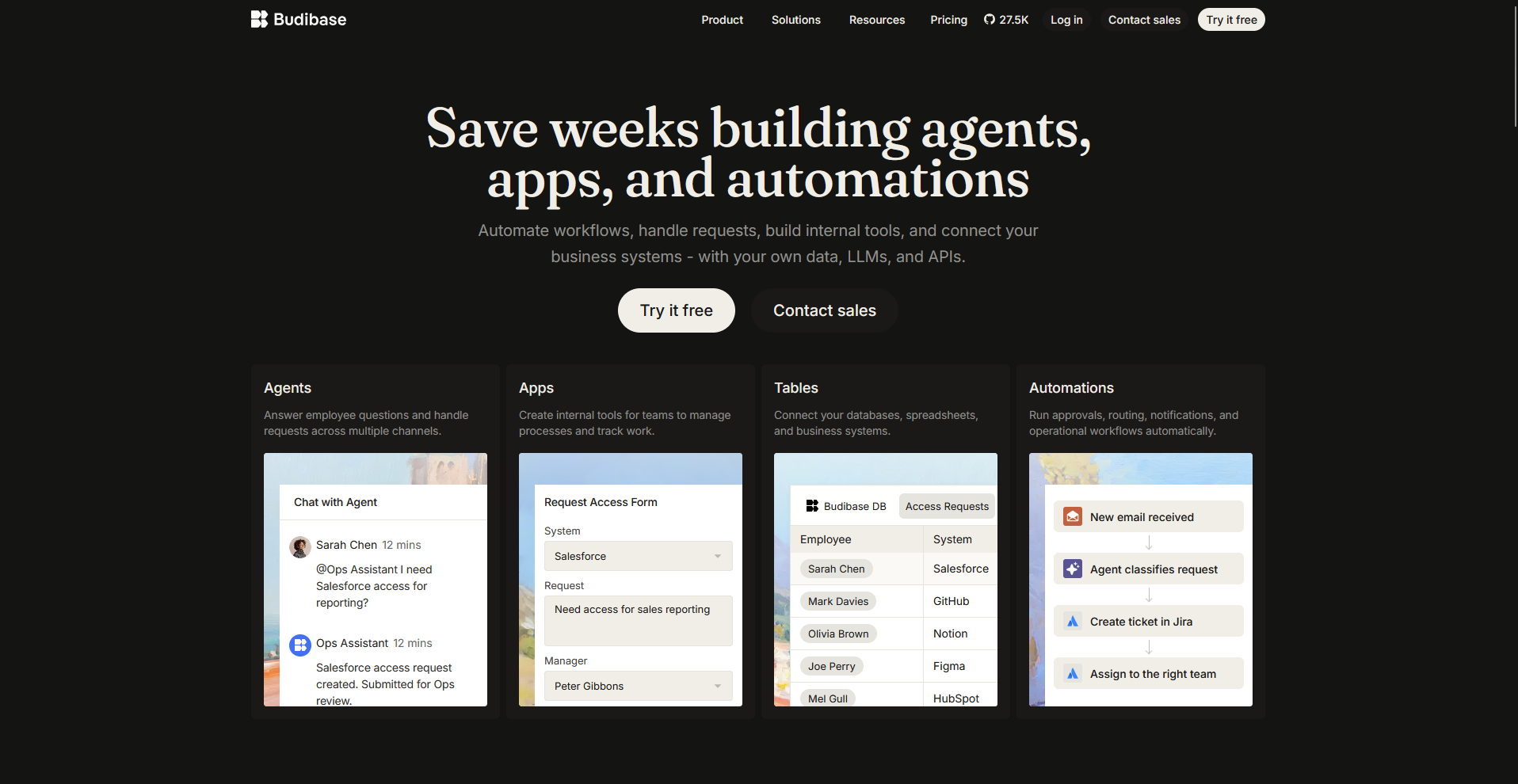
Budibase is another open source, low-code platform that helps teams build internal tools like admin panels, forms, and dashboards. Users can self-host the platform for free or choose a cloud plan, then connect existing databases or start with built-in data sources. The interface takes some time to learn, and more advanced customization still benefits from coding knowledge.
Key features
- Data source connectors: Link to databases like PostgreSQL, MongoDB, and MySQL, or use built-in tables.
- Automation workflows: Trigger actions like sending emails or updating records based on set conditions.
- Design library: Access prebuilt screens and components for common app layouts.
Pros
- Self-hosting keeps costs low for teams with the technical resources to manage it
- The free tier includes core features, so smaller teams can get started without paying upfront
- Built-in automations reduce the need for separate workflow tools
Cons
- The learning curve is steeper compared to simpler no-code builders on this list
- App user pricing can add up for teams building tools with many end users
Best for
- Teams wanting to self-host and control their own data
- Budget-conscious companies building internal tools
- Technical teams comfortable configuring open source software
Pricing
Budibase starts at $19 per month. Users are $5 per user per month.
3. Assembly: Best for building client-facing apps that ship with billing and messaging built in
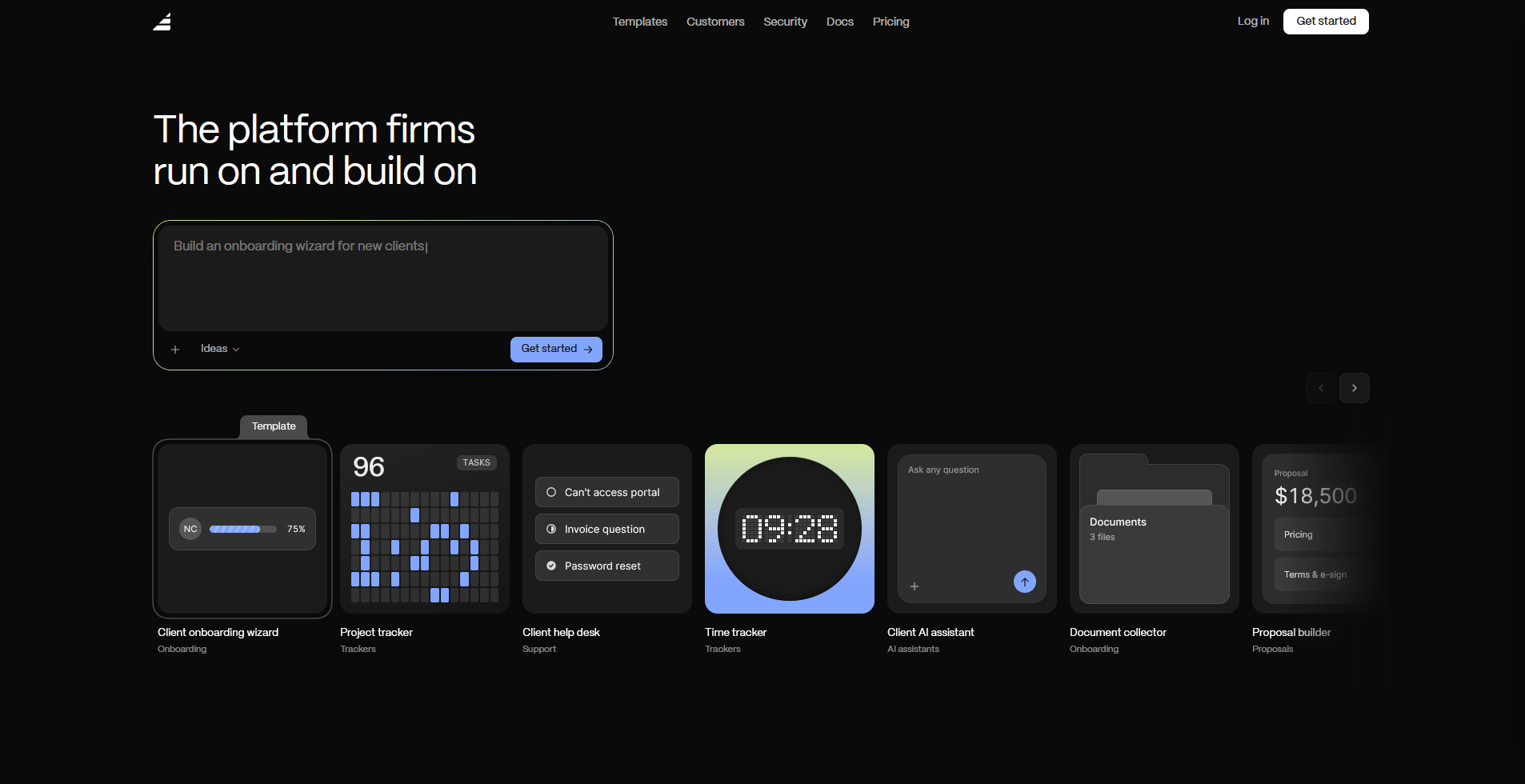
Assembly is a client platform for professional service firms, with an AI app builder that turns a prompt into a client-facing app, such as a dashboard, project tracker, or onboarding flow.
Apps ship directly into a branded client experience with per-client permissions, with files, messaging, and billing already connected. It's a weaker fit for public, logged-out experiences or streaming-heavy products, since the platform is built around authenticated client use.
Key features
- Client-facing app generation: Describe the app your clients need, and the app builder generates the screens, data structure, and layout from that description.
- Built-in client platform: Apps ship alongside contracts, e-signatures, invoicing, and messaging, connecting to real client data and billing without separate integrations.
- Apply permissions and branding automatically: Give each client access to only their own data in a white-label space that reflects your brand, with no separate login setup or access configuration needed after the build.
Pros
- Building the app and getting client-ready data connections in one step saves time compared to piecing together a separate backend and access system
- Billing and messaging come from the same platform, so there's one less integration to set up and maintain separately
- SOC 2 Type II compliance and support for GDPR, CCPA, and HIPAA make it a fit for teams handling sensitive client data
Cons
- Public, logged-out experiences and streaming-heavy products aren't where the platform is built to perform
- Overkill if you only need a quick single-purpose tool with no client login, files, or billing attached.
Best for
- Professional service firms building apps their clients log into directly
- Teams wanting client-facing apps connected to existing billing and messaging
- Firms needing white-label branding without configuring permissions manually
Pricing
Assembly has a free plan, and paid plans start at $29 per month billed annually.
4. ToolJet: Best for low-code apps with database connections
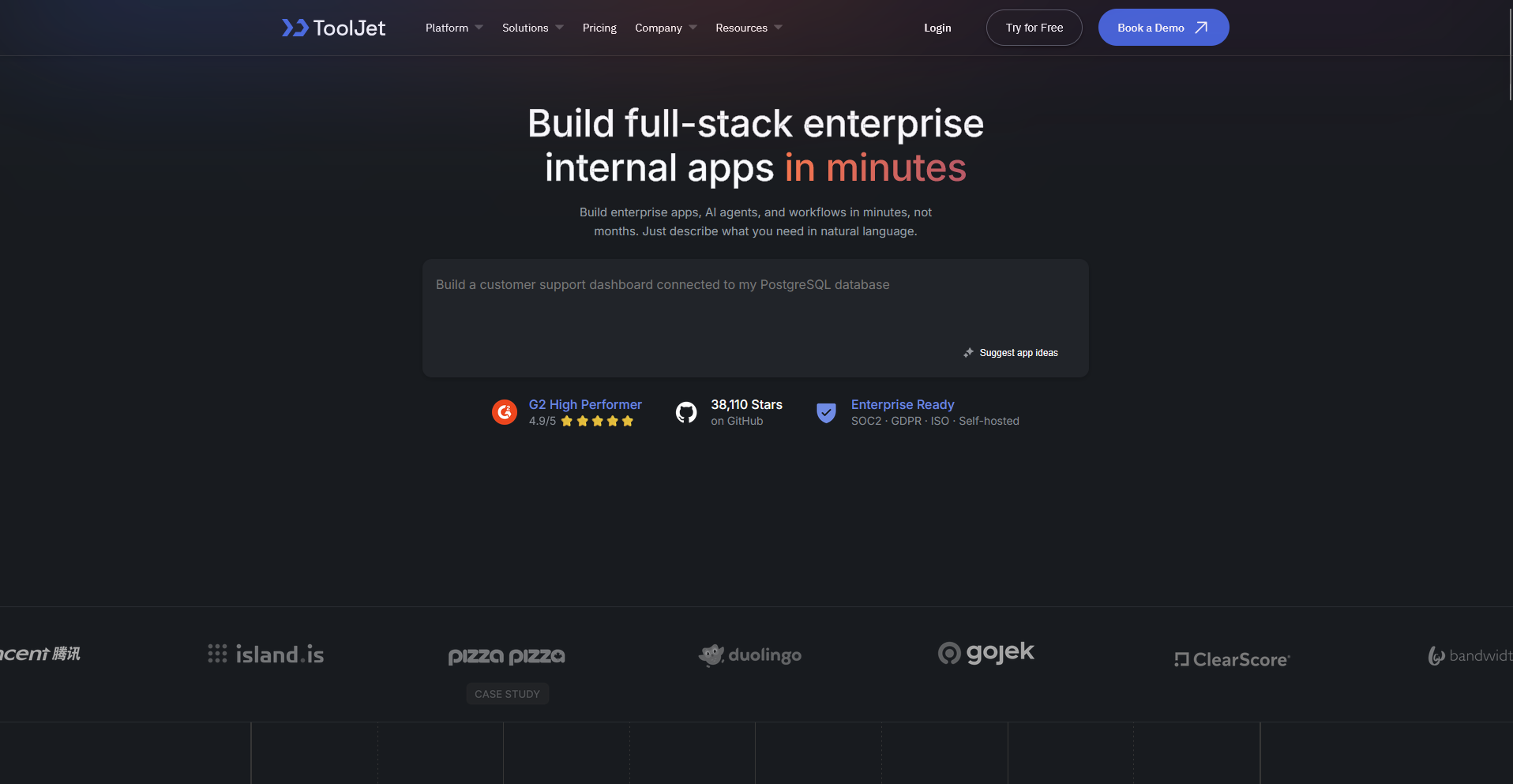
ToolJet is a low-code platform that helps teams build internal tools by connecting directly to databases, APIs, and third-party services. Users can drag and drop components onto a canvas, then wire them to live data sources without writing extensive backend code. Deeper customization and complex logic still require some coding knowledge, so if your team is non-technical, you may need support.
Key features
- Database connectors: Link to PostgreSQL, MySQL, MongoDB, and other data sources directly.
- Query editor: Write and test queries against connected data sources within the builder.
- Component library: Drag and drop tables, forms, charts, and buttons onto the app canvas.
Pros
- Native database connections make it easier to build apps around existing data
- The open source version gives teams a free, self-hosted option to start with
- A visual query builder helps reduce how much manual coding is required
Cons
- The interface can feel less polished compared to some competitors on this list
- Complex workflows still require JavaScript knowledge to fully customize
Best for
- Teams building internal tools around existing databases
- Developers who want a visual builder without giving up code access
- Companies wanting an open source, self-hosted option
Pricing
ToolJet starts at $79 per builder per month.
If ToolJet is on your shortlist, we also have a guide to the best ToolJet alternatives.
5. Superblocks: Best for enterprise teams needing governance and security
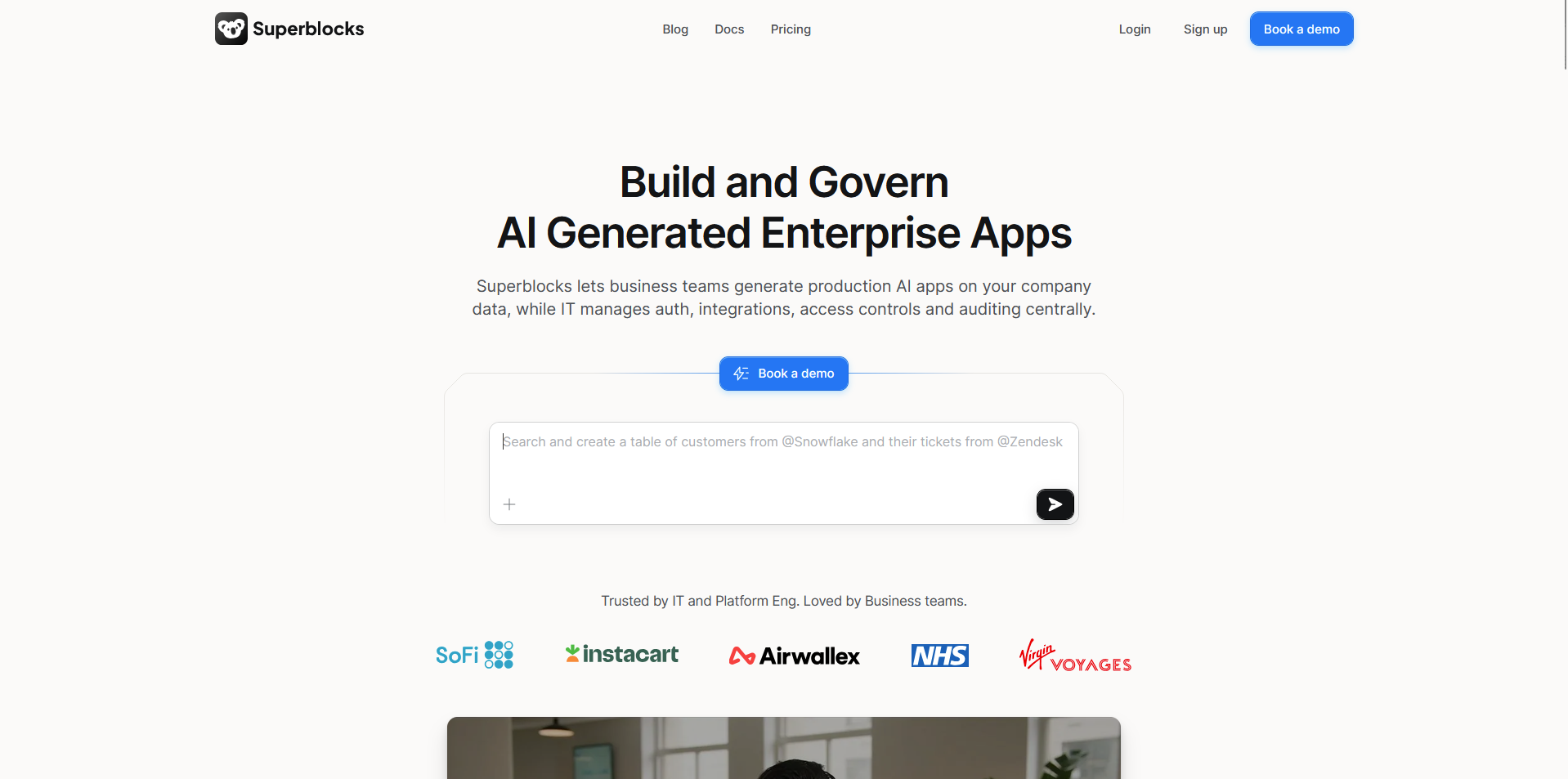
Superblocks is a low-code platform that helps enterprise teams build internal tools without cutting corners on security or compliance. Teams can connect to internal APIs and databases, then layer in role-based permissions and audit logging as they build. Getting set up often takes developer involvement, so smaller teams without that support may find onboarding a bit heavier than other options on this list.
Key features
- Role-based access control: Assign permissions to control who can view or edit specific apps.
- Audit logging: Track user actions and changes made within apps for compliance purposes.
- API and database connectors: Link to internal systems and existing data sources securely.
Pros
- Strong security features make it a fit for teams with strict compliance requirements
- Role-based permissions give admins granular control over who accesses what
- Audit logs help teams track changes for internal review or compliance audits
Cons
- The platform's AI credit system can add unexpected costs if teams exceed their plan's monthly allotment
- The platform leans on developer resources more than some no-code alternatives
Best for
- Enterprise teams with strict security and compliance needs
- Companies requiring detailed audit trails for internal tools
- Organizations with dedicated developer resources for setup
Pricing
Superblocks starts at $100 per month.
6. Bubble: Best for building customer-facing web apps without code
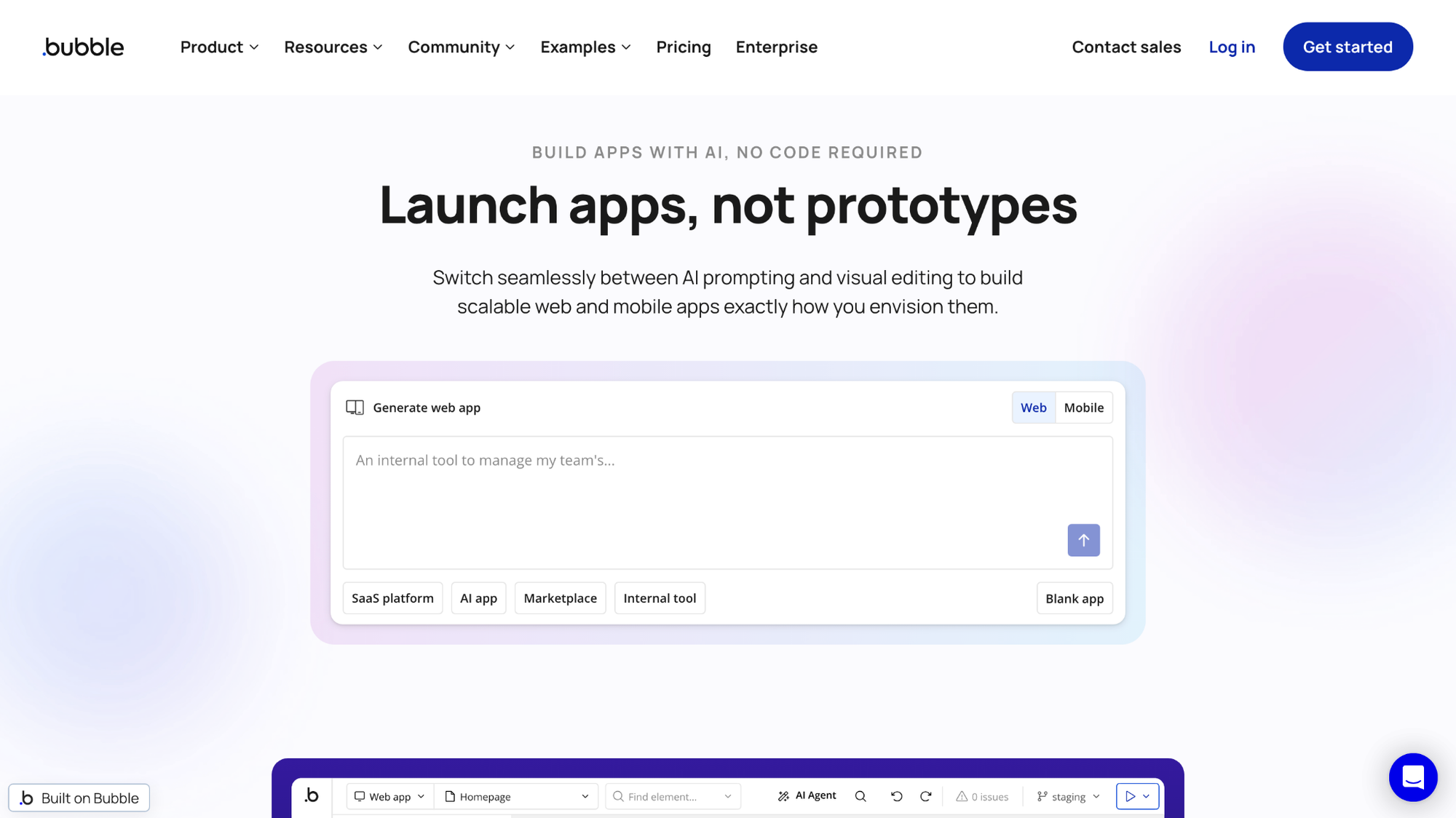
Bubble is a no-code platform that helps teams build customer-facing web apps without writing traditional code. Users design the interface visually, then set up workflows and logic through a point-and-click editor connected to a built-in database. The visual editor can feel overwhelming once app logic gets complex, so apps with heavy custom functionality may take longer to build than expected.
Key features
- Visual editor: Design app interfaces by dragging and dropping elements onto the canvas.
- Workflow builder: Set up logic and actions that trigger based on user interactions.
- Built-in database: Store and manage app data without connecting an external database.
Pros
- No coding knowledge is required to build a fully functional web app
- The built-in database removes the need to set up separate data infrastructure
- A large plugin marketplace extends functionality without custom development
Cons
- Complex apps can become difficult to manage as workflows pile up
- Performance can slow down as apps grow larger and more complicated
Best for
- Non-technical founders building customer-facing web apps
- Teams wanting a built-in database without external setup
- Businesses needing a visual builder for complex user workflows
Pricing
Bubble starts at $59 per month for web and mobile.
7. Glide: Best for turning spreadsheets into mobile apps
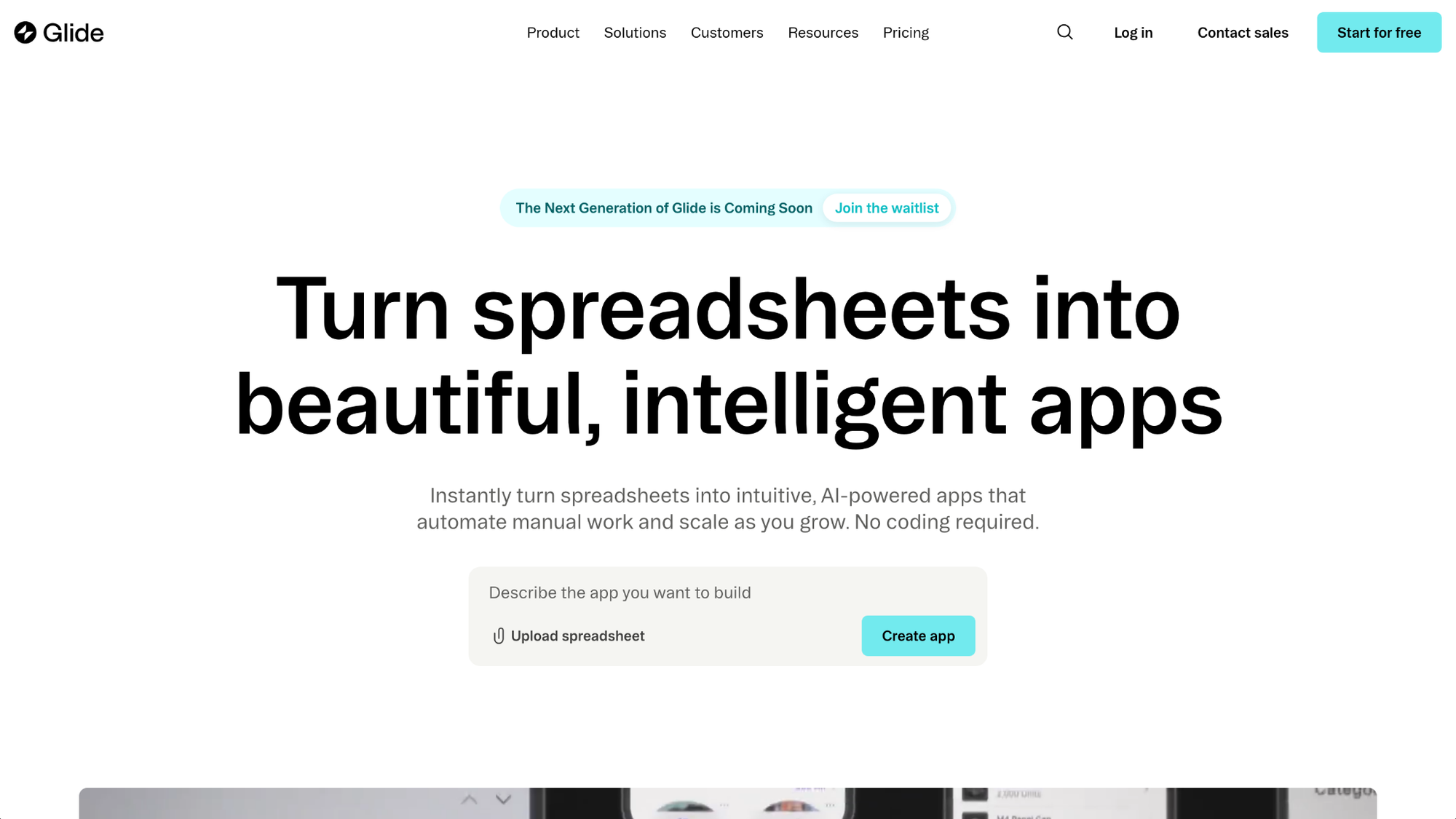
Glide is a no-code platform that turns a spreadsheet into a working mobile app. Connect a Google Sheet, Airtable base, or other data source, and Glide builds an app layout that updates automatically as the data changes. It handles simpler use cases well, but heavier custom logic can push past what the platform is built for.
Key features
- Spreadsheet sync: Connect Google Sheets, Airtable, or Excel as a live data source for the app.
- Template library: Start from prebuilt app templates for common use cases like inventories or directories.
- Mobile-first design: Generate app layouts optimized for phones and tablets automatically.
Pros
- Non-technical users can launch a working app without touching any code
- Syncing directly with a spreadsheet keeps data updates simple to manage
- Mobile-first templates make apps look polished with little design work
Cons
- Complex logic and custom workflows push past what the platform handles well
- Larger data sets can slow down performance compared to database-backed tools
Best for
- Small teams turning existing spreadsheets into mobile apps
- Non-technical users wanting a fast, simple app builder
- Businesses needing internal tools like inventory trackers or directories
Pricing
Glide starts at $25 per month for the Solo plan.
8. Softr: Best for client portals and directories built from Airtable
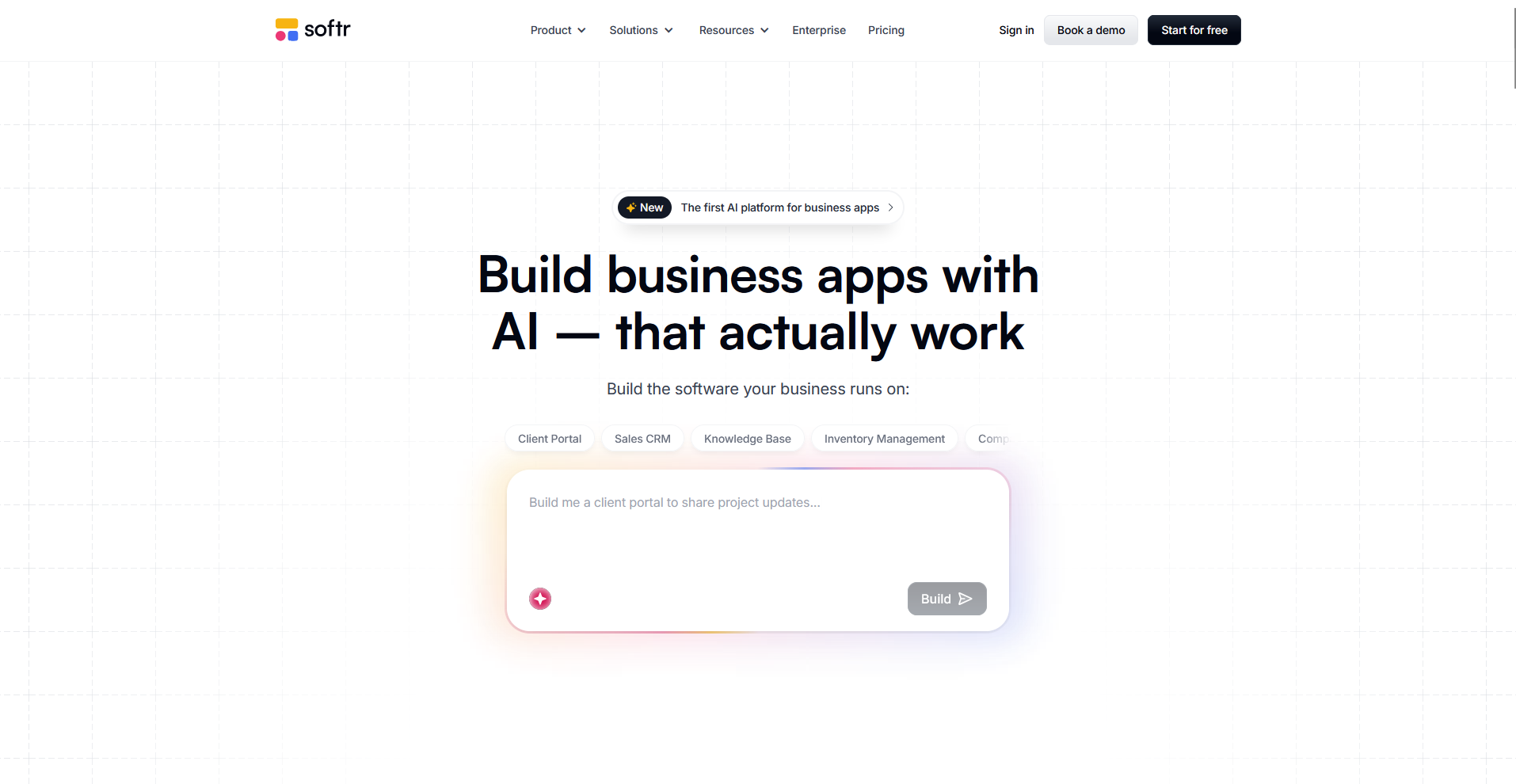
Softr is a no-code platform that helps teams build client portals, directories, and internal tools using Airtable as the data source. Connect an Airtable base, then arrange prebuilt blocks like lists, forms, and member logins to shape the app around that data. If your design or logic needs are highly specific, Softr's block-based editor may not offer enough control to get there.
Key features
- Airtable sync: Connect an Airtable base directly as the data source for the app.
- Block library: Arrange prebuilt sections like lists, forms, and login pages onto pages.
- Member access controls: Restrict pages and content based on user roles or login status.
Pros
- Building directly from Airtable keeps data management simple for non-technical teams
- Prebuilt blocks help teams launch a working portal without custom design work
- Member access controls make it easier to build gated, client-facing content
Cons
- Customization stays limited compared to code-based builders on this list
- Apps that outgrow Airtable's row and data limits may need a different backend
Best for
- Service businesses building simple client portals or directories
- Teams already using Airtable to manage their data
- Non-technical users wanting a fast way to launch client-facing pages
Pricing
Softr’s Pro tier starts at $99 per month.
9. Microsoft Power Apps: Best for teams already using Microsoft 365
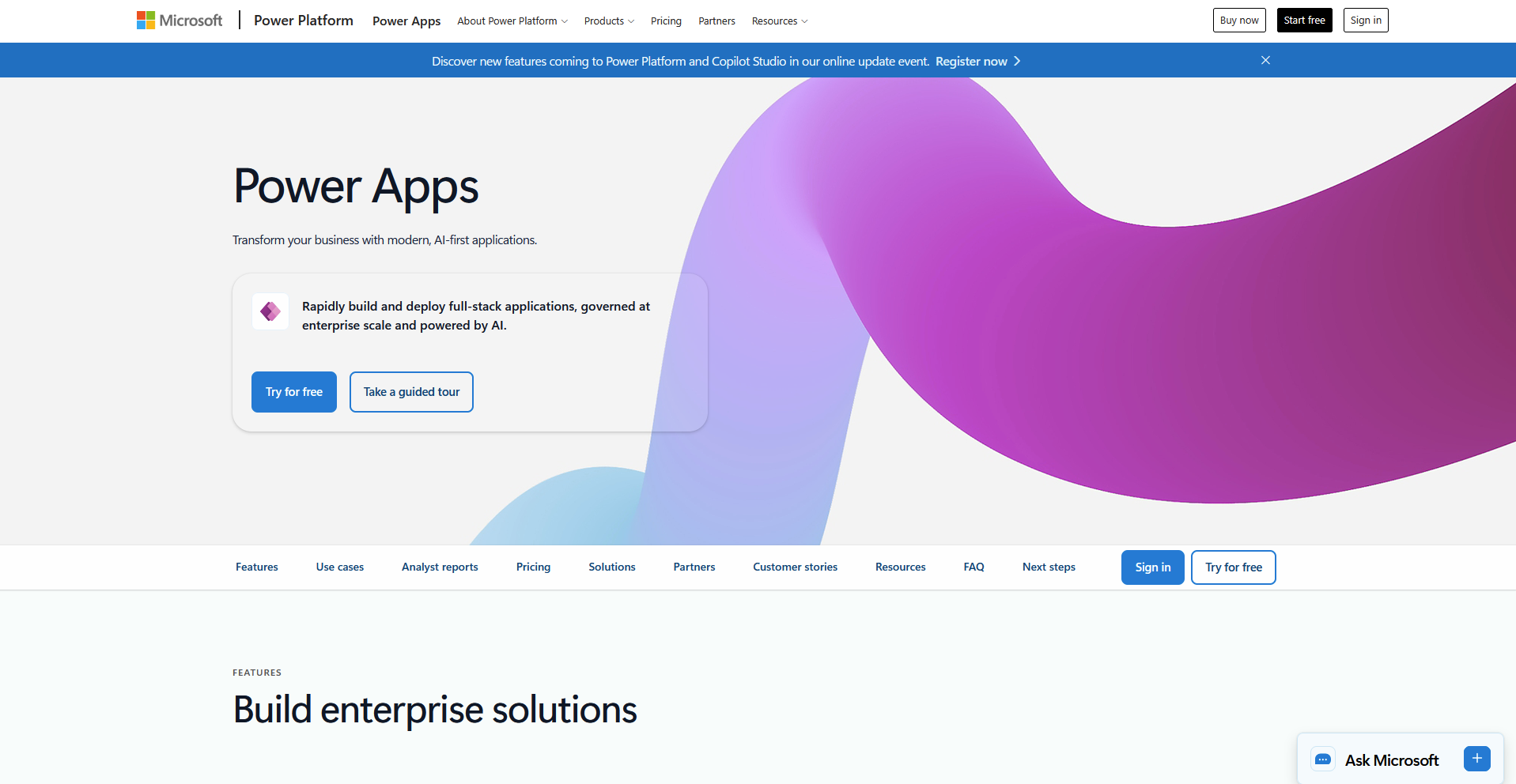
Microsoft Power Apps is a low-code platform that helps teams build internal apps that connect directly with Microsoft 365 tools like SharePoint, Teams, and Excel. Users can build apps visually with prebuilt templates, then layer in more advanced logic through Power Fx formulas when needed. Pricing and licensing can get confusing across different plans, so confirm what's included before committing to a tier.
Key features
- Microsoft 365 connectors: Link directly to SharePoint, Teams, and Excel as separate data sources.
- Power Fx formulas: Add custom logic and calculations using a formula language similar to Excel.
- Prebuilt templates: Start app builds from templates designed for common business processes.
Pros
- Deep integration with Microsoft 365 makes it a natural fit for teams already using those tools
- Power Fx formulas give teams a familiar way to add logic without full coding knowledge
- Prebuilt templates speed up development for common business processes
Cons
- Licensing and pricing tiers can get confusing to navigate without guidance
- Teams outside the Microsoft ecosystem may find less value compared to standalone builders
Best for
- Businesses already invested in Microsoft 365 and Teams
- Teams wanting to build apps around SharePoint or Excel data
- Companies needing a low-code option backed by enterprise support
Pricing
Microsoft Power Apps starts at $20 per user per month.
How to evaluate Retool alternatives
Retool alternatives range from open-source builders for developers to no-code platforms for non-technical teams. The right fit depends on your team's technical skill and how much control you want over the final product.
Here's what to consider:
- Your team's coding ability matters more than it might seem: Some tools need developers who can write custom logic. Others let anyone drag and drop their way to a working app. Be honest about who's actually going to build and maintain what you choose.
- Client-facing apps need a different toolset than internal ones: A few tools on this list focus on internal dashboards and admin panels. Others are built to create polished apps or portals for customers to use directly.
- Self-hosting can save money but adds responsibility: Open-source and self-hosted tools tend to cost less upfront. You'll also need to handle your own hosting, updates, and security instead of leaving that to the provider.
- Integration depth varies quite a bit between platforms: Some tools connect easily with databases, APIs, and existing software. If your workflow depends on pulling data from multiple sources, check how deep those connections go before committing.
- Setup time can range from minutes to weeks: Simpler no-code tools can get you running the same day. More flexible, developer-oriented platforms often take longer to configure the way you want.
Skip stitching together client access yourself
Retool alternatives split into two groups: builders meant for general apps, and ones aimed at customer-facing work specifically. Even in the second group, you're usually assembling billing, messaging, and client access yourself, since most tools treat those as separate integrations instead of something built in.
If you're a professional service firm that wants to build apps clients log into, like onboarding flows, help desks, or project trackers, Assembly is worth a look. You describe the app you need and the app builder builds it connected to each client's existing files, messages, and billing from the first prompt, so you're not stitching together several tools to cover what clients actually need.
Assembly also maintains SOC 2 Type II compliance and supports GDPR, CCPA, and HIPAA compliance, so client data stays protected.