



Some of the strongest ToolJet alternatives include Retool, Appsmith, and Budibase, depending on your budget and how much control you want over hosting.
I researched dozens of low-code platforms and narrowed the list down to the 8 best. I looked at coding requirements, whether each tool is built for internal use or client-facing apps, how much work self-hosting adds, and how deep the integrations go.
Here's what stood out about each tool, the tradeoffs to expect, and who it's built for.
8 best ToolJet alternatives: TL;DR
- Retool: Best for engineering teams building admin panels and internal apps at scale.
- Appsmith: Best for teams that want an open-source tool they can self-host.
- Budibase: Best for smaller teams that want a lighter build with a generous free tier.
- Assembly: Best for teams that need to build apps their clients log into.
- Bubble: Best for founders building full customer-facing web apps.
- Superblocks: Best for larger teams that need strong permissions and audit logs.
- UI Bakery: Best for teams that want a simpler, faster setup than Retool.
- Softr: Best for agencies and small businesses turning Airtable or Google Sheets into client-facing apps.
Why look for ToolJet alternatives?
ToolJet works well for teams with developers who can build and maintain custom internal tools. However, a few limitations tend to come up as teams grow:
- The learning curve can be steep for non-developers: Building anything beyond a simple app often requires JavaScript or query knowledge, which can leave non-technical users stuck.
- Self-hosting adds overhead: The open-source version can save on licensing costs, but someone on your team needs to manage hosting, updates, and security patches.
- The scope may not fit every team: ToolJet is built for internal, developer-facing tools like dashboards and admin panels. Some teams researching alternatives need something their clients log into instead.
Which ToolJet alternative should you choose?
The right ToolJet alternative depends on how much developer support you have, whether you're building internal tools or client-facing apps, and how much you want to spend as your team grows.
Choose:
- Retool if your team has developers who can build and maintain complex internal apps. Advanced features sit behind higher-tier plans.
- Appsmith if you want an open-source tool you can self-host, though someone on your team needs to manage hosting and updates.
- Budibase if you're a smaller team that wants a lighter build with a generous free tier, since it may not scale as smoothly for larger, more complex apps.
- Assembly if the app you're building is for clients to log into, with a branded space, permissions, and billing already connected. It's not built for public, logged-out pages or streaming-heavy products.
- Bubble if you're building a customer-facing web app. The learning curve gets steeper once your app logic gets detailed.
- Superblocks if your team needs strong permissions and audit logs, with pricing built around larger organizations.
- UI Bakery if you want a faster, simpler setup than Retool, though the component library and community support are smaller.
- Softr if you're an agency or small business that wants to turn Airtable or Google Sheets into a client-facing app or portal. Expect to work within templates without much room to build a custom layout.
Stick with ToolJet if you want an open-source foundation and your team is comfortable working in code when you need something beyond the basics.
Top 8 ToolJet alternatives: at a glance
| Tool | Best for | Starting price |
|---|---|---|
| Retool | Developer teams building complex internal apps | $10/builder/month |
| Appsmith | Open-source, self-hosted internal tools | $15/user/month |
| Budibase | Smaller teams needing a lighter build | $19/month (Cloud) |
| Assembly | Building apps clients log into with no code | $29 per month |
| Bubble | Customer-facing web apps without code | $59/month (Web and mobile) |
| Superblocks | Larger teams needing strong permissions and audit logs | $100/AI builder/month |
| UI Bakery | Faster, simpler setup for internal apps | $20/developer/month (Cloud) |
| Softr | Agencies turning Airtable or Sheets into client apps | $99/month |
Billed annually
1. Retool: Best for developer teams building complex internal apps
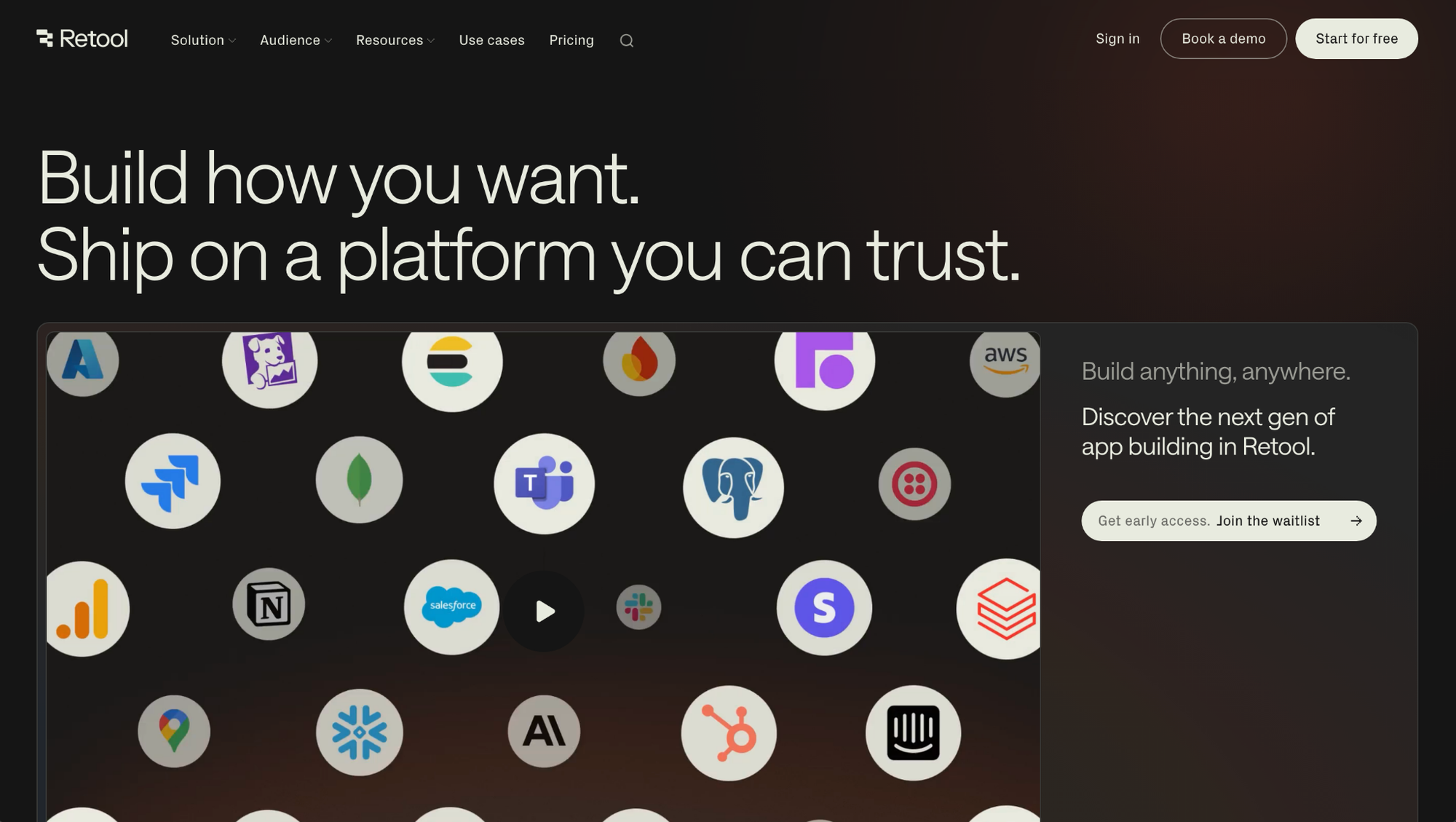
Retool is a low-code platform built for engineering teams creating internal tools like dashboards and admin panels. It connects to databases and APIs, so builders can pull live data into a working app without a separate backend. Advanced customization still depends on writing JavaScript, so non-technical team members can get stuck without a developer's help.
Key features
- Pre-built component library: Drag and drop tables, forms, charts, and buttons onto a canvas without writing markup.
- Direct database and API connections: Pull data from sources like PostgreSQL, MongoDB, or REST APIs without building a custom backend.
- Custom JavaScript and SQL support: Write your own queries and logic for workflows that go beyond the built-in components.
Pros
- Handles complex, multi-step workflows without needing a separate backend service
- Supports version control for apps built by larger engineering teams
- Includes mobile app support for internal tools used outside the office
Cons
- Advanced logic and custom styling often require JavaScript knowledge
- Some users report that the visual editor can feel sluggish on larger, more complex apps
Best for
- Engineering teams building admin panels and internal dashboards
- Companies needing granular permissions and audit logs
- Teams already working across multiple databases and APIs
Pricing
Retool starts at $10 per builder per month.
2. Appsmith: Best for open-source, self-hosted internal tools
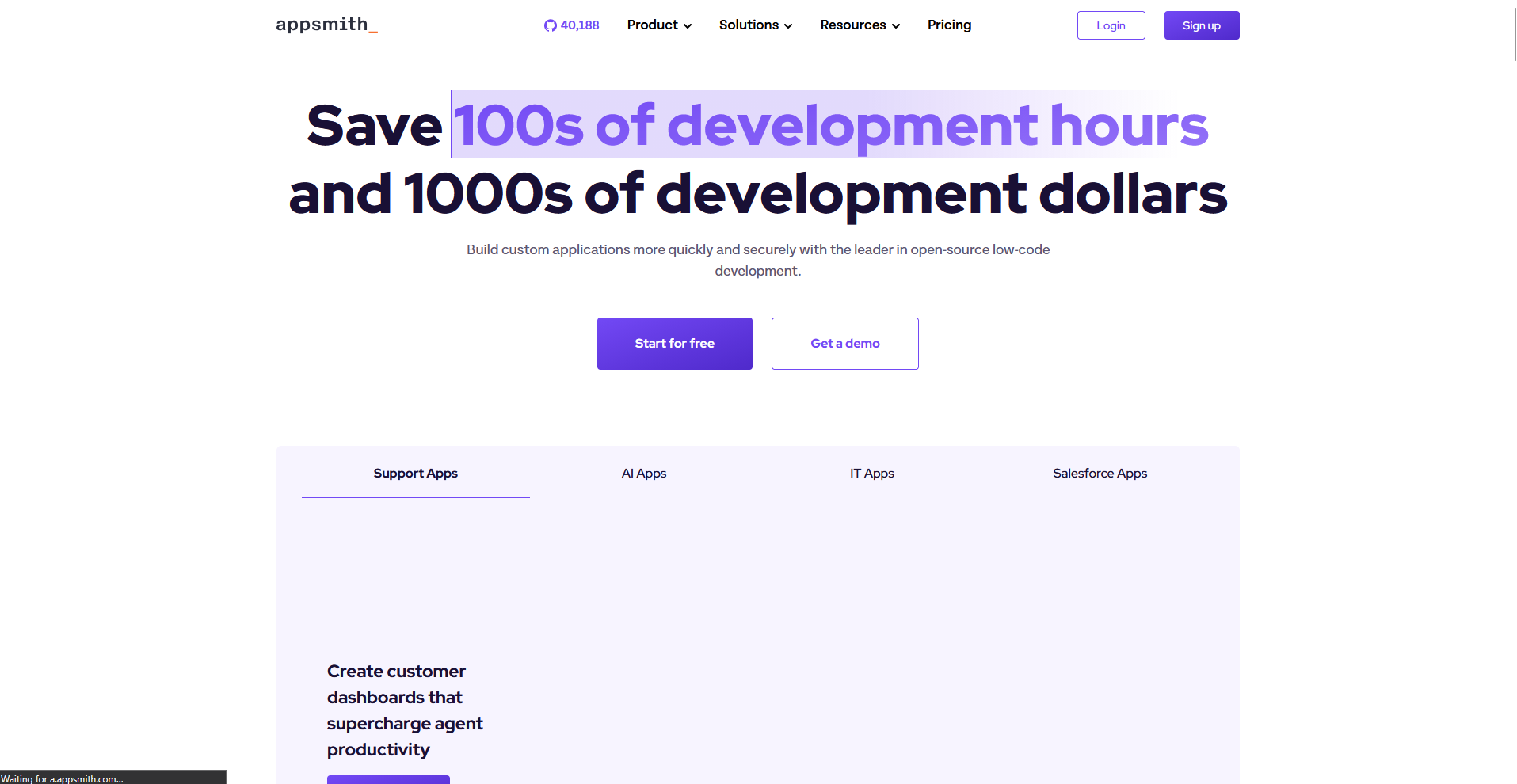
Appsmith is an open-source low-code platform built for teams that want to build and self-host internal tools. It connects to databases and APIs, then uses pre-built widgets to lay out the interface without starting from a blank screen. Self-hosting keeps the software free to run, but someone on the team still needs to manage the server, updates, and security patches.
Key features
- Open-source core: Access the full codebase and self-host the platform without licensing fees.
- Widget-based interface builder: Drag and drop tables, dropdowns, and buttons to lay out an app quickly.
- Built-in data connectors: Connect to databases like PostgreSQL and MySQL, along with common REST APIs.
Pros
- Free to self-host with no cap on the number of apps you build
- Wide plugin library for connecting to less common data sources
- Active community forum for troubleshooting and templates
Cons
- Self-hosted deployments require ongoing server maintenance and security updates
- Some users report the interface can lag when apps include a large number of components
Best for
- Teams that want full control over hosting and data
- Developers comfortable managing their own server infrastructure
- Businesses that want to avoid per-seat licensing costs long term
Pricing
Appsmith starts at $15 per user per month.
3. Budibase: Best for smaller teams needing a lighter build
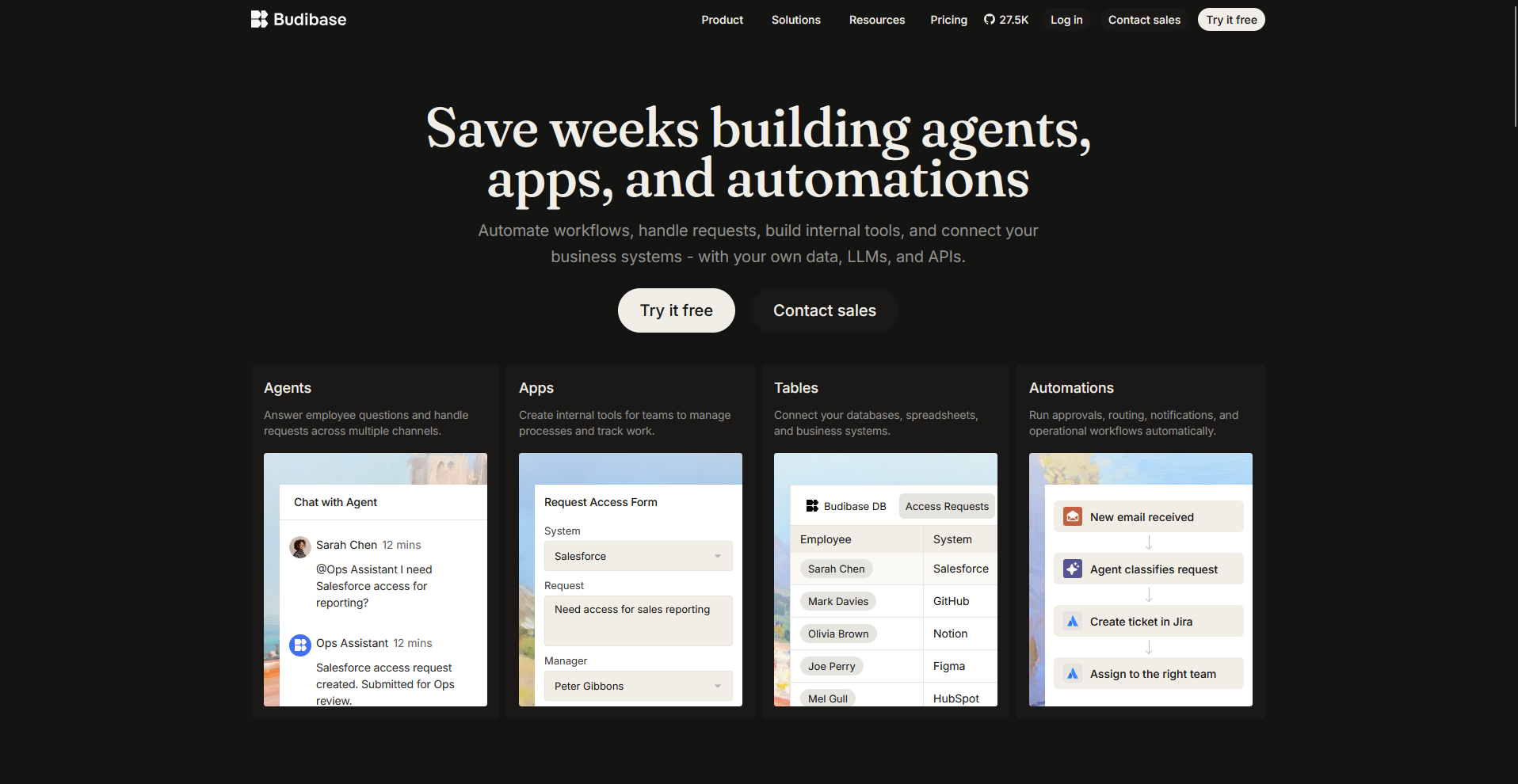
Budibase is a low-code platform for smaller teams that want a lighter way to create internal tools. You can pull in data from databases, spreadsheets, and APIs, then piece together an app with pre-built components. The component library covers the basics well, but complex, multi-step workflows may run into thinner customization options than larger platforms offer.
Key features
- Built-in data sources: Connect to external databases and APIs, or use Budibase's internal database to store data directly.
- Pre-built app templates: Start from templates for common use cases like inventory tracking or client management instead of a blank canvas.
- Automation workflows: Set up triggers and actions to automate tasks like sending notifications or updating records.
Pros
- Free, self-hosted tier with no cap on the number of apps
- Simpler interface that non-developers can navigate without much ramp up
- Built-in database option removes the need for a separate data source
Cons
- Component and integration library is smaller than more established platforms
- Some users report limited flexibility for highly customized, complex apps
Best for
- Smaller teams that want to build internal tools without deep technical resources
- Businesses looking for a free, self-hosted option with a lighter learning curve
- Teams that want a built-in database instead of connecting an external one
Pricing
Budibase starts at $19 per month.
4. Assembly: Best for building apps clients log into with no code
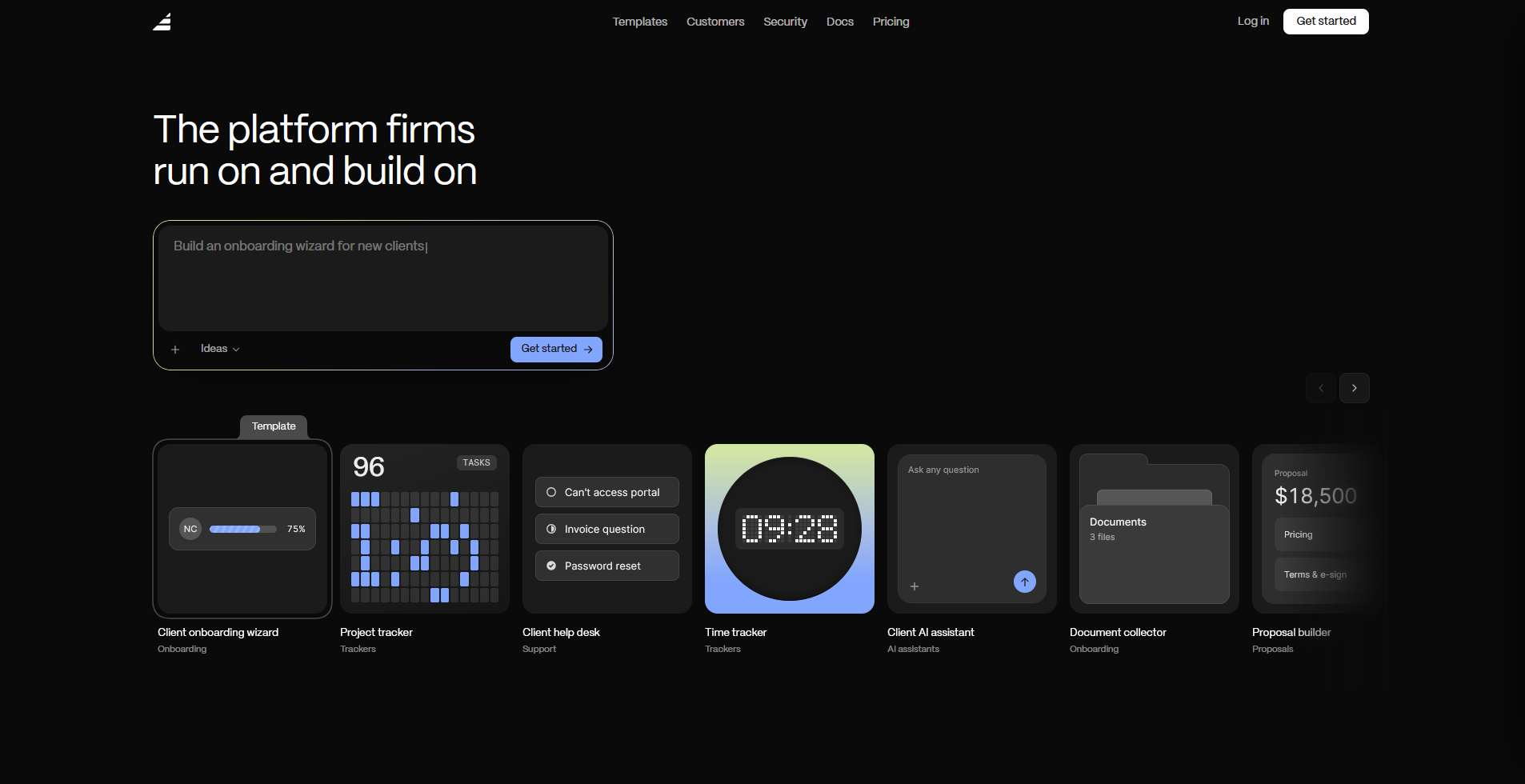
Assembly is a client platform with an AI app builder that turns a prompt into a client-facing app, such as a dashboard, project tracker, or onboarding flow. Most AI app builders focus on what a team builds for internal use, but Assembly builds specifically for what clients log into instead.
Each app ships into a branded space already connected to that client's files, messages, and billing, though it's not built for public, logged-out pages or streaming-heavy products.
Key features
- Client-facing app generation: Describe the app your clients need, and Assembly’s AI app builder generates the screens, data structure, and layout from that description.
- Built-in client platform: Apps ship alongside contracts, e-signatures, invoicing, and messaging, connecting to real client data and billing without separate integrations.
- Permissions and branding by default: Each client sees only their own data in a white-label space that reflects your brand, with no separate login setup needed after the build.
Pros
- Setup takes one description instead of building each screen manually
- Data stays tied to the client record across every app you build
- Covers common client-facing needs like onboarding wizards, project trackers, and intake forms
Cons
- Not built for public, logged-out pages or streaming-heavy products
- Newer to the market than more established low-code platforms on this list
Best for
- Service businesses and agencies building apps their clients log into
- Teams that want client apps branded and permissioned by default
- Businesses that need client data covered under SOC 2 Type II, GDPR, CCPA, and HIPAA compliance
Pricing
Assembly has a free plan, and paid plans start at $29 per month billed annually.
5. Bubble: Best for customer-facing web apps without code
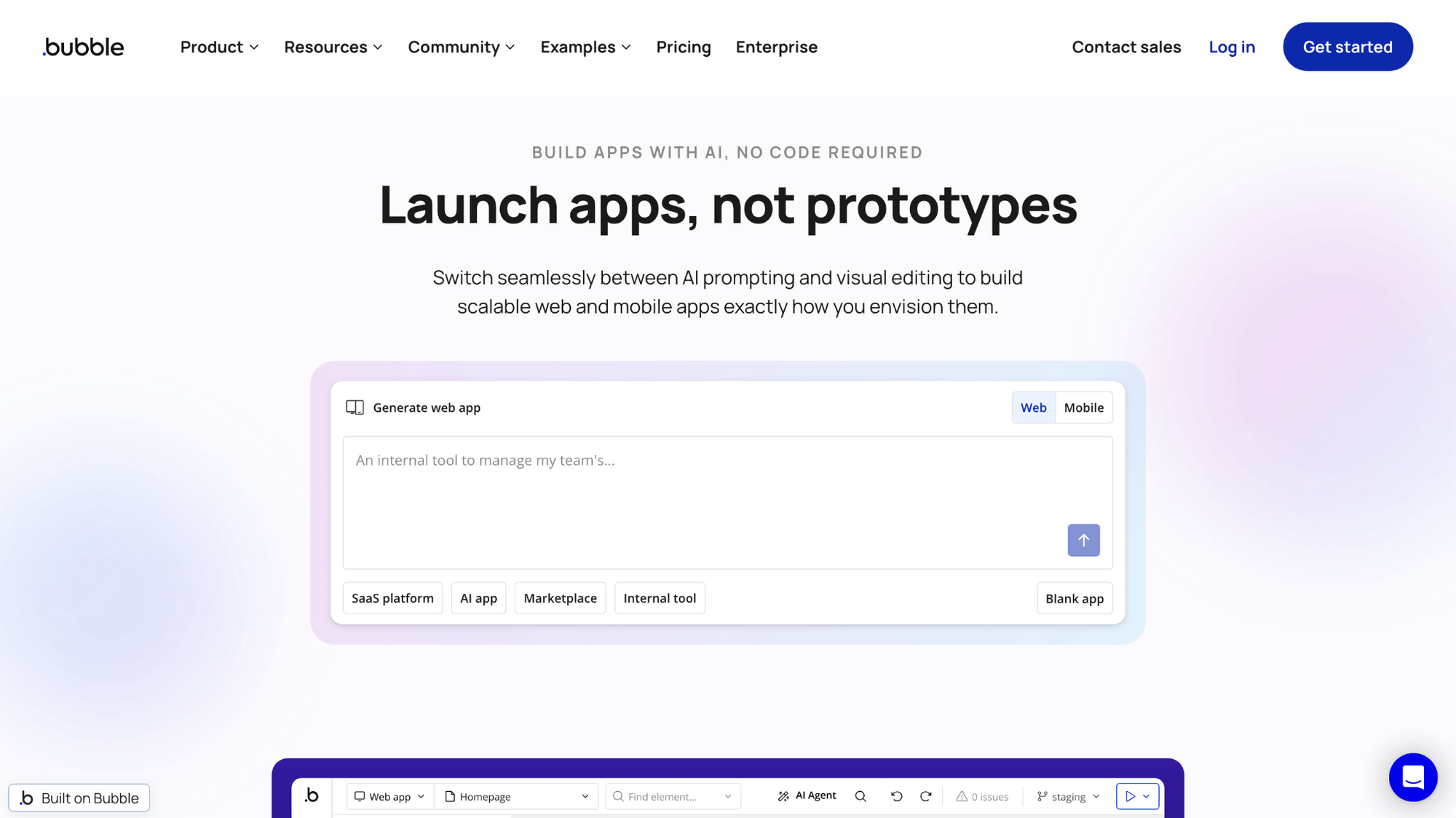
Bubble is a no-code platform for creating customer-facing web apps rather than internal tools. Its visual editor lets users design a full interface and set up backend logic through workflows without writing traditional code. The flexibility comes with a tradeoff, since building anything with detailed logic means learning Bubble's proprietary workflow system.
Key features
- Visual app builder: Design the full interface, including layout and responsive behavior, through a drag and drop editor.
- Workflow-based logic: Set up backend actions and conditions through visual workflows instead of writing scripts.
- Native database: Store and manage app data directly within Bubble without connecting an external database.
Pros
- Builds complete web apps, not just internal dashboards or admin tools
- Native database removes the need to set up a separate backend
- Large template and plugin marketplace for common app features
Cons
- Workflow logic can get difficult to manage as an app grows in complexity
- Migrating data out of Bubble's native database can take extra work if you switch platforms later
Best for
- Founders and teams building a full customer-facing product, not just an internal tool
- Users who want a native database instead of connecting external sources
- Teams that prioritize visual design control over deep custom logic
Pricing
Bubble starts at $59 per month (Web and mobile).
6. Superblocks: Best for larger teams needing strong permissions and audit logs
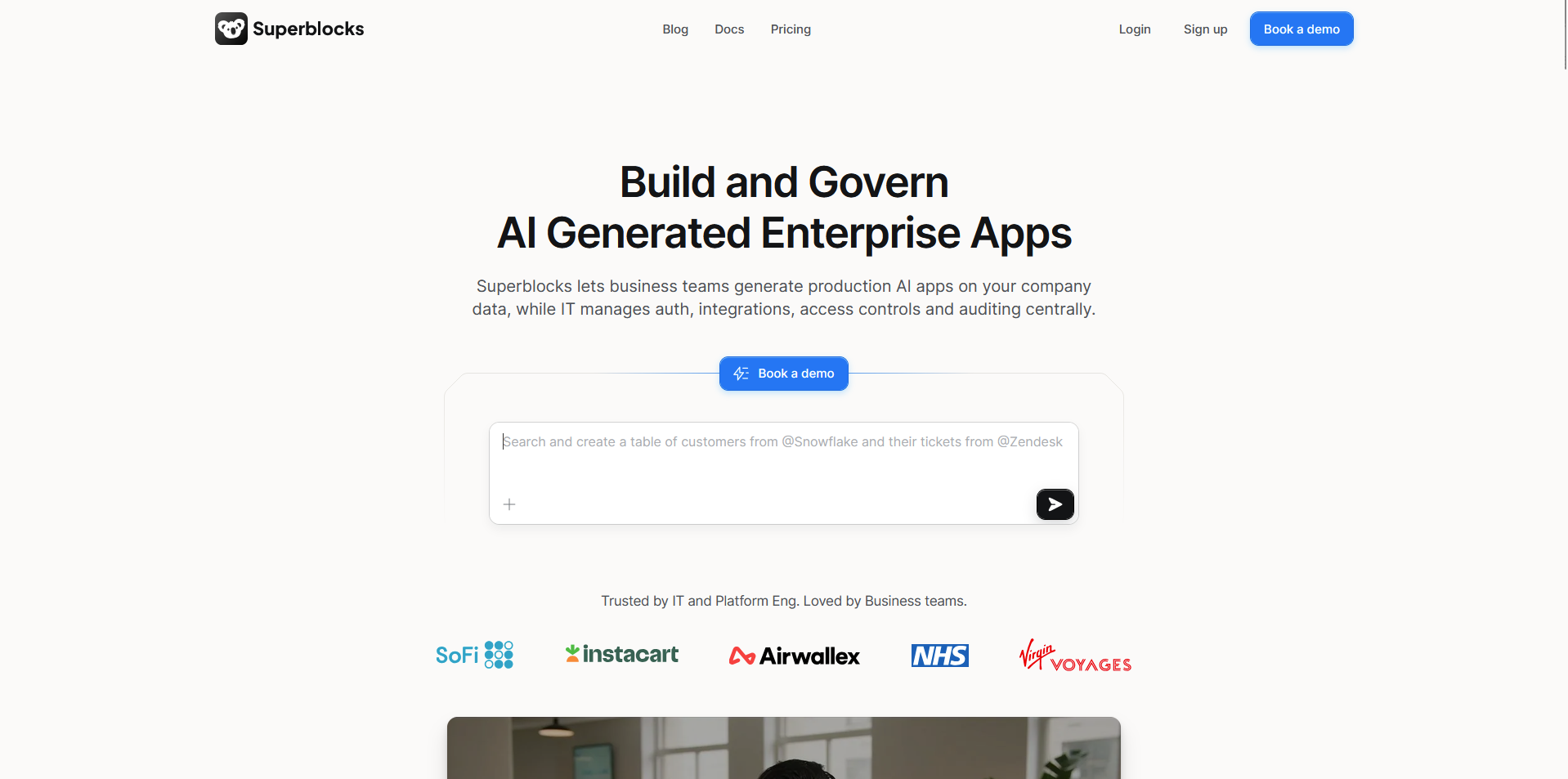
Superblocks is a low-code platform focused on giving engineering teams strong governance over the internal tools they create. It connects to databases and APIs, then uses pre-built components to assemble dashboards on top of that data. Smaller teams may not need some of the governance and security features locked behind higher pricing tiers.
Key features
- Role-based permissions: Set granular access controls over who can view, edit, or deploy specific apps.
- Audit logging: Track changes made to apps and workflows for compliance and internal review.
- Direct database and API connections: Pull data from existing sources without duplicating it into a separate system.
Pros
- Built with governance and compliance needs in mind from the start
- Supports version control for teams managing multiple apps at once
- Connects to a wide range of databases and internal APIs
Cons
- Feature set leans toward larger engineering teams, which can feel like more than smaller teams need
- Some users report a learning curve when setting up more advanced permission structures
Best for
- Larger teams that need audit logs and role-based access controls
- Organizations with compliance requirements around internal tools
- Engineering teams managing multiple apps across departments
Pricing
Superblocks starts at $100 per AI builder per month.
7. UI Bakery: Best for faster, simpler setup for internal apps
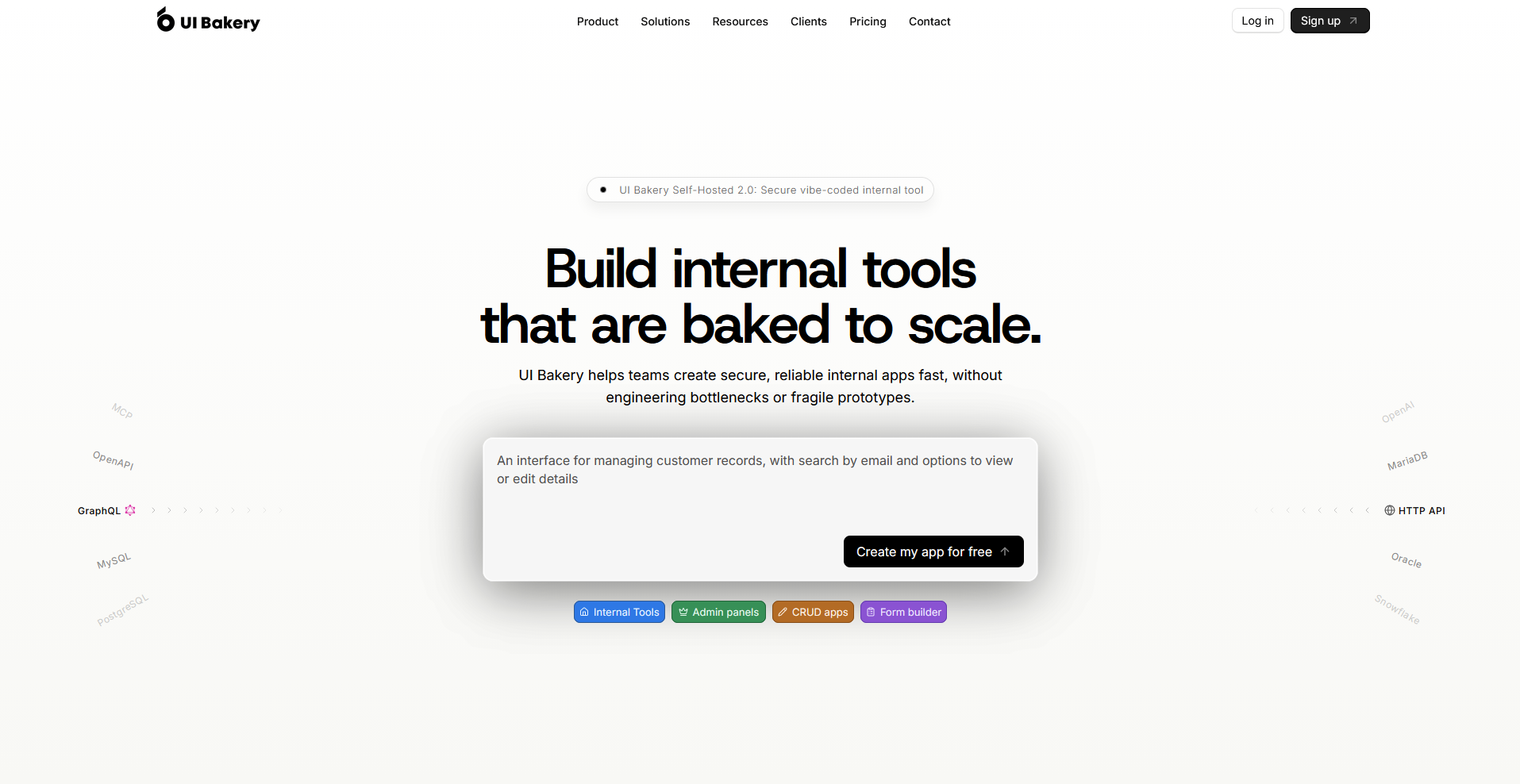
UI Bakery is a low-code platform built around getting internal tools running with less setup time. Connecting a database or API pulls data straight into pre-built components for dashboards, forms, and admin panels. The smaller component library and integration list can limit options for teams with more specific technical needs.
Key features
- Quick app scaffolding: Generate a working app layout straight from a connected database.
- Pre-built UI components: Drag and drop tables, forms, and charts to assemble an interface without custom code.
- Cloud and self-hosted options: Choose between a managed cloud plan or a self-hosted deployment.
Pros
- Faster initial setup compared to more feature-heavy platforms
- Simple interface that's easier for smaller teams to pick up
- Supports both cloud and self-hosted deployment options
Cons
- Better suited for simple internal tools and prototypes; teams with more specialized or complex use cases may find it less flexible
- Some users report fewer advanced customization options for complex apps
Best for
- Teams that want an internal tool running with less setup time
- Smaller companies without a dedicated development team
- Businesses that want the choice between cloud and self-hosted deployment
Pricing
UI Bakery starts at $20 per developer per month.
8. Softr: Best for agencies turning Airtable or Sheets into client apps
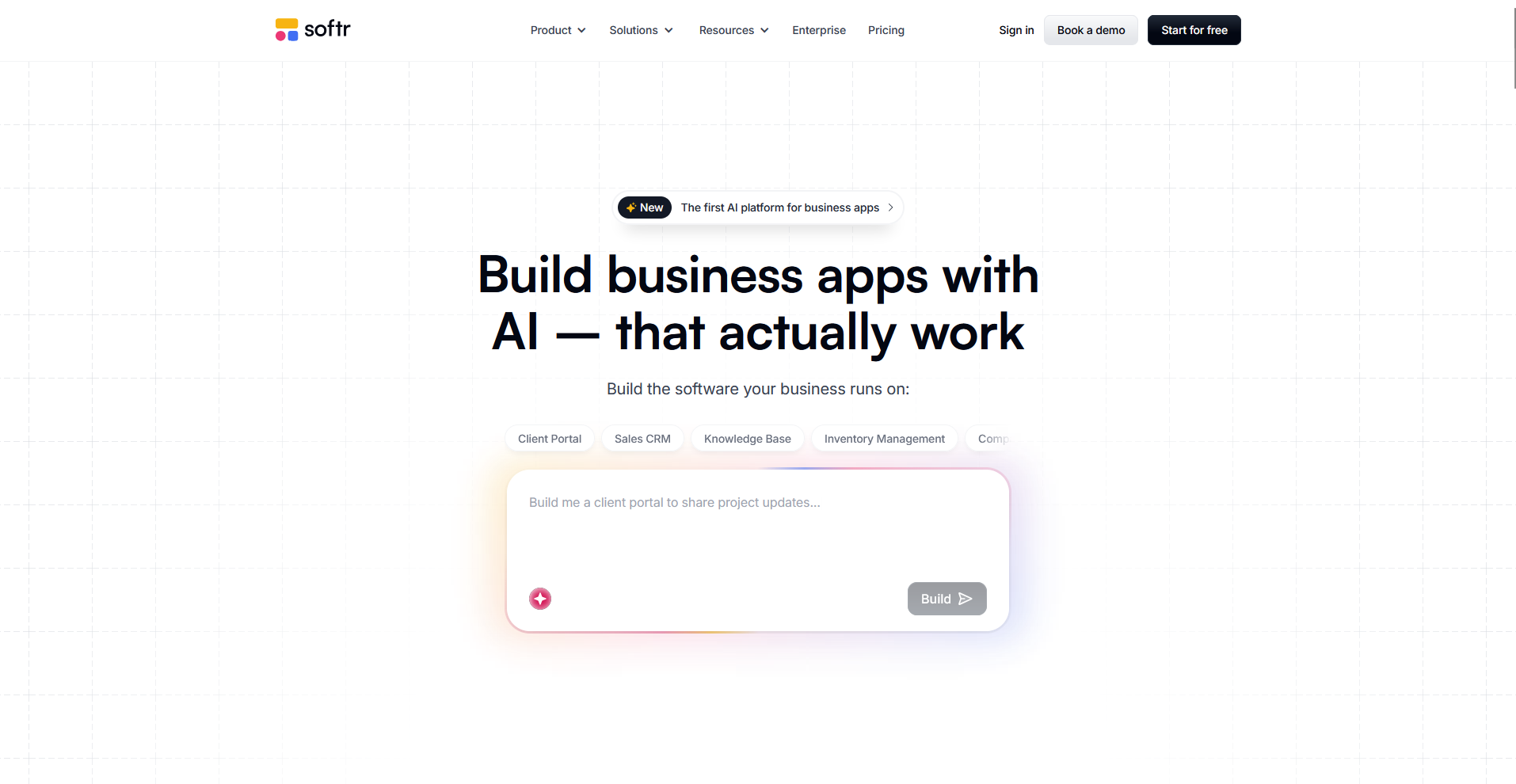
Softr is a no-code platform that turns existing Airtable or Google Sheets data into a client-facing app or portal. Pre-built templates cover directories, dashboards, and member portals, so agencies can launch something usable without designing a layout from scratch. That template structure trades away flexibility for teams that want a fully custom layout.
Key features
- Airtable and Google Sheets sync: Turn existing spreadsheet data into a working app without rebuilding the database.
- Pre-built templates: Launch a client portal, directory, or dashboard from a template instead of a blank page.
- User permissions and login: Set up client logins with permissions that control what each user can see.
Pros
- Fast path from spreadsheet data to a working client-facing app
- Templates cover common agency use cases like portals and directories
- No separate database setup required if data already lives in Airtable
Cons
- Custom layouts are harder to achieve outside the template structure
- Some users report syncing delays between Airtable and the live app
Best for
- Agencies that already manage client data in Airtable or Google Sheets
- Teams that want a client-facing app without building layouts from scratch
- Small businesses that need logins and permissions without a full CRM
Pricing
Softr starts at $99 per month.
How to evaluate ToolJet alternatives
ToolJet alternatives range from open-source builders for developers to no-code platforms for non-technical teams. The right fit depends on your team's technical skill and how much control you want over the final product.
Here's what to consider:
- Coding ability matters: Some tools need developers who can write custom logic, while others let anyone drag and drop a working app. I recommend being honest about who's actually going to build and maintain what you pick.
- Client-facing needs differ: A few tools on this list focus on internal dashboards and admin panels. Others, including Assembly, have features built to create polished apps or portals for customers to use directly.
- Self-hosting adds responsibility: Open-source and self-hosted tools tend to cost less upfront, but you'll also need to handle your own hosting, updates, and security instead of leaving that to the provider.
- Integration depth varies: Some tools connect easily with databases, APIs, and existing software. I suggest checking how deep those connections go before committing, especially if your workflow pulls data from multiple sources.
- Setup time ranges widely: Simpler no-code tools can get you running the same day. More flexible, developer-oriented platforms often take longer to configure the way you want.
When the tool you're building is for your clients, not your team
Most tools on this list handle internal use well, covering dashboards and admin panels your own team logs into. But some teams researching ToolJet alternatives eventually run into a different need: a polished, branded space their clients log into instead. That calls for a different kind of build, and it's where these developer-first tools start working against you.
Assembly covers that client-facing layer. Its AI app builder turns a prompt into an app that ships into your existing branded space, connected to each client's files, messages, and billing from the start. Client data stays protected too, with SOC 2 Type II compliance and support for GDPR, CCPA, and HIPAA.