



People start searching for Help Scout alternatives the moment the AI billing adds up faster than the seat count does, or the support team needs something built for more than ticket deflection. Zendesk, Freshdesk, and Assembly tend to come up first once that search starts, each answering a different part of what Help Scout can't.
I looked into pricing pages, docs, and demos across dozens of help desk platforms to narrow this to the 9 worth your time, with the strengths, trade-offs, and best-fit team for each below.
9 best Help Scout alternatives: TL;DR
- Assembly: Best for service businesses and agencies that want client support to live inside a branded client experience
- Zendesk: Best for support teams crossing into enterprise scale who need deep customization and a large integration marketplace
- Freshdesk: Best for teams that want a close upgrade from Help Scout's simplicity with a bundled AI agent
- Front: Best for cross-functional teams where support, sales, and account management collaborate on the same conversations
- Intercom: Best for product-led teams that want in-app messaging alongside support
- Gorgias: Best for Shopify and ecommerce brands that need order data inside every ticket
- Zoho Desk: Best for teams already running other Zoho products who want a help desk in the same ecosystem
- Hiver: Best for Gmail-native teams that want shared inboxes without leaving their inbox
- HubSpot Service Hub: Best for teams that want support tied directly to their CRM record
Why look for Help Scout alternatives?
Help Scout built its reputation on one thing: an email inbox that reads like a real conversation. A customer emails support and gets a reply that sounds like an actual person wrote it, and that holds true for teams handling a modest number of tickets a day.
Once ticket volume climbs and a team needs more automation and clearer reporting, a handful of limits start to surface:
- AI resolutions bill separately from seats: Help Scout's AI Answers charges per resolved conversation on top of the seat price, so the AI bill can climb well past what the seats cost.
- Reporting depth is gated to higher tiers: Basic plans show core metrics only, and deeper reporting, along with more advanced automation, sits behind the Plus and Pro plans.
- WhatsApp sits behind a pricier tier: WhatsApp is a native channel, but it only unlocks on the Plus plan, which costs 80% more per seat than Standard.
- The branded portal covers conversation history only: Plus and Pro plans add a customer portal with your logo and colors, showing conversation status and history, without files, invoices, or project details alongside it.
Which Help Scout alternative should you choose?
The right Help Scout alternative comes down to what kind of platform you actually need next, whether that's a bigger help desk, a collaboration hub, a vertical-specific tool, or something built around the client relationship itself.
Choose:
- Assembly if you want client support to live inside a branded space alongside files, invoices, and project updates. It isn't built around AI-driven ticket deflection at volume the way a dedicated help desk is.
- Zendesk if you're crossing into enterprise-scale ticket volume and need deep customization. Admin setup and reporting configuration take hands-on work to get right, and onboarding often benefits from outside help.
- Freshdesk if you want a close, familiar upgrade from Help Scout with an AI agent bundled in. The interface gets busier once ticket volume and automation rules pile up.
- Front if your support conversations regularly pull in sales, account management, or other internal teams. That same collaboration tooling can be more structure than a small, single-team support group needs.
- Intercom if in-app messaging matters as much as traditional support to your team. Intercom's AI agent, Fin, can vary in resolution quality once a request gets complex or spans more than one system.
- Gorgias if your business runs on Shopify and most tickets touch order data. Teams outside ecommerce will find much of its automation built around a workflow they don't have.
- Zoho Desk if you're already running other Zoho products and want a help desk in the same ecosystem. Its Zia AI assistant has a reputation for shaky, generic responses.
- Hiver if your team lives in Gmail and wants shared inboxes without switching interfaces. Its mobile experience trails the desktop version, which matters for agents fielding tickets on the go.
- HubSpot Service Hub if support needs to tie directly into your CRM record. Outside the HubSpot ecosystem, it reads as one piece of a much larger platform than most small teams need.
Stick with Help Scout if your team is small, support stays mostly email-based, and you don't yet need deep reporting, advanced service-level agreement (SLA) management, or a branded client space behind your tickets.
9 best Help Scout alternatives: at a glance
| Tool | Best for | Starting price |
|---|---|---|
| Assembly | Branded, client-facing support space | $29/month |
| Zendesk | Enterprise-scale, highly customizable support | $19/agent/month |
| Freshdesk | Budget-friendly upgrade from Help Scout | $19/agent/month |
| Front | Cross-team collaboration on conversations | $25/seat/month |
| Intercom | In-app messaging and support combined | $29/seat/month |
| Gorgias | Order data inside every ticket | $50/month |
| Zoho Desk | Bundled help desk for Zoho users | $7/user/month |
| Hiver | Support run straight from Gmail | $25/user/month (Omni) |
| HubSpot Service Hub | Support tied to your CRM record | $7/seat/month |
Billed annually
*Pricing correct as of September 2026. Confirm with vendor.
1. Assembly: Best for a branded, client-facing support space
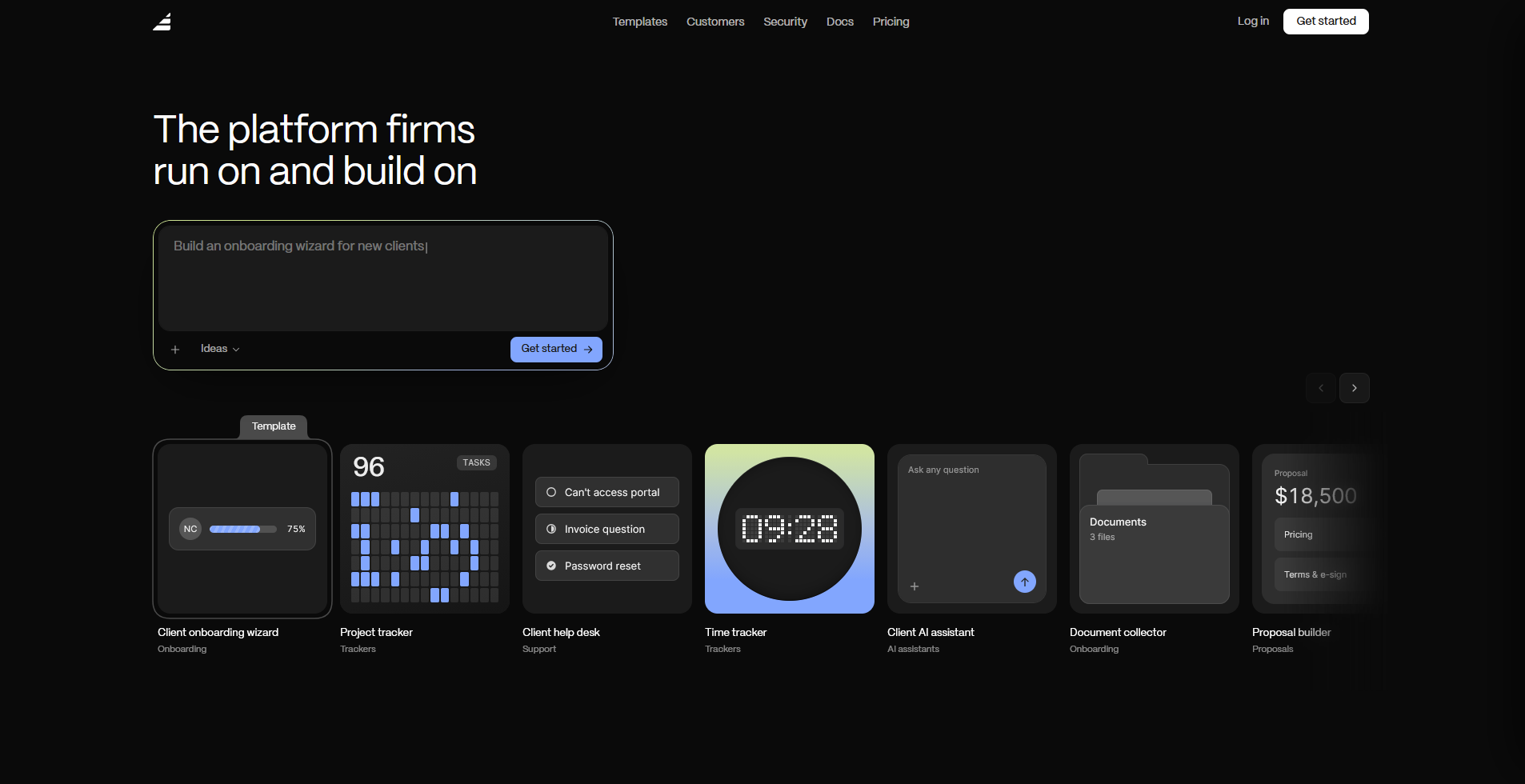
Assembly is a client experience platform with an AI app builder, built for service businesses and agencies that manage client relationships beyond a single conversation thread.
Its AI app builder can generate a branded client help desk app that sits alongside contracts, invoicing, and messaging in one client-facing space.
Key features
- Client help desk app: Generate a branded help desk app for client-facing support requests.
- Built-in client platform: Ship contracts, e-signatures, invoicing, and messaging alongside the support app.
- Permissions and branding by default: Display each client's own data in a white-label space.
Pros
- Lets you add other client-facing apps, like a project tracker or document collector, into the same branded space as client needs grow.
- Meets SOC 2 Type II, GDPR, CCPA, and HIPAA compliance standards for handling sensitive client data.
- Generates new client-facing apps from a written prompt, without hiring a developer to build them.
Cons
- Doesn't include dedicated support-ops features, like SLA tracking or ticket routing rules, that specialized help desk tools build entire products around.
- Doesn't offer the deep channel coverage, like voice or WhatsApp, that established help desk platforms have built out over years.
Best for
- Agencies that want client support tied to contracts and invoicing
- Teams replacing multiple client-facing tools with one branded space
- Businesses that want each client to see only their own data
Pricing
Assembly has a free plan, and paid plans start at $29 per month billed annually.
2. Zendesk: Best for enterprise-scale, highly customizable support
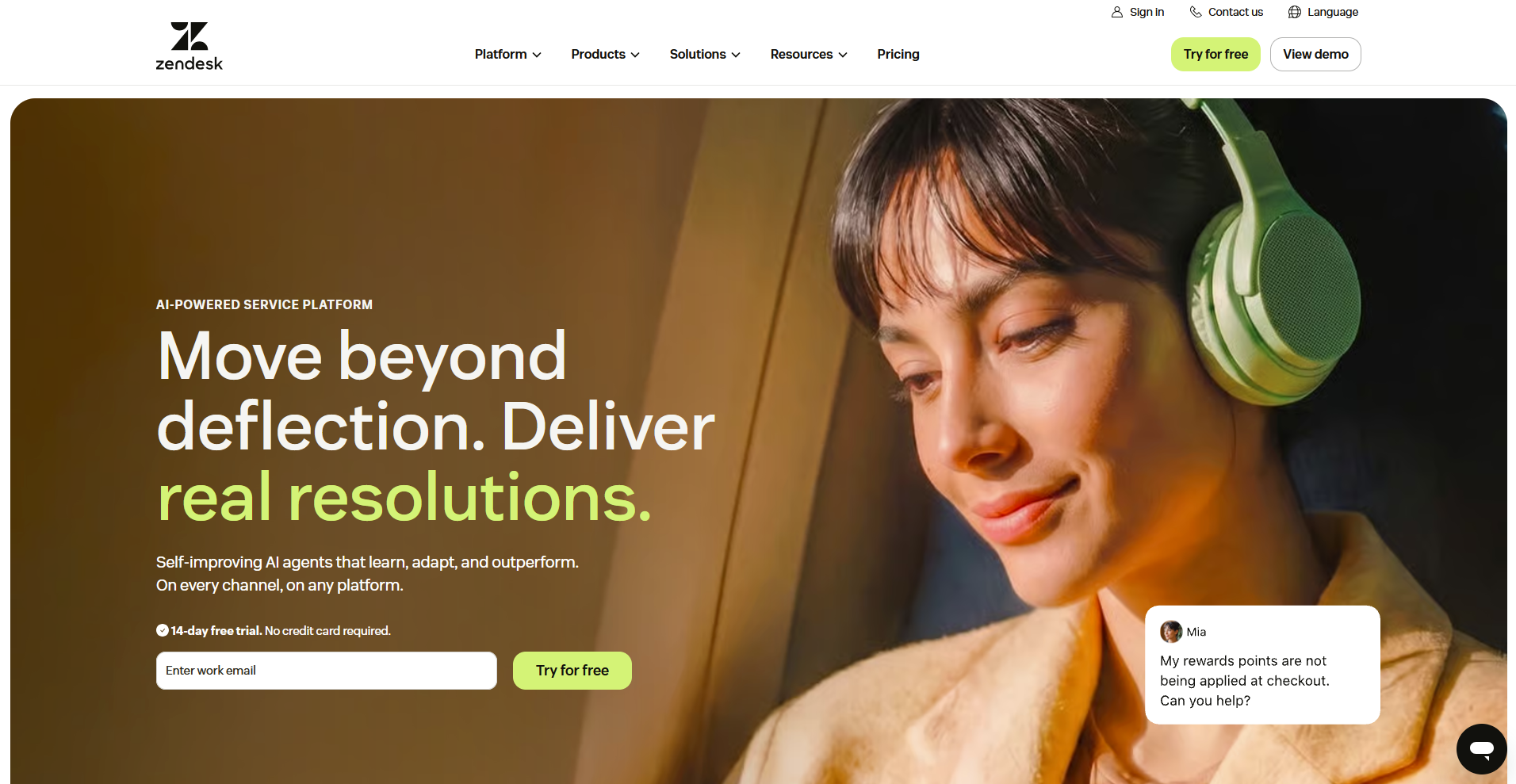
Zendesk is a customer service platform for large support organizations that need ticketing, live chat, and voice in one system. It gives admins deep control over workflows, automations, and reporting through a wide library of apps and integrations. Configuring all of that customization typically takes hands-on admin time or outside implementation help.
Note: Zendesk's entry-level Support Team plan supports only bring-your-own-carrier voice, with no built-in calling. Embedded voice, call routing, call recording, automatic ticket creation from calls, and failover all require Suite Team or higher.
Key features
- Triggers and automations: Route and update tickets based on conditions you set.
- Explore reporting: Build custom dashboards across ticket, chat, and voice data.
- App marketplace: Connect hundreds of third-party tools directly into the ticket view.
Pros
- Supports multiple brands under one account, letting an agency or multi-product company run separate help centers from a single instance (on the Suite Professional plan and above).
- Lets agents on Suite Team and higher pull in specialists from other departments through side conversations without leaving the ticket.
- Gives customers a self-service help center with AI-suggested articles before a ticket ever reaches an agent.
Cons
- Several advanced capabilities, like custom agent roles and deeper reporting, sit behind higher-priced plans beyond the entry tier.
- The interface can overwhelm smaller teams that don't need enterprise-level complexity.
Best for
- Support teams scaling past a few dozen agents
- Companies running multiple support channels at once
- Organizations with a dedicated admin or ops person for support tools
Pricing
Zendesk starts at $19 per agent per month.
3. Freshdesk: Best for a budget-friendly upgrade from Help Scout
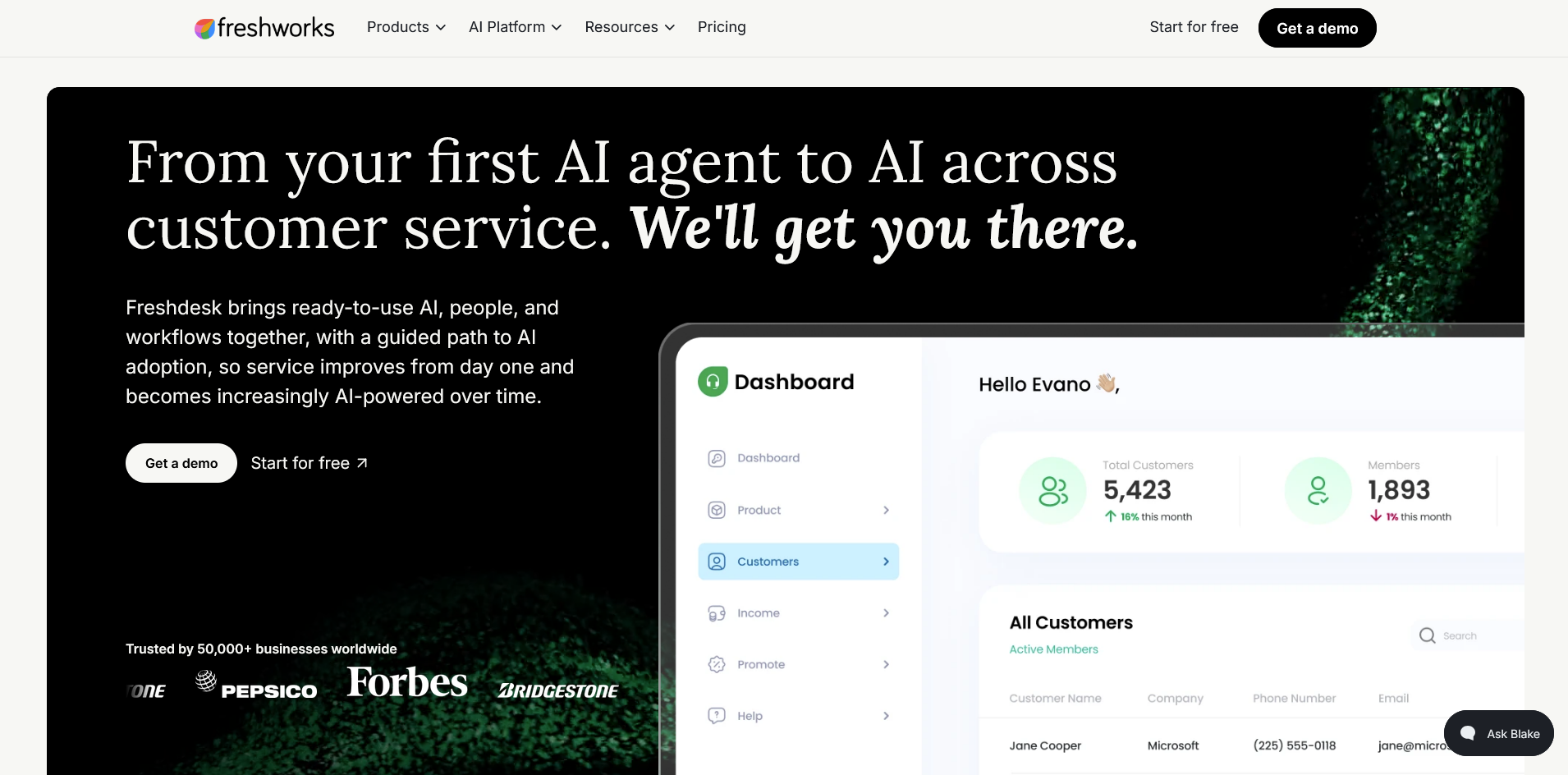
Freshdesk is a help desk platform built around a shared inbox and a built-in AI agent. It handles ticket routing, canned responses, and basic AI resolution right out of the box, giving teams more automation without losing the simplicity Help Scout offers. Freddy AI's answers can lack the nuance needed for more detailed or technical questions.
Key features
- Freddy AI Agent: Resolve routine tickets automatically before an agent sees them.
- Canned responses: Insert saved reply templates directly into a ticket.
- Automation rules: Assign and prioritize tickets based on conditions you define.
Pros
- Keeps a shared-inbox feel close to Help Scout, easing the switch for small teams.
- Includes a one-time allotment of 500 free AI Agent sessions on every plan to try automated resolution before paying per use.
- Supports SLA policies out of the box.
Cons
- Sessions past the free 500 allotment cost $49 per 100, so heavy automated resolution volume can add noticeable cost on top of the seat price.
- Adding channels beyond email, like live chat or WhatsApp, means moving to the separate Freshdesk Omni product line, a different pricing track than the core ticketing plans.
Best for
- Teams wanting an AI agent bundled in from day one
- Support teams that value automation over deep customization
- Small teams testing AI resolution before a bigger platform switch
Pricing
Freshdesk starts at $19 per agent per month.
4. Front: Best for cross-team collaboration on conversations
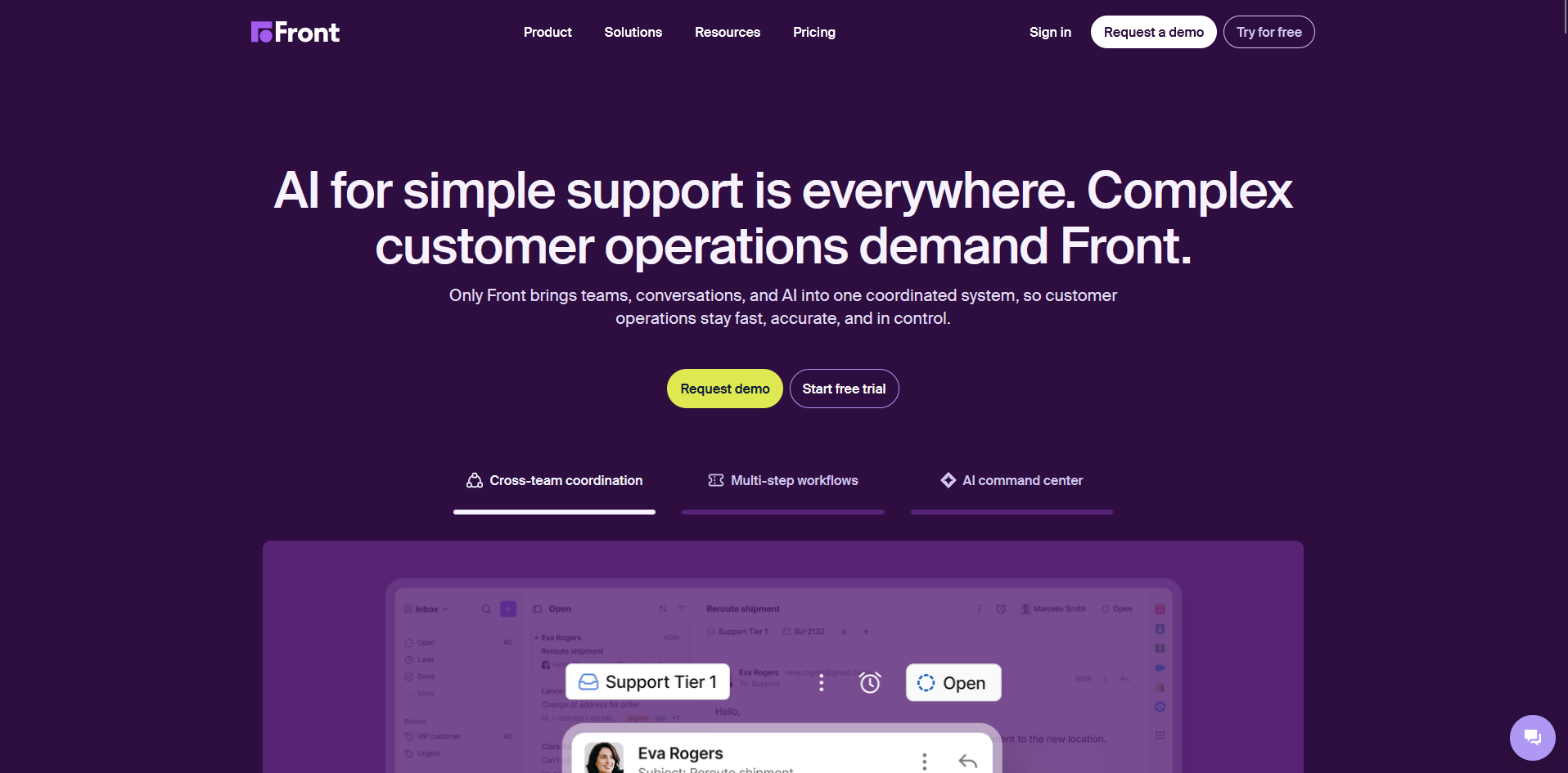
Front is a shared inbox platform built for teams where support, sales, and account management work from the same conversations. It brings email, chat, and social messages into one shared view, with internal comments layered alongside each thread for context. Its collaboration tools can be more structured than a small, single-team support group actually needs.
Note: The $25/month Starter plan referenced in the pricing section only supports one channel type (email, chat, or SMS). Reaching the multi-channel experience (email, chat, and social messages in one shared view) requires upgrading to the $65/seat Professional plan.
Key features
- Shared drafts: Collaborate on a reply before it goes out to the customer.
- Assignment rules: Route conversations to the right teammate automatically.
- Analytics dashboard: Track response times and volume across channels.
Pros
- Supports guest accounts so clients or contractors can comment on a conversation without needing a full paid seat.
- Lets teams build custom workflows and rules without needing a developer or API work.
- Includes a no-code public knowledge base for customer self-service, on top of the shared inbox.
Cons
- New users often need time to learn the assignment and workflow rules.
- The Starter plan caps out at 10 seats, so a growing team eventually needs to move up to Professional.
Best for
- Teams where support and sales share the same customer conversations
- Companies wanting internal comments alongside customer replies
- Organizations managing several channels through one shared inbox
Pricing
Front starts at $25 per seat per month.
5. Intercom: Best for in-app messaging and support combined
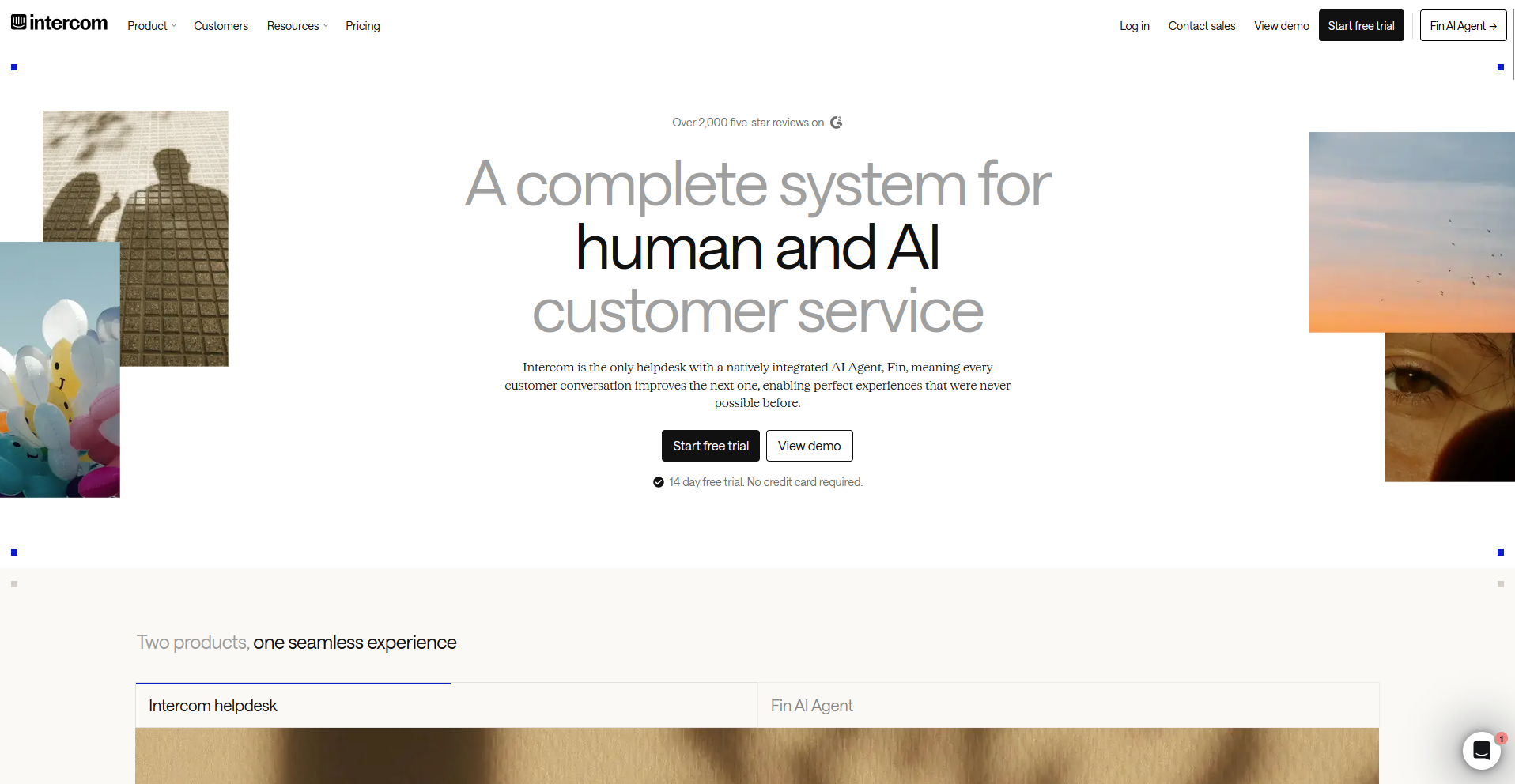
Intercom is a customer messaging platform built around live chat, in-app messages, and an AI agent called Fin. It lets support and product teams reach customers directly inside the product interface, alongside a shared inbox for traditional conversations. Fin's resolution quality can vary once a request gets complex or spans more than one system.
Key features
- Fin AI Agent: Resolve customer questions using your help center content as its source.
- Product tours: Display in-app walkthroughs to guide new users.
- Inbox with AI Copilot: Suggest replies to agents based on ticket context, with 10 free uses per agent each month.
Pros
- Segments and targets messages to specific user groups based on plan, behavior, or lifecycle stage.
- Gives every agent a free monthly allotment of Copilot AI reply suggestions before requiring the paid add-on for unlimited use.
- Offers a public API and webhooks that sync customer data in real time with other systems.
Cons
- Setting up audience segmentation and targeted messaging rules takes upfront configuration work before it delivers value.
- In-app tools like product tours, surveys, and carousels only unlock through the separate Proactive Support Plus add-on at $99 a month, on top of seat pricing.
Best for
- Product teams that want to message users based on behavior inside the app
- Teams already running a help center that Fin can pull answers from
- Companies that want live chat and email support in the same inbox
Pricing
Intercom starts at $29 per seat per month.
6. Gorgias: Best for order data inside every ticket
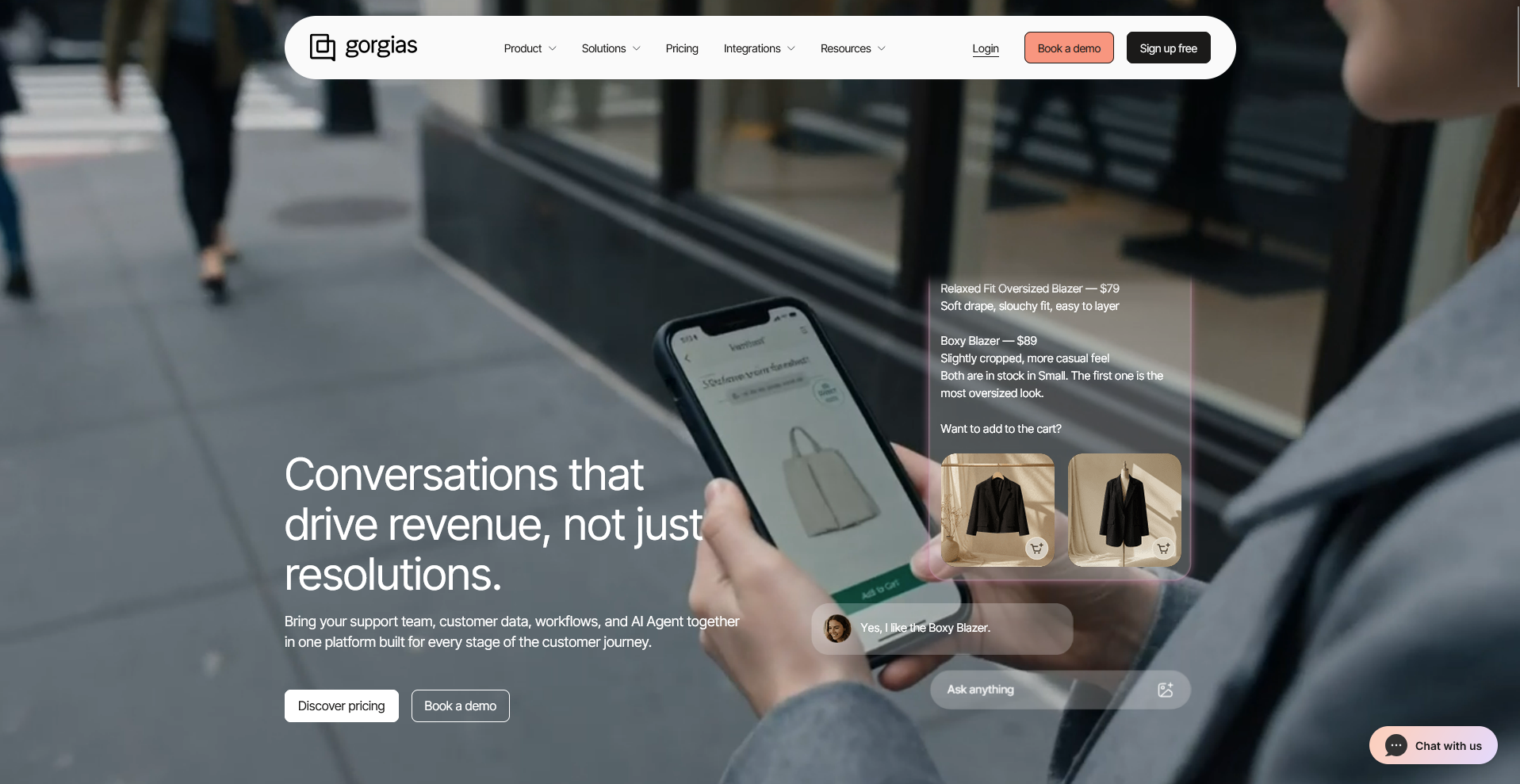
Gorgias is a help desk platform built specifically for ecommerce brands, with deep integrations into Shopify, BigCommerce, and Magento. It pulls order details, shipping status, and customer purchase history directly into each support ticket, so agents don't need to switch tabs to look anything up.
Its automation and reporting are built around ecommerce workflows, which can feel like extra structure for a business that doesn't sell products online.
Key features
- Order data sidebar: Display order status, shipping details, and purchase history inside a ticket.
- Revenue reporting: Track sales generated from support conversations and campaigns.
- Automated macros: Insert order-specific replies, like refund or return status, into a ticket.
Pros
- Lets agents issue refunds, edit orders, or resend confirmations directly inside a ticket without switching to the store's admin panel.
- Includes social media and review-site tickets, like Instagram comments and Facebook reviews, alongside email and chat.
- Tracks which support conversations lead to a completed sale, tying support work to actual revenue.
Cons
- Pricing scales with ticket volume rather than a flat per-agent rate, so costs can rise quickly during high-traffic seasons like the holidays.
- Its feature set assumes a storefront platform like Shopify sits underneath it, so businesses without one lose much of its value.
Best for
- Shopify or BigCommerce stores handling order-related support at volume
- Teams that want support tied directly to revenue reporting
- Businesses running support across social media and review sites
Pricing
Gorgias starts at $50 per month when billed annually. The Starter tier (no AI agent) starts at $10 per month, but is only available on monthly billing.
7. Zoho Desk: Best for a bundled help desk for Zoho users
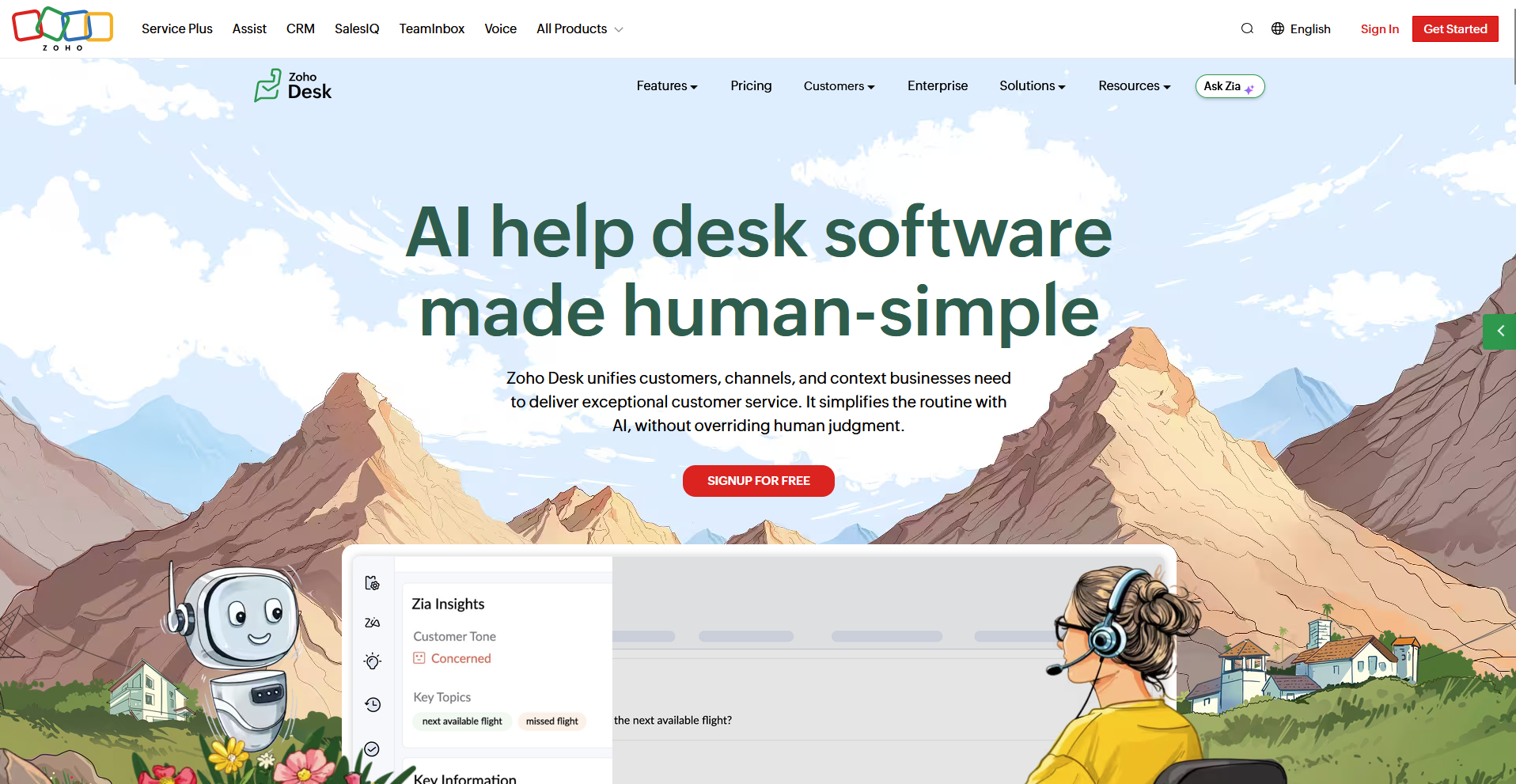
Zoho Desk is a help desk platform built inside the wider Zoho software suite, aimed at teams already running other Zoho products. It connects ticketing to CRM records, project data, and billing information without extra integration work. Its AI assistant, Zia, often produces generic replies that need editing before sending.
Key features
- Blueprint workflows: Automate multi-step ticket processes across departments.
- Zia AI assistant: Suggest replies and detect ticket sentiment automatically.
- ASAP widget: Embed a self-service help center inside your product or website.
Pros
- Offers a free plan for up to 3 agents, a rarity among the tools on this list.
- Includes social media channels and web forms as ticket sources starting on the entry-level Express plan.
- Includes a mobile app for agents to manage tickets away from a desk.
Cons
- Blueprints and native Zia AI both require the Professional plan, two tiers above the $7 Express plan referenced in pricing, and multi-brand support pushes that further to Enterprise.
- The interface and setup process read as dated compared to newer help desk platforms.
Best for
- Teams already invested in Zoho CRM, Projects, or Books
- Multi-department support teams needing role-based ticket views
- Agents who need mobile ticket management away from a desk
Pricing
Zoho Desk starts at $7 per user per month.
8. Hiver: Best for support run straight from Gmail
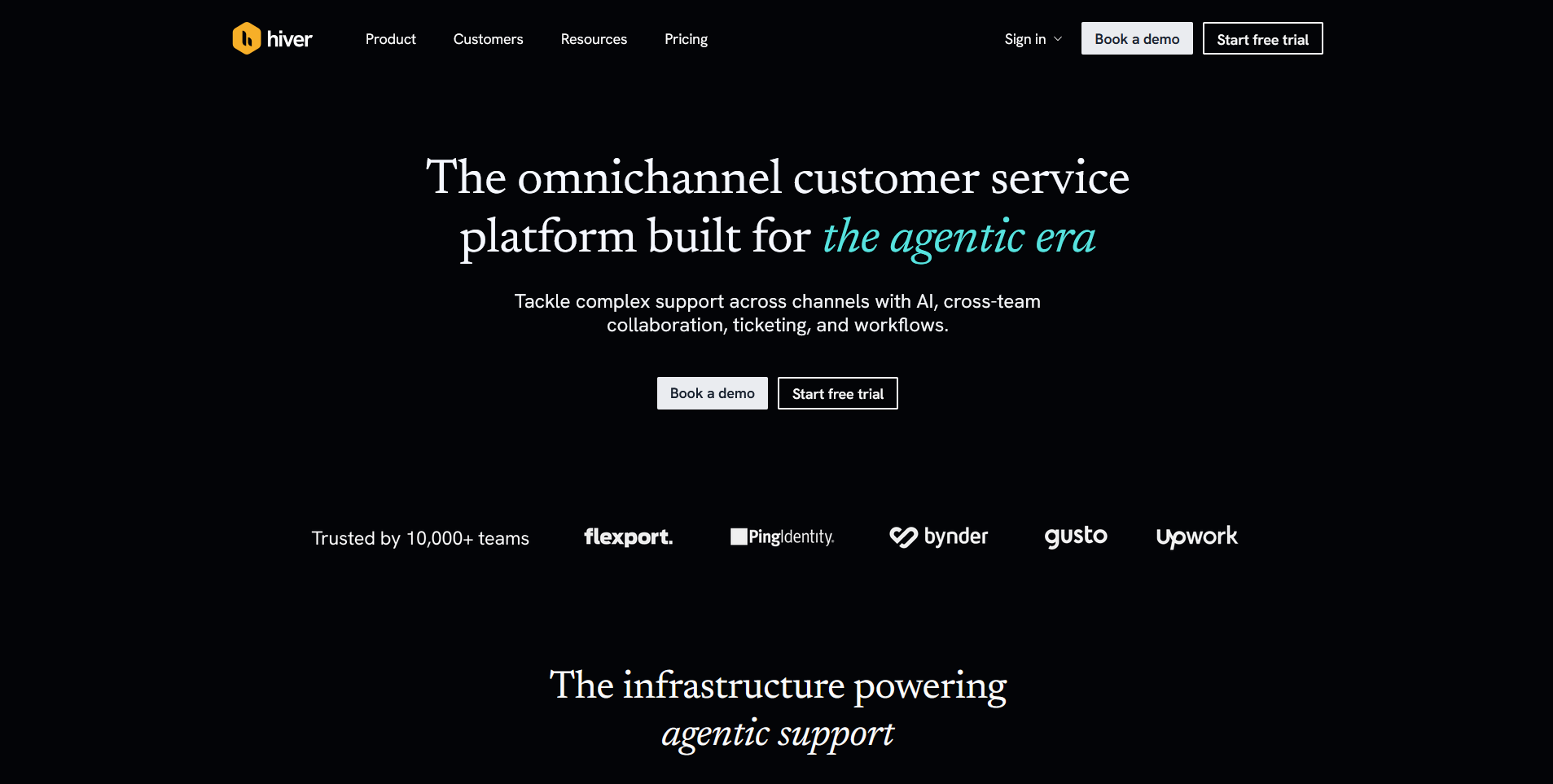
Hiver offers 2 products built on the same shared-inbox foundation: Hiver in Gmail, which lives inside Gmail itself, and Hiver Omni, a standalone workspace that connects to Gmail, Outlook, or any email provider along with chat, voice, Slack, and WhatsApp.
Omni brings every one of those channels into a single queue with collision detection, assignment, and analytics built in. Higher-tier plans unlock the deeper routing and AI features, so the full feature set costs more than the entry price suggests.
Key features
- Collision detection: Alert agents when someone else opens the same email thread.
- Shared drafts: Route a draft reply to a teammate for approval before sending.
- Analytics dashboard: Track response time, resolution time, and agent workload.
Pros
- Requires no browser tab switching, since agents work entirely from inside Gmail.
- Integrates natively with Google Workspace tools like Google Sheets and Google Chat.
- Supports WhatsApp as a built-in channel through its Omni product, with voice available as a $30-per-seat add-on for teams that need phone support too.
Cons
- Skill-based ticket routing and several AI features are reserved for Hiver's top-tier plan.
- Its mobile app trails the desktop and browser experience, which matters for agents fielding tickets on the go.
Best for
- Small teams that want shared-inbox support without leaving Gmail
- Google Workspace users who want native tool integration
- Teams open to a paid upgrade path for AI and skill-based routing
Pricing
Hiver starts at $25 per user per month (Omni).
9. HubSpot Service Hub: Best for support tied to your CRM record
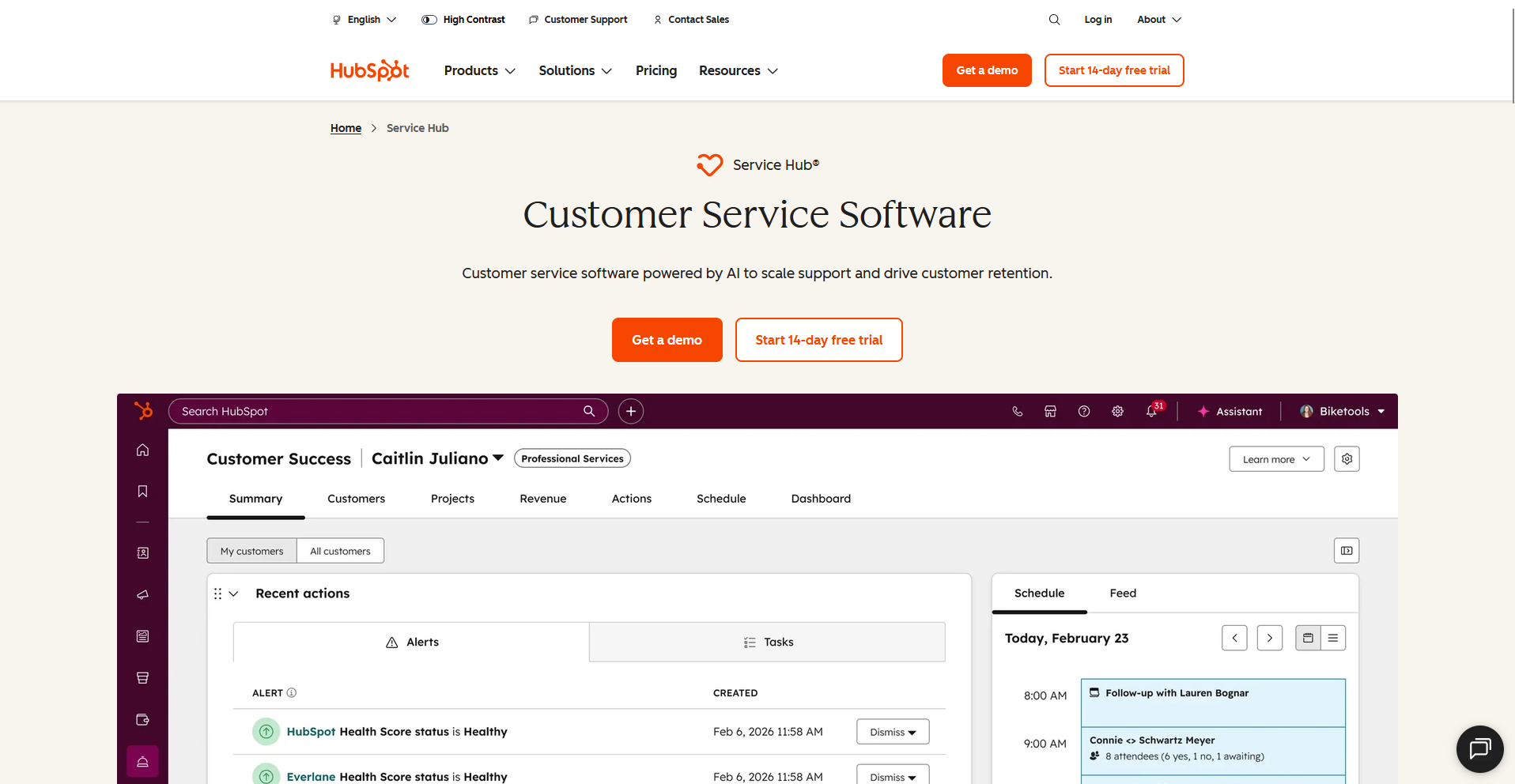
HubSpot Service Hub is a customer service platform built inside the wider HubSpot CRM, so every conversation ties back to a full contact and company record. It combines ticketing, live chat, and a shared inbox with the same data sales and marketing teams already see.
Its most advanced service capabilities scale with how deep a team goes into the wider HubSpot platform.
Key features
- Ticket pipeline: Track support requests against stages you define.
- Shared inbox: Route email and chat conversations to the right rep.
- Customer feedback surveys: Collect customer satisfaction score (CSAT) and net promoter score (NPS) responses tied to a ticket.
Pros
- Lets reps view deal history and past marketing emails sent to a contact without leaving the ticket.
- Connects with more than 1,500 apps, including Aircall, Jira, and Microsoft Teams, without custom development.
- Includes free CRM tools for every user, not gated behind the Service Hub seat price.
Cons
- Workflow automation, SLA reporting, and the AI-powered customer agent are reserved for the Professional plan.
- Total cost depends on how many contacts and seats a team runs across HubSpot overall, not just support seats.
Best for
- Teams already running sales or marketing through HubSpot
- Support operations that want ticket history attached to the full customer record
- Businesses standardizing on one platform instead of stitching several tools together
Pricing
HubSpot Service Hub starts at $7 per seat per month.
How to evaluate Help Scout alternatives
Help Scout alternatives price and package their features in very different ways, so the sticker price rarely tells the whole story. A few checks are worth running before you commit to any one platform:
- How AI resolution gets billed: Check whether AI ticket resolution costs a flat seat fee or bills per resolution or session, since usage-based pricing can climb fast at volume.
- What ships at the entry tier: Confirm whether automation, reporting, and AI features come with the base plan or require an upgrade before you commit.
- Whether channels are gated by plan: Look at whether chat, voice, or WhatsApp come standard or get sold as a separate upgrade.
- Its reliance on the vendor's other products: Weigh whether the standout features only work well once you're already using that vendor's other tools.
- Whether support connects to the wider client relationship: Decide if you need support tied to contracts, invoices, or project data alongside the conversation.
Support that lives inside the client relationship
Most Help Scout alternatives on this list are still inboxes or ticket queues your team manages support from.
Assembly's AI app builder generates the apps your clients actually use once support is only one part of the relationship: a client help desk, a document collector, a project tracker, or an onboarding wizard.
Describe the app, and the AI app builder generates the screens, data, and layout. The finished app ships into a branded client experience with permissions, files, messaging, and invoicing already connected.
Client data stays covered too, with SOC 2 Type II compliance and support for GDPR, CCPA, and HIPAA.