



People go searching for AppSheet alternatives the moment the per-user bill stops making sense or the app they need has nothing to do with internal spreadsheets anymore. Glide, Adalo, and Assembly tend to come up first once that search starts, each solving a different piece of what AppSheet can't.
I dug into pricing pages, docs, and product demos for dozens of tools to narrow this list to the 11 worth your time, with the strengths, trade-offs, and best-fit user for each below.
11 Best AppSheet Alternatives: TL;DR
- Glide: Best for teams that want a polished app from a Google Sheet or Airtable base without AppSheet's learning curve
- Adalo: Best for no-coders who need an app published to the Apple App Store and Google Play
- Power Apps: Best for Microsoft 365 and Azure shops building internal line-of-business apps
- Assembly: Best for service firms building client-facing apps that land inside their existing branded client experience
- Zite: Best for non-technical builders who want to describe a business app in plain language and get a working version back
- Softr: Best for teams turning an Airtable or Google Sheets base into a client portal
- Bubble: Best for founders building a custom web app or SaaS product with real workflow logic
- Airtable: Best for data-first teams that want dashboards and lightweight app views on top of a base they already run
- Caspio: Best for organizations with a large user count that need SQL Server compliance features like HIPAA and SOC 2
- Retool: Best for engineering teams building internal admin tools over existing databases and APIs
- FlutterFlow: Best for developers who want a true native app with exportable Flutter code
Glide, Adalo, Softr, and Bubble also appear in our guide to Lovable alternatives, which compares 10 no-code builders, from mobile app makers to portal-focused platforms.
Why look for AppSheet alternatives?
AppSheet turns a live Google Sheet into a working app in an afternoon, and the Starter tier still runs $5 per user per month. That price is hard to beat for a scrappy internal tool. But add a bigger team or a bigger use case, and a few specific problems start to surface:
- Per-user pricing that scales against you: AppSheet bills per active user each month, so a 20-person team on the Core plan costs $200 a month before any add-ons.
- A native database with a hard ceiling: The built-in database caps out at 2,500 rows on the Starter and Core plans, so most real apps end up pulling from an outside Sheet or SQL source anyway.
- Deep Google Workspace dependency: Buying Core or Enterprise Plus for a team routes you through a Google Workspace or Cloud Identity admin, and AI-assisted app creation needs a paid AppSheet plan to work at all.
- No way out once you've built the app: Your data stays portable in your Sheet or database, but AppSheet has no native export for the app itself, so leaving means rebuilding the views, actions, and logic from scratch.
- A build experience that shows its age: The expression editor and spreadsheet-first interface haven't kept pace with newer visual builders, and customization options are thin compared to what's available now.
Which AppSheet alternative should you choose?
The right AppSheet alternative depends on the kind of app you're actually building, since a spreadsheet dashboard, a native mobile app, and a branded client tool call for different platforms entirely.
Choose:
- Glide if you want a polished app from a Google Sheet or Airtable base fast. It publishes as a progressive web app only, so there's no App Store or Google Play build.
- Adalo if you need an app published to the Apple App Store and Google Play. Performance can slow down once the app and its data grow.
- Power Apps if your team already runs on Microsoft 365 and Azure. The licensing structure gets complicated fast, and the setup can feel like overkill for a small team that just wants a quick app.
- Assembly if the app you need is one your clients log into for a branded, client-facing experience. It isn't the best for video-heavy and streaming products or public, logged-out experiences like a storefront or marketing site.
- Zite if you'd rather describe the business app you need in plain language than learn a visual builder. It's web-first, so it won't get you a native mobile app or a consumer-facing product.
Stick with AppSheet if you're comfortable inside Google Workspace, your team is small, and the app you're running stays close to what a spreadsheet can already handle.
11 best AppSheet alternatives: at a glance
| Tool | Best for | Starting price |
|---|---|---|
| Glide | Fast, polished apps from an existing spreadsheet | $25/month, billed monthly |
| Adalo | Publishing an app to the Apple App Store and Google Play | $36/month |
| Power Apps | Microsoft 365 and Azure shops building internal apps | $20/user/month |
| Assembly | Branded, client-facing apps for service firms | $29/month |
| Zite | Prompt-built business apps with no visual builder to learn | $15/month |
| Softr | Client portals built on Airtable or Google Sheets | $99/month |
| Bubble | Custom web apps and SaaS products with real workflow logic | $59/month (web and mobile) |
| Airtable | Dashboards and app-like views on a base your team already runs | $20/seat/month |
| Caspio | Compliance-heavy apps with a large number of end users | $270/month |
| Retool | Internal admin tools built by engineering teams | $10/builder/month |
| FlutterFlow | Native apps with exportable, developer-owned code | $29.25/month |
Billed annually
*Pricing correct as of August 2026. Confirm with vendor.
1. Glide: Best for fast, polished apps from an existing spreadsheet
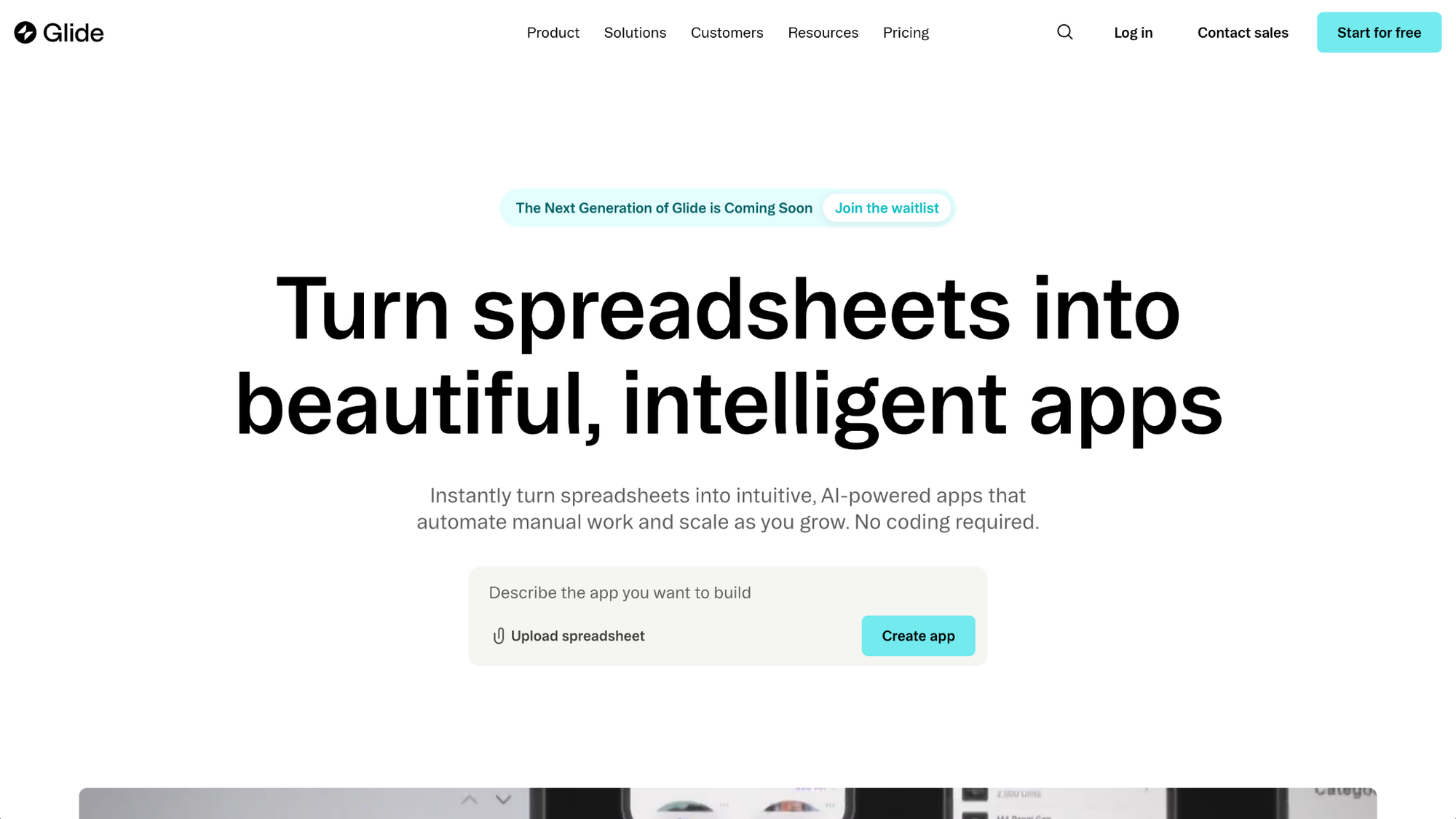
Glide turns a Google Sheet, an Airtable base, or its own built-in tables into a working app without a coding background. It handles the visual side well, producing apps that look finished and intentional. Complex logic and heavier data structures still push past what the builder handles comfortably.
Key features
- Multiple data sources: Connect Google Sheets, Airtable, Excel, SQL databases like MySQL and PostgreSQL, or Glide's own tables as the app's data source.
- Built-in database option: Store app data directly in Glide instead of managing an outside spreadsheet.
- Mobile-first layouts: Generate responsive app screens that display cleanly on a phone or tablet without manual resizing.
Pros
- Builds run fast, often within a single sitting for a simple app.
- Default templates produce a clean, modern look without design work.
- Works from data you likely already have in Sheets or Airtable.
Cons
- Apps publish as progressive web apps, so there's no listing in the Apple App Store or Google Play.
- Row and update limits on lower tiers can force an upgrade sooner than expected.
Best for
- Small teams replacing a manual spreadsheet process with an app
- Non-technical builders who want a finished look without a design background
- Internal tools that don't need native mobile publishing
Pricing
Glide starts at $25 per month, billed monthly.
2. Adalo: Best for publishing an app to the Apple App Store and Google Play
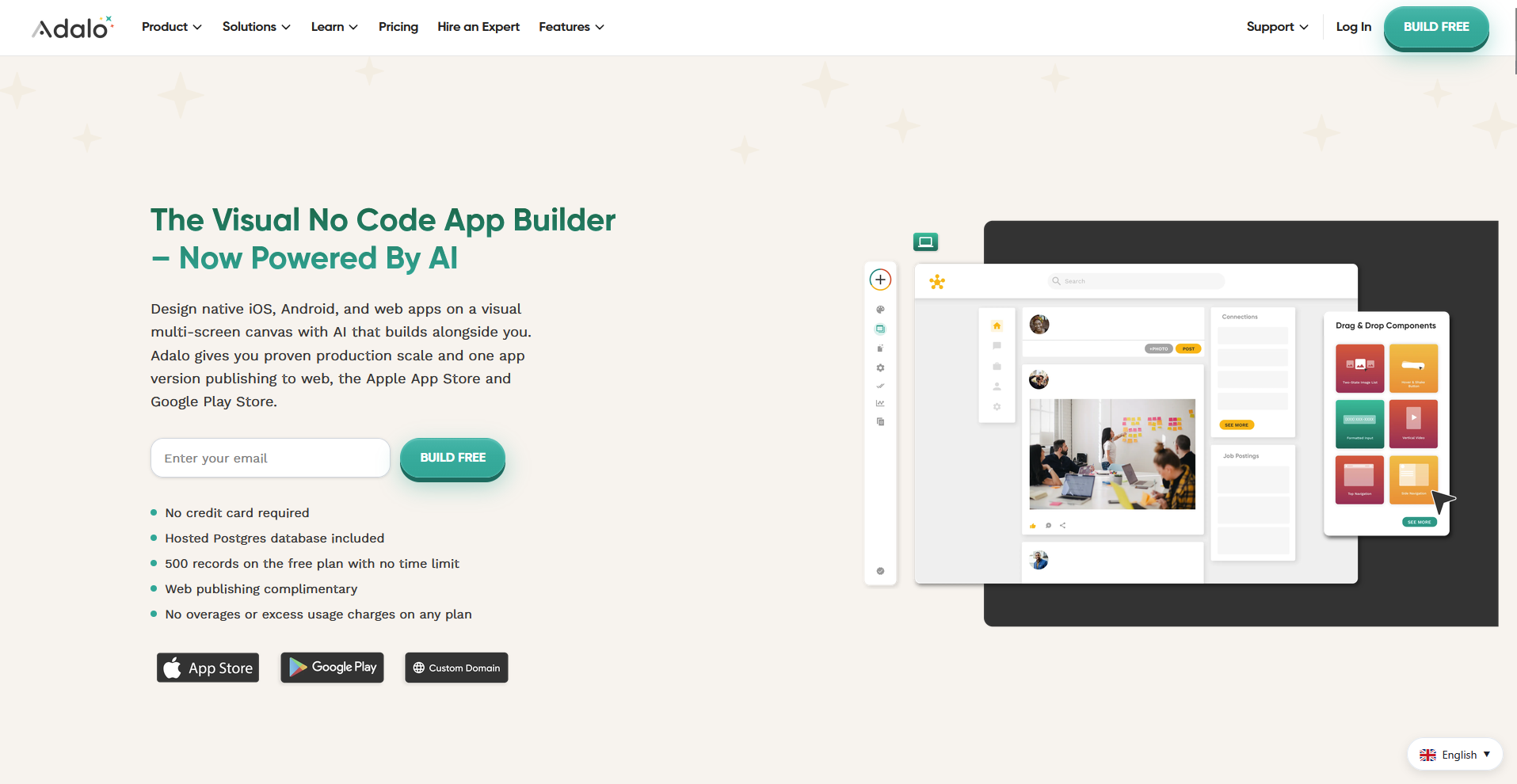
Adalo builds native mobile apps alongside web apps from one project, using a drag-and-drop interface for people without a development background. It stands out among no-code builders because it compiles to true iOS and Android apps. Performance can slow down as an app's data and user base grow larger.
Key features
- Native app publishing: Submit finished apps directly to the Apple App Store and Google Play from the same project.
- Built-in relational database: Store and connect app data without setting up an external database first.
- Component marketplace: Add pre-built UI elements and functionality from a marketplace of Adalo and third-party components.
Pros
- Produces genuine downloadable apps.
- Handles the database layer without requiring a separate setup step.
- Drag-and-drop builder keeps the learning curve low for non-technical users.
Cons
- Larger apps with heavier data can slow down as usage scales.
- Less suited to internal, data-heavy operations apps than spreadsheet-first builders.
Best for
- Founders launching a consumer-facing mobile app without hiring developers
- Small teams that need an app store presence
- Builders who want one project covering both mobile and web
Pricing
Adalo starts at $36 per month.
3. Power Apps: Best for Microsoft 365 and Azure shops building internal apps
Power Apps is Microsoft's low-code platform for building internal business apps that connect directly to Microsoft 365, Azure, and Dataverse. It gives IT teams governance controls and deep connections to tools a Microsoft-based org already runs on. Licensing gets complicated fast, and the platform can feel heavier than a small team needs.
Key features
- Dataverse integration: Connect apps directly to Dataverse, SharePoint, and Dynamics 365 without third-party connectors.
- Prebuilt connectors: Link an app to over 1,000 external services and data sources through built-in connectors.
- Admin governance controls: Set environment-level permissions and data policies across every app a team builds.
Pros
- Fits naturally into an existing Microsoft 365 and Azure setup.
- Enterprise-grade governance controls give IT real oversight.
- Connector library covers most common business systems out of the box.
Cons
- Licensing structure takes real time to understand and price out correctly.
- Setup and governance overhead can feel excessive for a small team building one app.
Best for
- IT departments managing multiple internal apps under one governance model
- Organizations already paying for Microsoft 365 or Dynamics 365
- Teams that need Dataverse-level data modeling for complex apps
Pricing
Power Apps starts at $20 per user per month.
4. Assembly: Best for branded, client-facing apps for service firms
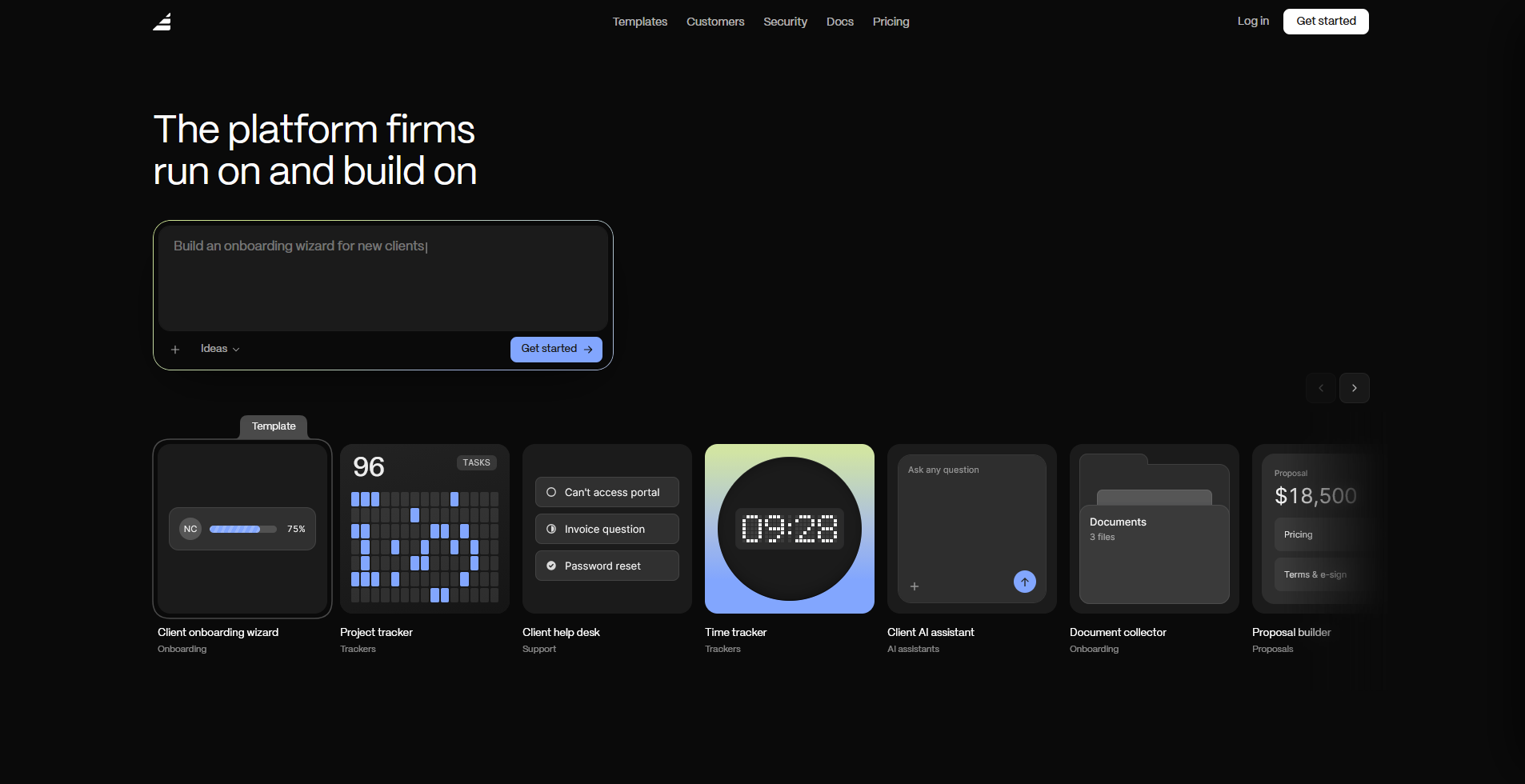
Assembly has an AI app builder that generates client-facing apps from a written description, covering things like onboarding flows, project trackers, and client dashboards. Each app ships into a client experience that already carries your brand. It isn't the strongest pick for public-facing sites, anything unauthenticated, or video-heavy products.
Key features
- Client-facing app generation: Describe the app you need, and the app builder creates the screens, data structure, and layout from that description.
- Built-in client platform: Connect new apps to contracts, e-signatures, invoicing, and messaging that already ship with the client experience.
- Default permissions and branding: Give each client a white-labeled space where they see only their own data, without configuring a separate login.
Pros
- New apps land directly inside a client experience that already carries your brand.
- Client data stays secure through SOC 2 Type II, GDPR, CCPA, and HIPAA compliance.
- New client apps launch without a separate login system to set up and hand out.
Cons
- Apps get built from a written description, so fine-tuning the exact layout or logic depends on how well you can describe the change
- Public, logged-out experiences and streaming-heavy products aren’t where it's strongest.
Best for
- Marketing agencies and consultants building apps their clients log into directly
- Accounting, bookkeeping, and law firms managing client work in one branded space
- Teams that want app building and the client experience connected from the start
Pricing
Assembly has a free plan, and paid plans start at $29 per month billed annually.
5. Zite: Best for prompt-built business apps with no visual builder to learn
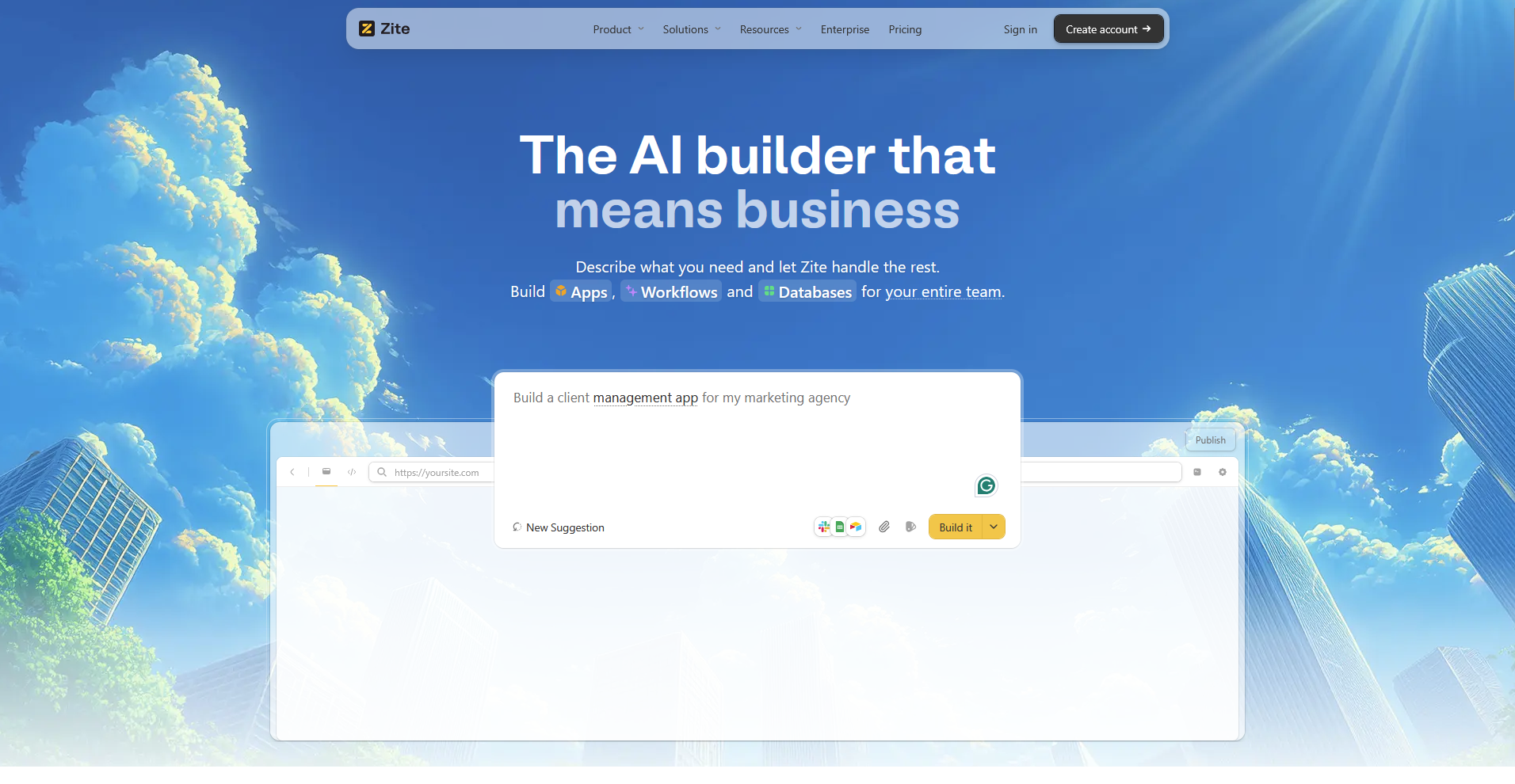
Zite builds business apps like dashboards, portals, and internal tools from a written description instead of a drag-and-drop editor. It generates the database, pages, and workflows behind the scenes, and displays each workflow as a flowchart you can review and troubleshoot. It's built for web apps, so a team that needs a native mobile build will need to look elsewhere.
Key features
- Prompt-based app generation: Describe the app you need, and Zite builds the database, pages, and workflows from that description.
- Visual workflow display: View each generated workflow as a flowchart to inspect the logic and trace past runs.
- Direct visual editing: Select and adjust individual elements in the app to change layout, styling, or content.
Pros
- Handles multi-step business apps like onboarding portals and internal dashboards well.
- Includes unlimited users on every plan, even the free tier.
- Spreadsheet-style database makes ongoing edits manageable without a technical background.
Cons
- Ships web apps only, with no path to native iOS or Android publishing.
- Not built for consumer-facing products or public-facing apps.
Best for
- Non-technical builders who'd rather describe an app than assemble one visually
- Teams building internal dashboards, intake forms, or client portals
- Businesses that want to add users without paying per seat
Pricing
Zite starts at $15 per month.
Special mentions
A few more tools came up in research that didn't earn a full section here. Each one solves a narrower piece of what AppSheet gets used for:
- Softr: A no-code builder that turns an Airtable base or Google Sheet into a client portal or membership site using ready-made templates. Setting one up on an existing Airtable project moved fast, since permissions and portal layouts came mostly pre-built. Complex logic hits a ceiling sooner than in a full app builder.
- Bubble: A visual programming platform for building complete web apps and SaaS products, workflows included. It gives you room to build custom logic once a project outgrows a template-based tool. That flexibility comes with a real learning curve, closer to development than drag-and-drop.
- Airtable: A spreadsheet-database hybrid that now builds lightweight app views called Interfaces directly on top of a base. Teams already running their data in Airtable can add a dashboard without connecting a separate tool. Interfaces stay thinner than a dedicated app builder once workflows get complex.
- Caspio: A low-code platform built around its own SQL Server database, aimed at compliance-heavy apps with a large user count. HIPAA and SOC 2 options come built in. The interface leans more technical than newer visual builders.
- Retool: A low-code platform built for developers, connecting to nearly any database or API to build internal admin tools. Engineers get real code-level control over UI and logic instead of a fully visual builder. Non-technical users will find the learning curve steep.
- FlutterFlow: A native app builder that compiles real Flutter code for both the App Store and Google Play. Exportable source code means a team can hand a project to developers and keep building outside the platform. It expects more technical comfort than a pure drag-and-drop tool.
How to evaluate AppSheet alternatives
AppSheet alternatives vary widely on a few key axes, so it helps to know which ones matter most for the app you're building before you compare tools side by side. Consider:
- What kind of app you're replacing AppSheet for: internal ops tools, native mobile apps, and client-facing platforms need different builders entirely, so start with the job and think of the feature list after.
- Whether you need a built-in database: some tools ship their own database, while others expect you to connect an outside spreadsheet or SQL source, which changes setup time significantly.
- How the pricing scales with your team or user count: per-user pricing hits hardest as a rollout grows, so check whether a tool bills by builder, by end user, or by seat.
- Whether native app store publishing matters: most alternatives ship web apps, and only a handful compile to true iOS and Android builds worth checking if that's a requirement.
- How locked in you'll be to the platform: look at whether an alternative lets you export your app or its logic, since some tools trap the build the same way AppSheet does.
Build your next client tool without starting from zero
Most AppSheet alternatives, like Glide, Adalo, and Power Apps, turn a spreadsheet or database into a working app fast. What happens after a client logs in, like their files, messages, and project updates, is still something you need to build or connect yourself.
Assembly is a client platform with an app builder that creates the apps your clients use. Describe the onboarding flow, project tracker, or client dashboard you need, and the app builder builds it, shipping directly into a client experience that already carries your brand. It's also SOC 2 Type II compliant and supports GDPR, CCPA, and HIPAA compliance for your clients' data.