



Comparing Zendesk vs Freshdesk comes down to depth versus speed. Freshdesk gets your team taking tickets fast, while Zendesk earns its higher price once you outgrow a single inbox and need one workspace built for scale.
I set up both tools, ran test tickets through each, and read reviews on G2 and Capterra to see how day-to-day use aligns with the sales pitch. The two share a lot of the same DNA, so the decision comes down to a handful of differences.
Zendesk vs Freshdesk: what's the difference?
Zendesk puts email, chat, voice, and social messages into one agent workspace. It backs that up with deep routing, reporting, and AI tools.
Freshdesk runs as a set of connected apps. It's built to get a support team up and running with minimal setup work, and it bakes its own AI assistant into that same lighter setup. al
Choose Zendesk if you need advanced routing, deep reporting, and a workspace built to handle a growing volume of tickets across channels.
Choose Freshdesk if you want a straightforward support workflow and a shorter path from signup to your first ticket.
Meet Zendesk: features and highlights
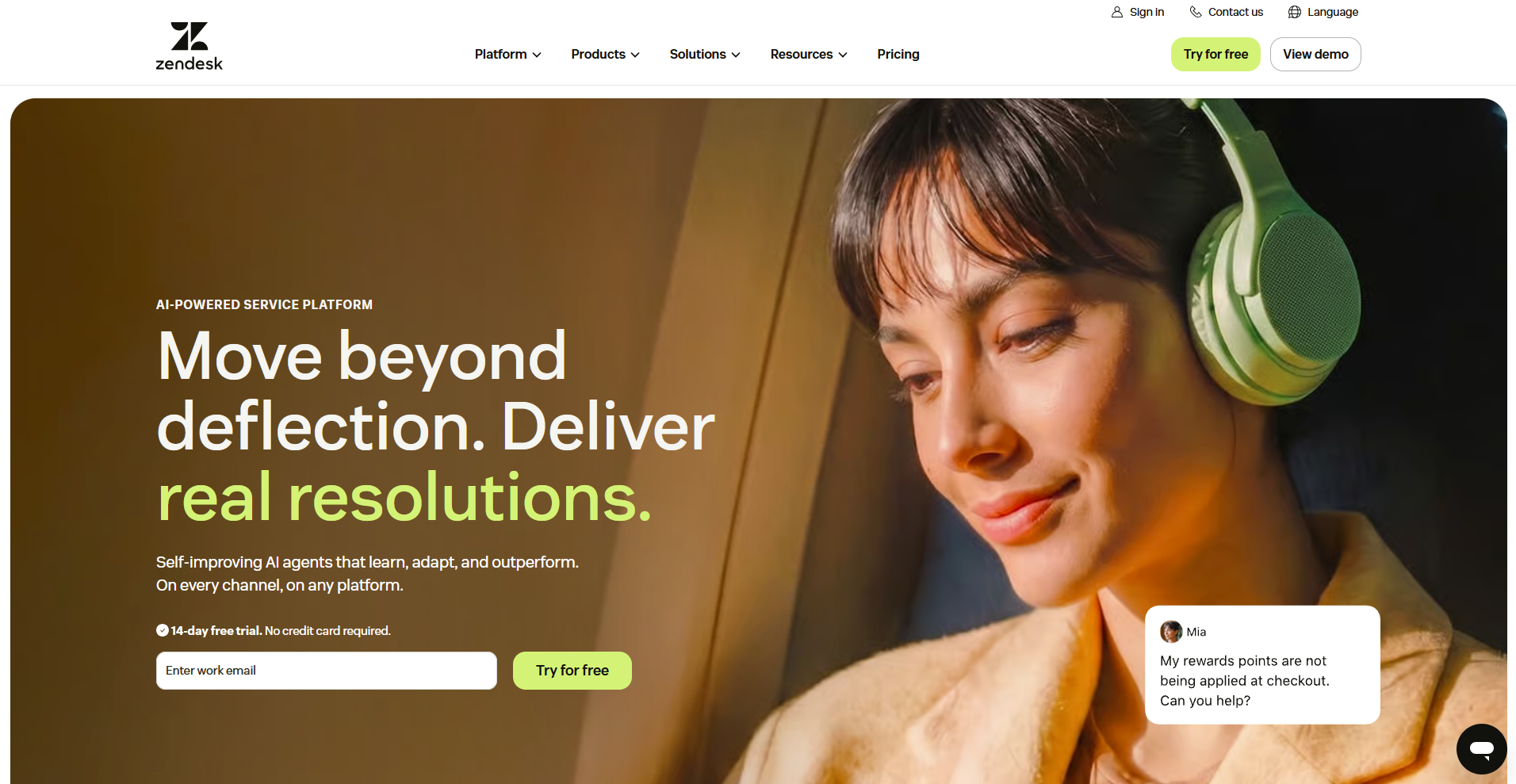
Note: Zendesk sells more than one product. For this comparison, I'm looking at Zendesk Suite, the plan that bundles ticketing, live chat, messaging, and AI agents together.
A support team spends most of its day in the ticket queue, with the omnichannel view keeping every channel inside that same screen.
Beyond that core view, a handful of features do most of the heavy lifting:
- Triggers and automations: Set rules for status changes, tagging, and assignment so agents aren't repeating the same manual steps on every ticket.
- Unified agent workspace: Email, chat, voice, and social messages land in one ticket view, so an agent can handle a conversation across channels without opening a second tool.
- Zendesk AI: Zendesk states its AI agents can resolve up to 80% of incoming questions on their own (vendor-reported figure), with support for 80+ languages on digital channels and fewer on voice.
- Copilot: A separate layer that assists agents directly, with suggested replies, conversation summaries, and sentiment flags on tickets as they come in.
- Explore reporting: Prebuilt dashboards cover the basics, and custom reporting goes deeper, though some of that depth is available only in higher-tier plans.
- Knowledge base: A standalone help center with a full article editor, categories, and multilingual support, built to double as a searchable site of its own.
Meet Freshdesk: features and highlights
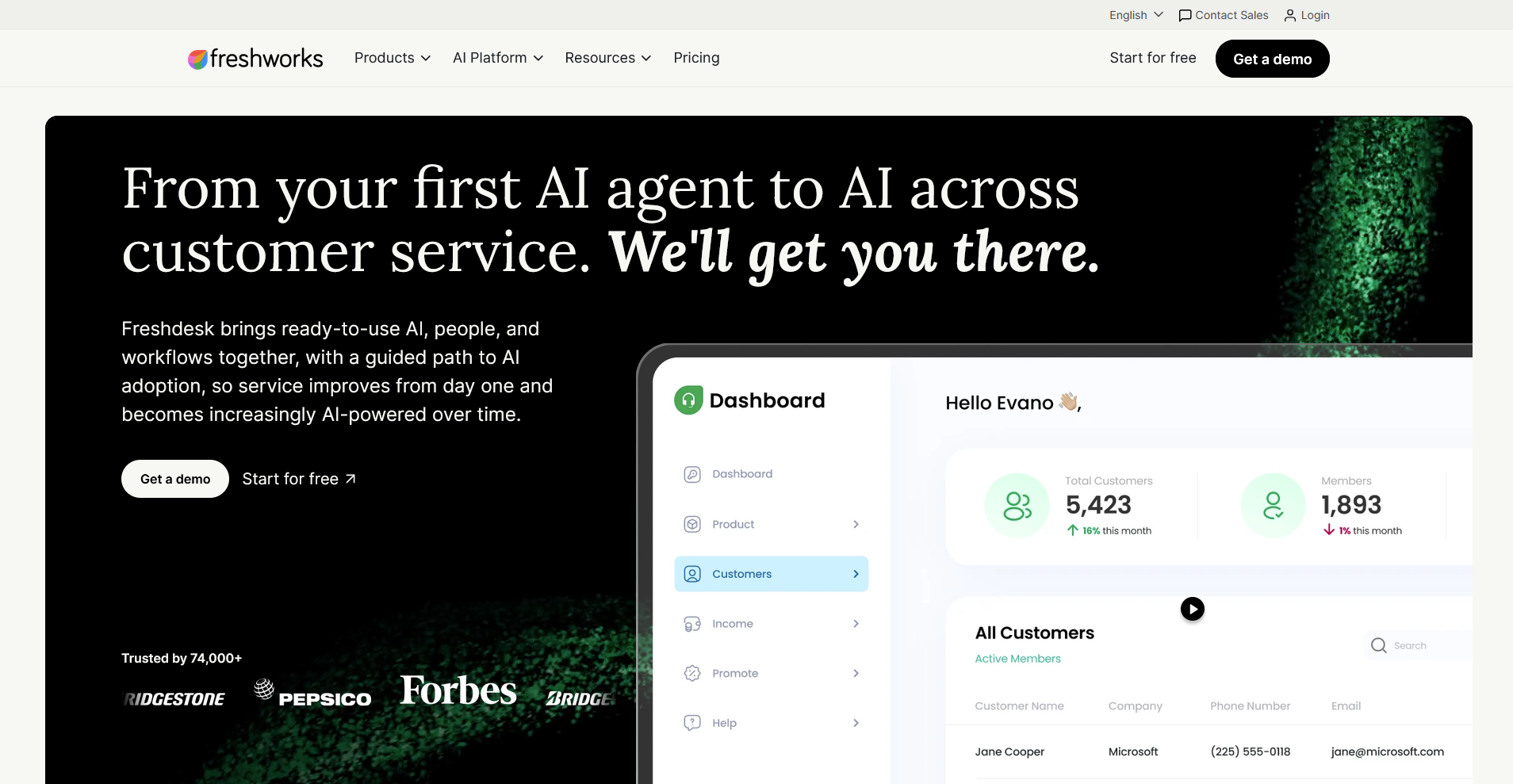
Note: Freshdesk is part of the Freshworks family, and it's often bundled with Freshchat and Freshcaller under the name Freshdesk Omni. For this comparison, I'm looking at Freshdesk itself, the core ticketing product.
Freshdesk's interface puts the ticket list front and center, with a simpler layout than Zendesk's workspace and fewer screens to learn before an agent gets moving.
These are the features I'd tell a support lead to check out first:
- Ticket automations: Set rules for assignment, prioritization, and status updates so routine tickets move without an agent touching every step by hand.
- Freddy AI Agent: Resolves routine customer questions on its own, drawing only from what already lives inside Freshdesk, like solution articles and past tickets. Documentation sitting somewhere like Notion or Confluence stays invisible to it.
- Freddy AI Copilot: A separate, agent-facing tool that drafts replies, summarizes tickets, and suggests next steps for a human agent to review before sending.
- Knowledge base: A built-in help center with categories, articles, and multilingual support on higher plans, published without needing a separate design tool.
- Team collaboration features: Agents can loop in teammates on a ticket, add private notes, and flag priority items without leaving the ticket view.
- Freshdesk Omni: Bundles Freshdesk with Freshchat and Freshcaller, so a team that wants live chat and voice can add those channels without switching to a separate platform.
- Reporting: Prebuilt reports cover ticket volume, response time, and agent performance starting on the Growth plan, with custom reporting available on Pro and Enterprise tiers.
Zendesk vs Freshdesk: at a glance
| Feature | Zendesk | Freshdesk |
|---|---|---|
| Best for | High-volume, multi-channel support teams that need deep routing and reporting | Small to growing teams that want to be live fast without a long setup |
| Starting price (billed annually) | $55/agent/month (Suite Team) | $19/agent/month (Growth) |
| Key strength | A unified workspace built to handle scale across channels | A lighter setup with its own AI assistant built in from the start |
| Main weakness | Setup and configuration can take real admin time | Less depth once a team outgrows a straightforward workflow |
| Ideal team size | Support teams handling a high volume of tickets across channels | Small to mid-sized teams with a simpler support workflow |
Zendesk vs Freshdesk: side-by-side comparison
I put both tools through the same week: route tickets across channels, turn on the built-in AI, and see what the report looks like on Friday.
Let’s break down how they compare:
1. Ease of use and setup time
Zendesk: Takes longer to configure properly. A basic setup runs closer to a week, and anything more involved, like custom routing or multiple brands, stretches further and often needs outside help to get right.
Freshdesk: The faster tool to get running. A support lead can forward an inbox, set a few automation rules, and have agents replying to tickets within a day or two, with free onboarding included.
Winner: Freshdesk, for teams that want to be live fast.
2. Ticketing and platform architecture
Zendesk: Runs as one workspace. Triggers and automations handle routine steps like tagging and status changes, and an agent working a ticket across email, chat, and voice never has to leave that single screen.
Freshdesk: Splits its channels across connected apps, Freshdesk for tickets, Freshchat for messaging, Freshcaller for voice, bundled together as Freshdesk Omni. For a team on email and one chat widget, that split barely registers. For a busier, multichannel operation, it can start to feel like several tools stitched together.
Winner: Zendesk, for a single unified view at higher ticket volume.
3. AI: Freddy AI vs Zendesk AI
Zendesk: Says its agents can resolve up to 80% of incoming questions autonomously, with Copilot running as a separate layer that assists agents directly with suggested replies and sentiment flags.
Freshdesk: Splits its AI into two products instead. Freddy AI Agent answers routine questions on its own, pulling from Freshdesk's own solution articles and past tickets. Freshworks says it can resolve up to 80% of queries this way (vendor-reported figure). Freddy AI Copilot drafts replies and summarizes tickets for a human to review.
Note: Both companies lead with that same 80% figure. From my research, real-world deployments tend to land lower for either one. Treat the vendor-reported figures as a best-case ceiling.
Winner: A tie that depends on your setup. Zendesk AI goes deeper once ticket volume justifies the added cost. Freddy AI is the quicker one to turn on.
4. Knowledge base and self-service
Zendesk: Ships with articles, categories, and multilingual support on higher plans, and it leans more customizable, pairing naturally with its bots for guided self-service.
Freshdesk: Covers the same basics, articles, categories, and multilingual support on higher plans, but it's simpler to publish out of the box, with no separate design step needed to get an article live.
Winner: Zendesk, for teams that want deeper customization and bot pairing.
5. Reporting and analytics
Zendesk: Explore is the stronger reporting engine, with prebuilt dashboards and the ability to build custom reports across channels. That depth matters once a manager has to answer for customer satisfaction score (CSAT) or resolution time.
Freshdesk: Ships useful prebuilt reports on every plan and unlocks custom reporting on higher tiers, which covers what most small teams actually need without going as far as Explore.
Winner: Zendesk, for teams that live in their dashboards.
6. Integrations and ecosystem
Zendesk: The larger marketplace, with 1,700+ apps and strong enterprise-grade connectors. A niche CRM or telephony provider is more likely to have a prebuilt integration here.
Freshdesk: Freshworks' marketplace covers the mainstream tools most teams already use, closer to a thousand apps, but thinner once you get into specialized or niche software.
Winner: Zendesk, for breadth of integrations.
7. Pricing
Zendesk: Suite plans start at $55 per agent per month on Suite Team, climb to $115 on Suite Professional, and go custom on Suite Enterprise. Its Copilot AI add-on runs another $50 per agent per month, and that's separate from AI agent usage itself.
Each plan includes a small allowance of automated resolutions per agent. Beyond that, Zendesk bills per resolution, at a rate it doesn't publish.
Freshdesk: Starts lower across every tier, $19 per agent per month on Growth, $55 on Pro, and $89 on Enterprise. Freddy Copilot costs $29 per agent per month and is only available on Pro and Enterprise.
Freddy AI Agent includes the first 500 sessions, then bills at $49 per 100 sessions after that.
Winner: Freshdesk, for total cost at most team sizes.
What real users are saying
I read through a stack of verified G2 reviews for both tools to see where actual users agree or push back on what I found in my own testing.
Here's what they're saying:
Zendesk
- Pros: A technical support engineer said Zendesk keeps things organized while helping her team respond to customers faster. A back-end developer also pointed to the automation tools, macros, and analytics features that improve the overall quality of his team's responses.
- Cons: A project manager said some of the more advanced customization and reporting features can feel overly complex. The same back-end developer who praised the automation tools also noted that certain integrations and premium capabilities sit locked behind higher-tier plans, which can get expensive as a team scales.
Freshdesk
- Pros: A technical support engineer said Freshdesk's automation feature, knowledge base integration, and multi-channel support make the tool easy to use day to day. A data engineer said her team's automation rules saved more time than expected once they moved off shared inboxes and scattered chats.
- Cons: A verified user in computer and network security said that the need to pay extra for AI meant her team hasn't been able to use it. The same data engineer who praised the automation rules said reporting is useful, though a few dashboards felt limited unless her team spent time customizing them.
How to make your choice
Zendesk comes out ahead for teams that need deep routing, reporting, and a single workspace built to handle real ticket volume.
Freshdesk is the better pick when speed and a lower bill matter more than advanced configuration.
Your call comes down to how much complexity your support operation actually has, and how much time you want to spend setting up the tool that handles it.
Zendesk is better for:
- High-volume, multichannel support teams: Teams fielding a steady stream of tickets across email, chat, voice, and social who want everything to land in one workspace.
- Managers who live in their reporting: Anyone who needs to answer for CSAT or resolution time with custom dashboards, not just the basics.
- Teams with a niche tool stack: Support operations that rely on a specific CRM or telephony provider likely to have a prebuilt integration in Zendesk's larger marketplace.
Freshdesk is better for:
- Small or growing teams that want to move fast: A support lead can forward an inbox and have agents replying within a day or two, without a drawn-out setup process.
- Budget-conscious teams: Freshdesk starts lower at every tier and keeps its AI add-ons cheaper too, which matters for a team watching cost per agent.
- Straightforward support workflows: Teams that don't need custom routing or multiple brands can get full value out of Freshdesk without touching its more advanced features.
Tip: Want to compare Zendesk with another tool? Check our Zendesk vs Intercom comparison.
My verdict
Between the two, I'd reach for Freshdesk if I were setting up a small support team this week. It's fast to configure, the pricing is easier to justify to a budget owner, and Freddy AI gets a team something useful without a long setup process.
That doesn't mean Zendesk isn't worth the higher price. Once a support team is fielding a real volume of tickets across several channels, the single workspace and the deeper reporting start to earn their keep. I've watched teams stitch together workarounds in lighter tools that Zendesk just handles natively, and that gap only grows as ticket volume climbs.
So here's my take: if you're a small or growing team that wants to be live fast without a steep learning curve, go with Freshdesk. If you're already running a busy, multichannel support operation and need the reporting to back it up, Zendesk is worth the investment.
When your firm needs more than a help desk
Zendesk and Freshdesk both solve the same core problem: routing tickets from strangers at scale.
A professional-services firm usually isn't dealing with strangers. Support questions come from clients you already know, sitting right next to their invoices, files, and project updates. A separate ticketing queue pulls that relationship apart.
Assembly was built to close that gap. Its app builder lets you build a support experience shaped around how your firm works, inside the same branded space your clients already use.
Here's what that can look like:
- A support experience built around your workflow: Use the app builder to create intake forms, a client-facing AI assistant, and a resource library shaped around how your firm actually handles client questions.
- Everything stays client-facing: What you build lives in the same space your clients already use, so support never gets buried in a tool they never see.
- Support connects to the rest of the client relationship: Tie support directly to the invoices, files, and project updates a client already checks.
- You build the experience, not a subscription to someone else's: Create your own client-facing tool without stacking on a separate vendor's usage fees.
- Security stays covered: Assembly is SOC 2 Type II, HIPAA, and GDPR-compliant, so client data stays protected.
Try Assembly for free and build client support that fits inside the rest of your firm's work.