



Zendesk works until the renewal bill and admin overhead catch up with you. I couldn't stop at the obvious names, so I reviewed more than 30 competitors, checking pricing, AI depth, and real support workflows.
Assembly, Freshdesk, and Front all earned a spot, each for a different reason. So did tools built for voice, e-commerce, and simpler shared inboxes.
Here are the 14 best Zendesk alternatives for 2026, with pricing, features, and who each one actually fits.
14 best Zendesk alternatives: TL;DR
- Assembly: Best for building a client help desk into the same branded client experience your clients already use for files and billing
- Freshdesk: Best for teams that want a familiar ticketing setup at a lower cost than Zendesk's Suite
- Intercom: Best for product-led SaaS teams that need in-app messaging built into support
- Help Scout: Best for small, email-first teams
- Zoho Desk: Best for budget-conscious teams already running other Zoho apps
- Front: Best for teams that want to drop the ticket model entirely and manage support like collaborative email
- HubSpot Service Hub: Best for teams already on HubSpot CRM that want support tied to the same customer record
- Salesforce Service Cloud: Best for enterprises with dedicated admins running deep Salesforce integrations
- Gorgias: Best for Shopify and e-commerce brands that need order data inside every ticket
- Jira Service Management: Best for internal IT and engineering teams handling incidents
- Kustomer: Best for high-volume B2C brands that want one customer timeline across every channel
- LiveAgent: Best for budget teams that need native phone support built into the base plan
- Tidio: Best for small businesses that mostly need live chat and light AI automation
- HappyFox: Best for teams that want unlimited agent pricing as their support volume grows
Why look for Zendesk alternatives?
Zendesk built the ticketing playbook many competitors still borrow from. Its marketplace clears 1,800 apps, and the trigger and macro system gives an admin real control over how tickets route.
But once a team outgrows its first contract year, certain complaints keep surfacing:
- AI costs stack on top of the base plan: Advanced AI, quality assurance, and workforce management each carry their own per-agent fee. Add them as you need them and the starting price stops meaning much.
- Configuration needs a dedicated admin: Triggers, automations, and views are powerful, but building and maintaining them usually falls to one trained person or an outside consultant.
- The AI routes, an agent still closes it: Zendesk's bots suggest help articles and move tickets forward, but the ticket lands on someone's queue regardless. Headcount still tracks ticket volume.
- Renewal pricing climbs fast: Discounted first-year contracts often reset at list price, pushing a mid-size support org's monthly bill from hundreds into the thousands without warning.
- Customer context stays scattered: Without deep integrations, an agent has to check separate tabs for order history, past tickets, and account details to piece together one customer's story.
Which Zendesk alternative should you choose?
The right Zendesk alternative depends on how much of the ticket-based model you want to keep, and whether your team needs in-app messaging, a shared ecosystem, or something built around email instead of tickets.
Choose:
- Assembly if you want to add a client help desk to the branded client experience you already have. It isn't a purpose-built ticketing tool, so teams that need deep, industry-specific help desk features may want a dedicated tool alongside it.
- Freshdesk if you want a close swap for Zendesk's ticketing setup and interface. Performance can start to lag once your ticket volume climbs past what a small team handles.
- Intercom if your team is product-led and support is inside the app itself. It's less built for high-volume, ticket-heavy support, so structured workflows take more work to set up.
- Help Scout if your team is small and already works in email. Reporting is basic, and teams tend to outgrow it once they pass twenty or so agents.
- Zoho Desk if you already run other Zoho apps and want one connected ecosystem. The interface looks dated, and complex workflows take significant setup time to configure properly.
- Front if you want to drop tickets entirely and manage support like collaborative email. It isn't built to automate resolution, so your ticket volume still scales directly with headcount.
Stick with Zendesk if you already have admin resources in place and want the widest possible marketplace of integrations.
14 best Zendesk alternatives: at a glance
| Tool | Best for | Starting price |
|---|---|---|
| Assembly | Adding a client help desk to the branded experience your clients already use | $29 per month |
| Freshdesk | Budget-friendly ticketing for teams switching from Zendesk | $19/agent/month |
| Intercom | In-app messaging paired with automated resolution | $29/seat/month |
| Help Scout | Email-style shared inbox for small support teams | $25/user/month |
| Zoho Desk | Teams already invested in the Zoho ecosystem | $7/user/month |
| Front | Collaborative inbox replacing the ticket queue | $25/seat/month |
| HubSpot Service Hub | CRM-linked support for HubSpot-native companies | $7/seat/month |
| Salesforce Service Cloud | Enterprise case management inside the Salesforce ecosystem | $25/user/month |
| Gorgias | Shopify order data built into every conversation | $10/month |
| Jira Service Management | Internal IT ticketing tied to engineering workflows | $750/year for up to 3 agents |
| Kustomer | A unified customer timeline for high-volume B2C support | Custom pricing |
| LiveAgent | Native voice calling bundled into the base plan | $15/agent/month |
| Tidio | Live chat and light automation for small storefronts | $24.17/month |
| HappyFox | Unlimited-agent plans for scaling support teams | $24/agent/month, billed monthly |
Billed annually
*Pricing correct as of September 2026. Confirm with vendor.
1. Assembly: Best for adding a client help desk to the branded experience your clients already use
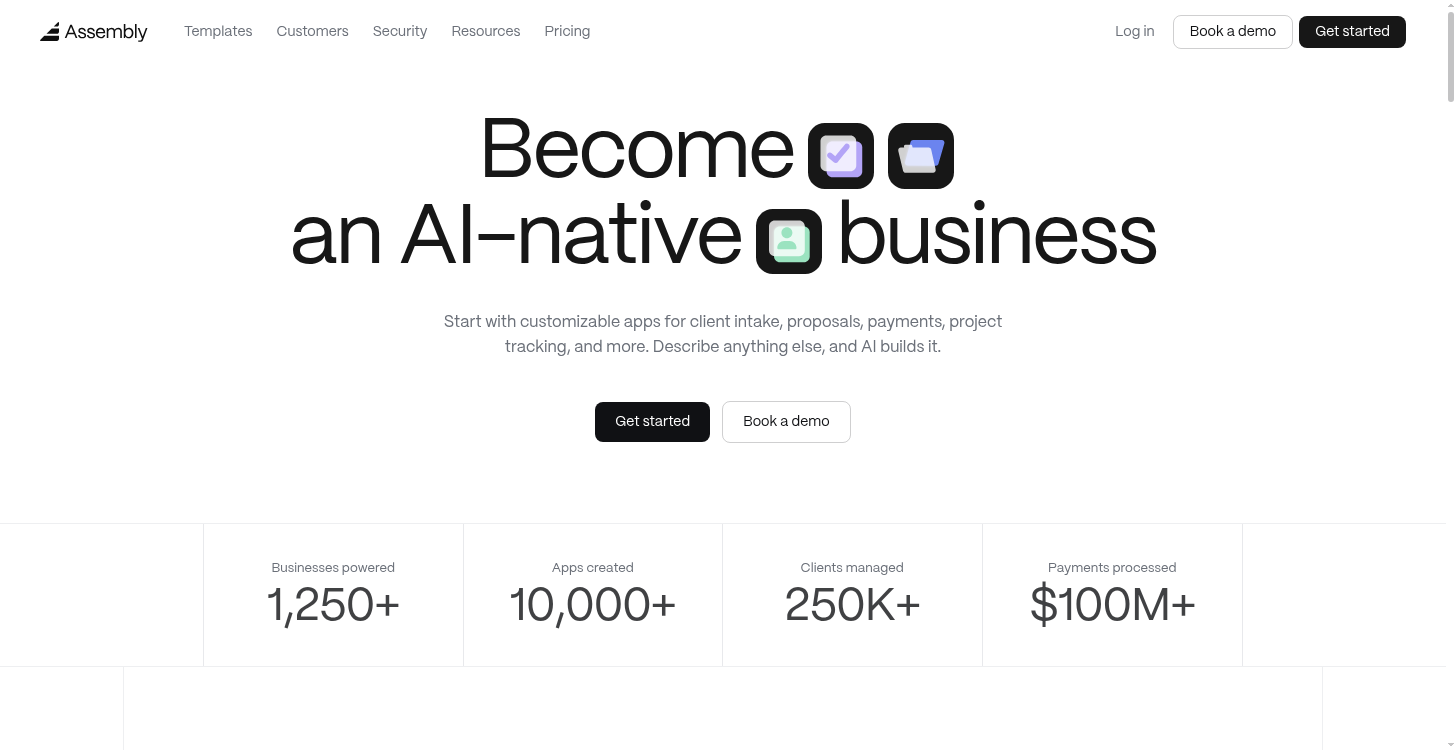
Assembly is a client platform with an AI app builder that generates client-facing apps, including a help desk, from a written description or a template.
The help desk ships directly into the branded client experience your clients already use for files, messages, and billing, so support lives in the same logged-in space as the rest of the client relationship.
Key features
- Customizable help desk and resource library apps: get a working client help desk with screens, data, and layout already built using app templates.
- Client and team permissions: Control what each client and internal team member can see and do inside the app you build.
- Security and compliance: Keep client data covered with SOC 2 Type II compliance and support for GDPR, CCPA, and HIPAA.
Pros
- Clients get one branded login for support, files, billing, and messages, without a separate ticketing tool to manage
- You can build new client-facing apps as needs change, without a developer or a separate tool
- Setup skips integration work, since files, messaging, and billing already connect to every app you build
Cons
- Built for authenticated, logged-in client relationships, so it isn't the fit for public, unauthenticated support, like a logged-out website or storefront where visitors never sign in
- A weaker fit for streaming or video-heavy products
Best for
- Agencies, consultants, and other client-services businesses managing named clients directly
- Teams that want client support to live in the same experience as files, billing, and messaging
- Businesses that need more than a help desk, like onboarding, intake, or project tracking apps
Pricing
Assembly starts at $29 per month.
2. Freshdesk: Best for budget-friendly ticketing for teams switching from Zendesk
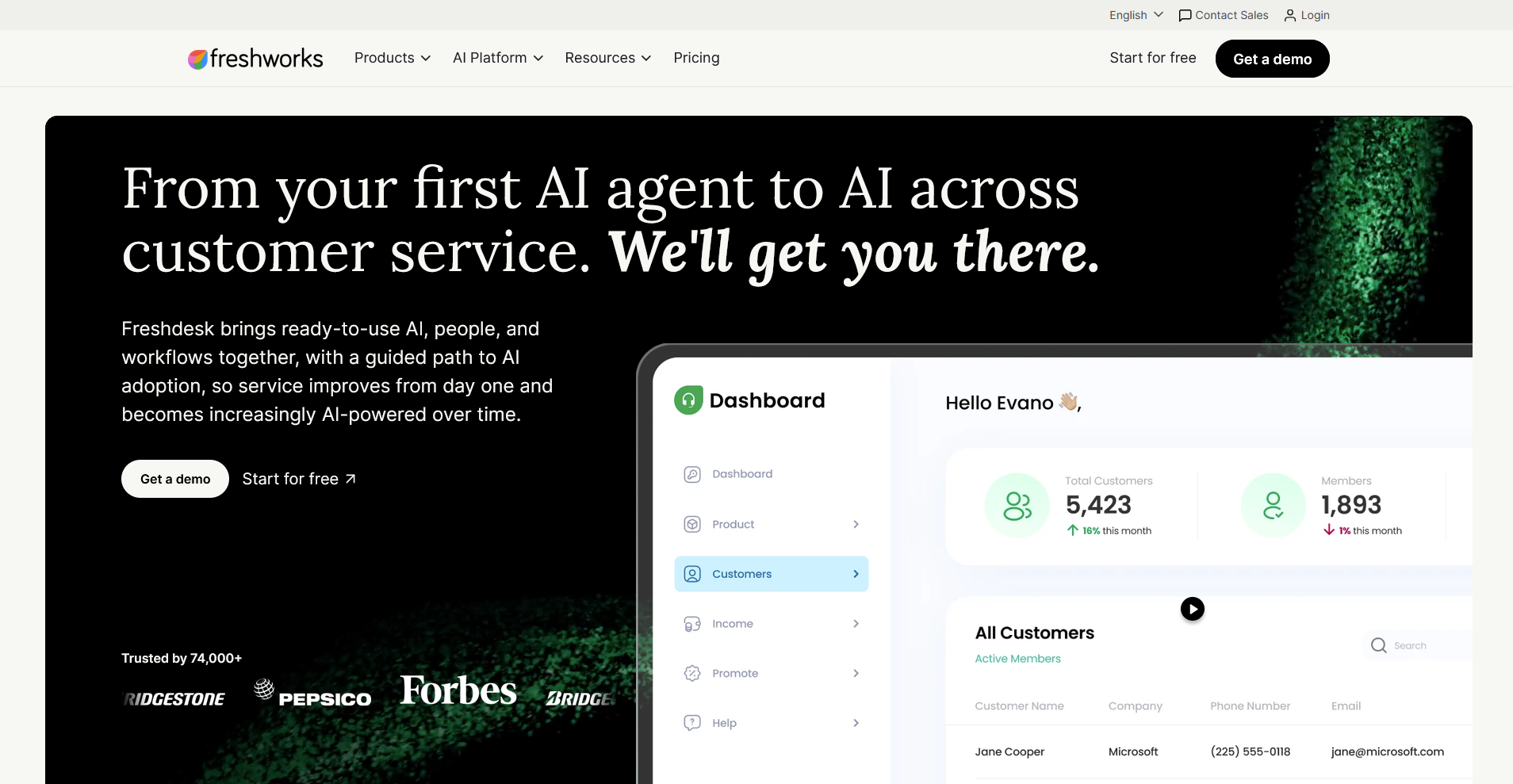
Freshdesk is a cloud-based help desk built for teams that want Zendesk-style ticketing without the same price tag.
It brings email, chat, and social tickets into one inbox, and you can use Freddy AI to draft replies, summarize threads, and route incoming requests. Voice support runs through a separate Freshcaller product, and heavier ticket volumes can slow the interface down.
Key features
- Omnichannel ticketing: Combine email, chat, phone, and social messages into one shared inbox.
- Freddy AI assistance: Draft reply suggestions, summarize tickets, and route conversations to the right agent.
- SLA management: Set service level rules and flag collisions when two agents work the same ticket.
Pros
- Setup takes days for most teams, since the interface mirrors familiar ticketing tools
- The free tier includes real functionality for small teams beyond a basic trial
- Agents who used Zendesk pick up the workflow with almost no retraining
Cons
- Voice support requires the separate Freshcaller product
- Performance can lag once ticket volume climbs past what a small team handles
Best for
- Teams moving off Zendesk who want a familiar ticketing workflow
- Small support teams that want real functionality on a free plan
- Growing teams that need omnichannel coverage without heavy setup
Pricing
Freshdesk starts at $19 per agent per month.
3. Intercom: Best for in-app messaging paired with automated resolution
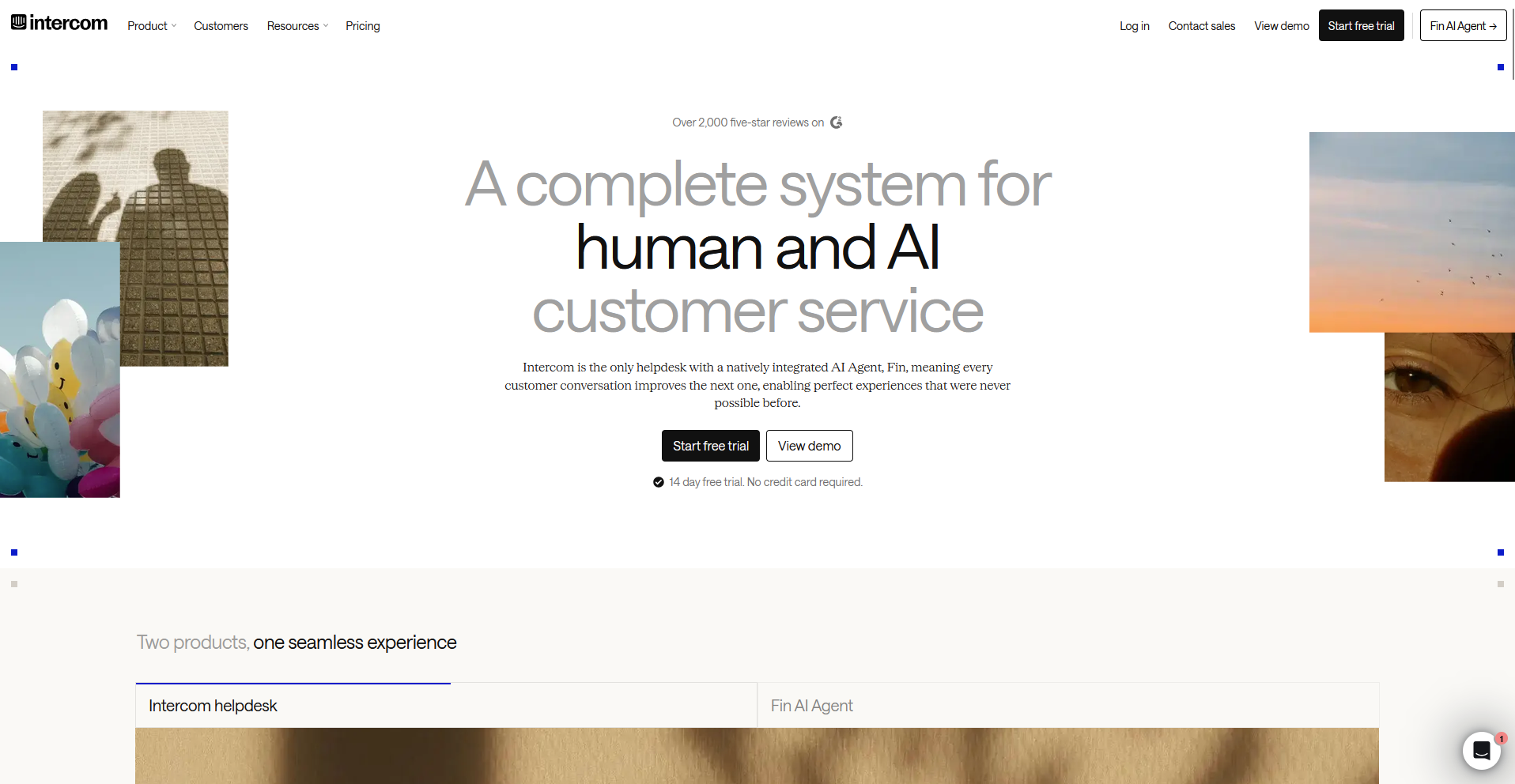
Product-led SaaS teams turn to Intercom when support needs to be inside the product itself. You can set Fin AI to resolve routine questions using your help center content, and use in-app messages to guide users through onboarding without opening a ticket.
Structured ticketing and reporting are thinner than in a dedicated help desk, though Intercom does offer native phone calling through Intercom Phone for teams that need voice support in the same inbox.
Key features
- Fin AI agent: Resolve routine questions using your help center content and hand off to a person when needed.
- In-app messaging: Send product tours, checklists, and targeted messages directly inside your product.
- Multi-channel inbox: Manage email, chat, and messaging conversations with advanced segmentation in one workspace.
Pros
- The Messenger widget feels like a natural part of the product experience
- Proactive onboarding messages and product tours prevent some support questions from ever being asked
- Fin resolves straightforward, documented questions with high accuracy
Cons
- Phone billing runs per call on top of the seat price, so voice costs are harder to predict than a flat-rate plan
- Structured ticketing and reporting are thinner than a dedicated help desk
Best for
- SaaS companies that guide users through onboarding inside the product
- Teams that want proactive messaging alongside reactive support
- Support teams comfortable pairing Intercom with a separate reporting tool
Pricing
Intercom starts at $29 per seat per month.
4. Help Scout: Best for email-style shared inbox for small support teams
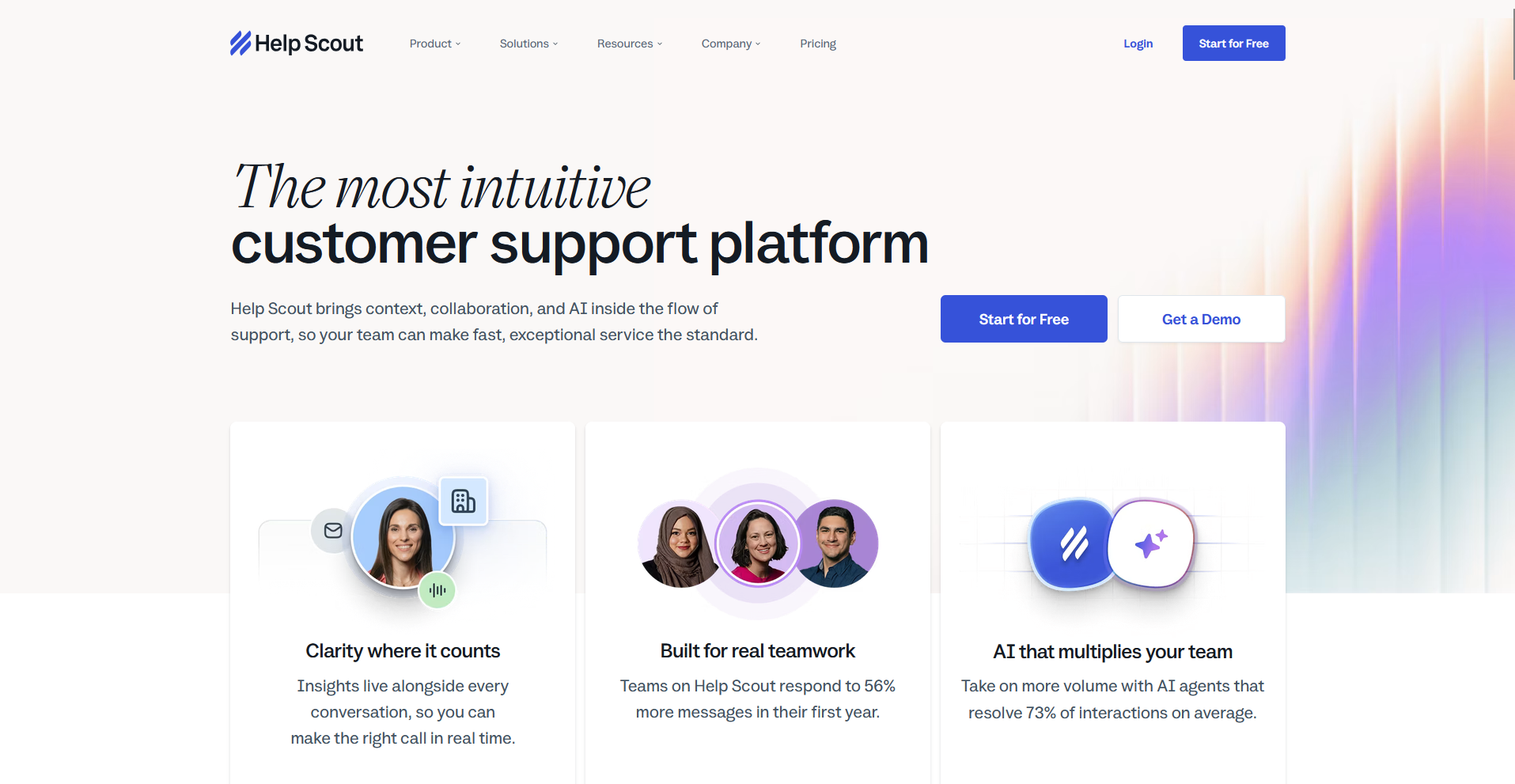
Help Scout is a shared inbox that keeps support feeling like ordinary email. You can manage tickets, chat, and a knowledge base from one shared inbox, with AI drafting and summarization available starting on the Plus plan. Reporting is basic, and teams outgrow the platform once they pass roughly twenty agents.
Key features
- Shared inbox: Manage email conversations with collision detection and internal notes.
- AI assistance: Draft replies and summarize long conversations using built-in AI tools.
- Beacon widget: Embed a chat and help article widget directly on your website.
Pros
- New agents get comfortable within days, since the interface mirrors a normal inbox
- Reply drafting and thread summarization are available starting on the Plus plan, so budget-conscious teams on Standard get a lighter AI assist tool instead of the full drafting suite
- Support, sales, and product teams can share the same conversation history
Cons
- Reporting stays shallow for teams that need deeper analytics
- Teams tend to outgrow the platform once they pass roughly twenty agents
Best for
- Small teams that want support to be like ordinary email
- Startups that want AI drafting and summarizing built into a mid-tier plan
- Cross-functional teams that want shared visibility into conversations
Pricing
Help Scout starts at $25 per user per month.
5. Zoho Desk: Best for teams already invested in the Zoho ecosystem
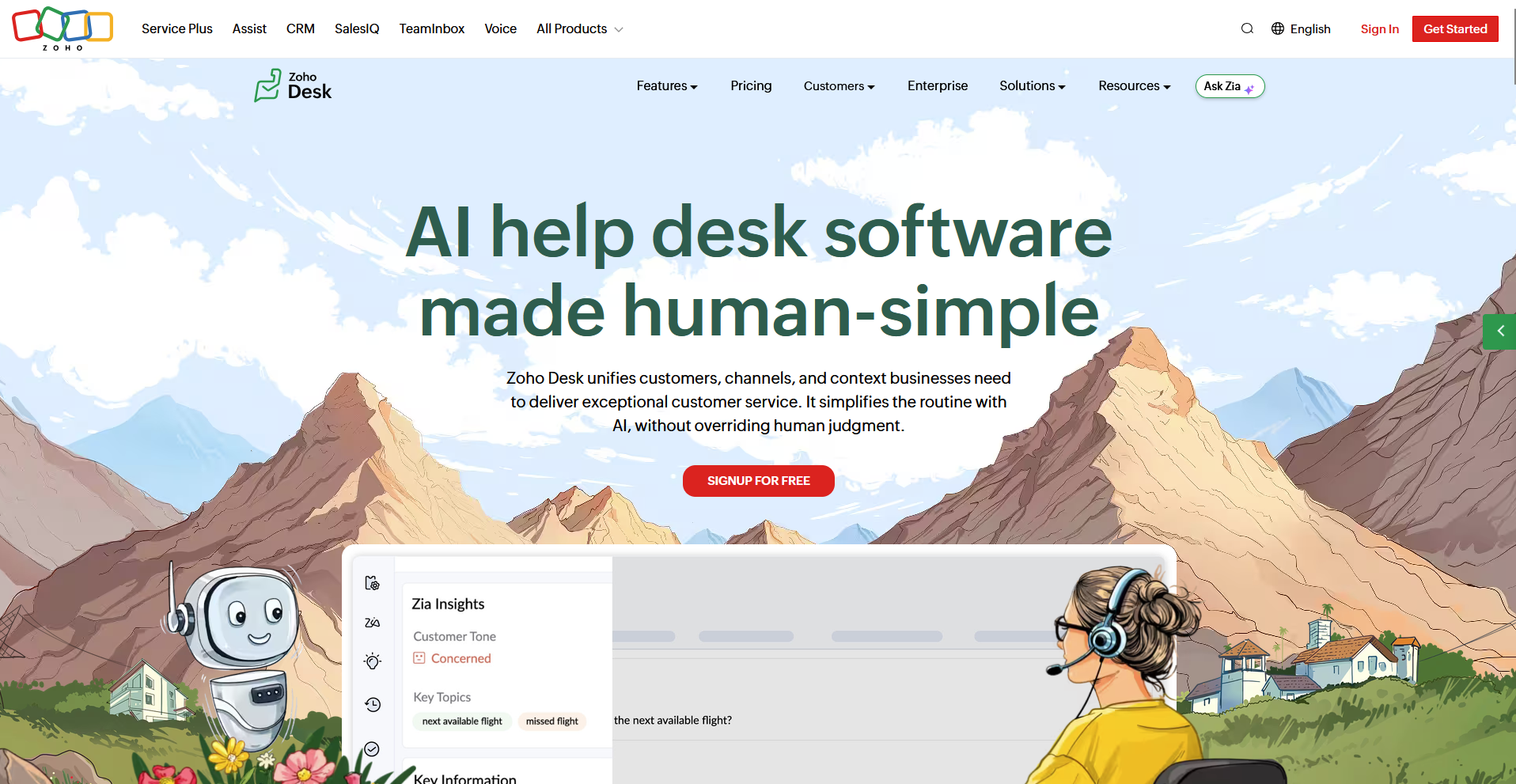
Teams that already run Zoho CRM, Books, or other Zoho apps often pick Zoho Desk to keep ticketing data inside the same ecosystem. You can use Zia AI to tag tickets, analyze sentiment, and suggest replies, and build workflows with the visual Blueprint tool.
The interface is dated next to newer help desks, and complex workflows take real setup time to configure.
Key features
- Zia AI assistance: Tag tickets, analyze sentiment, and suggest replies based on ticket content.
- Blueprint workflows: Build visual workflows that guide tickets through multiple approval stages.
- Zoho ecosystem integration: Connect ticket data directly to Zoho CRM, Books, and other Zoho apps.
Pros
- Social media channels come built into every paid plan
- The free tier supports up to three agents with real ticketing functionality
- You can move data between Zoho Desk and the rest of the Zoho suite without added integration work
Cons
- The interface could be updated
- Complex workflows and automation take real setup time to configure
Best for
- Businesses already running Zoho CRM, Books, or other Zoho apps
- Budget-conscious teams that still want full ticketing features
- Teams comfortable with some setup time in exchange for lower cost
Pricing
Zoho Desk starts at $7 per user per month.
6. Front: Best for collaborative inbox replacing the ticket queue
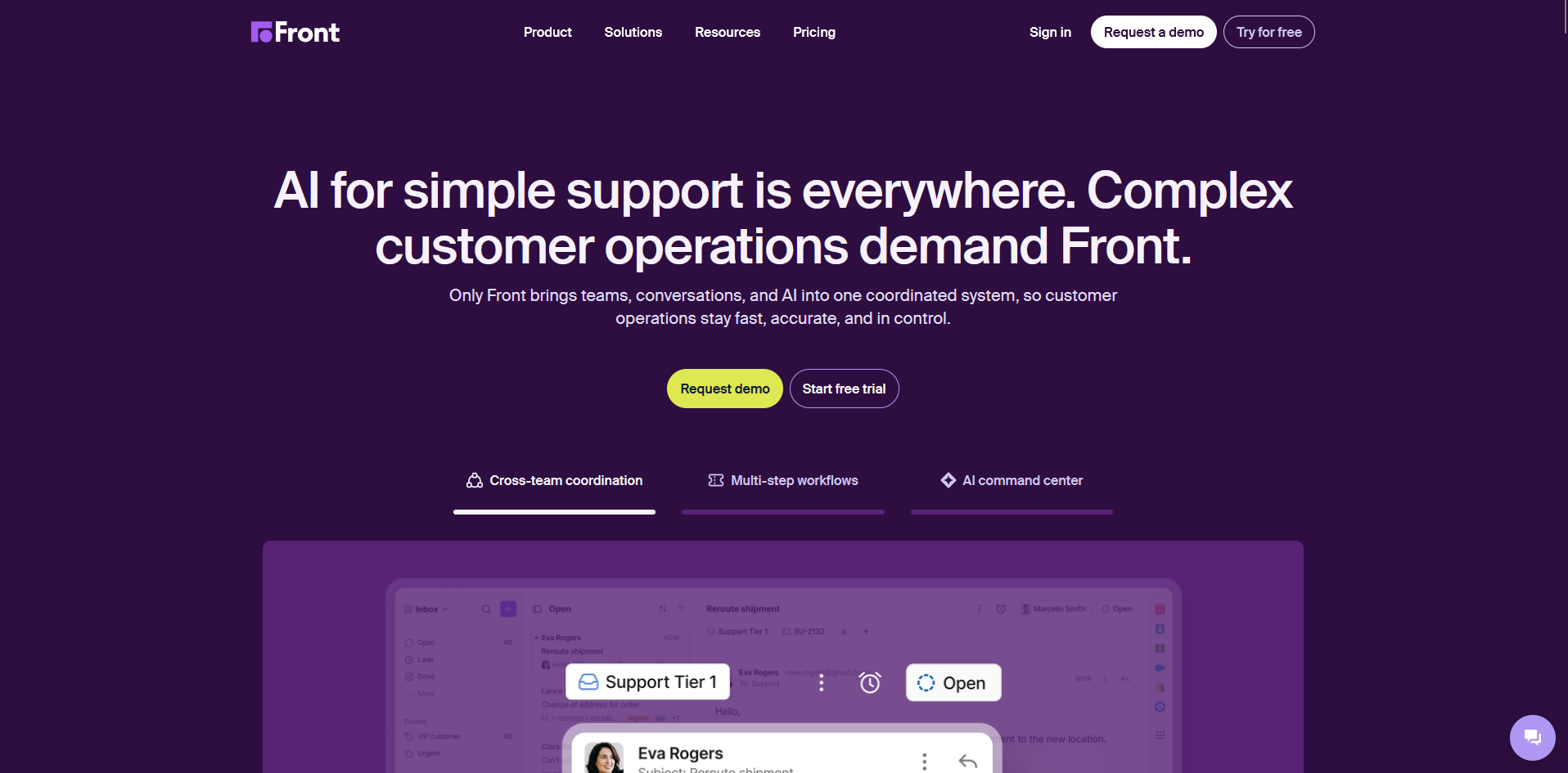
Front is a shared inbox platform that treats customer messages as conversations, and it skips the traditional ticket queue many help desks use by default. You can assign owners, add internal comments on any thread, and keep email, chat, SMS, and social messages in one view.
Phone support isn't built in, and structured workflows like SLA tracking take more configuration than a dedicated help desk offers.
Key features
- Shared inbox: Assign owners and add internal comments on every conversation thread.
- Rules engine: Route messages and apply SLAs based on rules you set.
- Omnichannel messaging: Combine email, SMS, chat, and social messages in one view.
Pros
- Teams that live in email adopt the workflow almost immediately
- Internal comments and mentions keep collaboration inside the same thread as the customer message
- Multiple teams, including sales and success, can work from the same inbox
Cons
- Phone support isn't built into the platform
- SLA tracking and escalation workflows need more manual setup than a dedicated help desk
Best for
- Teams that already collaborate over email and want to keep that workflow
- Cross-functional teams that need sales, support, and success in one inbox
- Teams that don't need native phone support
Pricing
Front starts at $25 per seat per month.
Special mentions
A few more tools came up in research and didn't make the top 5, though each still fits a specific kind of team well:
- HubSpot Service Hub: A CRM-connected help desk that ties every ticket to the same customer record used by HubSpot's marketing and sales tools. On its own, ticket views and reporting stay basic, since most of the platform's depth assumes a business already running HubSpot's marketing or sales tools too.
- Salesforce Service Cloud: An enterprise case management platform built around deep Salesforce data, Salesforce Service Cloud turns Agentforce AI agents loose on the same customer records sales and marketing already touch. Implementation research points to multi-month rollouts that usually require a dedicated Salesforce admin on staff.
- Gorgias: Gorgias is an e-commerce help desk built around Shopify order data, skipping the usual back-and-forth of pulling order details into a separate tab. Outside retail, the macros and automations built for orders and returns have little to work with, so the tool narrows quickly to one use case.
- Jira Service Management: Jira Service Management links support tickets straight to the engineering backlog in Jira, with Confluence-linked knowledge base articles cutting down on repeat questions from technical teams. Customer-facing support reads as secondary here, since the design centers on internal IT requests.
- Kustomer: A CRM-style support platform built around a single customer timeline, Kustomer folds calls, chats, and orders into one continuous thread. Teams moving from ticket-based tools need real retraining, since agents work from customer profiles and no ticket numbers appear anywhere in the interface.
- LiveAgent: LiveAgent is an omnichannel help desk built around native phone support included on every plan, skipping the usual step of bolting on a separate calling product. The interface still uses a tabbed layout for switching between chat, email, and call logs, and mobile analytics lag well behind the desktop dashboard.
- Tidio: Tidio is a live chat and chatbot platform that runs the Lyro AI agent, trained on your own site content, to answer routine questions. Voice support and HIPAA compliance sit outside its feature set entirely, so the tool fits small storefronts and service businesses without regulated or phone-heavy needs.
- HappyFox: HappyFox is a ticketing platform built around ITSM-style features like asset tracking and task management alongside standard customer ticketing. Workflow customization runs through a separate HappyFox Workflows product, so teams need to set up and manage automation in a second tool alongside their ticketing system.
How to evaluate Zendesk alternatives
Every Zendesk alternative solves a different piece of the puzzle, so the right pick depends on which trade-off matters most for your team:
- How the pricing model scales with your team: Check whether cost is seat-based, usage-based, or resolution-based, since each grows differently as your ticket volume or headcount increases.
- Whether the AI resolves tickets or just deflects them: Ask if a bot closes a request end to end or only suggests an article before handing it back to an agent.
- How much admin work the setup demands: Some platforms run on triggers and automations that need a trained admin to maintain, and others work out of the box within days.
- Whether voice and other channels are native or bolted on: Check if phone support ships in the base plan or requires a separate product with its own billing.
- How deep the integrations actually run: Confirm the tool connects to the CRM, e-commerce platform, or internal systems your team already relies on daily.
A client help desk built for a different kind of support
Every tool in this roundup solves ticketing for teams supporting a large volume of anonymous customers. If you're searching for Zendesk alternatives because your "support" is really a handful of named clients you already invoice and message, none of them quite fit.
Assembly is a client platform with an AI app builder that builds a client help desk app from a prompt. It ships straight into the branded client experience your clients already log into, alongside their files, messages, and billing. There's no separate login to create, and no integration work to piece together afterward.
Client data stays protected too, with SOC 2 Type II compliance and support for GDPR, CCPA, and HIPAA.