



A white-label app builder lets you skip custom development and launch a fully branded app under your own name. I tested more than 20 platforms to find the 7 worth considering in 2026, across a range of budgets, use cases, and technical skill levels.
If branding matters less than build speed, the best AI app builders can generate a working app from a prompt.
7 Best white-label app builders: Quick comparison
| Tool | Best for | Annual price | Strengths |
|---|---|---|---|
| Adalo | Native mobile app publishing | $36/month | Drag-and-drop builder, native iOS and Android apps, app store publishing |
| Bubble | Complex web app logic | $59/month | Visual programming, database management, API integrations |
| WeWeb | Custom web apps with flexible backends | $20/month | Backend flexibility, code export, advanced UI customization |
| Softr | Spreadsheet-to-app builds | $49/month | Airtable & Google Sheets sync, user permissions, PWA support |
| Appy Pie | Quick mobile app launches | $16/app/month | Wide app templates, built-in publishing tools, AI-assisted builder |
| Knack | Database-driven web apps | $49/month | Custom workflows, data management, white-label portals |
| Glide | Spreadsheet-based internal tools | $19/month | Fast setup, Google Sheets integration, PWA support |
How I researched and tested these white-label app builder tools
I built sample apps across all 7 platforms using mock business data, testing each one through the full workflow from initial setup to branding configuration and app publishing.
Here's what I considered:
- White-label depth: How much branding control each platform actually gives you, including custom domains, logo placement, and removal of third-party references across the full app experience.
- Ease of build: How quickly you can go from a blank canvas to a functional, publishable app without hitting walls that require technical workarounds.
- Integrations: How well each platform connects with the external data sources, APIs, and third-party tools that most app builders rely on in practice.
- Pricing vs. capability: What branding and publishing features you actually unlock at each tier, and where the meaningful limitations kick in.
- Publishing and deployment: How straightforward it is to get your app live, whether through app stores, a custom domain, or direct distribution.
What testing made clear is that "white-label" means something different on every platform, with some offering full brand removal at entry-level plans and others gating it behind significant pricing jumps.
1. Adalo: Best for native mobile app publishing
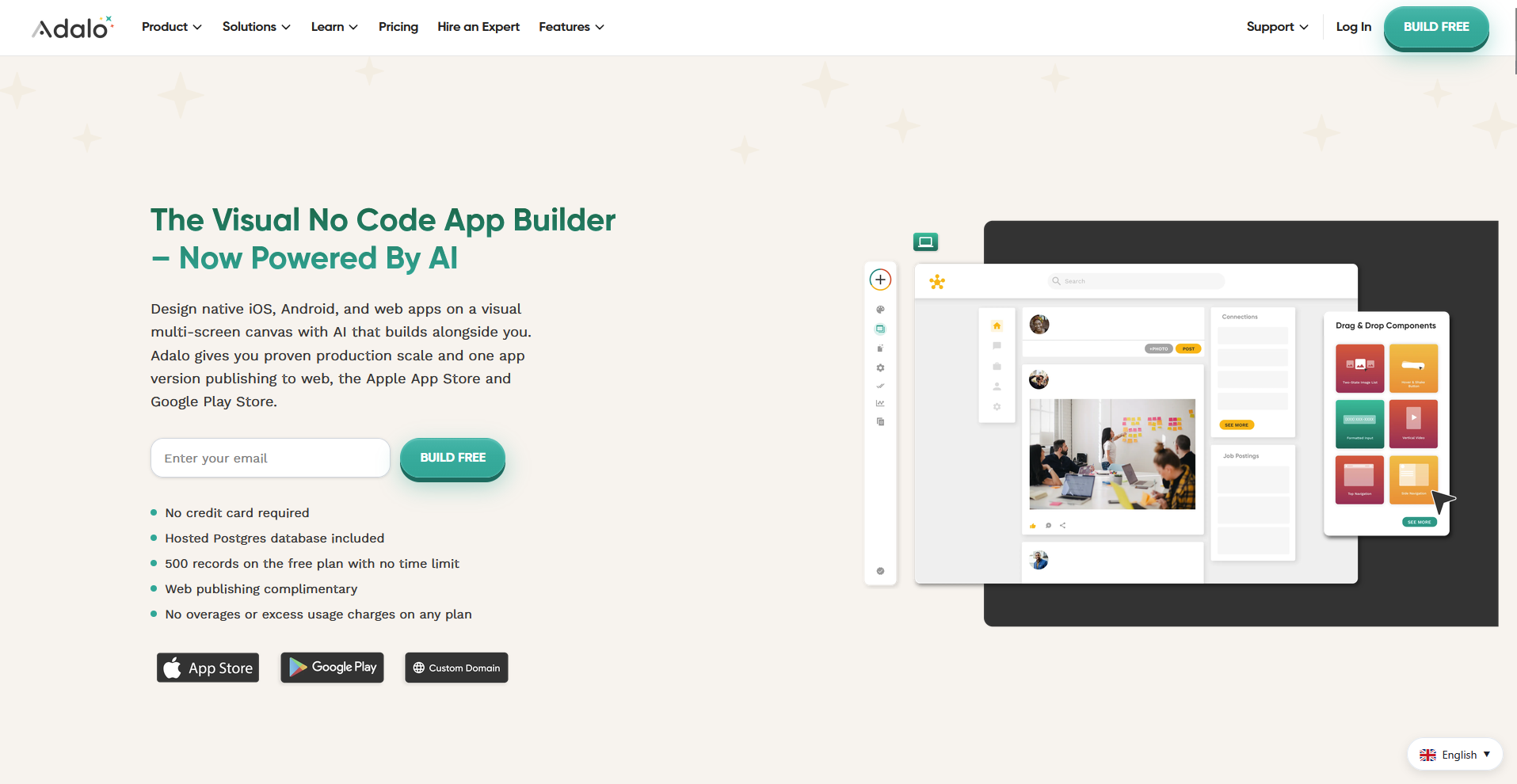
- What it does: Adalo is a no-code app builder that lets you design, build, and publish native iOS and Android apps from a single drag-and-drop canvas.
- Best for: Agencies and businesses that need a fully branded app live on the App Store and Google Play without writing code or managing separate builds per platform.
I tested Adalo's white-label controls and cross-platform publishing by building a sample booking app with mock business data. The single build pushed to both the App Store and Google Play without extra configuration, and branding removal kicks in from the Starter plan. That said, if your build is design-heavy, the animation and graphic options are noticeably narrower than what code-based tools can do.
Key features
- Native iOS and Android publishing: Build your app once and push it live to the App Store, Google Play, and the web from a single codebase, without managing separate versions for each platform.
- AI-assisted app generation: Describe your app in a natural language prompt and Adalo generates the database structure, screens, and user flows as a starting foundation to build from.
- Branding and custom domain controls: Apply your own domain, remove Adalo branding, and customize colors, fonts, and logos across the app experience on the Starter plan and above.
Pros and cons
| Pros | Cons |
|---|---|
| Publishes true native apps to both major app stores from a single build | Design customization is limited, especially for animations and complex graphics |
| No usage-based or token-based charges on paid plans | Building complex relational logic can take longer than with simpler no-code tools |
| Adalo 3.0 infrastructure overhaul improved performance and reliability |
What users say
Pro: "Adalo is the fastest and simplest way to go from idea to app store publishing. … Nothing else gives you one builder that publishes as a PWA (progressive web app), and a *truly* native app for [Android] and iOS." - James K., Capterra
Con: "Compared to something like Claude Code, you don't have the ability to create animations or fancy graphics quite to the same extent. … Still, Adalo makes pretty apps, just not with the unlimited animation capability of Claude." - James K., Capterra
Pricing
Adalo starts at $36 per month, with no usage or token-based charges on paid plans.
Bottom line
Adalo's flat-rate pricing model means your costs stay predictable as your app scales, which isn't something most no-code builders can claim. If you need to build a complex web app with custom logic and database relationships rather than a native mobile app, Bubble could be worth a look.
2. Bubble: Best for complex web app logic
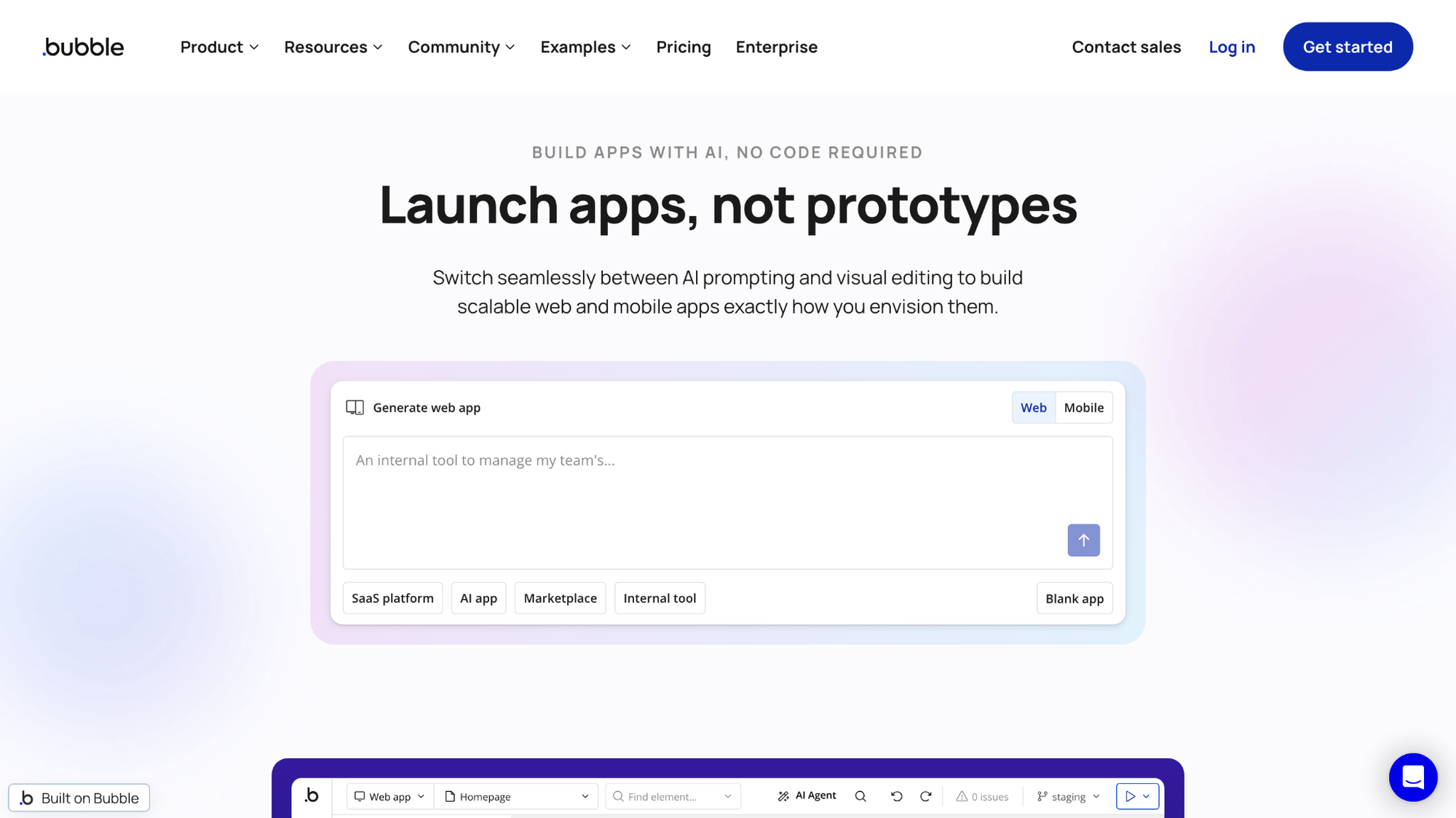
- What it does: Bubble is a no-code web app builder that lets you design, build, and launch fully custom web applications using a visual programming interface and built-in database.
- Best for: Developers and technical founders who need to build complex, logic-heavy web apps with custom workflows and database relationships without a full engineering team.
Building a multi-step workflow app with mock user data made it clear how much logic depth Bubble offers. The visual workflow editor handled conditional actions and database relationships well, but getting comfortable with the logic system takes time, particularly if you’re coming from simpler drag-and-drop builders.
Key features
- Visual workflow editor: Build multi-step logic, conditional actions, and automated processes through a point-and-click interface without writing backend code.
- Built-in database: Design and manage relational data structures directly inside Bubble, with privacy rules that control what each user type can read or modify.
- API integrations: Connect to external services through Bubble's API Connector, allowing data to flow between your app and third-party tools.
Pros and cons
| Pros | Cons |
|---|---|
| Handles complex logic and relational data structures beyond most no-code tools | Workload Unit pricing can become unpredictable as usage scales |
| Large plugin marketplace extends functionality across many use cases | No source code export, so migrating away requires rebuilding |
| Strong community and documentation for self-guided learning |
What users say
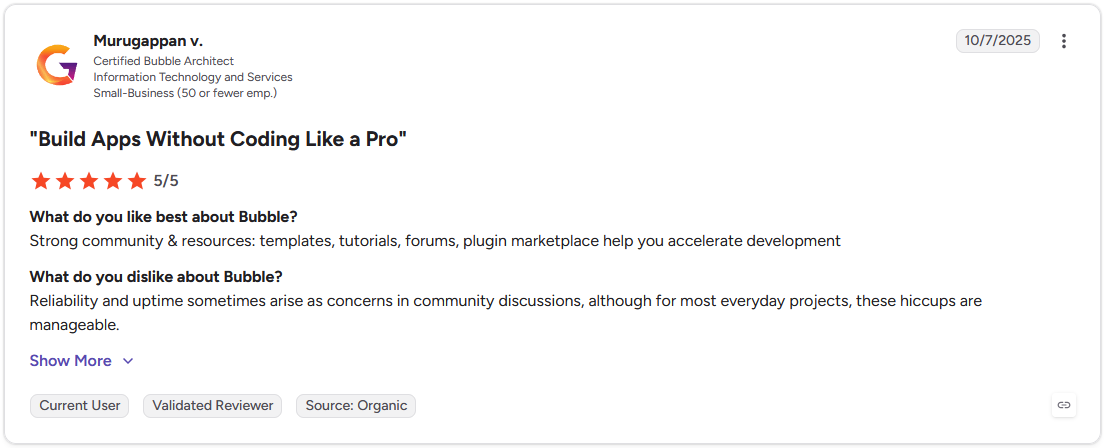
Pro: "Strong community & resources: templates, tutorials, forums, [and] plugin marketplace help you accelerate development." - Murugappan V., G2
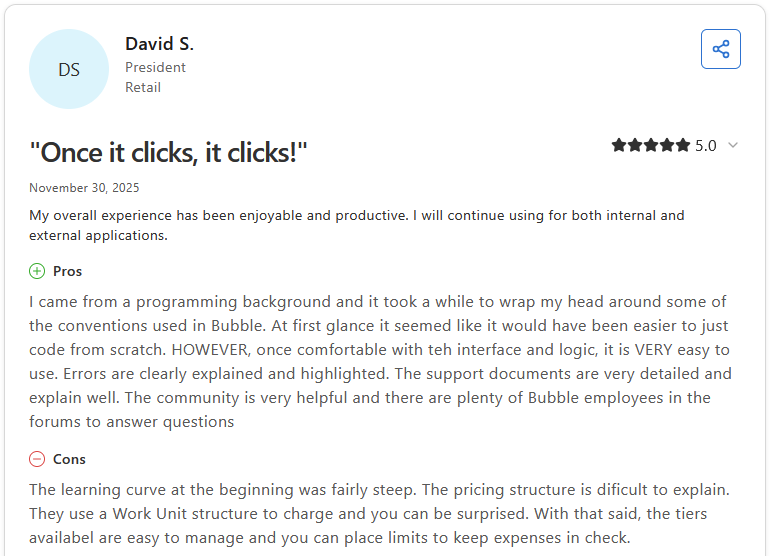
Con: "The learning curve at the beginning was fairly steep. The pricing structure is difficult to explain. They use a Work Unit structure to charge and you can be surprised. With that said, the tiers available are easy to manage and you can place limits to keep expenses in check." - David S., Capterra
Pricing
Bubble starts at $59 per month.
Bottom line
Bubble's visual programming depth makes it one of the few no-code tools capable of powering a production-ready SaaS product, but that power comes with a steeper setup investment than most tools on this list. If you need a builder with flexible backend options and clean code export, WeWeb might be a better fit.
3. WeWeb: Best for custom web apps with flexible backend options
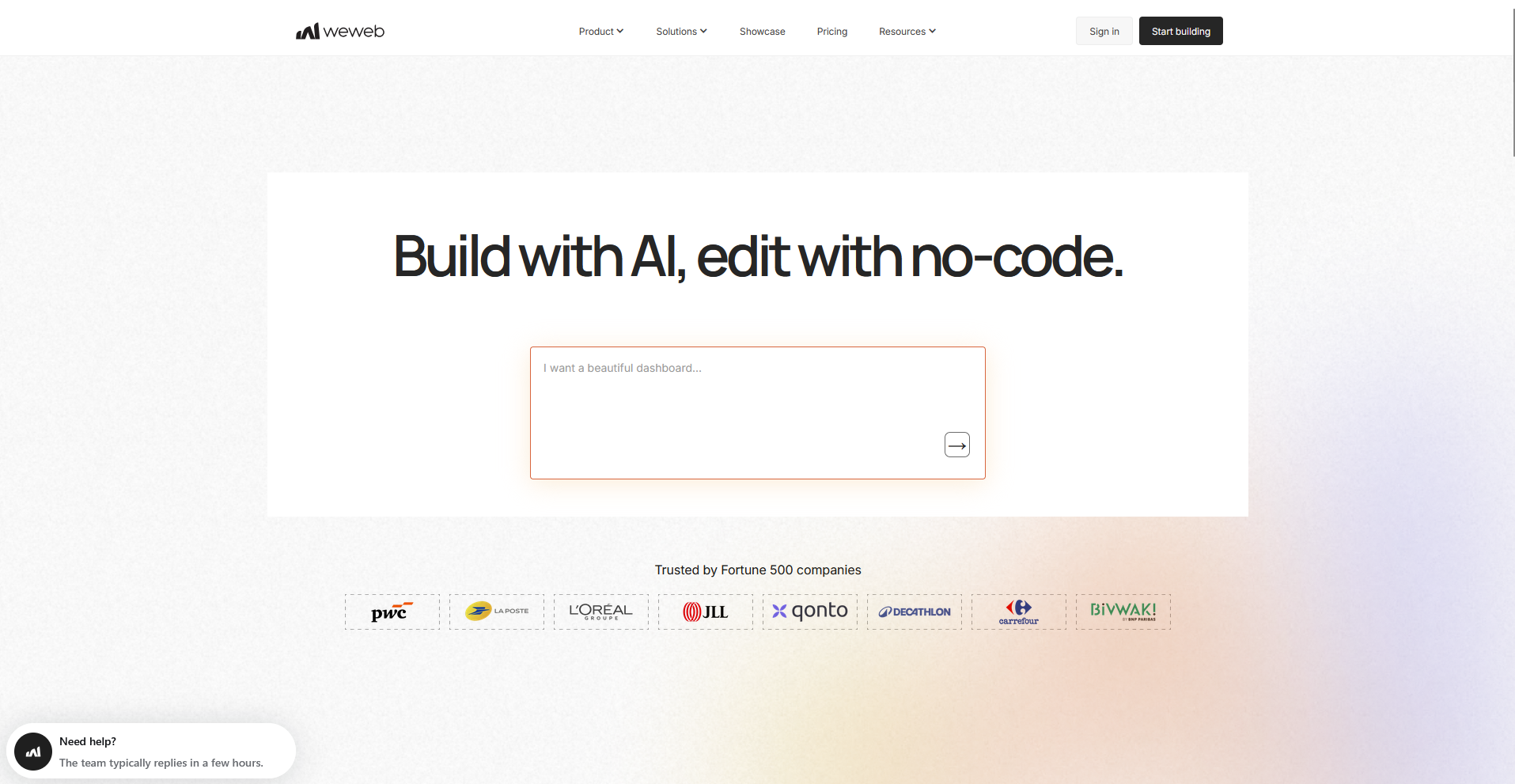
- What it does: WeWeb is a no-code app builder that lets you design and publish web applications using either its own built-in backend or a connected external data source.
- Best for: Technical teams and agencies that need advanced UI customization with the choice of using WeWeb's built-in database and auth layer or connecting to their own backend.
WeWeb's data binding system gave me precise control over how data surfaces in a client-facing build when I connected a sample REST API with mock data. That control comes with a trade-off though, since non-technical users may struggle with the API and data binding layer, and mistakes there can produce broken or non-responsive interfaces.
Key features
- Built-in backend layer: Use WeWeb Tables, WeWeb Auth, and file storage as a native data layer, or skip it entirely and connect to Xano, Supabase, or any REST API instead.
- Data binding and collections: Tie UI elements directly to variables, formulas, and data collections so the interface updates dynamically based on live data.
- Code export: Export clean frontend code from your WeWeb project, giving you ownership of the output and an exit path from the platform if needed.
Pros and cons
| Pros | Cons |
|---|---|
| Flexible data layer with built-in backend or external data sources | Steeper learning curve for non-technical users unfamiliar with APIs |
| Code export gives frontend ownership and reduces vendor lock-in | Component behavior can vary across browsers, causing inconsistencies |
| AI features help users move from blank canvas to working interface faster |
What users say
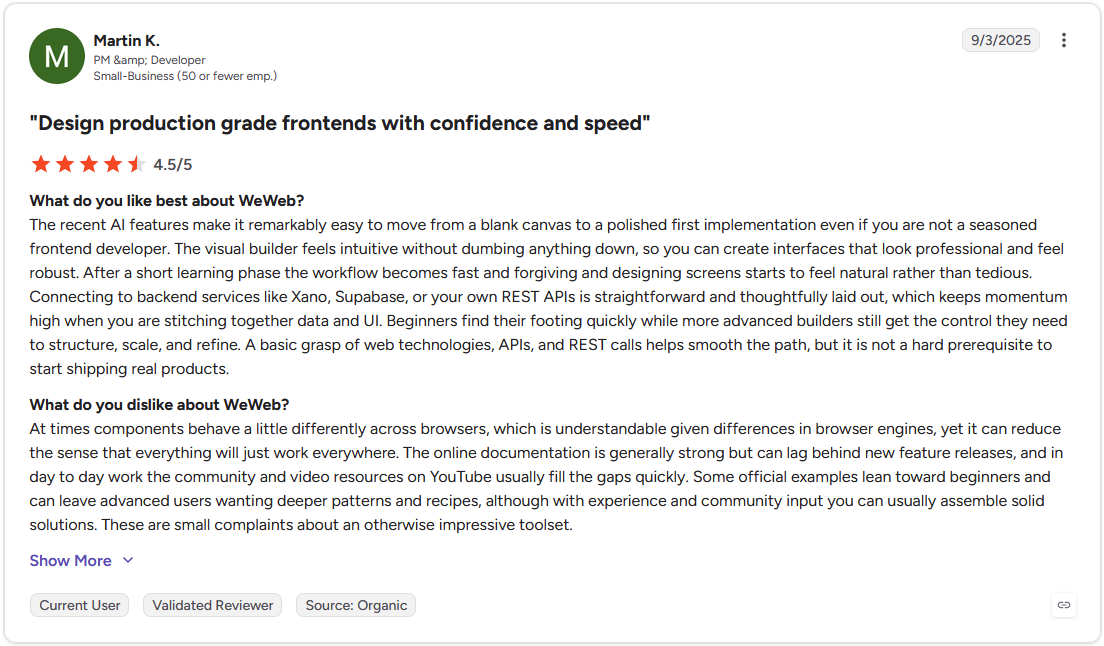
Pro: "The recent AI features make it remarkably easy to move from a blank canvas to a polished first implementation even if you are not a seasoned frontend developer. … Connecting to backend services like Xano, Supabase, or your own REST APIs is straightforward and thoughtfully laid out, which keeps momentum high when you are stitching together data and UI." - Martin K., G2
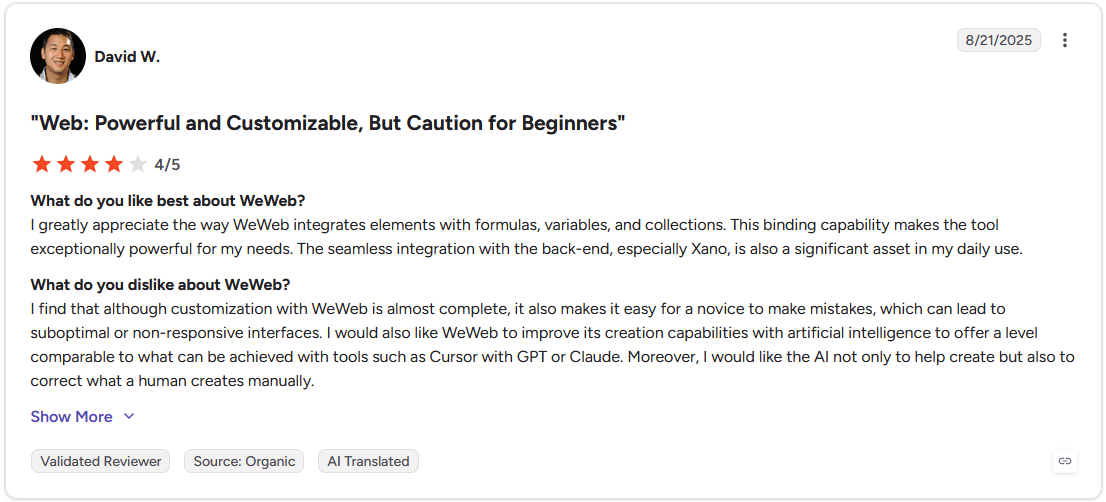
Con: "I find that although customization with WeWeb is almost complete, it also makes it easy for a novice to make mistakes, which can lead to suboptimal or non-responsive interfaces." - David W., G2
Pricing
WeWeb starts at $20 per month, which includes 10 million AI tokens.
Bottom line
WeWeb's code export option gives it a meaningful edge for teams that want frontend flexibility without permanent vendor lock-in. Teams that need a spreadsheet-to-app build with user permissions and no backend configuration required may find Softr a better starting point.
4. Softr: Best for spreadsheet-to-app builds
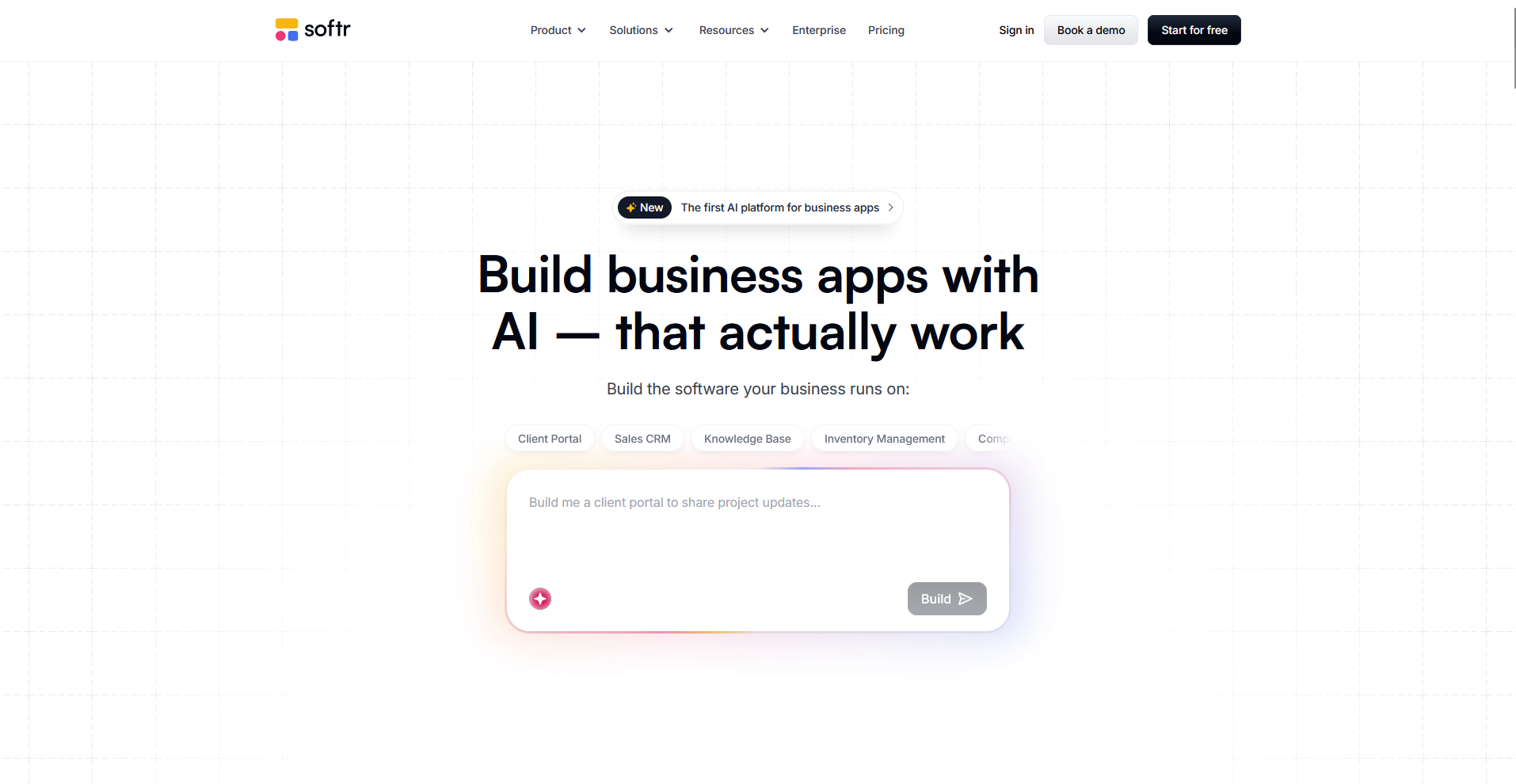
- What it does: Softr is a no-code app builder that turns Airtable, Google Sheets, and other data sources into functional web apps, client portals, and membership sites.
- Best for: Small teams and agencies that want to build a branded, client-facing app or portal directly on top of existing spreadsheet or database data without backend configuration.
I built a sample client portal in Softr on a connected Airtable base to test the white-label controls and permissions setup. The portal was rendered under a custom domain with Softr branding removed, and role-based permissions controlled each user group's access without custom code. However, Google Sheets as a primary data source got clunky at scale, which is worth factoring in before you commit.
Key features
- Data source integrations: Connect to Airtable, Google Sheets, HubSpot, and more than a dozen other data sources with real-time sync, so the app always reflects current data without manual exports.
- User groups and permissions: Create custom user groups with granular access controls so each client or team member sees only the data and features relevant to their account.
- Progressive web app (PWA) support: Publish your Softr app as a PWA so users can save it to their home screen and access it like a native app without going through an app store.
Pros and cons
| Pros | Cons |
|---|---|
| White-label branding and custom domains available on higher-tier plans | Lower-tier plans can feel restrictive due to user and app limits |
| Role-based permissions allow granular access control for different user types | Large or frequently updated datasets perform better with Airtable or native databases than Google Sheets |
| PWA support enables app-like access without requiring app store publishing |
What users say
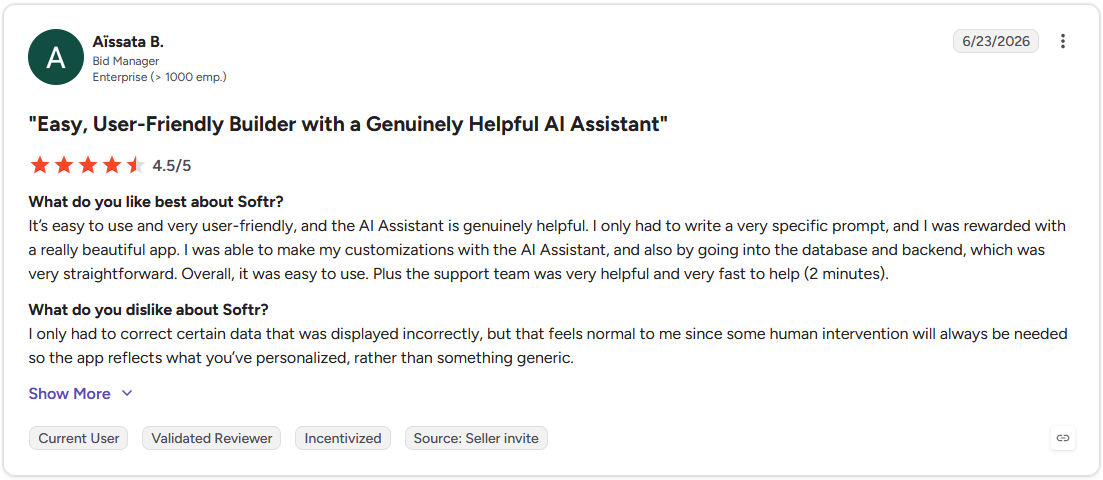
Pro: "It's easy to use and very user-friendly, and the AI Assistant is genuinely helpful. I only had to write a very specific prompt, and I was rewarded with a really beautiful app. … The support team was very helpful and very fast to help (2 minutes)." - Aïssata B., G2
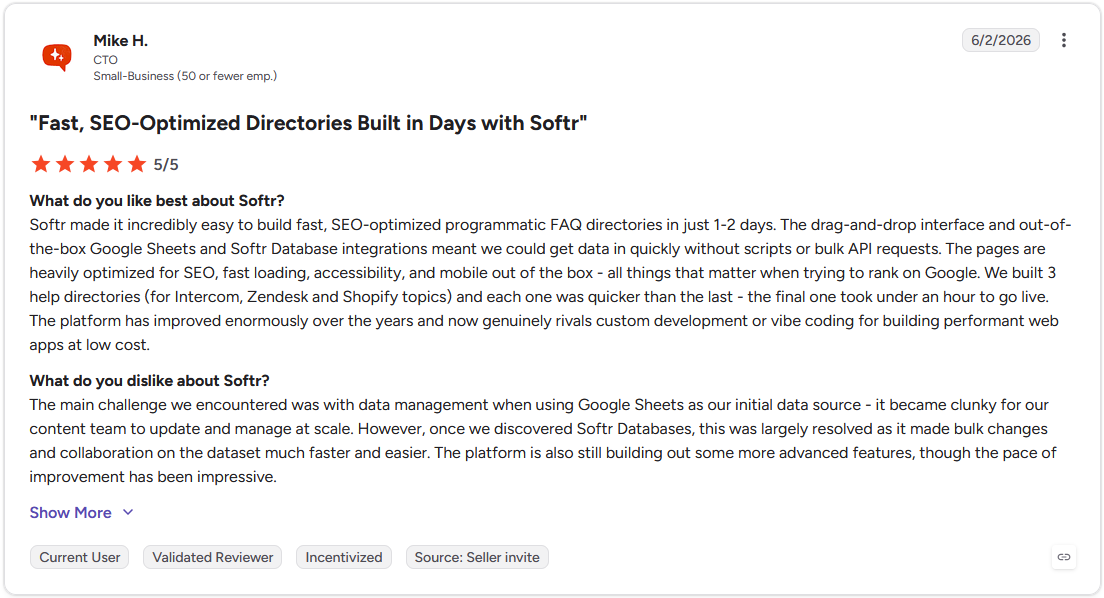
Con: "The main challenge we encountered was with data management when using Google Sheets as our initial data source - it became clunky for our content team to update and manage at scale. … The platform is also still building out some more advanced features, though the pace of improvement has been impressive." - Mike H., G2
Pricing
Softr starts at $49 per month, but white-labeling starts with the Professional plan at $139 per month.
Bottom line
Softr's data source breadth means you can build on top of tools your team already uses rather than migrating everything into a new system. For a database-driven app with custom forms and granular workflows, Knack is worth a look.
5. Appy Pie: Best for quick mobile app launches
- What it does: Appy Pie is a no-code app builder that lets you create, publish, and manage mobile apps across iOS and Android using a drag-and-drop builder and pre-built templates.
- Best for: Small businesses and entrepreneurs who need a category-specific mobile app built and published quickly without managing the app store submission process manually.
Appy Pie's template library covers a wide range of app categories, which made it easy to get a sample business app off the ground quickly using mock data. The built-in publishing tools handled app store submission, though going beyond the templates requires familiarity with web-based development concepts.
Tip: You'll still need your own Apple and Google developer accounts to publish to the app stores.
Key features
- Category-specific templates: Choose from a wide library of industry templates covering restaurants, fitness, retail, and more, with pre-built screens and functionality already in place.
- Built-in app store publishing: Submit your app to the Apple App Store and Google Play directly from the Appy Pie dashboard without managing the submission process outside the platform.
- AI-assisted app building: Describe your app in a prompt and Appy Pie generates a starting structure, including screens and basic logic, that you can customize from there.
Pros and cons
| Pros | Cons |
|---|---|
| Wide template library covers most common business app use cases | Advanced customization requires familiarity with web development concepts |
| Guided app store submission simplifies the publishing process | Monetization features require higher-tier plans |
| AI-assisted building helps non-technical users get started faster |
What users say
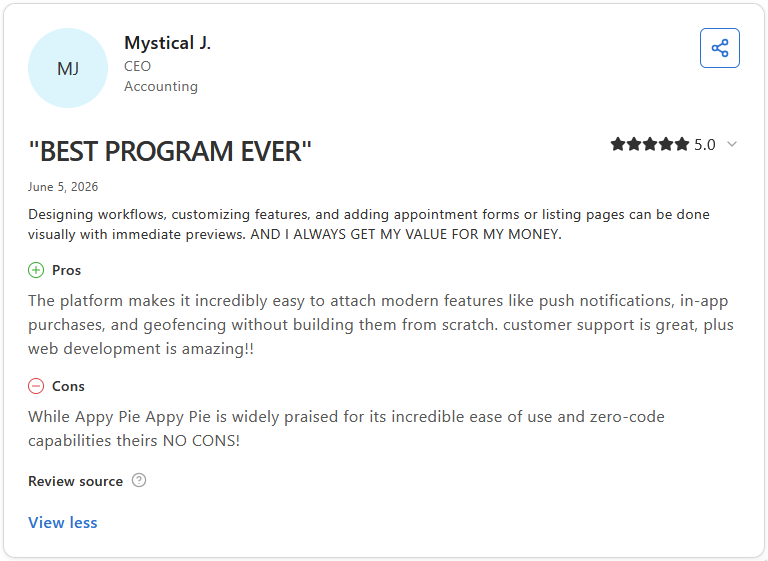
Pro: "The platform makes it incredibly easy to attach modern features like push notifications, in-app purchases, and geofencing without building them from scratch. Customer support is great, plus web development is amazing!" - Mystical J., Capterra
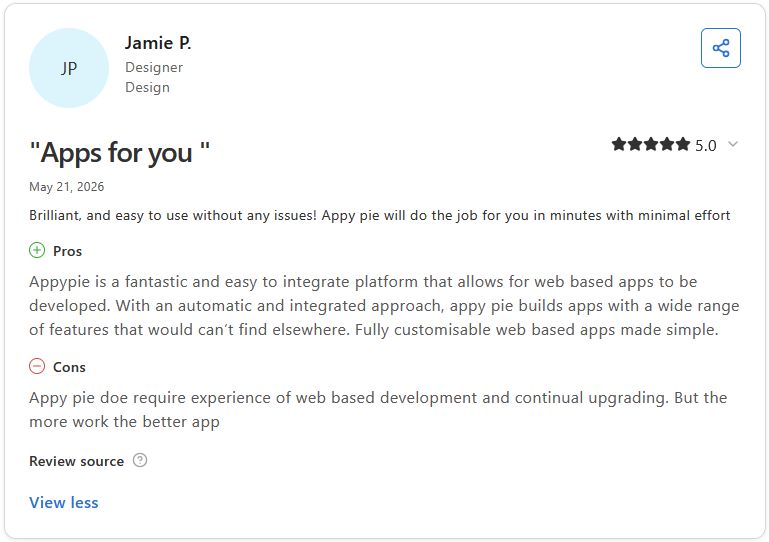
Con: "Appy Pie does require experience [in] web based development and continual upgrading." - Jamie P., Capterra
Pricing
Appy Pie starts at $16 per app per month.
Bottom line
Appy Pie's per-app pricing model makes it straightforward to scope costs when building for multiple clients under separate budgets. If you need a native mobile app with deeper design flexibility, Adalo might be a better fit.
6. Knack: Best for database-driven web apps
- What it does: Knack is a no-code platform that lets you build custom database-driven web apps, client portals, and internal tools using a visual builder and flexible data structure.
- Best for: Businesses and agencies that need a structured, data-heavy web app with custom forms, workflows, and white-label controls across multiple client accounts.
Knack's real strength shows in its data layer, which I tested by building a sample client portal with mock data. Custom forms, workflow rules, and permissions connected to the underlying database without code. white-label controls covered custom domains and full Knack reference removal on Pro plans, though the interface takes time to navigate without prior database experience.
Key features
- Custom database builder: Design your own data structure with fields, object relationships, and connected records, then build your app interface directly on top of that data.
- white-label controls: Apply your own domain, remove all Knack references, and customize the app's visual theme across client-facing apps on Pro plans and above.
- Agency program: Manage multiple branded apps across separate client accounts from a single Knack account, with custom domains and white-label controls per client.
Pros and cons
| Pros | Cons |
|---|---|
| White-label controls support custom domains and branding on higher-tier plans | Interface complexity can slow initial setup for non-technical users |
| Agency features allow multiple branded client apps under one account | Design customization is more limited than dedicated frontend builders |
| Flexible data structure supports complex relational data without code |
What users say
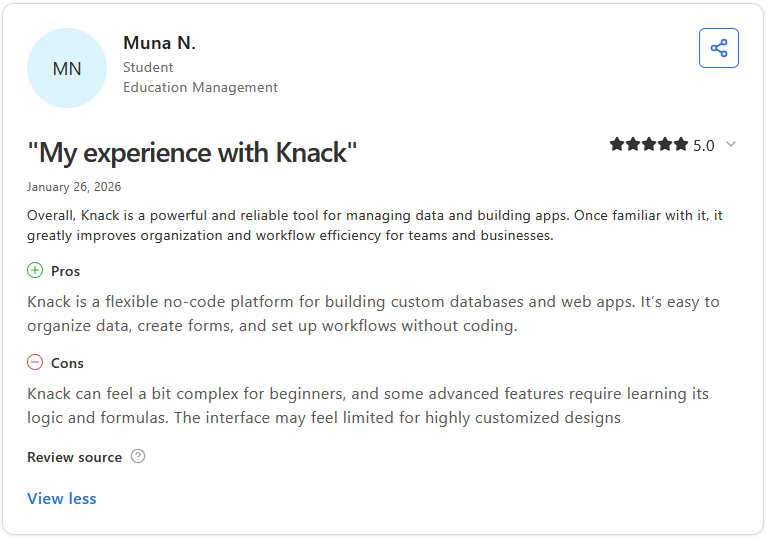
Pro: "Knack is a flexible no-code platform for building custom databases and web apps. It's easy to organize data, create forms, and set up workflows without coding." - Muna N., Capterra
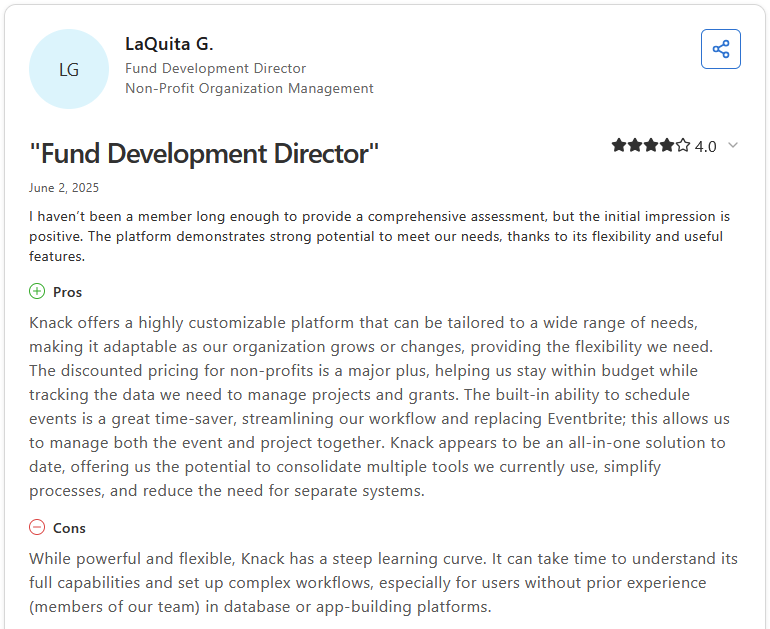
Con: "While powerful and flexible, Knack has a steep learning curve. It can take time to understand its full capabilities and set up complex workflows, especially for users without prior experience (members of our team) in database or app-building platforms." - LaQuita G., Capterra
Pricing
Knack starts at $49 per month.
Bottom line
Knack's agency program makes it a practical option for teams managing white-label app builds across multiple clients from a single account. If you need a lighter, faster build from existing spreadsheet data rather than a structured database, Softr might be a better choice.
7. Glide: Best for spreadsheet-based internal tools
- What it does: Glide is a no-code app builder that turns data from spreadsheets, databases, and business tools into web apps and PWAs using a visual drag-and-drop interface.
- Best for: Small teams and entrepreneurs who need a lightweight, data-driven app built quickly from existing spreadsheet data without app store publishing requirements.
I connected a Google Sheets dataset to Glide and built a sample business app with mock data to test the white-label controls and build speed. Custom branding and domain access are available from the Maker plan, but you're limited to Glide's pre-built components and logic. More complex or unique builds can run into constraints that are worth scoping before you commit.
Key features
- Spreadsheet-to-app builder: Connect a Google Sheets, Airtable, or Excel file and Glide generates an app structure from your data that you can customize from there.
- Custom branding and domain: Apply your own domain and remove Glide branding on the Maker plan and above, giving client-facing apps a white-label appearance.
- PWA support: Publish your Glide app as a PWA so users can save it to their home screen and access it like a native app without going through an app store.
Pros and cons
| Pros | Cons |
|---|---|
| Quick setup using existing spreadsheet or database data | Pre-built components limit flexibility for complex use cases |
| Custom branding and domains available from mid-tier plans | PWA apps are not listed in app stores, limiting distribution |
| Active community and templates speed up development |
What users say
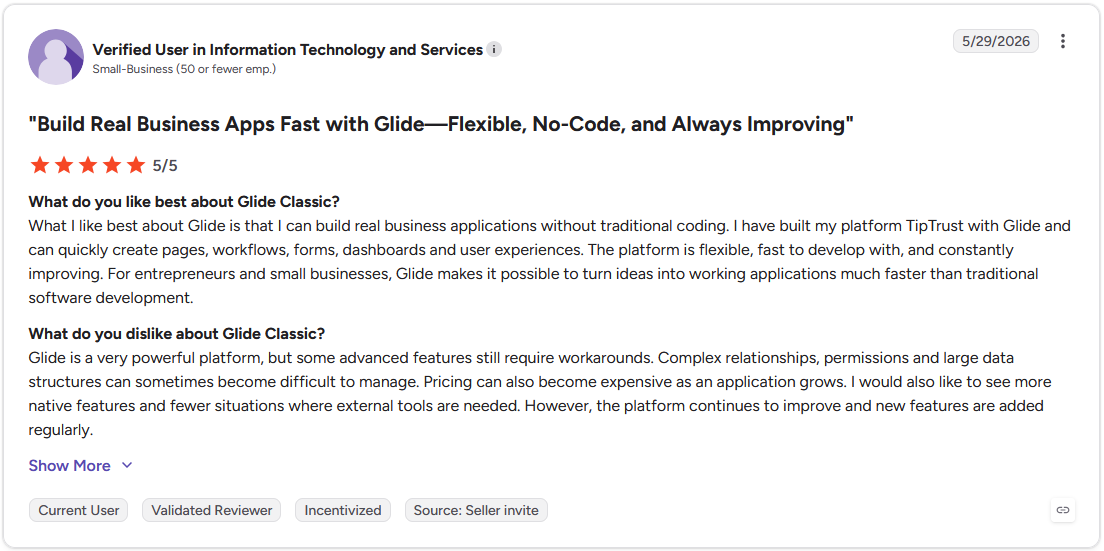
Pro: "What I like best about Glide is that I can build real business applications without traditional coding. … The platform is flexible, fast to develop with, and constantly improving. For entrepreneurs and small businesses, Glide makes it possible to turn ideas into working applications much faster than traditional software development." - Verified User in Information Technology and Services, G2
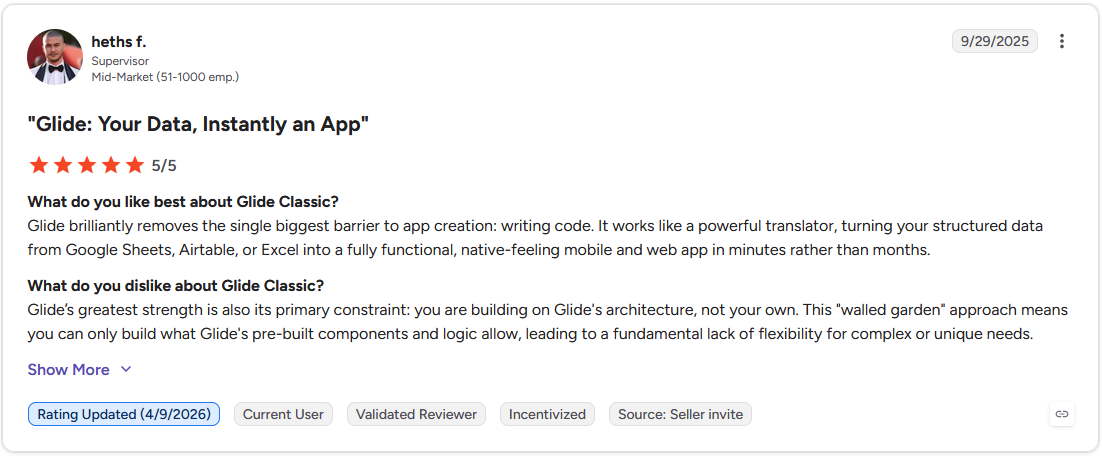
Con: "Glide's greatest strength is also its primary constraint: you are building on Glide's architecture, not your own. This 'walled garden' approach means you can only build what Glide's pre-built components and logic allow, leading to a fundamental lack of flexibility for complex or unique needs." - Heths F., G2
Pricing
Glide starts at $19 per month, though white-labeling is gated to the Maker plan, which starts at $49 per month.
Bottom line
Glide works best as a starting point for teams that want a data-driven app live quickly without a heavy build investment. For deeper white-label controls, app store publishing, or complex relational data structures, Knack is worth considering.
Which white-label app builder should you choose?
The right white-label app builder depends on what kind of app you need, how much technical comfort you bring to the table, and how deep your branding requirements actually go.
Choose Adalo if you:
- Want to publish a native app to the Apple App Store and Google Play without writing code
- Need a visual, drag-and-drop builder that works across web, iOS, and Android from a single build
- Want predictable, flat-rate pricing without usage-based charges as your app scales
Choose Bubble if you:
- Need to build a complex, logic-heavy web app with custom workflows and database relationships
- Have some technical comfort and are willing to invest time in learning the platform
- Want maximum flexibility to build nearly any type of web or mobile application without hiring developers
Choose WeWeb if you:
- Need a professional-grade frontend builder that connects to your own backend or data source
- Want the option to export clean code and aren't locked into a proprietary ecosystem
- Are building client-facing web apps that require advanced UI customization and API flexibility
Choose Softr if you:
- Already have data in Airtable or Google Sheets and want to turn it into a functional app quickly
- Need role-based permissions and user group controls without a steep learning curve
- Want a white-label portal or directory that can go live in hours rather than days
Choose Appy Pie if you:
- Need a simple, category-specific mobile app built and published with minimal setup
- Want built-in app store publishing tools without managing the submission process manually
- Are building straightforward apps like booking tools, directories, or loyalty programs
Choose Knack if you:
- Need a database-driven web app with custom forms, workflows, and granular user permissions
- Are building client-facing tools or internal portals where data structure is the priority
- Want a white-label agency program that lets you manage multiple branded apps under one account
Choose Glide if you:
- Need a lightweight internal tool built quickly from existing spreadsheet data
- Are building for a small team and don't need app store publishing or deep white-label controls
- Want a fast, low-barrier way to prototype a data-driven app before committing to a larger build
Skip this category entirely if you:
- Need a truly native mobile app with advanced animations, graphics, or device-level integrations that no-code builders can't replicate
- Have highly specific compliance requirements, such as HIPAA or SOC 2, and need to verify each platform individually before committing
- Are building something so custom that the platform's pre-built components will constrain you before you finish the first version
If the goal is a branded client experience, there's a shorter path
Every white-label app builder on this list puts your brand on software your clients use. Building and maintaining that app is its own ongoing project, though, and for a lot of service businesses, the branded client experience was always the real goal.
If what you actually need is a branded space where clients access your services, work with your team, and manage their engagement, Assembly gets you there without the build time. It's a client portal platform you brand as your own, with no app to ship or app store to manage.
Here's what that looks like in practice:
- Branded client portal: Clients log in under your domain to access invoices, files, contracts, and project updates in one organized space, without any Assembly branding on Advanced plans.
- Tailored client homepage: You can adjust the layout and app visibility per client using custom field tags, so each client automatically sees only the content relevant to their engagement.
- Protect client data: Assembly maintains SOC 2 Type II compliance and supports GDPR, CCPA, and HIPAA compliance.
Assembly is built for service businesses that want a fully branded client experience without the complexity of building and maintaining a custom app. Start your free Assembly trial today.