



DocuSign is one of the most recognized names in eSignatures, and it still handles basic signing well. But the signature is just one step in a longer client relationship, and once that document lands in a folder, most of the actual work (billing, follow-ups, keeping records straight) moves somewhere else entirely.
I researched the top signing platforms and these 19 DocuSign alternatives offered stronger value, clearer pricing, and smoother client experiences in 2026.
Assembly was the best for client-facing service businesses, while PandaDoc and Zoho Sign were best for teams who handle documents on a daily basis.
19 best DocuSign alternatives: TL;DR
- Assembly: Best for service businesses that want signing built directly into a branded client experience
- Juro: Best for legal and operations teams that need full contract lifecycle management with real-time collaboration
- PandaDoc: Best for sales teams that want proposals, quotes, and signatures combined with recipient engagement analytics
- SignNow: Best for small businesses that want reliable eSignatures and bulk sending at a lower cost
- Adobe Acrobat Sign: Best for teams with PDF-heavy workflows that need strict formatting and compliance
- Dropbox Sign: Best for teams already storing files in Dropbox that want signing built into that workflow
- Signeasy: Best for mobile-first teams that need signing to stay consistent across phones and tablets
- Zoho Sign: Best for companies running Zoho CRM, Books, or Forms that want signatures tied to that data
- Sign.Plus: Best for small teams that want affordable, secure signing with transparent monthly pricing
- OneSpan Sign: Best for regulated industries that need detailed audit trails, authentication, and deployment control
- ShareFile: Best for teams that need eSignatures bundled with secure file sharing and storage
- SignRequest: Best for freelancers and small businesses that want unlimited documents at transparent pricing
- DocHub: Best for anyone who wants to edit and sign PDFs directly in the browser without installing software
- SignWell: Best for teams that send the same documents repeatedly and want reusable templates with audit tracking
- Foxit eSign: Best for enterprises already using Foxit PDF software that need role-based approval workflows
- Xodo Sign (formerly Eversign): Best for small teams that want a lightweight, budget-friendly tool covering core signing features
- Youtrust (formerly Yousign): Best for businesses operating in Europe that need GDPR-compliant signing and multilingual support
- GetAccept: Best for sales teams that want proposals, eSignatures, and engagement analytics in one platform
- eSignly: Best for small businesses that want an inexpensive, straightforward signing solution with transparent pricing
Why look for DocuSign alternatives?
DocuSign gets a document in front of a signer and back again in minutes, and its audit trail holds up well enough that legal and compliance teams rarely question it. That track record is a big part of why so many businesses reach for it first when they need something signed.
Once a business needs more than a signature, a few patterns start pushing people toward other tools:
- Pricing climbs fast with headcount: DocuSign bills primarily per user, so costs add up quickly as a team grows or brings on seasonal staff.
- Workflow control stays limited: Renewals, shared access, and status updates are hard to manage without setting up manual tracking outside the platform.
- Visibility fades after signing: Signed documents often move into general storage, separate from the client's ongoing record.
- Tech stacks stay fragmented: Contracts, communication, and billing frequently live in separate tools, which slows down client delivery.
- Branding stays generic: Most plans limit how far you can customize the signing experience to match your own brand.
Reviews on G2 and Capterra point to similar patterns, especially around pricing and how limited the customization options feel for smaller teams. That's why I looked at every credible DocuSign alternative, checking which ones simplify client work without losing security or compliance.
Types of DocuSign alternatives
Not every tool on this list is trying to do the same job, and knowing which category you need saves you from overpaying for features you'll never touch. As I see it, the market breaks into three broad groups:
- Pure eSignature tools: They do one thing well (sign and send), often at the lowest price. SignNow, Signeasy, Sign.Plus, and Dropbox Sign fall into this group.
- Document and contract platforms: Signing sits alongside something bigger, like proposal creation or full contract lifecycle management. PandaDoc, Juro, and Adobe Acrobat Sign fit this group.
- Client platforms with signing built in: Here, the signature is one step inside a branded client experience that also covers billing, files, and messaging. Assembly fits this category.
If you only need signatures, stay in the first group and keep your bill small. If signing is one piece of a bigger client workflow, the other two groups tend to save more time than they cost.
Which DocuSign alternative should you choose?
The right DocuSign alternative depends on how much of the client relationship you want one tool to cover, along with your team's size, the tools you already run, and any compliance or regional rules your documents need to meet.
Choose:
- Assembly if you want the signature built into a branded client experience alongside billing, files, and messaging. It isn't the right pick for public, logged-out experiences or streaming-heavy products.
- Juro if your legal or operations team needs full contract lifecycle management with real-time collaboration. New users typically need a few sessions to get comfortable with its denser interface.
- PandaDoc if you manage sales proposals and want analytics on how recipients interact with your documents. Template customization narrows considerably on the entry-level plan.
- SignNow if you need reliable eSignatures and bulk sending at a lower cost than enterprise tools, and its automation doesn't extend much beyond basic reminders and bulk sends.
- Adobe Acrobat Sign if your team handles PDF-heavy workflows and needs strict compliance and formatting consistency. Teams new to Adobe's ecosystem face a real learning curve getting workflows configured.
- Dropbox Sign if your team already manages files in Dropbox and wants signing built into that workflow. Routing gets basic fast once a document needs more than one signer in sequence.
- Signeasy if you work primarily on mobile and want an app that keeps signing consistent across devices. Admin reporting and team management tools remain thin.
- Zoho Sign if your company runs Zoho CRM, Books, or Forms and wants documents tied directly to that data. Step outside Zoho's own apps and the interface reads noticeably more basic.
- Sign.Plus if you want affordable, secure signing with simple setup and clear monthly pricing. Its integration list and template options run short compared to bigger platforms.
- OneSpan Sign if you work in a regulated industry and need detailed audit trails, authentication, and deployment options. Getting workflows configured for specific rules takes real setup time upfront.
- ShareFile if you need eSignatures bundled with secure file sharing and document storage. Signing comes wrapped inside the broader ShareFile platform, so you take on its seat minimums even if signing is all you need.
- SignRequest if you're a freelancer or small business that wants unlimited documents at transparent pricing. It wasn't built with larger organizations or high document volumes in mind.
- DocHub if you want to edit and sign PDFs directly in your browser without installing extra software. Once a document goes out for signature, making a change means resending it from scratch.
- SignWell if your team sends the same documents repeatedly and wants reusable templates with audit tracking. It doesn't offer a dedicated mobile app, so signing and managing documents on a phone happens through a browser instead.
- Foxit eSign if your enterprise already uses Foxit PDF software and needs role-based approvals and compliance features. Complex, multi-condition approval workflows take extra configuration to set up properly.
- Xodo Sign (formerly Eversign) if you want a lightweight, budget-friendly tool for small teams that still covers all key signing features. Its feature set and integration depth fall short of the bigger platforms on this list.
- Youtrust (formerly Yousign) if your business operates primarily in Europe and needs GDPR-compliant signing and multilingual support. Its pricing and template options are more limited than platforms built primarily for the US market.
- GetAccept if your sales team wants to combine proposals, eSignatures, and engagement analytics in one platform. Once an internal approver signs off, a client-requested change means building a whole new version.
- eSignly if you want an inexpensive, straightforward signing solution for small businesses with transparent pricing. Reusable templates cap out even on the higher tiers, so heavy template use gets clunky fast.
Stick with DocuSign if broad, established name recognition and compliance trust across partners and clients matter more than consolidating the rest of your workflow into fewer tools.
19 Best DocuSign alternatives in 2026: at a glance
Each platform I reviewed solves different pain points, from better pricing transparency to smoother document workflows. Here’s a side-by-side comparison:
| Alternative | Best for | Starting price | Key advantage vs DocuSign |
|---|---|---|---|
| Assembly | Signing built into a branded client experience | $29/month | Has a prompt-based AI app builder that includes ready-made templates for Contracts and Proposals |
| Juro | Contract lifecycle management | Custom | Full contract workflow beyond signing |
| PandaDoc | Sales and proposal automation | $19/seat/month | Integrated quoting and document templates |
| SignNow | Affordable small business signing | $8/month | Transparent pricing and bulk sending |
| Adobe Acrobat Sign | PDF-heavy workflows | $14.99/month annual commitment, billed monthly | Best for Acrobat users and enterprise needs |
| Dropbox Sign | Dropbox-integrated signing | $15/month | Easy for teams already in Dropbox |
| Signeasy | Mobile signing | $10/month | Simplest setup and best-rated mobile app |
| Zoho Sign | Teams using Zoho suite | $10/user/month | Connects with Zoho CRM, forms, and accounting |
| Sign.Plus | Affordable, secure digital signing | $9.99/month | Transparent pricing with easy mobile and desktop workflows |
| OneSpan Sign | Regulated industries | $22/user/month | Strong compliance and white-labeling |
| ShareFile (formerly RightSignature) | File storage and eSign | $16.50/user/month, minimum of 3 users | Bundled with Citrix ShareFile for secure transfers |
| SignRequest | Low-cost digital signing | $9/user/month | Free trial and unlimited documents |
| DocHub | Basic document editing | $8/month | Edit PDFs directly in your browser |
| SignWell | Template-based workflows | $10/month | Quick setup for repeat documents |
| Foxit eSign | Large enterprises | $120/year | Advanced compliance for big organizations |
| Xodo Sign (formerly EverSign) | Freelancers and small teams | $10/user/month | Free plan with a simple dashboard |
| Youtrust (formerly Yousign) | Small European businesses | $8/month | Unlimited self-signing and Zapier integrations |
| GetAccept | Sales enablement and signing | $25/user/month, billed monthly | Adds video and proposal tracking |
| eSignly | Budget-friendly document signing | $10/month | Clear pricing and simple document tracking for small teams |
Annual
1. Assembly: Best for signing built into a branded client experience
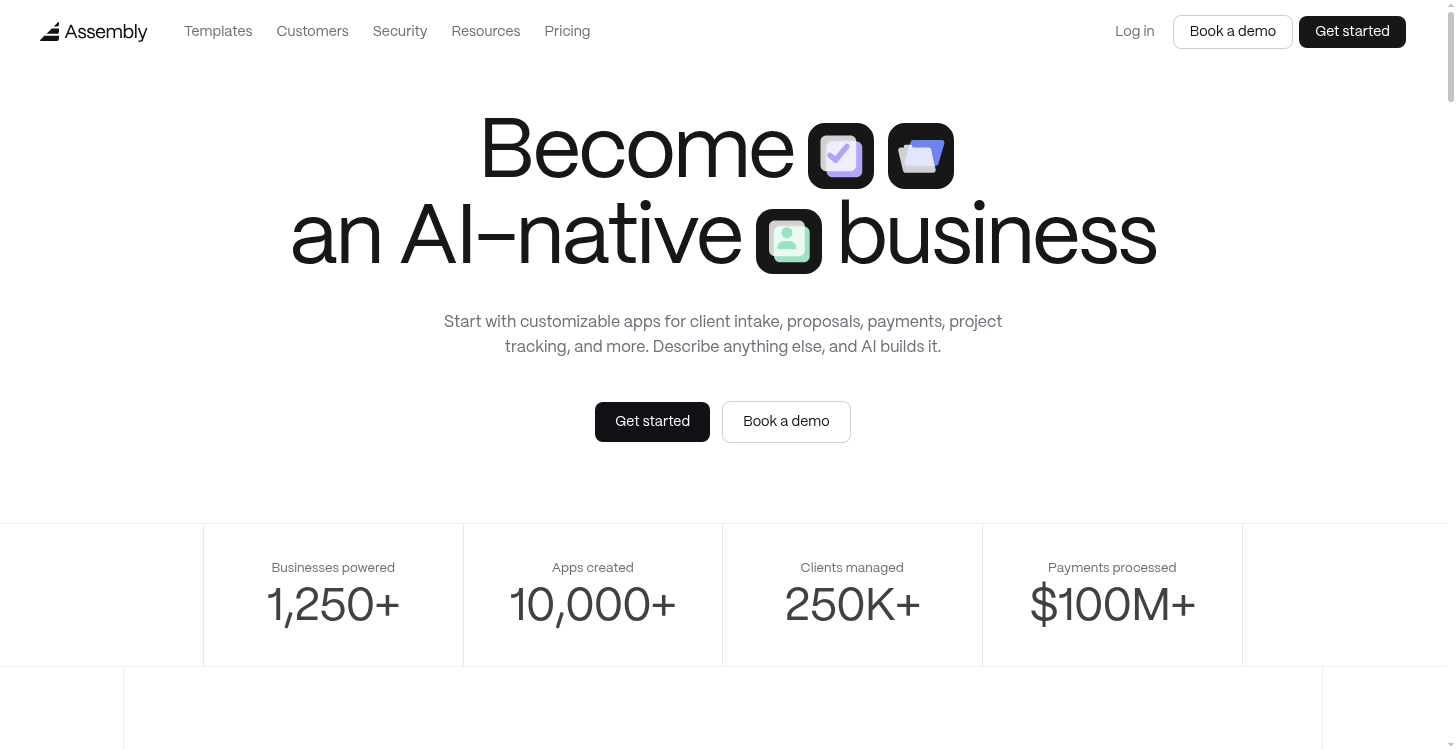
Assembly is a client platform for service businesses, giving each client a branded space to review contracts, sign documents, and track payments.
Assembly offers ready-to use apps for e-signature contracts and prosals, and you can describe a custom version that’s specific to your business. Assembly's AI app builder turns it into a working app that ships into your branded client experience.
Assembly isn't built for public, logged-out experiences or for large volumes of prospective contracts. products centered on streaming video.
Key features
- Customizable contracts and proposals: Use the built-in Contracts app or create your own from the Proposals template or from a written description..
- Enterprise-grade security: Assembly maintains SOC 2 Type II compliance standards and supports GDPR, CCPA, and HIPAA requirements.
- Built-in signing: Include eSignature as a standard part of the client experience.
Pros
- Keeps signed documents linked to each client's full record, making renewals and past agreements easy to find
- Charges based on client/customers, not based on signatures, so especially good for clients who need to sign large volumes of documents.
- New client-facing apps can launch within hours of describing them
- Fits regulated industries like legal and financial services thanks to built-in compliance certifications
Cons
- Isn't designed for public, logged-out pages like marketing sites
- Less ideal for thousands of one-off contracts, where there’s no further client relationship after signing.
Best for
- Service businesses managing signing, billing, and communication in one space
- Agencies and consultants that want a branded client experience
- Teams that want to build custom client apps without hiring developers
Pricing
Assembly starts at $29 per month.
2. Juro: Best for contract lifecycle management
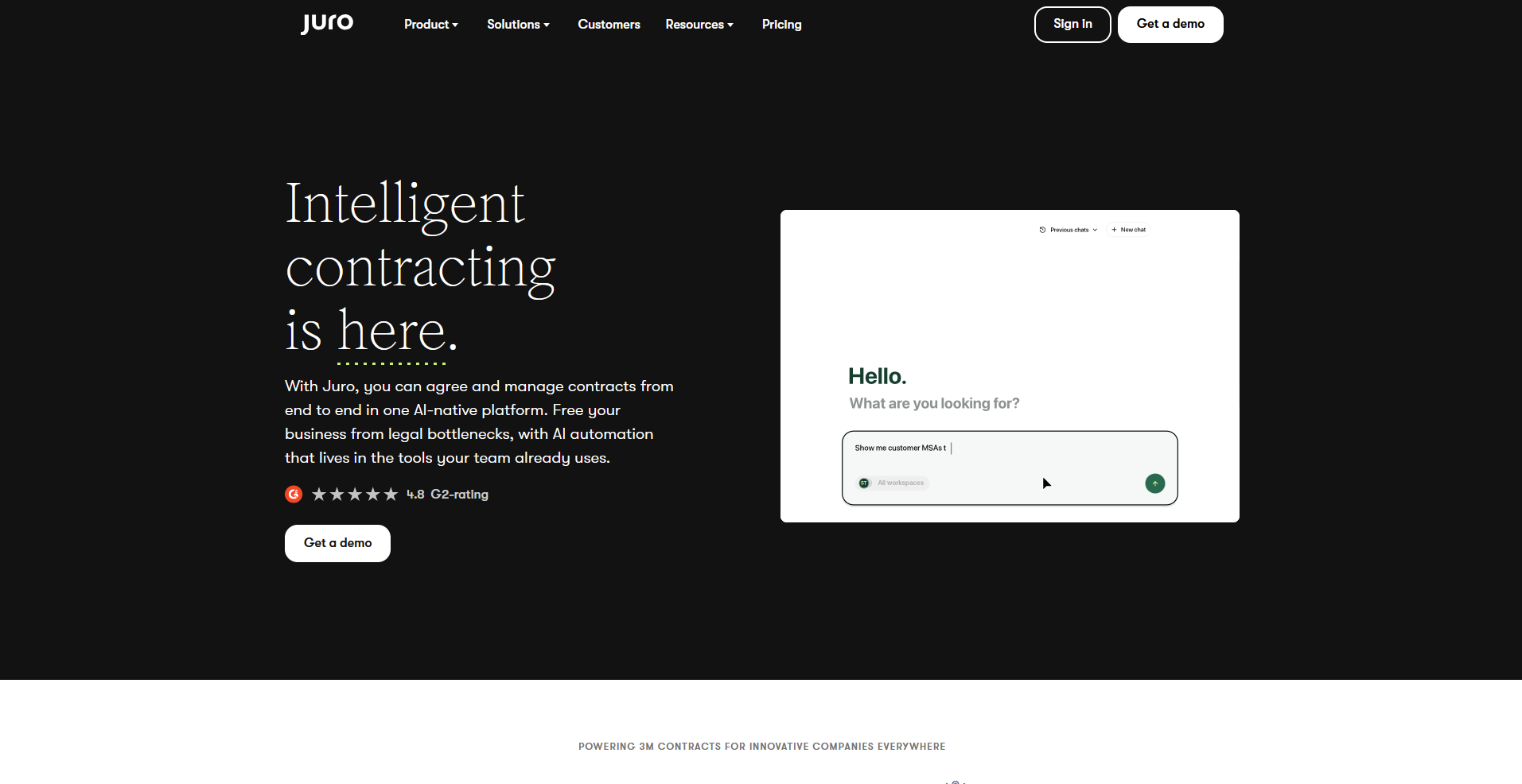
Juro is a contract lifecycle management platform built for legal, sales, and operations teams to draft, negotiate, and track agreements in one workspace. Teams can review clauses, compare versions, and get automatic renewal alerts without uploading files back and forth.
Juro's editor can feel limited once contracts get more complex, like heavily negotiated agreements with multiple rounds of redlines or documents that need advanced formatting
Key features
- Collaborative contract editing: Draft and negotiate contracts directly inside a shared editor.
- Version tracking: Log every edit with a timestamp and comment for side-by-side comparison.
- Renewal alerts: Flag contracts approaching their renewal or expiration date.
Pros
- Cuts down on email threads by keeping legal, sales, and operations work in one workspace
- Searchable contract metadata makes locating specific agreements fast
- Integrates directly with Salesforce, HubSpot, and Slack for approvals and reminders
Cons
- Can feel limited for heavily negotiated contracts that need multiple rounds of redlines or advanced formatting
- Custom templates require more setup work than pre-built ones
Best for
- Legal teams managing high volumes of contract reviews
- Companies coordinating contract approvals across sales and operations
- Teams that want full lifecycle tracking beyond signatures
Pricing
Juro offers custom pricing.
3. PandaDoc: Best for sales and proposal automation
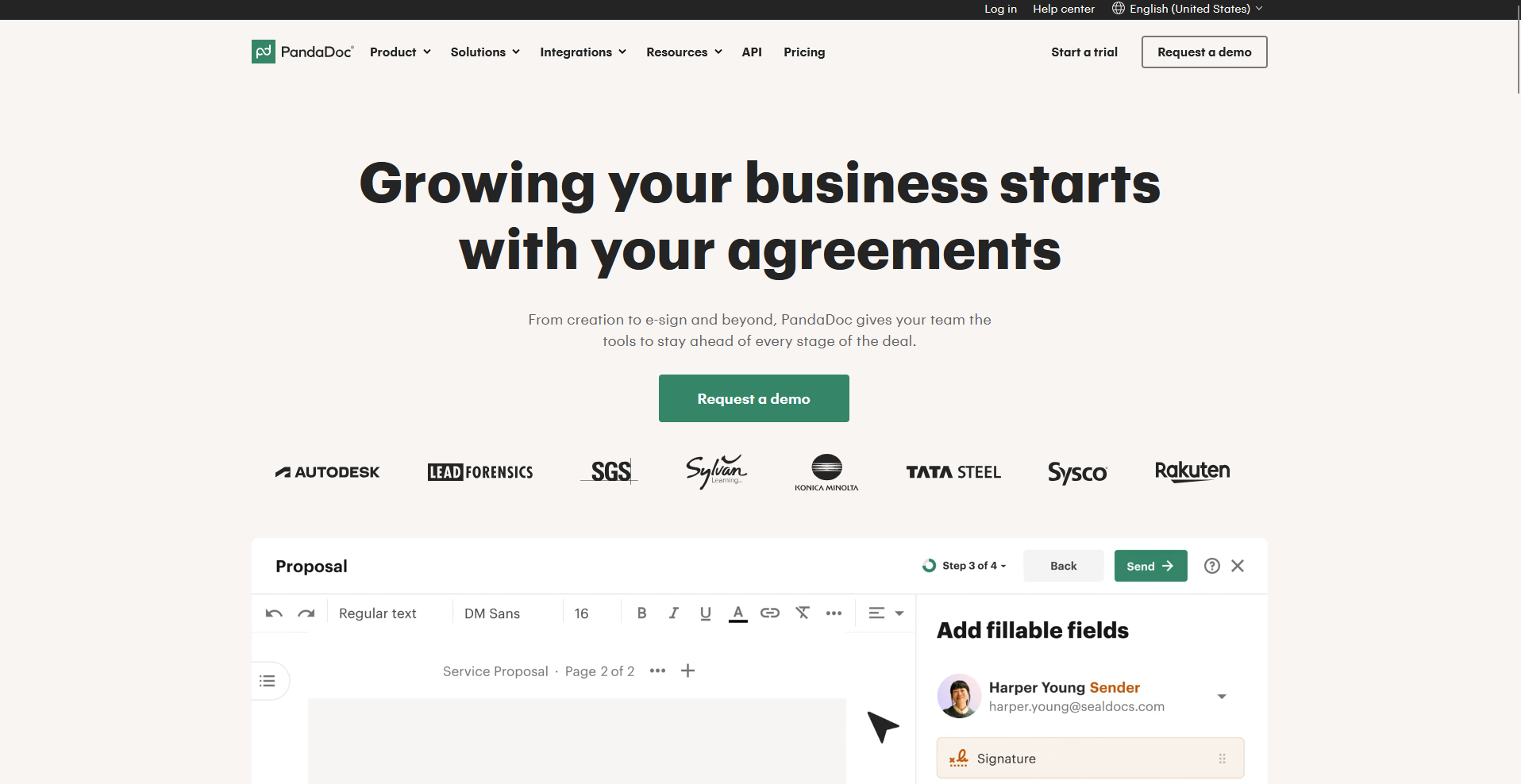
PandaDoc combines proposal creation, quoting, and eSignatures in one workspace, so sales teams can build a document and send it for signature without switching platforms.
Recipients can review, comment, and sign from the same link, and built-in analytics show when a document is opened or signed. Template customization narrows considerably on the entry-level plan.
Key features
- Sales document builder: Build proposals and quotes using pricing tables and reusable content blocks.
- Engagement tracking: Show when a recipient opens, views, or signs a document.
- Built-in payments: Collect payment directly inside a signed document.
Pros
- Easy-to-use document editor with sales templates
- Integrates with major CRMs and payment tools
- Tracks engagement metrics for each document
Cons
- Template customization can be limited on lower tiers
- Branding controls are stronger on business plans
Best for
- Sales teams that want proposals and signatures in one flow
- Businesses that want visibility into how prospects engage with documents
- Teams collecting payment as part of the signing process
Pricing
PandaDoc starts at $19 per seat per month for unlimited document uploads and e‑signatures.
4. SignNow: Best for affordable small business signing
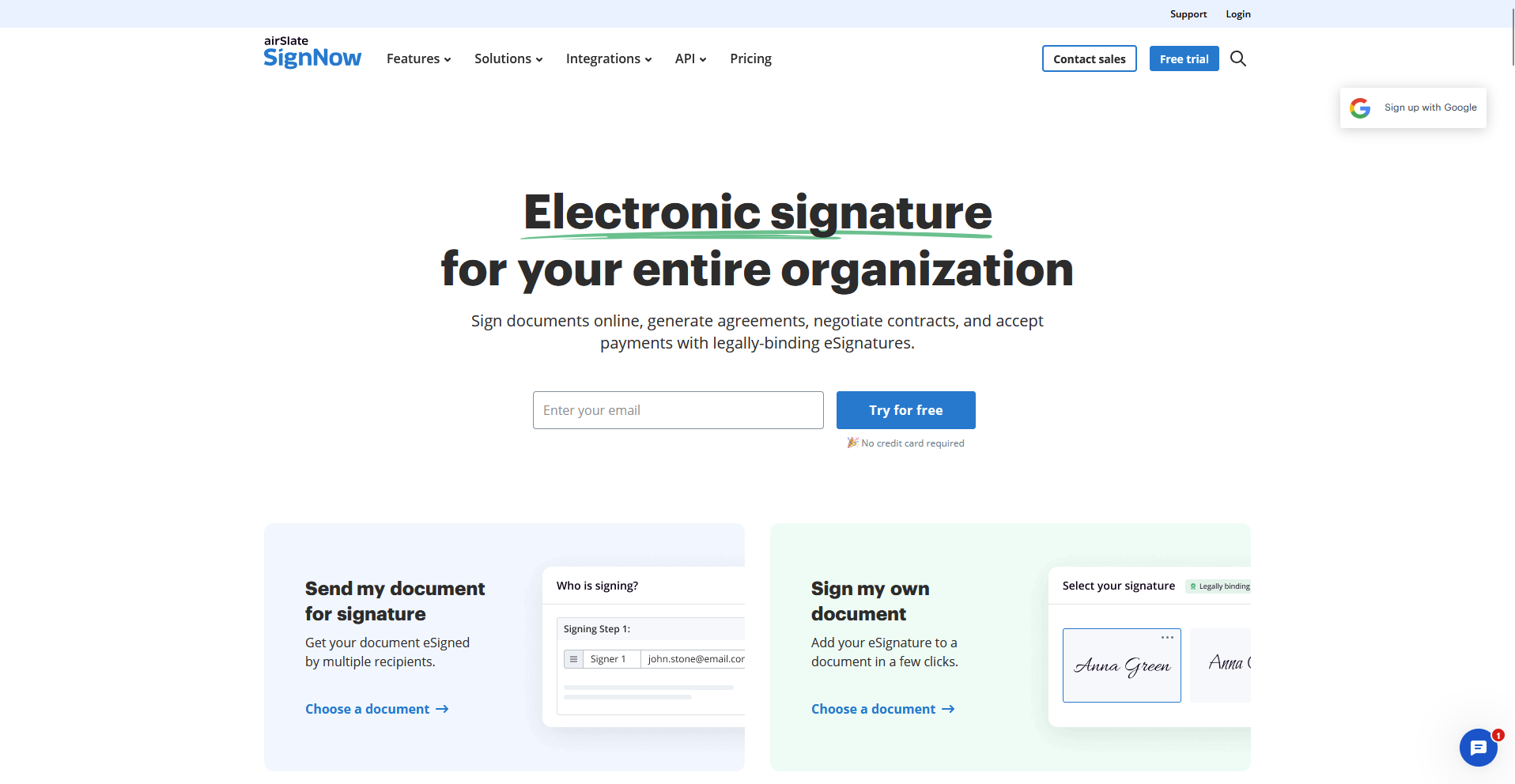
SignNow is an eSignature platform built for small businesses that want a straightforward way to send and collect signatures. Setup takes a few minutes, and the audit trail logs every action automatically to keep documents compliant. Automation options don't extend much beyond basic reminders and bulk sends.
Key features
- Bulk sending: Send the same document to a large group of recipients at once.
- Cross-platform access: Match the layout across web and mobile apps.
- Automatic audit trail: Log every signing action for compliance records.
Pros
- Simple setup with clear audit trails
- Affordable pricing for smaller teams
- Strong API and integration options
Cons
- Limited advanced automation
- Interface looks dated compared to newer tools
Best for
- Small businesses that need reliable signing at a lower cost
- Teams sending the same document to many recipients
- Businesses already using Google Workspace or Microsoft 365
Pricing
SignNow starts at $8 per user per month for unlimited users.
5. Adobe Acrobat Sign: Best for PDF-heavy workflows
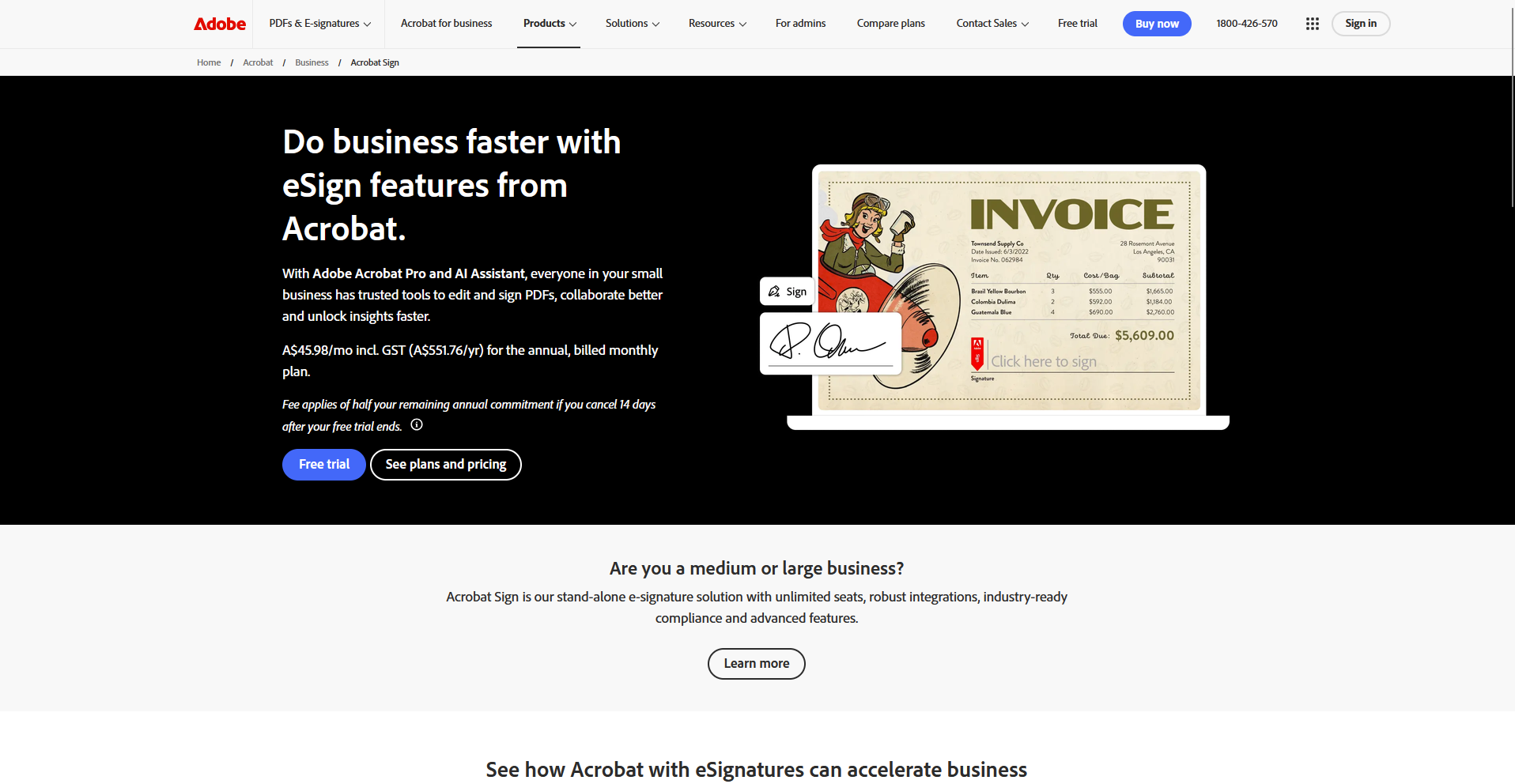
Adobe Acrobat Sign is an eSignature platform built into Adobe's PDF ecosystem, made for teams that handle detailed, PDF-heavy contracts. It preserves layouts and fields across devices, including mobile signers, and workflow templates let admins define a fixed approval order for regulated industries.
Teams new to Adobe's ecosystem face a significant learning curve getting workflows configured.
Key features
- Native PDF editing: Edit and prepare PDF fields directly inside Acrobat.
- ID verification: Confirm signer identity for regulated industries.
- Workflow templates: Define a fixed approval order for multi-step signing.
Pros
- Strong security and compliance coverage
- Integrates with Adobe and Microsoft ecosystems
- Reliable document formatting across devices
Cons
- Pricing can rise quickly for larger teams
- Learning curve for users new to Adobe products
Best for
- Teams handling detailed, PDF-heavy contracts
- Businesses in regulated industries needing ID verification
- Companies already standardized on Adobe or Microsoft tools
Pricing
Adobe Acrobat Sign starts at $14.99 per user per month, billed monthly with an annual commitment.
6. Dropbox Sign: Best for Dropbox-integrated signing
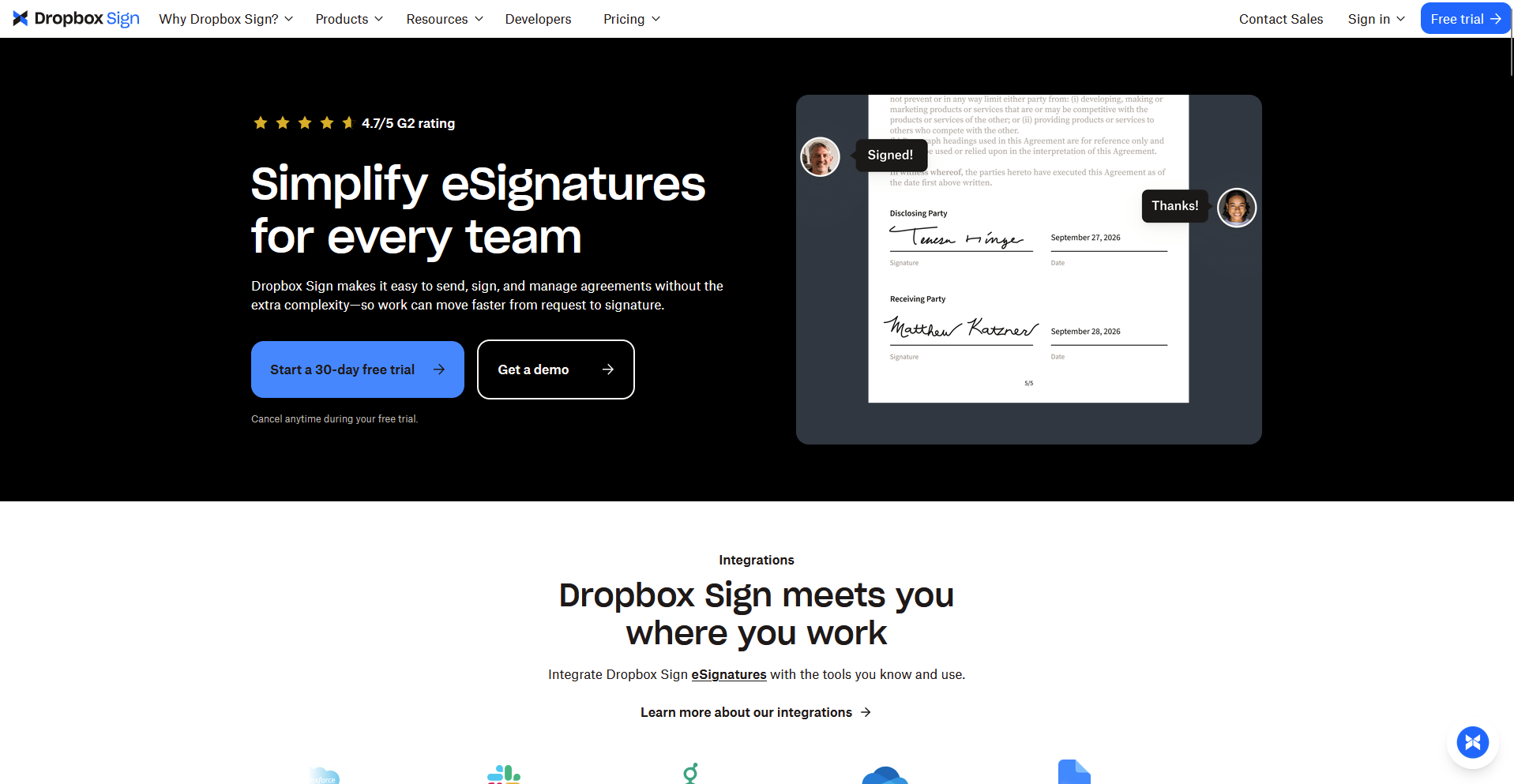
Dropbox Sign started as HelloSign before Dropbox acquired it, and it now ships tightly integrated with Dropbox's file storage.
Teams can send a document for signature directly from Dropbox and the signed version saves back to the same folder automatically, with clear notifications when each party signs. You can set the order people sign in, but you can't add rules that change who signs next.
Key features
- Dropbox-native sending: Send a document for signature without leaving Dropbox.
- Automatic filing: Save a completed document back to its original Dropbox folder.
- Audit trail: Log every signing action for compliance records.
Pros
- Direct integration with Dropbox and Google Workspace
- Clear audit trails for each document
- Simple setup for small teams
Cons
- Limited advanced automation tools
- Custom branding requires higher-tier plans
Best for
- Teams that already store and share files in Dropbox
- Small businesses that want signing without a steep setup
- Remote teams that need clear, simple audit trails
Pricing
Dropbox Sign starts at $15 per month.
7. Signeasy: Best for mobile signing
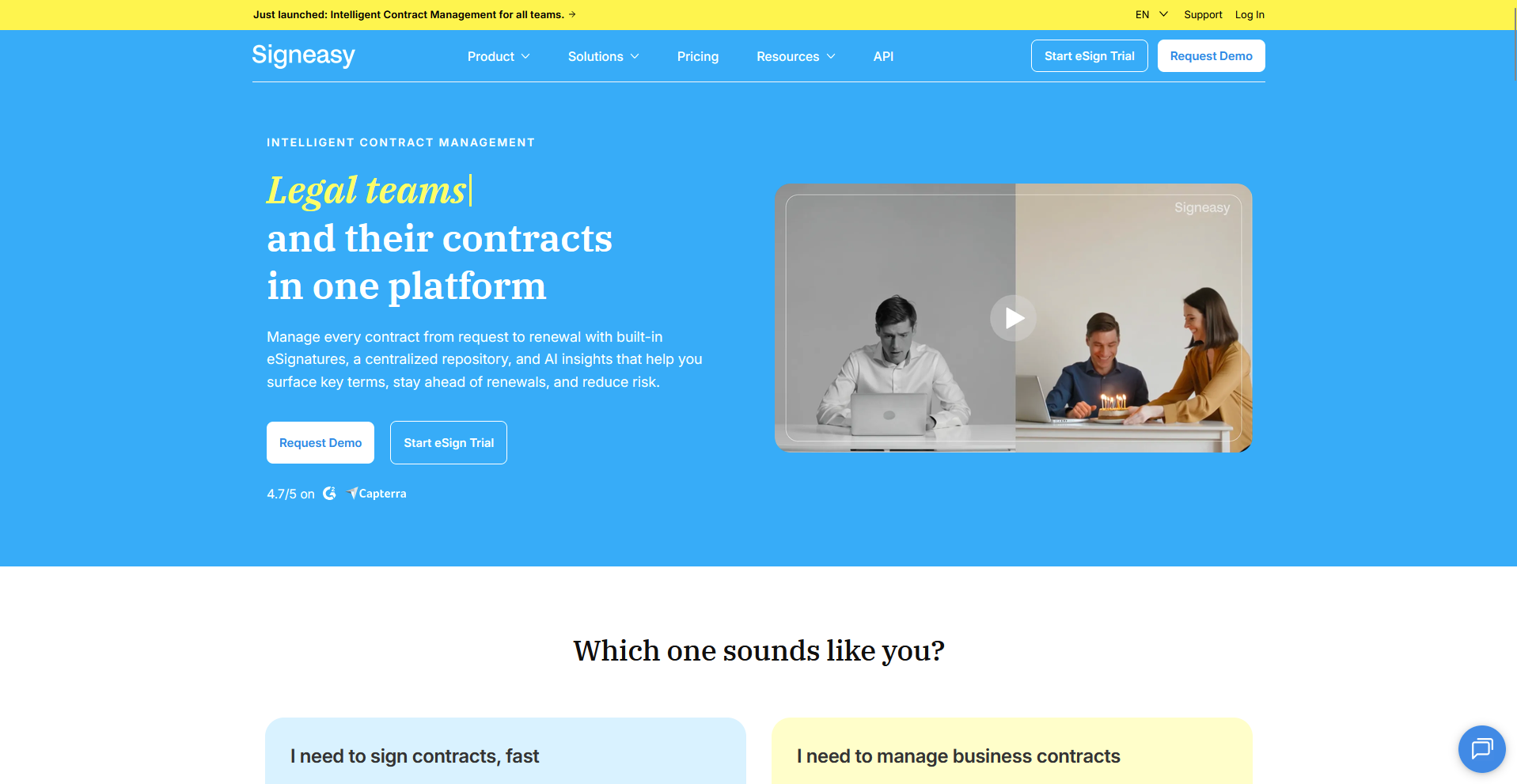
Signeasy is an eSignature app built for people who sign and send documents primarily from a phone or tablet. The mobile and web apps share the same layout, so a document started on desktop can finish signing on a phone without any extra steps.
Setting up user roles and permissions requires the top-tier Business Pro plan, and SSO is only available on Signeasy's custom enterprise tier.
Key features
- Mobile-first signing: Review, sign, and send documents from iOS or Android.
- Cross-device sync: Start a document on one device and finish it on another.
- Auto-fill templates: Reuse a saved template to skip repetitive form setup.
Pros
- Simple mobile experience for signers
- Integrates with major file storage tools
- Affordable for individuals and small teams
Cons
- Limited team management controls
- Lacks detailed reporting for admins
Best for
- Freelancers and small teams who sign documents on the go
- Businesses that want a consistent app across desktop and mobile
- Teams that don't need detailed admin reporting
Pricing
Signeasy starts at $10 per month.
8. Zoho Sign: Best for teams using the Zoho suite
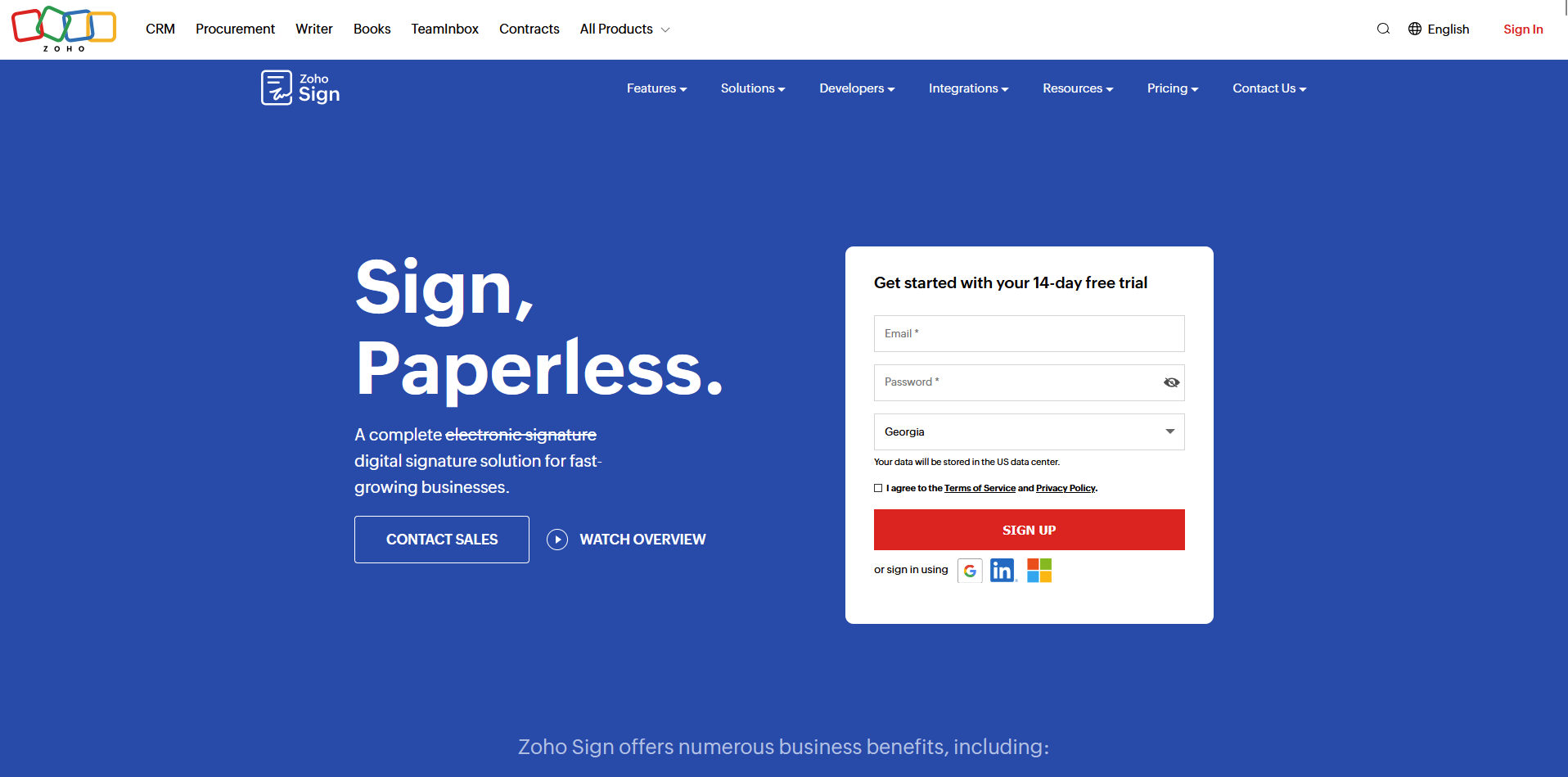
Zoho Sign is an eSignature tool built for businesses already running other Zoho apps, like CRM, Books, or Forms. Templates can pull contact information straight from Zoho CRM, and a signed contract syncs back into the CRM automatically to keep client records current. The interface reads more basic once you step outside Zoho's own apps.
Key features
- CRM-linked templates: Pull contact details from Zoho CRM into a signing template automatically.
- Two-way sync: Update the CRM record when a document gets signed.
- Digital certificates: Attach a certificate to a signed document for compliance records.
Pros
- Deep integration with Zoho’s ecosystem
- Automated document tracking
- Clear reporting dashboard
Cons
- Interface can feel basic outside Zoho apps
- Its non-Zoho integrations work well but require more setup through Zoho Flow or Zapier
Best for
- Businesses already running Zoho CRM, Books, or Forms
- Teams that want signed documents synced to client records automatically
- Companies that keep most of their tools inside one ecosystem
Pricing
Zoho Sign starts at $10 per user per month.
9. Sign.Plus: Best for affordable, secure digital signing
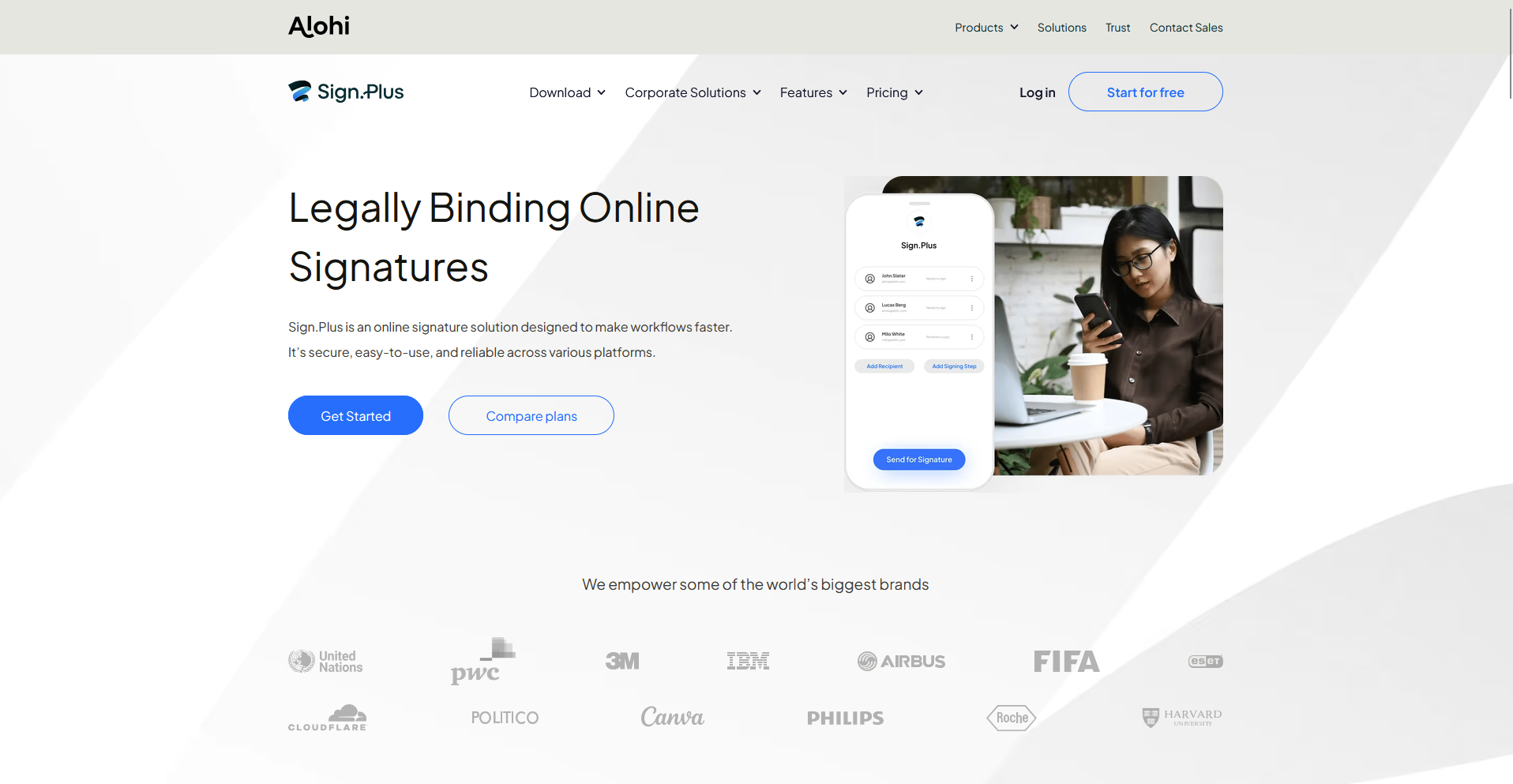
Sign.Plus by Alohi is an eSignature platform built for growing teams that want predictable pricing and a straightforward setup.
You can upload a document, assign signers, and track status from a single dashboard, while encryption and two-step verification protect the signing process. Its integration list and template options run short compared to bigger platforms.
Key features
- Two-step verification: Confirm signer identity before a document counts as signed.
- Status dashboard: Track every document's signing progress from one view.
- Cross-device signing: Complete a signature from desktop or mobile.
Pros
- Affordable entry-level pricing
- Secure document handling and storage
- Works smoothly across devices
Cons
- Fewer advanced integrations
- Limited customization for templates
Best for
- Growing teams that want predictable, transparent pricing
- Businesses that want simple setup without a learning curve
- Remote or hybrid teams signing from both desktop and mobile
Pricing
Sign.Plus starts at $9.99 per month.
10. OneSpan Sign: Best for regulated industries
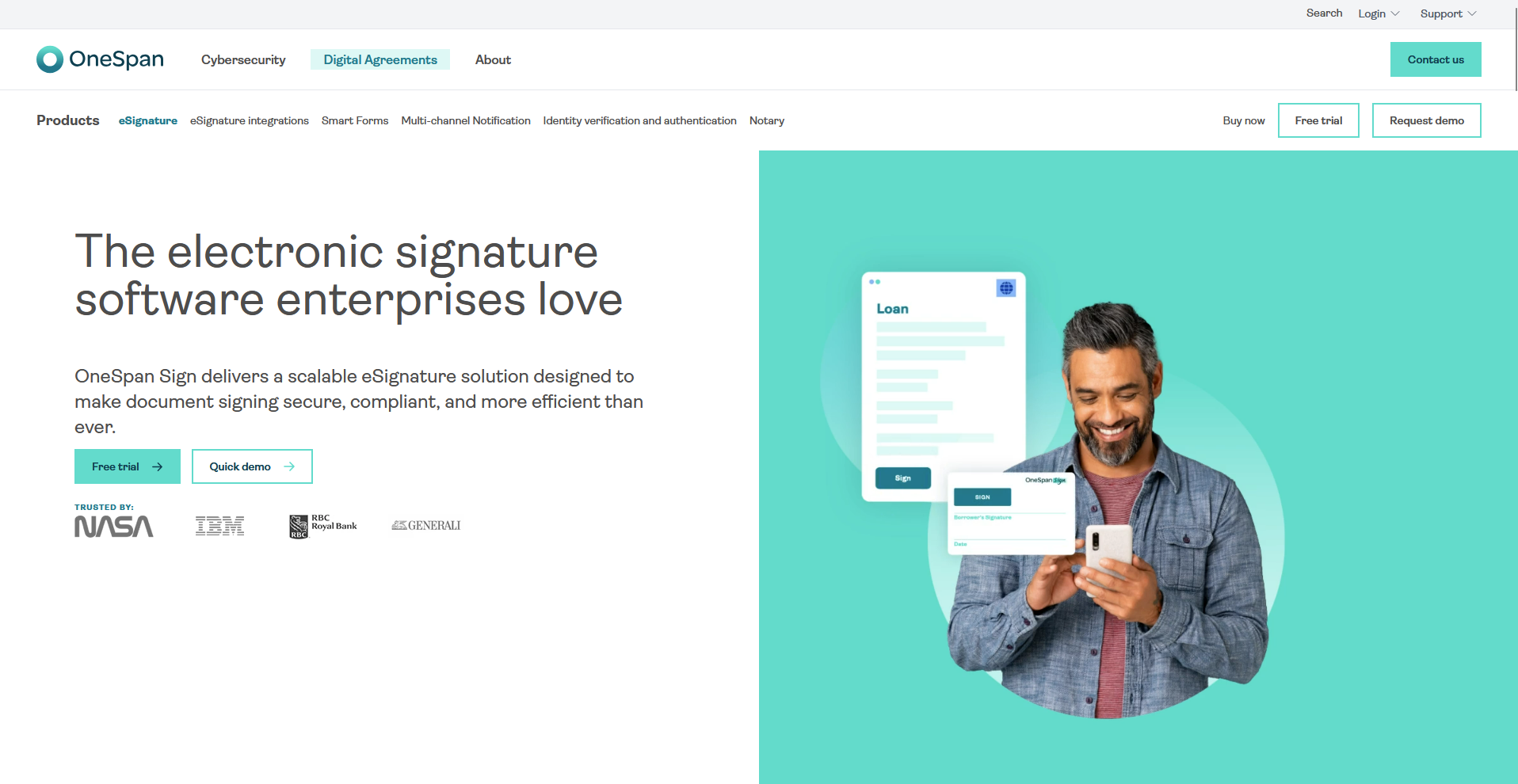
OneSpan Sign is an eSignature platform built for organizations that manage sensitive data or operate under strict compliance rules, like banks and insurance providers.
Admins can set signing rules, authentication methods, and audit trails that meet industry regulations, with cloud deployment through public or private data centers depending on how strict those rules are. Configuring workflows for specific compliance rules takes real setup time.
Key features
- Custom authentication: Set the identity verification method required for each signer.
- Deployment control: Choose cloud hosting through public or private cloud data centers to match your compliance needs.
- Granular permissions: Define who can view, edit, or sign a specific document.
Pros
- Advanced security and compliance tools
- Configurable workflows for regulated teams
- Strong audit and verification options
Cons
- Setup can be time-intensive
- Pricing is opaque for smaller organizations
Best for
- Banks, insurers, and other organizations with strict compliance needs
- Teams that need on-premises deployment options
- Admins who need document-level permission control
Pricing
OneSpan Sign starts at $22 per user per month.
11. ShareFile (formerly RightSignature): Best for file storage and eSign
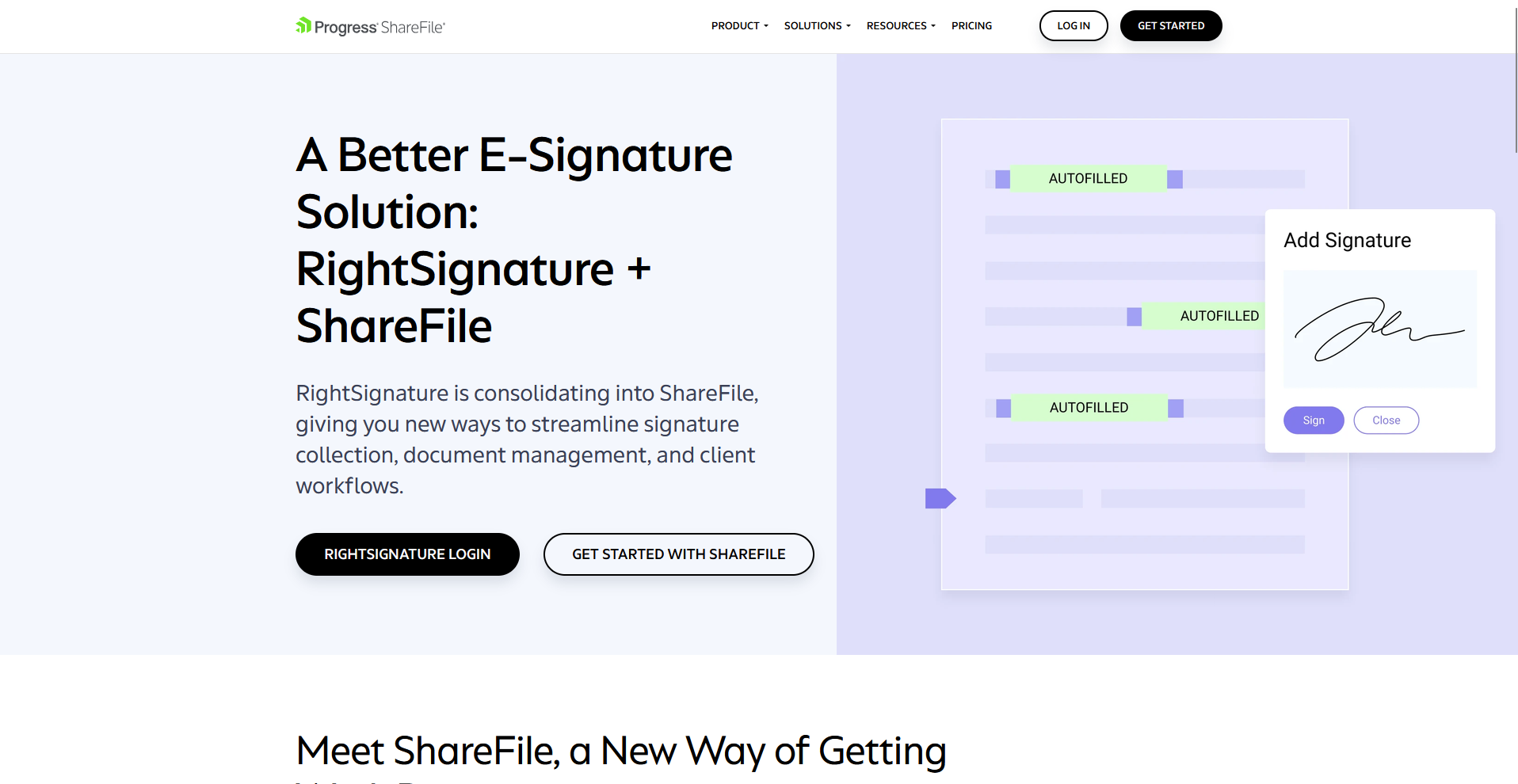
ShareFile combines secure file storage with eSignature. You can send a document for signature, then store the signed version alongside other client files in the same secure workspace, with SOC 2 and HIPAA compliance covering both. Signing comes wrapped inside the broader ShareFile platform, so you take on its seat minimums even if signing is all you need.
Key features
- In-person signing: Collect a signature directly on a shared device.
- Custom branding: Add a logo and colors to the signing experience.
- Secure storage: Store a signed document in the same workspace as other client files.
Pros
- Keeps signed documents and file storage in one secure workspace
- Meets SOC 2 and HIPAA compliance requirements out of the box
- Supports in-person and remote signing on the same platform
Cons
- Signing ships bundled into ShareFile, so a team pays for file storage even if signing is the only feature it needs
- Customization options run behind dedicated eSignature platforms
Best for
- Teams that want file storage and eSignature in one platform
- Businesses in regulated industries needing SOC 2 or HIPAA compliance
- Organizations already using ShareFile for client file storage
Pricing
ShareFile starts at $16.50 per user per month, with a minimum of three users.
12. SignRequest: Best for low-cost digital signing
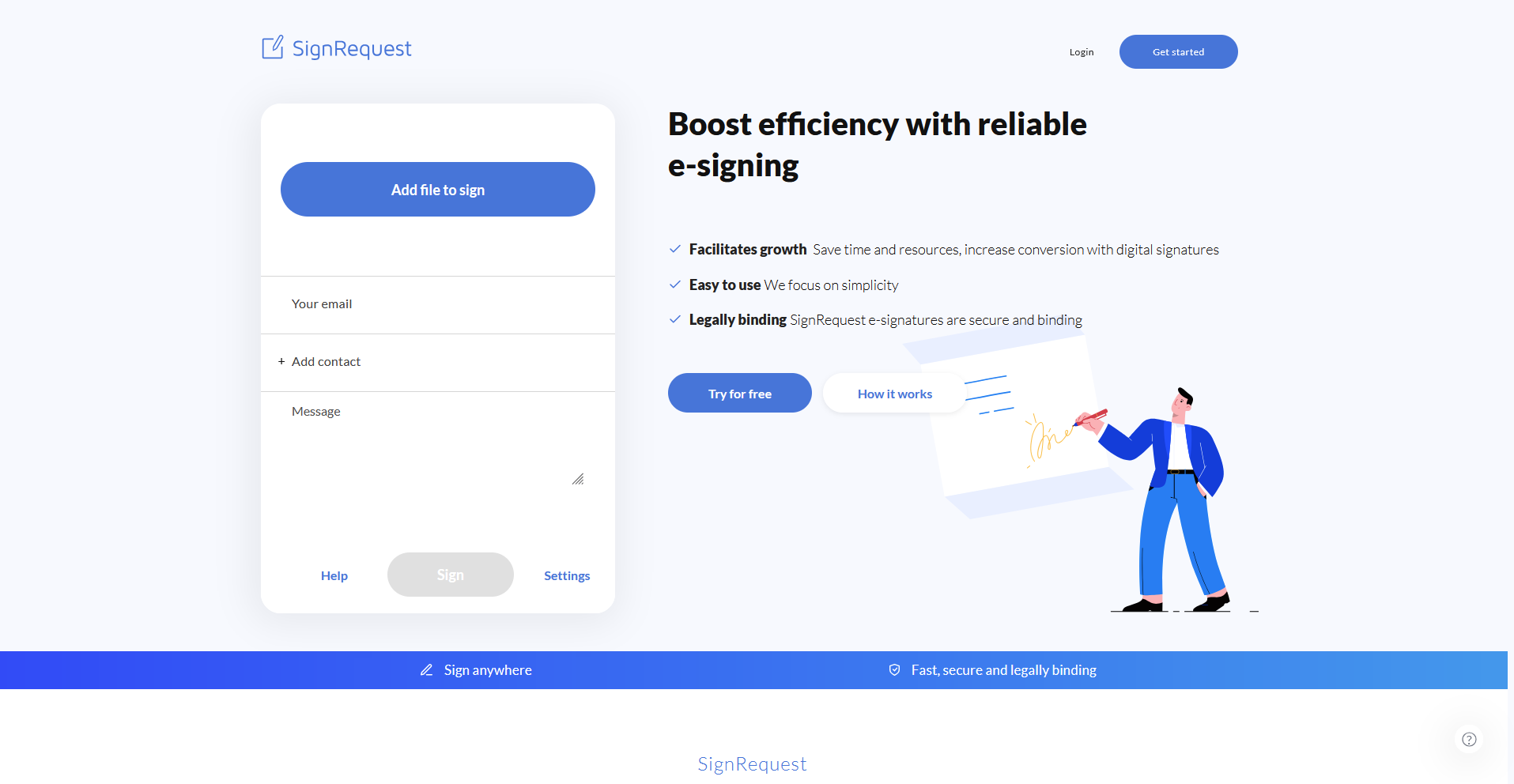
SignRequest is a straightforward eSignature tool built for freelancers and small teams that want unlimited documents at a clear monthly price.
You can upload a document, assign signers, and track its status without a steep learning curve, with encryption and an audit trail covering each signature. It wasn't built with larger organizations or high document volumes in mind.
Key features
- Unlimited sending: Send an unlimited number of documents for signature.
- Google integration: Send a document for signature from Gmail or Google Drive.
- Audit trail: Log every signing action with a timestamped record.
Pros
- Unlimited documents keep costs predictable as usage grows
- Setup takes minutes without a training session
- Integrates directly with Gmail, Google Docs, and Google Drive
Cons
- Larger organizations and high document volumes stretch past what it was built for
- Advanced features like conditional workflows stay out of reach
Best for
- Freelancers and small businesses signing a handful of documents monthly
- Teams already working inside Google Workspace
- Businesses that want unlimited sending at a flat price
Pricing
SignRequest starts at $9 per user per month.
13. DocHub: Best for basic document editing
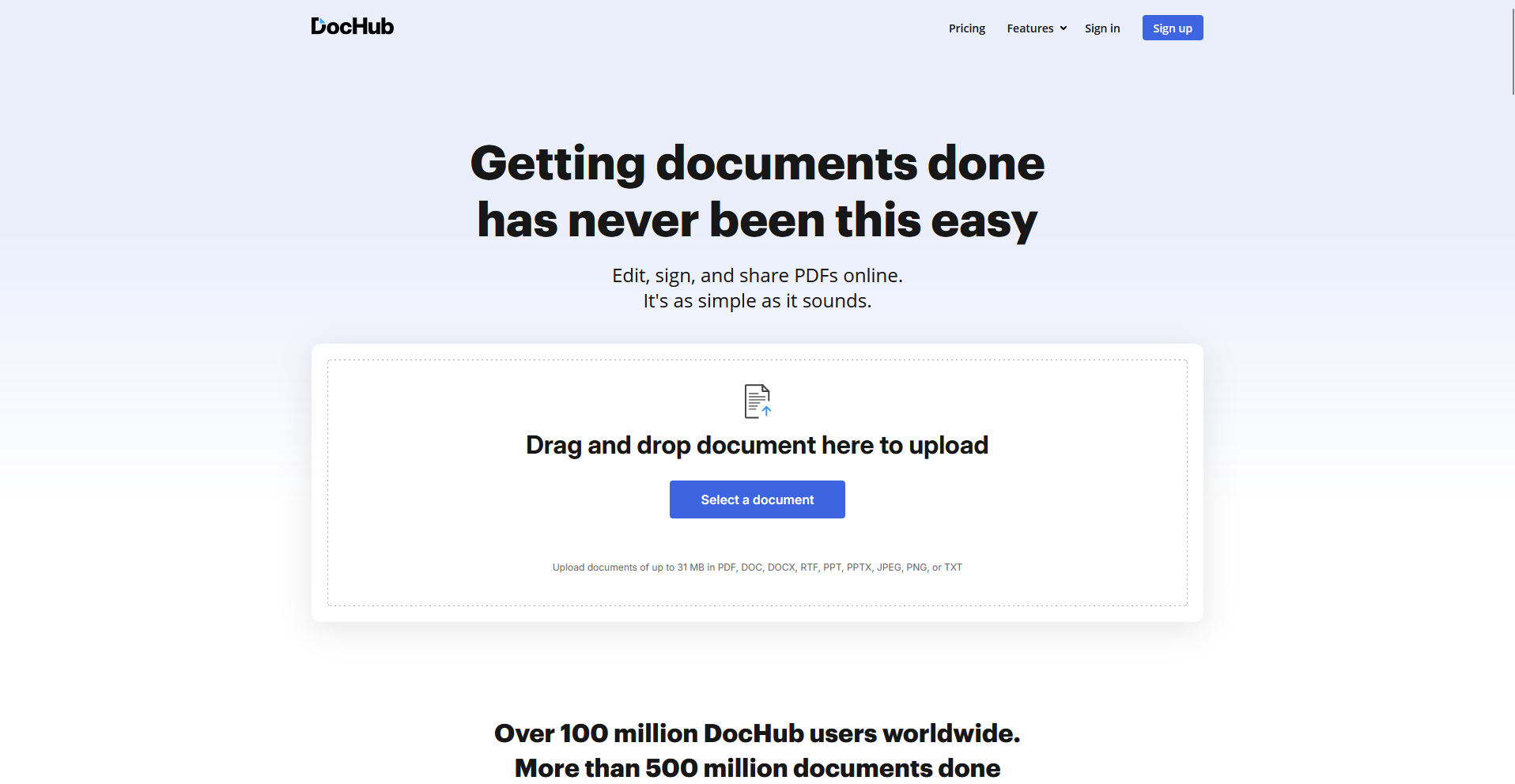
DocHub lets you edit, fill out, and sign a PDF directly in your browser without installing extra software. You can add text, checkboxes, and signatures to a document, then send it for signature without leaving the page. Once a document goes out for signature, making a change means resending it from scratch.
Key features
- In-browser PDF editing: Edit text and fields directly inside a PDF.
- Google Drive integration: Open and save a document straight from Google Drive.
- Signature requests: Send a document to multiple signers for signature.
Pros
- Edits and signs a PDF in the same browser tab, without extra software
- Setup takes only a few minutes for a first-time user
- Integrates directly with Google Drive for document storage
Cons
- Making a change after a document is sent means resending it from scratch
- Cross-system integrations lag behind dedicated document platforms
Best for
- Anyone who wants to edit and sign a PDF without downloading software
- Teams handling simple, one-off contracts
- Users who already store documents in Google Drive
Pricing
DocHub starts at $8 per month.
14. SignWell: Best for template-based workflows
`
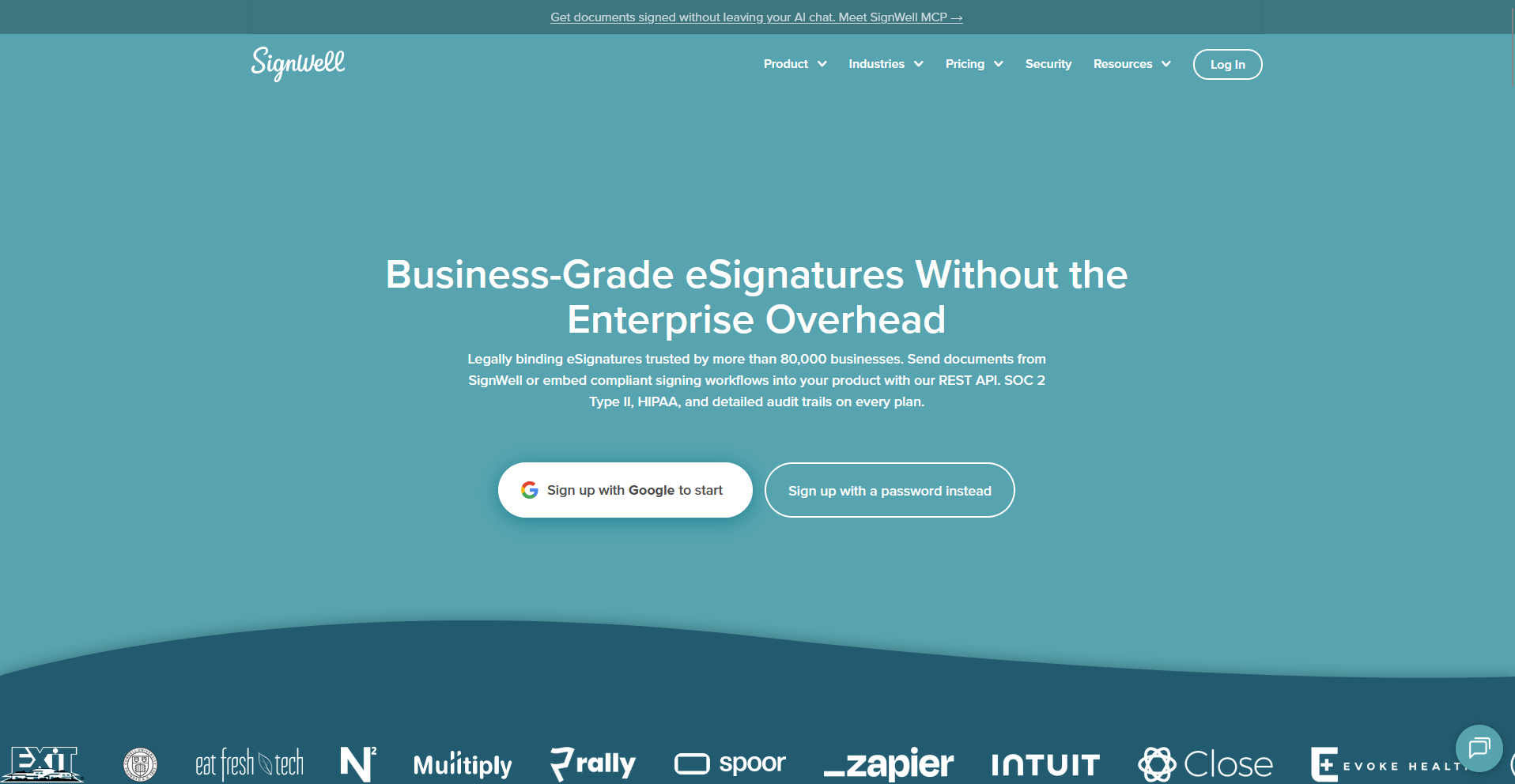
SignWell is an eSignature platform built for teams that send the same documents on a repeat basis and want reusable templates with a clear audit trail.
You can save a document as a template once, then reuse it for every future signer without rebuilding the fields each time. Documents work well on mobile through the browser, but there's no dedicated mobile app to manage signing on the go.
Key features
- Reusable templates: Save a document's fields and layout as a template for repeat use.
- Contact storage: Store a signer's details to skip re-entering them each time.
- Audit trail: Log every signing action with a timestamped record.
Pros
- Reusable templates cut repeat setup time for HR, accounting, and onboarding documents
- Unlimited document sending keeps costs predictable on paid plans
- API access gives developers direct control over signing workflows
Cons
- There isn’t a dedicated mobile app for signing while on the go
- Template and signature customization stay limited compared to bigger platforms
Best for
- Teams that send the same document repeatedly and want reusable templates
- Businesses that want unlimited sending at a flat price
- Developers who want API-level control over signing workflows
Pricing
SignWell starts at $10 per month.
15. Foxit eSign: Best for large enterprises
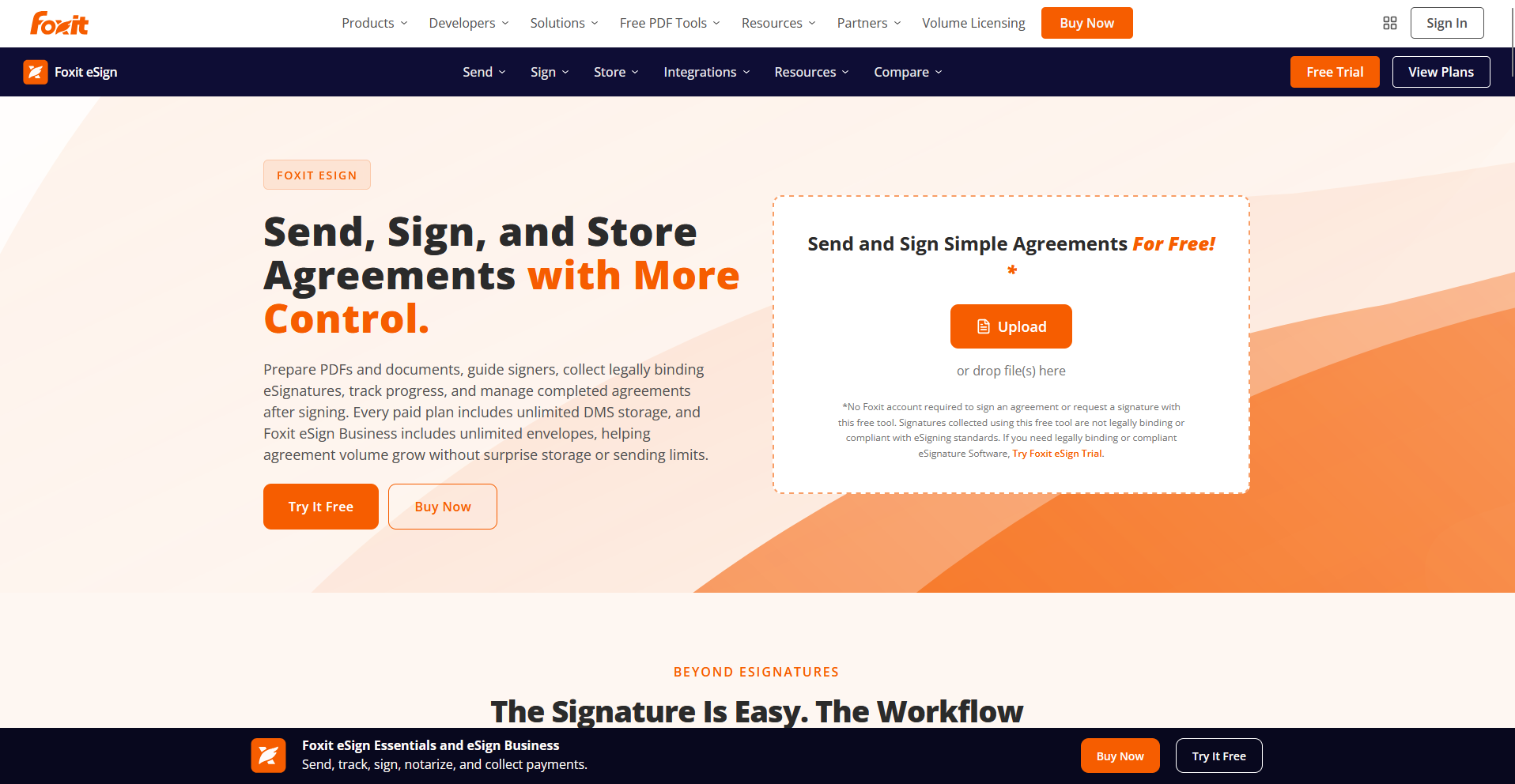
Foxit eSign is an eSignature platform built for large organizations that already use Foxit's PDF software and need role-based approval controls. You can route a document through multiple signers in a set order, with compliance tools covering the approval trail along the way. Complex, multi-condition approval workflows take extra configuration to set up properly.
Key features
- Role-based approvals: Route a document to signers in a set approval order.
- PDF integration: Prepare and sign a document inside Foxit's existing PDF tools.
- Compliance controls: Apply role-based access rules across a signing workflow.
Pros
- Role-based approvals fit teams that already run structured sign-off processes
- Integrates directly with Foxit's existing PDF software
- Compliance controls cover the needs of large, multi-department organizations
Cons
- Complex, multi-condition approval workflows take extra configuration to set up properly
- Reporting covers document and signer status, without deeper engagement analytics like time spent per page or section-level interaction tracking
Best for
- Large enterprises already using Foxit PDF software
- Organizations that need role-based approval routing
- Teams that want compliance controls built into the signing process
Pricing
Foxit eSign starts at $120 per year.
16. Xodo Sign (formerly Eversign): Best for freelancers and small teams
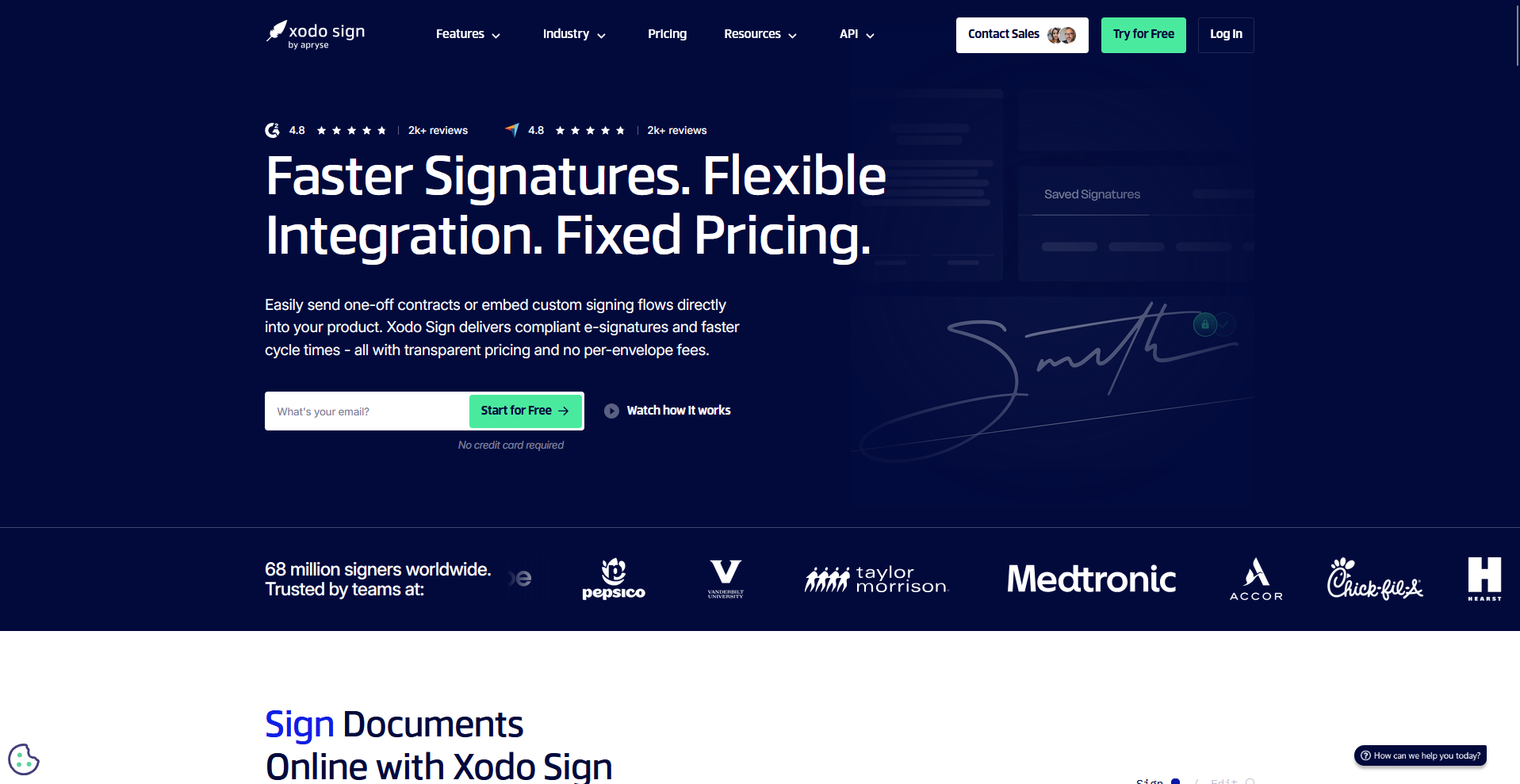
Xodo Sign is a lightweight eSignature tool built for freelancers and small teams that want core signing features without enterprise pricing.
You can upload a document, add signature fields, and send it for signature from a simple dashboard, with a free plan covering occasional use. Customer support options stay limited to email, with no live chat or phone line for urgent signing issues.
Key features
- Custom branding: Add a logo and brand colors to the signing dashboard.
- Free plan access: Send a limited number of documents each month at no cost.
- Reusable templates: Save a document's fields for repeat use with new signers.
Pros
- Free plan covers occasional signing needs without a paid commitment
- Setup stays simple enough for a first-time user to figure out alone
- Custom branding is available even on lower-tier plans
Cons
- Integrations can run into occasional syncing issues when connecting to other apps
- Advanced features, like conditional routing or multi-step approval workflows, aren't part of the platform
Best for
- Freelancers and small teams signing documents occasionally
- Businesses that want brand customization without enterprise pricing
- Users who want a free plan before committing to a paid one
Pricing
Xodo Sign starts at $10 per user per month.
17. Youtrust (formerly Yousign): Best for small European businesses
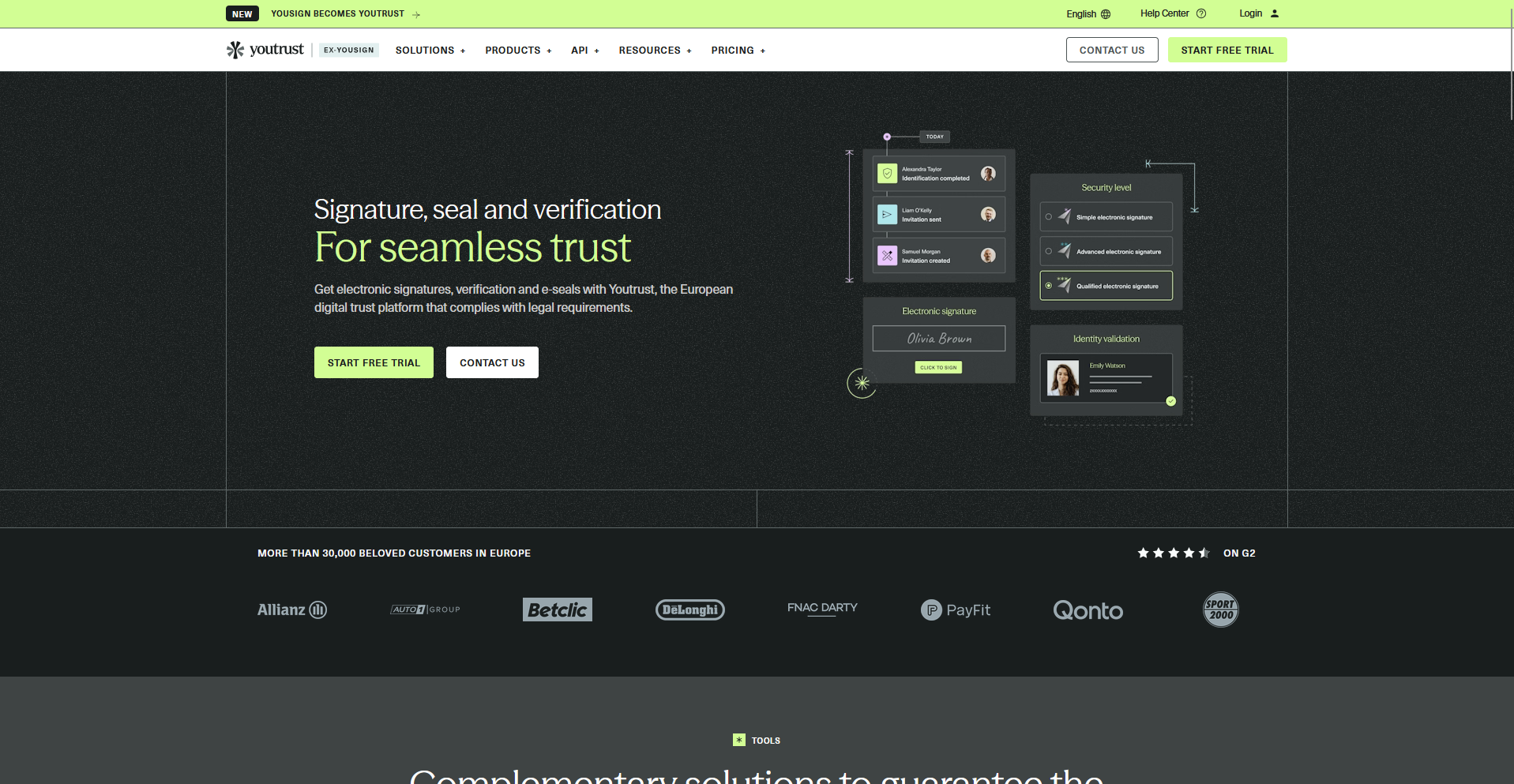
Youtrust is an eSignature platform built for small and mid-sized businesses operating in Europe, with GDPR compliance and multilingual support built in.
You can send a document for signature and track your usage in real time, with alerts before you hit your plan's limits. Its pricing and template options are more limited than platforms built primarily for the US market.
Key features
- Real-time usage tracking: Monitor document volume against your plan's limits as you send.
- Multilingual signing: Present the signing experience in the signer's own language.
- ISO 27001 certification: Meet European data security and compliance standards.
Pros
- GDPR compliance and ISO 27001 certification fit European regulatory needs directly
- Multilingual signing works well for businesses signing across several countries
- Usage alerts help a team avoid surprise limits mid-cycle
Cons
- Integrations with tools outside its own ecosystem stay limited
- A few users report slow resolution on billing and cancellation disputes
Best for
- Small to mid-sized businesses operating primarily in Europe
- Teams that need GDPR-compliant, multilingual signing
- Businesses that want to track document usage against their plan in real time
Pricing
Youtrust starts at $8 per month.
18. GetAccept: Best for sales enablement and signing
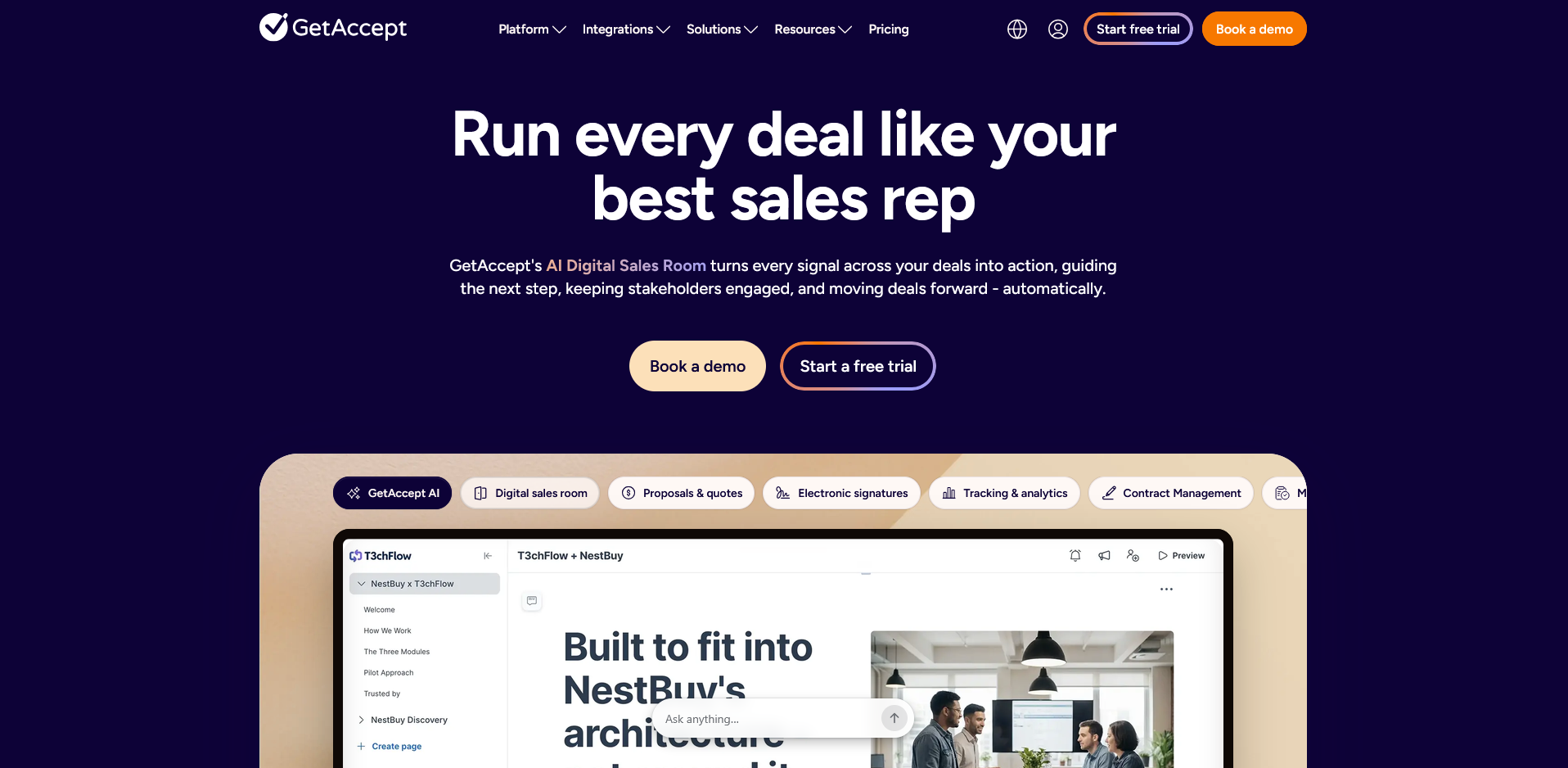
GetAccept combines eSignatures with sales enablement tools, letting sales teams add video and proposal tracking to the documents they send for signature.
You can build a proposal, record a short video message, and track when a prospect opens and engages with it, all from the same Deal Room. Editing a document after it's sent requires the pricier Professional plan or higher.
Key features
- Deal Room tracking: Track when a prospect opens, views, and signs a proposal.
- Video messaging: Attach a recorded video message to a sent proposal.
- Engagement analytics: Show which sections of a document a recipient spent time on.
Pros
- Deal Room tracking gives sales teams visibility into how a prospect engages with a proposal
- Video messaging adds a personal touch that plain document links don't offer
- Salesforce integration keeps proposal activity tied to the right CRM record
Cons
- The entry-level eSign plan doesn't support editing a sent document
- Template customization can feel inflexible for documents with unusual layouts
Best for
- Sales teams that want engagement tracking alongside signatures
- Revenue teams that use video to stand out in proposals
- Businesses already running Salesforce for pipeline tracking
Pricing
GetAccept starts at $25 per user per month, billed monthly.
19. eSignly: Best for budget-friendly document signing
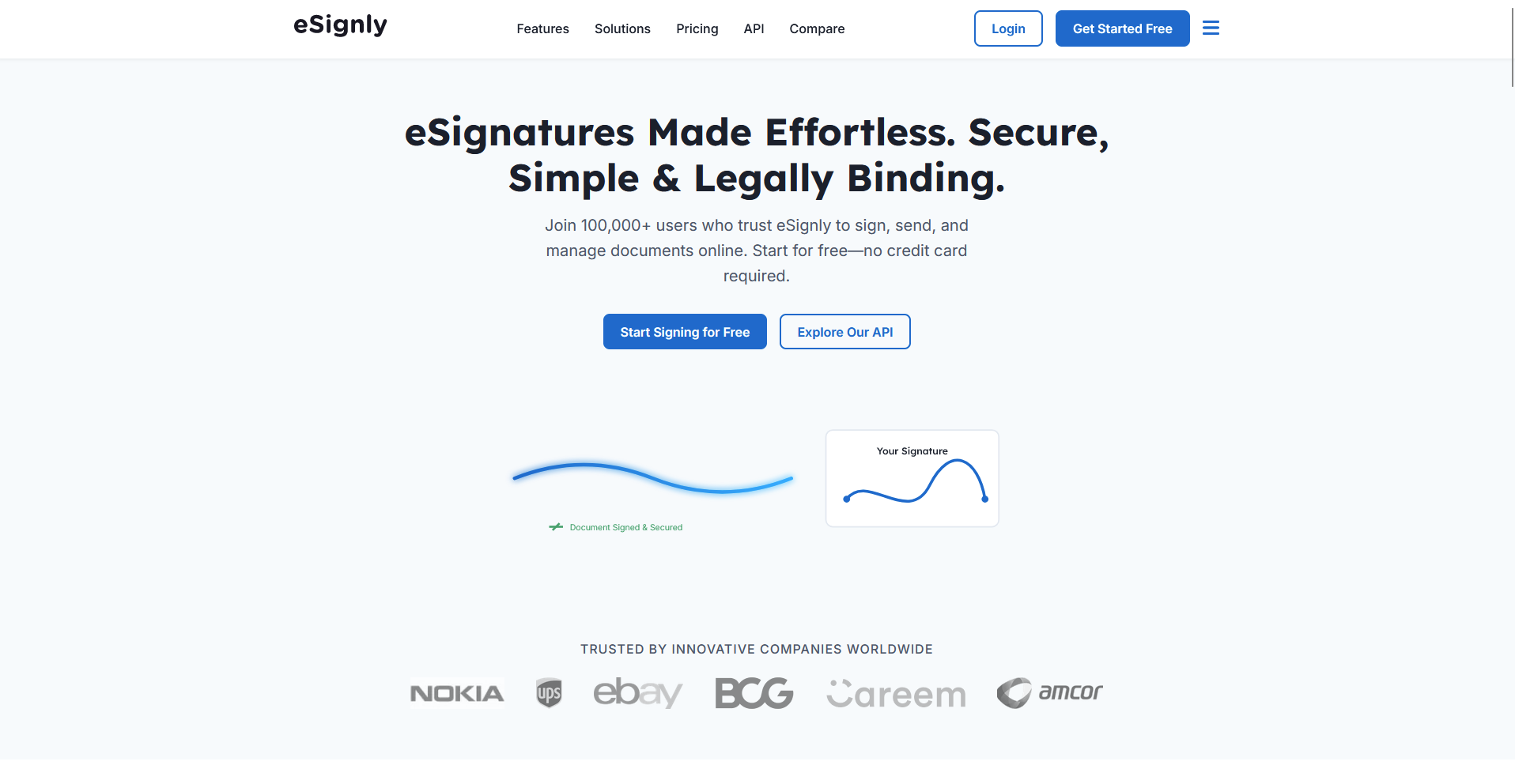
eSignly is an eSignature platform built for small businesses that want straightforward signing at a clear, published price.
You can upload a document, add signature fields, and send it for signature, with status tracking showing exactly where each document stands. Even the top-tier plan caps out around 15 reusable templates, so businesses juggling many different repeat documents hit that limit fast.
Key features
- Template configuration: Set up a reusable signature template for repeat documents.
- Status tracking: Check where each sent document stands in the signing process.
- API access: Embed signing directly into an existing back-end system.
Pros
- Published pricing stays clear and simple to compare against other tools
- Setup takes only a few minutes for a first-time user
- API access gives developers a way to automate signing requests
Cons
- Reusable templates cap out even on the higher tiers, so heavy template use gets clunky fast
- Contract lifecycle features like renewal tracking aren't part of the platform
Best for
- Small businesses that want clear, published pricing
- Teams sending a modest volume of documents each month
- Developers who want API-level control over signing
Pricing
eSignly starts at $10 per month.
How to evaluate DocuSign alternatives
The tools on this list solve pretty different problems, so it helps to know what you're actually trying to fix before you start comparing them side by side. Consider:
- How much of the workflow you want in one tool: Decide whether you need signing on its own or want it built into a bigger workflow like billing, proposals, or client communication.
- How pricing scales with your team: Check whether a plan bills per user, per document, or by feature tier, since costs shift in different ways as your volume or headcount grows.
- What happens after a document is sent: Some platforms let you edit or reroute a signing request once it's out, and others force you to start the whole document over.
- Which compliance and regional rules apply to you: Look for the specific certifications your business or clients require, like GDPR, HIPAA, or SOC 2. A general compliance claim on a marketing page doesn't guarantee it.
- How deep the integrations go: Check whether a tool connects to your CRM, storage, or accounting software natively, or only through a workaround like Zapier.
Get more done after the signature
Most DocuSign alternatives on this list stop working once someone signs the document. The signed file lands in storage, and the client work, billing, follow-ups, status updates, moves somewhere else entirely.
We built Assembly to keep that work connected. Describe the app your team needs, like a new client intake, a project tracker, or a proposal builder, and Assembly's AI app builder generates it. The finished app ships into a branded client experience with permissions, files, messaging, and billing already connected.
Client data stays covered too, with SOC 2 Type II compliance and support for GDPR, CCPA, and HIPAA.