



AI contract review software tools use AI to scan contracts, flag risky clauses, and suggest redlines in minutes, cutting what used to take hours of manual review.
I researched dozens of these tools through documentation, demo walkthroughs, and hundreds of G2 and Capterra reviews. Then I tested what I could by running a messy vendor contract through each one to see which caught the clauses that mattered. Here are the 10 best picks for 2026.
10 best AI contract review software: TL;DR
- LegalOn: Best for in-house legal teams that want professional playbooks in place from day one.
- LEGALFLY: Best for legal teams in regulated industries that need sensitive data stripped before an AI ever sees it.
- Spellbook: Best for lawyers and small firms who draft and review inside Microsoft Word all day.
- Luminance: Best for law firms and corporate legal teams handling complex, multi-jurisdiction review.
- Leah (formerly ContractPodAi): Best for organizations that want AI review built into a broader CLM platform.
- Workday Contract Intelligence: Best for enterprises, especially Workday shops, that need portfolio-wide contract insight.
- Kira (Litera): Best for deal teams pulling specific provisions across thousands of documents in due diligence.
- Juro: Best for fast-growing in-house teams that want AI review folded into full contract lifecycle management.
- Gavel Exec: Best for transactional and M&A lawyers benchmarking clauses against market standards.
- goHeather: Best for SMBs and non-lawyers reviewing everyday contracts without outside counsel.
How I researched and tested these AI contract review tools
I'll be honest, most of the tools on this list don't hand out direct access, so I worked through vendor walkthroughs, product documentation, and hundreds of G2 and Capterra reviews to see how each one holds up.
On the rare few I could get into directly, I ran a messy vendor contract with vague liability language and no breach notification clause, just to see what each one would actually catch.
Here's what I considered:
- Playbook quality: Whether a tool ships with attorney-built review standards or leaves you to build your own from a blank page.
- Purpose-built accuracy: Whether the AI is trained specifically on contract language or repurposed from a general-purpose model.
- Data handling: How each tool treats sensitive contract data, including SOC 2, GDPR, and CCPA compliance, and whether it trains on customer contracts.
- Workflow fit: Whether the tool works inside Microsoft Word or requires switching to a separate platform to get anything done.
- Pricing transparency: Whether you can find a real number without booking a call first.
Data handling mattered most across every tool I looked at, since a contract reviewer that can't account for where your clause language ends up isn't one I'd put in front of a client agreement, no matter how fast its redlines are.
10 best AI contract review software tools: quick comparison
The tools below focus on the review step. If you also need to manage contracts before and after review, from drafting to renewals, AI contract management software covers the wider lifecycle.
| Tool | Best for | Starting price | Strengths |
|---|---|---|---|
| LegalOn | Teams that want to skip building playbooks from scratch | Custom | Attorney-drafted content, fast setup, and consistent review standards |
| LEGALFLY | Data privacy as the top priority in every review | Custom | Mandatory anonymization, jurisdictional range, and Microsoft-native workflow |
| Spellbook | A Word-native add-in for everyday drafting and review | Custom | Low learning curve, inline suggestions, and small-team pricing |
| Luminance | Spotting anomalies buried in thousands of agreements | Custom | Anomaly detection, compliance mapping, and depth on complex portfolios |
| Leah (formerly ContractPodAi) | Teams adopting a full CLM platform that want AI review bundled in | Custom | Conversational review, clause libraries, and org-wide negotiation workflows |
| Workday Contract Intelligence | Contract data feeding into an existing Workday stack | Custom | Fast ingestion, automated dashboards, and native Workday fit |
| Kira (Litera) | High-volume clause extraction during due diligence | Custom | Accurate extraction, custom fields, and proven due-diligence use |
| Juro | One platform covering review, approval, and e-signature | Custom | Browser-native workflow, e-signature, and end-to-end contract tracking |
| Gavel Exec | Grounding negotiation positions in real market data | $1740/user/year | Published pricing, in-Word benchmarking, and lawyer-editable playbooks |
| goHeather | A finance or ops manager reviewing contracts solo | $2,000/year | Plain-English risk flags, DIY playbooks, and an accessible entry point |
Billed annually
For consulting firms, contract review is one part of a larger stack. Good consulting software keeps billing, clients, and projects organized, and a review tool from this list handles the agreements themselves.
1. LegalOn: Best for teams that want to skip building playbooks from scratch
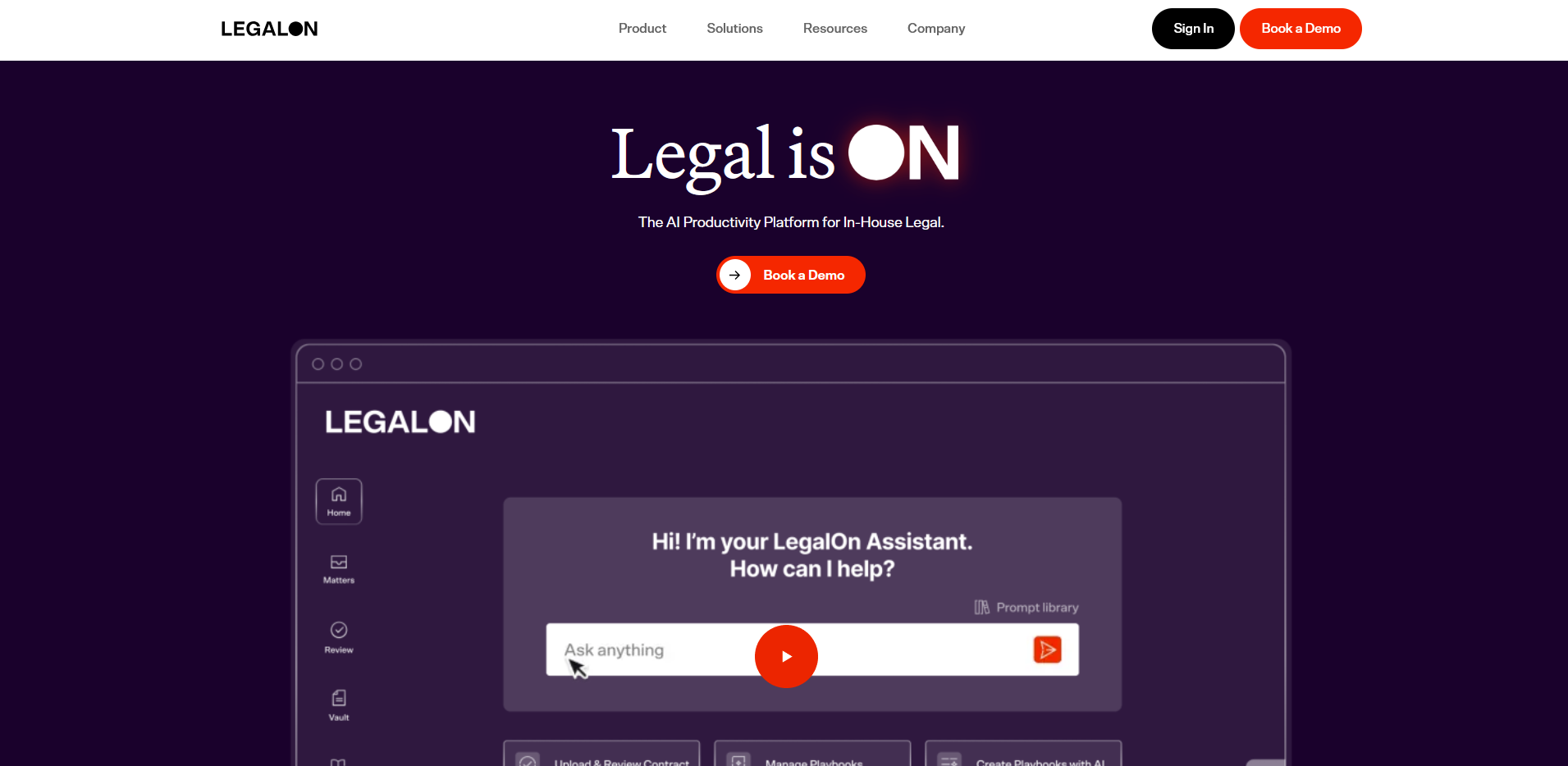
- What it does: LegalOn is an AI contract review platform that checks contracts against attorney-built playbooks and proposes redlines grounded in that language.
- Best for: In-house legal departments handling a steady stream of vendor and customer contracts who don't have the bandwidth to write review standards from zero.
LegalOn works by checking every clause against attorney-built playbooks covering more than 50 contract types, so I looked at how it handled an NDA review in a product walkthrough.
The redline suggestions cited the specific playbook rule behind each flag, right down to a missing confidentiality carve-out and the fallback language to fix it. A few of those explanations leaned on legal terminology that a non-lawyer reviewer would need to look up.
Key features
- Attorney-built playbooks: Pre-built review standards span 50+ contract types, each with fallback language attached.
- Playbook-driven redlining: Every clause gets checked against the active playbook, so the same standard applies whether a junior associate or a partner runs the review.
- Word and browser access: Reviews run directly inside Microsoft Word or through a browser-based dashboard, without exporting files to a separate tool.
Pros and cons
| Pros | Cons |
|---|---|
| Playbooks cover common contract types without setup | Reviews focus on contract language, not document storage or lifecycle tracking |
| Redline reasoning cites the specific playbook rule behind each flag | Notification settings for new review requests can lag behind actual activity |
| Works inside the same Word document a lawyer already has open |
What users say
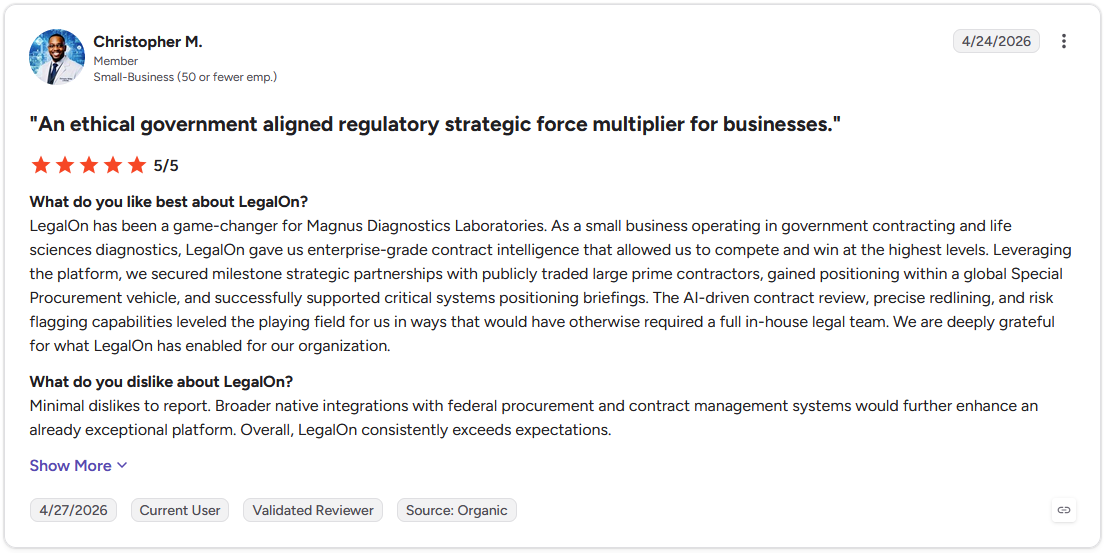
Pro: "LegalOn gave us enterprise-grade contract intelligence that allowed us to compete and win at the highest levels. ... The AI-driven contract review, precise redlining, and risk flagging capabilities leveled the playing field for us in ways that would have otherwise required a full in-house legal team." (Christopher M., G2)
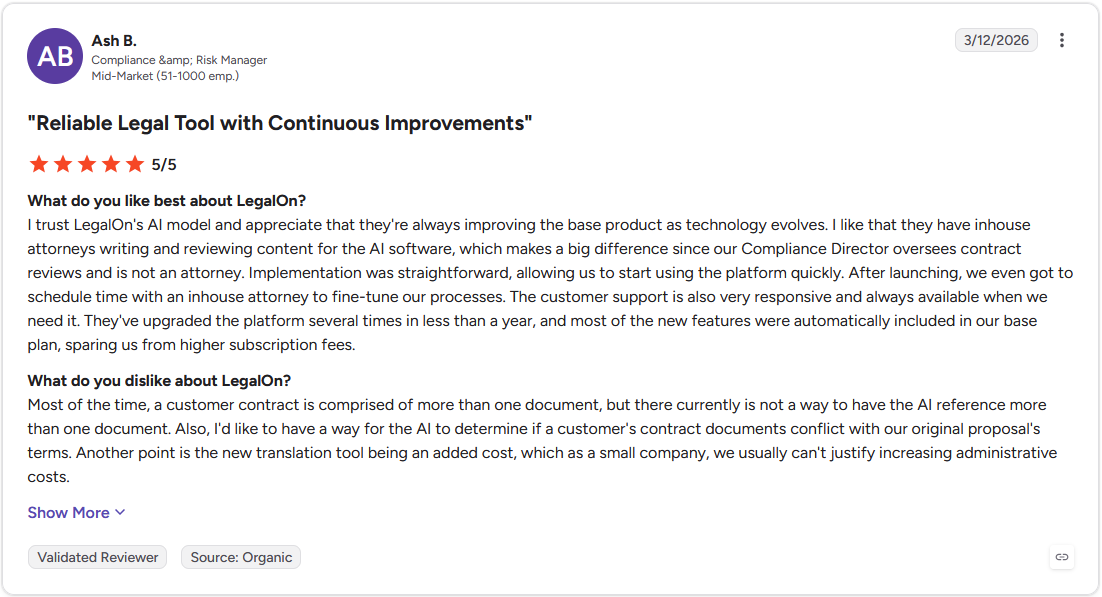
Con: "The new translation tool being an added cost, which as a small company, we usually can't justify increasing administrative costs." (Ash B., G2)
Pricing
LegalOn offers custom pricing.
Bottom line
LegalOn's playbooks come from LegalOn's own legal content team, so there's no template to configure before a first review. For a team handling higher contract volumes that wants anomaly detection across a full batch, Luminance might be worth checking out.
2. LEGALFLY: Best for data privacy as the top priority in every review

- What it does: LEGALFLY is an AI contract review platform that strips sensitive client and counterparty data before any analysis begins.
- Best for: Legal teams in banking, insurance, or healthcare where a vendor's data handling policy gets checked before its redlines do.
To see how LEGALFLY handled a regulated-industry contract, I watched a product walkthrough covering a cross-border services agreement.
The anonymization step ran automatically before the review started, stripping names and identifying details out of the document, and the platform still caught a jurisdiction mismatch in the governing law clause once the review resumed.
The setup looked heavier than a plug-and-play add-in, closer to something built for a legal team's IT department to configure alongside the lawyers using it.
Key features
- Mandatory anonymization: Client and counterparty details get removed from a document automatically before the AI processes it.
- Jurisdictional range: 120+ playbooks span 100+ document types across 60+ jurisdictions, with review available in multiple languages.
- Microsoft-native workflow: Contracts get reviewed, redlined, and compared without leaving Word, Outlook, or Teams.
Pros and cons
| Pros | Cons |
|---|---|
| Anonymization runs by default, not as an opt-in setting | Onboarding involves a guided setup so you don’t get immediate access |
| Jurisdictional coverage extends well beyond a single country's contract law | Annual subscription terms suit a committed rollout more than a quick evaluation |
| Reviews, drafts, and comparisons all happen inside tools teams already use |
What users say
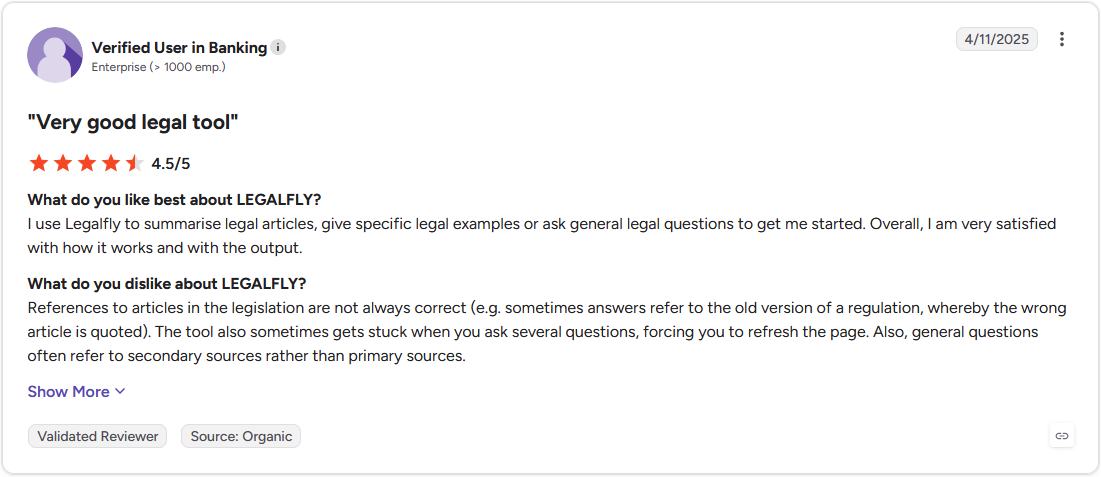
Pro: "I use Legalfly to summarise legal articles, give specific legal examples or ask general legal questions to get me started. Overall, I am very satisfied with how it works and with the output." (Verified User in Banking, G2)
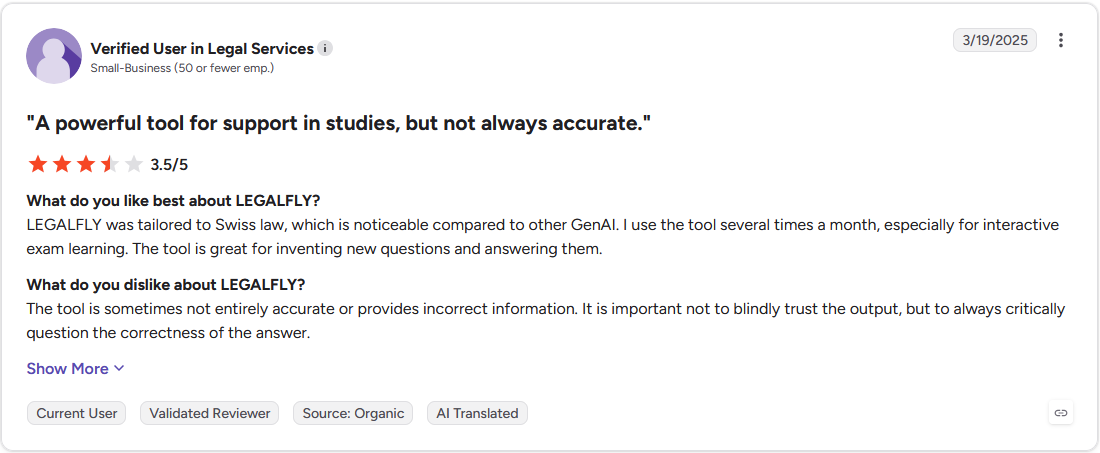
Con: "References to articles in the legislation are not always correct (e.g. sometimes answers refer to the old version of a regulation, whereby the wrong article is quoted). The tool also sometimes gets stuck when you ask several questions, forcing you to refresh the page." (Verified User in Legal Services, G2)
Pricing
LEGALFLY offers custom pricing.
Bottom line
LEGALFLY treats data anonymization as a default step, so a legal team doesn't have to remember to turn it on. For a smaller team that wants to start reviewing contracts the same day, Spellbook is worth a look.
3. Spellbook: Best Word-native add-in for everyday drafting and review
- What it does: Spellbook is an AI contract drafting and review tool that adds inline clause suggestions and redlines directly inside Microsoft Word.
- Best for: Solo lawyers and small firms who draft and review most of their contracts without a dedicated legal ops team behind them.
I opened a services agreement in Word and asked Spellbook to flag anything outside standard market terms, mainly to see whether it could do more than draft. Within a minute, it had spotted an uncapped indemnification clause I'd missed on my own first pass.
Getting it to cross-reference that clause against other vendor agreements meant switching over to Spellbook Associate, since the standard Word add-in stays focused on the document currently open.
Key features
- Inline suggestions: Clause flags and proposed rewrites appear as comments directly in the Word document being reviewed.
- Drafting support: The tool proposes new language and checks terms against common market positions.
- Word-native setup: Runs as a Word add-in, so no separate platform or file upload is required.
Pros and cons
| Pros | Cons |
|---|---|
| Suggestions appear as familiar Word comments and tracked changes | Multi-document review requires switching to Spellbook Associate, a separate agent from the Word add-in |
| Pricing structure fits a solo practice or a small firm's budget | Complex cross-jurisdictional contracts need more context than inline suggestions provide |
| Setup takes minutes since it works inside software lawyers already use |
What users say
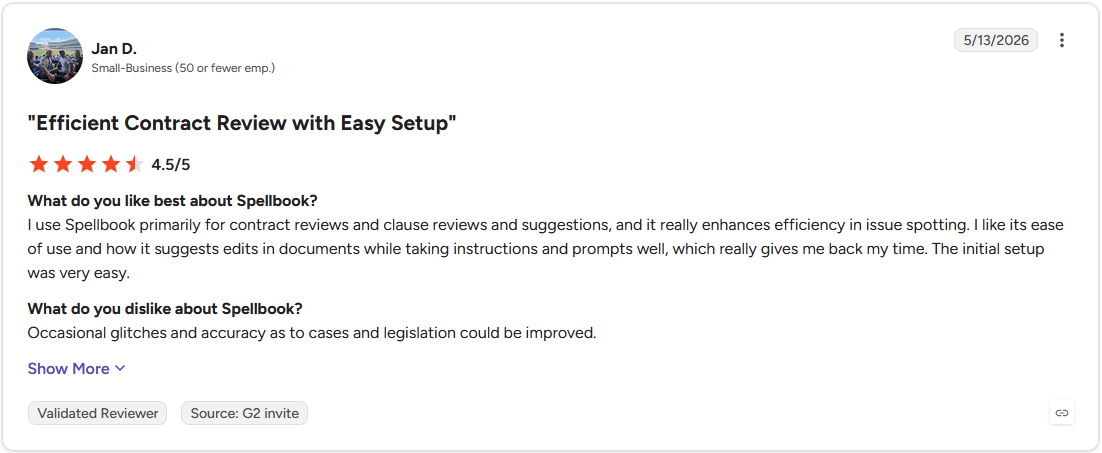
Pro: "I use Spellbook primarily for contract reviews and clause reviews and suggestions, and it really enhances efficiency in issue spotting. I like its ease of use and how it suggests edits in documents while taking instructions and prompts well, which really gives me back my time." (Jan D., G2)
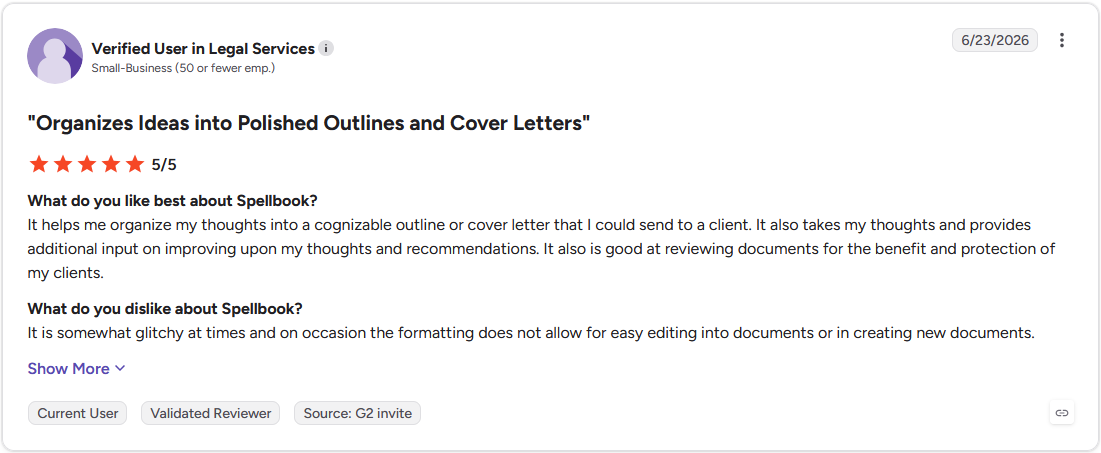
Con: "It is somewhat glitchy at times and on occasion the formatting does not allow for easy editing into documents or in creating new documents." (Verified User in Legal Services, G2)
Pricing
Spellbook offers custom pricing.
Bottom line
Spellbook works inside the document a lawyer is already drafting in, so there's no separate review dashboard to open. For a team that wants pre-built playbooks and doesn't want to build review standards from scratch, LegalOn could be worth a look.
4. Luminance: Best for spotting anomalies buried in thousands of agreements
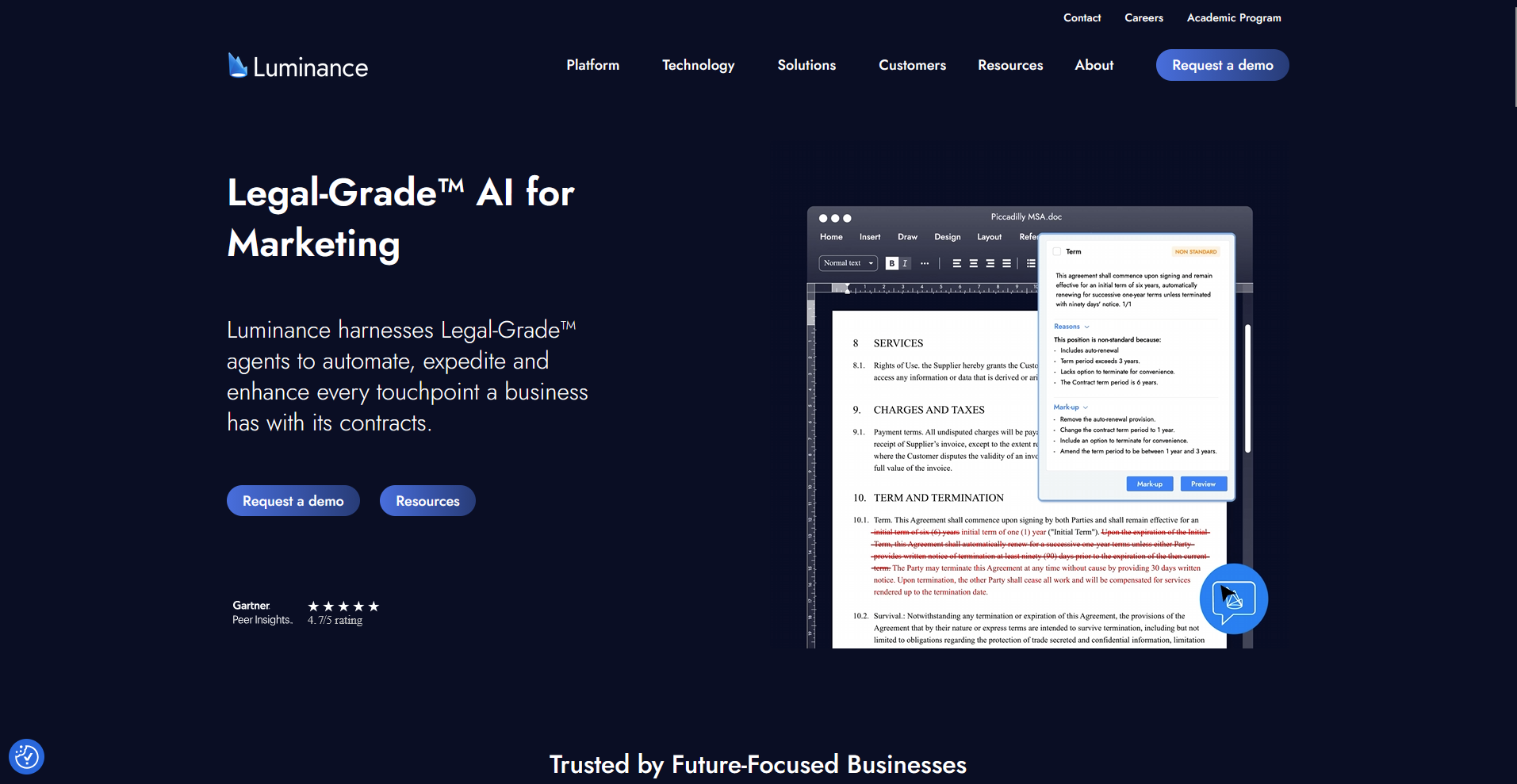
- What it does: Luminance is an AI contract analysis platform that scans large volumes of contracts to surface anomalies and map compliance issues across a portfolio.
- Best for: Law firms and corporate legal teams running due diligence across hundreds of contracts at the same time, where one outlier clause can change a deal.
I was curious whether Luminance could catch what a tired reviewer might miss on document two hundred, so I watched a walkthrough of it running due diligence across a batch of acquisition-related agreements.
It pulled out a handful of contracts with termination language that broke from the rest of the batch, the kind of thing you'd only catch after reading the same clause fifty times.
What stuck with me was the onboarding, since the walkthrough spent more time on configuration and data mapping than on the review screen itself.
Key features
- Anomaly detection: Contracts get compared against each other to surface clauses that deviate from the rest of a batch.
- Compliance mapping: Contract terms get checked against multiple regulatory frameworks in a single pass.
- Portfolio-scale analysis: Large batches of contracts get processed together at the same time.
Pros and cons
| Pros | Cons |
|---|---|
| Built to surface the one contract that doesn't match the rest of a batch | Onboarding takes real setup time before a team sees results |
| Compliance mapping covers multiple regulatory frameworks simultaneously | The pattern-matching approach works best on large document sets, so a single, one-off contract review doesn't get the same benefit |
| Suited to due diligence work spanning hundreds of documents |
What users say
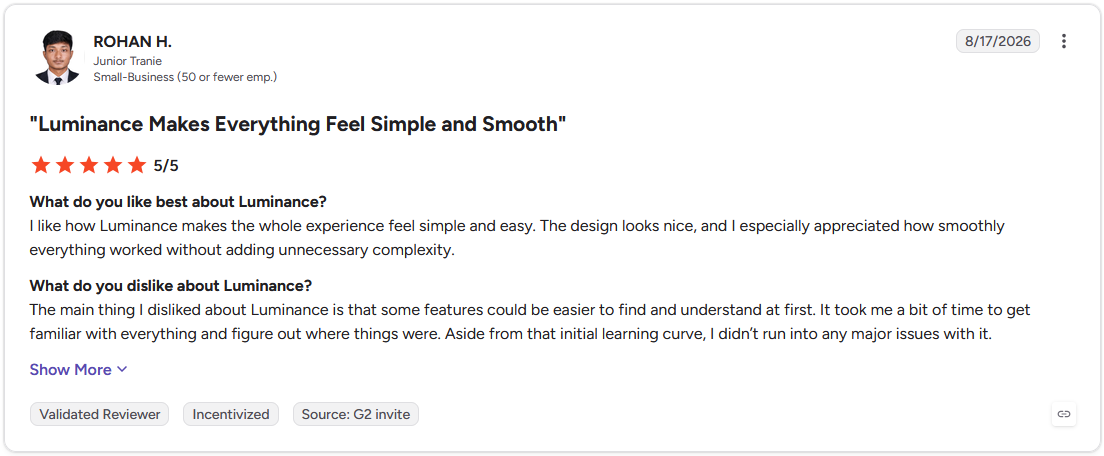
Pro: "I like how Luminance makes the whole experience feel simple and easy. The design looks nice, and I especially appreciated how smoothly everything worked without adding unnecessary complexity." (Rohan H., G2)
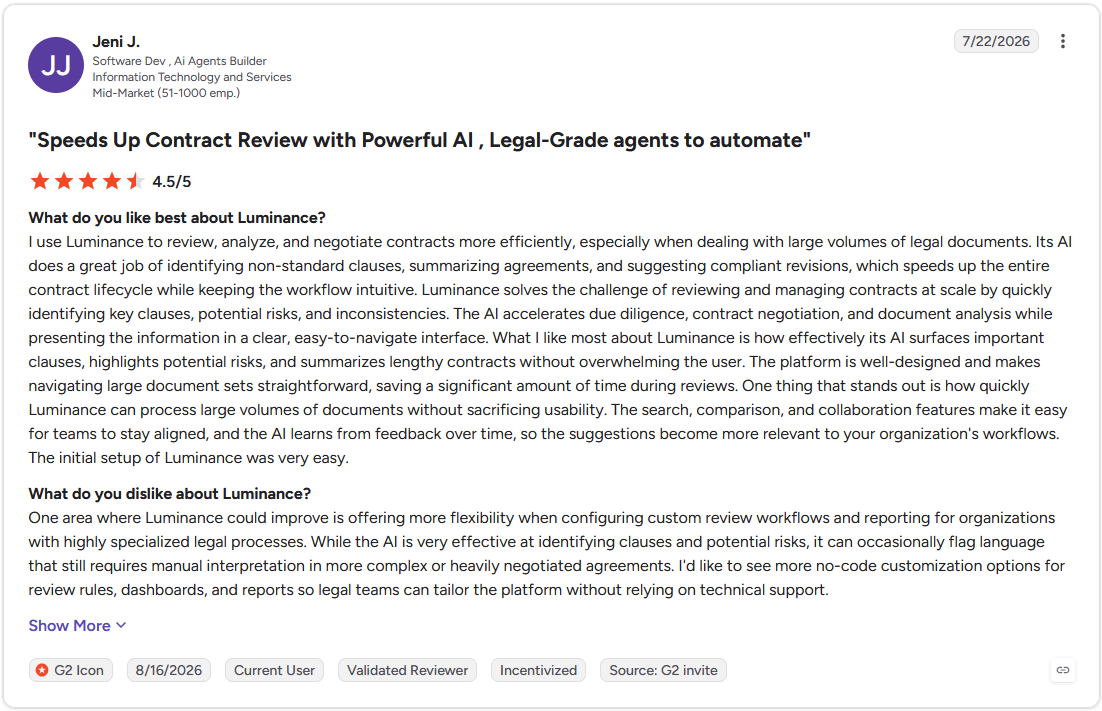
Con: "One area where Luminance could improve is offering more flexibility when configuring custom review workflows and reporting for organizations with highly specialized legal processes. While the AI is very effective at identifying clauses and potential risks, it can occasionally flag language that still requires manual interpretation in more complex or heavily negotiated agreements." (Jeni J., G2)
Pricing
Luminance offers custom pricing.
Bottom line
Luminance is built to compare contracts against each other, going beyond a static playbook check. A smaller team that wants to start reviewing without a lengthy onboarding process could find LEGALFLY a quicker starting point.
5. Leah (formerly ContractPodAi): Best for teams adopting a full CLM platform that want AI review bundled in
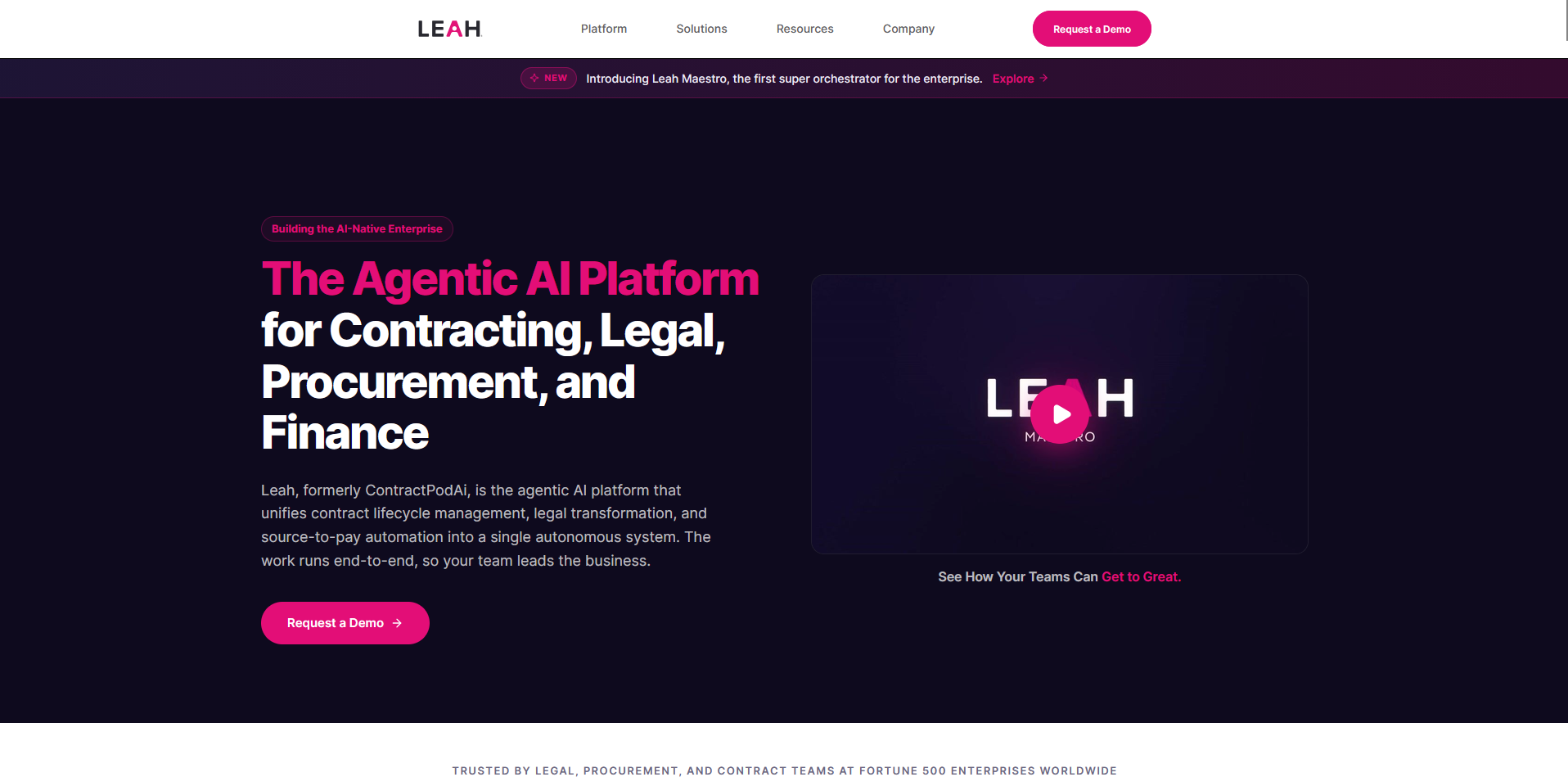
- What it does: Leah is an AI-powered contract lifecycle management platform with an assistant that flags risky clauses and proposes redlines against a company's clause libraries.
- Best for: Legal departments standardizing contract review across multiple business units that already need a full contract lifecycle management (CLM) rollout.
I wanted to see how Leah's conversational review held up against a real negotiation scenario, so I watched a walkthrough of it running a vendor master services agreement (MSA) through the platform's clause library.
The assistant flagged a non-standard indemnification clause and answered a follow-up question about it in natural language, the way a colleague might explain a redline over Slack.
The platform clearly assumes a business is committing to the full CLM, not just the review piece, so a team looking for a standalone reviewer would be paying for a lot of platform it doesn't need.
Key features
- Conversational review: The assistant answers plain-language questions about flagged clauses and compliance checks.
- Clause libraries: Standard language gets enforced across an organization's contracts from one central library.
- Negotiation workflows: Redlines and counterparty responses get managed inside the same CLM environment.
Pros and cons
| Pros | Cons |
|---|---|
| Clause libraries keep standard language consistent across teams | Reviewing a single contract means adopting a much larger CLM system |
| Conversational interface answers follow-up questions in plain language | Implementation involves more configuration than a standalone review tool |
| Negotiation and redlining stay inside one connected platform |
What users say
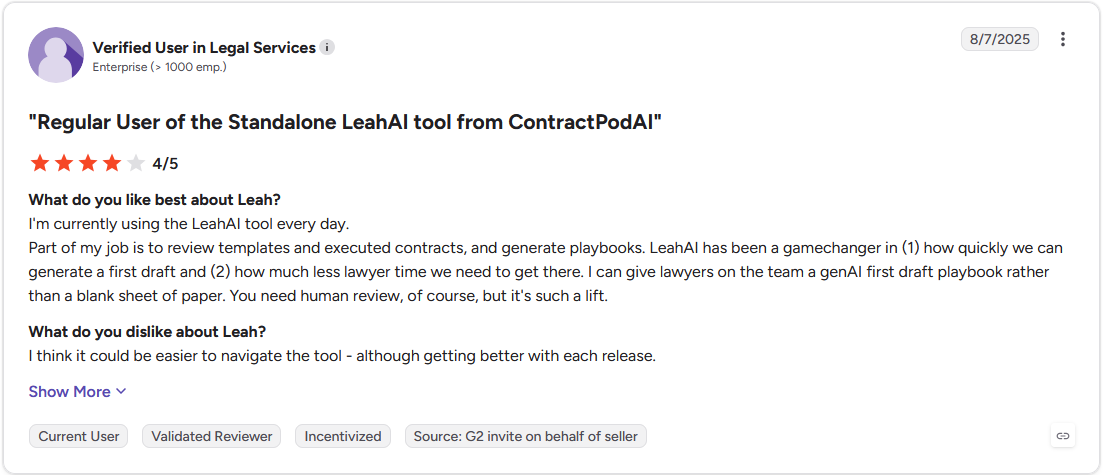
Pro: "LeahAI has been a gamechanger in (1) how quickly we can generate a first draft and (2) how much less lawyer time we need to get there. I can give lawyers on the team a genAI first draft playbook rather than a blank sheet of paper." (Verified User in Legal Services, G2)
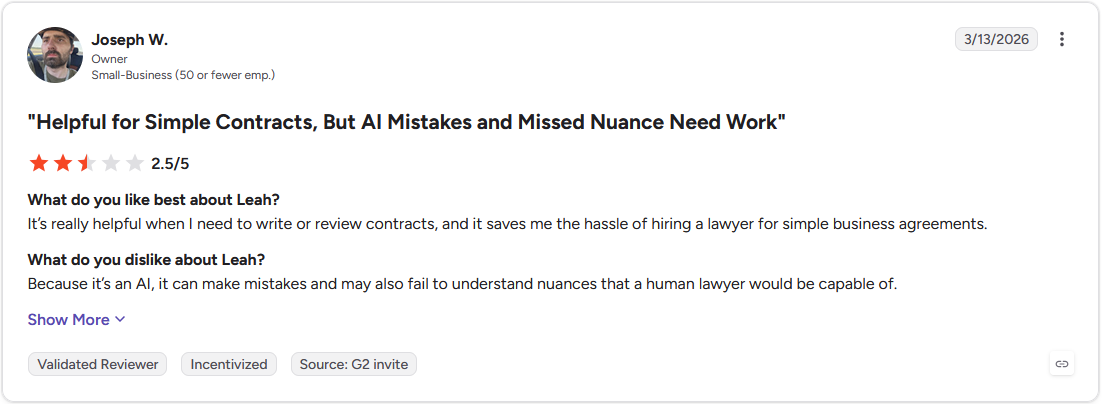
Con: "Because it's an AI, it can make mistakes and may also fail to understand nuances that a human lawyer would be capable of." (Joseph W., G2)
Pricing
Leah offers custom pricing.
Bottom line
Leah folds contract review into a single system built around clause libraries an organization already maintains. A team that wants that same review depth without adopting a full CLM might find LegalOn a simpler fit.
Special mentions
A few more tools came up along the way that didn't quite earn a full spot on this list, but each one is worth knowing about depending on how your team already handles contracts:
- Workday Contract Intelligence: An AI contract analysis module inside Workday. I watched it ingest a batch of vendor contracts in a walkthrough, and the obligation and renewal dashboards populated fast, but the analysis on any single contract's clause language stayed shallow. It suits portfolio visibility more than line-by-line redlining.
- Kira: A provision extraction tool that's been a fixture in M&A due diligence for years. I watched a demo run pull across dozens of agreements with wildly different formatting, and it didn't lose track of which clause was which. Its value gets harder to justify for a firm that just wants extraction and none of the rest of Litera's suite.
- Juro: A browser-native contract platform that refuses to make you leave the browser, folding drafting, negotiating, and e-signing into one place alongside its AI review. A walkthrough showed a sales contract go from first draft to signed copy without a single tab switch. Lawyers who redline everything in Word will need to rethink that habit here.
- Gavel Exec: A clause benchmarking tool for lawyers negotiating deal terms against market-standard positions. Running a sample services agreement through it showed exactly where the payment terms landed against typical market data. A standard NDA doesn't need this much firepower, so you may be paying for features you don’t need.
- goHeather: A plain-English contract risk grader for non-lawyers. I uploaded a vendor services contract with no playbook set up, and it caught an auto-renewal clause with no cancellation window, explaining the risk the way I'd explain it to a friend. Building a playbook from a past contract took longer than the review itself.
What AI contract review software does
Strip away the marketing, and these tools run the same first-pass review a careful associate would run, just faster and across more documents than one person could get through.
Most of that work runs on a playbook, which is the set of rules you give the AI to define what your organization considers acceptable. A playbook without any of your own standards produces generic output. Give the tool a playbook instead, and it checks every clause against:
- Your fallback positions: The alternate language you're willing to accept if the other side pushes back.
- Your liability caps: The maximum exposure your organization allows in a given contract type.
- Your required language: The clauses that must appear, worded a specific way, before you'll sign.
The pattern shows up the same way almost every time. A vendor sends over a master services agreement. You run it against your playbook, and get back a prioritized list of issues.
Maybe the IP clause assigns rights to the vendor. Maybe the liability cap is missing. Maybe there's no breach-notification requirement anywhere in the document. For each issue, the tool proposes redline language you've already approved, so you're deciding whether to accept it, not drafting it from scratch.
The other capabilities build on that same foundation: clause and obligation extraction, renewal tracking, and version comparison across drafts.
AI contract review vs. general AI like ChatGPT and Claude
I'd never hand a signed contract to a general chatbot for review, and there's real research behind that instinct.
A Stanford RegLab study, peer-reviewed and published in the Journal of Empirical Legal Studies in 2025, found that even purpose-built legal research tools still hallucinate on a meaningful share of queries.
Contract review tools are a different category, but the same core problem applies: a model with no training on legal-specific reasoning will often make things up, and a signed contract is a bad place to find that out.
Purpose-built contract review tools earn my trust for a different reason. They're trained on actual contracts, refined by attorneys, aware of jurisdiction, and shaped by whatever playbook you feed them. A consumer chatbot can't say the same about keeping your documents out of its training data, but many purpose-built tools can.
None of that gets the lawyer off the hook. I still see these tools as a strong first pass, with a person making the final call every time.
How to choose the right AI contract review software
Most legal teams overbuy on features they'll never touch, so start with the row that matches your team:
| If you're… | Look at | Why |
|---|---|---|
| An in-house legal team | LegalOn, LEGALFLY | Attorney-built playbooks and privacy-first review |
| A law firm or M&A team | Luminance, Kira, Gavel Exec | Anomaly detection, bulk extraction, and clause benchmarking |
| An SMB or non-lawyer team | goHeather, Spellbook | Accessible, affordable, and low lift to get started |
| After the full contract lifecycle, not just review | Juro, Leah, Workday Contract Intelligence | CLM with AI review built in |
Two decisions save you the most grief:
- Review or full CLM: Decide before you shop. Buyers on r/legaltech repeatedly describe getting sold an end-to-end lifecycle platform when all they wanted was clause extraction. If review is the job, don't pay for a CLM.
- Cost: Pressure-test pricing early. Tools on this table start from over $1,700 annually to five- or even six-figure custom contracts. Run a pilot on your own contract types before you sign anything.
Whatever you choose, treat SOC 2 Type II, GDPR, CCPA compliance, Microsoft Word support, and explainable redlines as non-negotiable. A law firm weighing its broader software stack should fold the review tool into that decision from the start.
The limits of AI contract review
For all the speed these tools offer, they have limitations, and pretending otherwise sets teams up to trust them too much.
AI review gives you a first pass, and a person still delivers the verdict. It handles standard clauses and consistent risk flags well, but gets shakier on bespoke provisions, novel deal structures, and the business context behind a negotiation. It also can't weigh a 10-year client relationship against a slightly unfavorable indemnity.
Two practical truths follow from that gap:
- Your output is only as good as your playbook. Thin rules produce thin review, no matter how capable the underlying AI is.
- Change management is genuine work. Lawyers who've reviewed contracts a certain way for years won't hand that process over on faith.
You've reviewed the contract. Now what happens to it?
AI contract review software catches the risk in a contract, but the work doesn't end once the redlines are accepted. Somebody still has to send that contract out, get it back, and give the client a place to see it alongside everything else in the relationship, which is the gap Assembly’s AI app builder fills.
Assembly is a client platform with an AI app builder for the apps your clients actually use. Describe an app like a case status page or a document collector for gathering signed agreements, and the app builder builds it directly into a branded space your clients already use.
Here's how Assembly can help:
- Built for the apps your clients log into: Describe an intake form, a document collector, or a status page for tracking a contract through signature, and the app builder generates the screens, data structure, and layout, branded as your own.
- Connected from the start: Every app ships alongside each client's files, messages, and billing, so a signed contract lands somewhere with everything else already attached.
- Protect client data: Assembly maintains SOC 2 Type II compliance and supports GDPR, CCPA, and HIPAA compliance.
Assembly may not be the right fit if all you need is a tool to redline contracts. But if you want a branded space where clients can see a signed agreement, track next steps, or submit new requests, try Assembly for free.