



Building internal business apps with AI can replace months of custom development work, but the tool you pick determines how far you can go. I tested dozens of platforms to find 10 that can support business workflows in 2026.
This list focuses on internal tools; for customer-facing apps, see my roundup of the best AI app builders.
10 best tools to build internal business apps with AI: quick comparison
| Tool | Best for | Starting price | Strengths |
|---|---|---|---|
| Bubble | Complex web apps and SaaS MVPs | $59/month (Web and mobile) | Visual workflow builder, built-in database, and plugin ecosystem |
| Microsoft Power Apps | Internal apps for Microsoft 365 teams | $20/user/month | Copilot-assisted building, canvas and model-driven apps, and Power Automate integration |
| Softr | No-code portals and internal tools | $99/month | AI Co-Builder, role-based permissions, and multiple data source integrations |
| Retool | Developer-led internal tools | $10/builder/month | Database and API connectivity, drag-and-drop builder, and workflow automation |
| Knack | Data-driven no-code apps | $49/month | No-code database builder, AI app generation, and workflow automation |
| Lovable | Clean AI-generated web apps | $21/month, includes100 credits | React code output, AI generation, and developer-friendly handoff |
| Base44 | Prompt-built lightweight tools | $16/month, includes 100 message credits | Built-in backend, one-click deployment, and AI agents |
| Bolt.new | Fast full-stack prototypes | $18/month | Full-stack generation, live preview, and Supabase integration |
| Adalo | Mobile-first app MVPs | $36/month | Mobile-first builder, app store publishing, and hosted database |
| Glide | Apps built from spreadsheets | $19/month (Individual) | Spreadsheet-based setup, fast build time, and mobile-friendly interface |
Billed annually
How I researched and tested these AI app builder tools
I tested each platform by building sample internal business apps across common scenarios, including approval workflows, data tracking tools, and basic client-facing portals.
Here's what I considered:
- AI generation quality: How accurately each tool translated a plain-language prompt into a working app structure, and how much manual cleanup was needed after generation.
- Ease of use: How quickly a non-technical user can move from prompt to a functional, shareable app without hitting a wall.
- Data handling and permissions: Whether the tool can manage structured business data and control what different users can see and do inside the app.
- Integration support: How well each platform connects to the tools business teams already use, including spreadsheets, databases, and third-party services.
- Scalability beyond the first draft: How each tool performs once the initial app needs new features, more users, or more complex logic added.
The tools that held their own were the ones where the AI got you close enough on the first pass so you could spend your time refining, not rebuilding.
1. Bubble: Best for complex web apps and SaaS MVPs
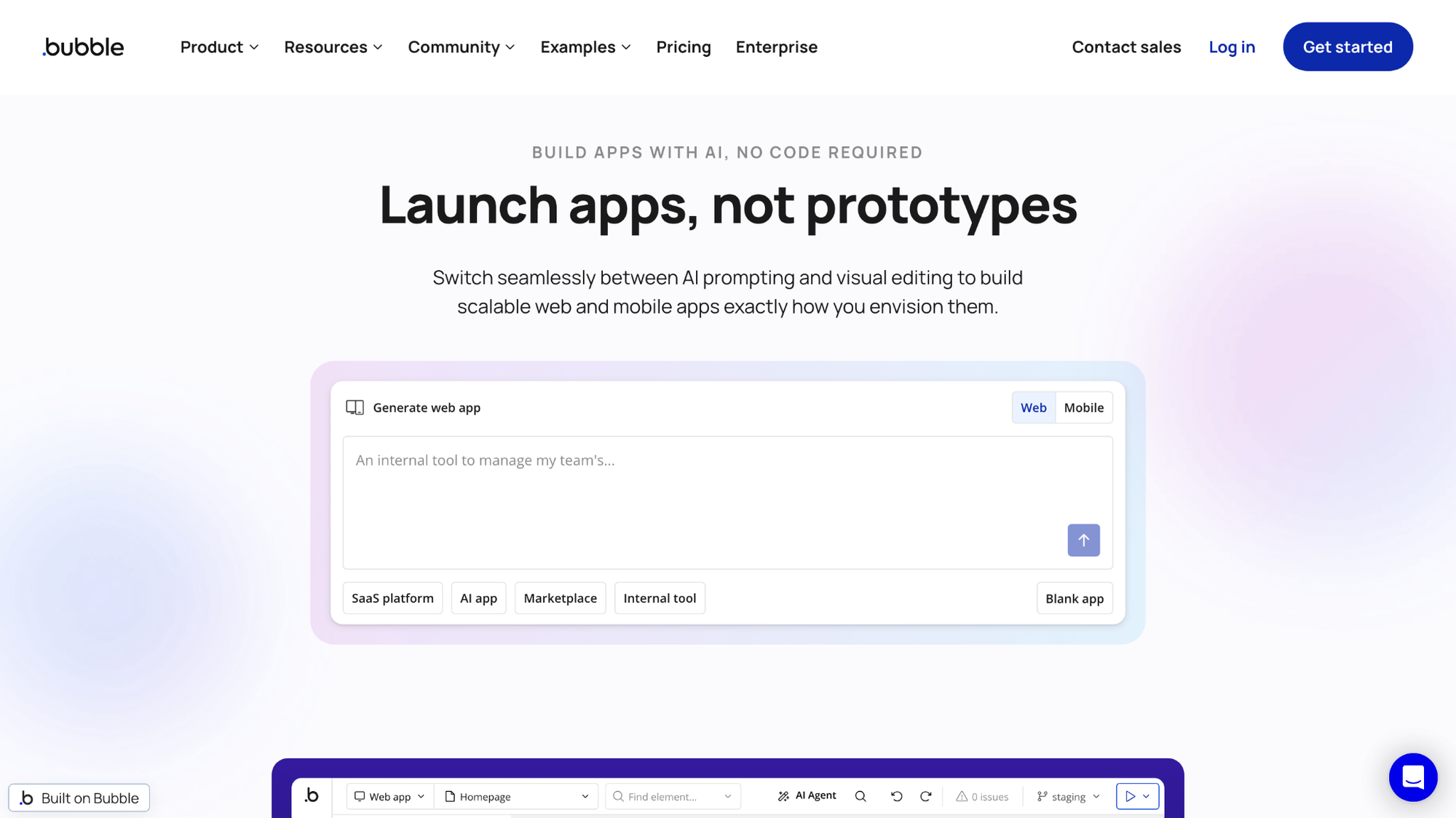
- What it does: Bubble is a no-code platform that lets you build full web applications, including the frontend design, backend logic, and database, without writing code.
- Best for: Teams building multi-page products with custom user roles and workflows that go beyond a simple internal tool.
I built a sample internal approval tool in Bubble to see how far the visual workflow builder could take a non-technical user. After working through several nested workflow steps for the conditional logic, the app correctly routed requests based on the rules I set. Getting comfortable with the workflow editor and database structure took some time, so expect a slower ramp up if you don’t have a technical background.
Key features
- Visual workflow builder: Define multi-step app logic, triggers, and conditions through a drag-and-drop interface instead of writing backend code.
- Built-in relational database: Create custom data types and relationships directly inside the platform without connecting an external database.
- API connector: Link external services, payment processors, and other tools into your app's workflows using REST API calls.
Pros and cons
| Pros | Cons |
|---|---|
| Handles complex, multi-step app logic without custom code | Workflow and database concepts take real time to learn for non-technical users |
| Supports custom user roles and permission structures | Apps cannot be exported as source code, which limits migration options later |
| Large plugin library extends functionality without custom development |
What users say
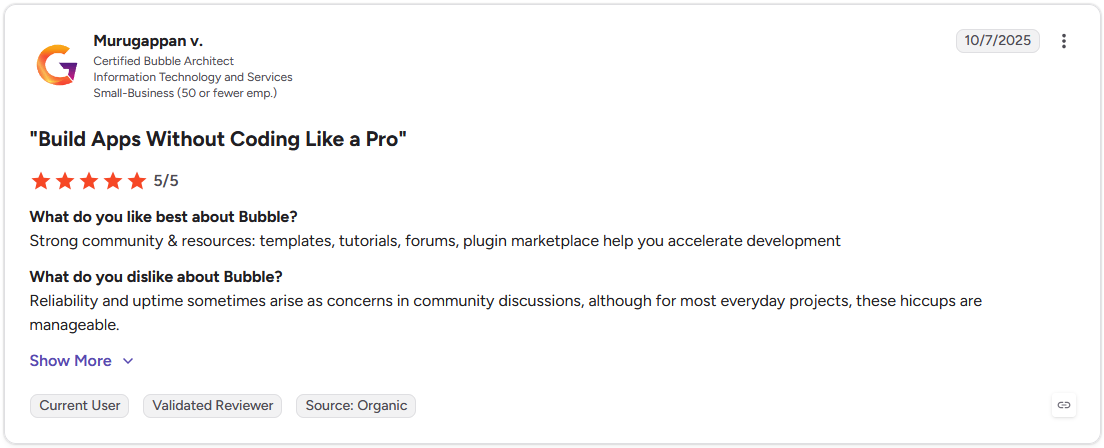
Pro: "Strong community & resources: templates, tutorials, forums, [and] plugin marketplace help you accelerate development." - Murugappan V., G2
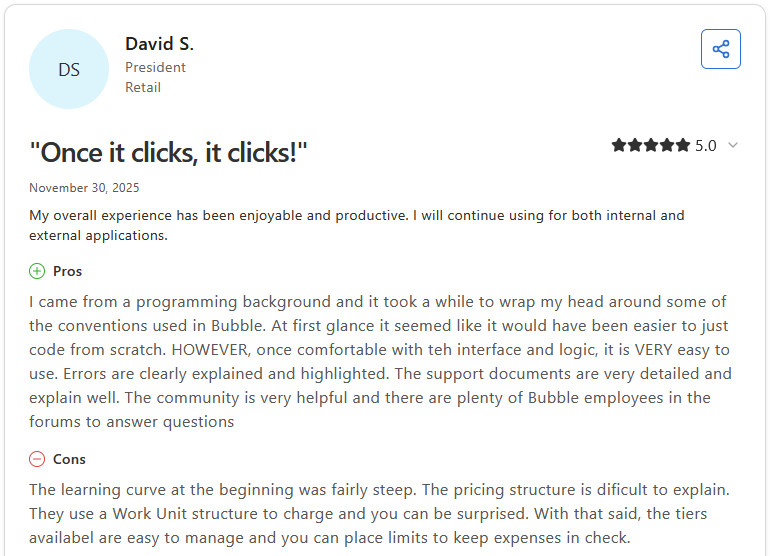
Con: "The learning curve at the beginning was fairly steep. The pricing structure is dif[f]icult to explain. They use a Work Unit structure to charge and you can be surprised. With that said, the tiers availab[l]e are easy to manage and you can place limits to keep expenses in check." - David S., Capterra
Pricing
Bubble starts at $59 per month (Web and mobile).
Bottom line
Bubble's plugin ecosystem means most integrations already exist rather than requiring custom API work. If your team needs a faster setup with less of a learning curve, Softr might be a better fit.
2. Microsoft Power Apps: Best for internal apps for Microsoft 365 teams
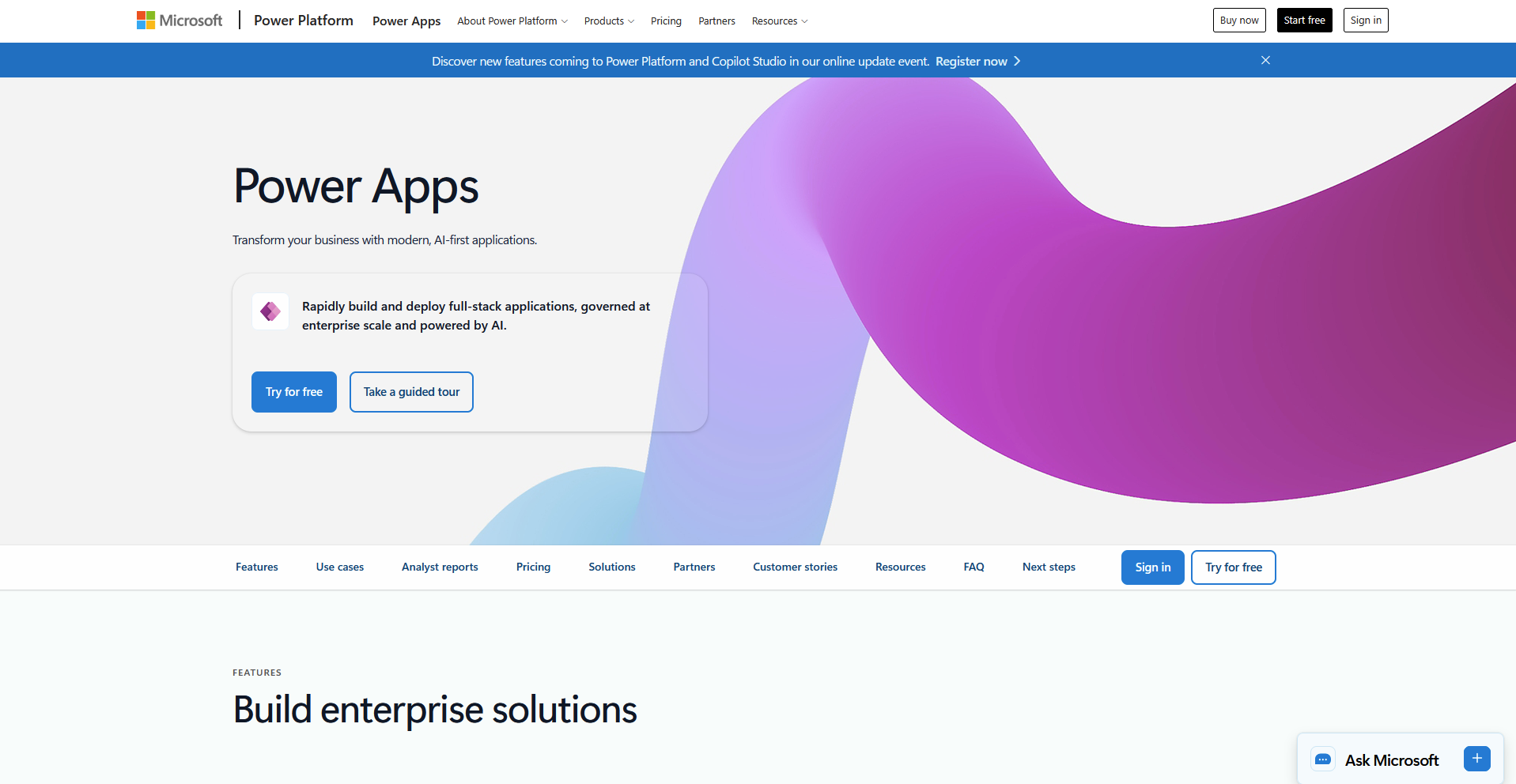
- What it does: Microsoft Power Apps is a low-code platform for building business apps that connect directly to Microsoft 365 data and services.
- Best for: Teams already running on SharePoint, Teams, or Dataverse that need internal apps without hiring outside development help.
Since Power Apps is built to work inside Microsoft 365 rather than as a standalone tool, I tested it with a sample approval workflow. Connecting to a mock SharePoint list to pull and update records worked without extra setup, and the Teams approval flow triggered as expected once published. Building a polished interface took longer than the logic itself, since the design tools favor function over customization.
Key features
- Copilot-assisted app planning: Describe a business process in text to generate an initial data structure, layout, and app plan.
- Dataverse integration: Manage relational data, business rules, and permissions using Microsoft's structured backend.
- Power Automate connection: Trigger workflows for approvals, notifications, and multi-step processes tied to the app.
Pros and cons
| Pros | Cons |
|---|---|
| Connects natively to SharePoint, Teams, and Outlook without custom integration work | Design flexibility falls short of what fully custom-built apps can achieve |
| Copilot chat lets you add elements to a published app using text instructions | Performance and app logic can get complex once formulas and data connections stack up |
| Governance and permission controls fit teams that need IT oversight |
What users say
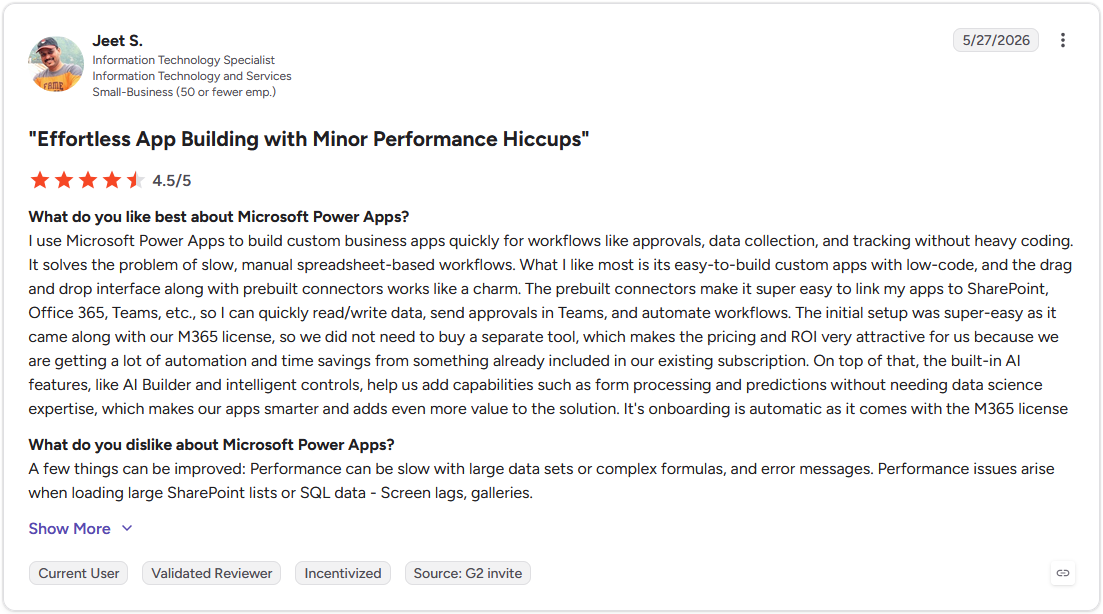
Pro: "I use Microsoft Power Apps to build custom business apps quickly for workflows like approvals, data collection, and tracking without heavy coding. ... The built-in AI features, like AI Builder and intelligent controls, help us add capabilities such as form processing and predictions without needing data science expertise." - Jeet S., G2
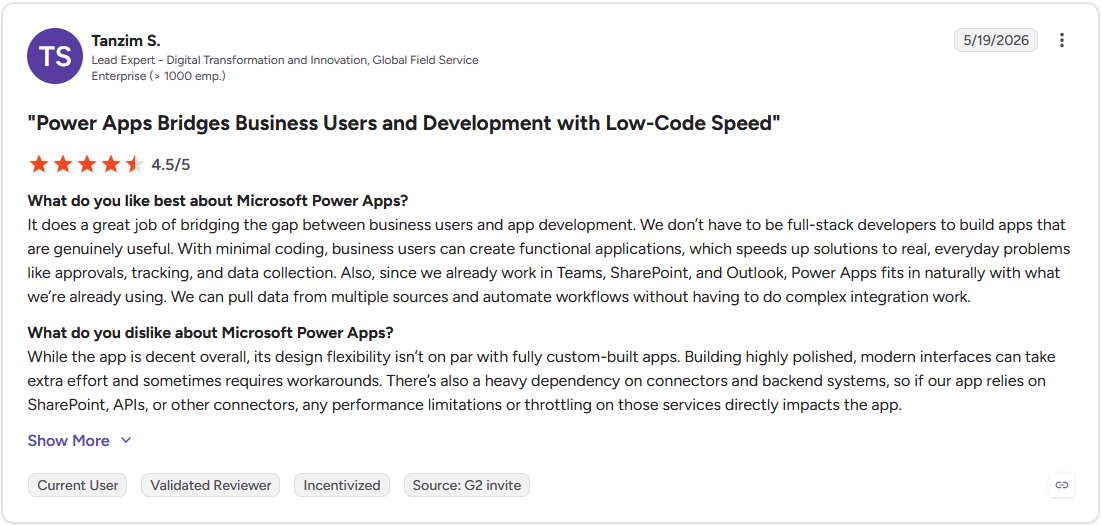
Con: "While the app is decent overall, its design flexibility isn't on par with fully custom-built apps. Building highly polished, modern interfaces can take extra effort and sometimes requires workarounds. There's also a heavy dependency on connectors and backend systems, so if our app relies on SharePoint, APIs, or other connectors, any performance limitations or throttling on those services directly impacts the app." - Tanzim S., G2
Pricing
Microsoft Power Apps starts at $20 per user per month.
Bottom line
Power Apps earns its keep when the app needs to live inside an existing Microsoft workflow rather than stand on its own. If your team has no Microsoft 365 dependency and wants more design freedom, Bubble might be worth considering.
3. Softr: Best for no-code portals and internal tools
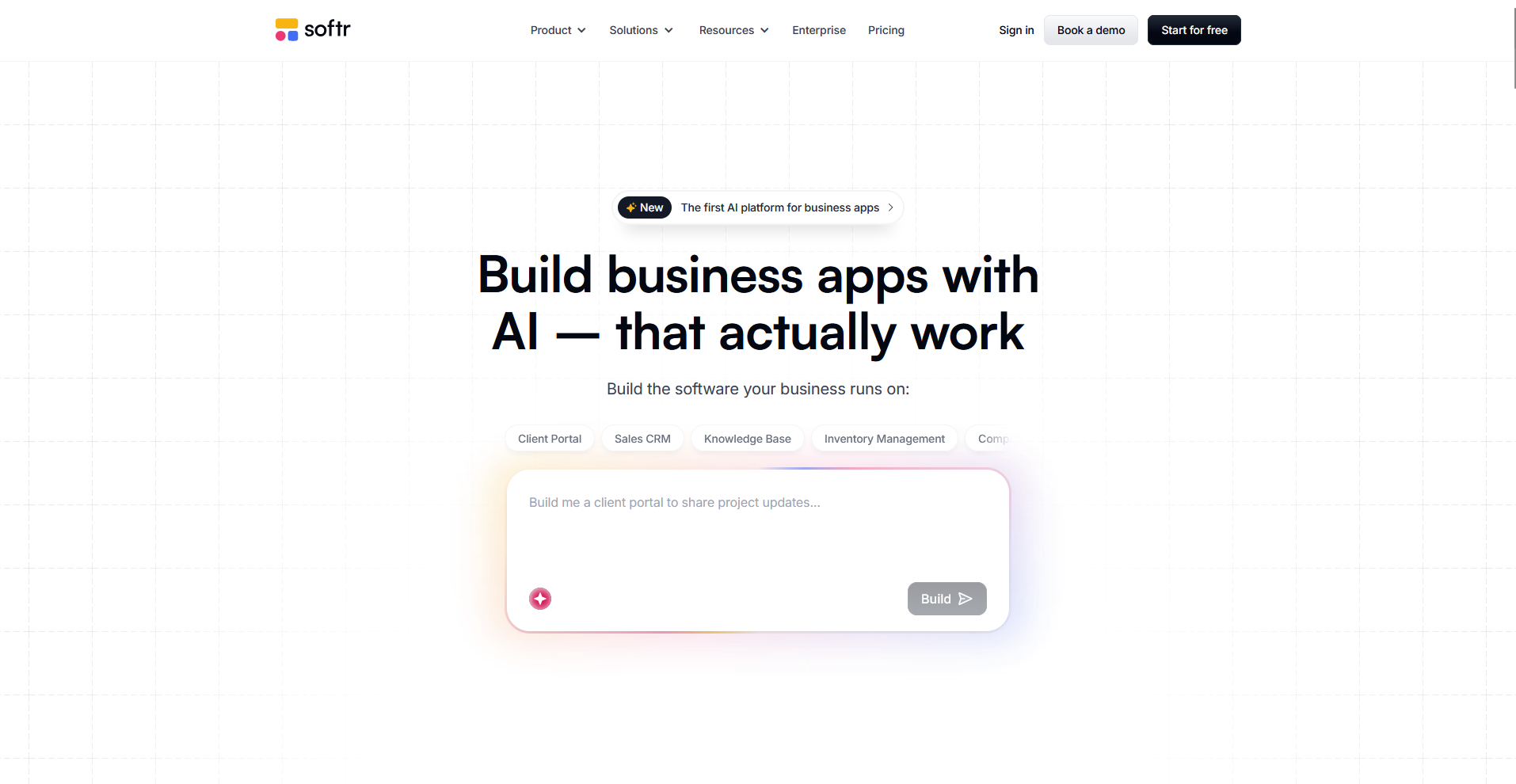
- What it does: Softr is a no-code platform that turns text prompts into working business apps, complete with a database, permissions, and hosting already connected.
- Best for: Non-technical teams that need a client portal, internal tool, or CRM-style app without managing a backend.
I prompted Softr to build a client portal for a marketing agency to see how much the AI Co-Builder could generate on its own. It returned a working database, login pages, and separate views for internal users and clients, cutting setup time before data could go in. The visual editor took extra time to learn once I needed changes the AI Co-Builder hadn't generated.
Key features
- AI Co-Builder: Generate an app's database, pages, and user roles from a text description of the business process.
- Role-based permissions: Control what different user groups, including clients and internal staff, can see and edit inside the same app.
- Native workflow automation: Set up triggered actions like notifications, approvals, and status updates without external tools.
Pros and cons
| Pros | Cons |
|---|---|
| Generates a working app with database and permissions already connected | Visual customization beyond the generated layout has a learning curve |
| Role-based access makes it practical for apps with external users like clients | Not built for teams that want full control over the underlying codebase |
| Predictable flat pricing makes it easier to budget than usage-based tools |
What users say
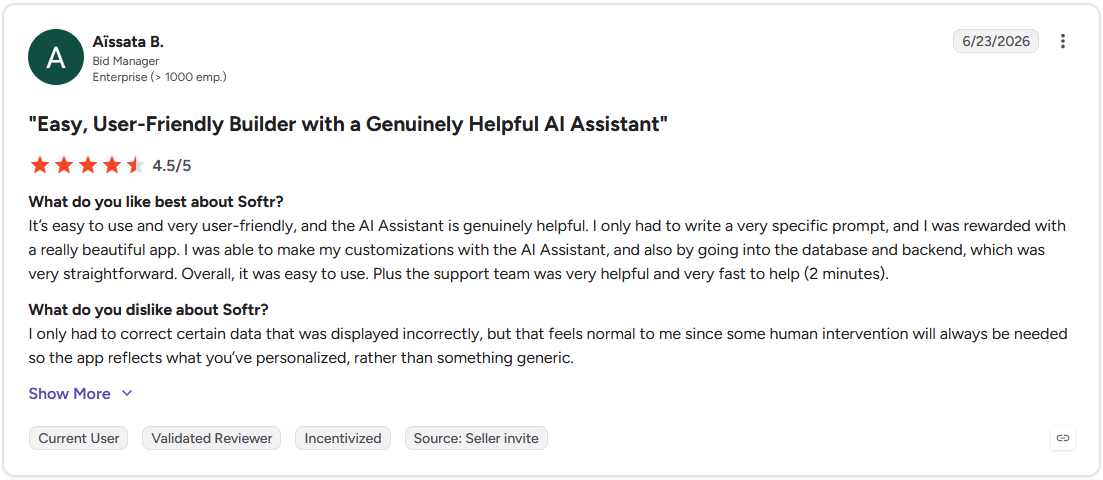
Pro: "It's easy to use and very user-friendly, and the AI Assistant is genuinely helpful. I only had to write a very specific prompt, and I was rewarded with a really beautiful app. . … [T]he support team was very helpful and very fast to help (2 minutes)." - Aïssata B., G2
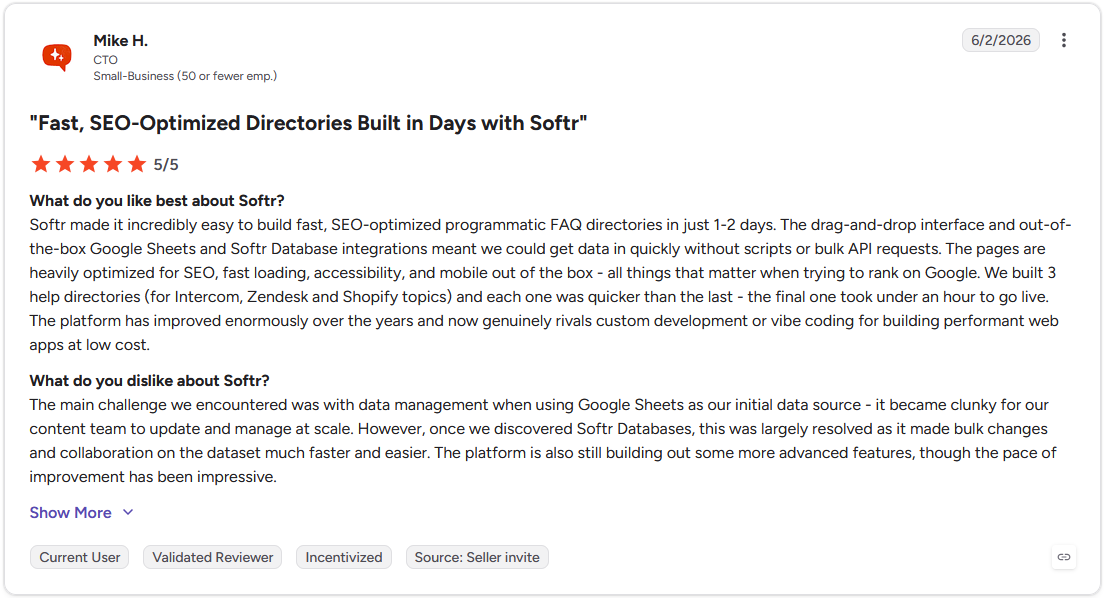
Con: "The main challenge we encountered was with data management when using Google Sheets as our initial data source - it became clunky for our content team to update and manage at scale. … The platform is also still building out some more advanced features, though the pace of improvement has been impressive." - Mike H., G2
Pricing
Softr’s Pro Plan starts at $99 per month.
Bottom line
Softr's strength is in how much of the app arrives pre-connected rather than pieced together after the fact. If your team is already inside Microsoft 365 and needs governance built in, Microsoft Power Apps might be a better fit.
4. Retool: Best for developer-led internal tools
- What it does: Retool is a low-code platform that lets developers build internal tools like admin panels and dashboards on top of existing databases and APIs.
- Best for: Technical teams that want to skip building UI from scratch while keeping control over queries and logic.
My test case for Retool involved connecting a sample database to see how quickly a working admin panel could come together with its drag-and-drop components. Wiring up the queries to read and write data required writing SQL directly. Teams without a developer on hand can get stuck at that step, since the platform assumes someone who can write and troubleshoot queries.
Key features
- Drag-and-drop component library: Assemble internal interfaces using prebuilt tables, forms, buttons, and charts.
- Direct database and API queries: Connect to existing data sources and read or write data using SQL or REST calls.
- Retool Workflows: Automate scheduled jobs, alerts, and backend tasks tied to your internal systems.
Pros and cons
| Pros | Cons |
|---|---|
| Connects directly to existing databases and APIs without middleware | Requires SQL and JavaScript knowledge for anything beyond basic apps |
| Drag-and-drop components speed up building the interface itself | Design customization is limited compared to tools built for client-facing apps |
| Supports production features like permissions and audit logging |
What users say
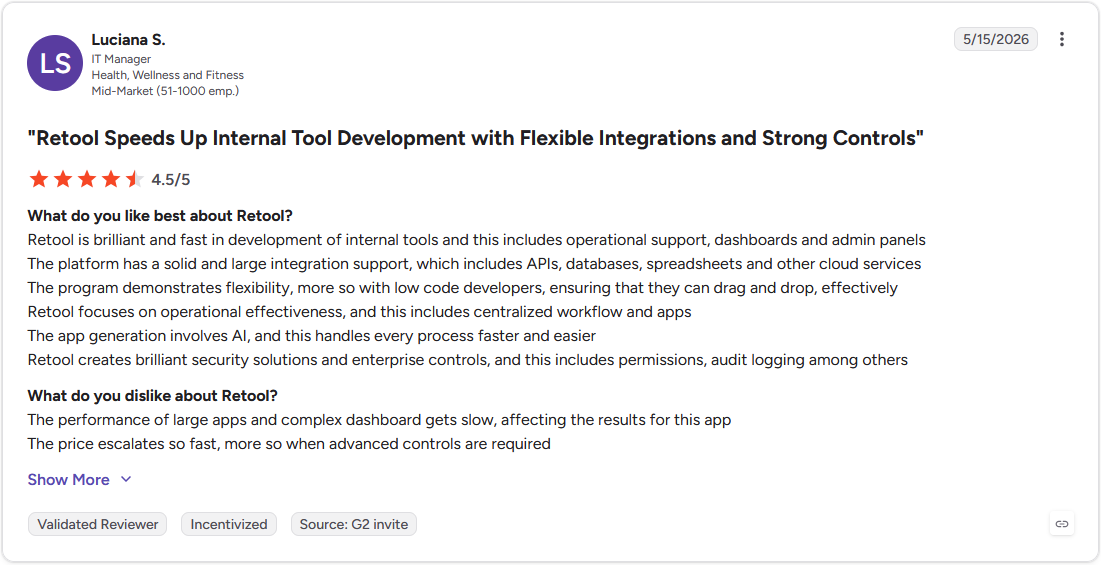
Pro: "Retool is brilliant and fast in development of internal tools and this includes operational support, dashboards and admin panels. . ... The app generation involves AI, and this handles every process faster and easier." - Luciana S., G2
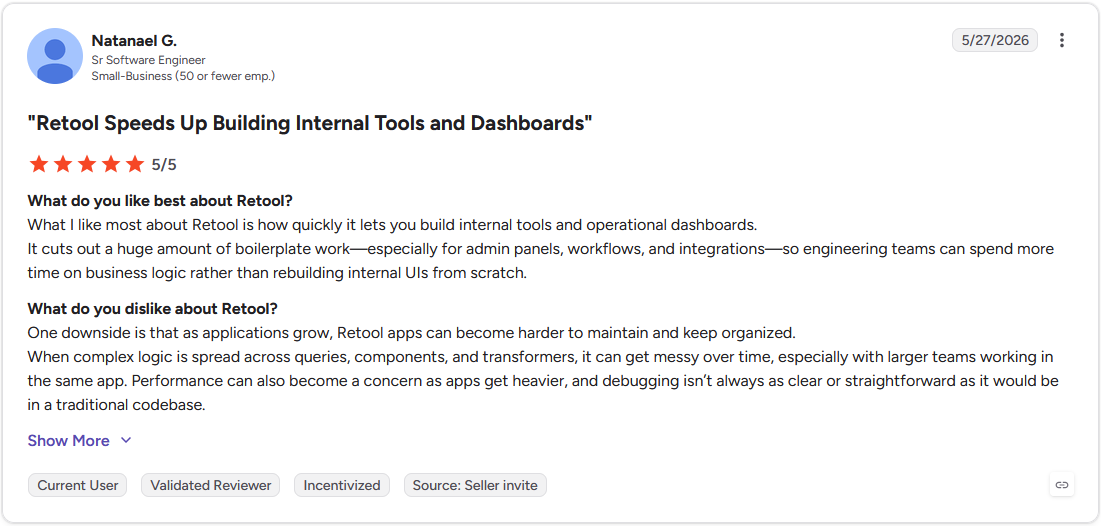
Con: "One downside is that as applications grow, Retool apps can become harder to maintain and keep organized. . ... Performance can also become a concern as apps get heavier, and debugging isn't always as clear or straightforward as it would be in a traditional codebase." - Natanael G., G2
Pricing
Retool starts at $10 per builder per month.
Bottom line
Retool works best when the goal is speed for developers, not accessibility for non-technical staff. If you need something people without coding experience can pick up on their own, Knack could be worth a look.
5. Knack: Best for data-driven no-code apps
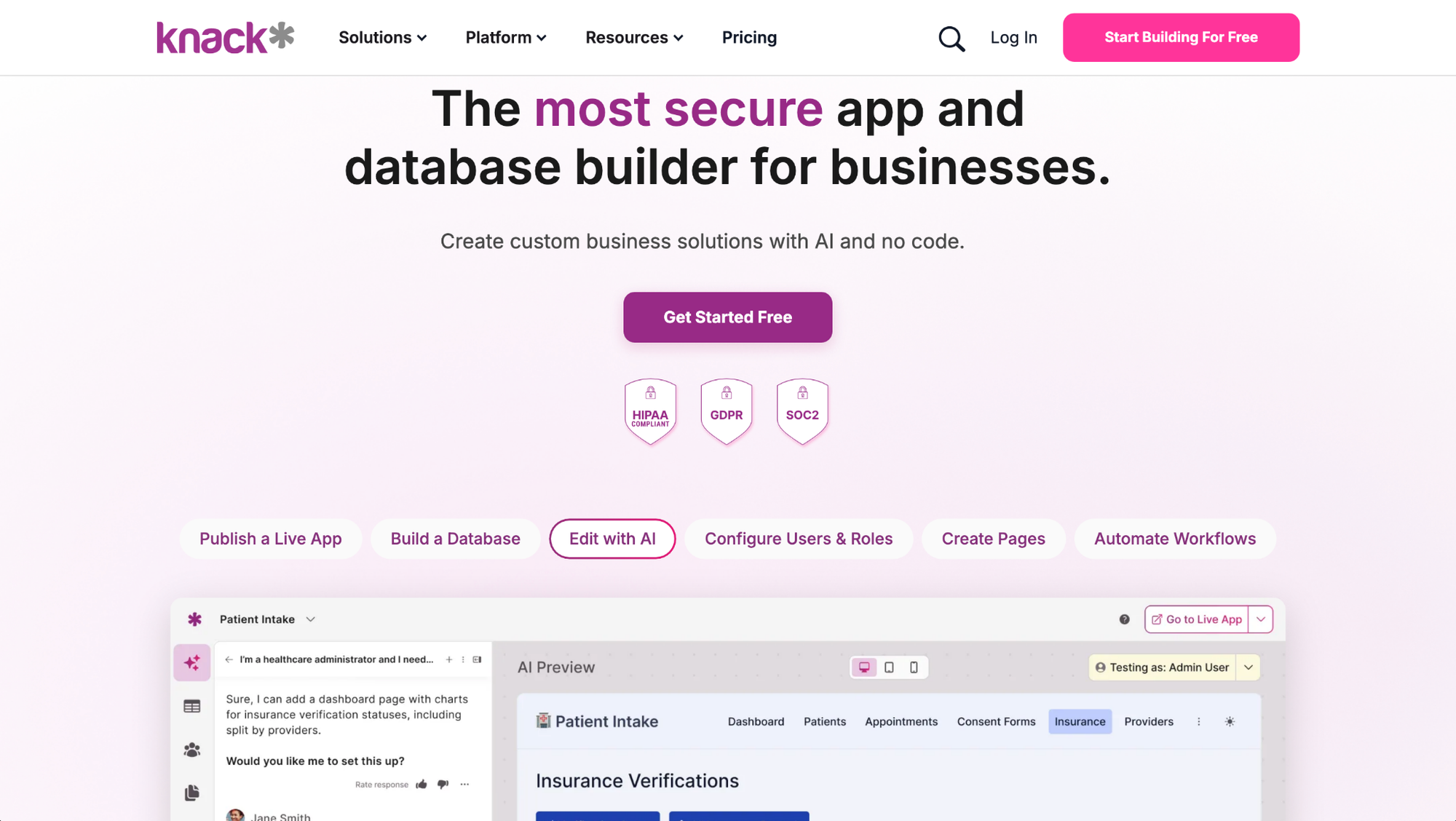
- What it does: Knack is a no-code platform that turns structured data into a working web app, with a built-in database, forms, and reporting.
- Best for: Non-technical teams that need to manage relational data without hiring developer support.
I imported a sample inventory spreadsheet into Knack to test how well the platform could turn raw data into a usable app. The AI setup correctly identified field types and relationships between tables, which saved time compared to configuring a database from scratch. Getting the interface to look polished took more effort than the data setup did, since the design options are more functional than customizable.
Key features
- AI-assisted app generation: Generate a database structure and starting app layout from imported data or a text description.
- No-code database builder: Create tables, fields, and relationships without writing queries or scripts.
- Built-in reporting: Build reports and dashboards directly from your app's data without exporting to another tool.
Pros and cons
| Pros | Cons |
|---|---|
| Handles relational data well without requiring database experience | Interface customization is more limited than tools built for design flexibility |
| AI setup speeds up turning existing data into a working app | Some workflows and logic still require a real learning curve |
| Supports unlimited users, which helps as your team grows |
What users say
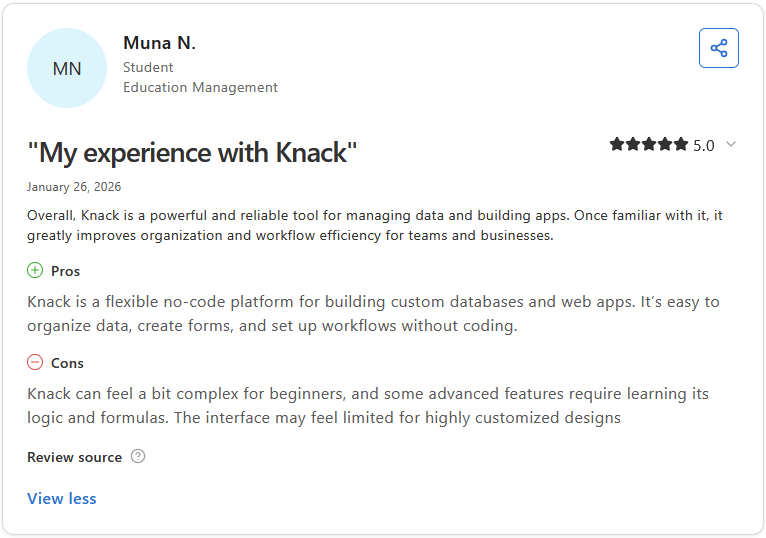
Pro: "Knack is a flexible no-code platform for building custom databases and web apps. It's easy to organize data, create forms, and set up workflows without coding." - Muna N., Capterra
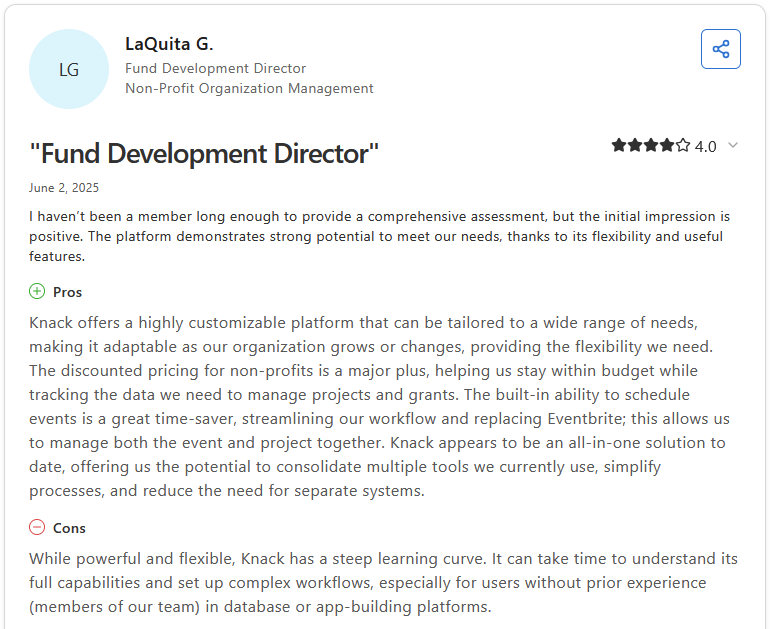
Con: "While powerful and flexible, Knack has a steep learning curve. It can take time to understand its full capabilities and set up complex workflows, especially for users without prior experience (members of our team) in database or app-building platforms." - LaQuita G., Capterra
Pricing
Knack starts at $49 per month.
Bottom line
Knack's advantage shows up most when your app is really about managing structured data rather than a polished front end. If your team wants more design control over the interface, Bubble might be a better option.
Special mentions
These tools didn't make the main list, but each one covers a specific use case that may fit your setup better depending on your technical background and what your app needs to do.
Here are 5 more AI app builders worth a look:
- Lovable: Unlike most AI app generators, Lovable produces clean, readable React code from plain English prompts. Highly custom logic can still require manual developer input, but for standard web apps with authentication and multi-page layouts, I found the output usable with less cleanup than expected and easier to hand off to a dev team.
- Base44: As a prompt-based AI app builder, Base44 handles backend setup, authentication, and hosting automatically. That way, non-technical users can focus on describing what they need rather than configuring infrastructure. The prompt-driven approach can get unpredictable when debugging specific logic, but for lightweight trackers and dashboards I found it fast to work with.
- Bolt.new: Bolt.new generates full-stack web apps from plain English prompts with Supabase database support and one-click Netlify deployment. I found it fast for well-scoped, standard use cases, but once requirements get more complex, the generated output can become inconsistent and need significant manual fixing.
- Adalo: Adalo is a drag-and-drop no-code builder designed around mobile-first apps, with built-in support for publishing to iOS, Android, and web from a single project. For simple tools like booking apps, directories, and data collection screens I found it accessible. Performance can degrade as datasets grow and permission controls are limited to basic user groups without custom role logic.
- Glide: Glide is a no-code app builder that turns spreadsheet data from Google Sheets, Excel, or Airtable into web and mobile-friendly apps. Setup time for lightweight internal tools was minimal in my testing, but apps that need relationships across multiple data tables can quickly outgrow what the spreadsheet-based structure can handle.
Which AI app builder should you choose?
The right tool depends on what you're building, who's building it, and what your data setup looks like.
Choose Bubble if you:
- Are building a multi-page web app or SaaS product that needs custom user roles, database logic, and API connections
- Need fine-grained control over how your app looks and behaves beyond what most no-code tools allow
- Have some technical background or access to a developer who can manage the learning curve
Choose Microsoft Power Apps if you:
- Already work in Microsoft 365 and want apps that connect directly to SharePoint, Teams, Outlook, or Dataverse
- Need governance, audit logging, and IT-managed access controls built into your apps from the start
- Are building approval workflows, request forms, or department tools that need to fit into existing Microsoft processes
Choose Softr if you:
- Want to build a client portal, internal tool, or CRM-style app without managing a backend
- Need role-based permissions that control what different users can see and do inside the same app
- Are working with data already stored in Airtable, Google Sheets, or a similar source
Choose Retool if you:
- Have a developer on the team who can write SQL and JavaScript but wants to skip building UI from scratch
- Need apps that sit directly on top of existing databases, APIs, or internal systems
- Are building admin panels, operational dashboards, or data management tools for internal teams
Choose Knack if you:
- Need to turn a database or spreadsheet into a structured web app with forms, views, and reports
- Want a no-code tool that handles relational data without requiring developer support
- Are building an internal CRM, inventory tracker, or workflow app that needs to scale with your data
Skip this category entirely if you:
- Need a full BI or analytics platform with advanced data modeling and visualization
- Are looking for a website builder rather than a functional app with data, users, and logic
- Want a tool that manages client relationships or project delivery rather than one that builds internal apps
Final verdict
Bubble and Retool suit teams with technical resources who need fine-grained control, while Softr and Knack are the stronger picks for non-technical teams that need structured apps without developer support.
Every tool on this list builds for your team. Assembly takes a different angle: it has an AI app builder for the apps your clients log into, like a project tracker, a client onboarding wizard, or a proposal builder, branded as your own.
Here's what that looks like in practice:
- Client-facing app generation: Describe the dashboard, tracker, or workflow your clients need, and Assembly’s app builder builds it with per-client visibility already configured.
- Ships into a space clients already use: Every app you build lands alongside each client's files, messages, and invoices, so there's no separate login to hand out.
- Enterprise-grade security: Assembly maintains SOC 2 Type II compliance and supports GDPR, CCPA, and HIPAA compliance, so client data stays protected.
Assembly isn't the pick if your app stays entirely internal or clients never need to log in and use it. For service teams building something clients will actually use, try Assembly for free today.