



AI tools for consulting firms speed up research, notes, and slide work, but only if you keep client data off the wrong ones.
A consultant I know learned that the hard way. She pasted a client's board deck into public ChatGPT to tidy up a summary. It worked great, until she realized OpenAI now had a copy of it, with no way to take it back.
I've watched consulting teams adopt these tools for two years, and the ones that get it right treat client data as the first filter every tool has to pass.
Here are 16 worth a look, grouped by job, with an honest read on which you can trust with client work.
16 best AI tools for consulting firms: TL;DR
- ChatGPT: Best for general drafting, brainstorming, and first-draft analysis.
- Claude: Best for reasoning through long RFPs, transcripts, or data rooms.
- Perplexity: Best for research that comes with cited sources.
- Microsoft 365 Copilot: Best for firms already living in Excel, PowerPoint, and Word.
- Assembly: Best for building client-facing apps your clients log into directly.
- Notion AI: Best for answering questions over a firm's own docs and projects.
- Glean: Best for answering questions across every app and document a firm already uses.
- Pointerpro: Best for turning a proprietary methodology into a branded assessment.
- Otter.ai: Best for teams that want call intelligence flowing straight into whatever CRM they already run on.
- Fireflies.ai: Best for teams that want meeting summaries without a heavier sales-ops lift.
- Gong: Best for analyzing sales calls to spot deal risk and coach BD teams.
- Think Cell: Best for building data-driven charts fast inside PowerPoint.
- Jeda.ai: Best for generating strategy frameworks and visuals like SWOT and BCG matrices.
- AlphaSense: Best for financial research like SEC filings and earnings calls.
- Copy.ai: Best for firms producing their own marketing and BD content.
- Jasper: Best for larger firms that need brand voice consistency across writers.
How I researched and tested these AI tools for consulting firms
I went through documentation, demo videos, and user reviews for every tool on this list. I put each one through a few consulting tasks: summarizing a client document, drafting meeting notes, and building a quick strategy framework. Then, I checked how much editing the output needed before it was client-ready.
Here's what I looked at:
- Confidentiality and data handling: Whether a tool trains on your inputs by default, and whether it offers enterprise controls that keep client data contained.
- Integration with existing tools: How well a tool plugs into what a consulting team already runs, like a CRM, Microsoft 365, or Zoom.
- Output quality for real deliverables: Whether what comes out is close to client-ready, or needs a heavy edit before it's fit for a deck or report.
- Ease of adoption: How much training a team needs before people actually use the tool day-to-day.
- Value for the price: Whether a paid tier earns its cost, or the free version already covers what a firm actually needs.
I ranked confidentiality above cost or polish for this list, since a tool that mishandles client data isn't one I'd recommend, regardless of what else it does well.
16 best AI tools for consulting firms: quick comparison
| Tool | Best for | Starting price | Strengths |
|---|---|---|---|
| ChatGPT | General drafting and brainstorming | $8.33/month, billed monthly | Versatile, fast, and easy to pick up |
| Claude | Long document reasoning | $17/month | Handles long context, strong reasoning, and careful writing |
| Perplexity | Research with cited sources | $20/month | Source citations, real-time web search, and a clean interface |
| Microsoft 365 Copilot | AI inside Word, Excel, and PowerPoint | $18/user/month | Native Office integration, a familiar interface, and enterprise security controls |
| Assembly | Building client-facing apps without code | $29/month | Client-facing app generation, built-in client platform, and permissions and branding by default |
| Notion AI | Answering questions over your firm's docs | $10/member/month | Workspace-wide search, a familiar interface, and flexible permissions |
| Glean | Answering questions across every connected app and document | Custom pricing | Permissions-aware search, broad connector coverage, and grounded answers with source citations |
| Pointerpro | Branded client assessments | $69/month | White-label reports, scoring logic, and automated PDF delivery |
| Otter.ai | Meeting transcripts synced to your CRM | $8.33/user/month | Broad CRM integrations, live transcription, and searchable notes |
| Fireflies.ai | Lightweight meeting summaries | $10/seat/month | Quick setup, wide app integrations, and simple summaries |
| Gong | Sales call analysis and BD coaching | Custom pricing | Deal risk signals, call scoring, and coaching tools |
| Think Cell | Fast chart building in PowerPoint | $9.99/user/month | A native PowerPoint add-in, chart automation, and consulting standard formatting |
| Jeda.ai | Strategy frameworks and visuals | $8.33/month | A framework library, a visual canvas, and multiple AI models |
| AlphaSense | Financial and market research | Custom pricing | SEC filing search, earnings call transcripts, and market intelligence |
| Copy.ai | Marketing and BD content | $24/month | Content templates, workflow automation, and fast output |
| Jasper | Brand voice consistency at scale | $59/seat/month | Brand voice controls, team collaboration, and enterprise content workflows |
Billed annually
1. ChatGPT: Best for general drafting and brainstorming
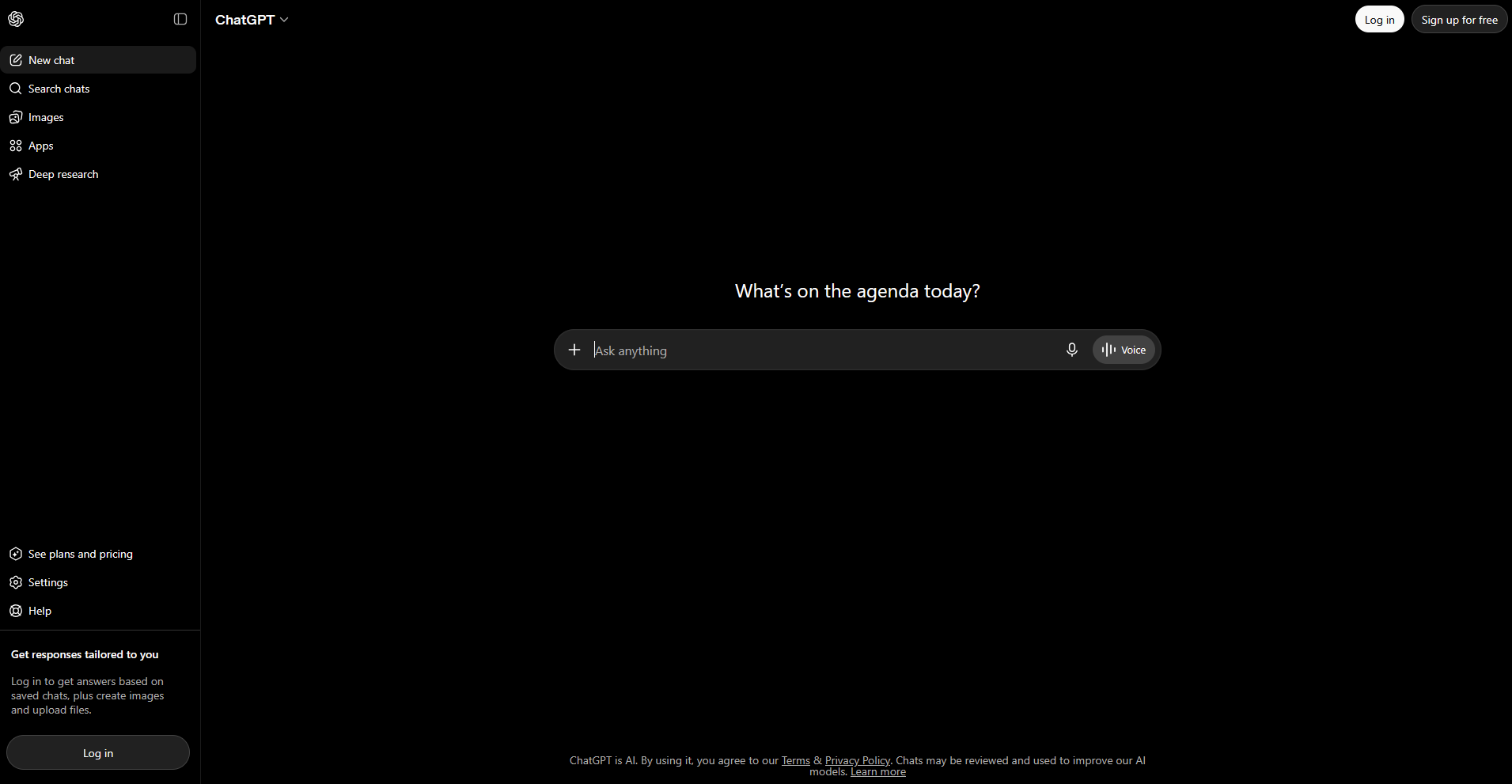
- What it does: ChatGPT is a general-purpose AI assistant that drafts, rewrites, summarizes, and answers questions across almost any topic.
- Best for: Consultants who need a fast first draft of an email, a summary, or a rough outline before refining it themselves.
I gave ChatGPT a stack of messy meeting notes from a mock client call and asked it to turn them into a clean summary with action items. The output needed light editing, but it saved a chunk of time I'd normally spend organizing my own notes.
The accuracy on specific figures was the problem. It generated a percentage that sounded plausible but didn't match anything in my notes, so I had to double-check every number before using it.
Key features
- Custom instructions: Set standing preferences for tone and format so responses match your writing style without repeating instructions every time.
- File uploads: Drop in a document, spreadsheet, or PDF and ask questions about its contents directly in the chat.
- Team workspaces: Share a workspace with colleagues where conversations and files don't get used to train the underlying model.
Pros and cons
| Pros | Cons |
|---|---|
| Handles a wide range of tasks without needing a different tool for each one | Free and Plus tiers use your inputs for training unless you turn that off manually |
| Fast enough that it fits into the flow of drafting instead of interrupting it | Occasionally generates a fact or figure that sounds right but isn't |
| Easy for a whole team to pick up without much training |
What users say
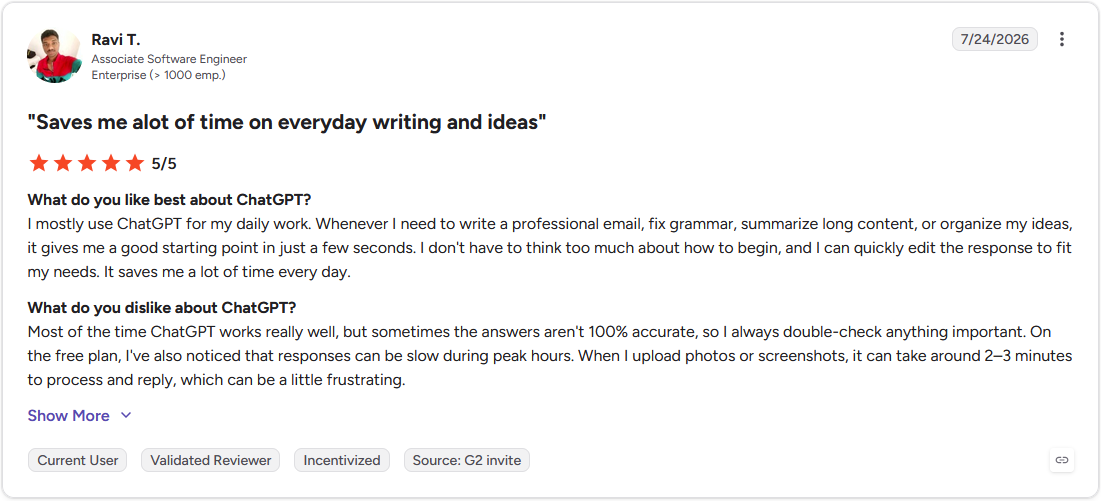
Pro: "Whenever I need to write a professional email, fix grammar, summarize long content, or organize my ideas, it gives me a good starting point in just a few seconds. … It saves me a lot of time every day." - Ravi T., G2
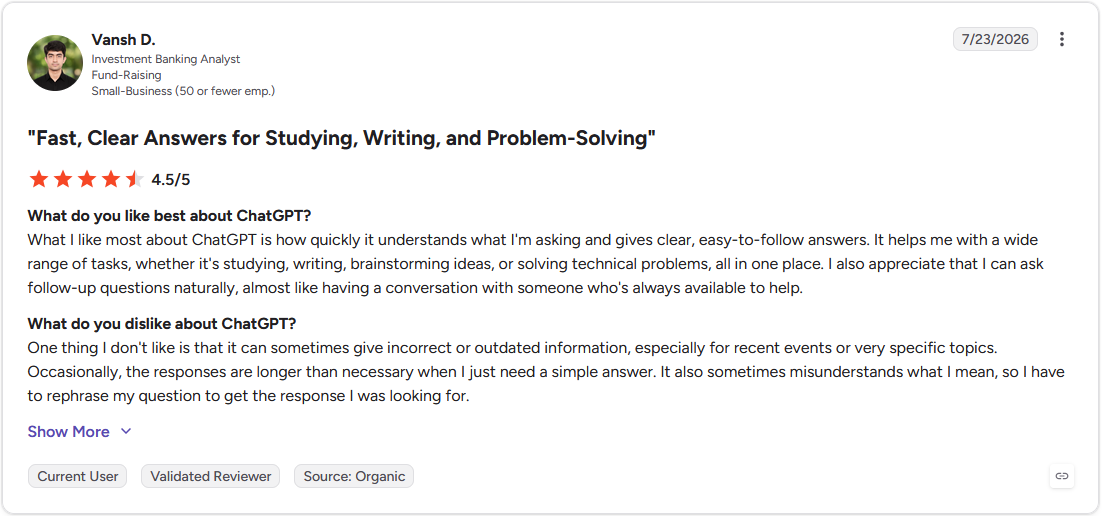
Con: "One thing I don't like is that it can sometimes give incorrect or outdated information, especially for recent events or very specific topics." - Vansh D., G2
Pricing
ChatGPT starts at $8 per month, billed monthly.
Bottom line
ChatGPT works best as a first-draft partner more than a source of truth on its own. If you need an assistant built for reasoning through long documents like requests for proposal (RFPs) or data rooms, Claude might be a better fit.
2. Claude: Best for long document reasoning
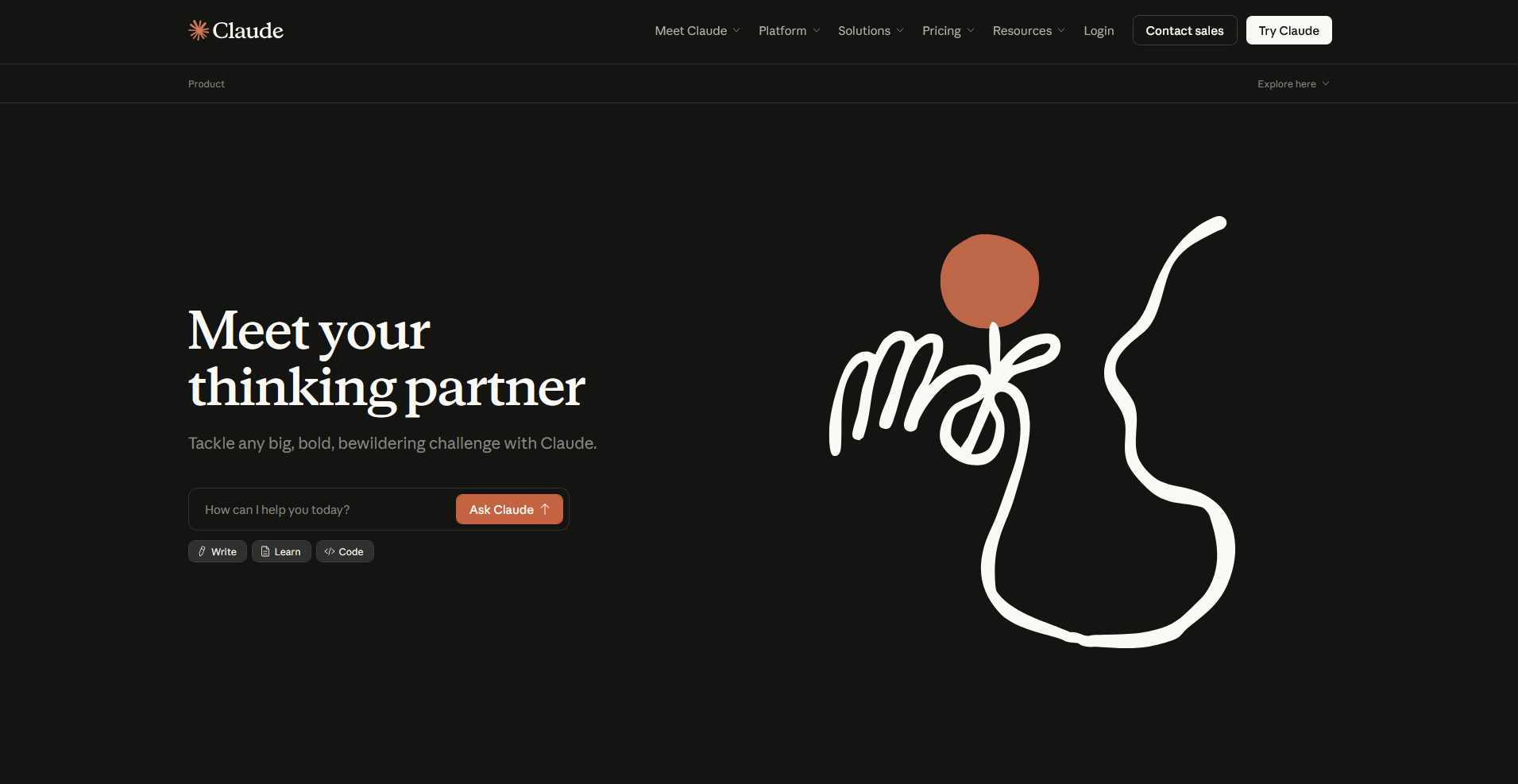
- What it does: Claude is an AI assistant built to reason through large amounts of text at once, including long documents, transcripts, and multi-file uploads.
- Best for: Consultants working through a lengthy RFP, a pile of stakeholder interview transcripts, or a data room that needs synthesis before a client meeting.
For this test, I uploaded a mock 40 page RFP along with three fictional vendor proposals and asked Claude to compare them clause by clause. It held the full context across all four documents without losing track of what came from which source, and it flagged a few contradictions between the proposals that would have taken me a while to catch by hand.
The one gap I noticed was that it sometimes hedges more than necessary on straightforward questions, adding qualifiers even when the answer in the source material was clear.
Key features
- Long context windows: Upload lengthy documents, transcripts, or multiple files in a single conversation without losing earlier context.
- Projects: Group related files and conversations together so ongoing work stays organized instead of scattered across separate chats.
- Artifacts: Generate a document, chart, or piece of code as a standalone output you can edit and reuse separately from the chat itself.
Pros and cons
| Pros | Cons |
|---|---|
| Holds context well across long or multiple documents without losing track of details | Can add unnecessary hedging even when the source material gives a clear answer |
| Shows its reasoning, which makes it easier to explain how it reached an answer | Slower to respond than some competitors when working through very long inputs |
| Handles comparison tasks across several documents at once without extra setup |
What users say
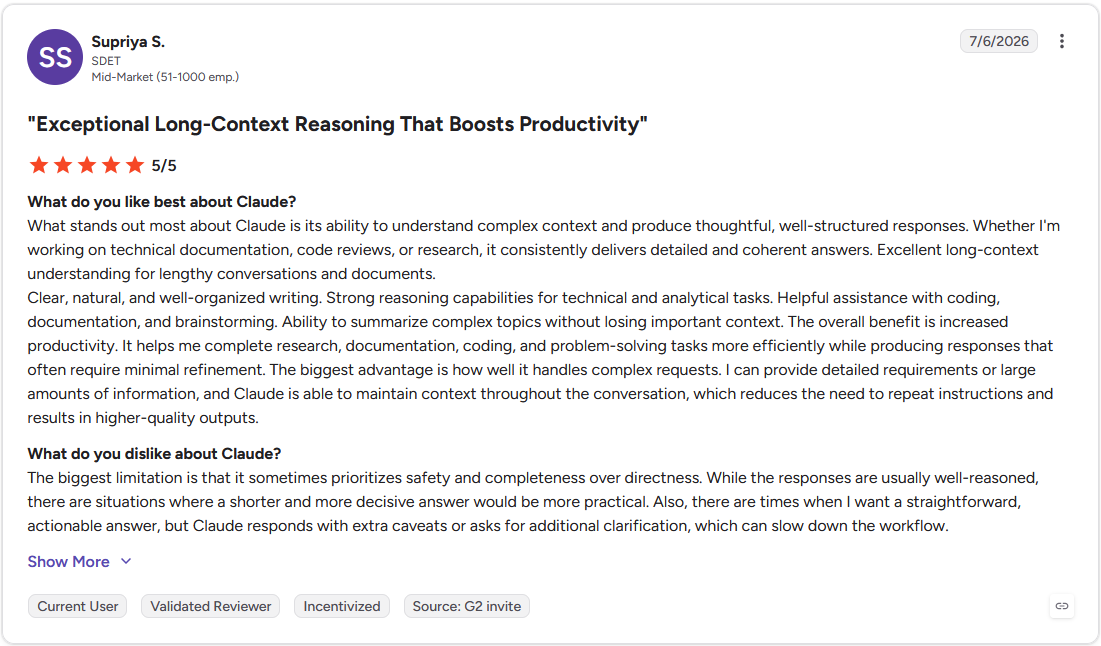
Pro: "I can provide detailed requirements or large amounts of information, and Claude is able to maintain context throughout the conversation, which reduces the need to repeat instructions and results in higher-quality outputs." - Supriya S., G2
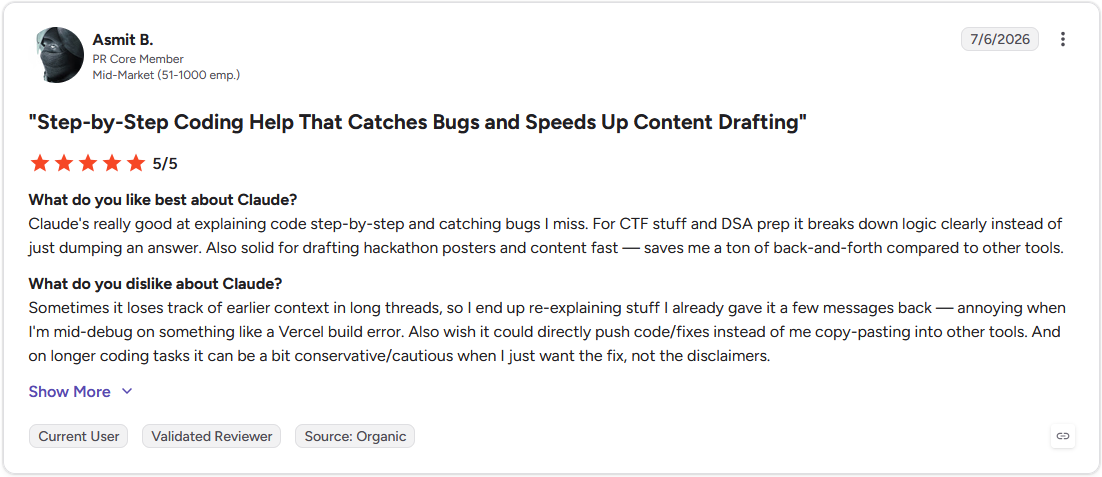
Con: "Sometimes it loses track of earlier context in long threads, so I end up re-explaining stuff I already gave it a few messages back." - Asmit B., G2
Pricing
Claude starts at $17 per month.
Bottom line
Claude's advantage shows up most clearly when the input is long and the stakes for getting it right are high. If you need something faster for quick drafting and brainstorming, ChatGPT covers that better.
3. Perplexity: Best for research with cited sources
- What it does: Perplexity is a conversational search tool that answers questions in plain language and shows the sources behind each answer.
- Best for: Consultants doing quick desk research who need to trace a claim back to where it came from before putting it in front of a client.
I ran a handful of market sizing and competitor questions through Perplexity, the kind of desk research that usually eats up a morning before a first client call. Each answer came with a list of linked sources, so I could click through and confirm a figure instead of taking the summary on faith.
One search returned a source that didn't actually support the specific number it was attached to, so the citations still need a second look.
Key features
- Cited answers: Every response links back to the sources it pulled from, so you can verify a claim in one click.
- Focus modes: Narrow a search to academic papers, specific websites, or recent news depending on what kind of source you need.
- Pro search: Run a deeper, multi-step search that pulls from more sources for complex or multi-part questions.
Pros and cons
| Pros | Cons |
|---|---|
| Shows sources for every answer instead of leaving you to guess where it came from | A cited source occasionally doesn't fully support the specific claim it's attached to |
| Faster than manually searching and cross-checking several sites one by one | Less useful for open-ended brainstorming compared to a general assistant |
| Focus modes make it easy to narrow research to a specific type of source |
What users say
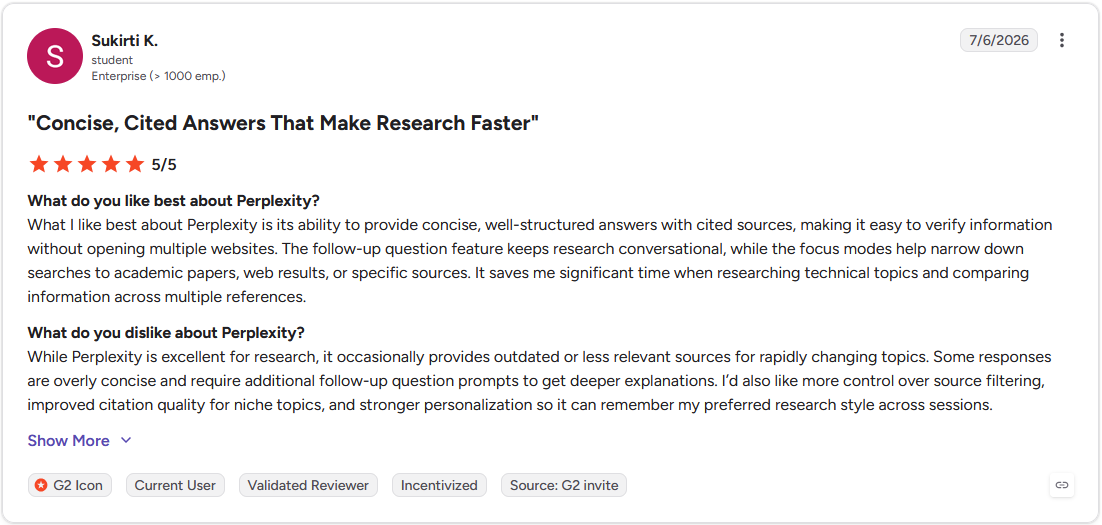
Pro: "What I like best about Perplexity is its ability to provide concise, well-structured answers with cited sources, making it easy to verify information without opening multiple websites." - Sukirti K., G2
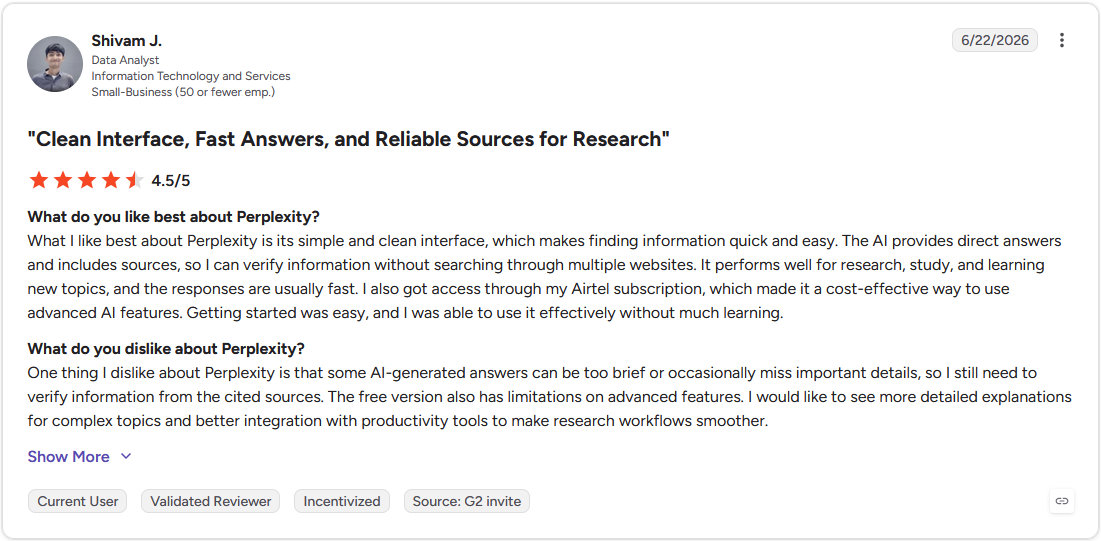
Con: "Some AI-generated answers can be too brief or occasionally miss important details, so I still need to verify information from the cited sources." - Shivam J., G2
Pricing
Perplexity starts at $20 per month.
Bottom line
Perplexity's real value is the paper trail behind every answer. For research that needs to be inside a deck or model you're already building, Microsoft 365 Copilot could be worth a look.
4. Microsoft 365 Copilot: Best for AI inside Word, Excel, and PowerPoint

- What it does: Microsoft 365 Copilot is AI built directly into Word, Excel, PowerPoint, and Outlook, working from the files and data already in a firm's Microsoft 365 environment.
- Best for: Firms that already run their analysis in Excel and their deliverables through PowerPoint and want the AI sitting inside those same apps.
Copilot has a standalone chat option, but its true advantage shows up inside the apps.
For this test, I built a client engagement model in Excel, then asked Copilot to summarize the trends and draft a PowerPoint outline. It carried the numbers over accurately and kept the spreadsheet's structure, saving me a step between analysis and deck.
Something worth knowing before you budget for this: the full in-app Copilot add-on costs extra on top of an eligible Microsoft 365 plan, though a limited version of Copilot Chat is now included free for Microsoft 365 users.
Key features
- Excel analysis: Ask questions about a spreadsheet in plain language and get formulas, pivot tables, or trend summaries back.
- PowerPoint drafting: Turn a document or set of notes into a first-draft slide outline, including suggested structure and talking points.
- Microsoft 365 tenant integration: Runs inside a firm's existing Microsoft 365 environment, so prompts and files stay within that organization's own tenant.
Pros and cons
| Pros | Cons |
|---|---|
| Works inside apps most consulting teams already use daily, so there's no new interface to learn | Requires an existing Microsoft 365 subscription, so it's not usable on its own |
| Keeps prompts and files inside a firm's own tenant | Output quality depends heavily on how clean and organized the source files already are |
| Carries data accurately between Excel and PowerPoint without manual re-entry |
What users say
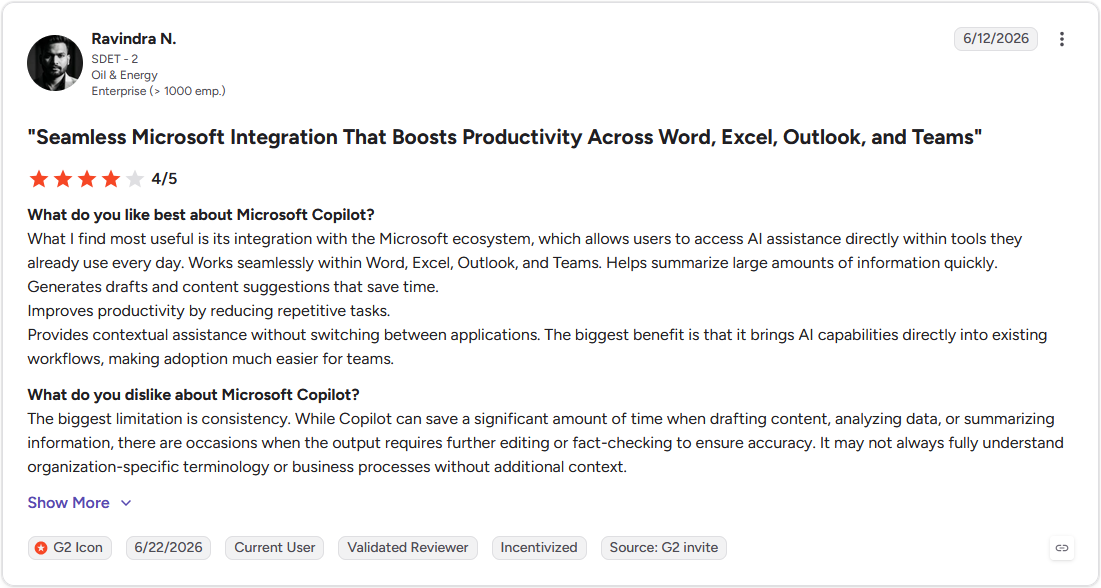
Pro: "Provides contextual assistance without switching between applications. The biggest benefit is that it brings AI capabilities directly into existing workflows, making adoption much easier for teams." - Ravindra N., G2
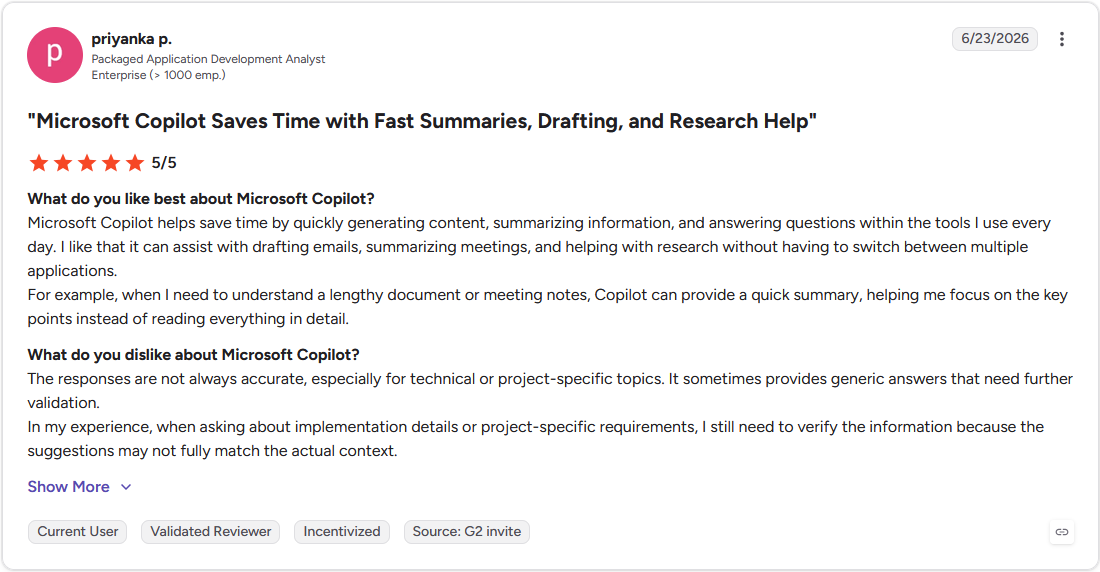
Con: "The responses are not always accurate, especially for technical or project-specific topics. It sometimes provides generic answers that need further validation." - Priyanka P., G2
Pricing
Microsoft 365 Copilot starts at $18 per user per month.
Bottom line
Copilot's real strength is staying inside a firm's own Microsoft 365 environment instead of sending files to a separate tool. If your research and drafting need to hold a longer document in context, Claude handles that better.
5. Assembly: Best for building client-facing apps without code
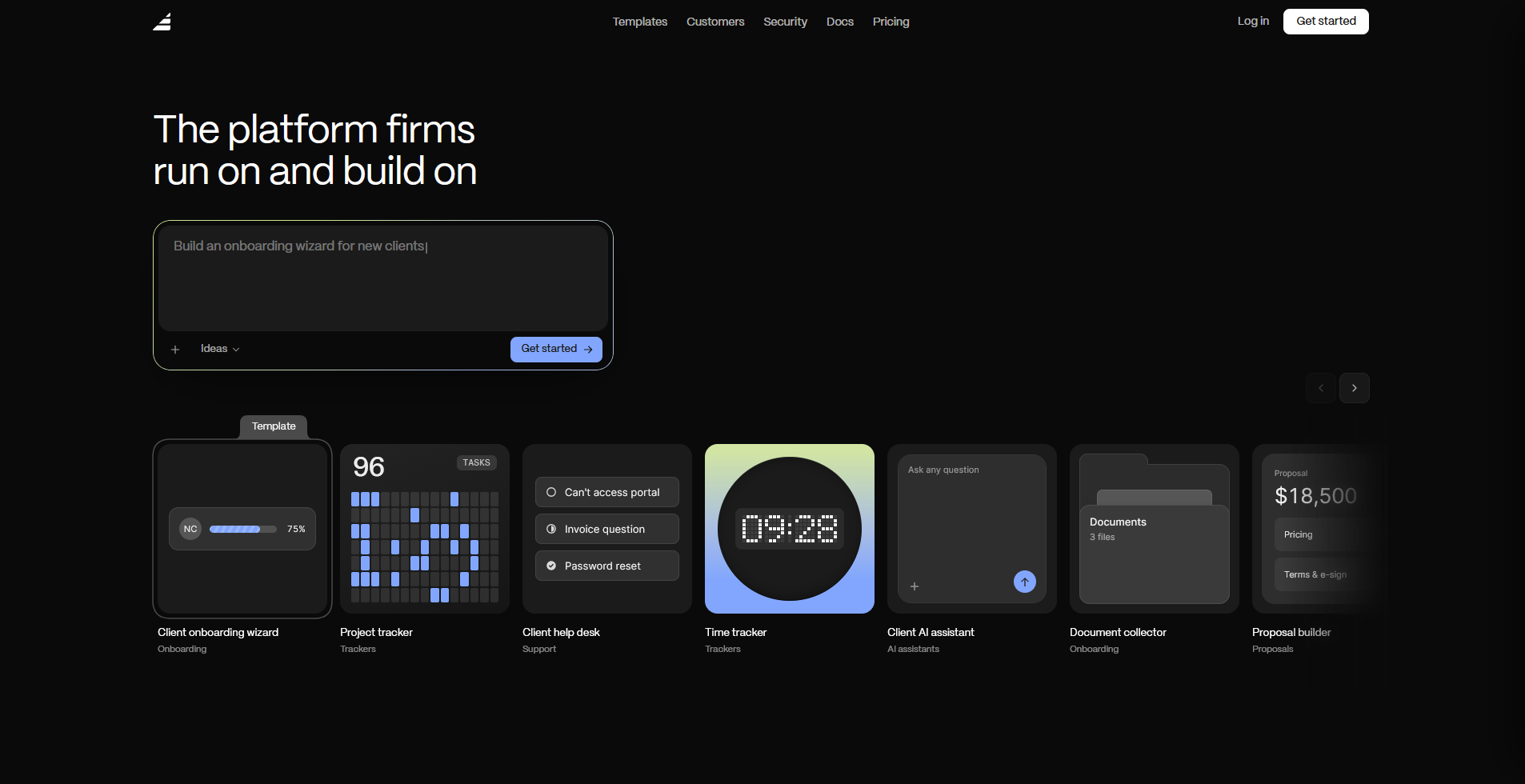
- What it does: Assembly is a client platform with an AI app builder that turns a prompt into a client-facing app, connected to each client's files, messages, and billing from the first build.
- Best for: Consulting firms that want clients logging into something built specifically for them, instead of everything staying behind the scenes on the firm's side.
Assembly’s app builder works from a description.
You describe the app, a client onboarding wizard, a project tracker, a help desk, and it generates the screens and structure from that prompt, scoped to each client's own data automatically. That last part matters more here than with the other tools on this list, since Assembly’s app builder is the client-facing layer your team doesn't use internally.
The tradeoff is scope: it's built for authenticated, client-facing use cases, so a public-facing page or anything logged out isn't really what it's for.
Key features
- Client-facing app generation: Tell it what your clients need, and the app builder creates the screens, data structure, and layout based on that description.
- Built-in client platform: Every app connects to contracts, e-signatures, invoicing, and messaging already in place, so nothing needs a separate integration to work with real client data and billing.
- Permissions and branding by default: Each client only sees their own data in a white-label space carrying your brand, with no extra login setup or access configuration required once it's built.
Pros and cons
| Pros | Cons |
|---|---|
| Generates a working app from a plain English description, so there’s little to no manual setup | Built for authenticated, logged-in experiences, so public or logged-out pages aren't the intended use |
| Applies per-client permissions and branding automatically, without extra configuration work | Newer to the market, so features are still expanding |
| Holds SOC 2 Type II compliance and supports GDPR, CCPA, and HIPAA requirements, so client data is protected |
What users say
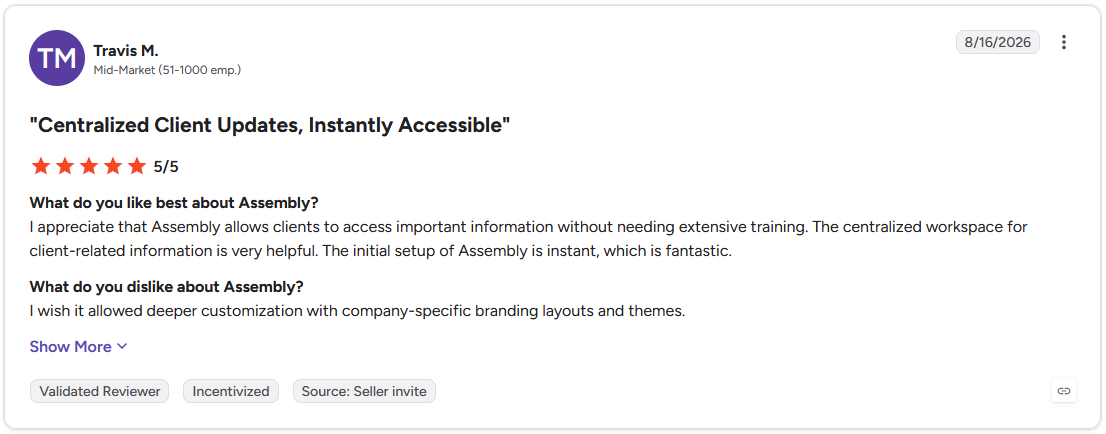
Pro: "I appreciate that Assembly allows clients to access important information without needing extensive training. The centralized workspace for client-related information is very helpful." - Travis M., G2
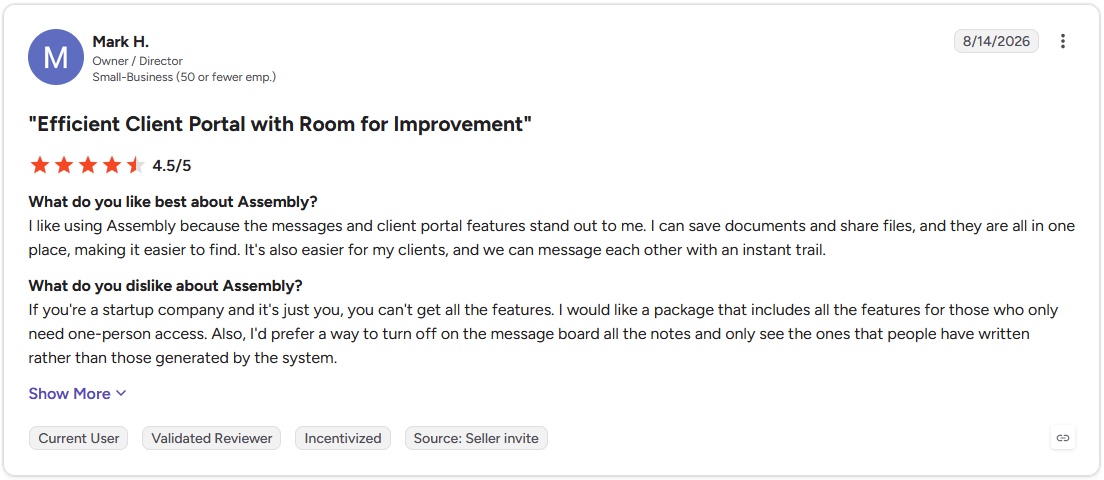
Con: "If you're a startup company and it's just you, you can't get all the features. I would like a package that includes all the features for those who only need one-person access." - Mark H., G2
Pricing
Assembly has a free plan, and paid plans start at $29 per month billed annually.
Bottom line
Assembly's differentiator is that apps you build land in front of clients already connected to their own files and billing. If your firm's bigger need right now is turning long documents into something usable before a client meeting, Claude handles that better.
Special mentions
These tools didn't make the top 4, but each one solves a specific problem well enough to be worth knowing about, especially if your firm's setup or client mix looks different from the average:
Knowledge and delivery
- Notion AI: An assistant built into Notion that searches a firm's own docs and notes to answer questions. I asked what a past project recommended for a similar client problem, and it pulled the answer instead of making me dig for it. It only works where someone actually wrote that answer down in the first place.
- Glean: An enterprise search platform that indexes a firm's connected apps and answers questions with cited sources. I asked one question that needed info from three sources and got a single answer back instead of digging through three separate apps. It only knows what's connected, so anything outside those apps is out of reach.
- Pointerpro: An assessment tool that turns a scoring methodology into a branded survey with an automated report per respondent. A mock maturity assessment generated a tailored PDF the moment I submitted answers. Dashboard options for tracking results across many respondents feel basic by comparison.
Client conversations and business development
- Otter.ai: An AI notetaker that transcribes calls live and syncs summaries and action items straight into your CRM. Running a mock client call through it, the notes landed on the contact record within minutes of hanging up. It stumbled on a few industry-specific terms, misreads worth catching before notes go out to a client.
- Fireflies.ai: An AI notetaker that records and summarizes calls, then pushes the notes into whatever app your team already uses. A 3-person mock client call gave me a summary before I'd closed my laptop. A longer, wandering meeting lost some of the thread and needed trimming.
- Gong: A conversation intelligence platform that records sales and business development (BD) calls and flags patterns across them, like objections that keep coming back. For a firm making only a handful of calls a month, it can generate more insight than there's time to act on.
Analysis and deck building
- Think Cell: A PowerPoint add-in built for the charts that strategy decks run on, like waterfalls and Gantt timelines. I dropped a mock revenue dataset in and had a properly formatted waterfall chart done in a couple of clicks. It's purely a charting layer, so it won't touch the analysis behind the numbers.
- Jeda.ai: A visual AI workspace that turns a prompt into a populated strategy framework on a shared canvas, like a SWOT or a BCG matrix. I fed it a mock client brief and had a SWOT ready to react to with the team in minutes. What it generates is a starting point, worth checking against real data before a client sees it.
Financial research
- AlphaSense: A research engine built for financial research, searching earnings calls, SEC filings, and other public documents in one place. It's the tool for diligence work or sizing up a company before a client call. Coverage leans public company heavy, so private or niche research comes up thinner.
Marketing and content
- Copy.ai: A content generation tool built for marketing and BD copy, useful for firms without a dedicated writer. Asking for a cold outreach email in a specific tone produced a solid first draft in seconds. Left on its own, the voice reads a little generic until it's been fed real examples of how your firm actually writes.
- Jasper: An AI content platform with brand voice controls, built for teams where more than one person writes for the firm. Feeding it a sample of past client-facing writing got me a new piece that held the tone closer than I expected. Consulting-specific claims and stats still need a second look before anything goes out.
Which AI tool should you choose?
The right AI tool depends on what's eating your time, research, writing, meeting notes, or the models and decks that come after them.
Choose ChatGPT if you:
- Need a fast first draft of an email, summary, or outline before refining it yourself
- Want one tool that handles a wide range of tasks instead of switching between several
- Don't need to hold a long document or data room in context for one continuous conversation
Choose Claude if you:
- Work through long RFPs, transcripts, or data rooms that need real synthesis
- Want to see the reasoning behind an answer
- Need a tool that holds the whole document in context without losing earlier details
Choose Perplexity if you:
- Do desk research where you need to trace a claim back to its source
- Want links to verify information instead of taking a summary on faith
- Are sizing a market or checking a competitor's recent moves before a client call
Choose Microsoft 365 Copilot if you:
- Already build your analysis in Excel and your deliverables in PowerPoint
- Want prompts and files to stay inside your firm's own Microsoft 365 environment
- Need AI sitting inside the apps your team already opens every day
Choose Assembly if you:
- Want clients logging into something built for them instead of everything staying behind the scenes on your side
- Need a tool that ships connected to real client data, files, and billing
- Are building something a client uses directly, like a project tracker or onboarding flow
Skip the top 5 if you:
- Need a tool built specifically for financial or market research, like SEC filings and earnings calls
- Want AI that builds charts and visuals for a strategy deck rather than drafts or transcribes
- Are trying to package a proprietary methodology into a branded, repeatable client assessment
Final verdict
AI tools for consulting firms are good at one job at a time. ChatGPT drafts, Claude reasons through research, and Otter.ai handles meeting notes, but every one of those tools stays behind the scenes on your side. The client never sees or touches any of it.
Assembly is built for the other side of that gap, letting your firm build branded, client-facing apps that put client work in front of the client directly.
Here's how Assembly can help:
- Client-facing app generation: Describe the app your clients need, like a project tracker, an onboarding flow, or a client help desk, and the app builder builds the screens, data structure, and layout from that description.
- Built-in client platform: Apps ship connected to contracts, e-signatures, invoicing, and messaging already in place, so nothing needs a separate integration to work with real client data and billing.
- Protect client data: Assembly holds SOC 2 Type II compliance and supports GDPR, CCPA, and HIPAA requirements.
Assembly may not be the right fit if what you're building stays entirely internal, with no client ever logging in. For firms building something clients use directly, try Assembly for free.